2020-22 K.C.4 Controller ⌨️
C++, MCU, Keyboard Firmware, Demos, Teensy4.0, LCD 320x240
⏱️Overview
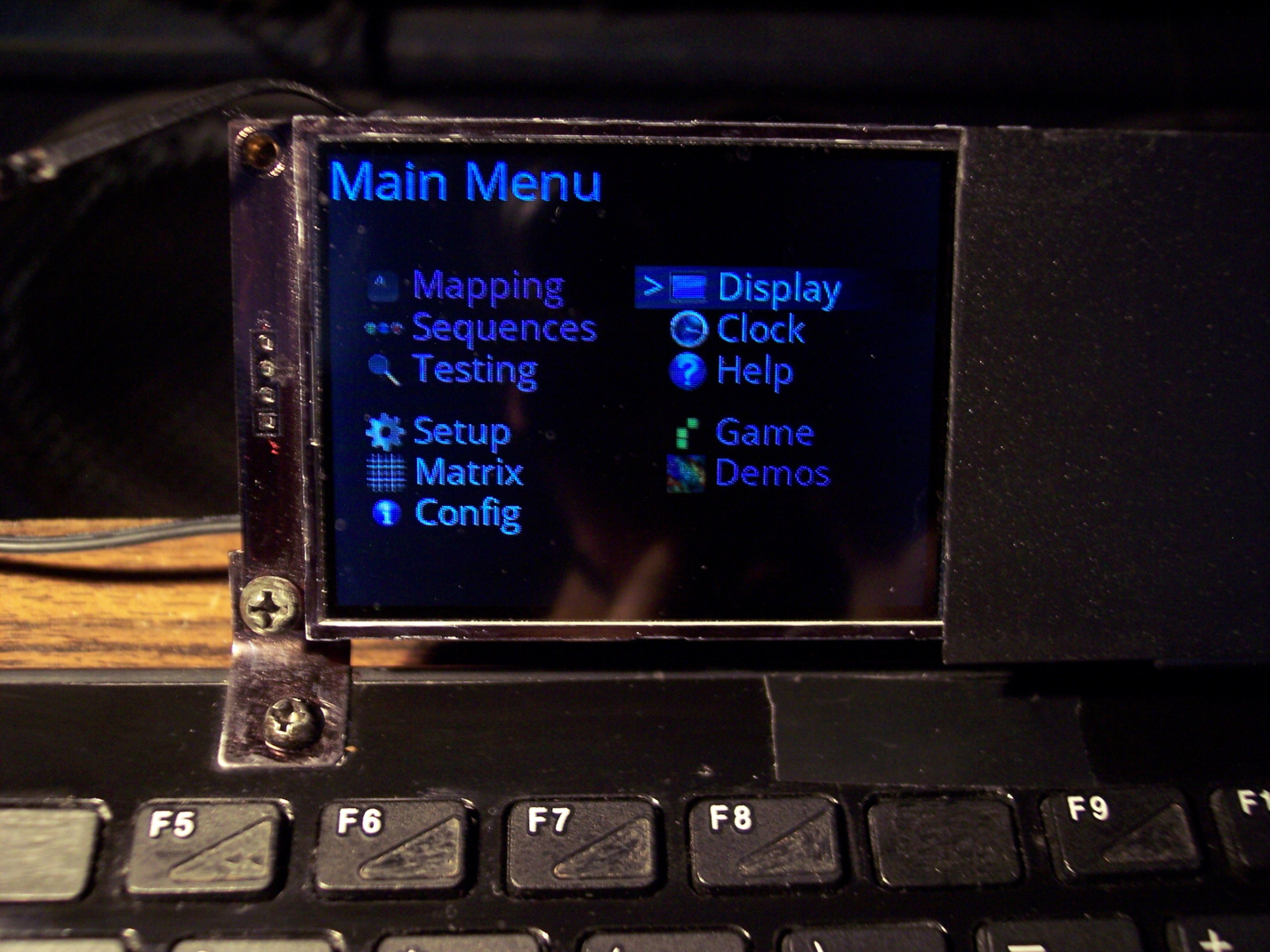
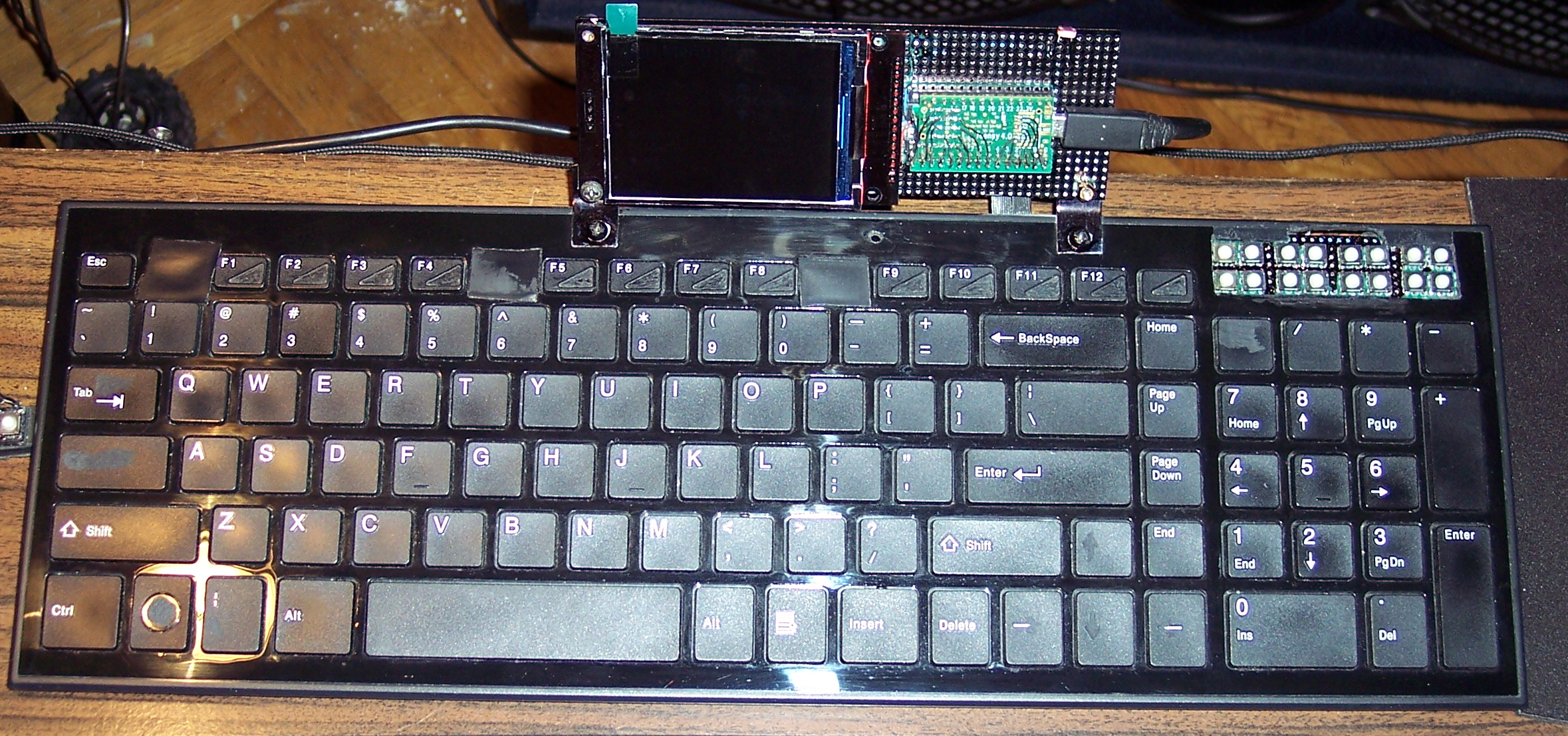
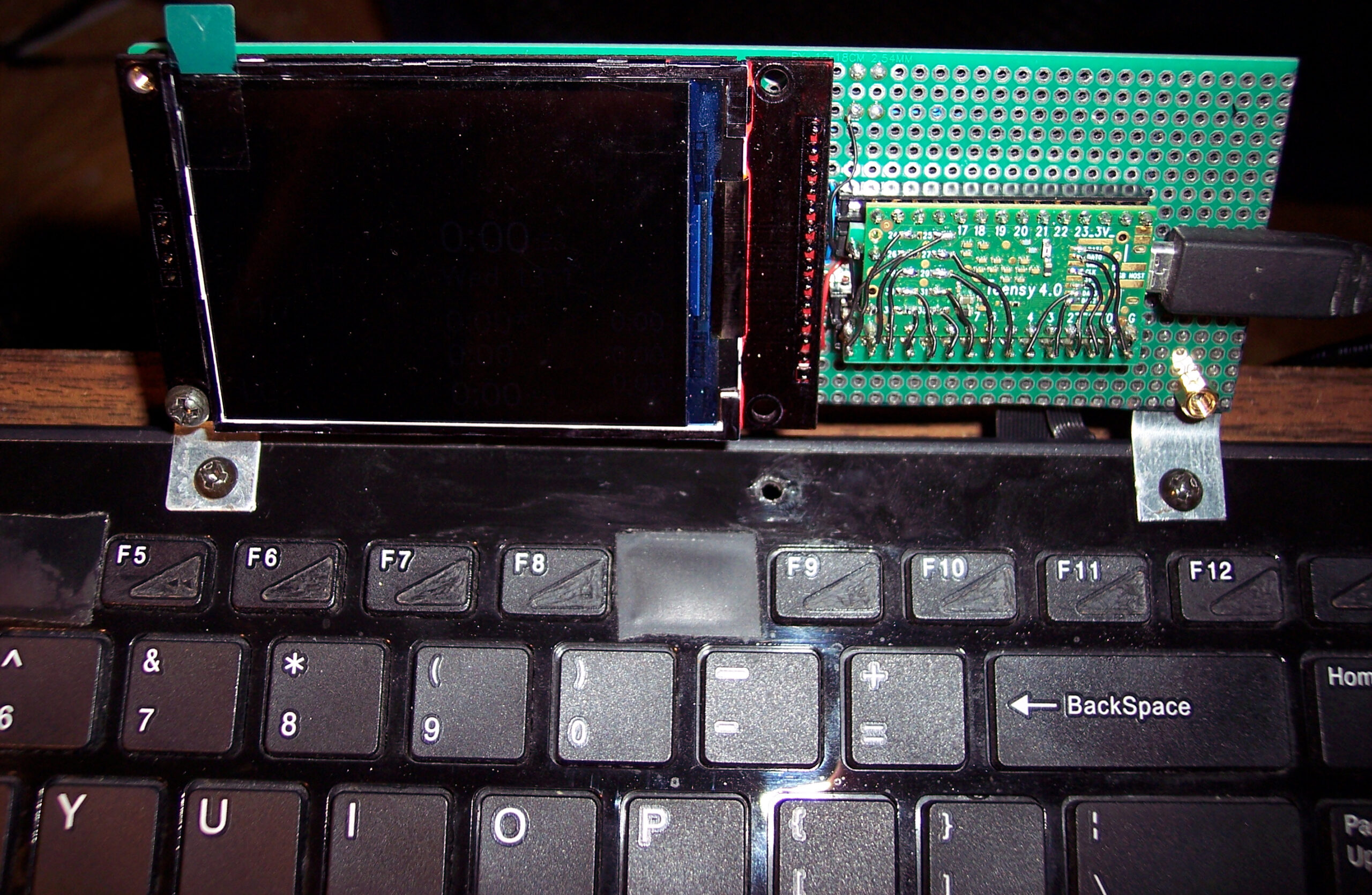
This is my newest keyboard controller software (based on my previous one) used in my keyboard CK9 (upgraded CK6), running on Teensy 4.0 with a 2.8″ color LCD display (320×240, ILI9341 chip). It allows editing everything like key mappings, layers, sequences/macros in real time on its display (was already in previous one).
▶️Videos
Here are videos of keyboard CK9, showing most of K.C.4 on its display:
- View – Short video of keyboard and closeup at display.
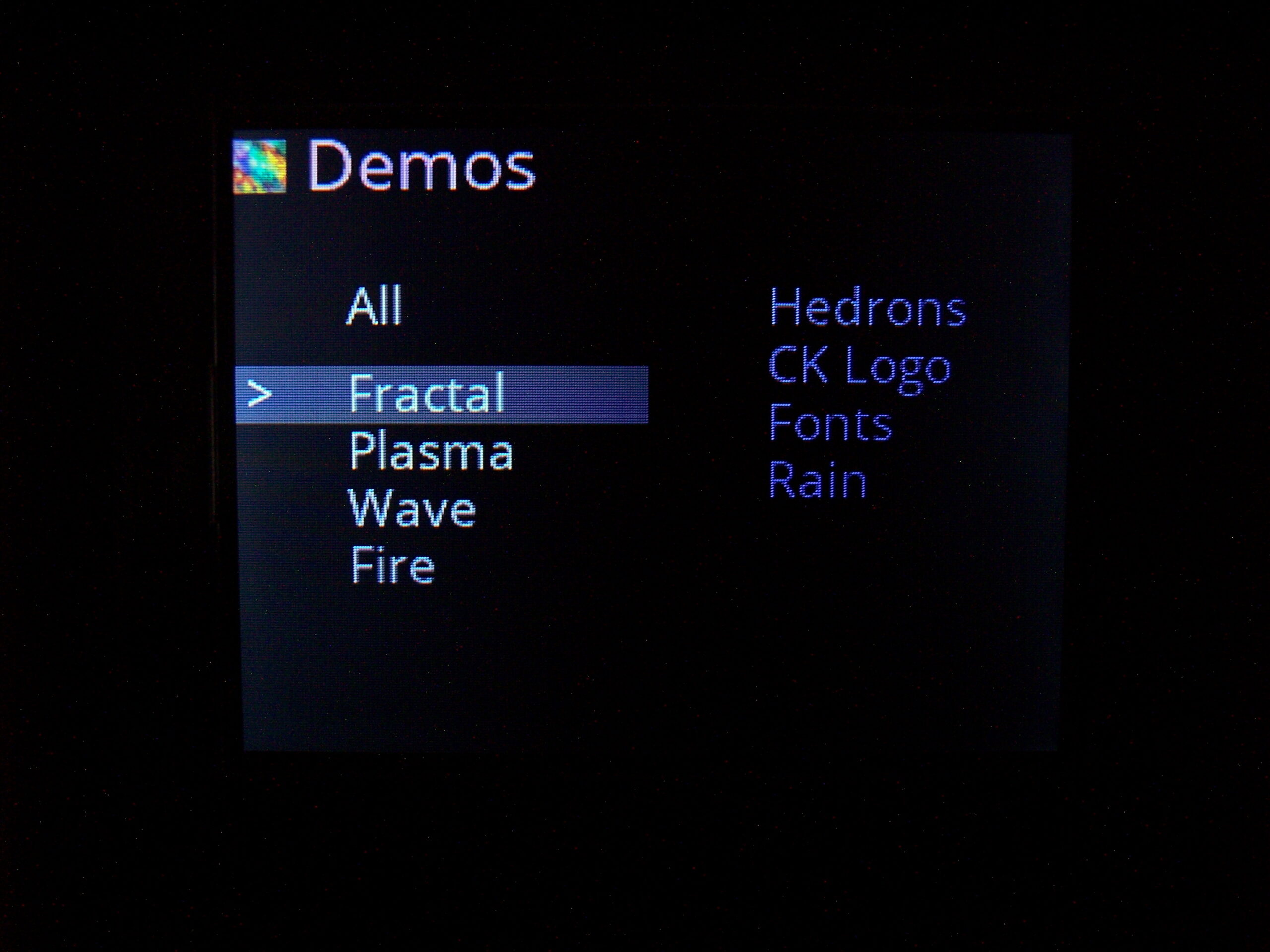
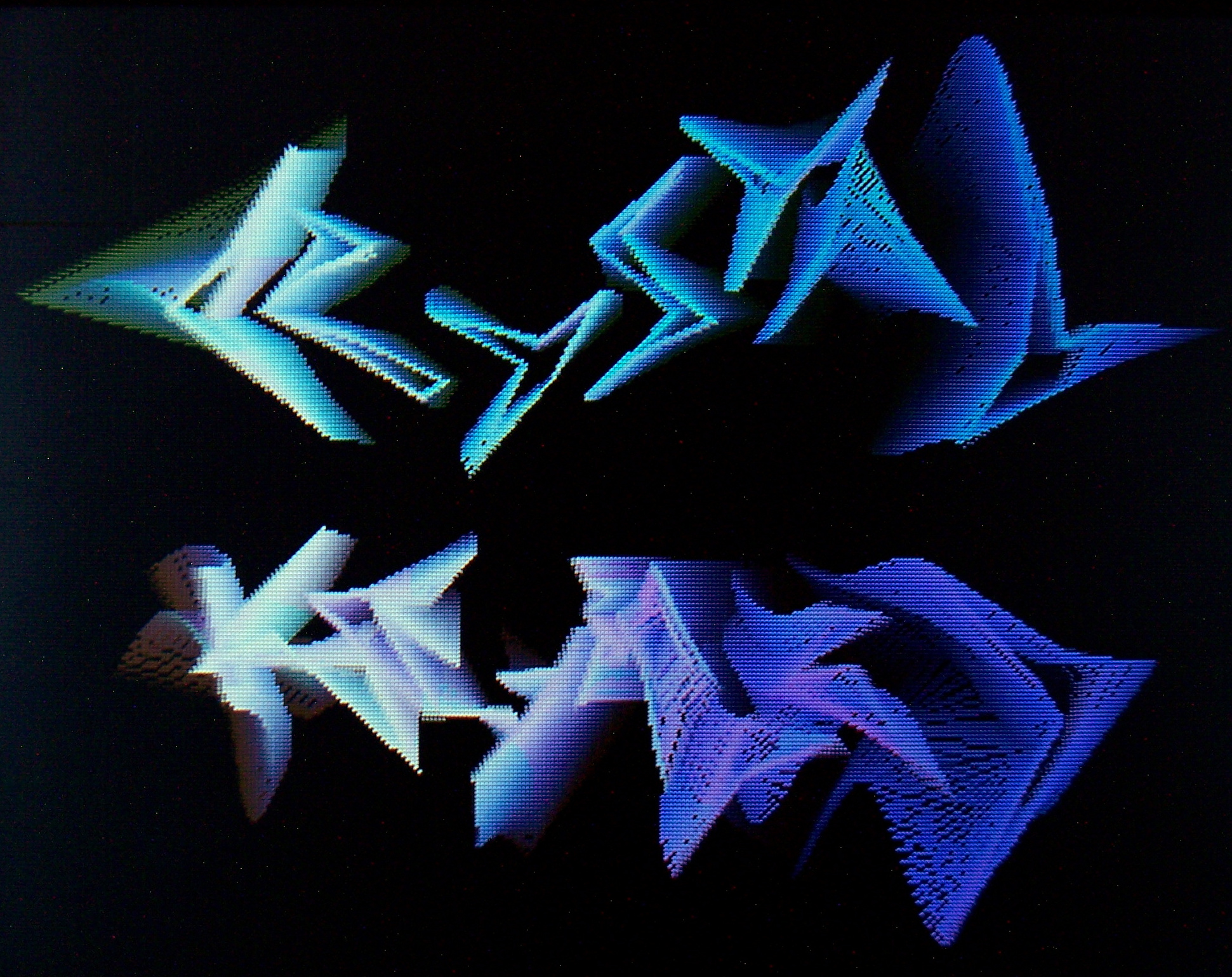
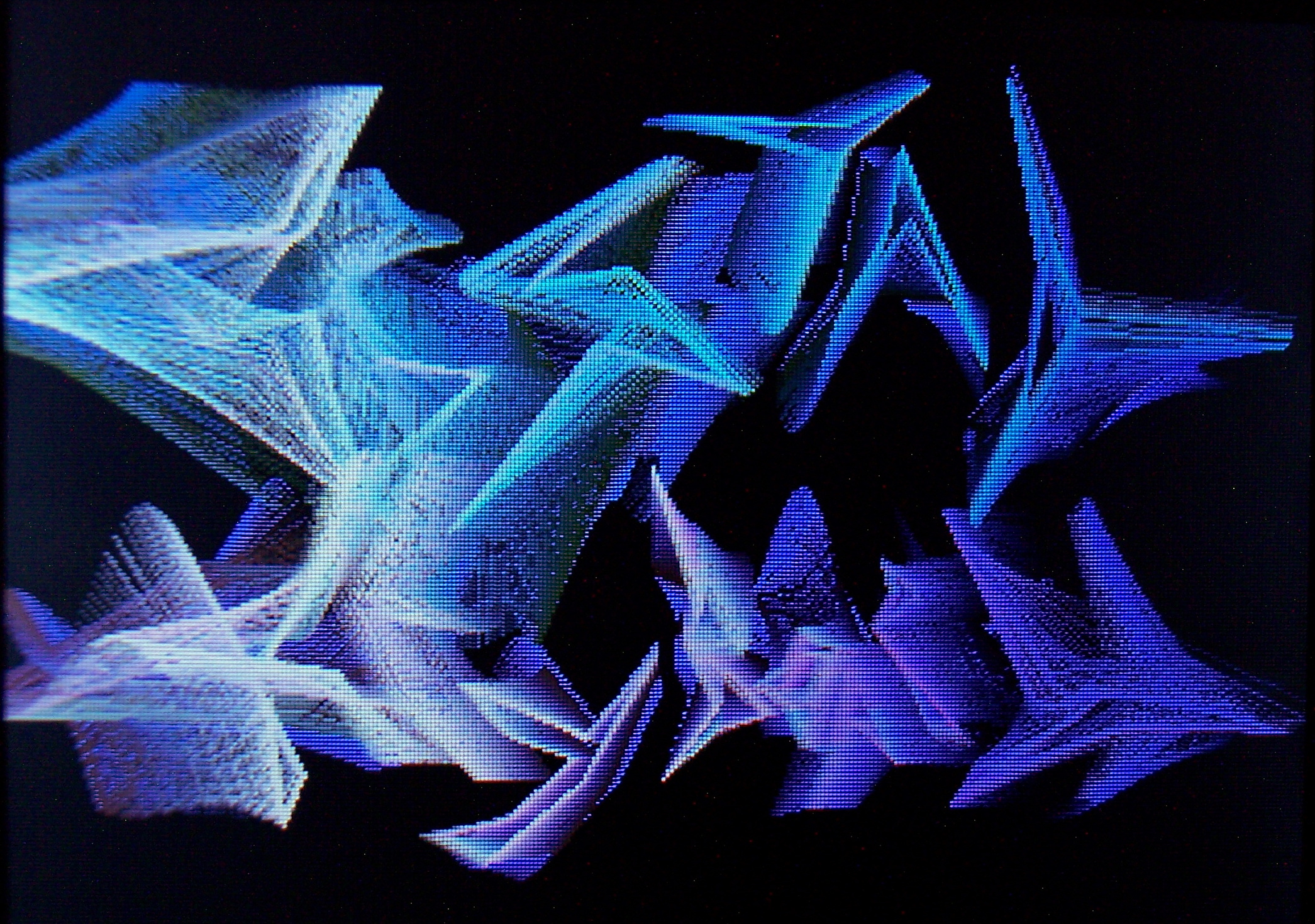
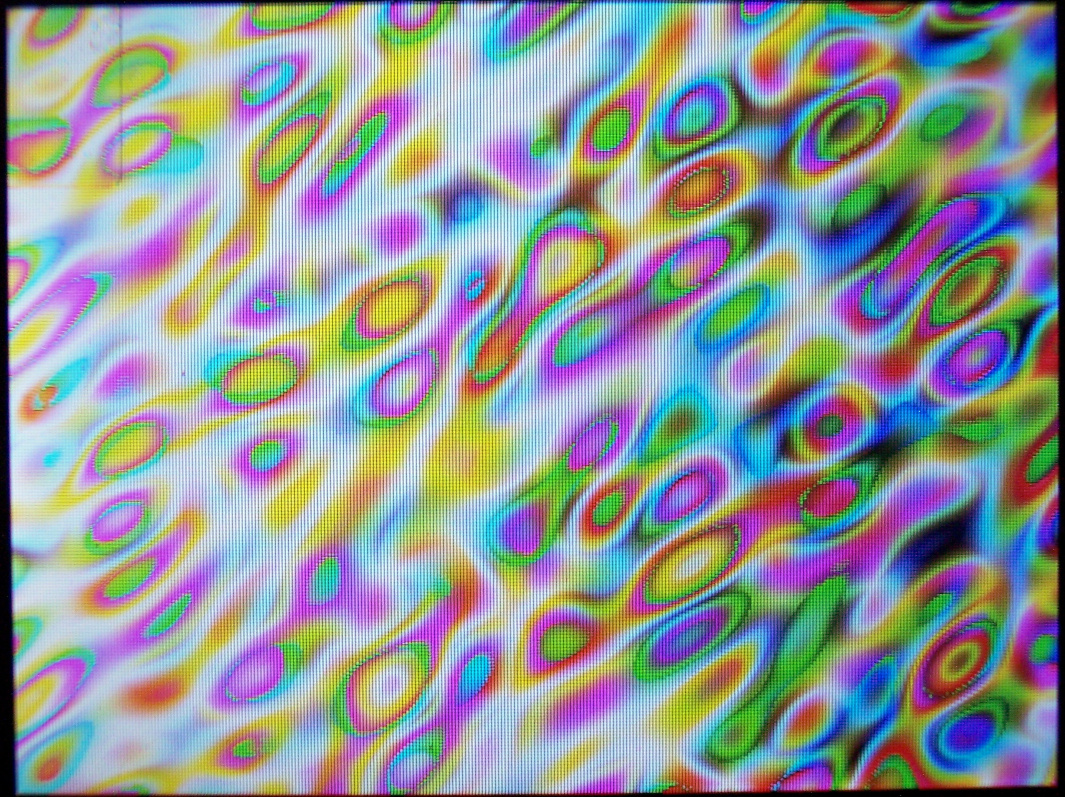
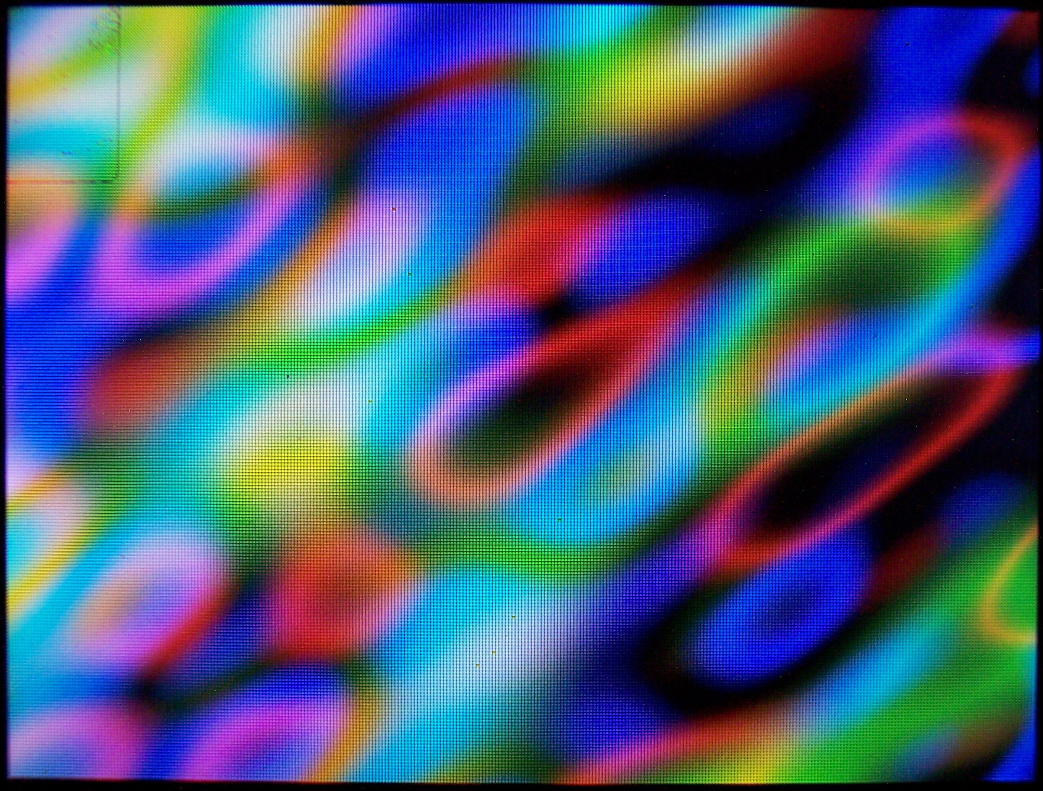
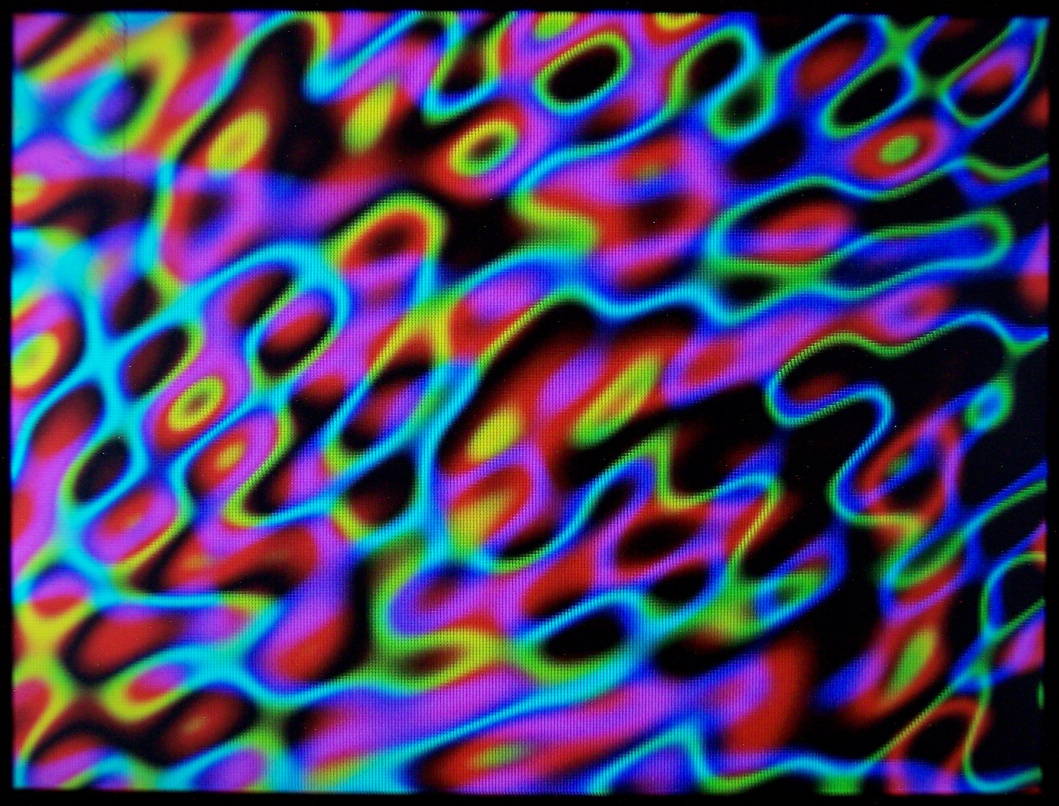
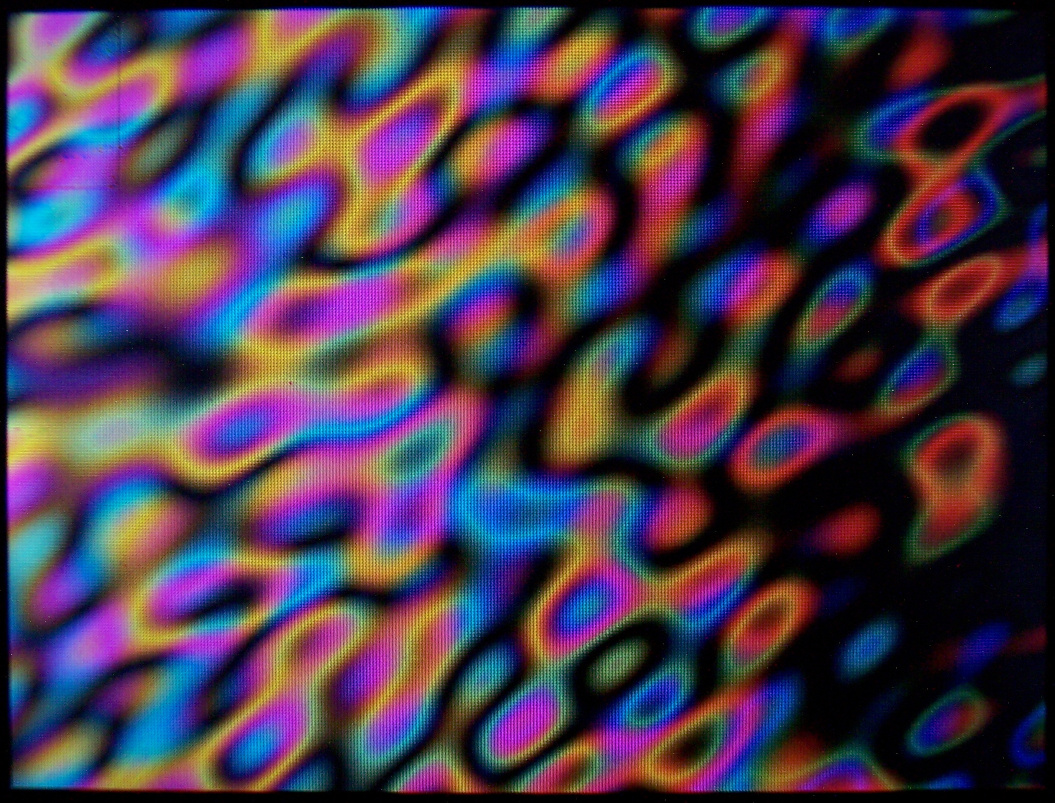
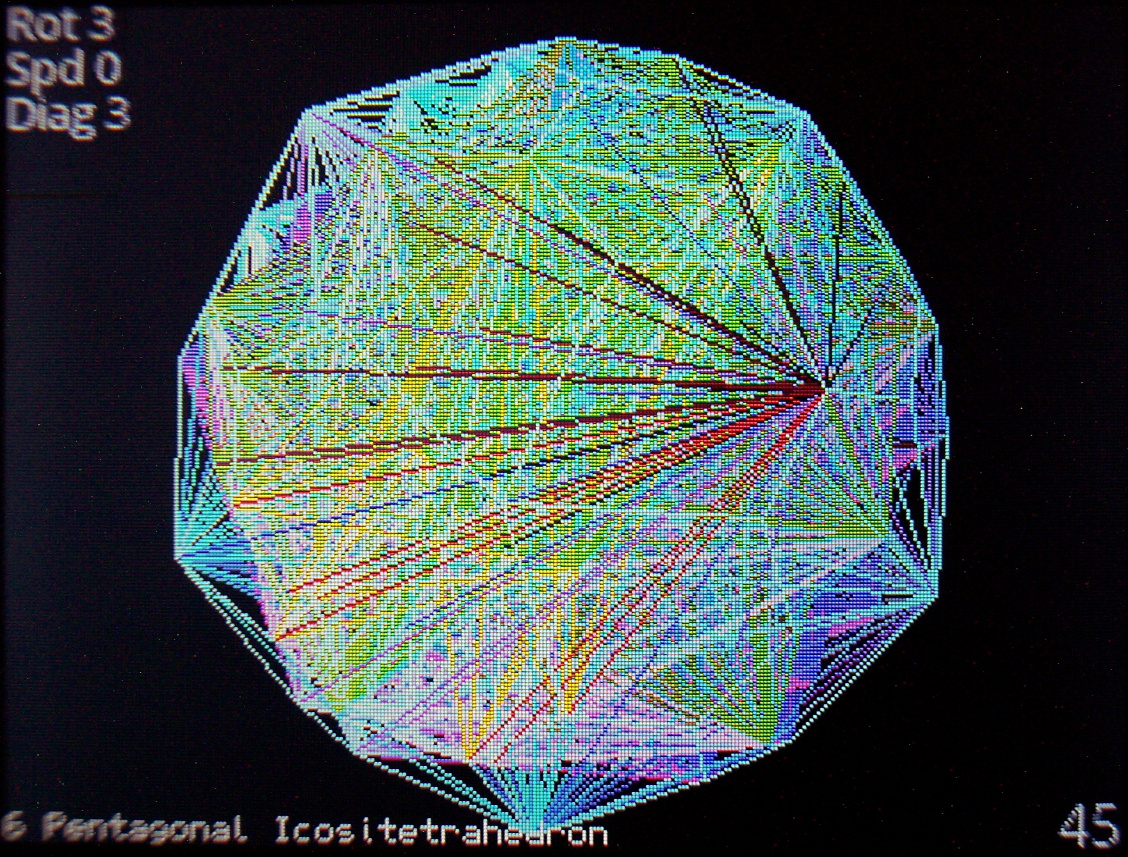
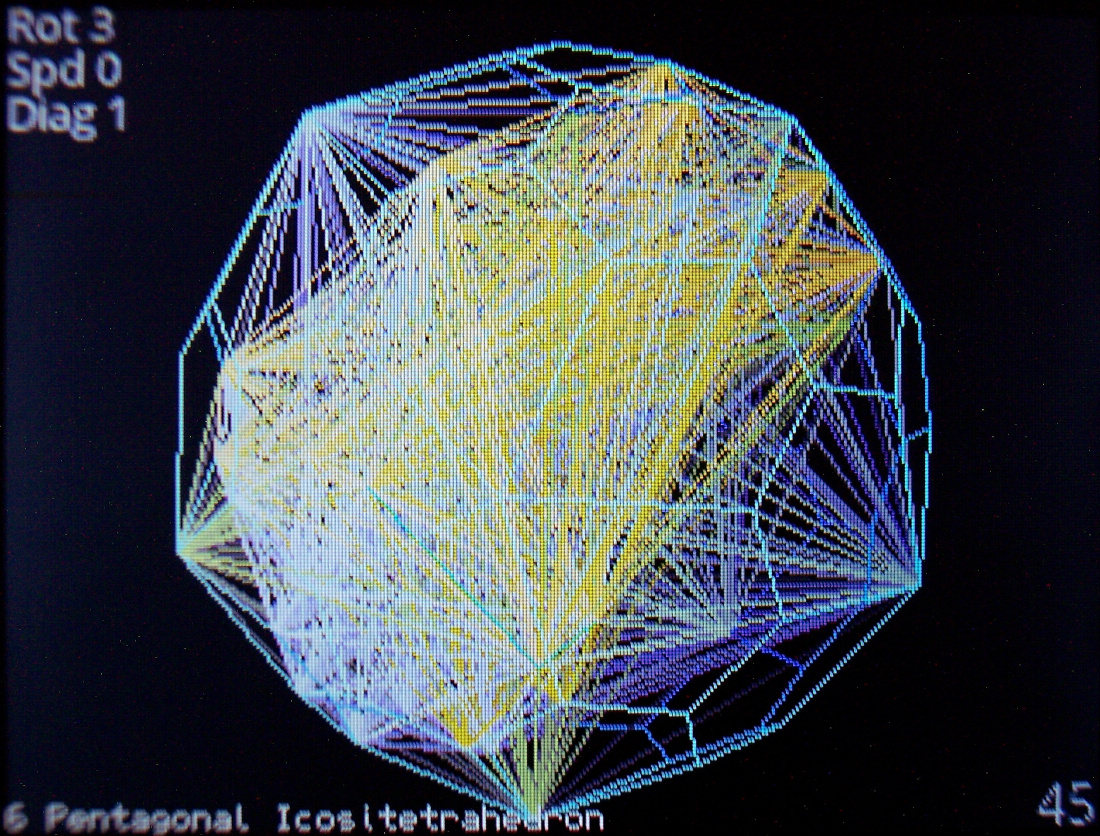
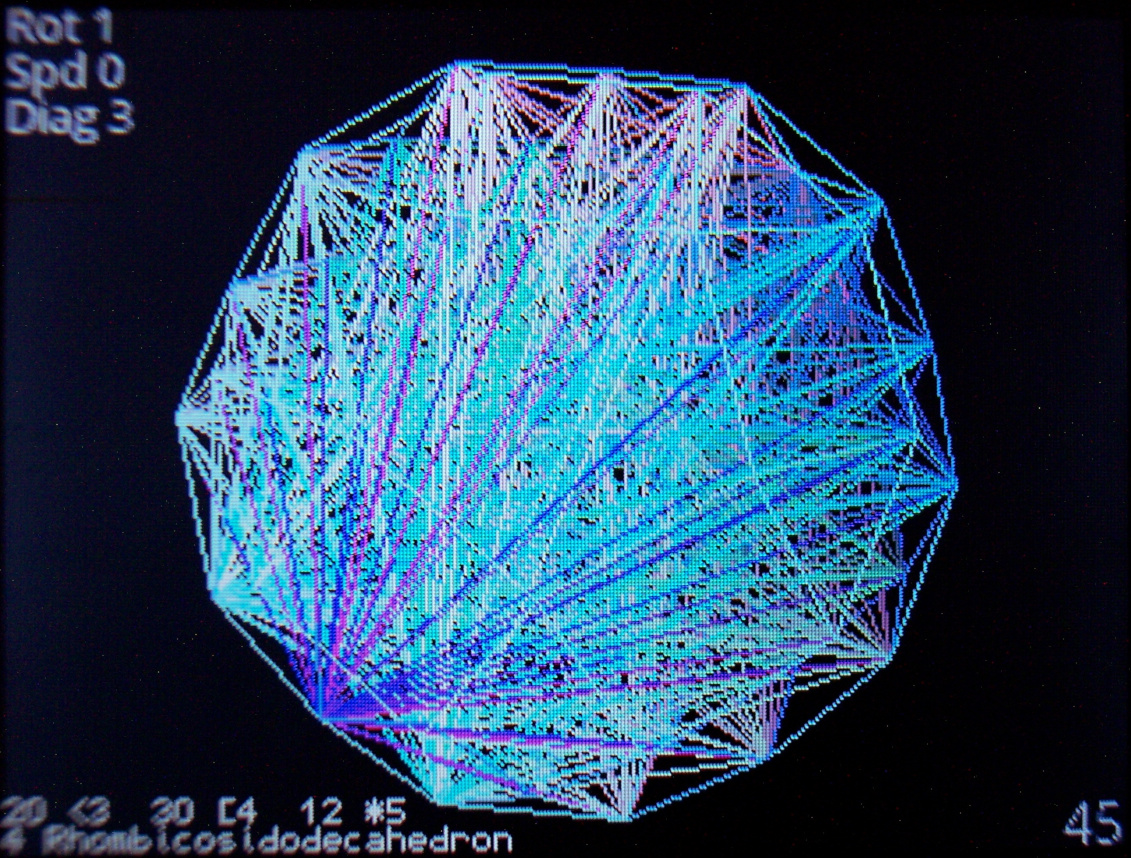
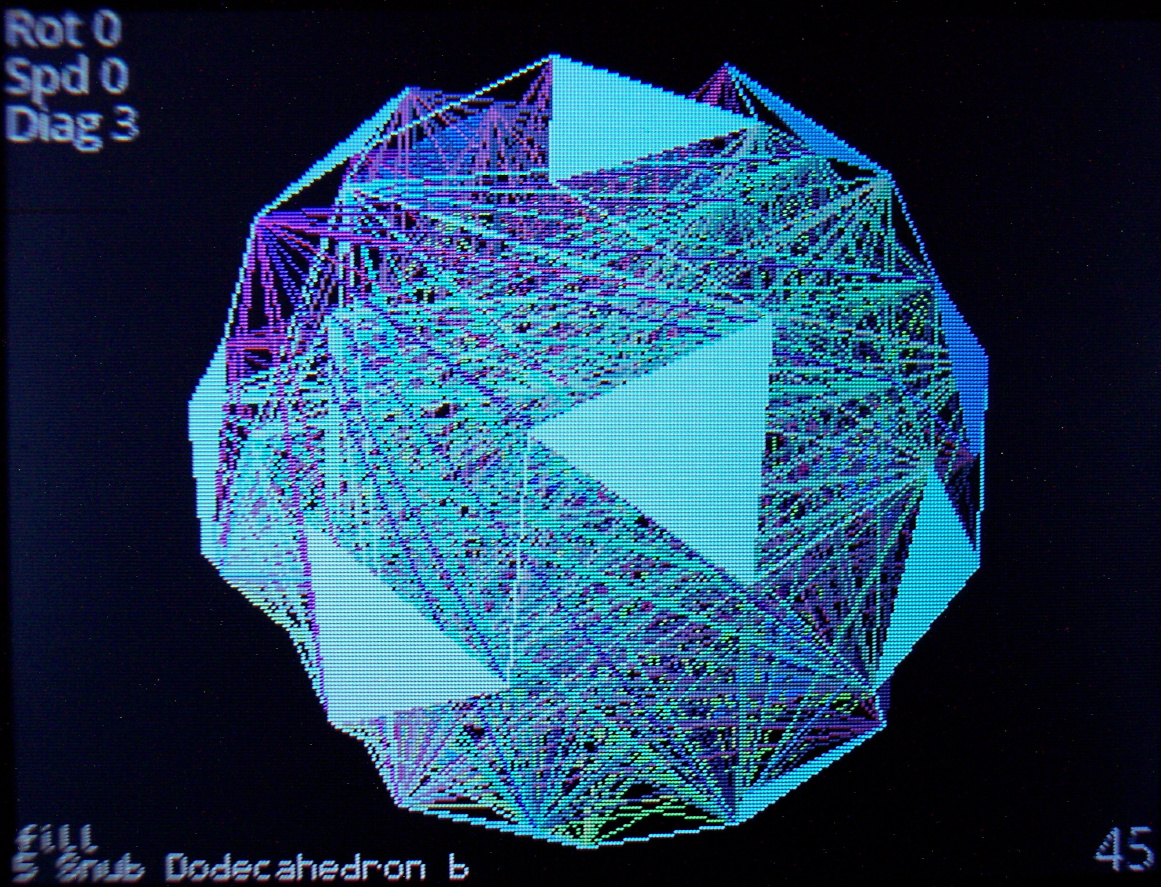
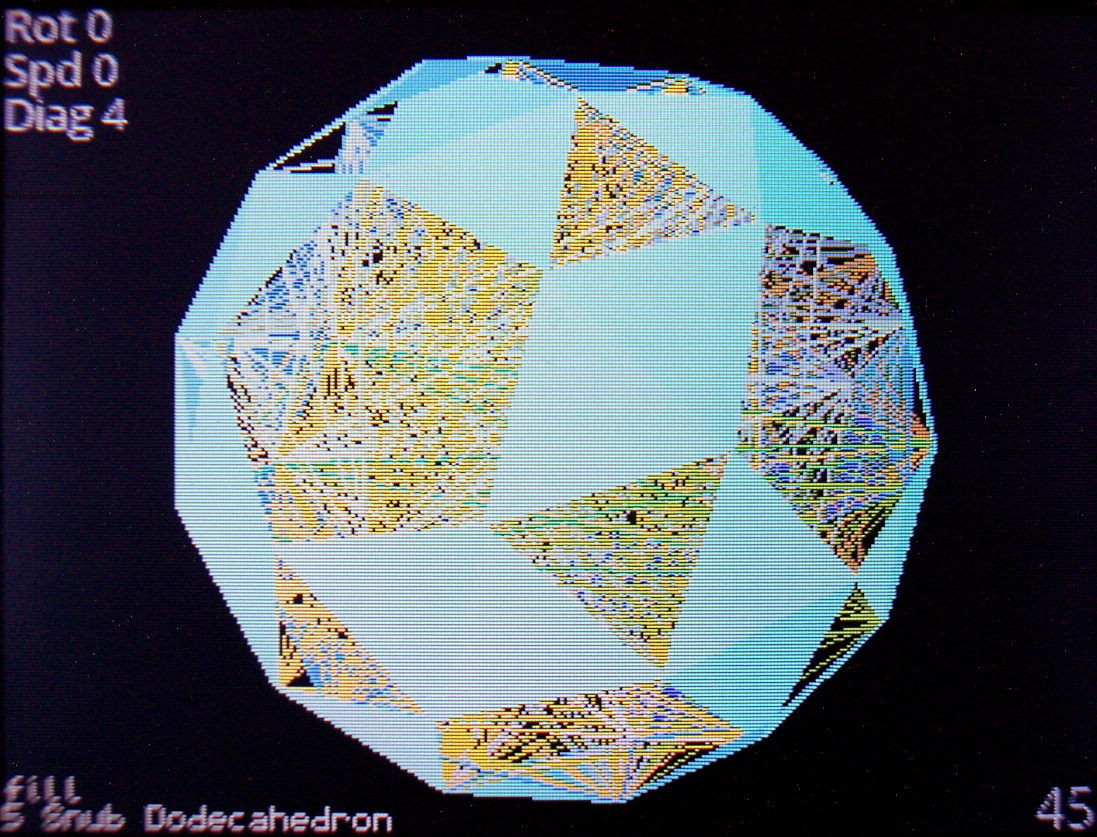
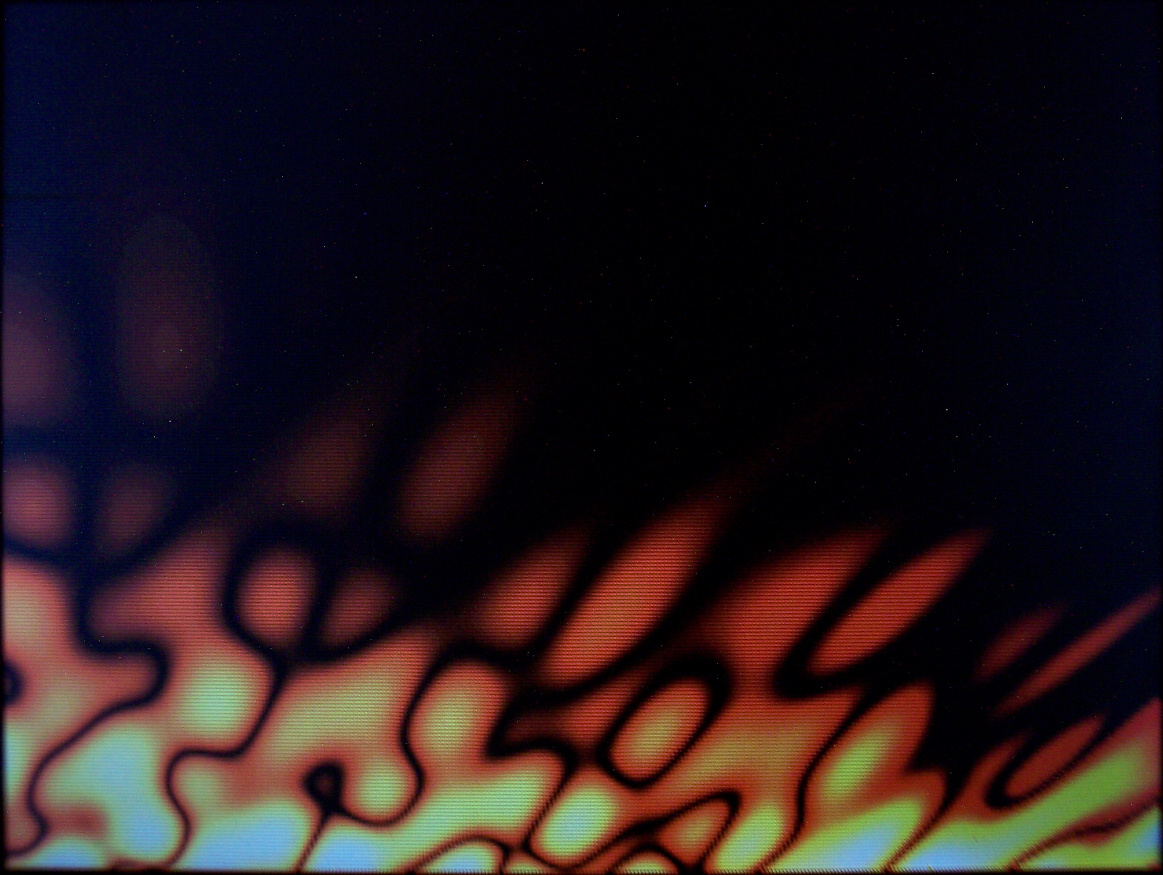
- Demos – Showing all demos (in auto mode): Plasma, 3D Polyhedrons with diagonals, Wave, Fire (meh), 2D waving CK Logo with shadow, and old Rain.
- Features – A detailed look at features, no voice or commentary though. Editing mappings, sequences, testing etc.
Link to my channel with all keyboard videos so far here.
📂Sources
My firmware sources are here.
It’s called K.C.4 (“Kacey”) simply from Keyboard Controller and 4 from Teensy version.
The readme with all key features is visible in repo. Below is a more practical description.
At end of page I wrote a comparison from my previous version (for Teensy 3.2) and quickly with other controllers / keyboards.
📊Features
The current code features are (and were mostly present in my previous K.C. version):
🪟Display
With menu, where you can edit everything possible.
🔠Mapping (key binding)
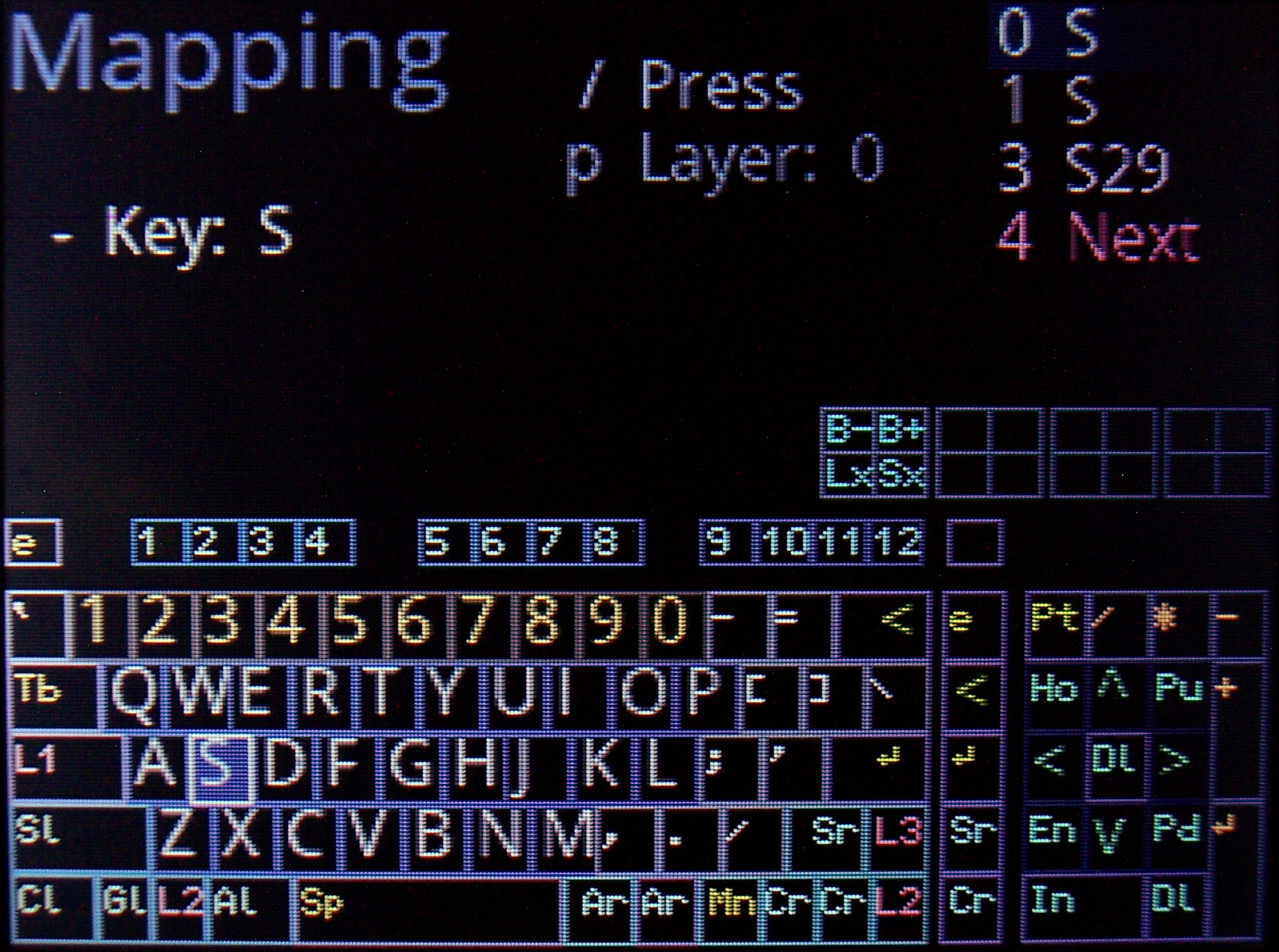
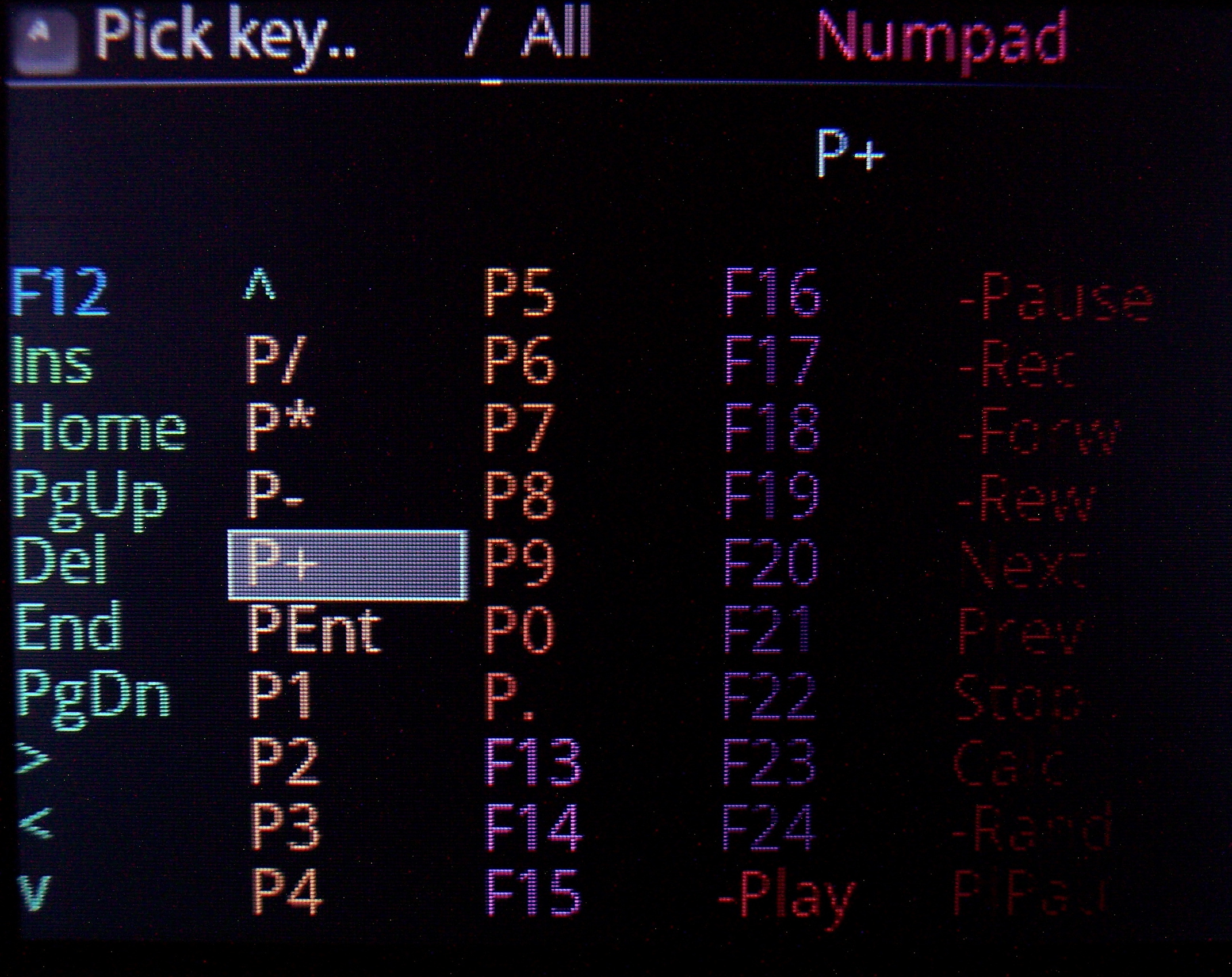
So which USB code will the physical key send to PC when pressed. There is a pick list with all common keys (and internal functions, sequences, etc) to choose from when binding. It has group colors and group filter for easier orientation.
⌨️Keyboard layout
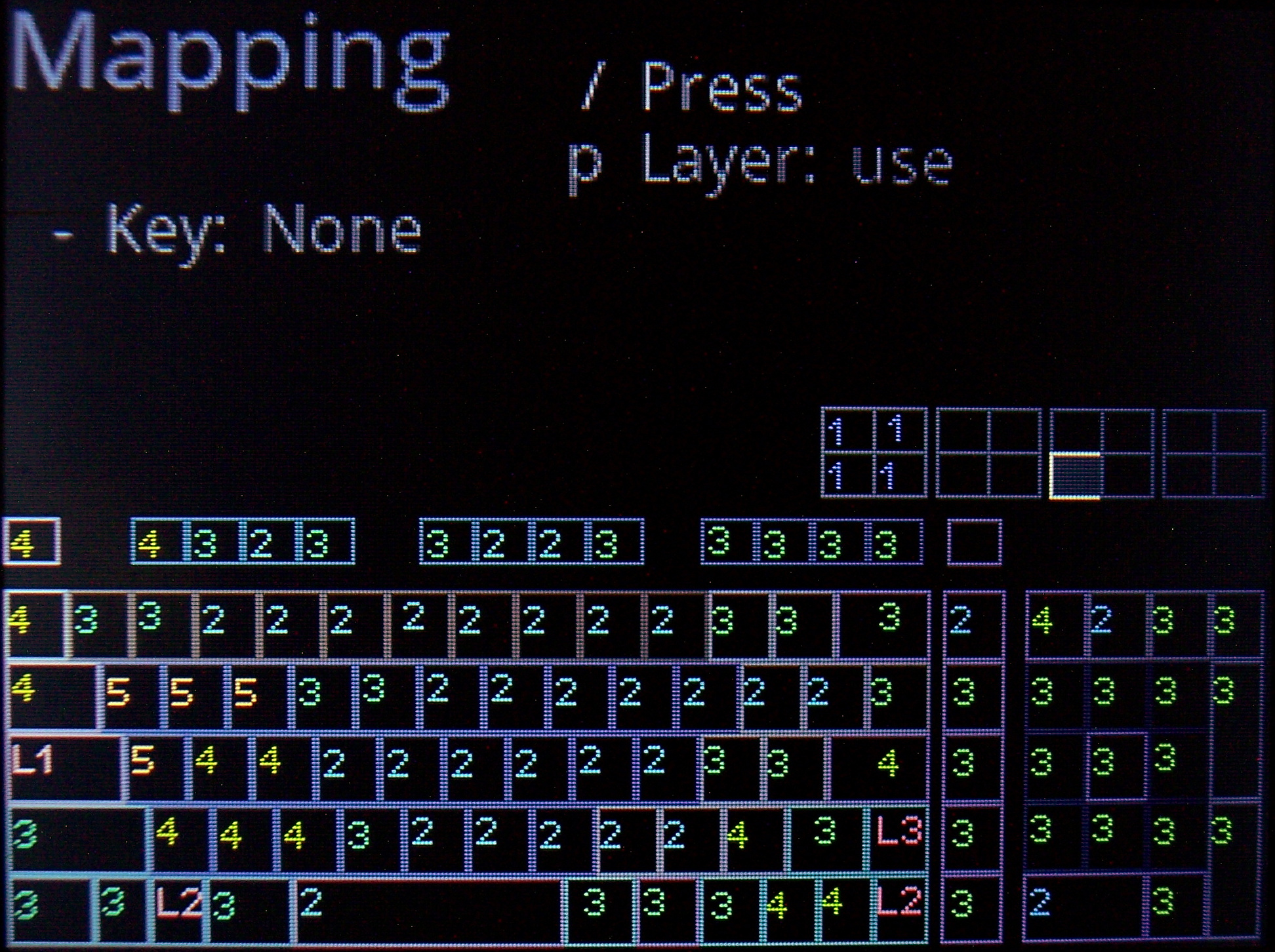
Drawn on display. Shown when editing mappings (for currently chosen layer). Has a cursor to move around between keys. It’s also possible to jump to a key by pressing it.
🧮Layers
If you hold a key, whole keyboard layout changes giving you other keys. Kind of like the Fn keys on laptop but much more useful and customizable. A common feature of custom controllers.
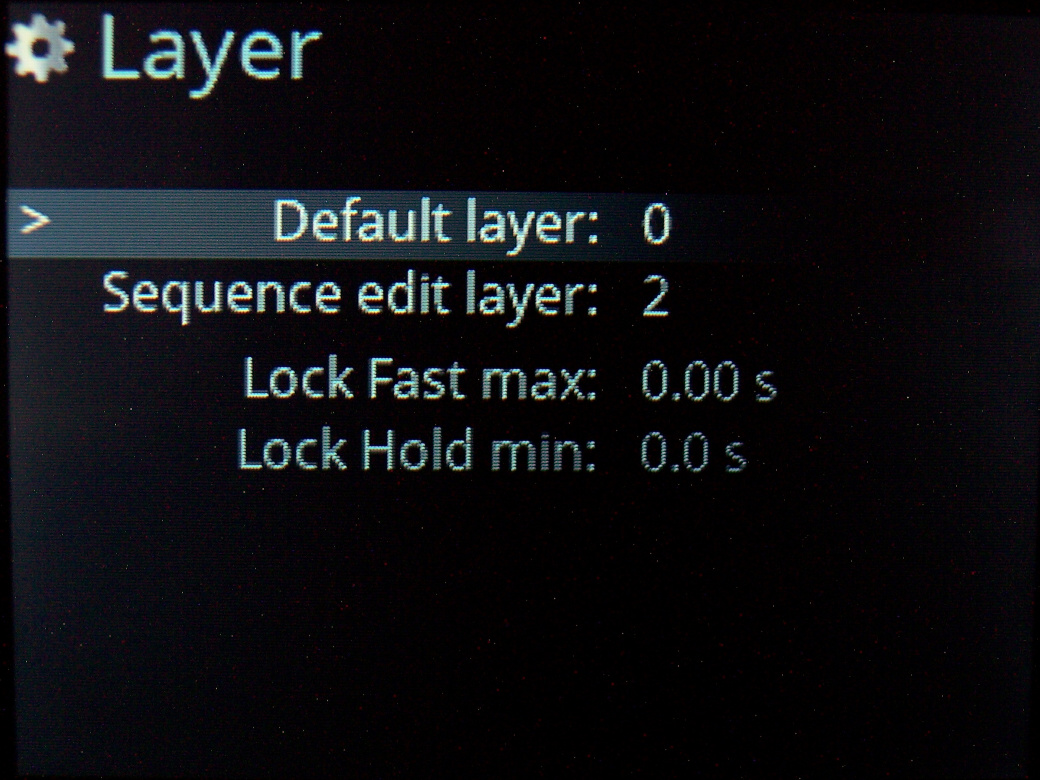
Locking layers is also possible, either by lock/unlock key, tapping layer key fast or holding it for longer. Of course can be disabled and delay parameters are changeable.
🖱️Mouse keys
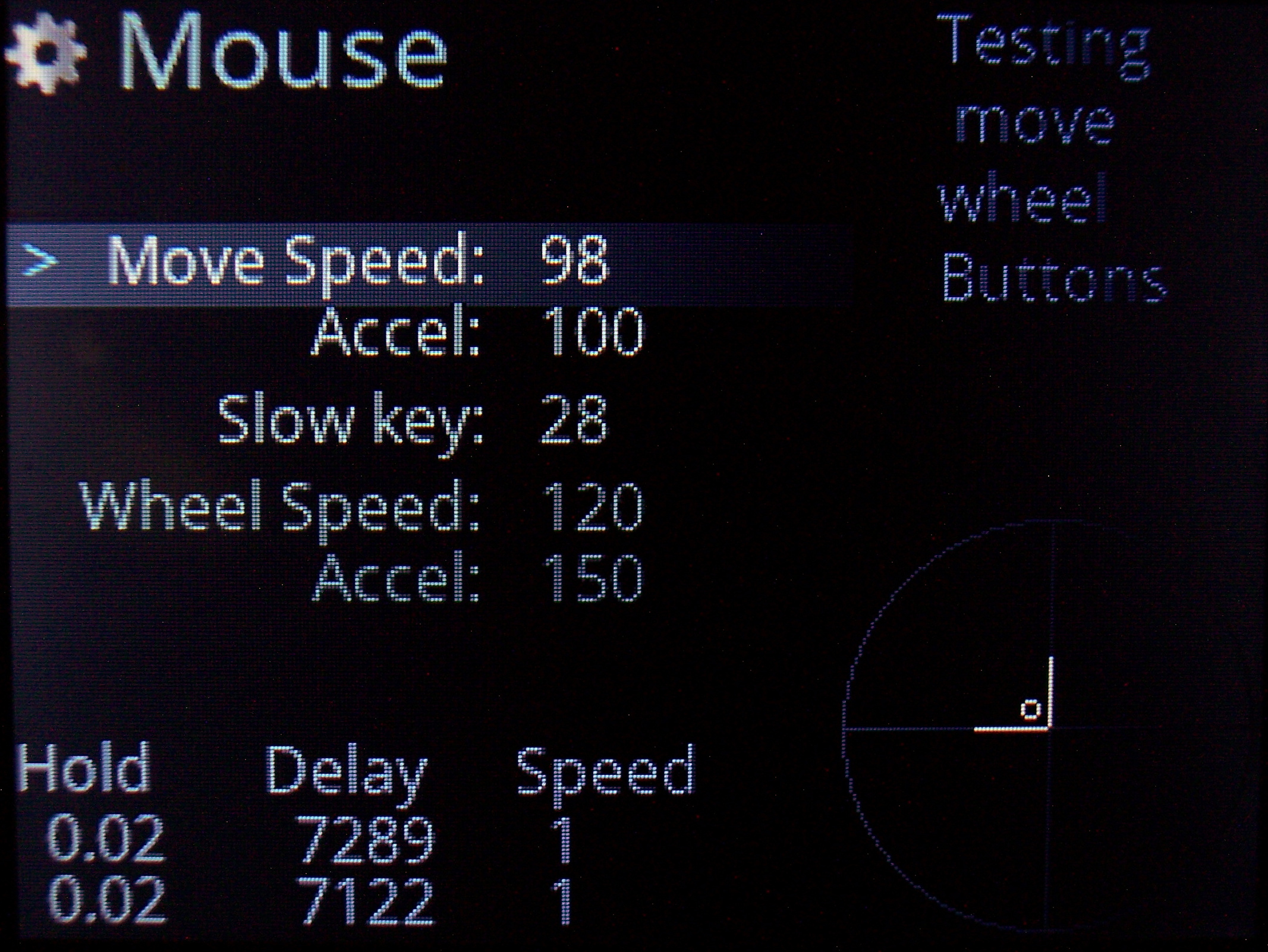
Keys that will move mouse, press mouse buttons or scroll mouse wheel. Also featuring acceleration with parameters for it and speed in GUI.
🔤Sequences aka Macros
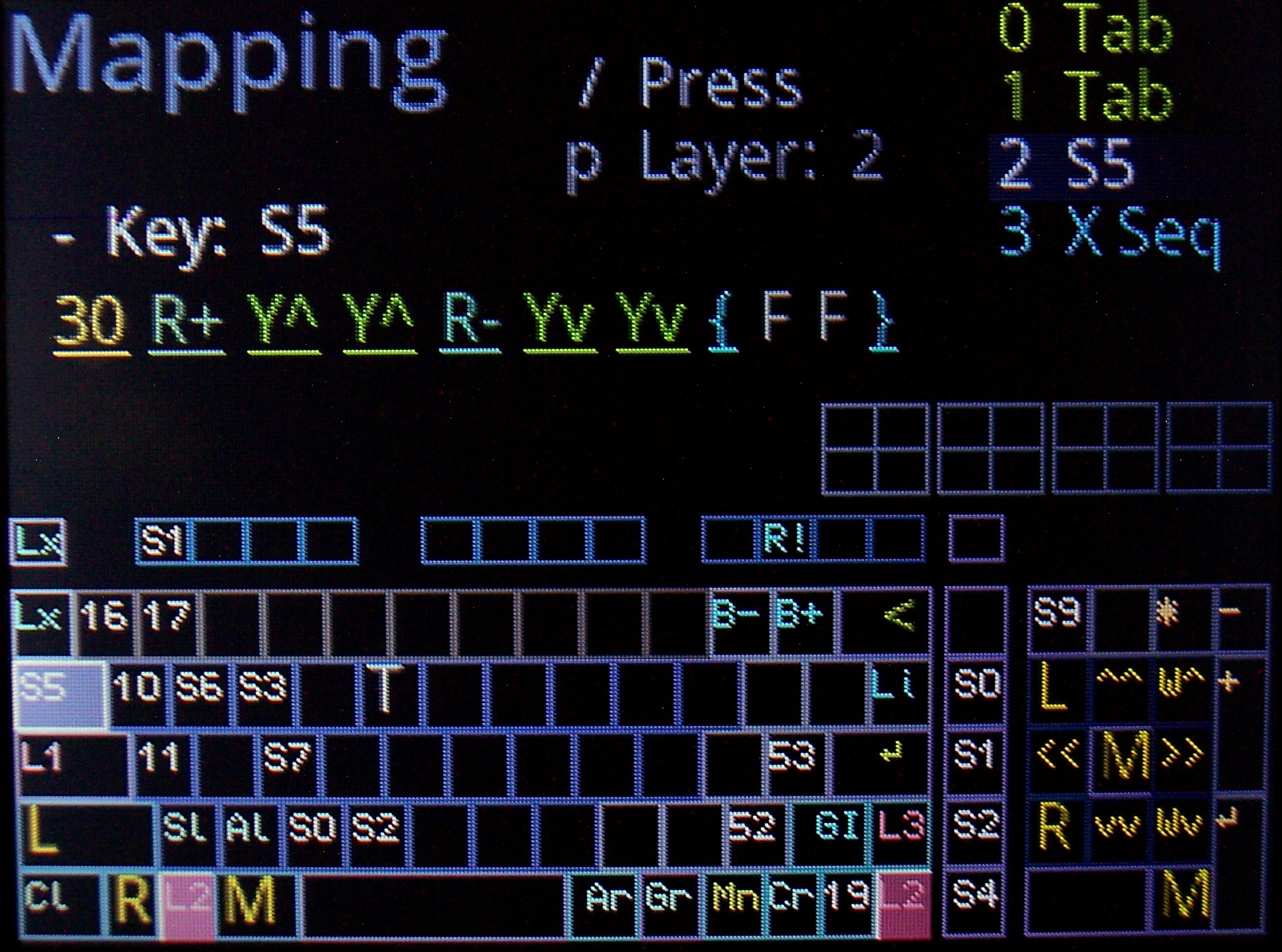
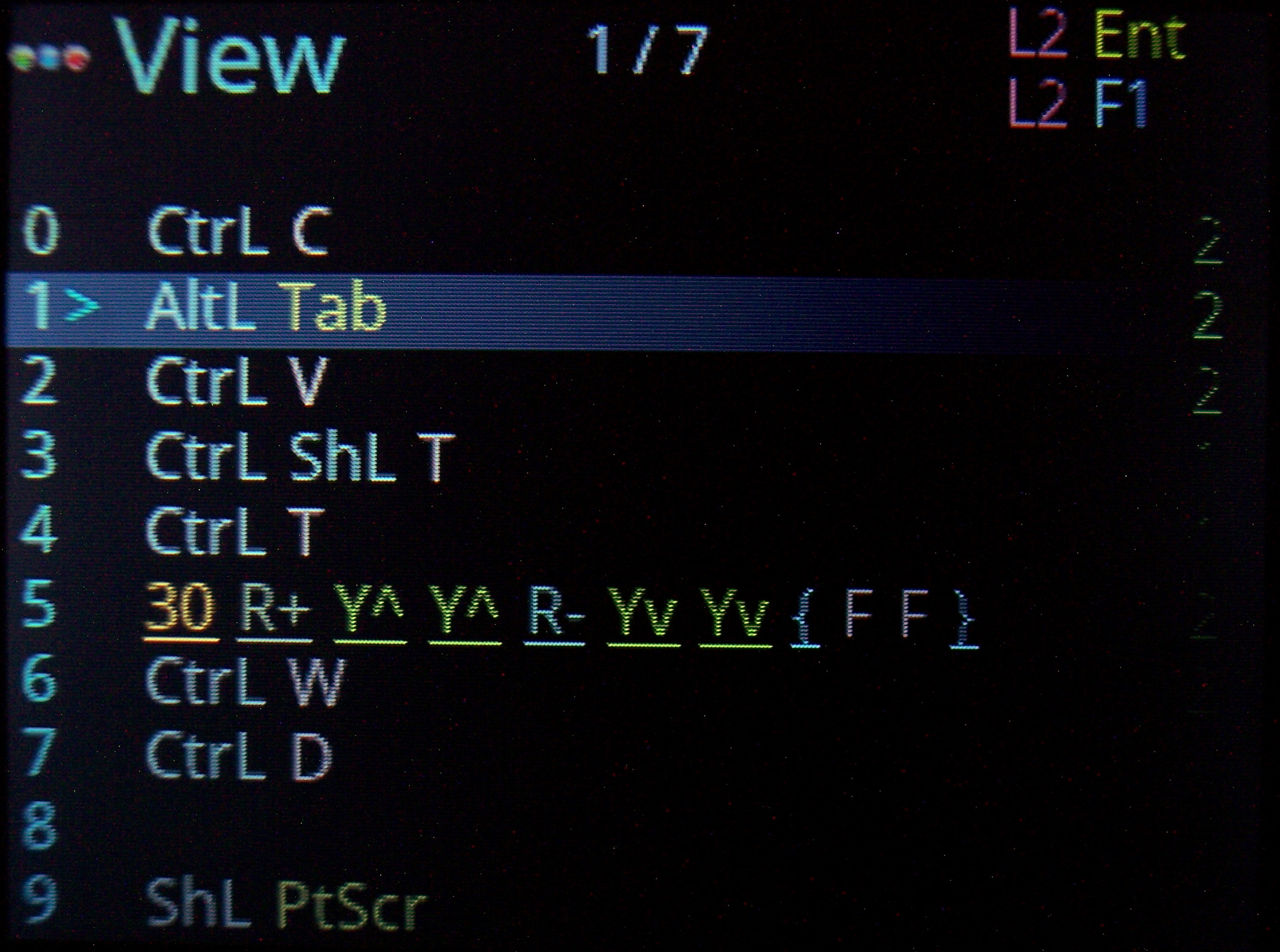
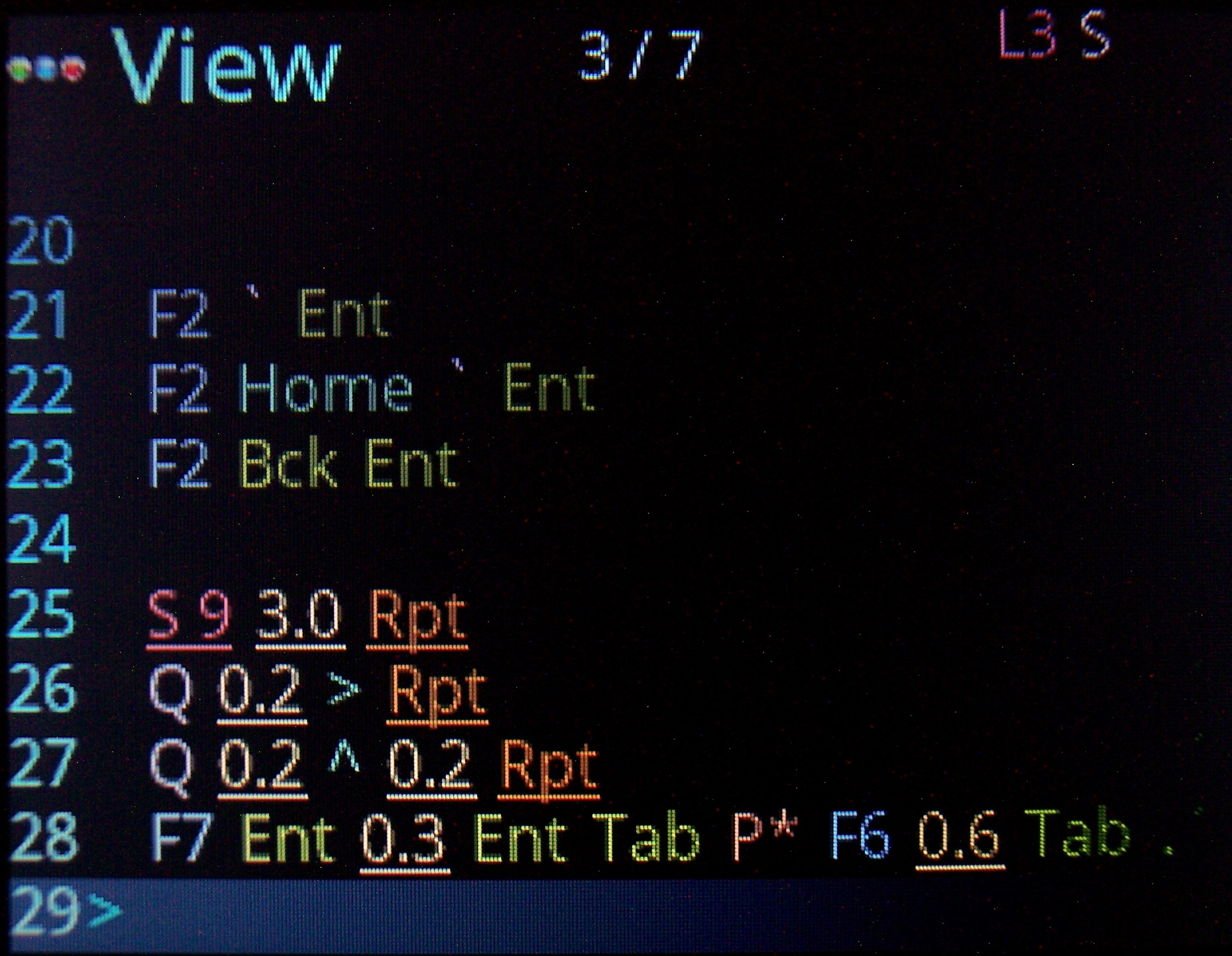
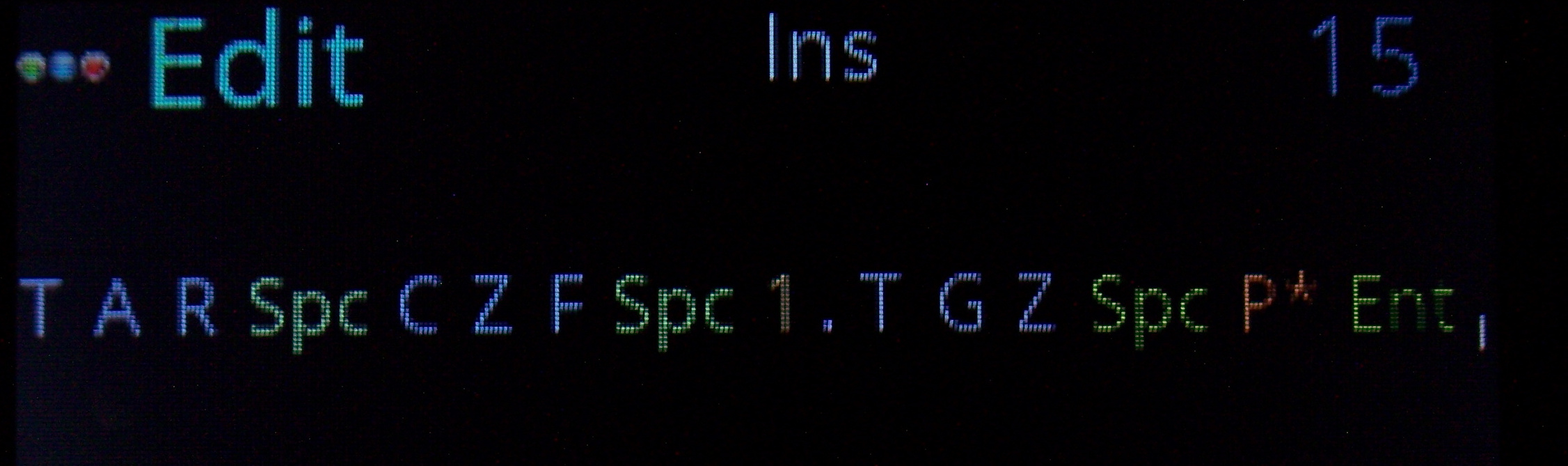
Basically any key combinations (for key shortcuts) and any sequences of key presses (for e.g. passwords). I am showing sequence previews where possible too, so when editing Mappings (for a sequence key), when picking a key from list or Testing pressed keys (if a key runs a sequence). I am also showing in sequences View, all mapped keys that run selected sequence.
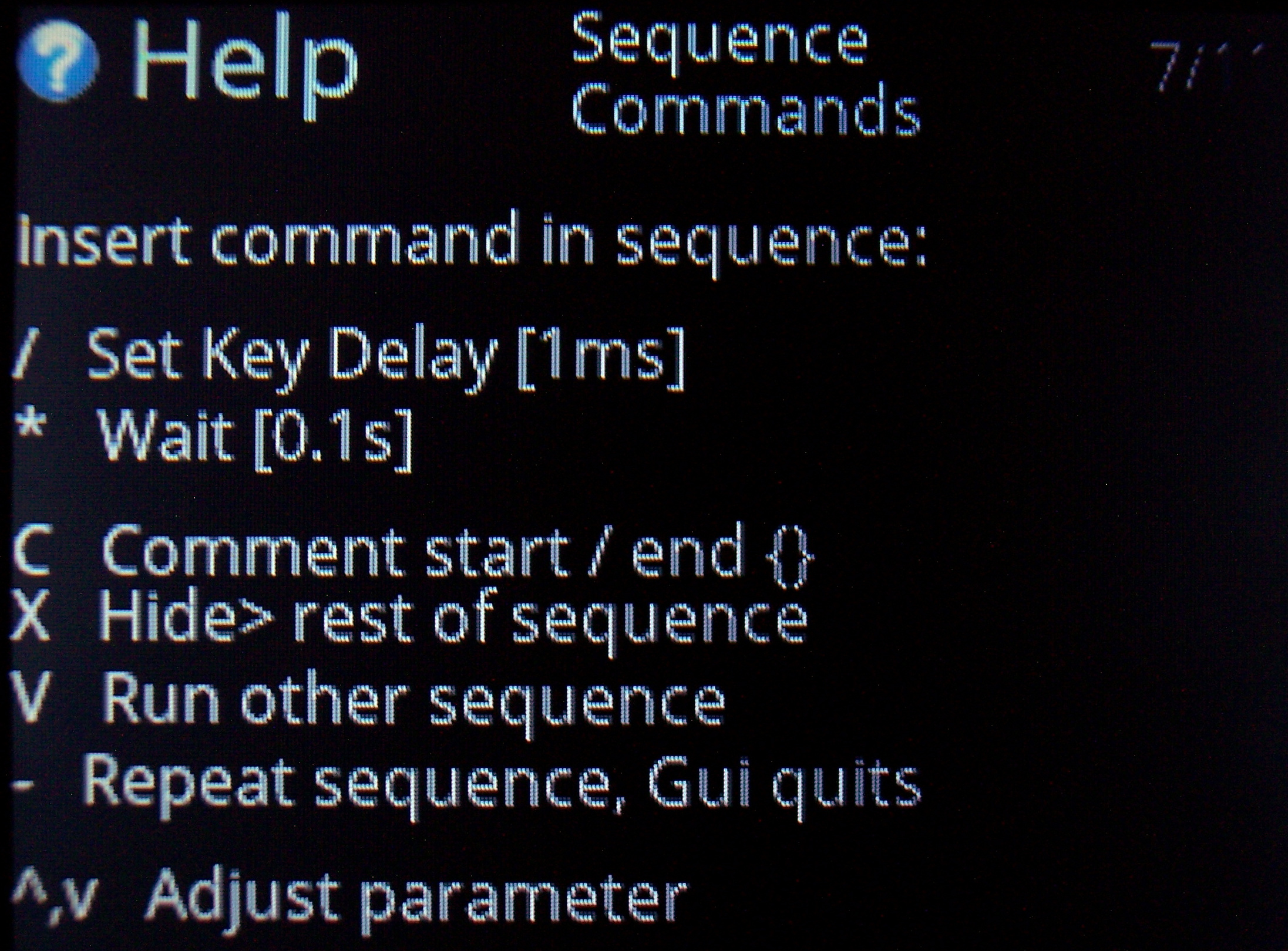
✅Sequence commands
Further extension, these are special commands (beside sequence keys), that e.g. wait for few seconds (0.1s resolution), or change how slow the sequence will run (1ms resolution, useful e.g. for putty).
- Others allow putting comments (for sequence purpose), and hiding sequence from preview (e.g. for passwords).
- There is also a command to run other sequence(s) from this one. Also a repeat command that will do sequence (keys) continuously, until interrupted. This is e.g. useful e.g. if you want to watch a video faster, skipping parts with arrow keys after a short delay or take screenshots while watching etc. Normal keys can be used when a sequence runs too.
- All mouse actions are available as commands too. So for example you can press a key (for a sequence) that will press button or move mouse etc. I have this way a mouse gesture done.
⚙️Internal functions
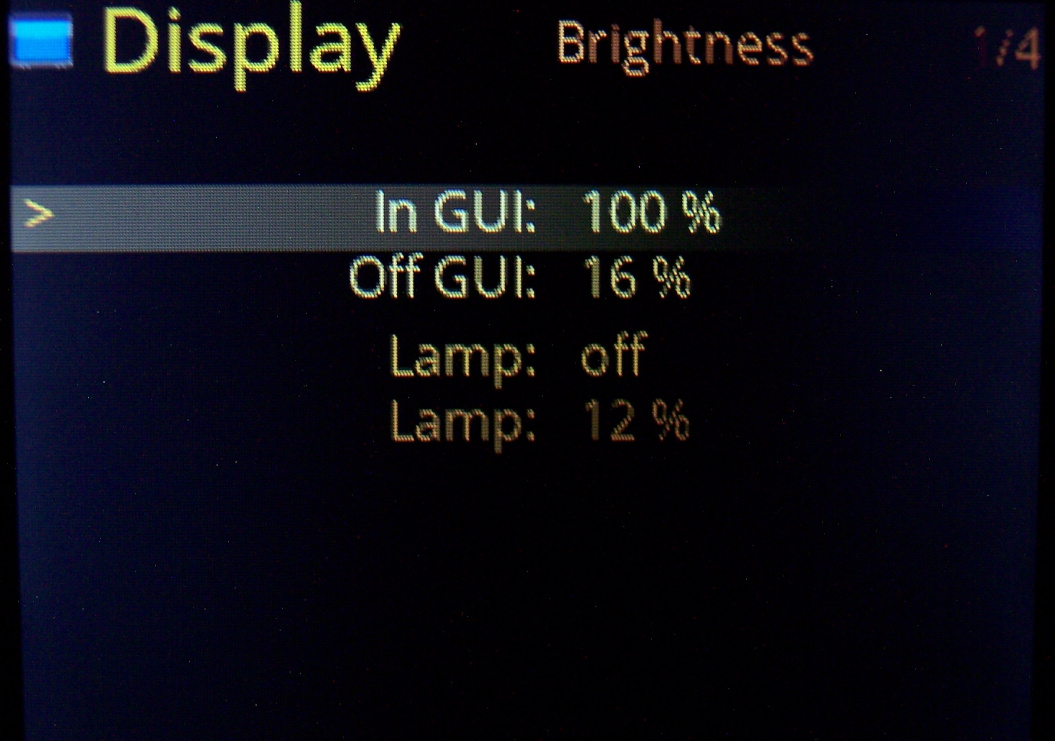
Keys to e.g. dim brightness, toggle GUI, toggle LED light, quit sequence, lock/unlock layer, change default layer etc. This a direct way, faster than adjusting parameters in GUI.
🎛️Testing and Setup pages
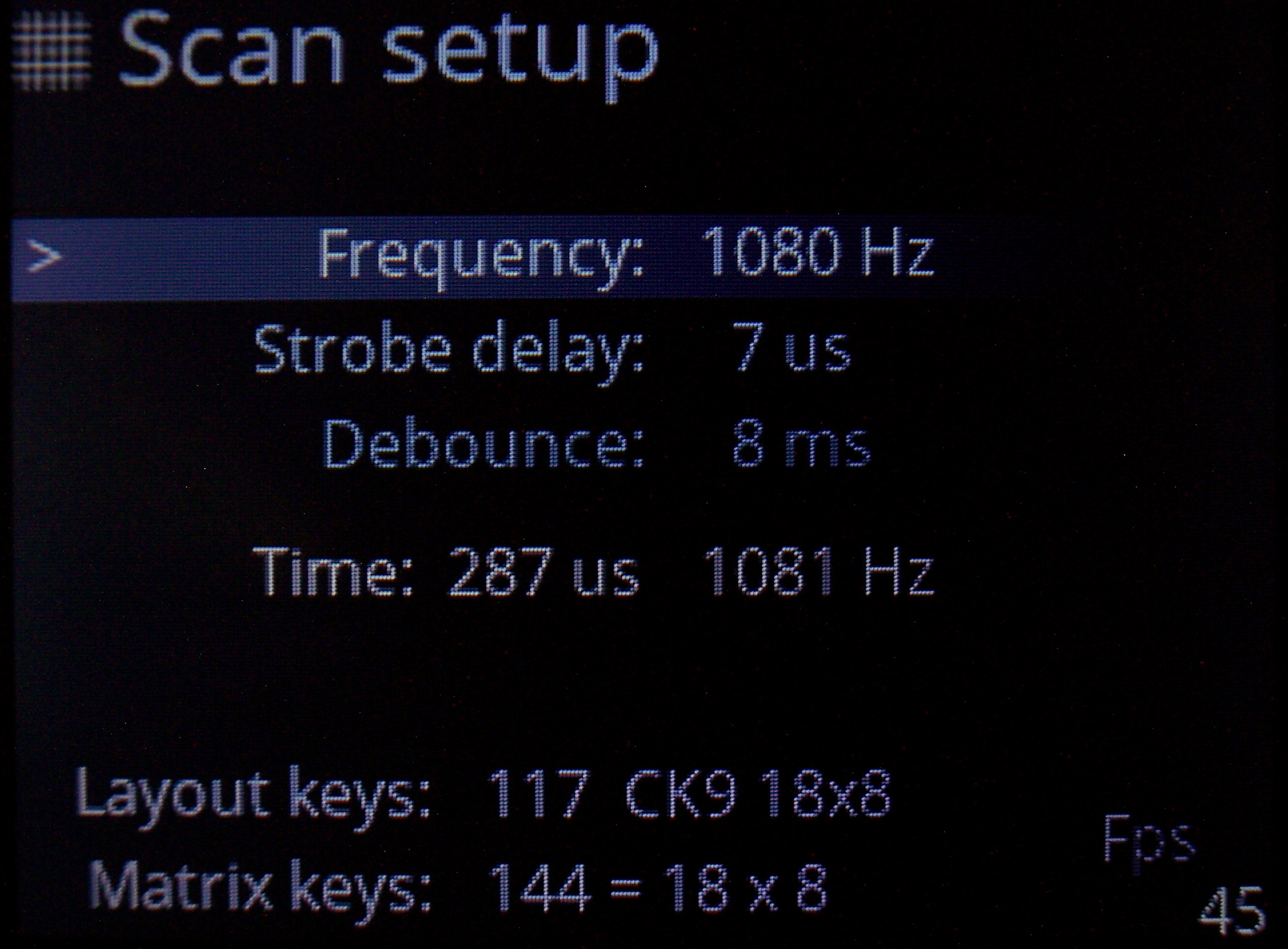
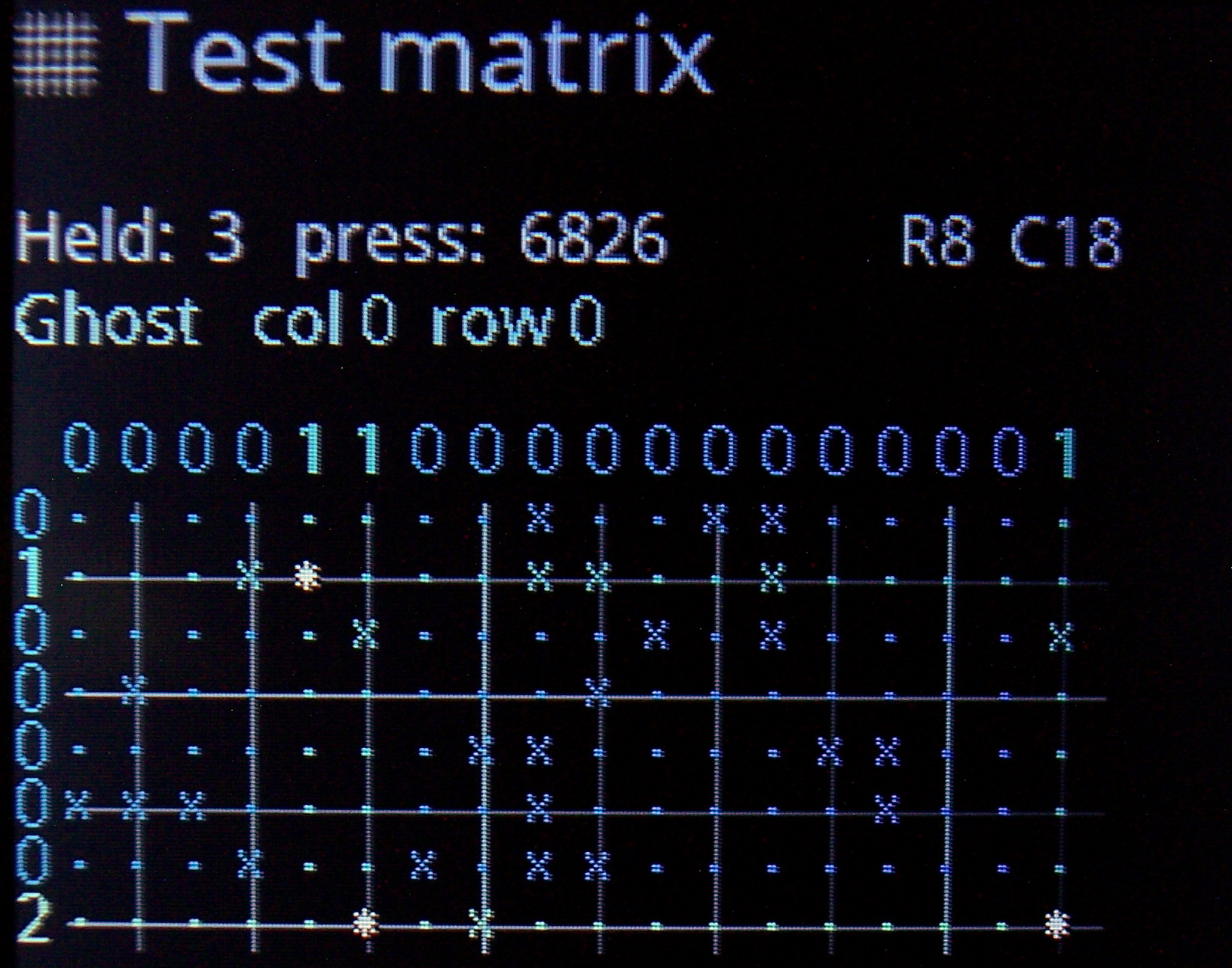
Useful when developing and to check if everything is working properly. Scan setup is advanced and adjust which strobe delay, scan frequency, debounce time I need. Matrix page shows the 18×8 keyboard matrix, with my anti-ghosting code working and any issues from too low strobe delay.
It now also features X marks on keys that are available in matrix but not present on layout, this makes locating new extra keys very easy.
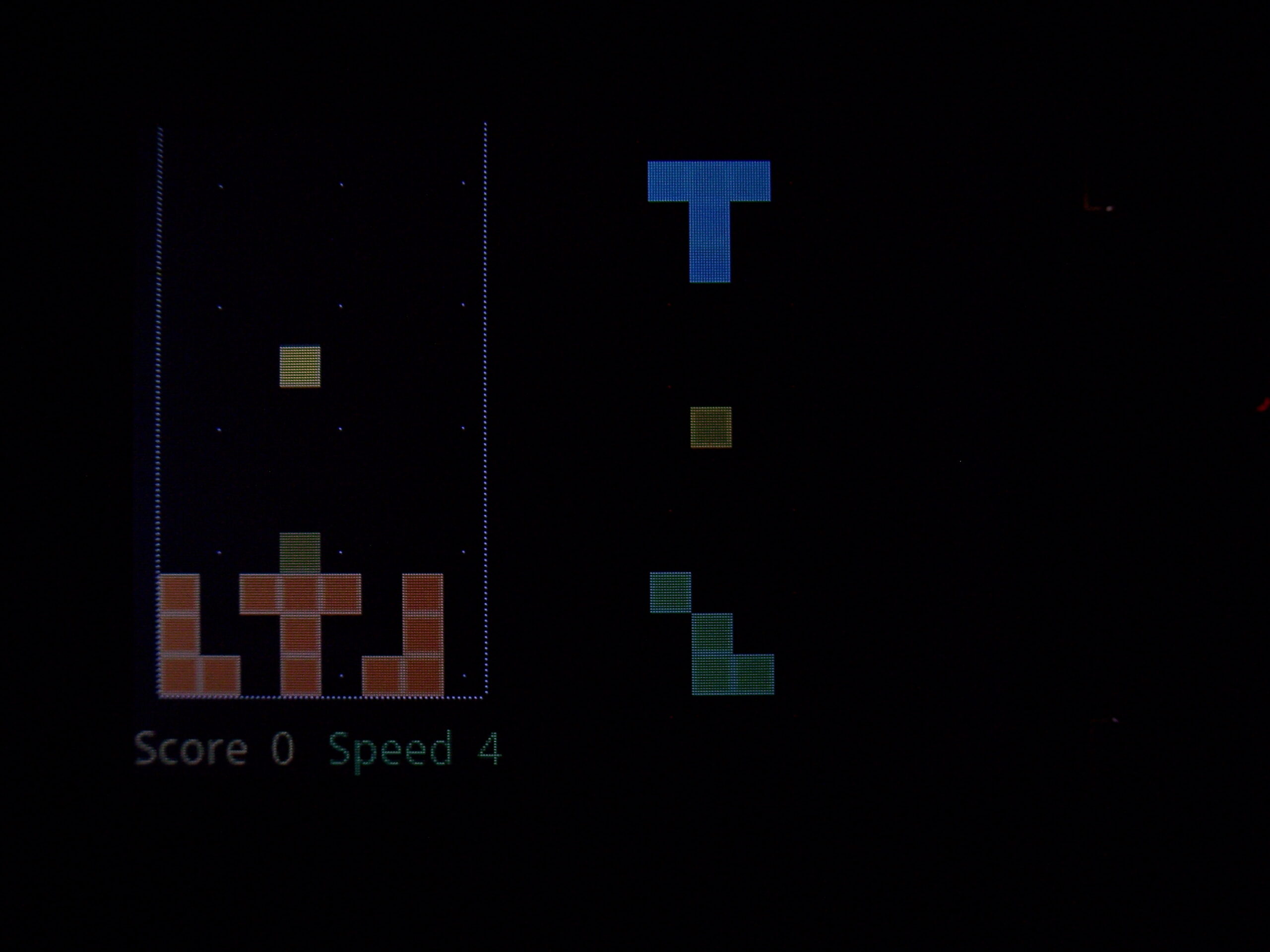
🔮Demos and Game
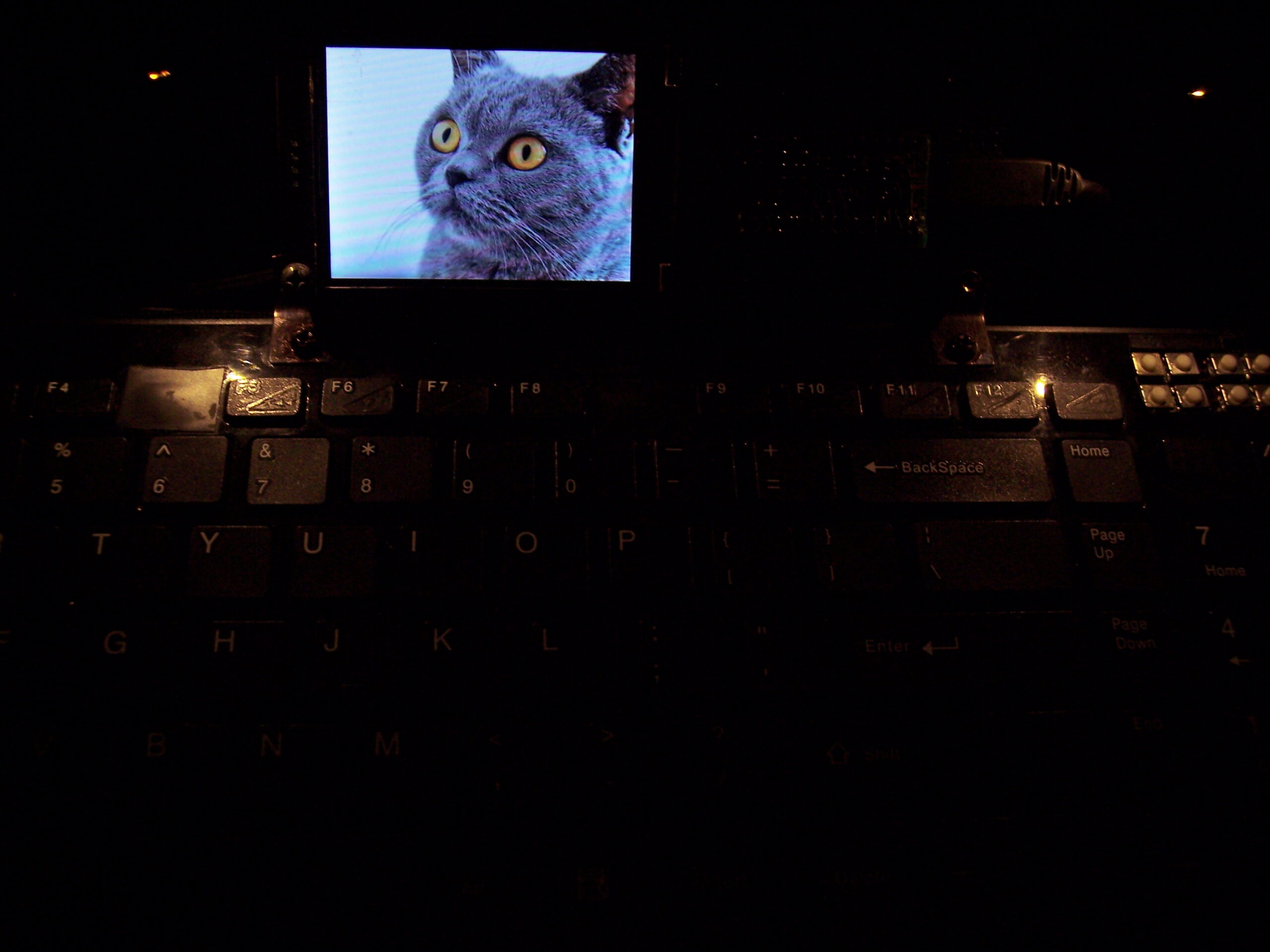
Were already present in previous version and even on the first tiny display I used (128×64 mono). Since I have a display, and a powerful MCU, they show their drawing possibilities.
They got extended to new resolution with few added extras. Best shown on videos, links below.
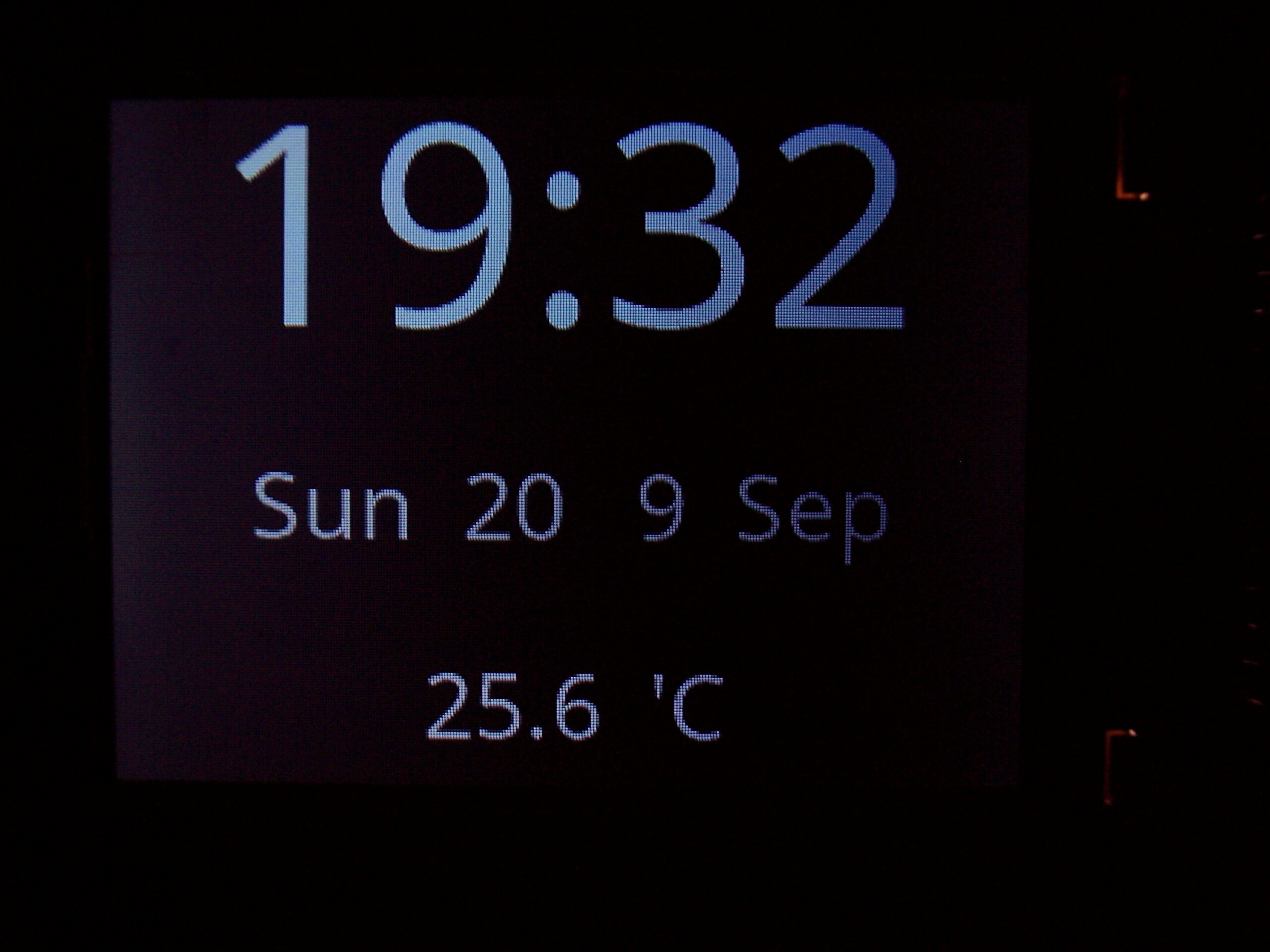
🕙Clock
With date (uses internal RTC, needs 3V battery).
Also showing Temperature, read from attached DS18B20 1-wire sensor (optional).
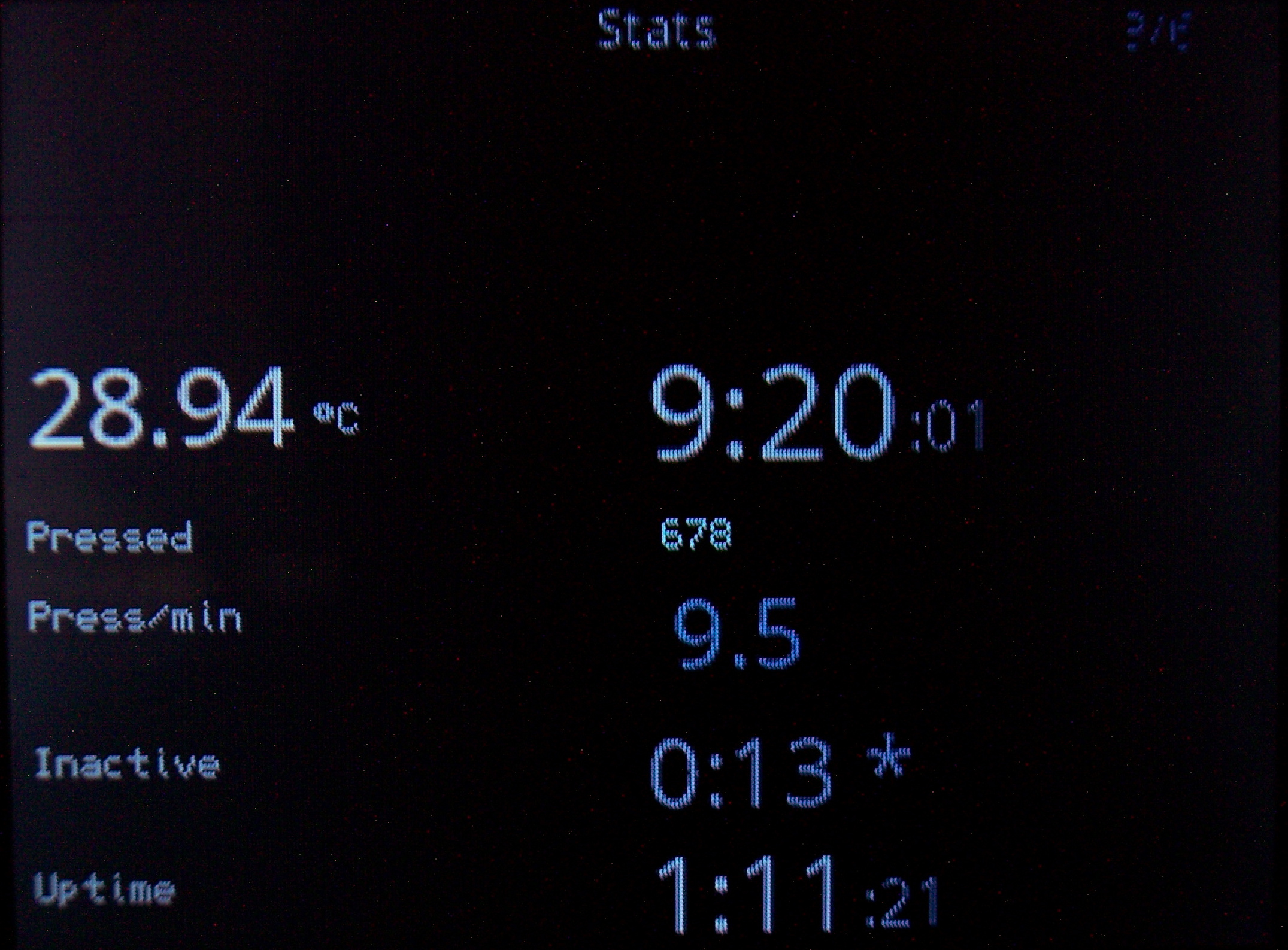
📊Statistics
Clock also displays (on its extended pages) keyboard use statistics:
- ⌛Uptime.
Time since power on or plugged in USB. - 🌌Late hour background.
Will start slowly showing top of display orange at 22:00 and every 0:30 min going more visible, being yellow after 0:00 (midnight). This is to notify and motivate me to go to sleep when I sit too long at night. - ⏱️Active time.
I.e. how long I use keyboard without a break (at least 5 min, can be adjusted). Changes color from value.
This is helpful to know if I’m doing something too long on PC. After all, it is recommended to take 5 min breaks every hour, it is healthy for spine and hands. - ❌Inactive time.
The opposite. Useful to know how long was I away from PC (keyboard). Also changes color when over 1 hour. Meaning I probably should have turned it off, to save power. - 👇Press/min.
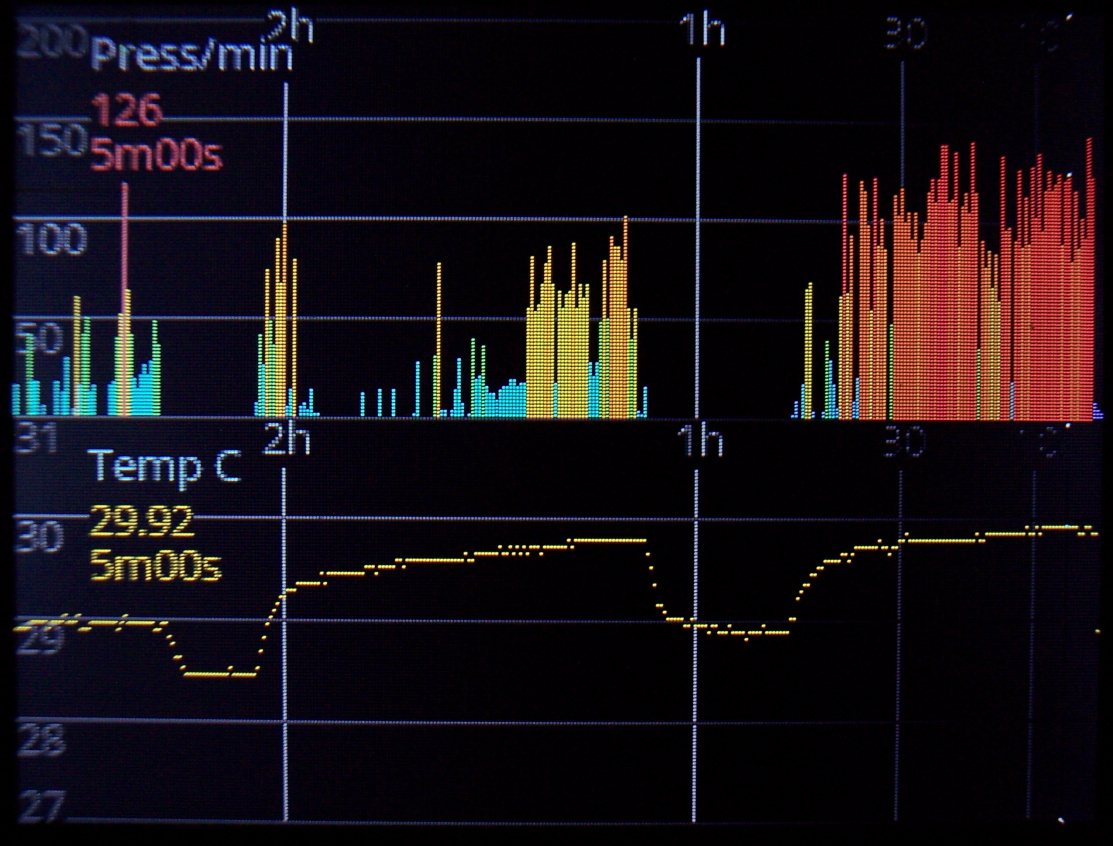
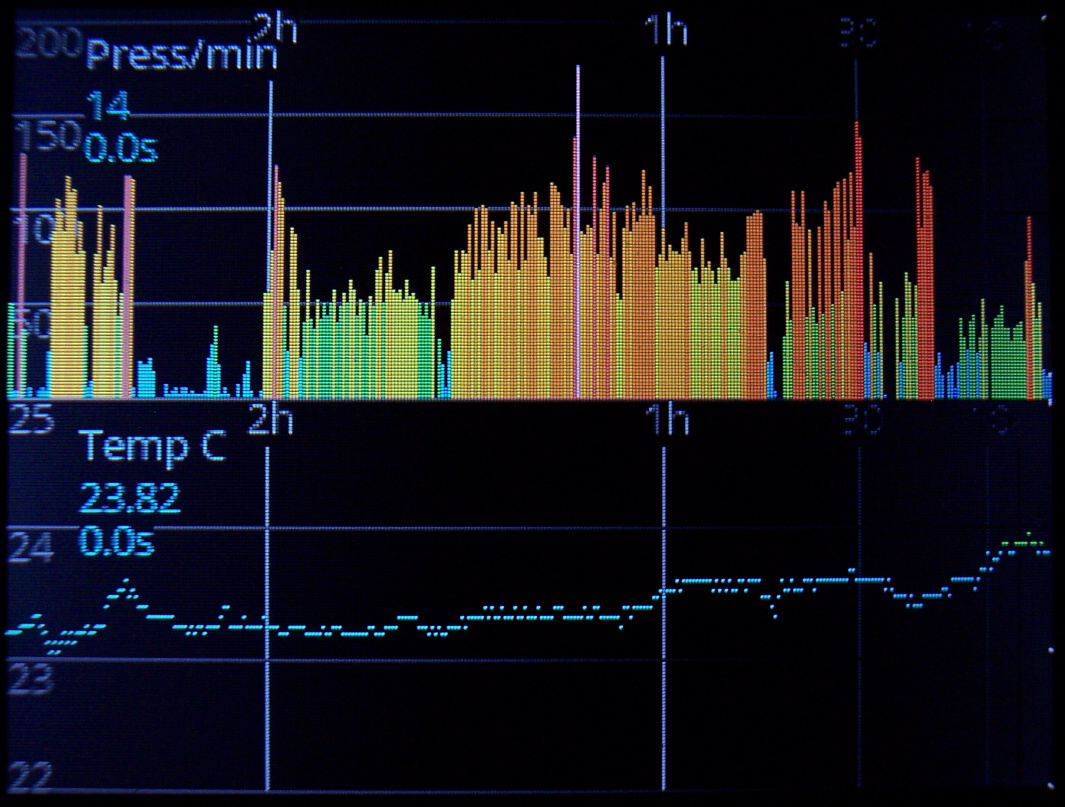
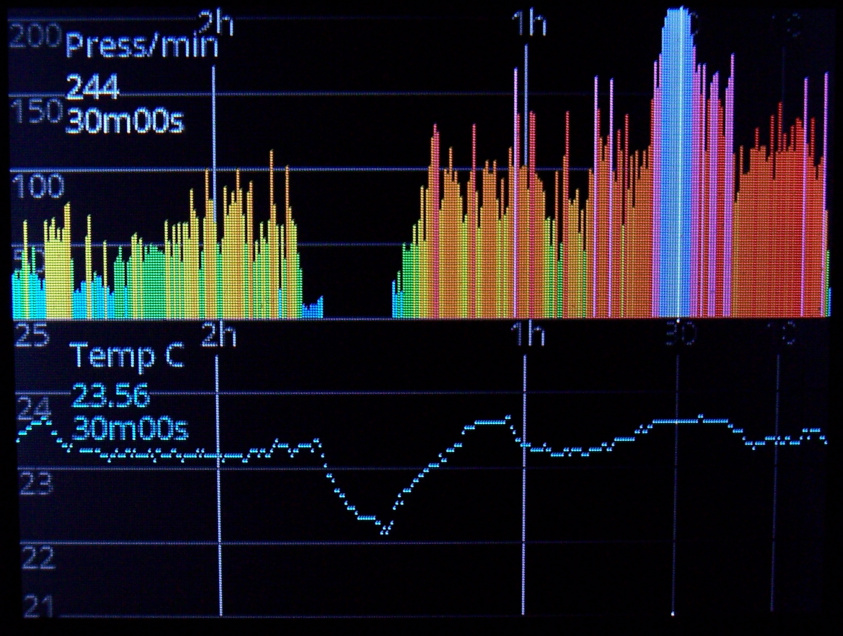
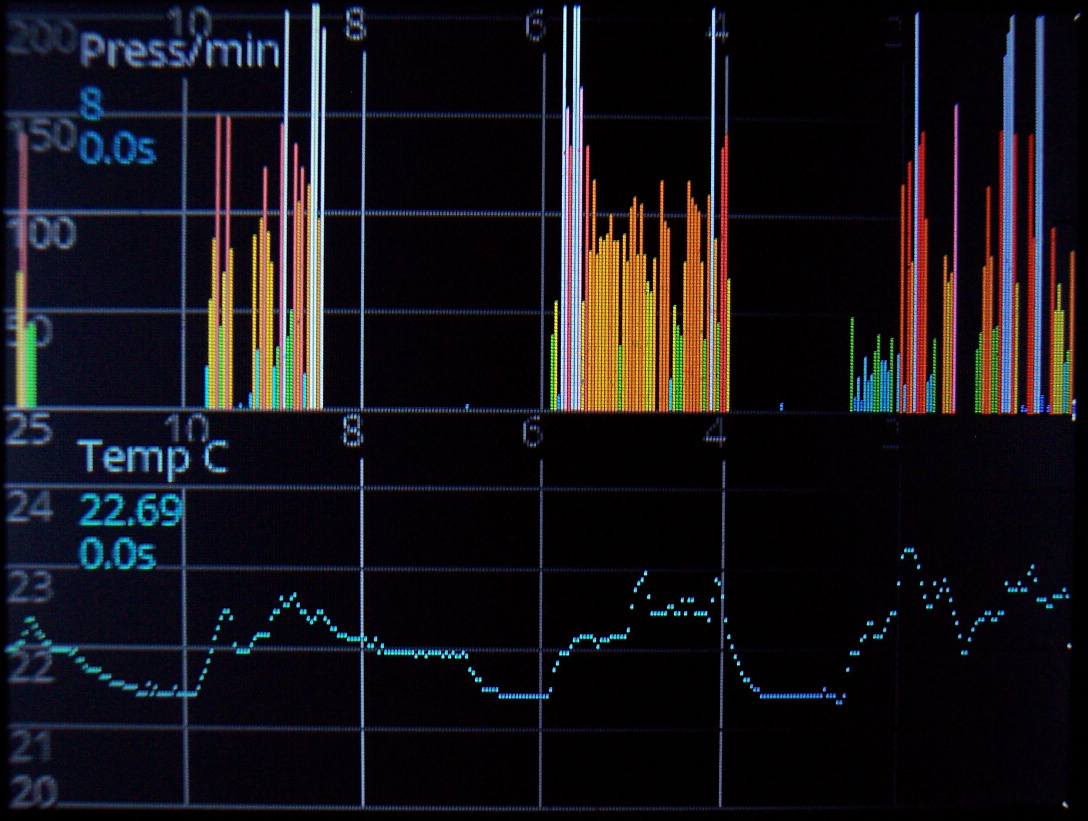
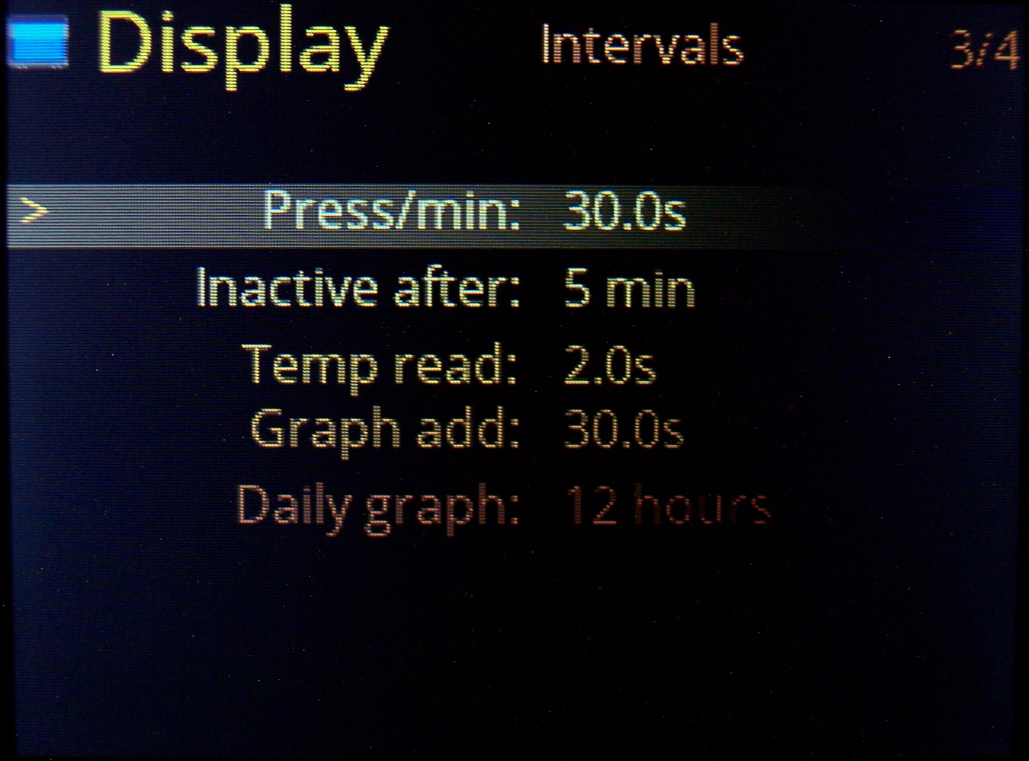
Typing frequency, so how much key presses are done every minute. A colored value on left, going e.g. red at 120, yellow starting at 50.
Also a second value below with total average since power on, with slowly changed value. So it is useful and directly corresponds to how tired will hands be. It’d be great to keep this value below 50, but sadly writing any text (e.g. chat, email etc.) or playing a game makes it go even above 150.
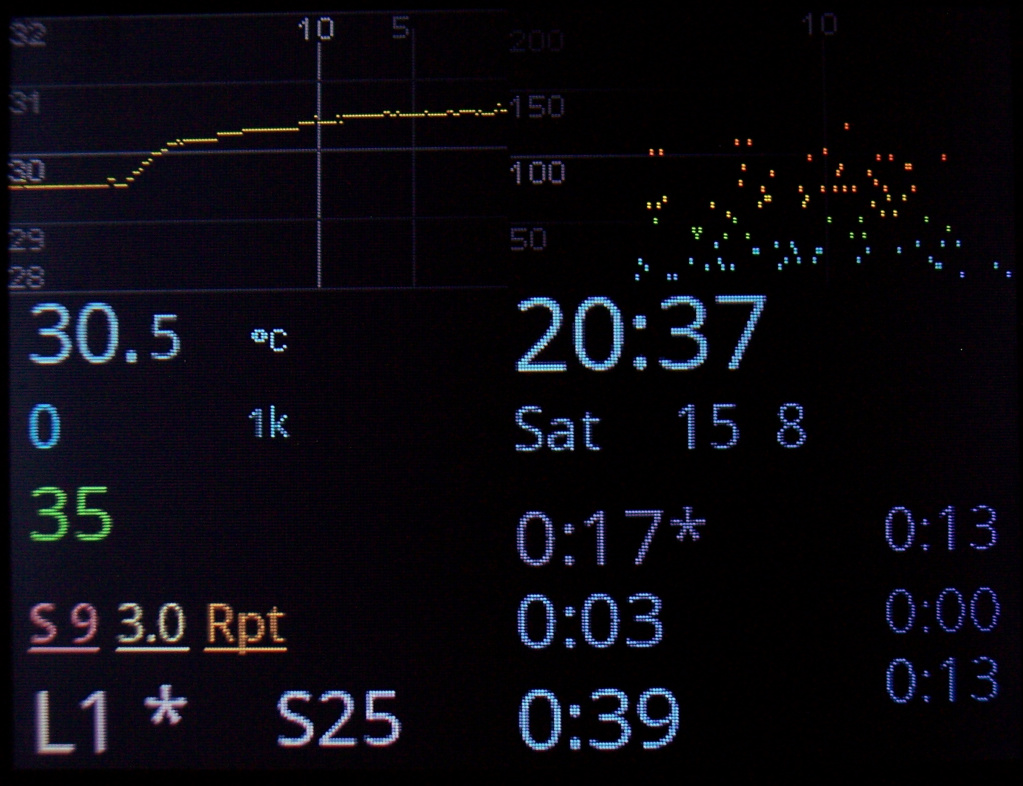
📈Graphs
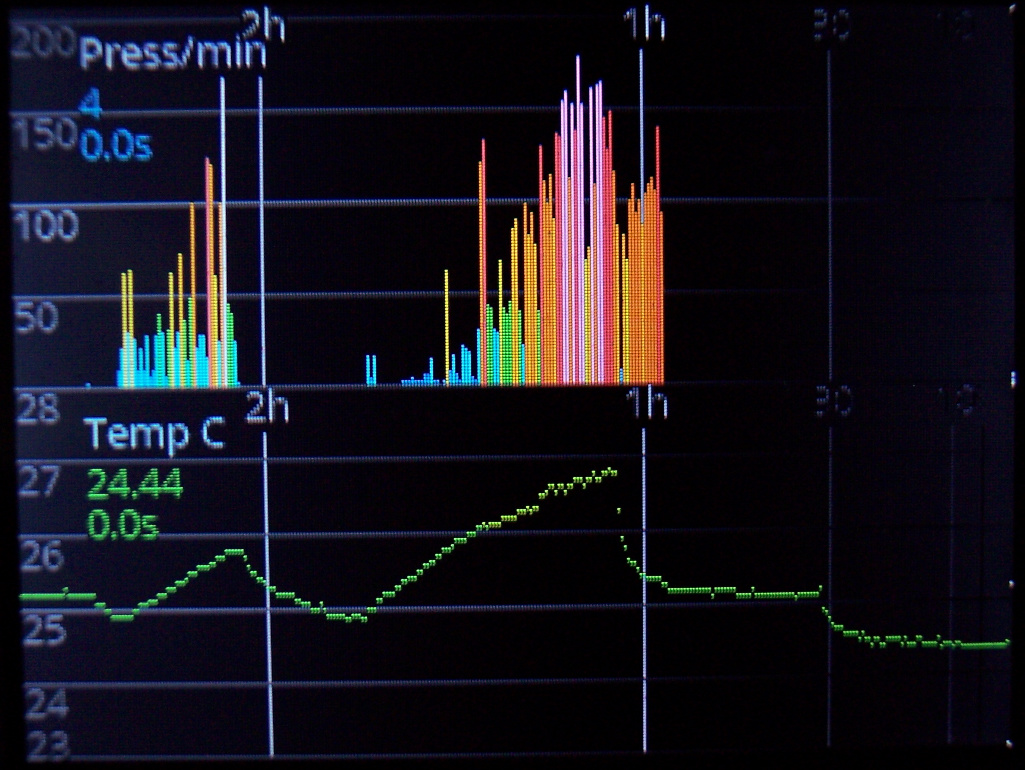
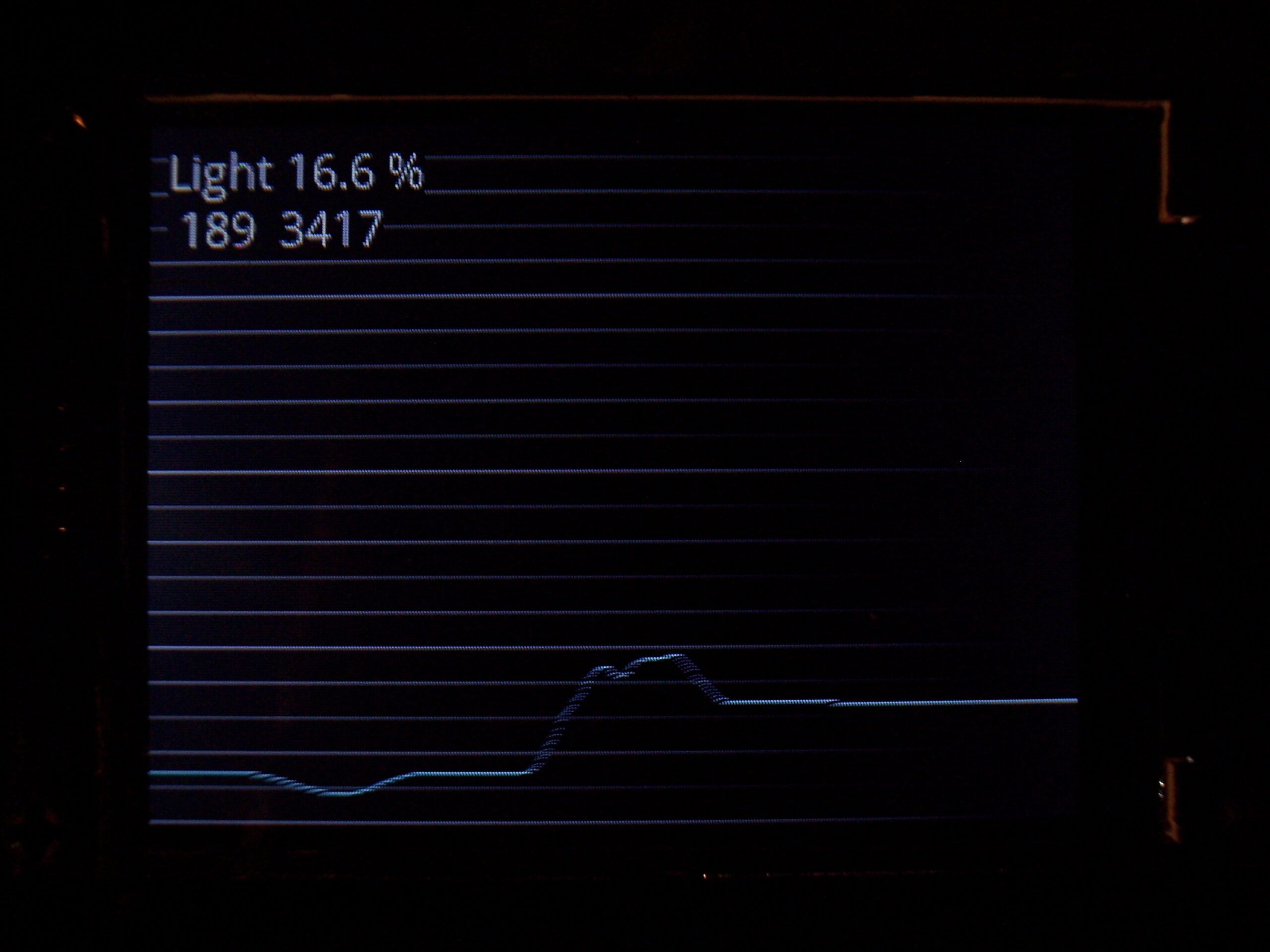
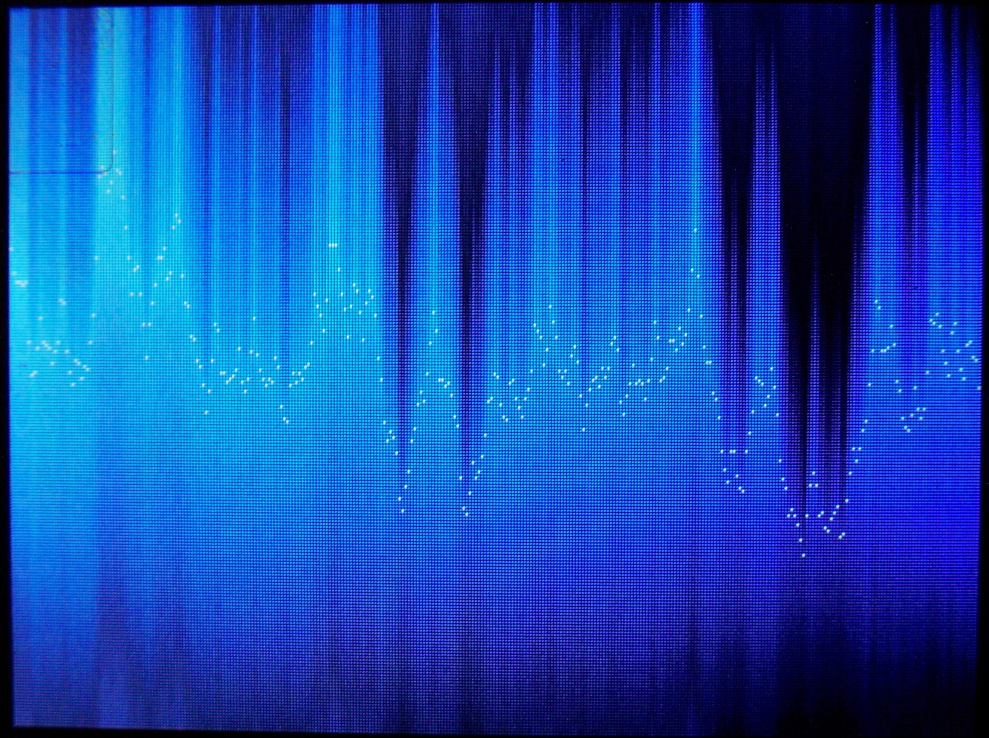
As a part of clock, they show history of using keyboard (key presses/minute in the past hours). Second one is for temperature history. There are 320 points on display width and parameters for how often a value is added to graph.
⌨️Keyboard CK9
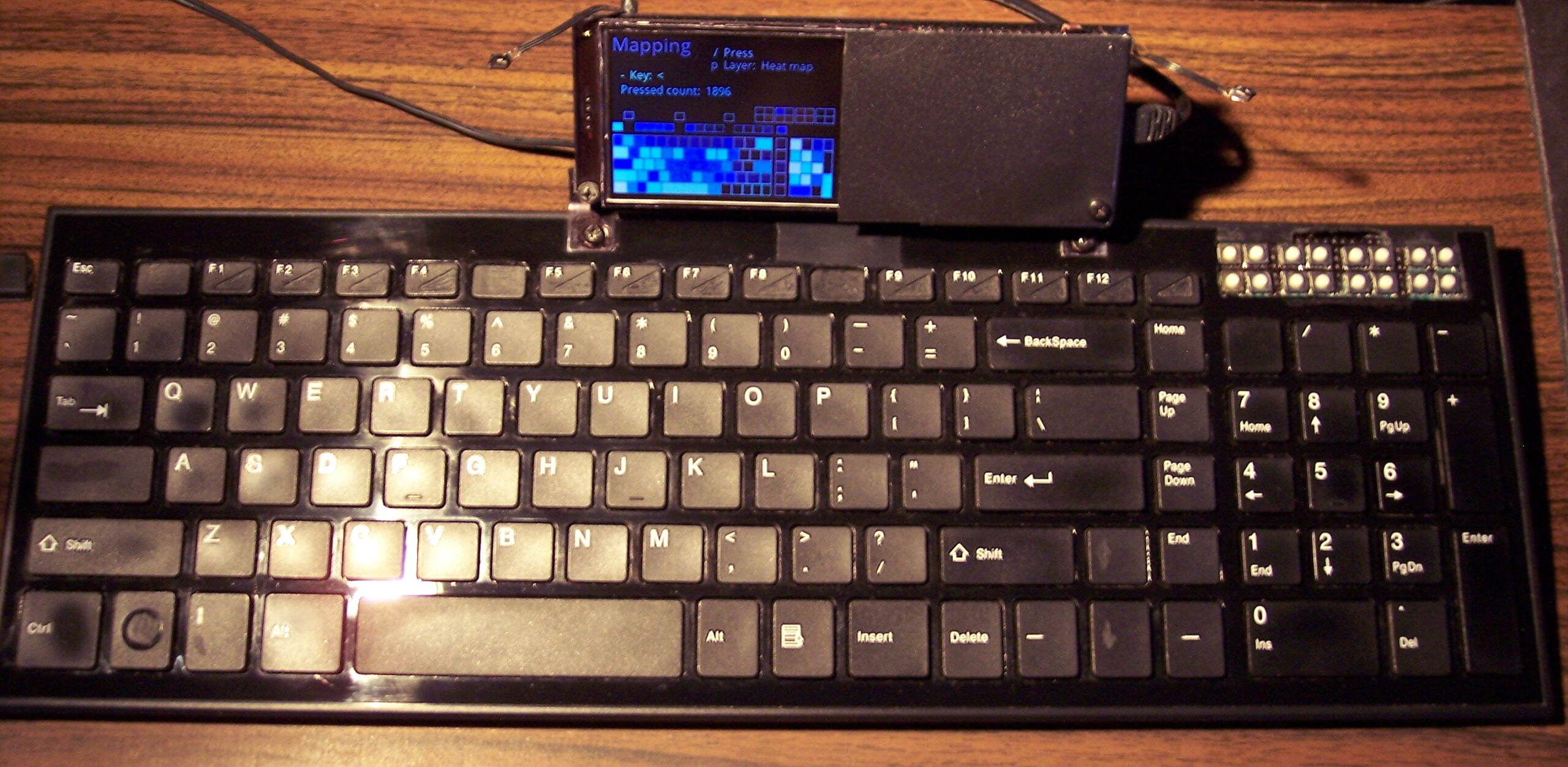
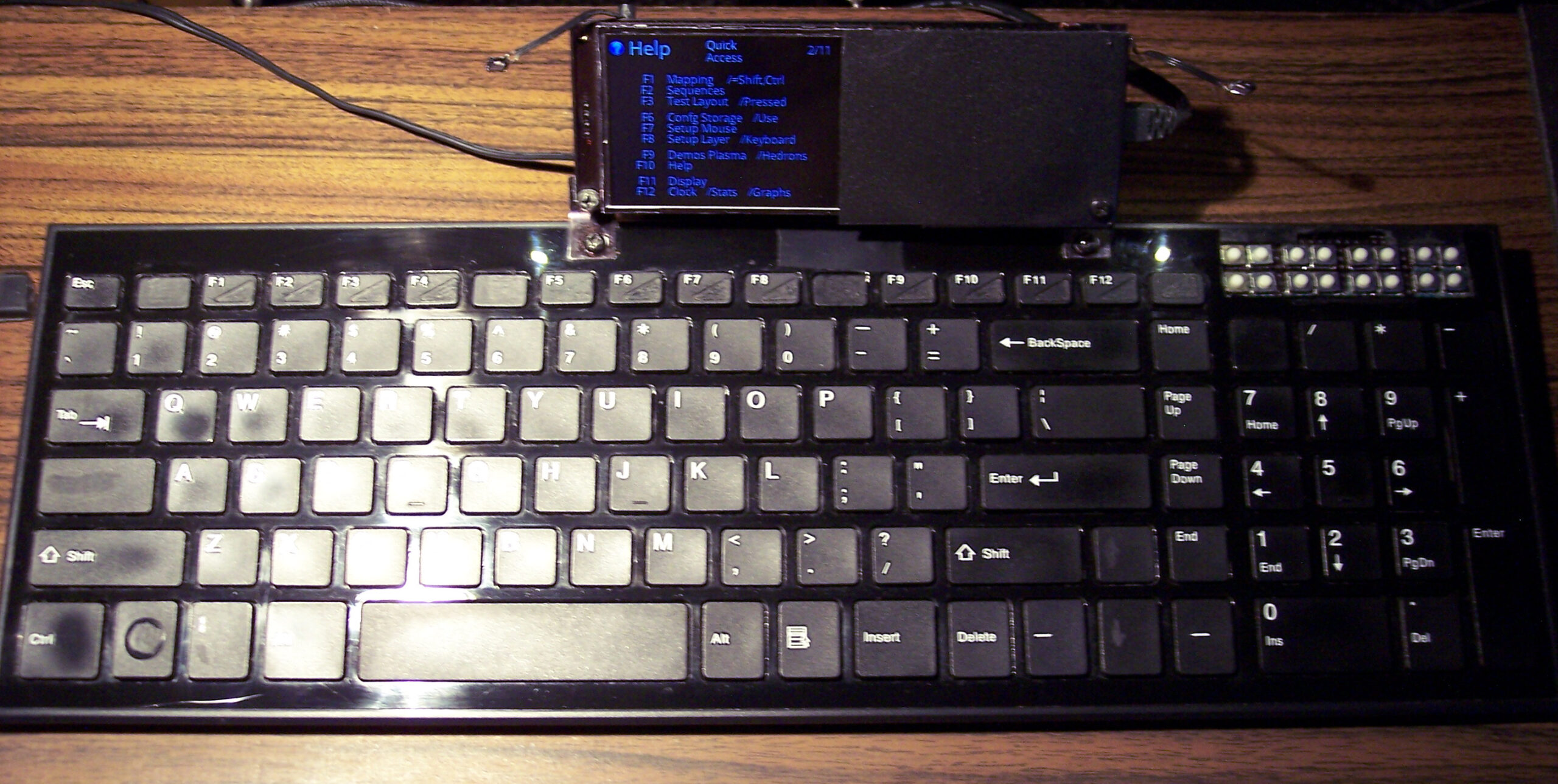
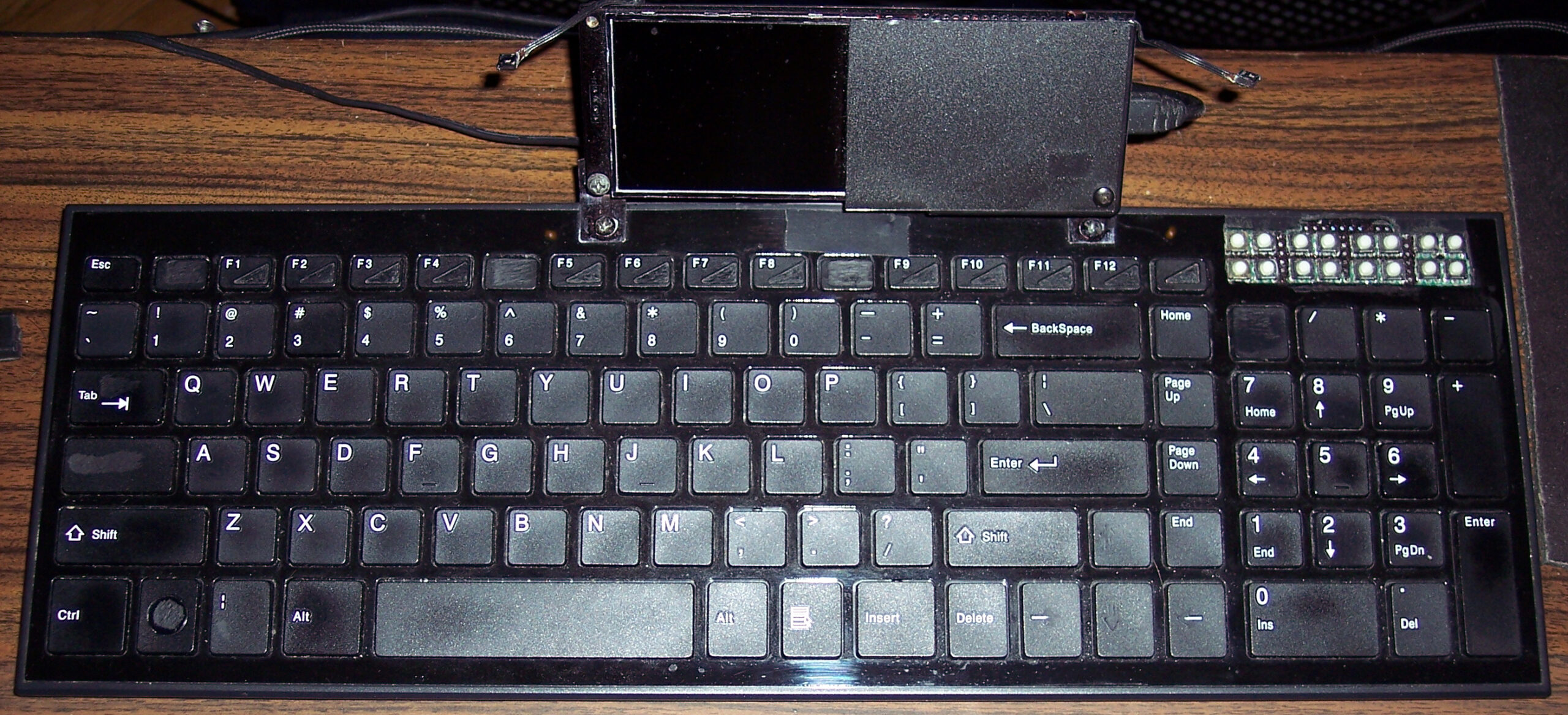
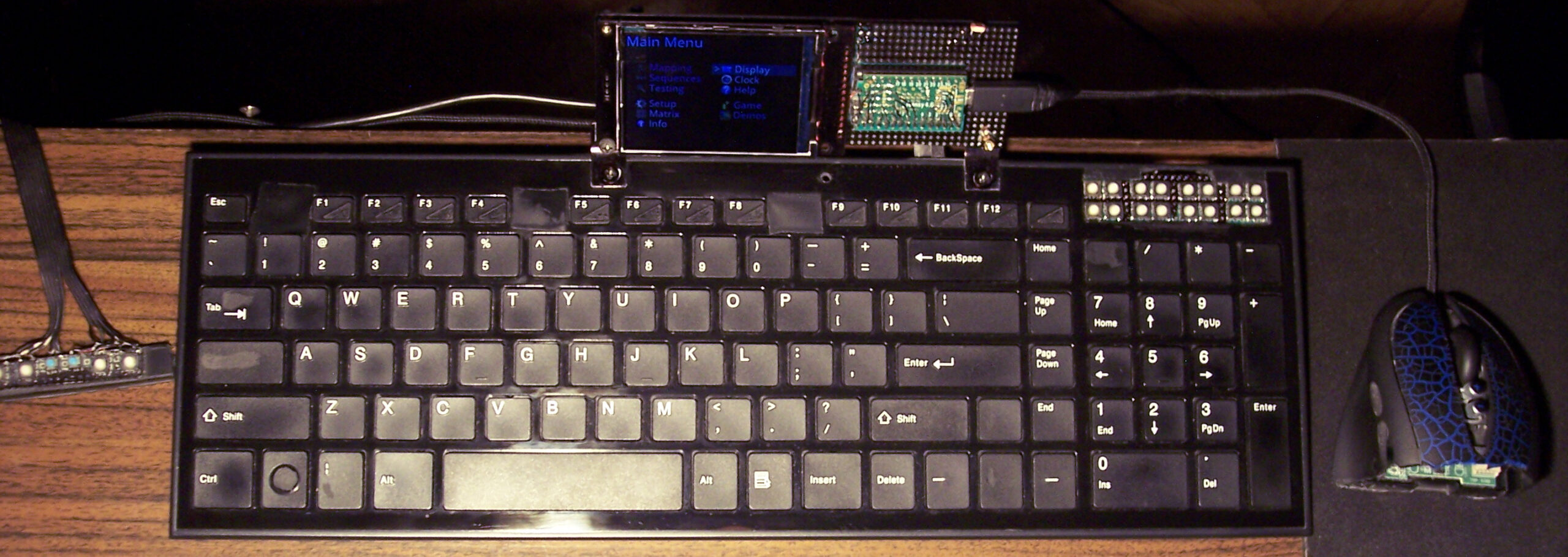
I upgraded my 2018 keyboard CK6 (with this bigger display plus K.C.4 firmware) and it became CK9. I also added tiny extra keys, lots of them. Above Numpad, 2 rows of 8 or in other words 4 groups of 4. Surely they come handy for internal functions or could be extra F13-F24 keys for OS.
The keyboard has visible tear on few keys already, well I use it since 2016 (was CK3 first). Nothing yet, compared to the 14 year old one (CK7/4/2).
✍️Motivation
My previous version of KC and keyboards with it were quite useful and the 1.8″ color display was good too. The keyboard drawn on screen was minimal. Keys with one letter/digit/symbol had a 5×7 font, but 2 letters needed a tiny 3×5 font. It worked, but didn’t look great.
So the new display is bigger 2.8″ and has about 2x resolution (320×240 vs 160×128).
The main reason for this upgrade though was the new Teensy 4.0 with a MCU that runs at 600MHz. It seems to be the fastest one available (on a board with USB, ready to use). And is even way faster than all previous. I already didn’t like Arduino in 2014 when I got interested in MCUs (again), seemed like a stone age relic compared to Teensy 3, but today I can say they probably have computational power of a rock, when compared.
The result is constant 45 frames per second almost always. This is what 600MHz MCU with SPI set at 60MHz for this display does, while using DMA for transfers and double buffered drawing (one buffer is being sent by DMA to display, while MCU draws new frame in second buffer, at the same time).
⚖️Comparisons
Of course, there were many projects of using a big display with slow MCU even. A MCU not having enough RAM for screen buffer. But this means very low refresh rate (low Fps) and flickering (blinking when redrawn).
There are few open source keyboard controllers, I think none of them even have a display, and some still use ATmega 8bit MCUs. Their requirements for program and RAM (memories of a MCU) are minimal, way lower than mine. And the price will be lower too. But the main flaw coming from it, is having to compile on PC and upload to MCU after any change. This is a big nope for me.
📢Rants
So for me, this is now the present (not the future anymore). And well honestly, whenever I see a custom keyboard picture I’m just asking: “where’s the display?”.
In addition, seeing Cherry MX or any switches turns me away immediately. Because there is one more very important thing that is the light press modification. I recently made a video of this modding process (of reducing rubber dome keys press force and travel), was for CK5b. All my keyboards since 2005 have it and it’s just the default for me. It’s less tiring and simply nicer to press.
Sadly all commercial keyboards are garbage in this matter and people continue to produce keyboards that have a tactile feel, 4mm travel and around 50 gram force to press (maybe 30 being lowest). Well for me this is the middle ages era. This can cause injuries (Carpal Tunnel Syndrome). And I guess it feels awful for those having pain from using such keyboards. If not that, then it’s tedious and causes fatigue earlier.
✅Summary table
For reference, here is a table with current status of all my keyboards, since start until present day:
| Name | Assembly year | Original keyboard | Keys actuation [gram force] | Notes |
|---|---|---|---|---|
| MC1 | 2026 | Mouse keys, for Gembird MUS-GU-01 | 1 g 0.3 – 3 g | Hall sensor, mag-lev |
| CK3 > CK6 > CK9 | 2016 > 2018 > 2020 | A4 Tech KX-100 | 23 g | Cheaper, bit wobbly, but more keys |
| CK2 > CK4 > CK7 | 2005 > 2016 > 2018 | Logitech Ultra X Flat | 33 g | Stiff foil, old, extra keys, lately 2 keys dead |
| CK5, CK5b | 2015, 2020 | A4 Tech KV-300H | 9 – 18 g | The lightest foil |
| CK1 | 2004 | Logitech Ultra X Flat | 25 g | First, old, had extra keys, now only for testing, 1 row dead 💀 |
📷Gallery
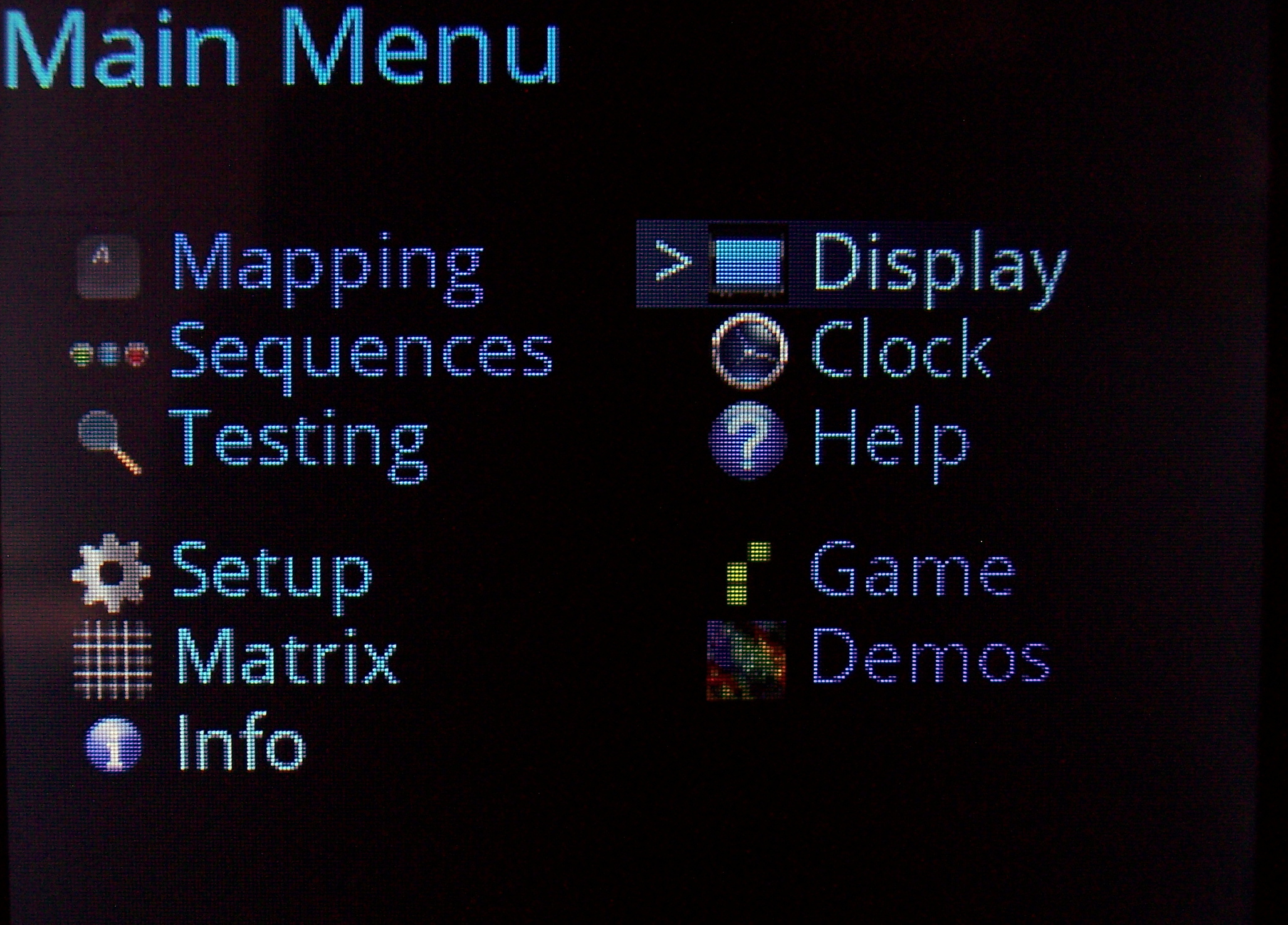
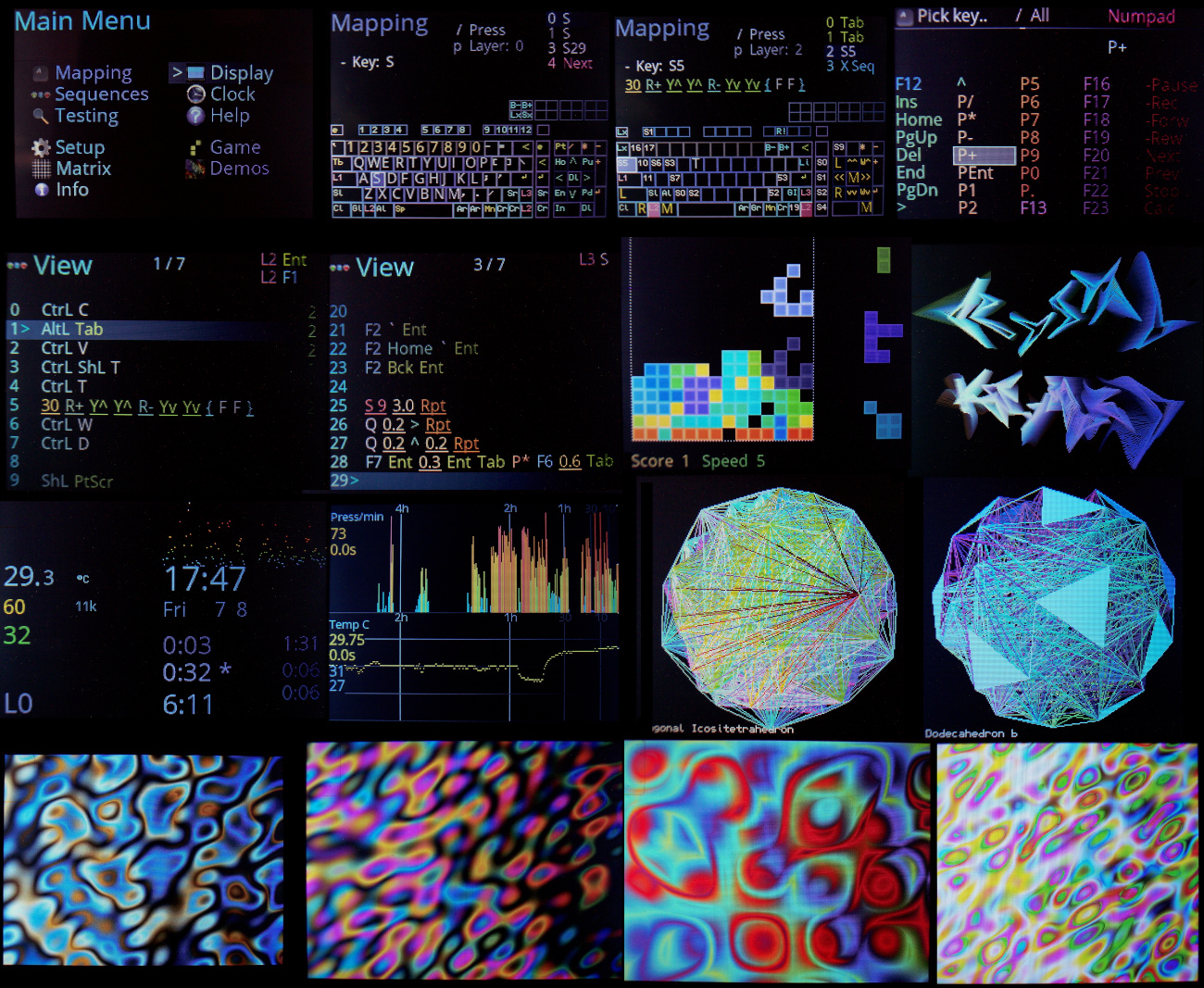
Firstly showing menu, key Mapping editor, then sequences (macros) View and Edit.
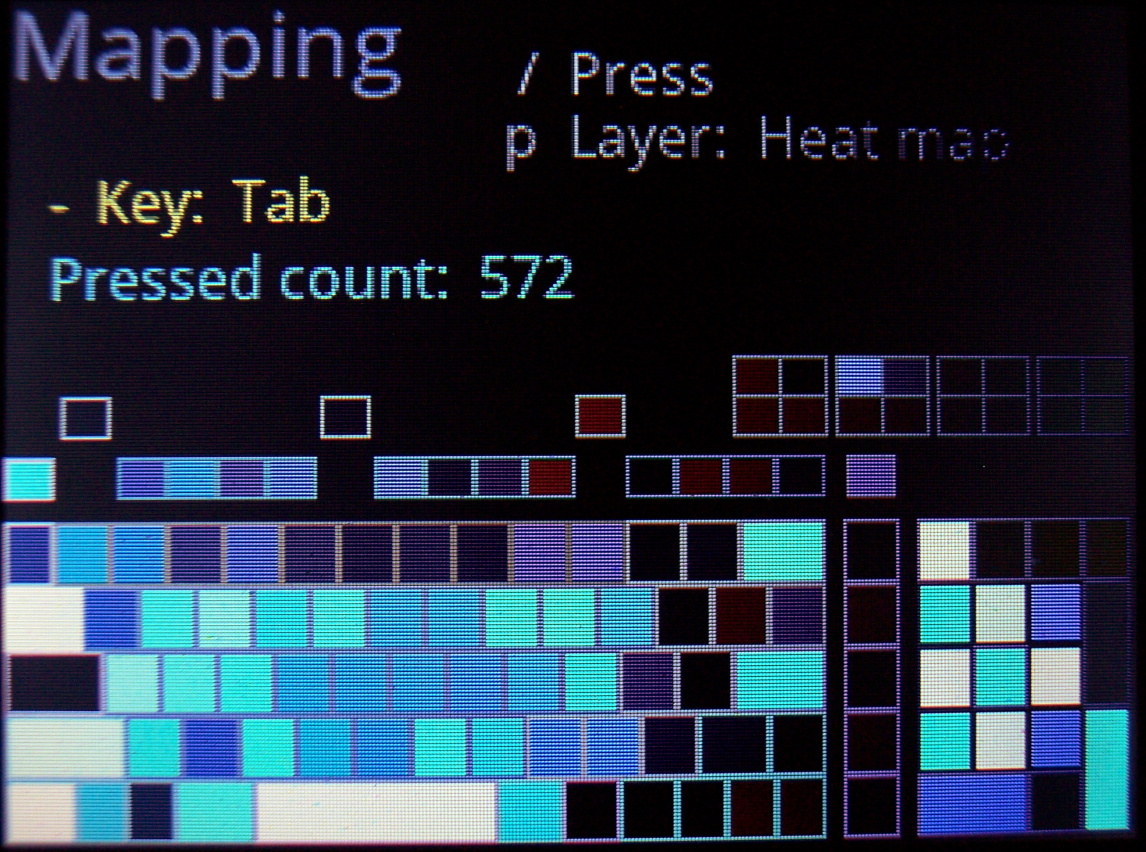
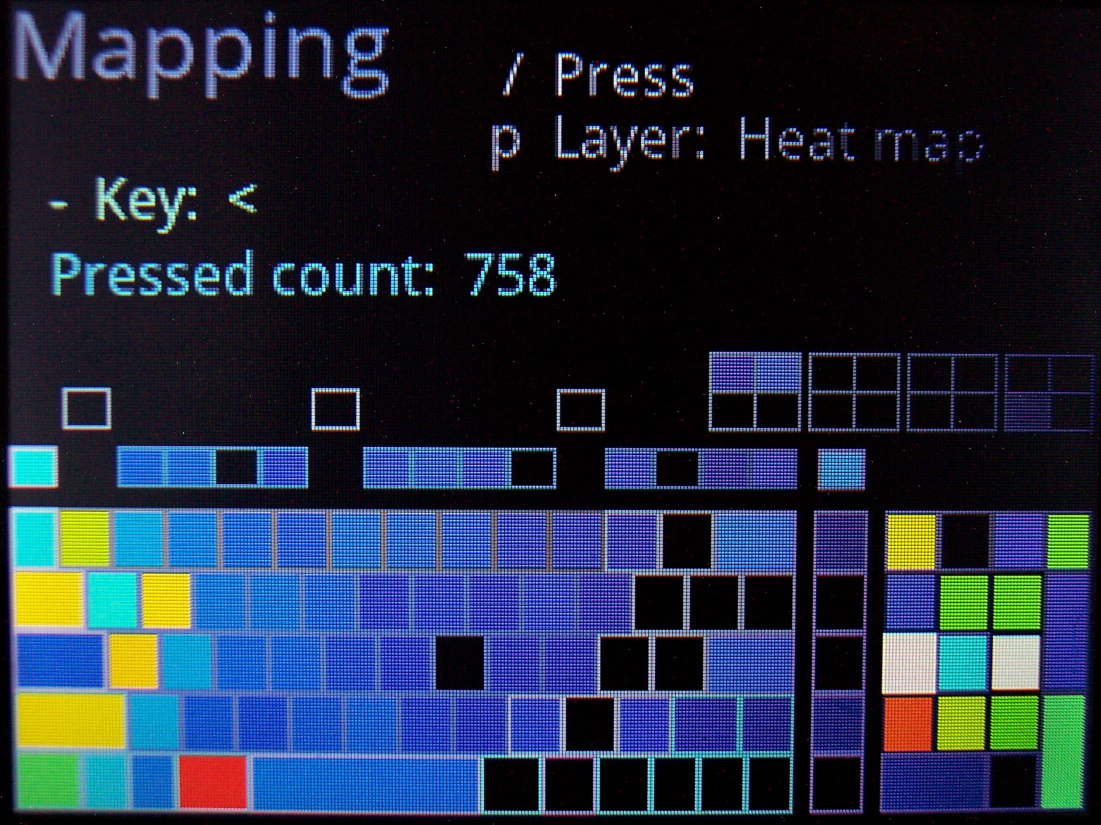
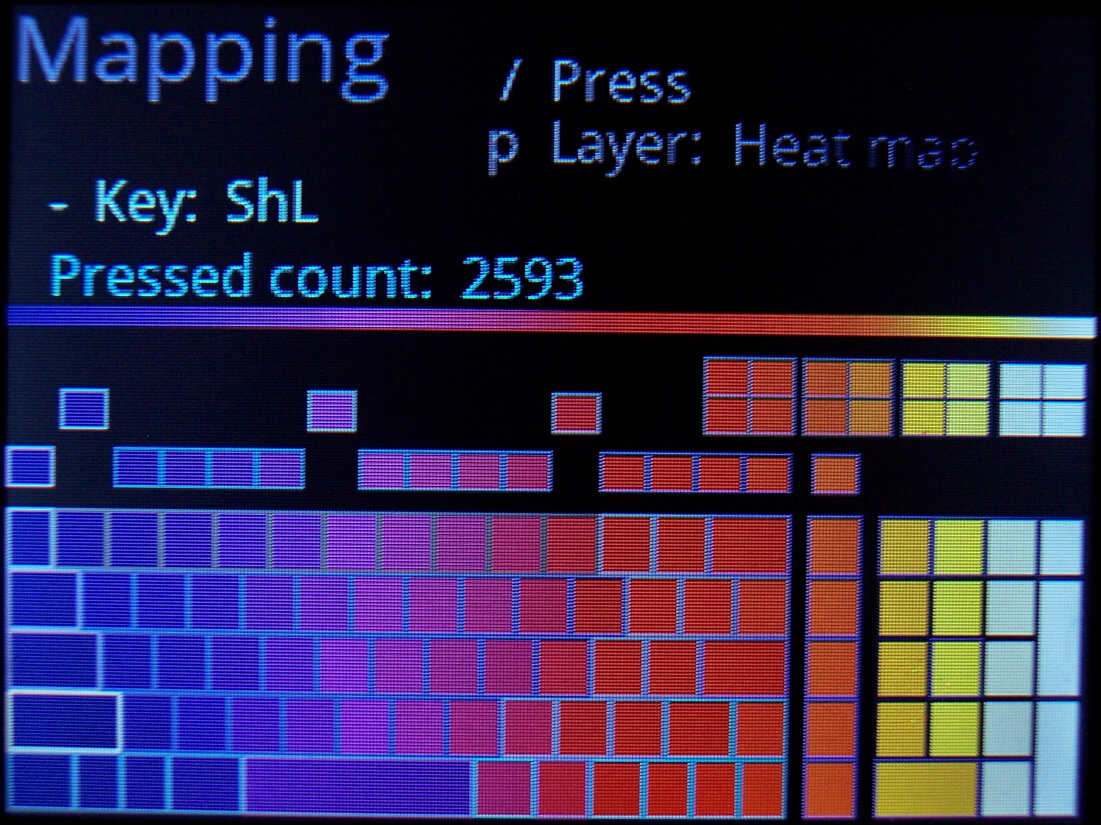
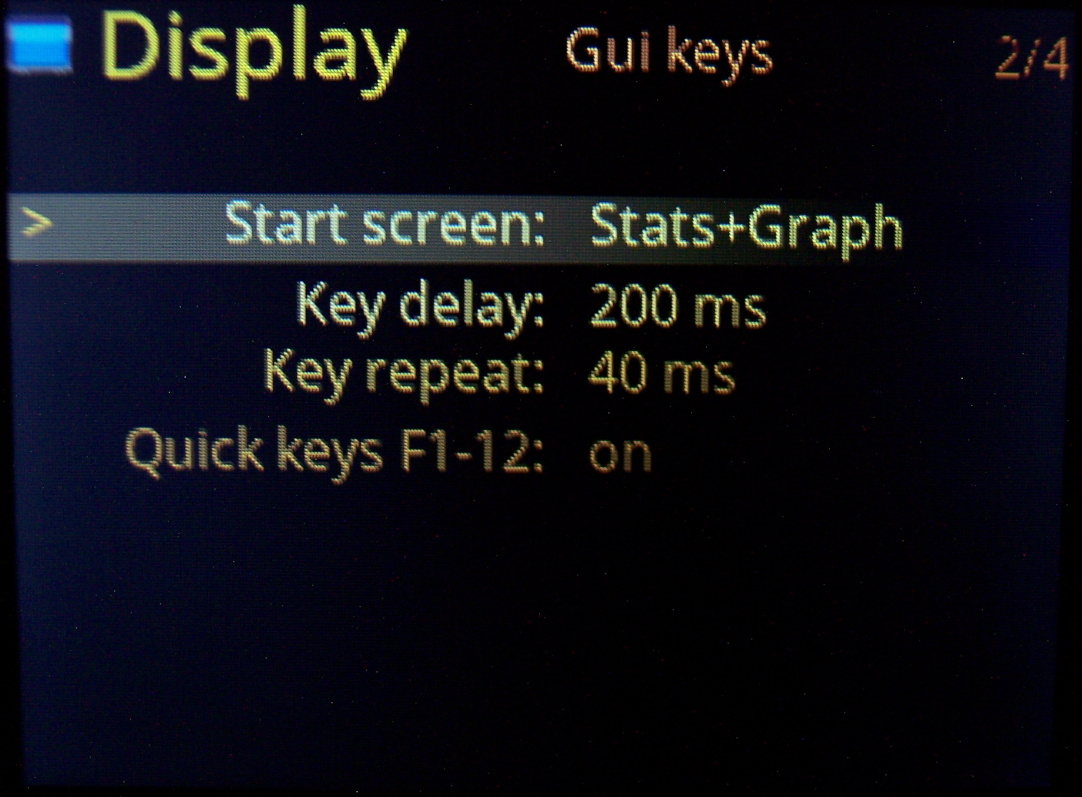
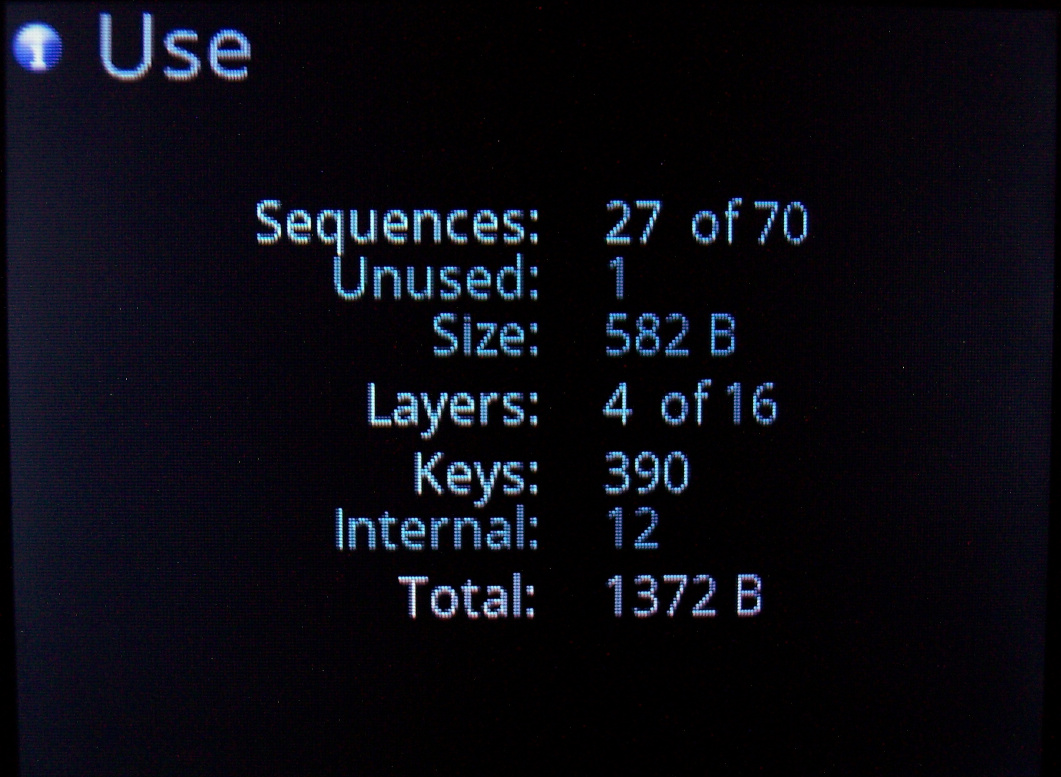
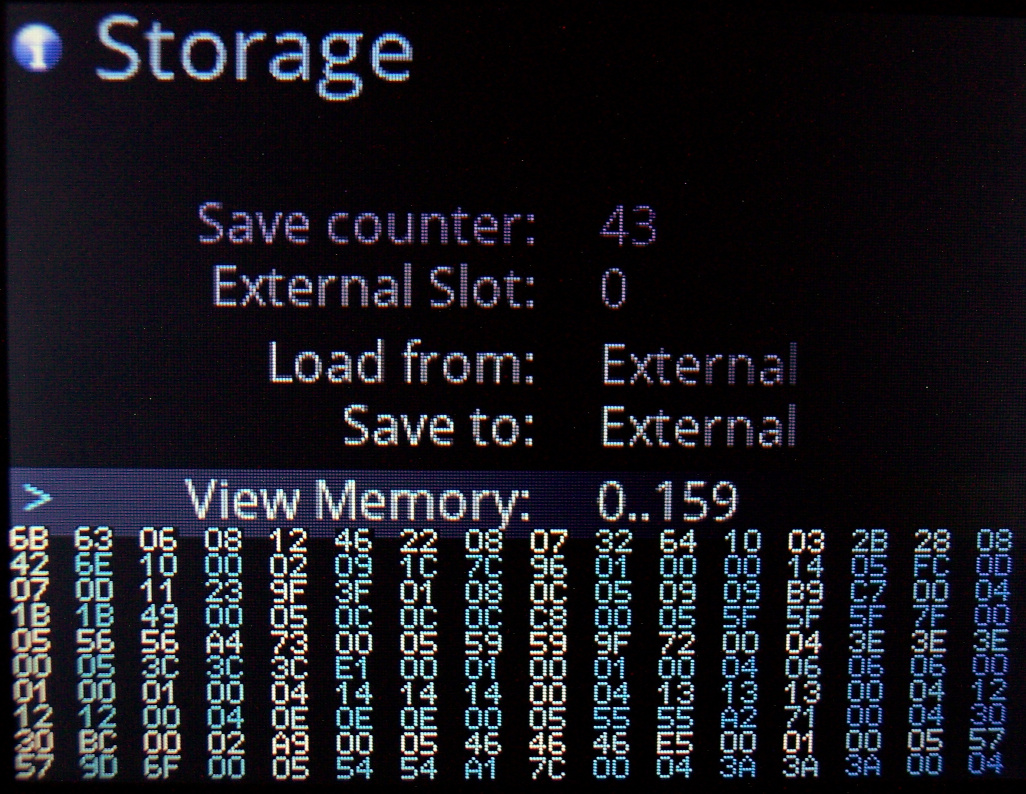
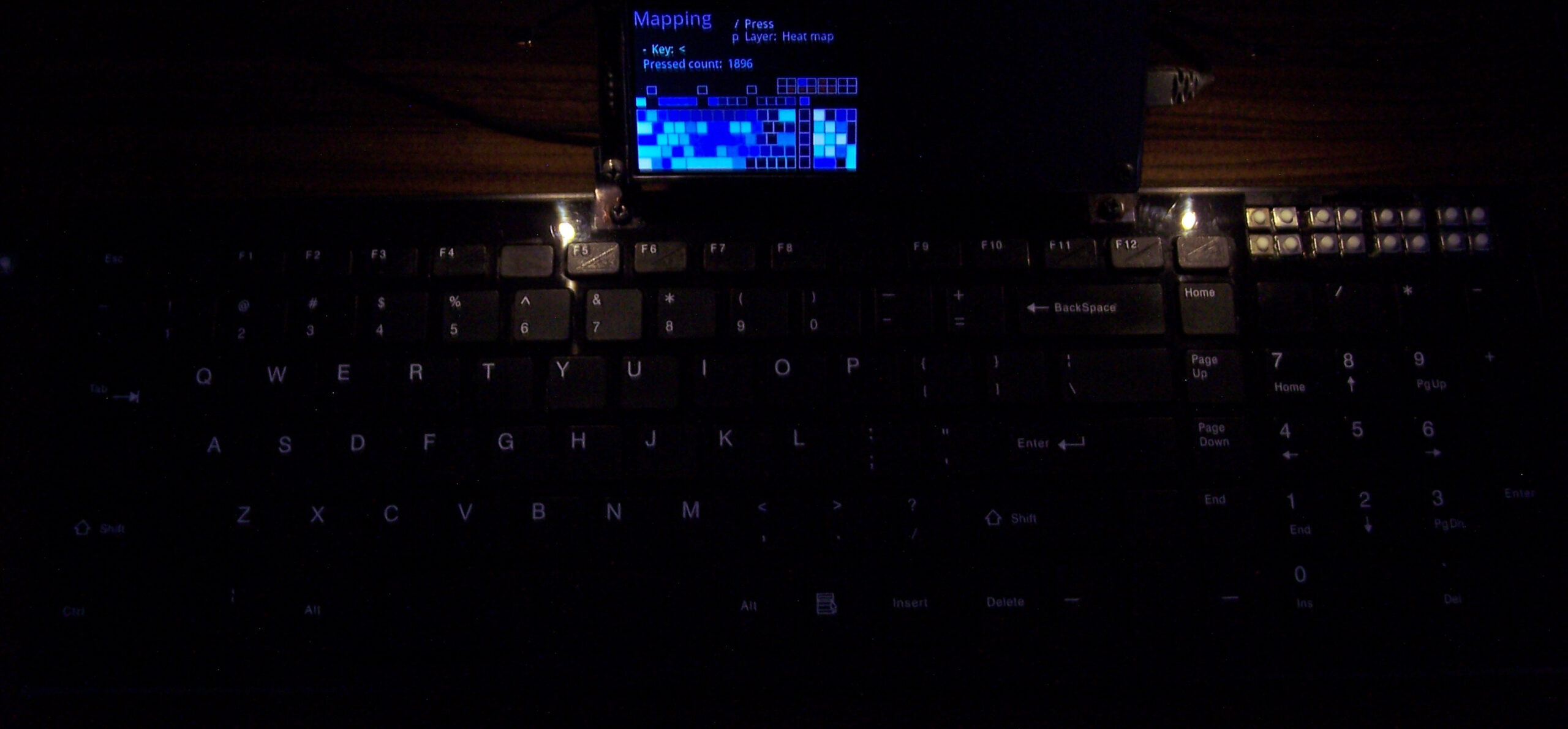
Next more informational Gui pages like Help, Clock, Graphs (temp and key presses over few hours time), Heat map (key use statistics). Then Gui options for Display, later (less used) pages for testing keys: Test matrix, Scan options, memory Use, Storage.
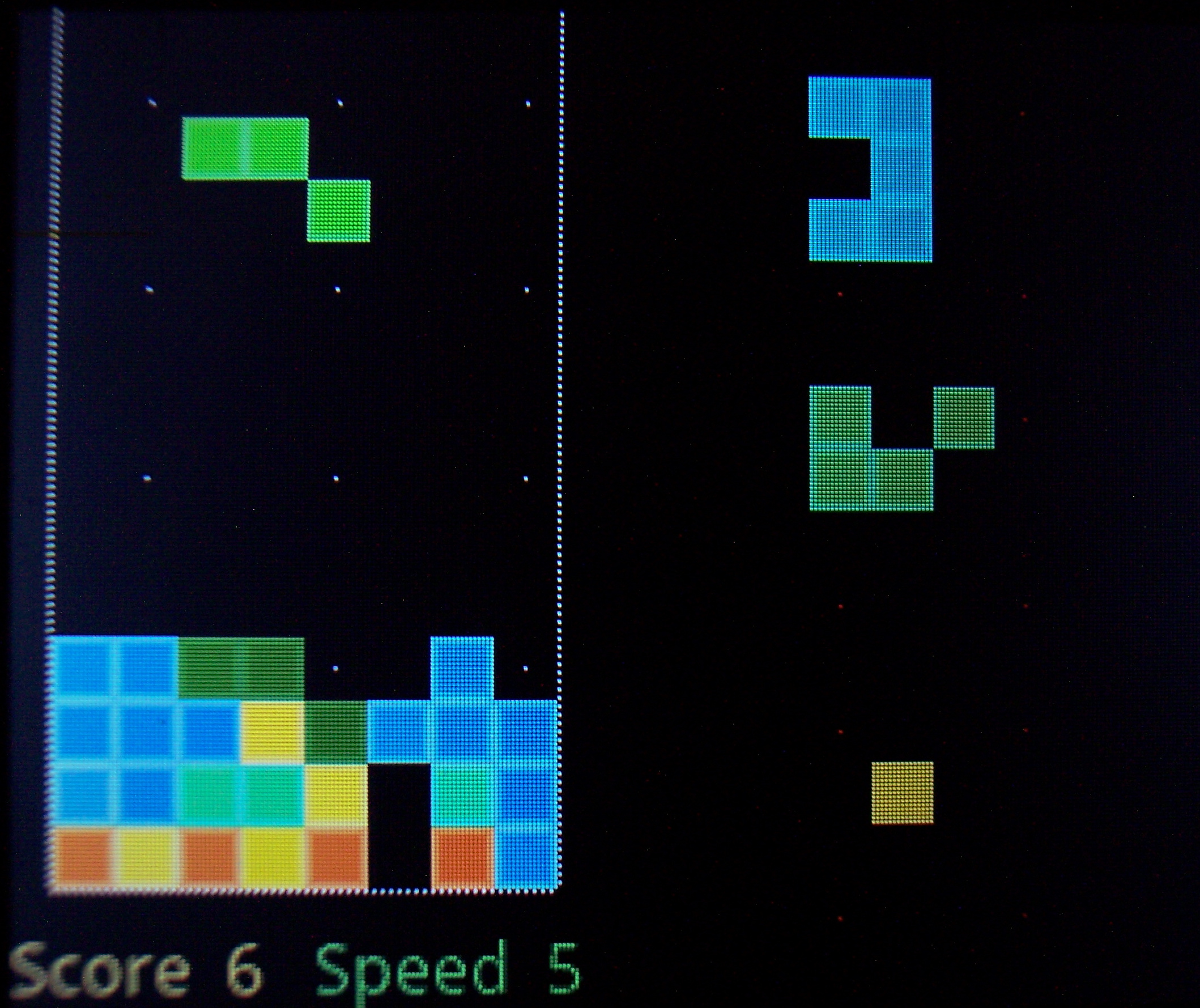
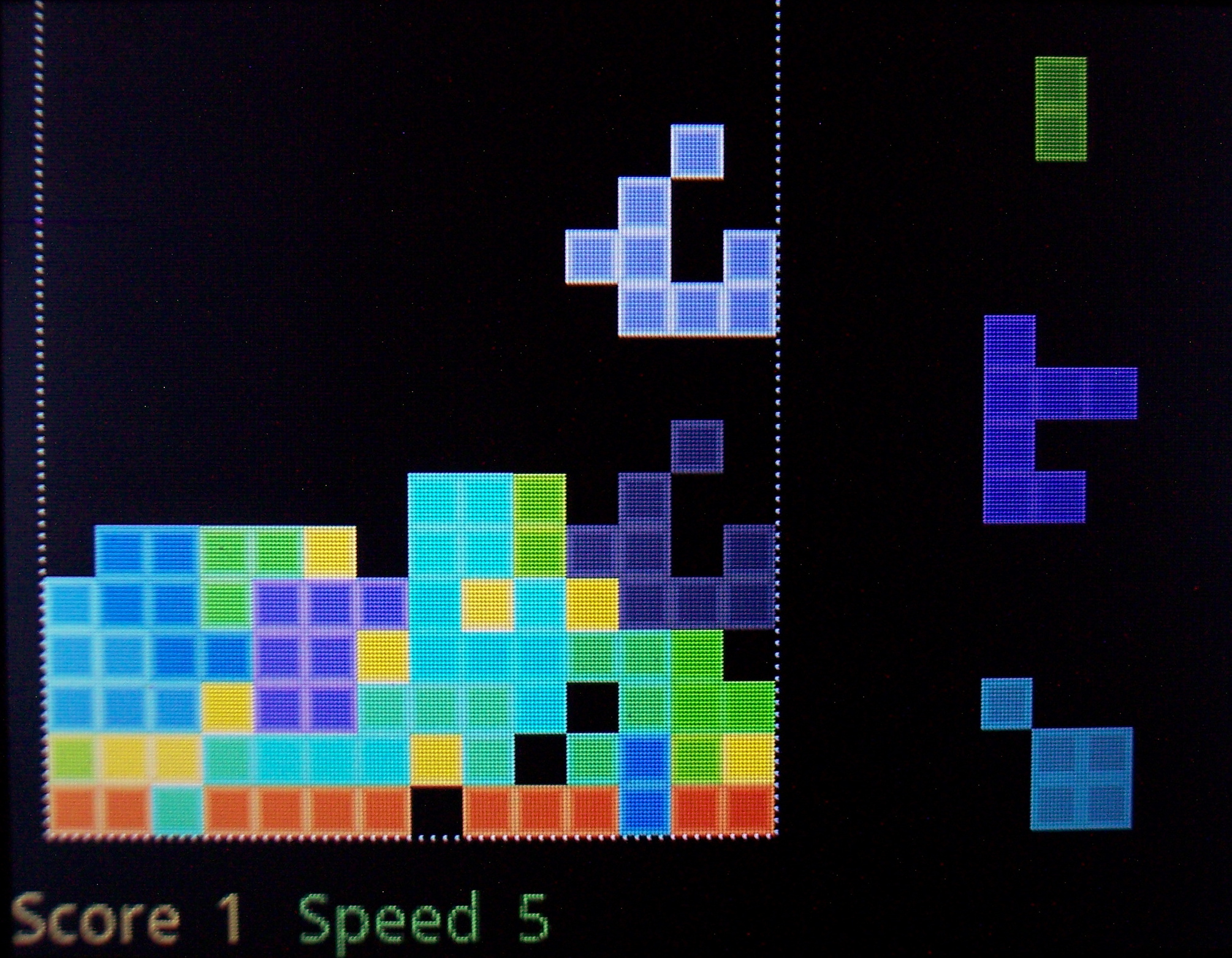
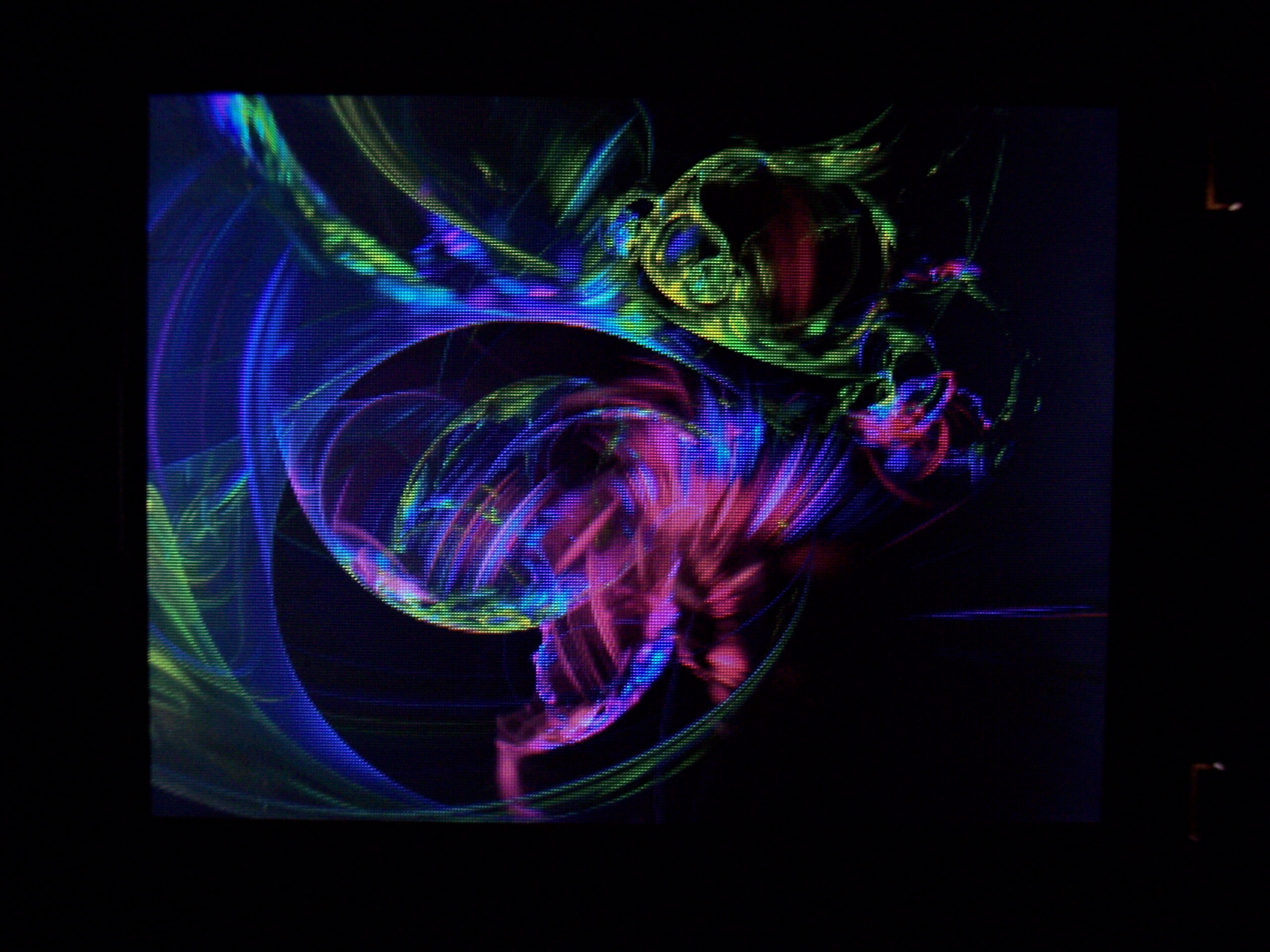
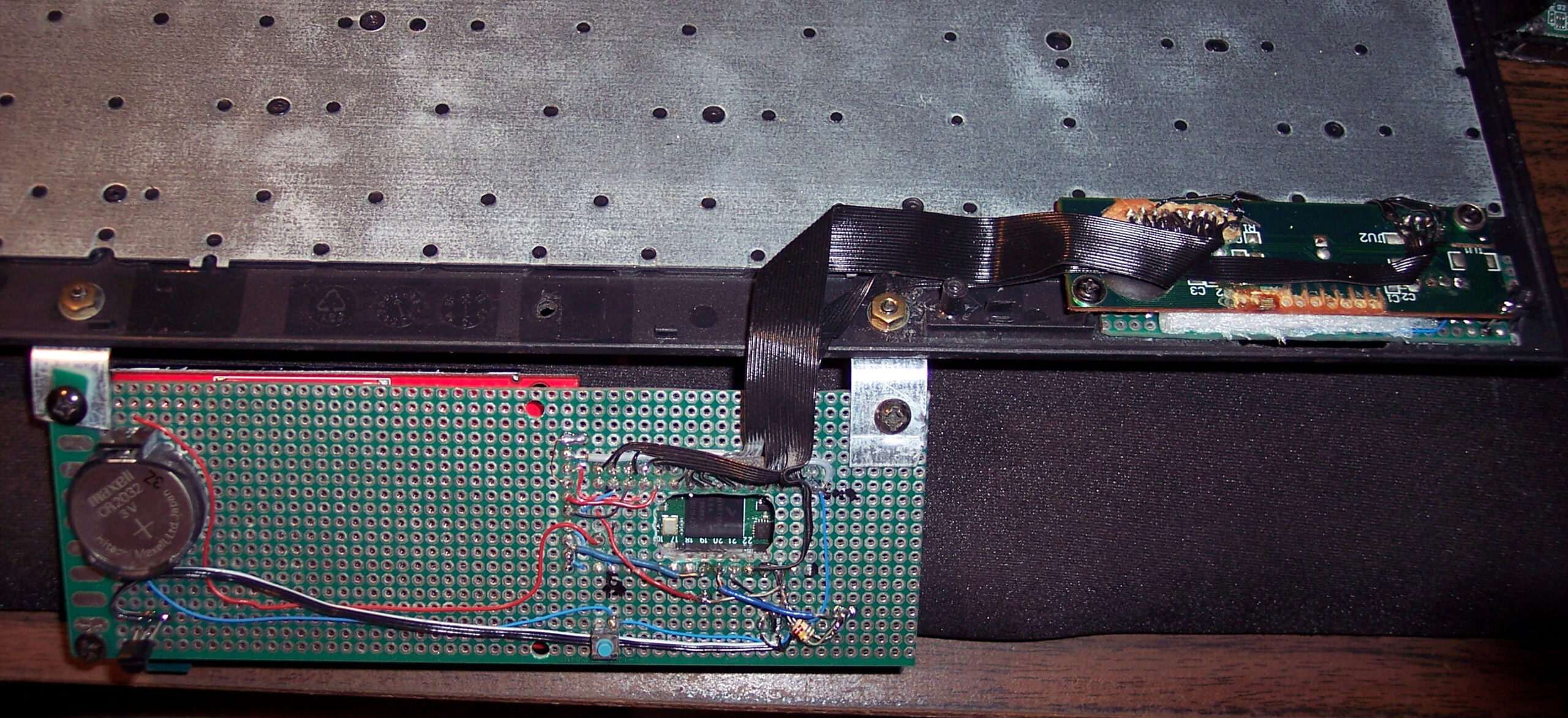
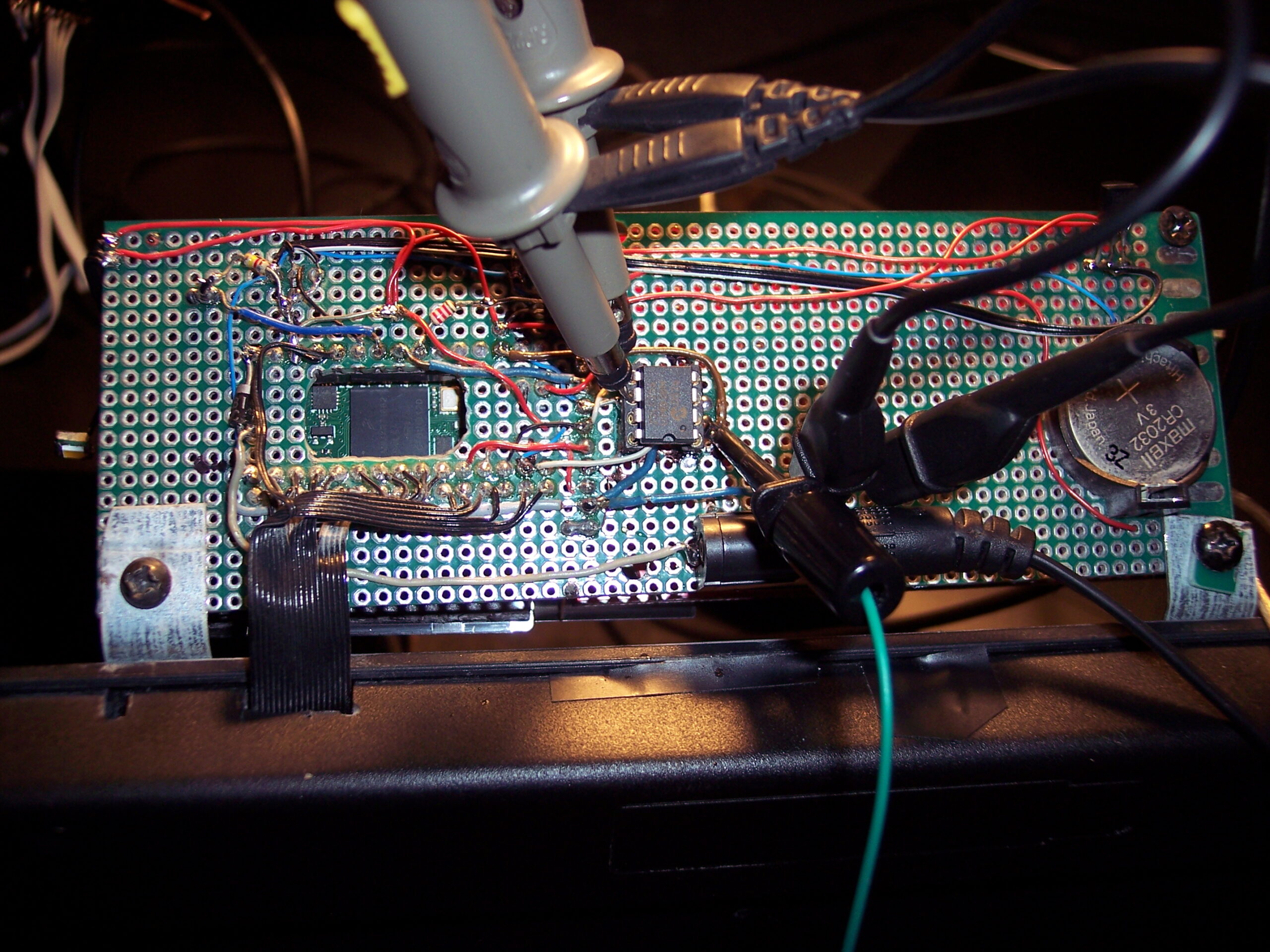
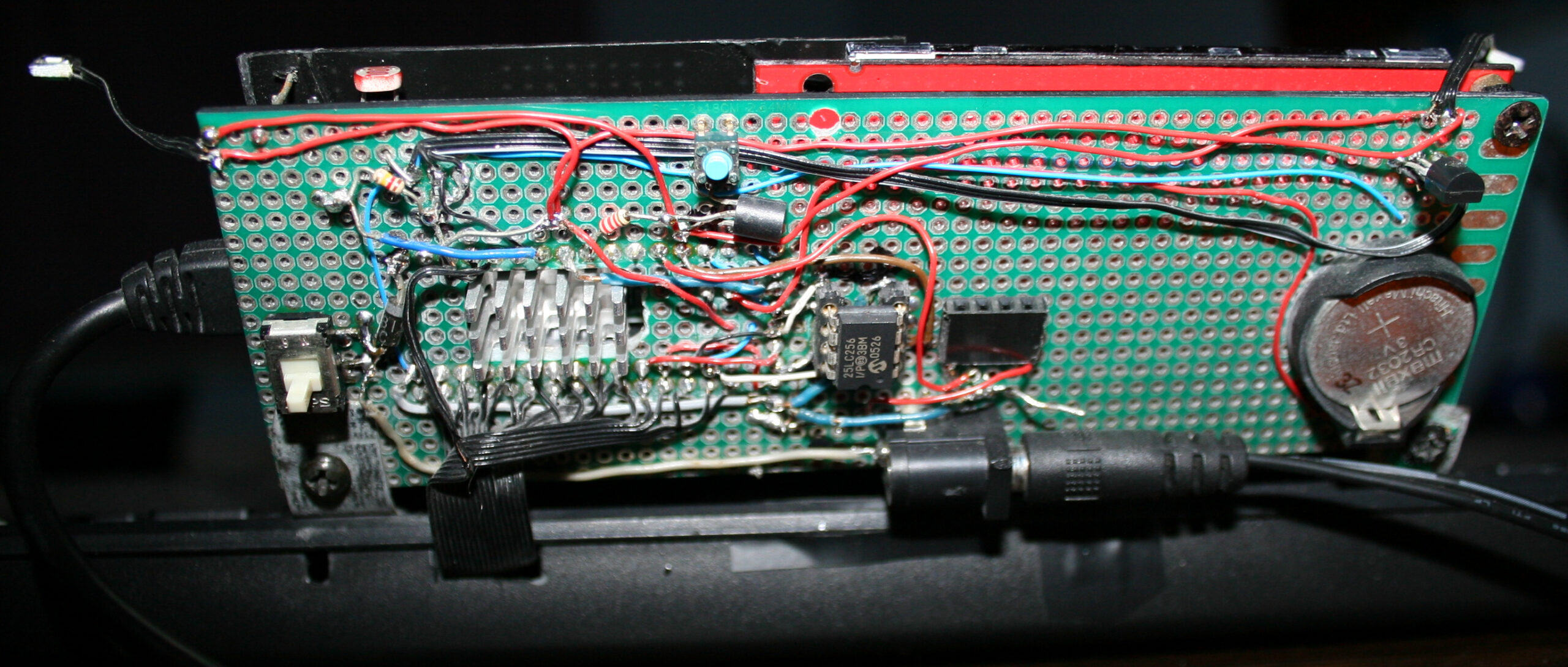
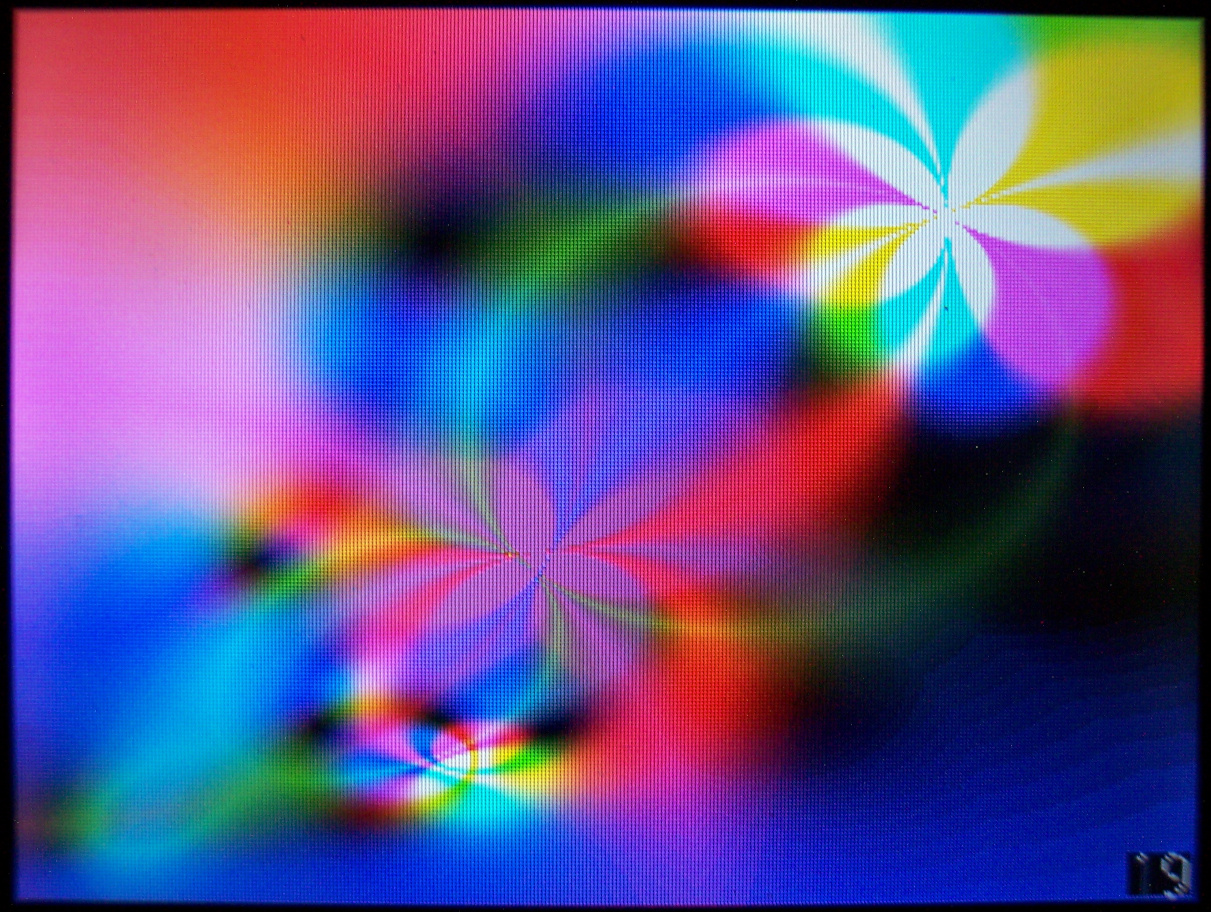
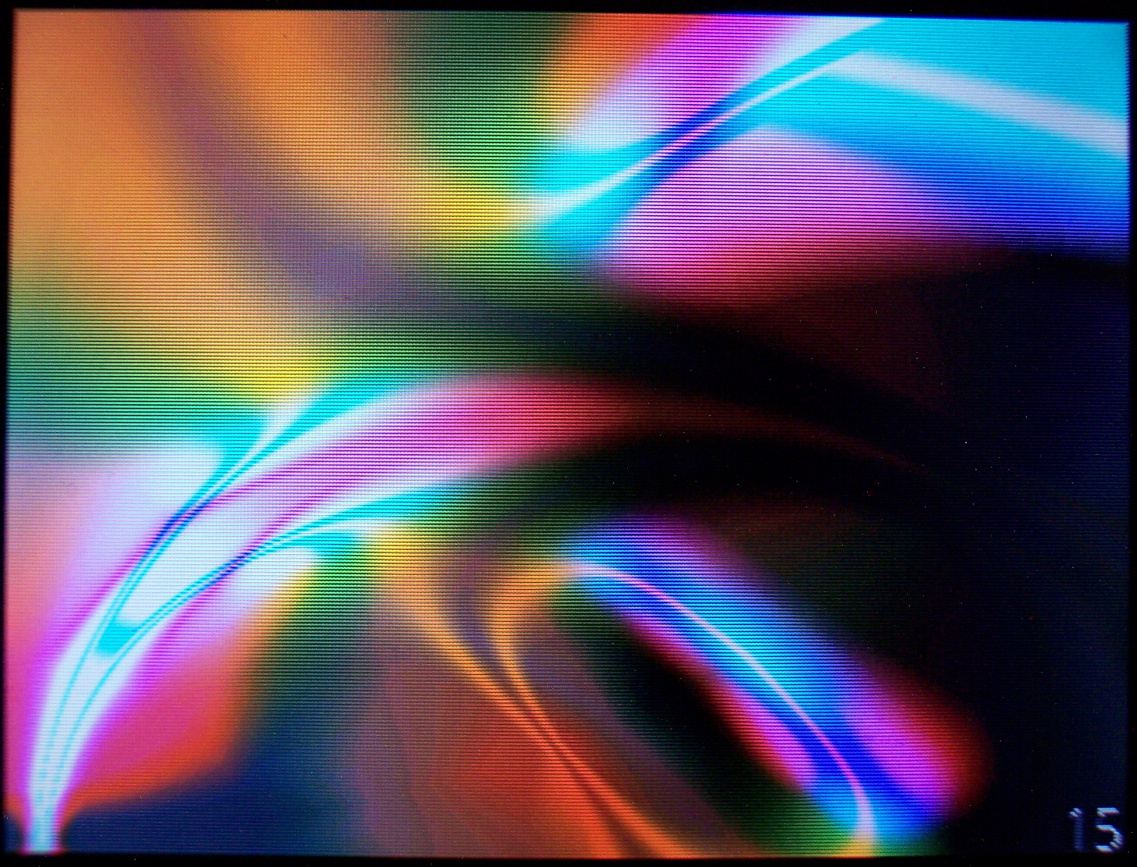
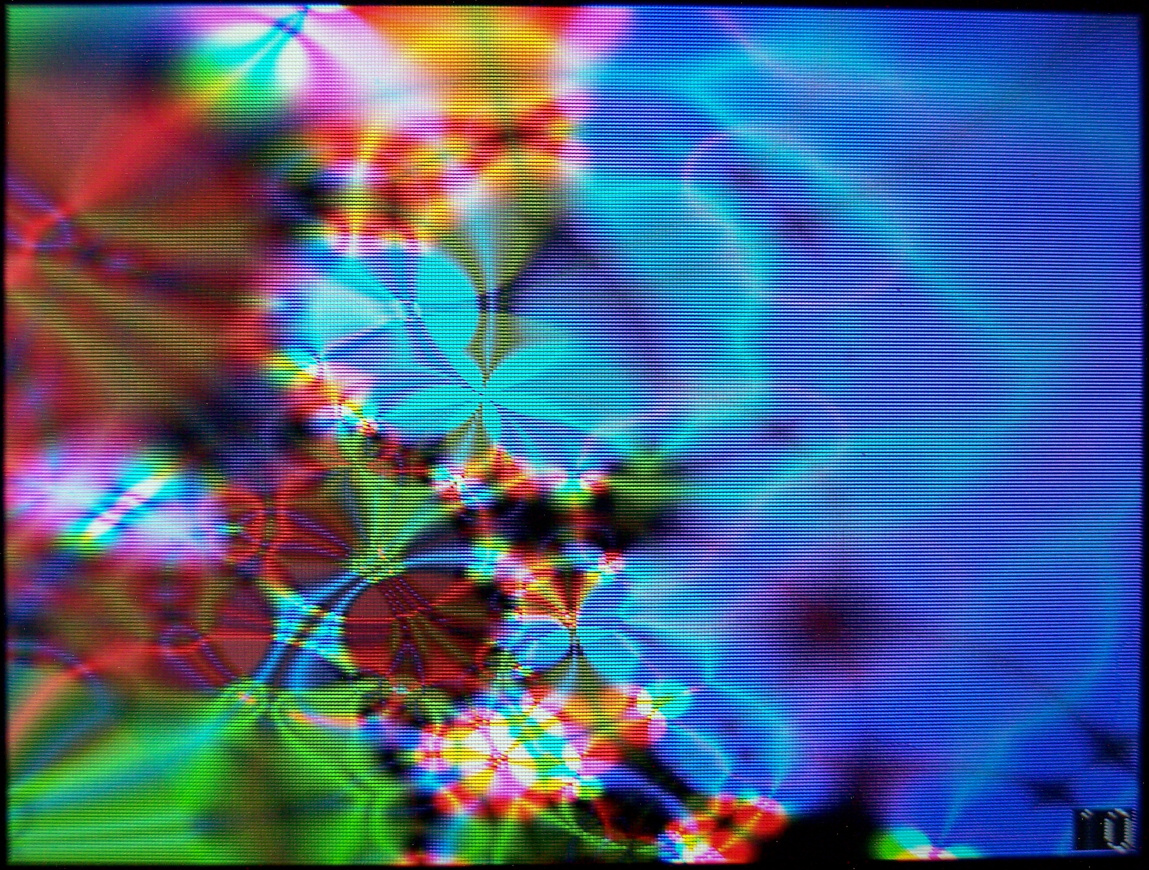
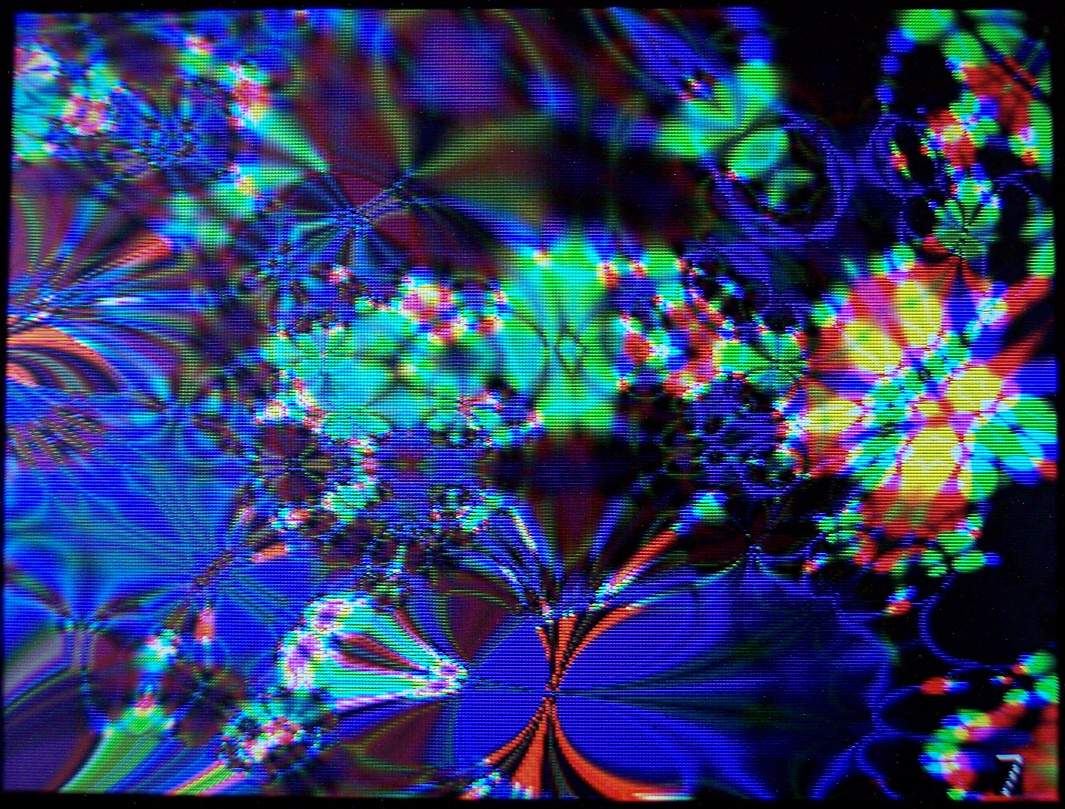
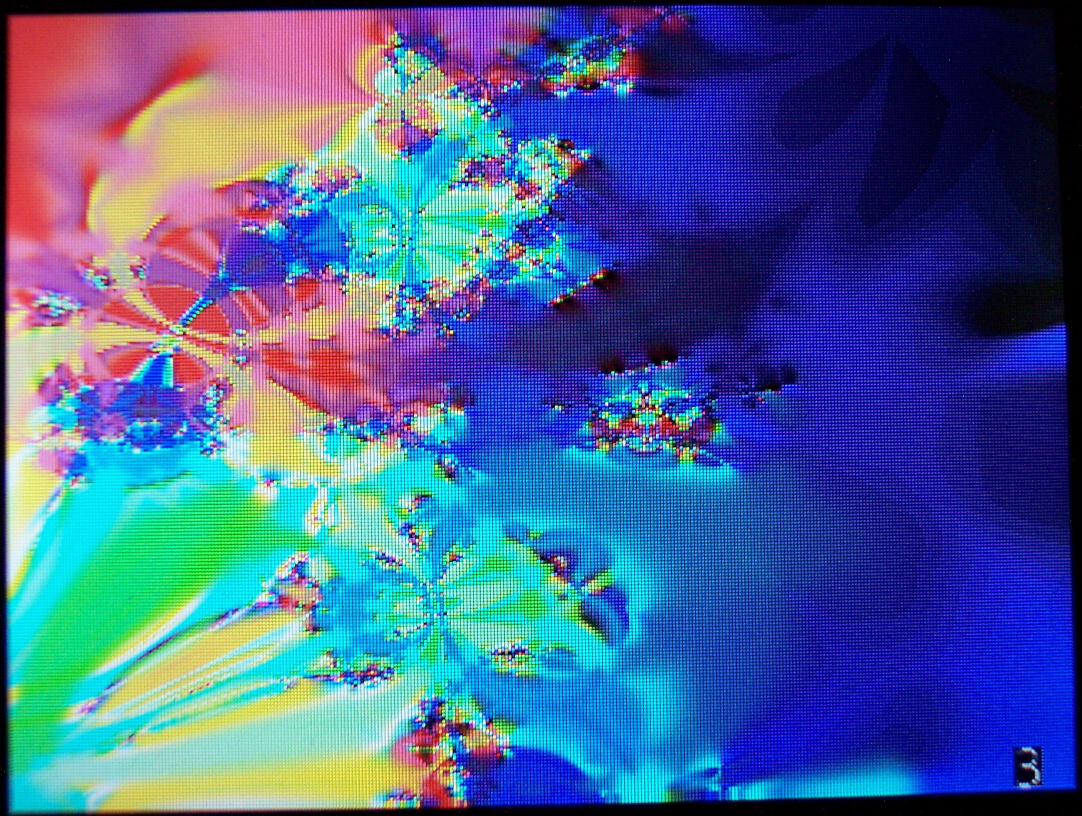
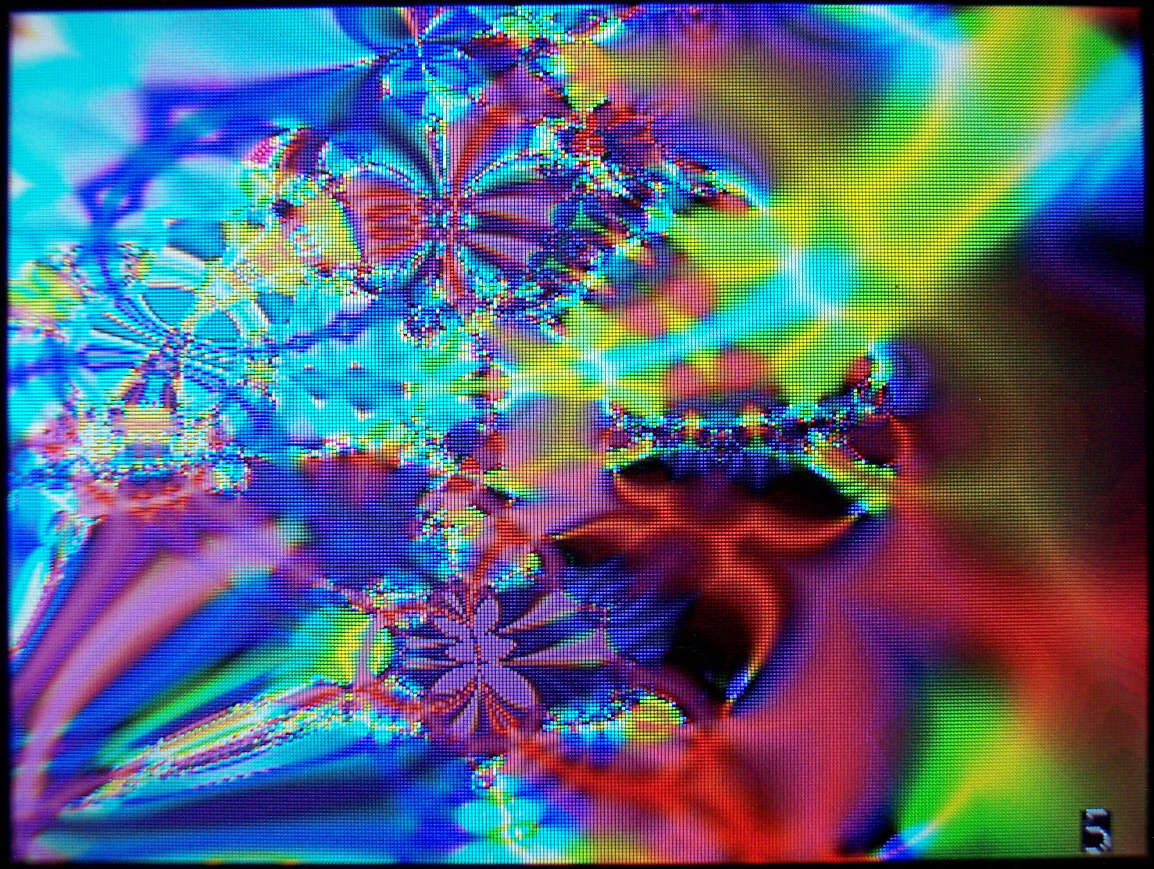
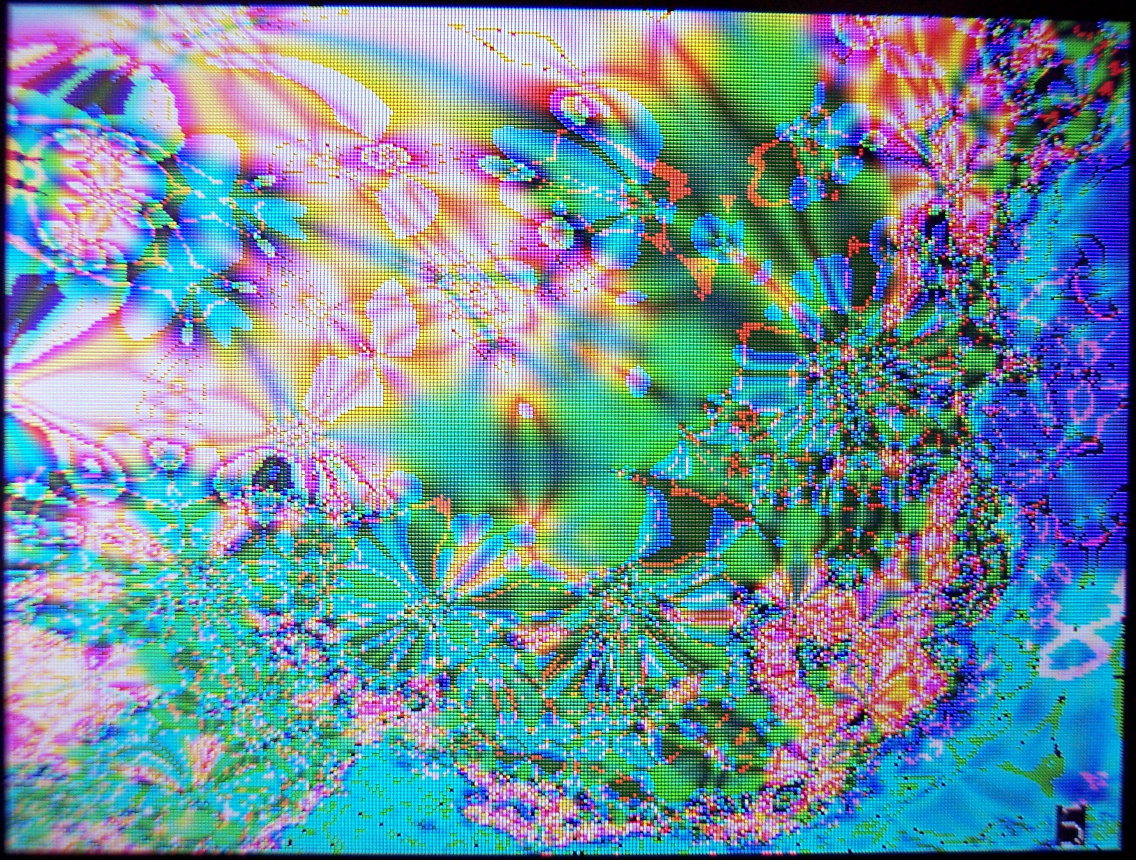
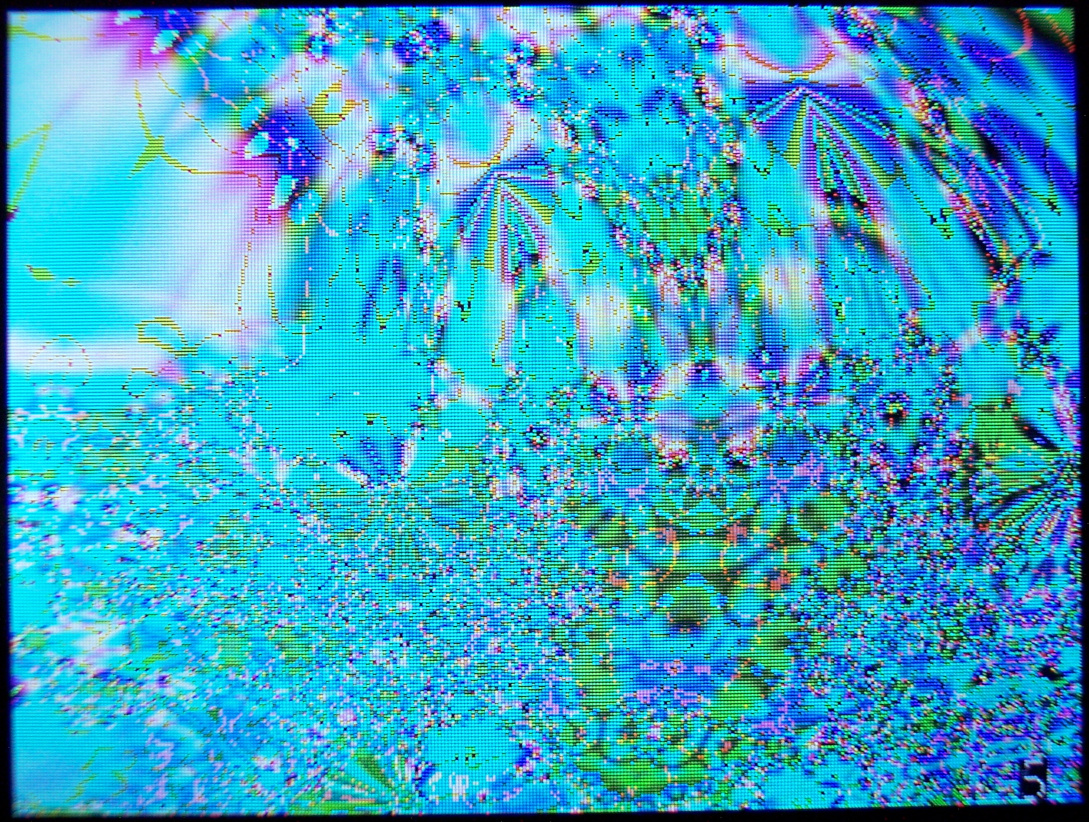
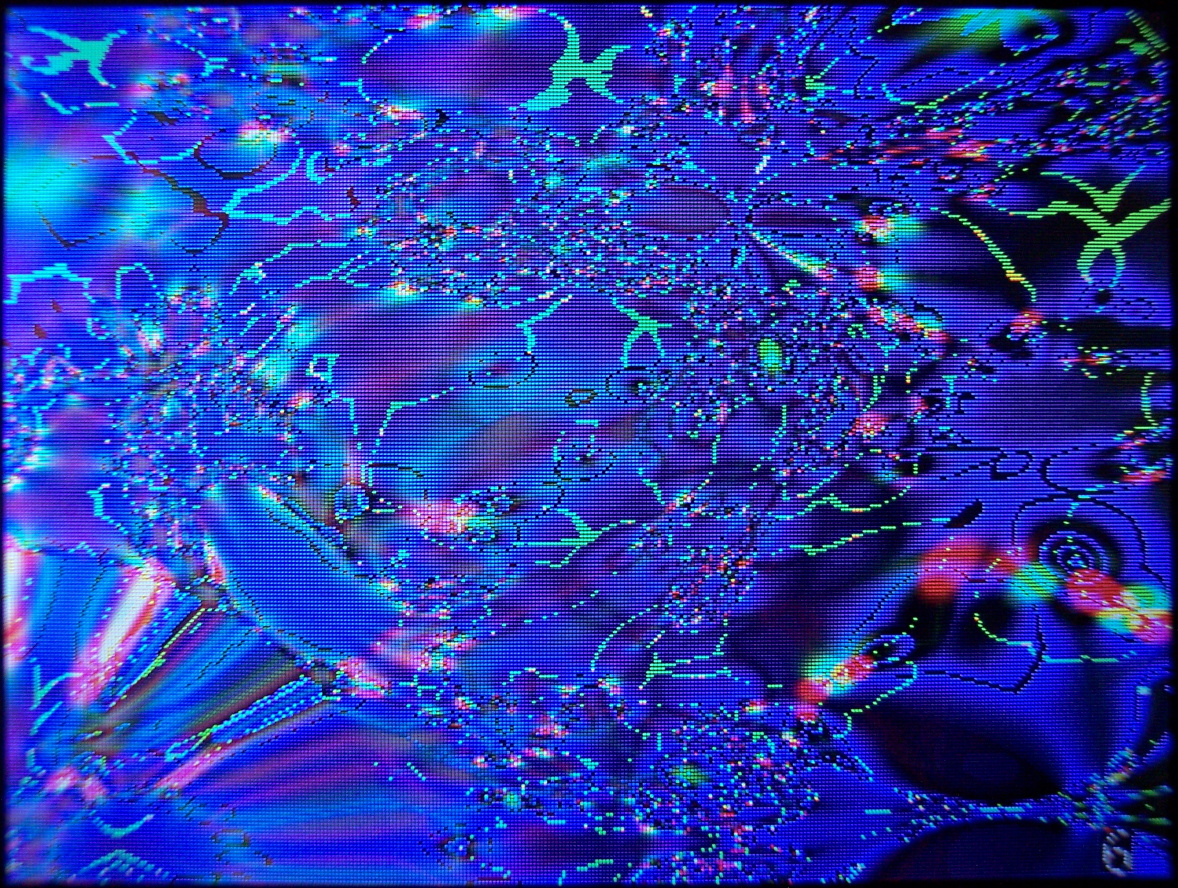
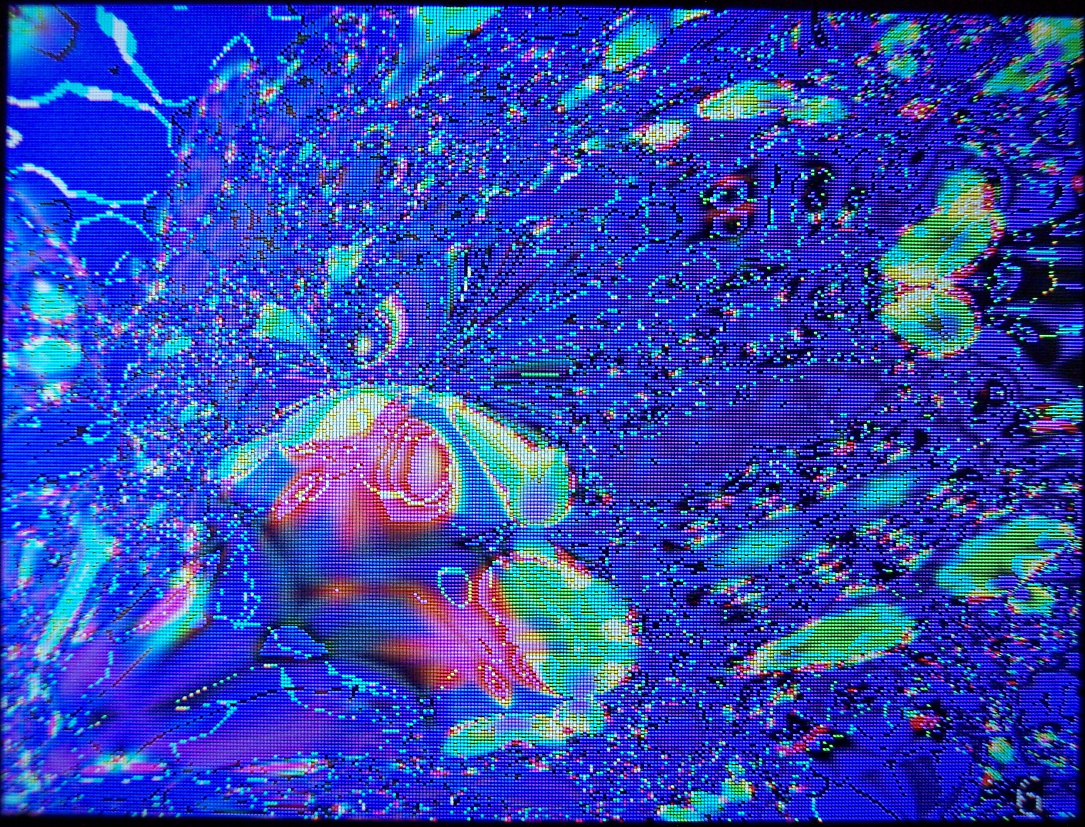
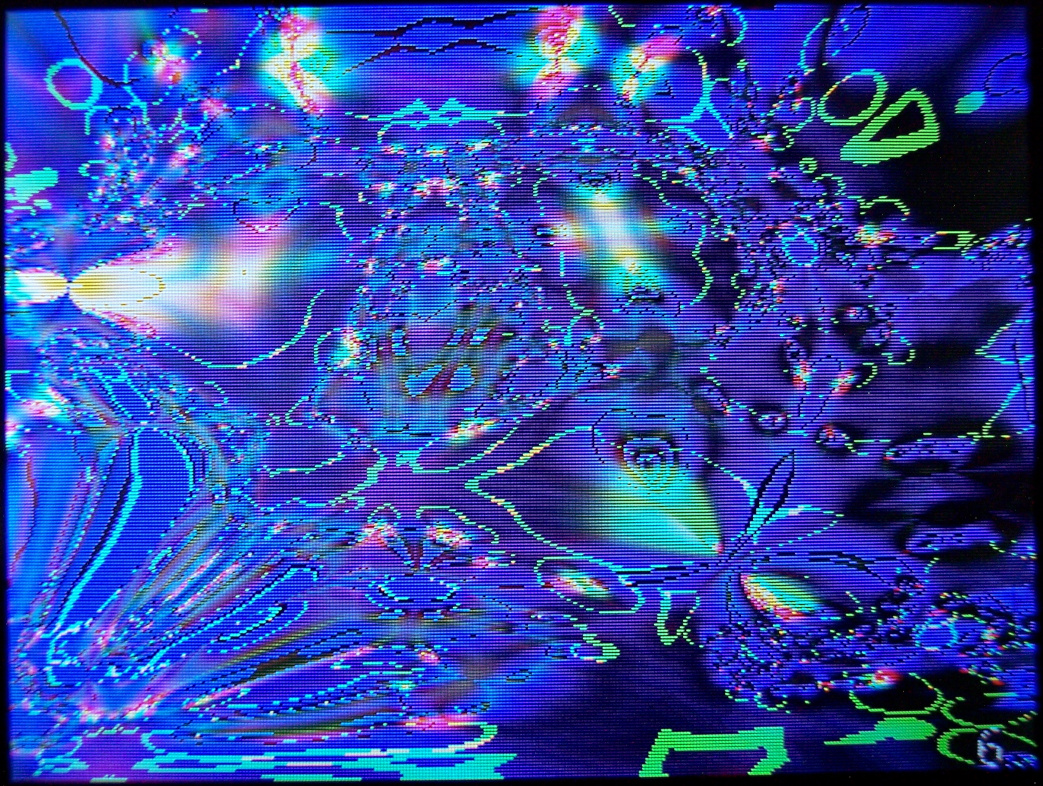
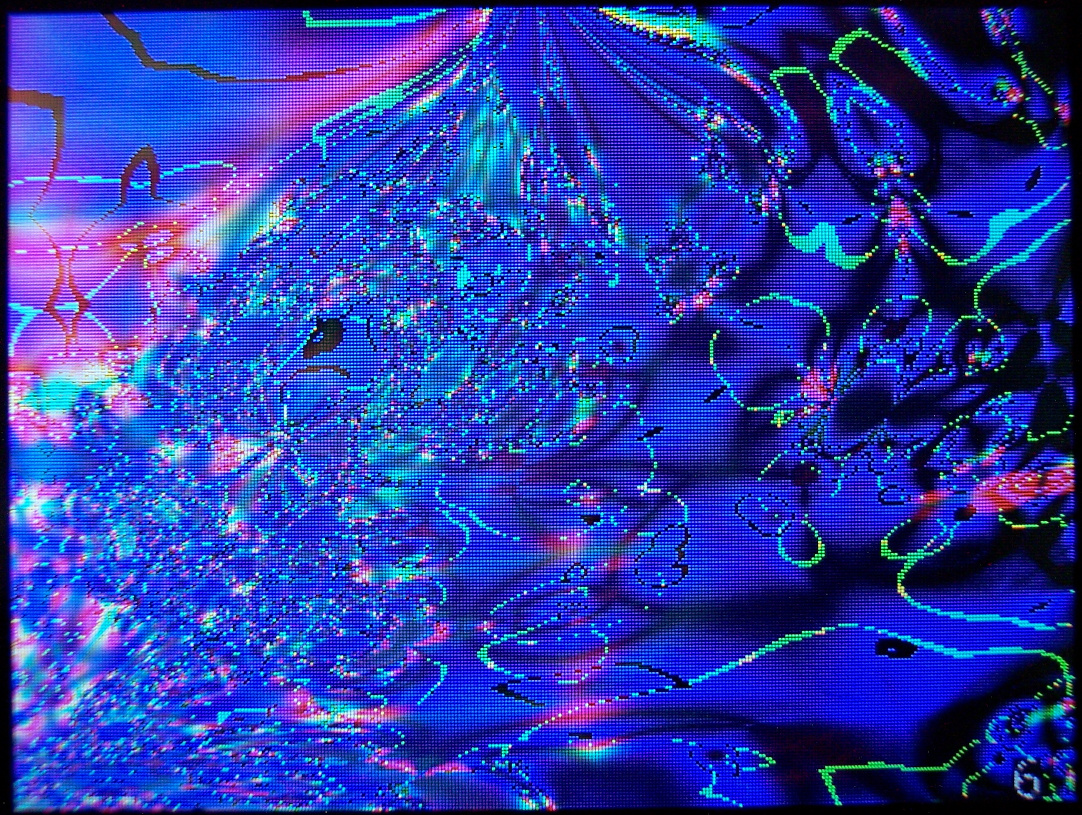
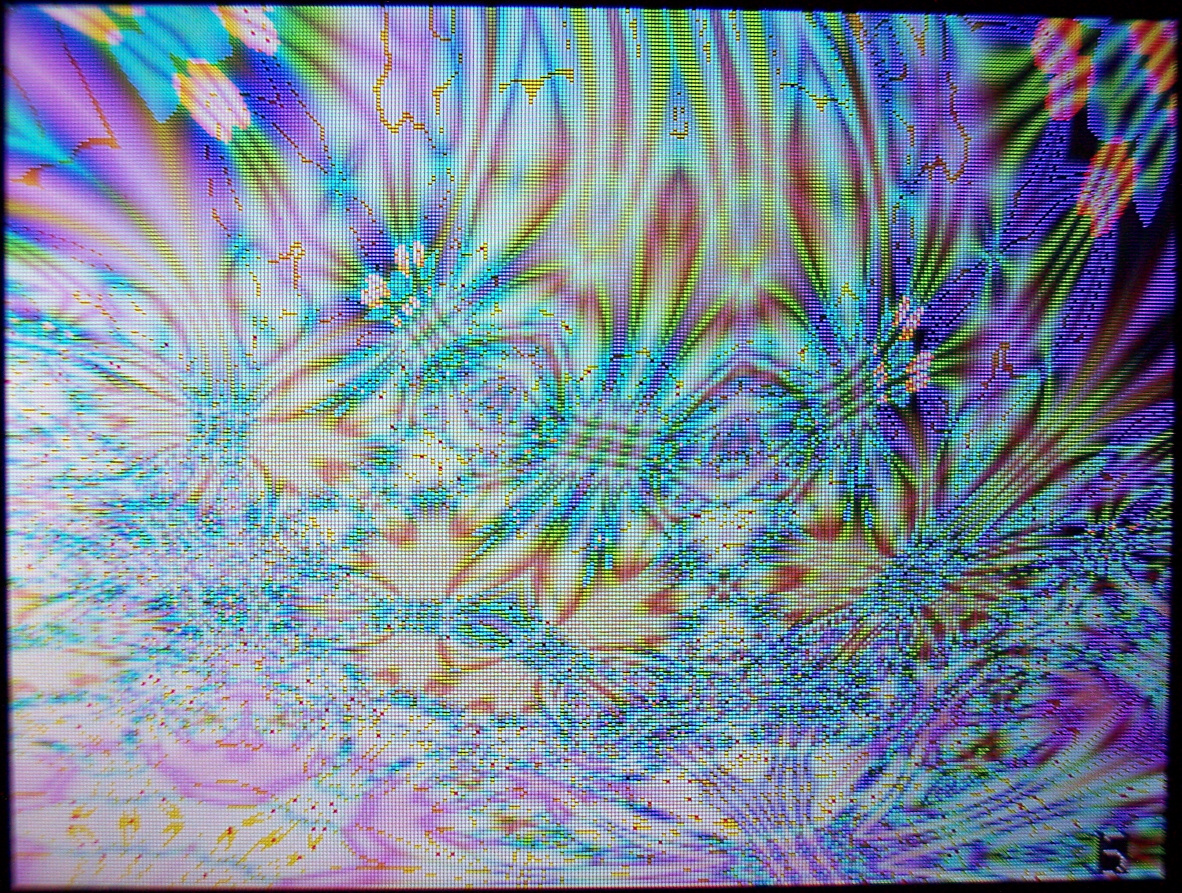
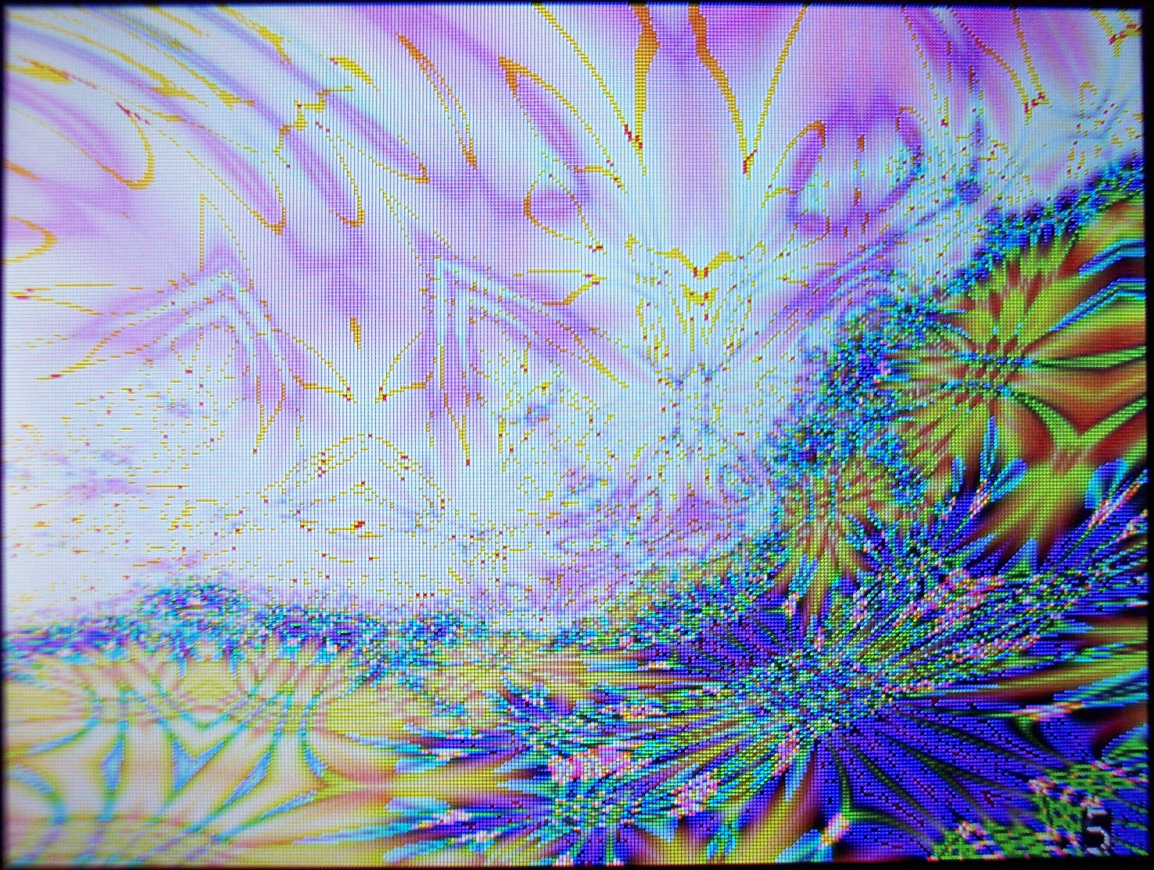
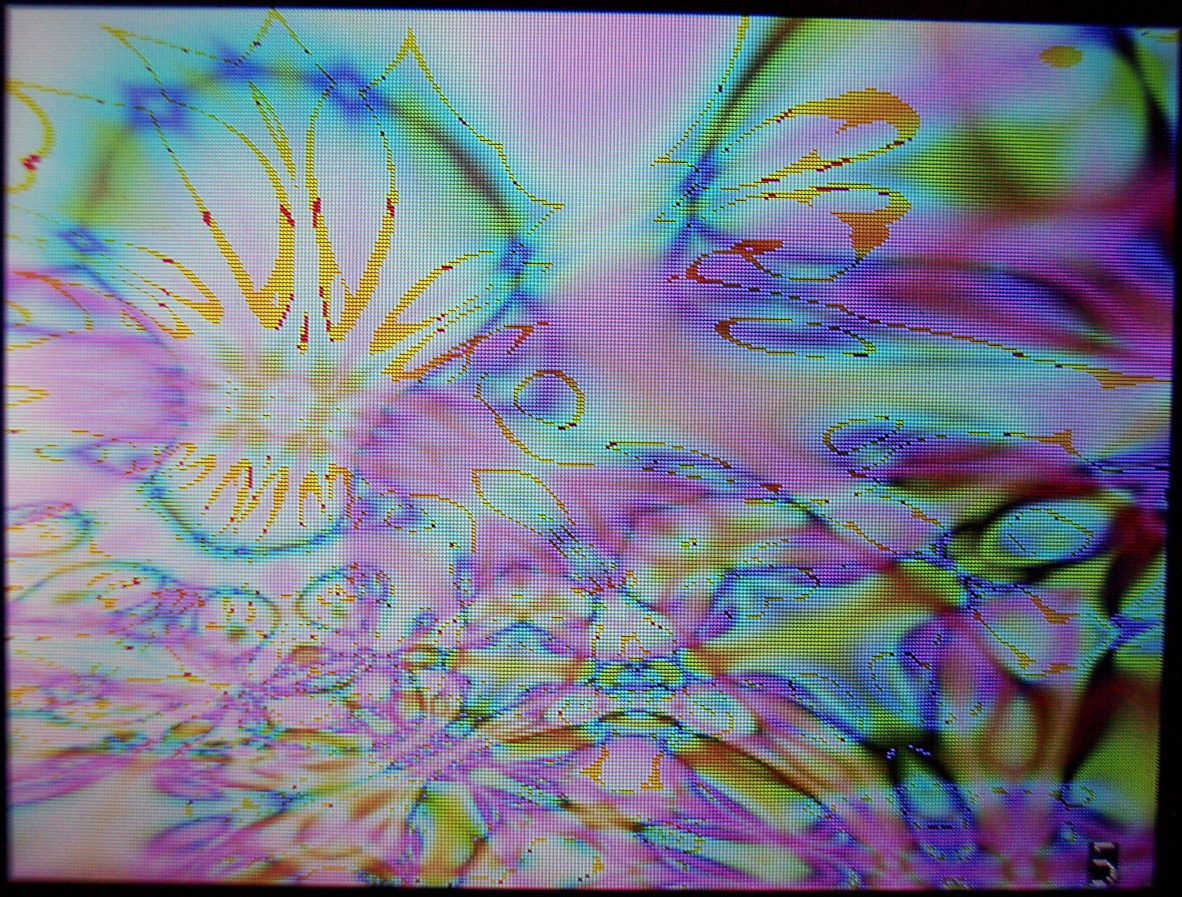
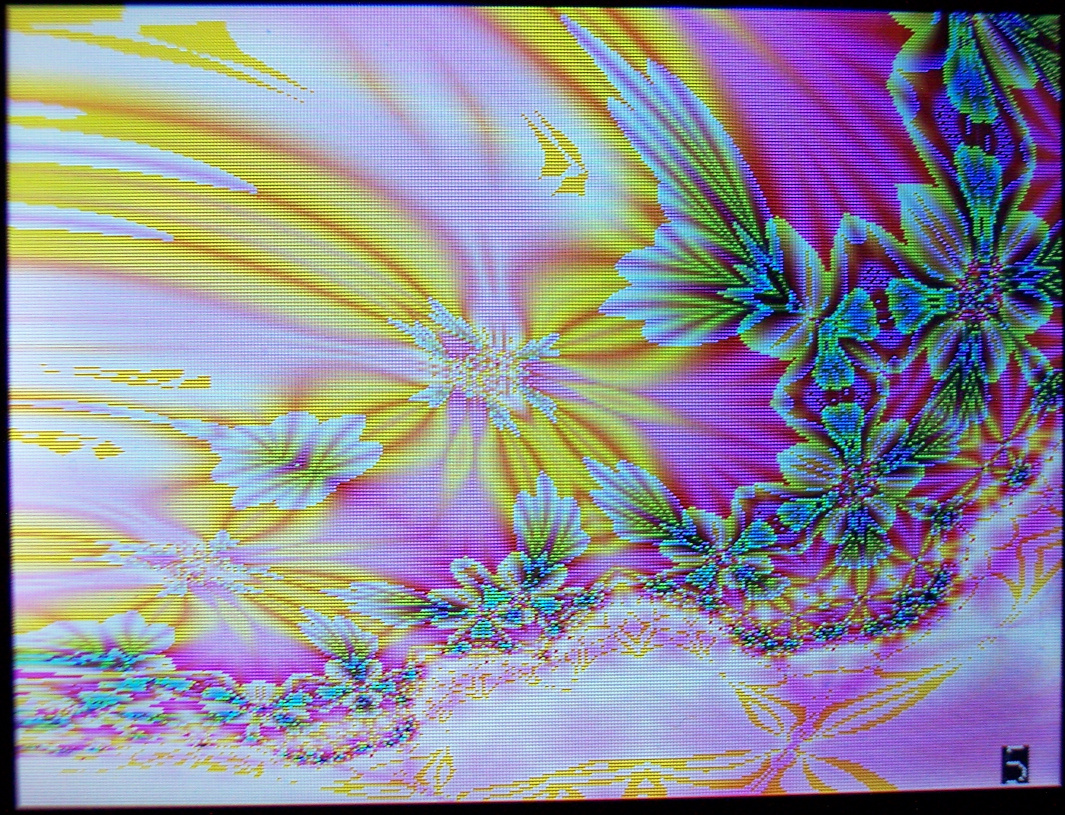
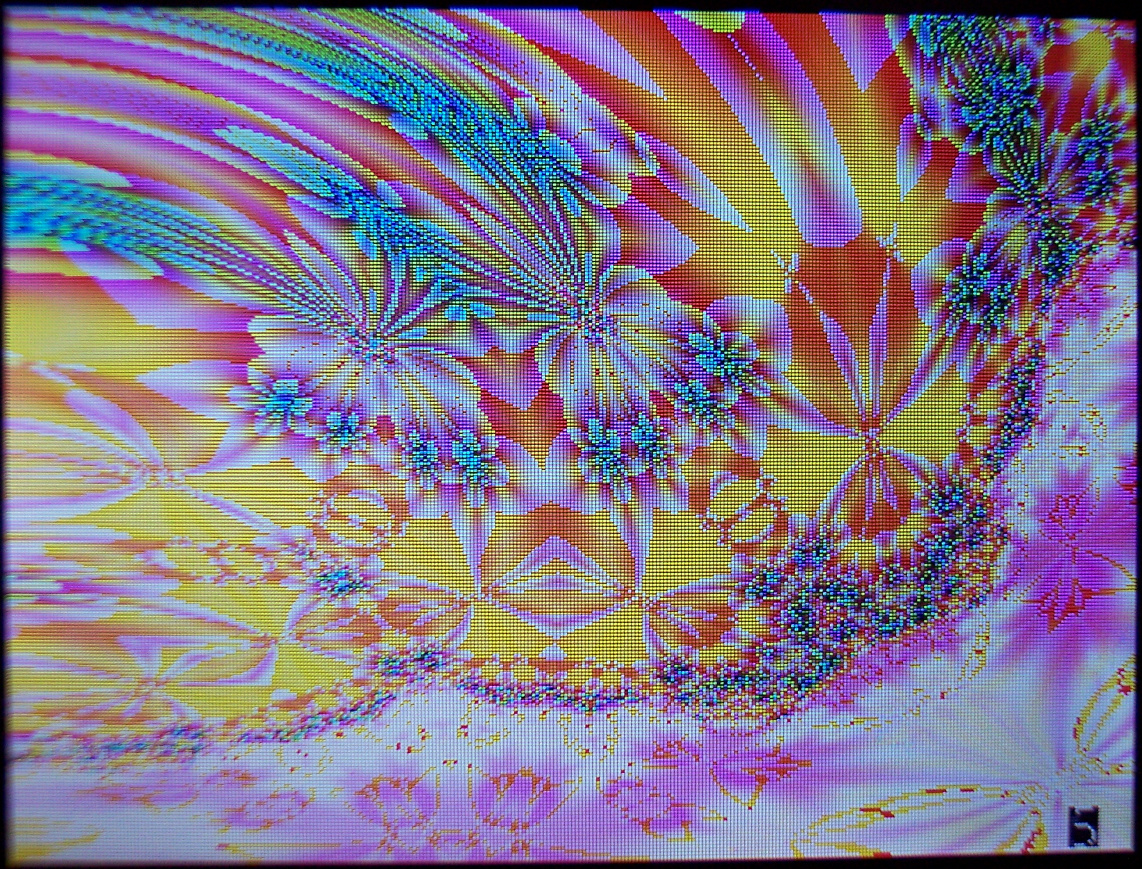
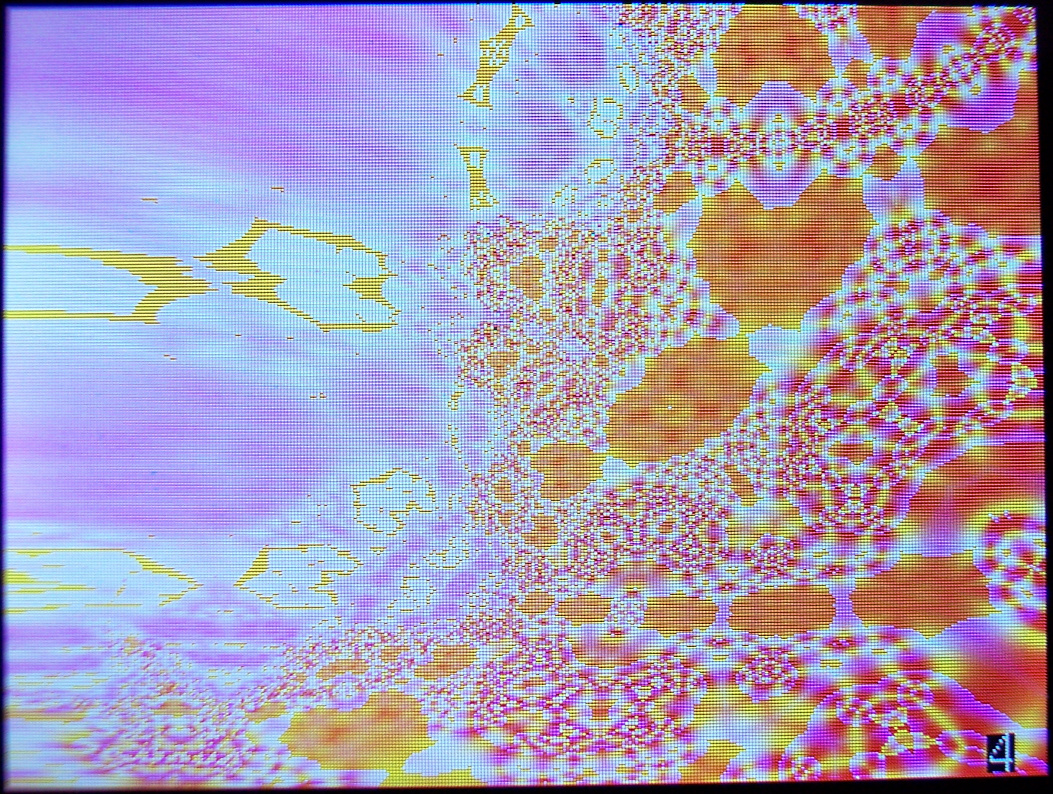
Then showing falling blocks game, a few pictures of PCB with wires. Finally showing Demos like: Plasma, 3D Hedrons with diagonals, and lastly many fractal renders (slow but unique).