2022,26 stm32 console 🎛️
C++, MCU, BluePill, OLED 128x64
⏱️Overview
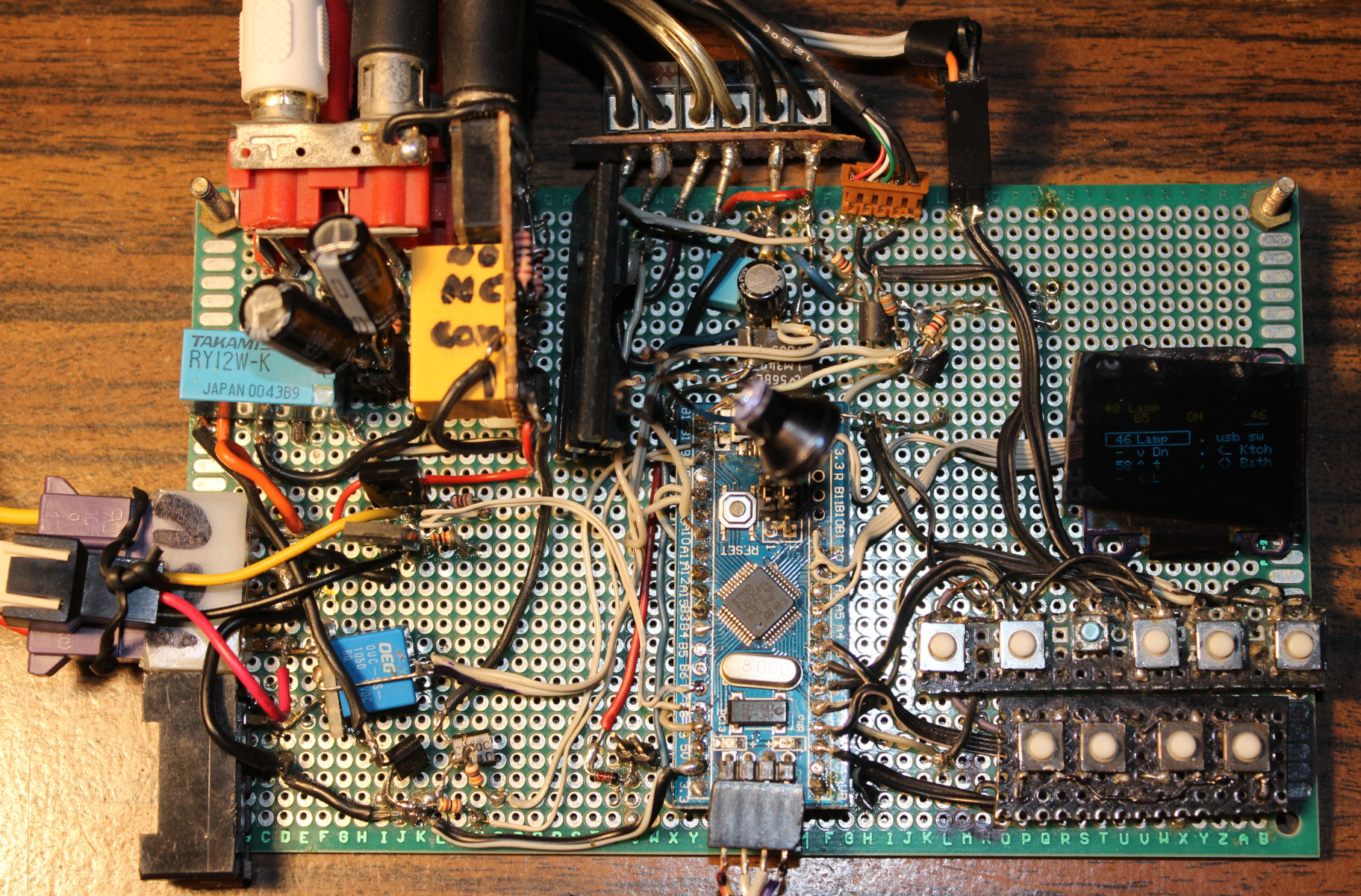
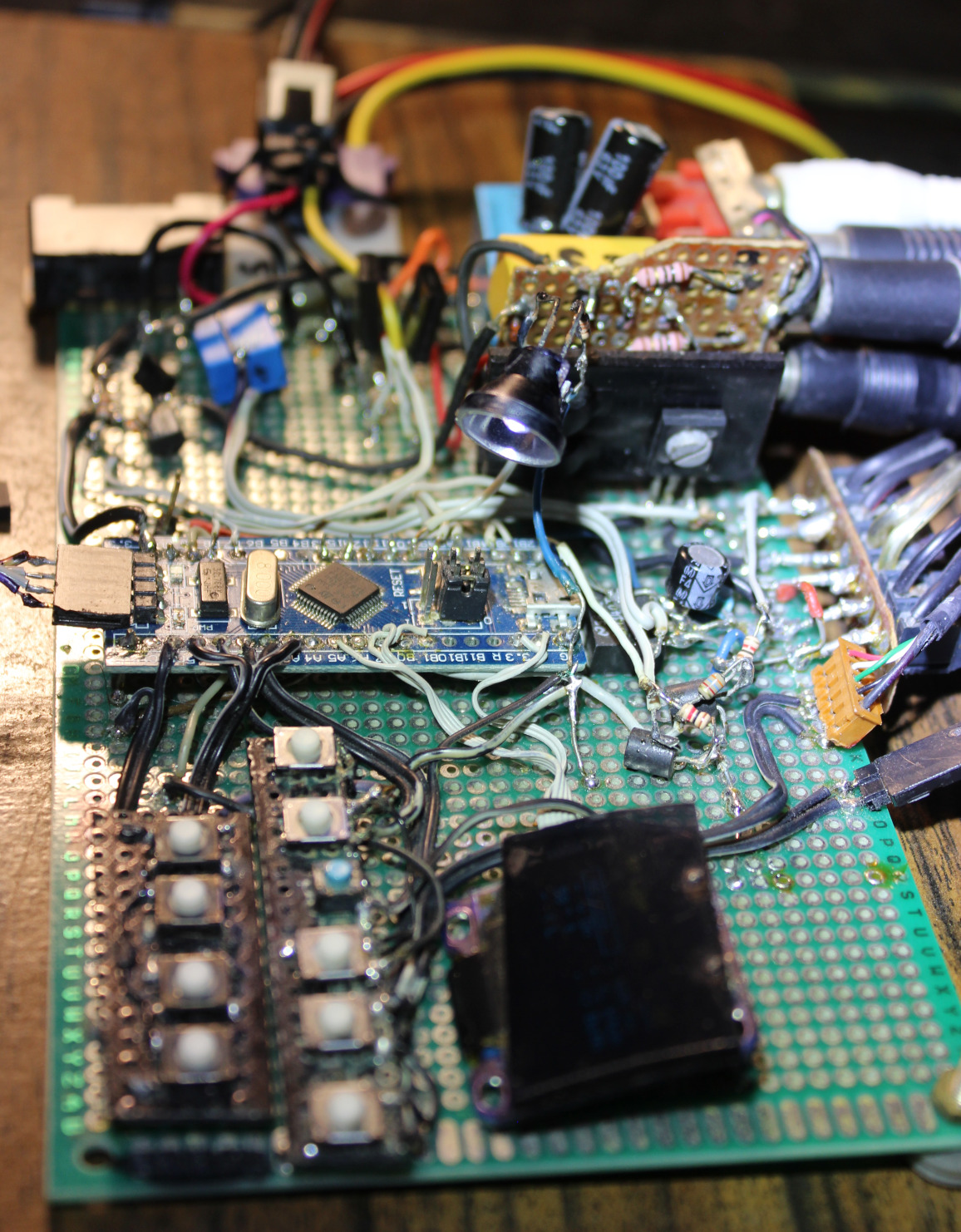
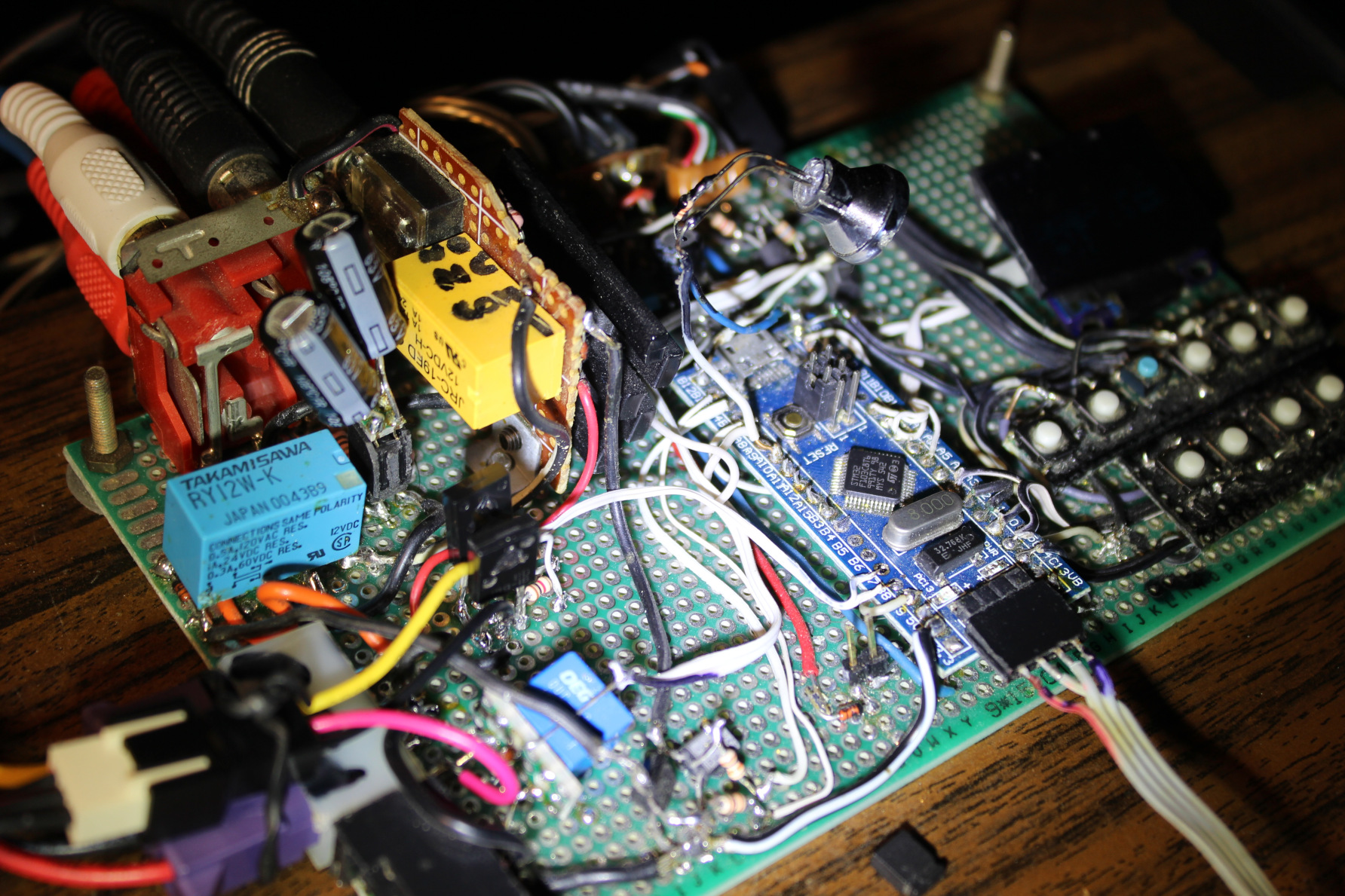
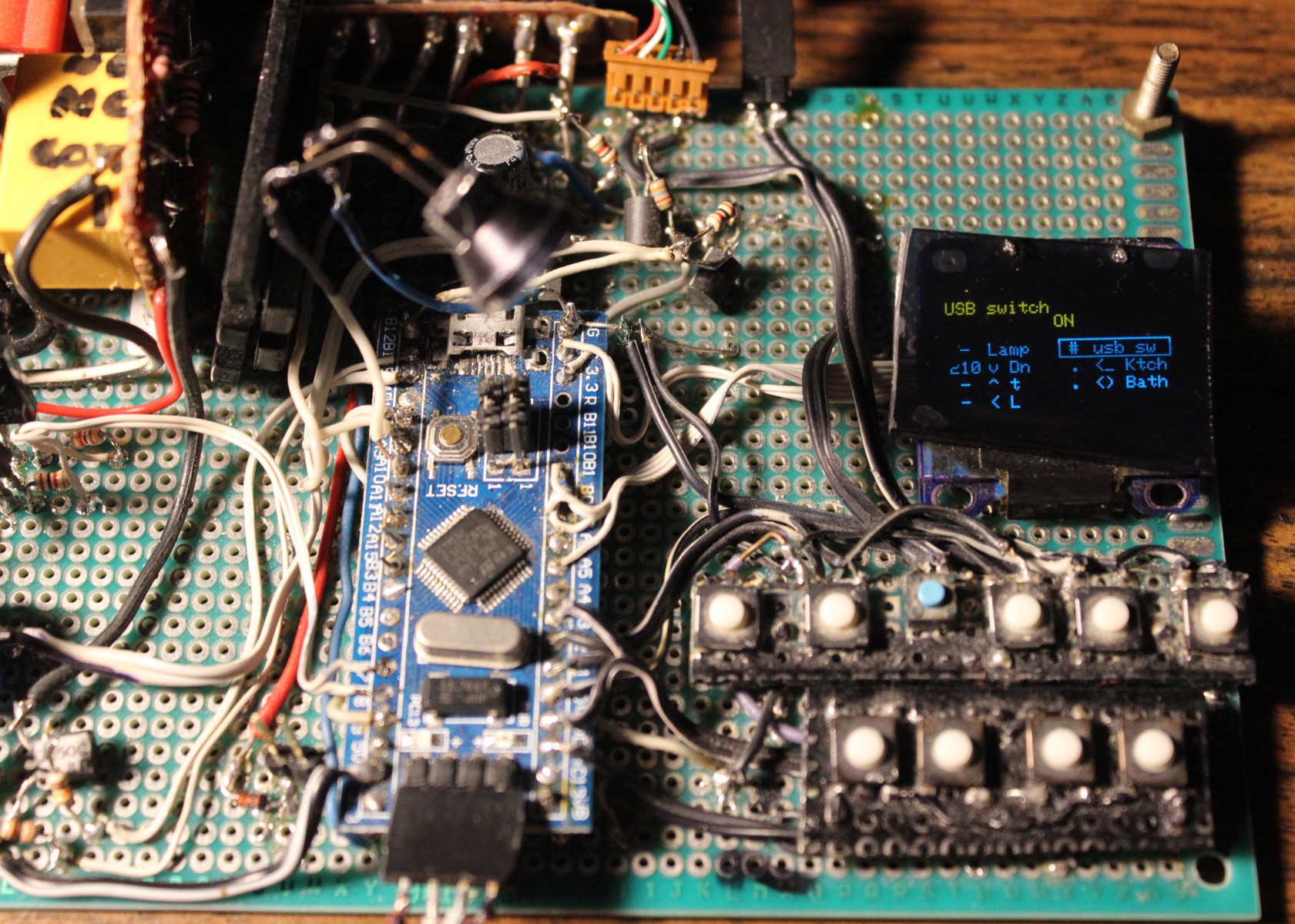
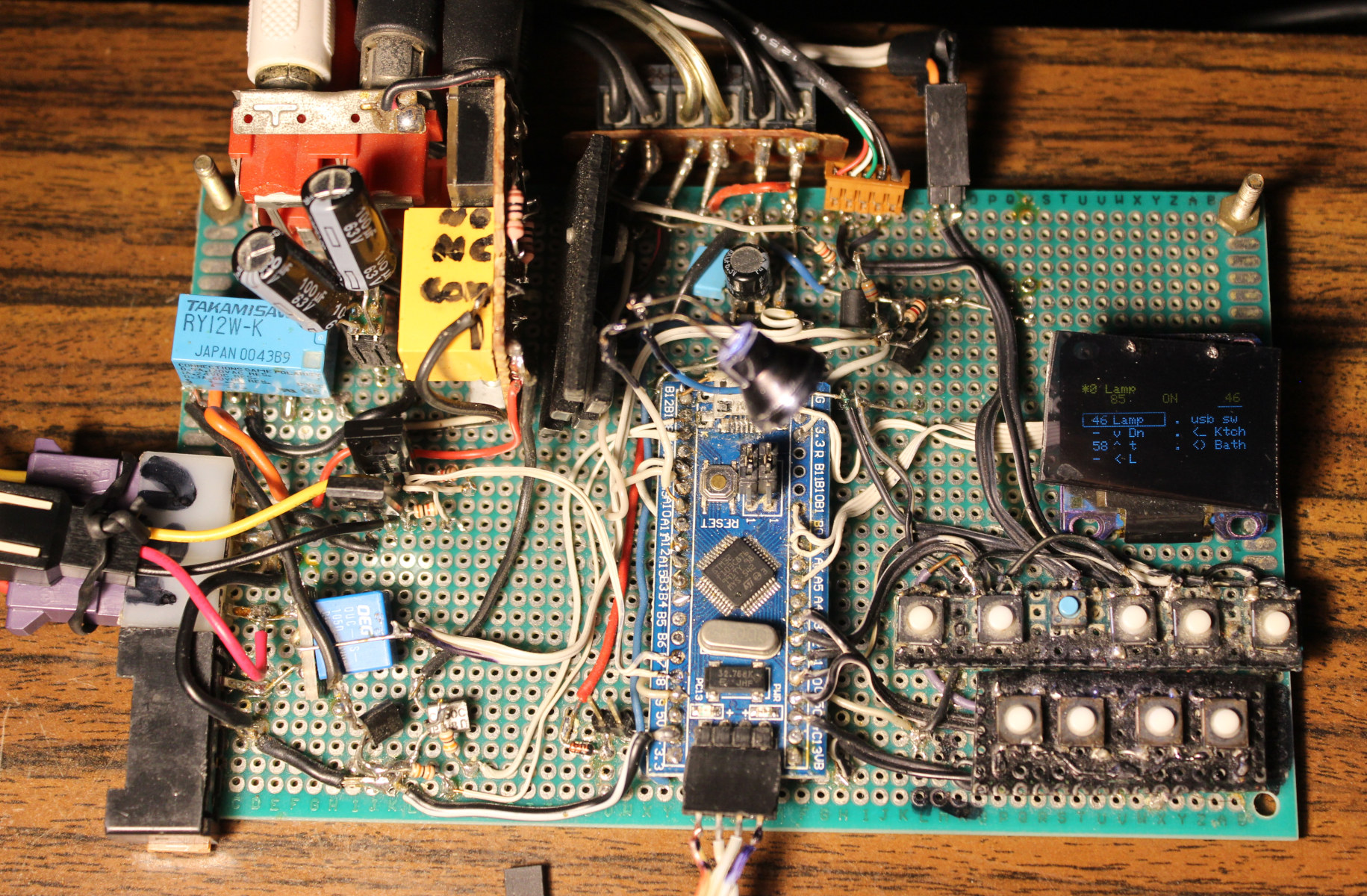
This is a tiny project, that took about 2 days in 2022. It uses the “Bluepill” MCU board with small OLED display. It has few buttons to toggle LED lights and relays for audio outputs and USB switch. In 2026 I improved Gui with menu and added LED lamp.
✍️Motivation
For many years (seems about 20) I was using just old logic chips. And it felt ancient, so I finally decided to do it with bluepill. I have a tutorial for microcontrollers here.
Having a small display is nice and informative. With many inputs and outputs (pins) left, there is still room for future changes or upgrades.
This “console” is very useful and has a place just left of my keyboard.
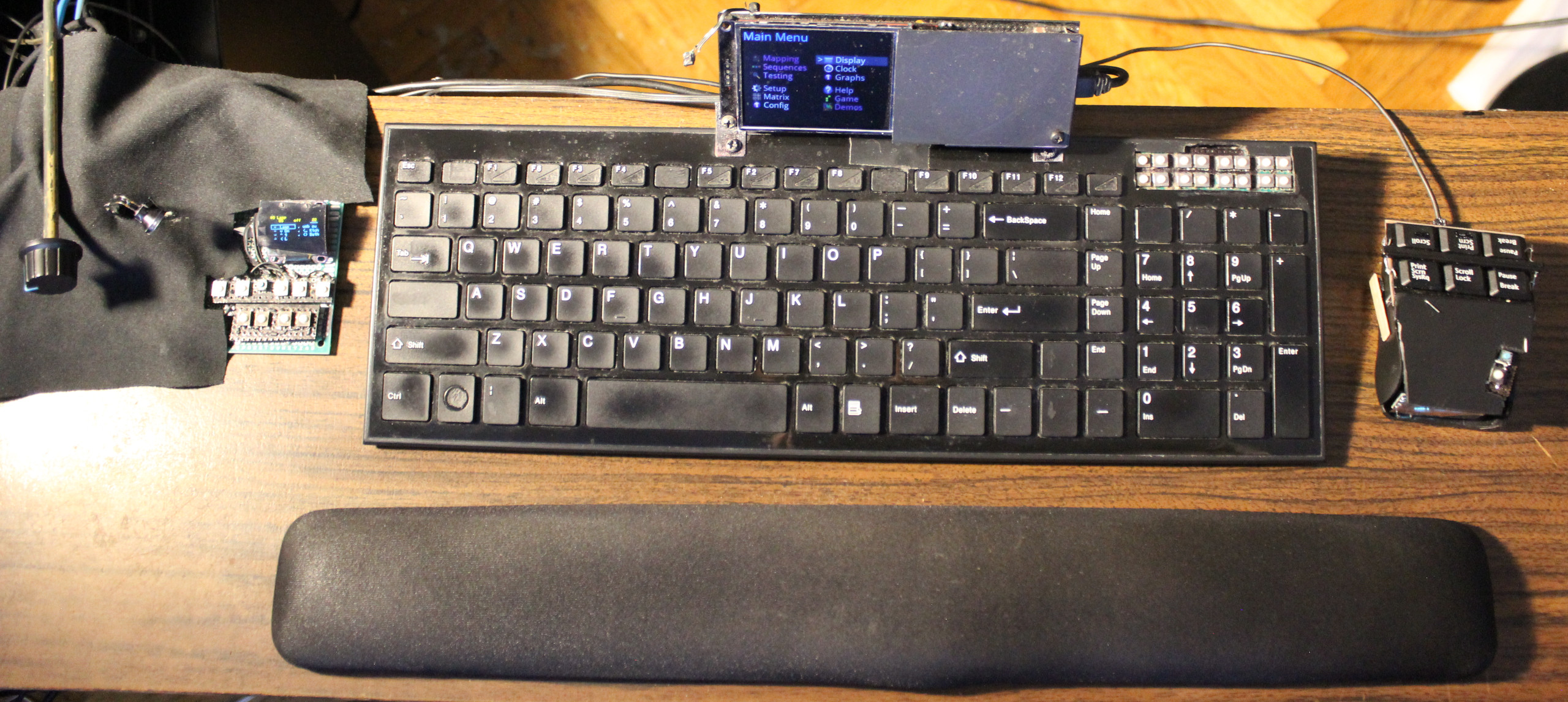
Visible on picture📸 of my movable plank / desk with also my keyboard ⌨️KC4 and mouse 🖱️MC1. Most recent addition on very left, is the new “knob on stick” for DAC’s volume🤣. Very useful and minimal, just looks weird🤨. Better than having heavy and warm DAC here.
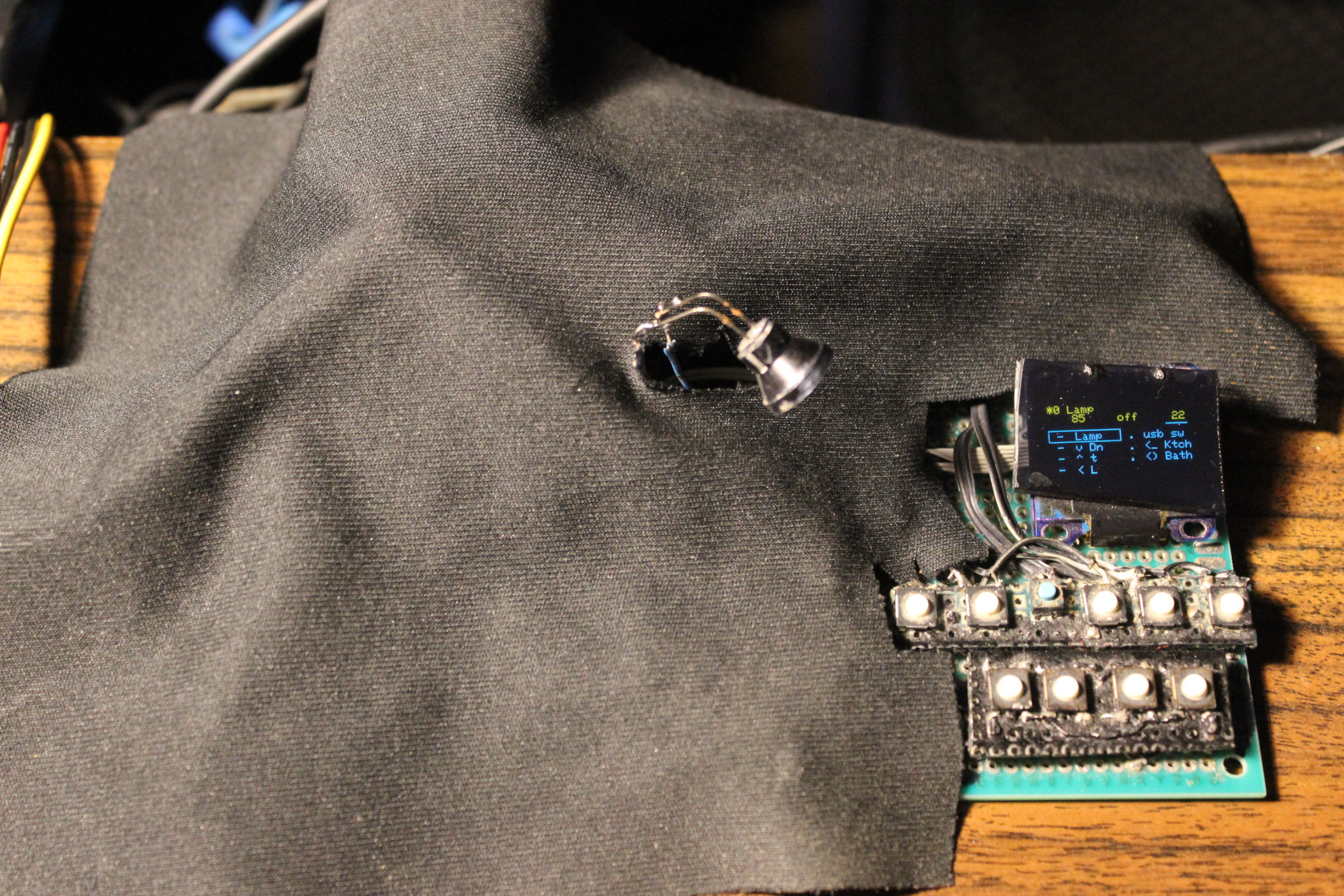
It has no case and likely never will. I’m just covering it with a black cloth, cut to match (picture).
📂Sources
Sources are here.
Actually just using that Arduino .ino since it’s a small project.
I was editing its code in VSCodium using my own theme as usual, then quickly building and uploading using the worst Arduino IDE 1.8.19, then 2.3.2 (still very bad). Its options are way too minimal, and it still doesn’t even let choosing syntax coloring themes. The alternatives didn’t work for me, and are harder to set up. So Arduino still is the easiest to use, but not really an IDE.
📊Features
- STM32F103C8T6 “Bluepill” MCU – cheap, but decent.
It has many outputs (GPIO), still few left. No need for anything faster. - OLED display, 1 inch small, 128 x 64 mono (top yellow, rest blue, SSD1306, SPI).
For Gui menu with list of all outputs, and details on top, for one selected. - Few buttons, to navigate Gui and change values. Using 8 microswitches (lightest 0,5N press force).
The 8 Keys are: Up, Down in list, On/Off toggle, Dec -, Inc + value, toggle Gui auto hide, toggle mode (bright or balance for lamp), toggle all lights. - Outputs:
- 🛋️LED lamp (has 2 pins yellowish and blueish) with balance value to adjust between warm white and cold.
- 💡3 LED lights (left, down and top) – on/off and adjusting their brightness (PWM outputs).
- 🔉Audio DAC output to: speakers / headphones / bathroom (using 2 double relays, and 12V from PC PSU).
- ⌨️USB switch. A relay directs 5V from PC PSU to my own USB switch that directs 2 USB (keyboard and mouse) between either PC or laptop. The switch uses 6 relays (5V), not best, as it needs about 3W when on.
- Just as a place to mount my 2 other important buttons:
- LCD monitor input switch
- PC power on/off
If I’m not using a 2nd PC (laptop) then LCD monitor input switch and USB switch aren’t needed.
📷Gallery
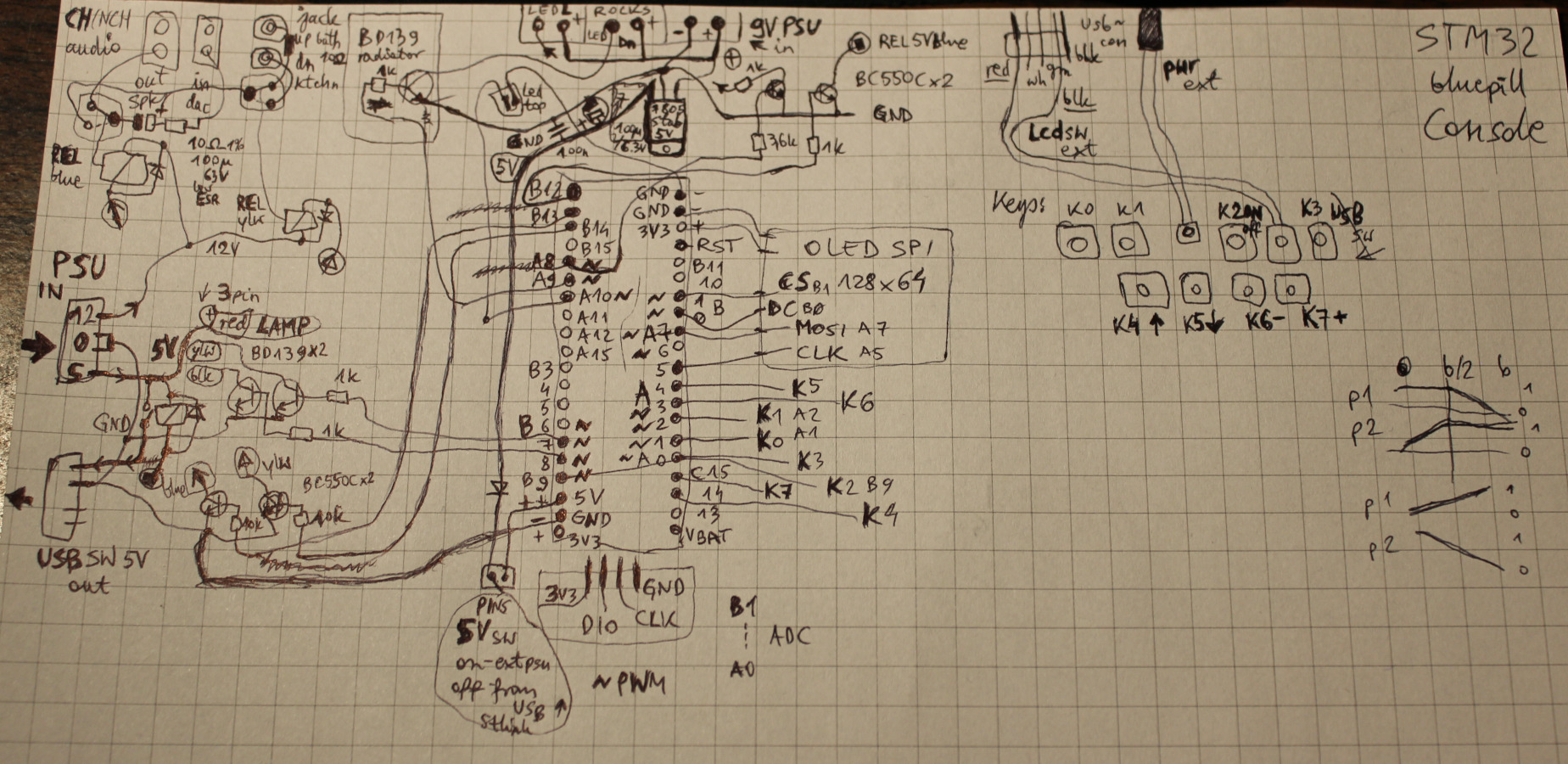
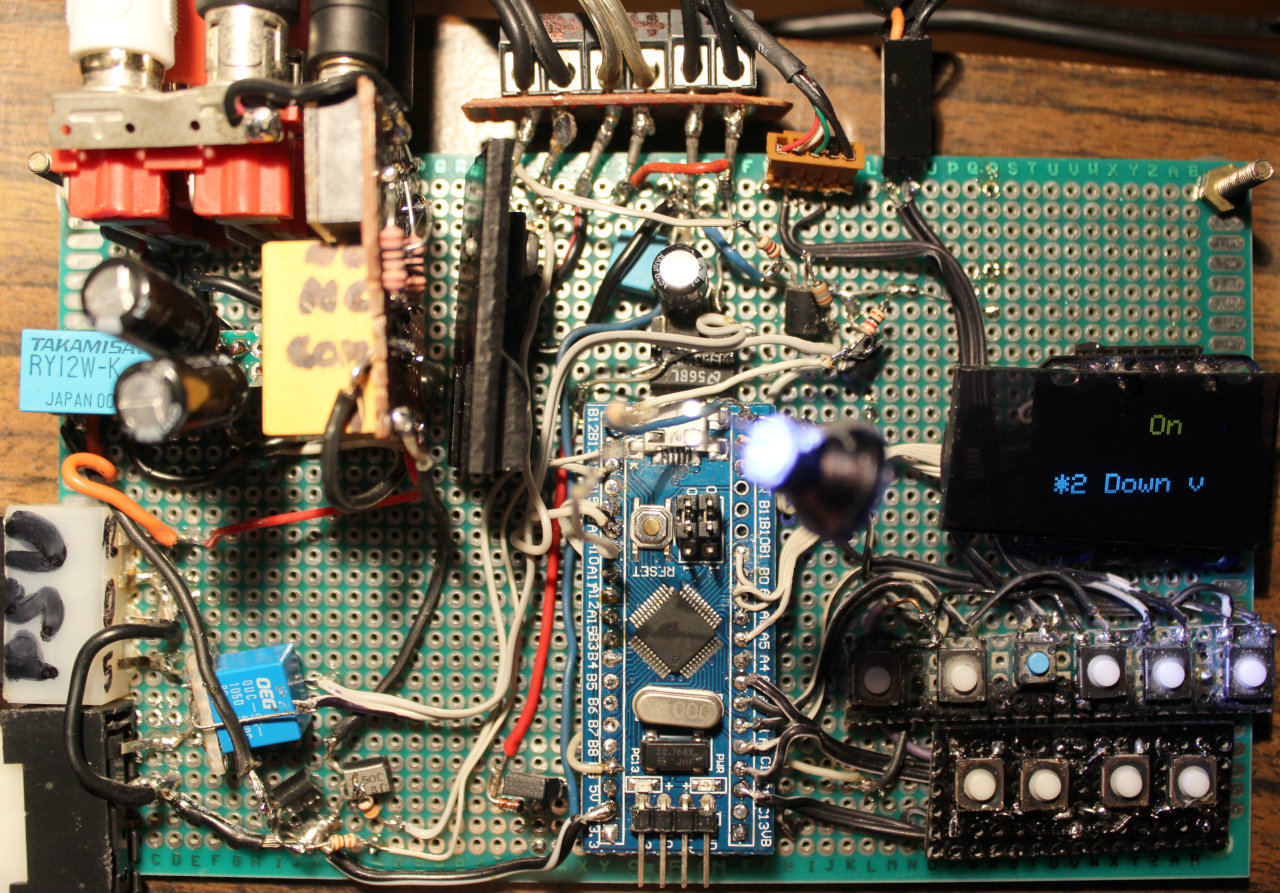
Including pictures with: rough schematic on paper, the cloth normally covering it, and its location left of my keyboard.
At end also old version from 2022, very similar.