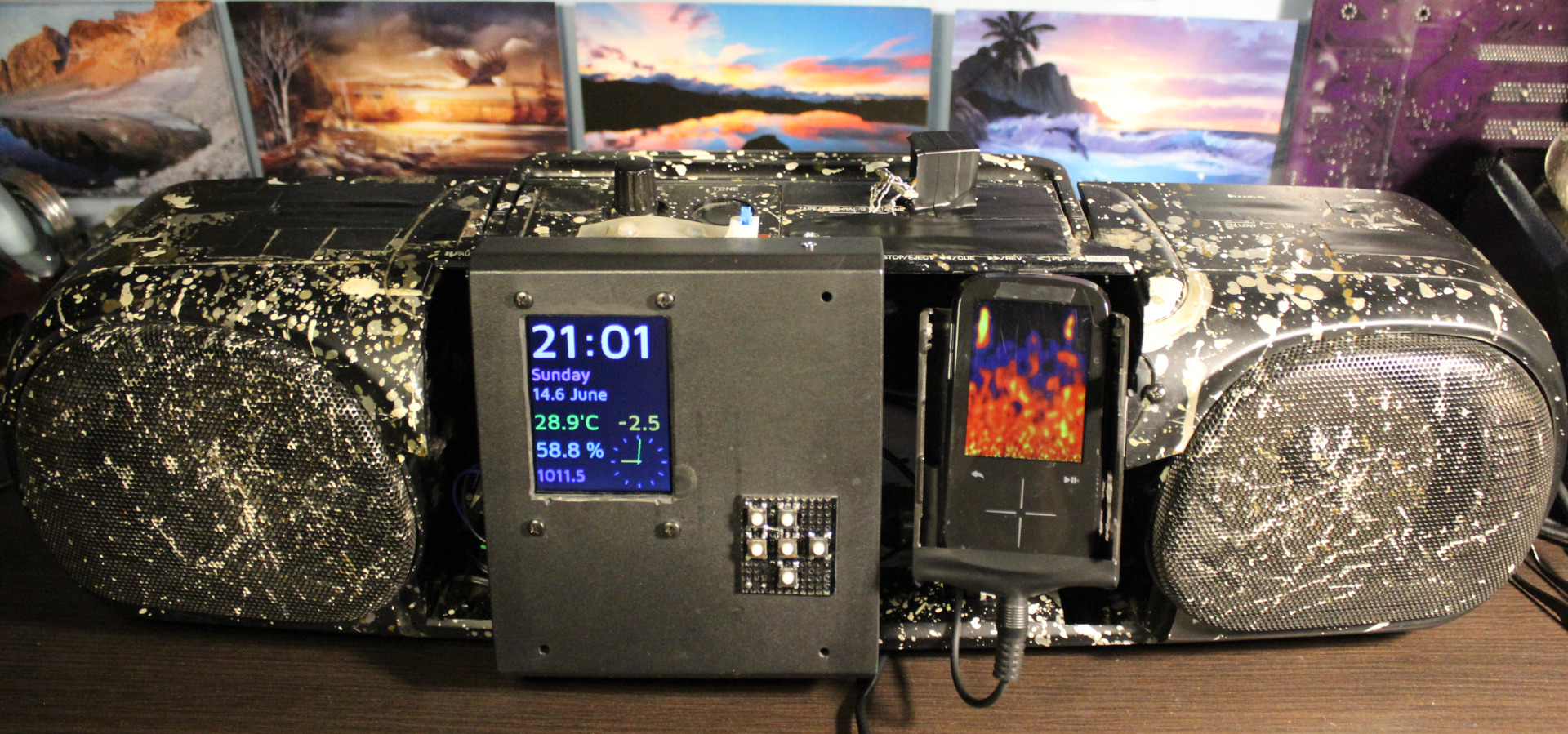
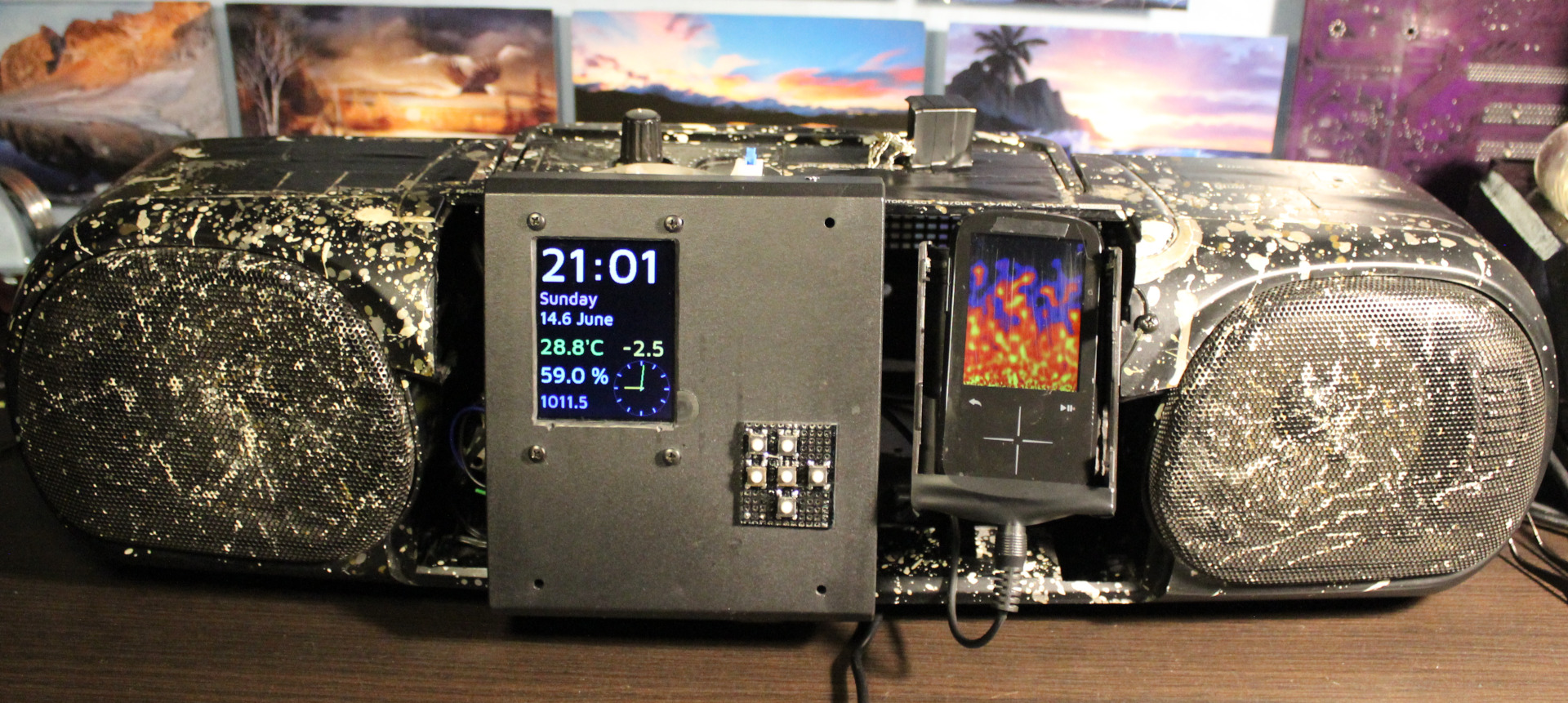
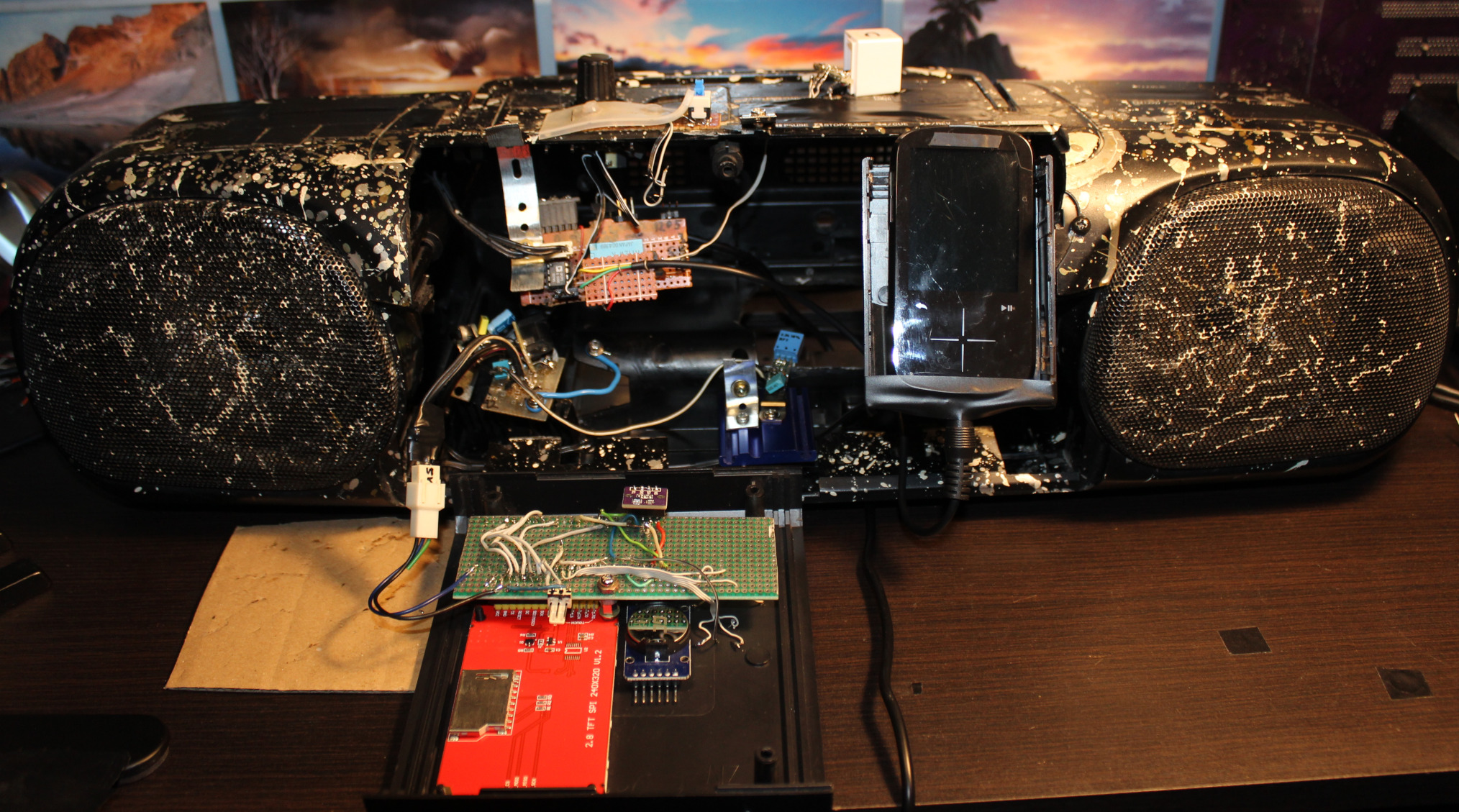
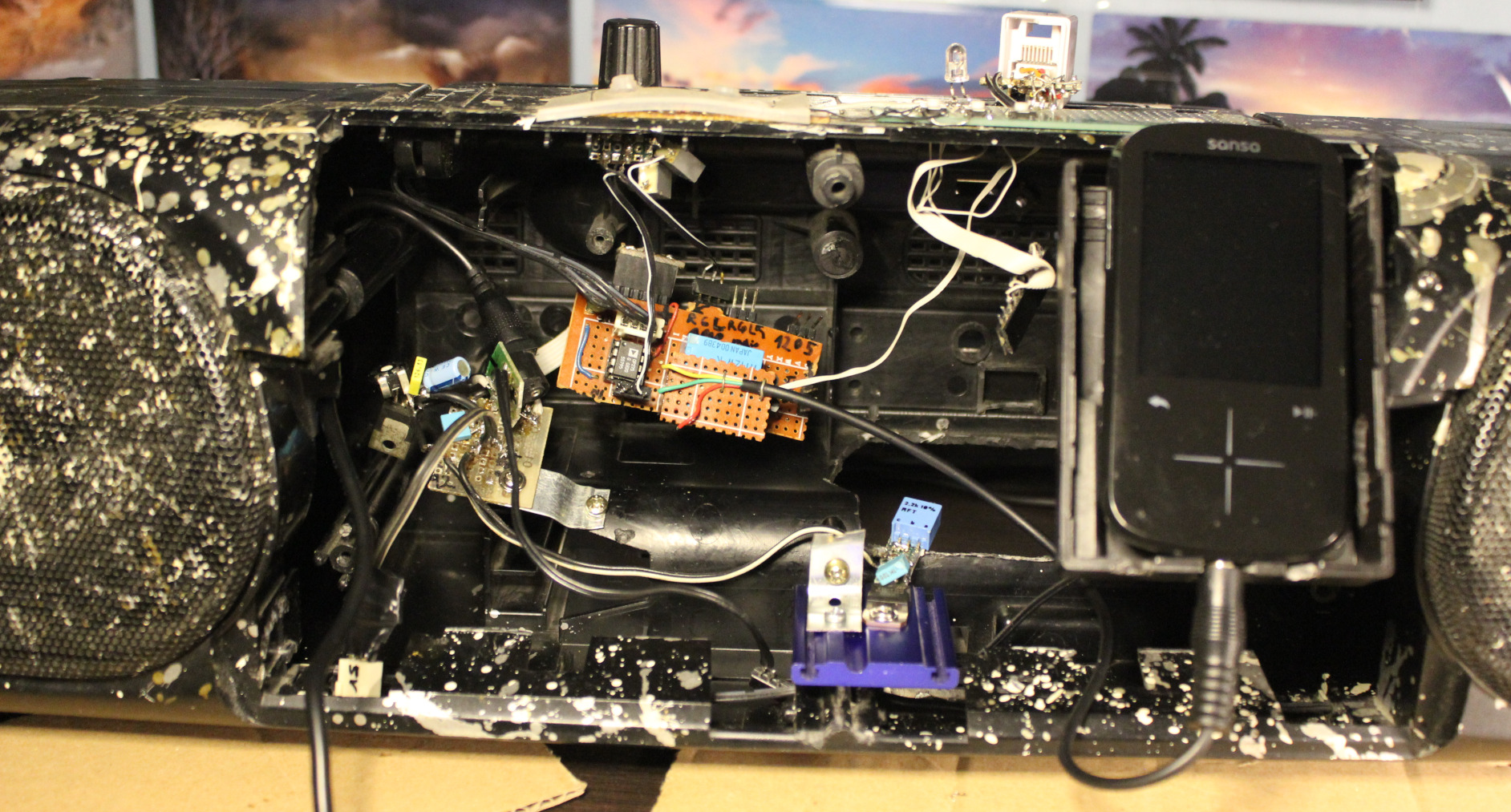
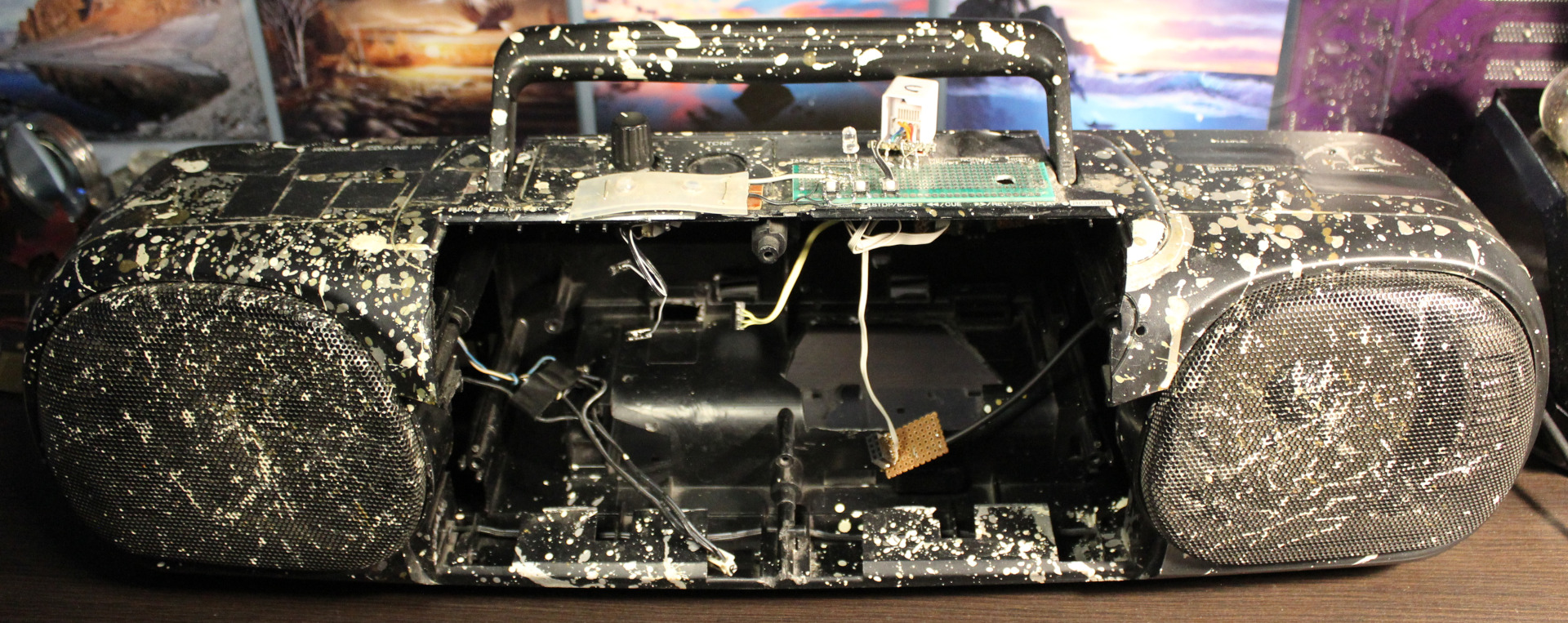
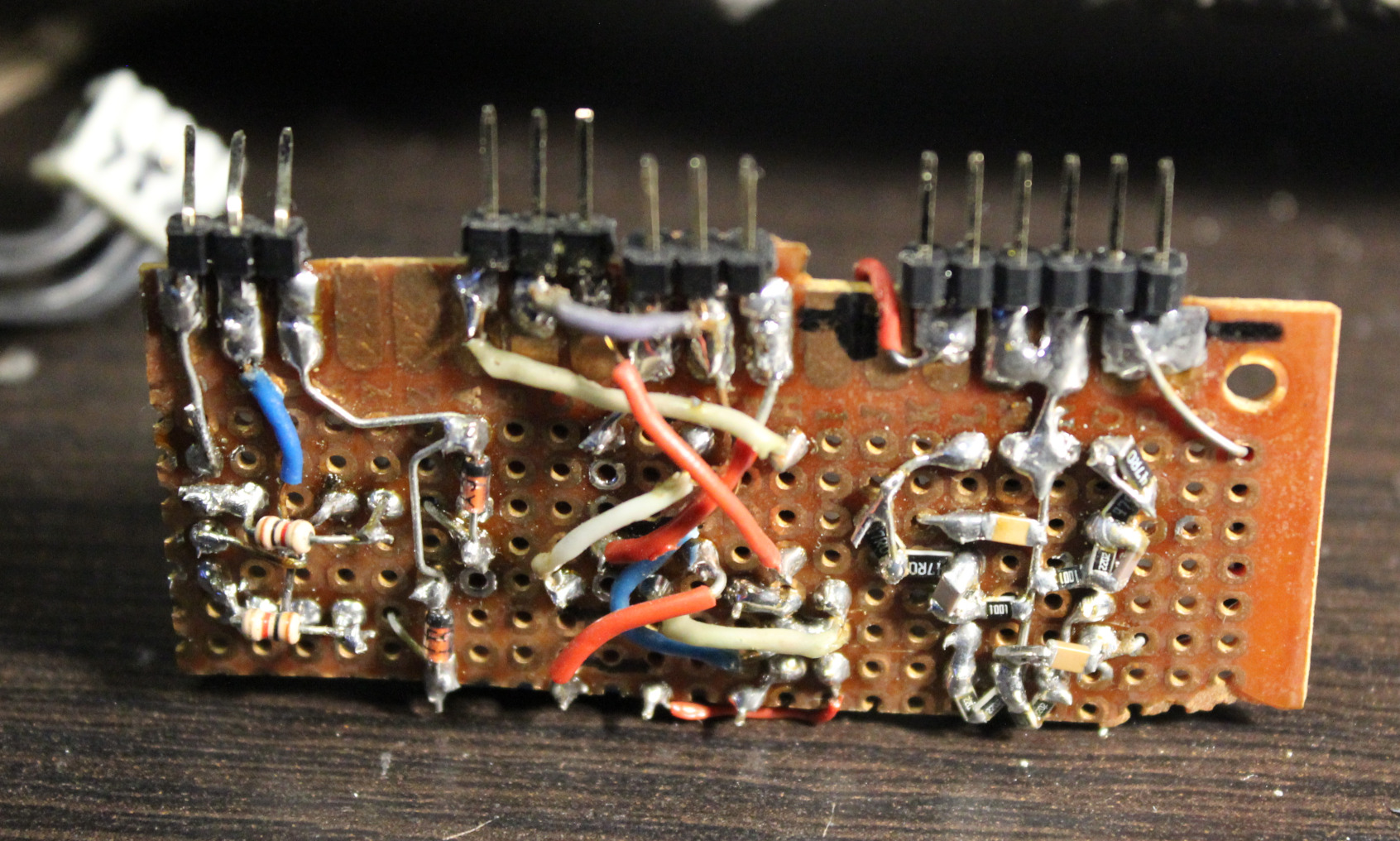
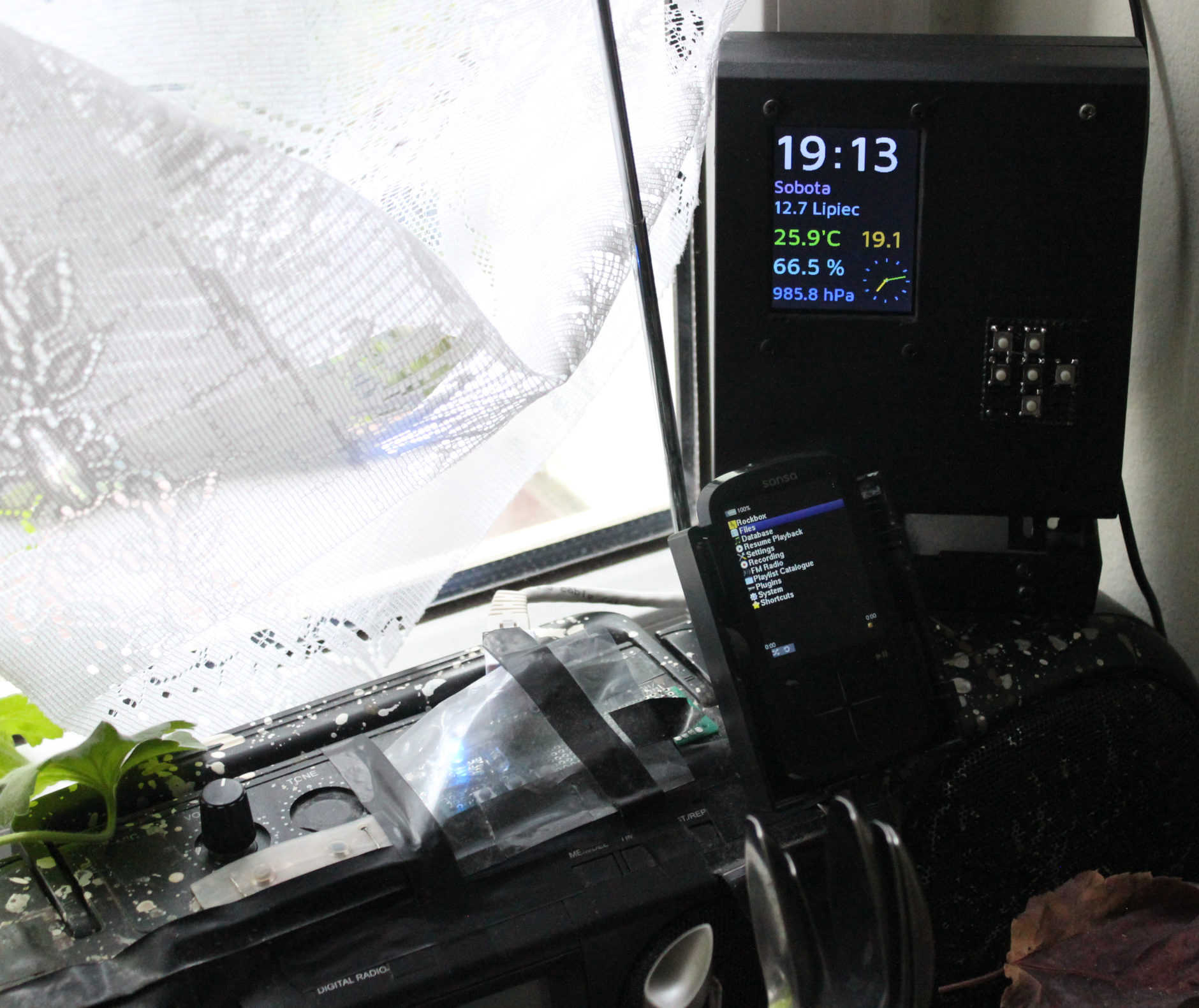
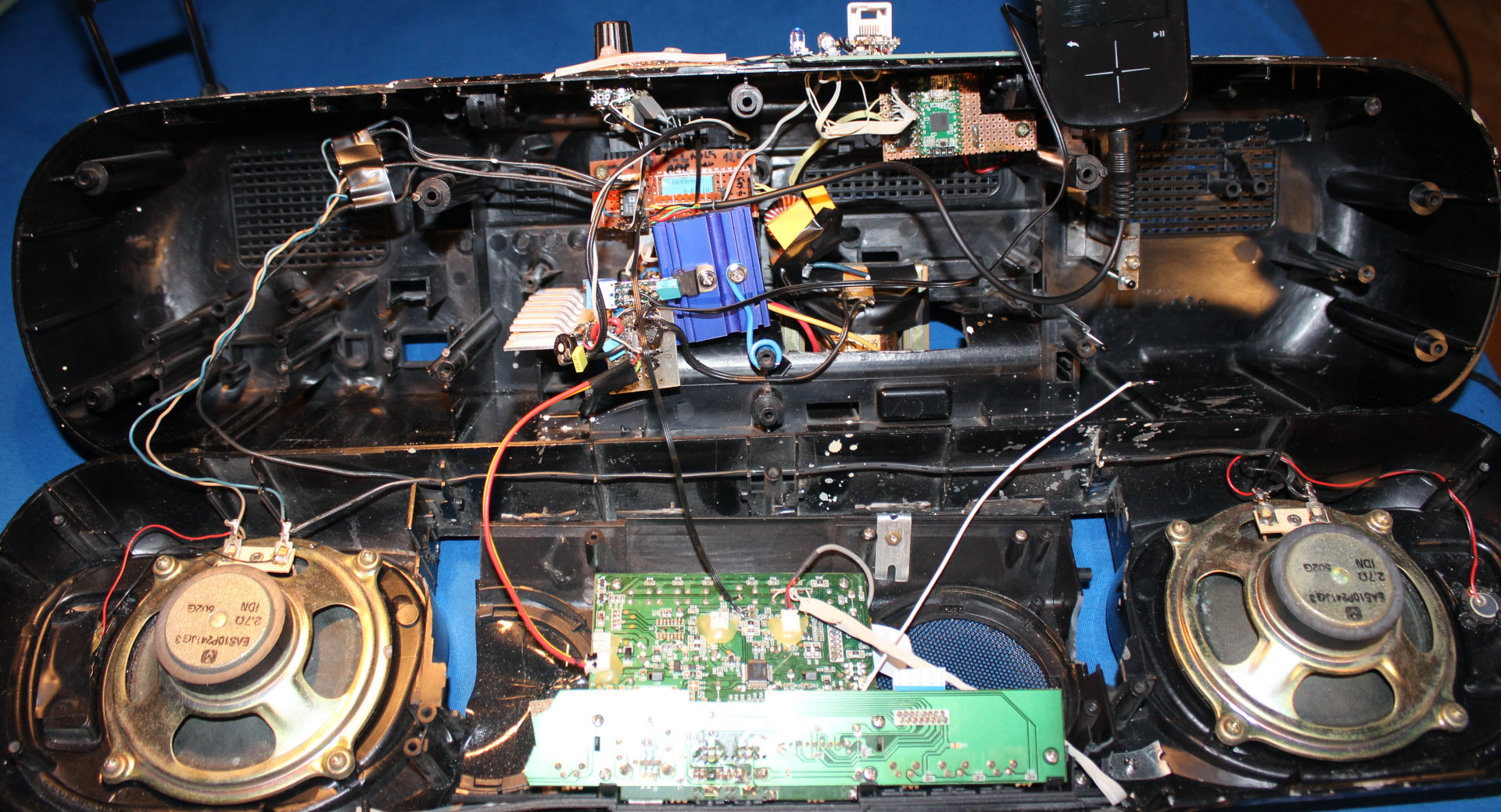
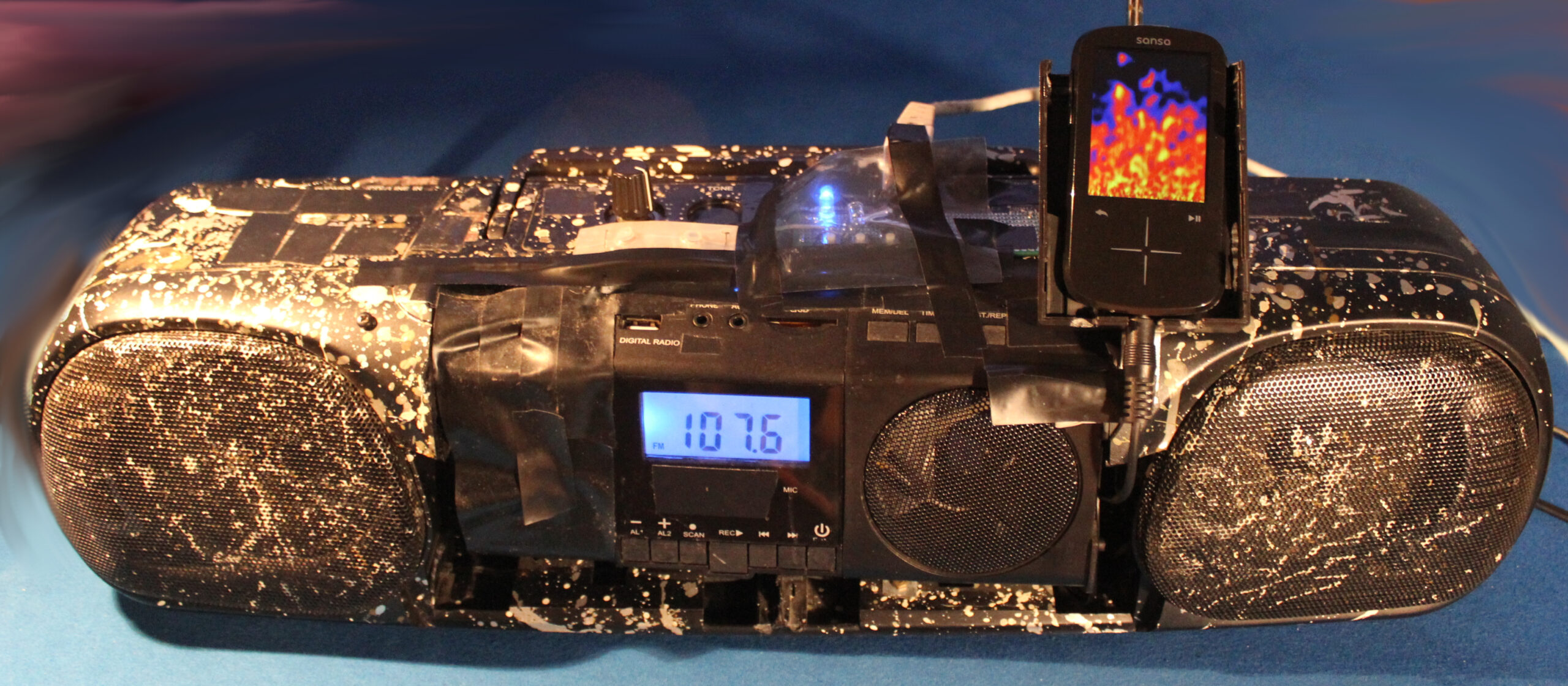
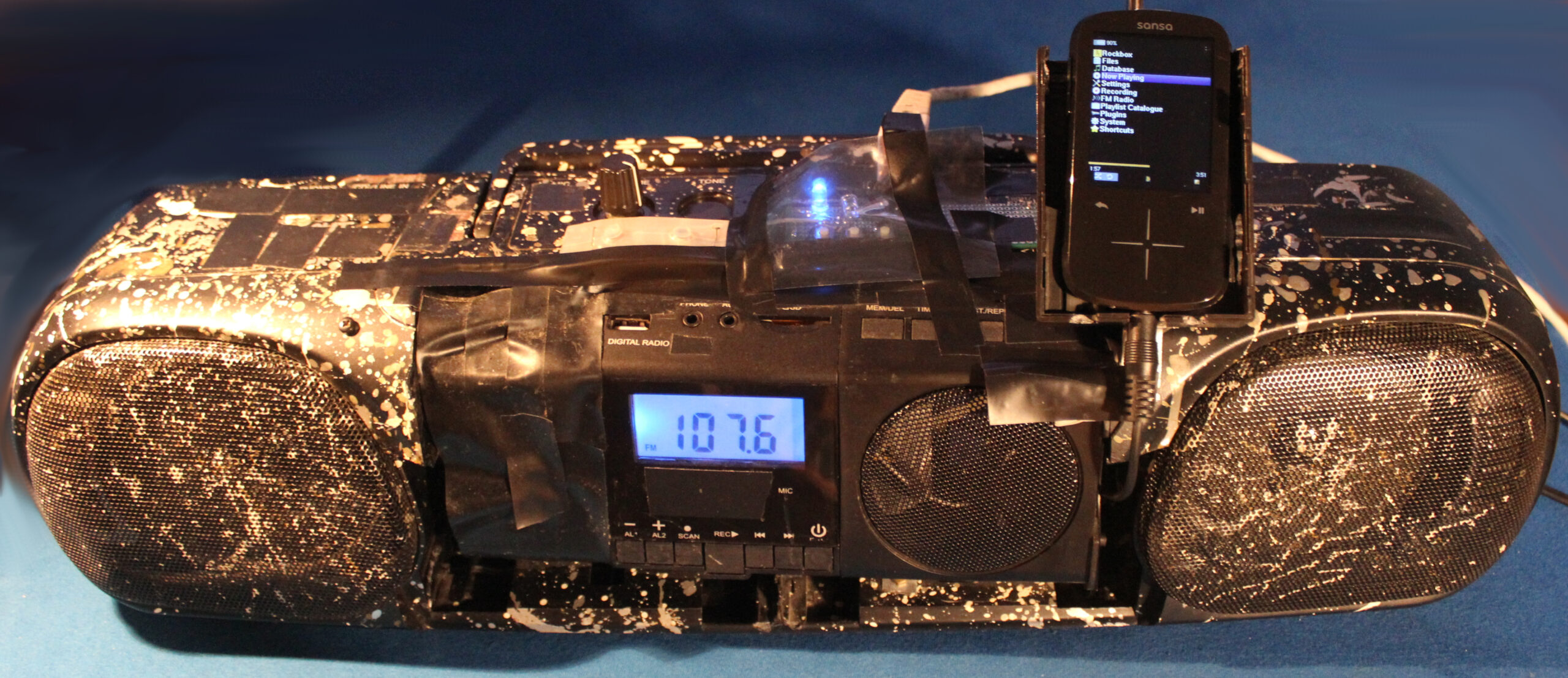
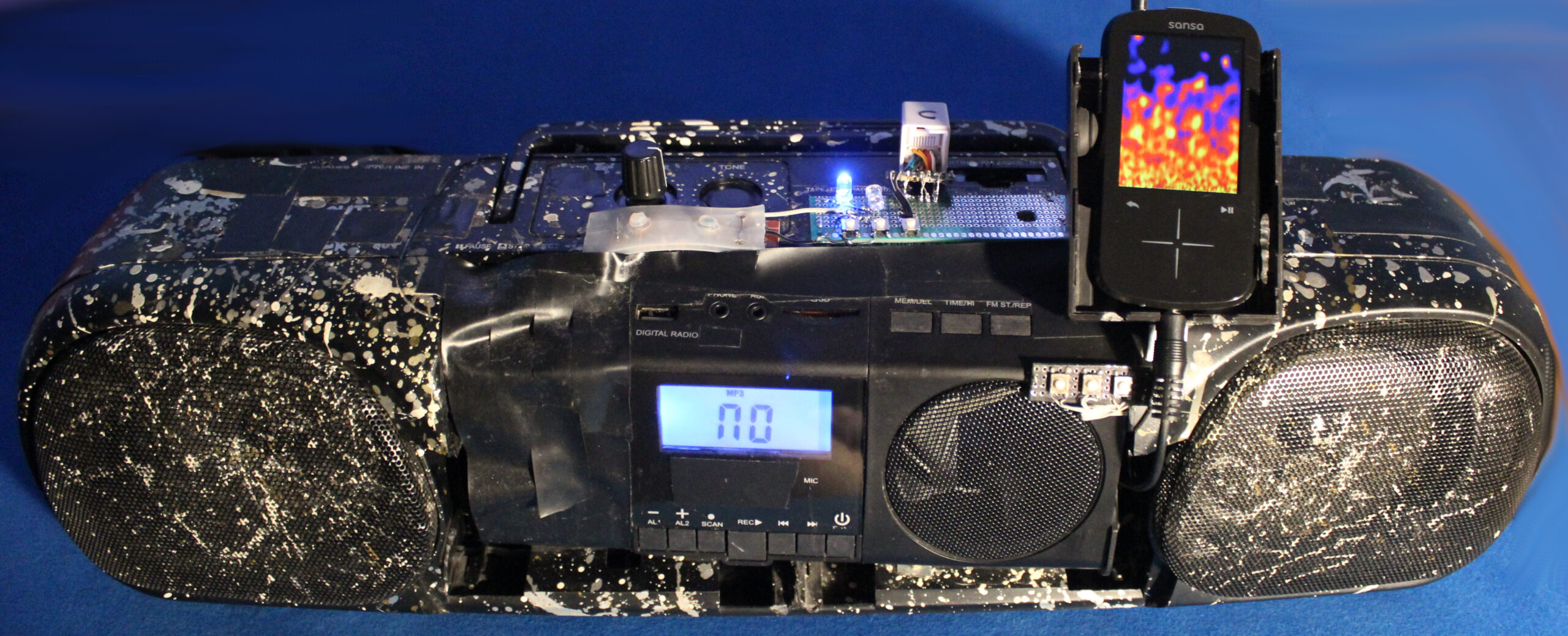
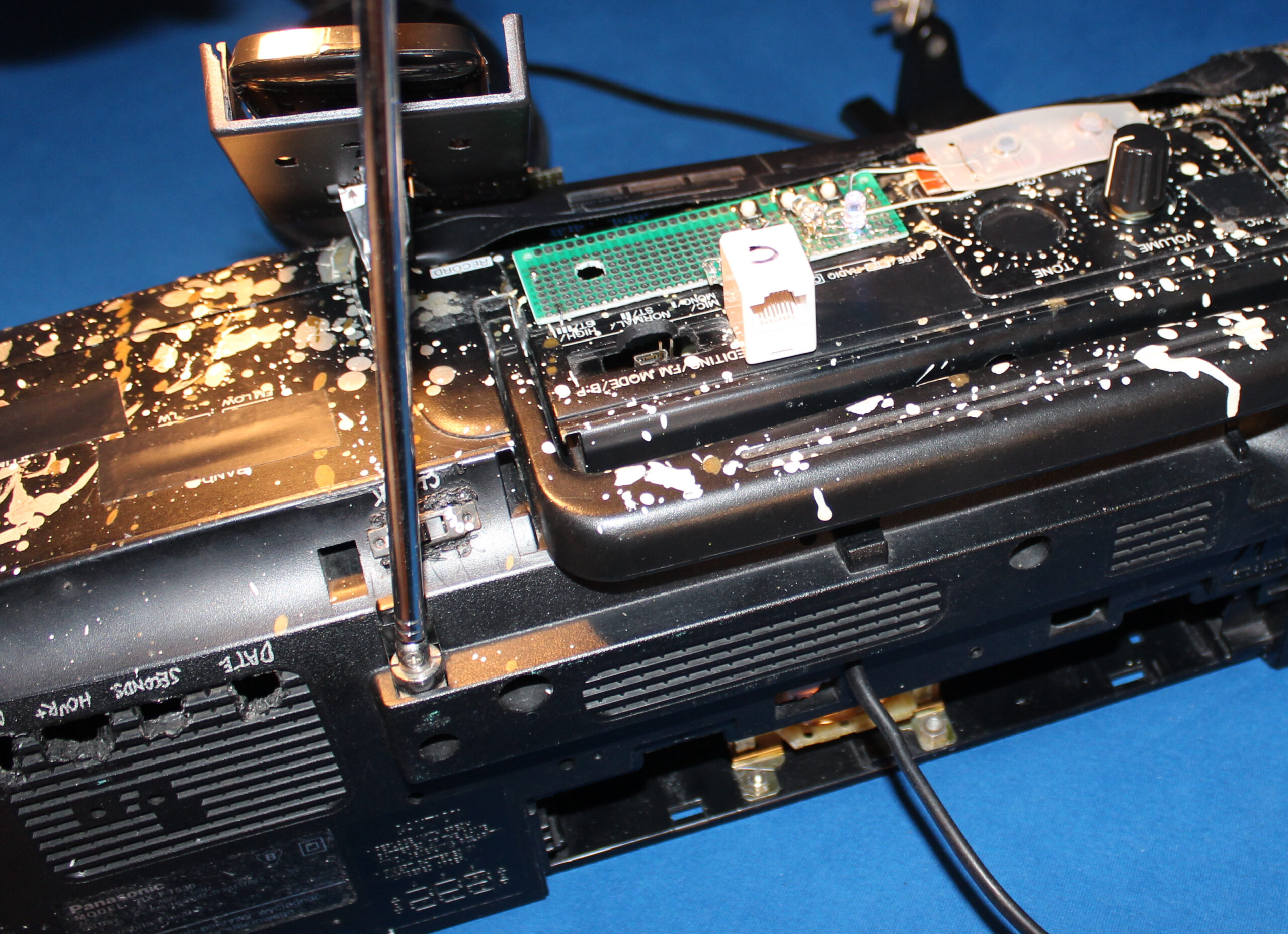
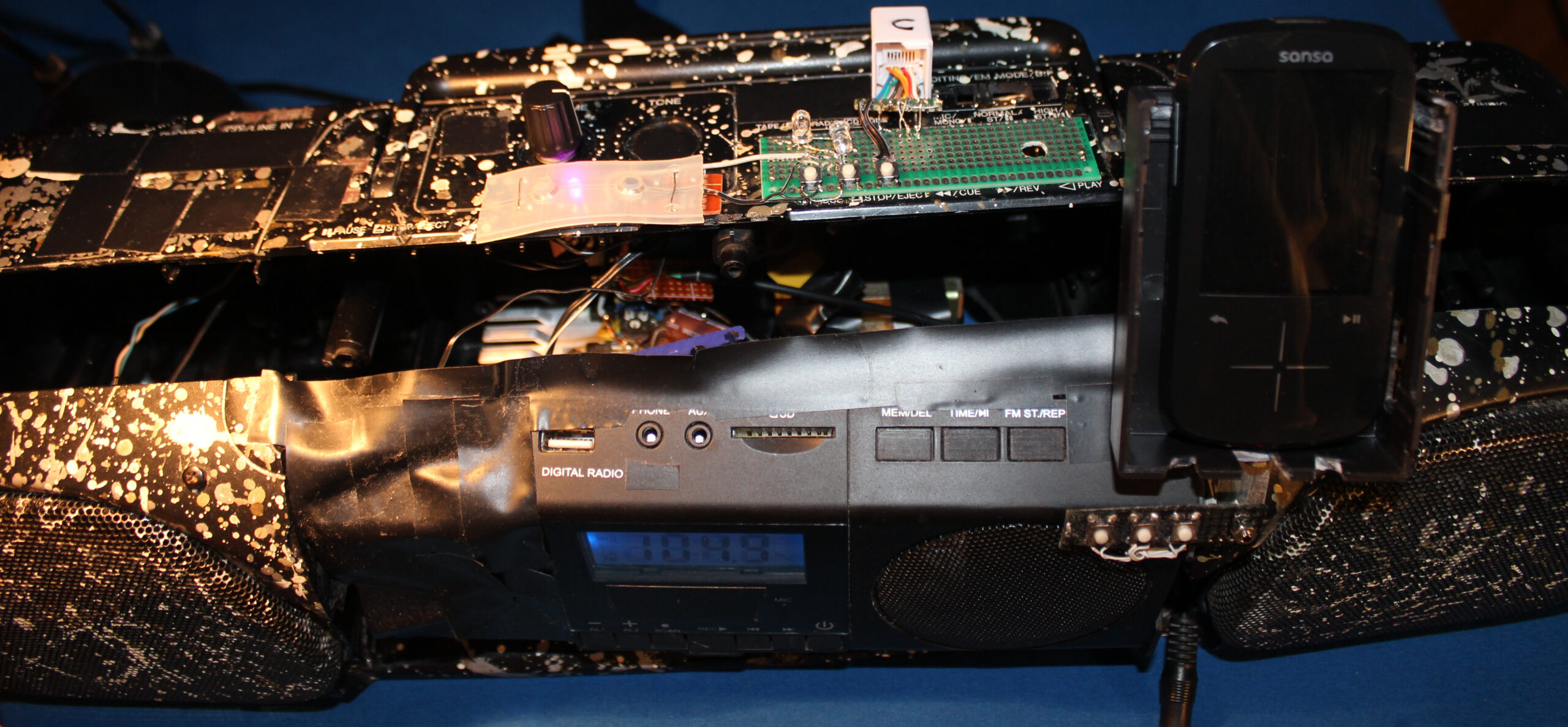
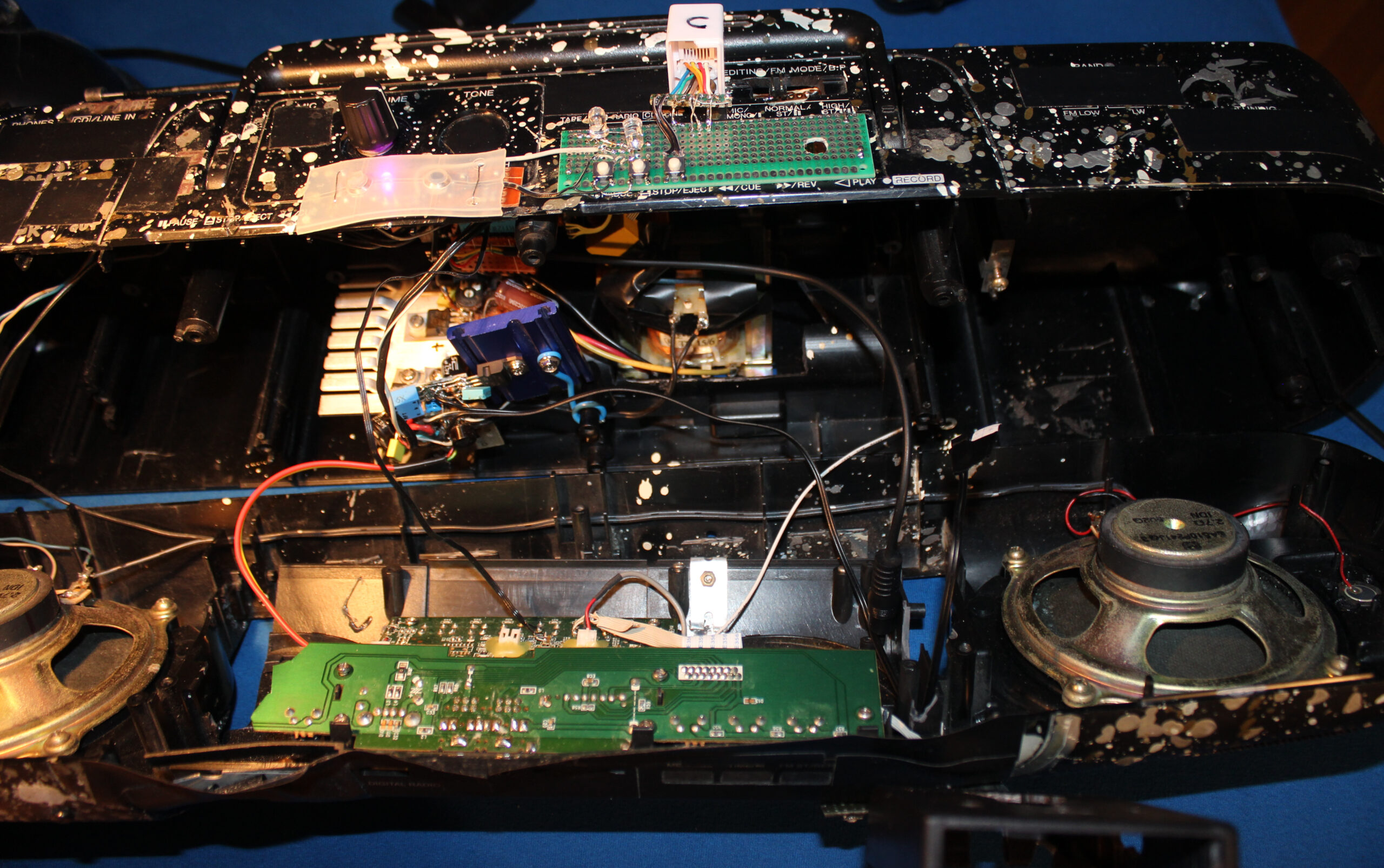
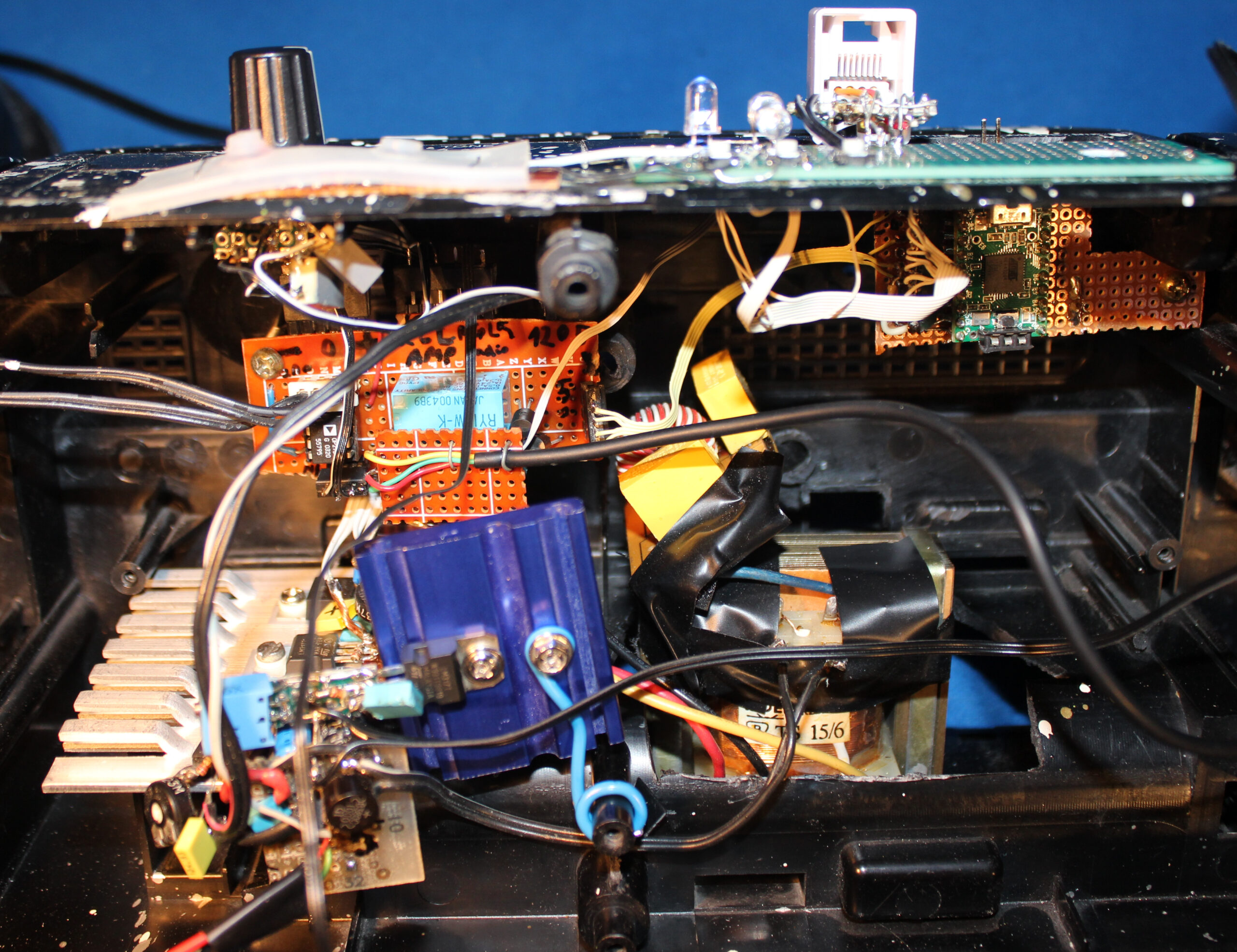
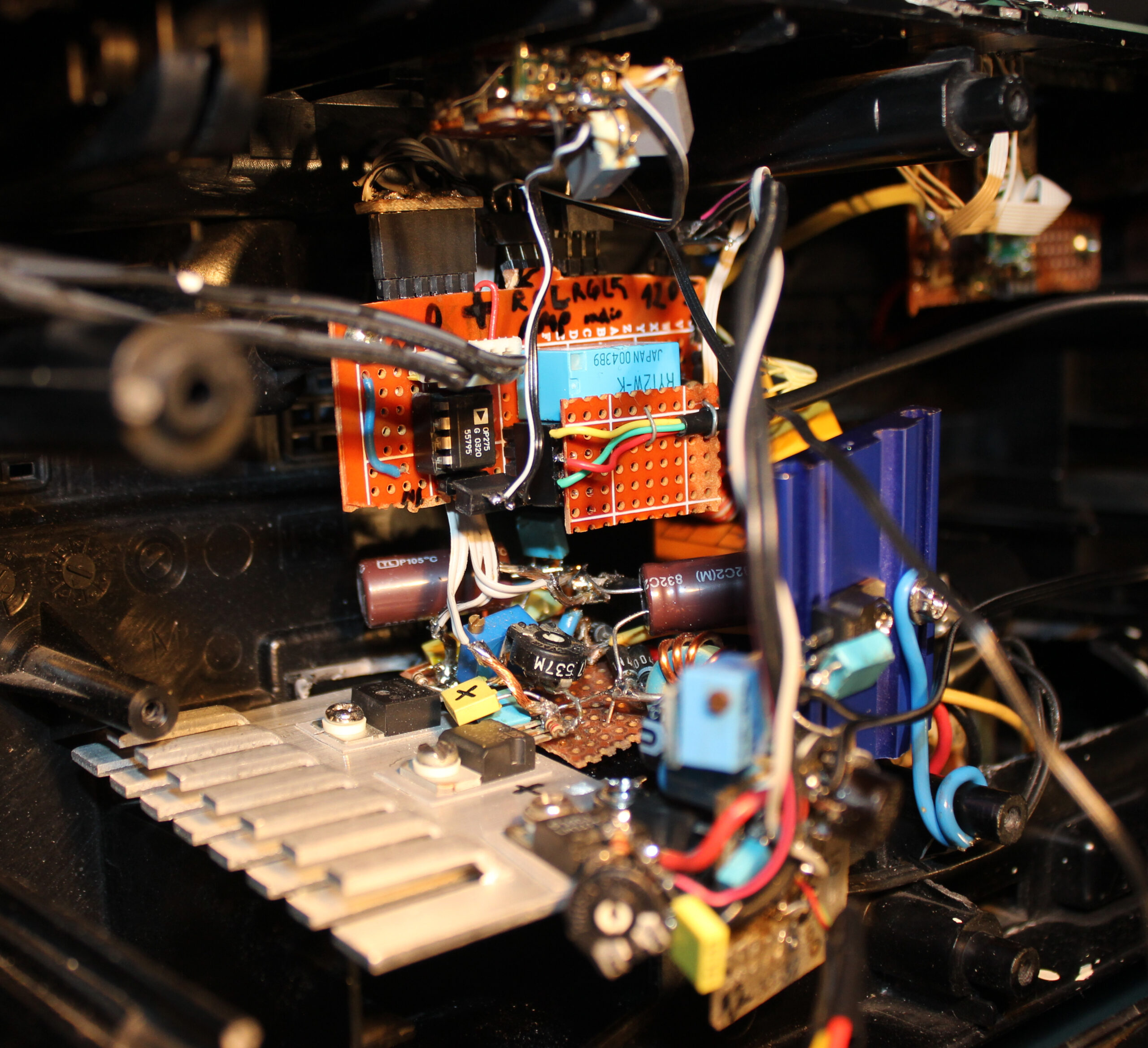
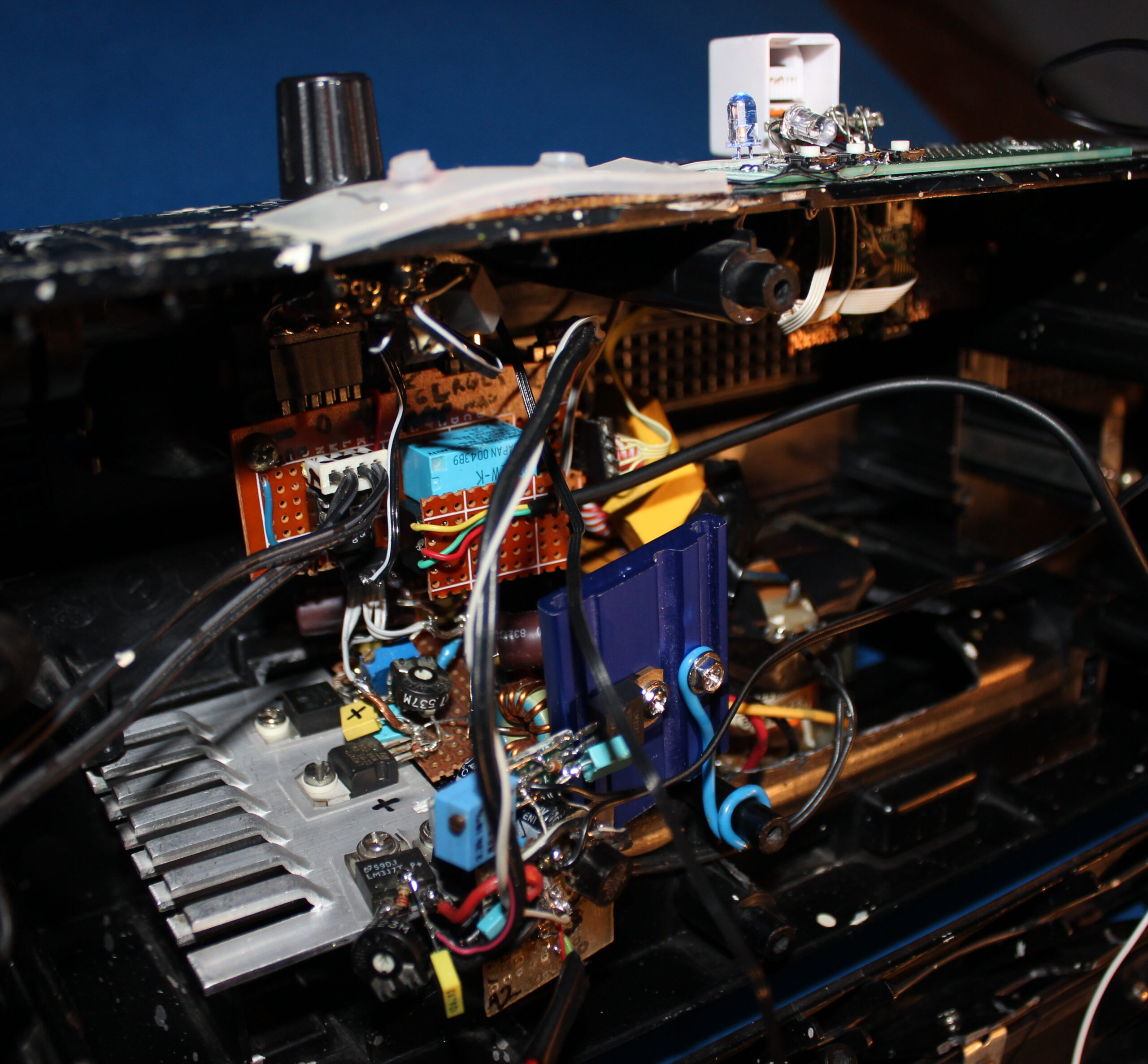
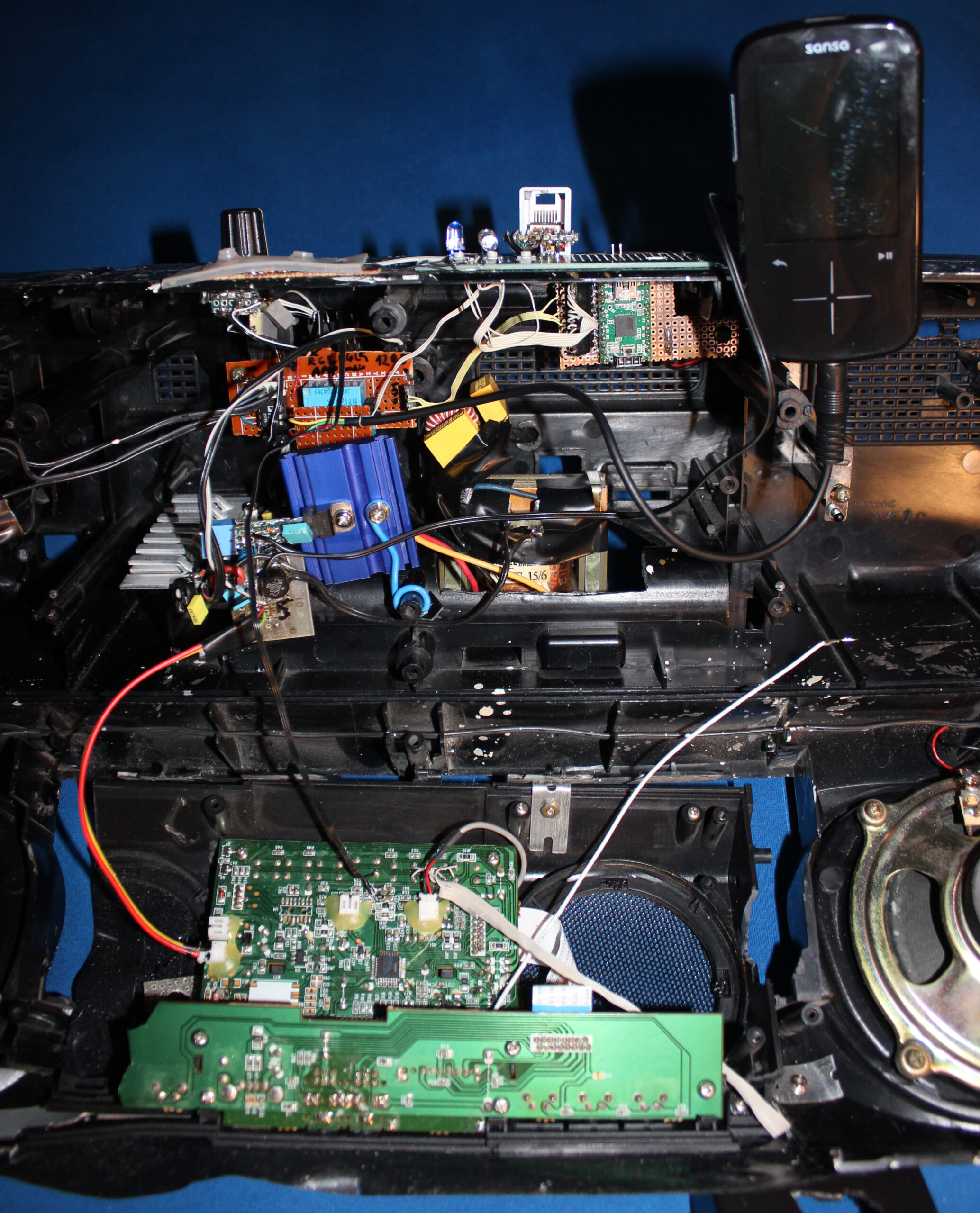
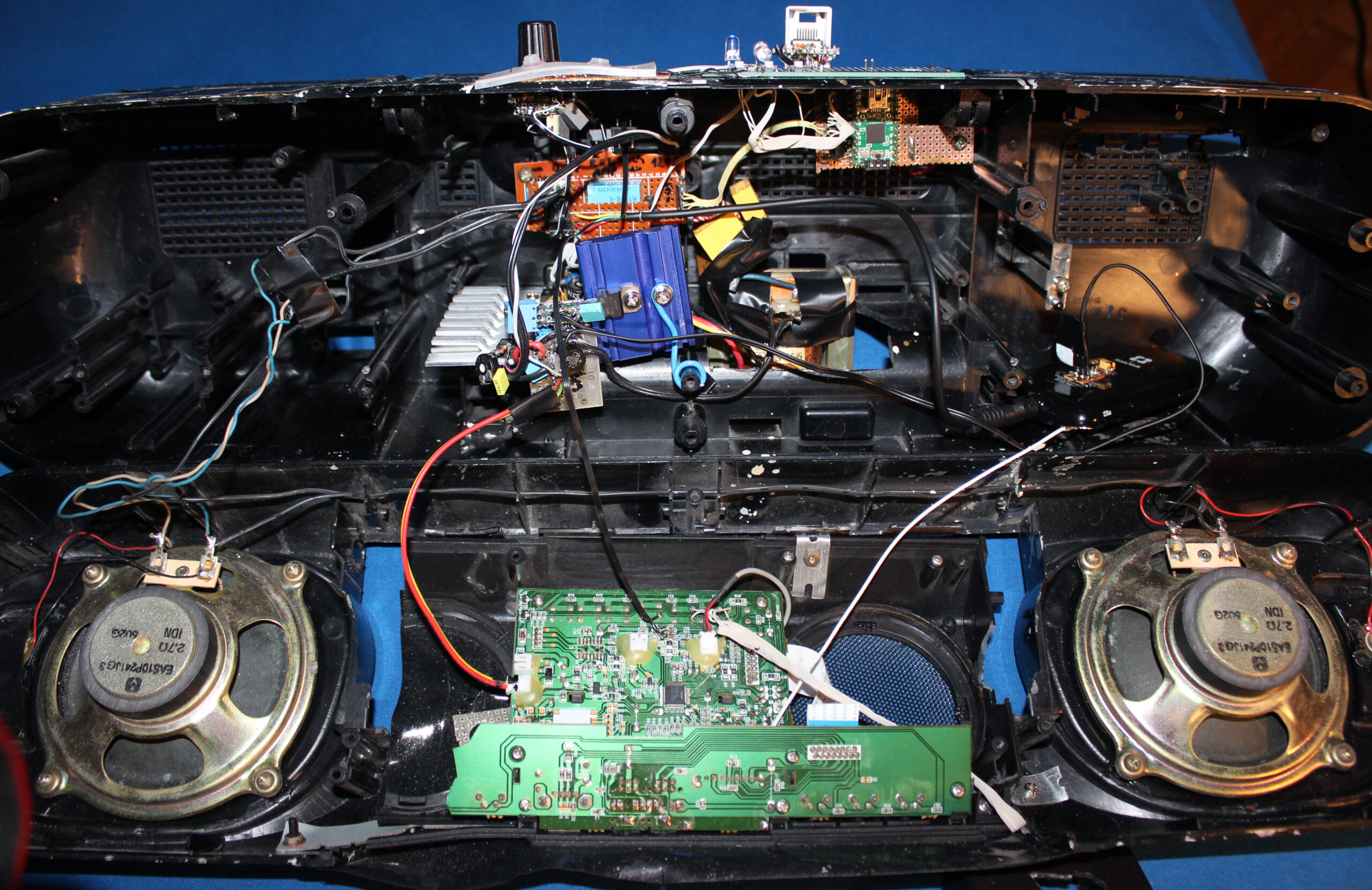
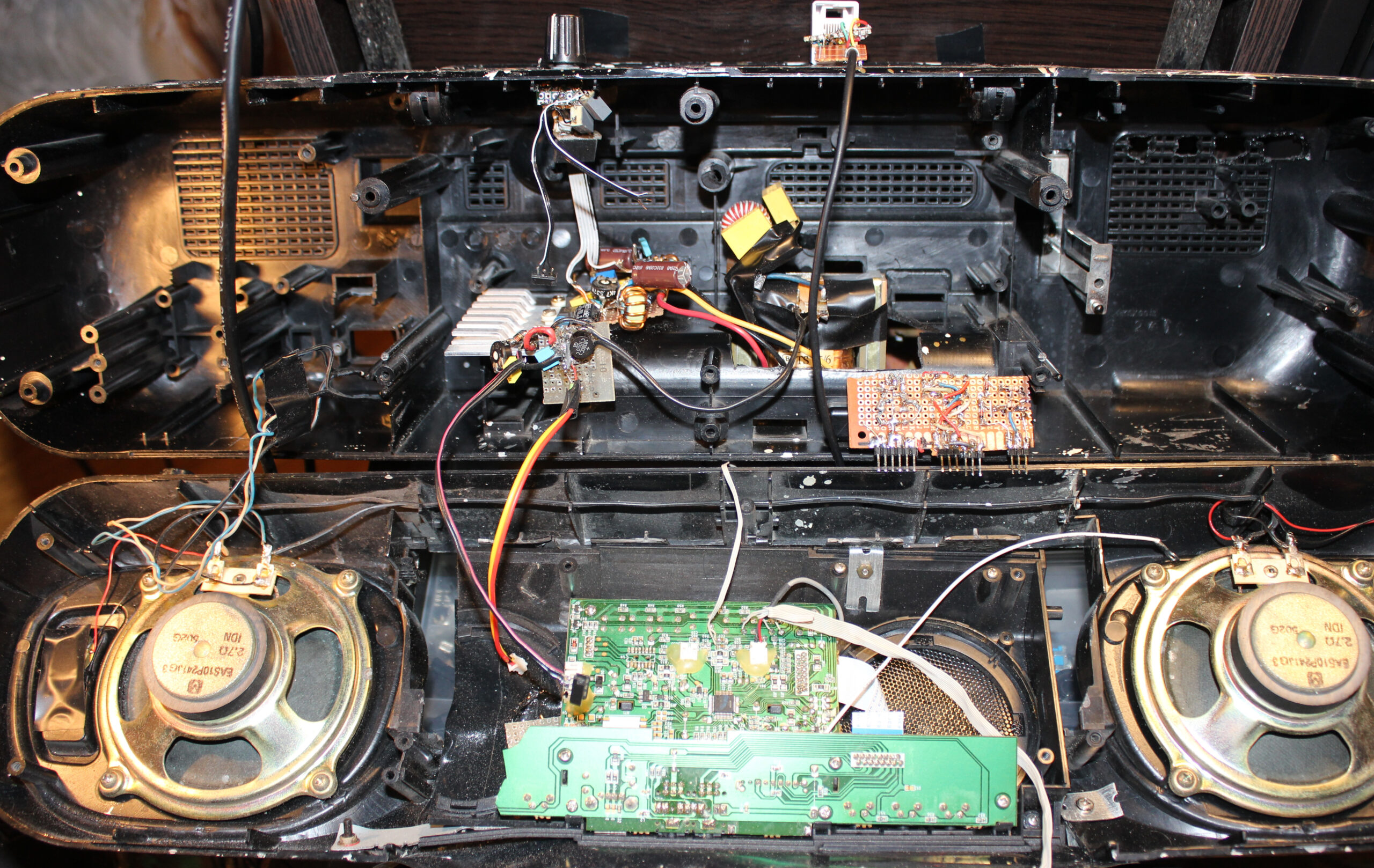
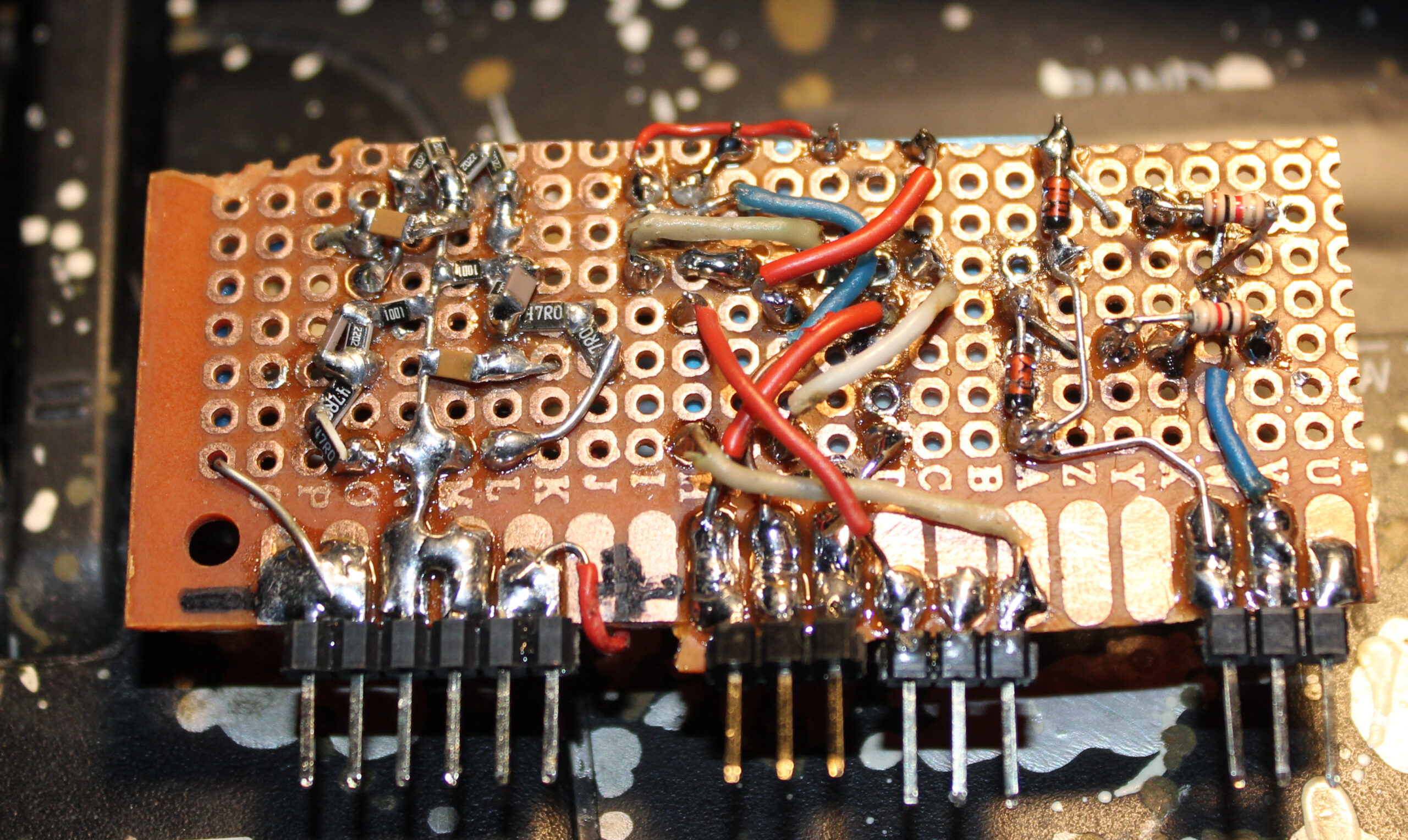
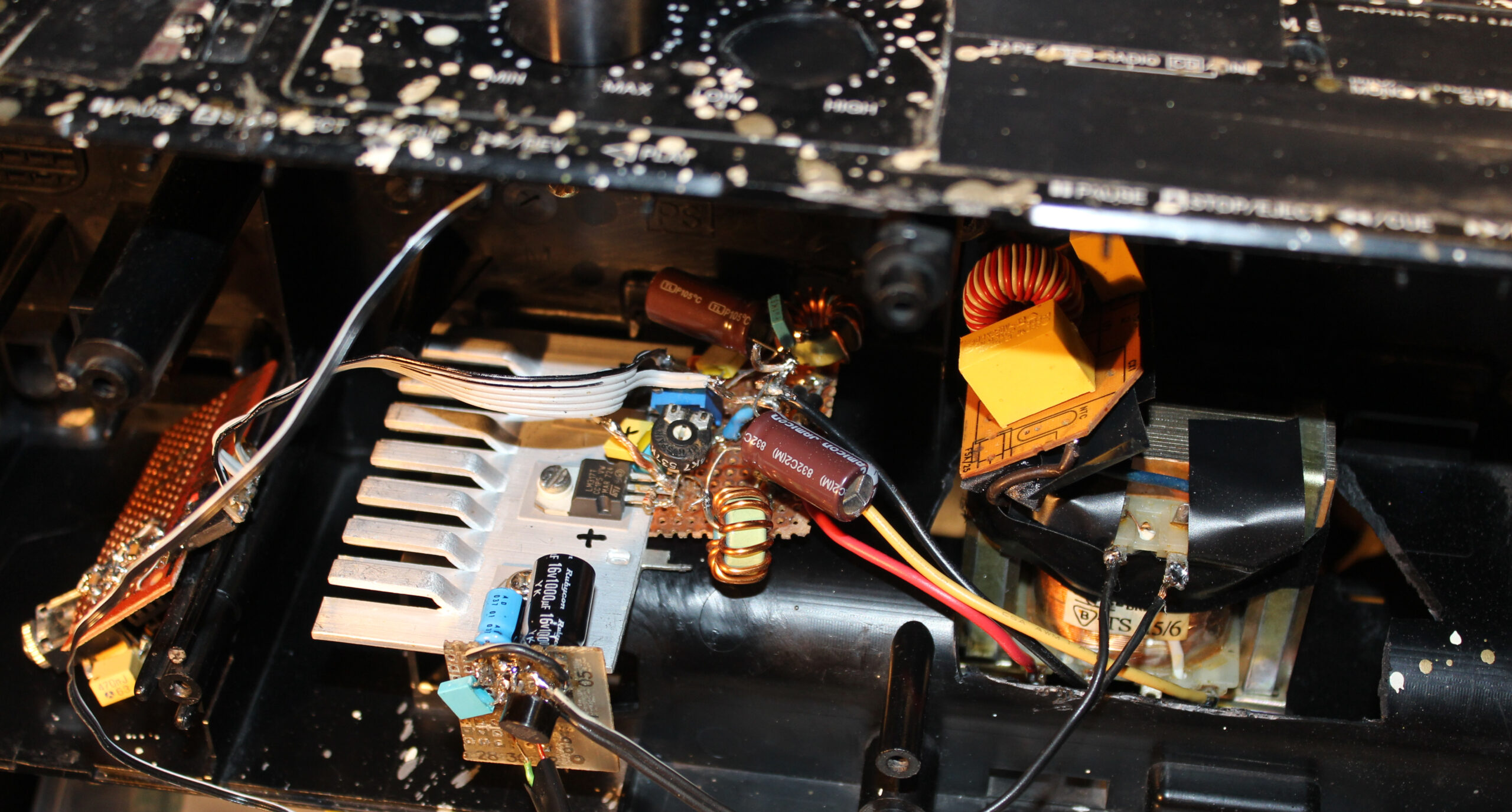
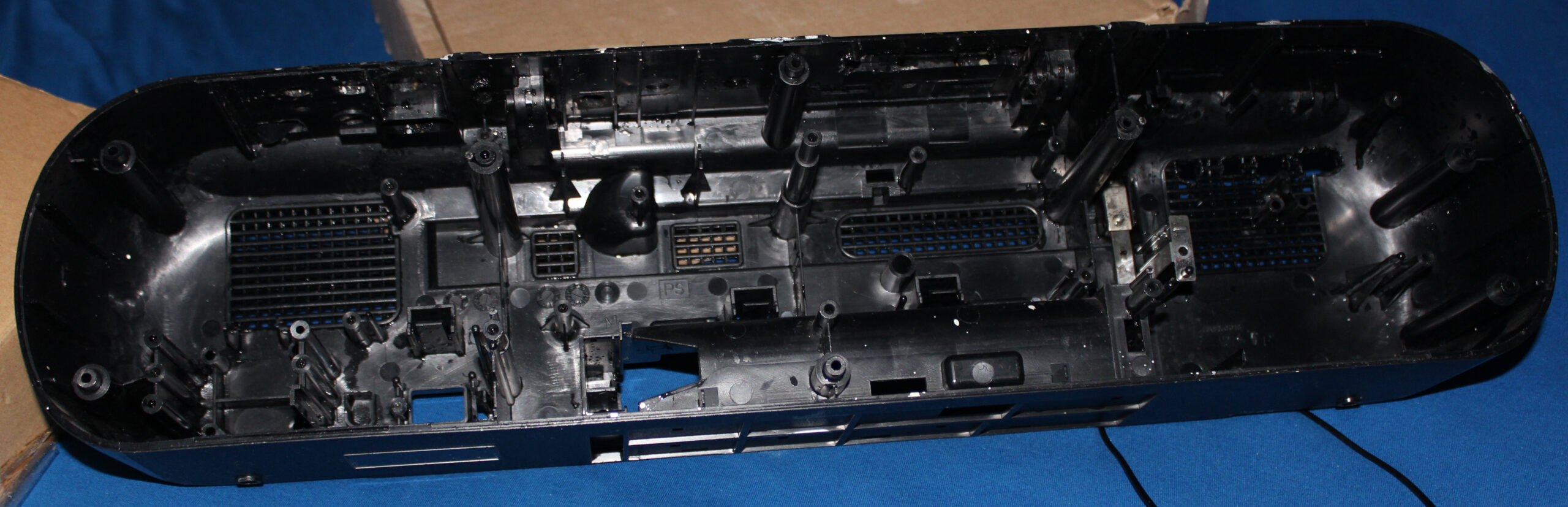
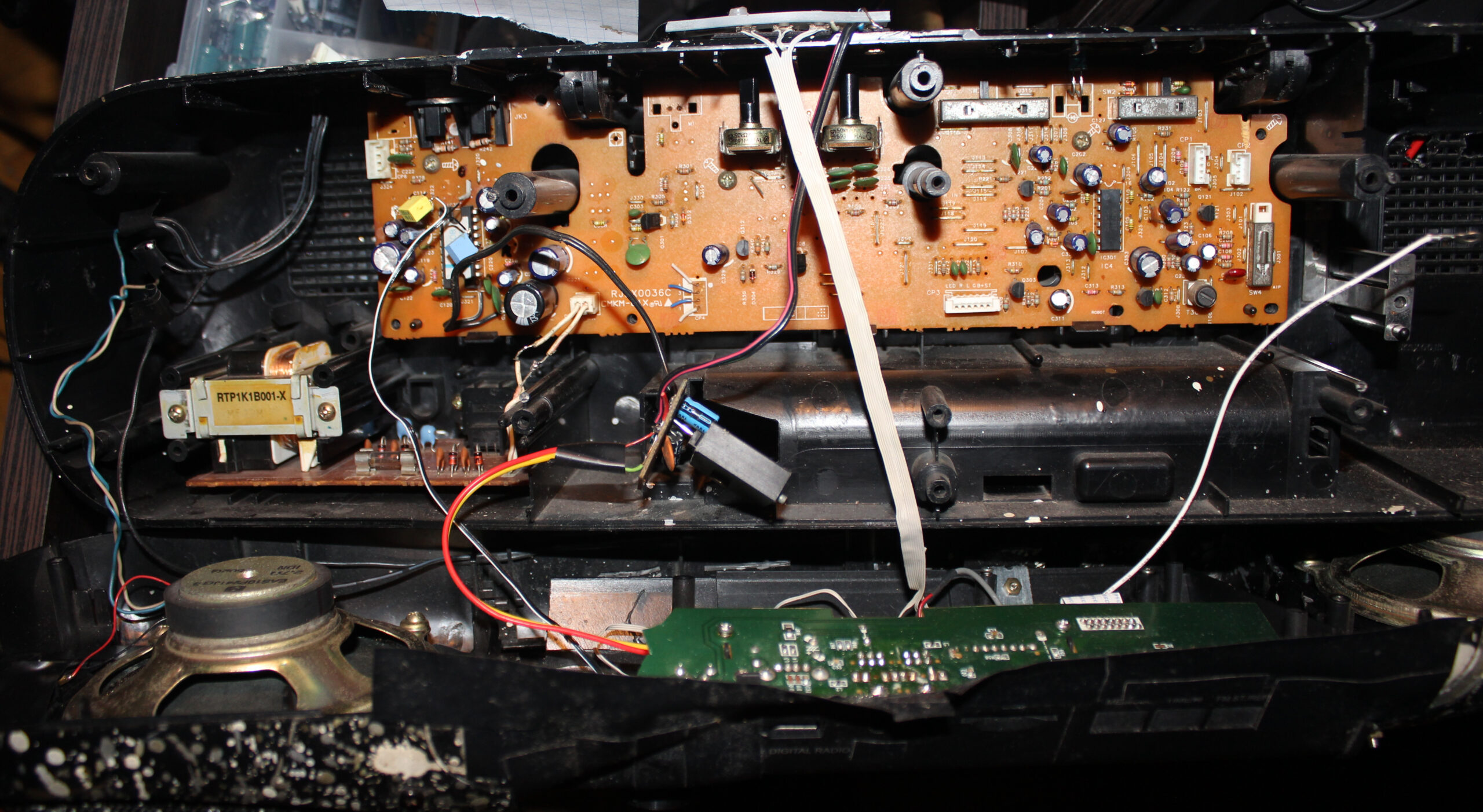
This is a continuation of (a long and probably boring, yet few times already coming back topic of) my modifications to an old HiFi. Which we use in kitchen, for showing clock (my weather station) and listening to music. Now I put both player and clock inside, between speakers. I also got rid of my old power supply and made it use less power and lighter too.
📜History
It all started a very long time ago in 1997, in a different age when cassettes📼 were roaming the Earth🦒. Back then I got this Panasonic RX-FT530 Dual Cassette Player/Recorder (original pictures). Not long after I started modifying it with what I could, to suit my needs and make it more usable (e.g. LED lights, faster spooling etc).
This is covered in detail in first project. On that page still, I did a major thing in 2020, by throwing out not used cassette decks, and mounting (or should I say butchering🪓) a digital radio (without its speakers) inside here, just between this HiFi’s speakers. Then connecting it and making a nice source switch between radio and player, using MCU and relays, with buttons and LEDs. Also added another source later from my PC, through ceiling and long cable.
Later in 2023 second project I got rid of all original PCBs, amplifier and power supply. I made my own (still from a transformer) with 2 voltages and +-16 V voltage regulators. Back then I still was convinced that’s the way (OP275 op amp pdf says it makes less noise so). And it was how I did it earlier too in my guitar distortion effect. Unfortunately these regulators give heat and waste too much power. So it was going to be an issue for me later.
✍️Motivation
For a while this digital radio was okay and used. I recently bought a tiny TEA5767 FM Radio Module (e.g. here). So the radio could likely be just that small. And could replace the whole digital radio here. Which isn’t really used today by us now.
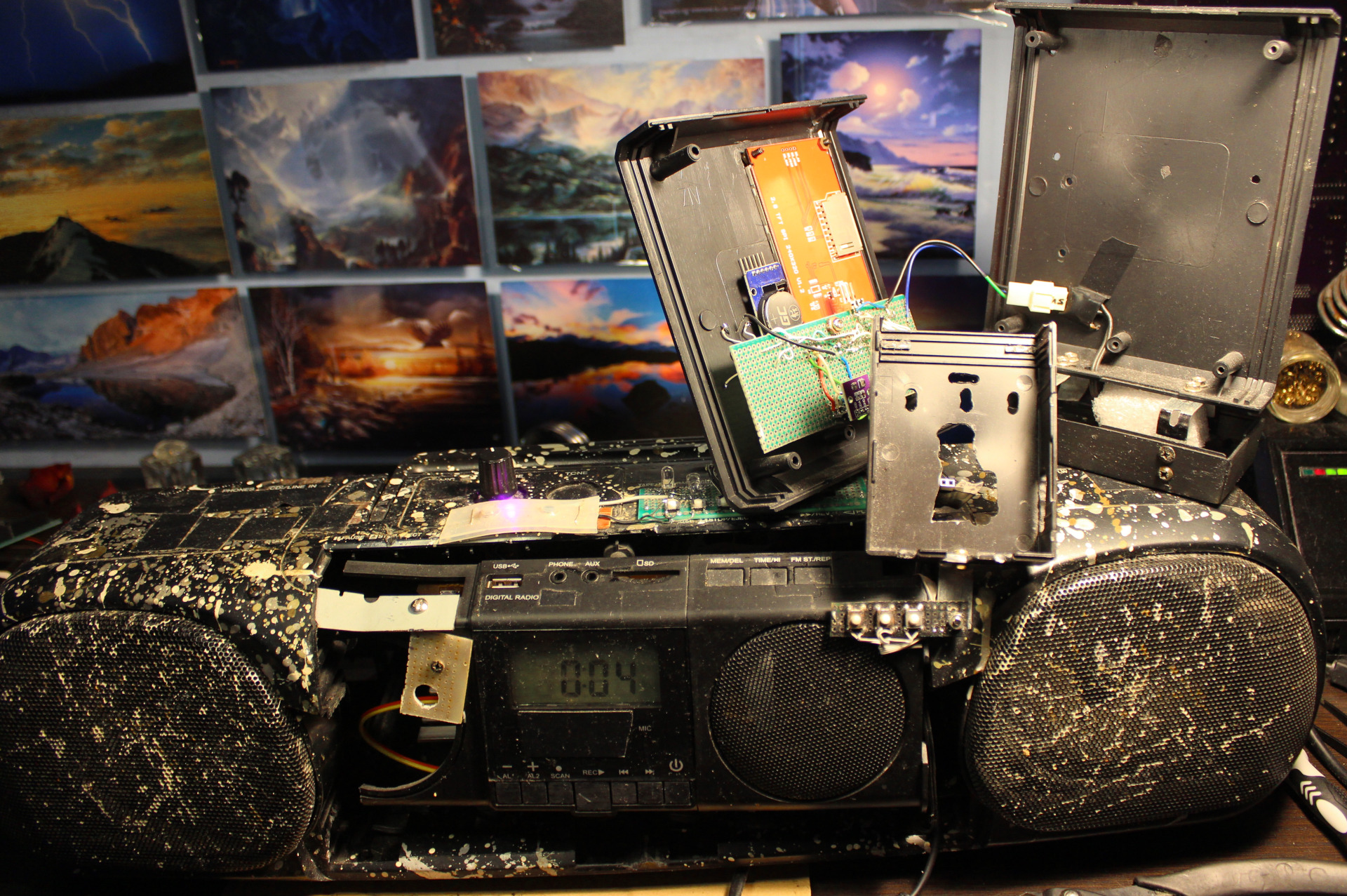
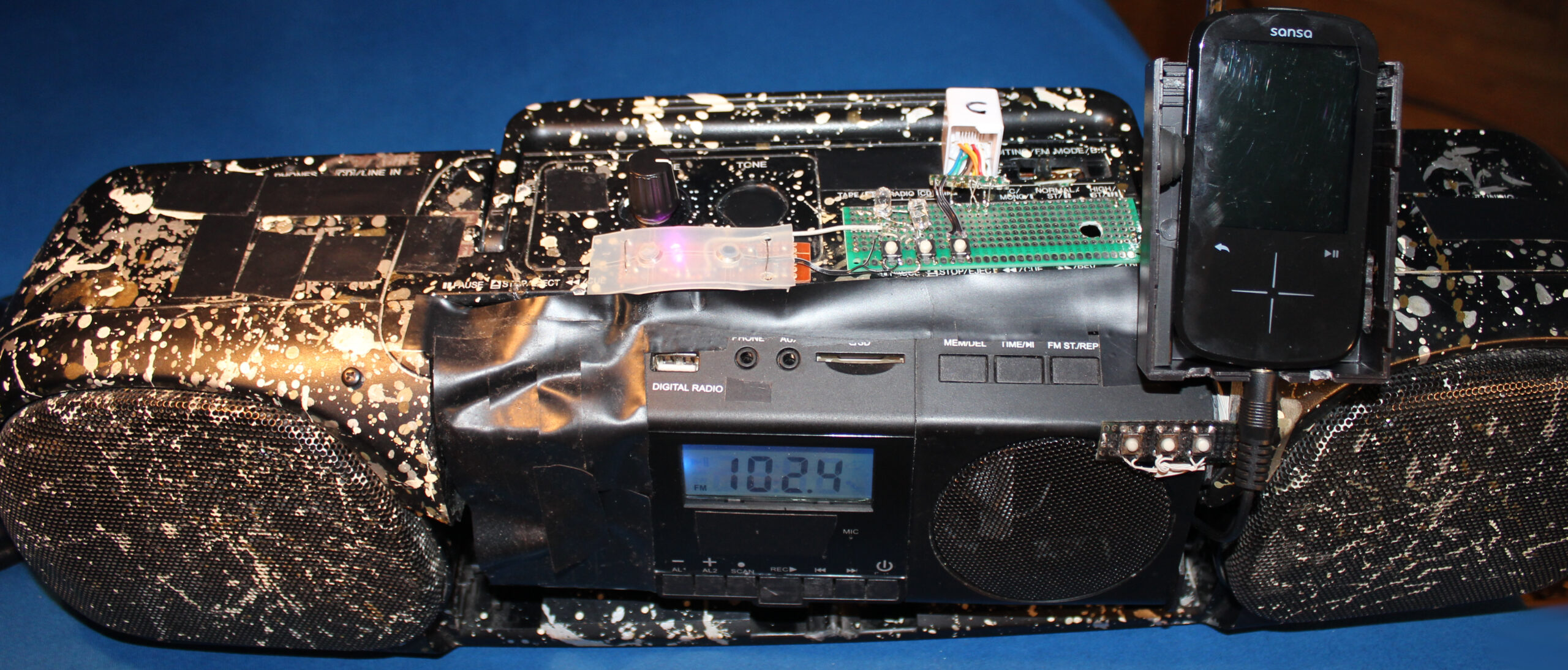
There was no space for my music player (Sansa Fuze+ with RockBox), so I mounted in on this HiFi. Later when I made the weather station, I also mounted it on this HiFi. The picture here, shows both. Sure it was usable and needed, but it doesn’t look great, rather crowded and separated.
Another reason was the high power use of this HiFi (about 3 to 5W), due to my old transformer based power supply with too many voltage regulators.
Both finally made me rework this thing once again.
📊Features
For now I got rid of the radio. It’s a further thing to do. Possibly not needed at all. I also got rid of that MCU and source switch. It’s only the music player here.
It now uses an impulse 12V power supply, which is not even inside, but near power outlet, like so many devices nowadays.
There rest stayed nearly the same,
⌛Conclusions
It does use less power. Now 2.4 W when playing not 5W. The audio amplifier section is only 0.3W (or less) now. Looks like my Esp32 clock needs 1.5W (way too much for me) and that player 0.9W or so.
It is lighter too. Weighs less mainly because there is no old, metal transformer anymore here for power supply.
It’s even smaller. Because those needed extensions from top of HiFi got moved inside.
It was done probably too quick, still it took 2 days to finish. As always there is a rush with this thing, as I need to listen to music in kitchen and not have this HiFi being under rework.
Another thing as always, it needs an extra step of cleaning. This thing (after years) always gathers dust. Since it has holes, it also gets inside, even natural stuff from outside as window gets opened during spring.
So I had to postpone the thing I actually wanted to do most since a while: using this clock’s ESP32 with display to also feature radio and audio player in one device. It’d be best to do it first on other ESP32 as it’d be slower to develop, while kitchen HiFi is used few times daily.
Well with this project as with my keyboards too it’s usually my history of learning how to do things and making few working (but not best) things along the way (years apart due to other projects). Looking back at those previous, even ridiculous versions I could say those were not needed or a waste of time. But that’s just how I learned that. Usually I need a working thing faster, not first spending a week on developing the best possible version.
Lastly it is nearing its 30 year anniversary, even if just case and speakers are left from its 1997 original. So it got a long life, instead of ending in garbage like so many such products, renewed and produced yearly or so.
📷Gallery
Just a few pictures. Much got removed, nothing new added.
I describe here my latest PC’s Water Cooling (WC, but not that WC 🚾🚽). Done by reusing previous PC WC components and partly newly made by DIY approach. I also write about my experience from doing and using it and remarks about the parts. Ending with WC comparison (and why it’s been always better for me) and conclusions of the project as usual.
📜Short history of my my WC
I already started with WC for my PC in 2004. I bought a full WC set, it was cheap and low quality. Later I replaced radiator, as it was the worst. I even tried WC in PSU, but that was nuts. My previous project 2004-2022 has more history and info.
For over 15 years I had 3 things: PSU, radiator and water tank/box/reservoir separated, behind PC, not inside. Was rather immovable. Obviously not great. But I didn’t mind this flaw, since I never moved my PC.
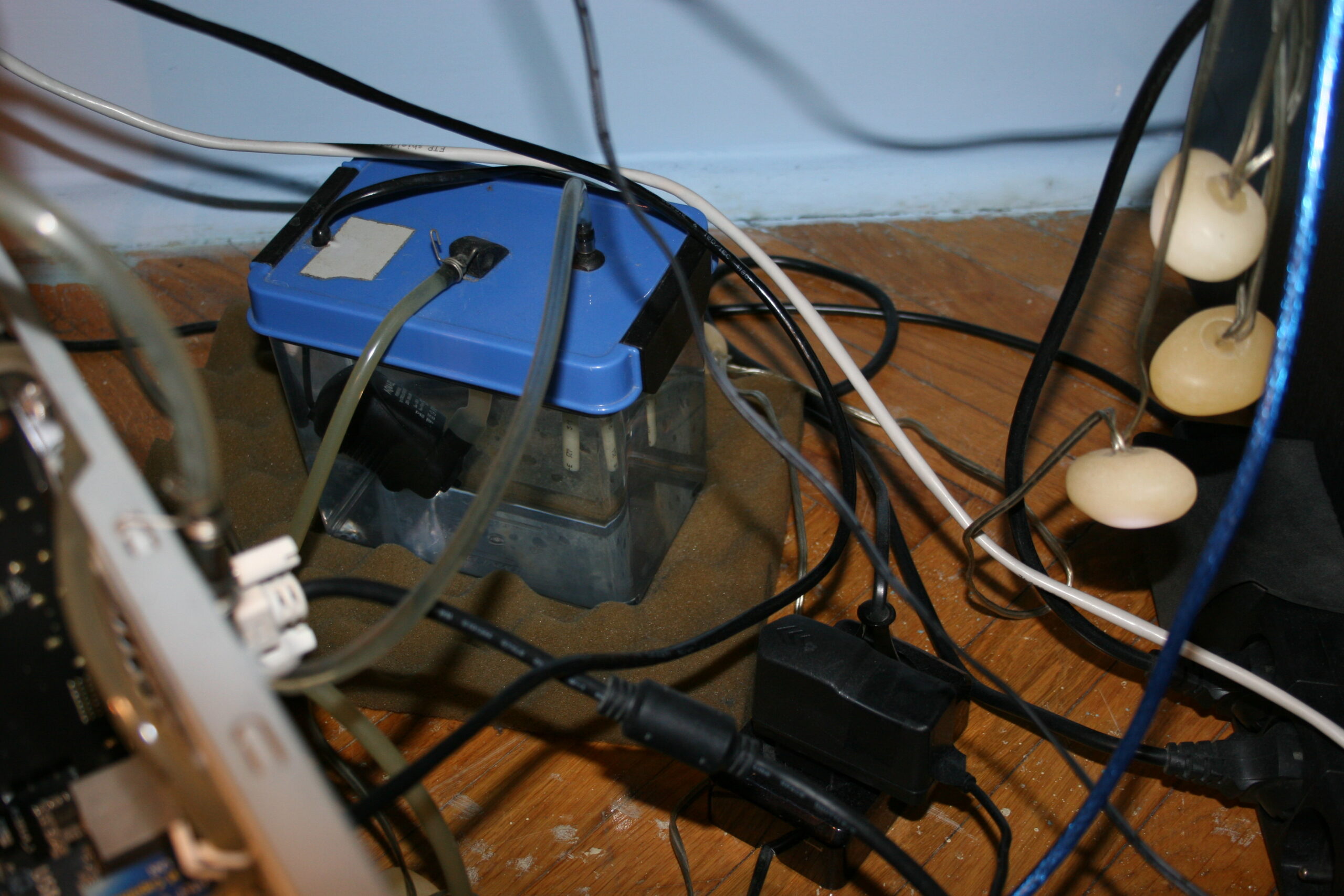
As for water tank, the pump was in it. I made it quieter by tilting (picture). The pump was really cheap, always at full speed and using 220V (that’s bad), 10W power. But it worked well for about 10 years until it stopped. So water tank was better, quieter outside, since pump’s vibrations didn’t amplify, when put tight in PC case. Also easier to fill, add or replace water, etc.
For years I had radiator outside PC too, just hanging, attached to my desk, under which my PC always is. Later, in previous project I’ve mounted 3-fan radiator/cooler on the PC case I had (picture) and put that big PSU inside, leaving only water tank outside, PC was possible to move. I had previous PC for 12 years, until I finally decided to upgrade all hardware.
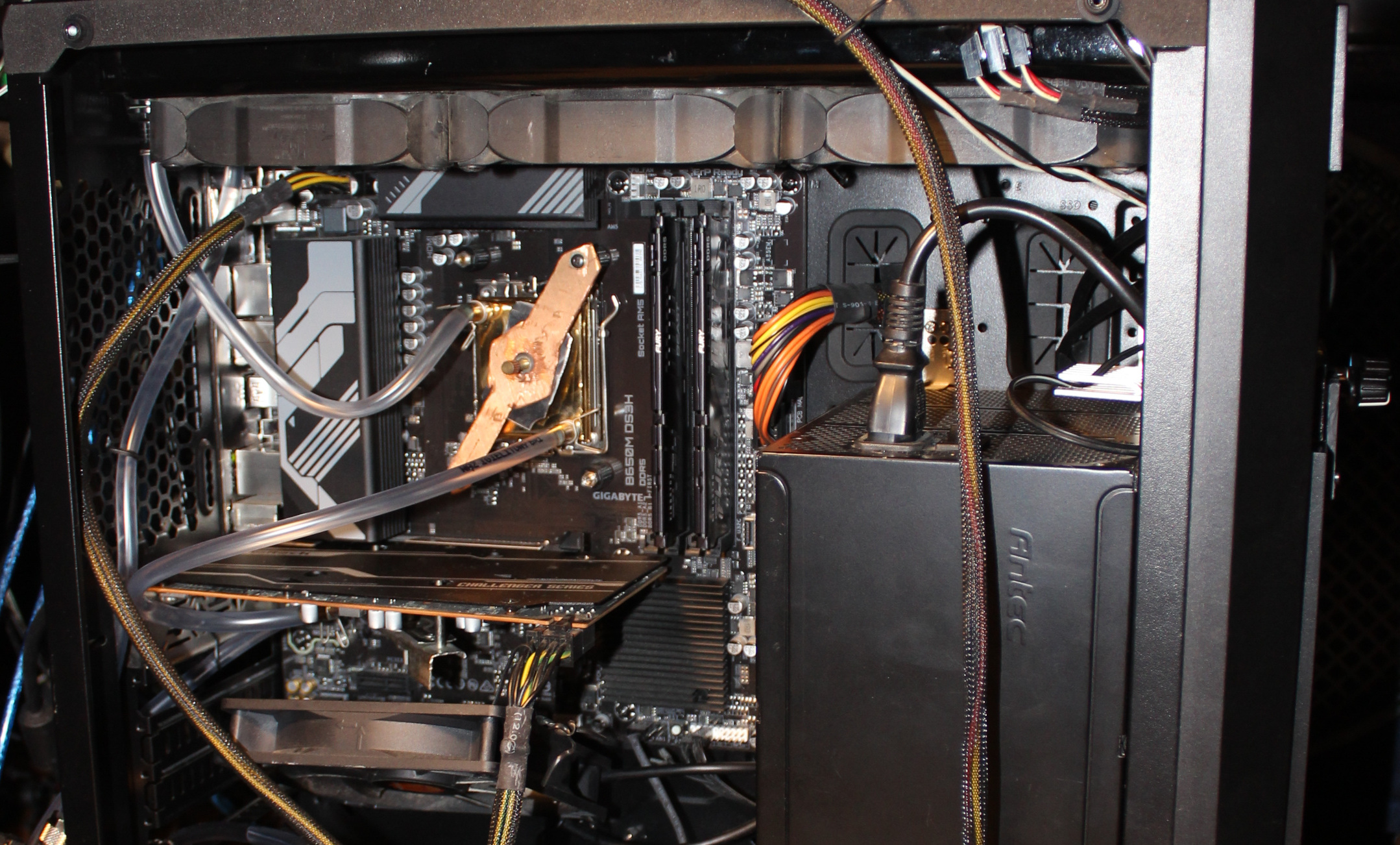
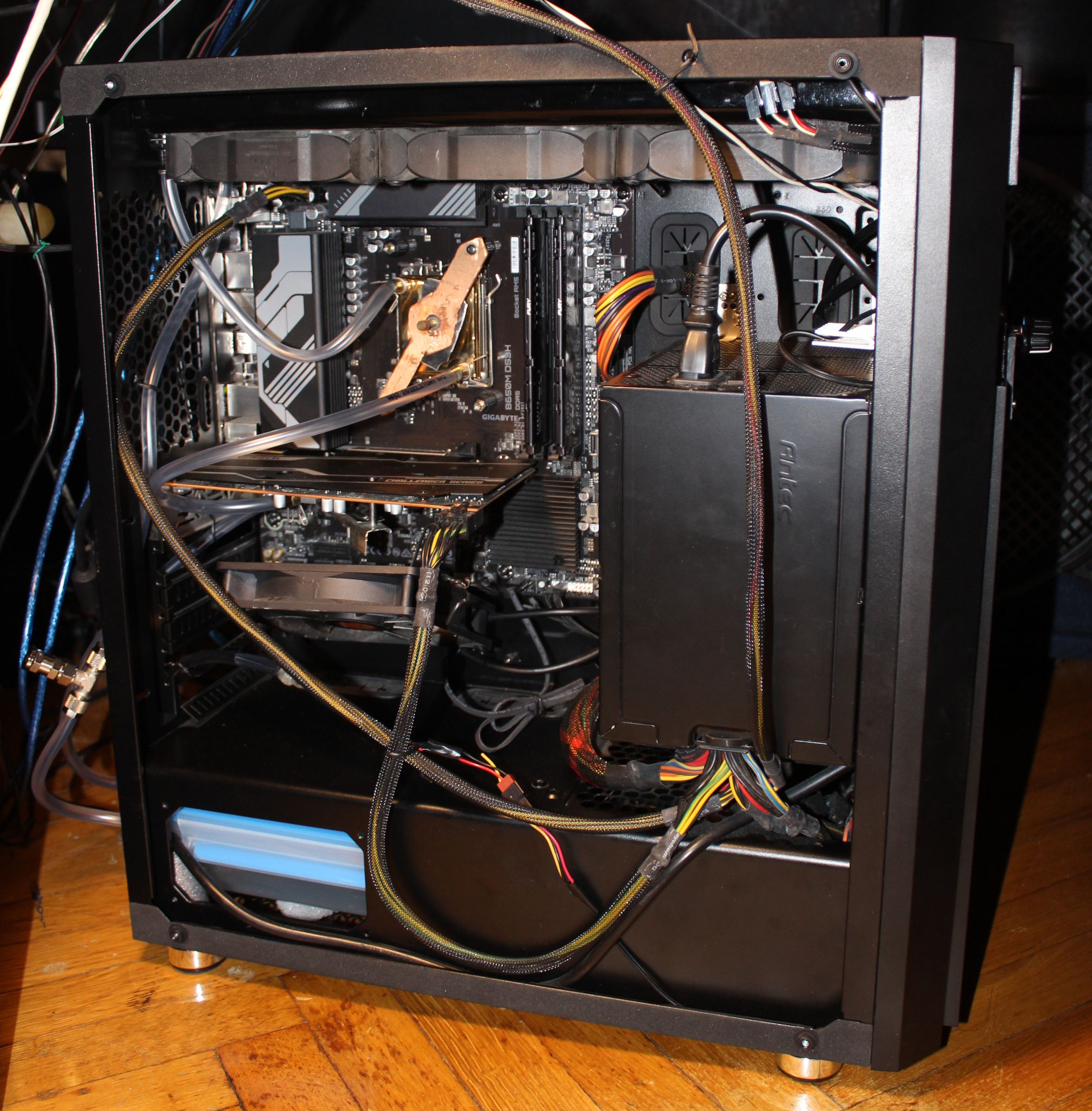
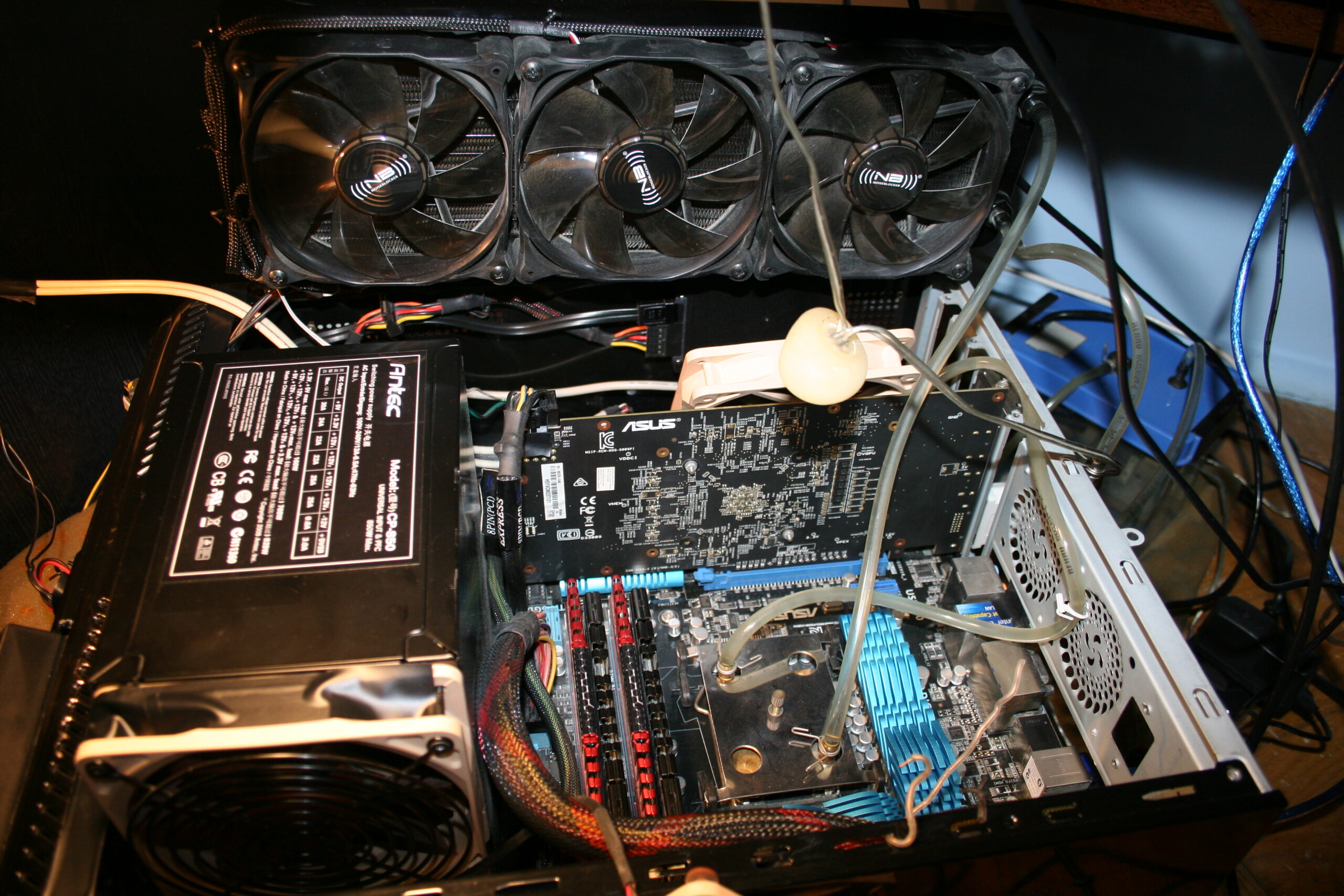
When I bought a new PC in Sep 2023 (I pick all parts myself), I also chose a new PC case. Only PSU was left from the old PC. I measured and planned before, so that this big PSU and new GPU would fit inside (barely, picture). I got a smaller mainboard this time, it’s better.
I used this new PC for a long time with air/fans cooling, until finally in late Apr 2026 I had enough of that CPU fan noise and converted it to water cooling. Why did I wait so long is because I was busy with Stunt Rally 3 and as always did no other projects while developing it. Also because I wanted to be extra safe, there is always a tiny chance of a mistake and damaging something.
📜All my PCs history
I moved this section to separate page, it has a table with all my PCs and components. For reference, last row (from 2023) of that table has components of my current PC. There is also some more info on topic of PCs and technology etc.
🔍Details
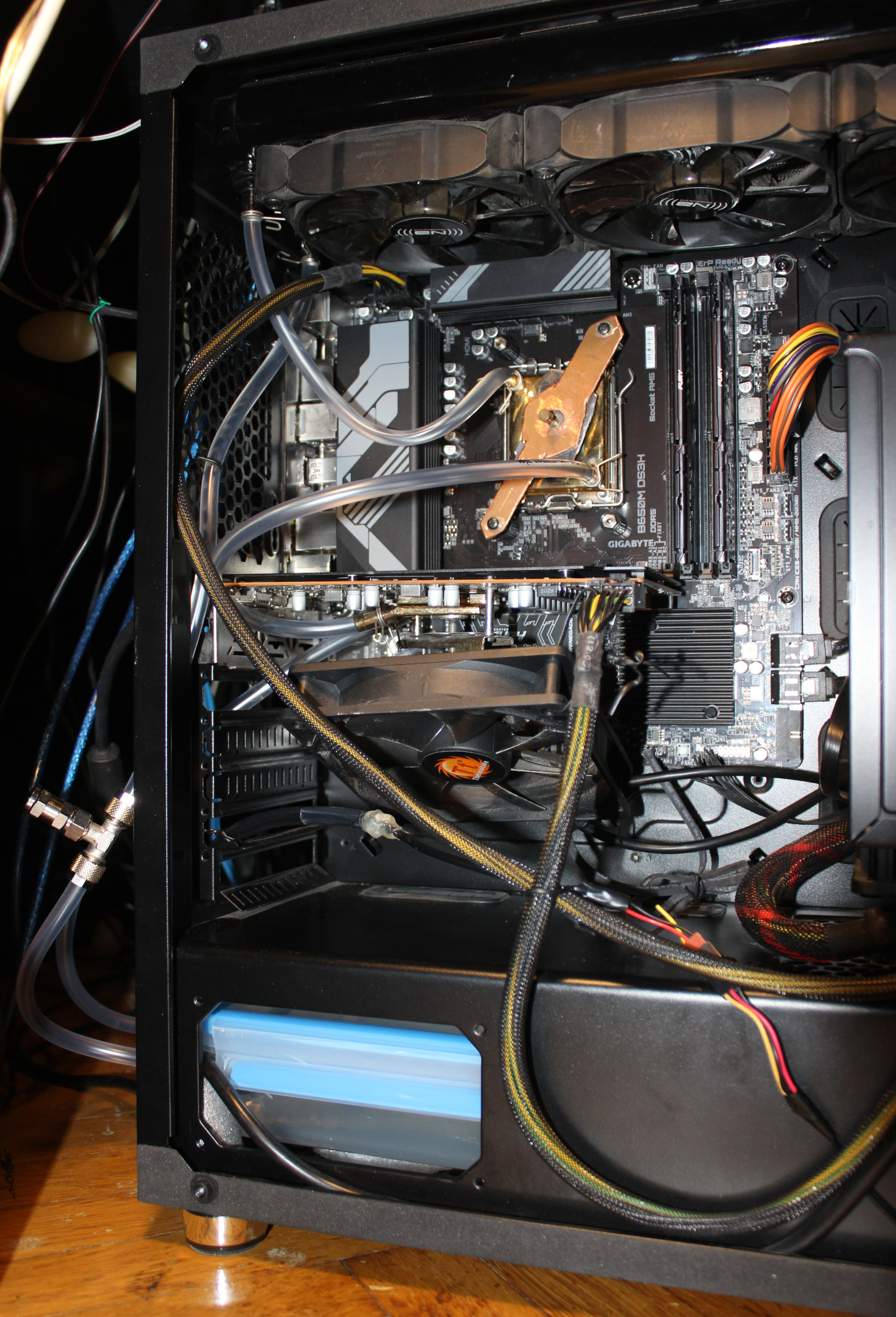
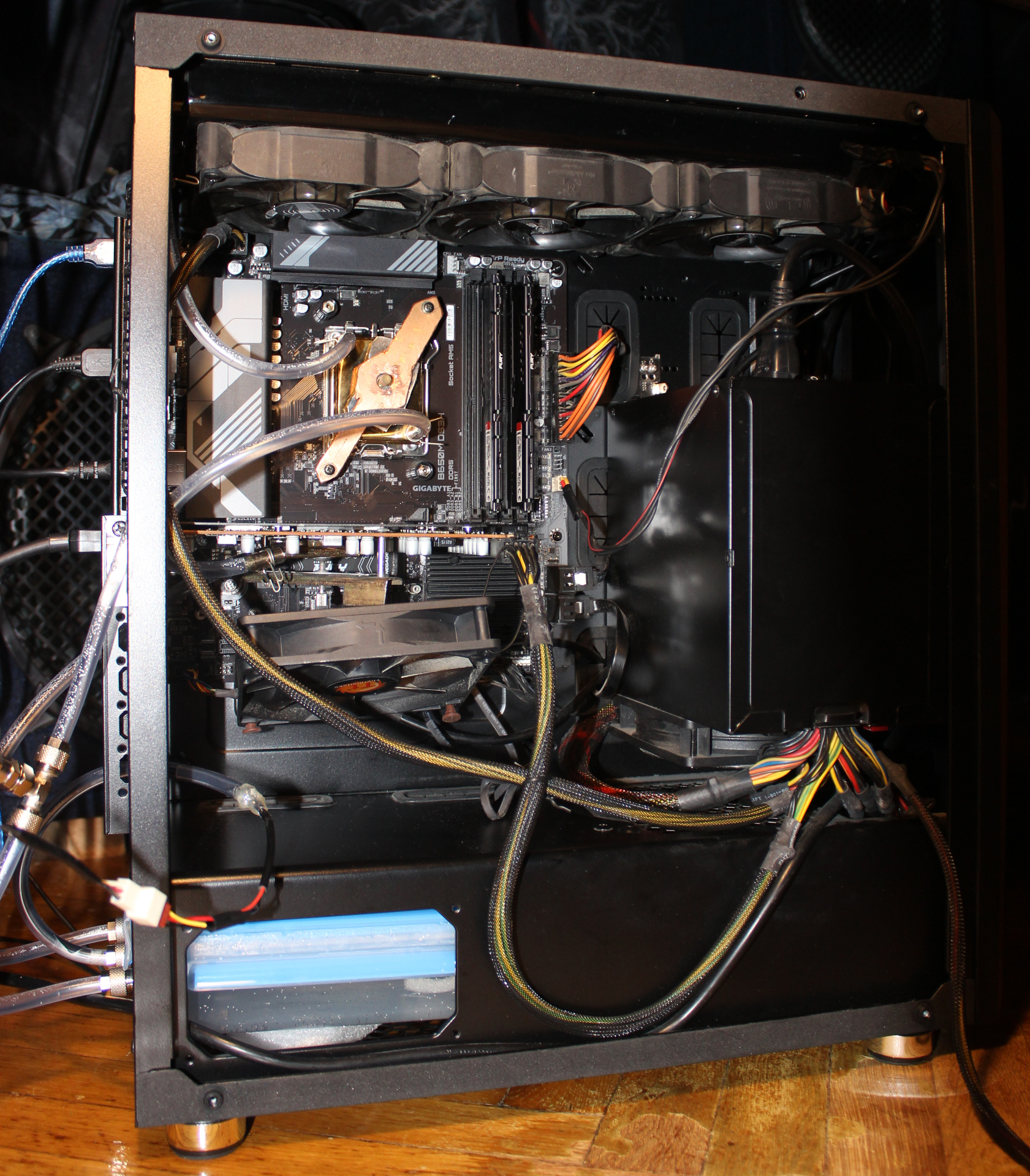
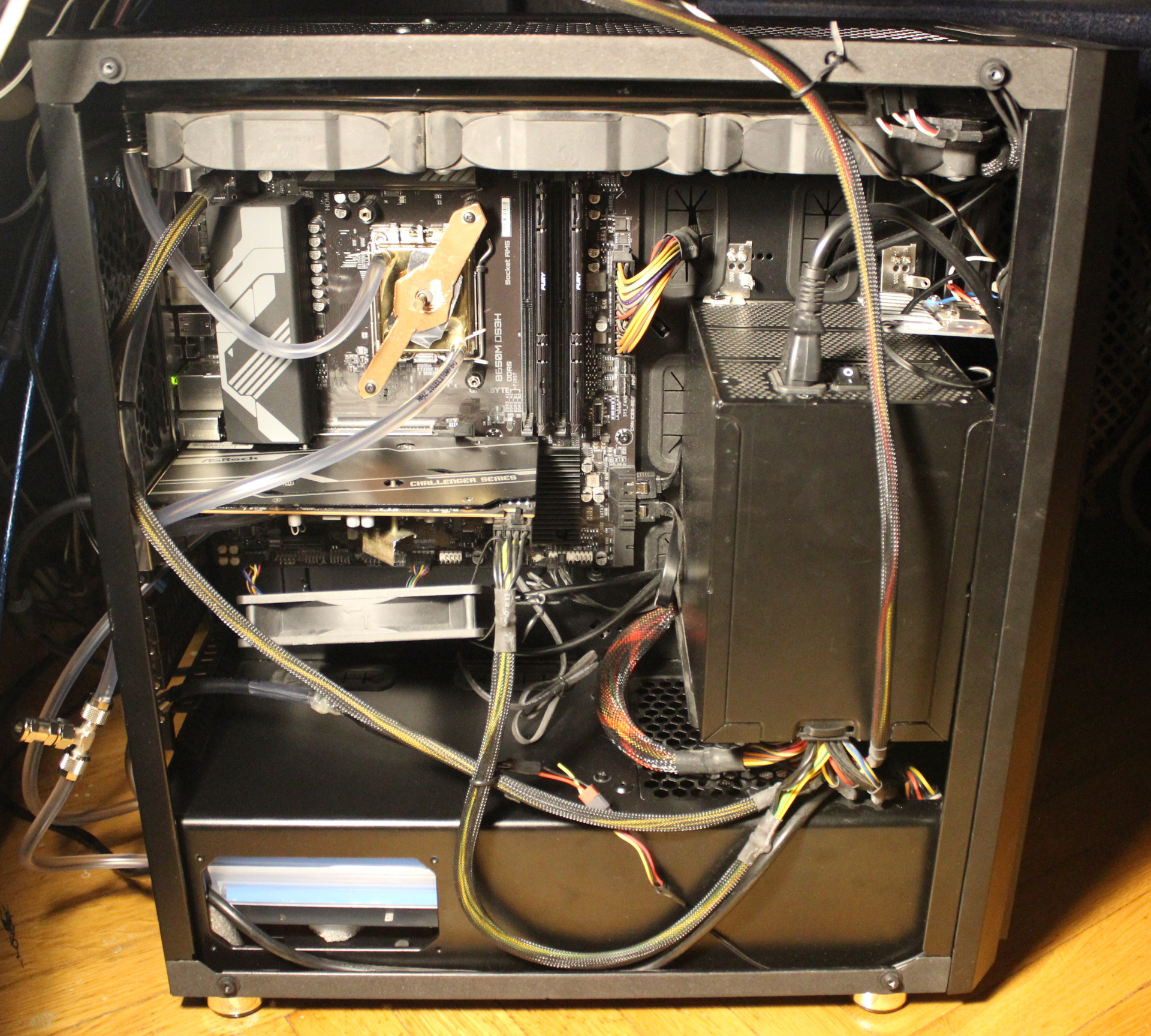
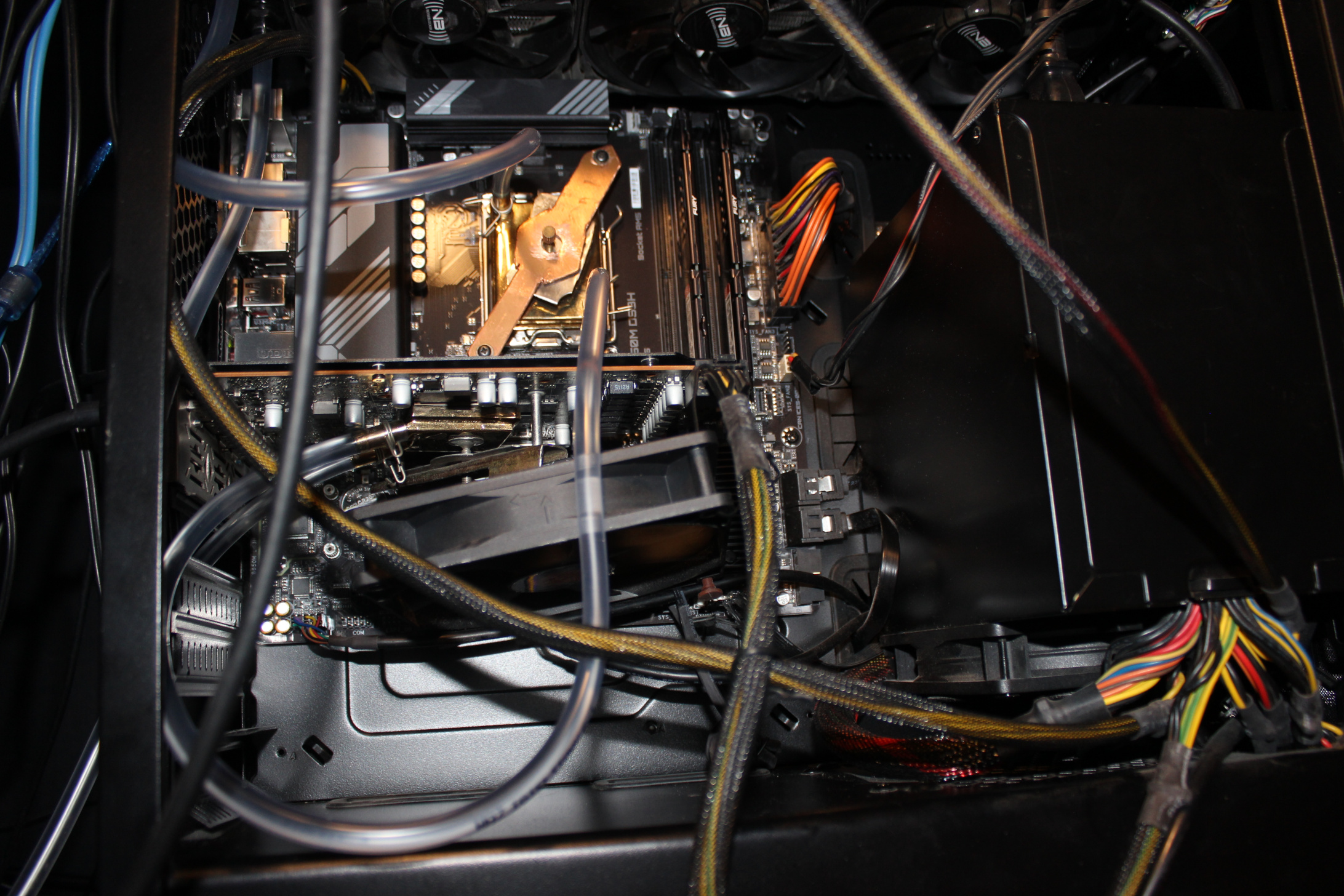
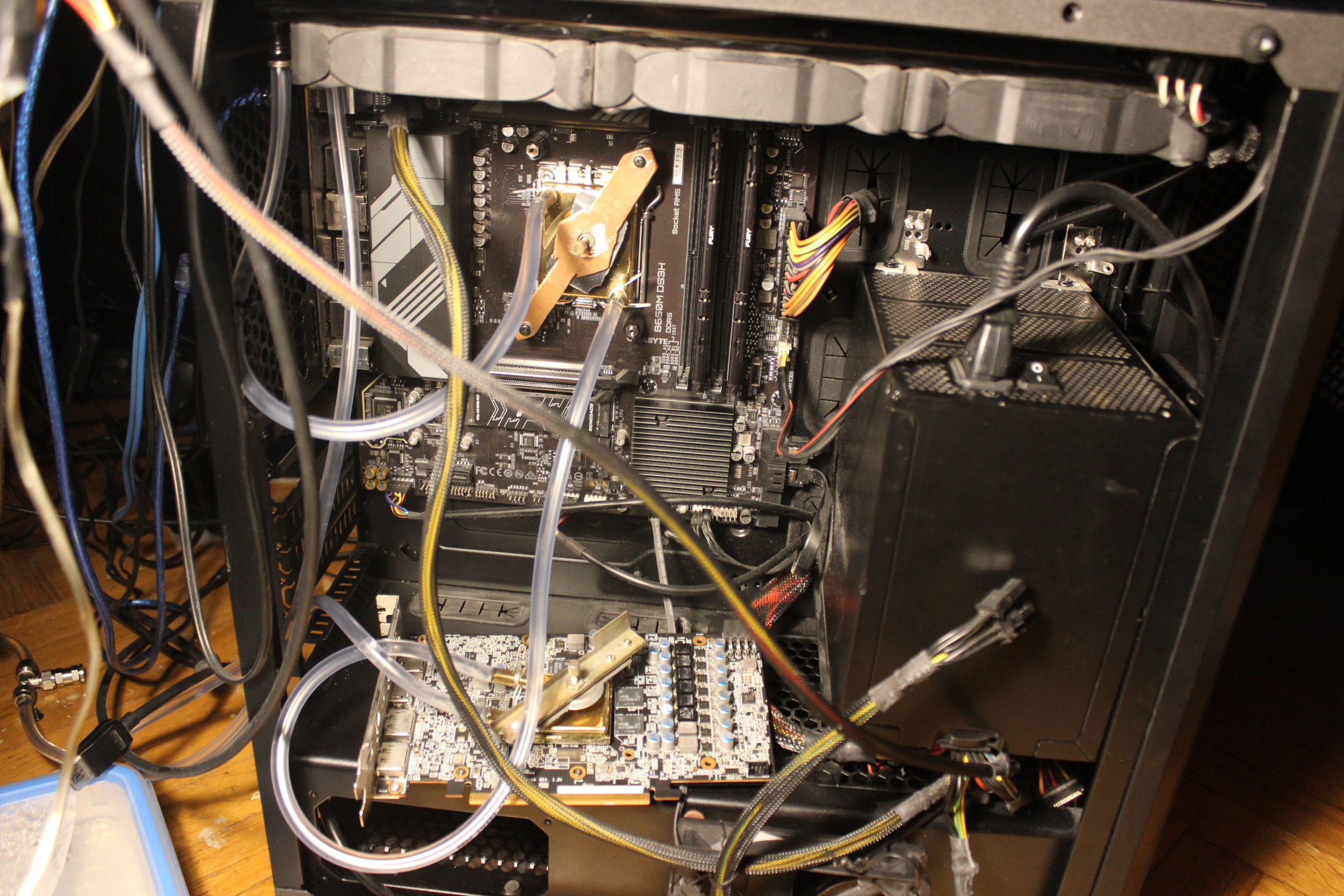
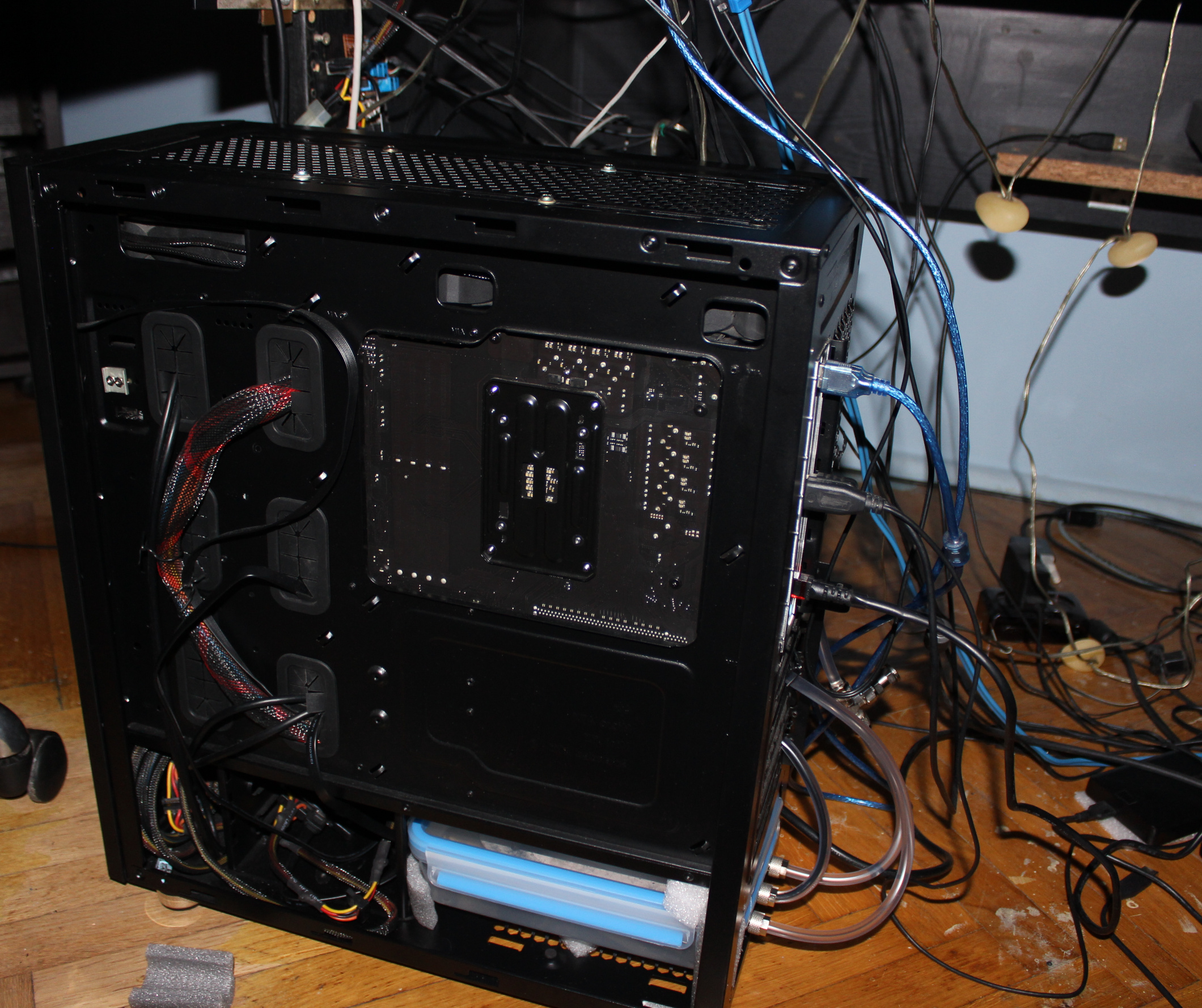
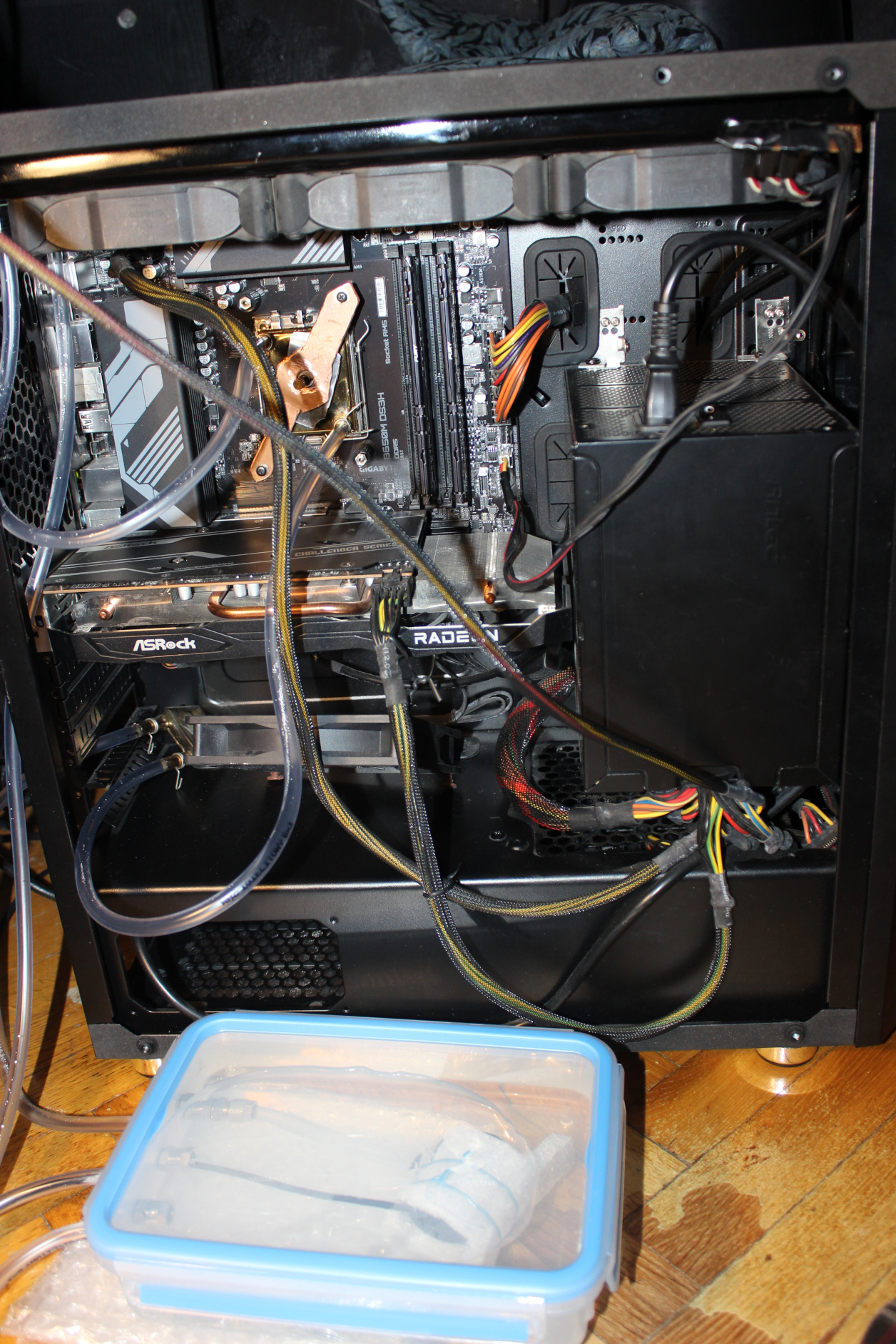
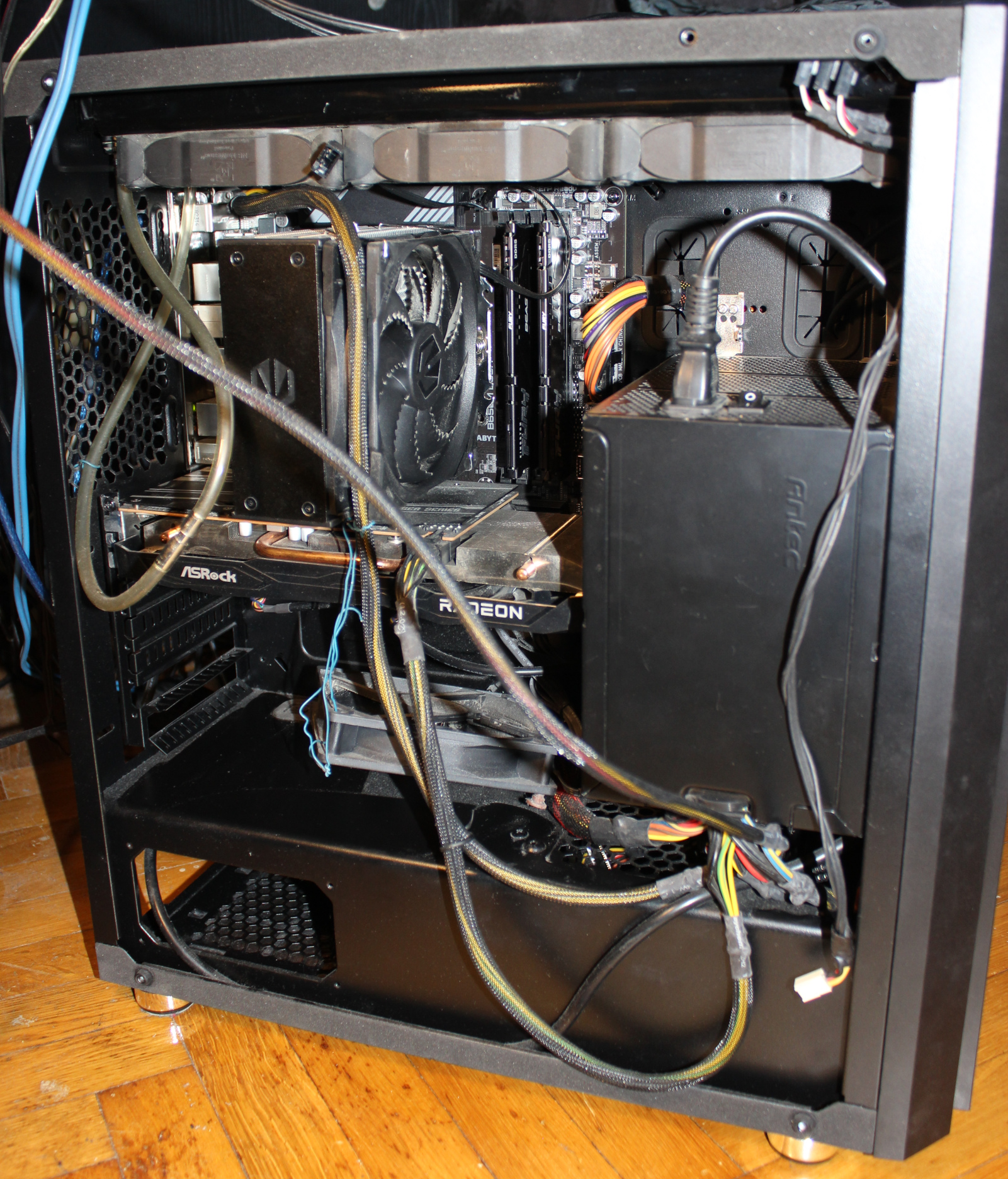
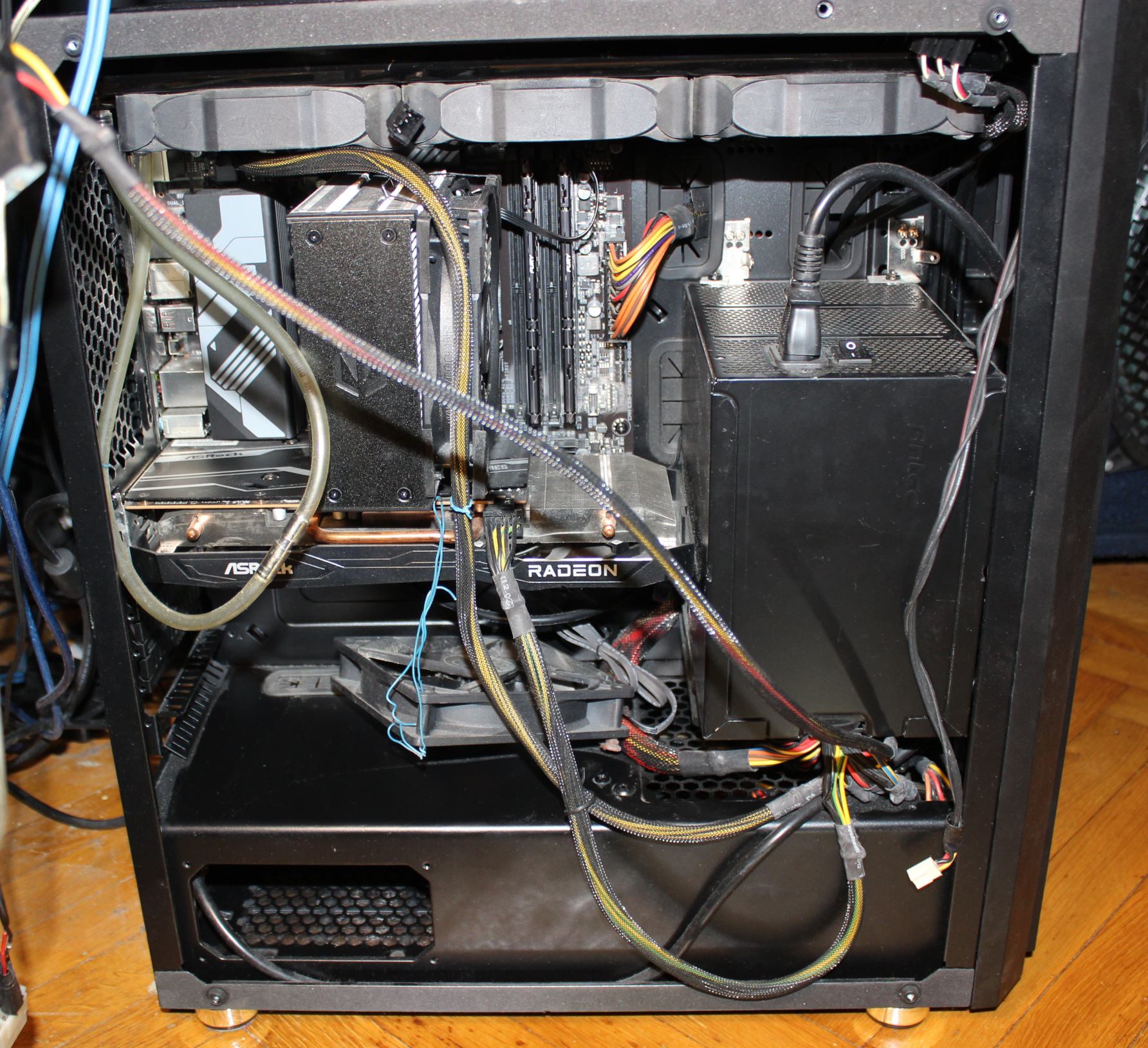
This time I managed to put everything inside PC case (WC radiator, PSU and water tank) even without cutting case. It is a huge improvement from old times when I always had PC stuff out of its case, just lying around on floor. I list now the main, cooling components of my PC with more info.
PC Case: Thermaltake Versa H26 (review link, official site, more pics). Weighs 7 kg already. I like it a lot, maybe because it was so long (like 10 years) since I got a new, small PC case. This new one allows many customizations and adjustments. It has place for WC radiators, back space for cables, etc.
That big PSU: Antec CP-850 (review link, video, video 2), from 2008 (wow, happy 18 years man🎉). Quite big but still awesome. Has a lot of space inside for good air flow, from a slow rpm fan (12cm) on side, not on top, is also quieter this way. It can give way more power (850W) than I need (like 100-300W), so it won’t get warm or loud ever. It weighs 3.2 kg. It is 80% power efficient. OFC now they don’t even have it on their website and don’t do such big PSUs. Pity, the design was way better and ahead. It needed some effort to put it in the case, and I mounted it on right side of motherboard, not in the usual bottom place. Obviously like before, I wouldn’t consider getting any expensive, huge PC case that would fit this PSU. Maybe that’s why this size factor didn’t take on. In my PC, likely just a regular size, quiet 650 W PSU would do. I’ll probably never know since I don’t need to change.
Radiator/Cooler: old Black ICE GT Stealth 360, for 3 fans (12cm diameter). Fans: on the radiator I got 3 Noiseblocker fans (to be cheaper than Noctua and black already). They came mounted on rubbers and sound okay at low rpm. But not when higher, I can hear some motor noise. Also at certain rpms they make some ringing/resonance like sound. Noctua was quieter but I hate their colors now. I think I’d add a line to that song🎵: I see a Noctua fan and I want to paint it black.
Pump: new, not expensive, centrifugal (usually for aquariums or water fountains), power: 5W, voltage: from 5 to 12 V. This is great because it is quiet at low voltage (enough for doing not much), but can cool faster when louder at higher voltage (e.g. when using full CPU when building/rendering etc).
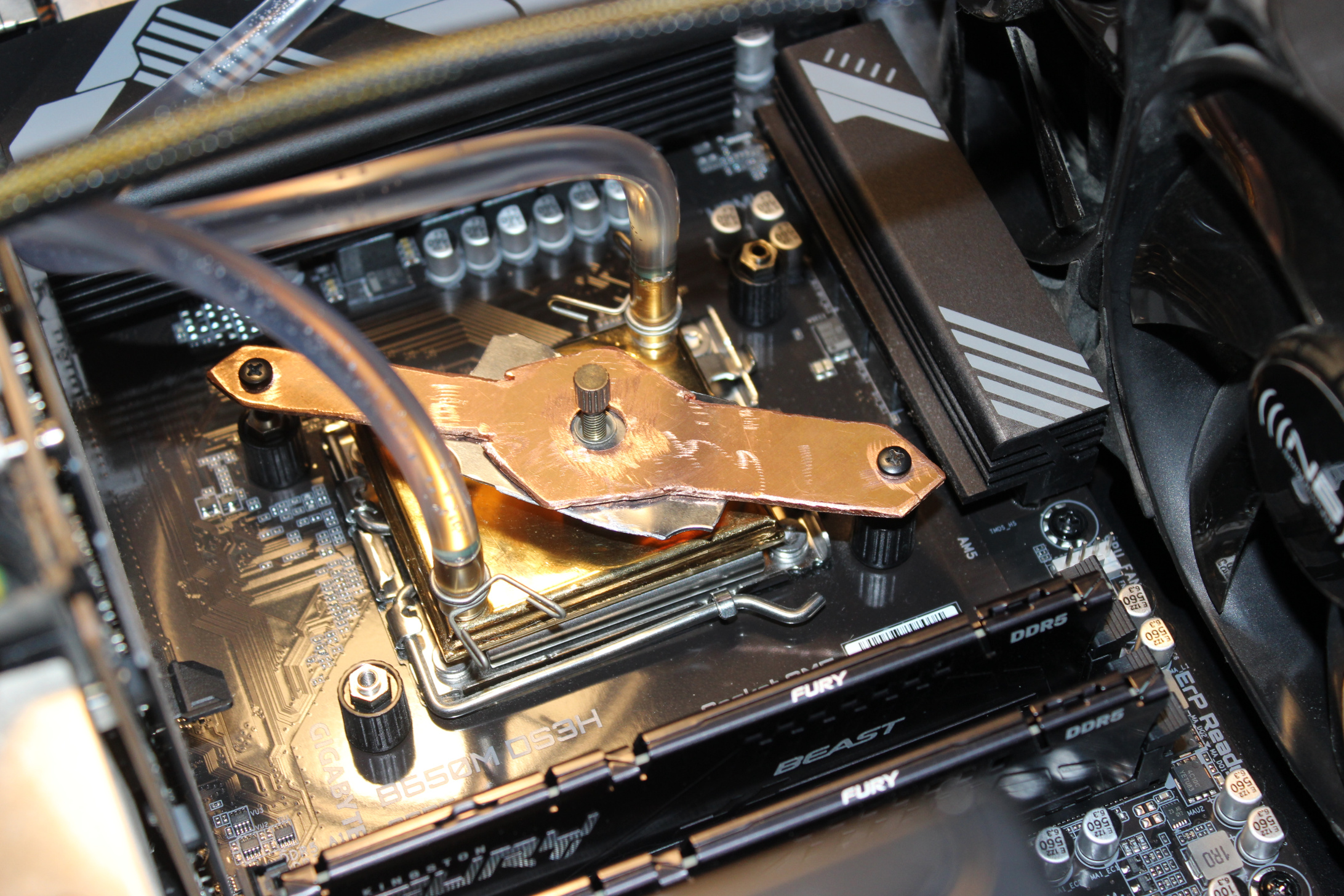
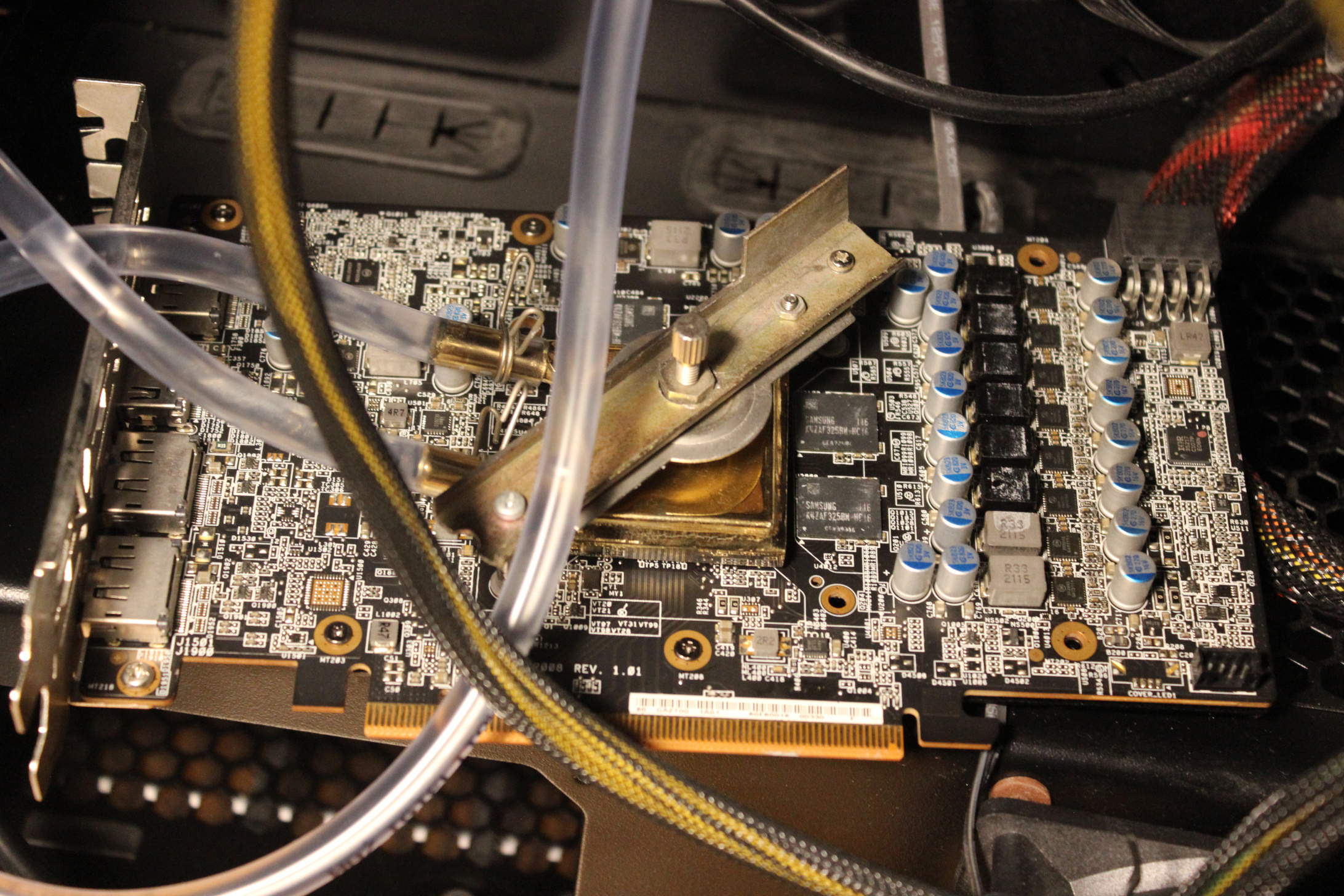
Blocks: old, from 2005 or so, cheap. From a local company, that I think stopped/died after couple of years. These blocks have just 6mm pipes for tube pushed on them, so no expensive fittings needed there. There is a tightening metal around them for extra safety, not really needed, it didn’t leak for me before without them. Mounting (to hold water block onto CPU/GPU) for these water blocks was a bit tricky. I made it myself (DIY way) reusing the old mounting parts. For CPU also cutting an (rough, ugly) shape from copper to match motherboard’s CPU socket dimension and used screws. I think it looks cool, and it screams DIY most (close picture here), on pictures in gallery.
Tubing: has diameter 6mm (1mm wall), to fit those blocks. It is not the thicker tubing used for compressed air push fittings. Also a short 8mm part just out of pump.
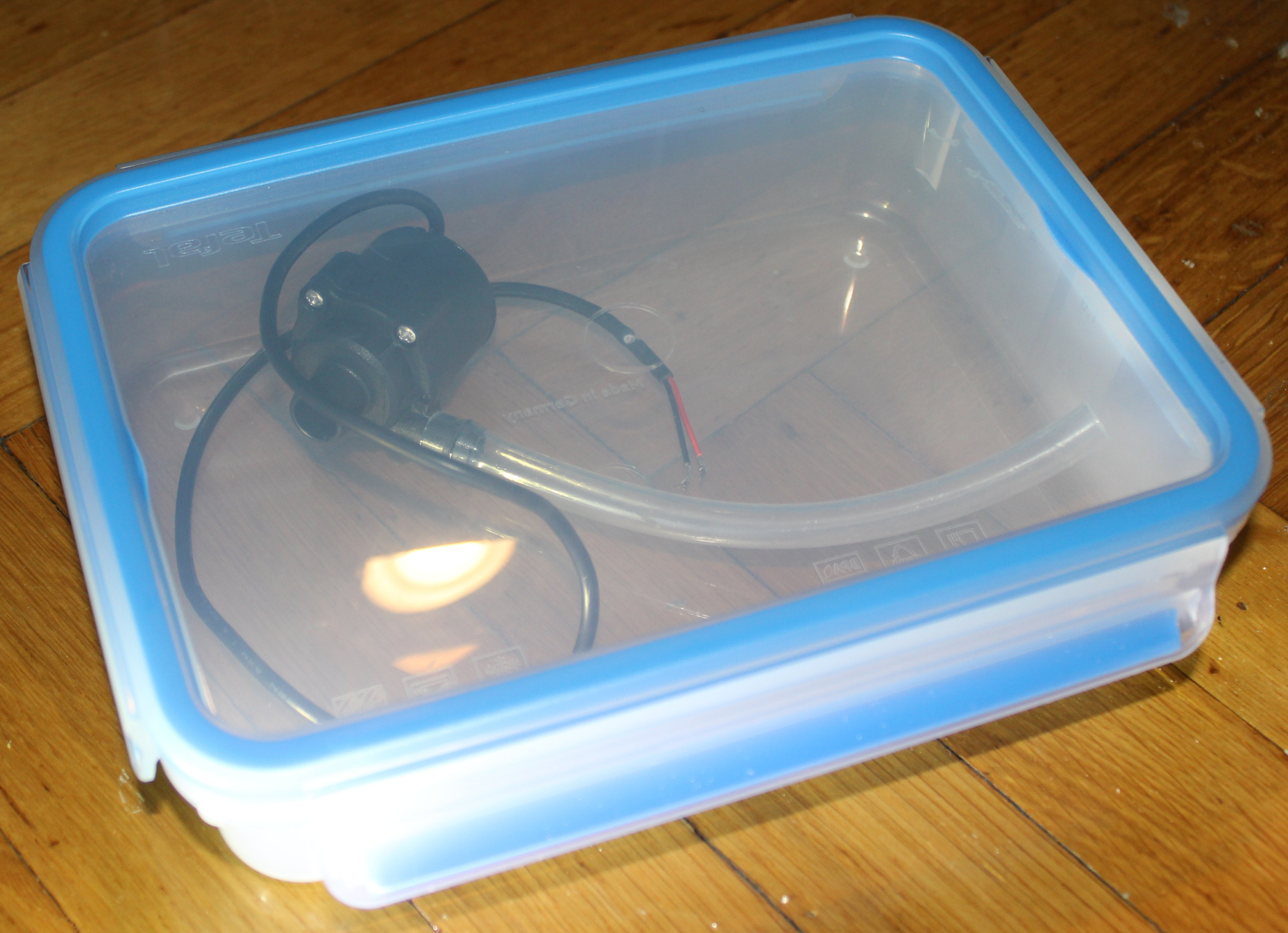
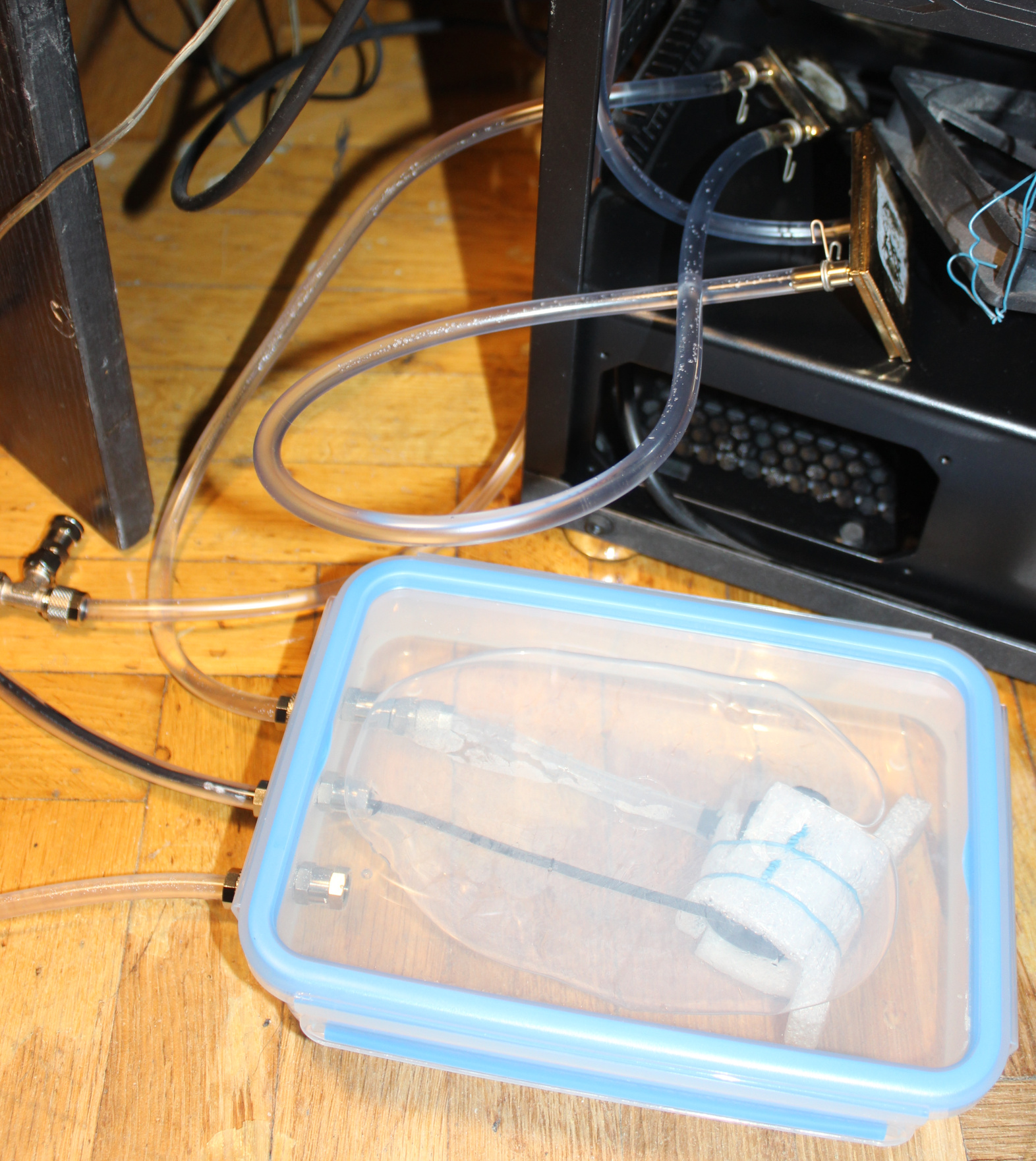
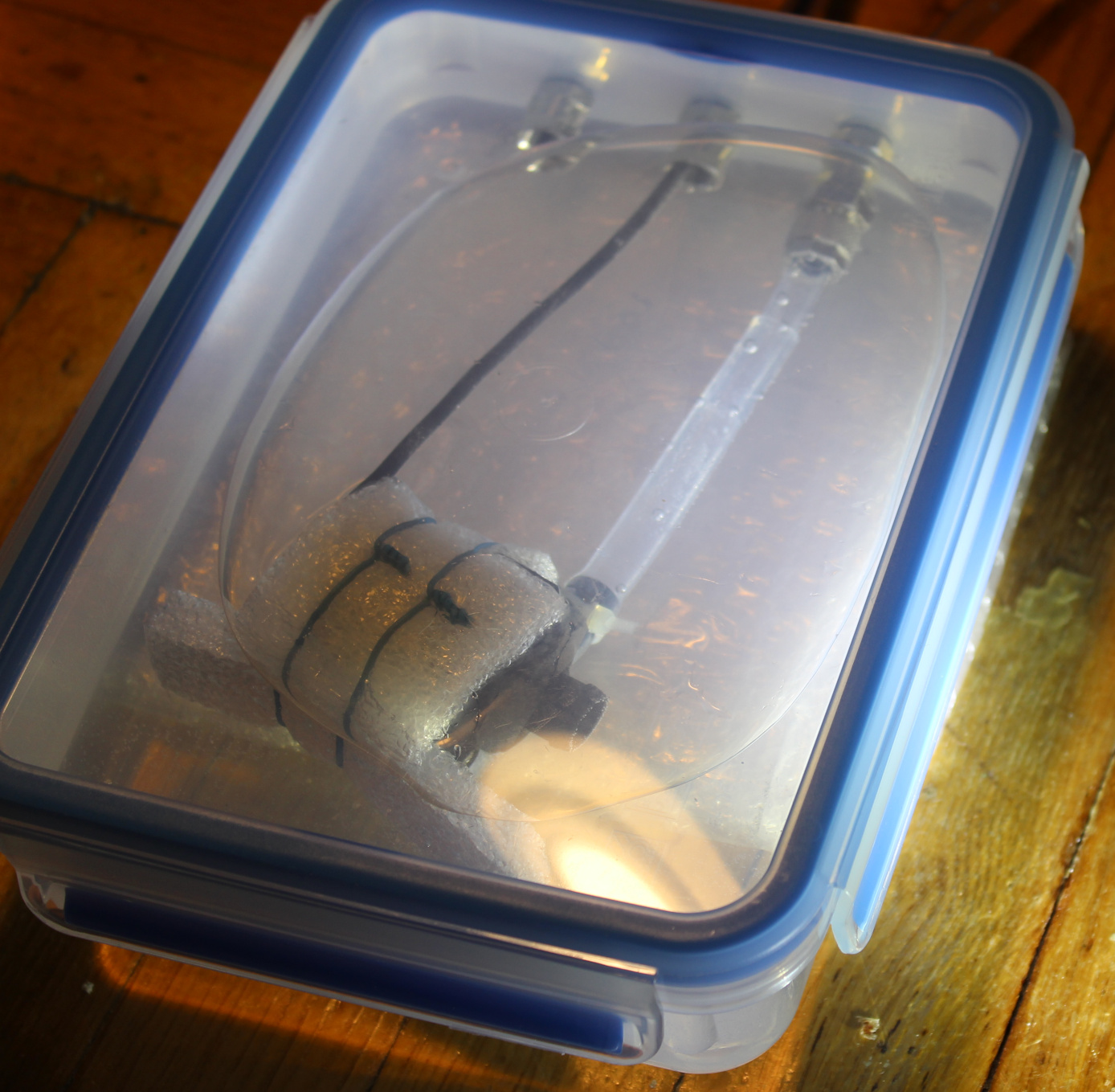
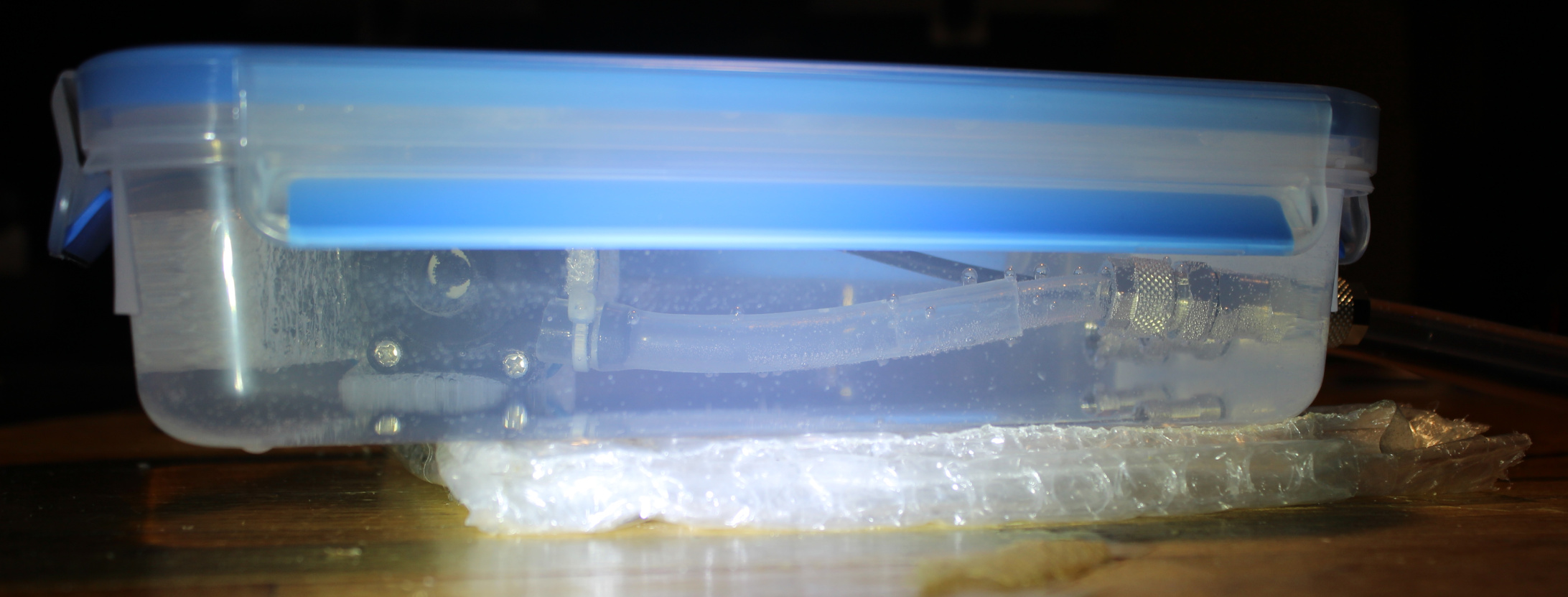
Water tank/box/reservoir. These things are way too expensive (overpriced) to buy. Mine is made from a food container🫙. It gets sealed when closed so water won’t drip out. Rest of it is done by me. I made 3 holes and used fittings (for compressed air or fluids), these have o-ring rubbers for sealing and other side is tightened to tubes. Inside there is water pump, around it I put some packaging foam sheet, held with wire. Outlet from pump has 8mm tube and shortly goes into a 6mm tube, it fit well just like that, by pushing. The 3rd hole (in middle) is for the cable inside short tube. Its end is sealed with just heat glue.
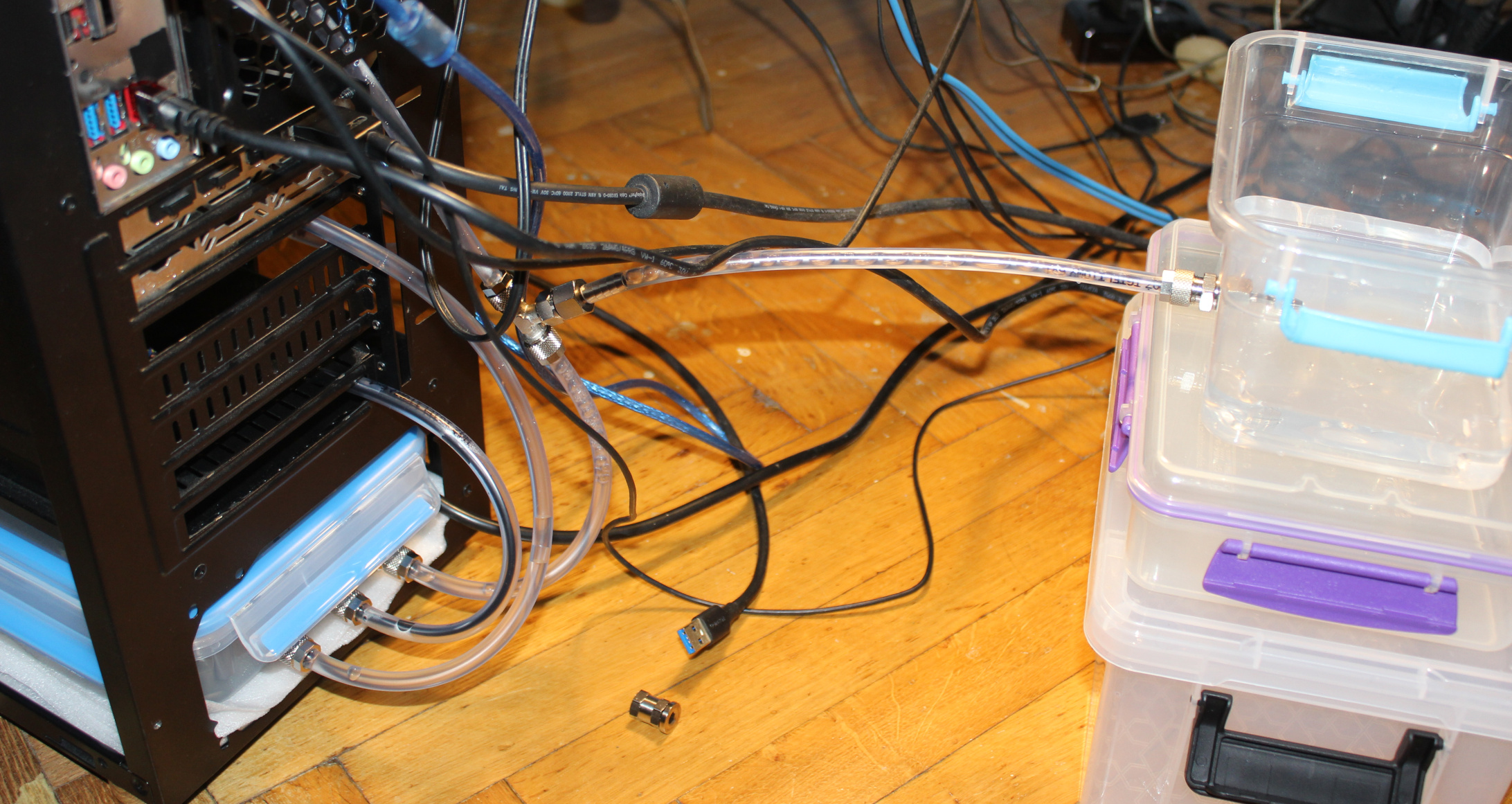
I checked after putting all together and nothing leaked. I added a T-connector fitting, on return way from radiator, closer to ground and water tank. It was useful when filling it with water at first time, from another reservoir (picture). Normally the 3rd connection is closed. A short video of fittings used in my local Polish. And a website showing (nickel plated) brass push on fittings (also called brass rapid joint fittings). These aren’t cheap I’ll add but that’s due to materials and making.
So the flow order is like this: in the tank water gets sucked into pump, then goes outside into firstly GPU block, then CPU block, then into radiator, and lastly returns into tank. This path isn’t very short, but I don’t see this mattering that much. Surely most expensive WC sets use bigger diameter tubes, not 6mm, and shortest distance. it is likely more efficient, but needs a bigger rotor in pump, which I think gets louder.
The whole PC weighs about 11 kg. It surely feels heavy even to move around.
💧WC comparison⚖️
Here are water cooling pros (advantages, good) and cons (disadvantages, bad or costly), as compared to the cheaper air cooling:
✅Pros:
Definitely quieter.
Reacts slower to CPU or GPU load (use percentage). As whole water tank heats up slower. Thus it’s nicer, less annoying than hearing high rpm fan every time when load goes higher.
Way more optimal at cooling by water🌊 than by air only. It’s just physics. Heat transfer coefficient for water is between 500 to 10,000 W/(m²K), while for air from 10 to 100 W/(m²K). More coefficients e.g. in table. Of course at end, it still has to be done by air in radiator. But at least that radiator can be of any size and well made for this. Instead of being heavy and mounted with fan(s) above CPU or flat, narrow on GPU to fit.
If done right, it needs less frequent and easier (vacuum) cleaning. CPU radiator (under fan) was always quickly dusty in my case. And it was harder to clean, I had to remove the fan first.
More reusable. I already used these water blocks in 3 PCs. Radiator, previous water tank and pump in 2 PCs. But it did require adjusting or DIY making of new socket mounting to hold water block onto CPU/GPU. Perhaps one can do the same with CPU/GPU radiator and fan sets. I didn’t try making a new socket mounting for that, but I think it’d be more difficult and risky since these radiators are rather heavy and bigger than water blocks.
More place inside PC case, after removing CPU and GPU radiators. Possibly better air flow in PC case.
More room for DIY, more options and more fun assembling yourself. Way more if compared to just default provided cooling.
❌Cons:
More expensive. But not a lot if partly done as DIY, and reused over more PCs for many years. (not that way too expensive crap, made custom for 1 PC or specific 1 GPU, etc).
More components needed: pump, water tank/reservoir, blocks, radiator(s), tubes and their connectors.
There are some full sets with all components and just for cooling CPU. But I’m sure they’re overpriced and I won’t need any.
Likely more fans needed, but they run at low rpm (e.g. 600), thus are still quiet (versus one going high rpm).
Not ideally quiet like with passive cooling or with fans that don’t rotate yet. Because you’ll always need at least pump running which is also usually louder than a slow fan.
More weight, heavier, needs more space.
More risk, after all there is now water here. But I never had any leaks on components, just some water around PC during maintenance like refilling.
With no flow indicator or meter, you don’t know if pump is running. Only by very high CPU temperature shown in OS. This is also risky. A “pc water cooling flow indicator” is rather expensive so I never got one.
⌛Conclusions
I surely waited too long (2.5 years) hearing that CPU fan go loud whenever I started building Stunt Rally 3 or rendering my 3D hammer or even recording with OBS (at just 12% CPU). Well as always when I finish a project I think I should have done it earlier. But it’s a matter of priorities and first doing what’s needed most (or giving most fun😉).
I think I also didn’t do water cooling for long, and forgot I actually am able to, I got experience, and it’s not that risky for me. I never had any water leaked on mainboard or such. I did have some water on floor few times. Meh, used a sponge and towel and that’s it. Even this time, when filling, I think I had too much pressure and the tank started leaking on floor. BTW I was on phone when it happened, which was stupid too.
For me it was always way too annoying to hear a CPU fan over 1200 rpm or more. Especially every time CPU load goes high and fan goes loud. The solution is water cooling, it’s a different approach, also one that’s much more optimal by physics. If I don’t increase fans rpm accordingly, then water will get more warm, but slowly. Eventually I have to cool it more. But it’s my choice.
For now I have only 2 manual knobs🎛️ for both pump voltage (flow, speed) and radiator fans (rpm). Both when higher get louder. For pump it’s about making it quietest and still running, since (in my experience) making more flow doesn’t help much, it’s just loud. The key regulation is for fans on radiator. These can be quiet when CPU isn’t doing much, and have to eventually be a bit louder when CPU % use goes high for longer.
Possibly my WC could use a custom (auto) regulator now. I mean I can’t just add a water temperature🌡️ sensor(s) (e.g. DS18B20) to mainboard, and use its software to auto regulate pump’s (not really needed) or radiator fans’ voltage (rpm). It was possible with just air cooling. And since I got new PC, its mainboard could do that. Thus I later disassembled my fan controller (I used its MCU for other project). But it’s for me another reason to remake my fan controller again and BTW adapt it to other MCU (cheaper Esp32 now).
Lastly I do rarely look at those fancy (and stupidly commercial) water cooling PC cases, with unnecessary, expensive style, RGB LEDs and whatnot. I despise all that. For me a PC is not about looks or light at all, it’s about: functionality, DIY solutions (as nobody makes what I need besides me, e.g. my keyboard firmware), reusability, and minimizing costs (stretched over many years).
📷Gallery
Starting with good whole PC pictures, some close ups on blocks (CPU and GPU), then DIY water tank/box with pump and last 2 screens show the old air only cooling. Yeah, surely the floor is old and ugly, has been since decades.
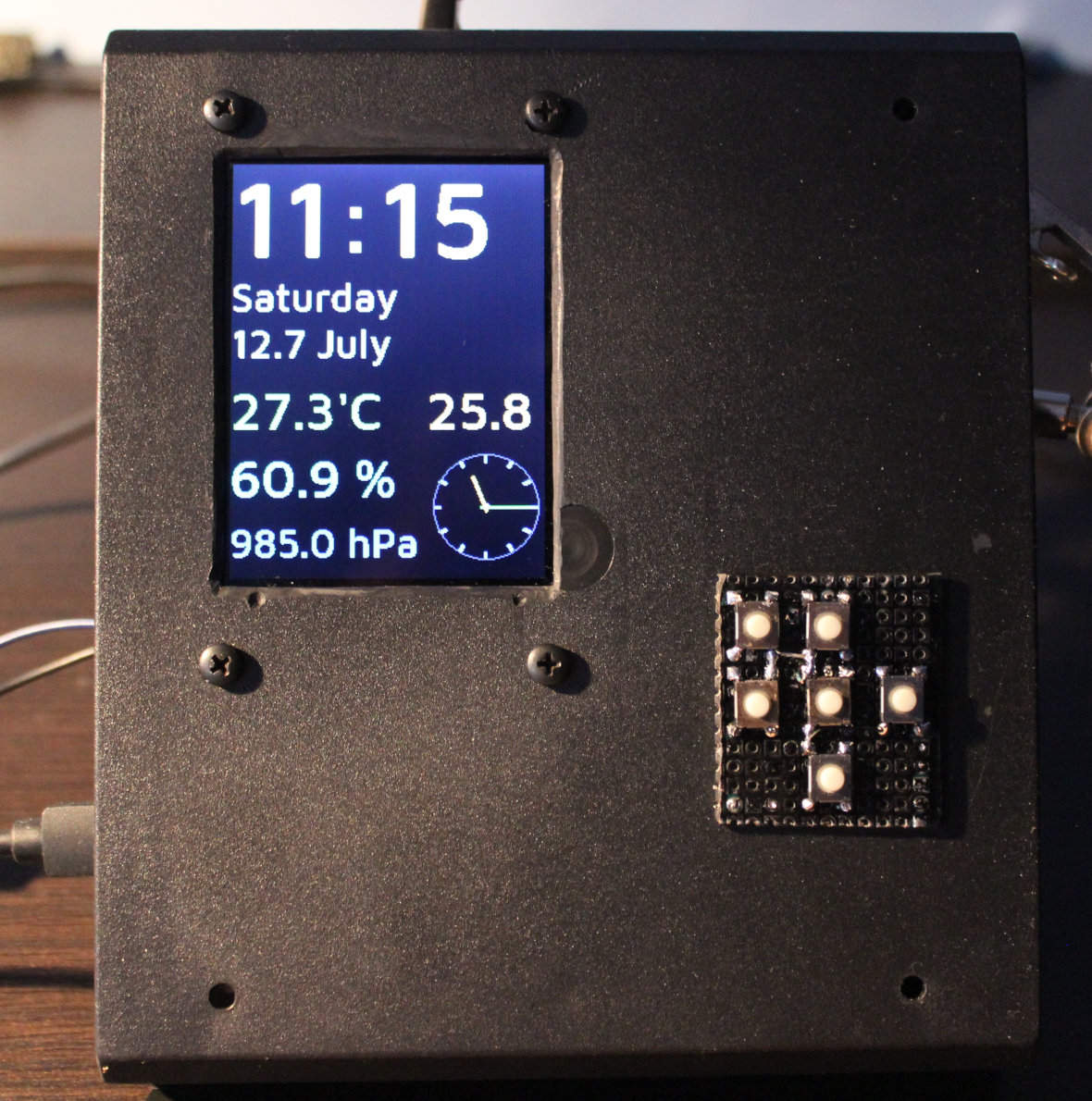
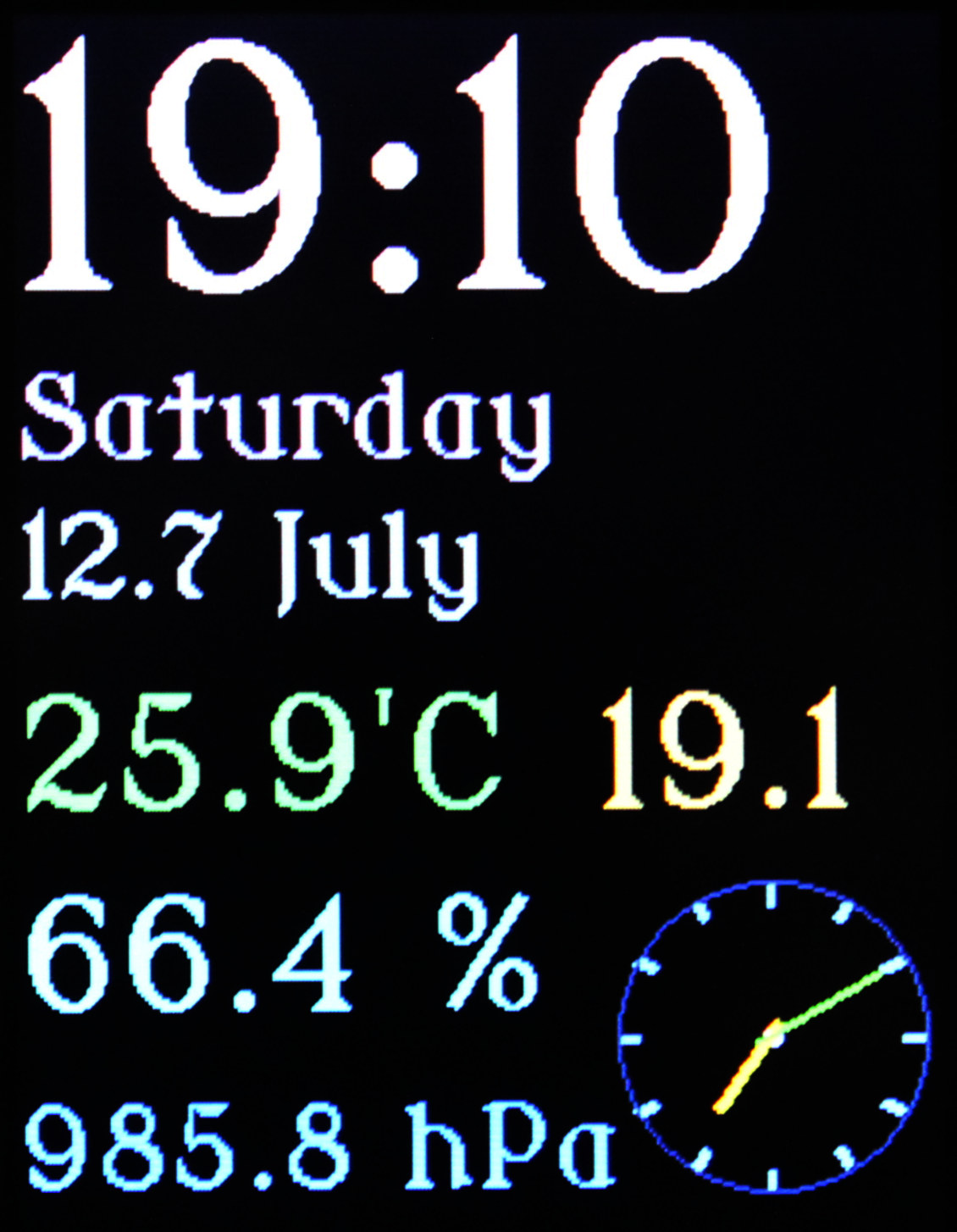
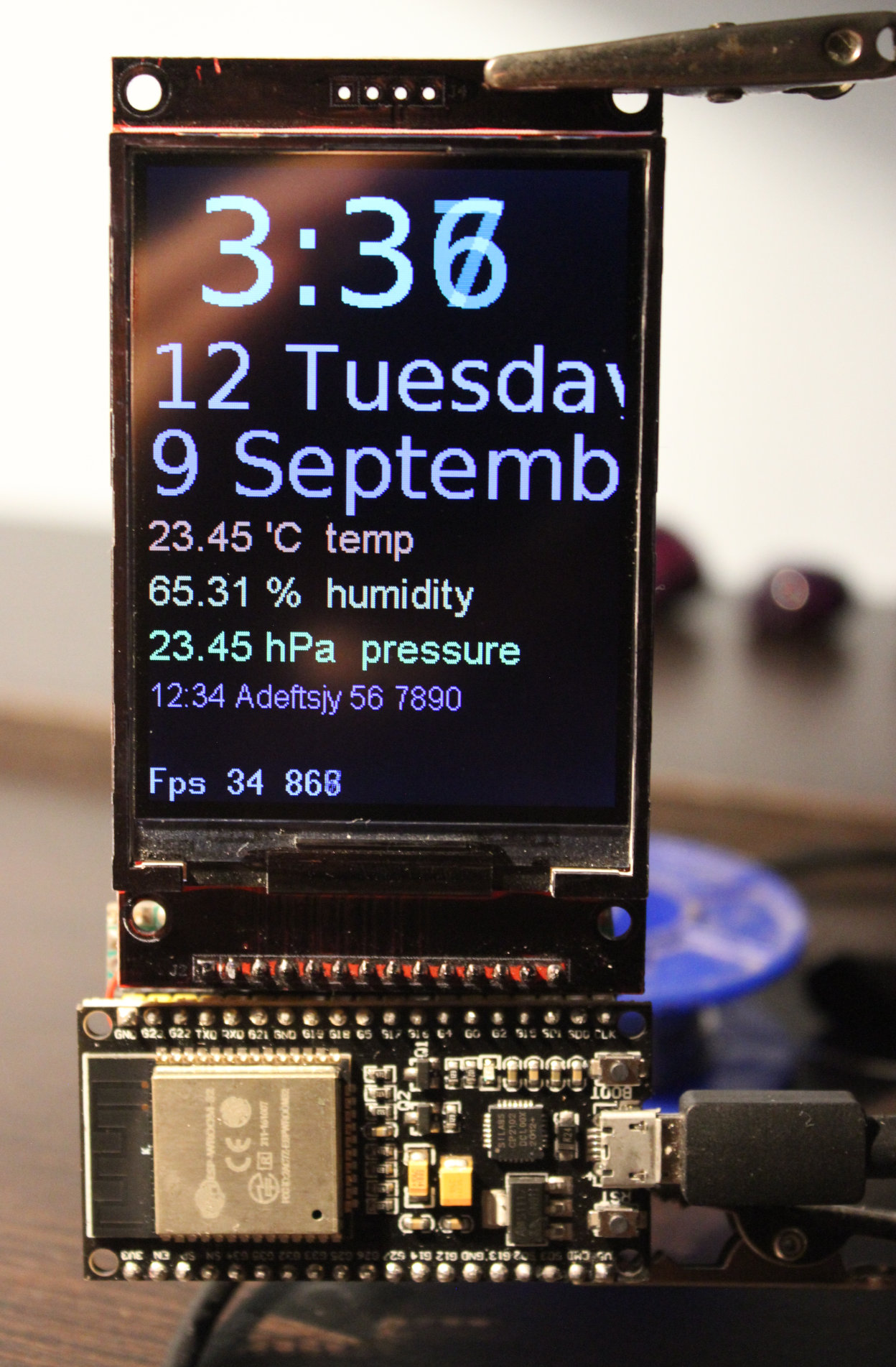
This is a clock / weather station. It was a small project, that took about 1.5 weeks. It uses Esp32 board with LCD display, RTC module, and has few sensors.
✍️Motivation
I needed a well made clock, just to show time, date, temperatures inside and outside and humidity in our kitchen. Naturally I had to make it myself as no such thing existed. Every commercial product has something annoying or done poorly, which you can’t really change. I already had a few Esp32 boards waiting, and I wanted to do something useful with them too.
Until now we had:
A small, battery powered, old type LCD (black & white) clock for time, date, temperature and humidity. Was okay, but is now in other room. Even if digits are bigger, they are less visible, since there is not back light and its viewing angles are low, also depending on coming light direction.
As for temperature outside, I just put a separate, odd thing hanging on window. Was from a PC case and just using a thermocouple (which even didn’t detect below -8°C, but sadly due to climate change it’s less likely to see such temperatures here).
A timer with big digits on old b&w LCD. Have to press e.g. 30 times for 30 minutes, also it beeps on ever key press, which is seriously annoying. We still use it on fridge. But I intend to replace it with my own creation someday too.
An almost good weather station. Still old b&w LCD, big but not really that visible. It measured pressure too, strangely odd low values, IDK why. But all that drained way too much power. OFC producers want you to get addicted to buying freaking batteries (yeah.. cannot stop the battery and without vocals🎶). So the first thing I did was giving it a new 3V power supply, from nearest source our old kitchen HiFi . It was supposed to get the current time from that DCF radio signal, and I remember it had worked at first. But since years it didn’t and it always p!ssed me off when there was no power and I had to input time and date manually with stupid buttons.
Last thing I’ll mention here is that each device should have and remember its settings after power off (or battery removed). E.g. our freaking microwave oven forgets its custom programs.
Thus doing things yourself (DIY) is key here. It fixes all of the above issues and leaves room for future ideas or improvements. For such small electronic devices it has become very easy (and cheap) in recent years. I’ve seen plenty of websites with countless projects, some have a complete guide (like for kids even) with image for wires to connect, full sources with explanation, etc.
I think the key for my project with such LCD was finding a library (FabGL) that sends using SPI and DMA. First I found a video showing it works well, then sources here, and a good reference on how and what it can draw. It was the same story as with my keyboard which has the same LCD. It is most important to draw as fast as possible. Those aren’t tiny projects with small OLED displays on I2C which could use those Adafruit libraries.
There can also be numerous ideas for new features for future. E.g. since Esp32 has WiFi, it could read weather forecast from internet (if I had WiFi set up at home).
⚙️IDEs
I was pressed on time, since I wanted a new clock, not spending long time on setting up proper IDE to develop. So I just used that abomination of an IDE called Arduino “IDE” 2 (1 was even way worse) for build & upload and edited sources in VSCodium with my theme and setup.
There are definitely few alternatives for Arduino IDE (which is easiest to set up and get working, but nothing else):
PlatformIO, sadly only for VSCode (I‘m not okay with being MS slave). There seems to be a way for VSCodium here, I didn’t try it.
Sloeber, is based on Eclipse IDE. E.g. video of it. (I dislike Java and Eclipse too). It worked for me, but I’m not sure if all needed libraries are there too, FabGL didn’t find SPI.h for me, probably needs even more time to set up right.
ESP IDF, the official way for Espressif MCUs like Esp32, also a video for starting. Seems like it needs building from sources on Linux, so I also didn’t try yet.
📂Sources
Sources are here. I was editing code in VSCodium, then building and uploading using the worst Arduino IDE 2.
📊Features
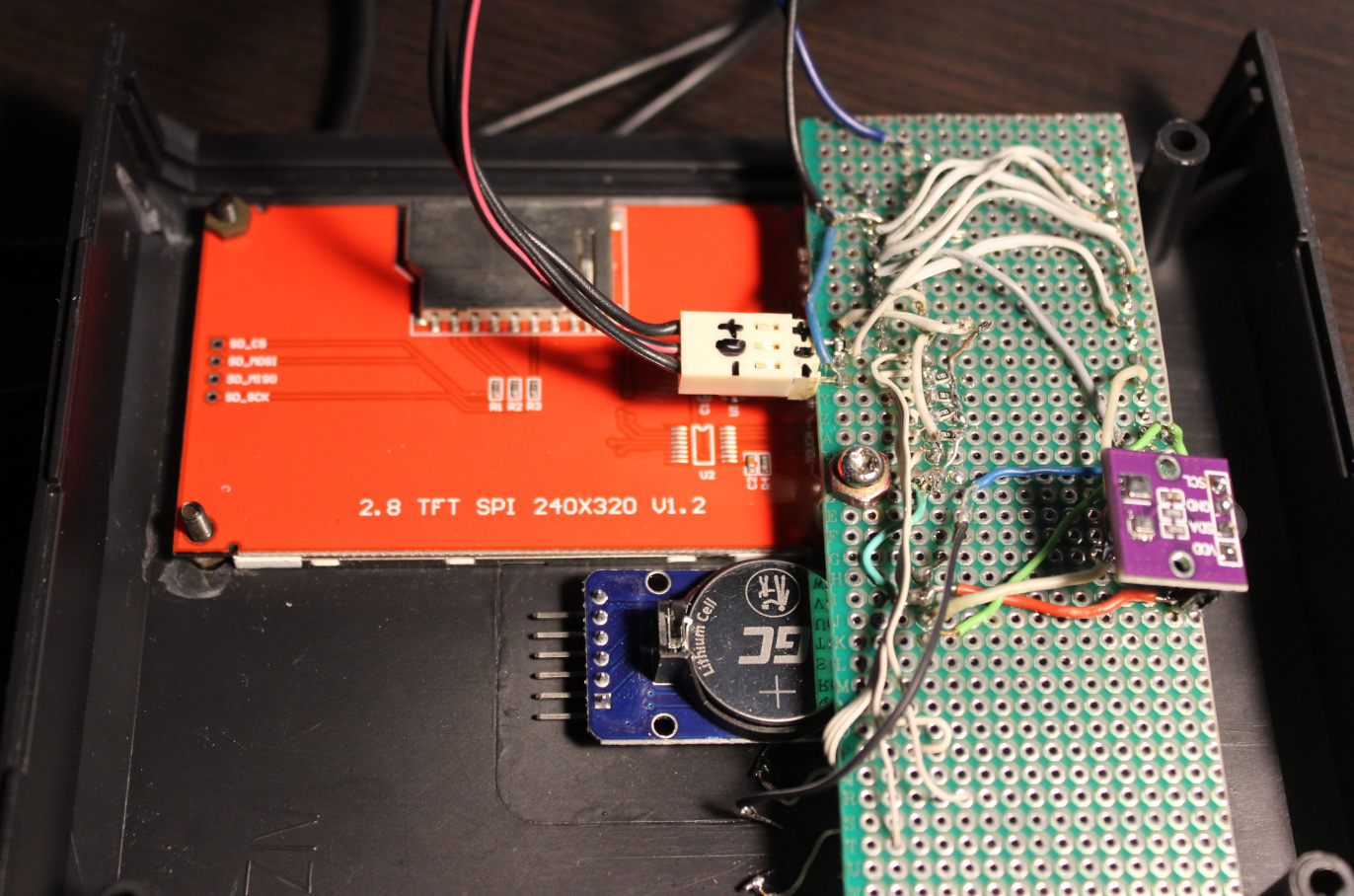
MCU: ESP32 dev module – older Esp-Wroom-32, has 36 pins (pinout), not really important which
Display: LCD TFT ILI9341 – vertical 240 x 320, 1 pin with PWM for brightness LED
RTC: DS3231 – for time and date, with CR2032 battery (used when power goes out)
Sensors:
AHT20 – temperature and humidity,
DS18B20 – external temperature,
BMP280 – pressure
Keyboard with 6 keys: up, down, left/dec-, right/inc+, enter, back
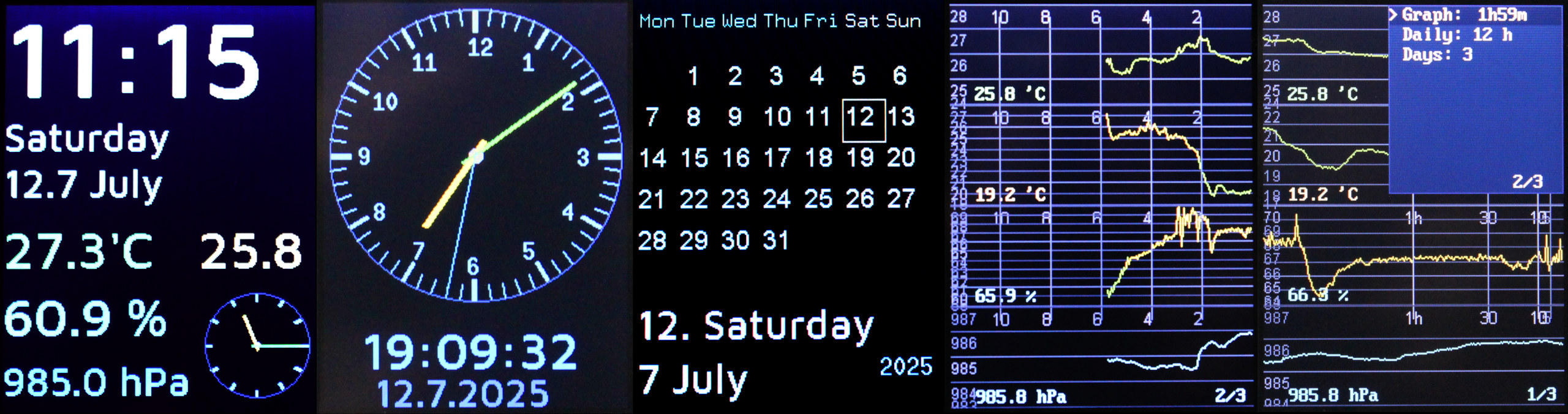
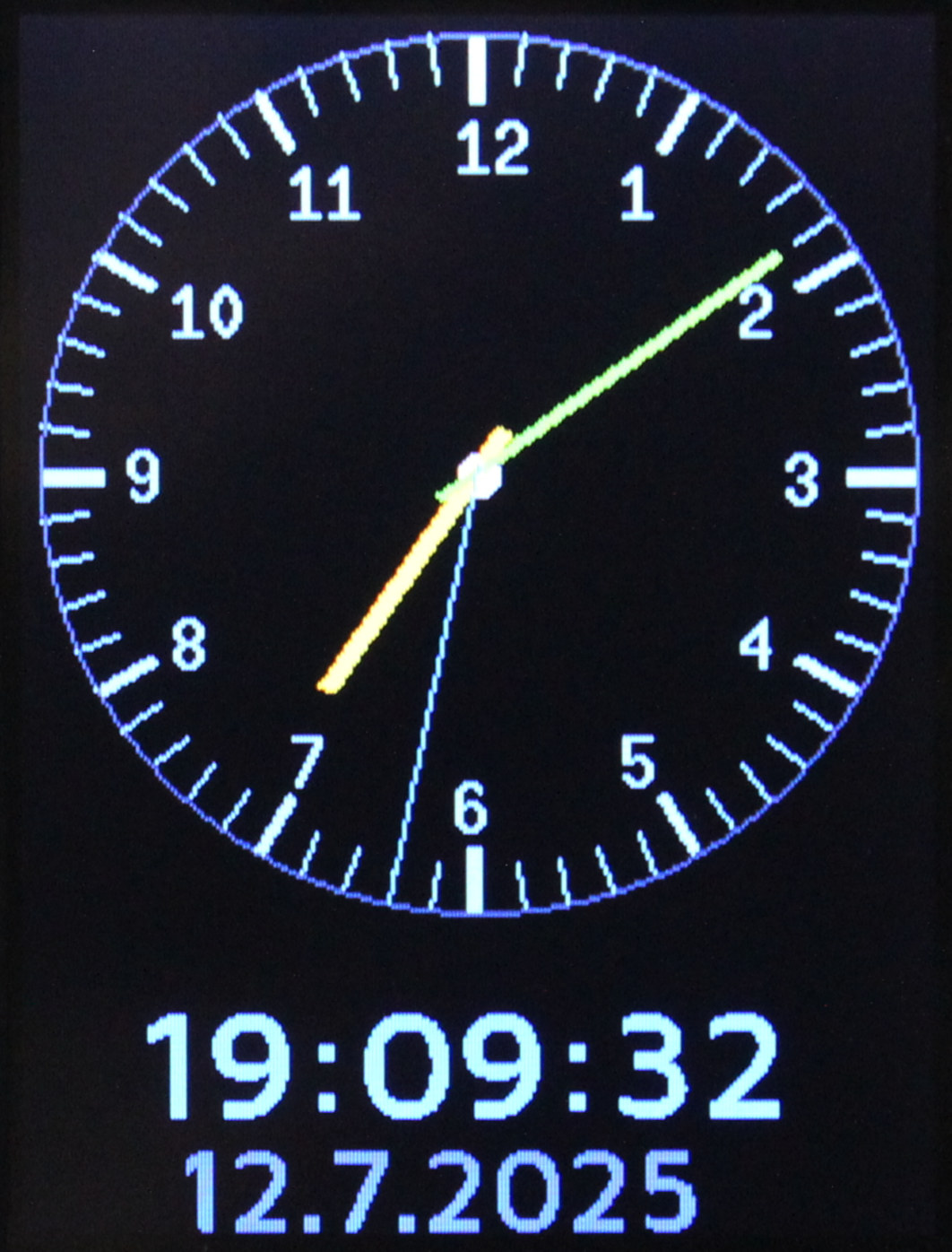
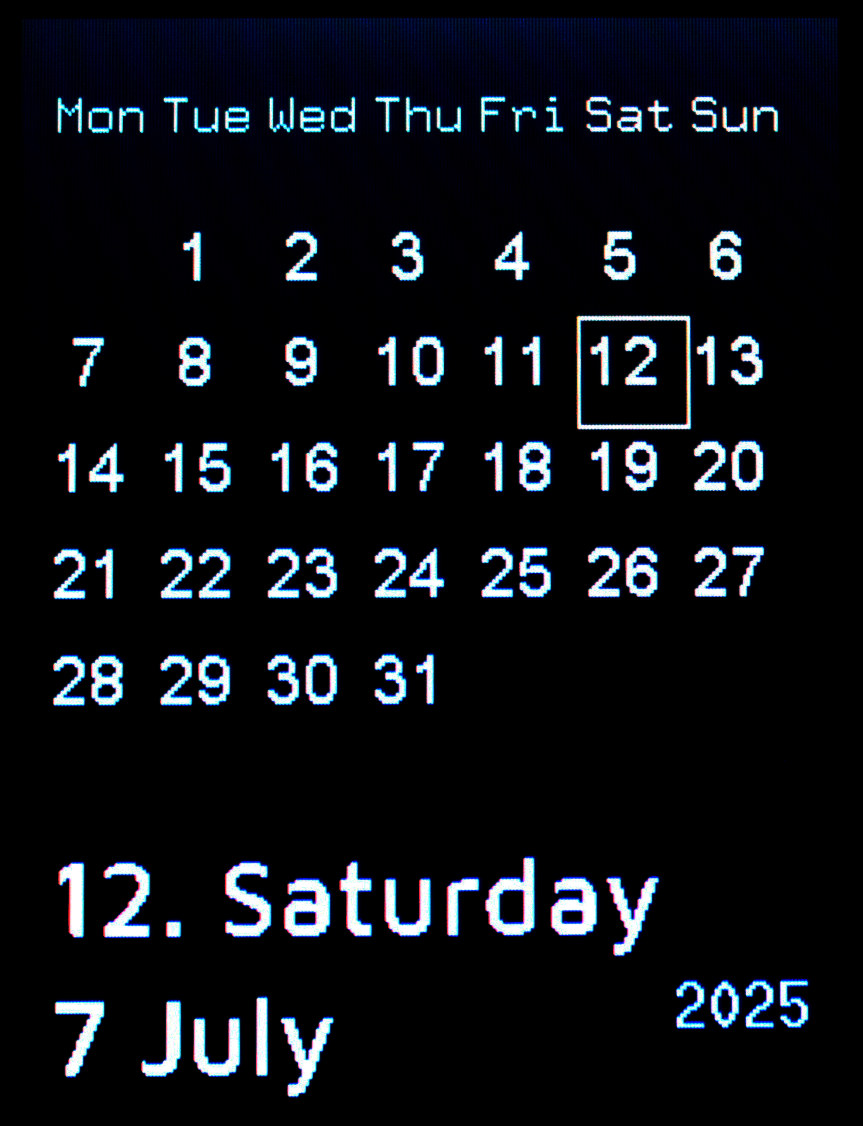
4 View pages showing:
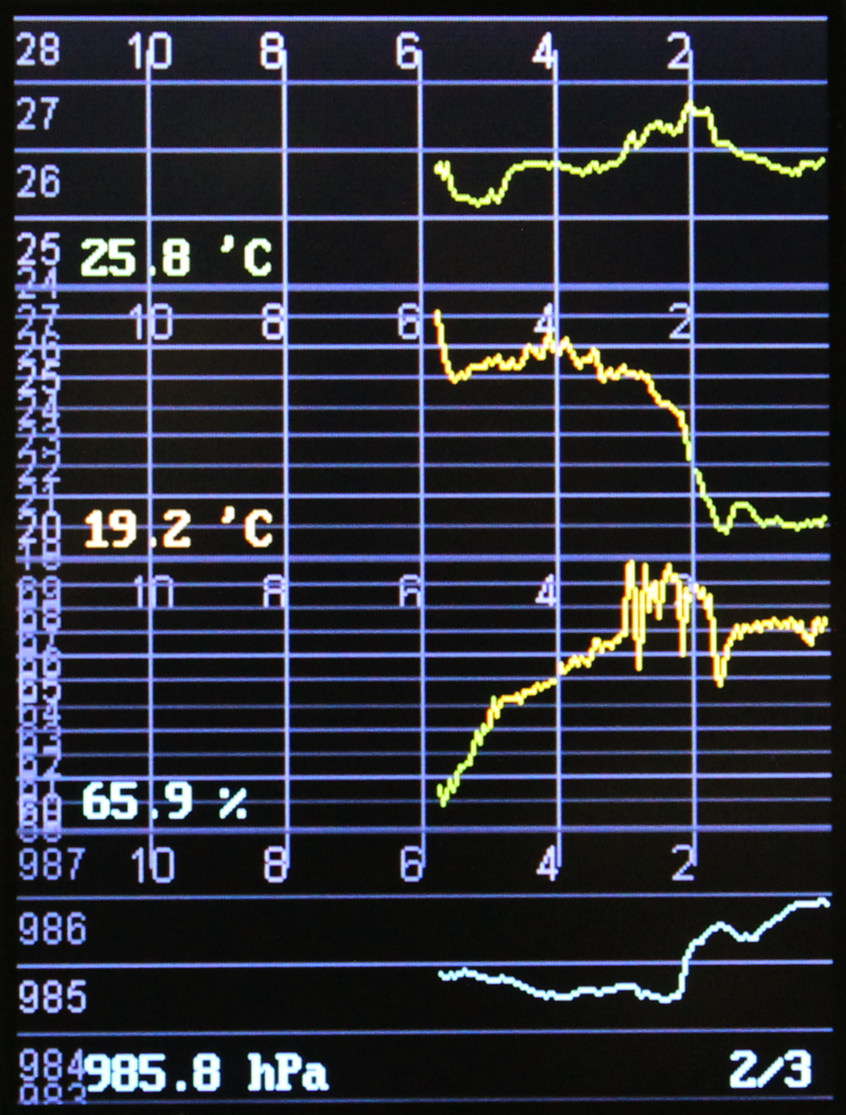
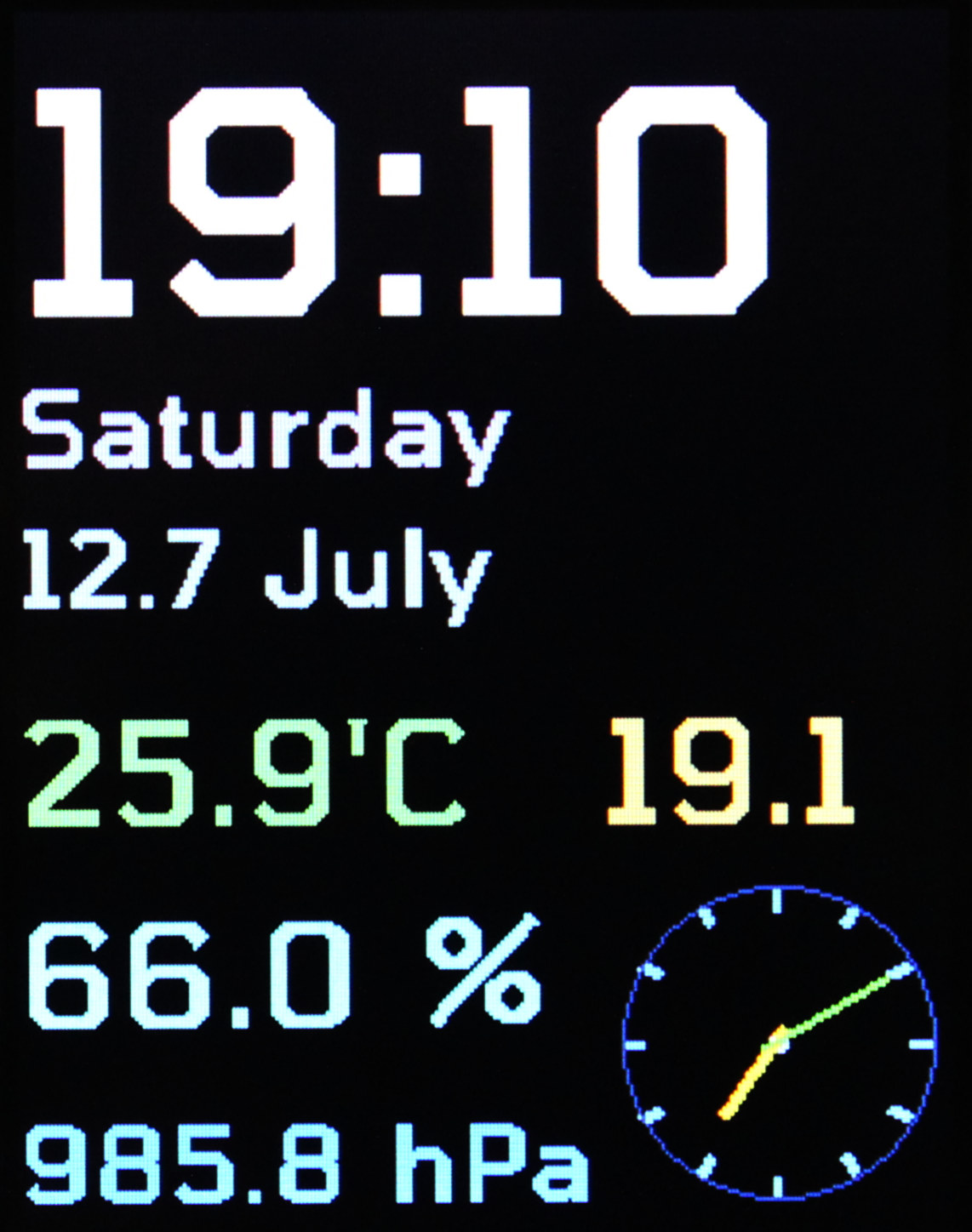
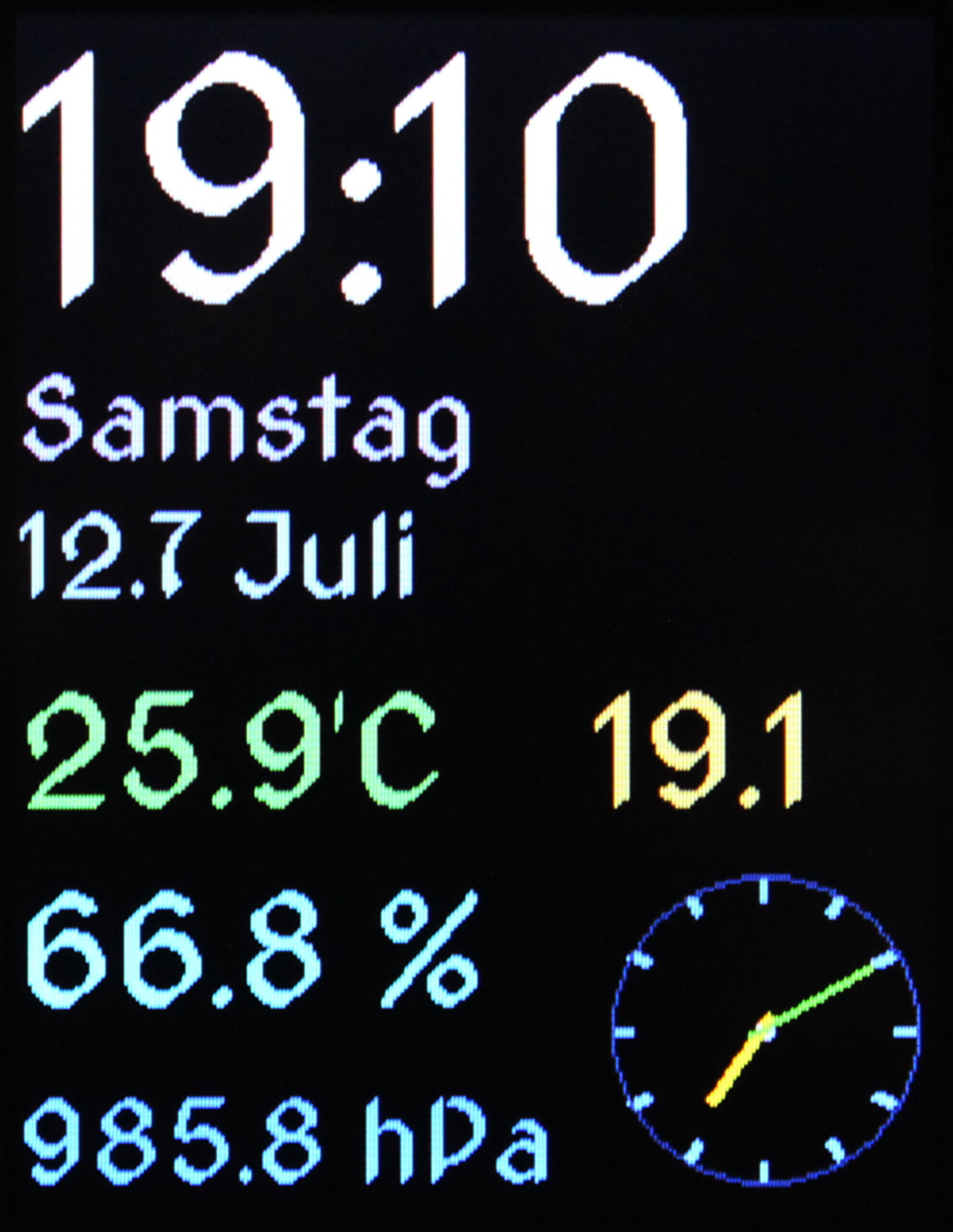
digital clock with date and 4 sensor values: temperature inside °C, outside °C, humidity %, pressure hPa
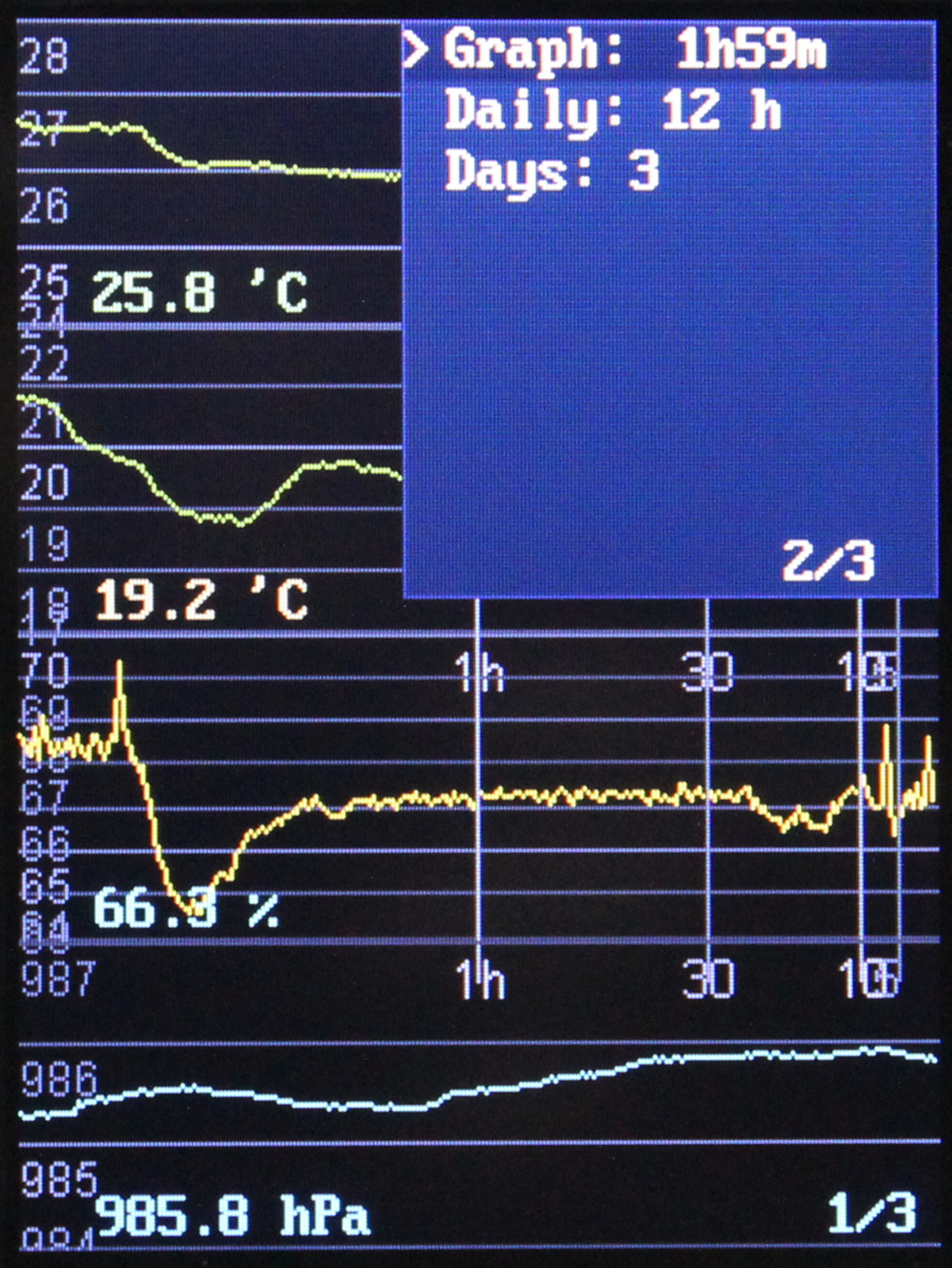
📉 4 sensor graphs: in one of 3 views: hourly, daily, days (time lengths for these are in options)
🕑 analog clock with date
📅 calendar month view
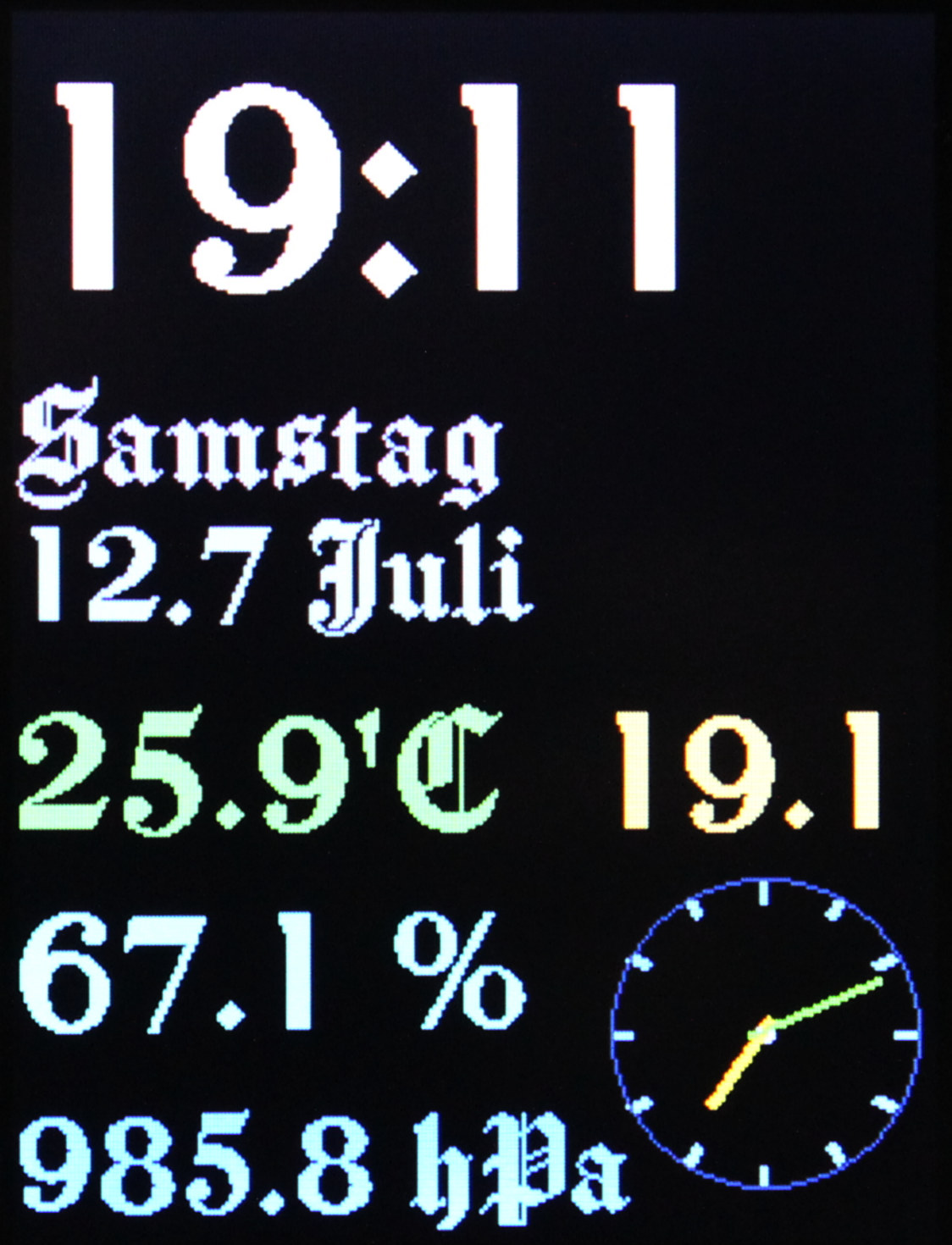
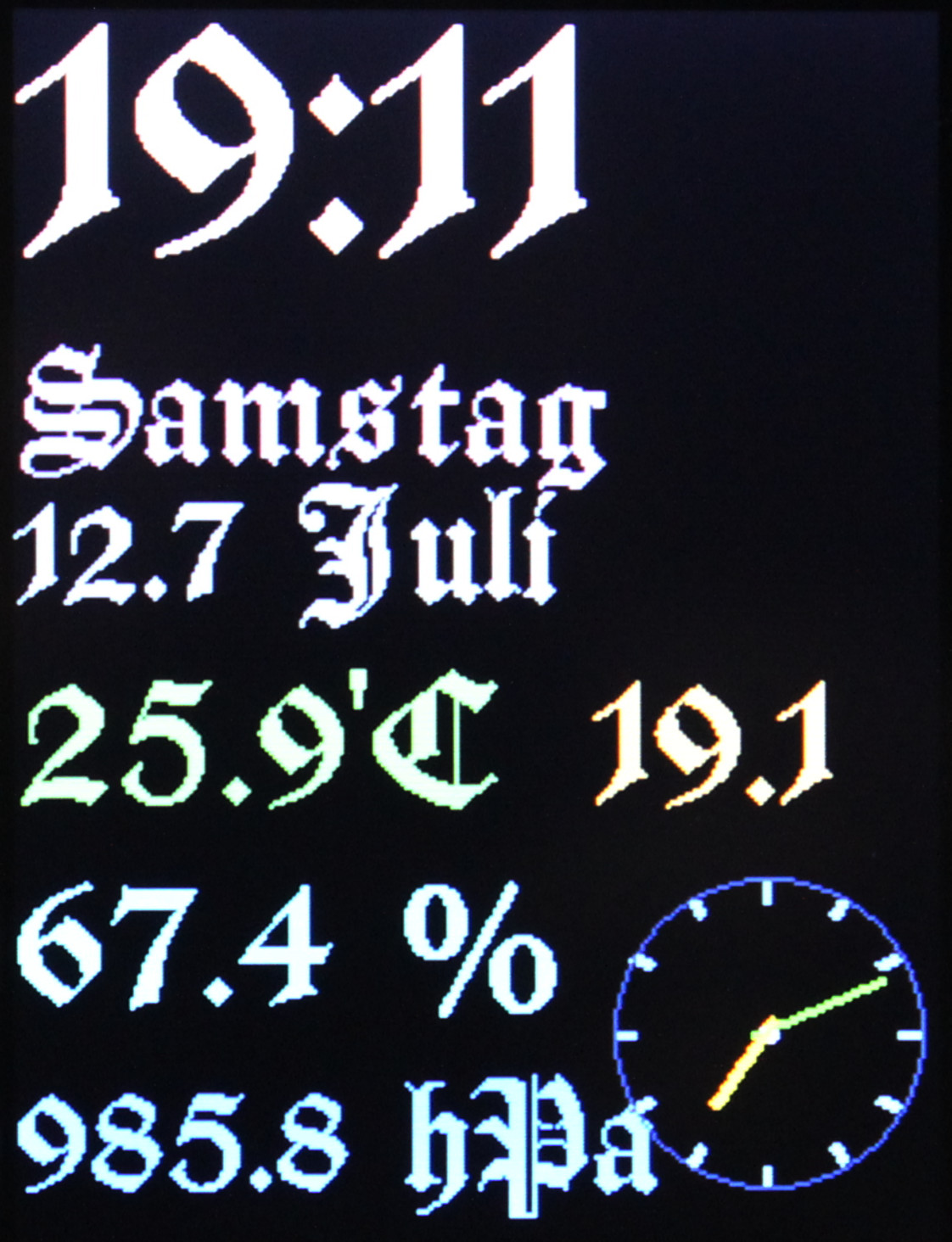
7 different fonts (styles), 3 sizes searched for OFL licensed fonts on this website. Then used FabGL’s tool to generate .h file from font for each needed size. Lastly wrote a helper .py script that does this for all .ttf I have (I also put them in repo)
simple Gui with options (on 3 pages), config is stored using EEPROM
➡️Conclusions
So far it seems great. I don’t see much I’d change, and when I eventually will need to, I can just unmount it and take to develop its code and change anything really. It’s what’s missing in every commercial project. Only open hardware with open software allows this. Turns out Esp32 (at 240 MHz) can handle such 320 x 240 display very well. When using SPI at 80 MHz it does draw about 35 (with texts) to 41 Fps (when almost empty). I am already using same display in my keyboard with Teensy 4 which is even faster (600 MHz) but way more expensive, it does always 45 Fps (at 60 MHz SPI, could do 60 Fps at 80 but that failed for me). Esp32 for me really is best in terms of performance and cost now. And since I managed to finally do something using it, this will make it easier for future projects also using it.
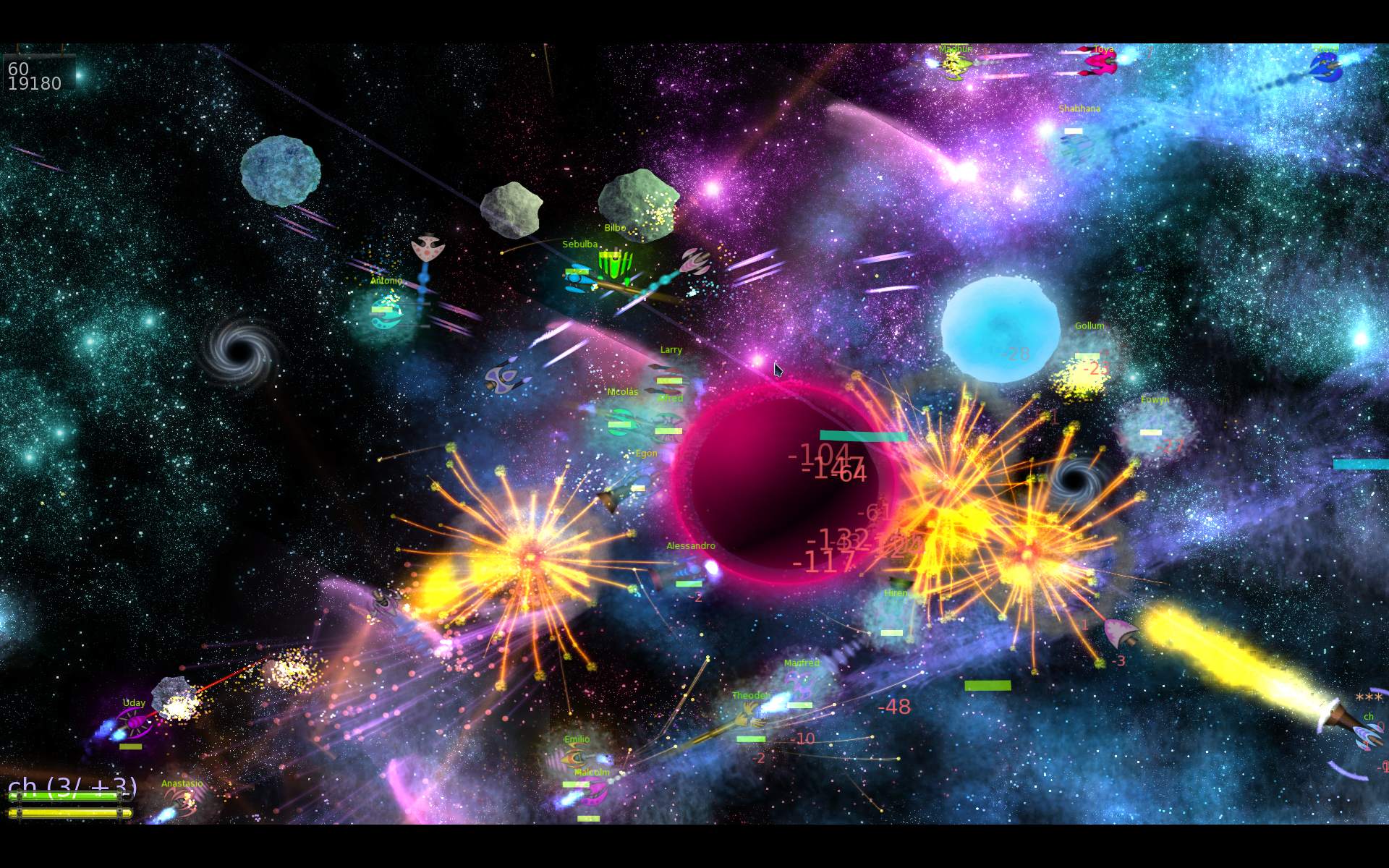
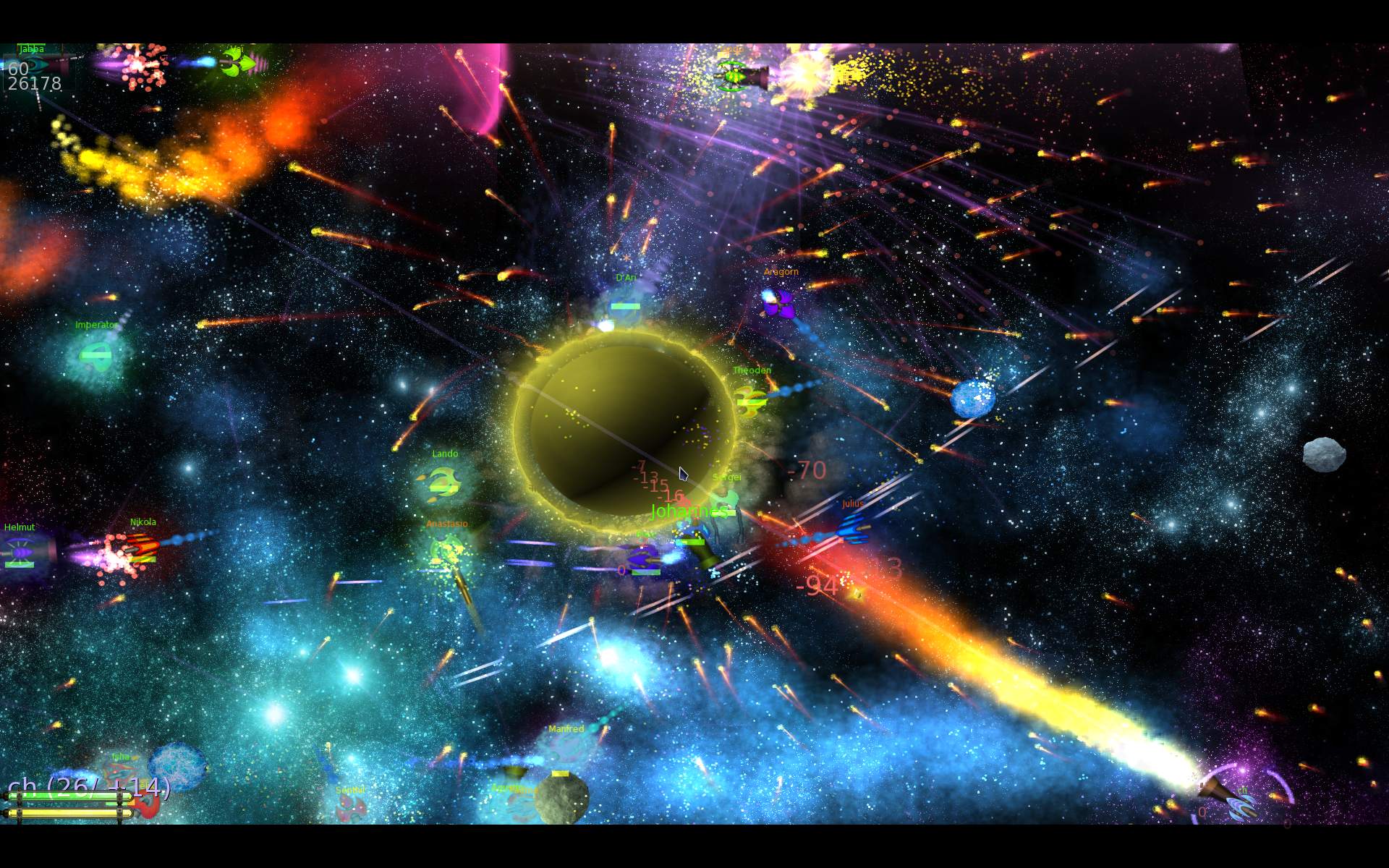
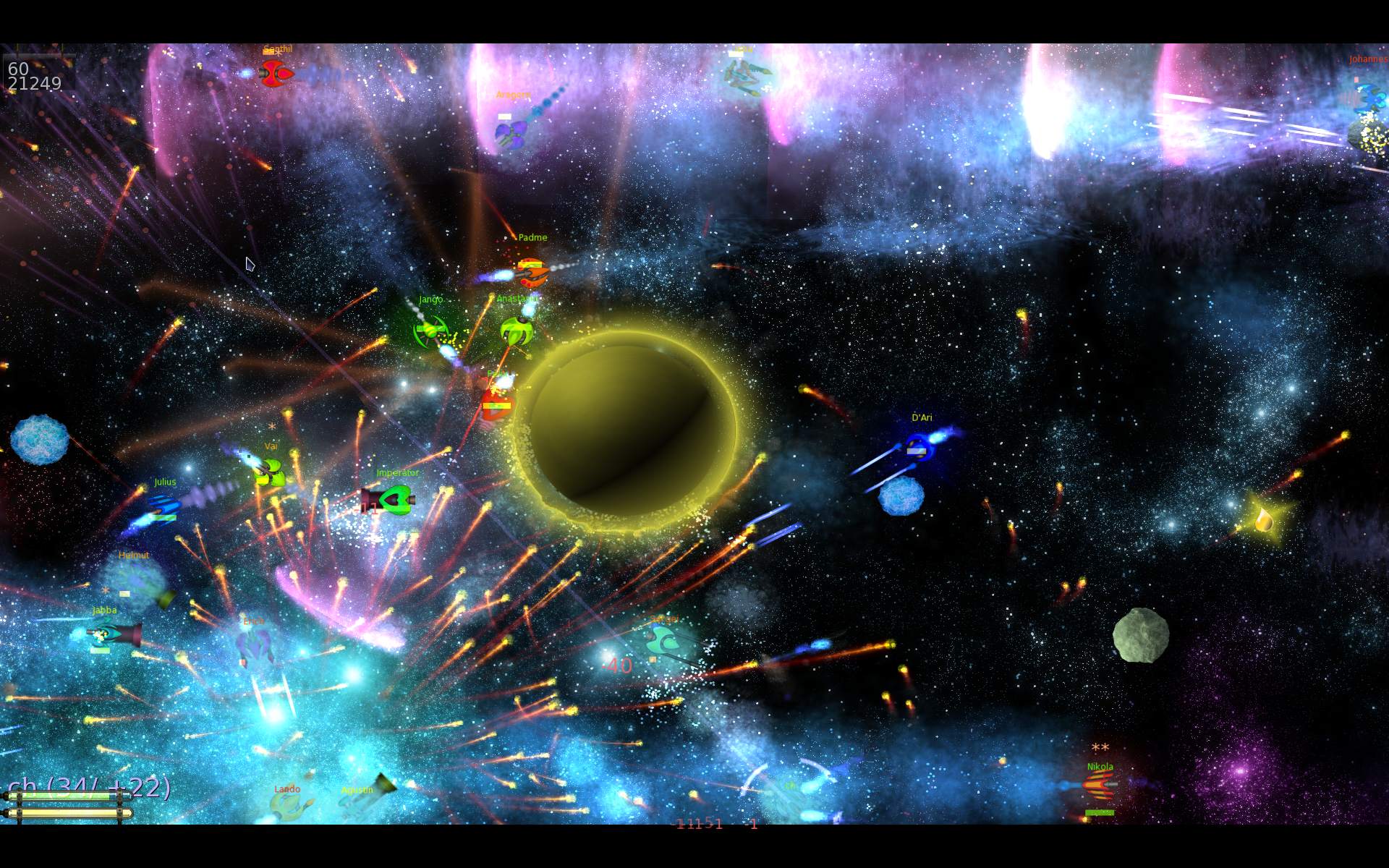
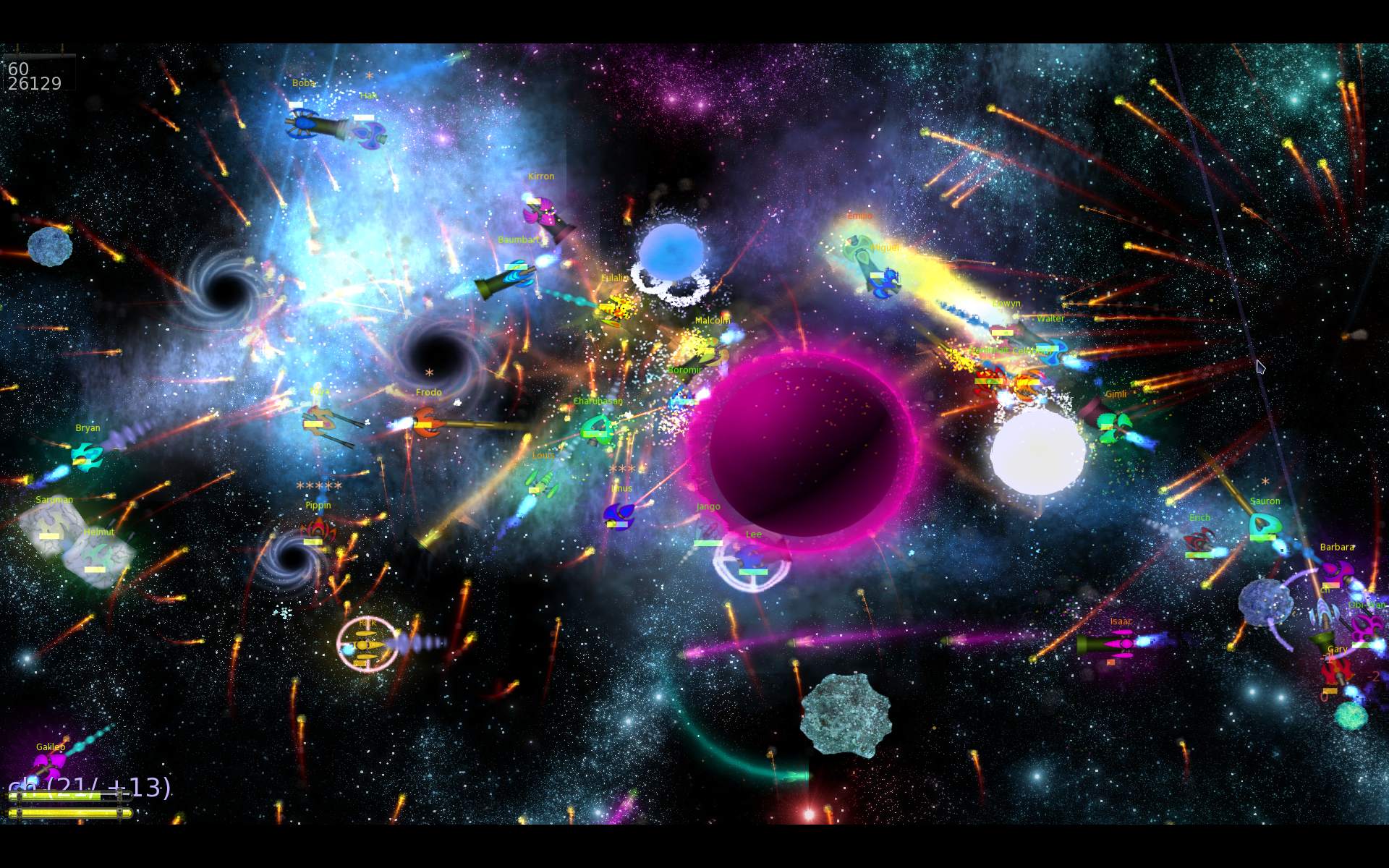
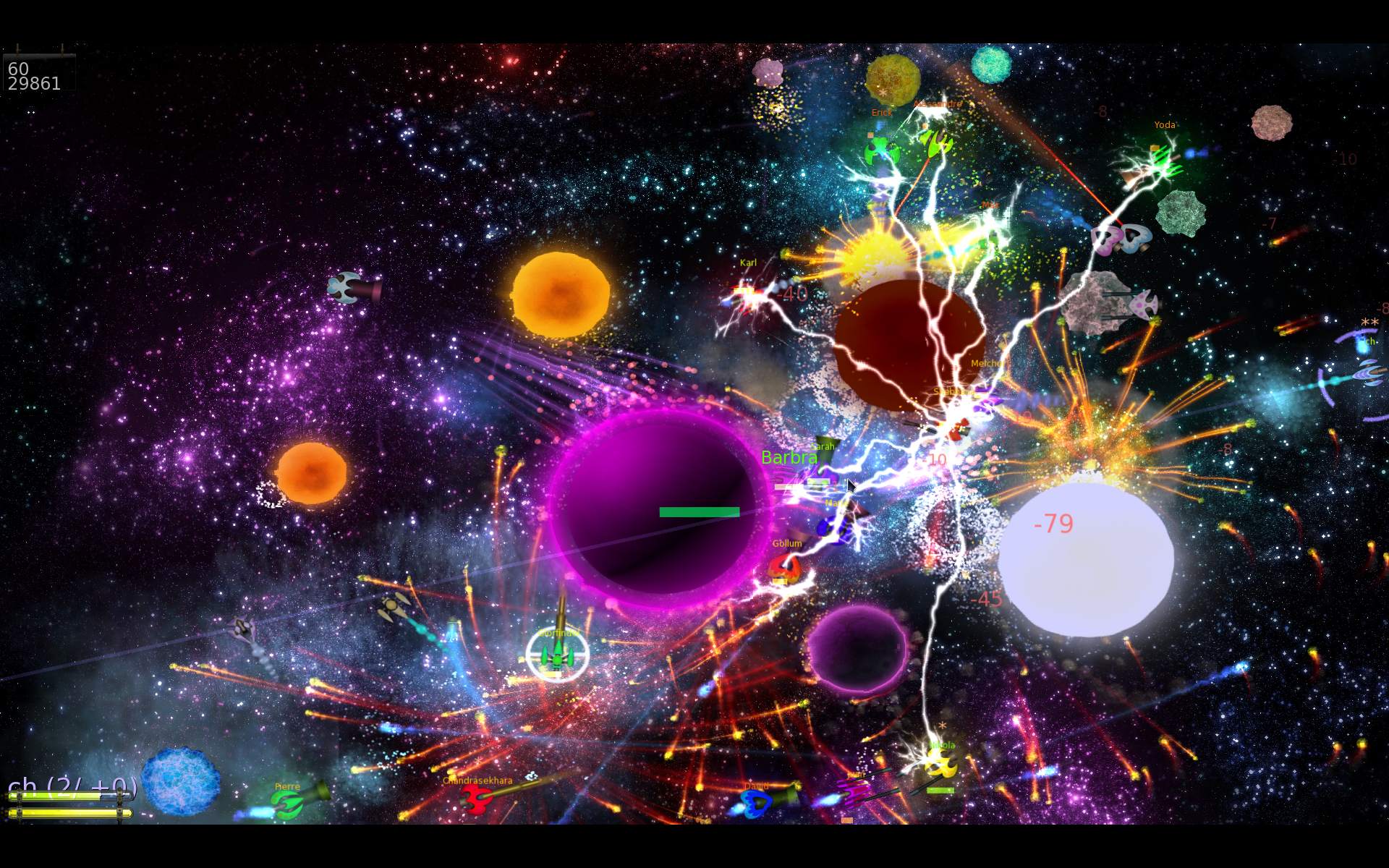
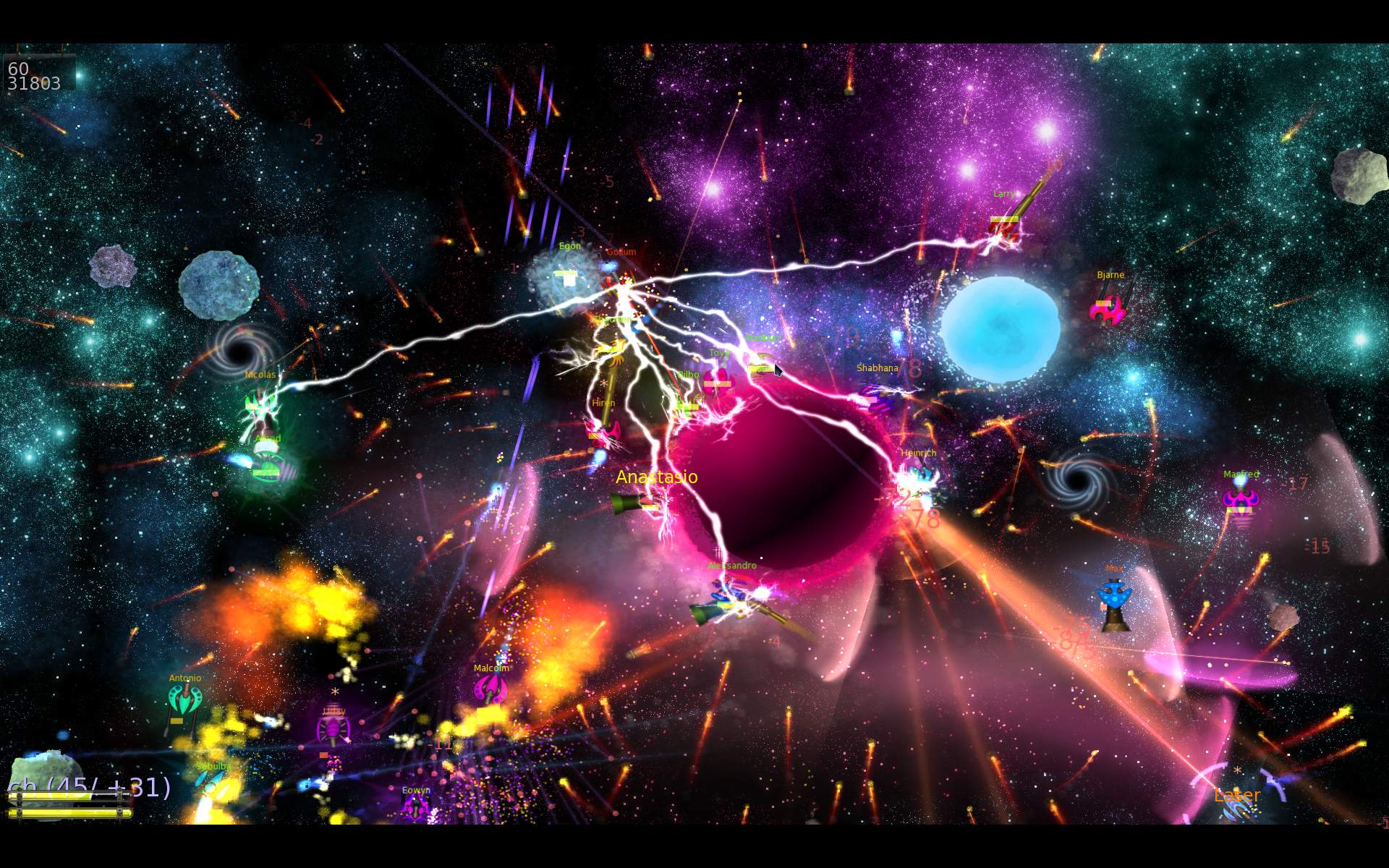
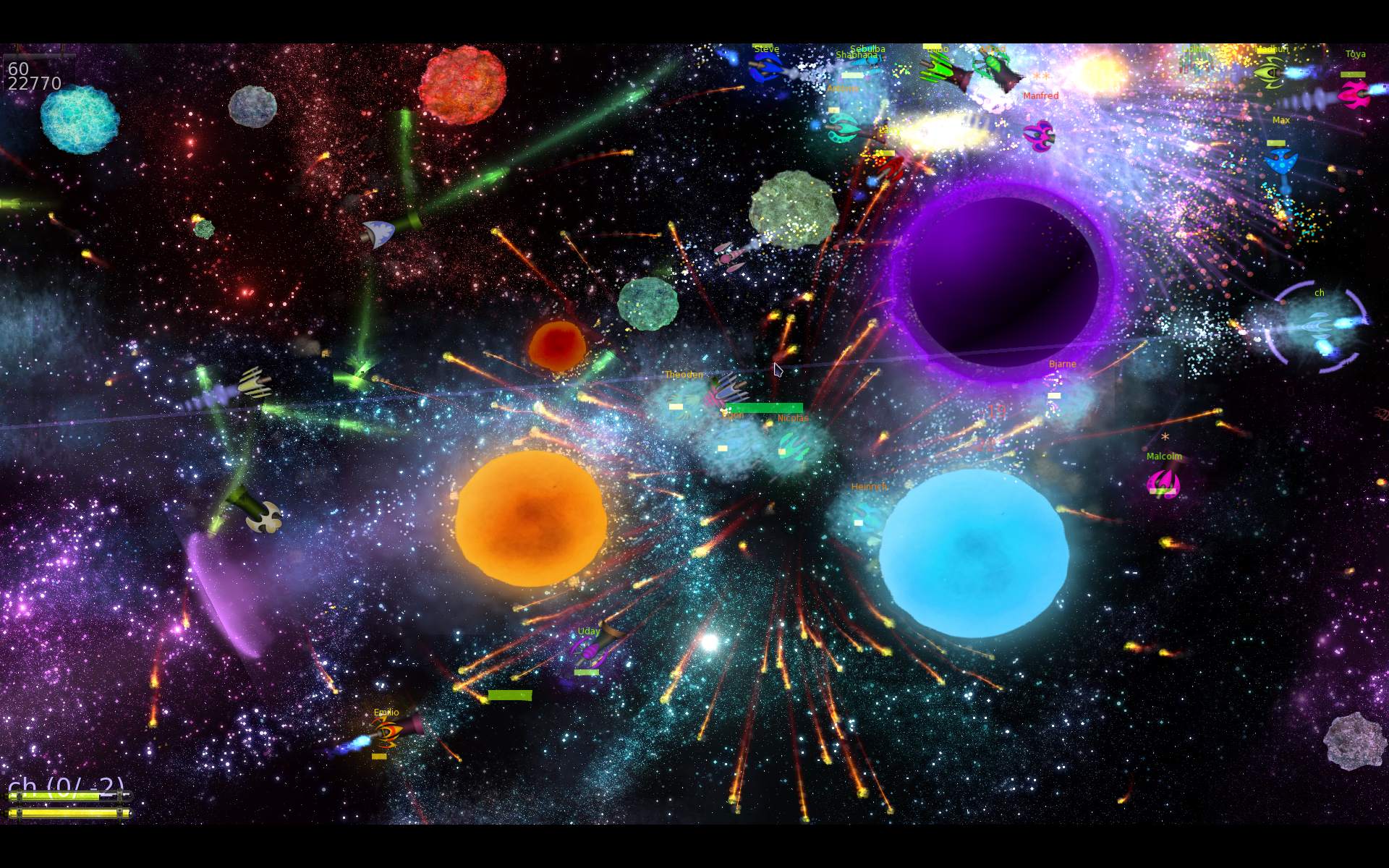
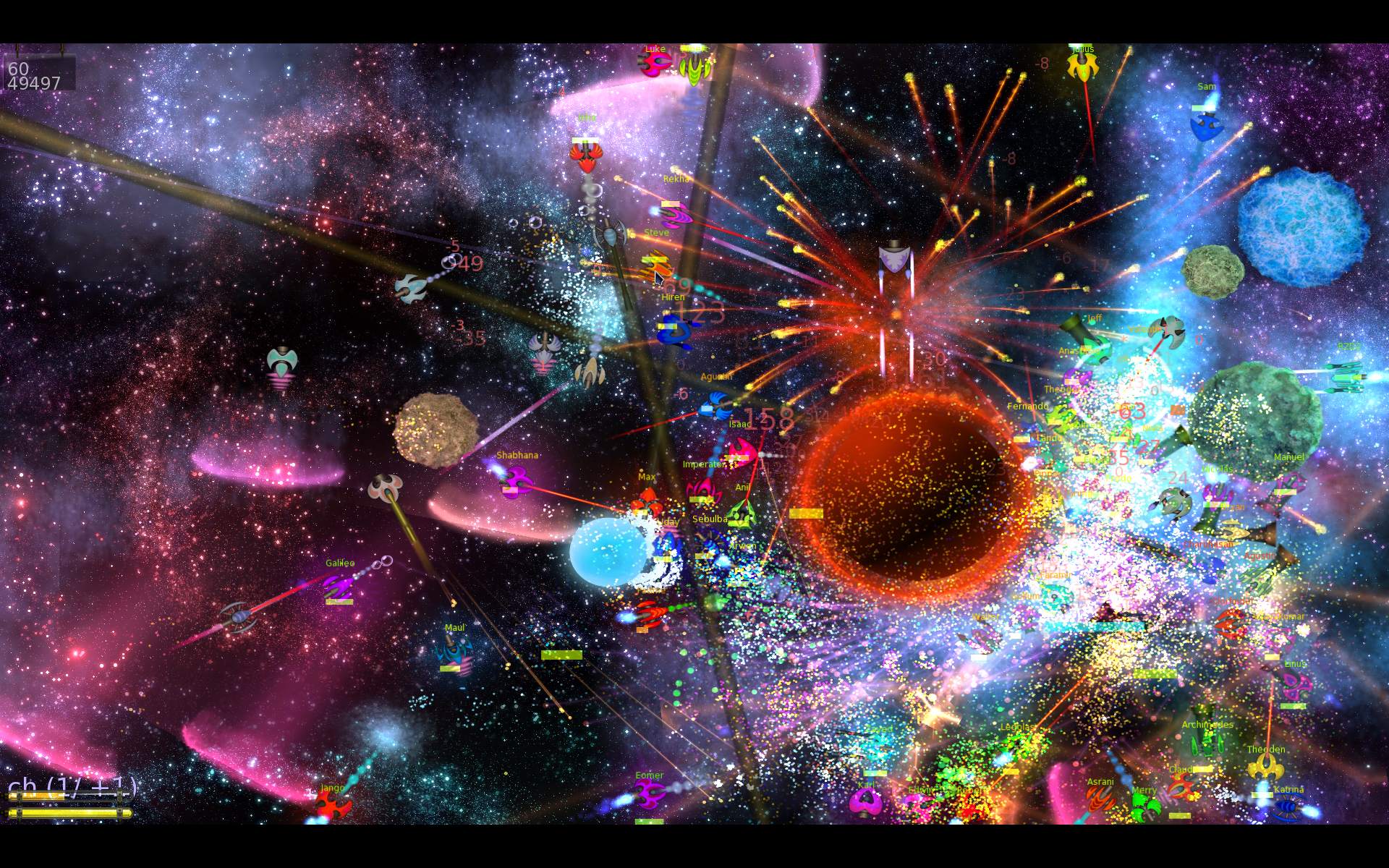
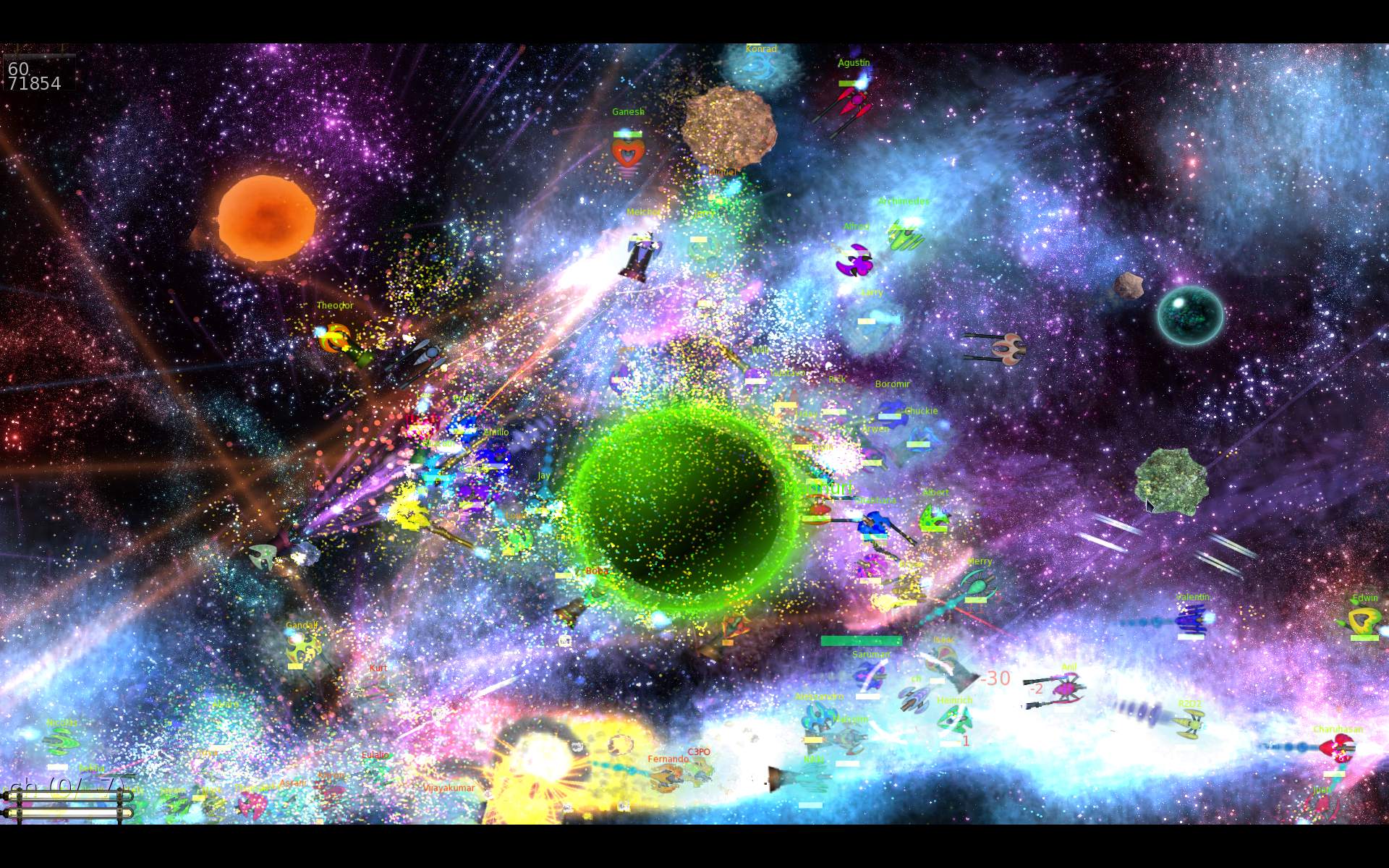
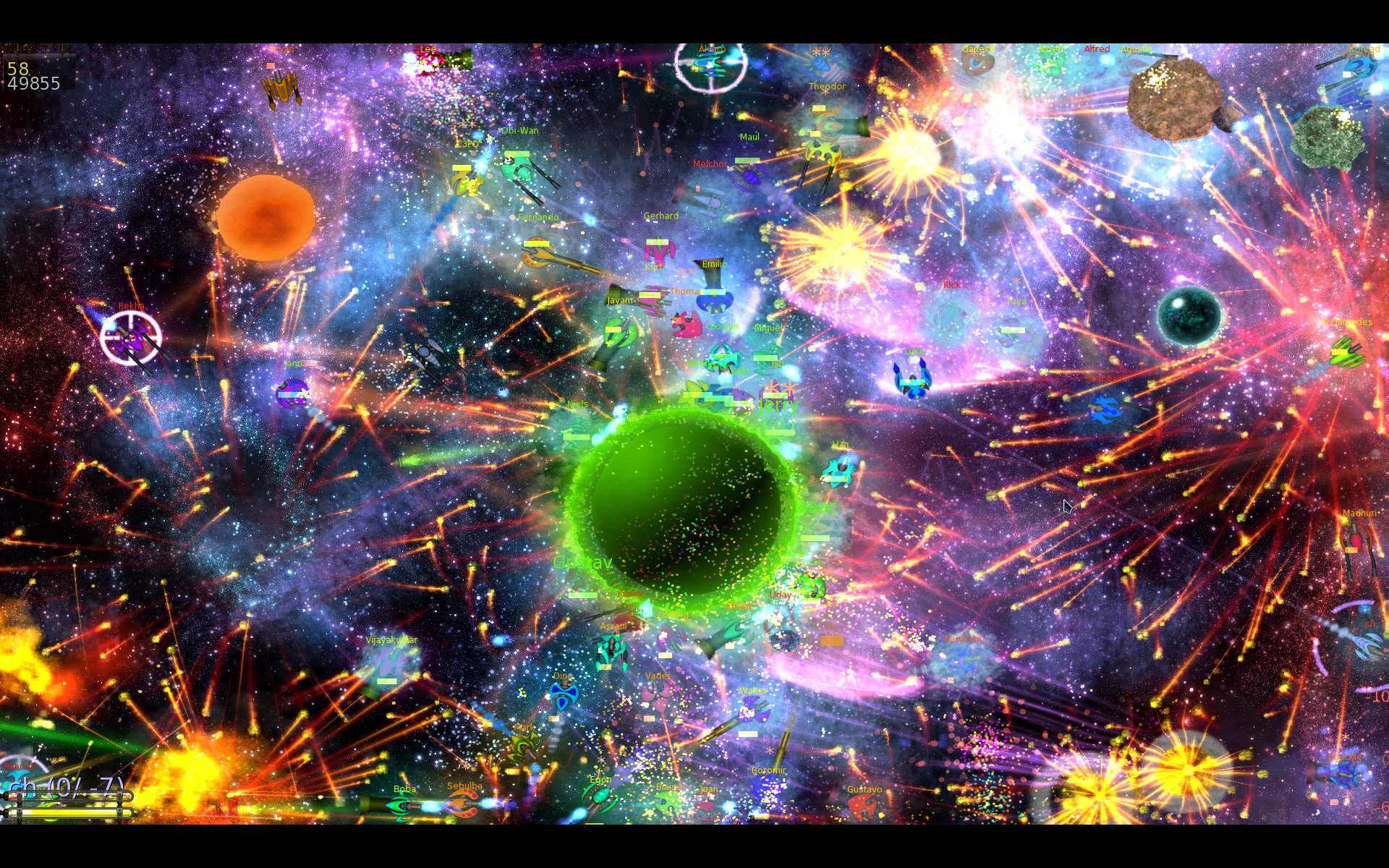
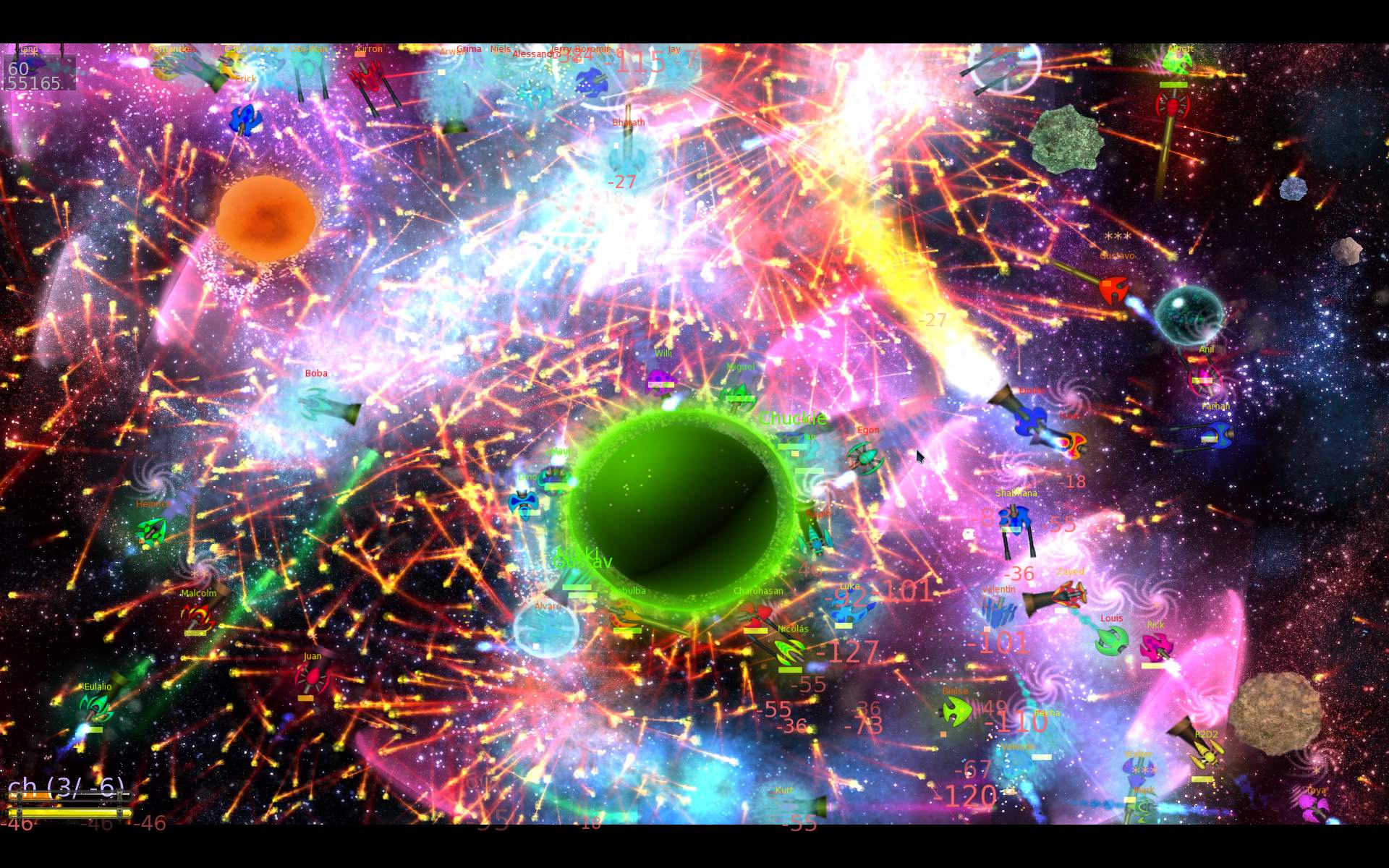
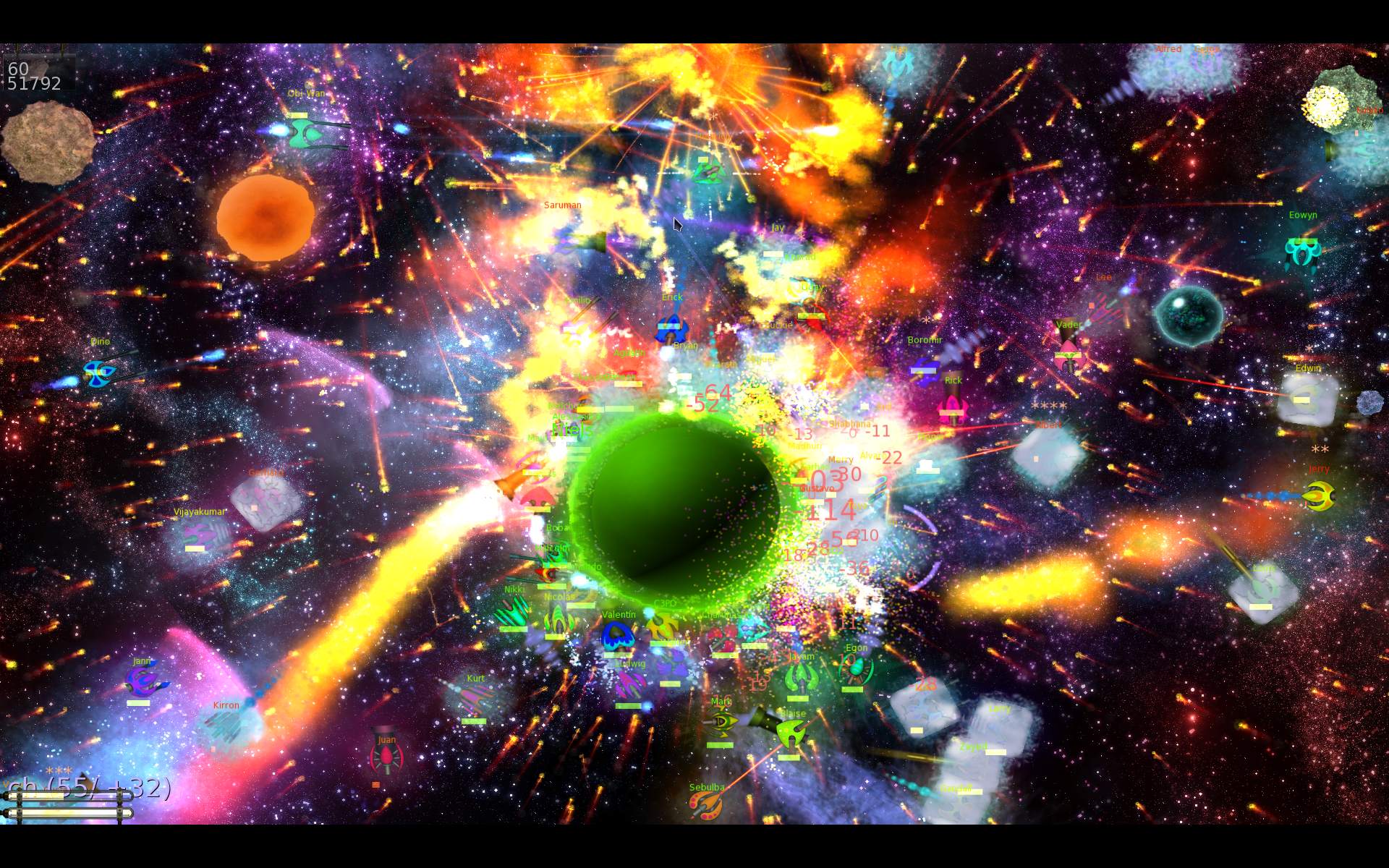
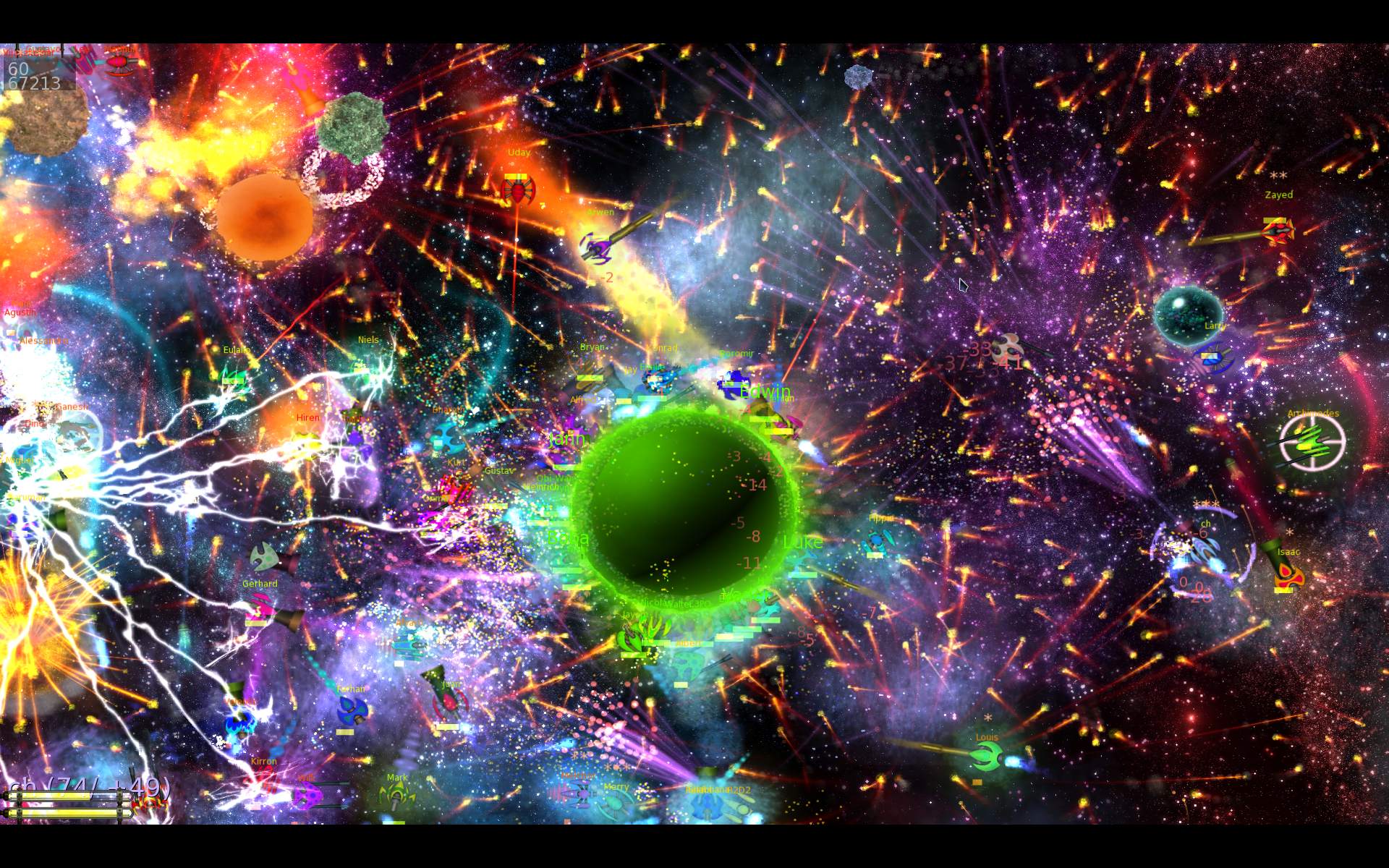
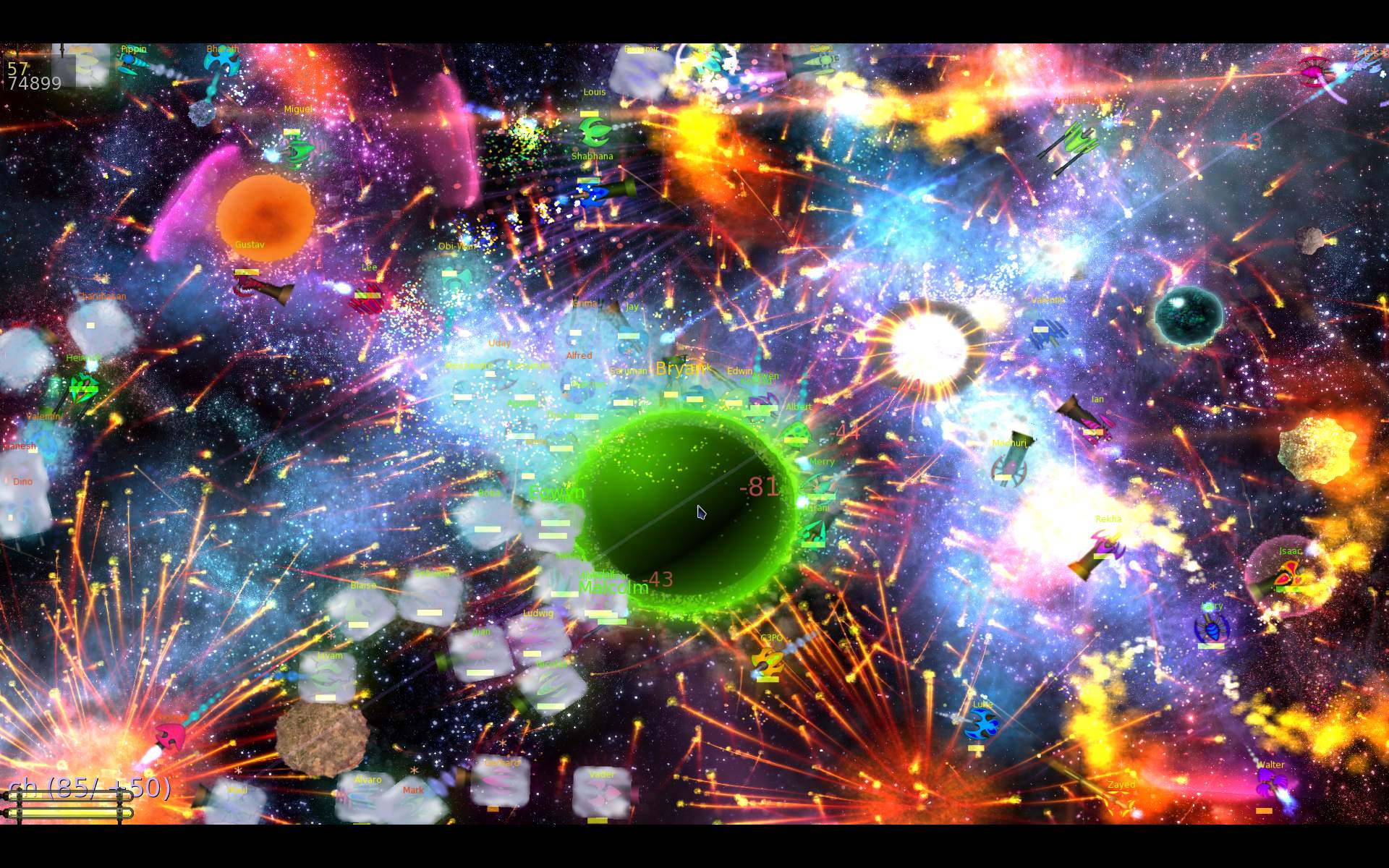
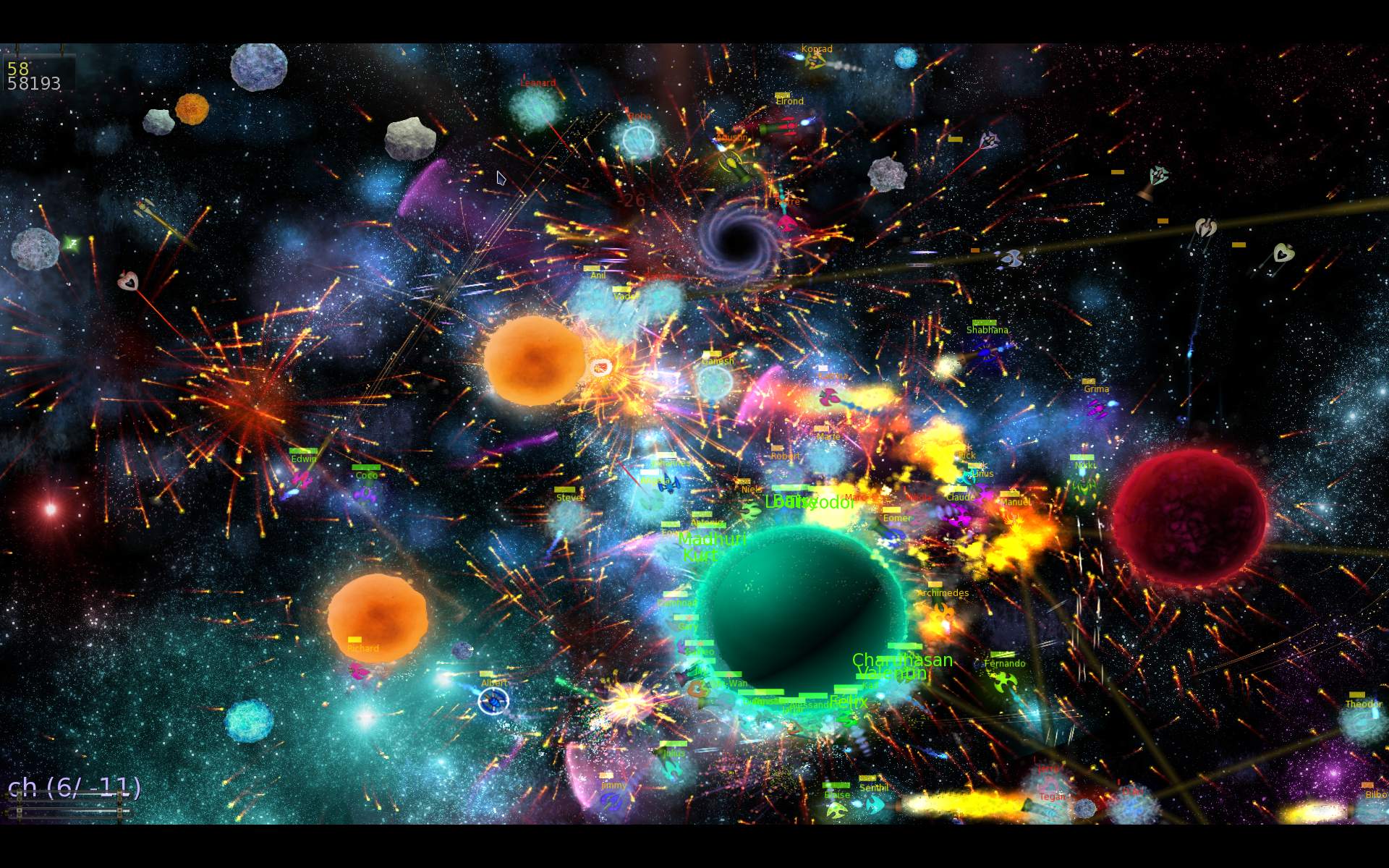
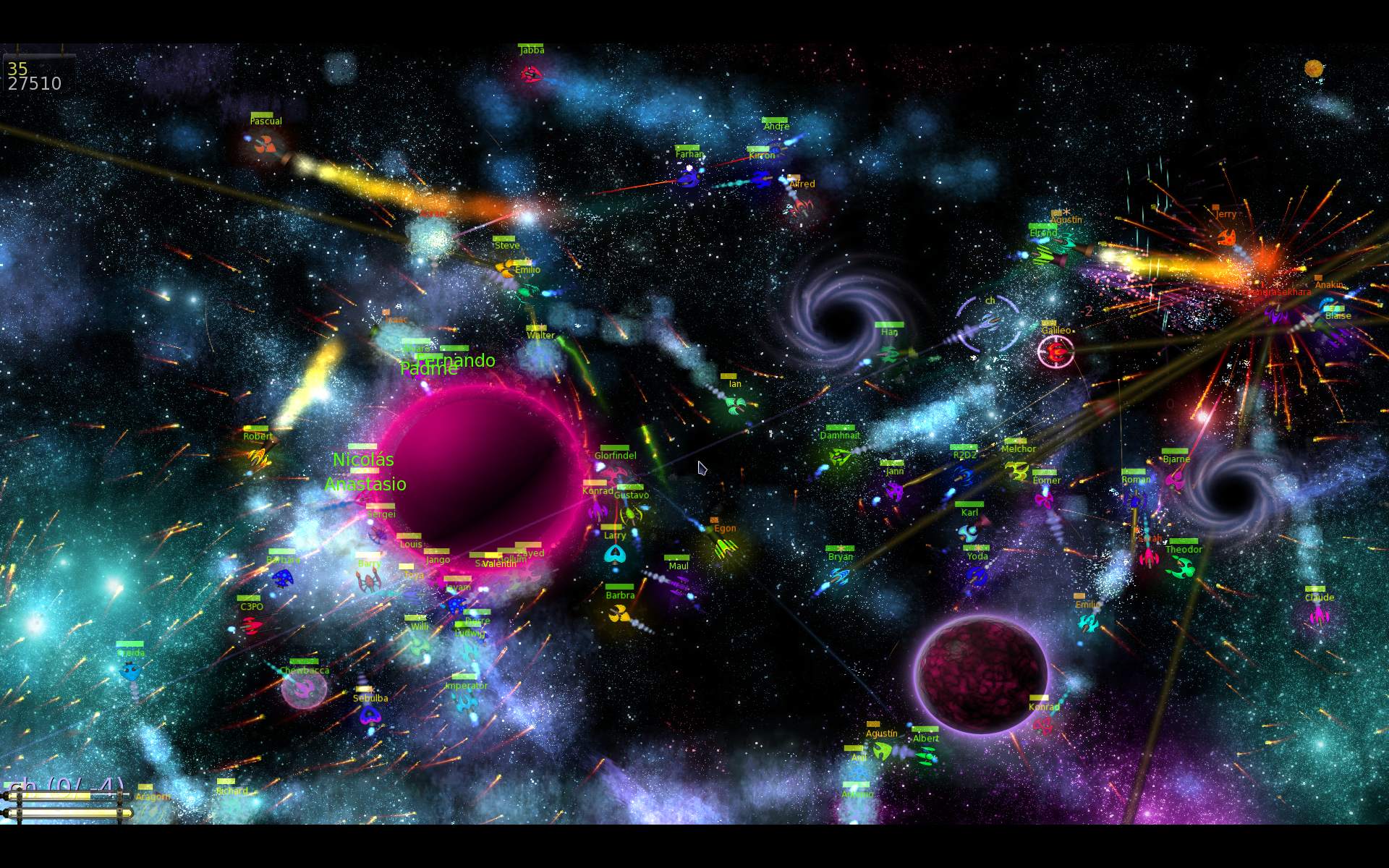
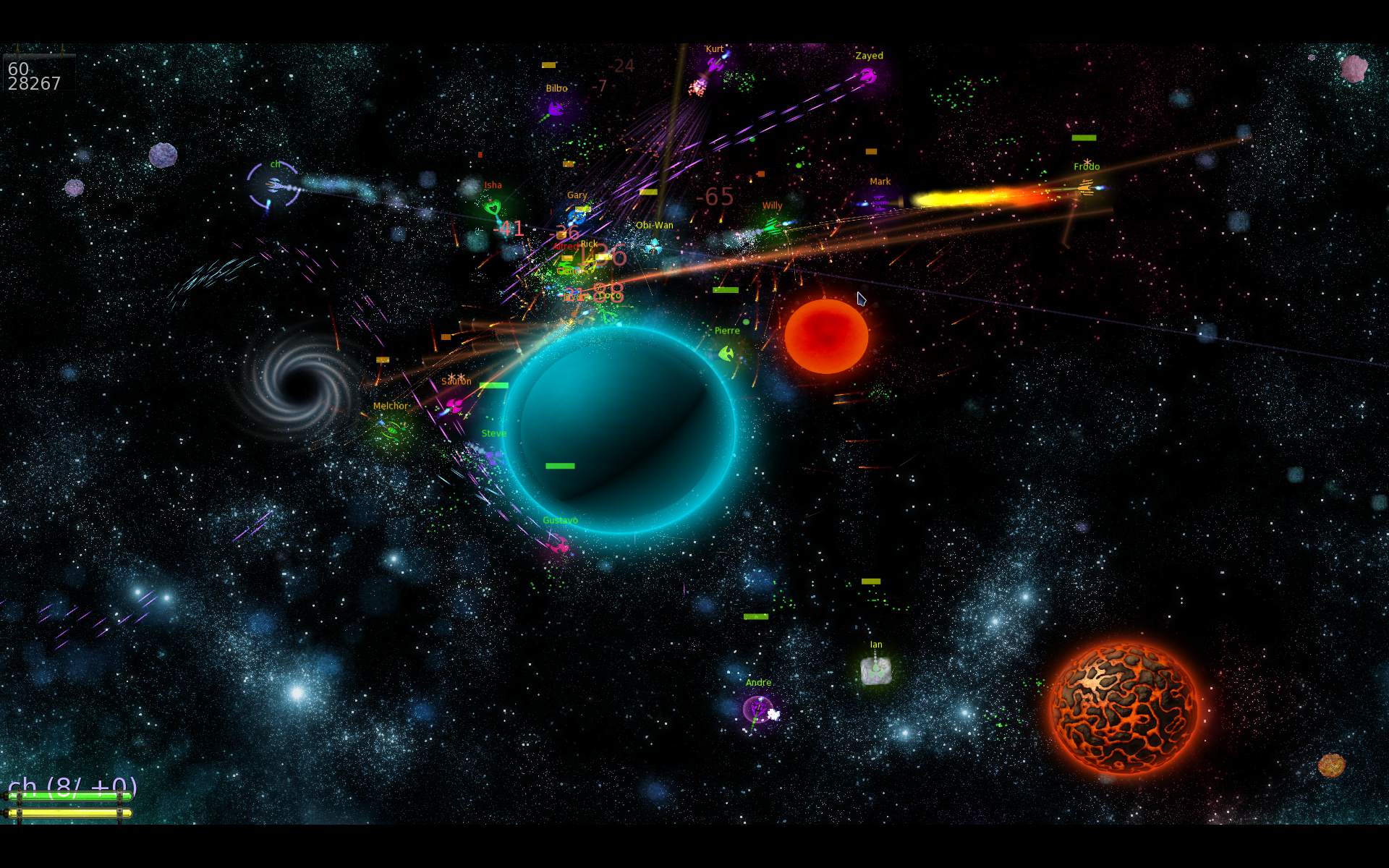
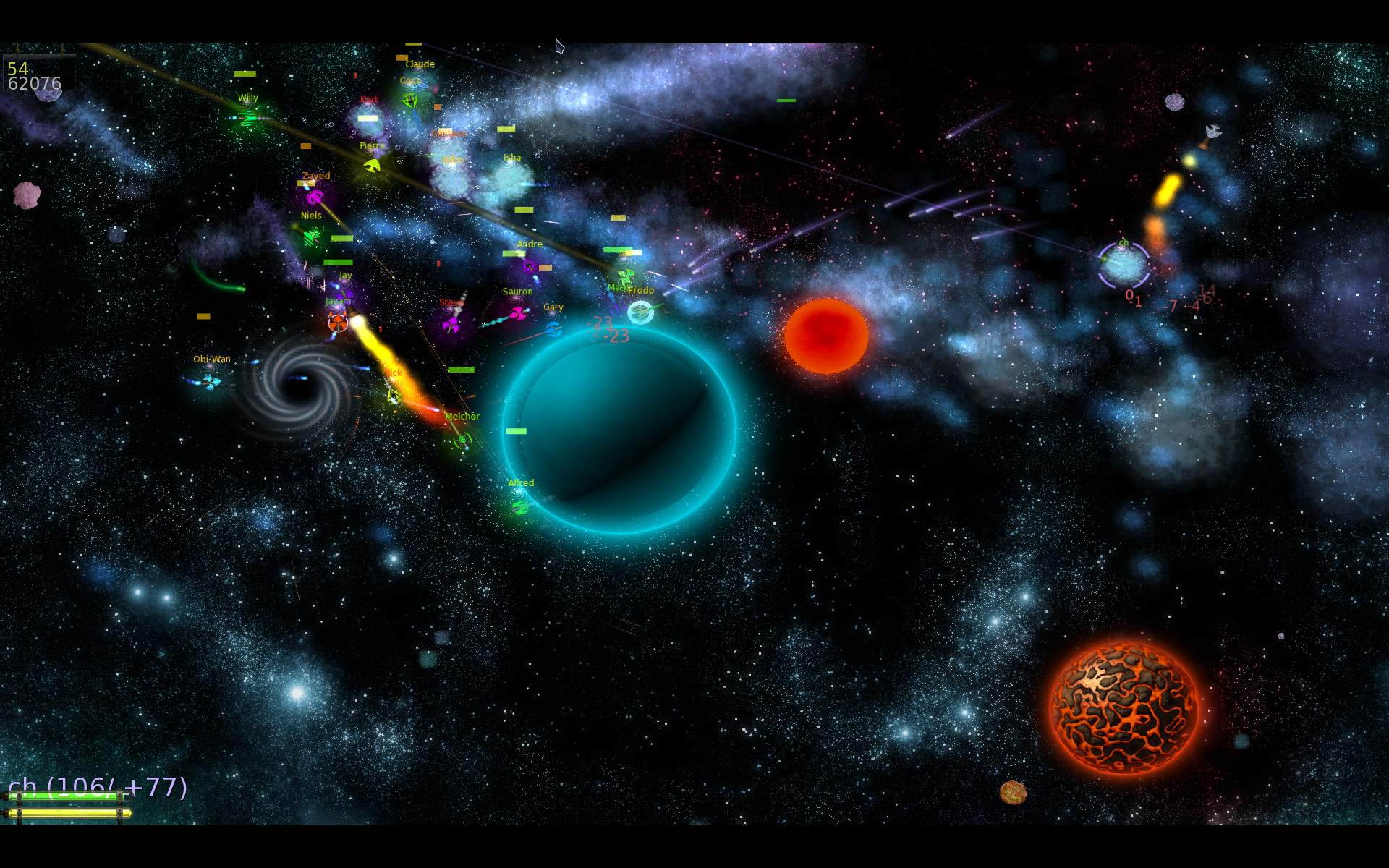
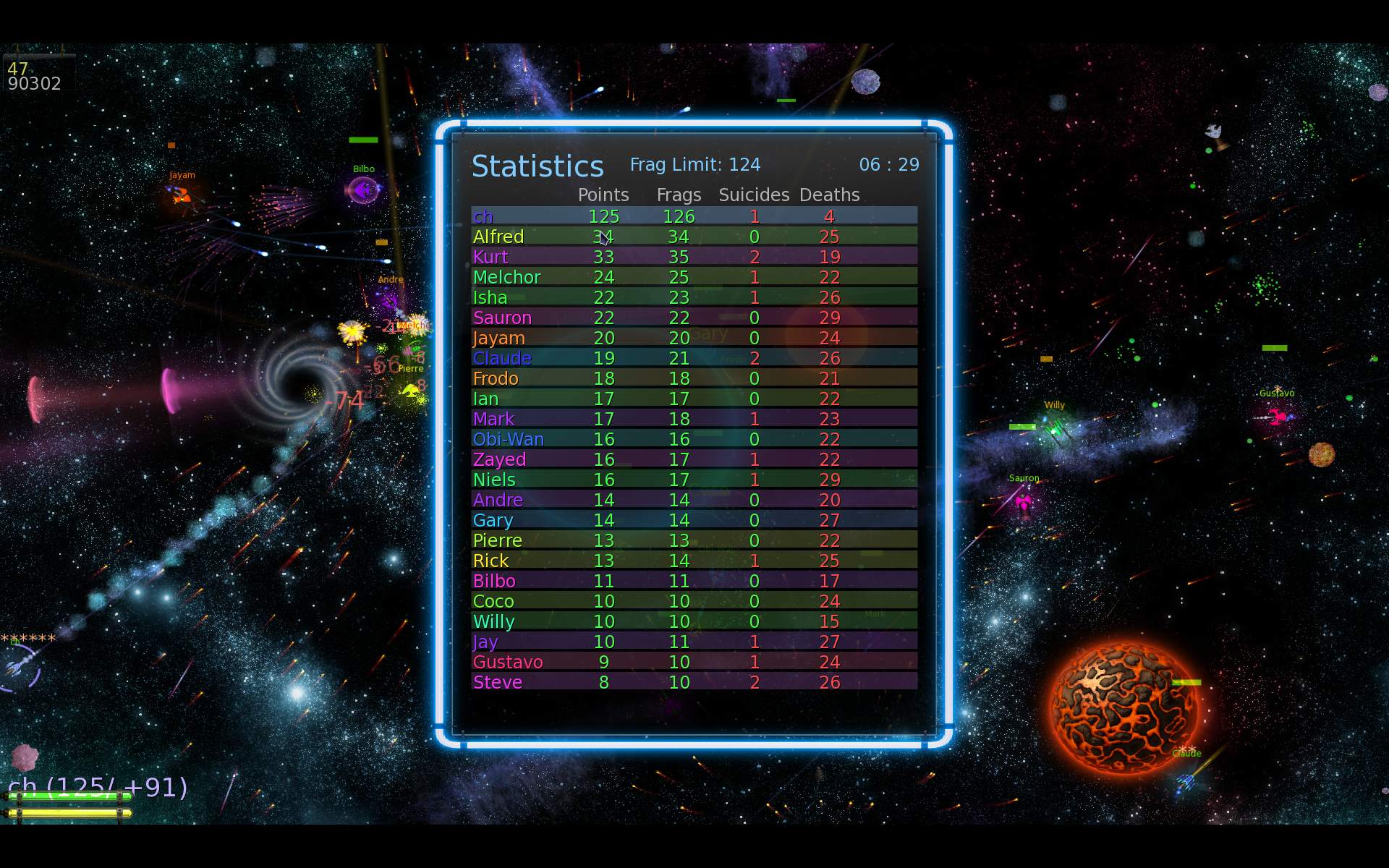
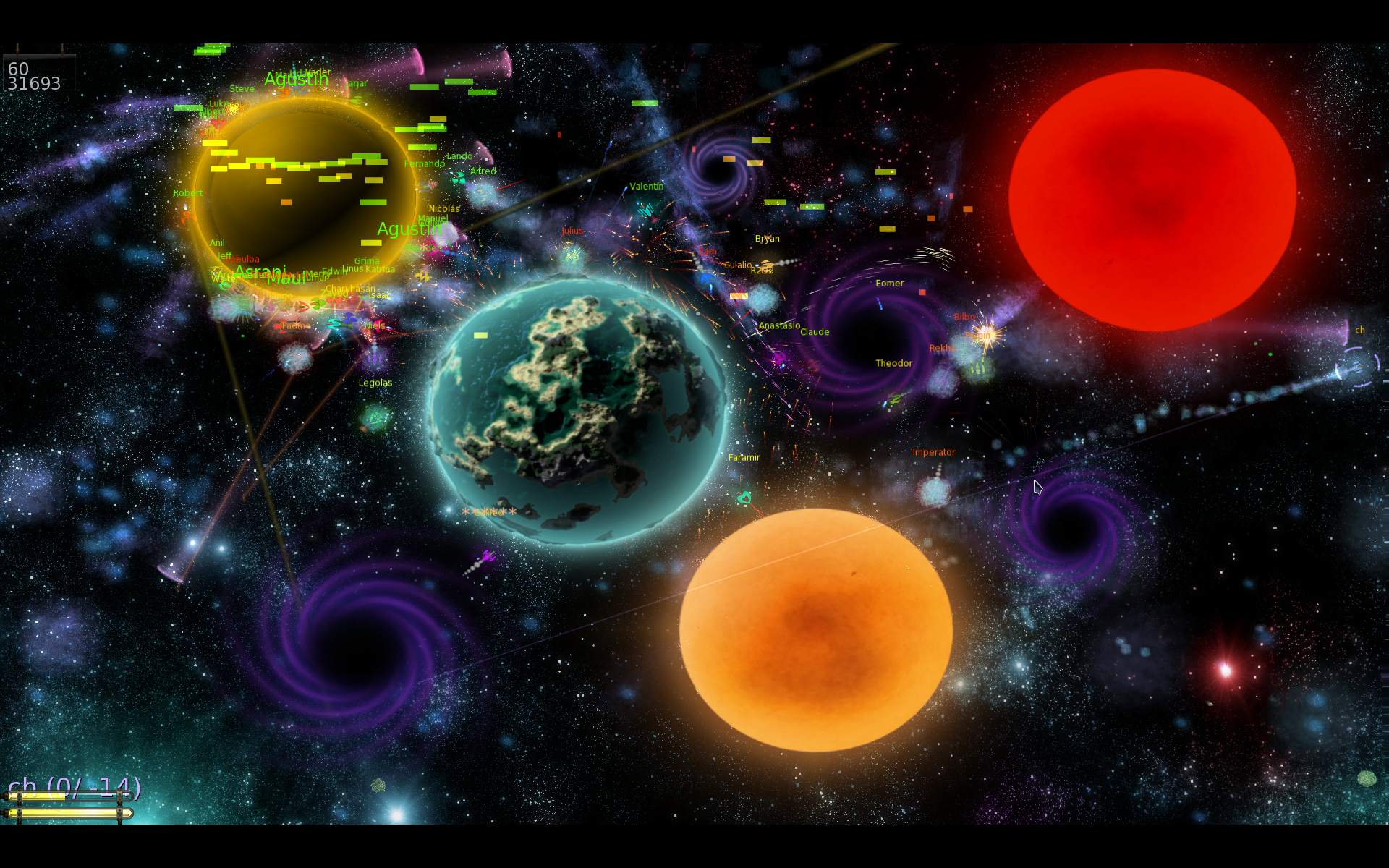
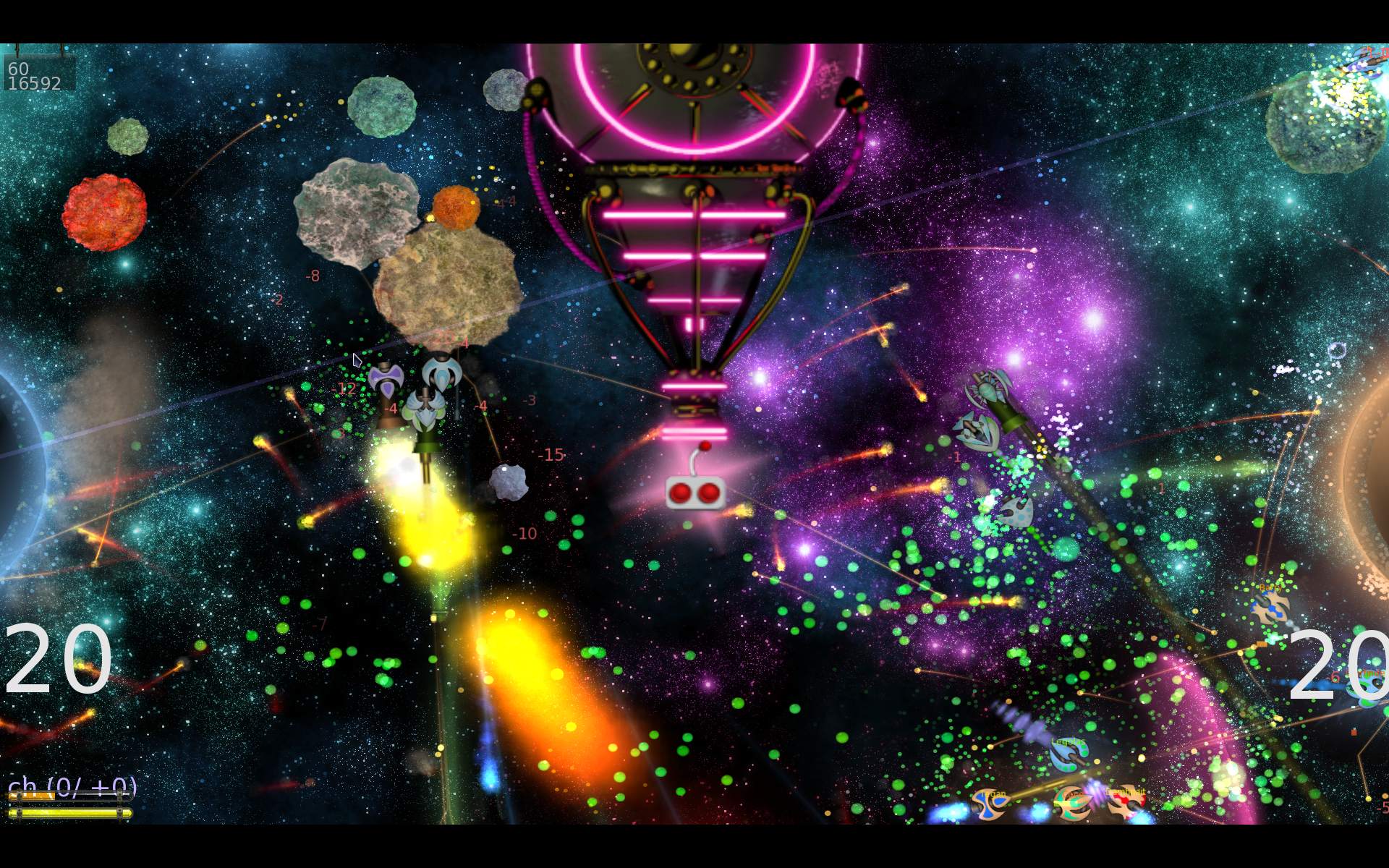
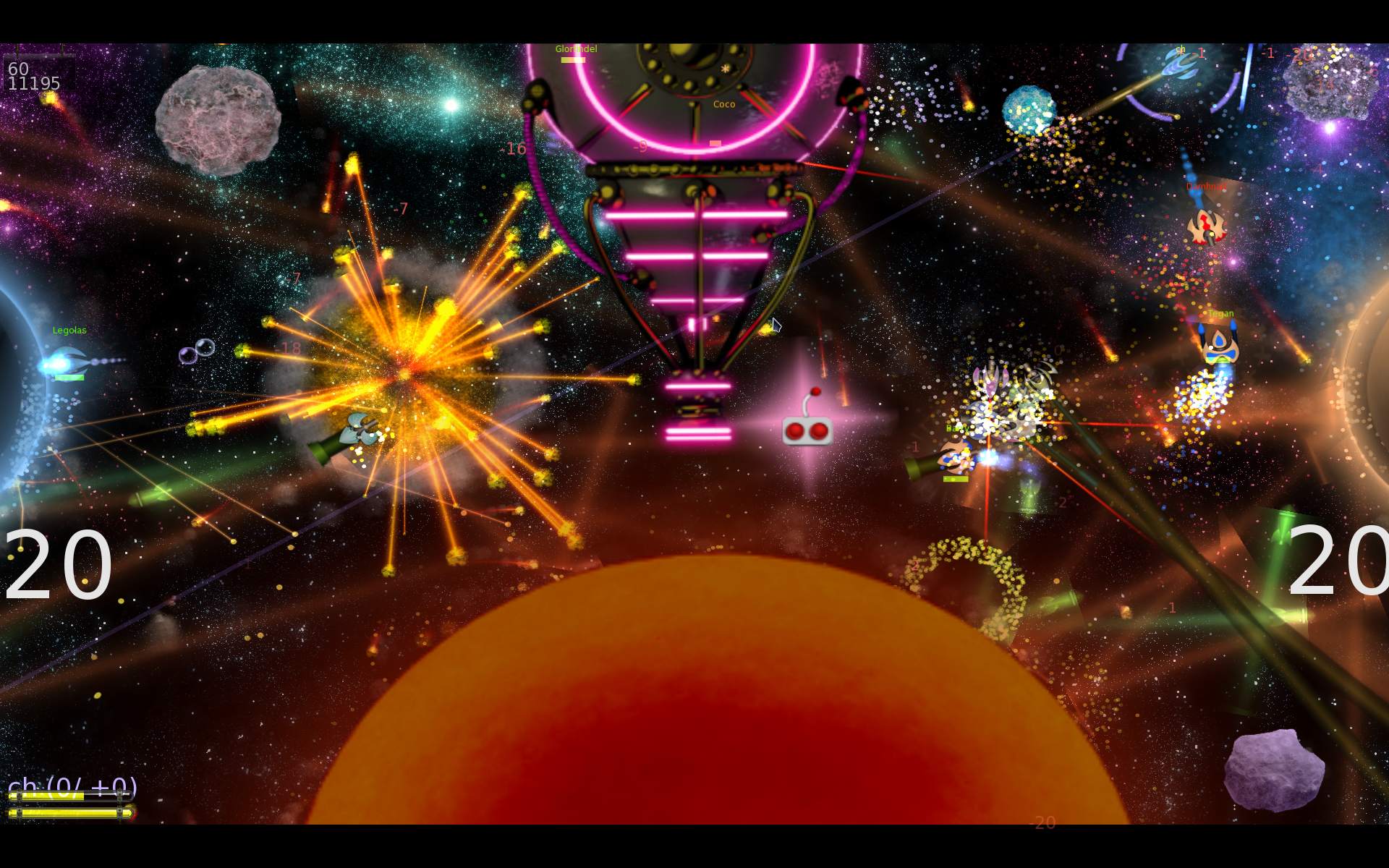
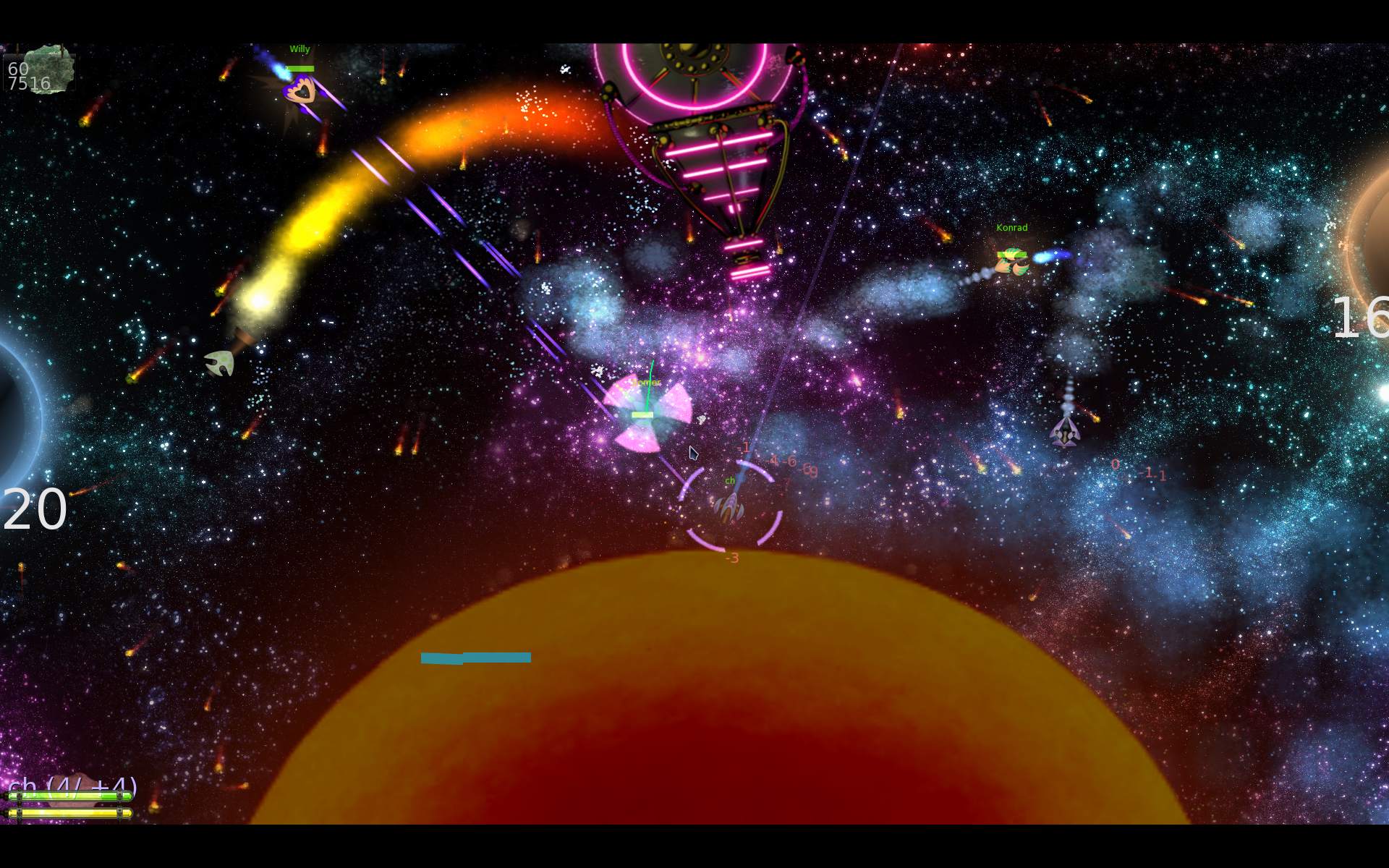
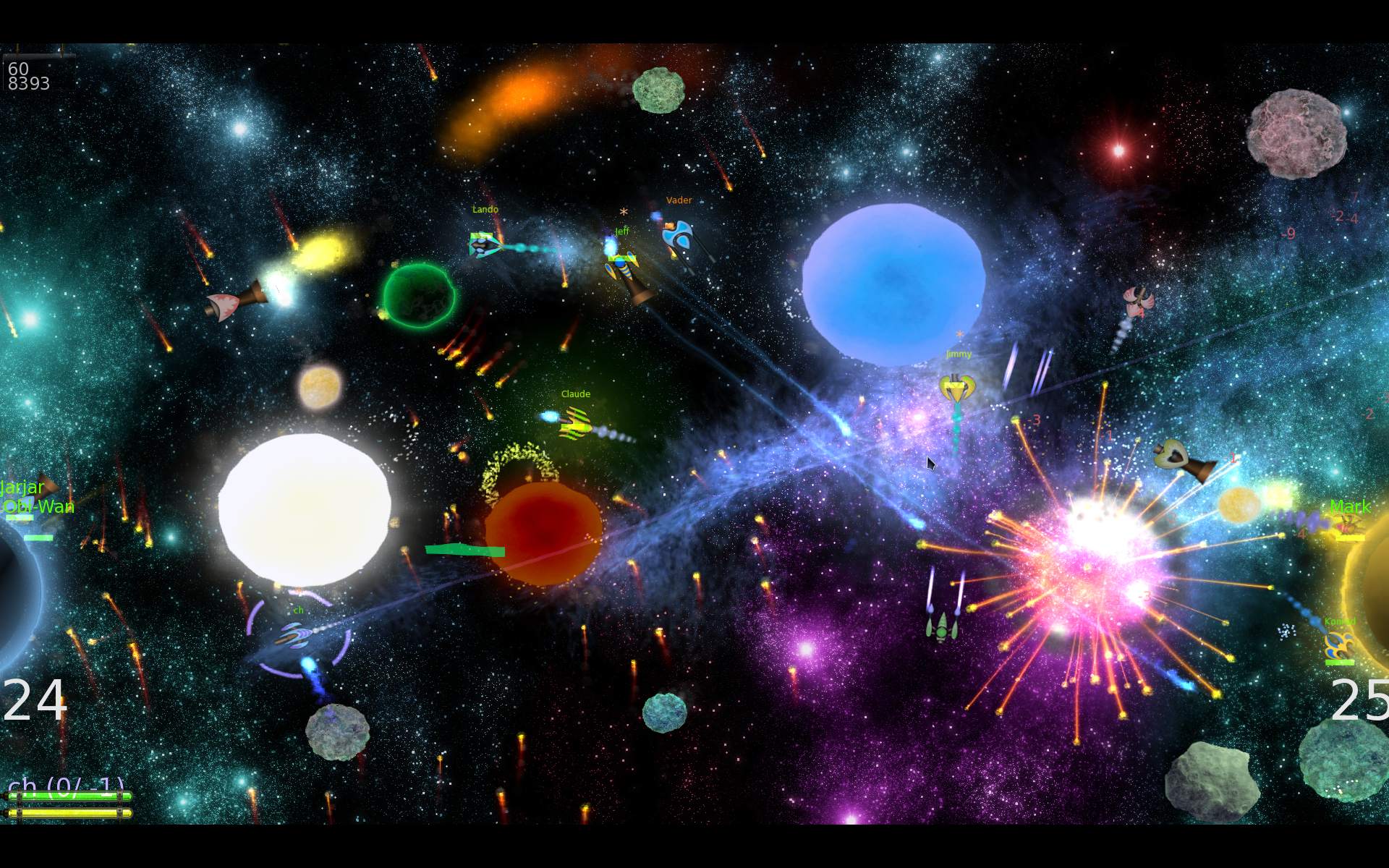
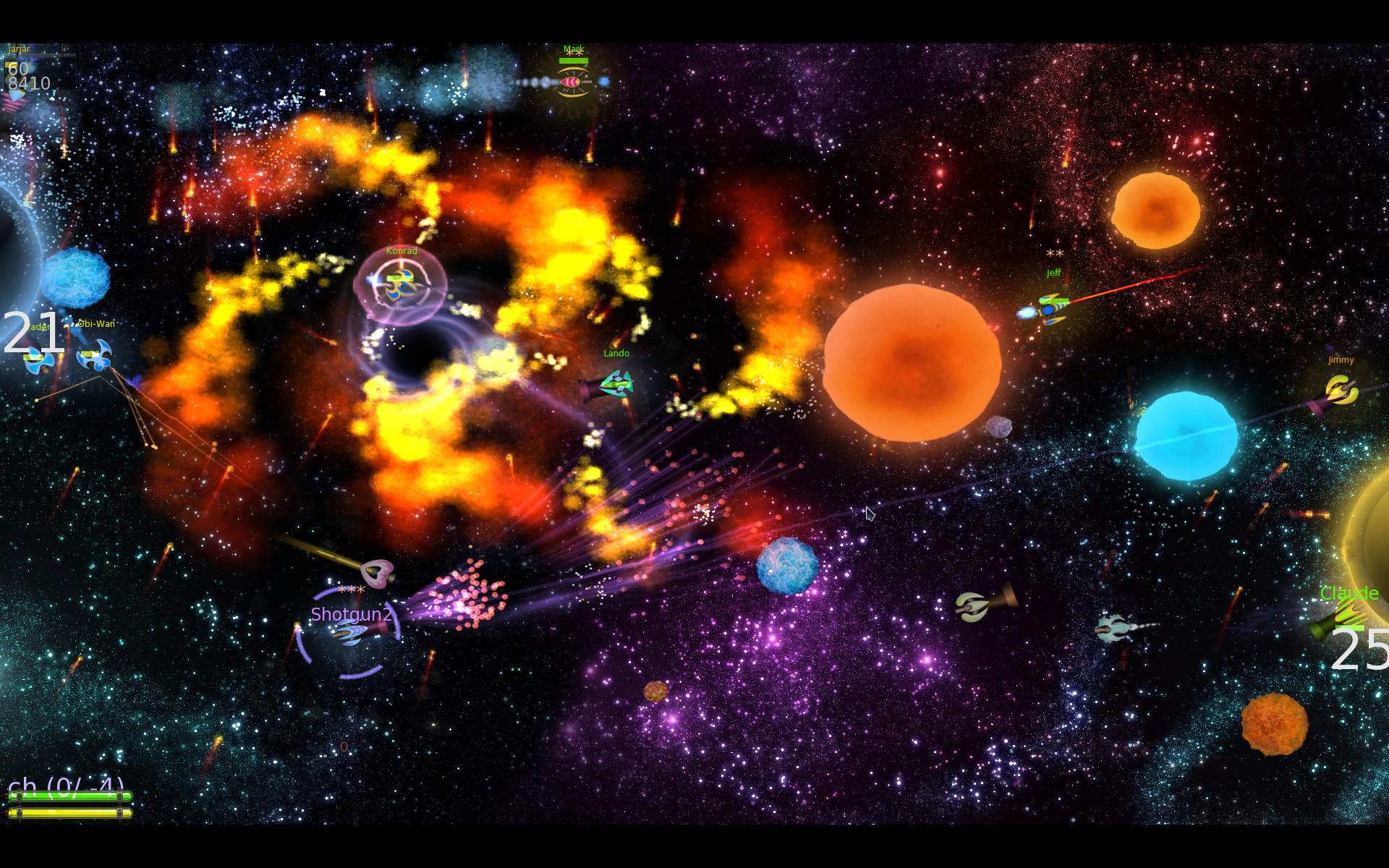
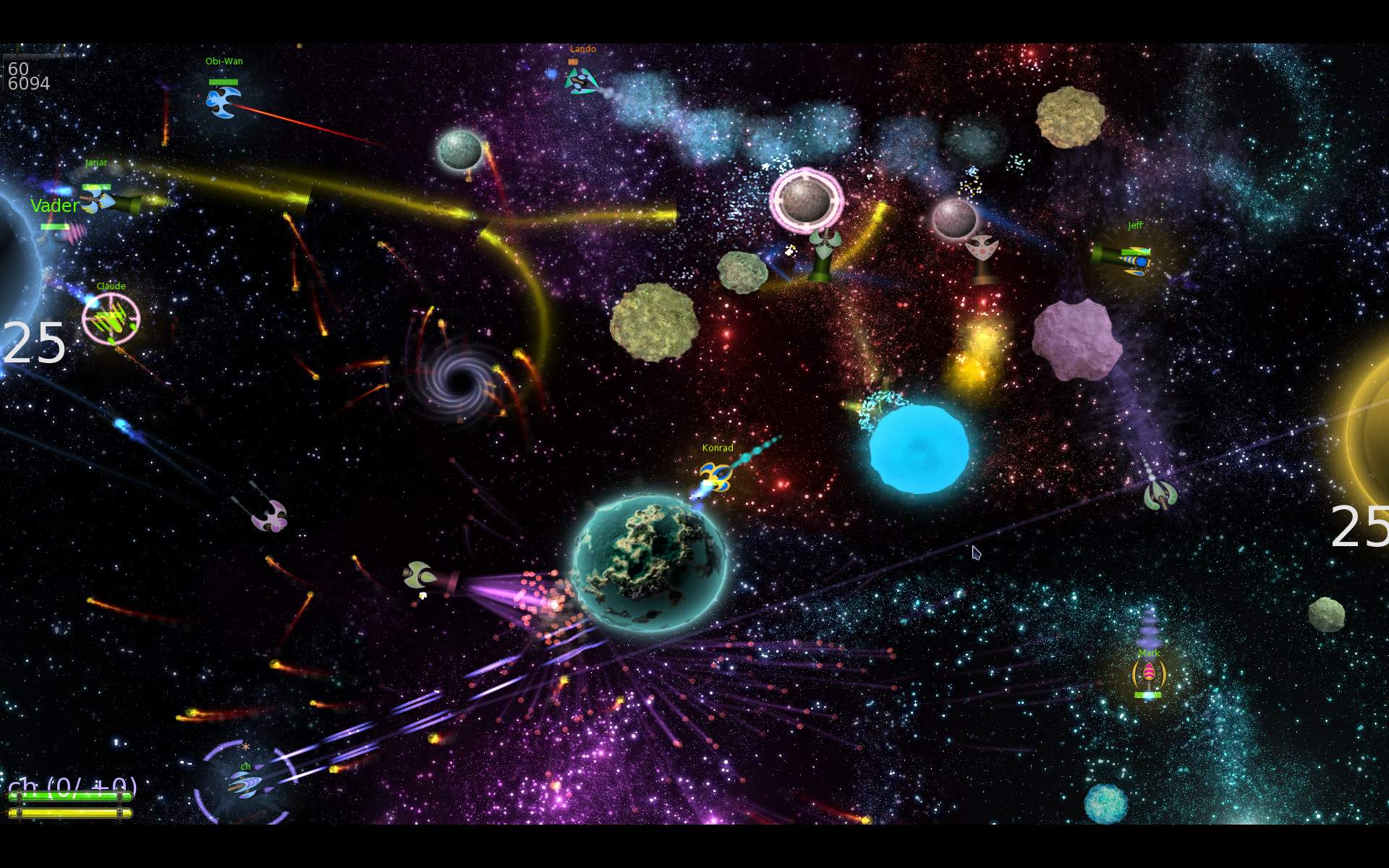
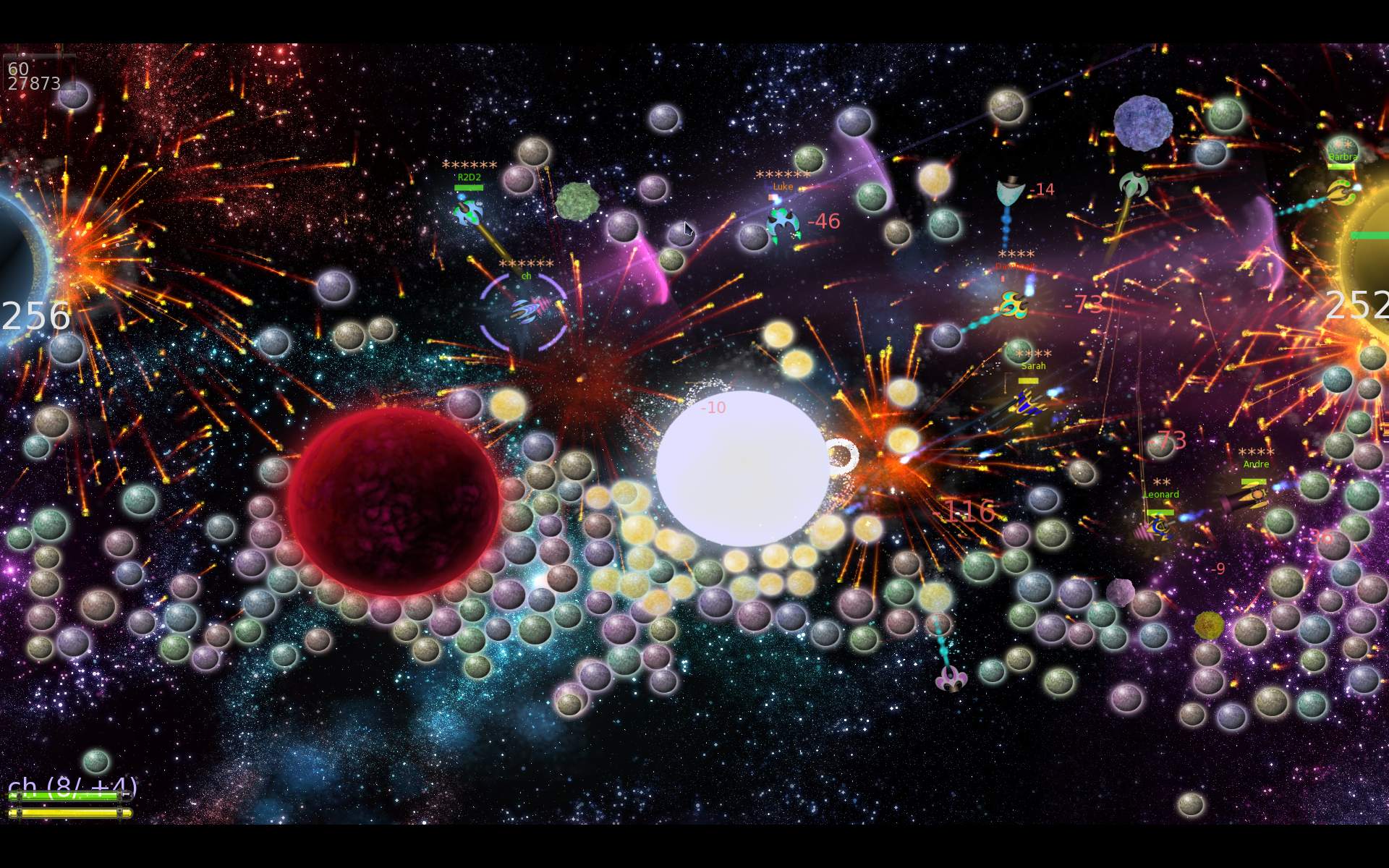
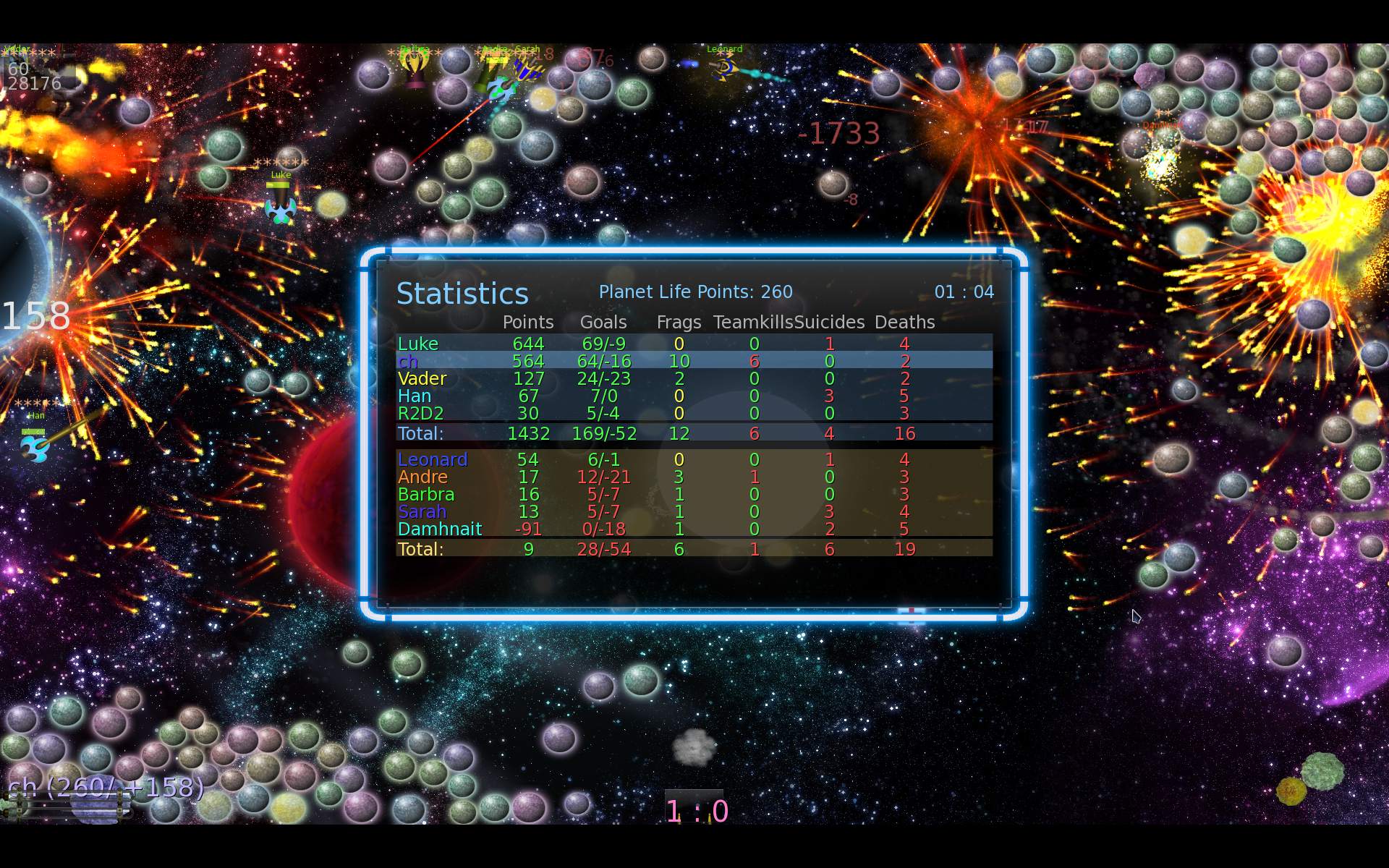
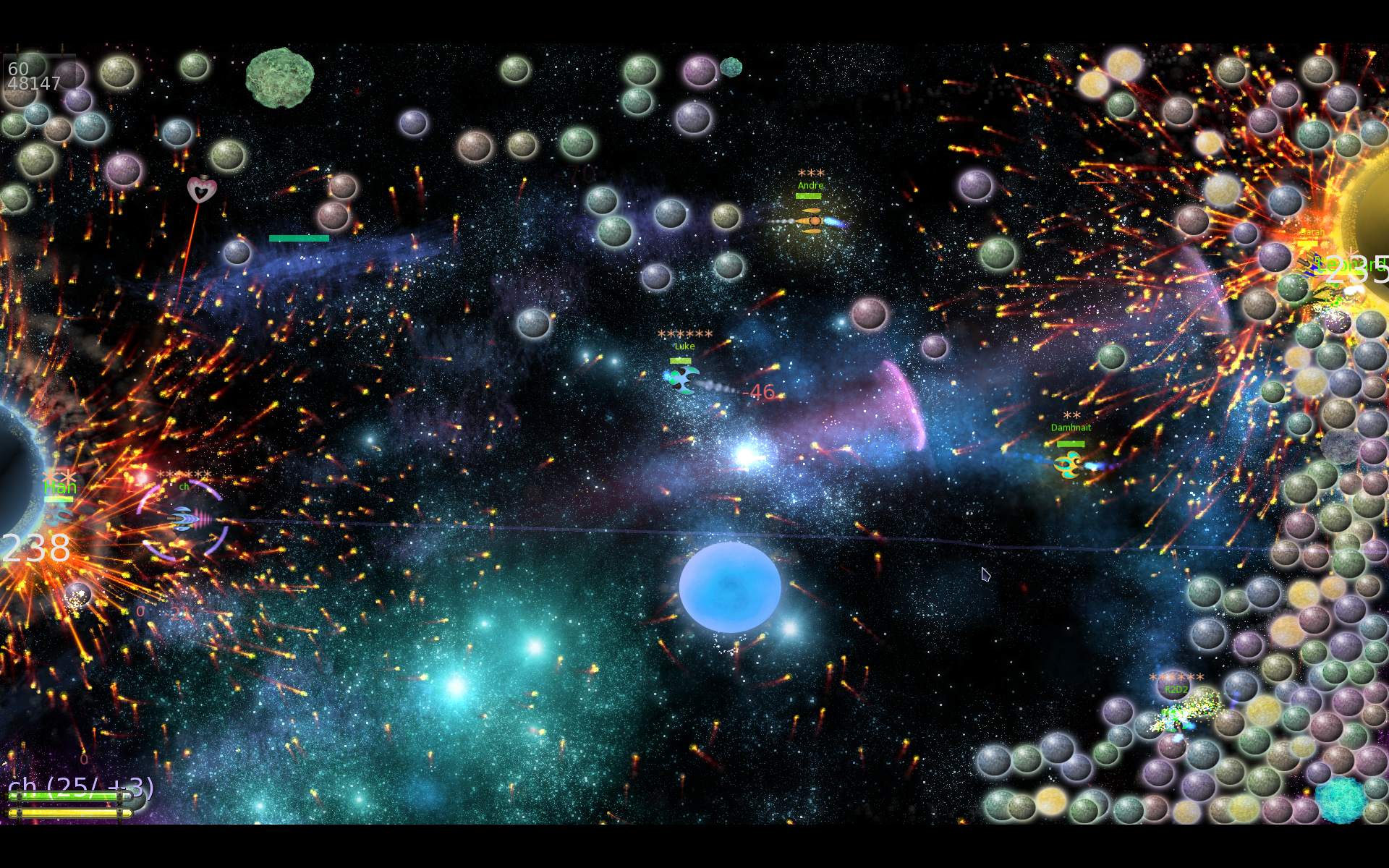
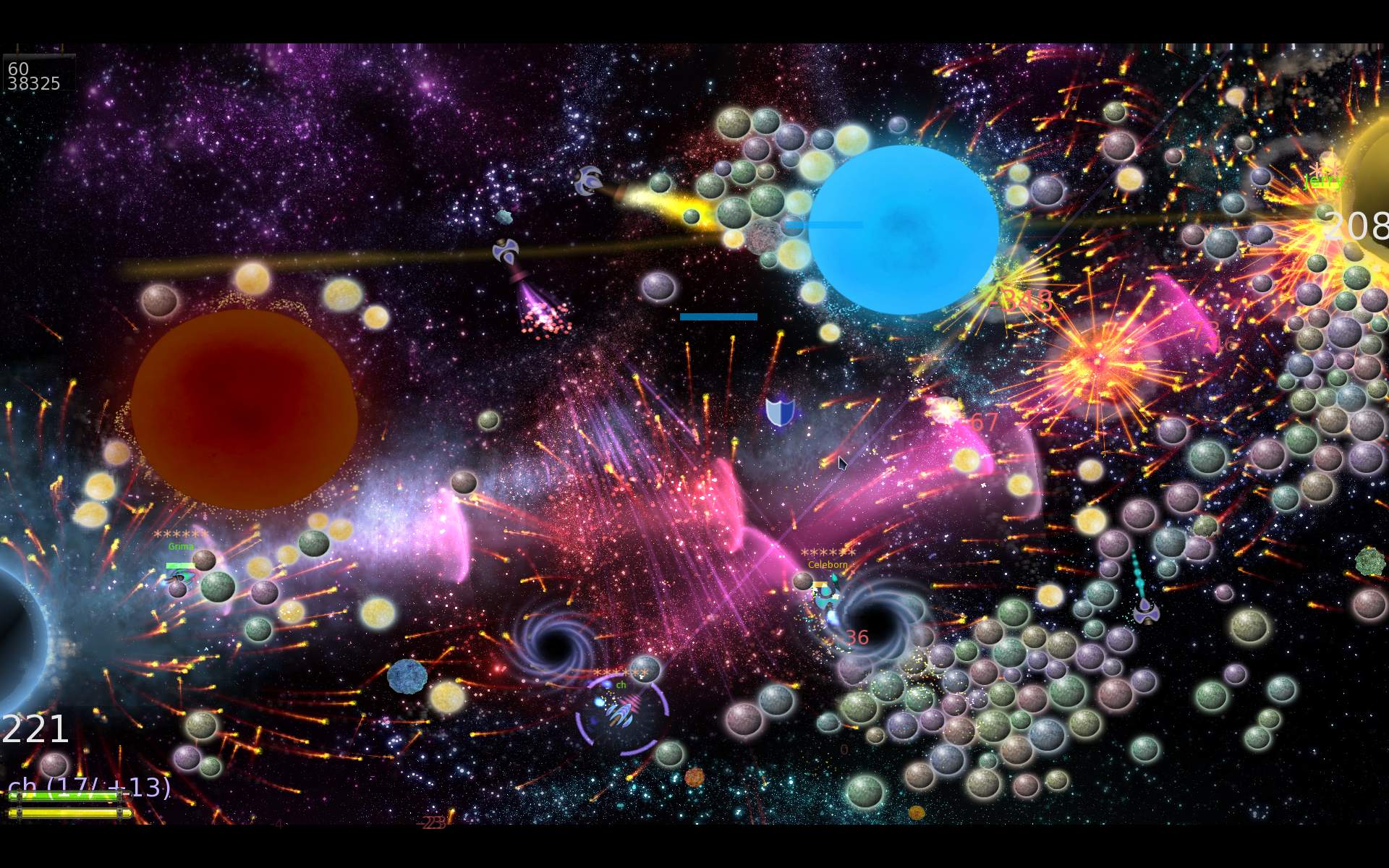
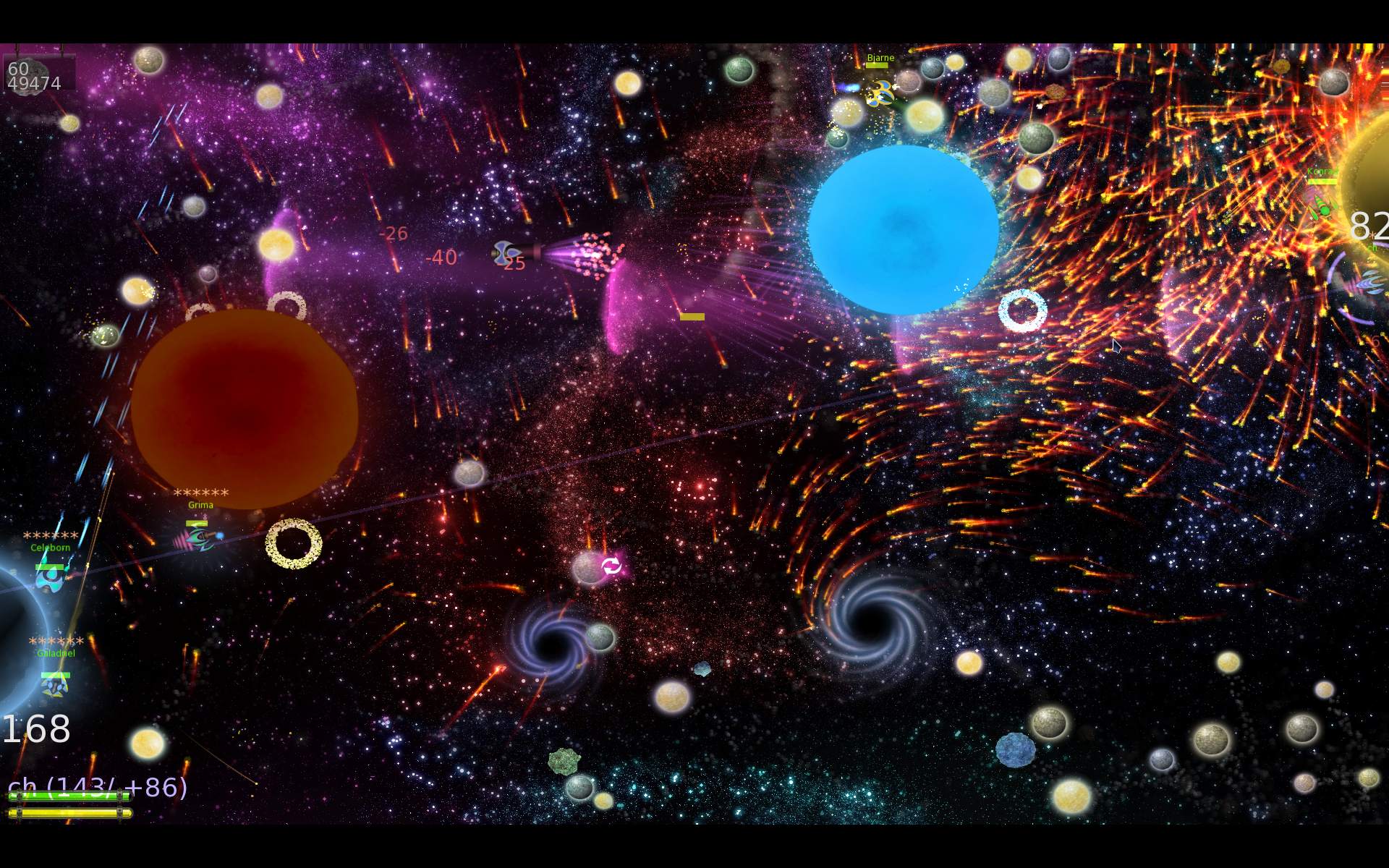
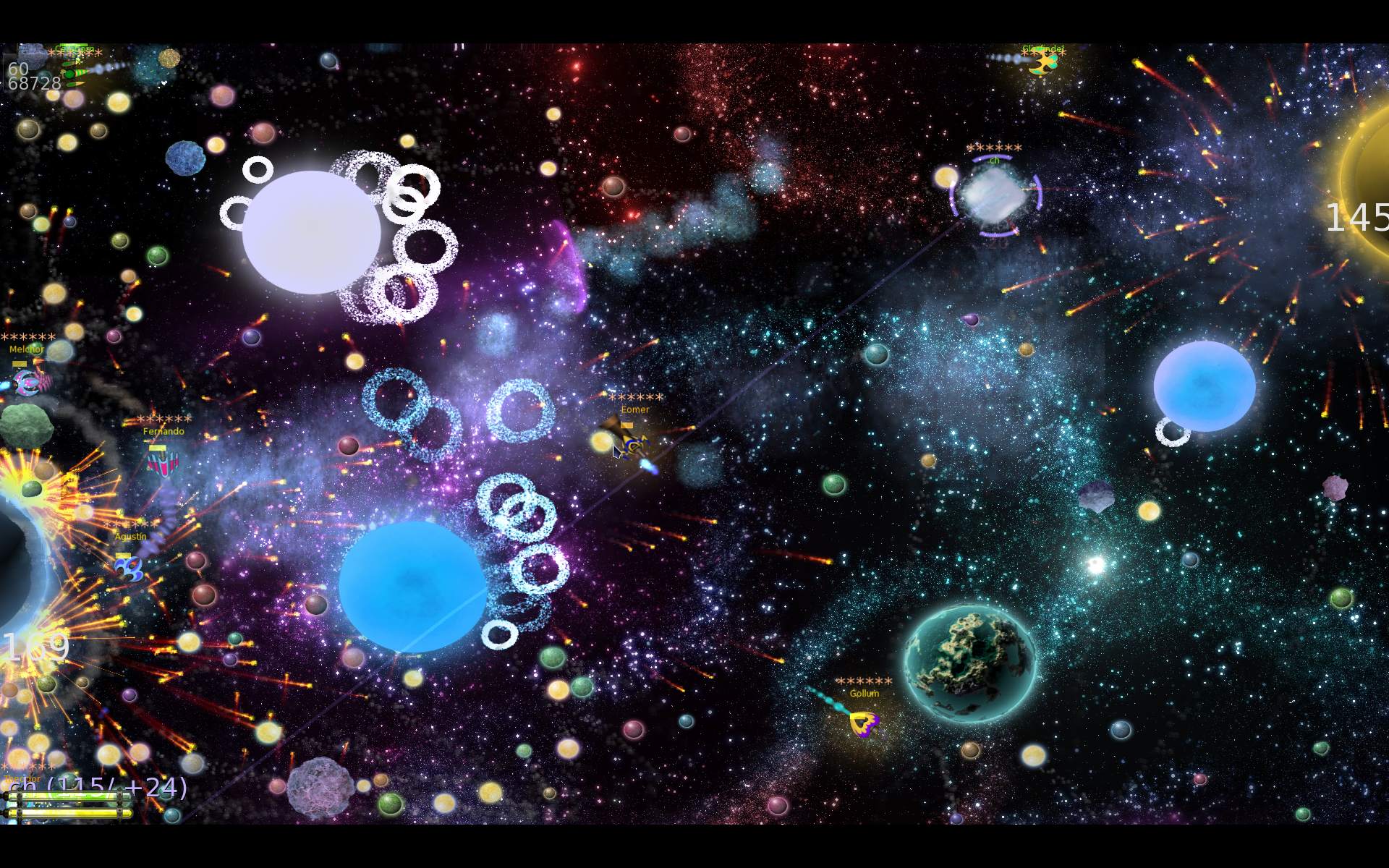
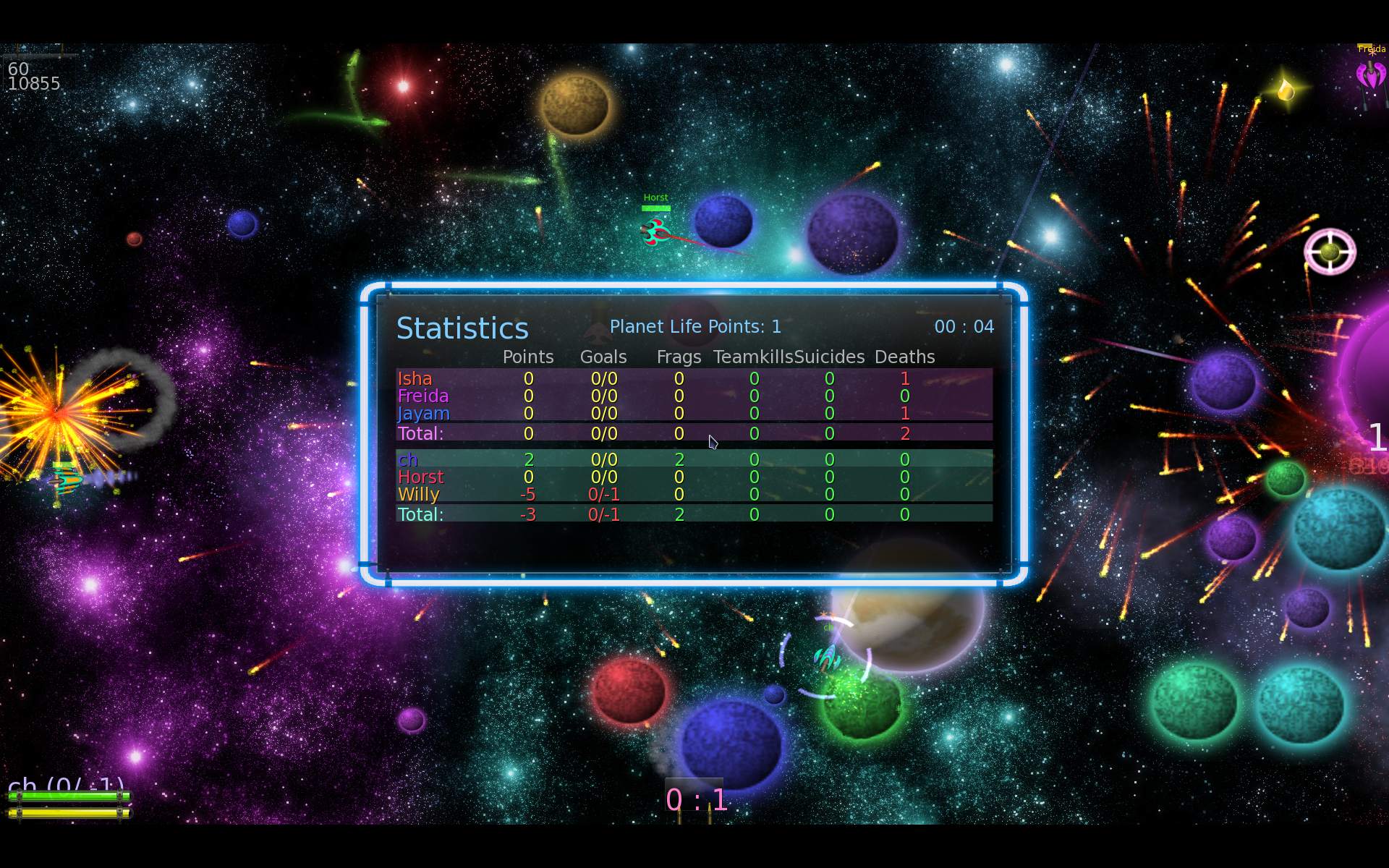
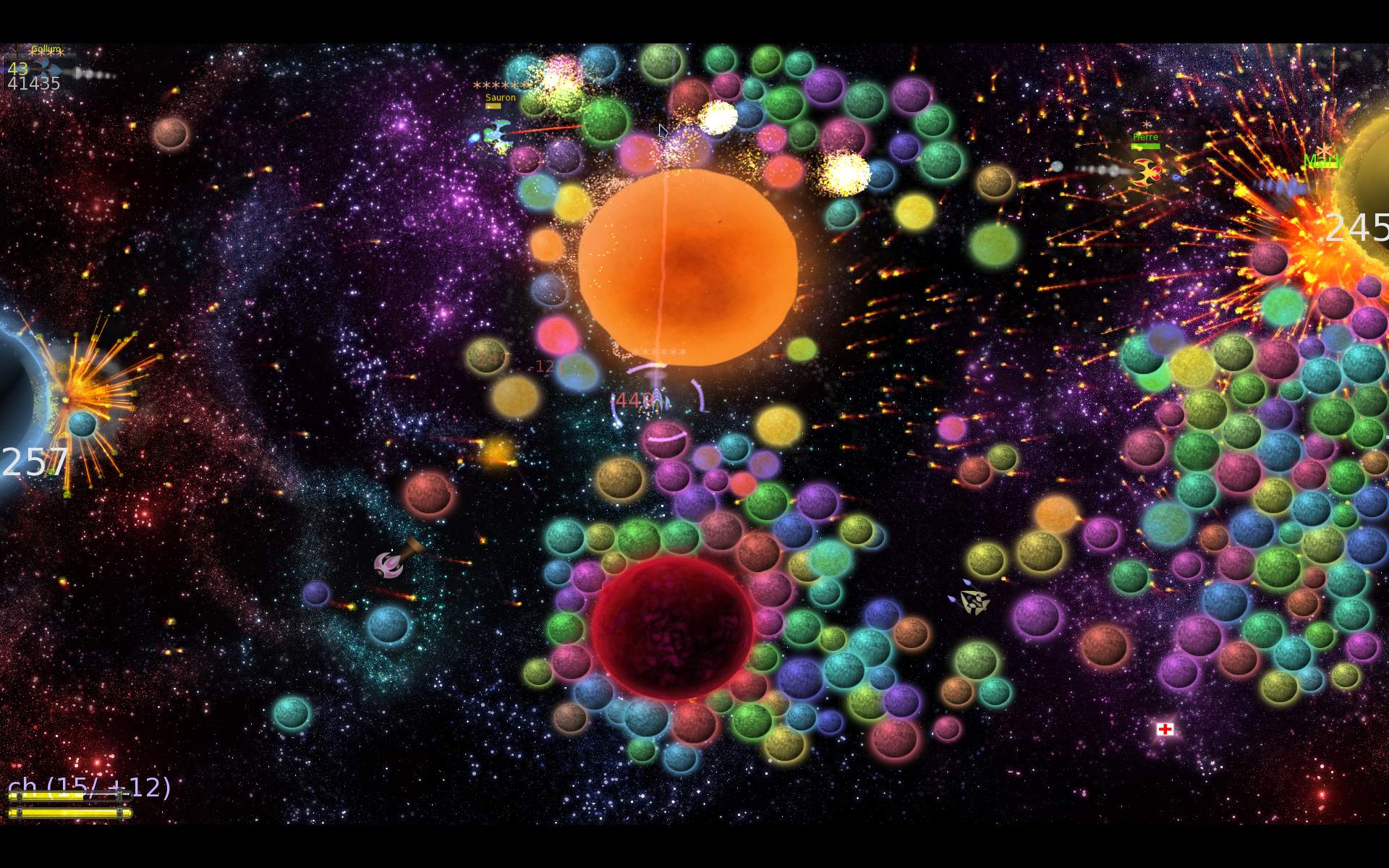
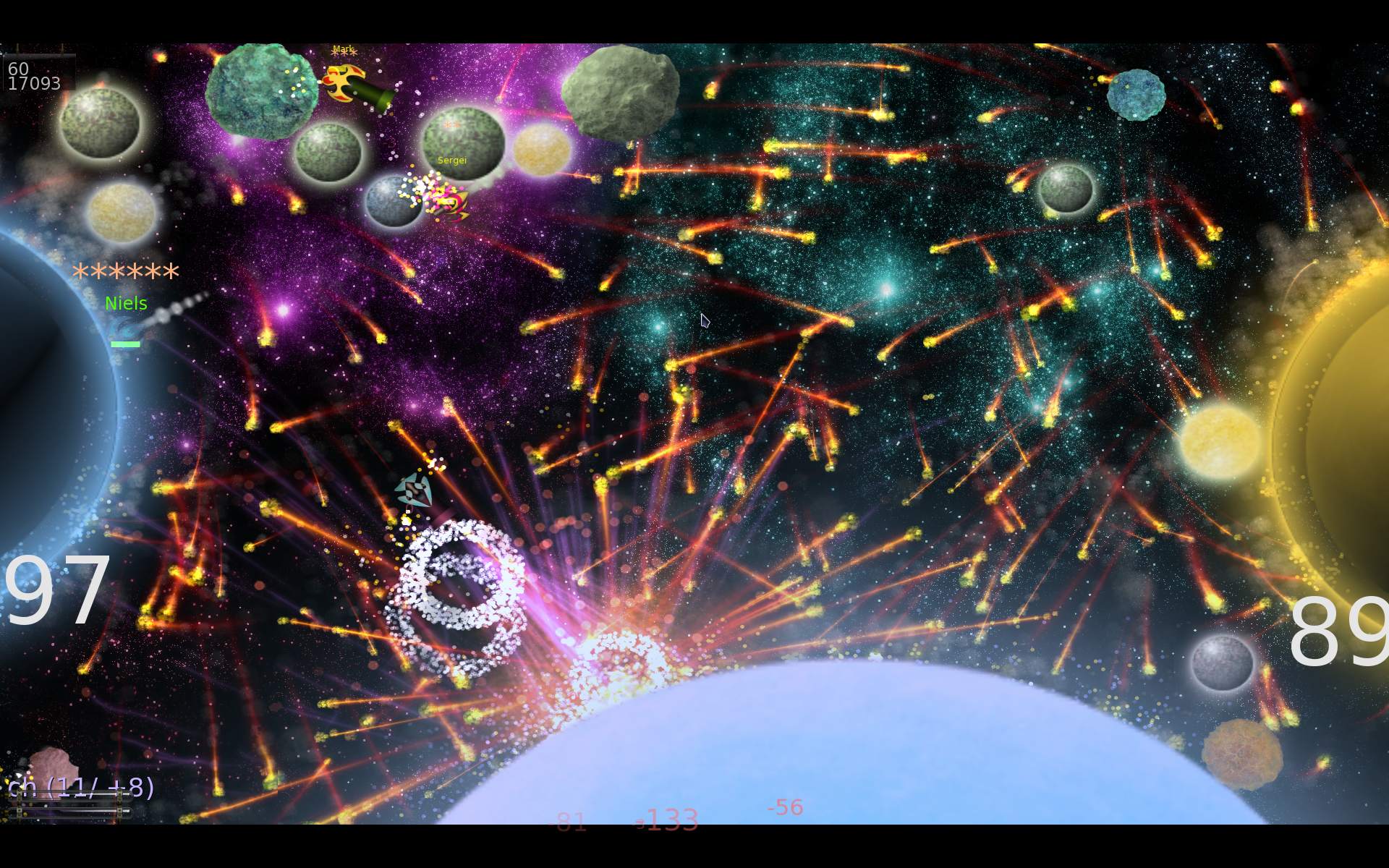
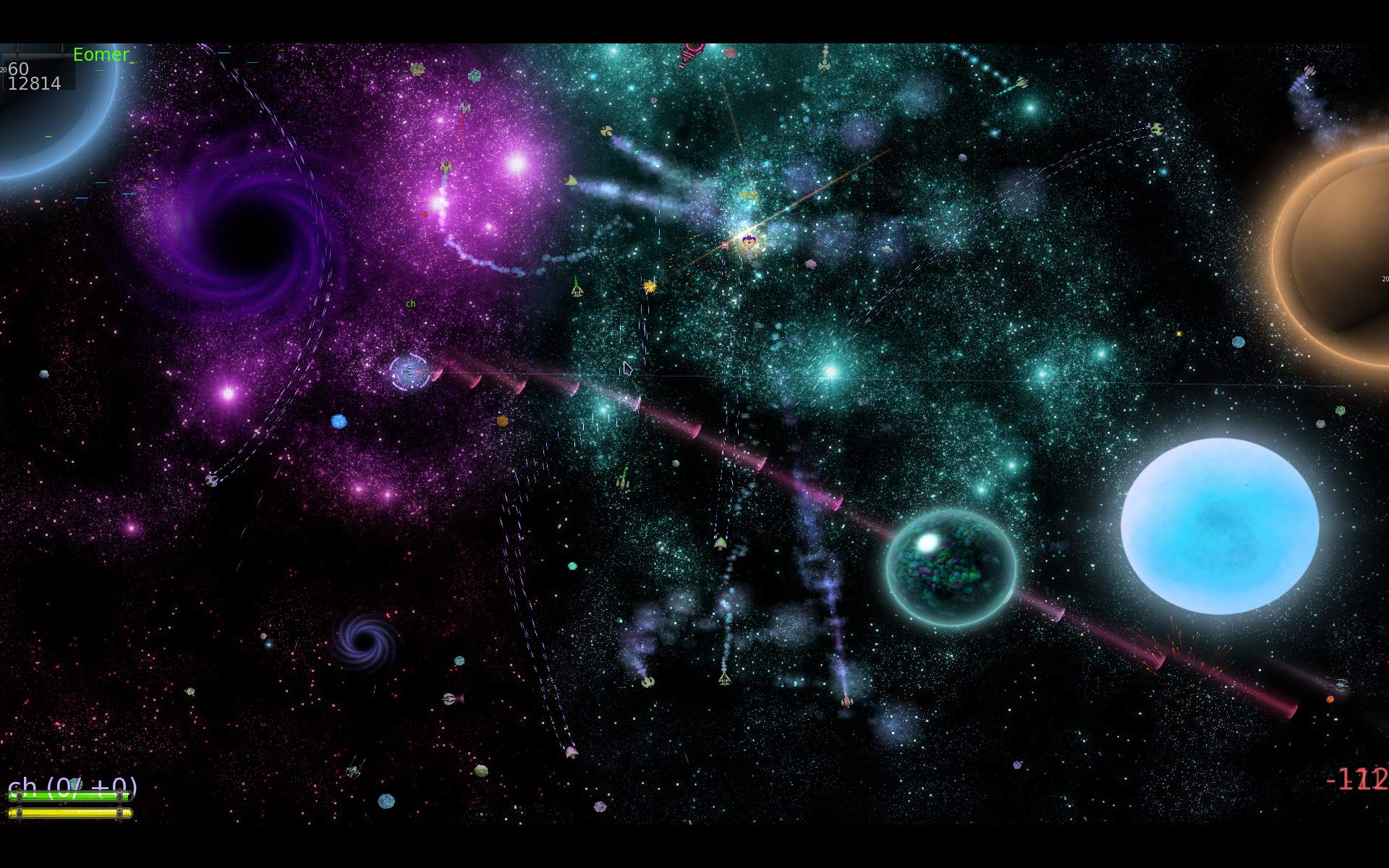
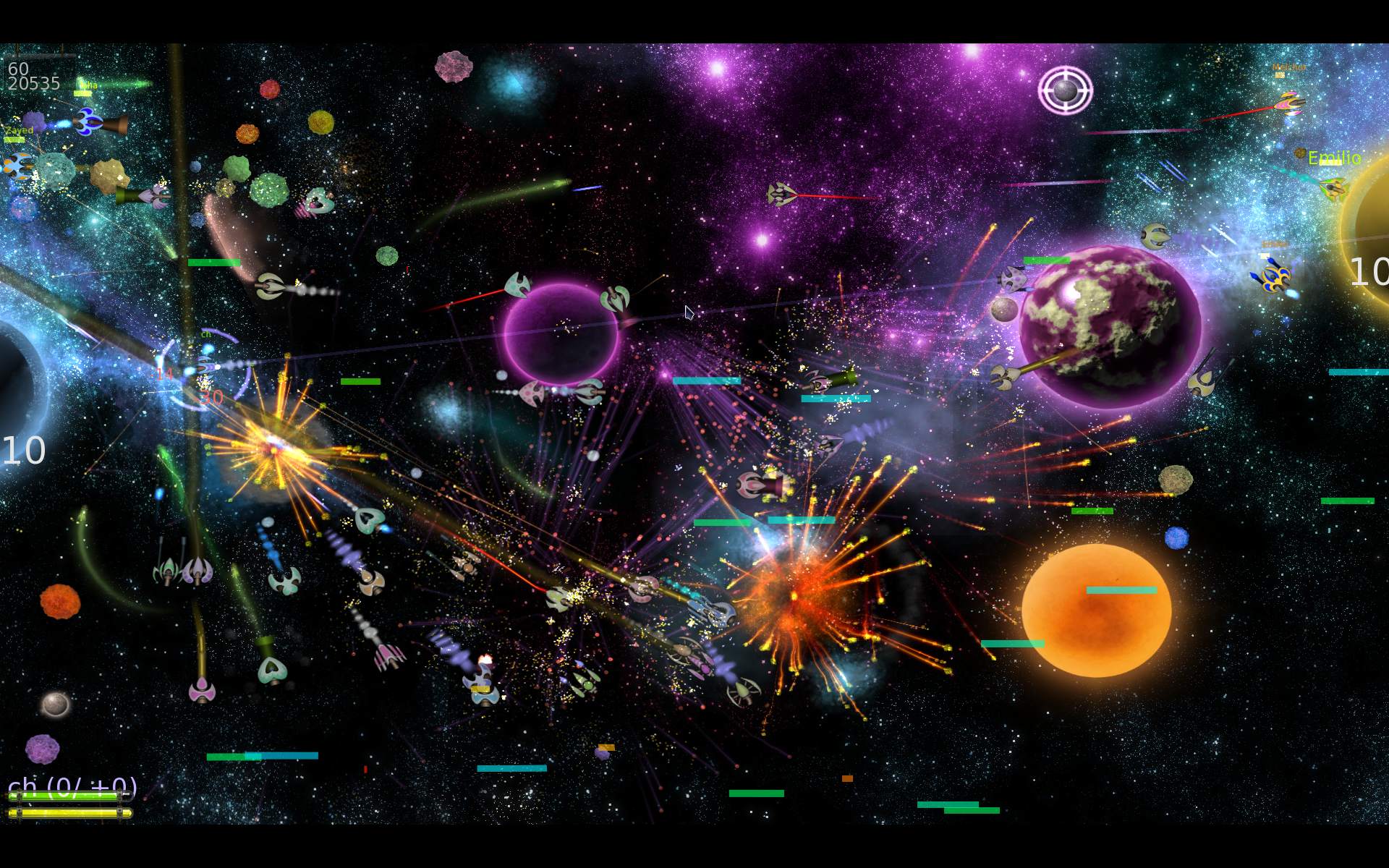
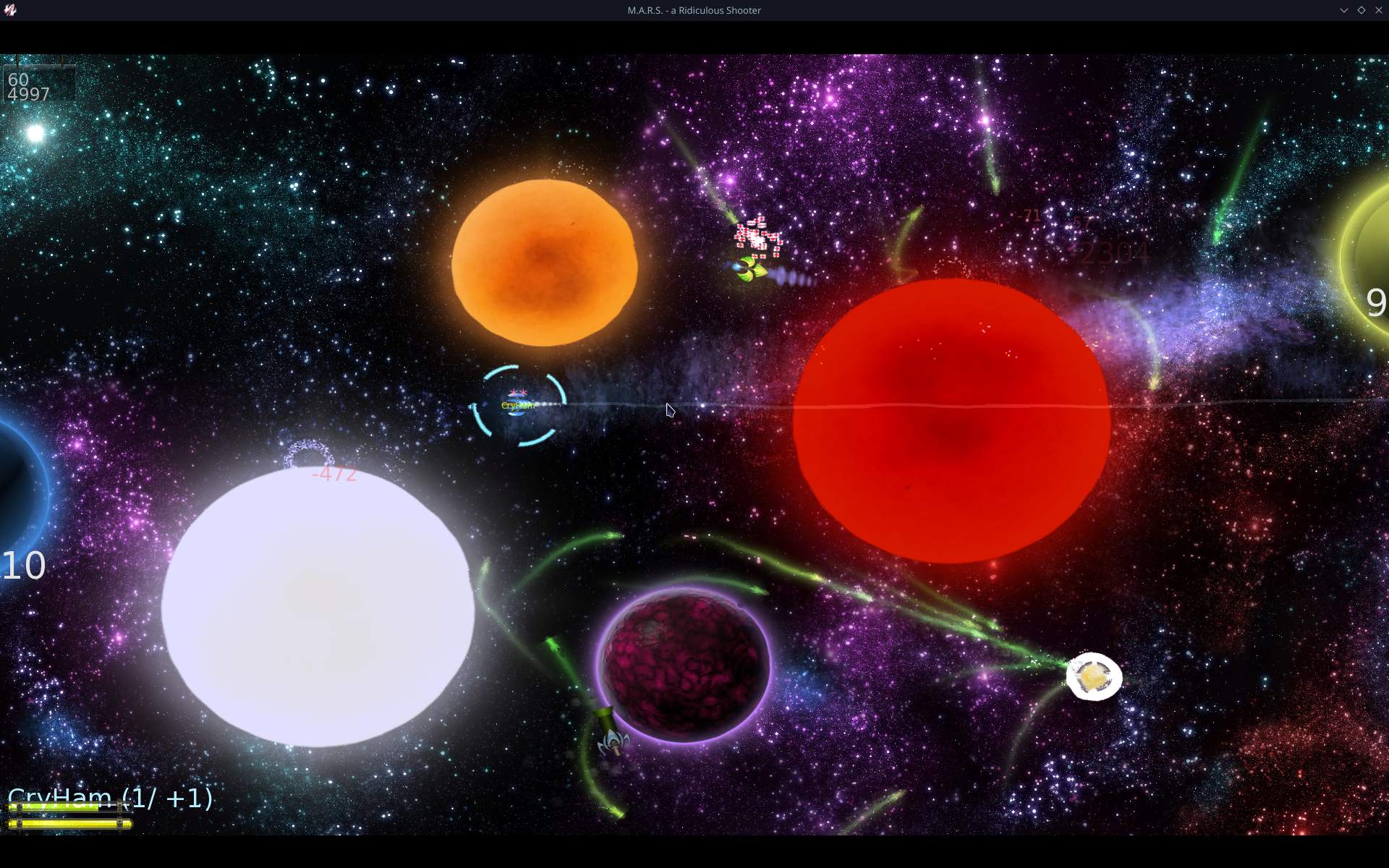
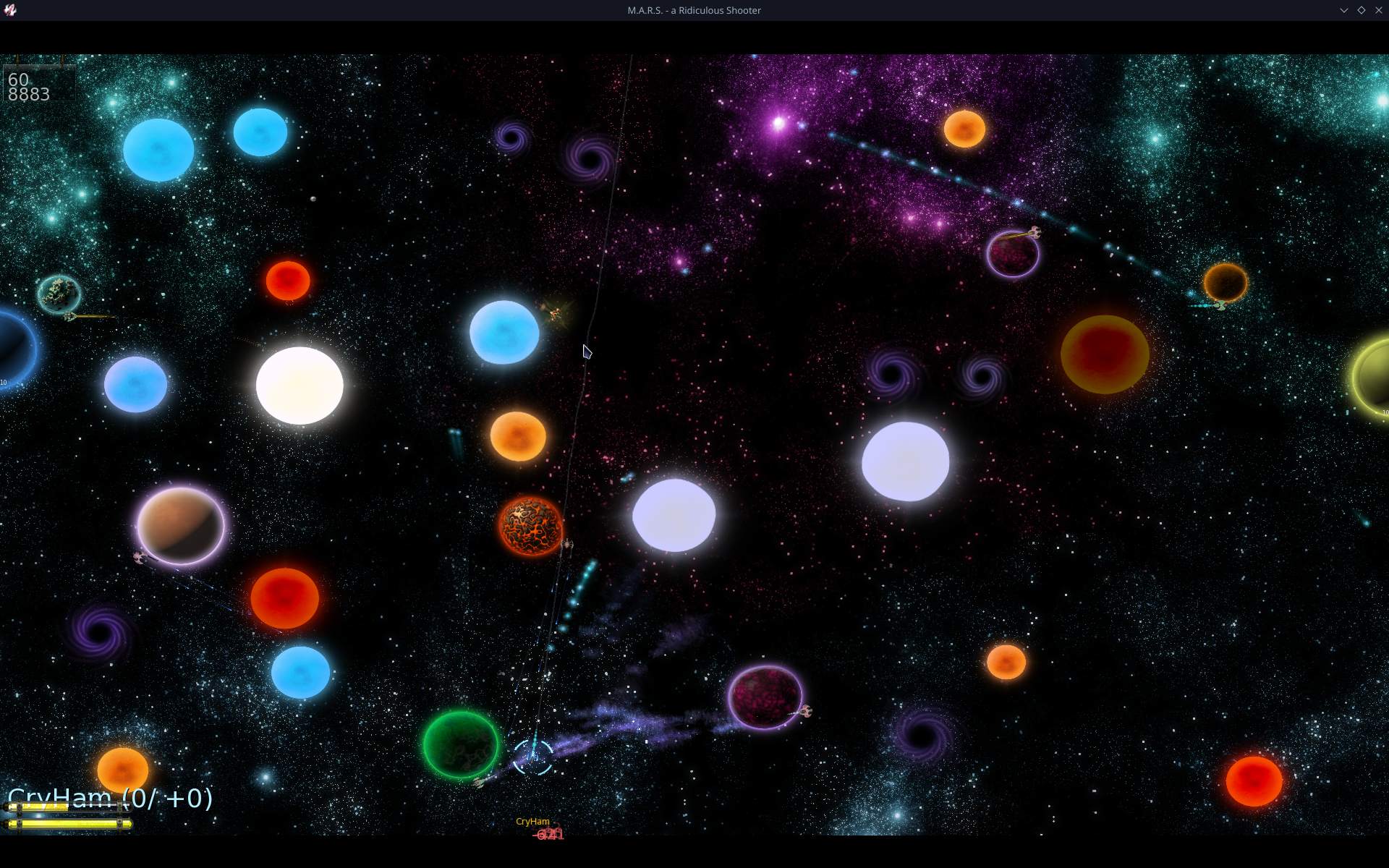
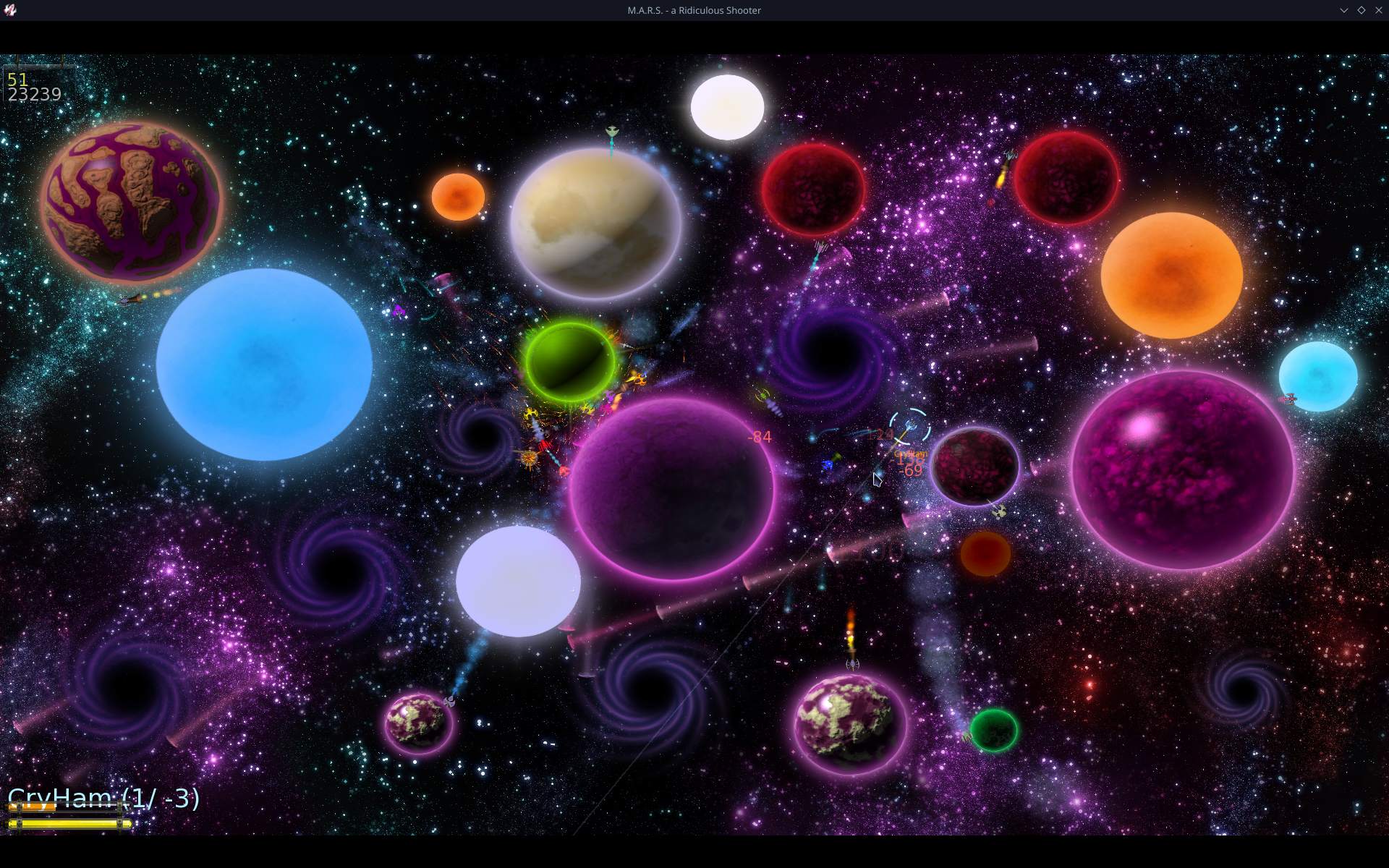
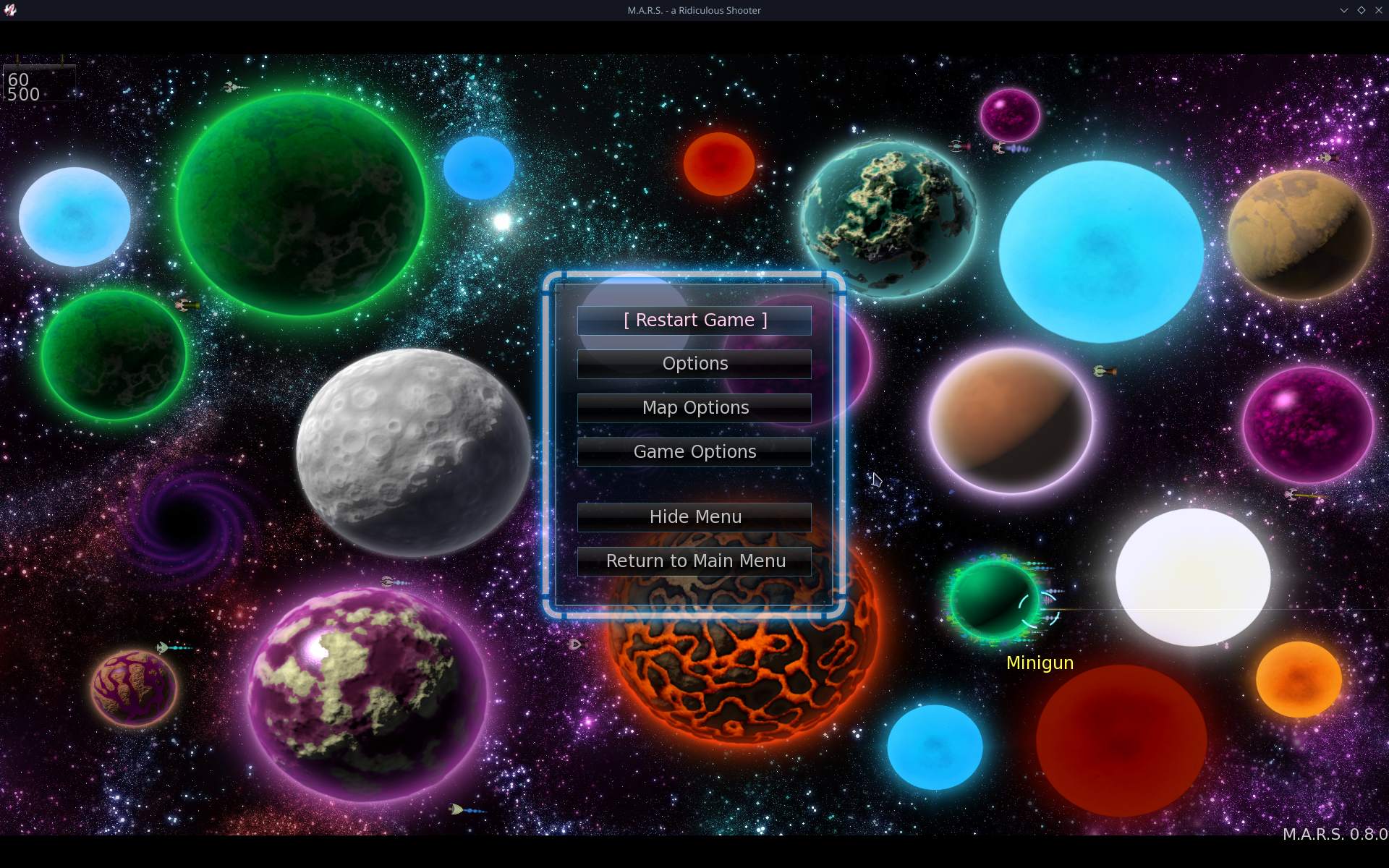
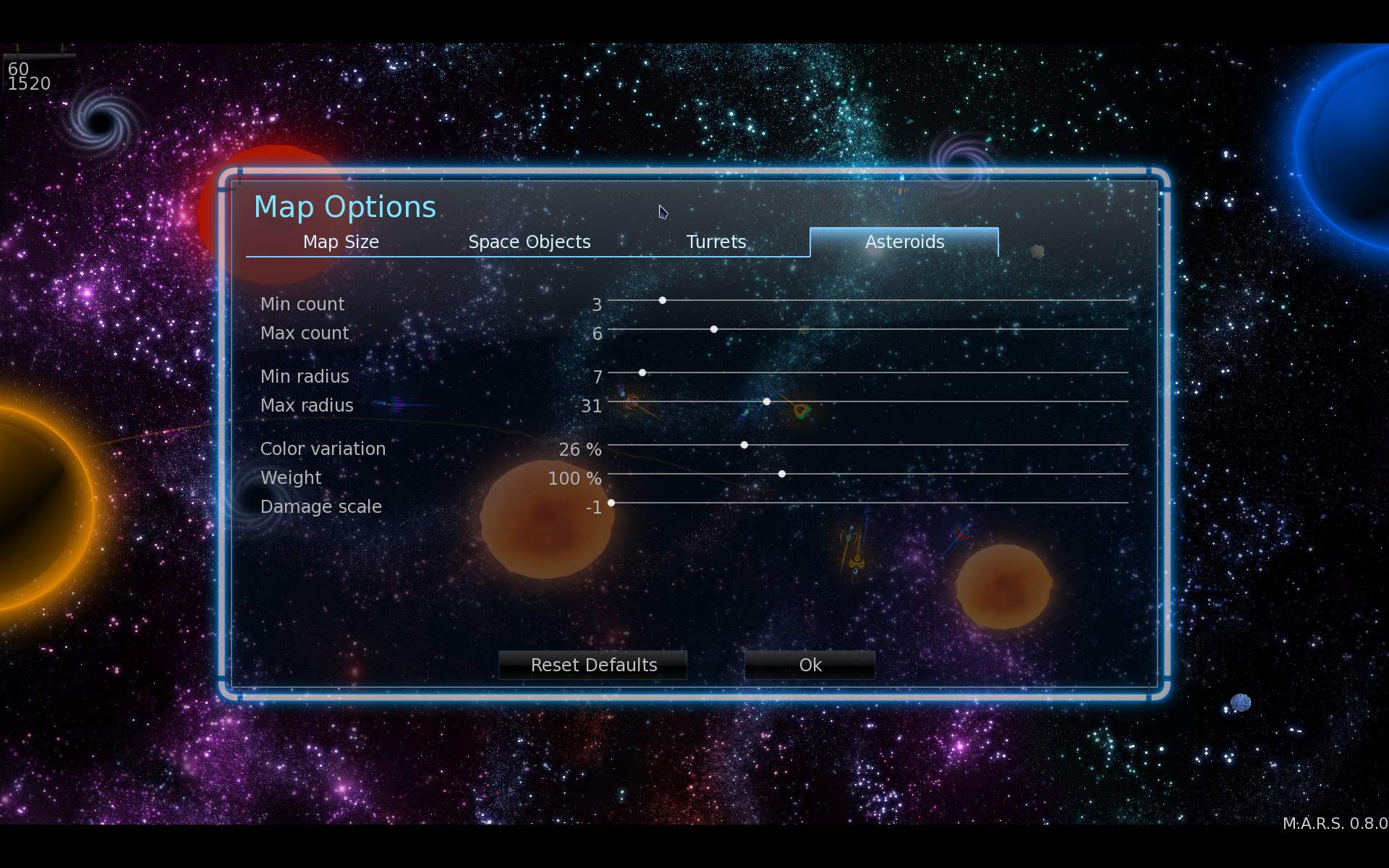
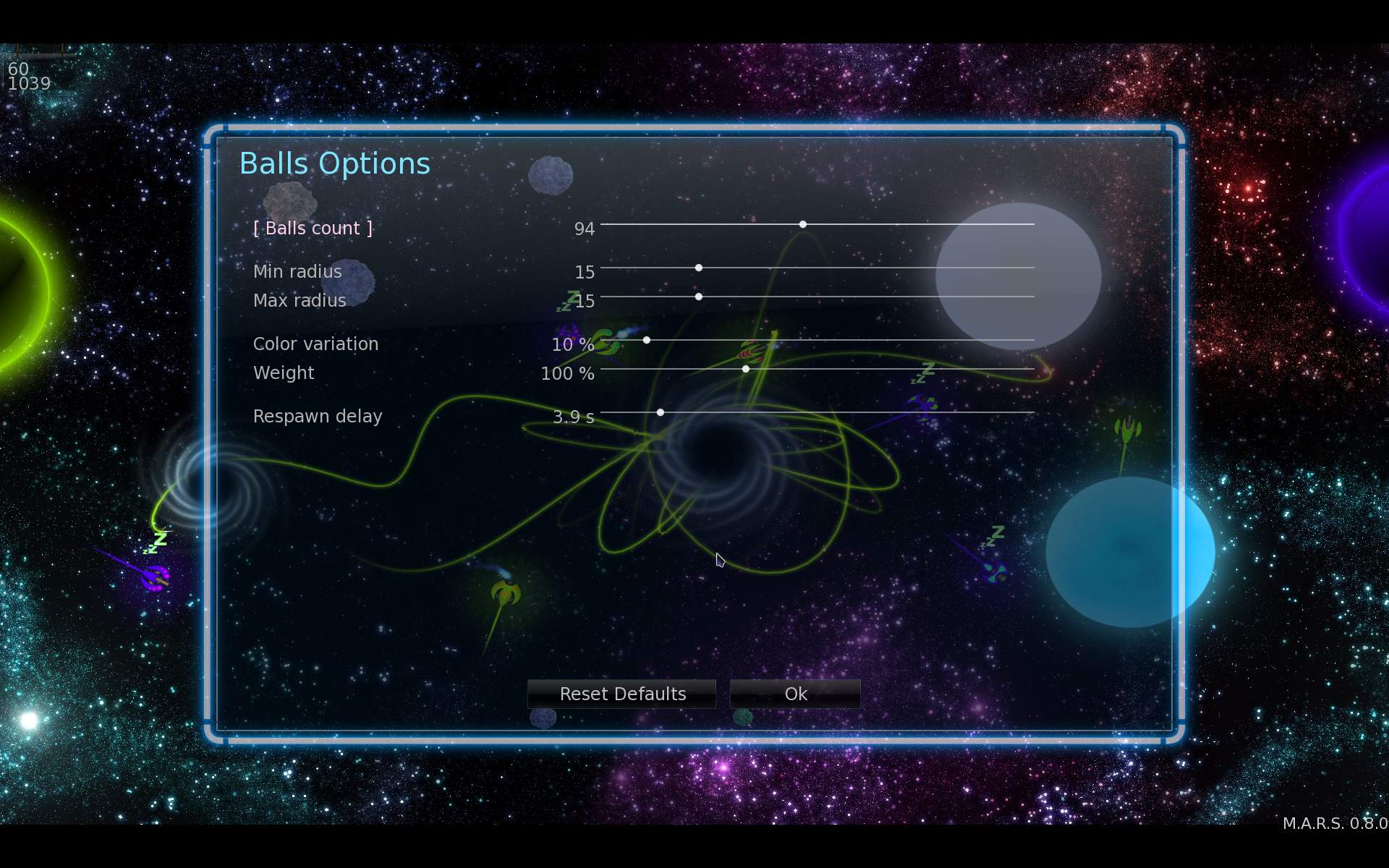
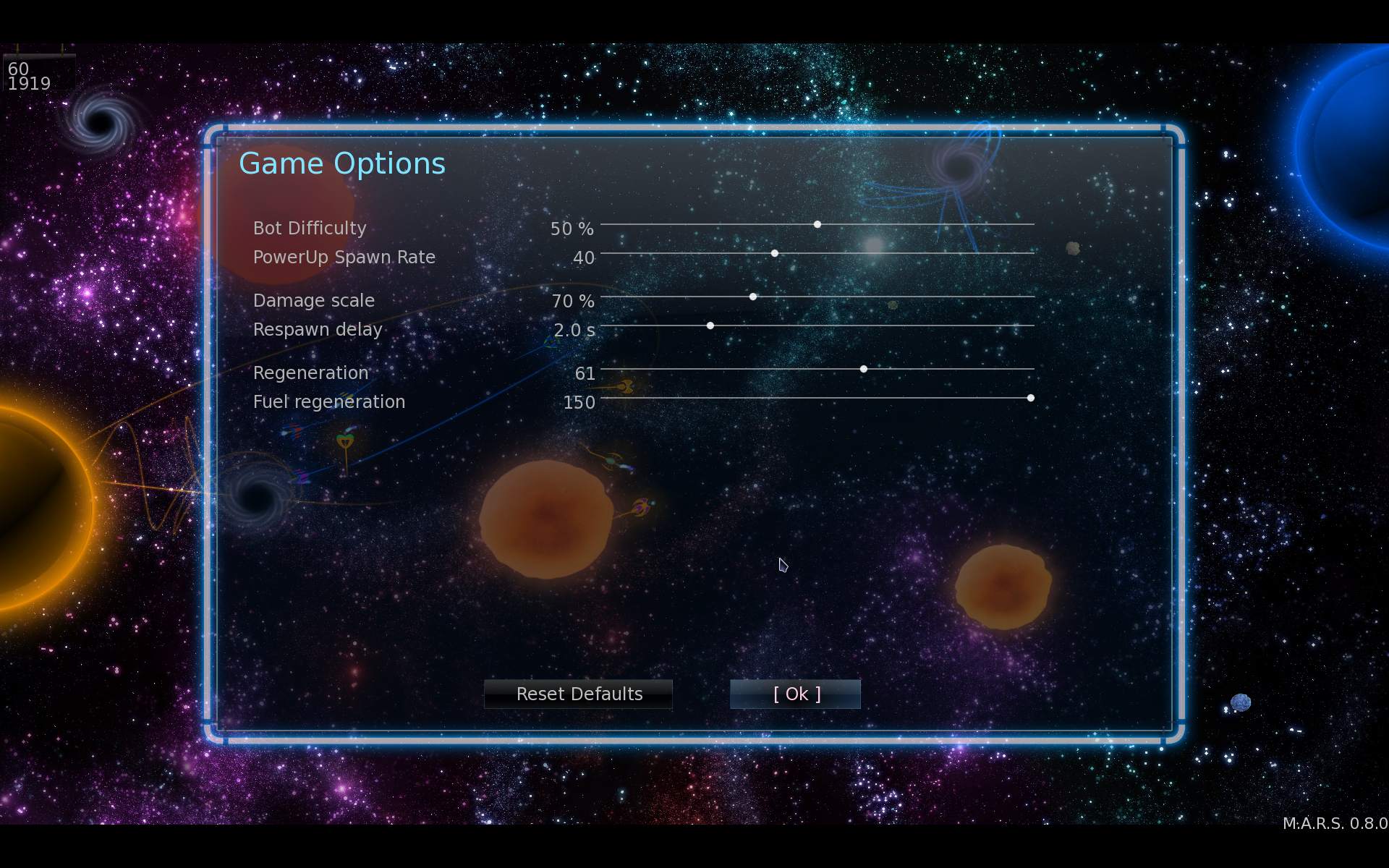
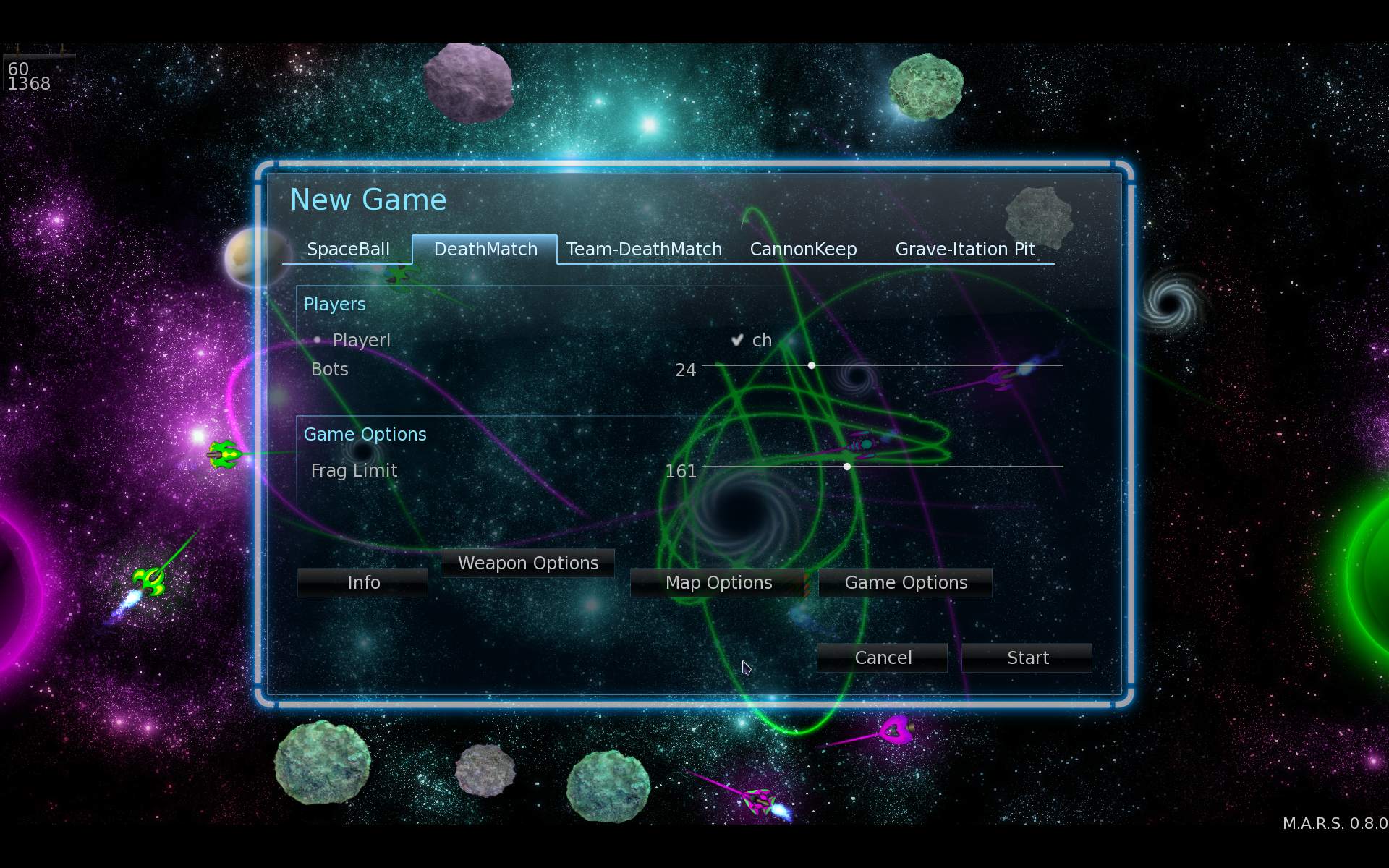
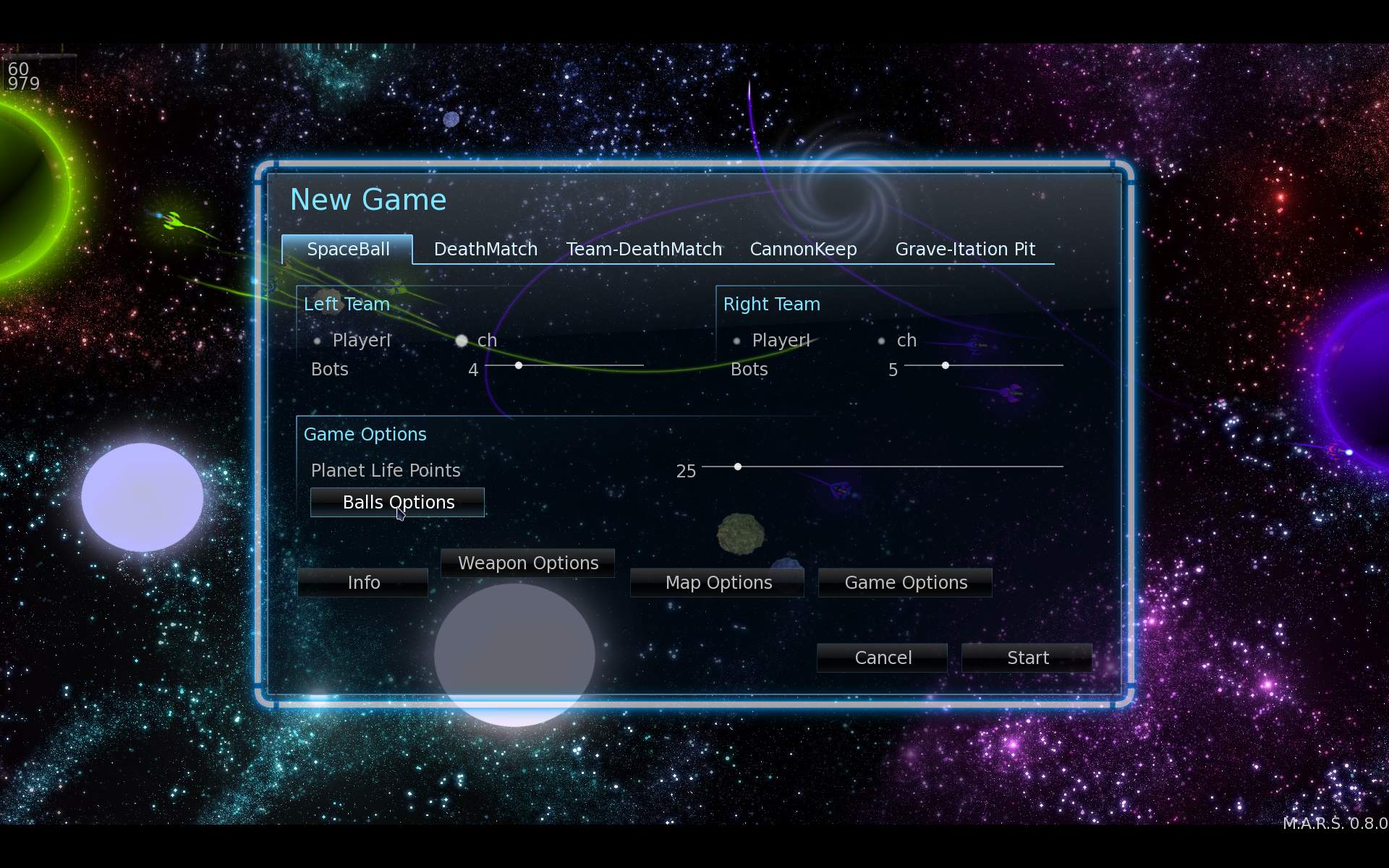
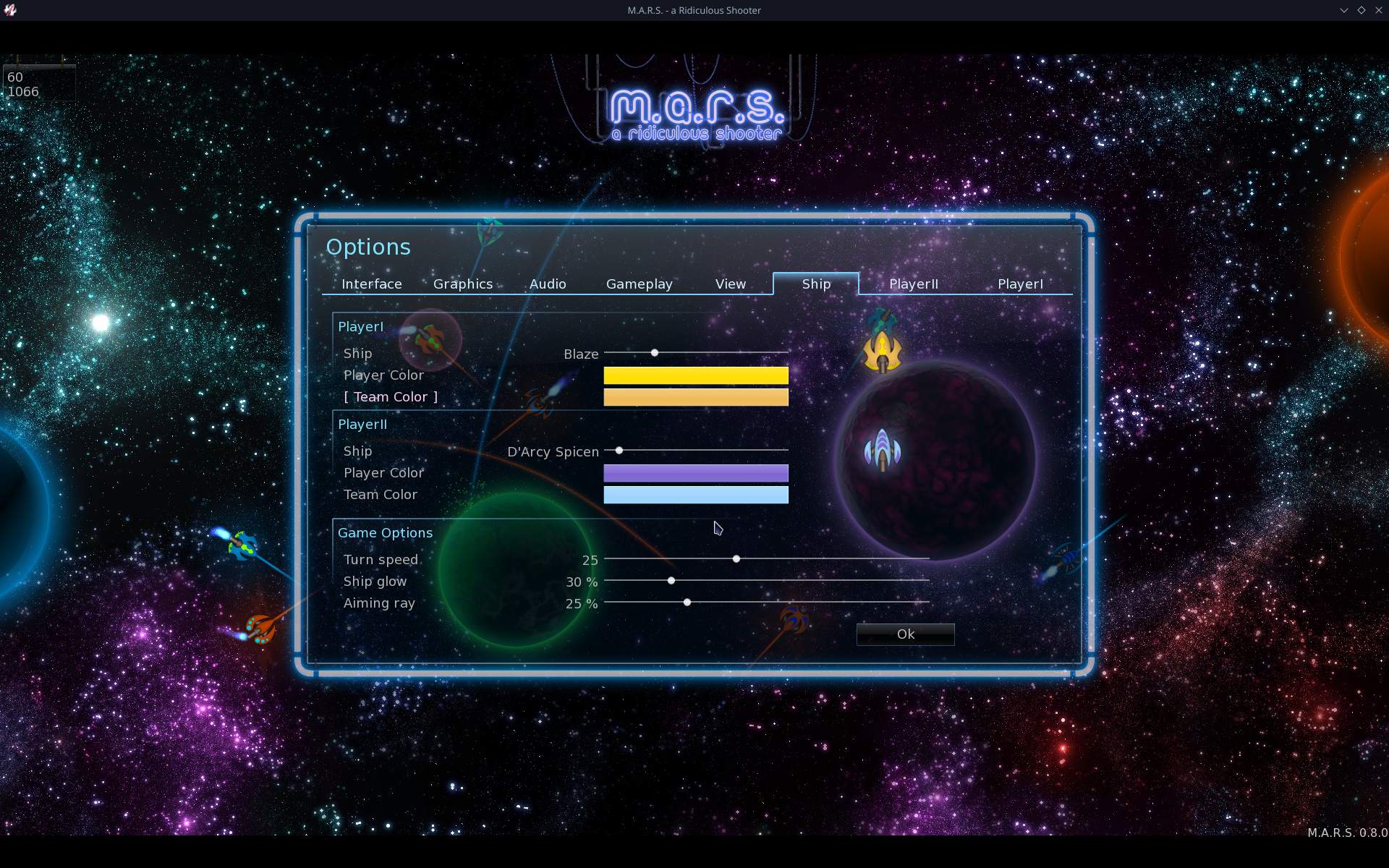
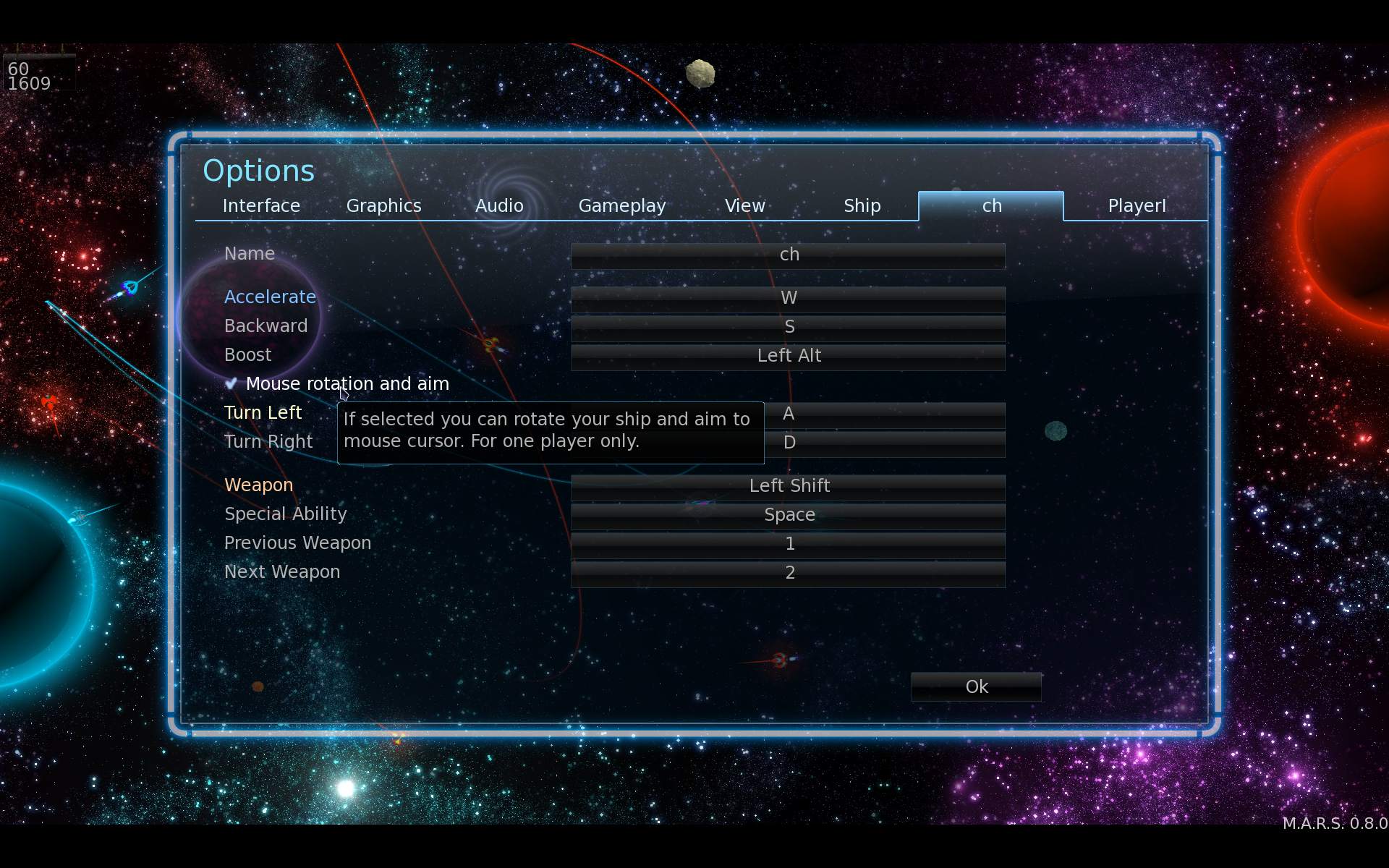
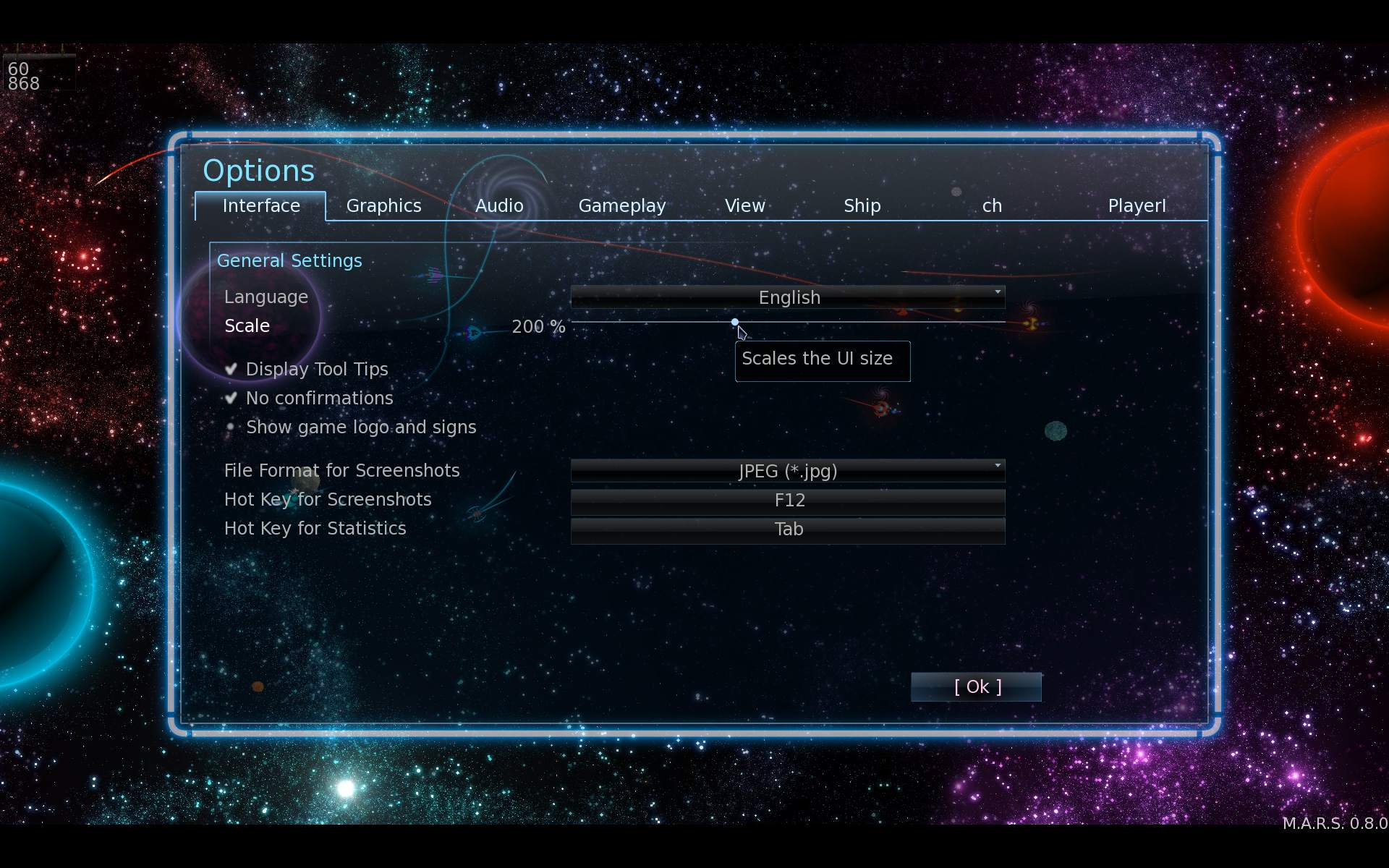
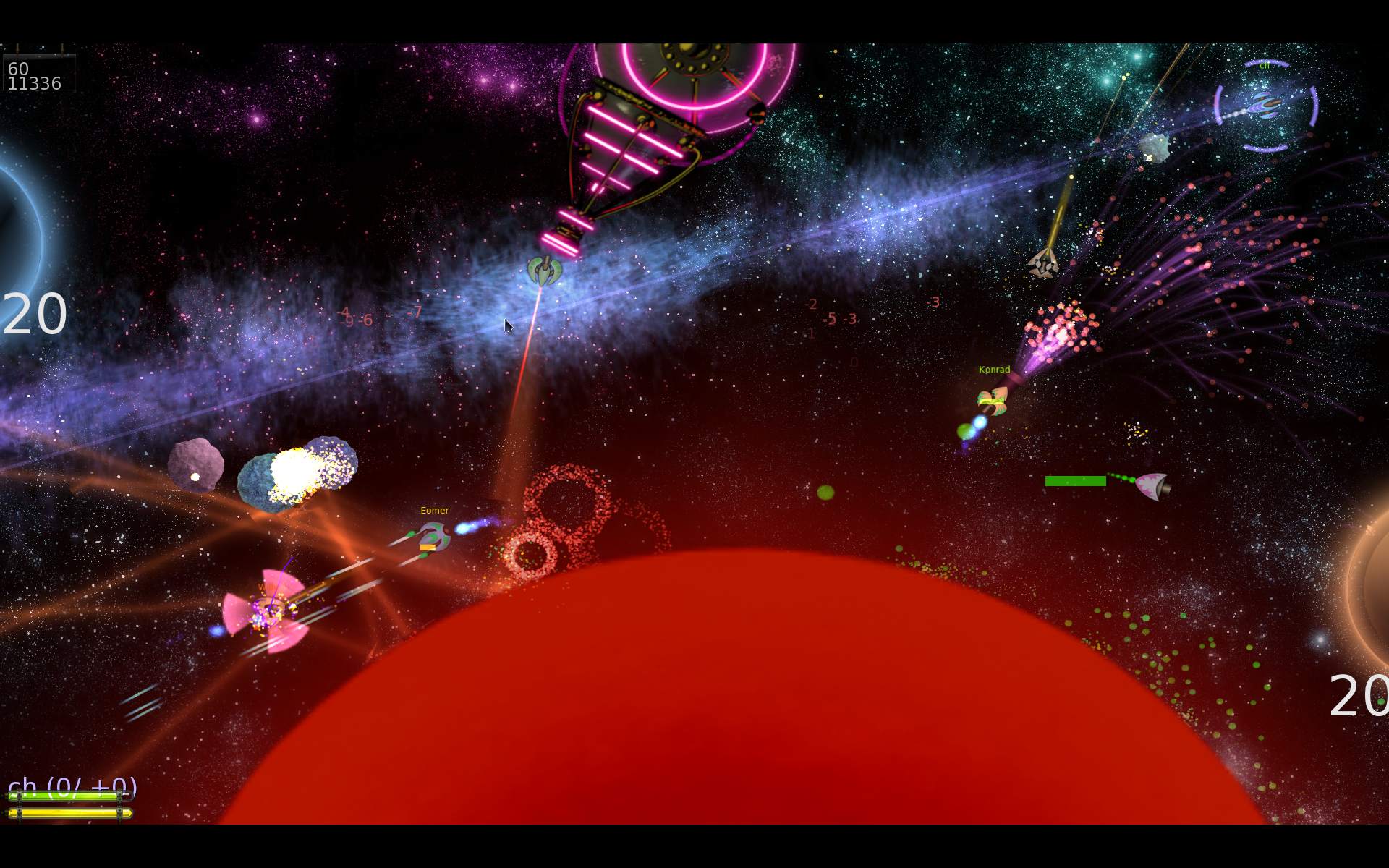
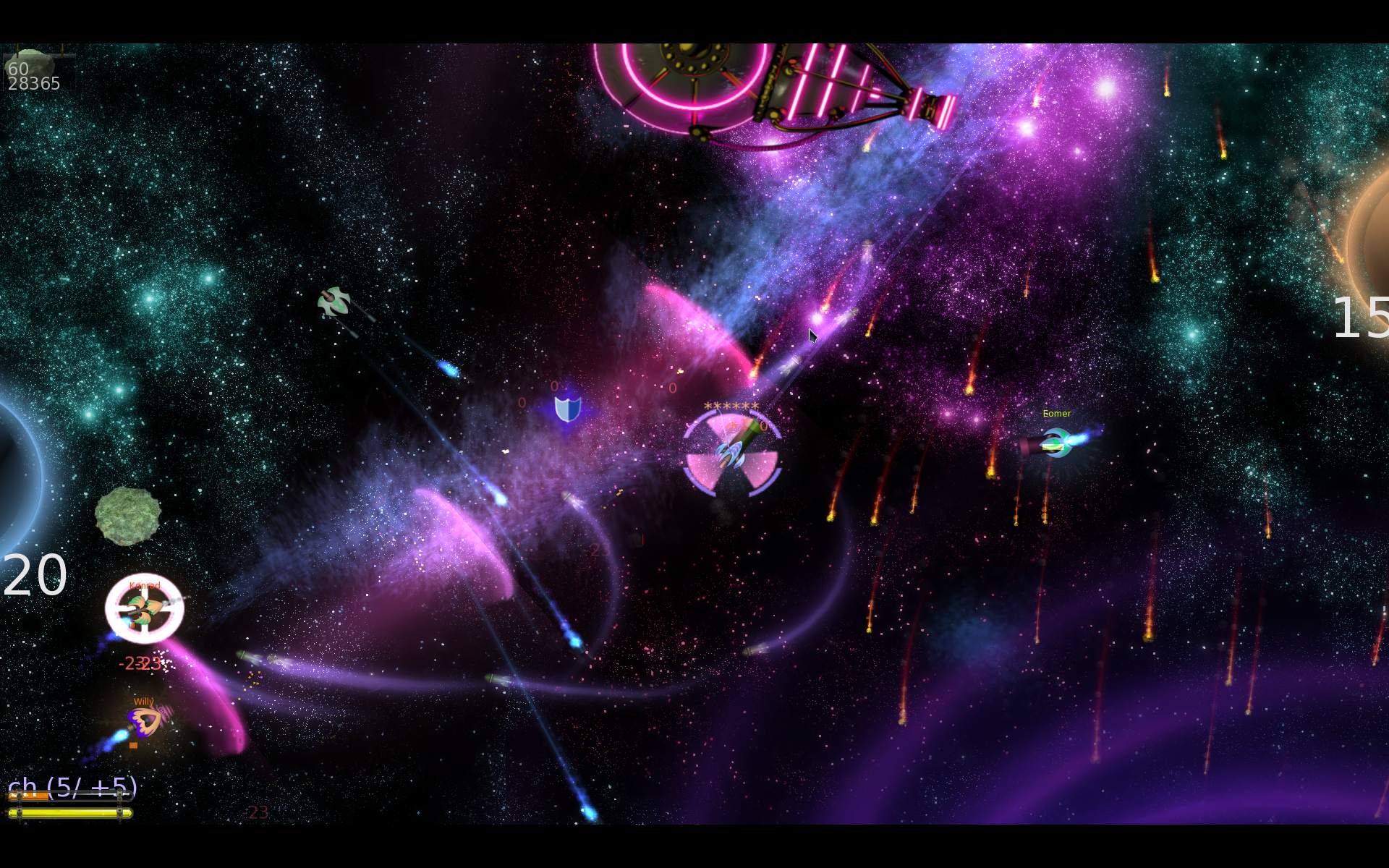
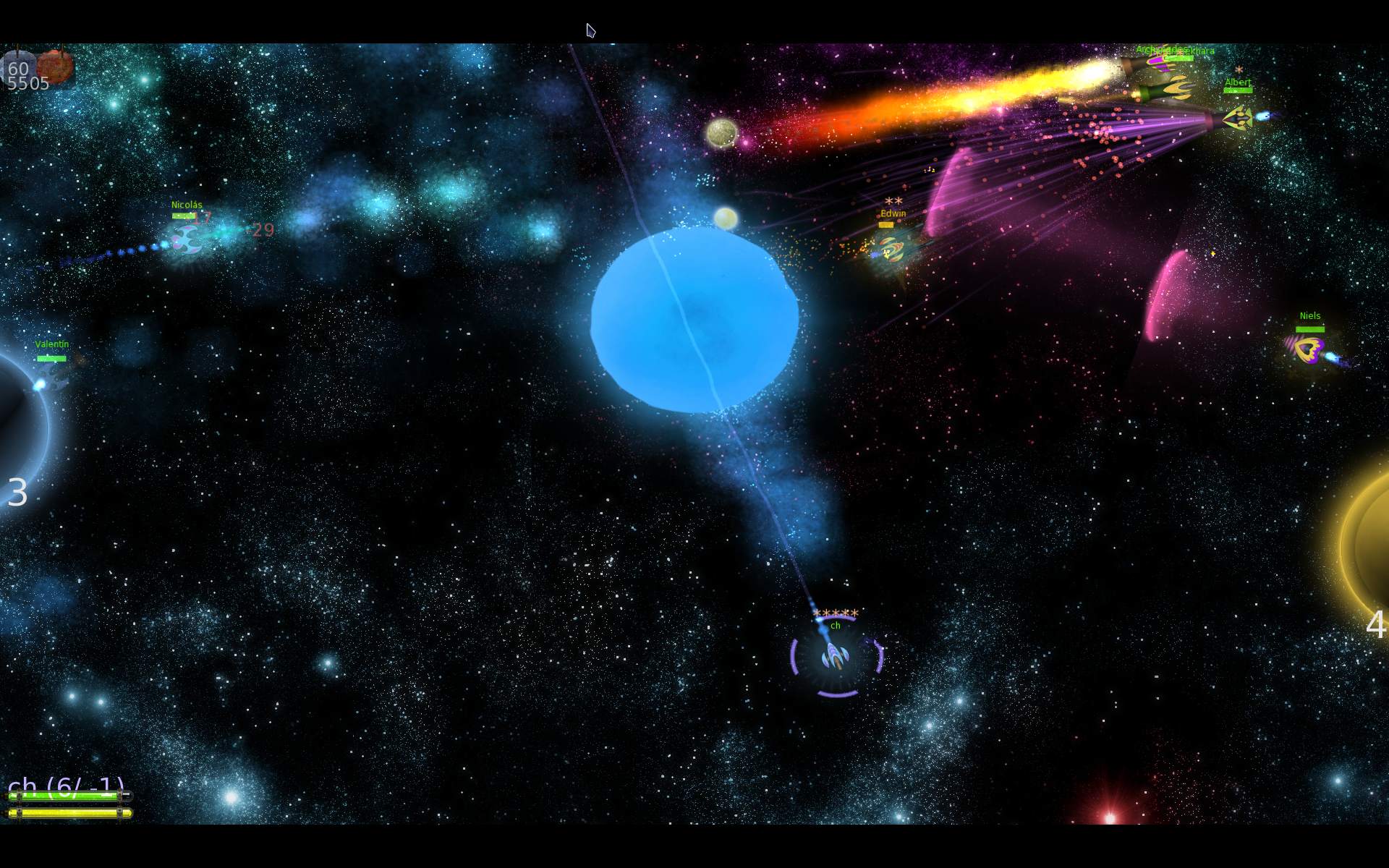
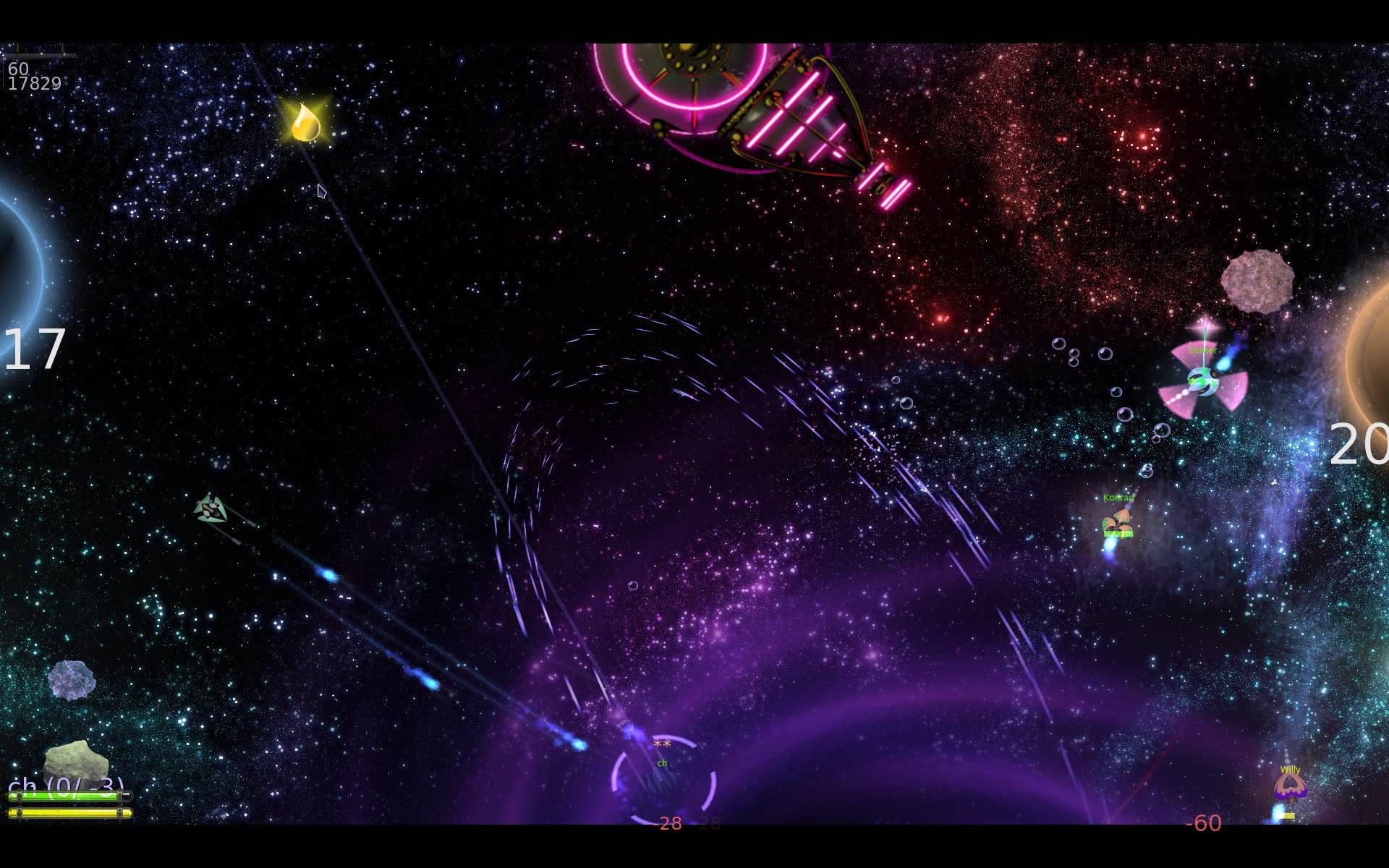
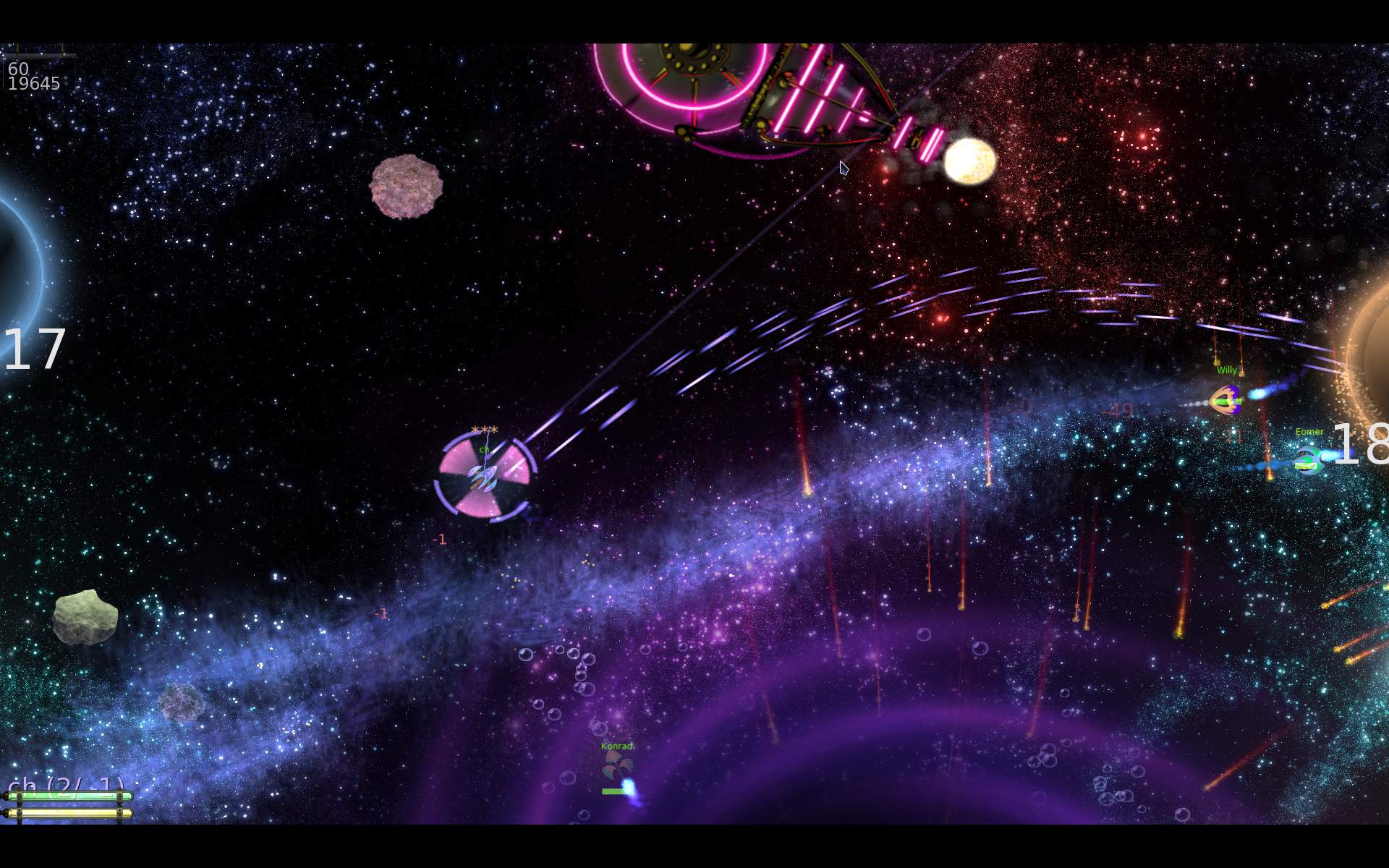
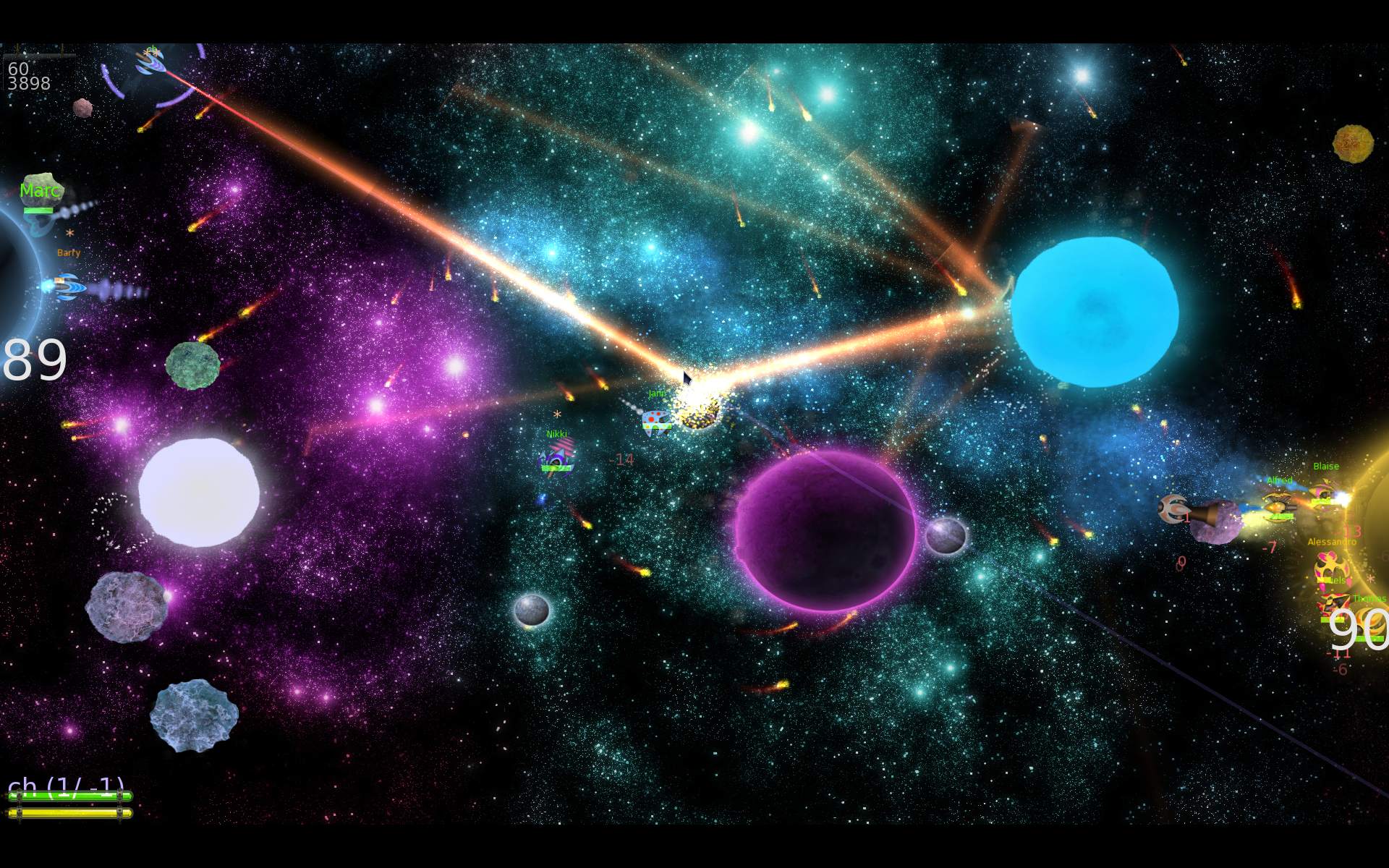
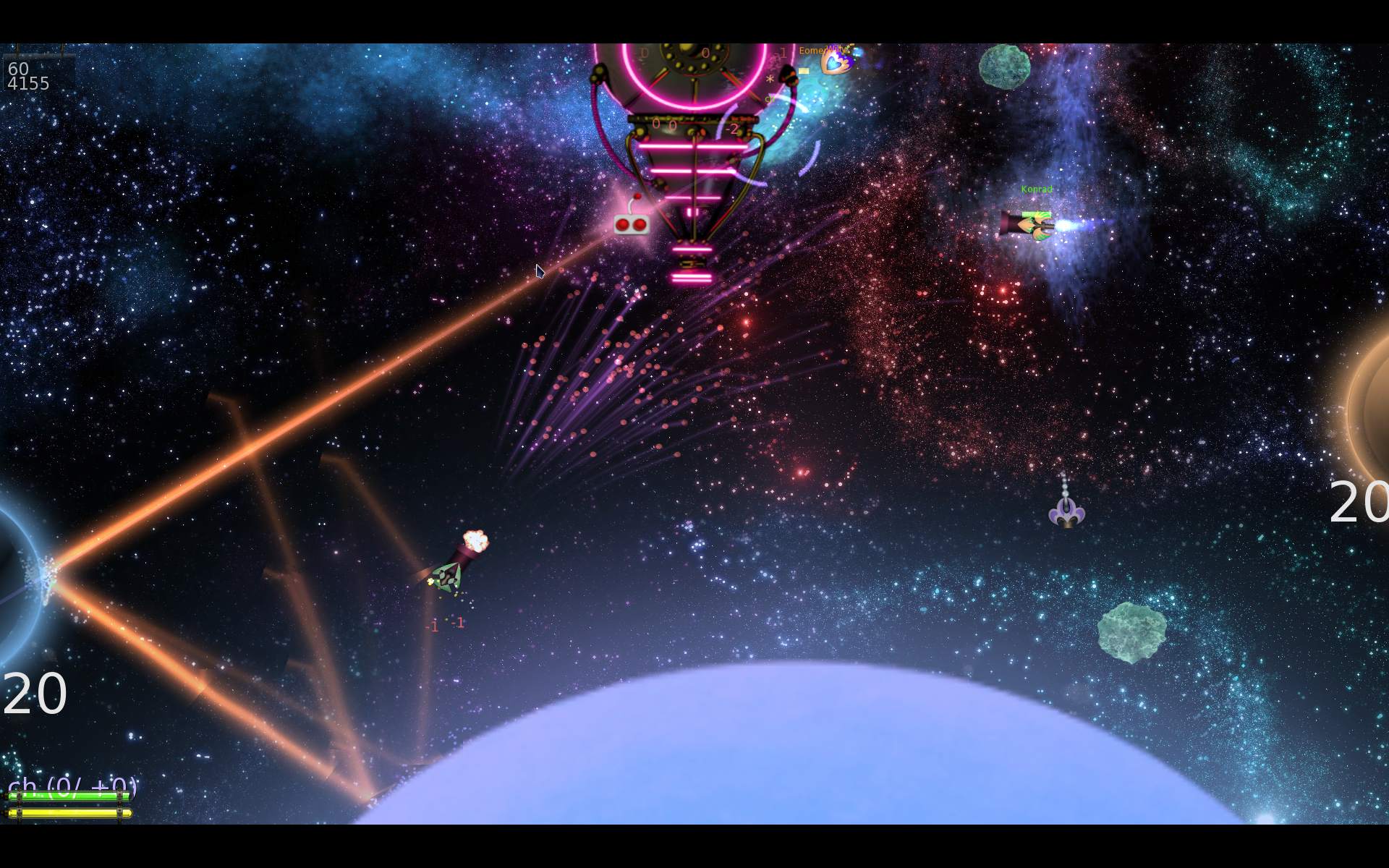
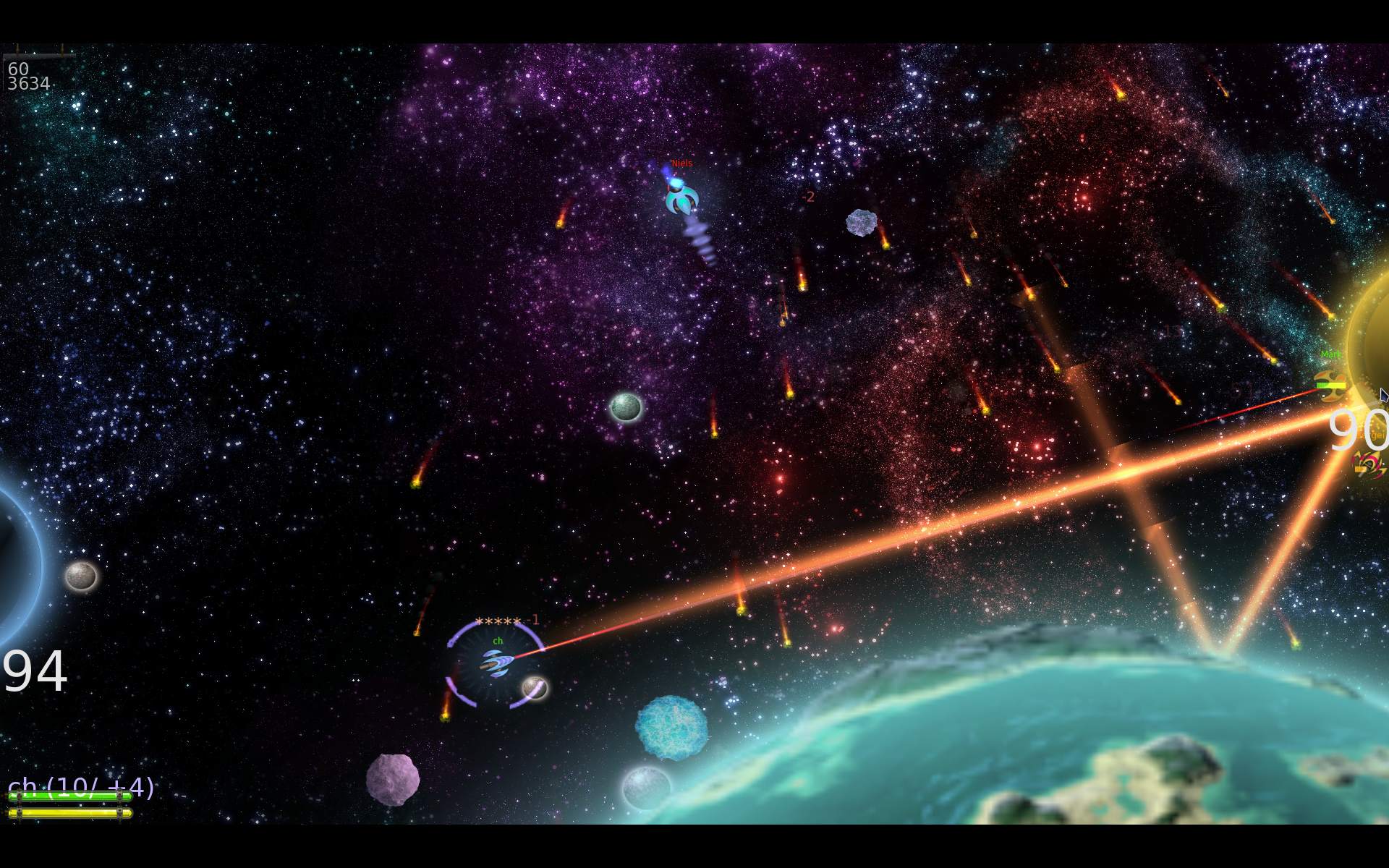
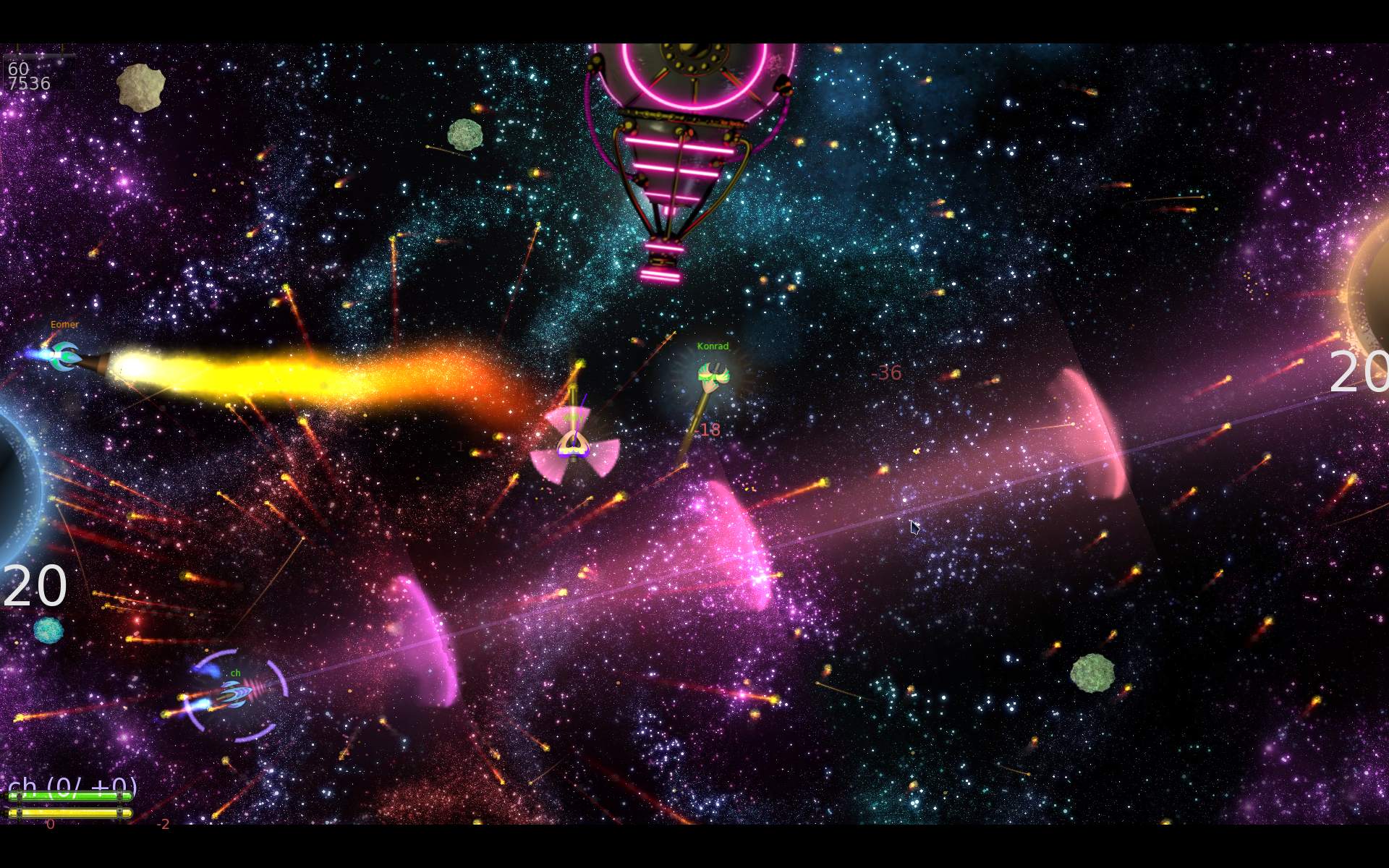
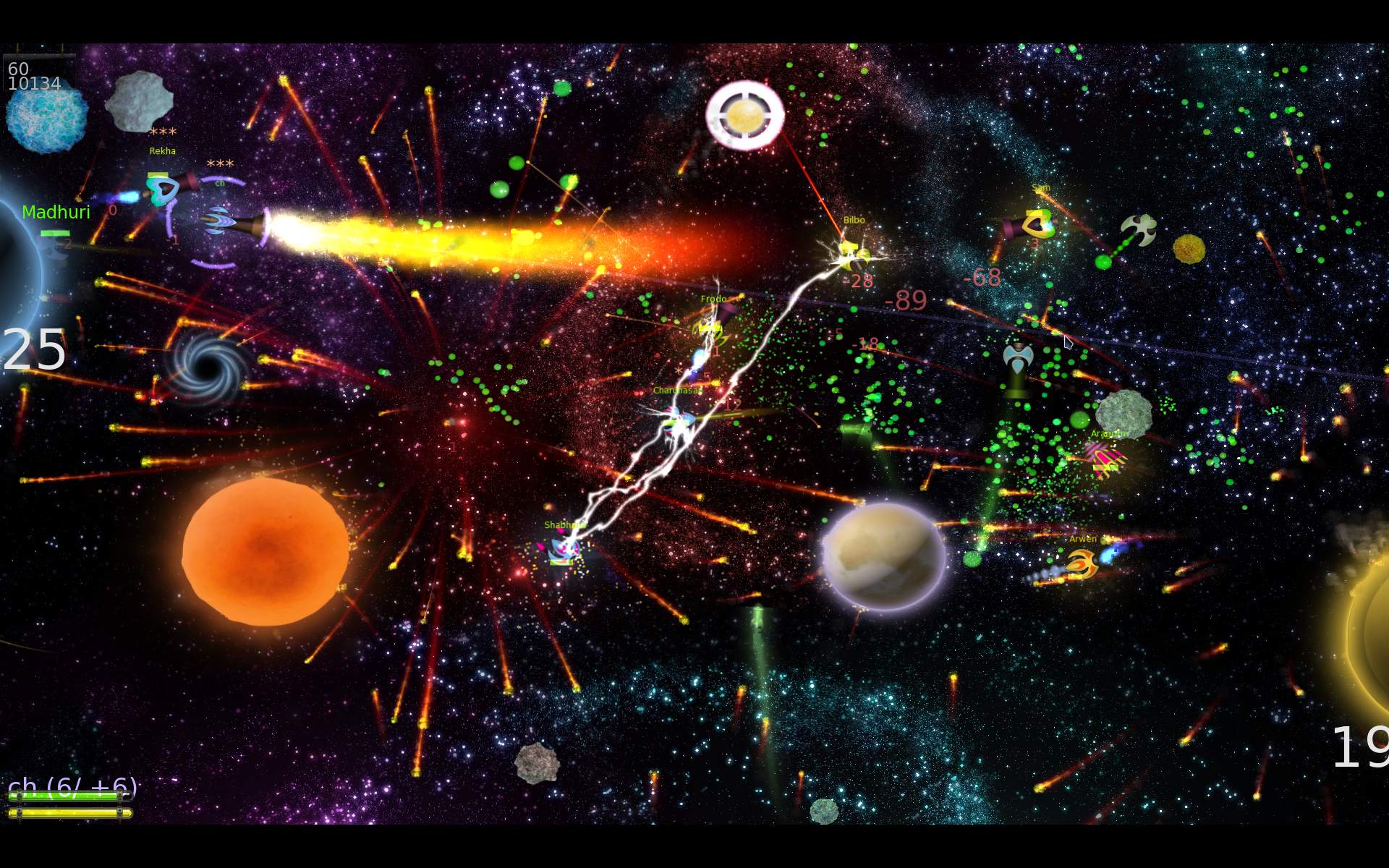
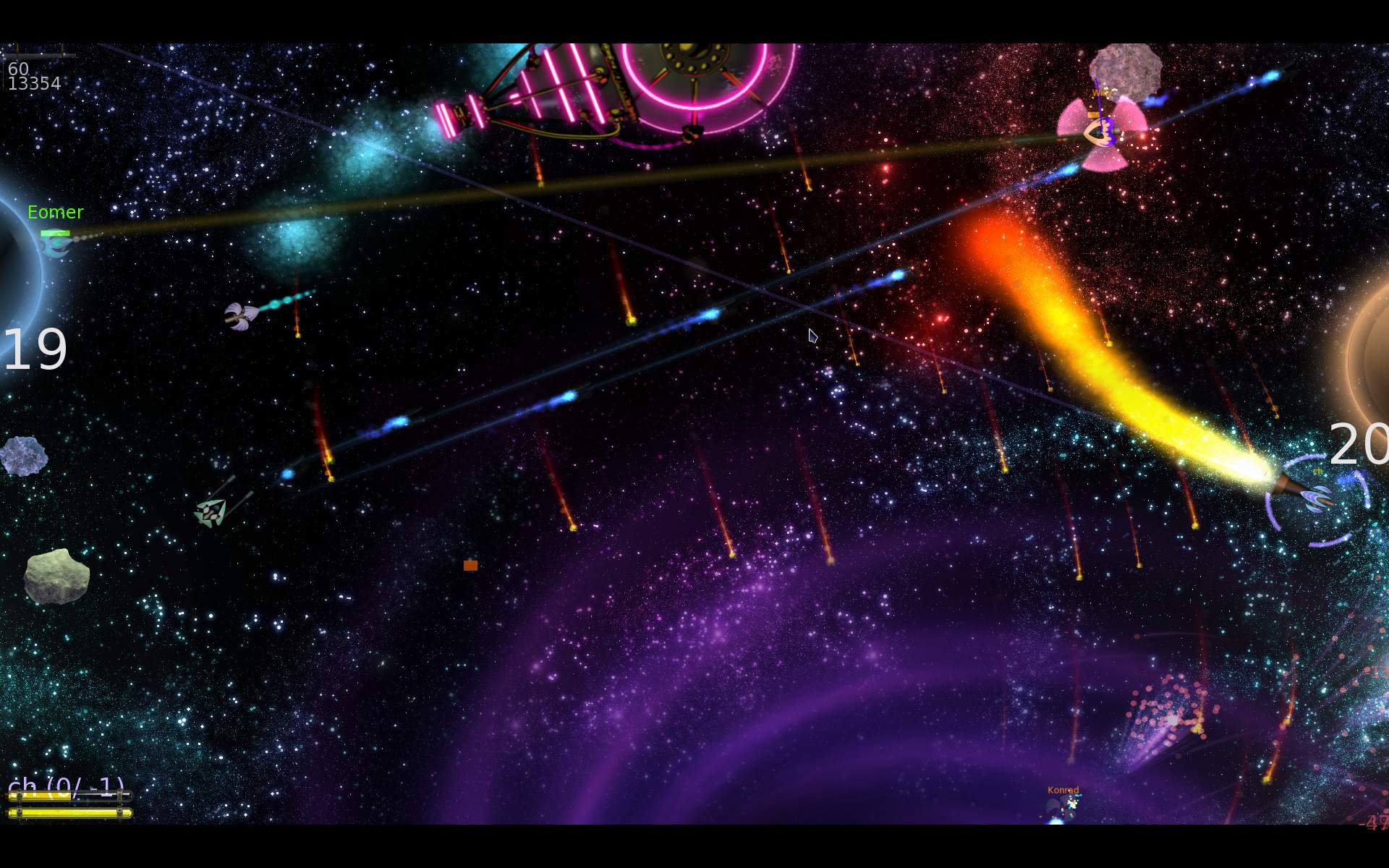
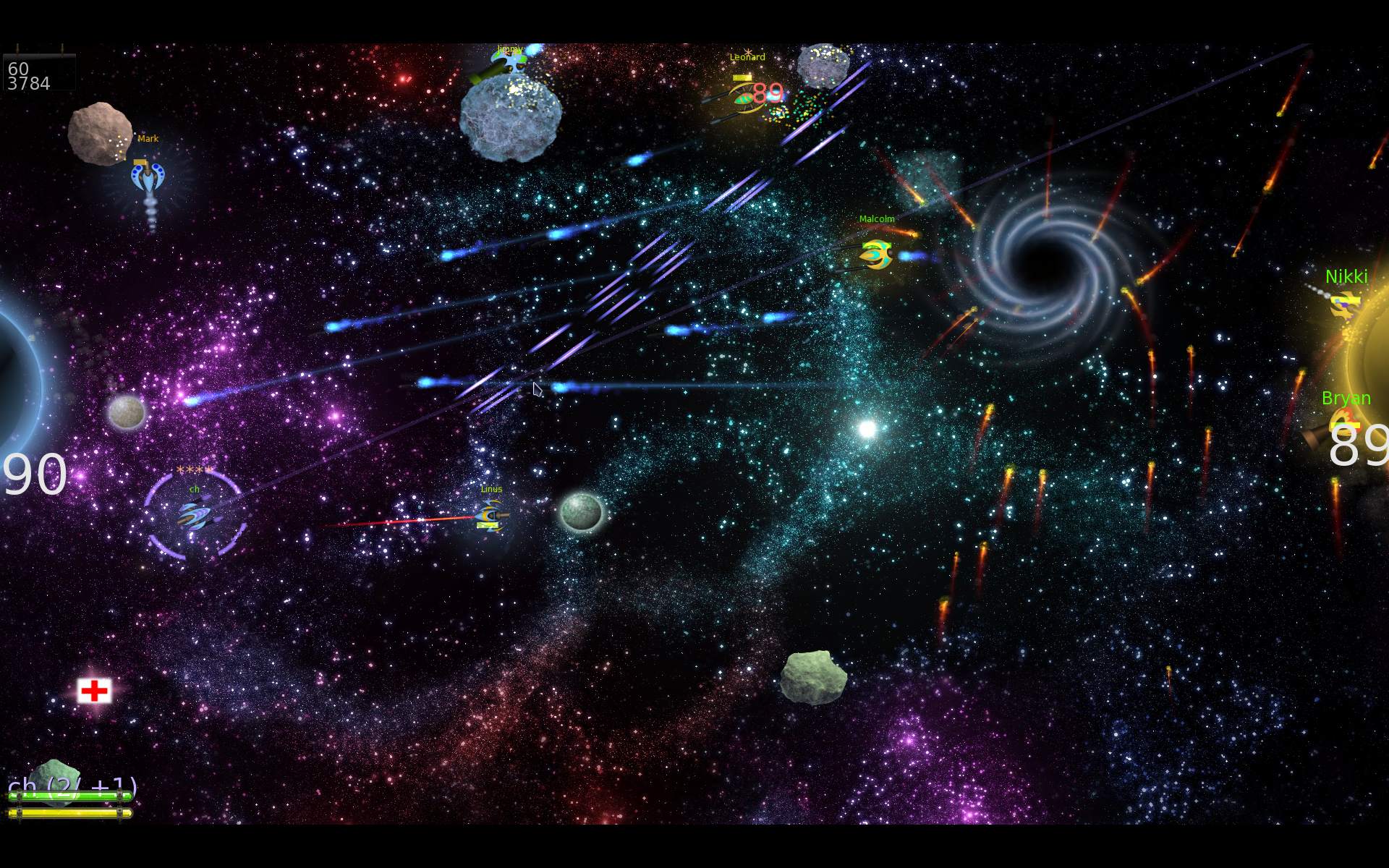
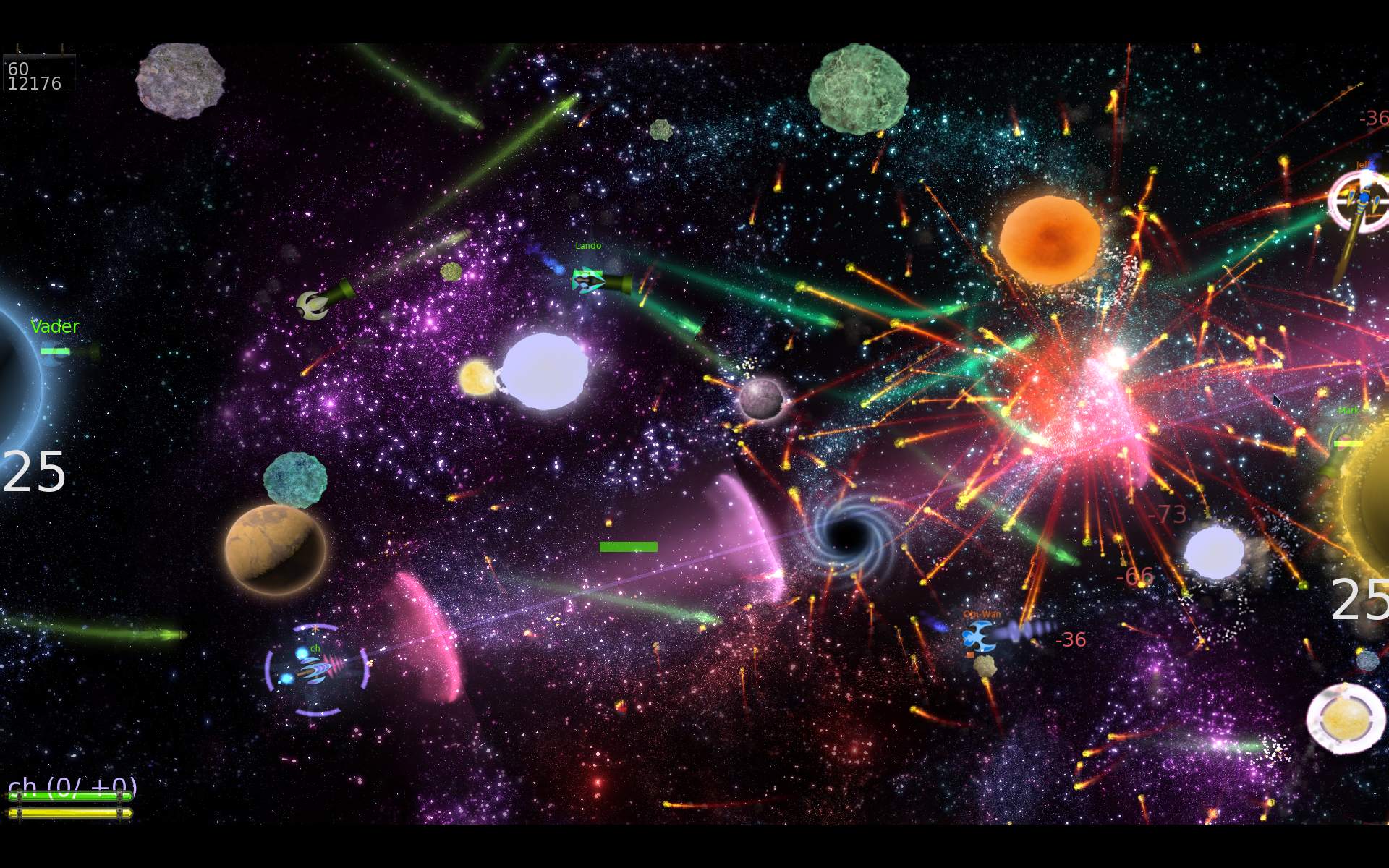
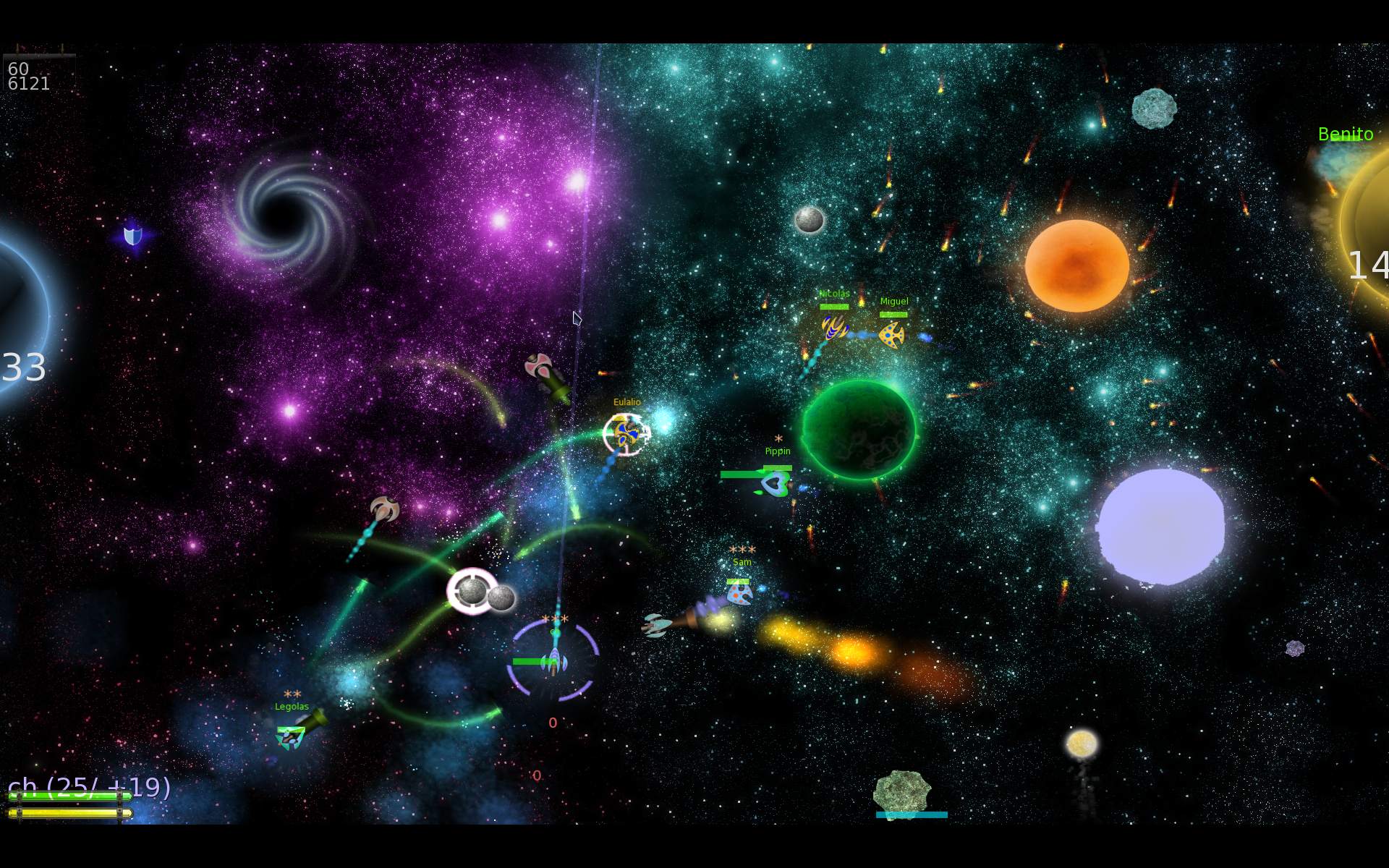
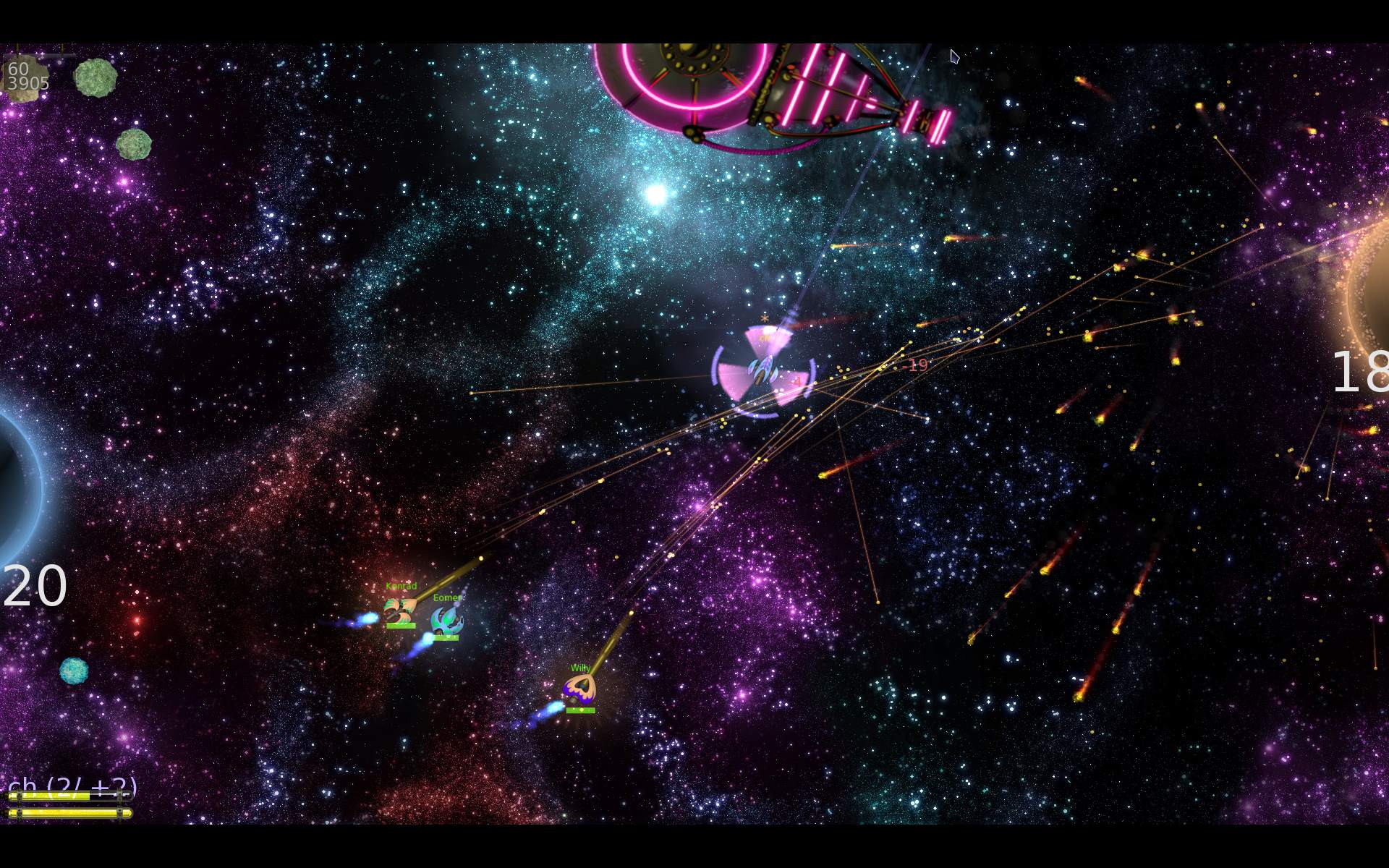
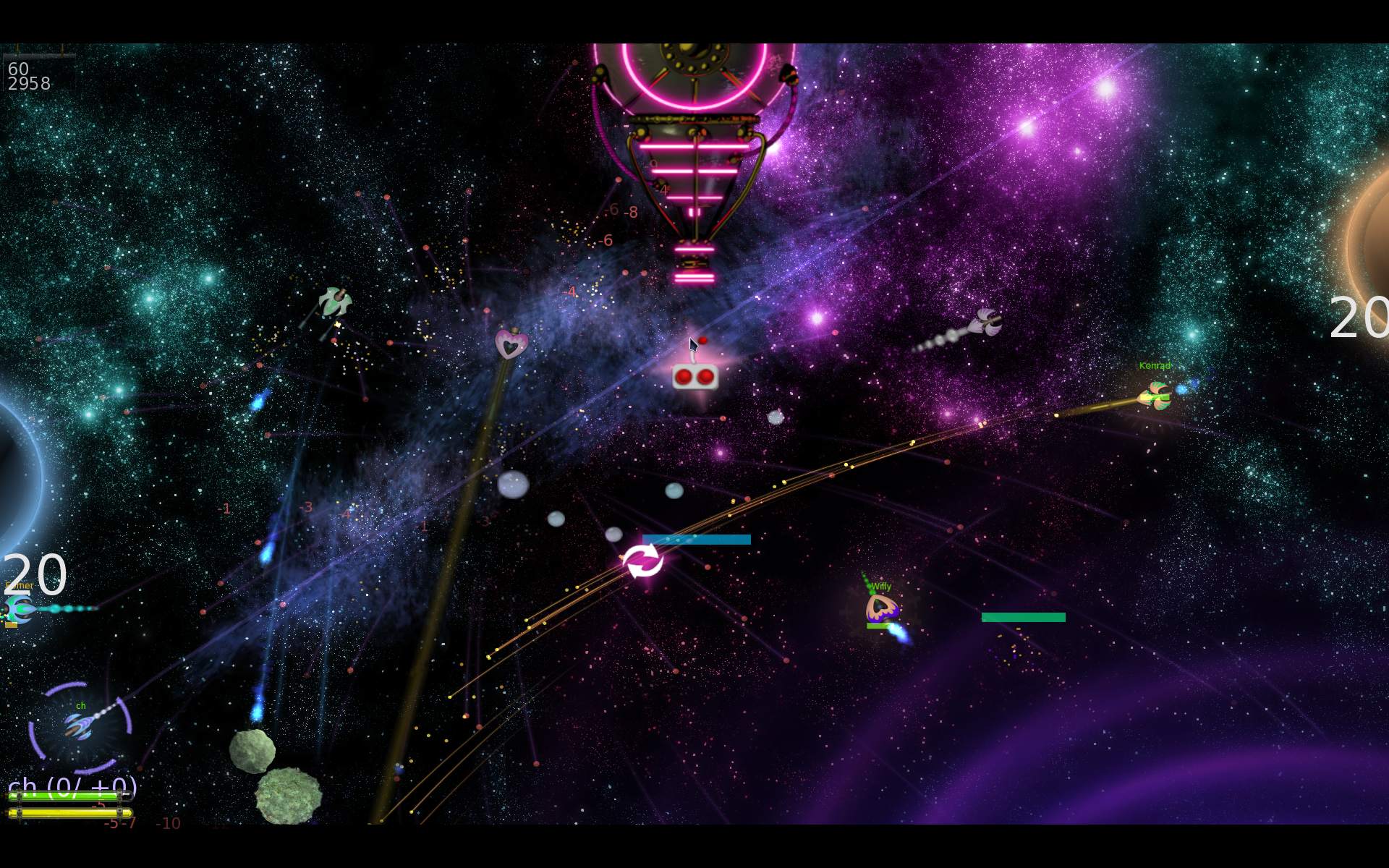
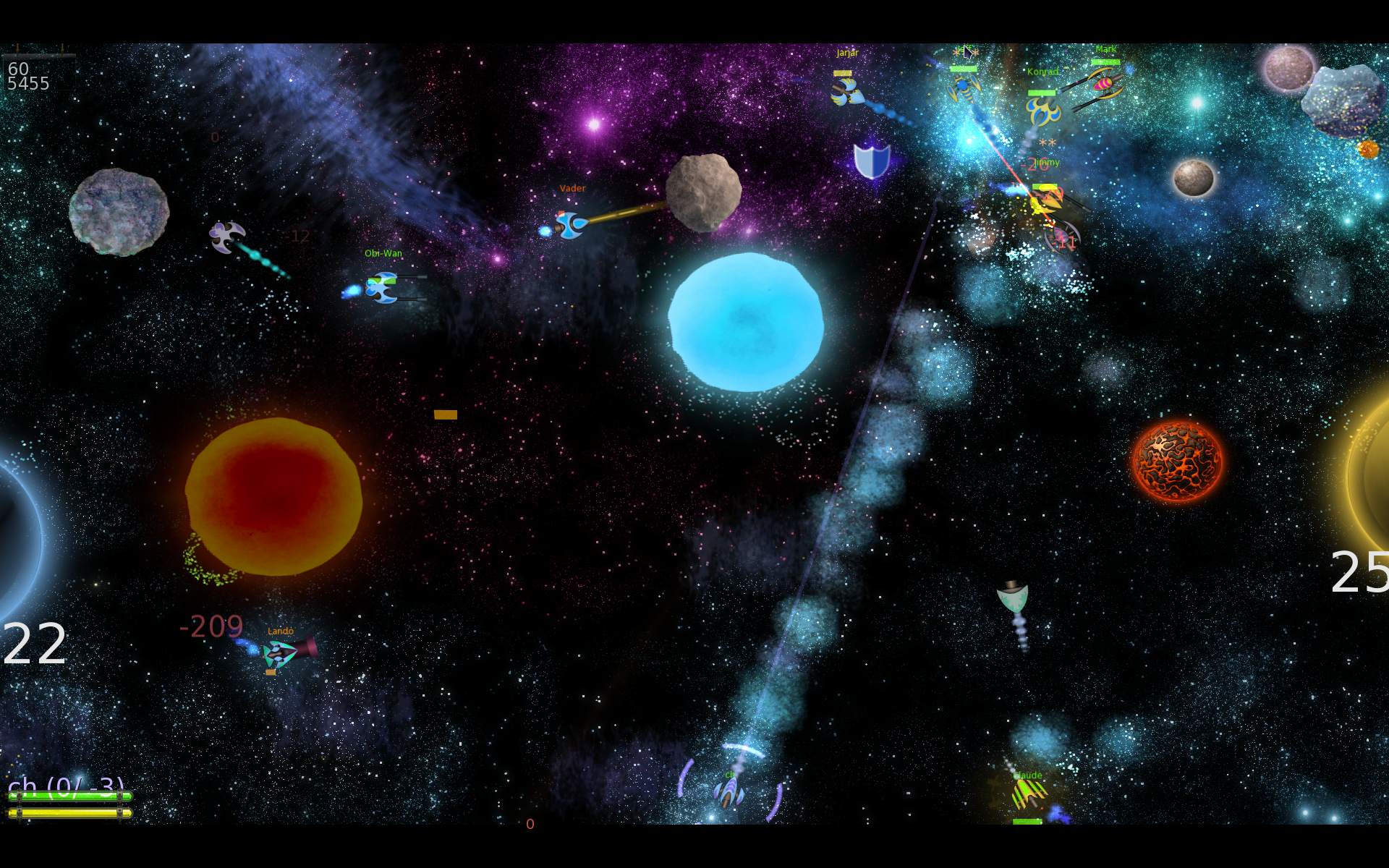
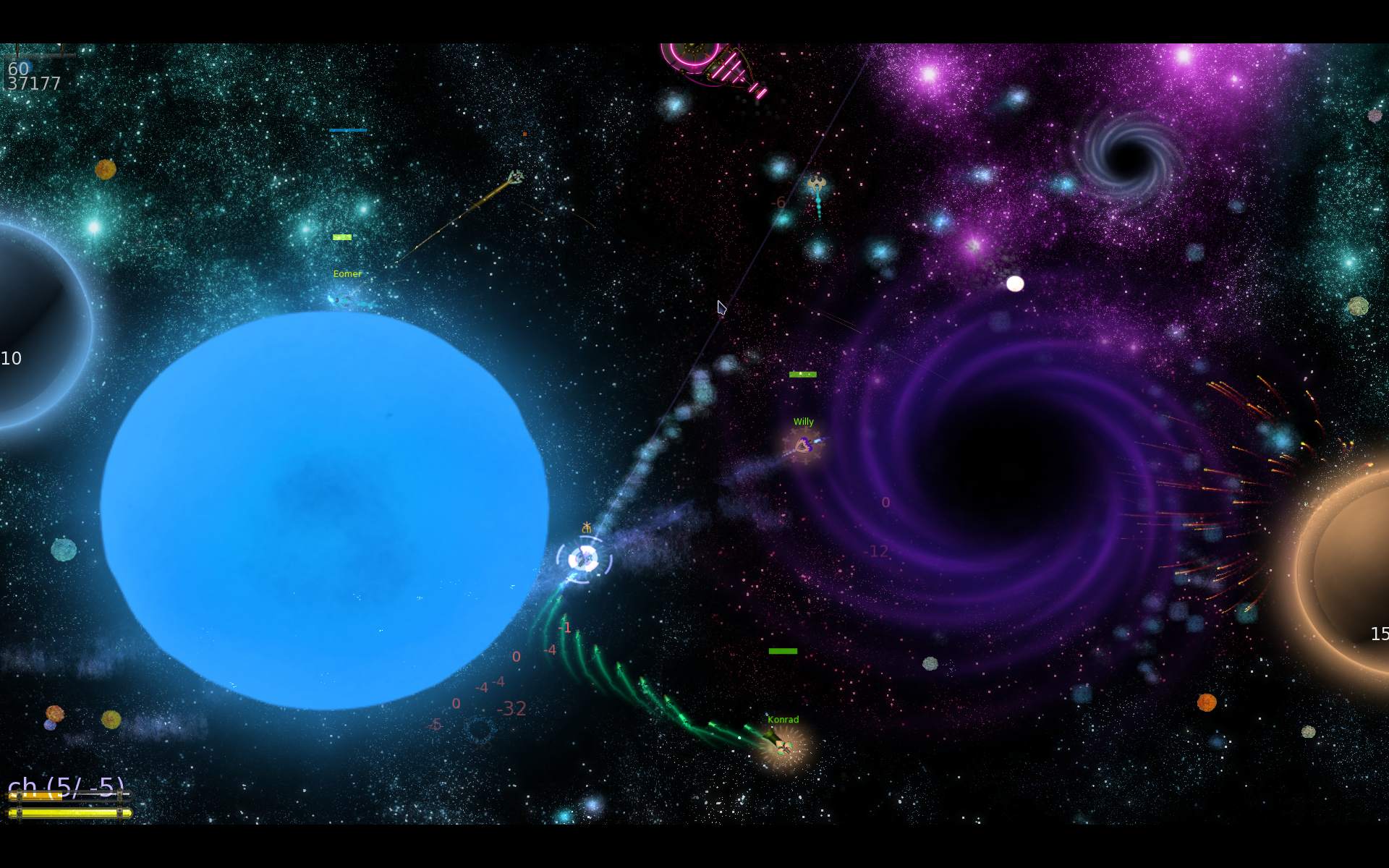
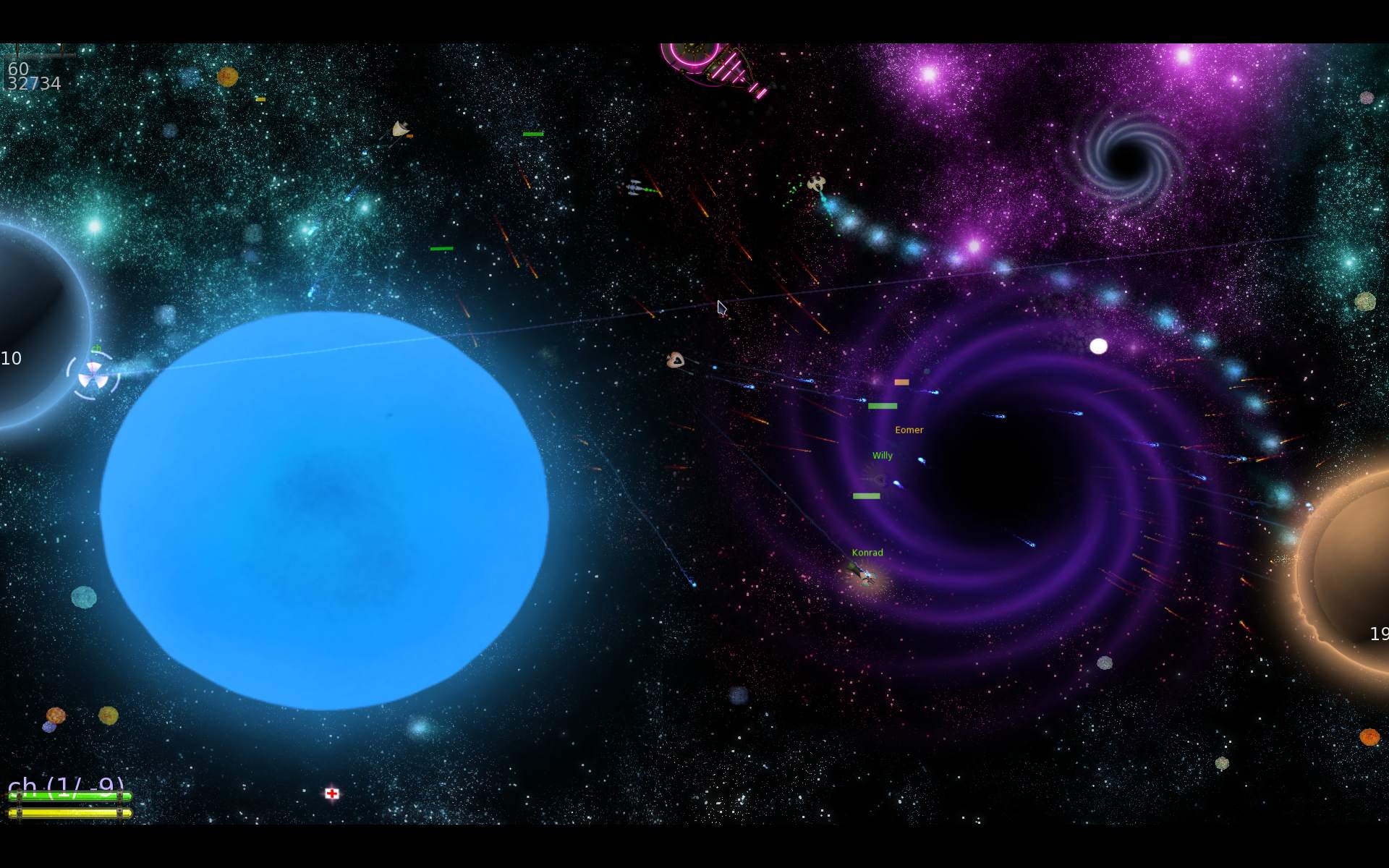
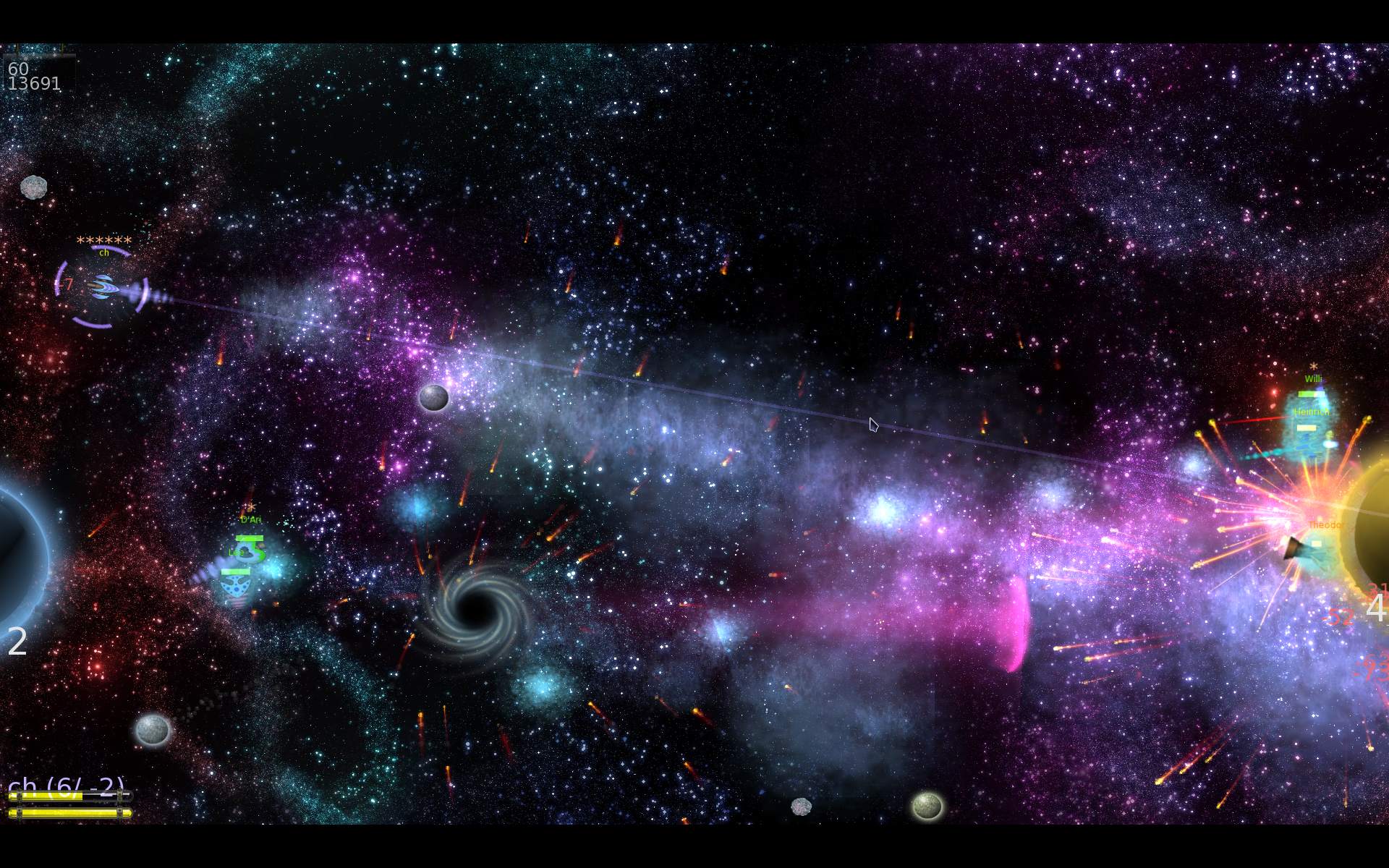
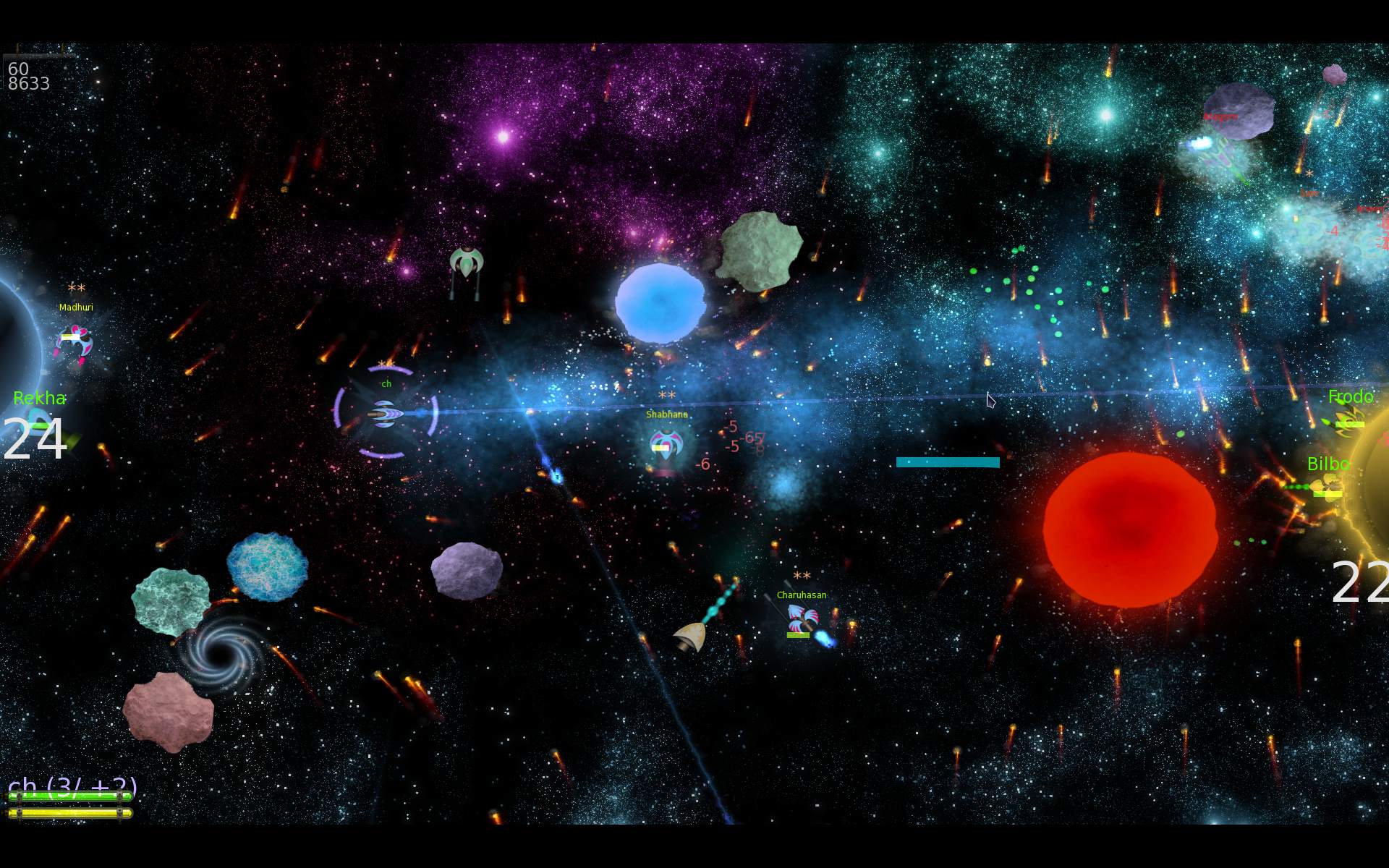
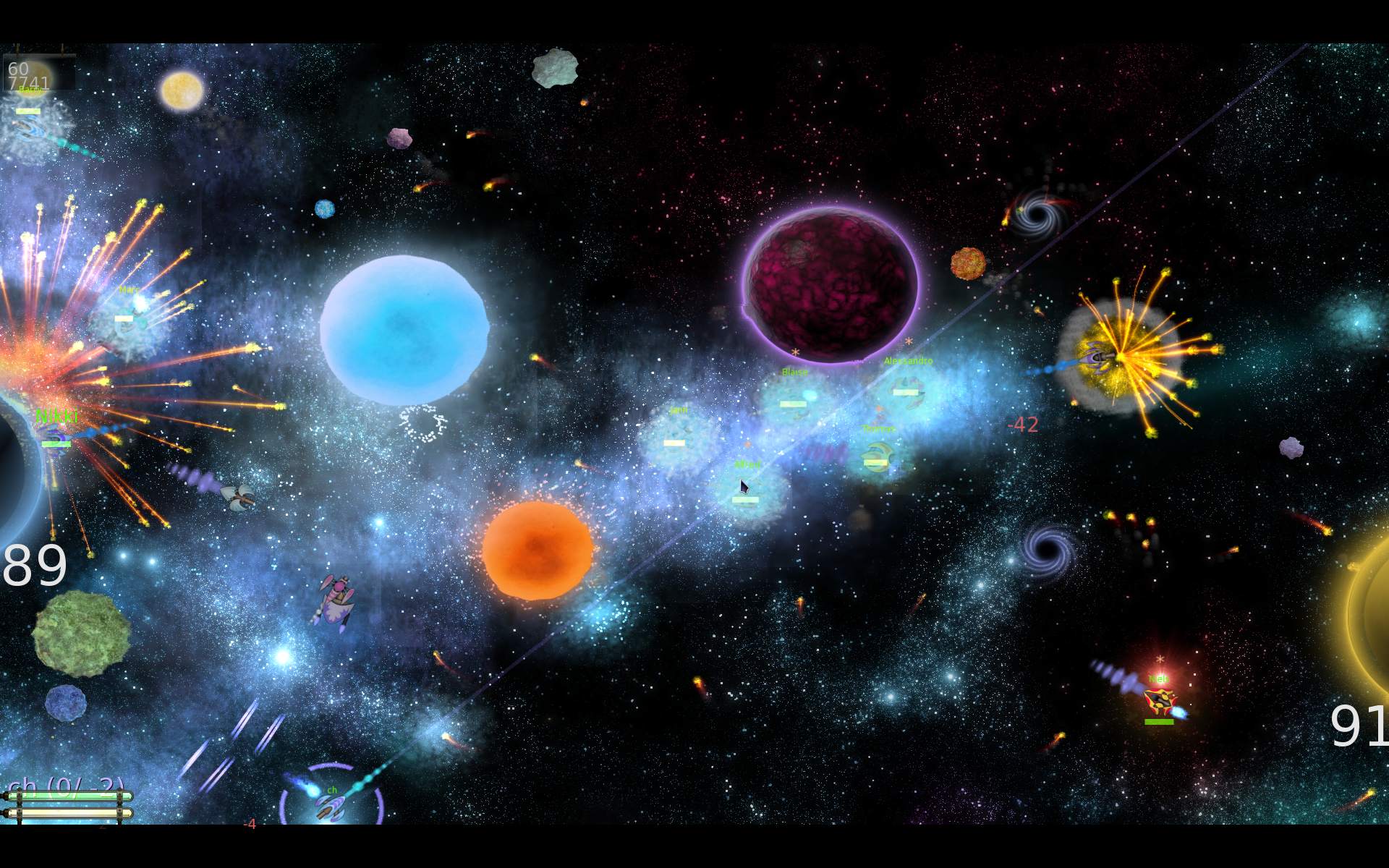
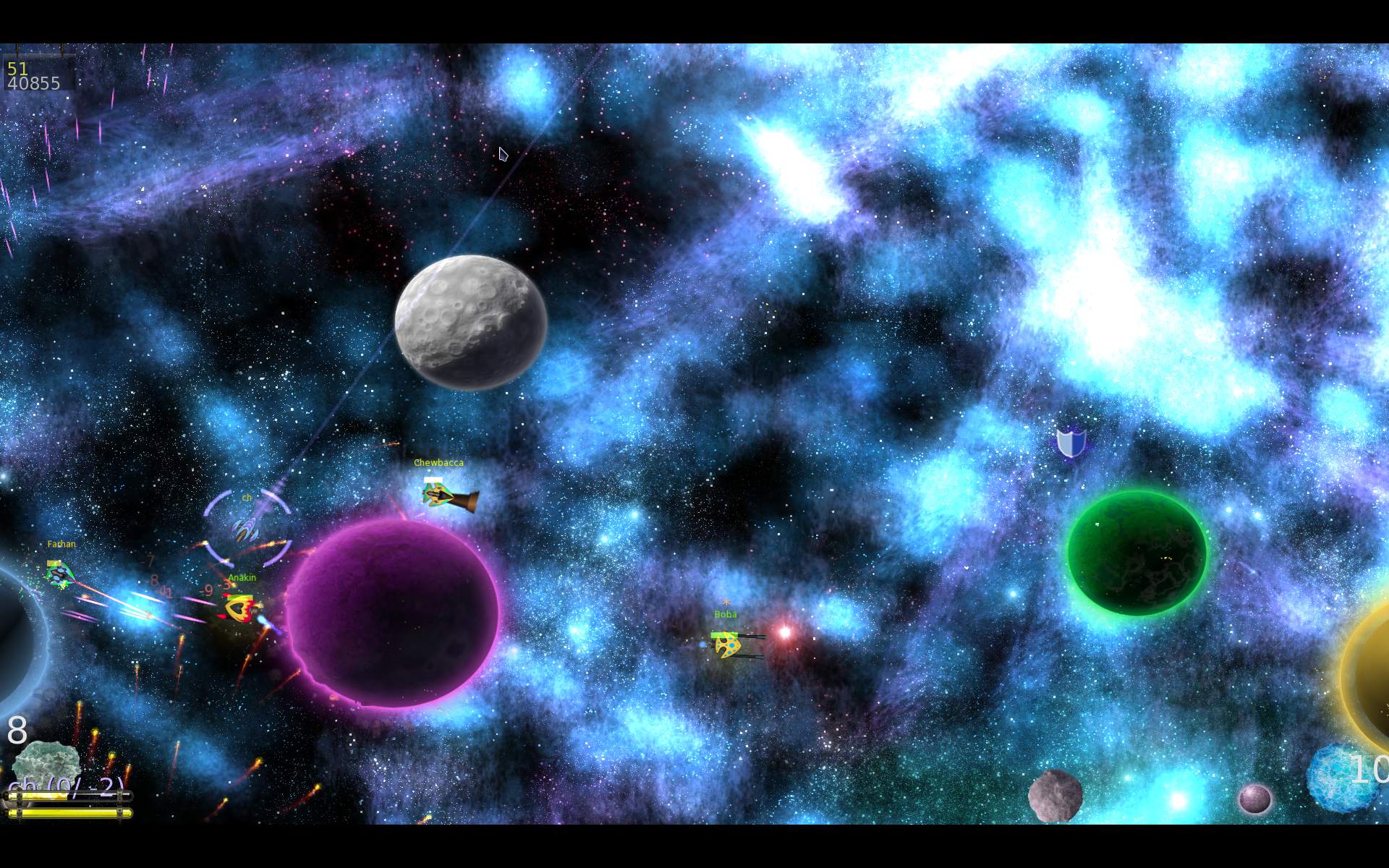
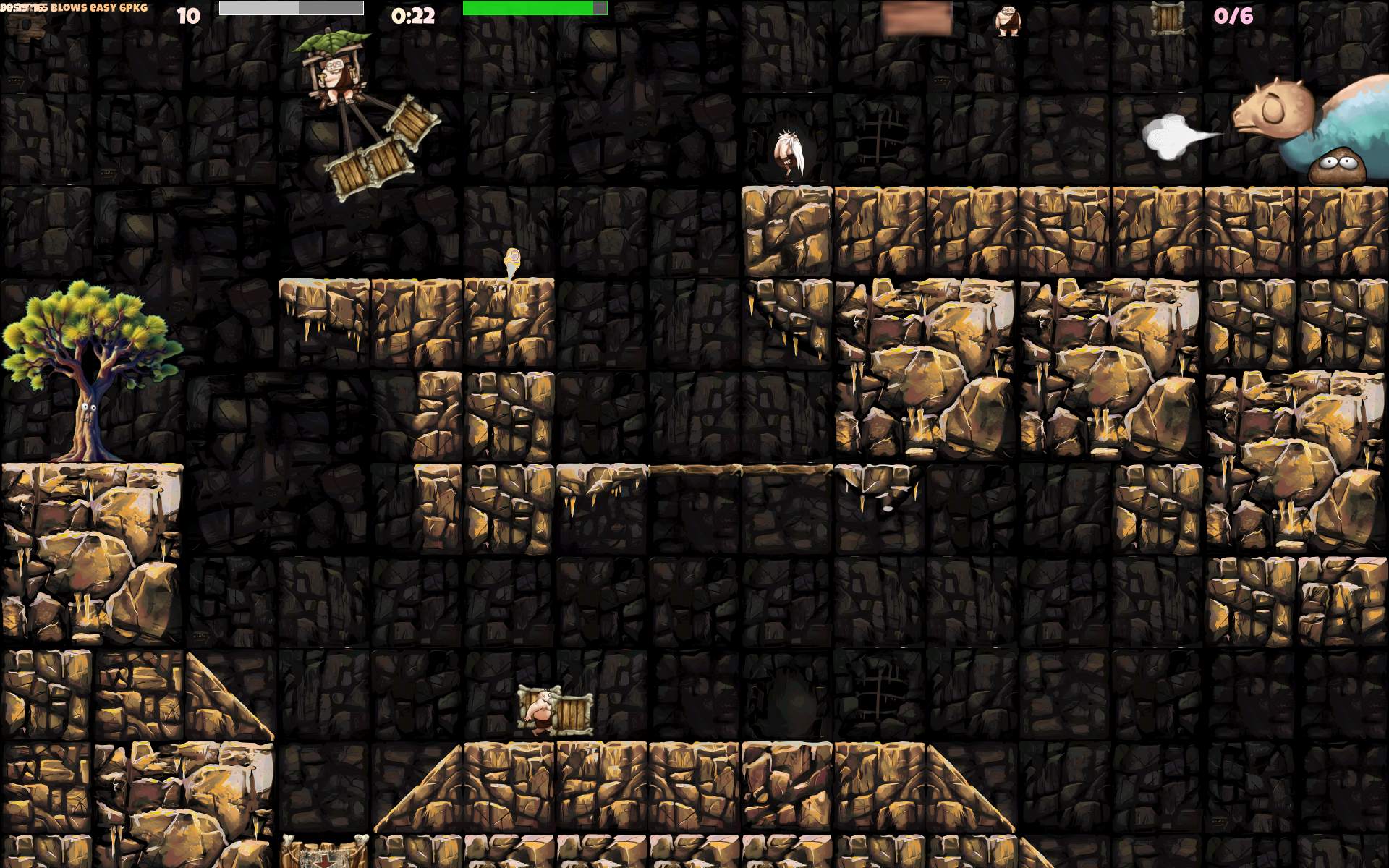
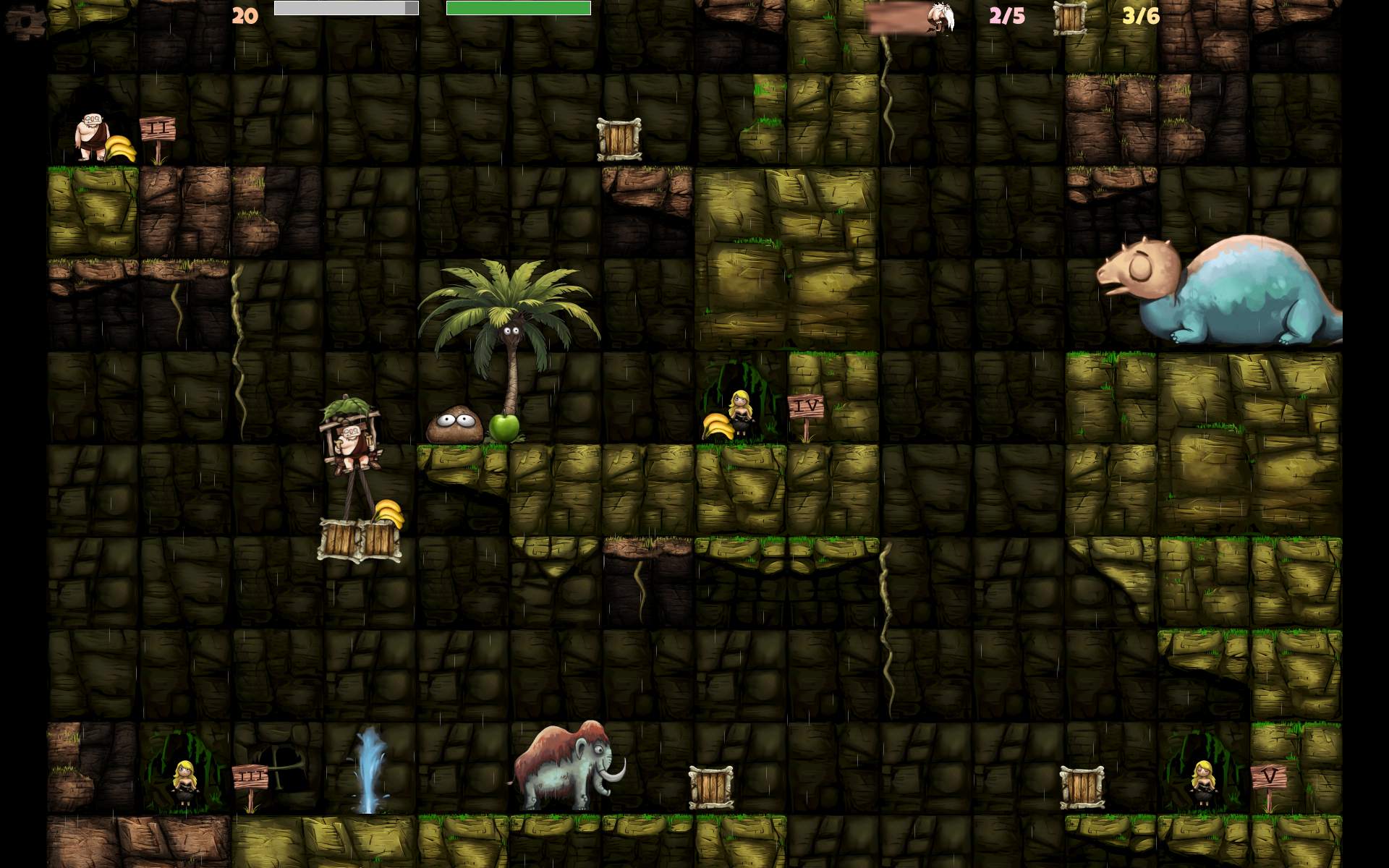
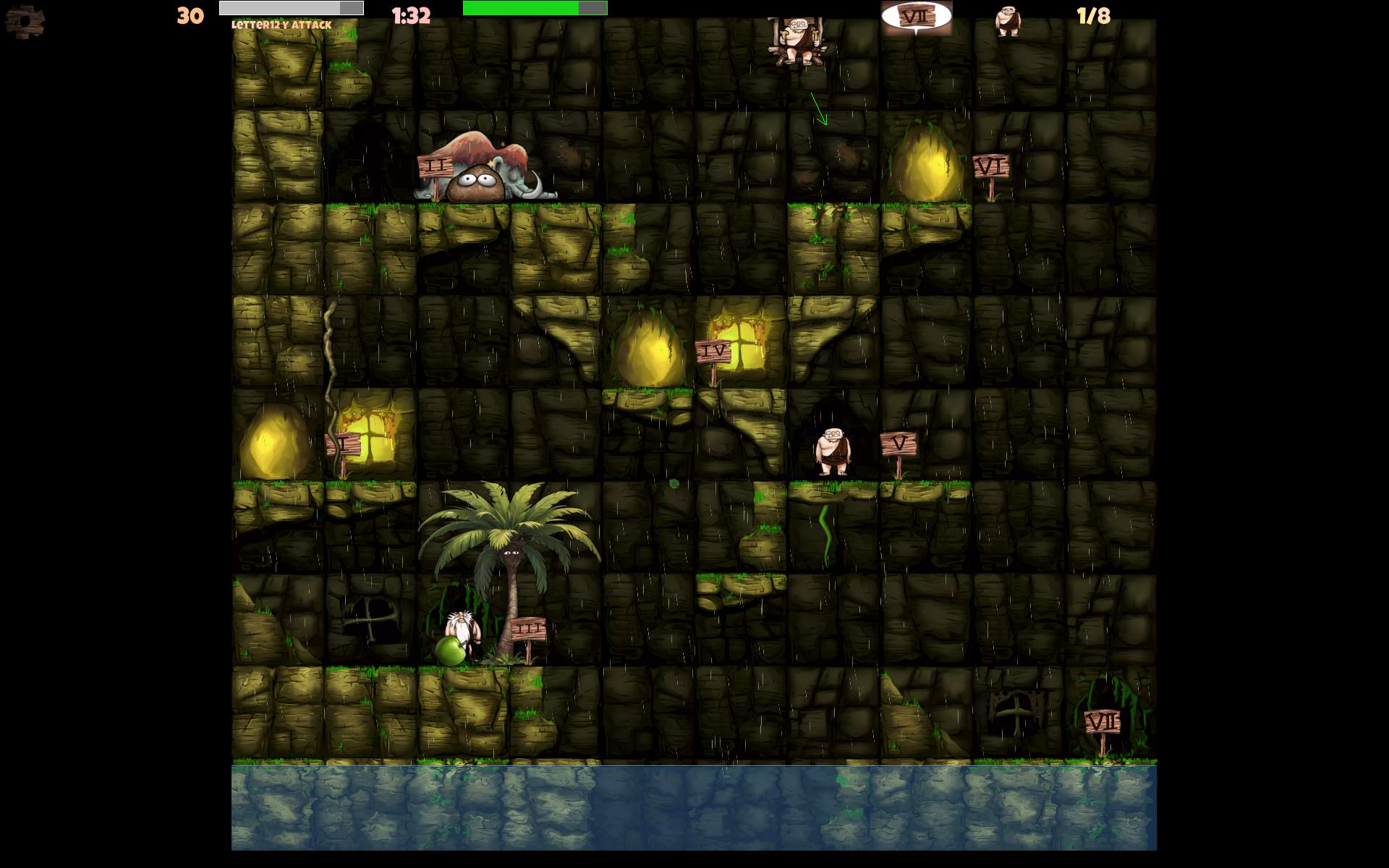
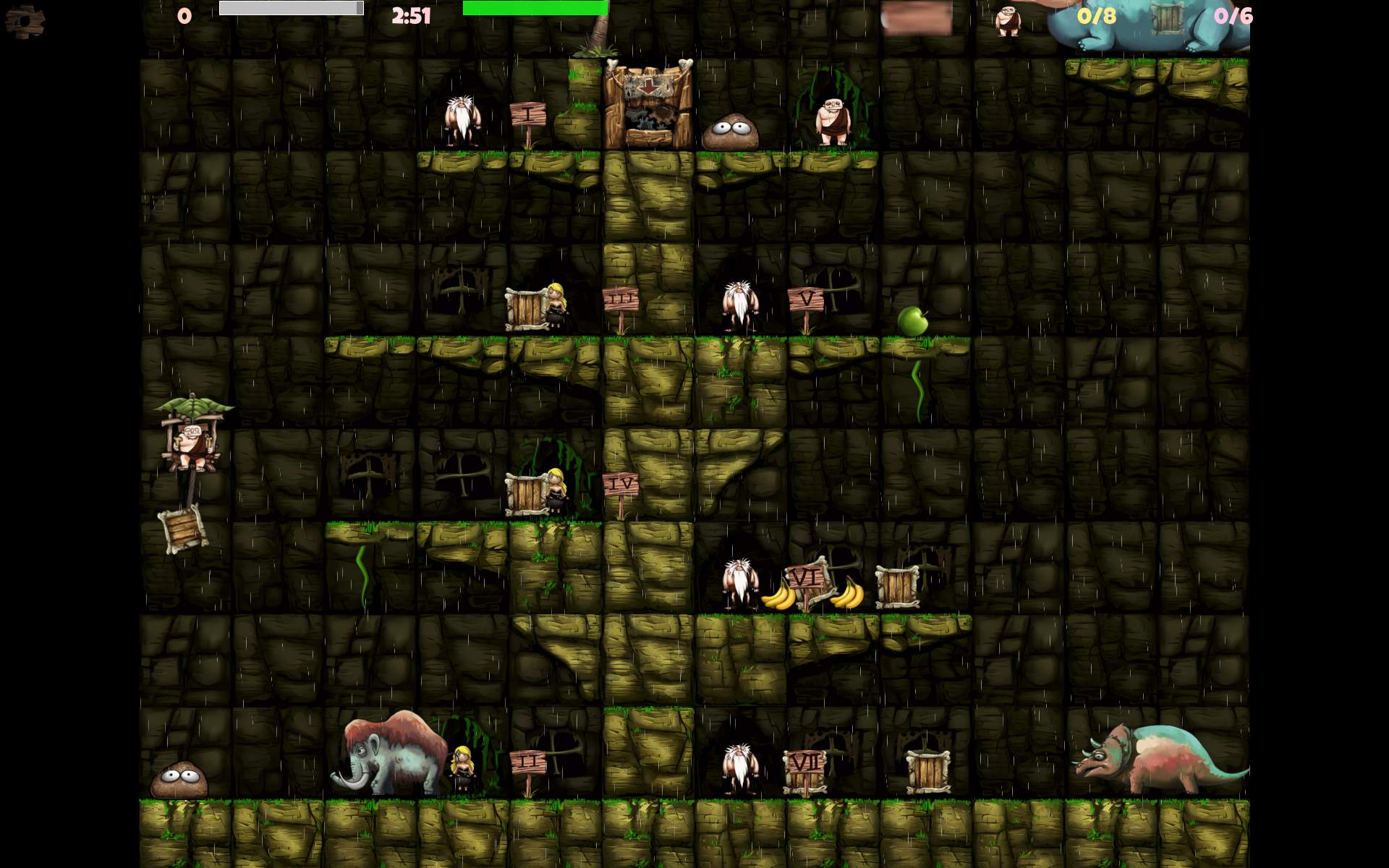
In 2025 I started my own fork of “M.A.R.S a ridiculous shooter”. A fun packed, 2D spaceship flying game with weapons and bots. I added new features including: 16 weapons, asteroids, turrets, few gameplay elements, ship controls, more options and scalable GUI.
📂Sources
Located here. List of my changes in changelog here.
📜History
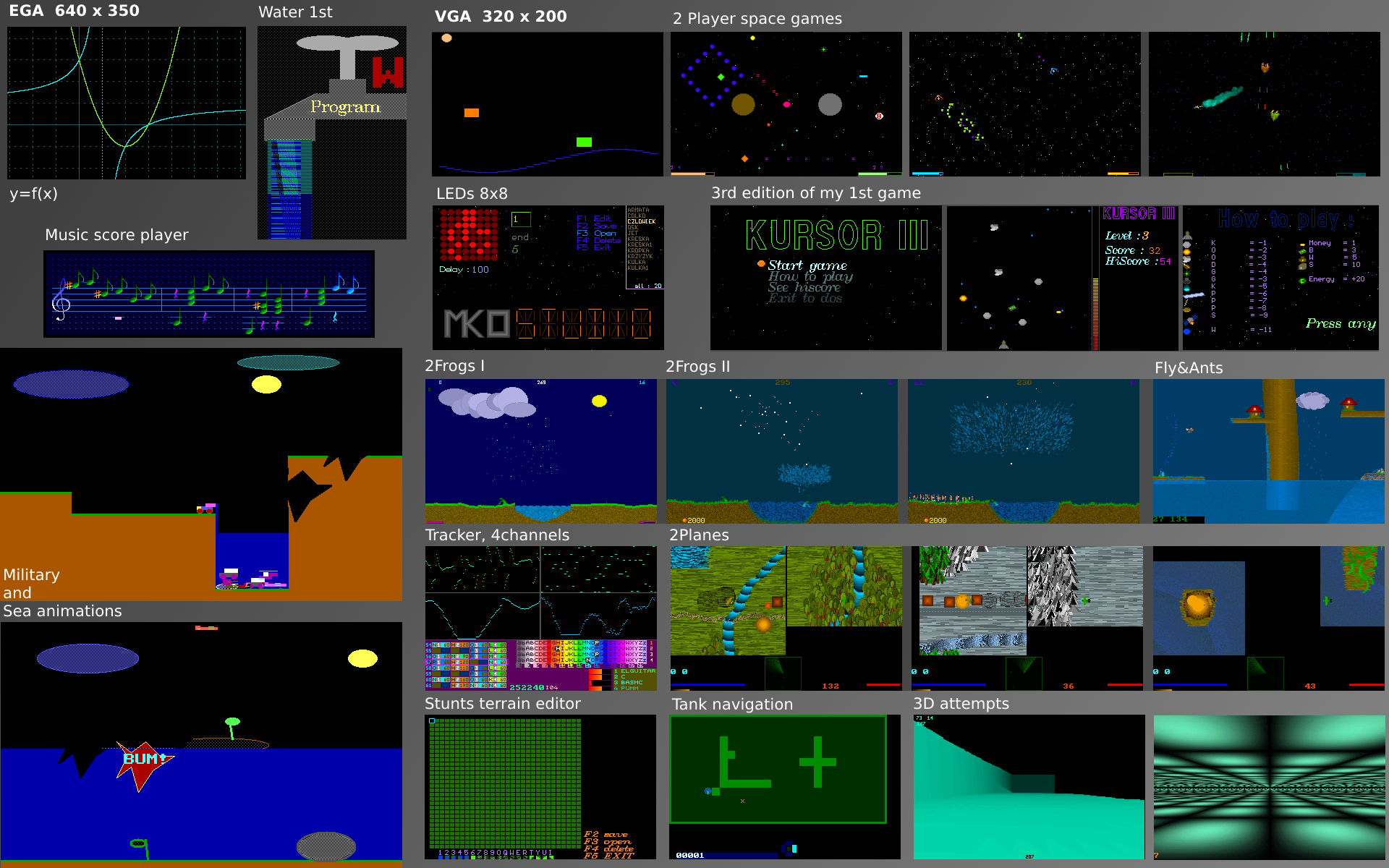
I played M.A.R.S. when it was still active last, in 2011 (back then we were very busy with Stunt Rally). I liked it instantly, it was a lot of fun and indeed ridiculous, hilarious to play. It reminded me of my oldest space games for 2 players, from around 1995 or so. Screens visible on this image on right, top under “2 player space games”, more info about that here. My small games were also ridiculous, first even hard to play. Later were easier and more fun, while still having wrap around (cyclic borders, e.g. you fly out right, you appear on left), something normal for me for 2D space games. Was even present in the earliest game from 1962.
📝Motivation
While I was recently developing Cave Express (after I stopped Stunt Rally development), I realized that adding new gameplay elements in it is rather complex, due to its multiplayer server-client architecture. I then remembered about M.A.R.S., that its code was much easier, and thought I could add some things and change that project too.
I checked out its sources again, and it got back to me why I didn’t do this years ago. I really didn’t like how the code looked like, but regardless I now developed it. I was asking myself a few times “who writes code like this”, obviously a rhetorical question, authors are known. Also this is a FOSS project, it’s not for complaining, but about what can you do to improve it. After a while I did also change the code formatting, probably a lot.
The project was abandoned since about 10 years by original authors. Later it was moved to github. Had a few contributions by others. I have also noticed 2 recent forks. I saw there were also memory issues (leaks) and people fixing that. Not sure if completely, but I did also include some of those fixes in my fork.
🔍Details
Nothing was changed in game or gameplay since the original project. I started with that. I had many ideas. The easiest for start was changing weapons and then adding new. Since spaceship was controlled by only 3 keys (turn left, right and accelerate) it made flying funny, but also quite awkward and unprecise. I then added accelerating sideways, backward and boost. Then also turning and aiming by mouse pointer, which IMO improved flying and aiming a lot.
While learning the source code I also discovered few unfinished things, and realized that maps could have different scale rather easily. Fortunately code was written well, so with my changes, bots (AI players) mostly still play well. By the way of adding scale and different map sizes, I added plenty of other options on GUI sliders, which were easy.
By the way of developing I was also changing formatting, cleaning the code, making it somewhat easier to extend, in game settings and GUI layouts. I made GUI scalable (and fixed that one issue). It was one of those things that needed changes everywhere in GUI code and much testing after too. All because GUI wasn’t written like that from start.
Probably the best thing in M.A.R.S. is its particle system, and the fact that each particle can be affected by gravity. It has its limits of course, I think on my PC game slows down (below 60 Fps) with above 60 k particles. It only has sphere collision shapes. Maybe it could be parallelized on CPU. But after seeing collision code, I don’t think for GPU, it has to many conditions etc. It would also be difficult to improve, and maybe even not needed. It looks good and detailed already. Still, a recent, well made GPU particles system can handle million(s) of particles. I’m almost sure using Box2D library for collisions would give much worse performance (on CPU), but it would make it easy to have different collision shapes.
➡️Conclusions
M.A.R.S. is a small but very fun driven game. But I guess it’s likely old and not popular. I think I made it even more fun, by adding new game features and more options for maps etc, making it playable for longer. Surely I have more things for it in my ToDo, which I may even not start implementing, well it’s called “to do” for a reason.
I also recommend M.A.R.S. as a cool C++ project, rather small and not too difficult. It should be okay for beginners, to tinker, change, learn and practice while having fun. In my fork with my changes IMO code looks more readable and recent now. After all M.A.R.S. was originally made in 2010-11, and C++ syntax has improved a lot since then. Well at least it was and still is for me a great way of learning programming, in (FOSS) games. Of course learning from tutorials, books is more efficient and doing own projects. But at some point everyone has to learn from code written by others and be able to deal with that.
🖼️Gallery
Screenshots from game, grouped with some info in filenames: (showing newly added weapon, map or game option, etc.)
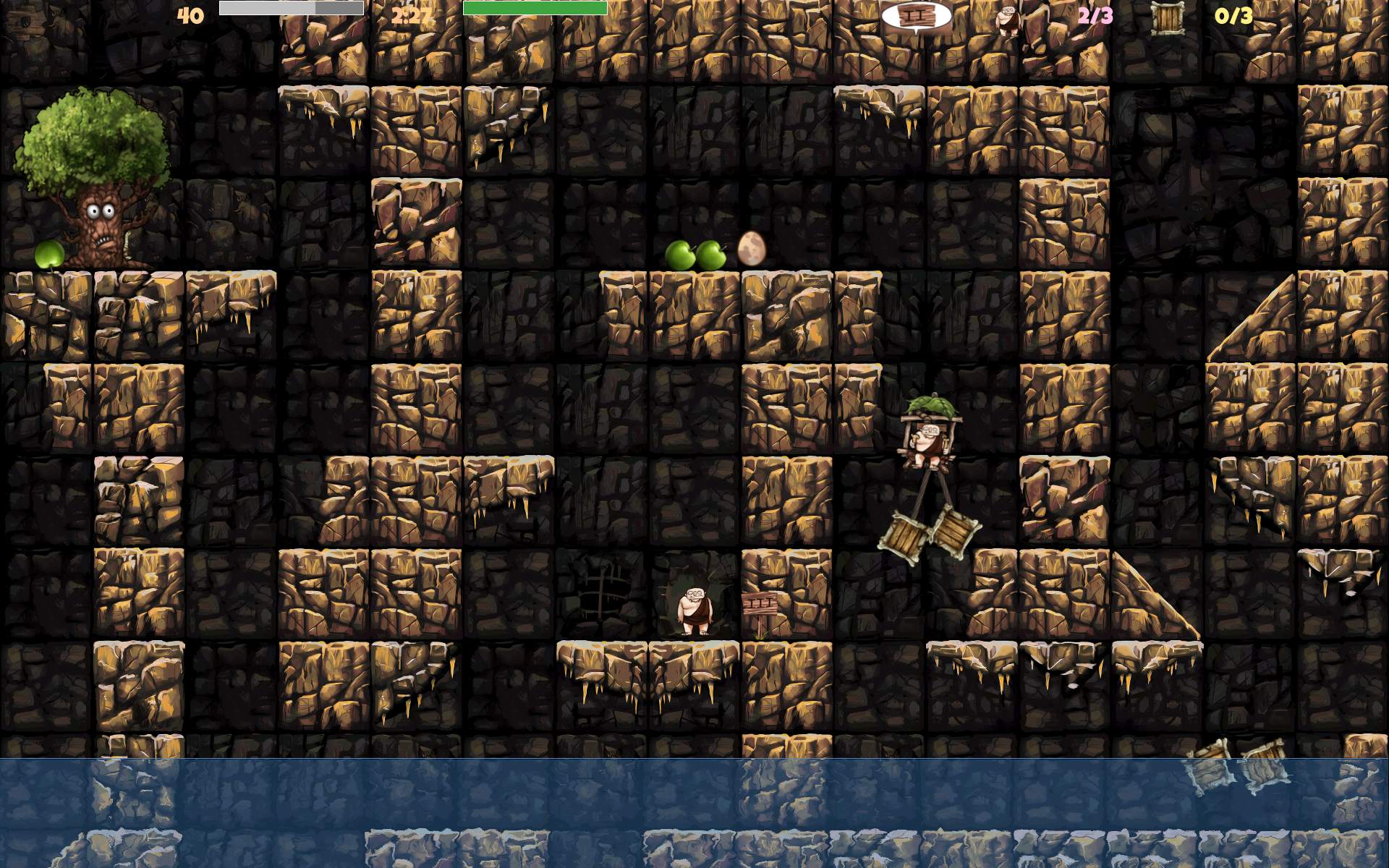
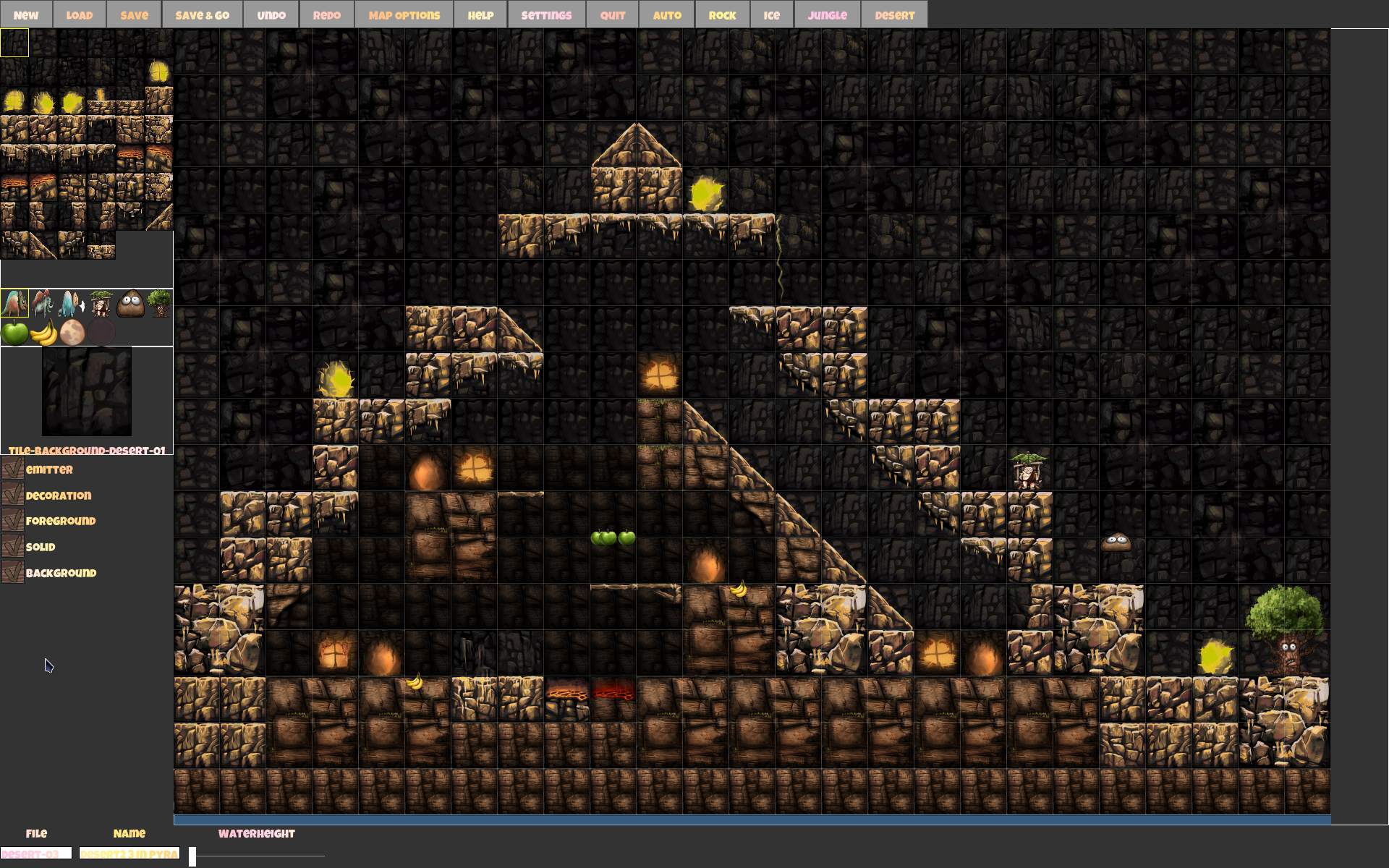
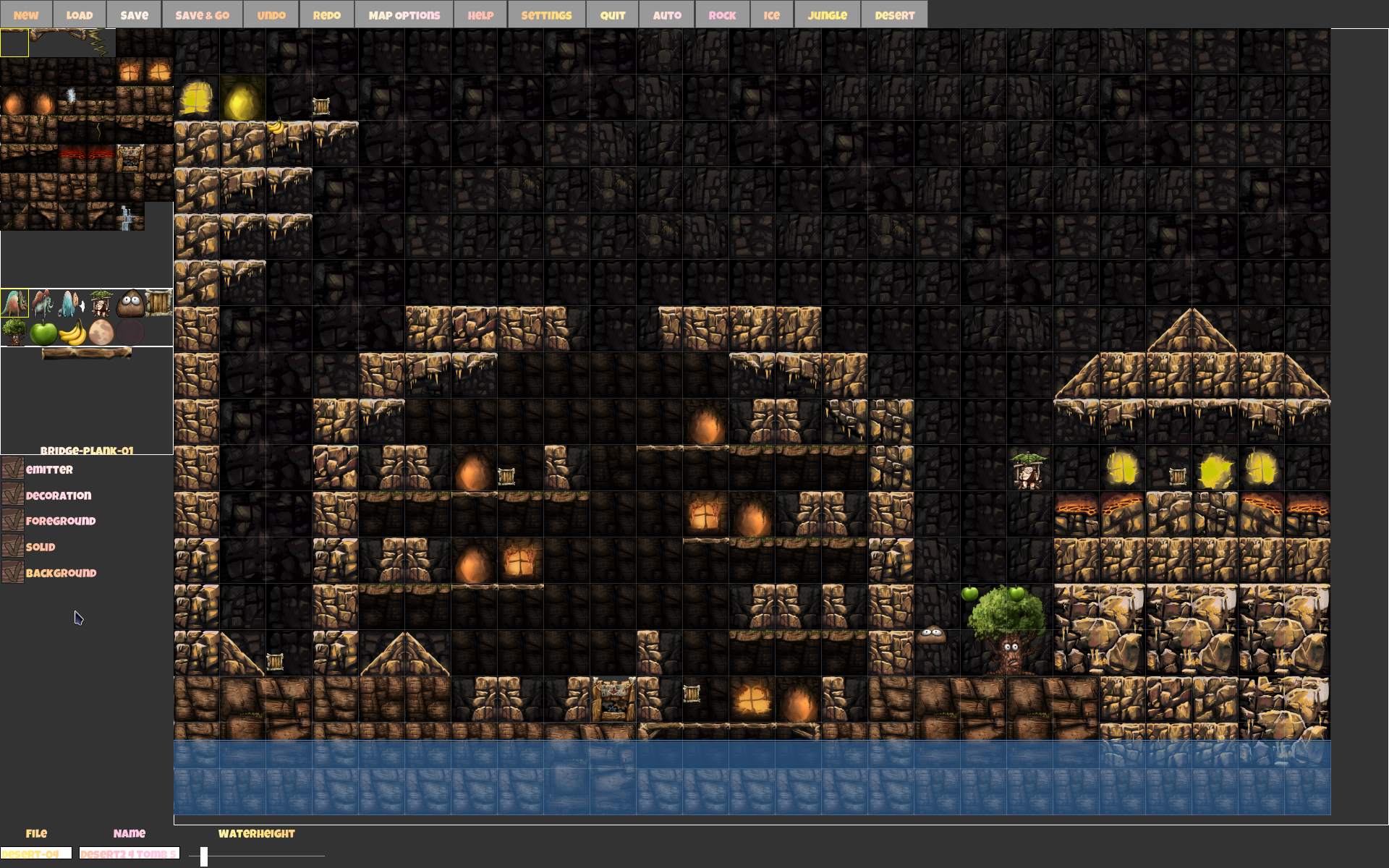
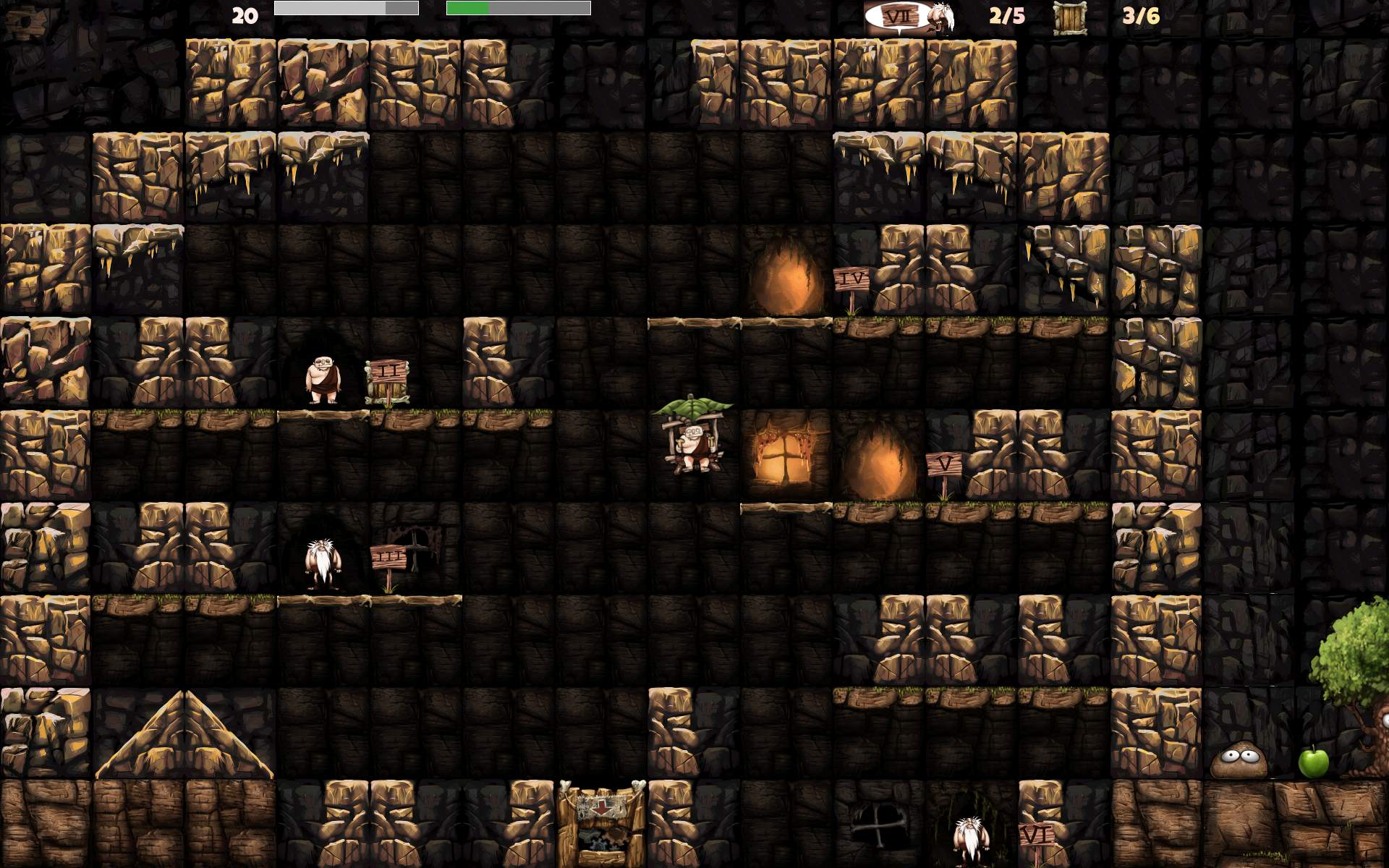
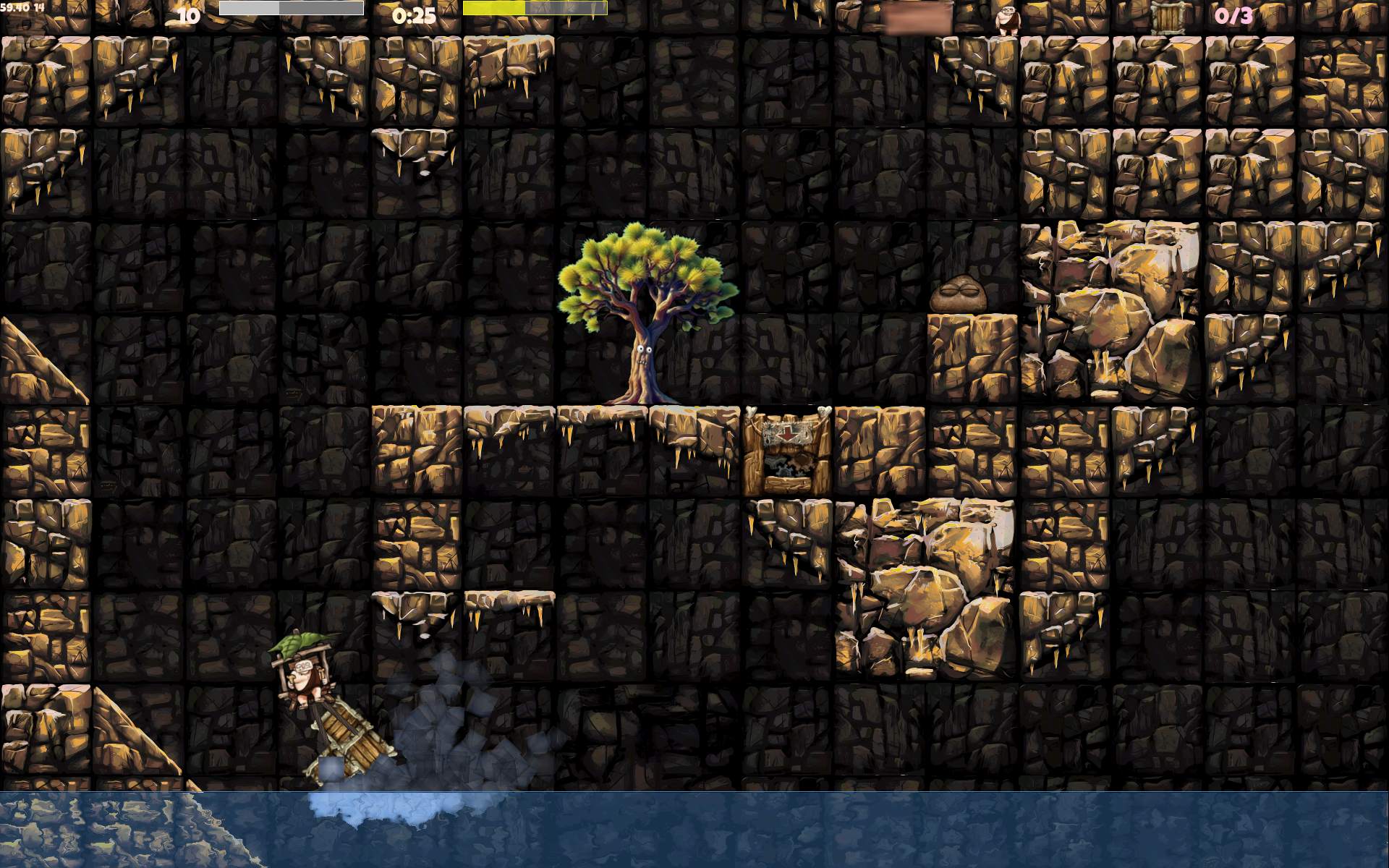
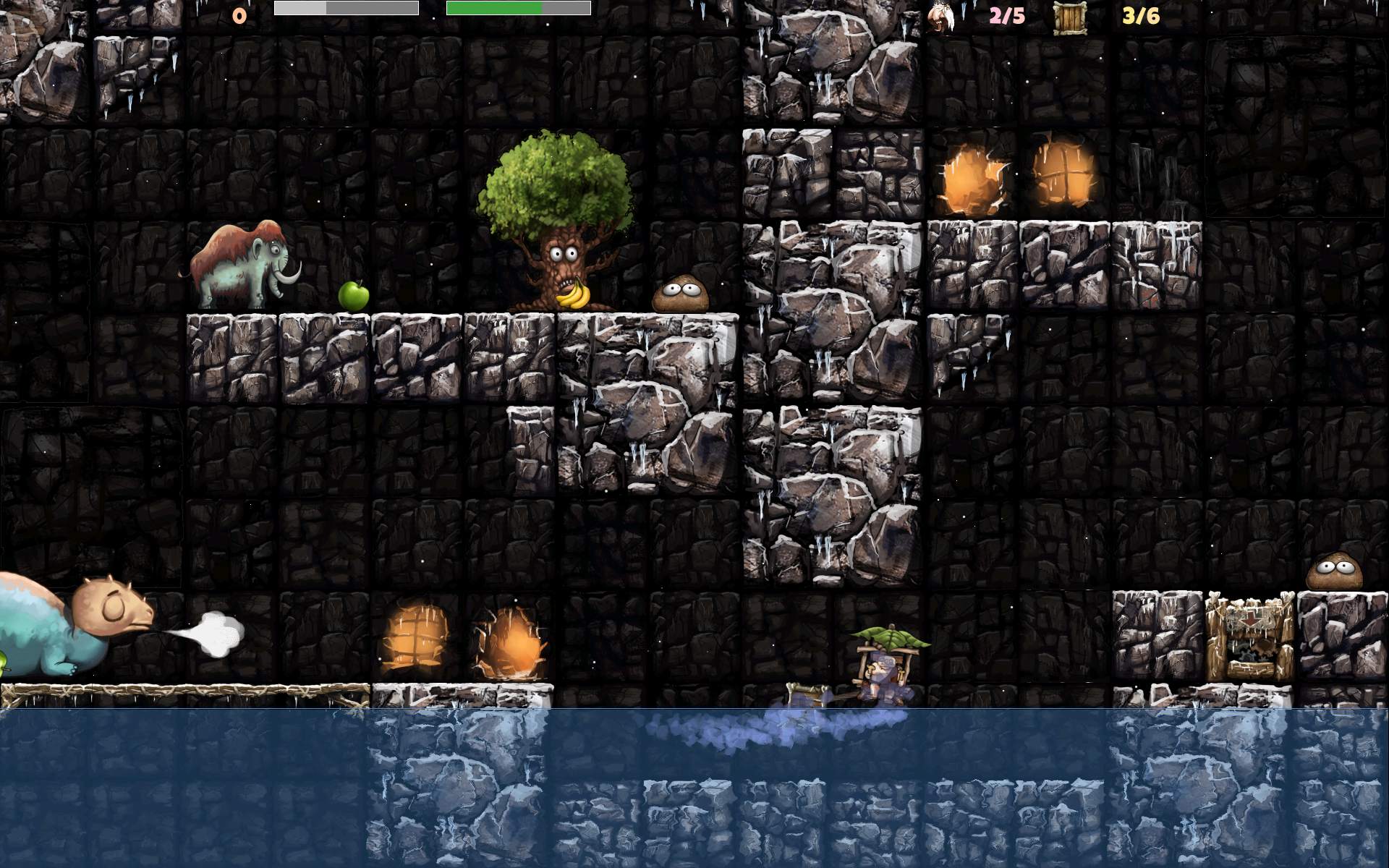
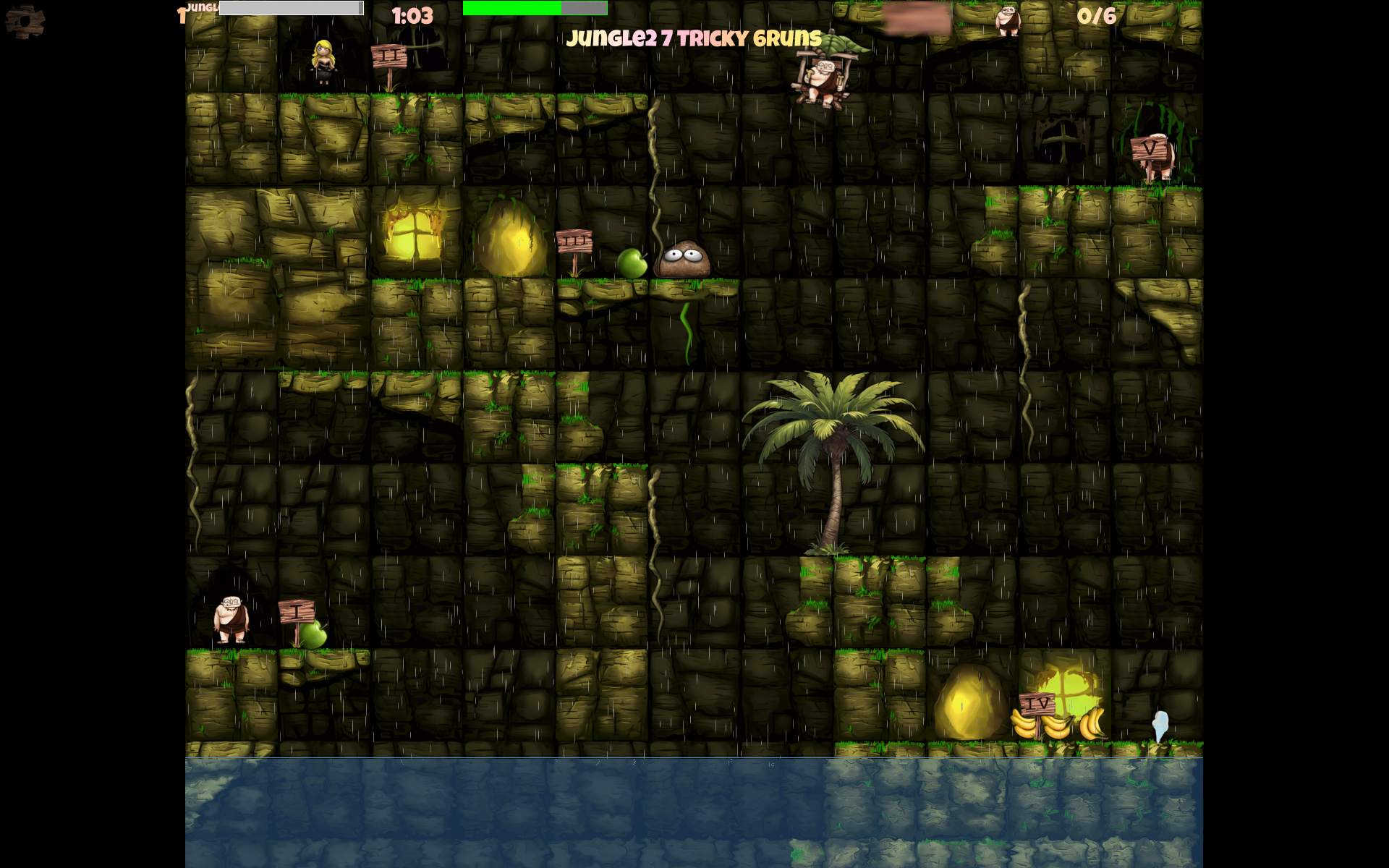
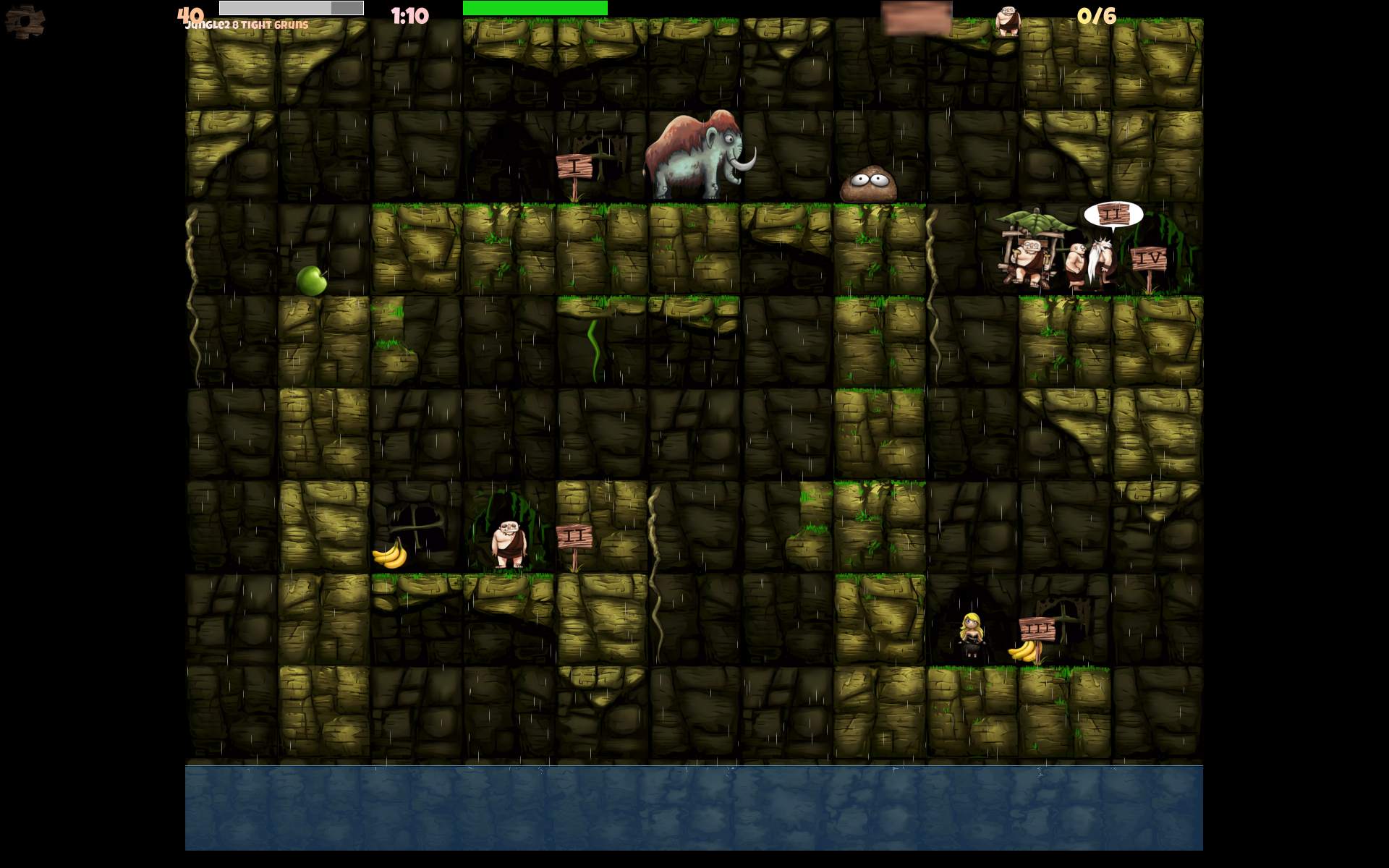
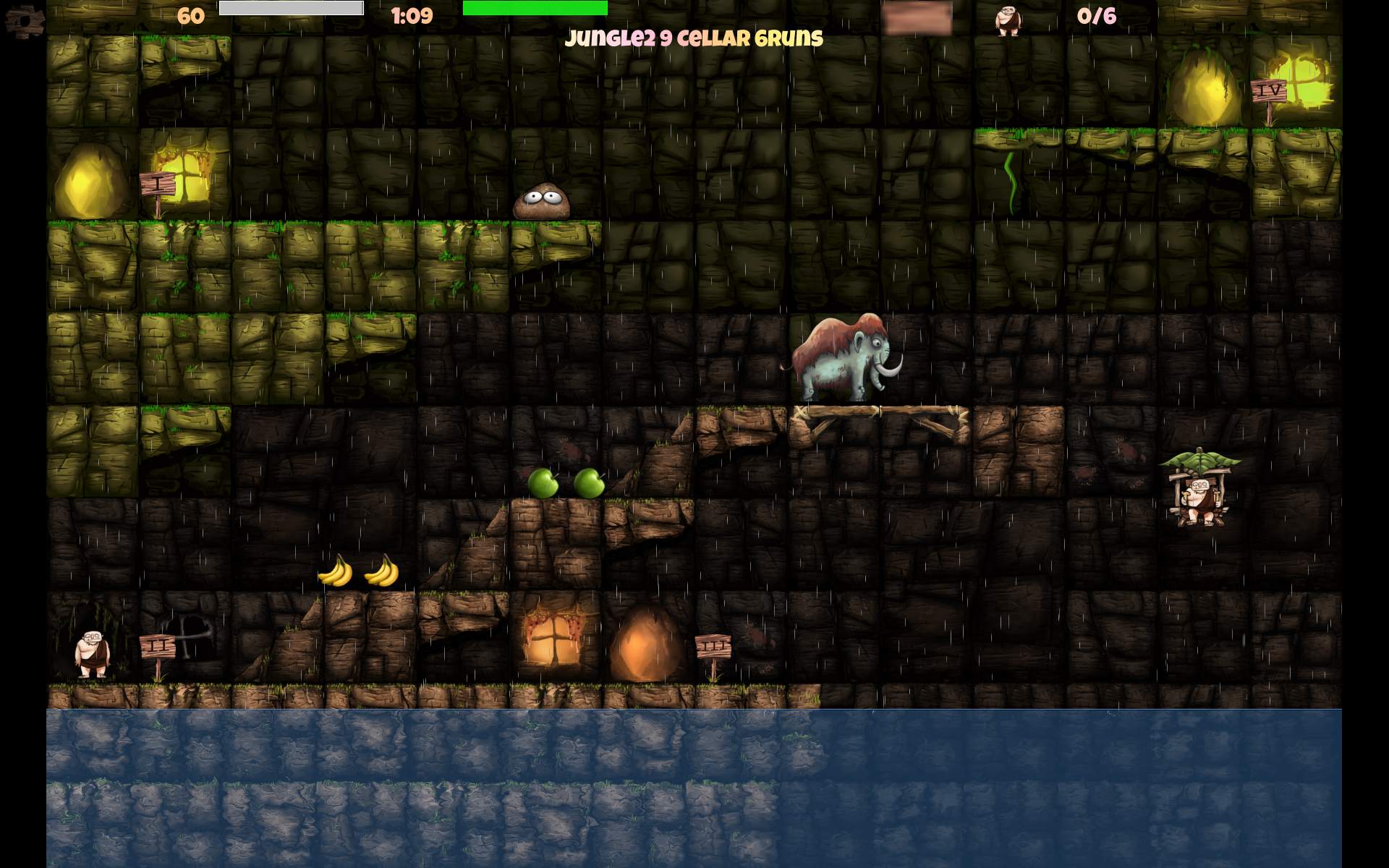
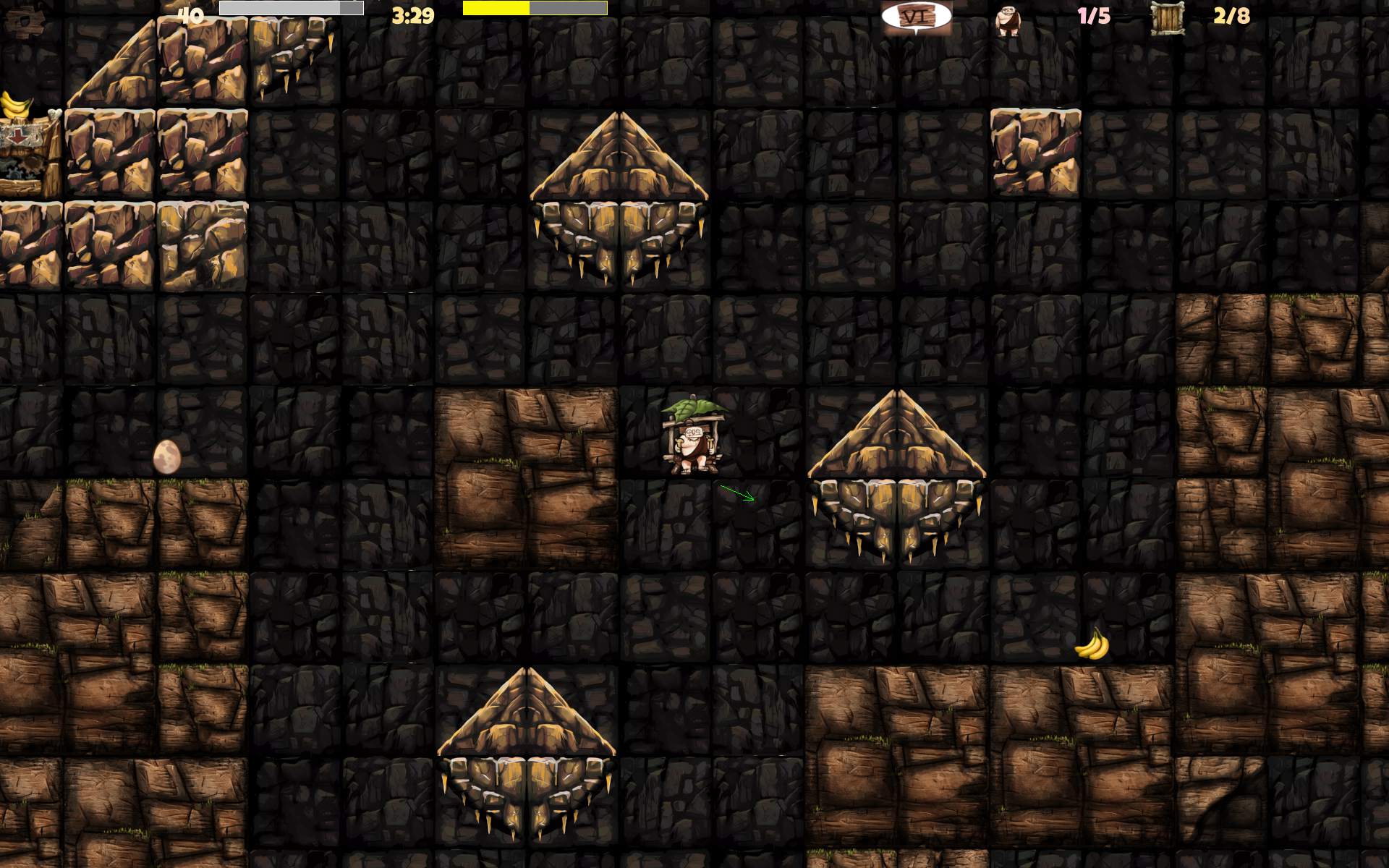
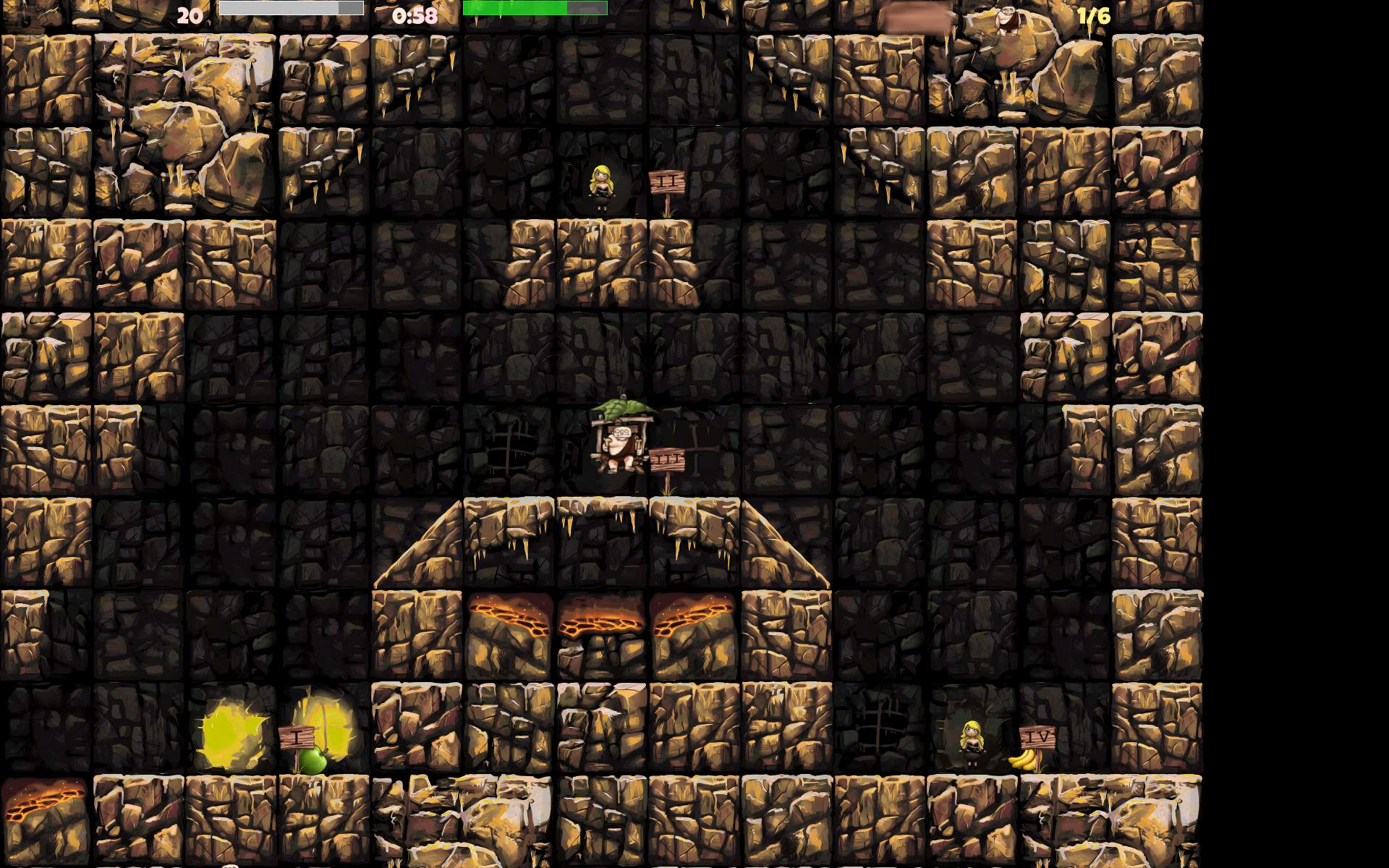
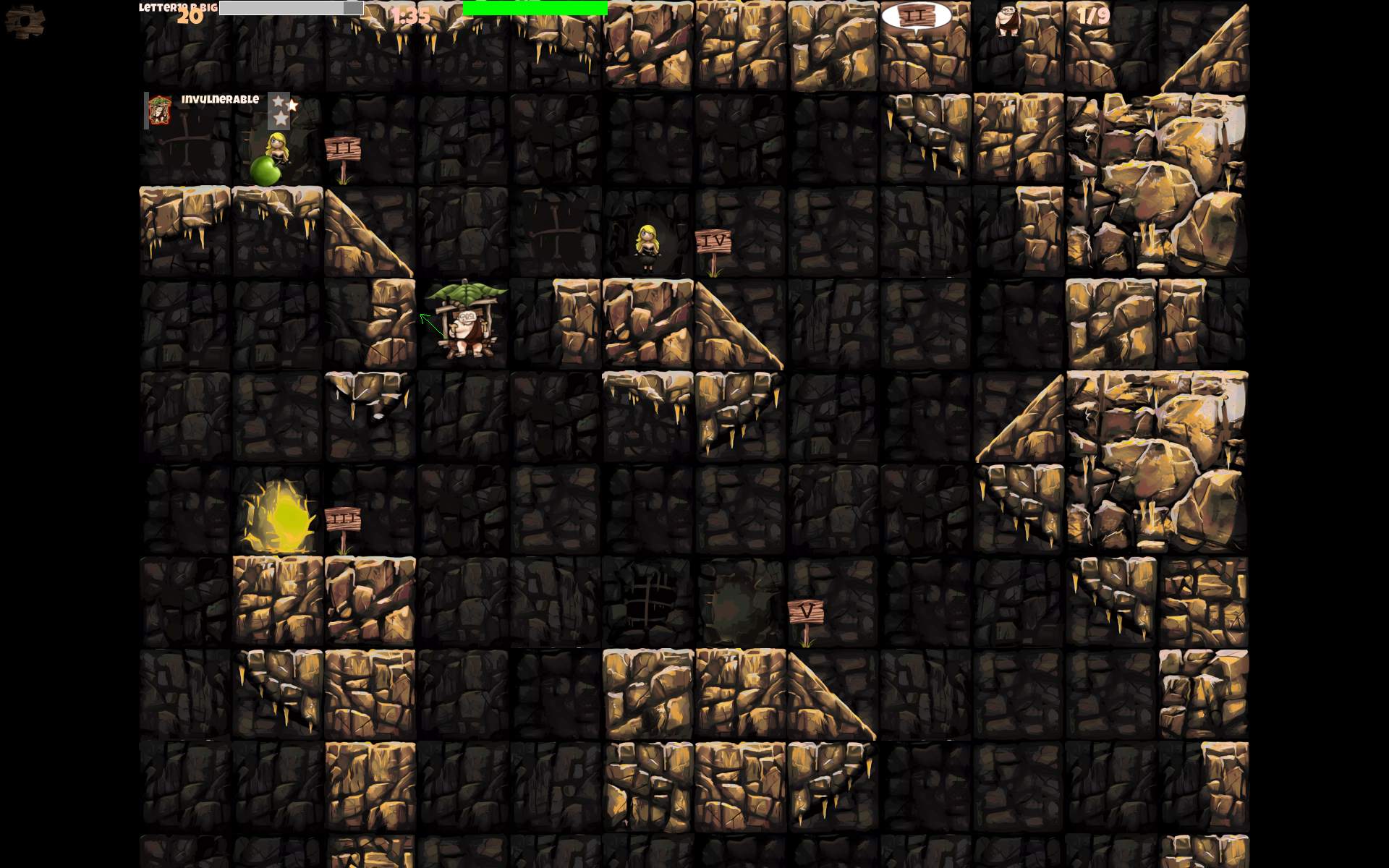
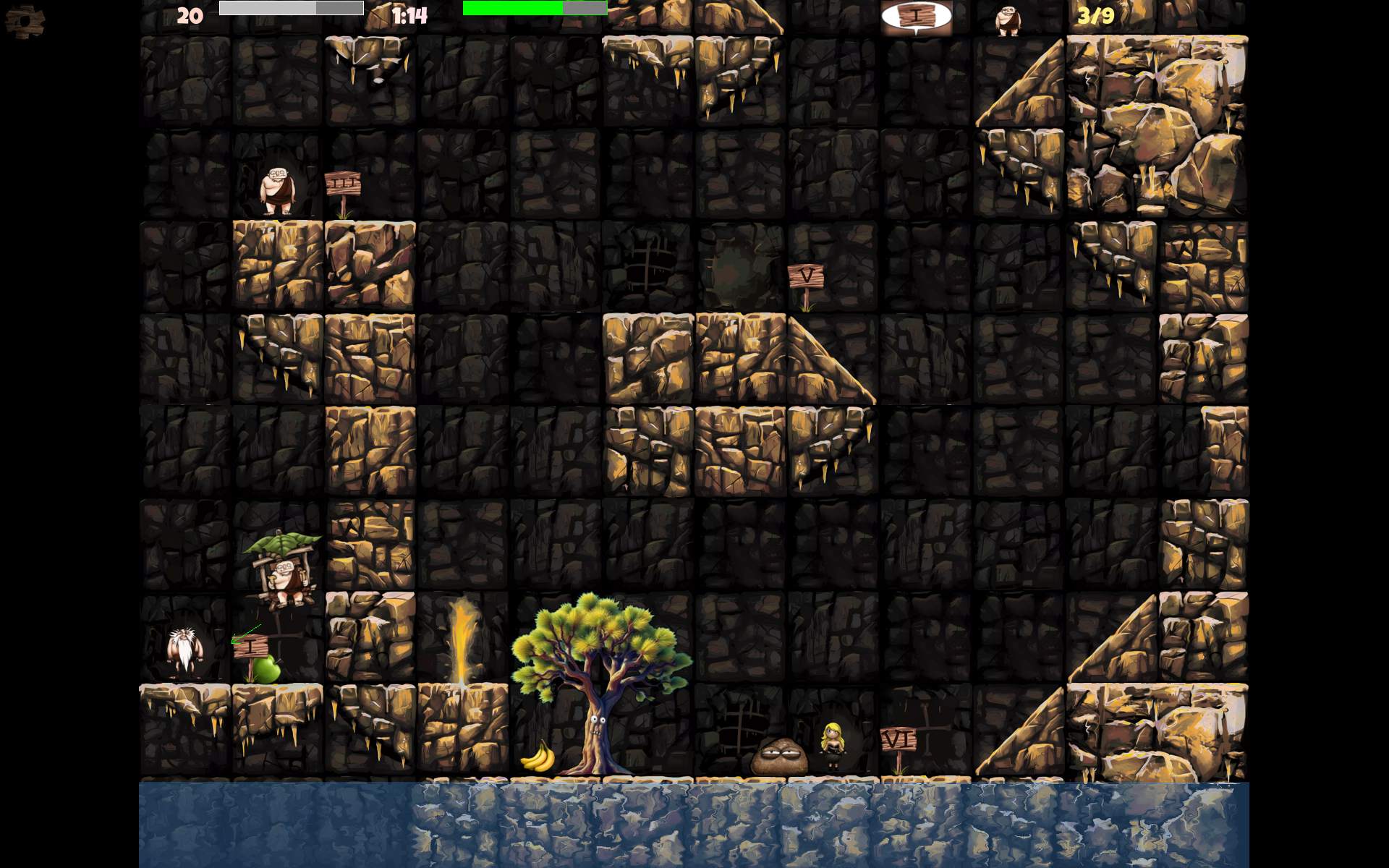
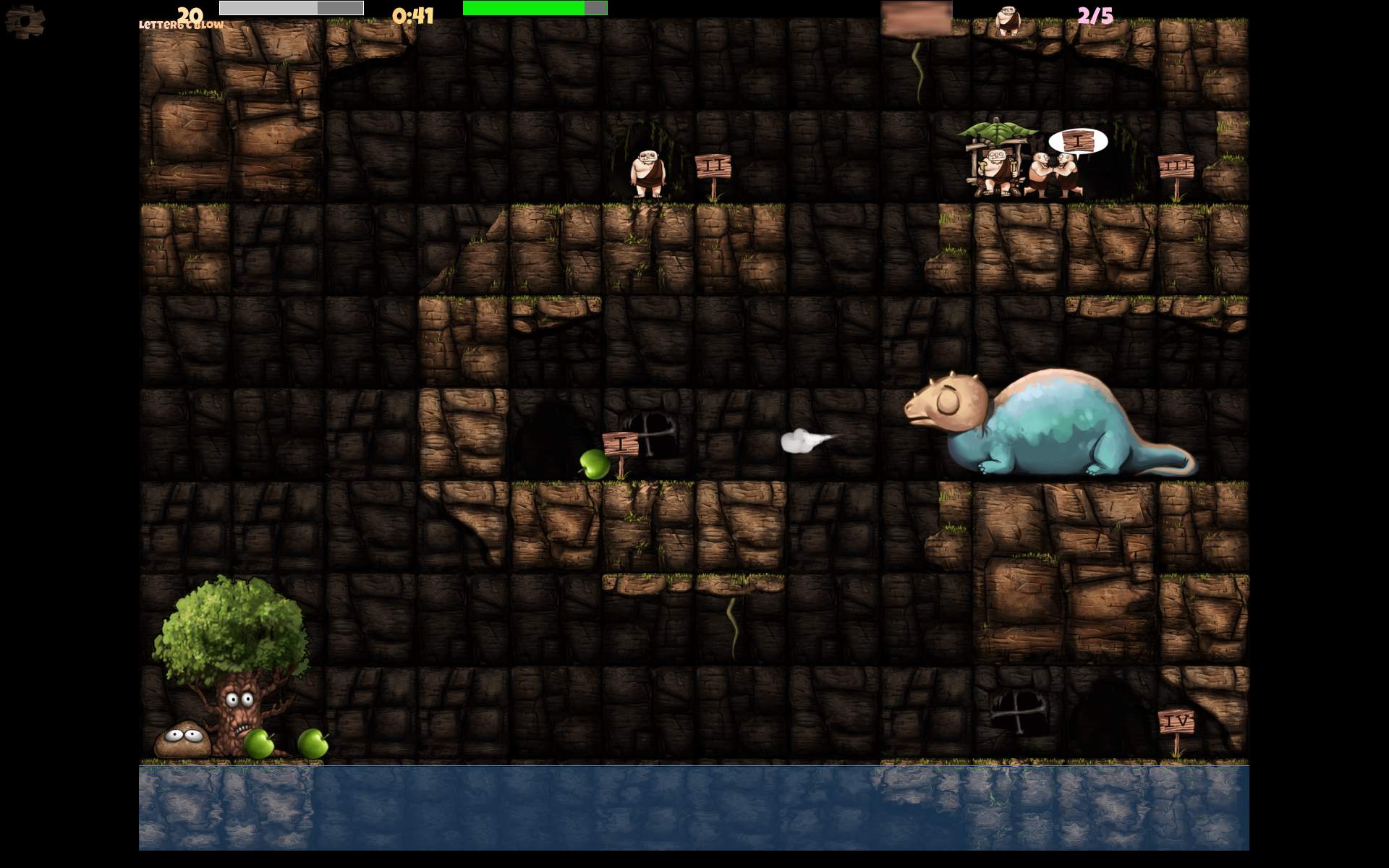
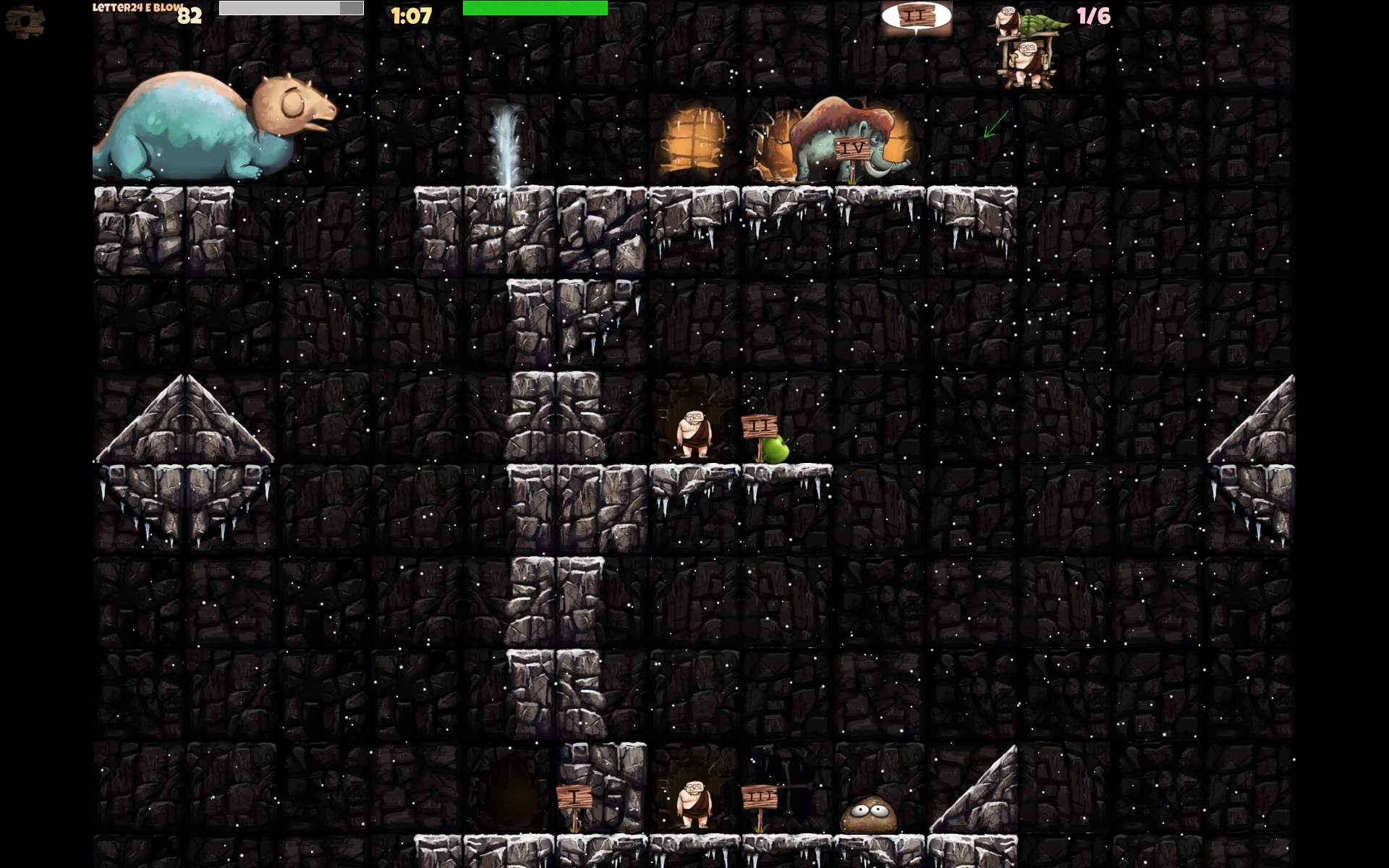
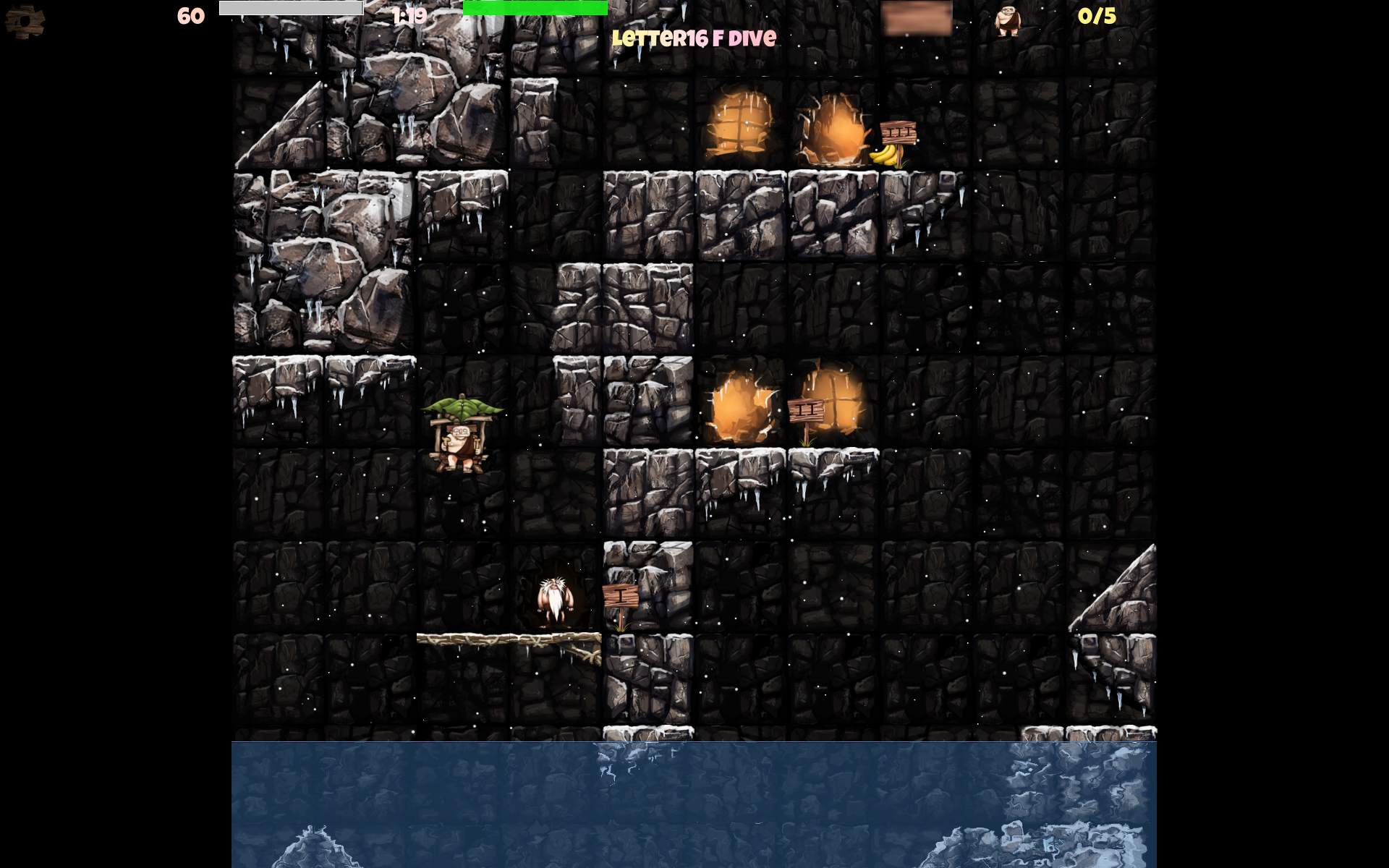
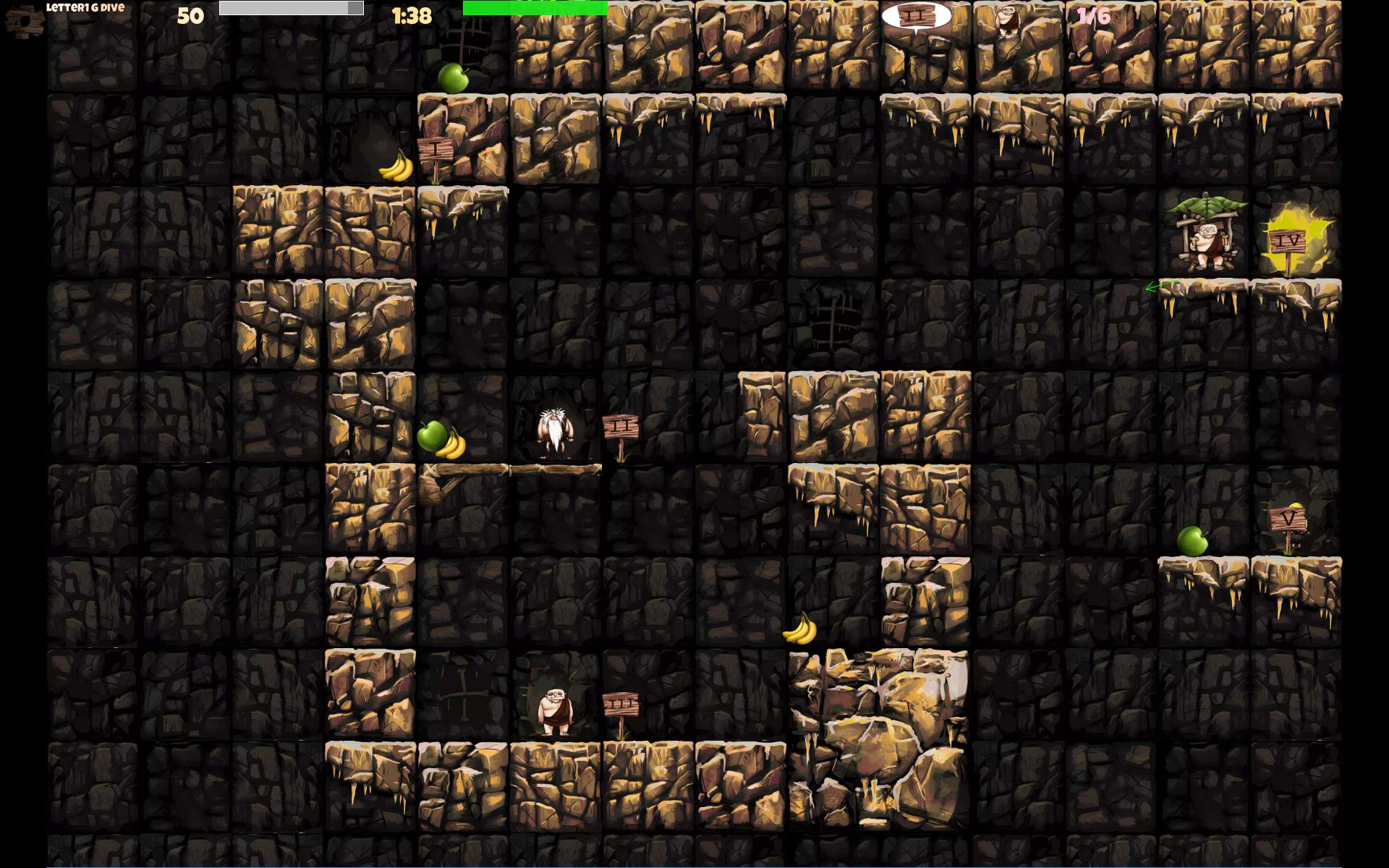
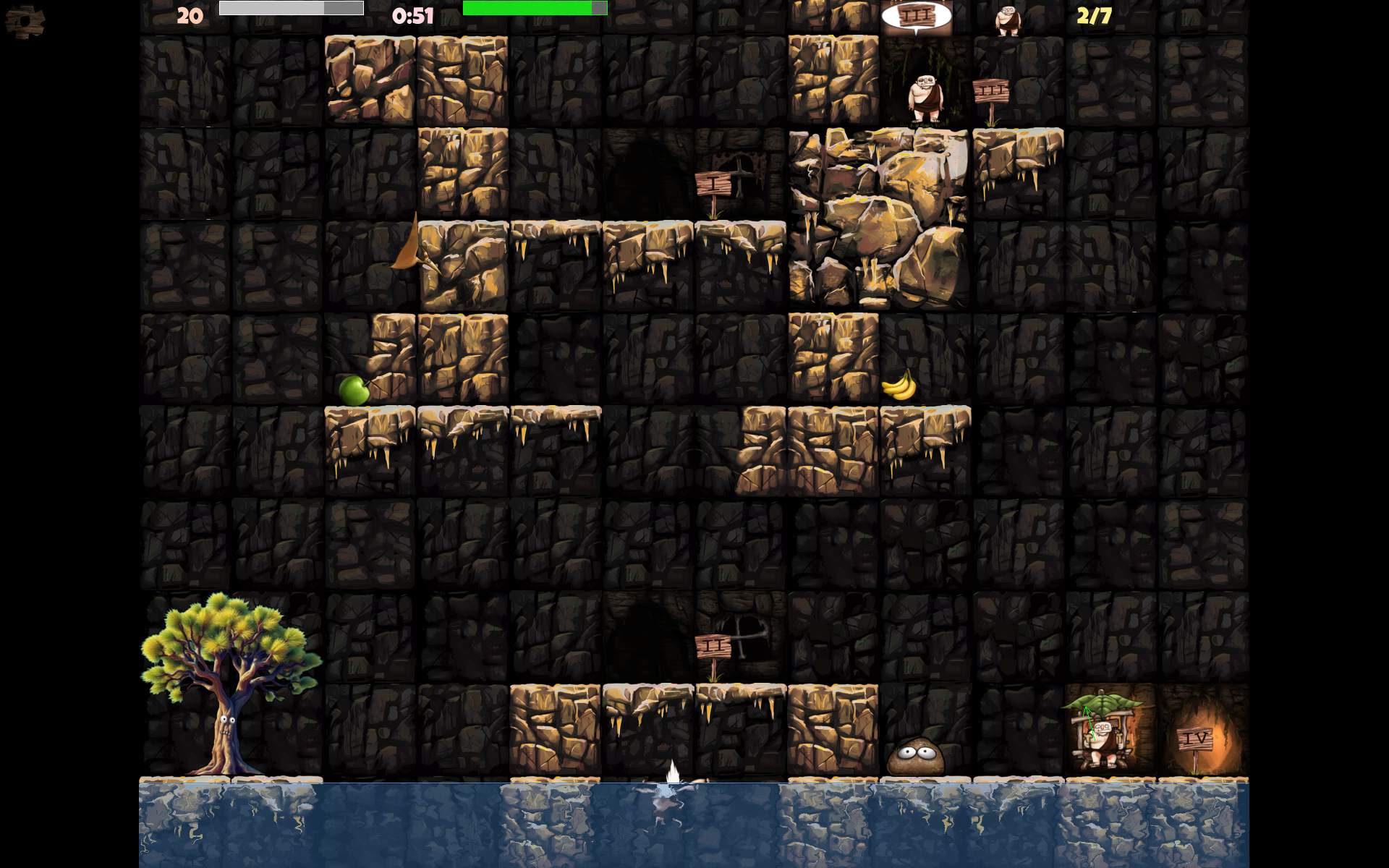
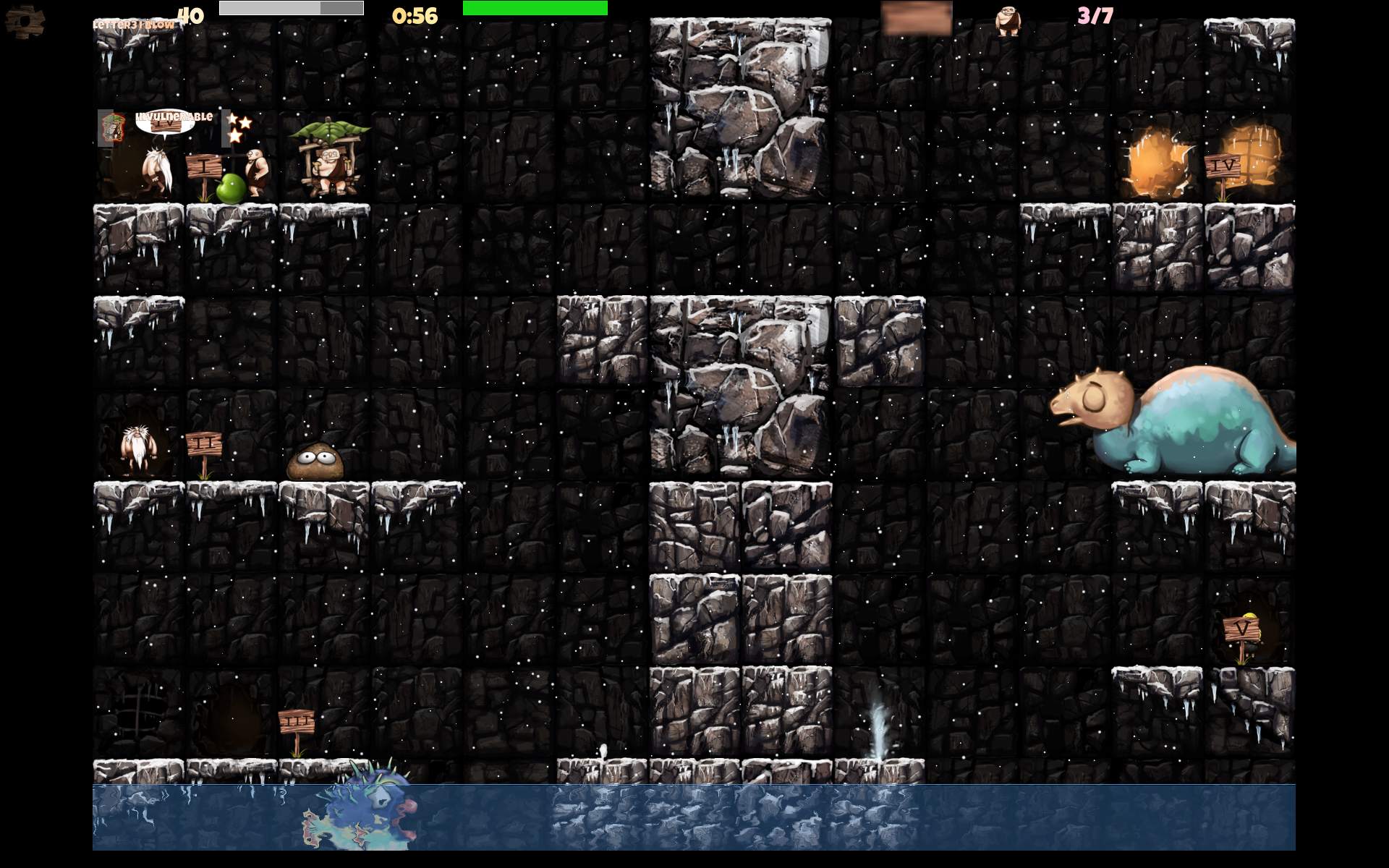
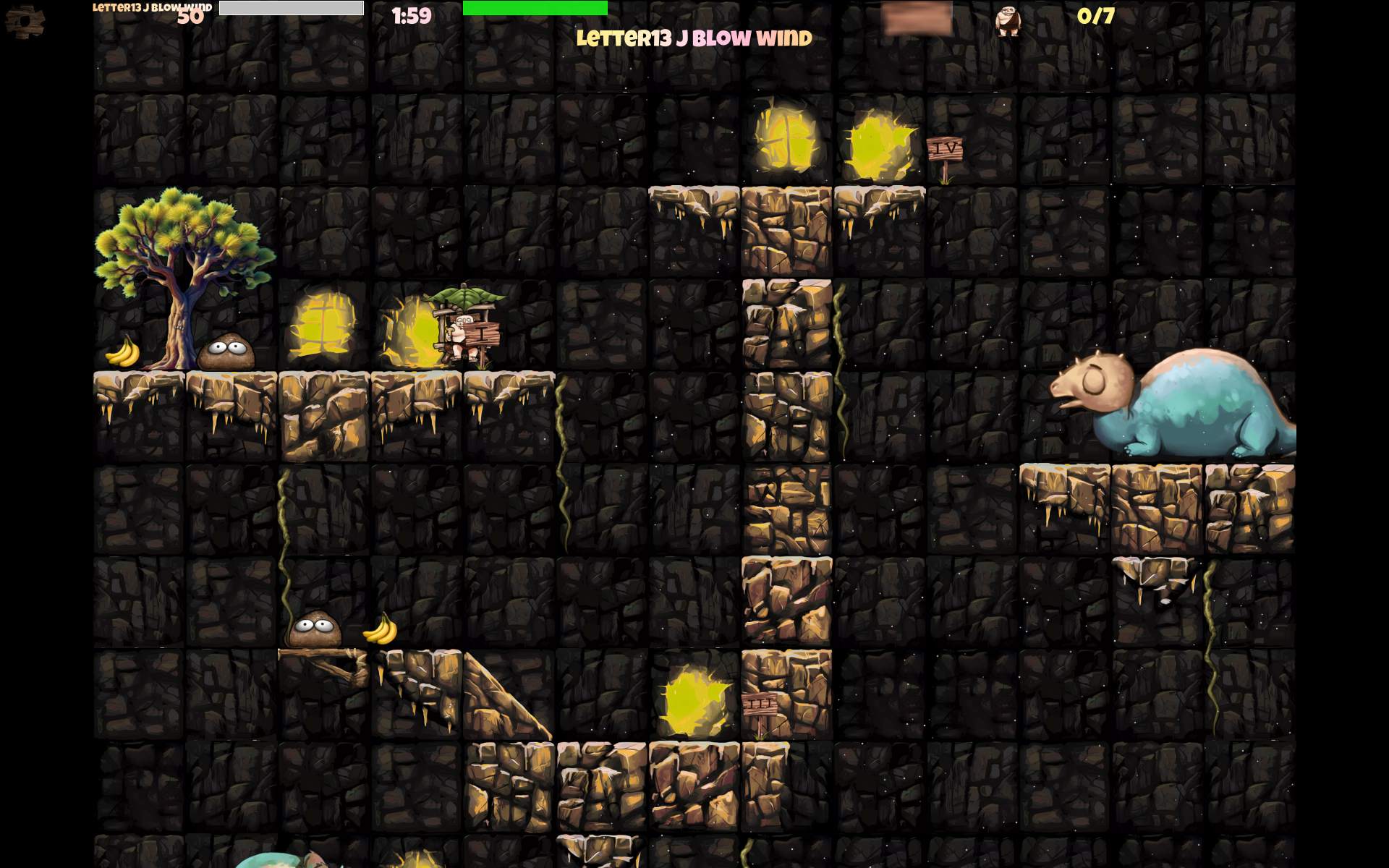
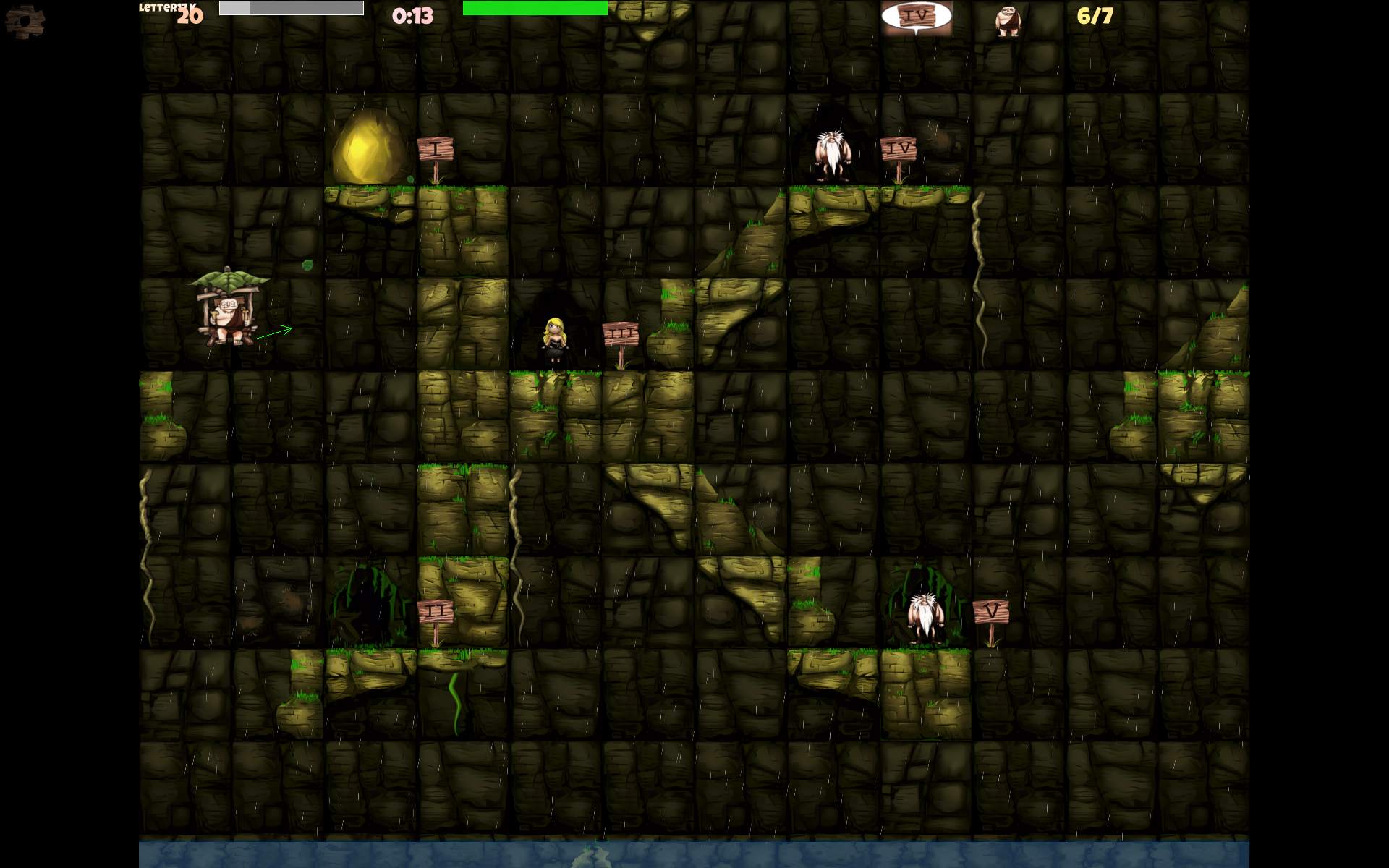
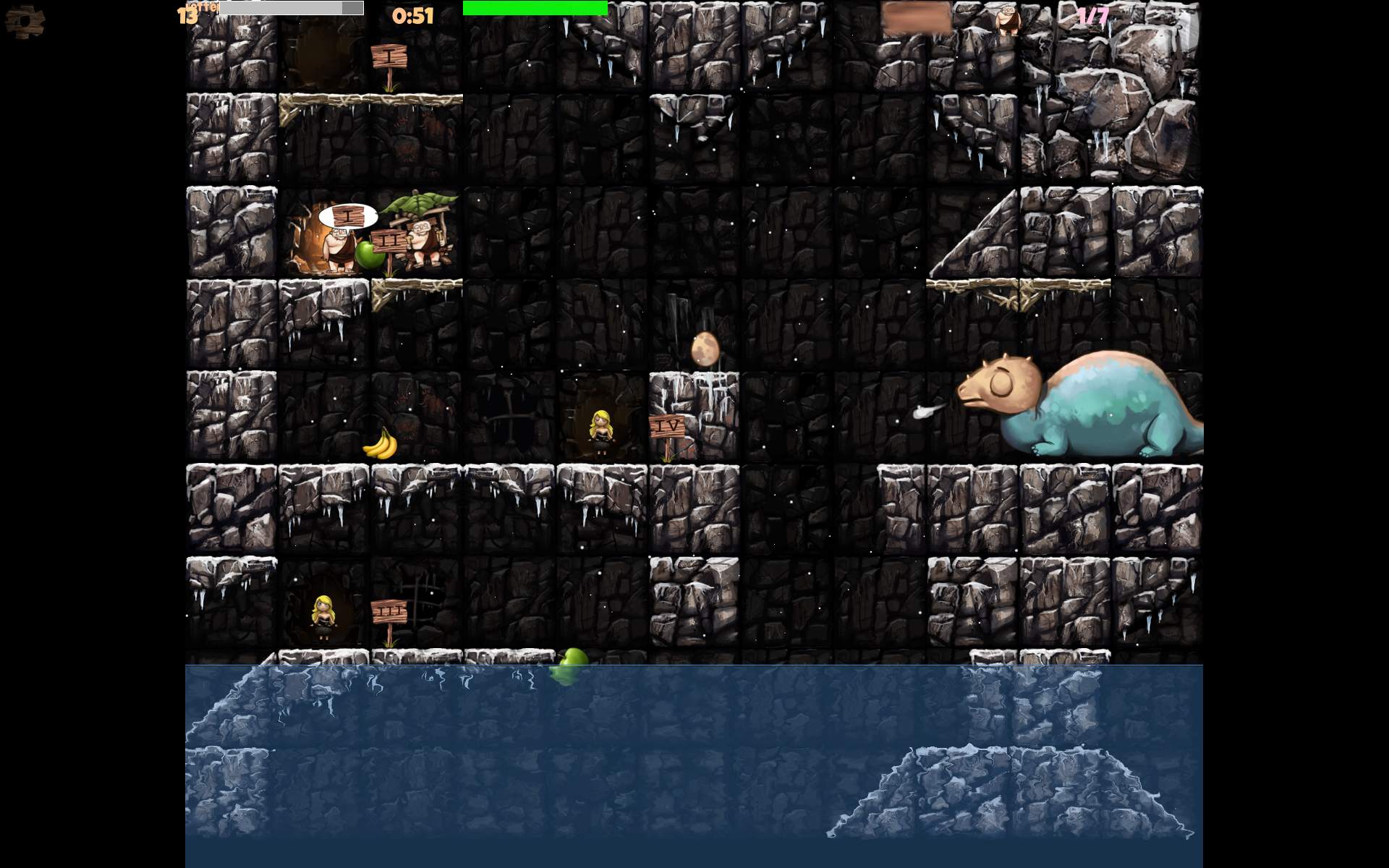
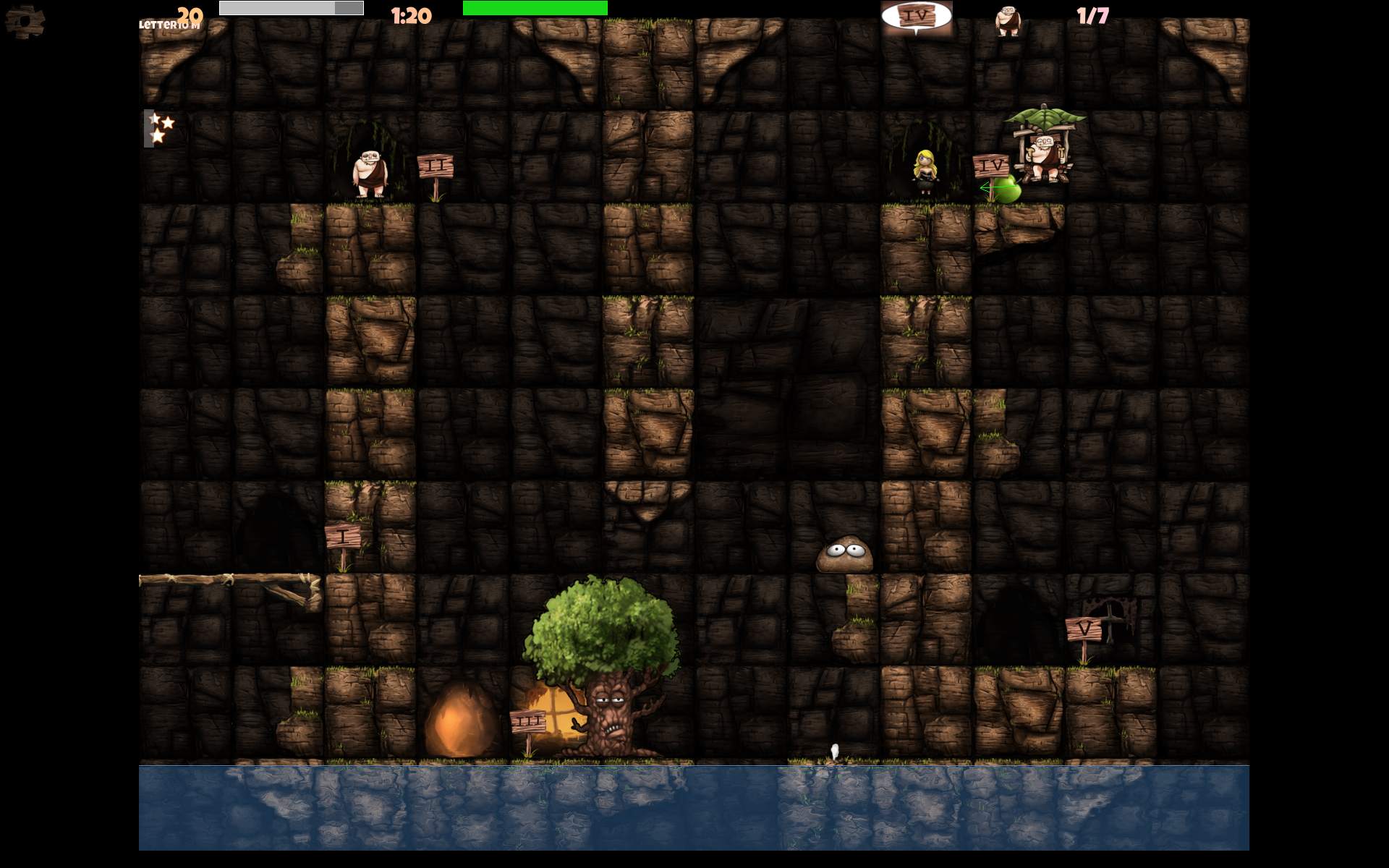
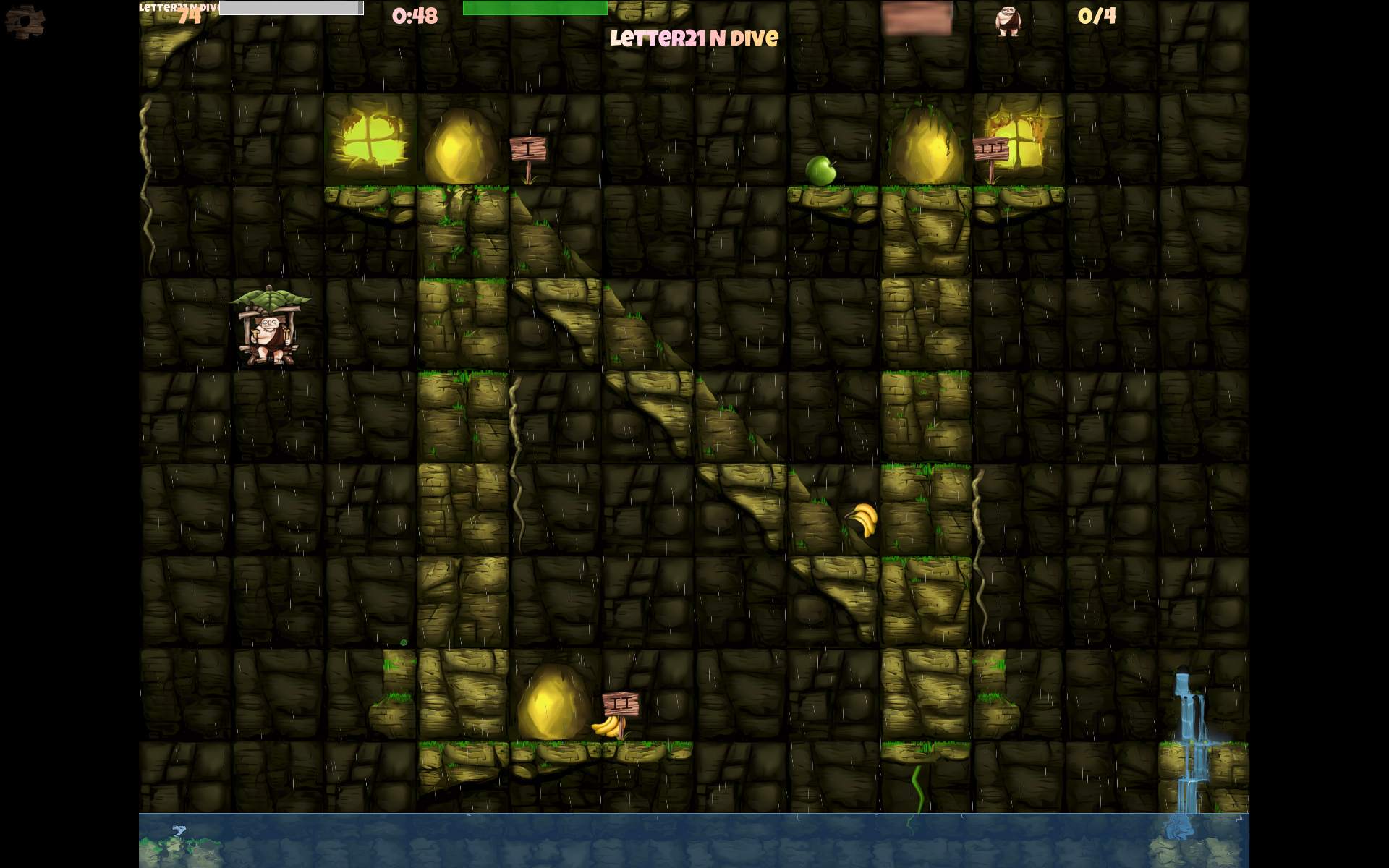
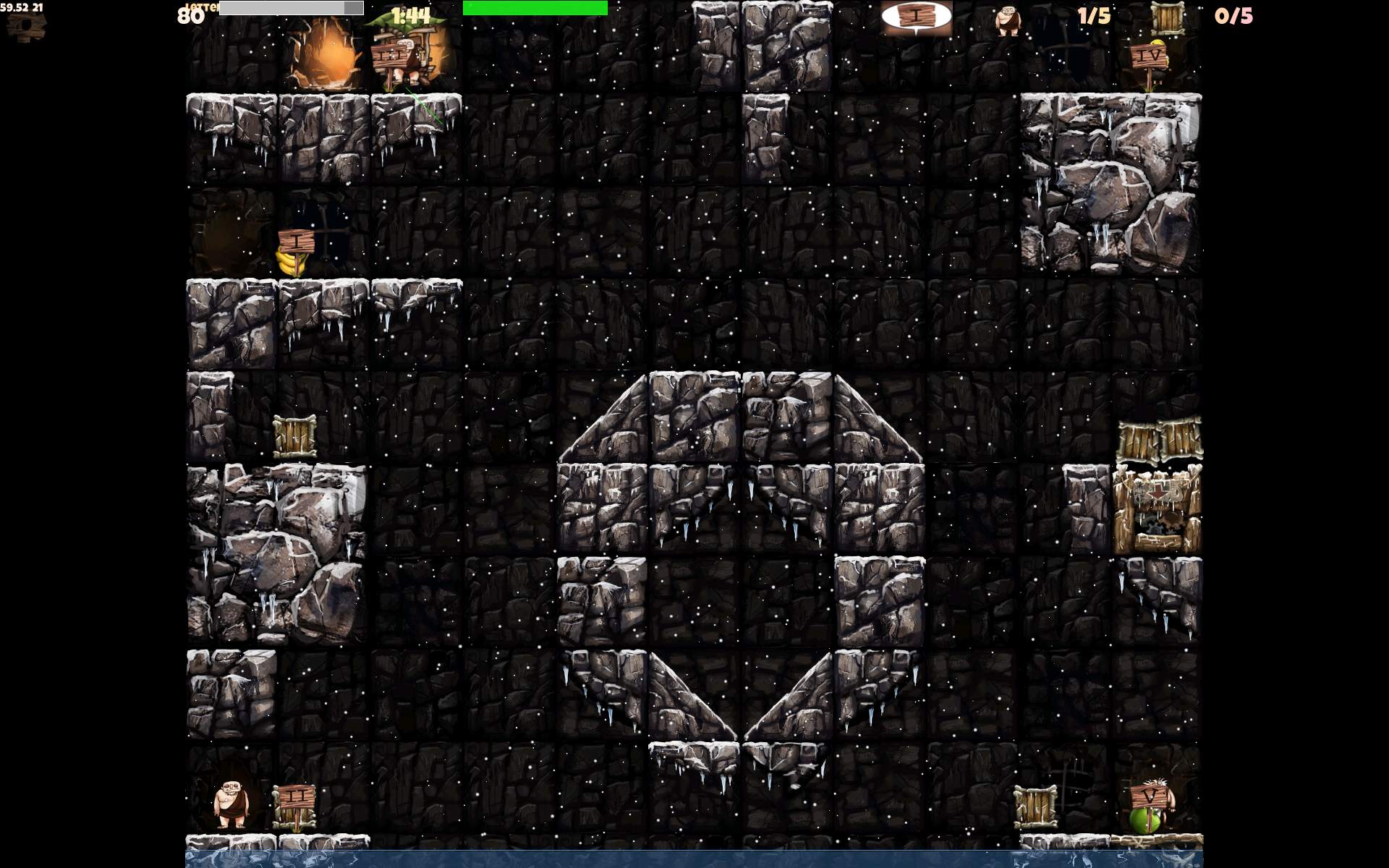
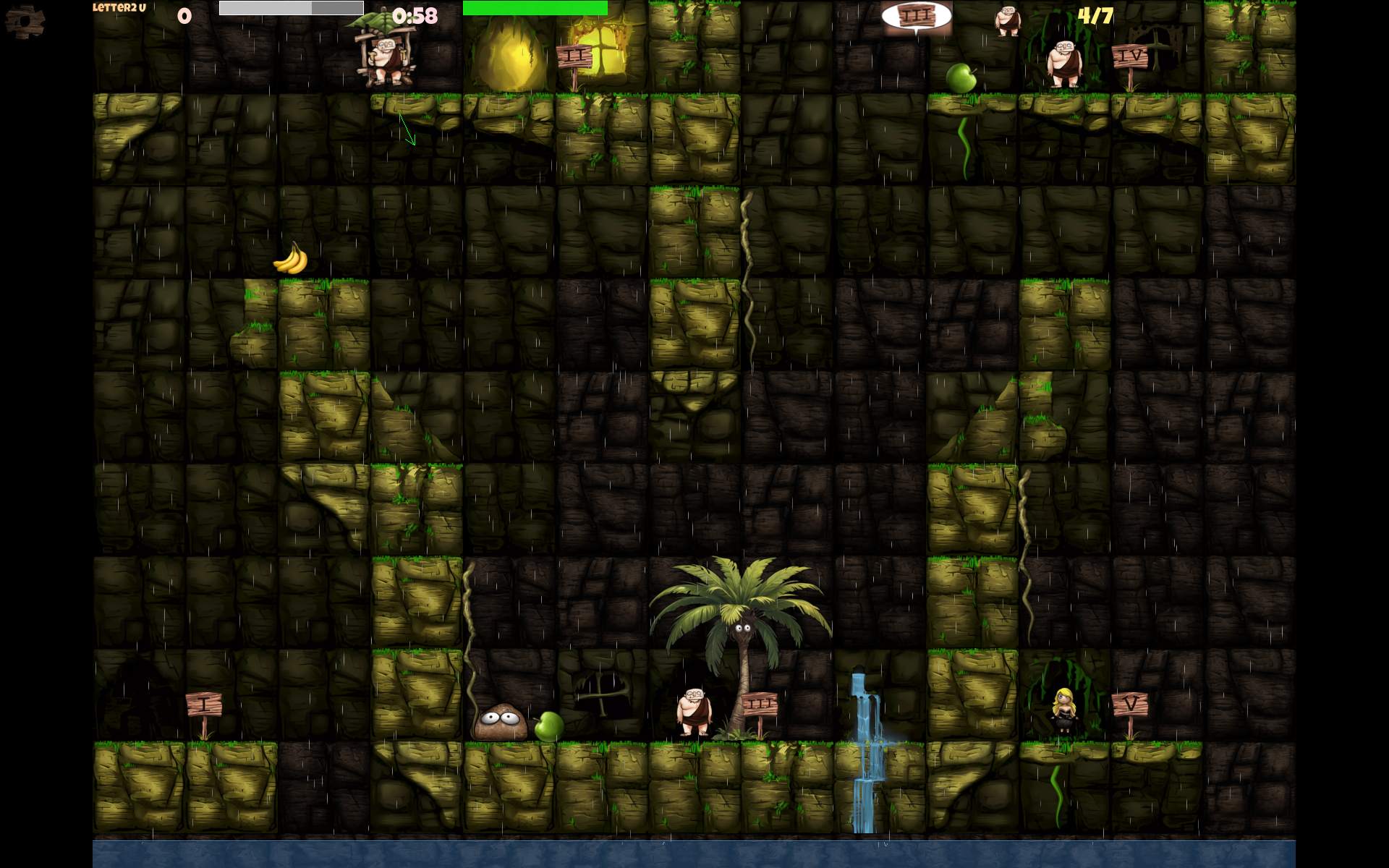
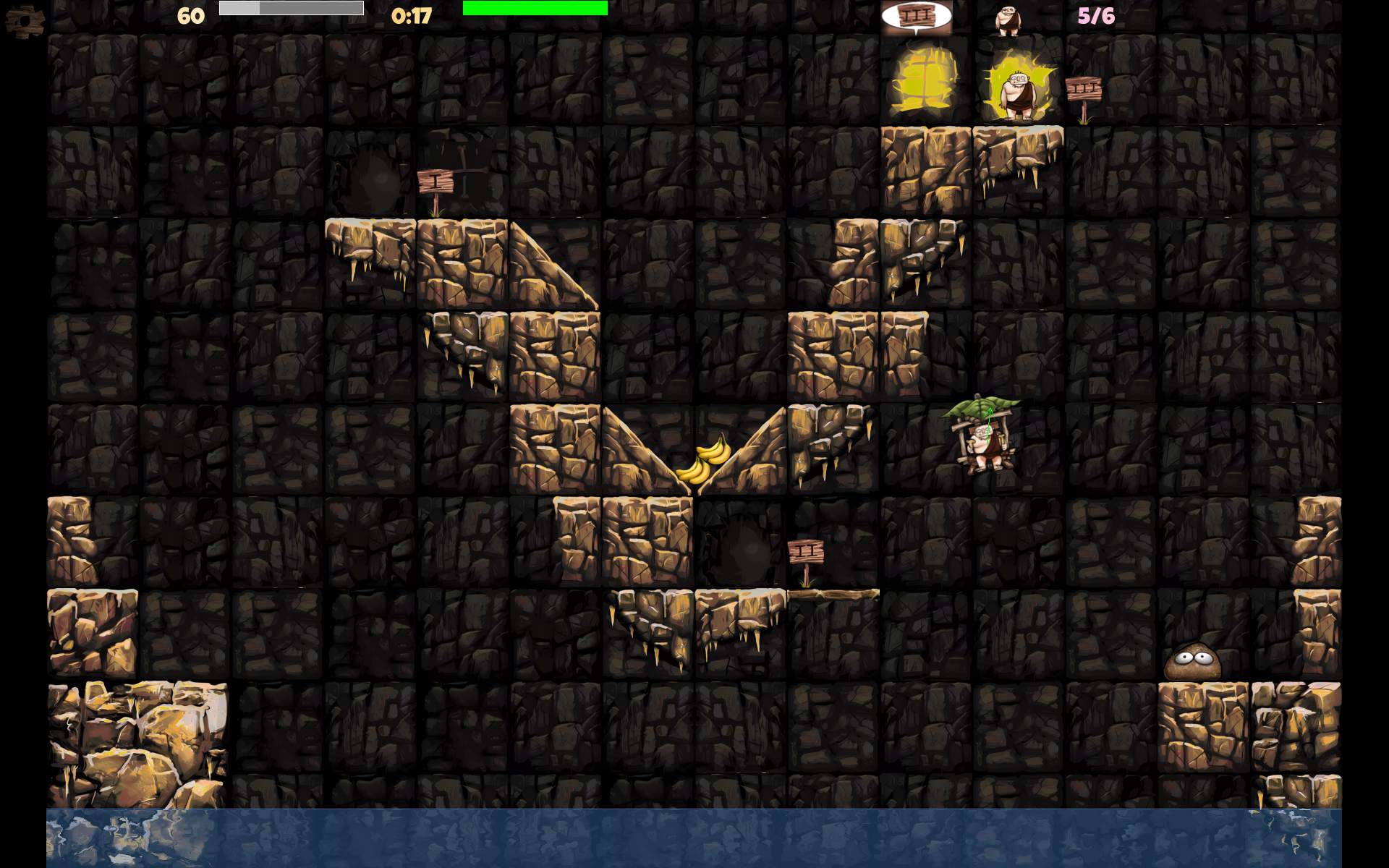
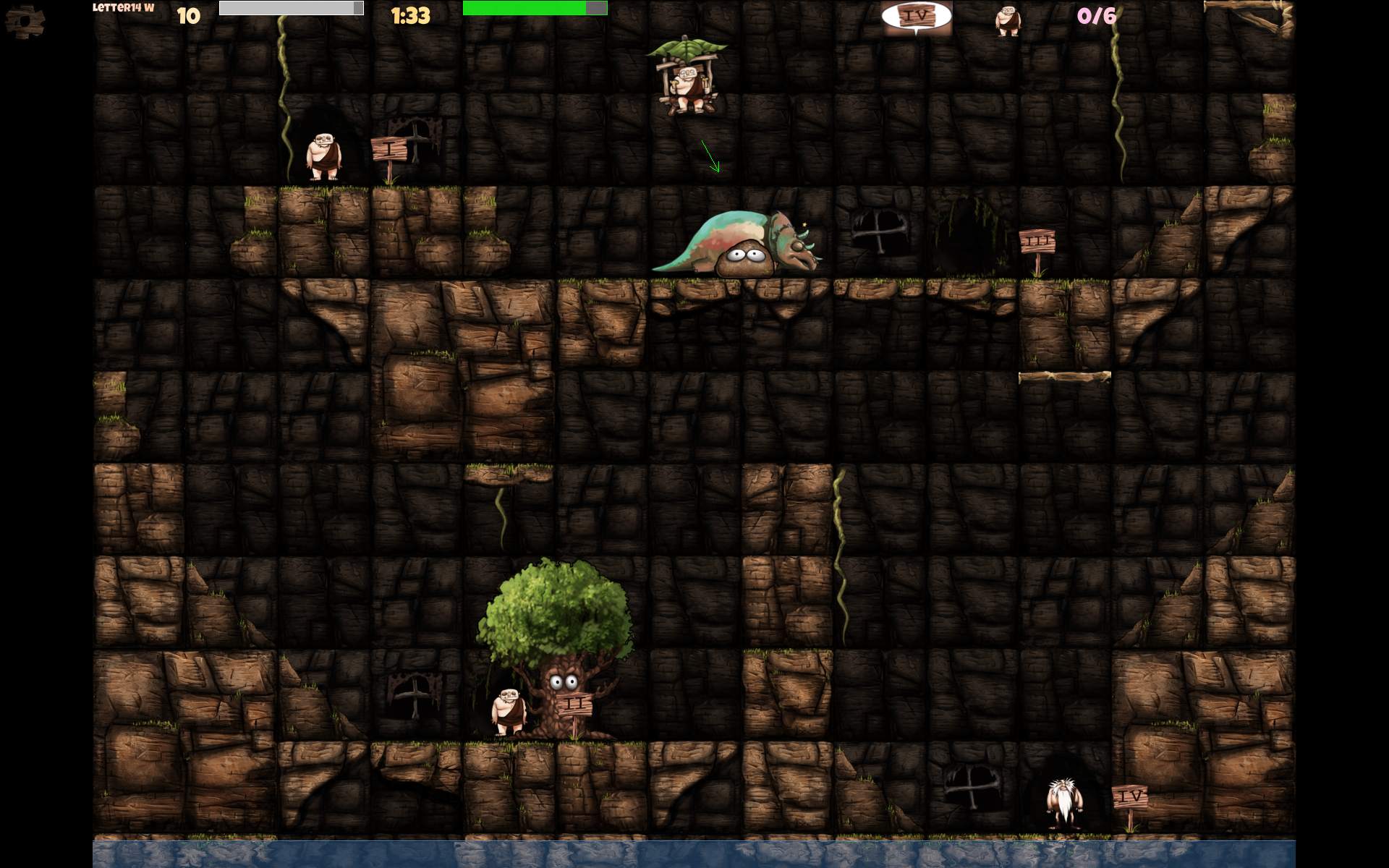
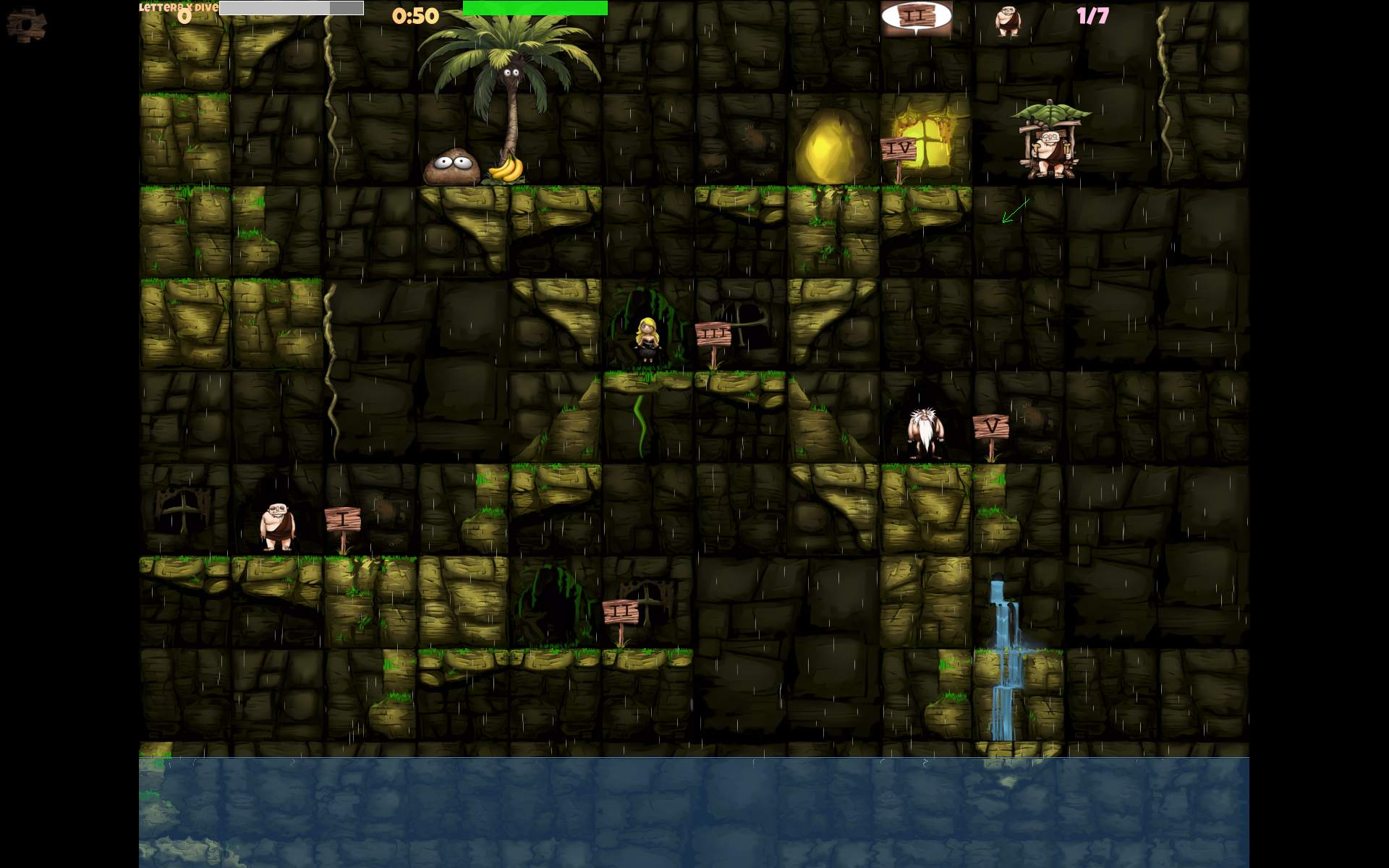
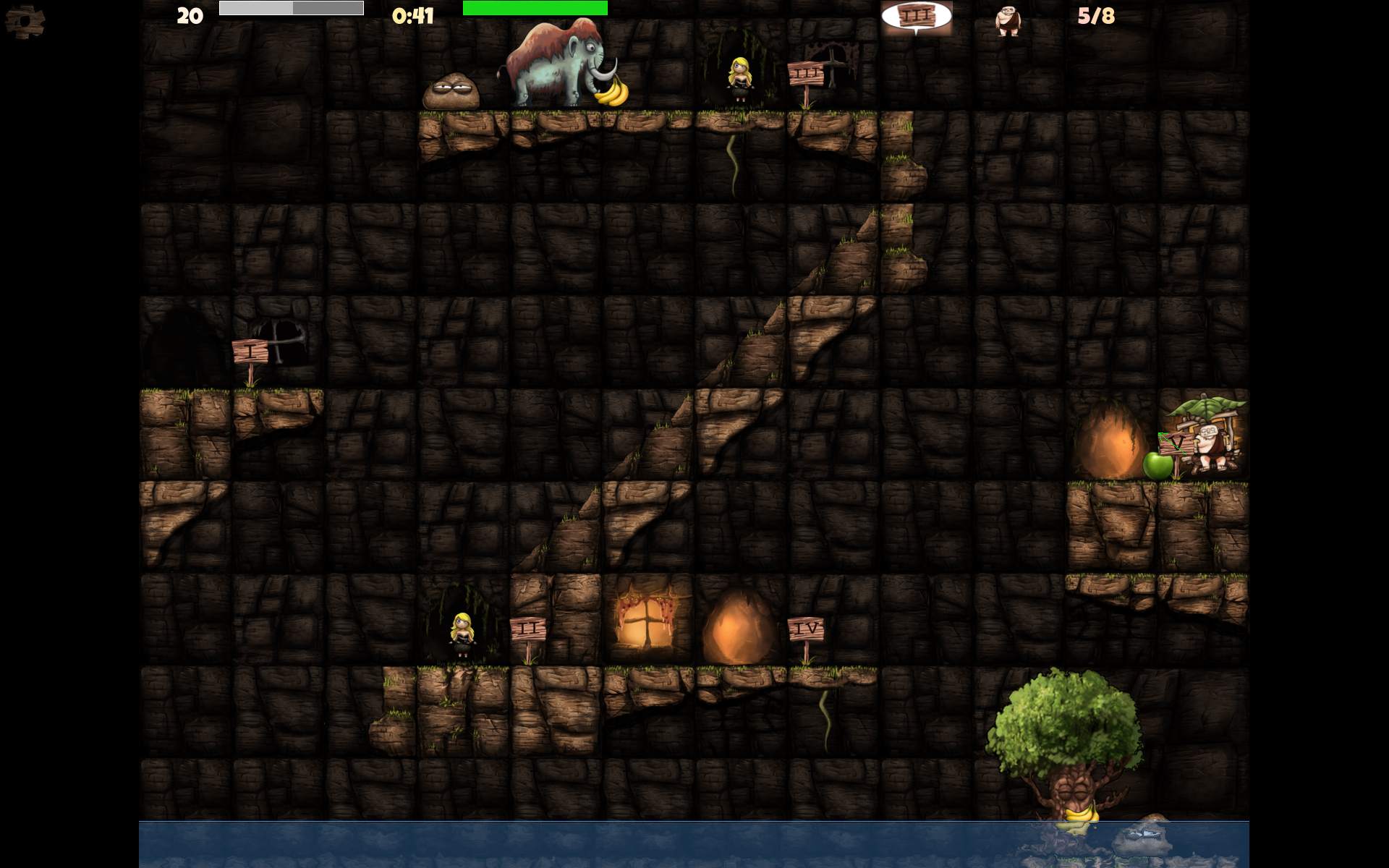
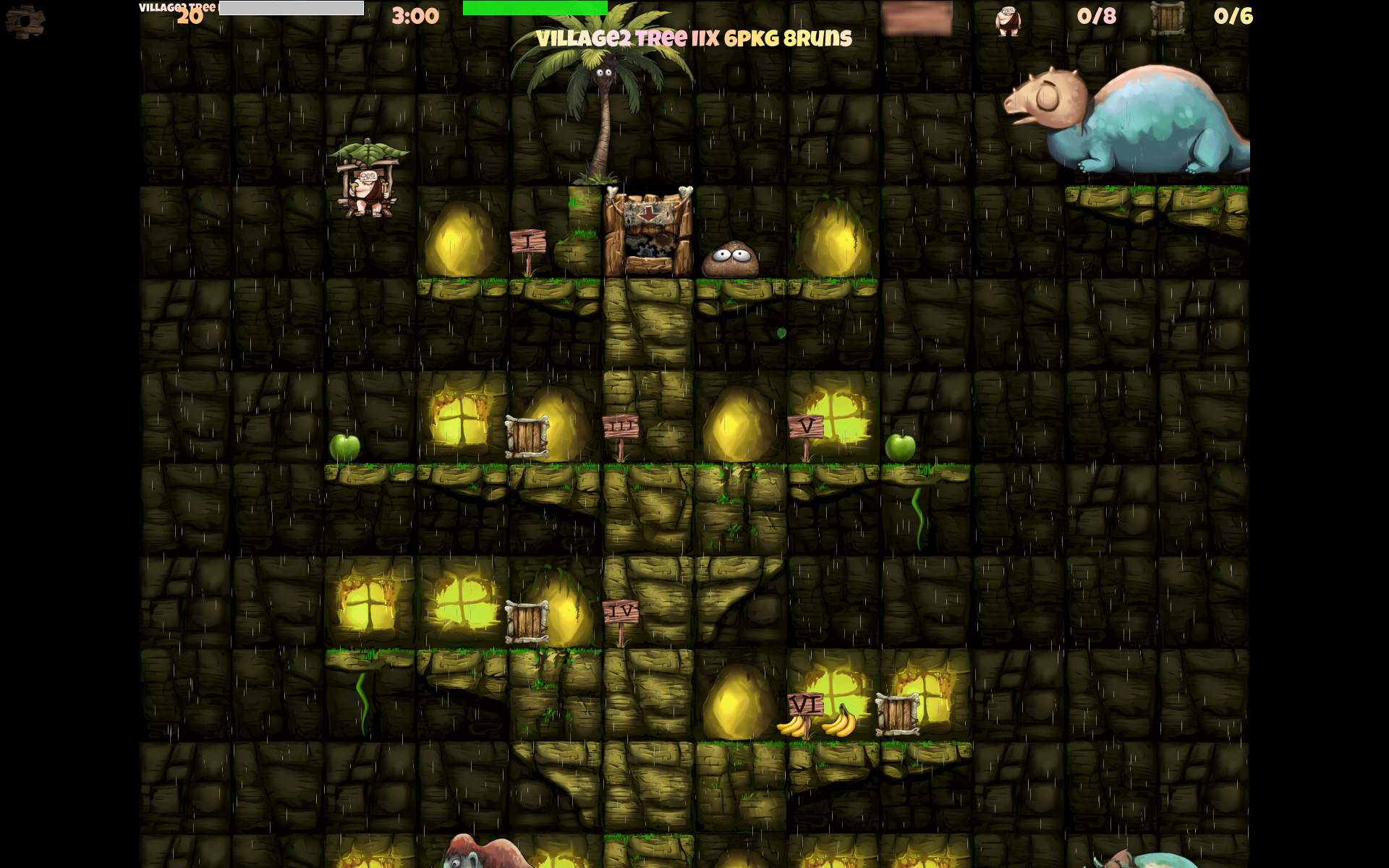
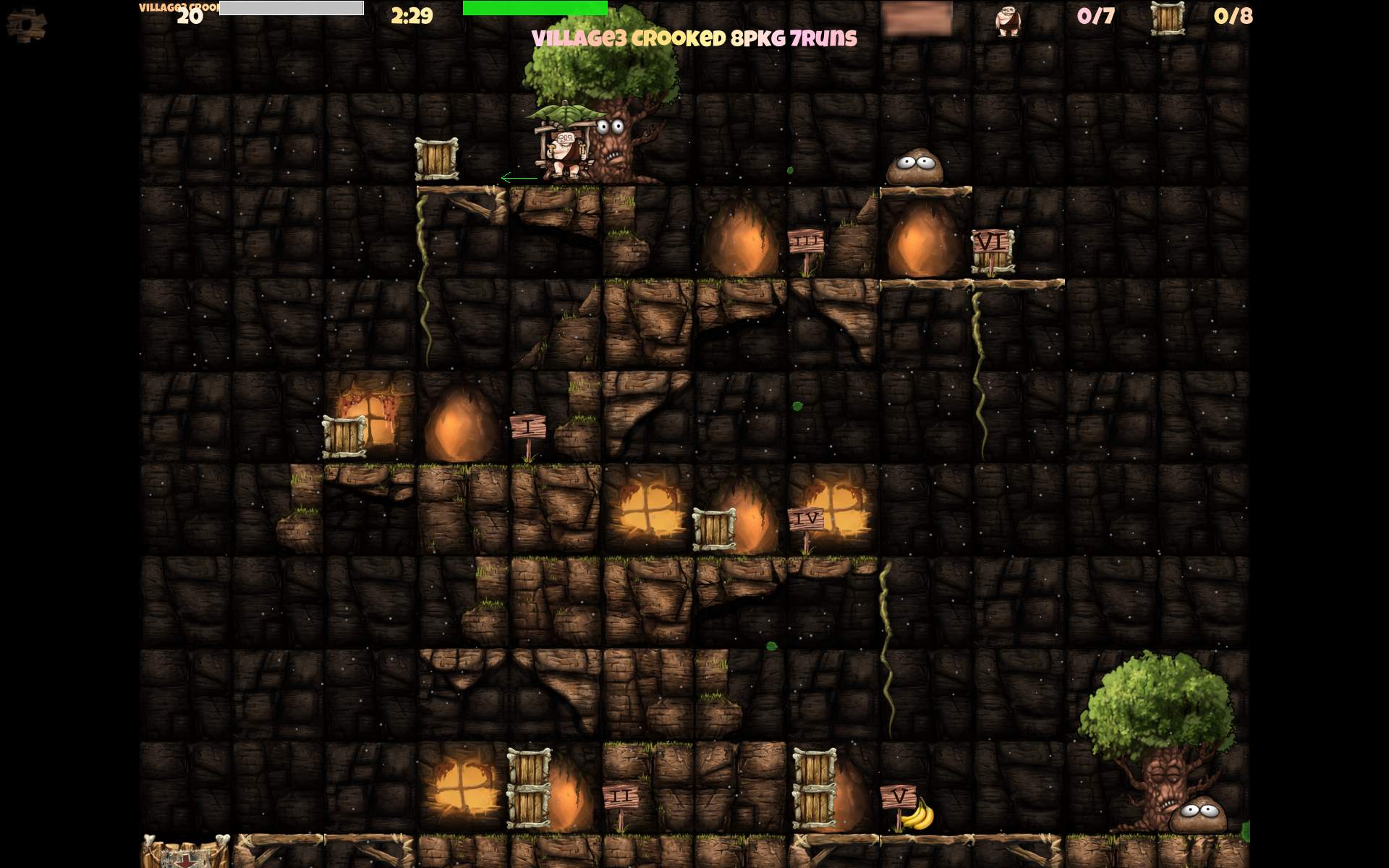
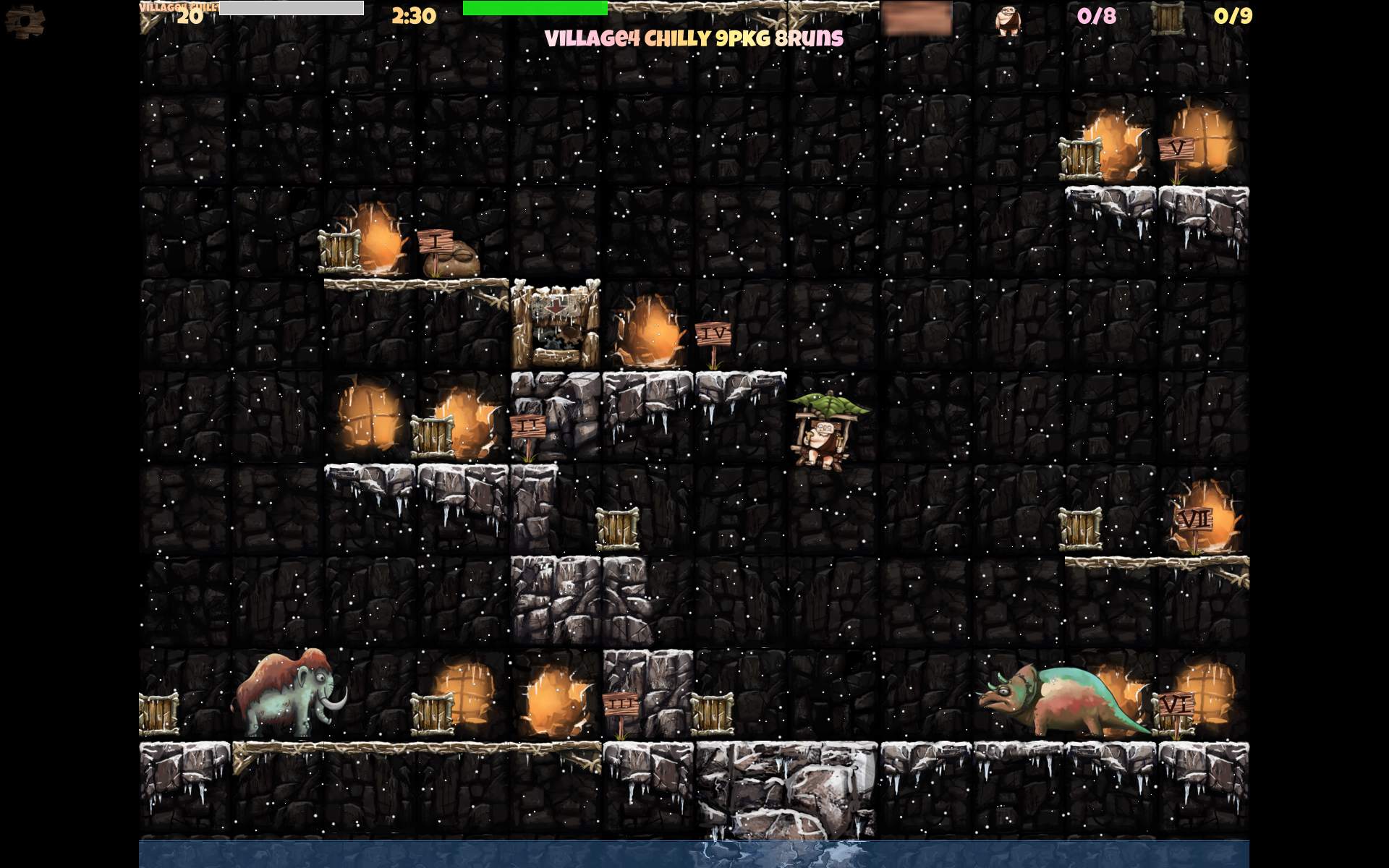
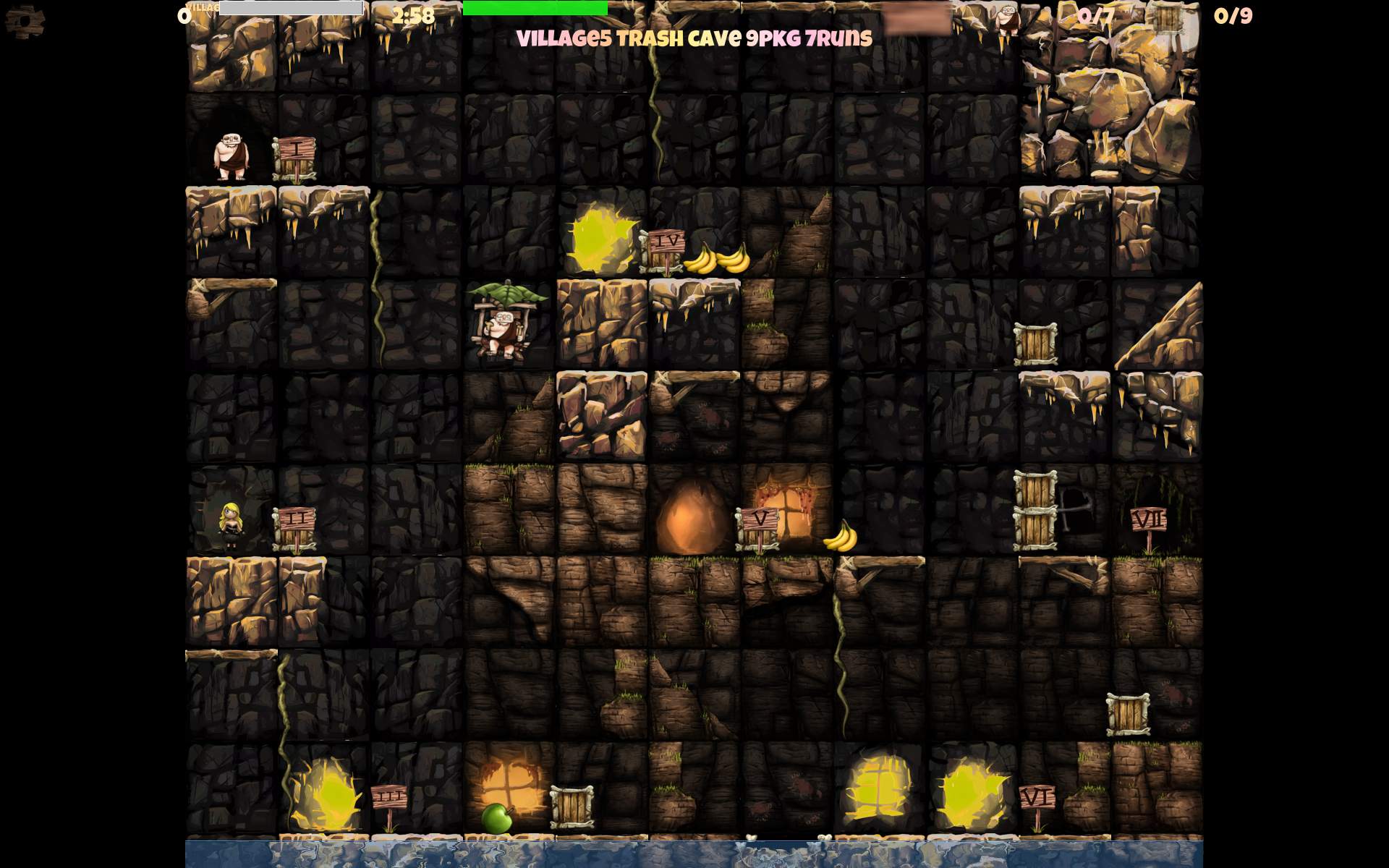
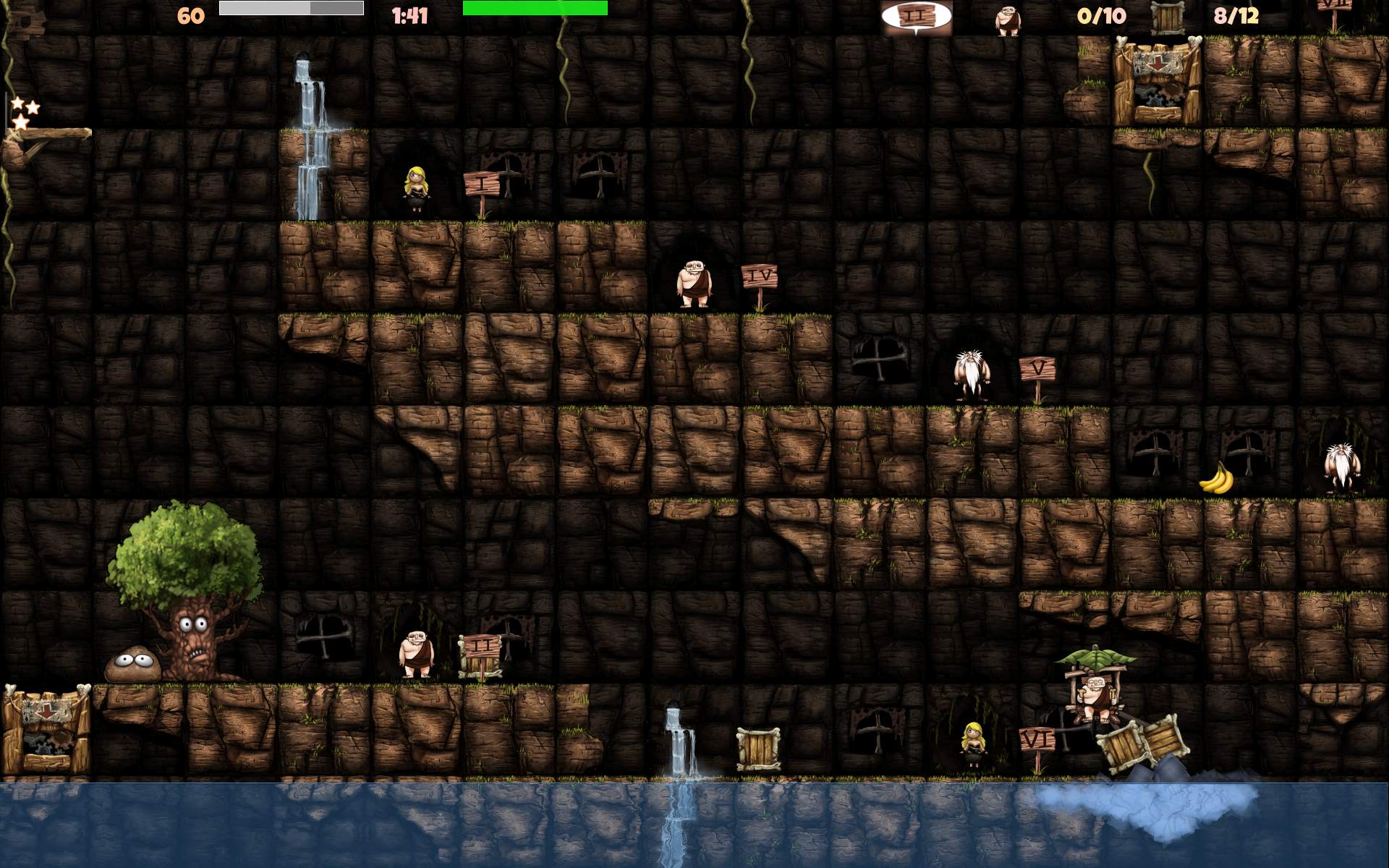
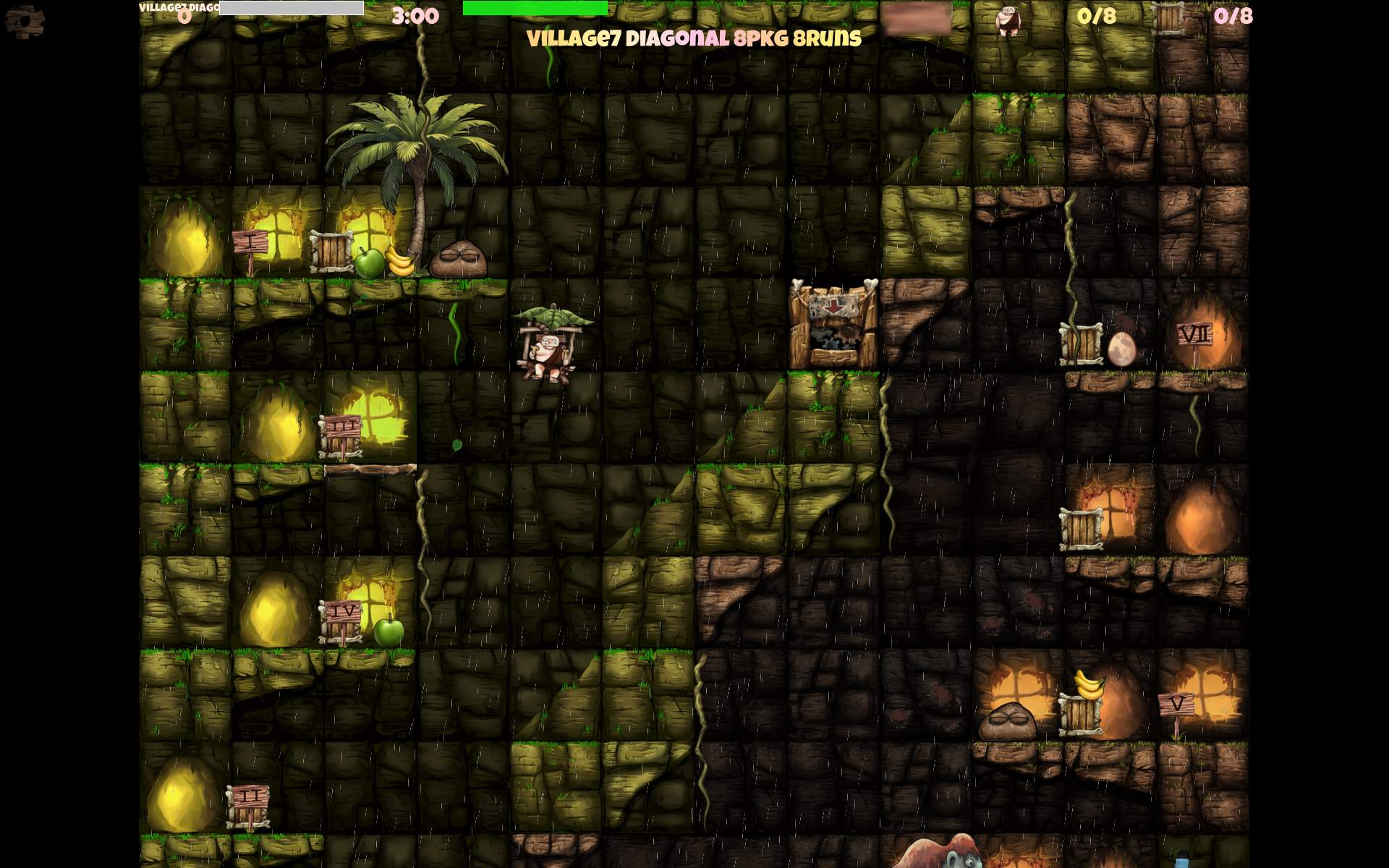
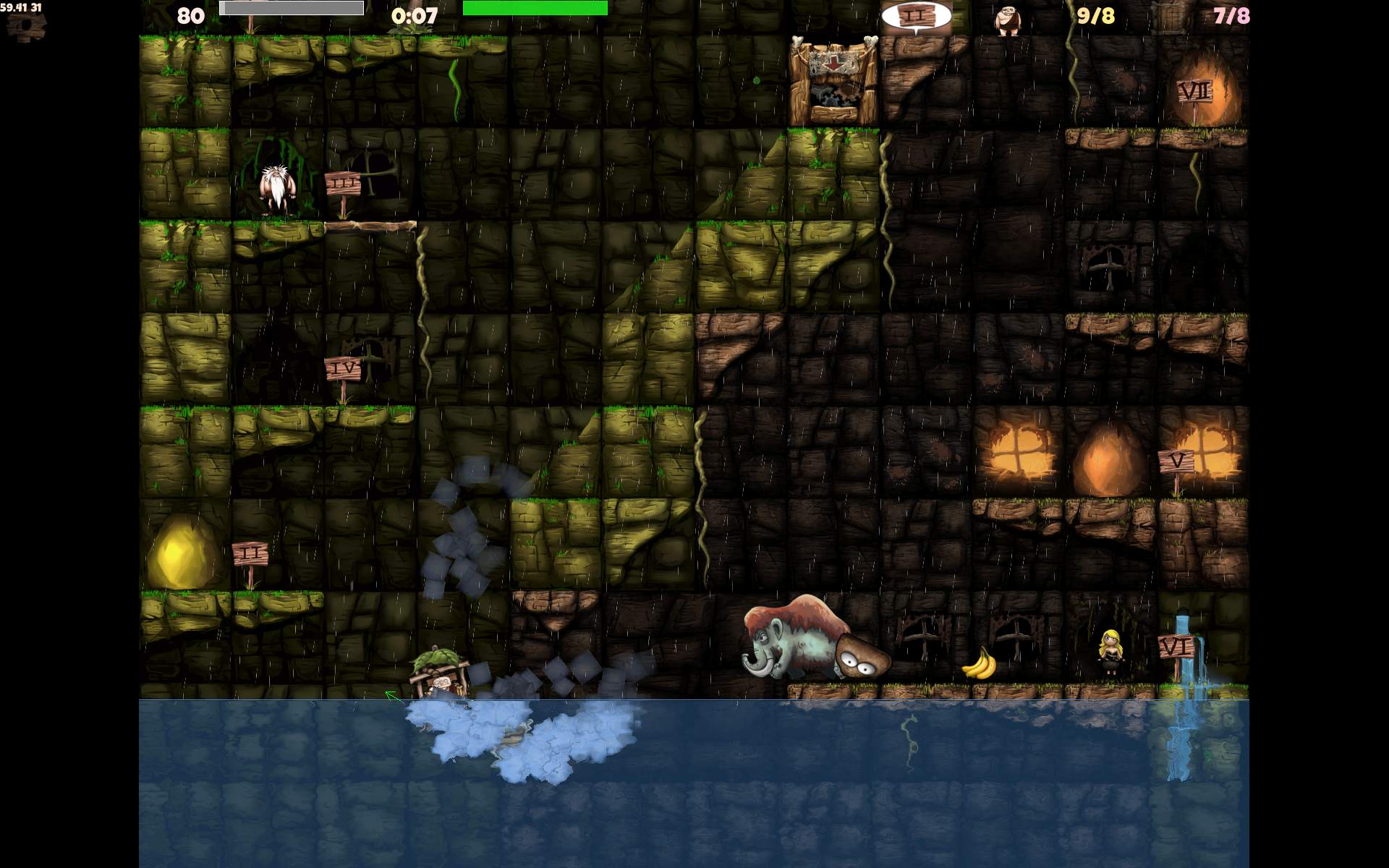
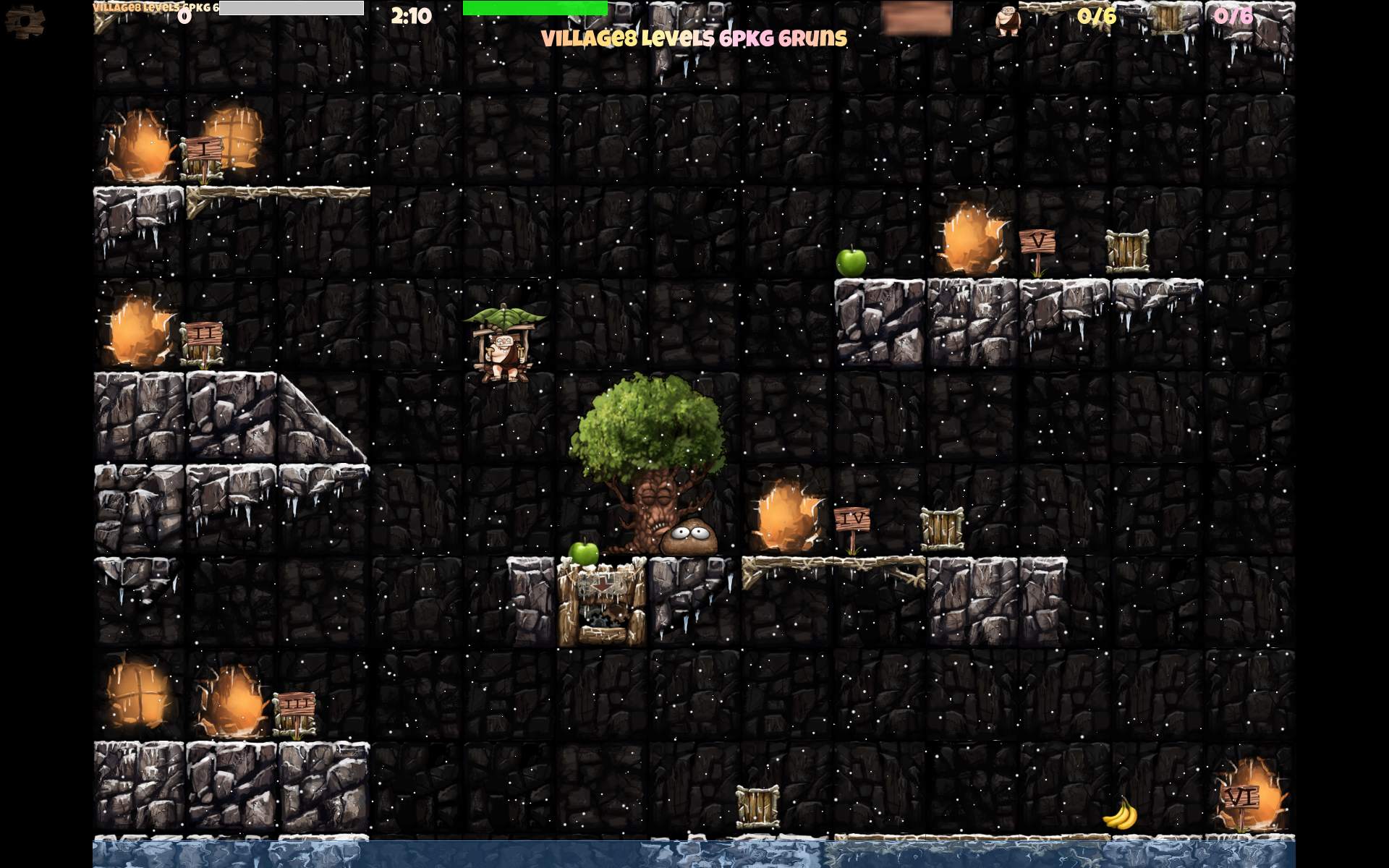
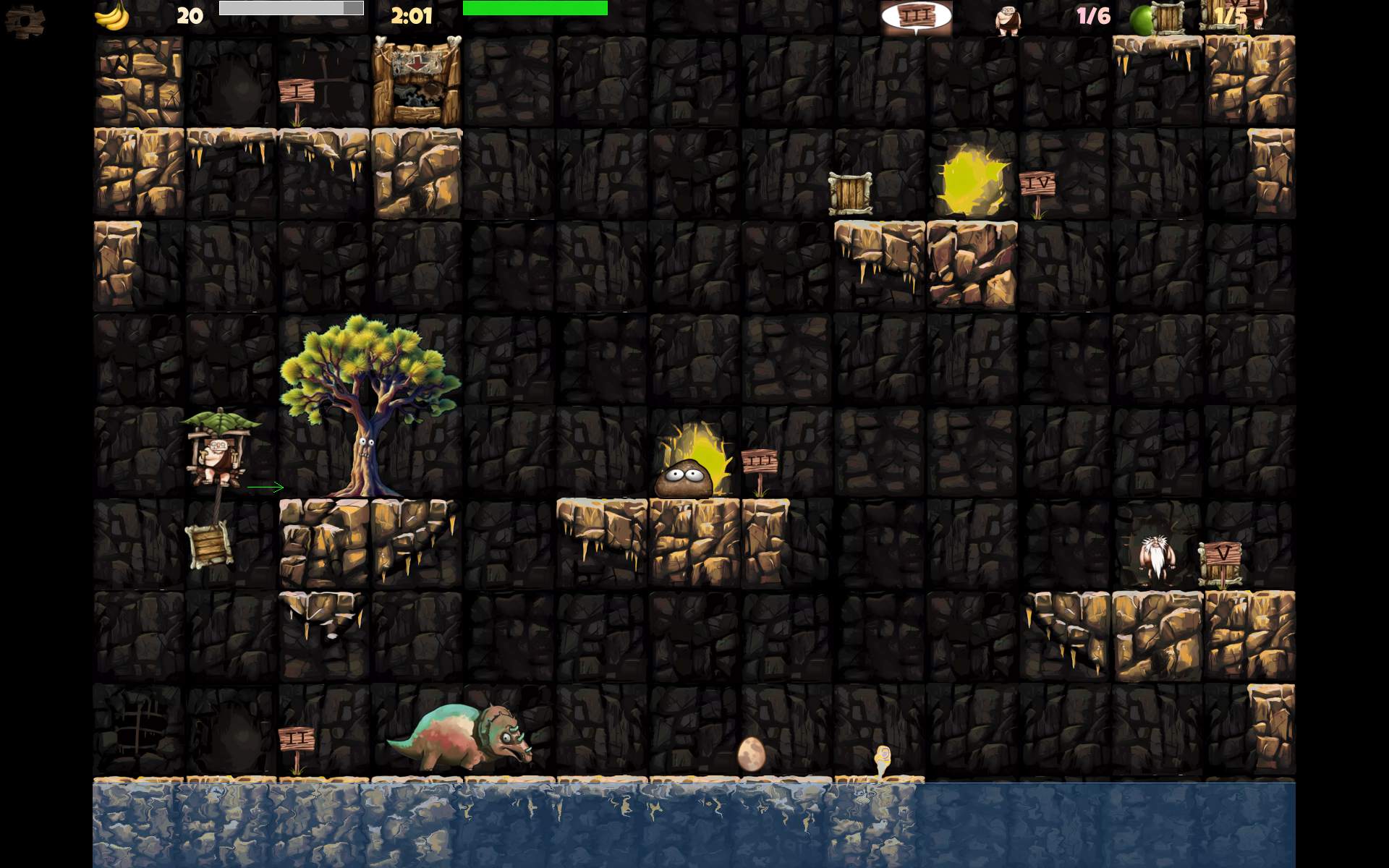
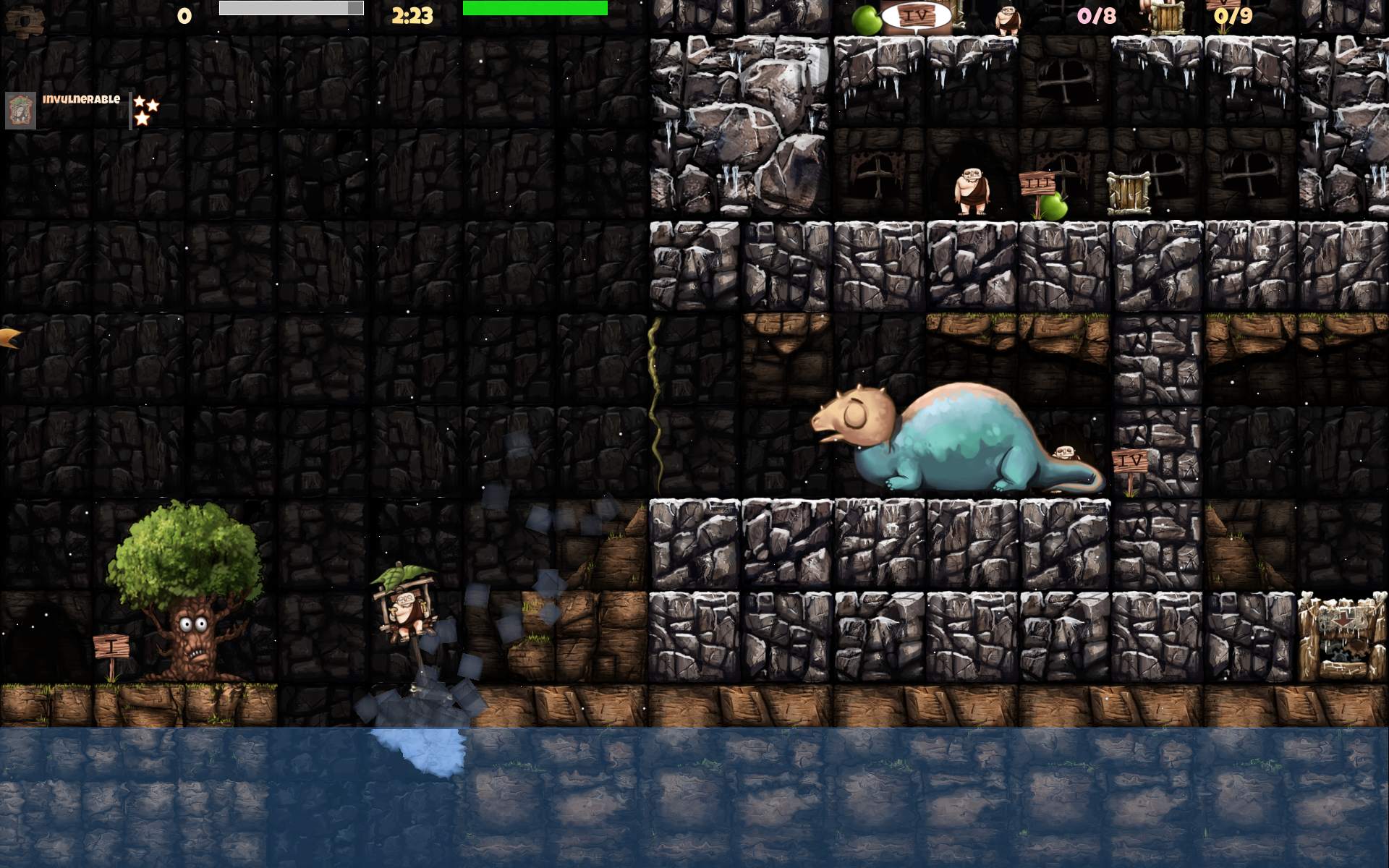
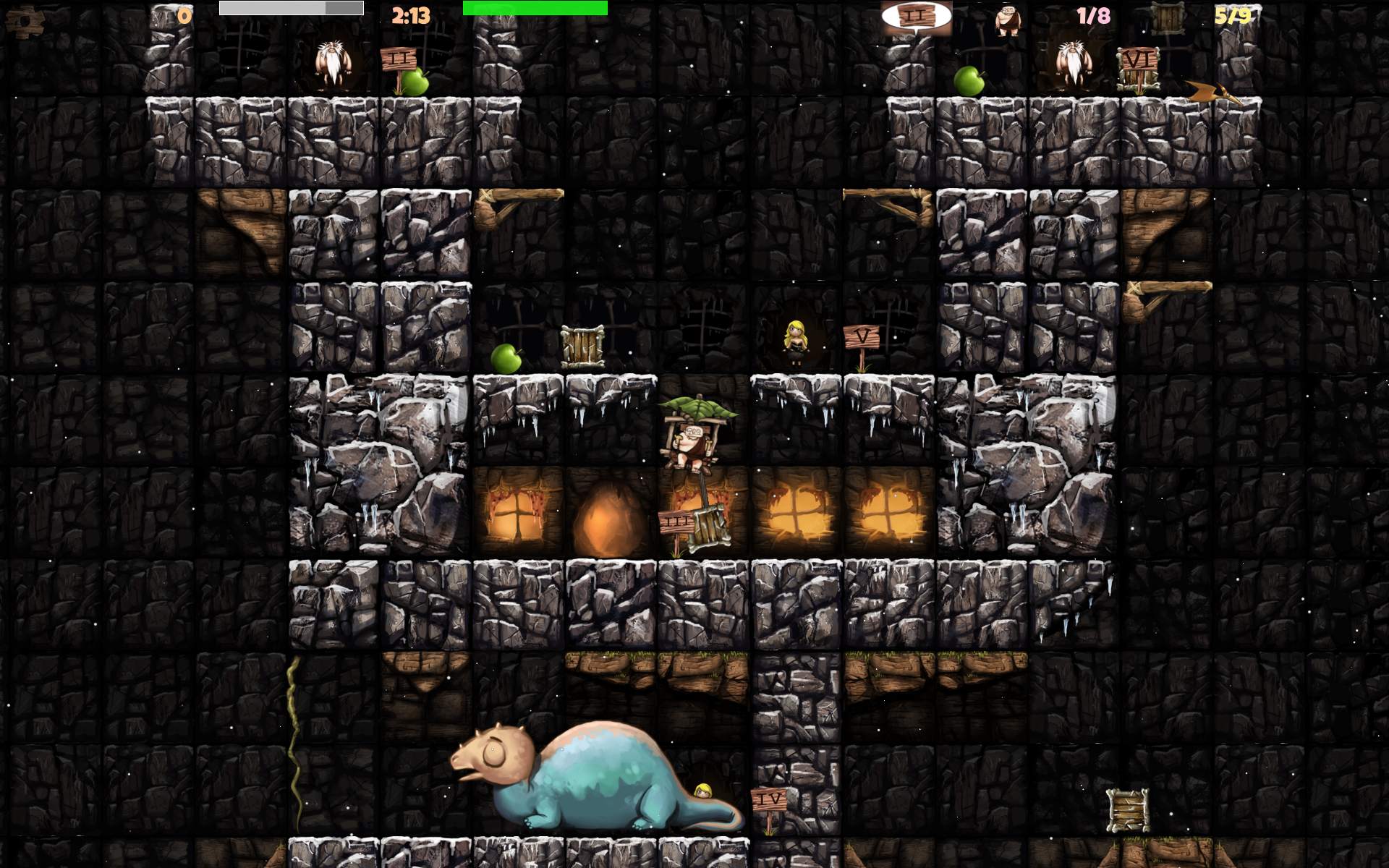
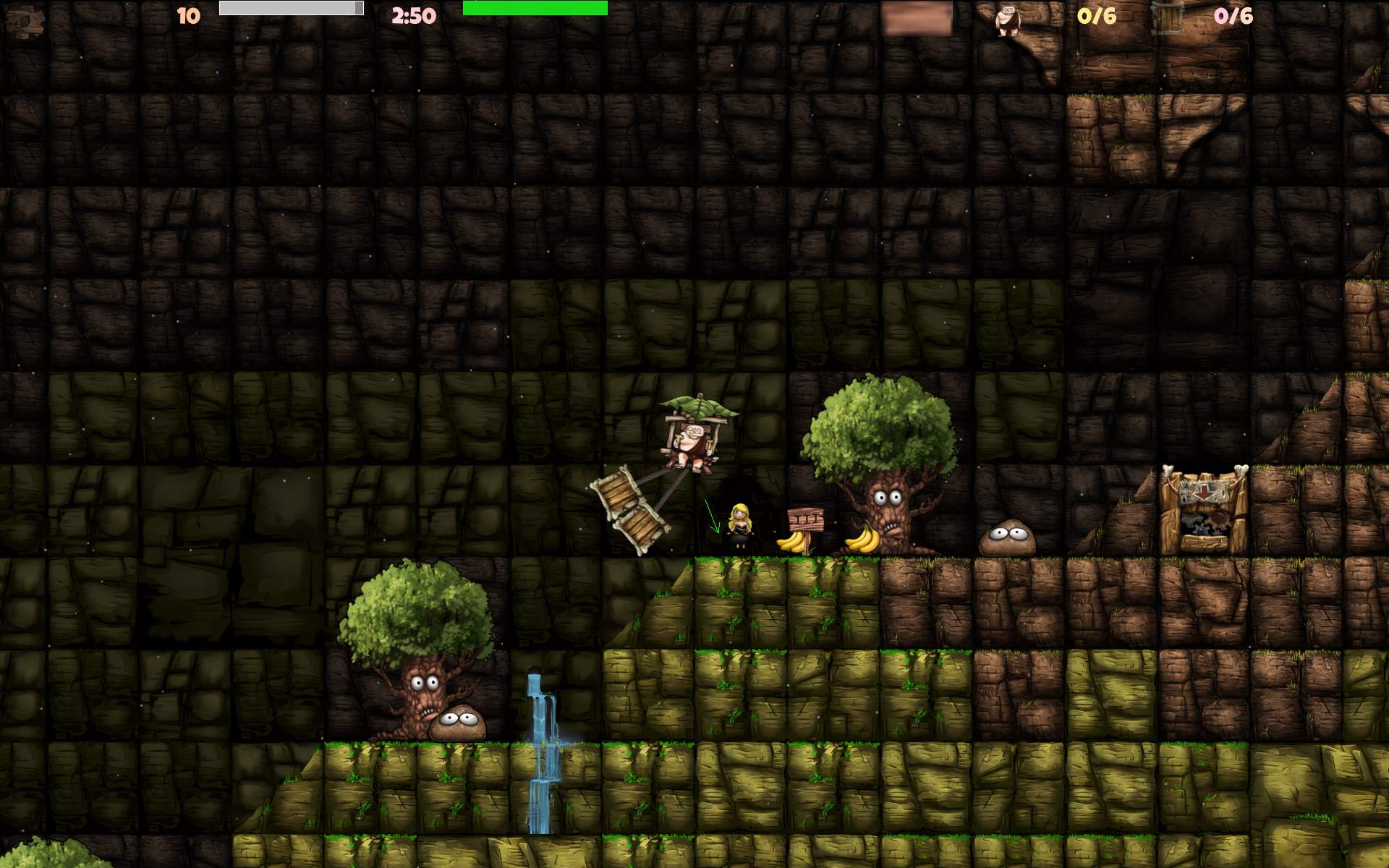
In 2025 I did contribute to CaveExpress. A nice 2D flying game. I made over 60 maps and many changes including gameplay and particles.
📂Sources
Located here. Changelog with mostly my changes for 2.6 here.
📜History
Long ago in the 90s, as a kid I did play the DOS game Ugh! until end and I liked it.
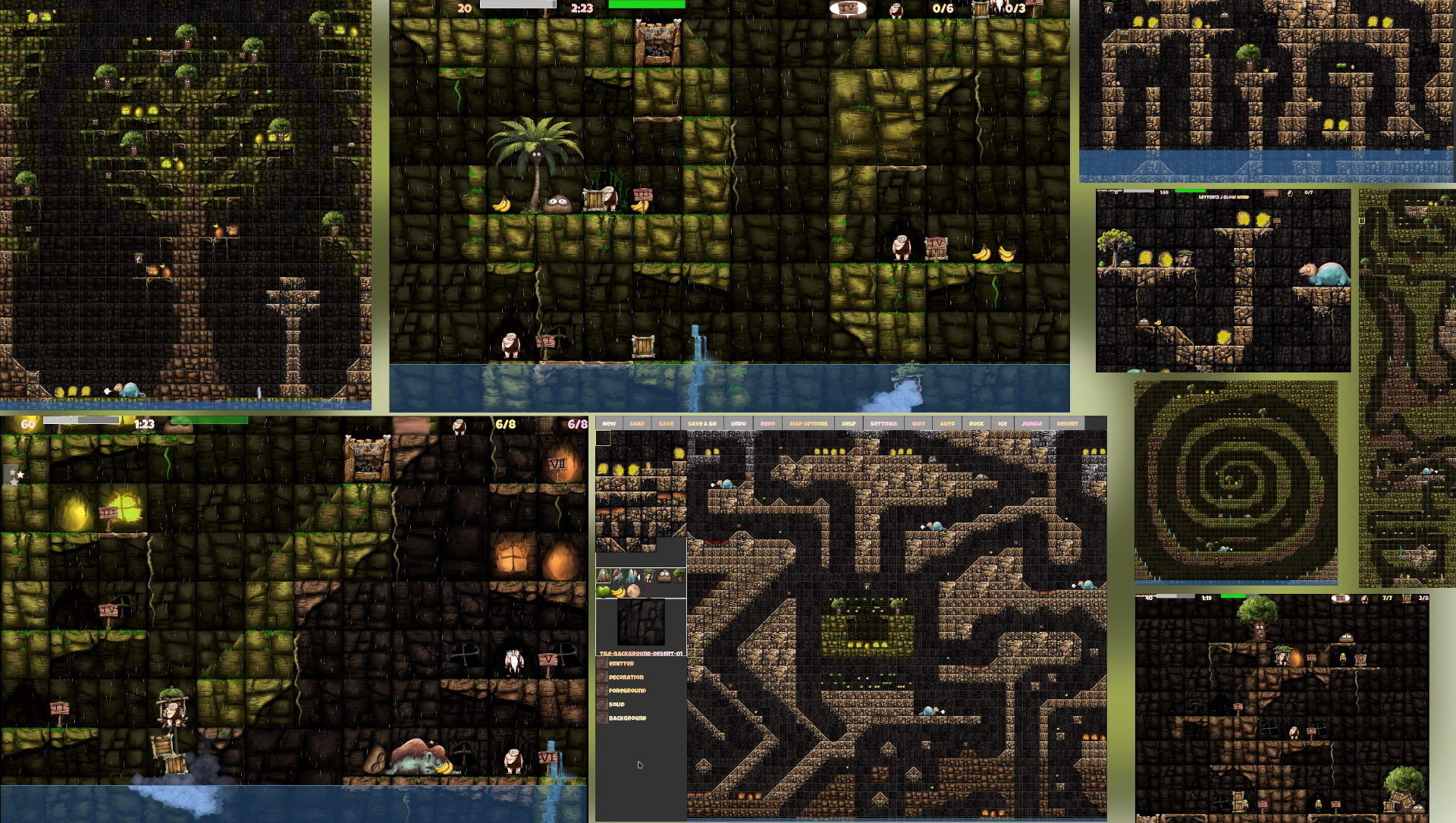
Still in the 90s I did program a simple box flying game with a sinus wave below, for 2 players. Hitting each other for score. It’s even visible here on 1st screen under VGA 320 x 200. I even did start programming something similar to Ugh, it was called by me: Fly&Ants (also on screen here, far right side, middle row). It was meant to be Ugh style, of flying in 2D, but with a fly🪰 (looked more like a cow), that would transport ants🐜 between huts on trees. Yeah, it didn’t last long, but was a very nice demo. It featured a couple of new gameplay ideas: a cloud with rain🌧️ that pushed down, it had a thunder with lightning🌩️ sometimes, that could hit player. You could dive under that tree. And there was a new fountain⛲ with many particles. Including a type that was auto aiming at player. It did push away and you could float when directly over it. Also made scenery wet.
📝Motivation
In 2015 I played CaveExpress, probably not long after it was made. I liked it, but I missed more of the style of Ugh gameplay, and flying was slower too.
In 2025, after years of being busy developing Stunt Rally and making a break from it, I played CaveExpress again, it felt a bit short. And I realized I can improve many gameplay things. The game is available on smartphones and in web browsers. Thus I think it was easier and slower for playing on smartphones with touch. IDK, didn’t try, I don’t need or own any😁. This felt less playable for me on PC, and also when compared to old Ugh. CaveExpress also features this new gameplay with box packages, to fly them to crusher (target). It has about 90 levels with this type. But had just a few with the Ugh type of transporting people between platforms (called Taxi here).
🔍Details
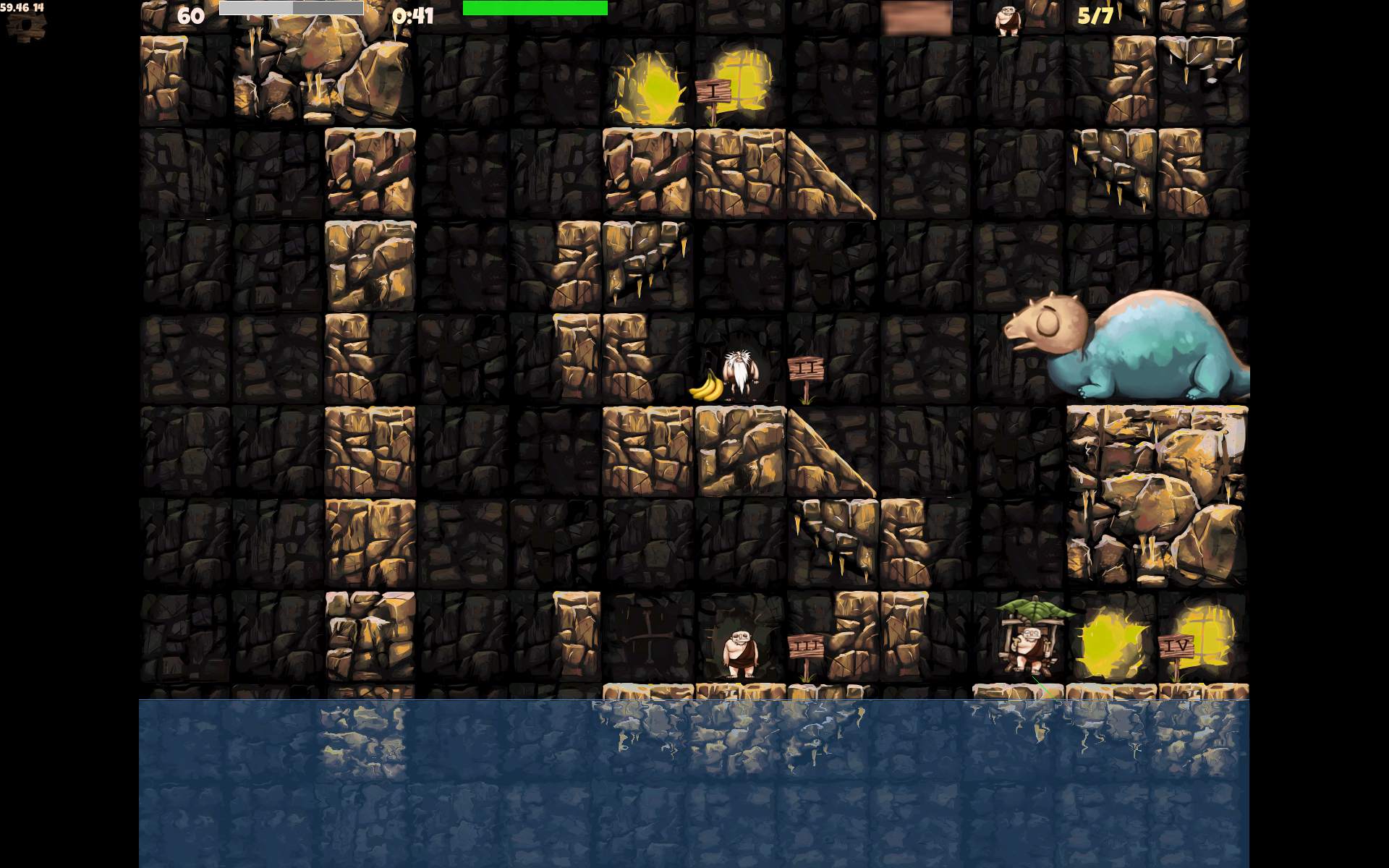
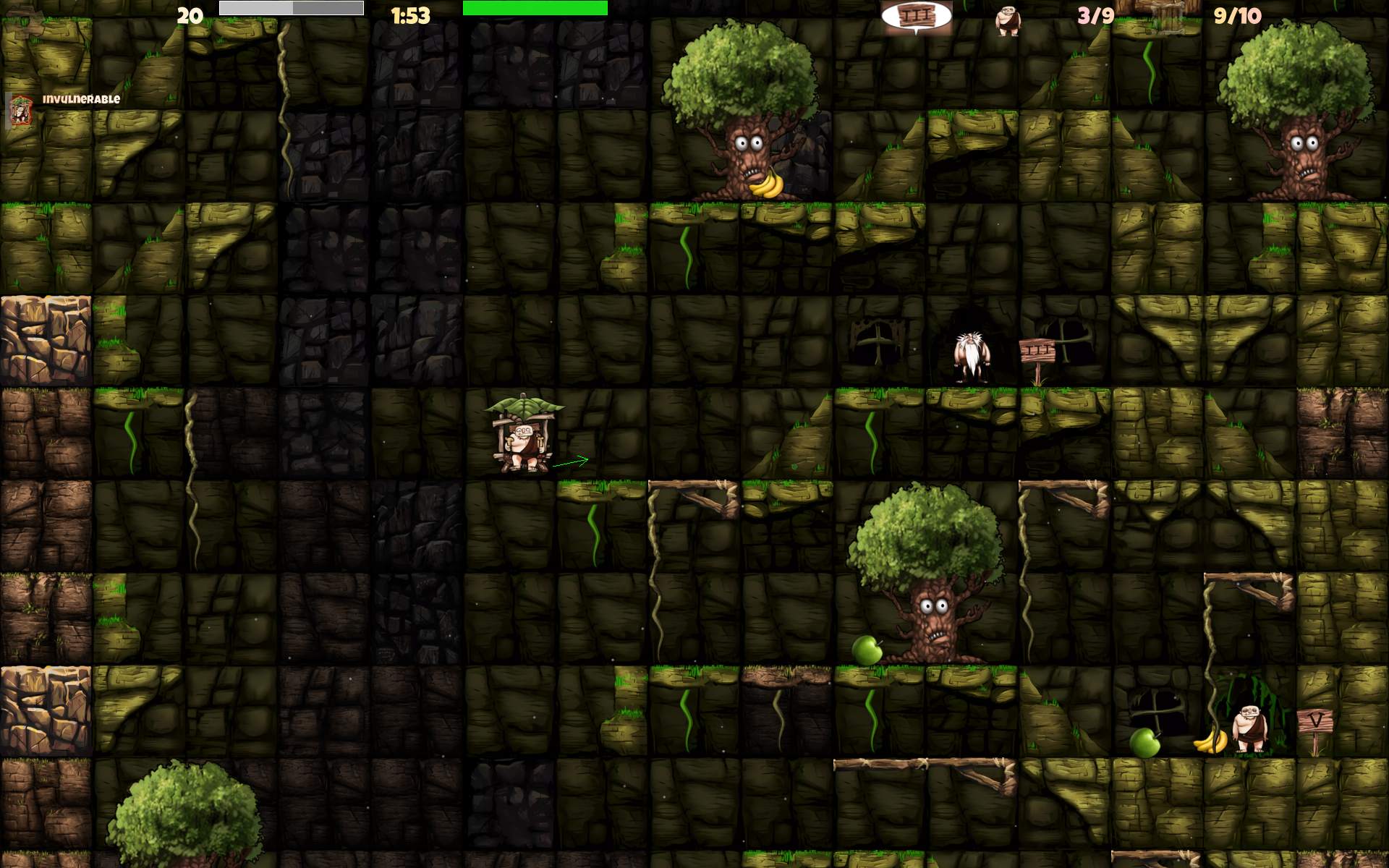
I first started by recoloring the existing Rock and Ice themes. IMO those were a bit dull and lacking color. I used Krita with many color or Hue curves. I didn’t know if it will be enough. But I did so turn brown Rock into green Jungle and gray-white Ice into orange Desert.
I looked around source code, to change gameplay to faster, and started committing a lot of changes into my fork. I think I did make first PR with those 2 new sceneries. I saw some commits still, but didn’t know if after 10 years the original author will be still available or willing to change anything in the game. Yet it turned out great, even better than I expected. We quickly got into discussion and I did finish many changes this way, which went into original project repo. I also did a few bug fixes.
Details are in changelog at end, almost all (for 2.6) are my changes. I did make some smaller and nicer particles for snow weather, rain, wind, etc. I think less particles were meant for smartphones, but on PC having way more is not a problem and looks better.
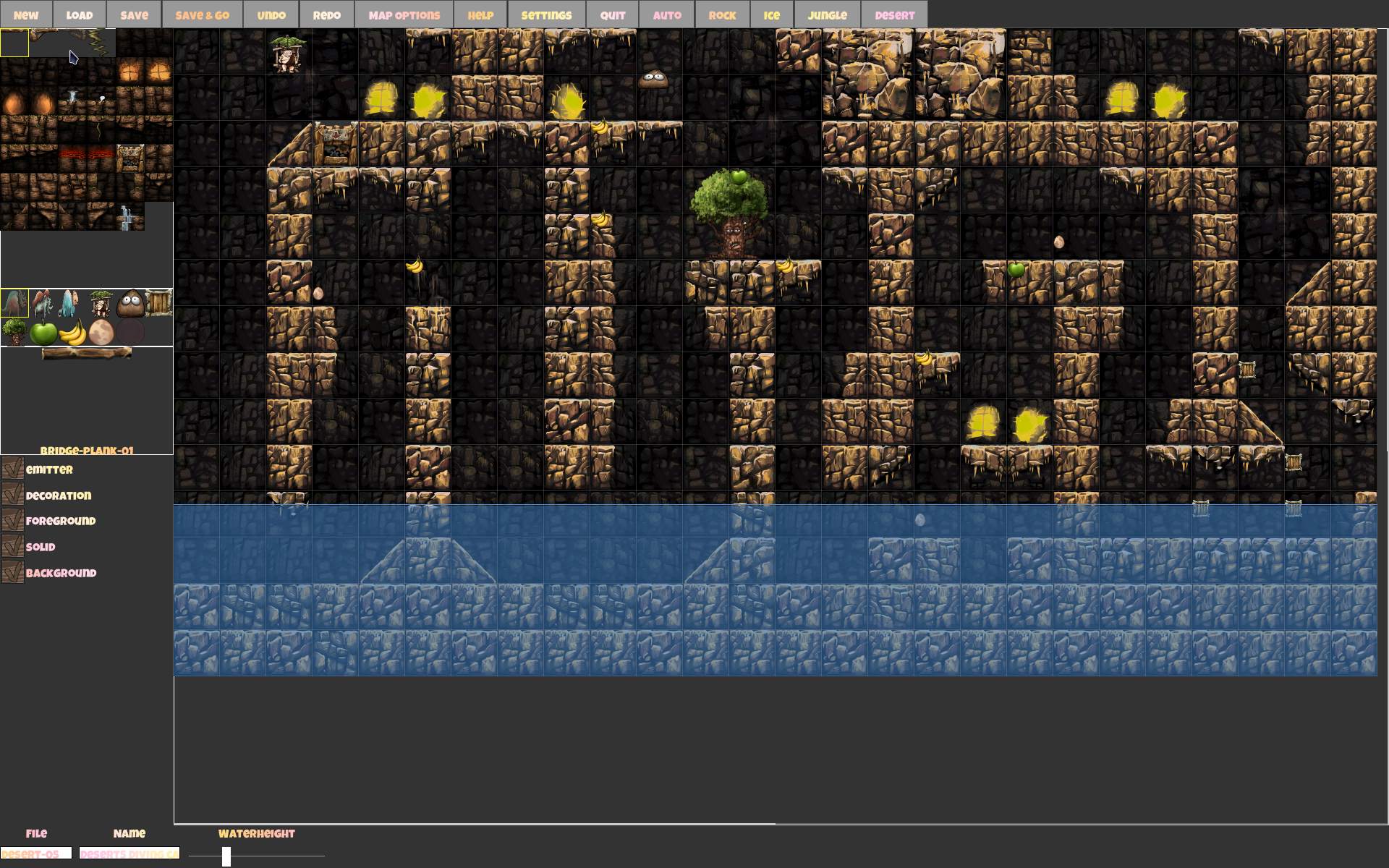
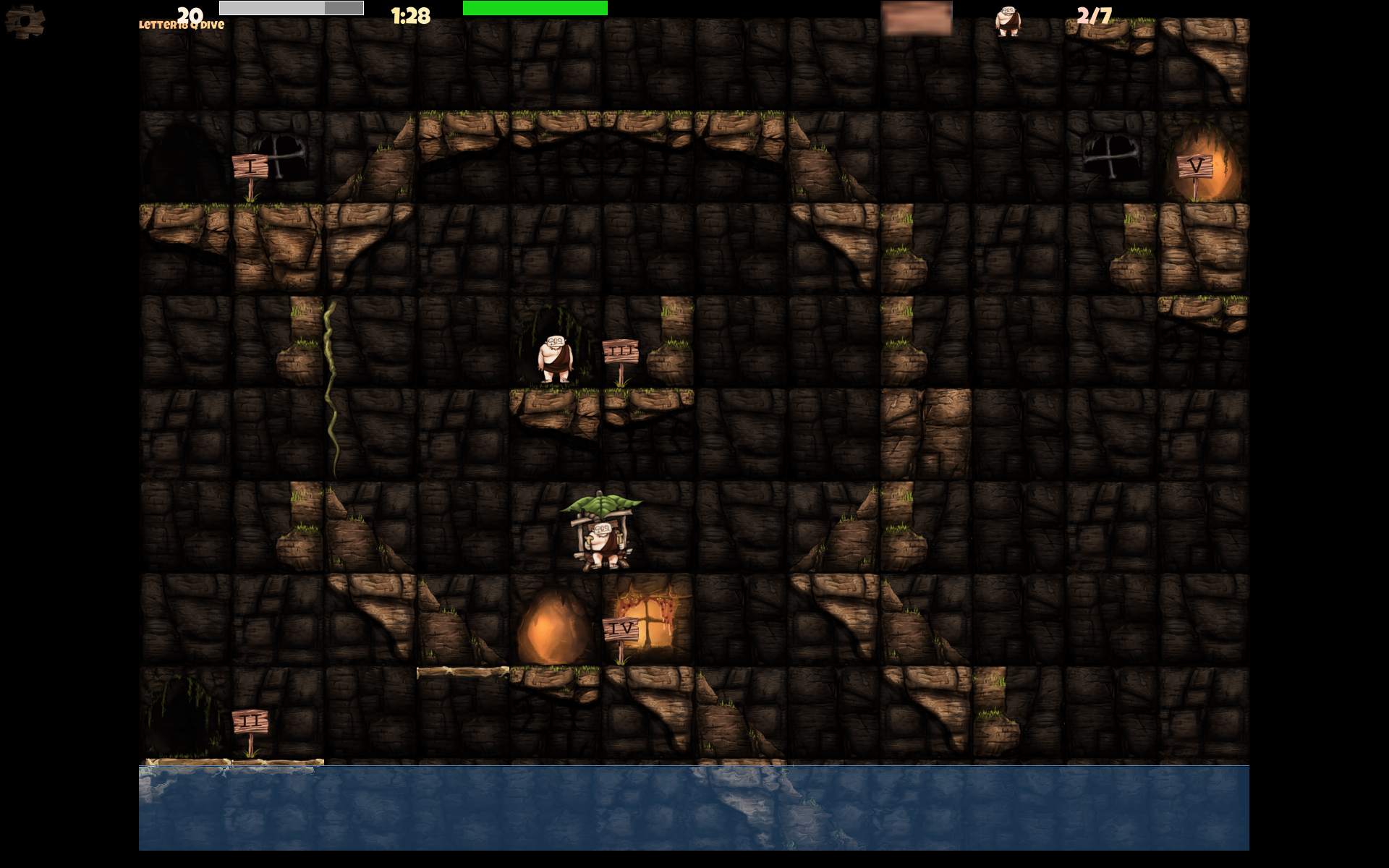
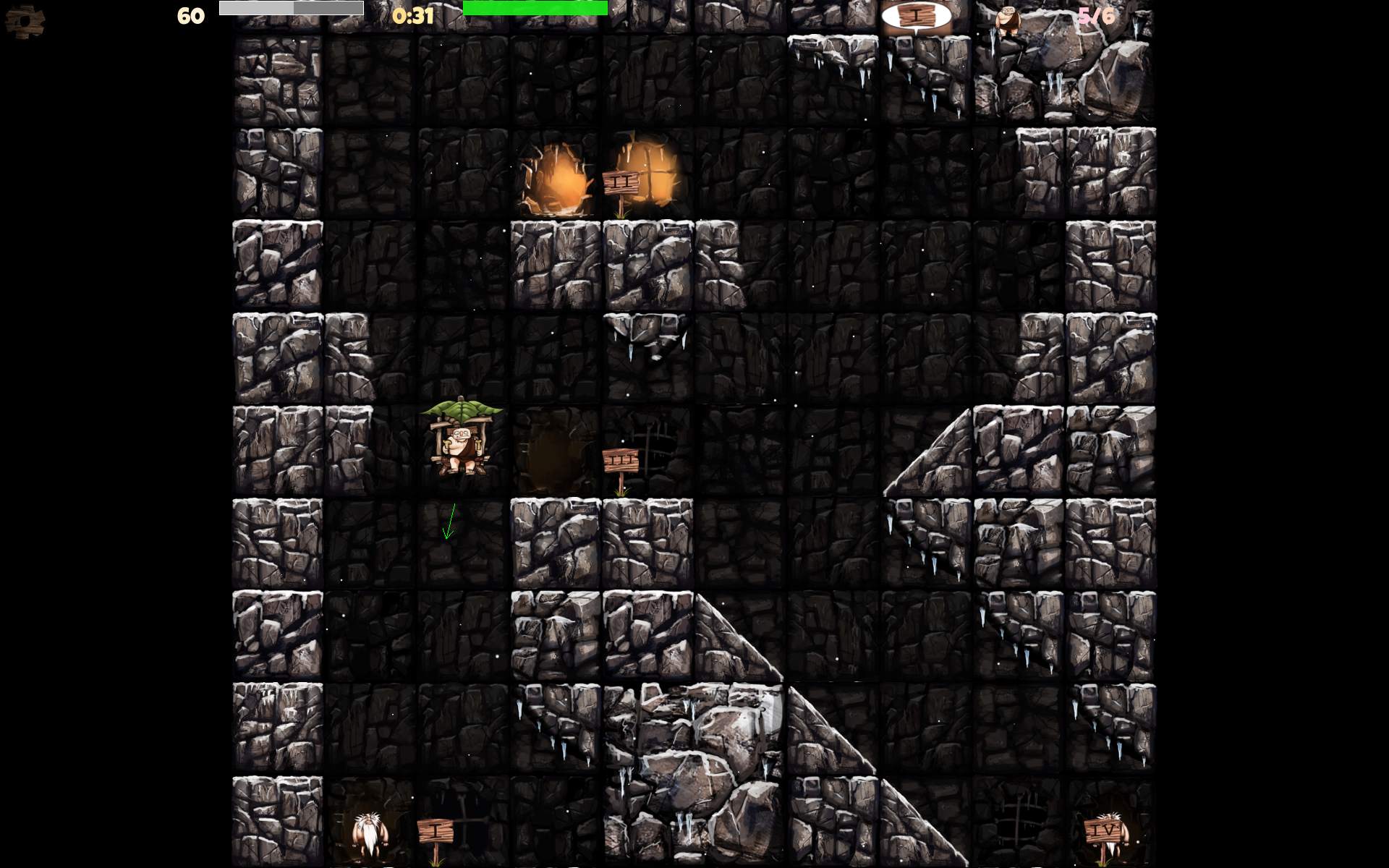
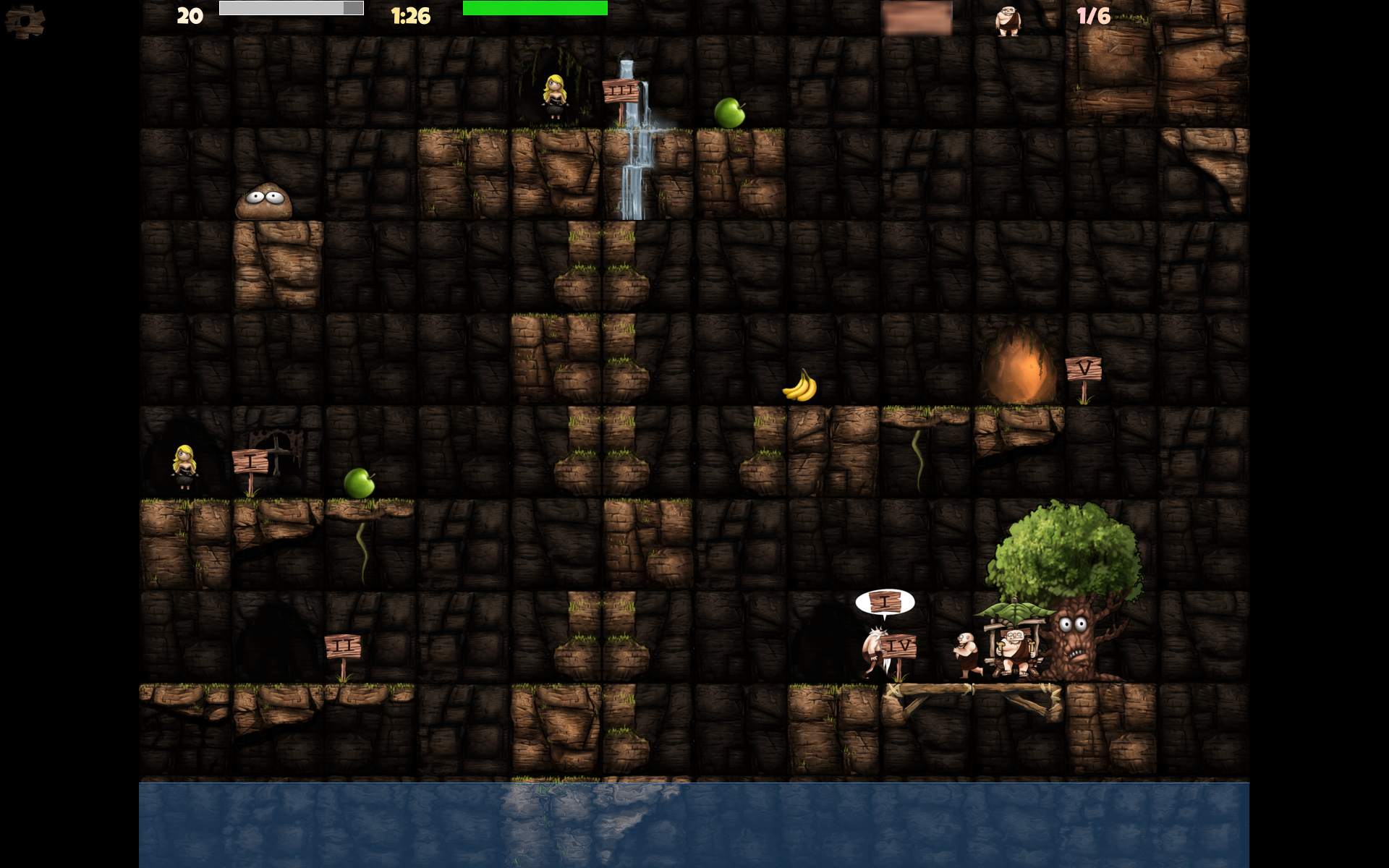
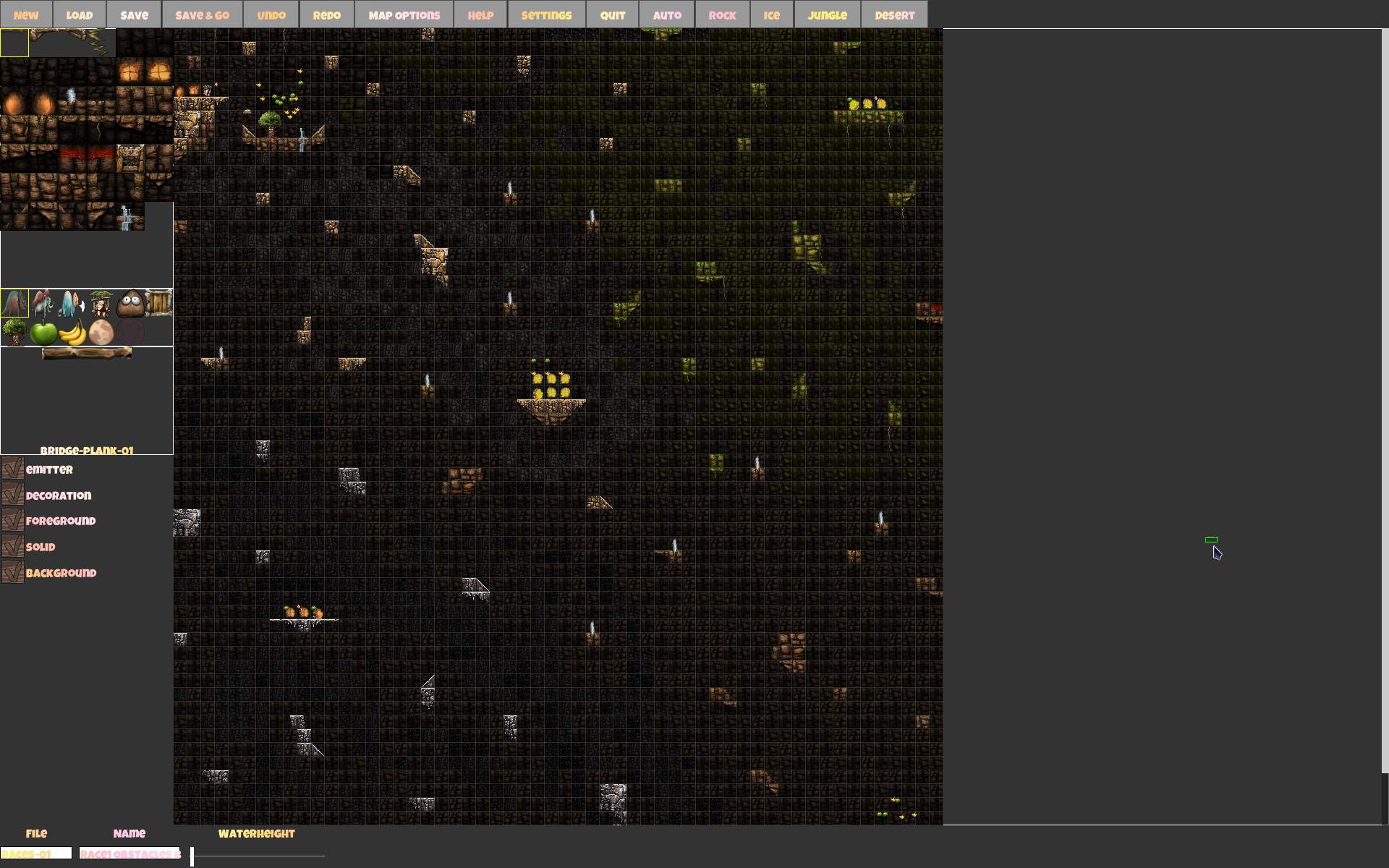
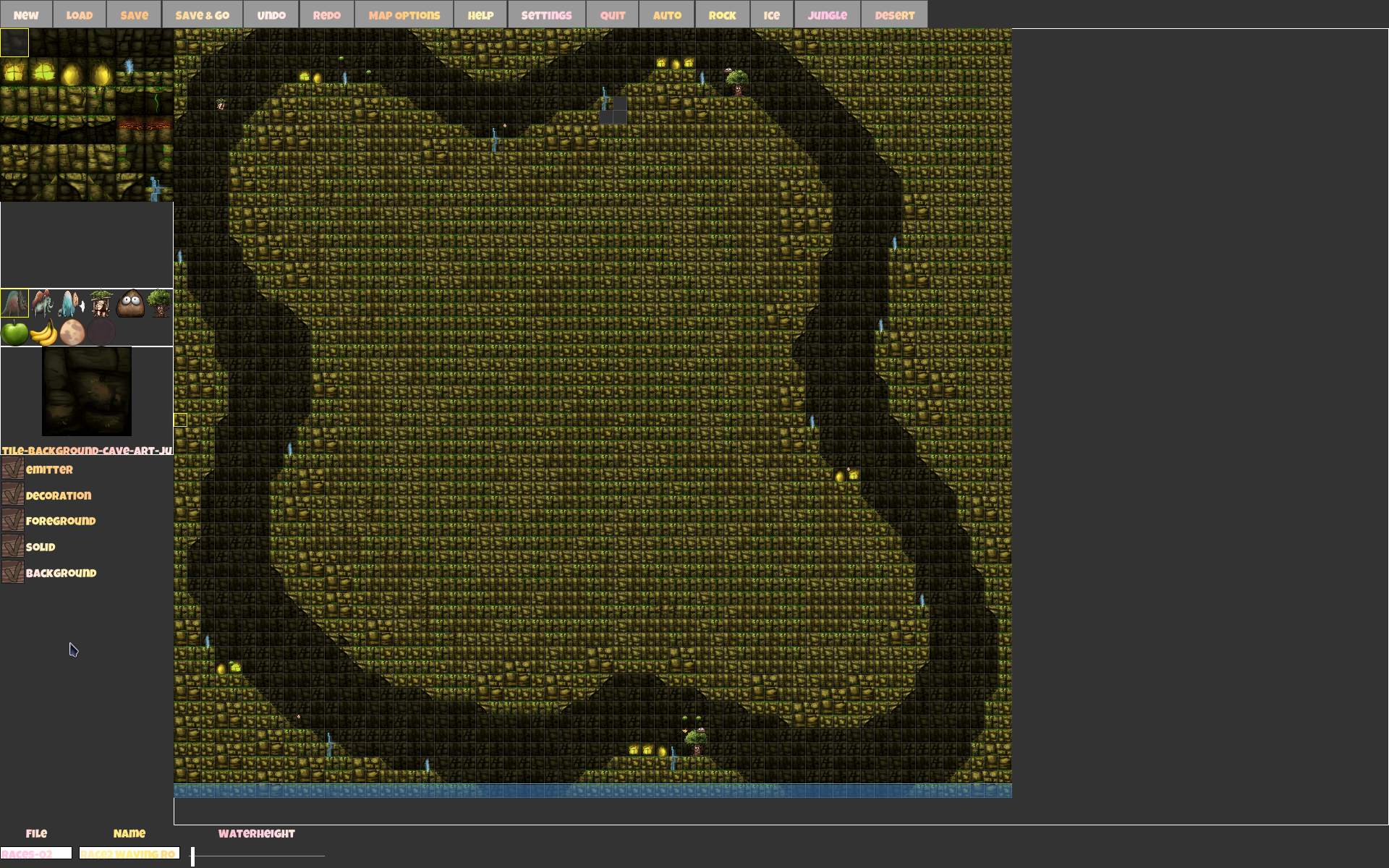
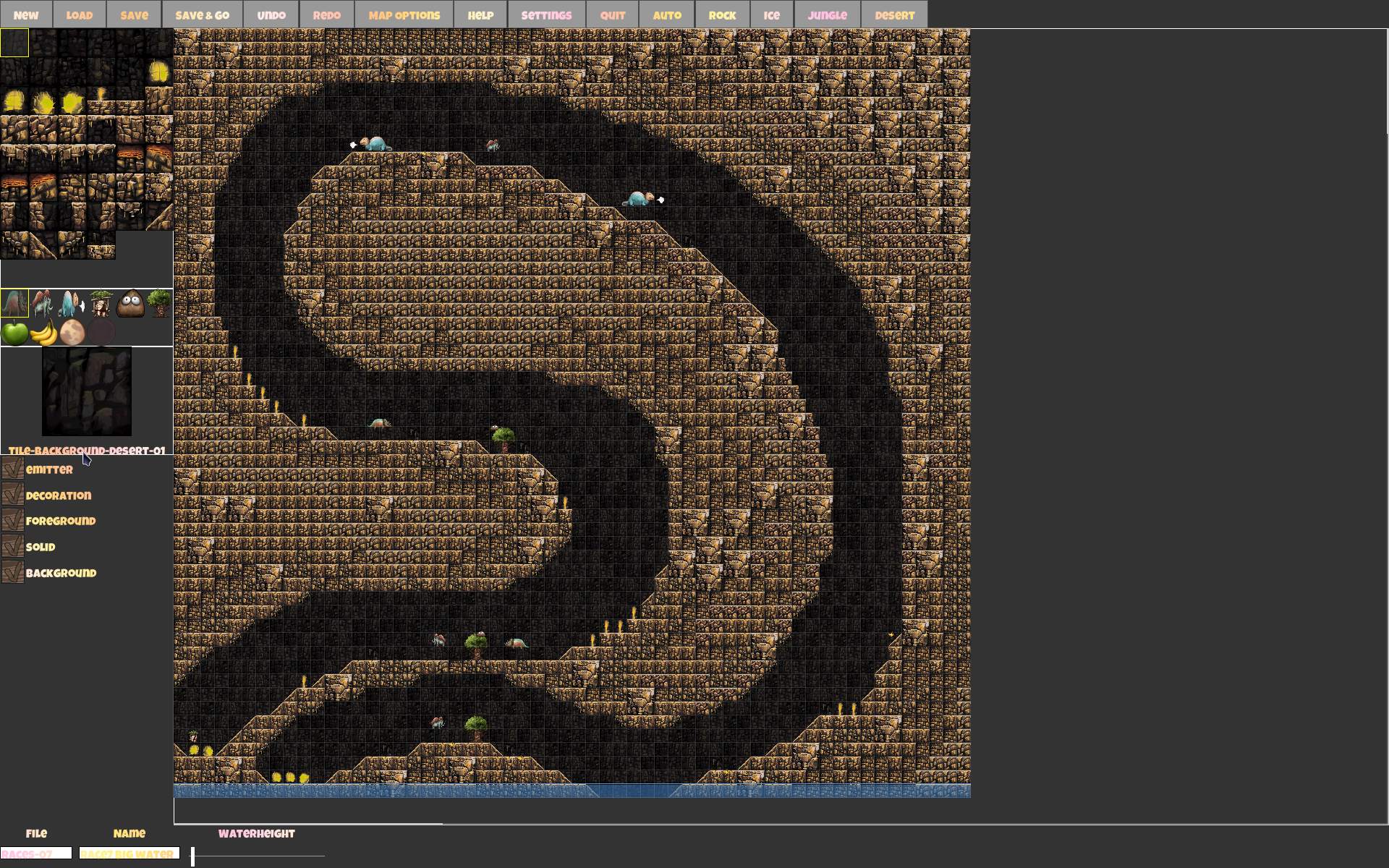
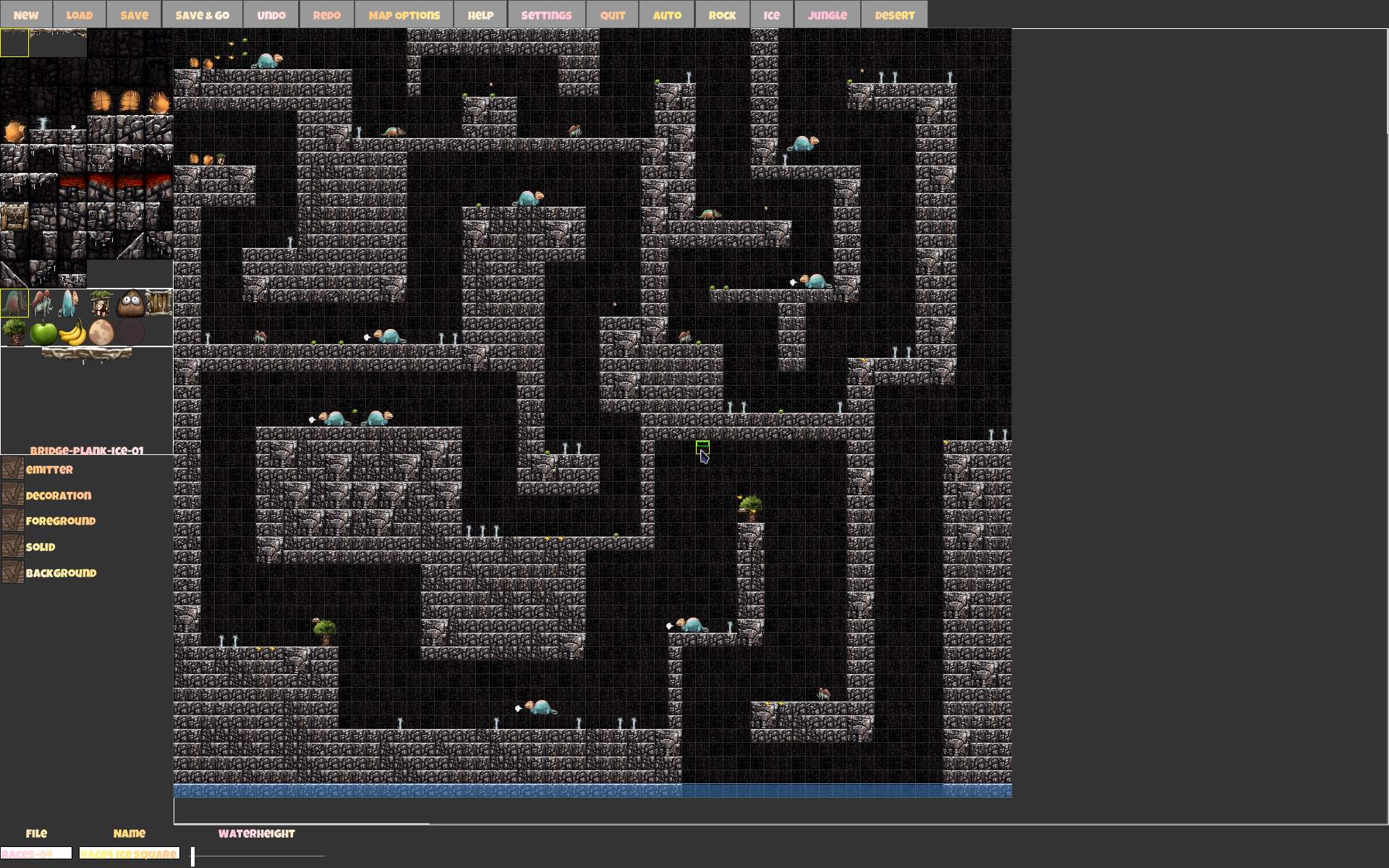
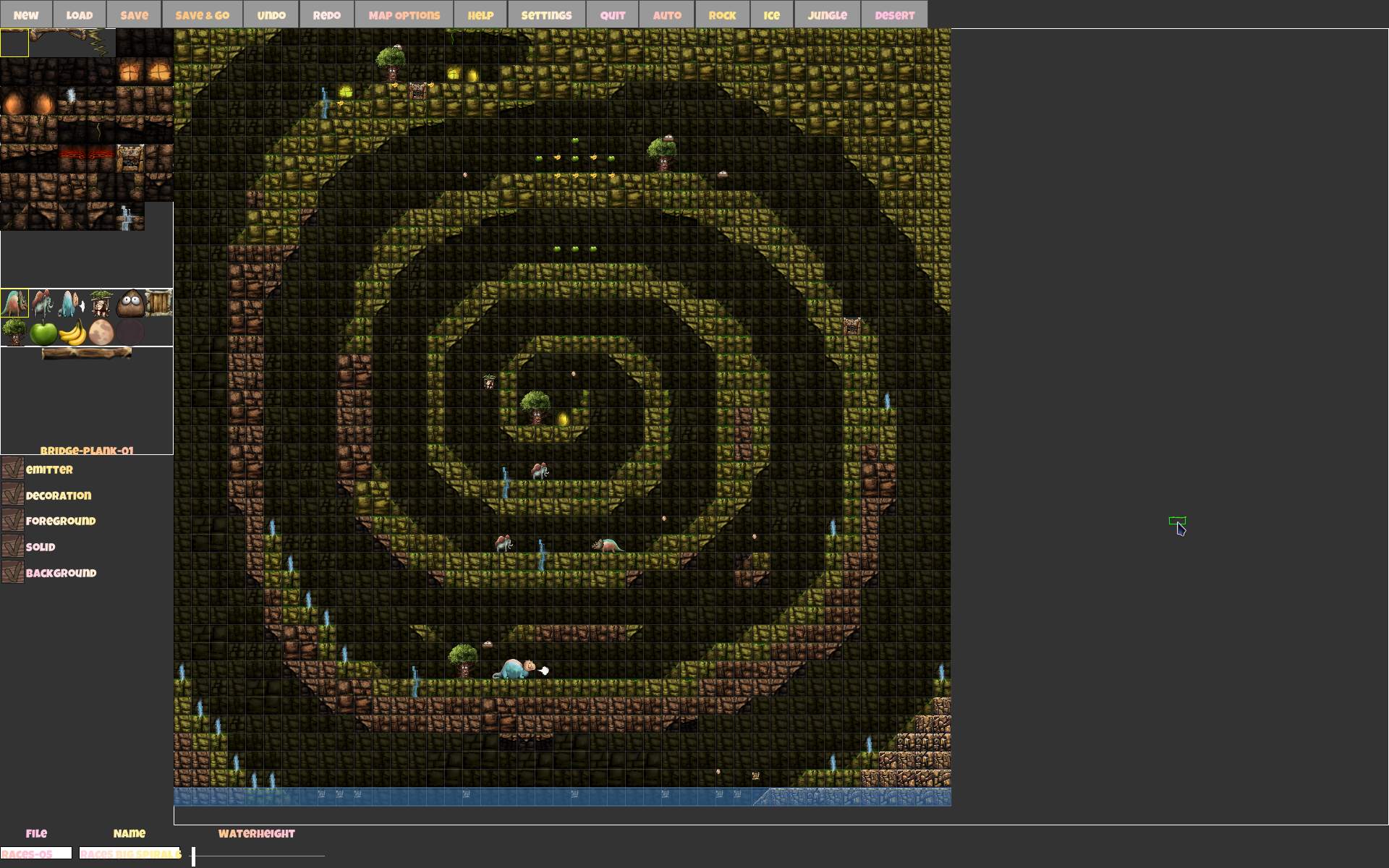
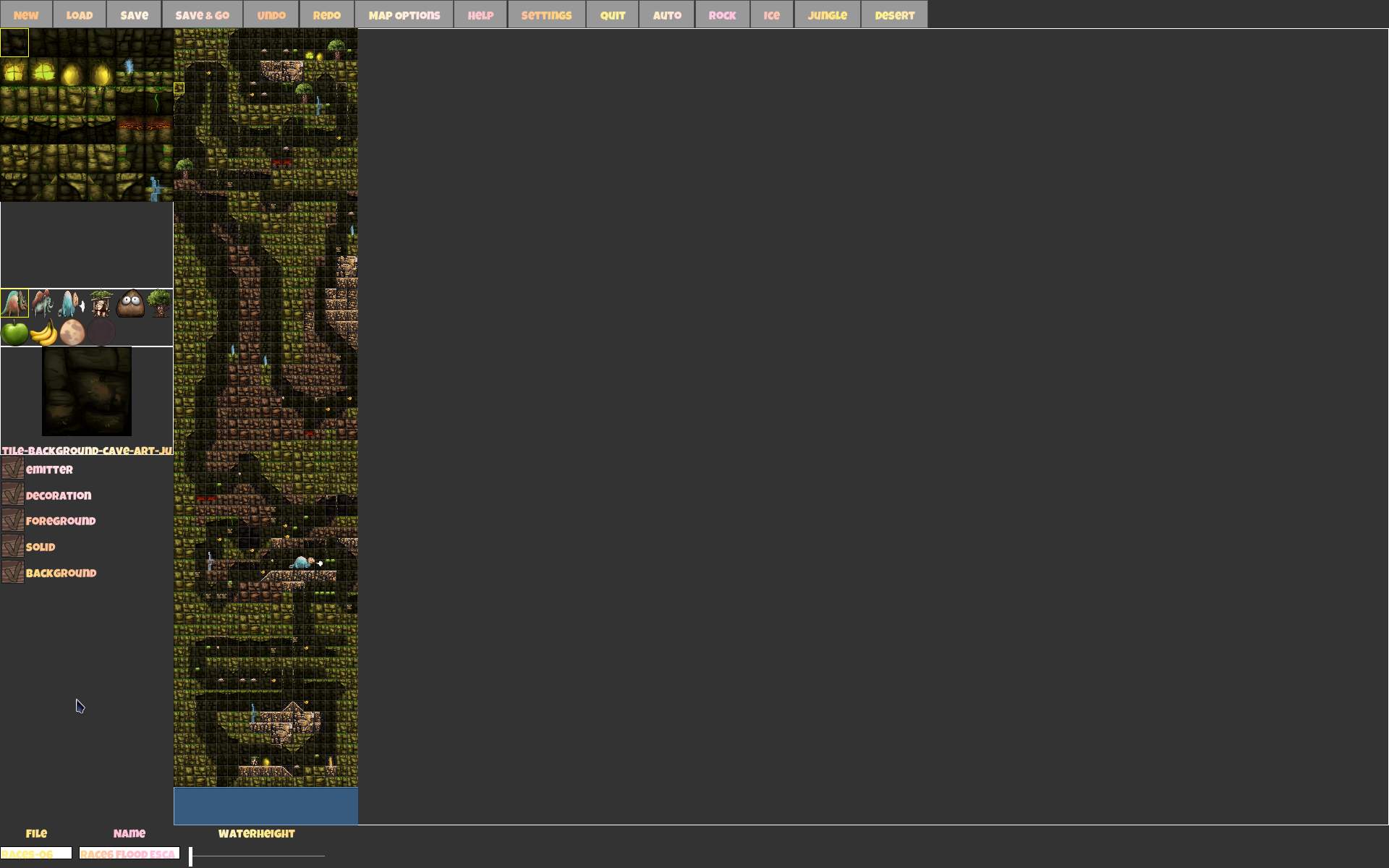
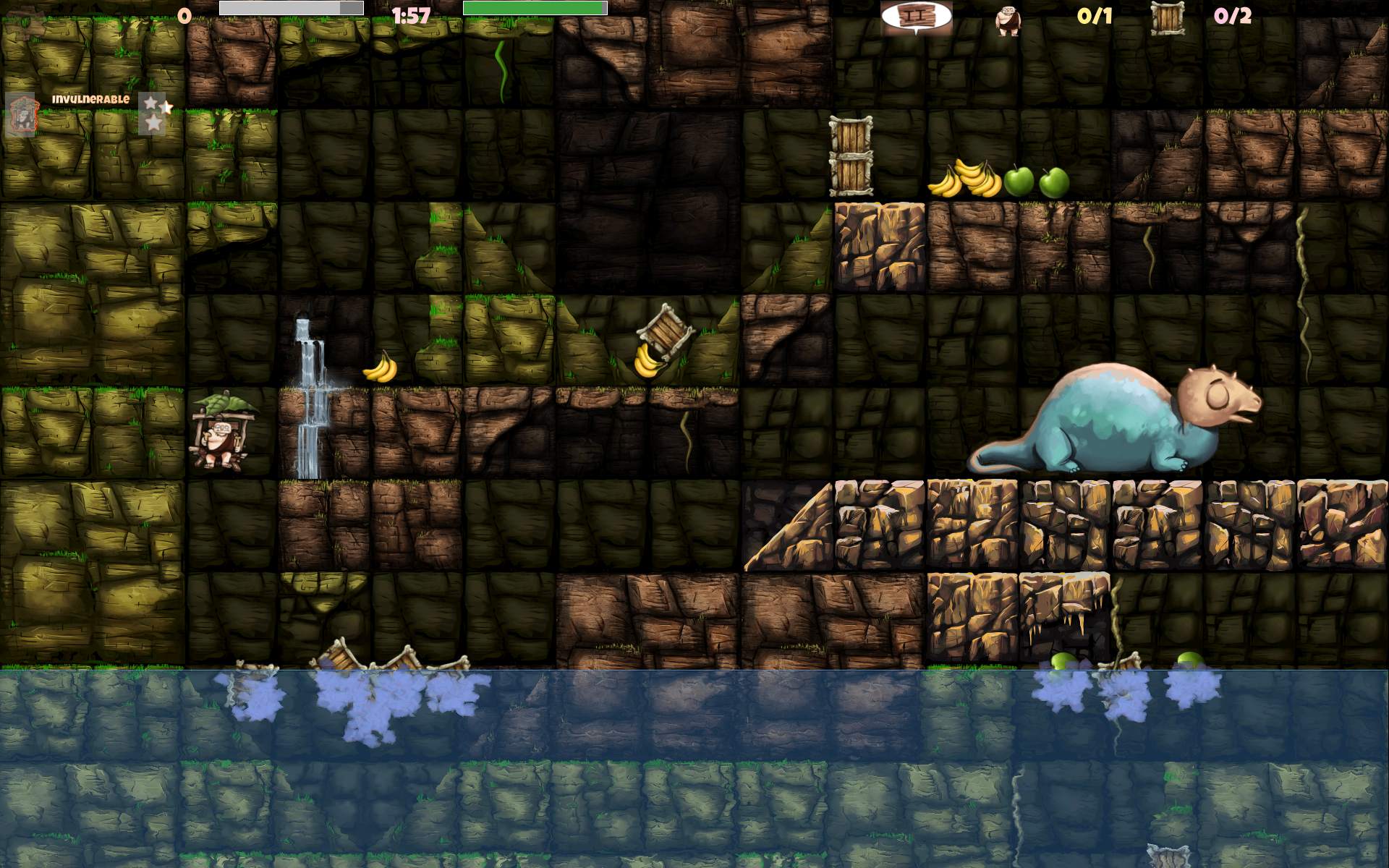
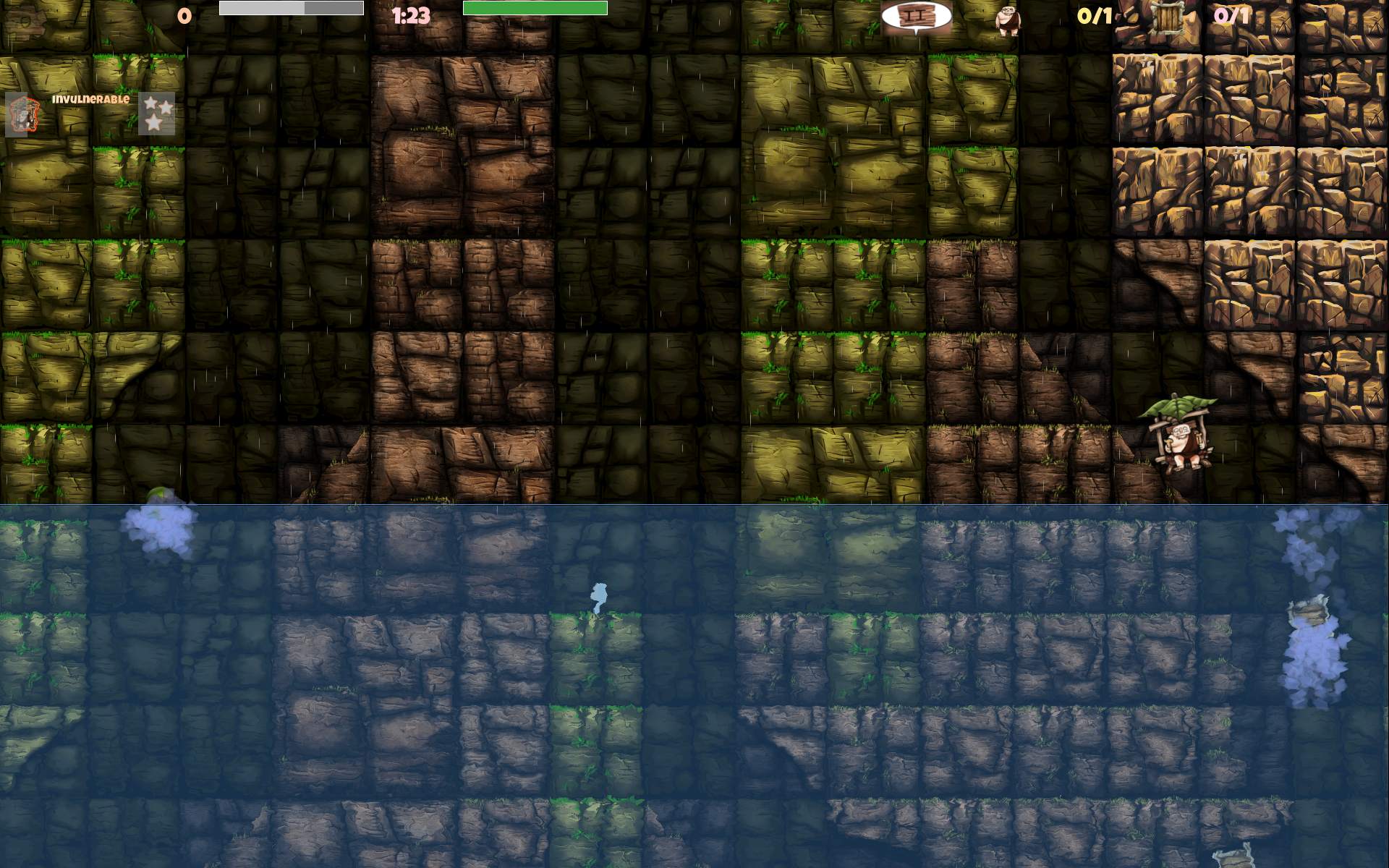
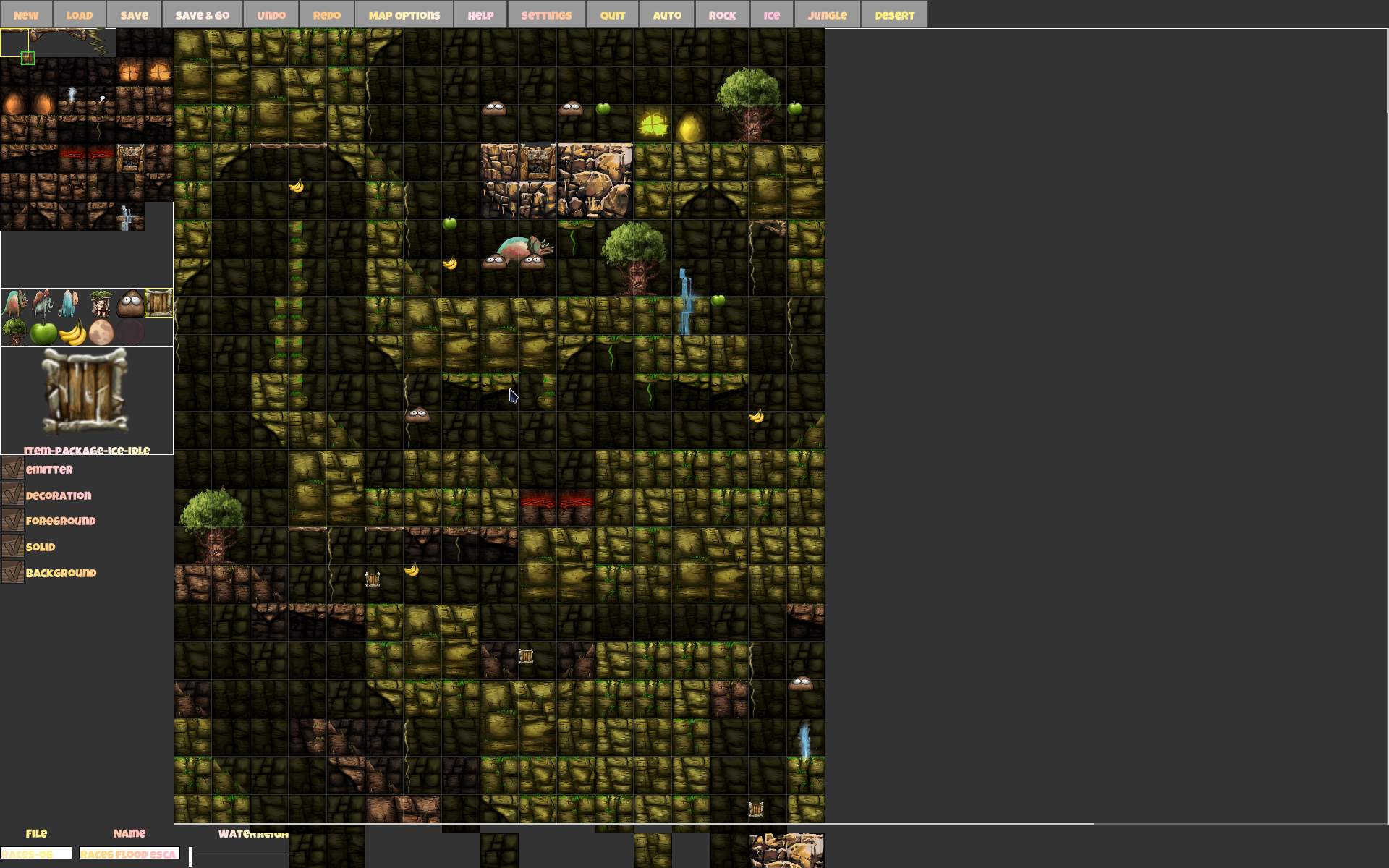
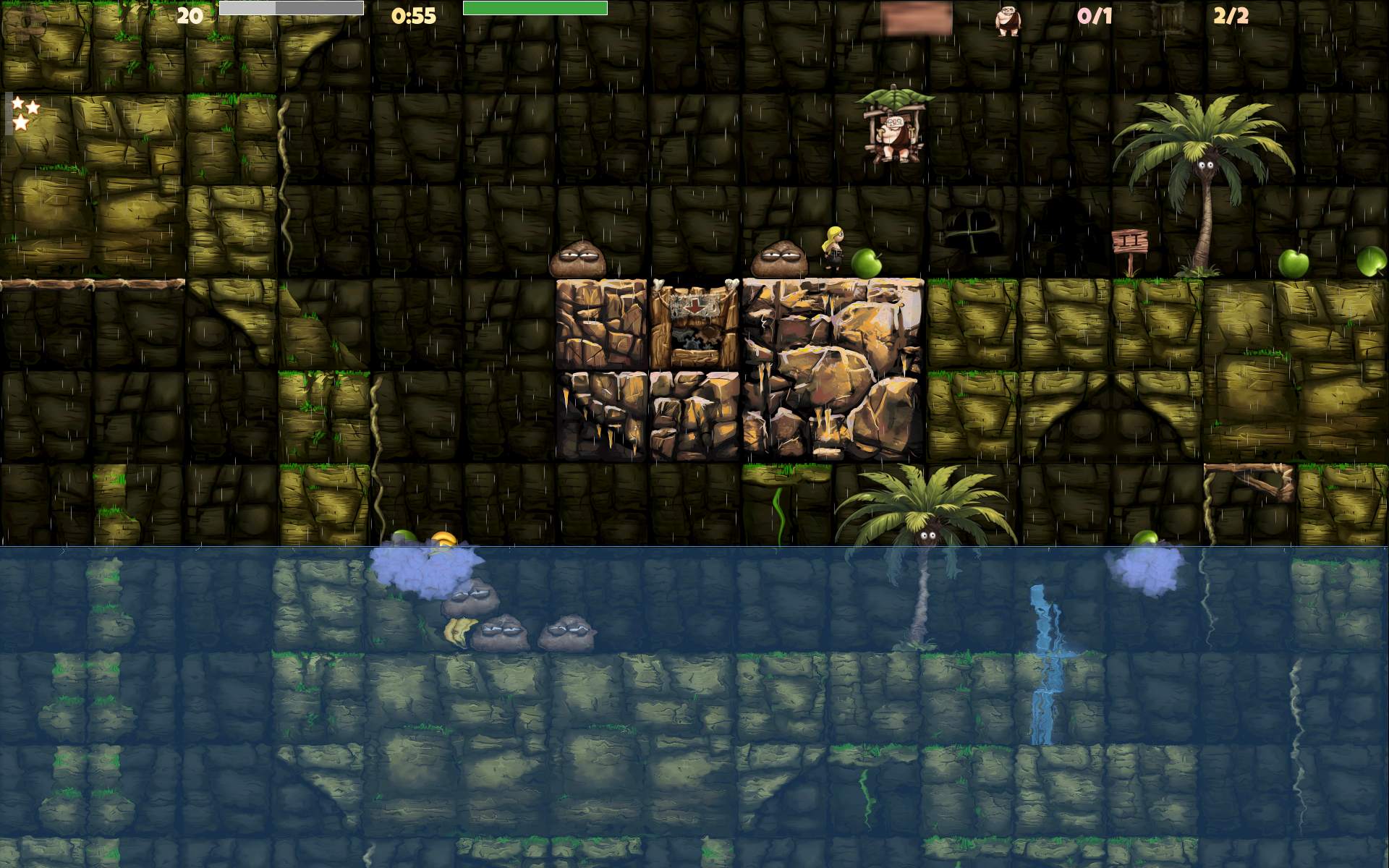
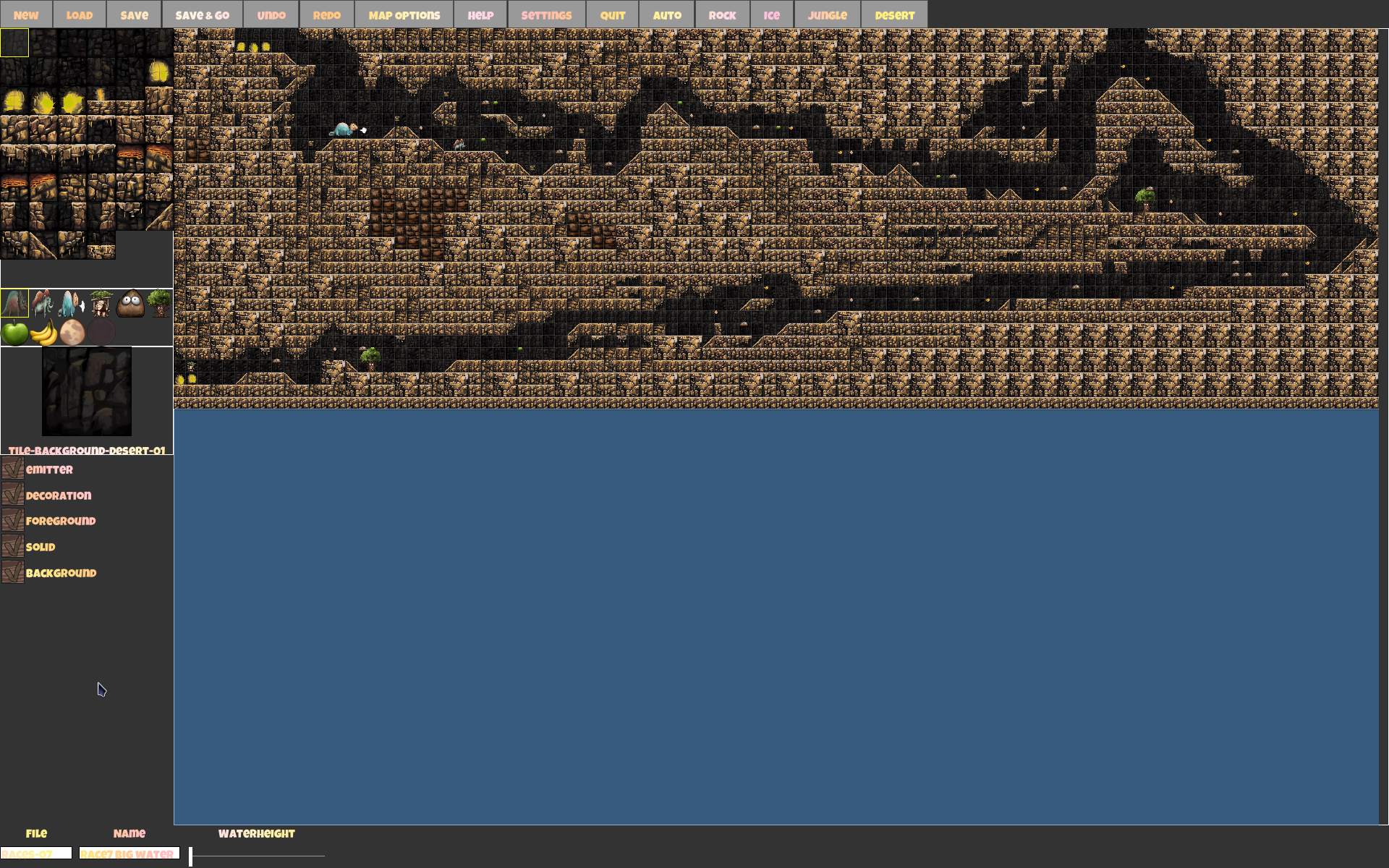
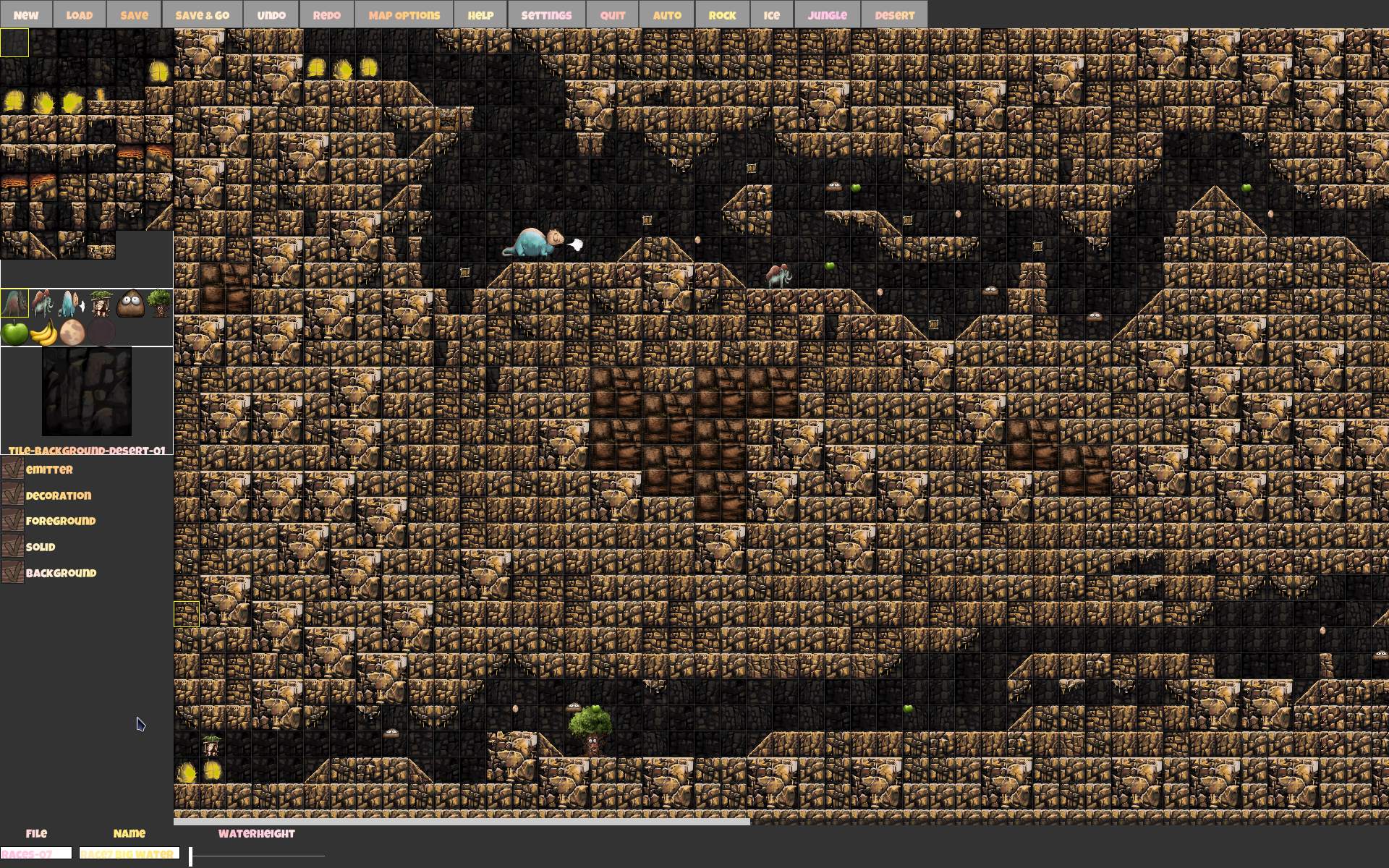
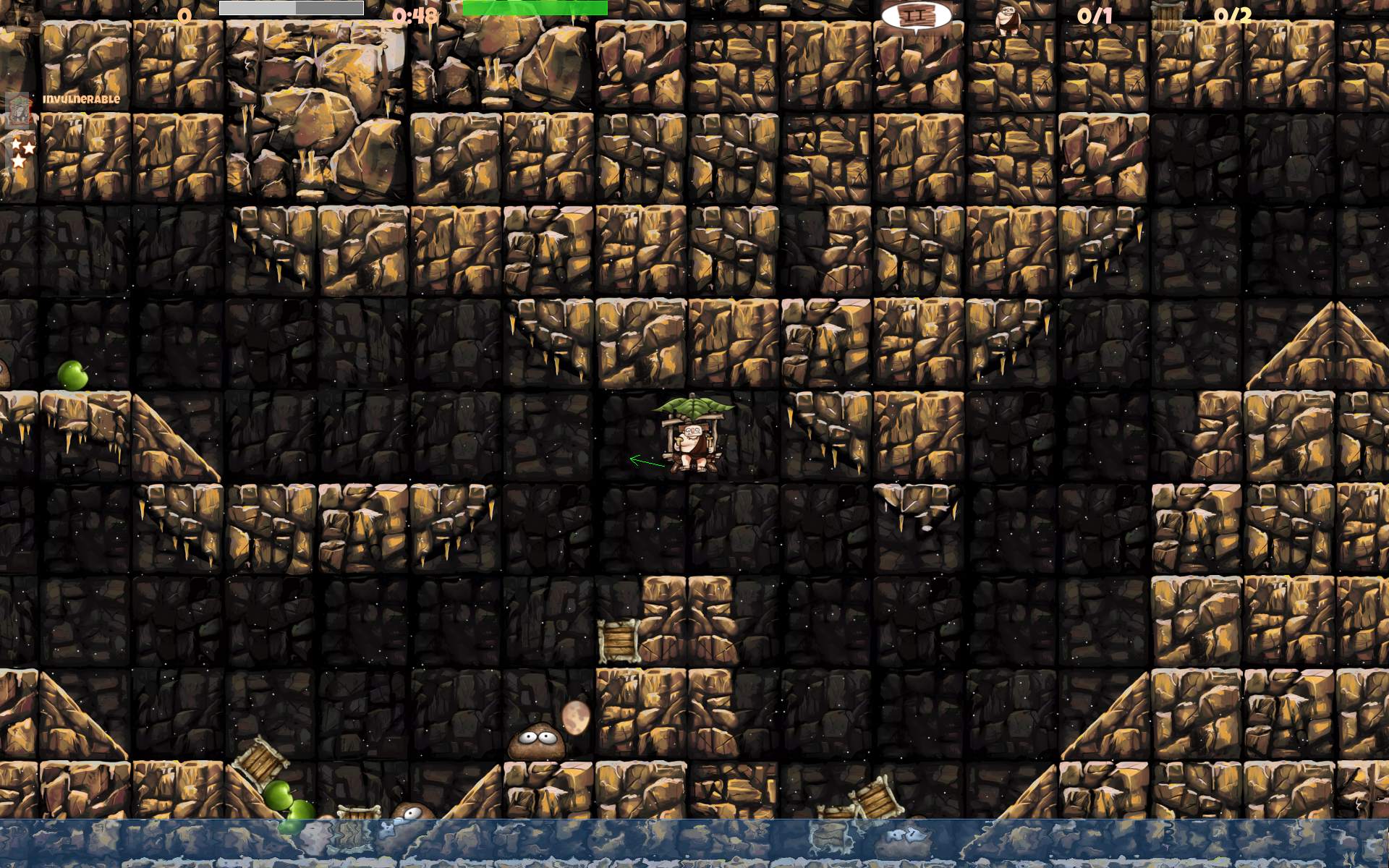
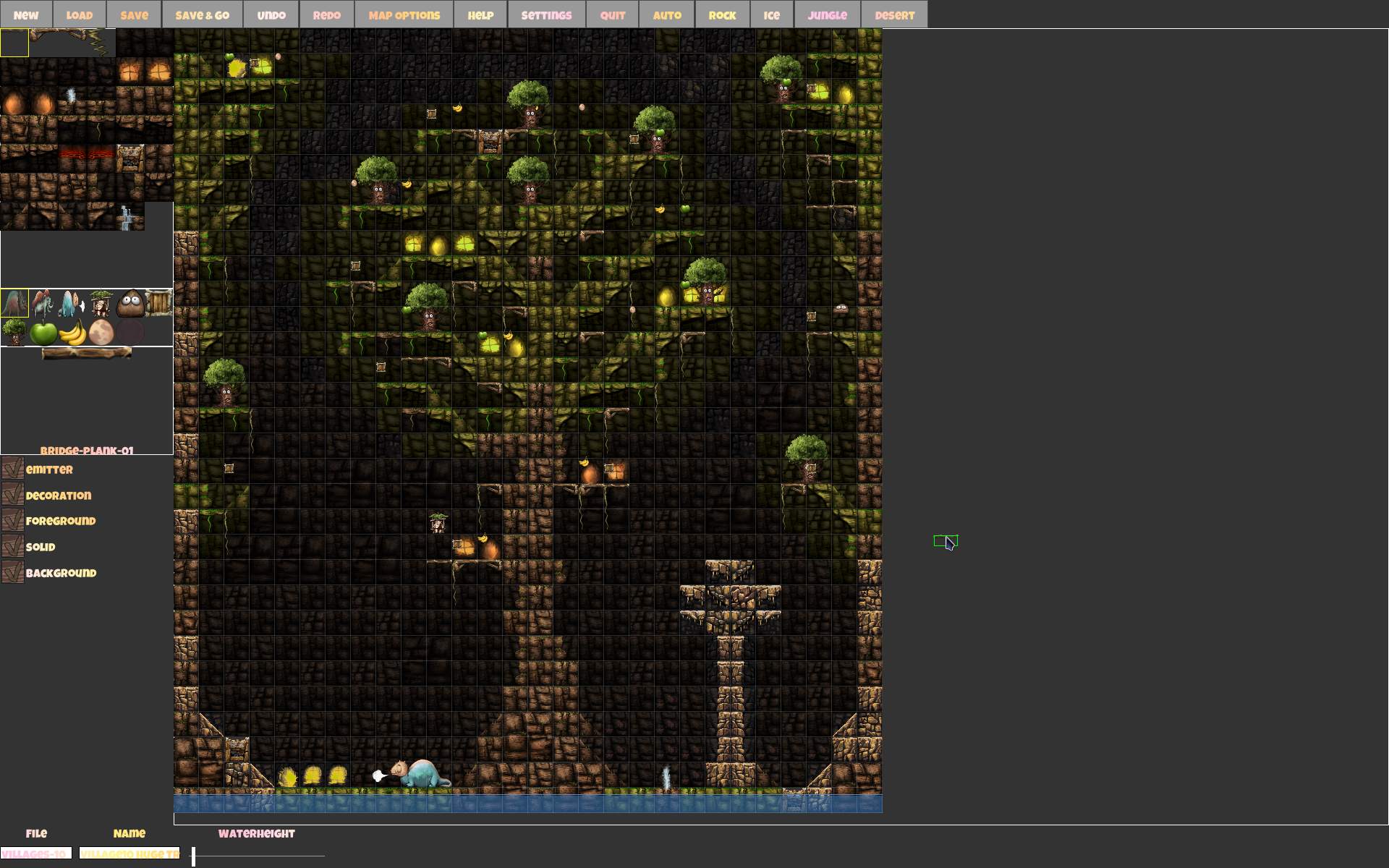
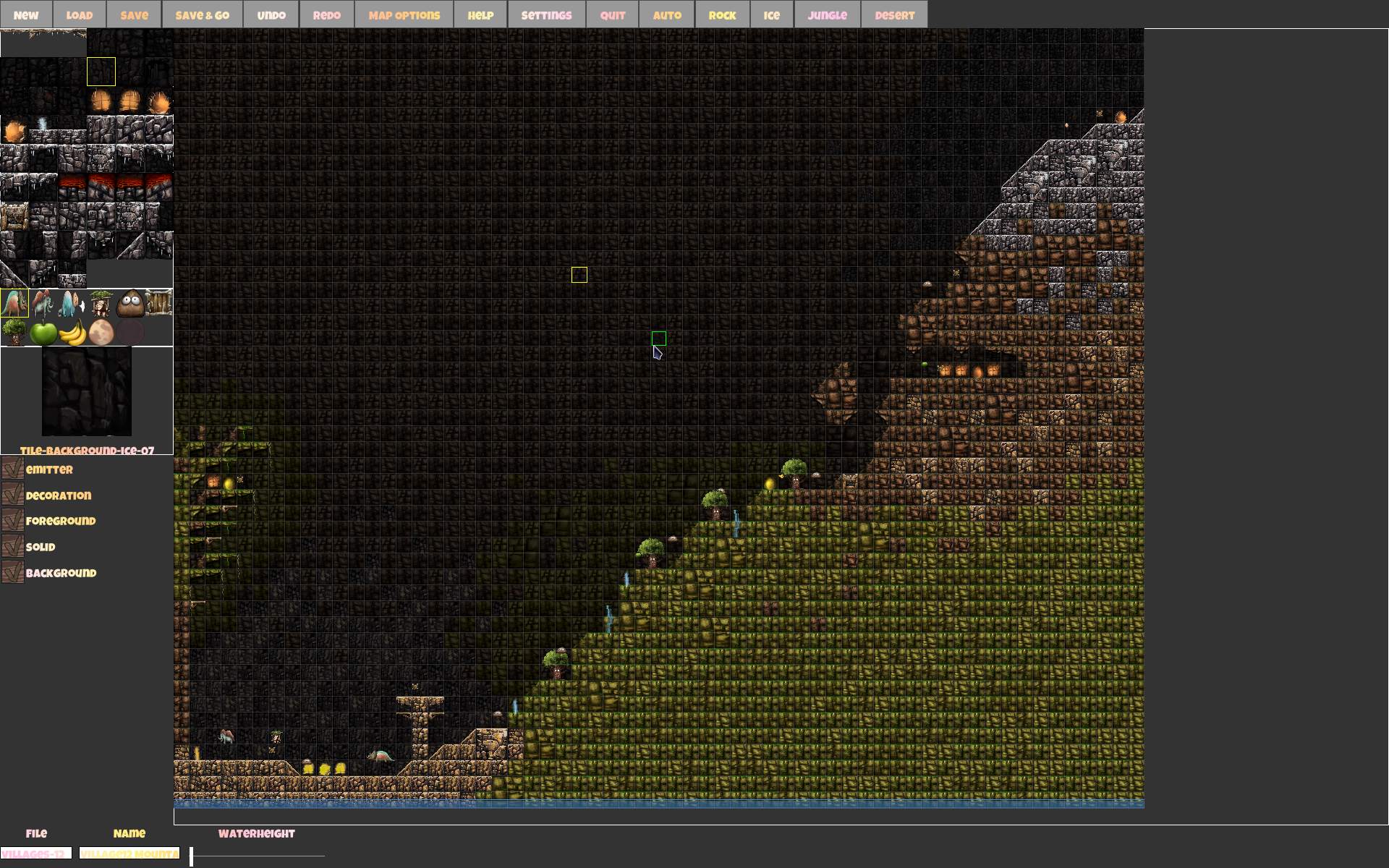
New sceneries also inspired me to create many (64) new maps. Some were based on Ugh levels (all Taxi type), others my original ideas. Now with 4 themes total, mixing them in one map, also made some maps more interesting. I also made a separate series of 24 letters (a few were already in Ugh), an original Desert series with pyramids and couple of mazes, a series of Races on big maps (including flood escapes) and Villages with both taxi and packages at once on map.
➡️Observations
I still have some new gameplay ideas to do, on Issues tab. Will see if I get them implemented. One more thing I’ll mention is CaveExpress source code. Many classes and interfaces. The game features multiplayer and this (I think) made the code more difficult (to read, understand and develop). I need to figure out how to implement things the way it requires, by sending messages, or doing things on client versus server side, even if it wouldn’t be needed at all for local play. Box2D is used here for physics and collisions. I liked this popular library, and now I finally had a chance to look at code using it. So it is definitely a good C++ learning experience. And for contributing too, since I usually just develop my own projects. Lastly a nice break from the demanding, 3D, black hole of a project that Stunt Rally is.
🖼️Gallery
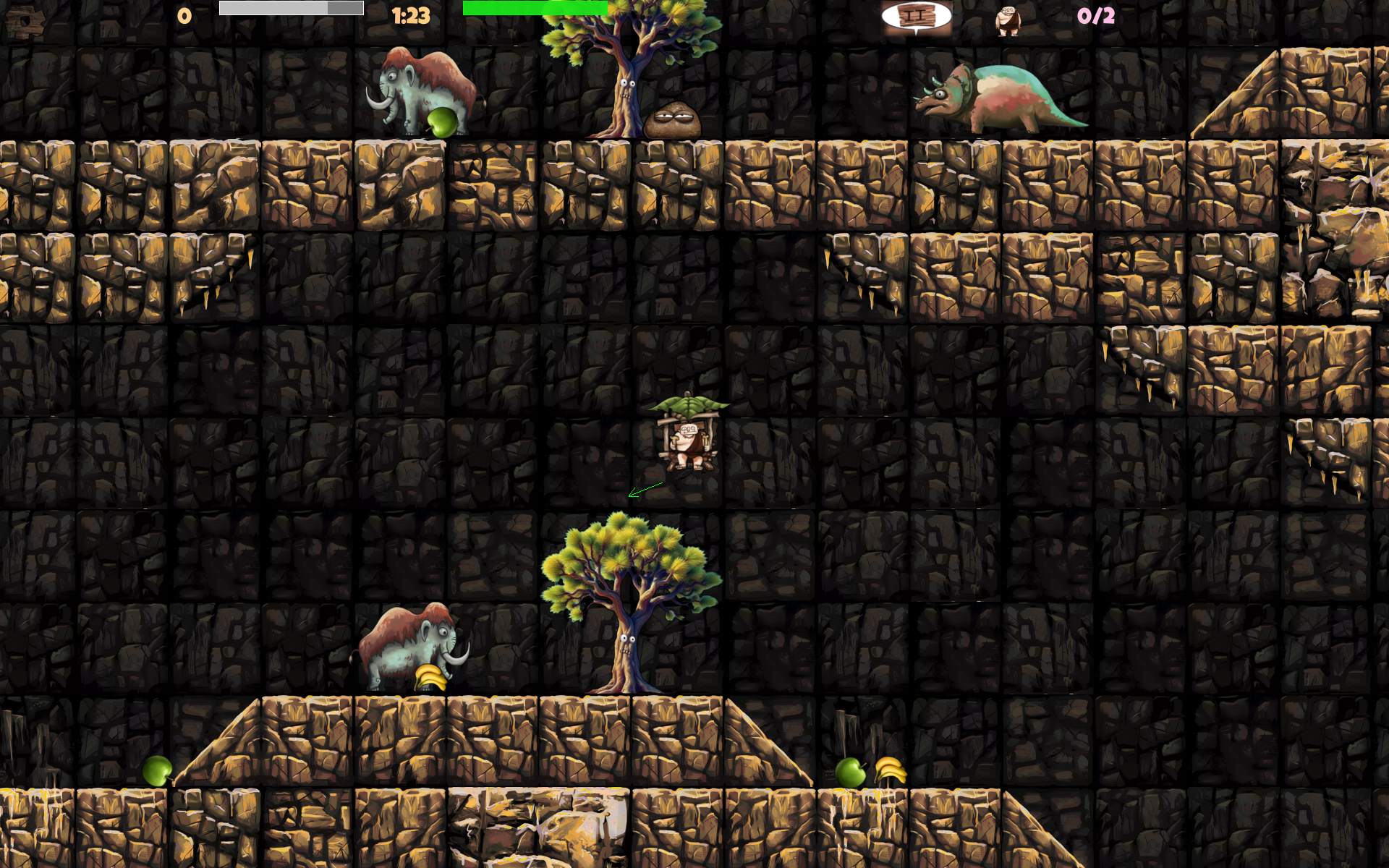
Screenshots from game, and editor below, usually file name has map name.
The continuation of our Stunt Rally game, now using latest Ogre-Next rendering engine. That older project page has more history with info. I will focus here only on new updates.
📂Media
Sources available here and also tracks (all repos here).
Forum topic with key progress steps and few screenshots.
✍️Motivation and progress
Intro
I took over 6 years break from old Stunt Rally. I was occasionally playing and enjoying it, but also ignoring any flaws, and thinking hard not to get into developing it again more (well that’s also the way for any left commercial software), as I knew it would absorb all my free time if I did.
Forum Q&A👥
In January 2022, I started thinking of checking out the new rendering engine Ogre-Next and posted on Ogre forum my topic with many questions to get more knowledge about it’s state. I has been developed (and used) since years (probably 2015 or so) but I haven’t seen few key features like: Gui, fog, old plugin for grass, no demos for particles or water etc. Old Ogre had plenty. Ogre-Next had many, but not the very broad palette of game related components.
Terrain Demo⛰️
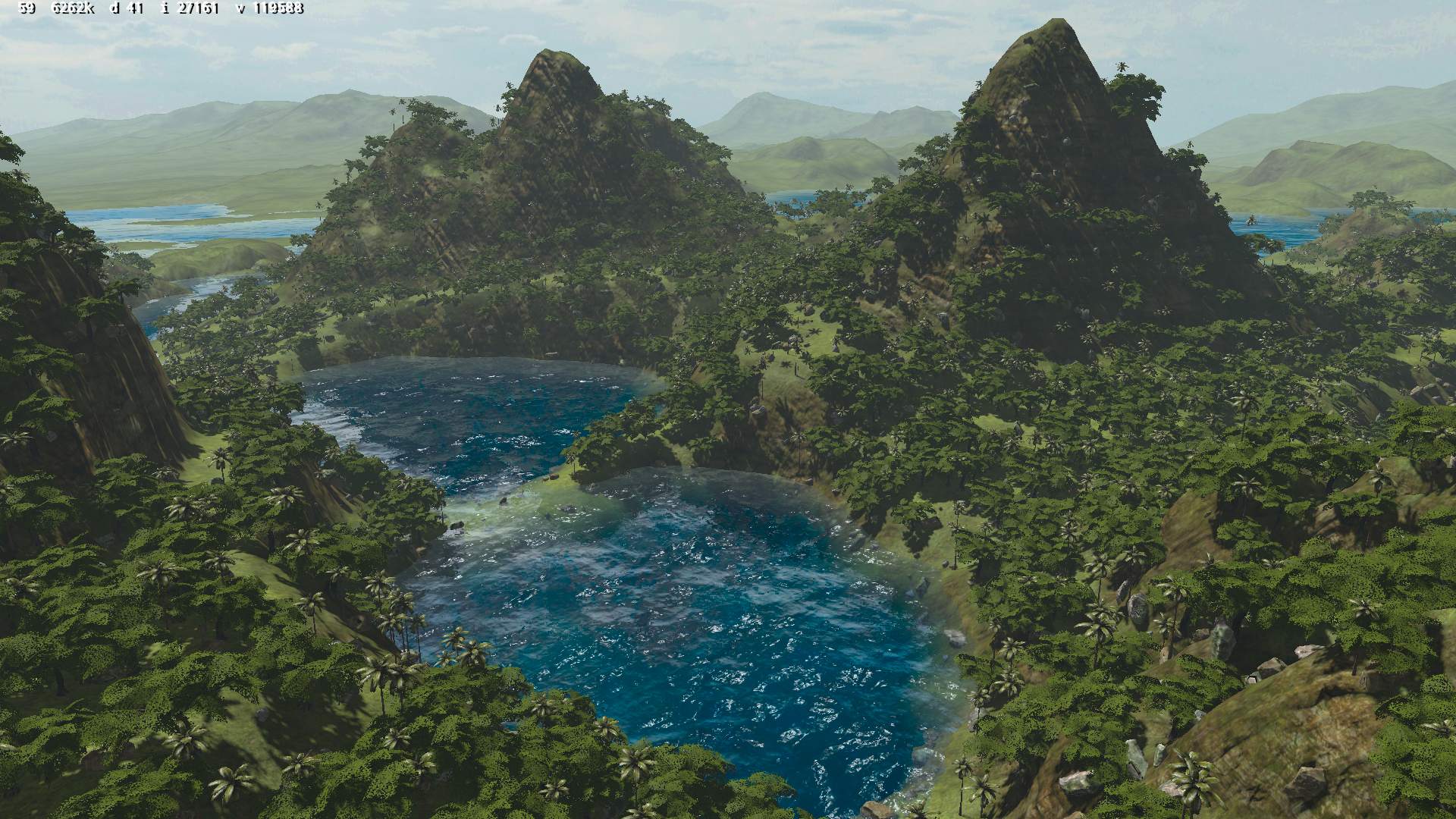
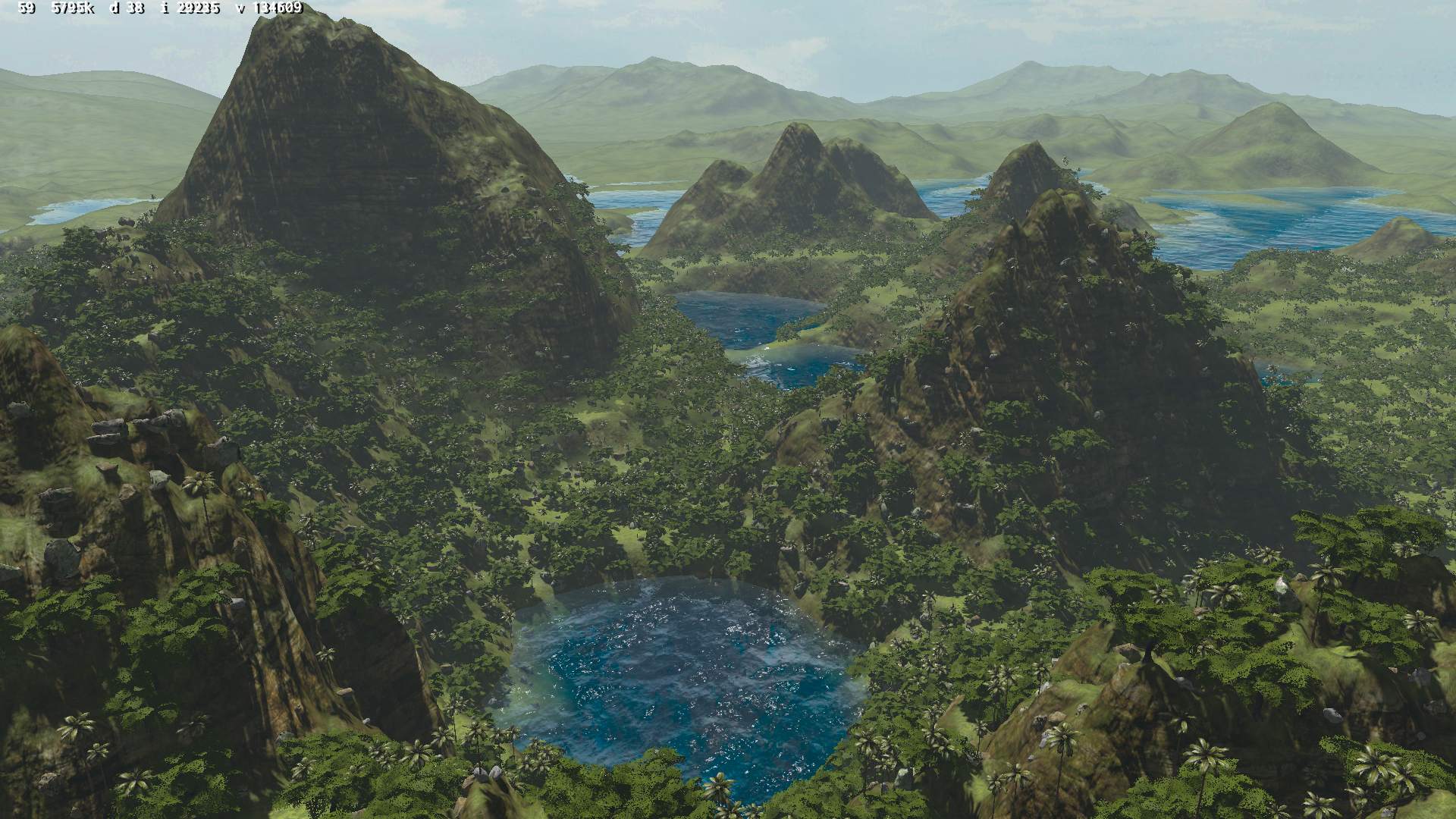
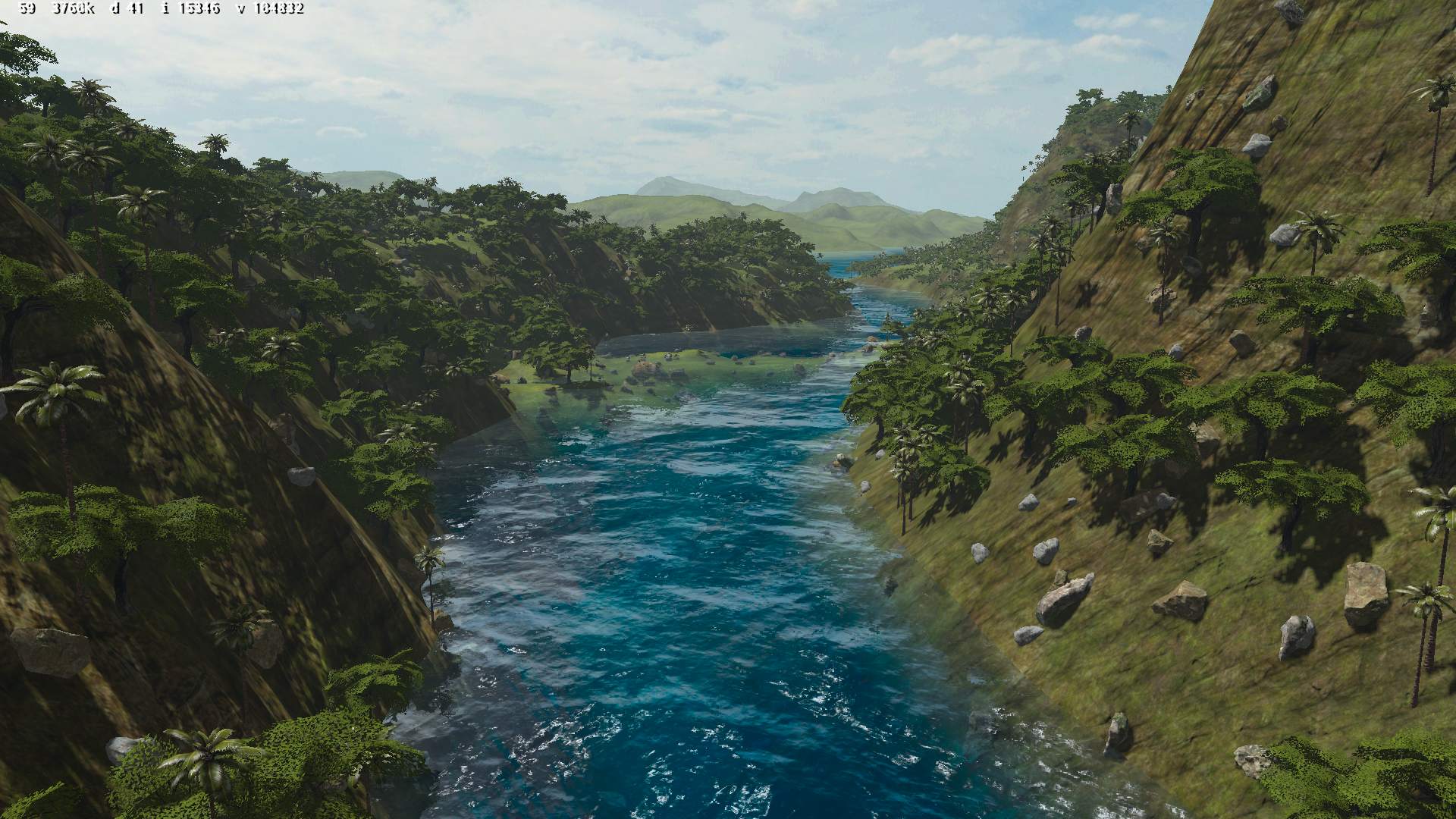
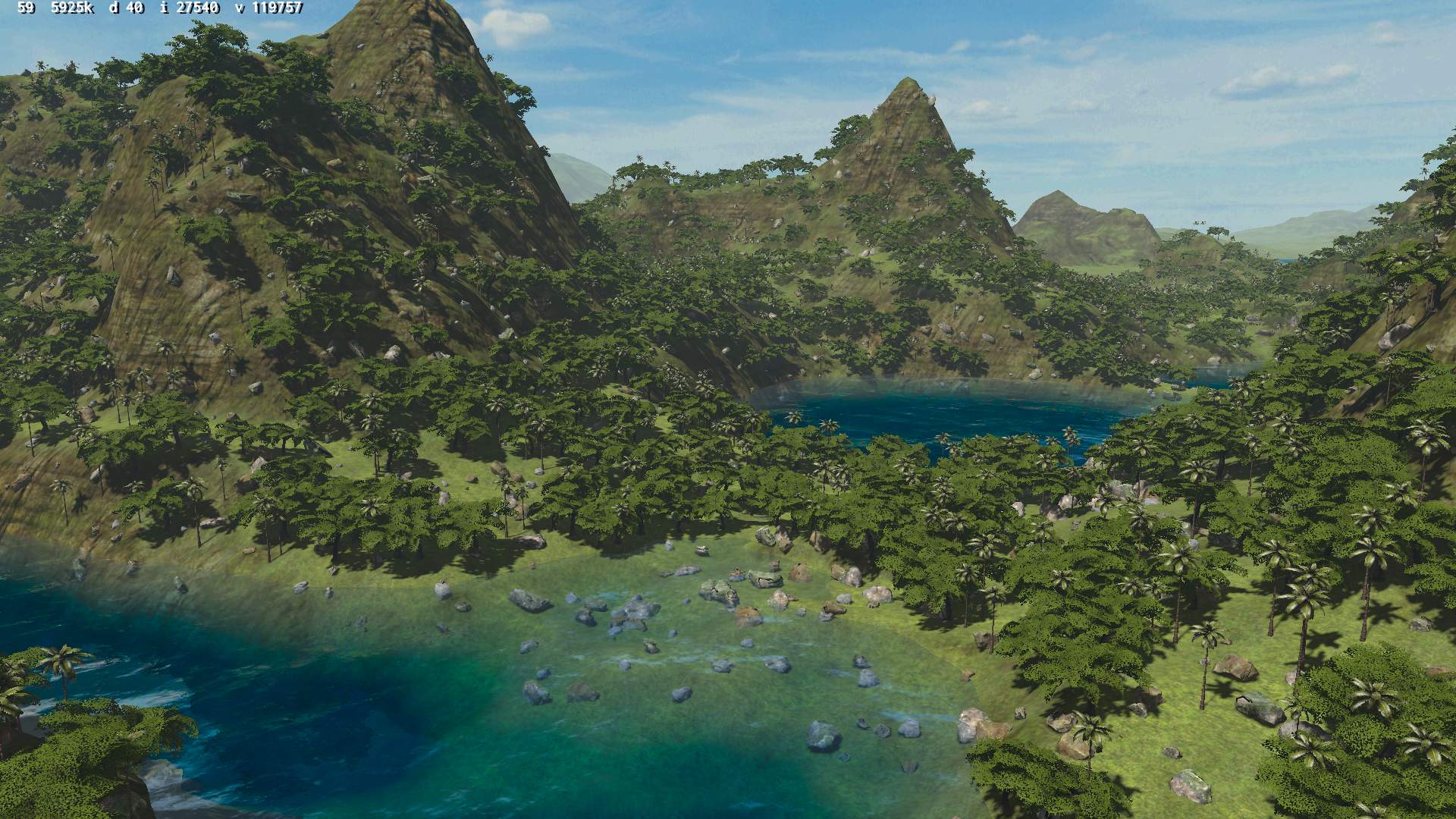
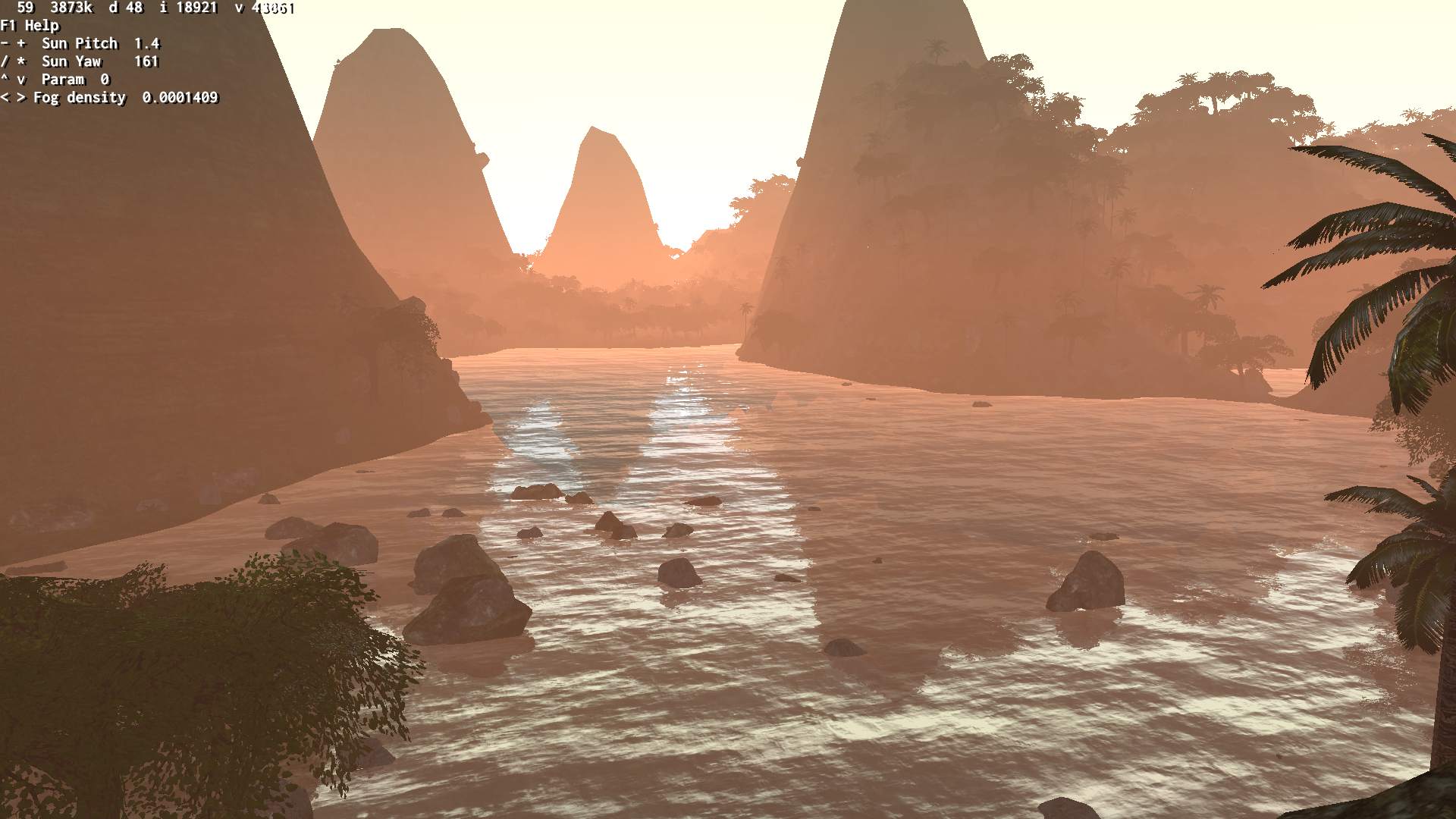
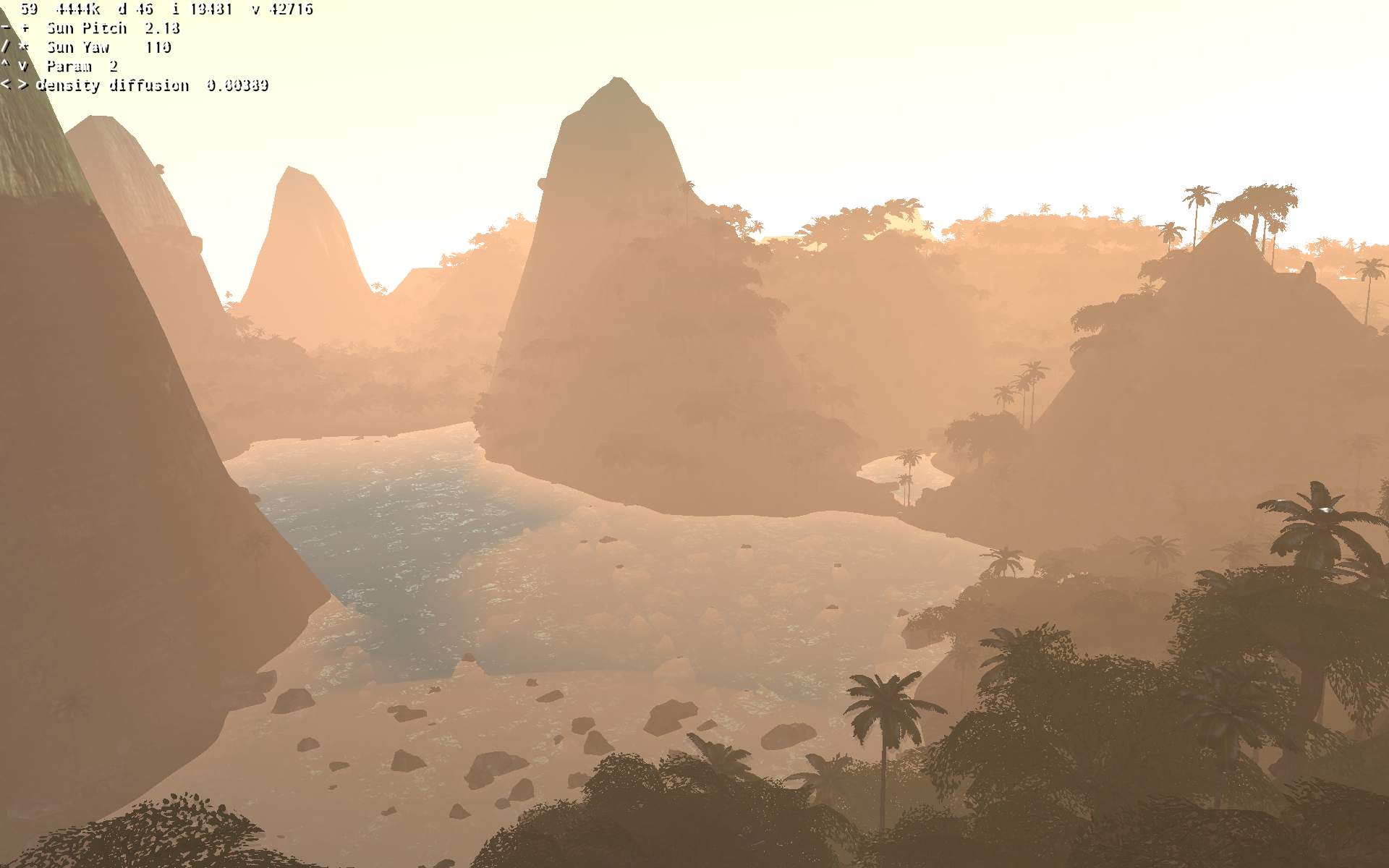
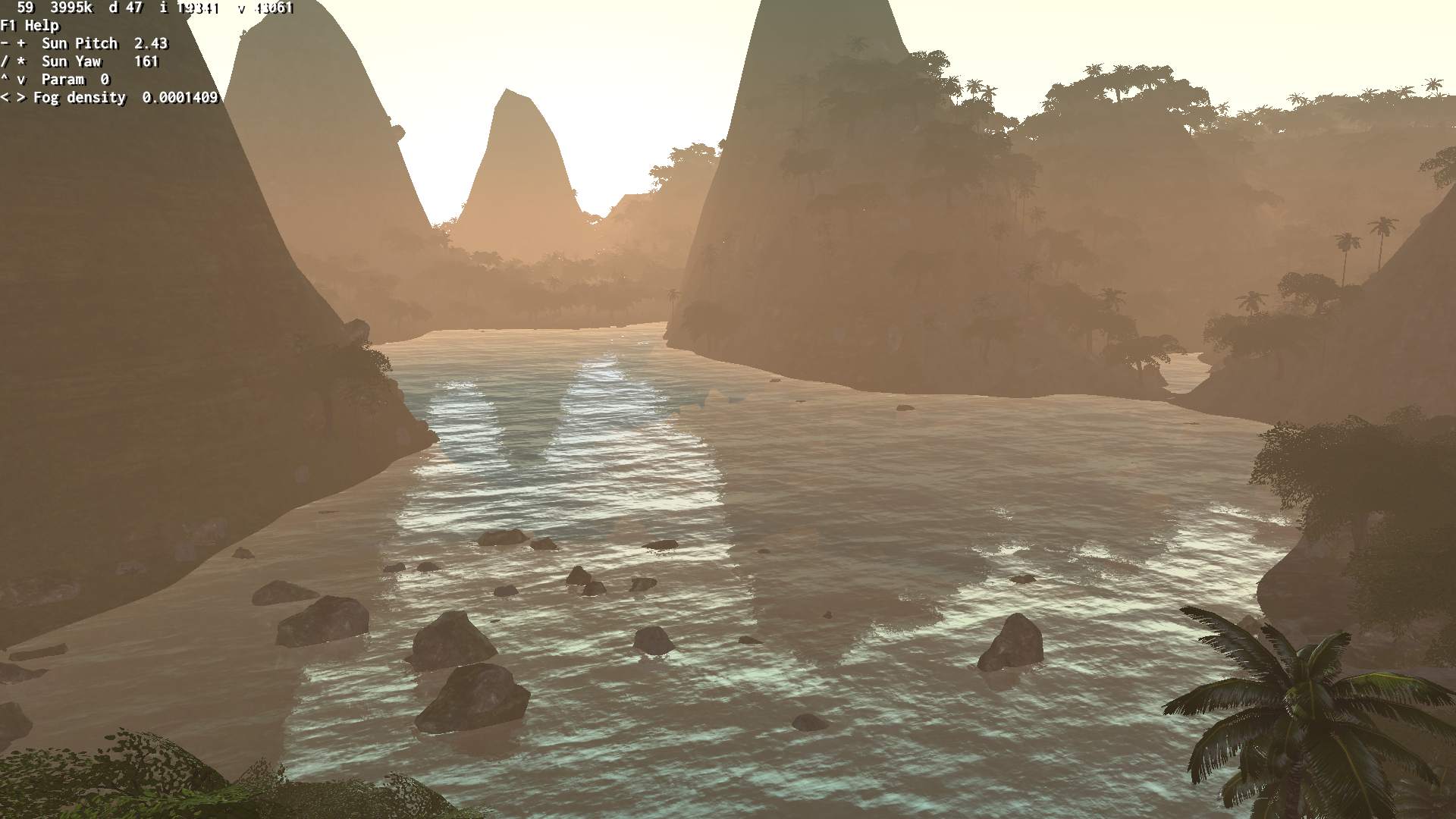
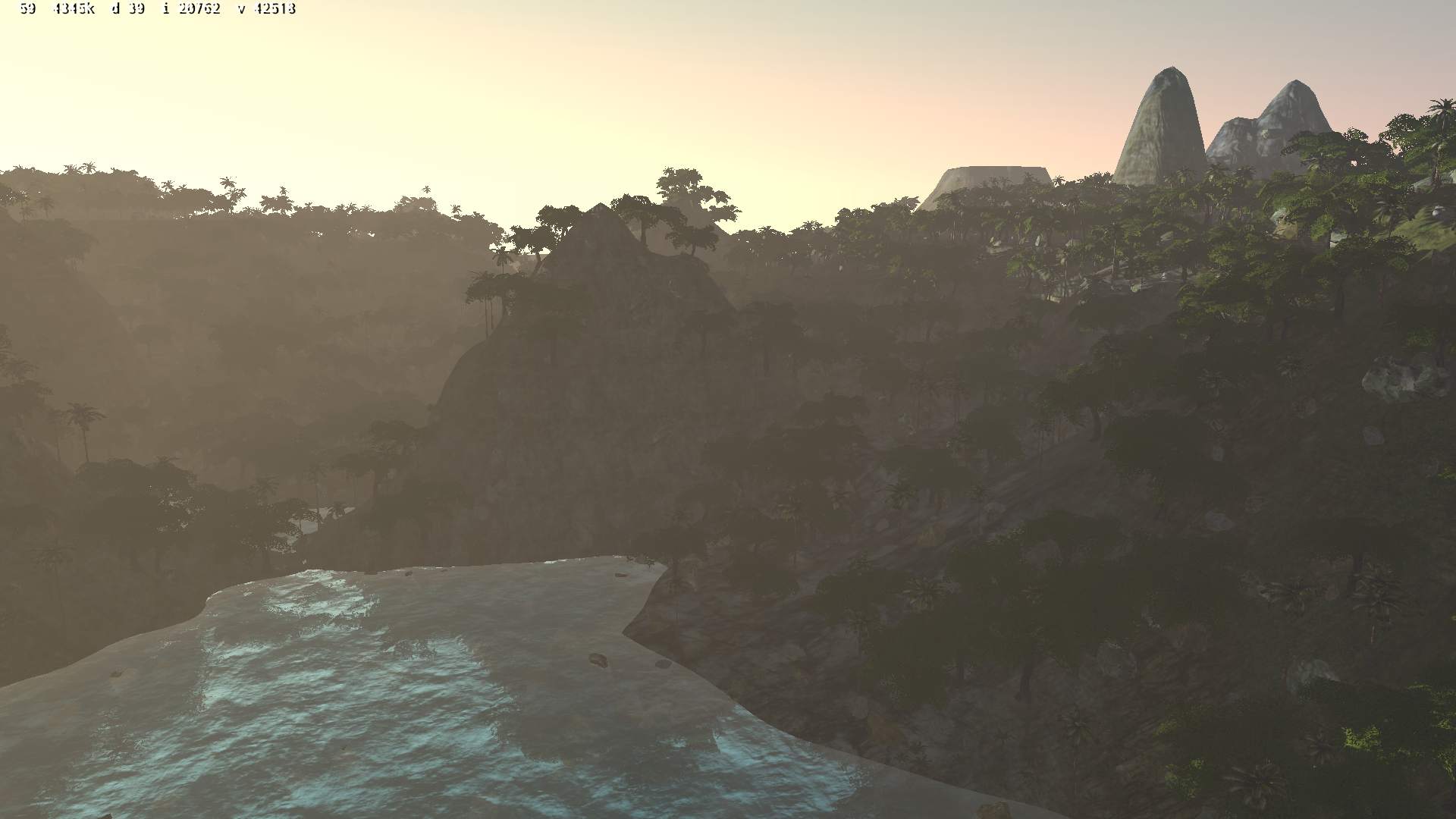
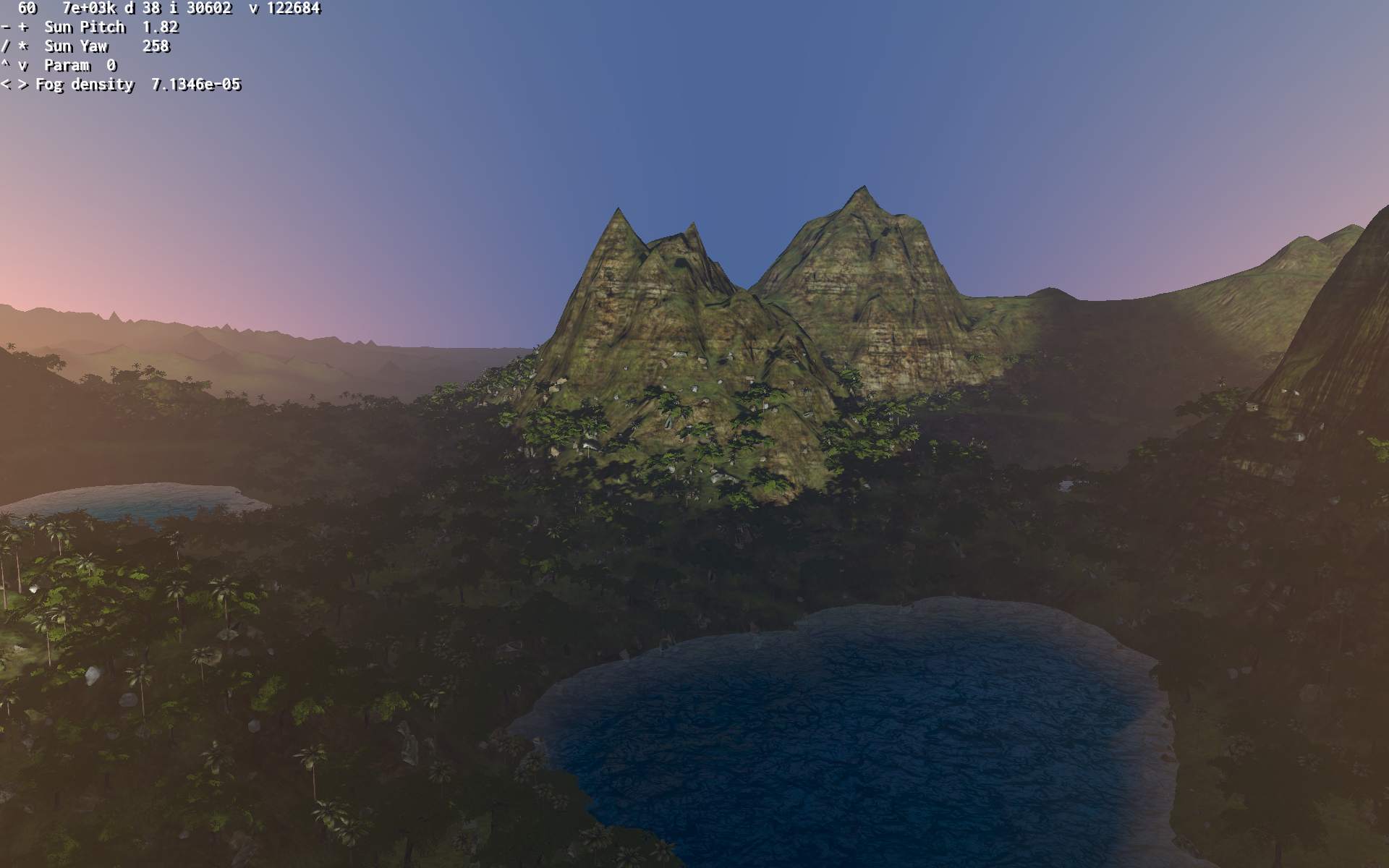
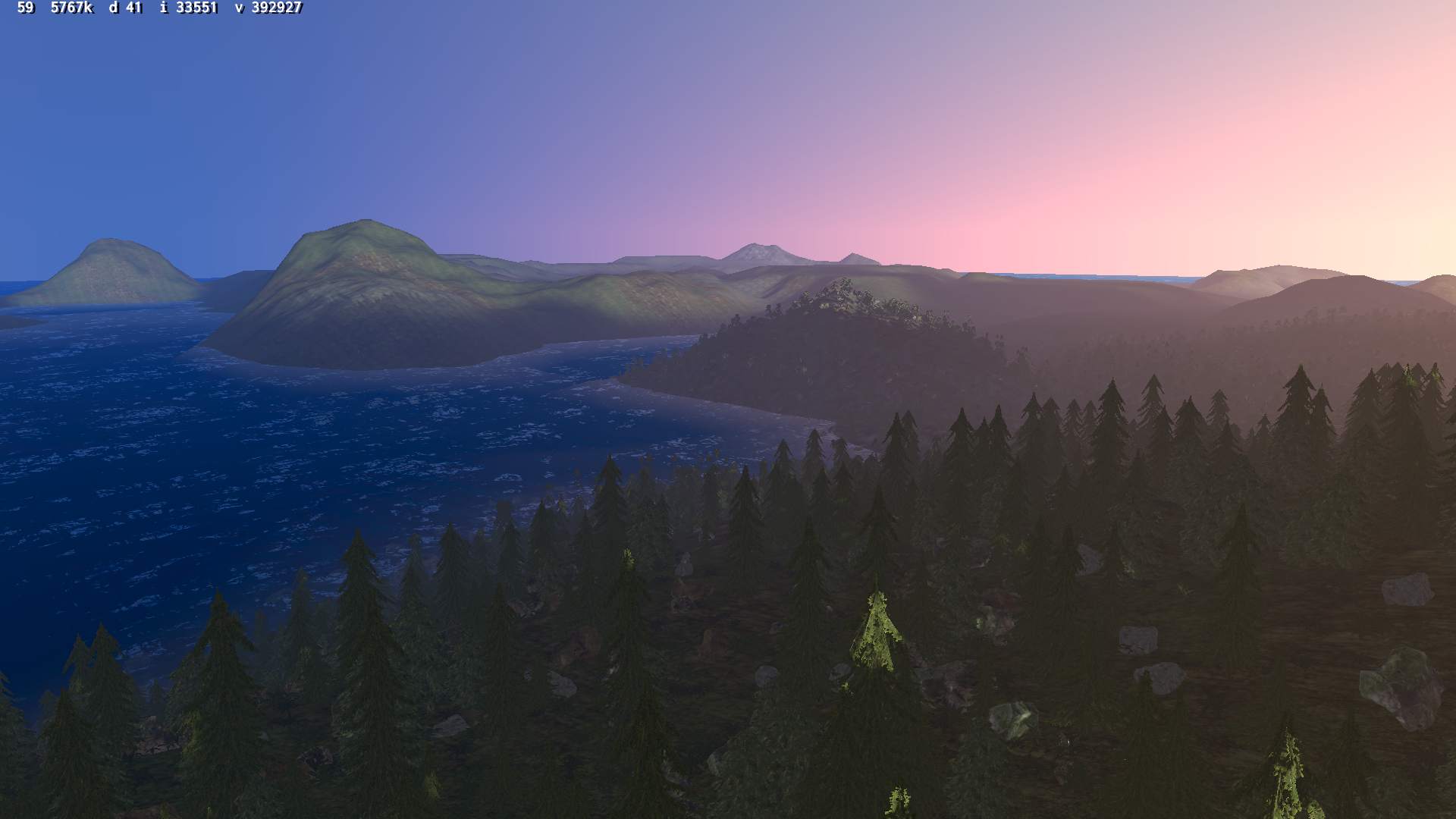
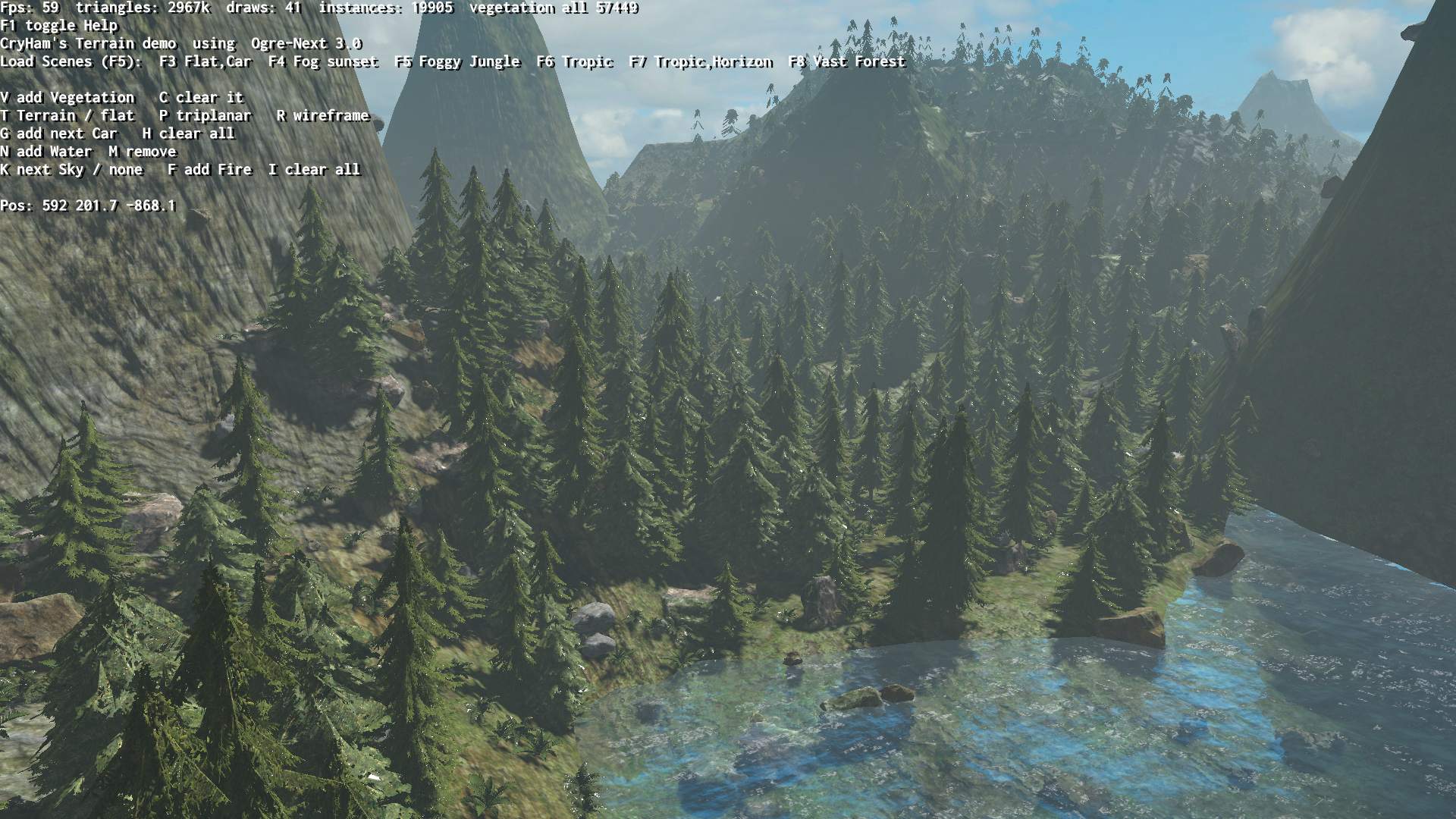
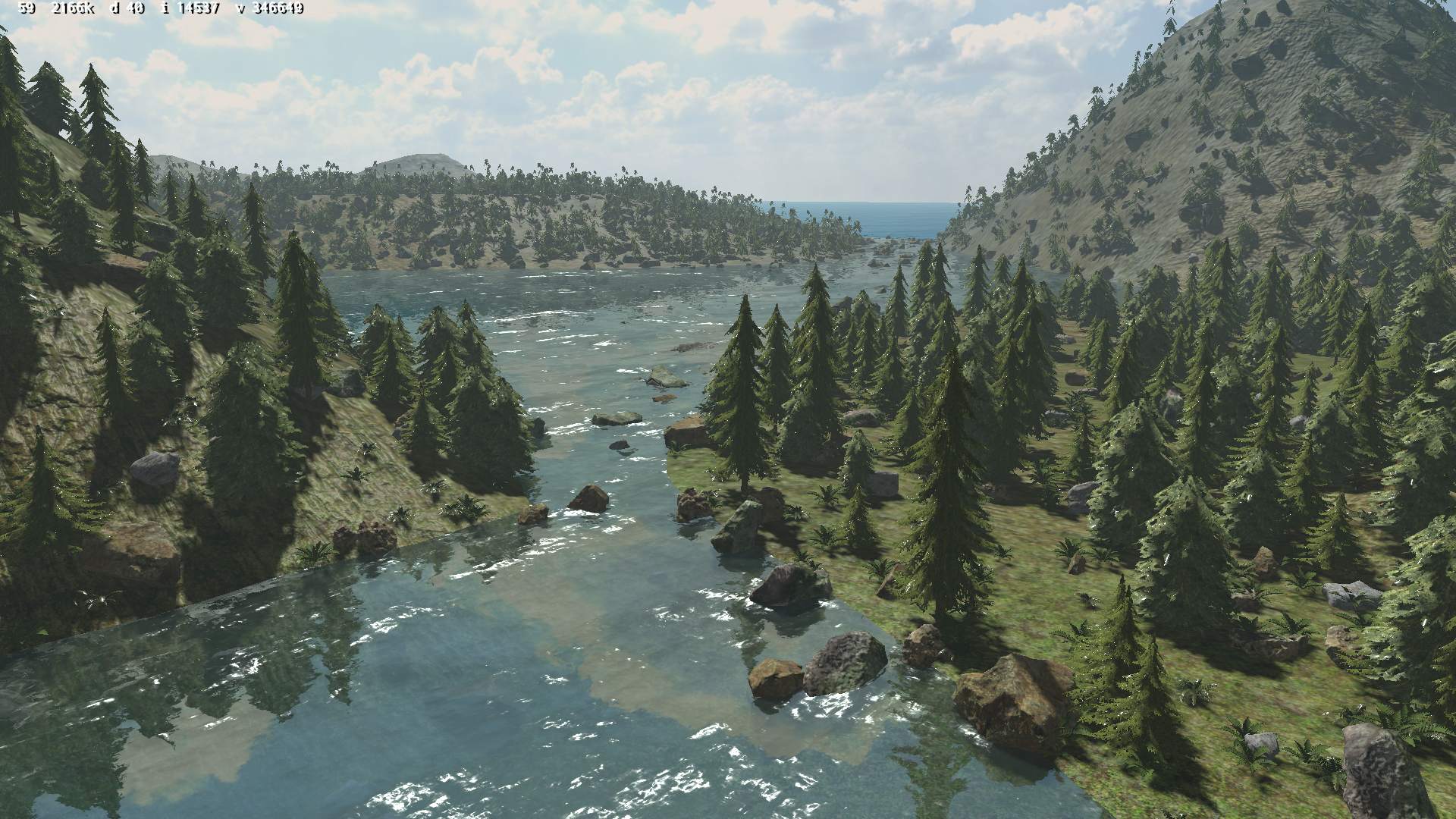
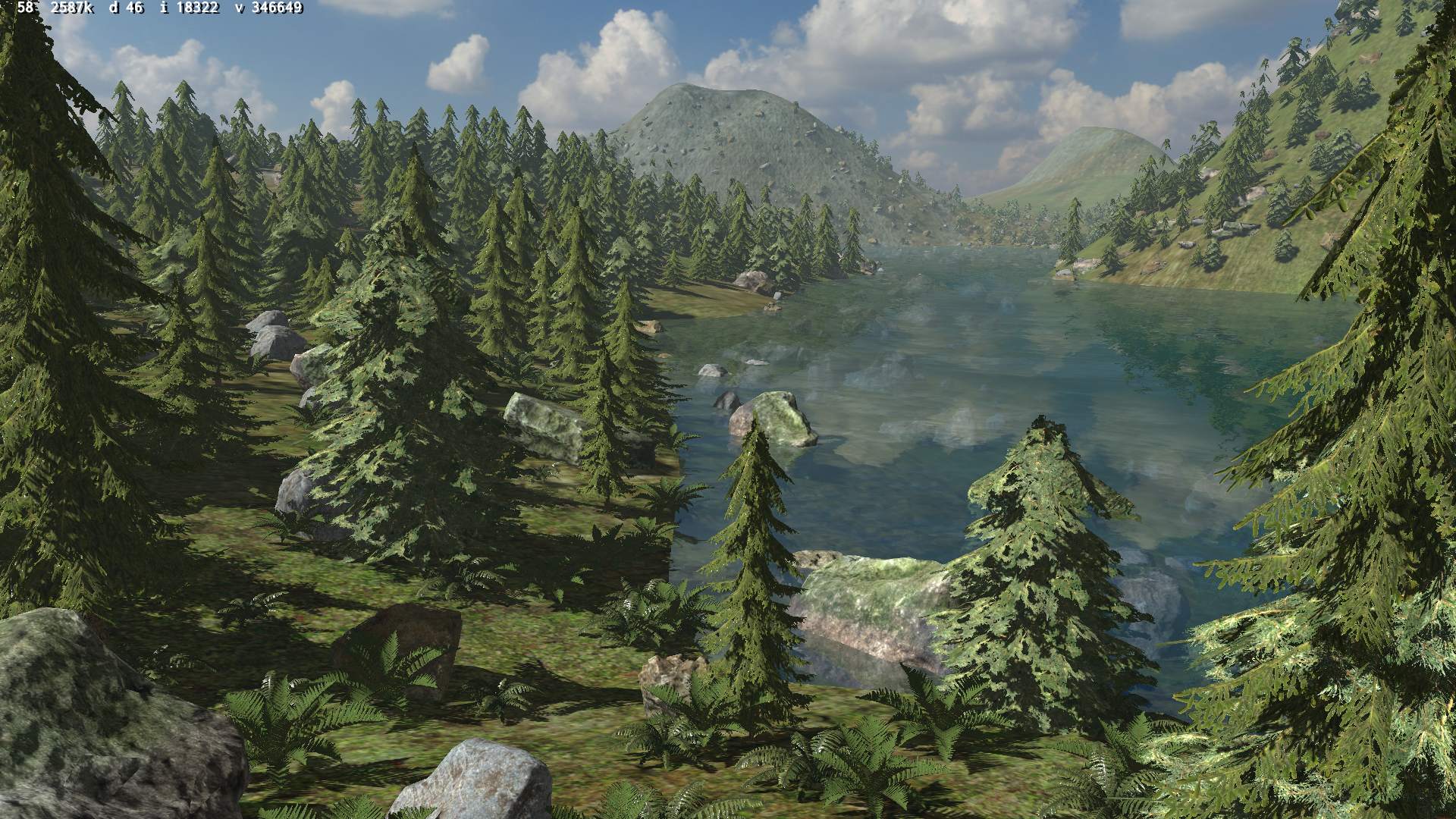
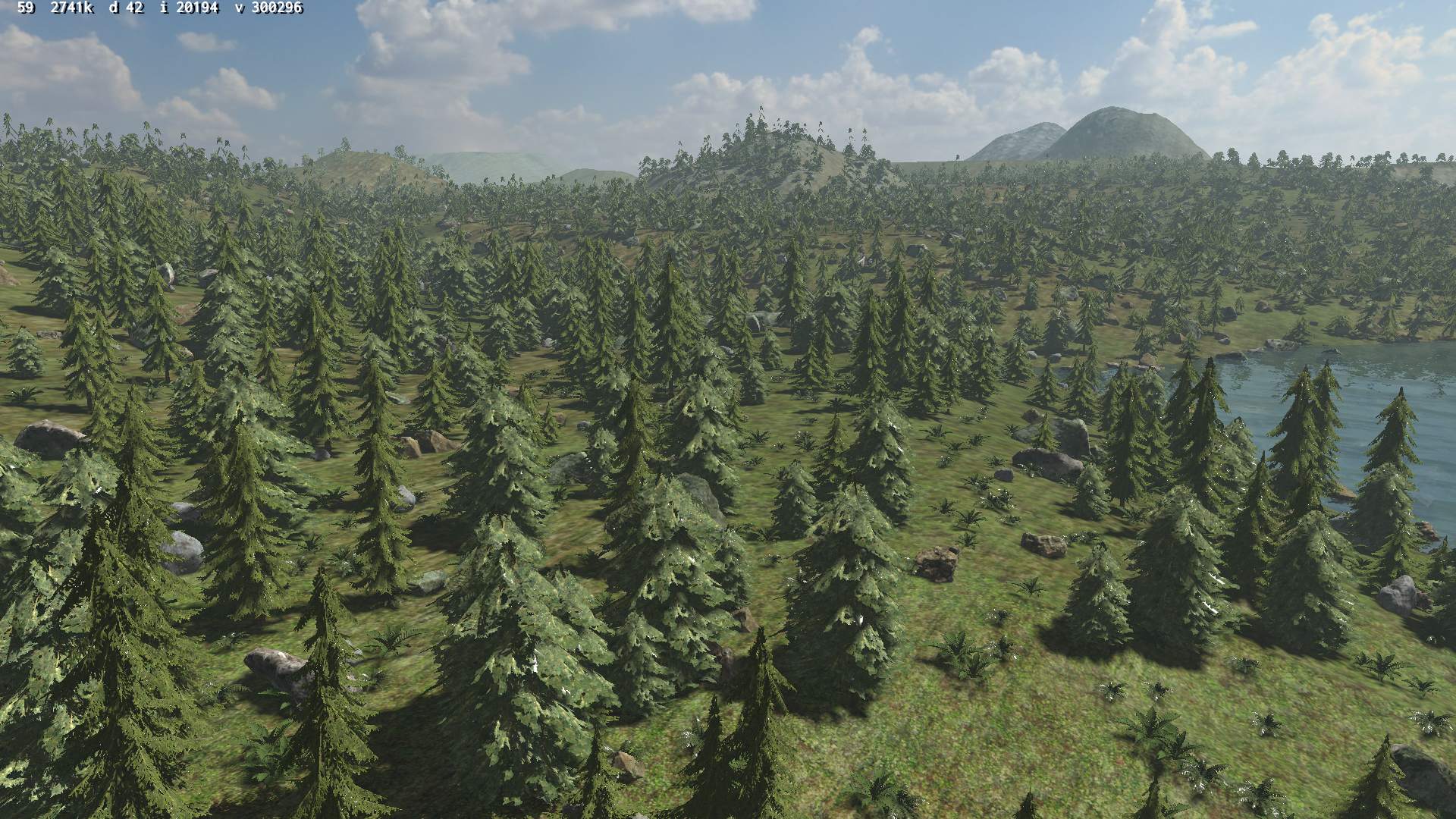
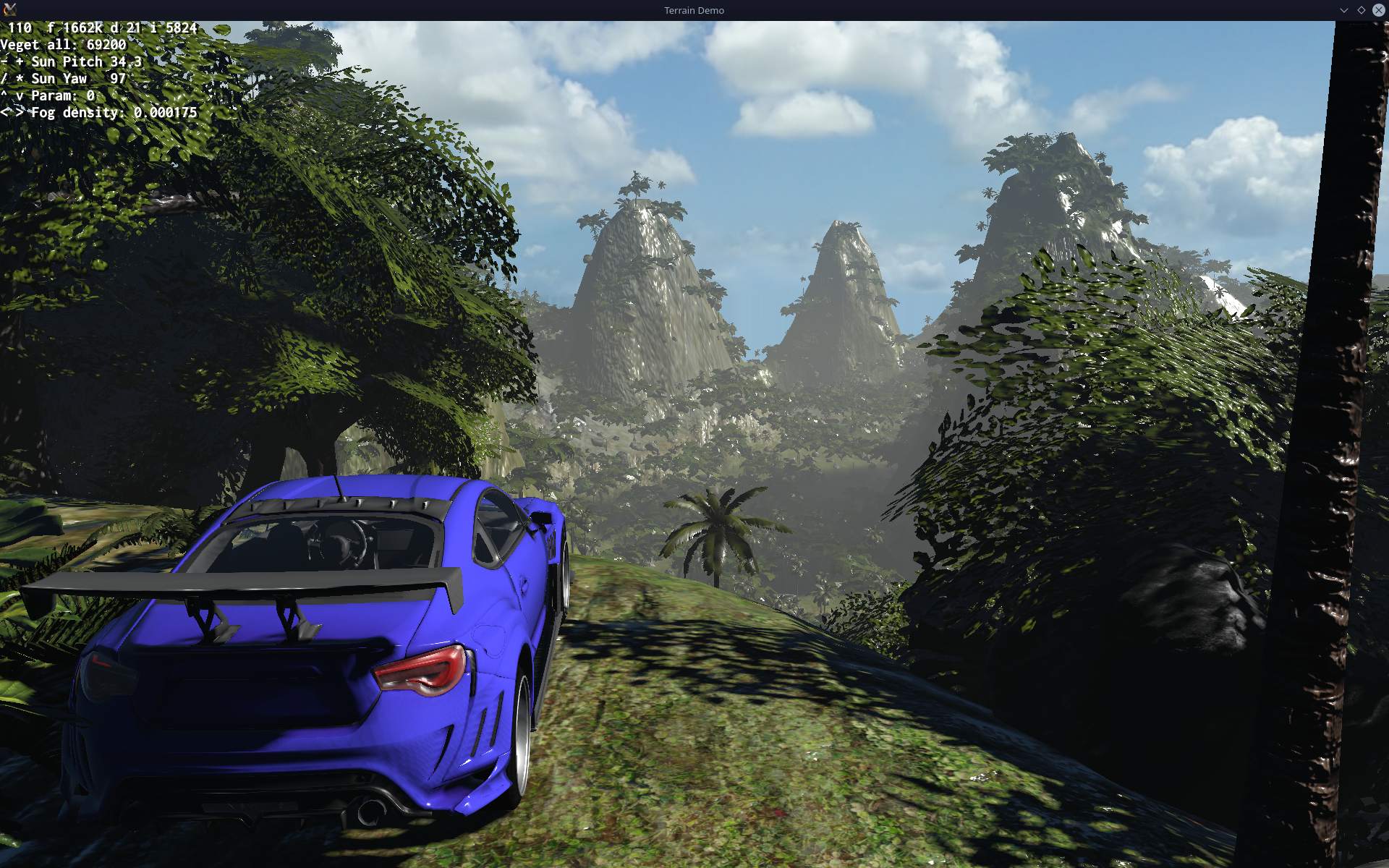
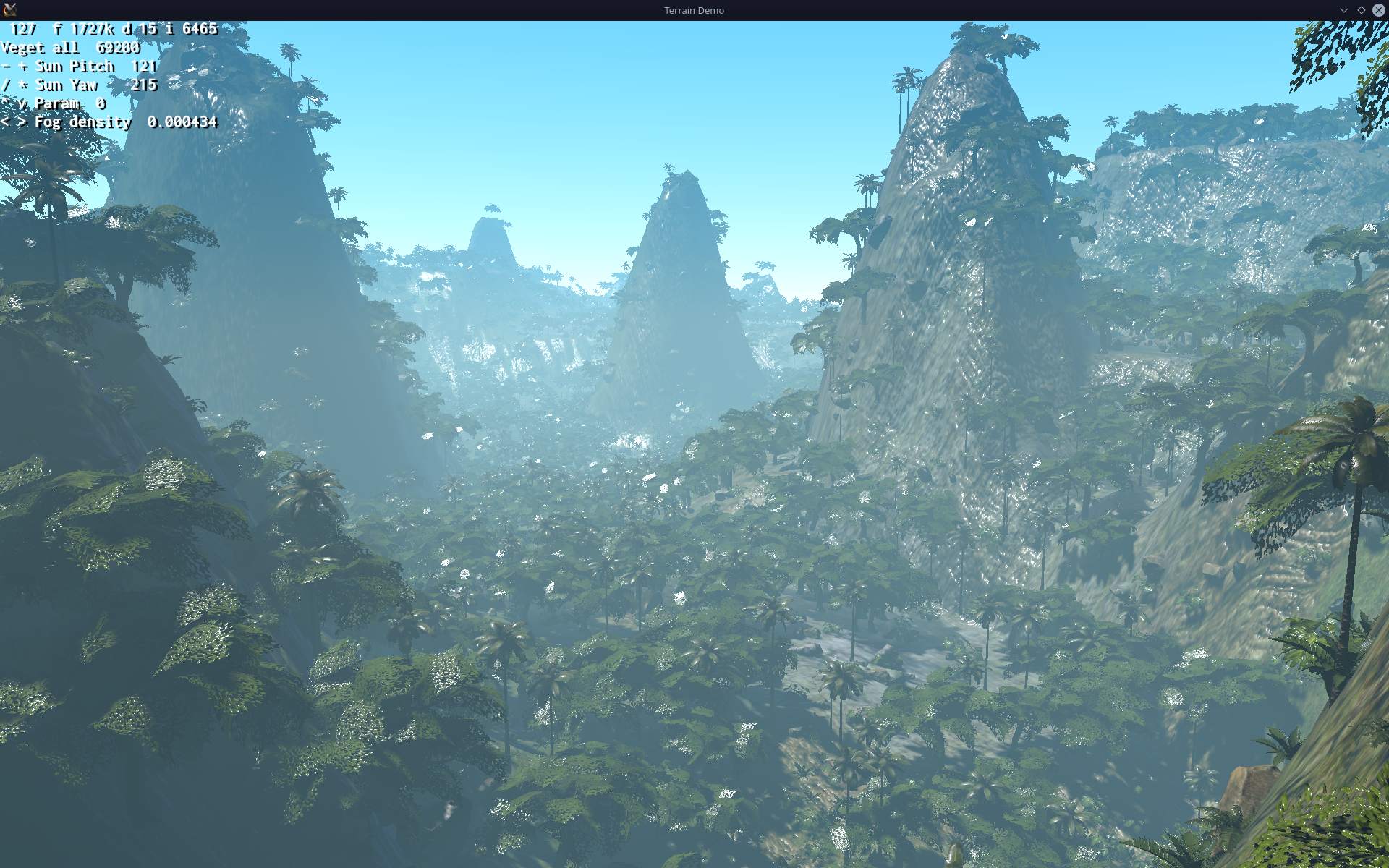
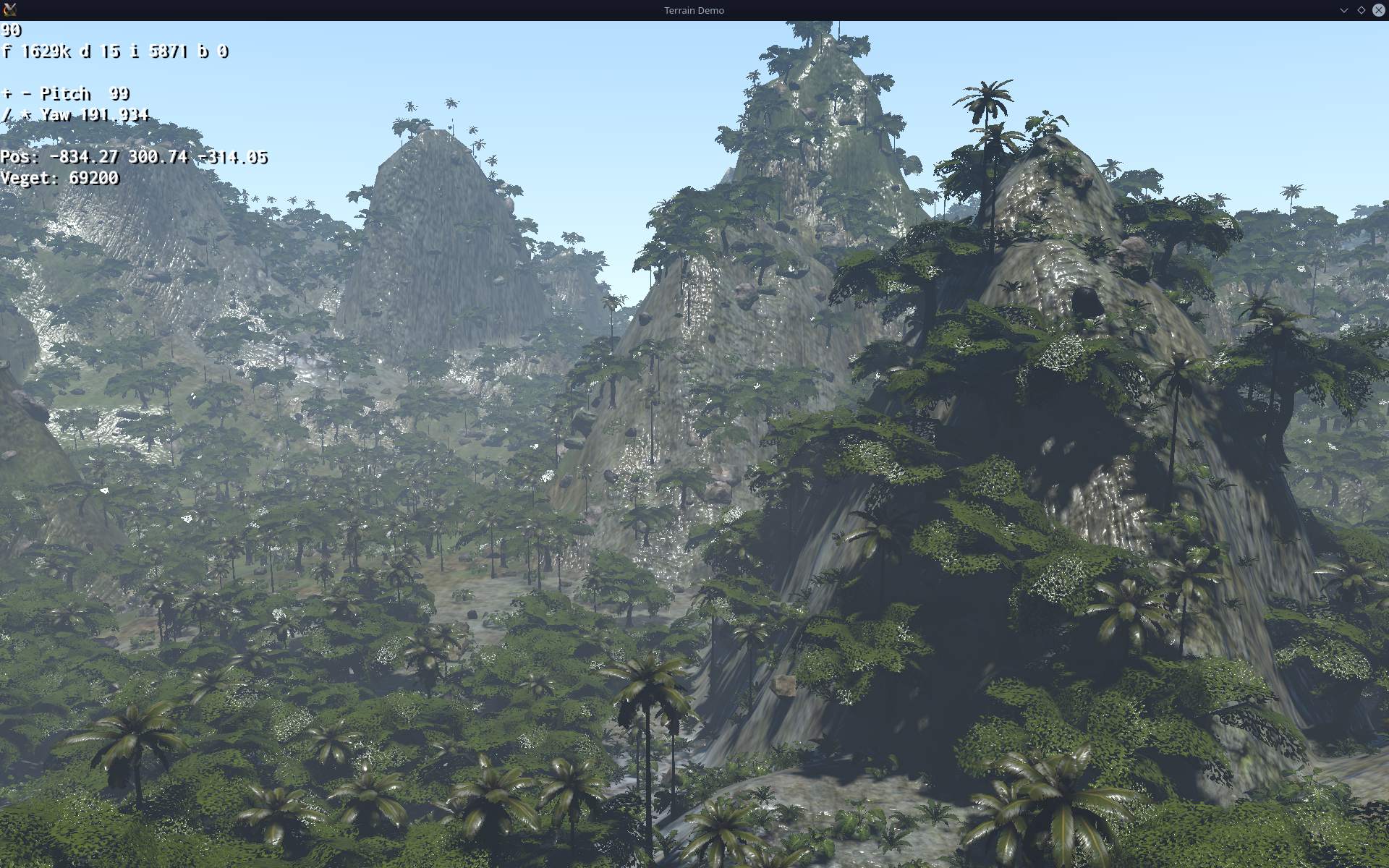
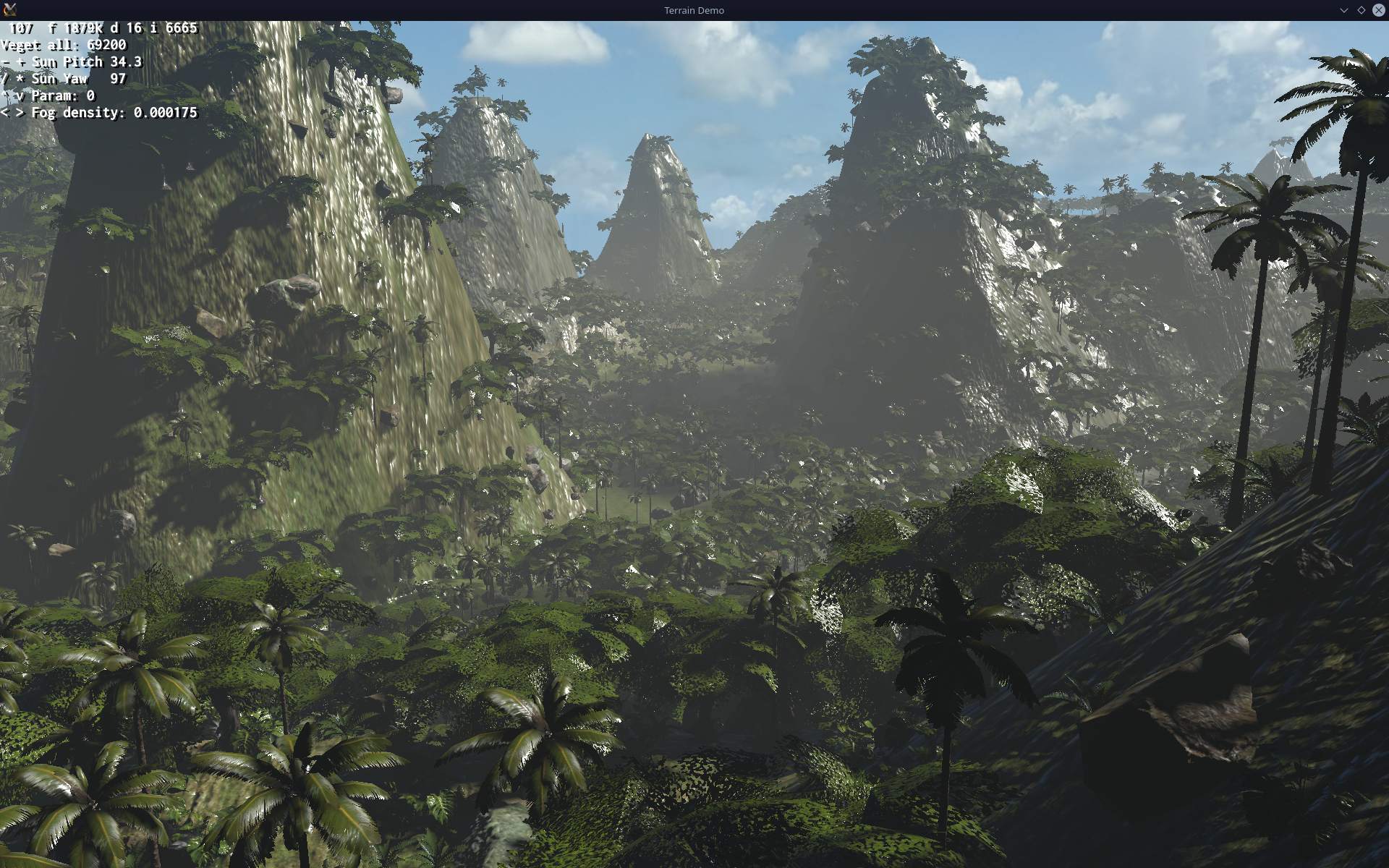
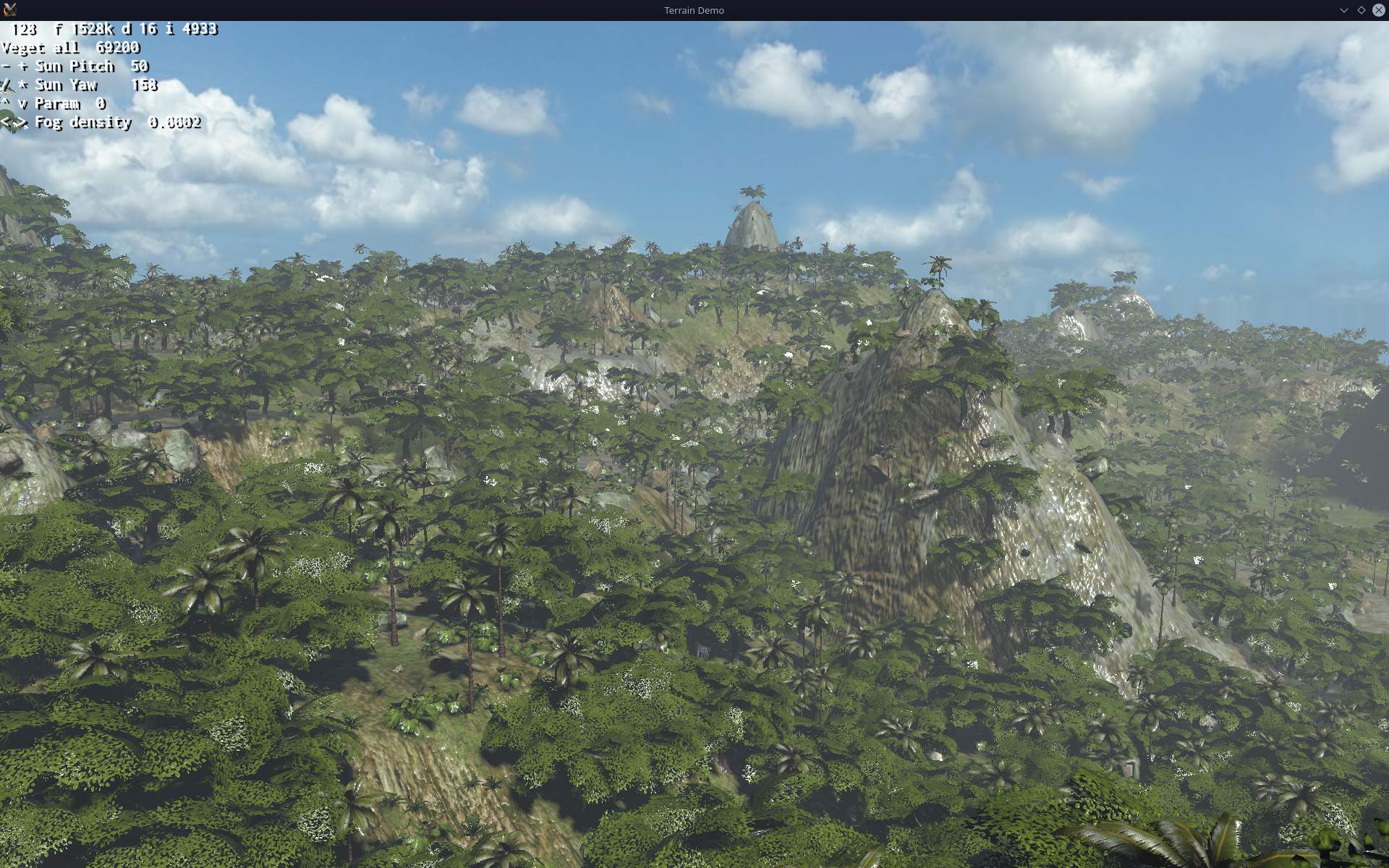
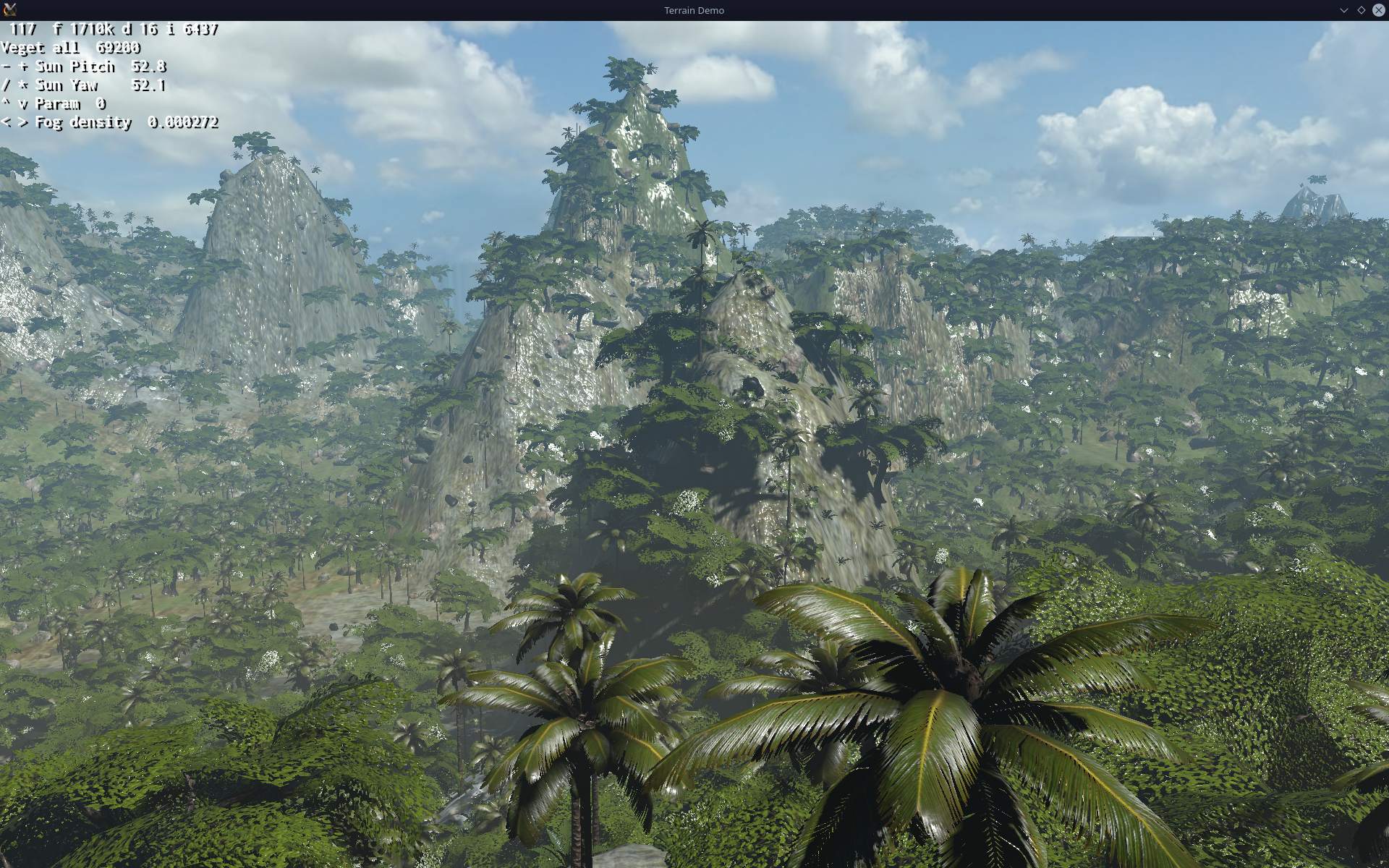
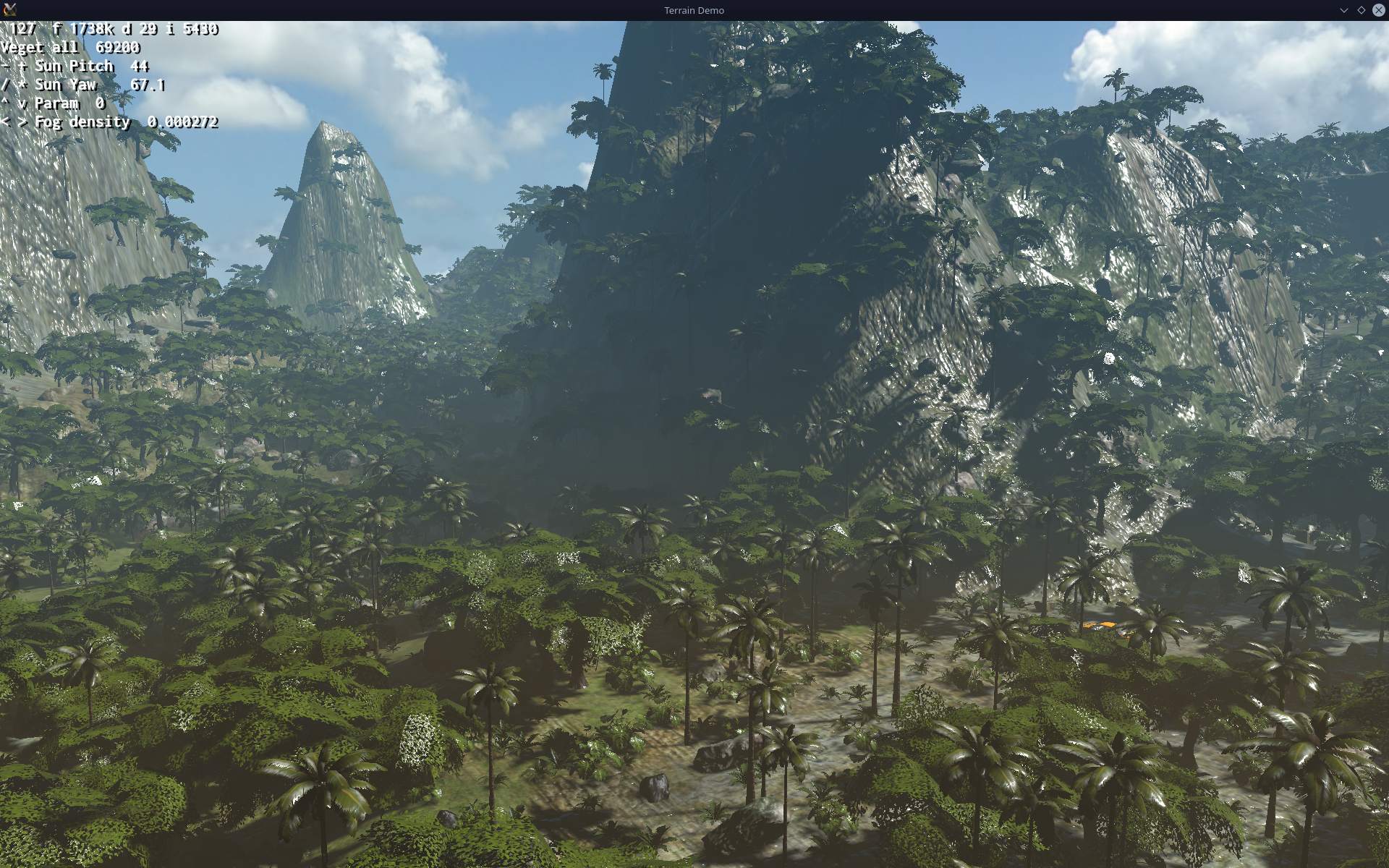
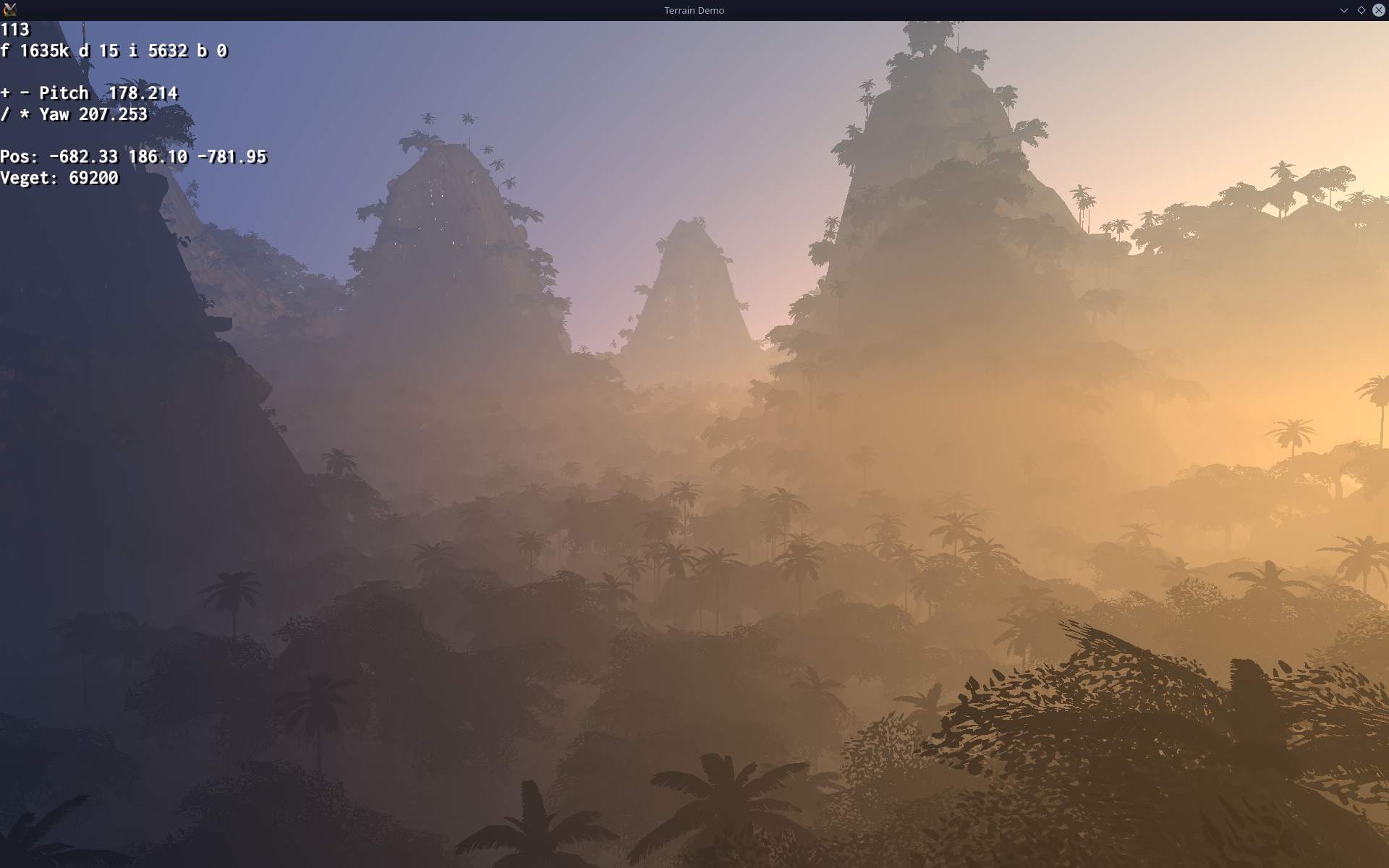
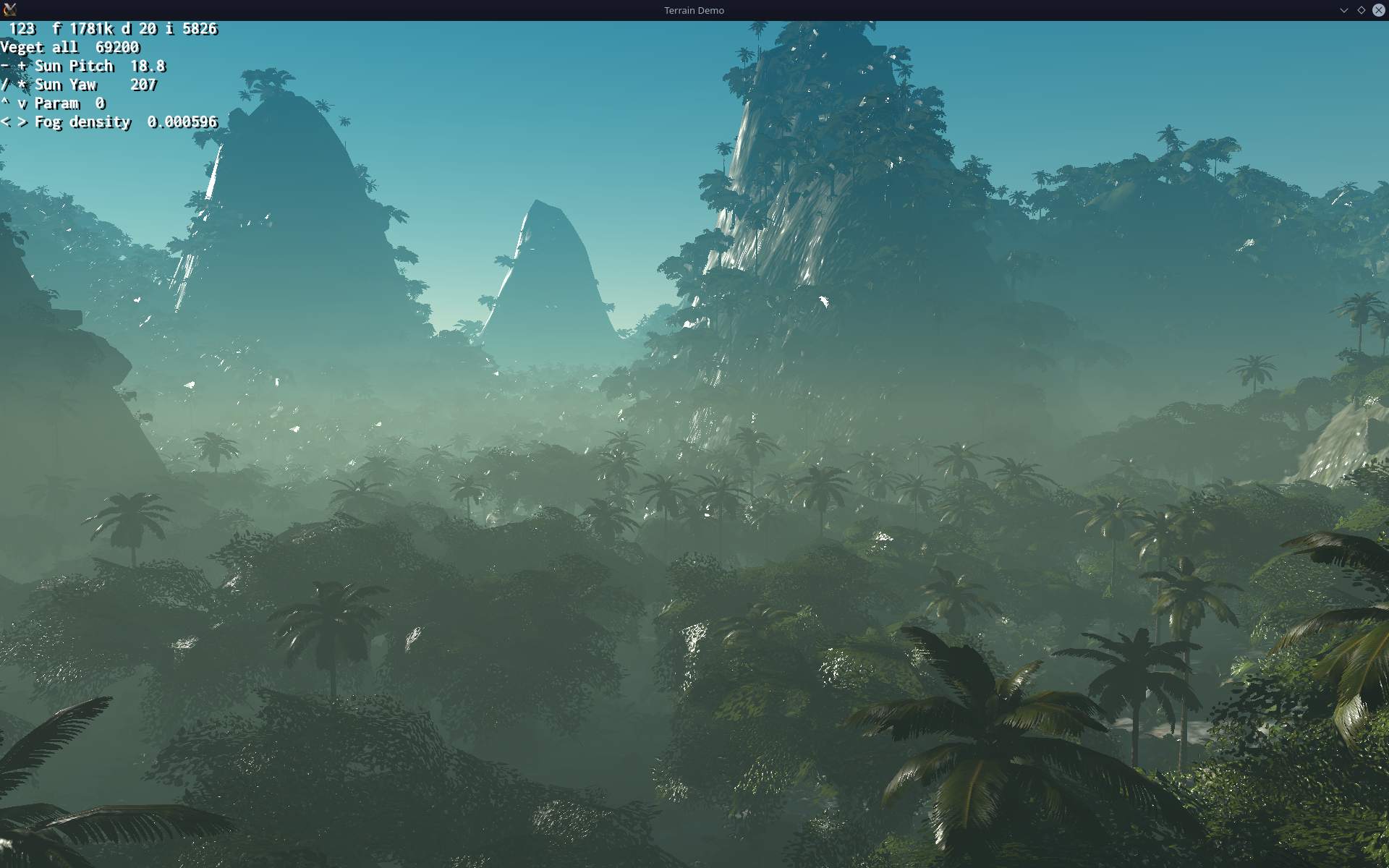
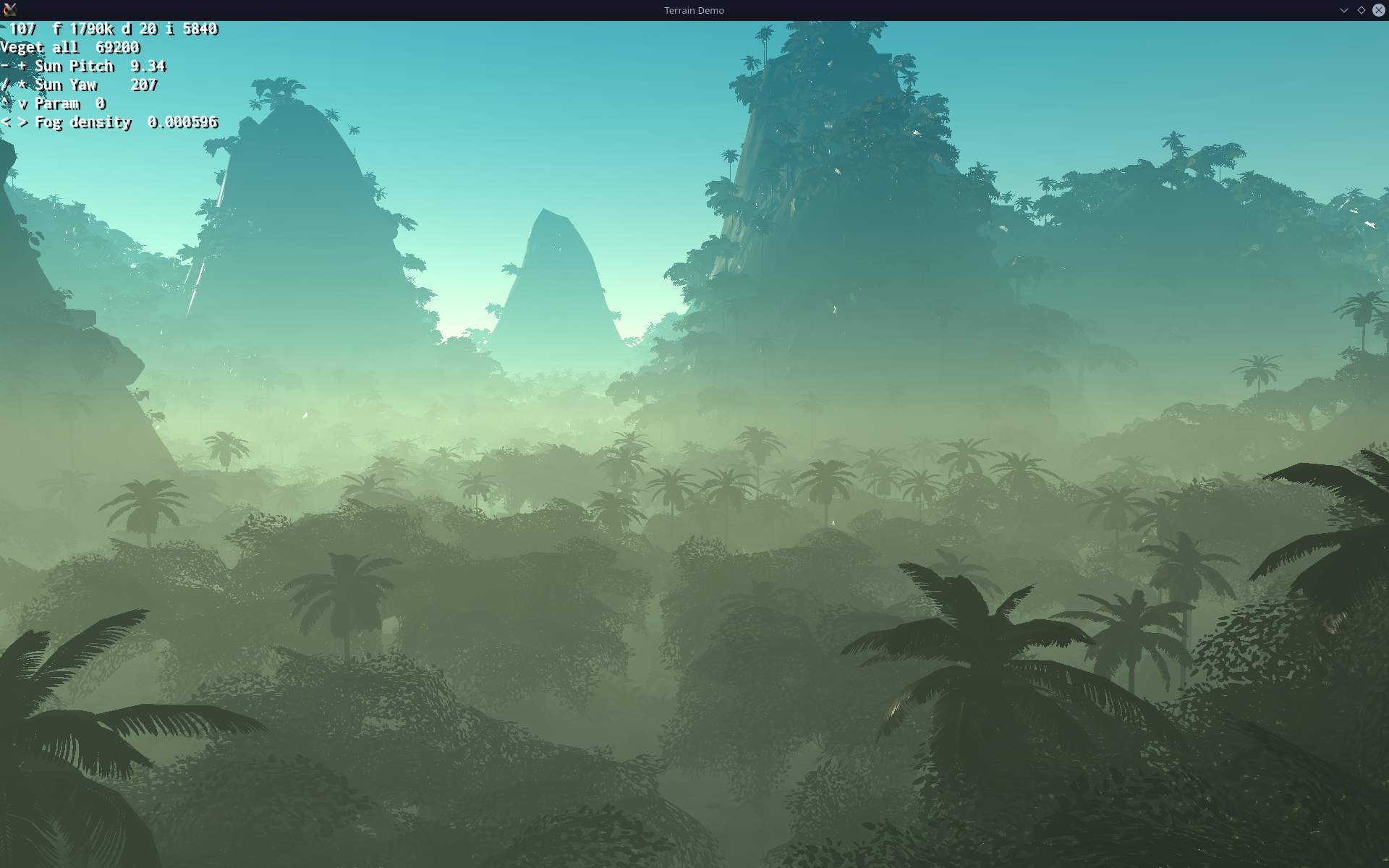
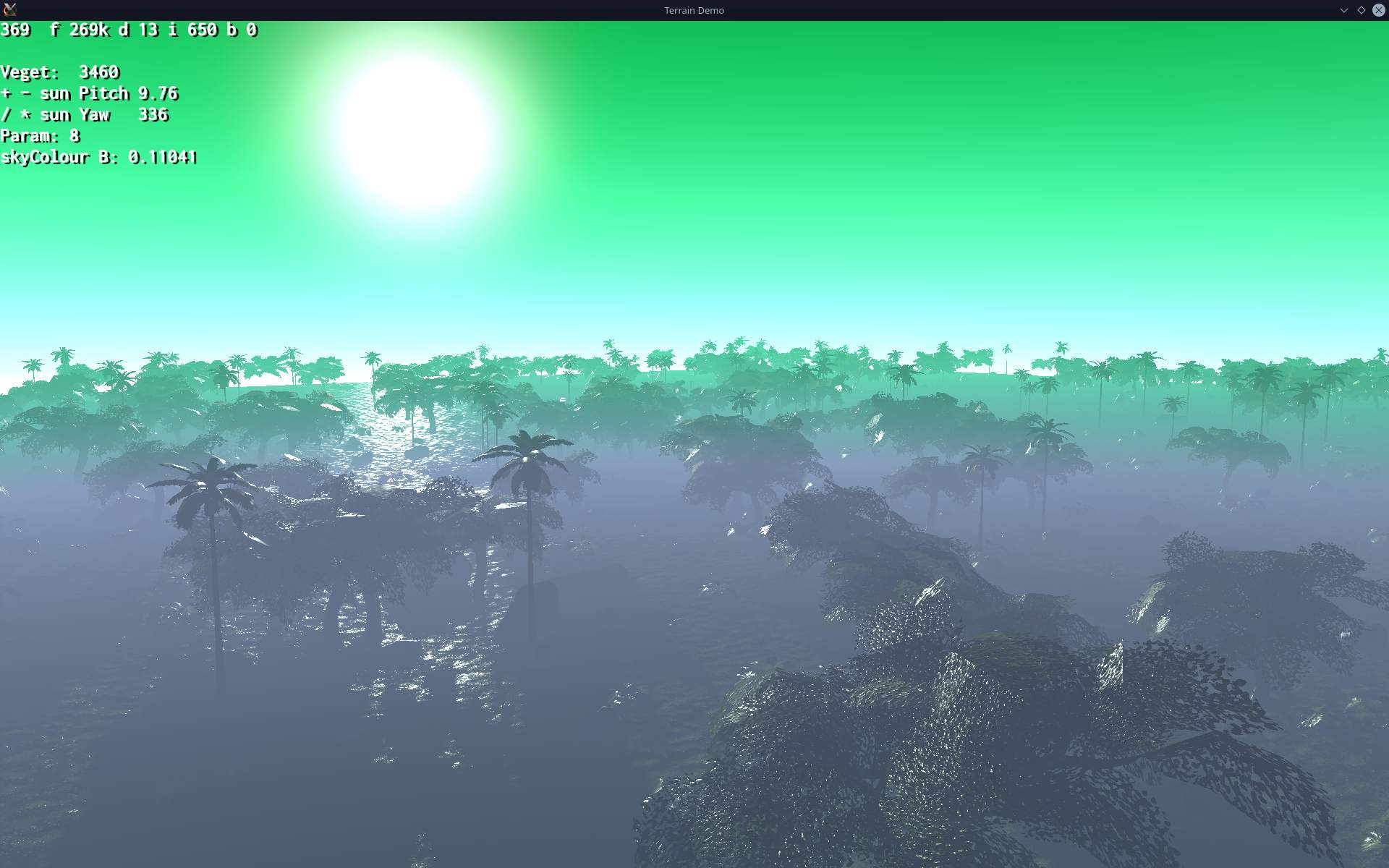
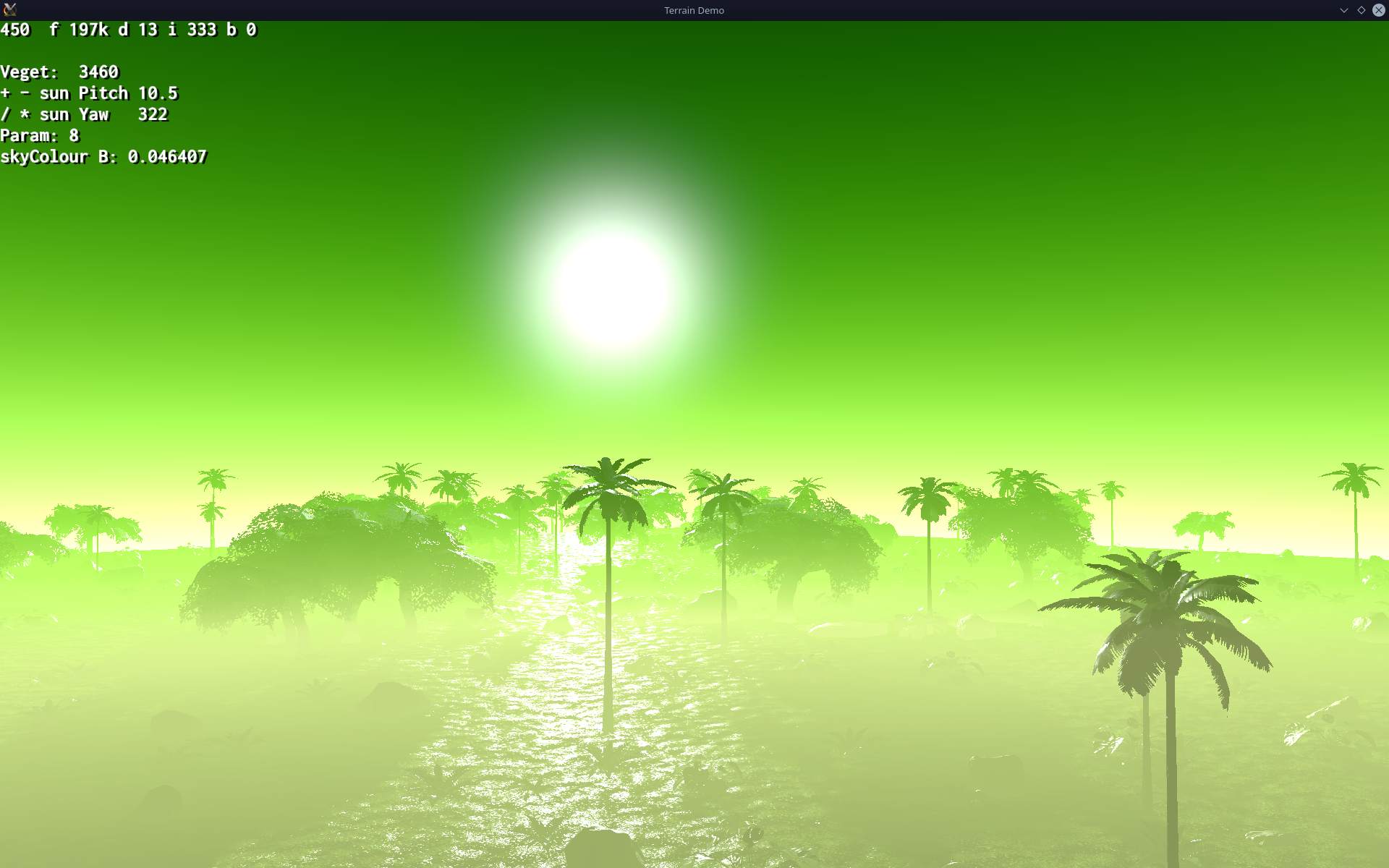
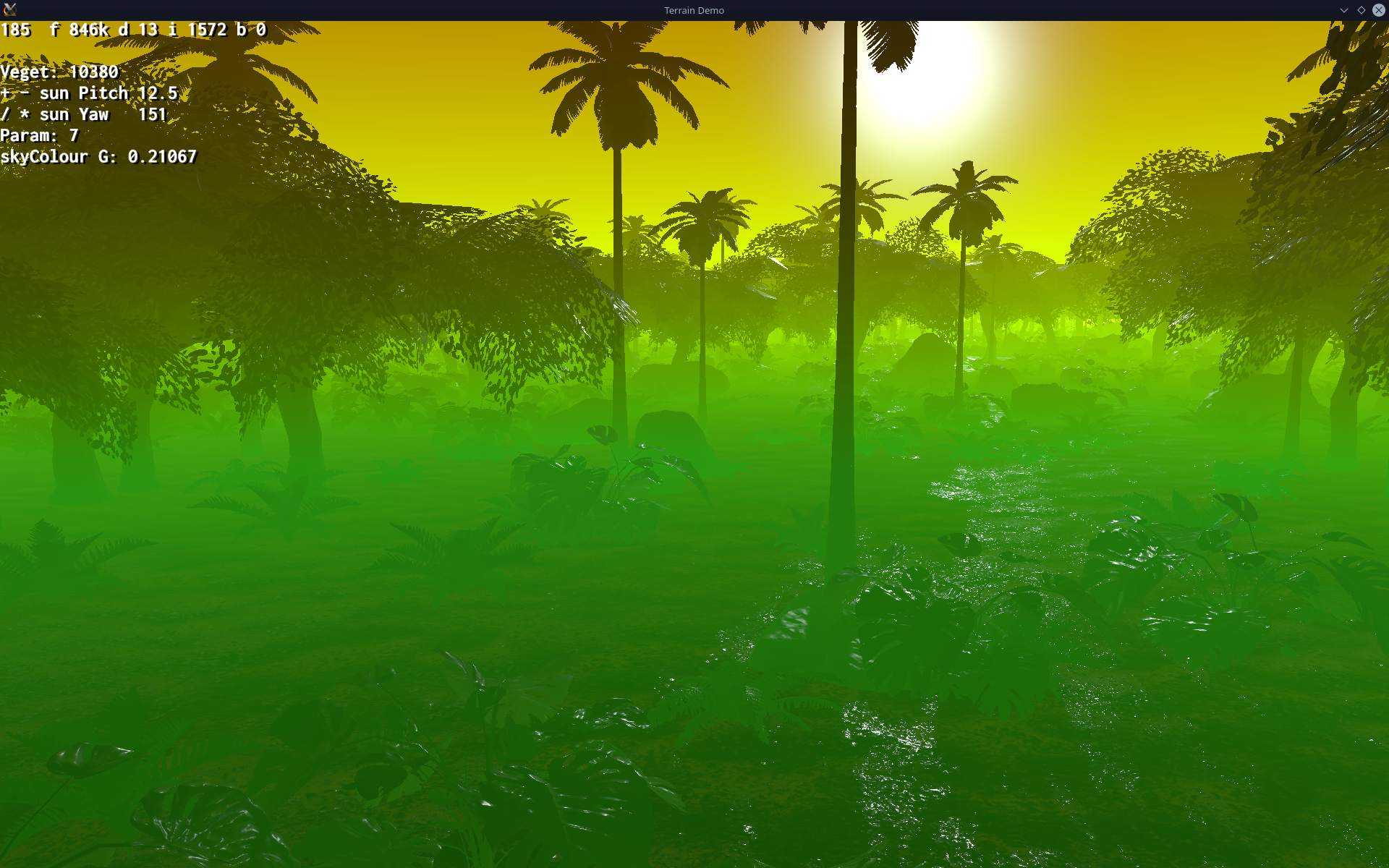
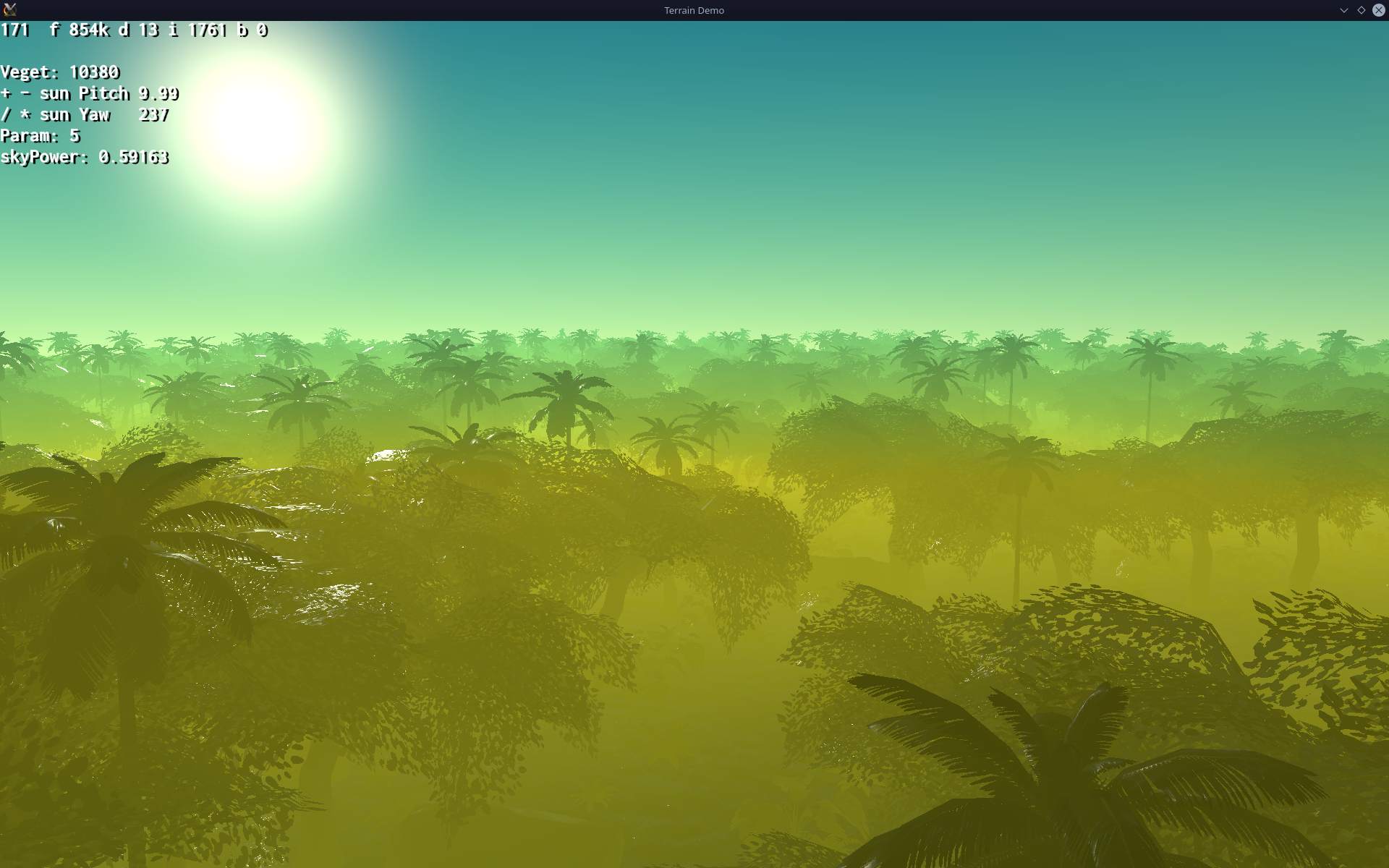
Shortly after I gave it a try and started a small demo (sources here) with nature scene. I was quite surprised by performance, how high and smooth Fps was with lots of vegetation. Contrary to old vegetation plugin PagedGeometry, we still used in old SR, which was also the worst thing, causing lags and delays while driving. Back then even fog wasn’t part of new engine and had to be added with some knowledge. Luckily new Atmosphere component for fog and sun was made not long after.
No Gui
Since there was no working MyGui fork (was earlier) and all else was difficult, I didn’t move much further. Even though Ogre-Next is still technically Ogre, about half of everything in code changed. Even using terrain was completely different as the system was new. It was good since it has better performance but it also meant a lot more trouble to use it and later port Stunt Rally stuff into it, and we have an editor for it too and own custom blendmap I made with noise.
Continued
Half a year later in October 2022 I got back to my terrain demo, which was based on Ogre-Next terrain sample. Sources for it are there and I even made a gallery, it looked cool.
Gui🪟
I also managed to build MyGui with Ogre-Next (forum topic) and with some help continued its fork, after some trouble later, it was fixed and started working well. This was likely the key point to start porting SR, while also knowing particles work, and my demo works smooth with better Fps and no lags for vegetation.
SR3 start🚗
I then started porting SR still in Oct 2022 and calling it SR3 (3.0 was also latest Ogre-Next version). First by disabling almost everything in old SR code and making it build with Ogre-Next. Then by slowly restoring stuff one at a time and I mean really slowly.
Restoring stuff🌐
It took months and literally almost everything was causing trouble or not working at first in Ogre-Next. It’s like normal developing, I mean I code then test and fix it to work (yeah the old way, no unit tests, seriously). On top of that, there were few annoying new bugs due to how Ogre-Next works and needed something extra to fix, what was already working normally in Ogre before.
Fast forward⏩
In Feb 2023 MyGui started working and could be used in SR3. Worse still, during my endless forum topic we found many bugs in Ogre-Next too. It’s like half of my problems there ended in a bug. A bit disappointing TBH, but that’s the way with software nowadays. It’s buggy and needs updates constantly. Which brings me to support aspect. If it was great I wouldn’t mind. And mostly it was, but lately was waiting 1-3 weeks for response and have many ongoing issues and unanswered questions. It’s a pity that it’s just (putting all contributors aside) mostly a one man’s project. Kind of like with SR too, especially after that one year when there were more programmers.
Water🌊, Effects
Last major, needed features for SR3 were: water and effects (like SSAO), probably the biggest thing. Worse still, it wasn’t developed by me, but mostly by scrawl (and others) back in 2013 or so. So I had to redo another thing in Ogre-Next by myself now. It was difficult but good learning experience. HLMS shaders, are big, complicated, have lots of code and variations, and yeah it’s much more difficult than just using a shader editor and putting together blocks or just installing a water add-on. We still are missing a few essential ones like: soft particles and HDR with bloom, that old SR had around 2013 already.
📊Other engines
Well this section might be of use and have some info. Not just SR3 history like above. Meanwhile I did think about other engines and shortly looked at 3 of them. There is a big list on wiki too.
I did recently write a tutorial page on CG graphics, its Engines section could be better too.
This is my personal view, and let’s keep in mind that I did look at them after SR was already made (took 5 years) and it has its own track / map editor made by me. It is FOSS too.
Unity
Bit older than UE I guess but also a huge hub for commercial stuff. Even the tutorial mini game had paid crap one could buy for it. That’s really the first thing that pops out instantly for me. I do hate commercial stuff. I guess you could find something “free” but its like looking for free money in city, roughly for me. It will only be a free commercial for paid stuff. Sure you can find stuff made already like rivers, vegetation and what not but given that this has a price, it’s instantly not for me. And it never has any other license than “you can only use it for Unity”.
UE5
This thing certainly got on my nerves. Turns out I don’t even have a PC for it. I started by trying to download. Nope, you need to get full sources with deps and then build them on Linux. I tried few times before I realized this needs over 100GB to complete IIRC. Yeah my SSD with OS is still just 128GB and the one new I got has just 512GB and doesn’t really have that much free space.
Whatever, the next thing was a real killer for me. When it finally started (after building for hours) it showed a tiny logo with a tiny text showing that it needs to build shaders, over 4000 of them. I can’t even. And it did compile them on like 6 CPU cores for 30 minutes. Seriously WTF.. and I don’t even use this term. I don’t know for sure, but it wasn’t just once that it had to do this. I remember few times that “building all shaders” time waste, possibly even on each new project created or so.
Well then I realized my PC (with 12 year old CPU) isn’t even in same era, UE5 would need you to first spend a lot of money for PC with latest hardware.. to probably still take a long to even start. Needless to say it is also a huge hub for commercial add-ons etc.
If we look at SR which has over 200 tracks already and on average 1 of them is just 5MB, not GB we can see the huge gap. One demo in UE5 was 100GB.
I did later try it out and wrote here. After even found a whole channel talking about its bigger issues.
Godot
I was pleasantly surprised to find waterways plugin for rivers and also seeing it’s MIT license. Feels like the proper way of doing stuff for FLOSS software and games like SR3. Would be nice to have it in SR for sure, but at least I can learn from it and even use sources if I ever find the time for this. Well, getting back to Godot, it’s big, I don’t have much of experience. It has its way of doing things and may be even extended. But own language. But let me sum this all up in next chapter. I did at some point ask Calinou who knows it, and he did not recommend using Godot for SR3. The best nature and terrain demo I found is this jungledemo for Godot. It did feel a bit slower (than SR3 now), got below 60 Fps.
Common
So let’s end this quick look around. Each game engine has lots of stuff. And I can’t even judge how long would I need to learn it, to estimate how long it would need, to port SR to it (any engine). And how would loading tracks look in it, or how much more complicated editing them would be. I’m pretty sure it’d be a waste of time and effort. As for game simulation, I guess I could build as a DLL or something to run in it, but that just doesn’t feel right at all. I mean what for, so that I could use engine’s features sure, but I’d need to waste a lot of time (in total) for starting it, clicking everywhere, etc. Lastly learning its issues and their solutions. Every big engine has something specific to it and problems with some things for sure. Meanwhile I already had a lot of code written to do what and exactly how I wanted it to be, e.g. editor for creating SR tracks.
🟢Ogre-Next
❔Is it good for you?
Obviously it depends. But shortly: no, not really, unless you’re already using it, or Ogre. It is a rendering (by rasterization) engine only. So contrary to the game engines listed above, you don’t get anything beside rendering, i.e. no physics (e.g. bullet), no sound (e.g. openal), GUI, scripting, network etc.
It is for advanced users / programmers. This means you need advanced programming skills to use it fully. Right now I also believe it means you need to find bugs in it yourself too. Surely there are some still and the more I use it the more I find. And I’d expect it to have none OFC, sadly that’s not possible.
There is documentation for it, but I can’t say it is covering all topics you might need. Some features I needed later had solutions that needed to be found in older forum topics. This wasn’t easy since they’re old and I don’t know if it’s still valid and there are also plenty of unneeded texts in posts. And support? Yeah it’s nice and great when it happens but otherwise you’re left alone with it (even for months). I also can’t say it’s popular. Seems it was much more earlier around 2016 or so and the Ogre 1.x version is still more popular also supports more hardware.
Good things last, it has few features, modern ones too like few types of GI (yet it doesn’t support terrain so it’s useless), HLMS shaders, etc. It is low level, meaning it can give you more control and optimization. This also means much more work and coding, not just setting checkboxes etc. I don’t have any practical comparison here, I haven’t used any other just older Ogre. Not counting that fail of a commercial engine UE5 or Unity.
✅Why I use it
The main reason was really simple. I/we made SR in Ogre so moving to Ogre-Next sounded like least effort. Surely old Ogre changed and I got myself stuck to shiny material generator which scrawl wrote back in 2013 or so. Meanwhile RTSS shaders got better in Ogre, and lately even got auto instancing. I decided to skip all that and make a bigger step, biggest possible for better hardware and that was using latest Ogre-Next. Even with few things or components missing. It also featured auto instancing by itself which I liked most, secondly the new terrain has less batches too (more performance).
🔮Engines
Surely there are other engines possible to use, eg. bgfx. There is a good website about engines here. I wrote a tutorial page on rendering, with engines section.
Recently I got interested in Wicked game engine, it has way more features, is active, has editor, physics, etc. It would be the engine of my choice now for SR. Or the next huge thing to move SR to. I wrote more on this topic in status page.
⌛Conclusions
After 3 full years of SR3 developing I got tired again and stopped with 3.3 release at end of 2024 (for which I did finally make 3 new tracks). So in total SR3 took about 8 years of development. There was a 6 years gap between SR2 end and SR3 start.
I’m glad SR3 runs very smooth now, has SSAO and sunrays etc. After I replaced most vegetation it also gained new great look in jungles, deserts, forests, etc. New engine sounds were badly needed since the game start, I finally made them one way I could, unfortunately still an issue here. I even made 2 game videos for 3.3 version as a nice way to remember it (with my favorite music, metal songs parts).
I think I wrote too many things in my roadmap list, lots of them are just bugs from using Ogre-Next or things left to fix in SR3 for it. And it all got too tiring and complicated, not easy and fun after time. Even adding SSAO was a long process, something that is just done and ready to use in other engines. Those OgreNext related issues would go away if I started moving do WickedEngine, but of course there would be a gigantic explosion with plenty more, stuff needing to be reimplemented there.
I also got less time due to IRL issues and topics I have to deal with, like my mother’s disability. At end of SR3 status page, I also wrote that I just needed a break and do other projects, including electronics. These are now visible in projects from 2025, and up. Many cool things. way smaller than this big game project.
I’ve spend over 1 month in total, exploring the Unreal Engine 5.3 on Linux and gathered some opinions about it. I’ll say upfront: I don’t really like it and this version is not even fully working on Linux. And no: I will not make or port Stunt Rally to it, I know for sure now. This isn’t a strict tutorial, but my gathered experience, many complaints, with some useful links. UE like other big, commercial, modern engines has even bigger issues. I added a chapter at end with them and more links.
📂Gallery🏞️
Short gallery with showcase here. Long gallery with many more things shown and including visible bugs.
✍️Motivation
Well I have been using Ogre rendering engine since about 2007. Over a year ago moved to OgreNext, which is even less popular. I can simply say there is just one person (the developer) who is able to, and does usually answer my questions, or fixes issues.
Naturally at some point I wanted to get at least a basic knowledge of other engines. Since they’re so highly popular and have big forums and communities. And get my own opinion, also regarding what’s best for Stunt Rally (rendering only since we already have simulation and even own track editor).
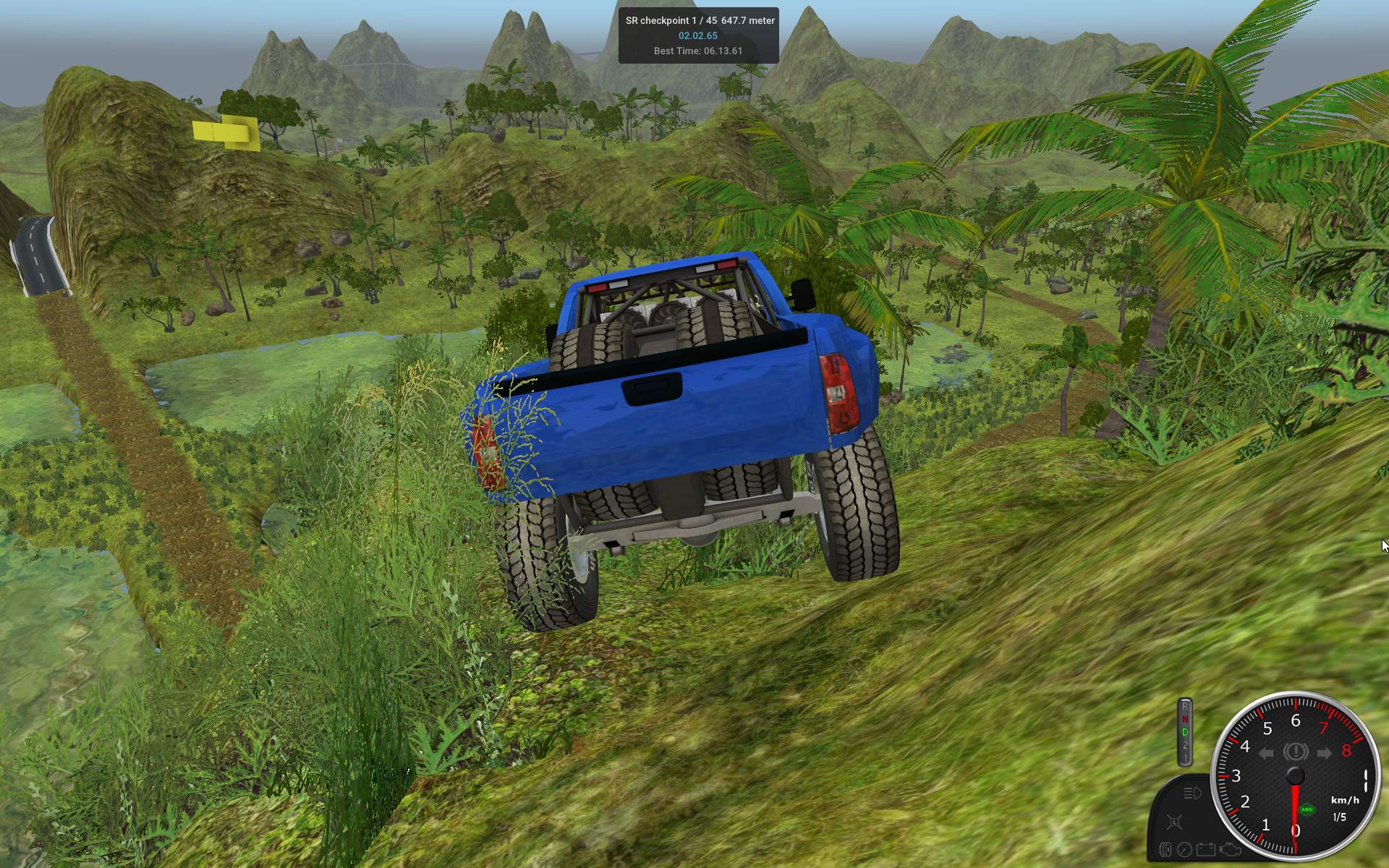
I made 3 initial choices due to highest popularity: Unreal, Unity, Godot. I did already check them in 2022, and wrote a little in my Rendering “tutorial”. But ultimately for me, Unity died a sudden death due to their freaking license changes (which shocked lots of developers and made them move). I did check out Godot and so far its best demo for terrain and nature, and it didn’t seem too great at performing there. Which seems also a popular opinion that it doesn’t handle big 3D scenes that well.
So, the goal was not really to move SR to any of them. It was to assess if that’d be even reasonable, and logically prove that it’s not (even only for rendering purpose). Last and quite important reason was to learn “the other side”, new effects and technologies, and know what would be possible to achieve in SR too (someday).
📜Earlier try
I did try UE on my old PC. Back then in 2020, UE5 had to be built from sources on Linux. Took me like 50 GB of space to download. And few tries to finish, as there was no info (and I had a small SSD). Then few hours to even build. Lastly at start it took 30 min to compile over 5000 freaking shaders. So ugh, yeah, clearly my PC was too old for UE5. I did try later after I bought a new PC. It does still need 5 min for shaders now. And that’s needed when major options are changed. Still, my impression is that most people would need to buy a new PC to use UE5, unless they already got a new gaming PC. It is really demanding on hardware.
🔍Observations, my issues
Of course, these are specific to me, using it on Linux. Also to what I was testing: for Stunt Rally try, so in 3D, mainly for driving cars, on gravel and for stunts. Also I didn’t spend years using UE just maybe over 1 month total. I could be wrong, or assumed something using my anti-commercial logic, or just didn’t care to investigate longer.
I list here all my issues I had using UE5.
UE is a big commercial hub, feels like a shop. Not for true FOSS projects. Lots of assets, meant to be used for Unreal projects only. Nothing is CC Licensed. They also have own binary file format for everything, only .ini readable for options. I did import e.g. trees from .fbx (which can be exported from Blender) but that needed more work, making materials later.
Aimed at Windows and making big profits. Obviously if someone paid for Windows, they’re more likely to pay for its software. Linux is the least popular so least supported.
Not meant to be used on Linux only. Nothing can be downloaded, as this needs the freaking Launcher application which has only msi installer. Even their demos don’t support Linux, e.g. this and that. Thus IMO they don’t fully support Linux, just wanted to add it to platforms list, as only the engine works but not the rest of their ecosystem. The Quixel Bridge is also not working at all. I don’t care about that integration, to add assets directly to project content. I’m a fan of simple download buttons or repositories. But big companies progress by buying other companies and so “improving”, which is also a way to be more monopolistic.
Editor GUI. IMO it’s utter garbage and a mess. I wouldn’t enjoy using it daily. There is a “magical” way to scale whole GUI. But no real options to choose font sizes, icons, themes or other visual stuff. Seriously, in such a big editor, used by so many people every day? Sounds like a joke to me. I can’t take seriously any* programs which don’t allow user to (at least) change their theme and font size. *even small, but except my own. I have made my own themes for every software I used for longer.
Tons of properties, written in same tiny, plain text, no idea which important, no icons for settings or e.g. even colors or bigger fonts for more important/significant ones. No way to bookmark properties or settings to know which I want to remember easily. Should I like write them on paper or something like in middle ages, or remember all that? Some have tooltips (white) with decent text, some very little. At least the worst stuff is bottom in properties usually. And the (rhi) statistics texts are even smaller and less readable. I made my own Fps and statistics bar in SR and it has few detail modes now, medium size font, and even coloring from value, if it’s red that’s bad.
Editing terrain. Seriously cumbersome. If you ever seen or used Stunt Rally Track Editor, it should be pretty clear what I mean. Sure, I wrote it myself so it has what I find best already. I mean using just mouse wheel to adjust brush size and force. Also having keys that increase those. Then plenty of terrain brushes to choose from. All brushes using floats and computed for needed size. I could go on. We made over 200 tracks just using those tools. Seems like UE doesn’t care much about such tools. There are some other software programs (big and commercial too) that will make a terrain which you can import instead of editing. BTW I saw no way to import raw float heightmaps which we use since years for best quality.
Gizmo. Well it may be my personal hatred for that thing. But how am I supposed to drag that one axis if it’s covered by another. Probably need to focus, rotate around or use ctrl, meh. We don’t have a gizmo in SR editor, yes it may not be obvious how you’ll move etc, but you’ll always be able to do it, directly from anywhere.
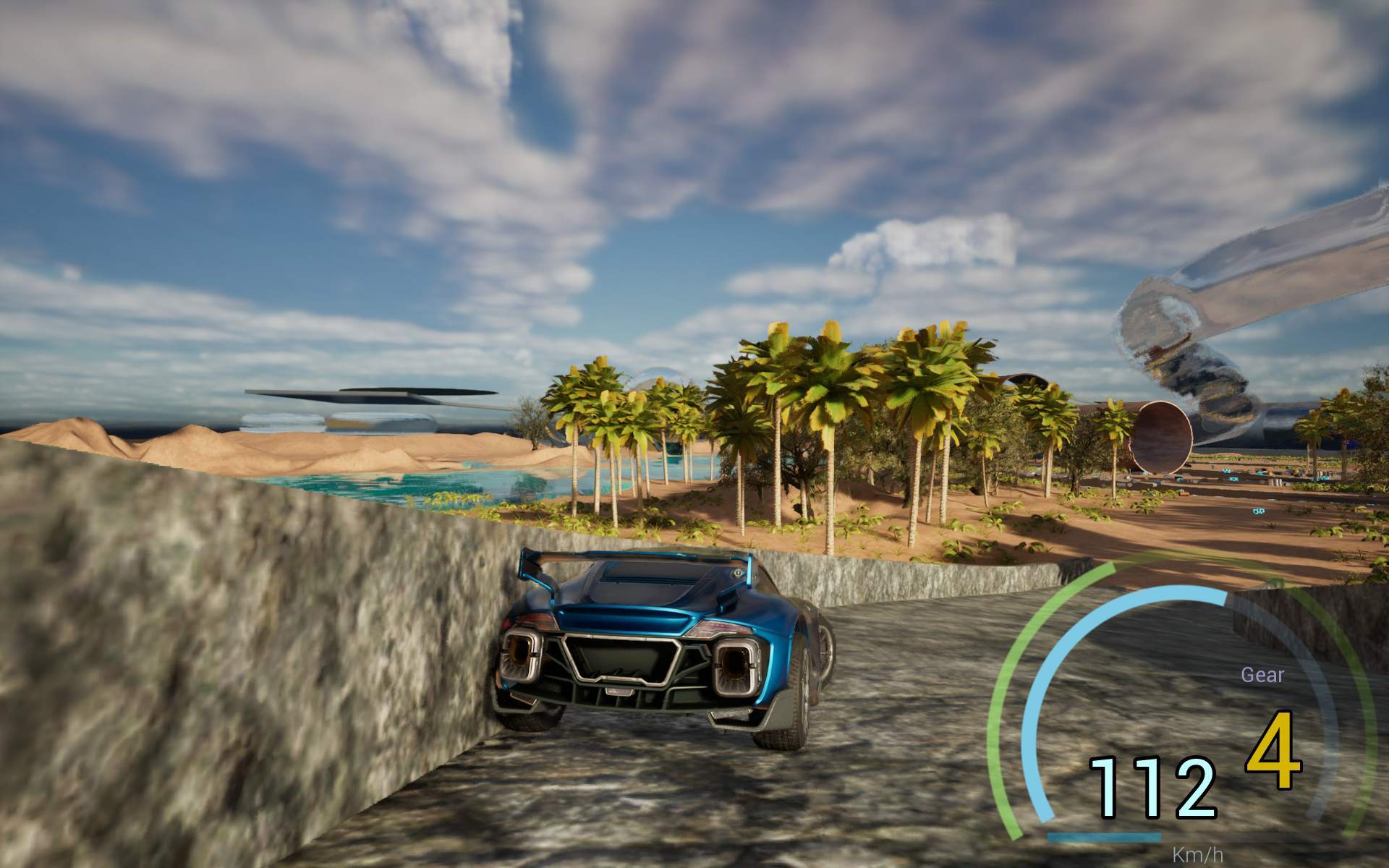
Physics. I’ve seen some opinions on internet that it got worse in UE5 (has Chaos), from UE4 (had PhysX) if I got it right. So far I had plenty of sudden car jumps because of what looked to be normal wheel force from contact, getting weirdly high. Also had some sudden object jumps, flying far very quickly. All not looking good or real, seems like an instability. I did increase substeps and decrease interval to get better simulation at high speeds, and I did surprisingly fix that wheels wobbling suspension. I could drive even over 600 km/h in big glass pipe loop and 450 in smaller one. That’s probably the only thing better than in SR with Bullet physics, but I’m still using old version and didn’t try new in years.
As of UE 5.3 which I tried, I was not able to turn on Nanite at all, and neither HW ray tracing. And those are UE’s biggest, prominent features. I used Debian 12 and AMD GPU with Vulkan. Saw some post that 5.4 could fix it, maybe.
Lumen software reflections. Man, those look laughable. I guess most would use HW ray tracing now or in few years. But I’d rather have my own cubemap rendered and used for other parts too. Instead of looking at Screen Space Reflections (a recent disease) or those blobs (done by Lumen software reflections) when screen space didn’t cover. Plus I’ve never seen car underside reflected properly here. Lastly I tried adding reflection captures and these didn’t work. Could be my fault, whatever.
Many effects are iterative, updated partly over time, and so they work best when not moving. E.g. volumetric fog lit from car lights, is moving inside car when driving. Reflections also have some noise, changing pixels. Global Illumination with Lumen, also does fluctuate and spread unevenly over time. Sure, it’s new technology and best if it didn’t melt GPUs doing impossible today. But it feels to me like these are just targeted for those indoor furniture designs and static shots, not games.
Many things even vehicle parameters need that Compile pressed after changing, then running to test. Really not convenient. The default vehicle simulation is completely nonsense. I guess it could be good for basic arcade games. That’s to be expected. Can’t touch dedicated C++ code for vehicle simulation like VDrift or even RoR with deformation. I found an older UE4 vehicle simulation, whole made with blueprints. Is good to learn from, didn’t feel great to drive though, but I’ve spend not much time with it.
Lots of thins are still done from console with typing commands. I guess no need to add them to that pile of unrecognizable settings list yet, probably translated though. But on the up side, there are plenty of options to customize for sure.
Crashes. Last but not least. IDK if it’s just because I use Linux, or Vulkan, or AMD, or their drivers. Doesn’t matter, either way I had many UE crashes. Luckily I didn’t loose much, seemed to be at end mostly. Still, not a good sign, not for stable software, not for daily use. Also seems to me like UE is favouring NVidia GPUs or maybe they have better hardware ray tracing, IDK and don’t have time to investigate. Ah and trying to start profilegpu did reset my PC instead.
Whenever you change key options it will be building over 5000 shaders again, which takes for me 5 min. And Package project at first takes like 30 min, but later it does much faster even less than 1 min. There are slow downs of like 5-15 sec whenever you save a material etc, there are structures in UE that need to be rebuild and this a slow delay when editing.
🎛️Blueprints
Quite a lot of stuff can be done using Blueprints. There are games made just using them. But then you’ll be dependent on them, which means no full control over what’s happening, and just doing what others tell you to do their (commercial) way. There is no avoiding blueprints, even with C++ code. Another thing is that the list with blocks in blueprints is again huge. Here even a video with main ones. So usually you’ll have to type more to find a block. Even if + or * etc is enough to get simple operations, that’s still just ridiculous for me as a programmer to put a block and connect those lines to it, instead just typing + in code. But yes, they’re easier to understand for non programmers. Still, I felt like I didn’t know how to do anything at all, when I was starting with blueprints. So it’s not like those were easier to start, just less to set up (no external IDE, compiler). Lastly big, complex games would require a lot of code, which in blueprints means few times more clicking connecting, picking blocks, to me it feels like slow playing with toys instead of developing. And then area is huge, also hard to find stuff, lots of moving around and zooming. Sure there are comments, same as in code. But much more code can fit in text editor. And it doesn’t go both vertical and horizontal (when done right). Doesn’t need zooming. I find code easier to navigate (definitions, references) too. All can be done faster by keyboard.
There is a cool website with lots of blueprints here. One good part for blueprints (similar to scripts) is their safety, since they show errors, won’t break, etc. While code can crash, corrupt memory, loop infinitely etc. And could take more time to build and test too.
❌Why not
While there are some apparently good things about Blueprints, e.g.
it’s easy to get stuff done (or find how to on youtube, since they aren’t convenient and there isn’t much help in UE)
easy to see how stuff is made (until they get too big anyway, just like code)
no need for using their old C++ (I still prefer to write code, not play with blocks)
I see a bigger picture here. Since this is UE-only thing, once you get used to their blueprints (too much), you won’t want to use other engines, right? Secondly, the easier it is to start with UE (using blueprints), the more people will use UE, so more profit. Perhaps it was also another way of doing stuff, added as alternative to their old, specific C++, which I’d surely dislike using.
☑️ Somewhat good parts
At least good at start, because I end them with a view that’s bad. For me UE was only good for observing and learning some new things, I won’t be using UE myself.
A lot of stuff working already. But as the saying goes: if something is good for everything it’s also good for nothing (i.e. not great for anything particular). Also if you wanted a change in their sources then it’s a huge amount of it to even grasp (like 50 GB total). And more games using UE will mean more will look the same due to its technology.
Plenty of (free) Plugins. Even fancy things like Niagara (3D smoke and fluids simulation, rather not for my/current hardware). But Water is still Experimental (yet essential), and I had some bugs with it (underwater fog was bad at times, even white flashes, then after publish it was at random level above sometimes). Very many plugins are also in Beta and version 0.1. Seems like it’s still too early. IDK maybe UE5 is still too young. I’m obviously only considering free plugins.
Useful modelling tools included. E.g. video. Can quickly edit and draft a scene with basic models, already inside UE. For me not needed, as we already have our assets, and tracks made.
Many possibilities to generate and place stuff (meshes, vegetation etc) with PCG. Still, those are rather new UE features. Which I’d expect much earlier. E.g. someone using UE4 didn’t have them, years ago. And frankly, in Stunt Rally we had automatic vegetation placing and road generation with LODs since the beginning in 2010.
Can move camera with W,S,A,D and Q,E, that’s cool, even bookmark places. But I didn’t find a way to change the speed by keys, and sliders don’t allow any values just predefined, IDK.
Plenty of debugging view modes and visualizations. Well the rendering engine is very complicated and “heavy” (high HW requirements) so these will be needed to optimize, probably even if you don’t want to. A very good (but older UE4) video series pipeline bottlenecks, passes.
Seems like Visual Studio is again default for C++ but at least VS Code is supported. So my setup with clang and VSCodium won’t work. And OgreNext supports clang officially. UE C++ is also in its own style. Quite old, not even similar to new C++ versions. All variables used and methods use big letters. Video here. Yes it’s a matter of preference (or getting used to) but yeah I dislike this too.
Many resources to learn from. Still those are commercials for Unreal and their addons etc but if you filter this out and ignore, then there can be plenty of useful, or universal information to learn in general.
UE is definitely huge and complex. With high popularity and big community it’s easy to find solutions to problems. But that doesn’t mean less problems. Actually I found many topics on forum which didn’t solve anything and seemed like unnecessary distraction, like from people not knowing English not only UE. Surely it was easy to find out why I got gray models after Packaging, but why on Earth weren’t shared wrap samplers the default, causing this issue. I think there is a lot of detail to be known to get UE working for any project.
⏳Summary
Well definitely you can learn a lot, not only from using UE in practice, but also from that big number of videos either in their playlist, or lots of other videos from creators around UE. There is also a decent amount of documentation. This can help when starting or using UE, but also for getting information on various subjects around rendering or games etc (just at a smaller fraction).
So it was a cool experience, completely opposite to mine. I mean using an advanced rendering only engine, built from C++ sources. Not just installed, and already with most needed tools. There is a gigantic gap or difference between those. And not only in software size and thus difficulty, but also in the community. It’s a complete opposite too. In UE (or Unity, Godot etc) you can simply even put your question in youtube and find a video (or few) with answer. When I was searching for UE vehicle tutorials there were even few playlists with that.
Still, it’s not reasonable to change rendering or game engine far in production. Only possible at start. And SR is and already was far in production, having my own coded features, even when those engines weren’t available, that popular or so feature full. So clearly just because of that I won’t really be able to change engine. And neither would I have patience to spend 2 years or so, right after I’ve spend over 1 year to move “just” from Ogre to OgreNext.
UE is big, and very commercial, so Windows, NVidia, Visual Studio are default, if not only option here for all things to work. So definitely not for me as a Linux only developer. I think they also use some telemetry, I’m not sure, but I saw urls, sent to their website from UE, as warnings in log, when I didn’t have internet.
Lastly there are plenty open source engines, e.g. listed here, or new list here, also tools here, and a big collection of engine related links here with lots of libraries and sources.
🛑Big issues☠️
This is an update chapter. Later after my tests, I found more, pretty big and serious issues about UE. There is a whole channel with many videos. First is detailing the TAA and bad optimization (temporal aliasing) that is excessively used and forced by UE (and some other engines too, also to fuel the vendor locked, upscaling algorithms like DLSS, FSR, and putting AI into graphics, I can’t even) and another about Broken Mindset Of Modern Graphics & Optimization. What’s gets even ridiculous is that we already had games with better graphics 10 years ago, before the modern graphics introduced garbage effect of smearing from TAA when moving and blur from upscaling. There is a reddit channel with anti TAA topics. There is also another problem with UE being based on Fortnite where it works on dynamic (destroyable) environment and lighting and most of rendering is based on that. While most games don’t need that, and so they work slower with UE. There are also many paid influencers and AI comments spreading lies in favor of the bad algorithms etc. All this is absolutely disgusting for me and I’m glad I don’t have a job where I’d have to deal with all that. I’m not interested in modern games or GPUs either, especially if they are made performing worse to fuel buying latest expensive GPUs, while being more buggy then ever. And they’re also pushing ray tracing too early. A short summary of the issues is starting here. Too many games are made just using UE5, making them all look the same, and bad (video, and another video). So ultimately this is not just UE’s fail, but the failed way of how modern graphics go in recent years. But UE is spreading and leading this garbage too (video). One more thing, UE is not only for games, there are many other industries like movies (can render slowly), architecture design (static views) etc using it. Which in turn makes it worse for gaming too as games need real time graphics with dynamic camera.
This is a notable but short entry, not much of a project, rather a contribution. I developed an Exporter code in Stunt Rally 3 Track Editor allowing tracks export for Rigs of Rods (also FOSS game). BTW also gathered many (CC licensed) assets from SR for use in RoR.
📷Screenshots gallery from many tracks start here on RoR forum topic. Also older WIP here.
▶️Videohere Shows drive in RoR on one SR track and at end (somewhat outdated) Gui for Export in SR3 Track Editor.
Documentation here. Explaining differences and how to use SR3 Export for SR or own made tracks for RoR.
🔍Details
I first noticed some interest in this topic. It also has a lot more detail in my posts, screens, and RoR bugs listed too. There wasn’t a lot of interest, so it was actually much more a challenge for me to try. And well it consumed me for like 3 weeks. A lot of C++ coding (76 kB in total) for that Export functionality and even my hands started hurting after (was too much typing late into nights). The Export also allows others to create tracks for RoR using our SR3 Track Editor.
Finally 130 tracks from SR are available in RoR, so about 55% from 229. Is quite significant at once I think. It was also a lot of fun to drive SR tracks in RoR simulation and BTW learn about RoR code and people involved. Of course I got back to developing SR3 after.
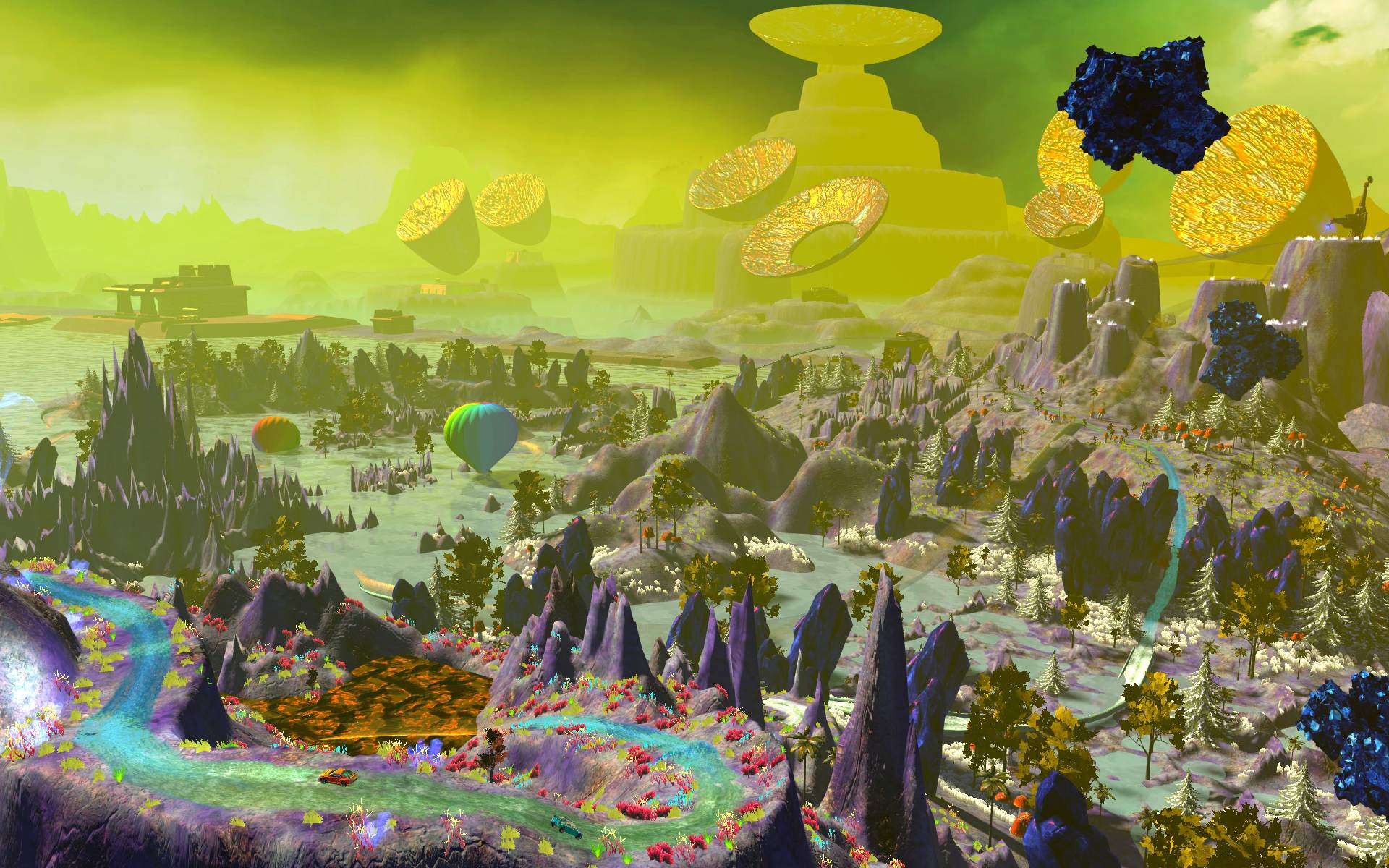
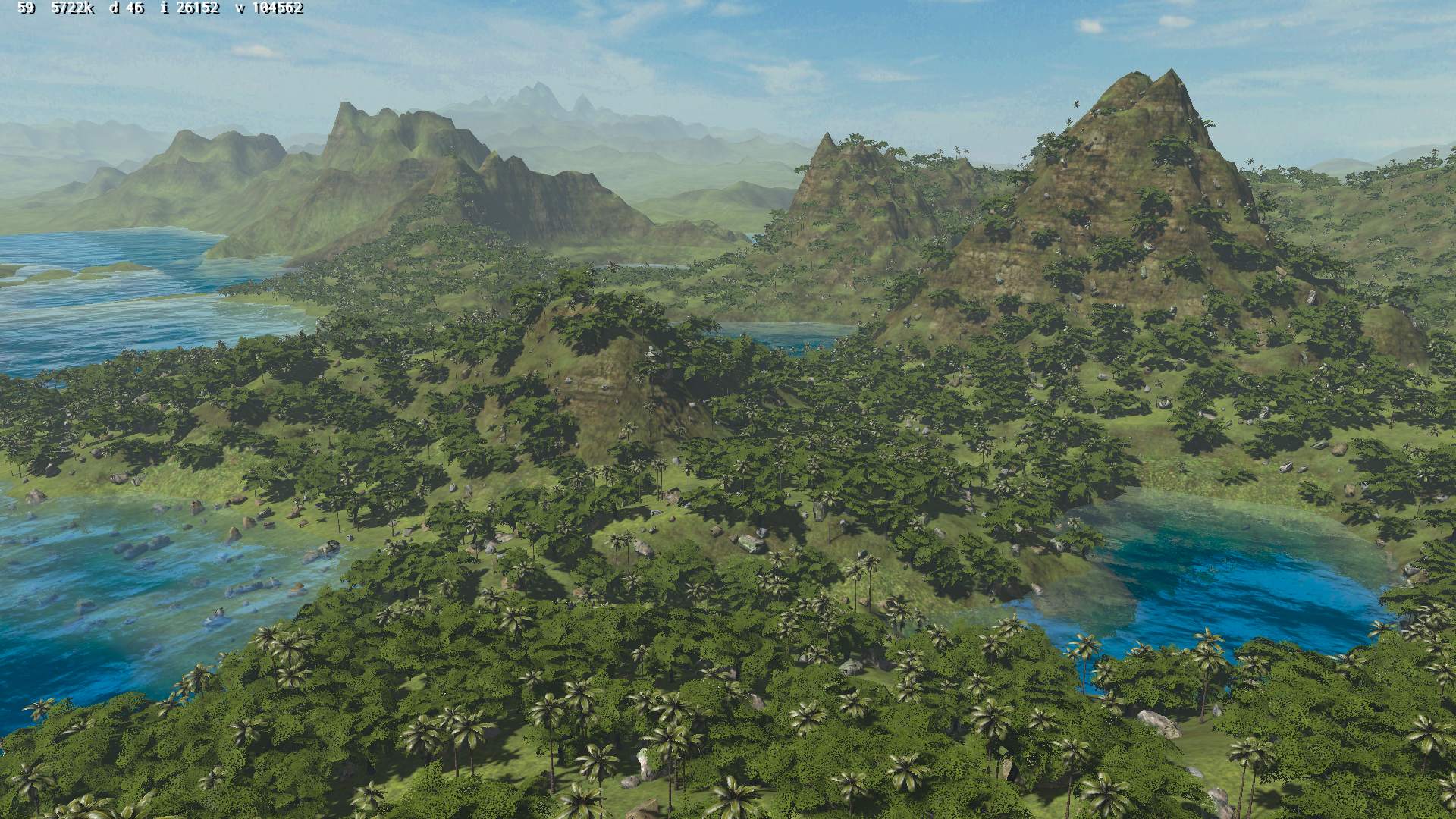
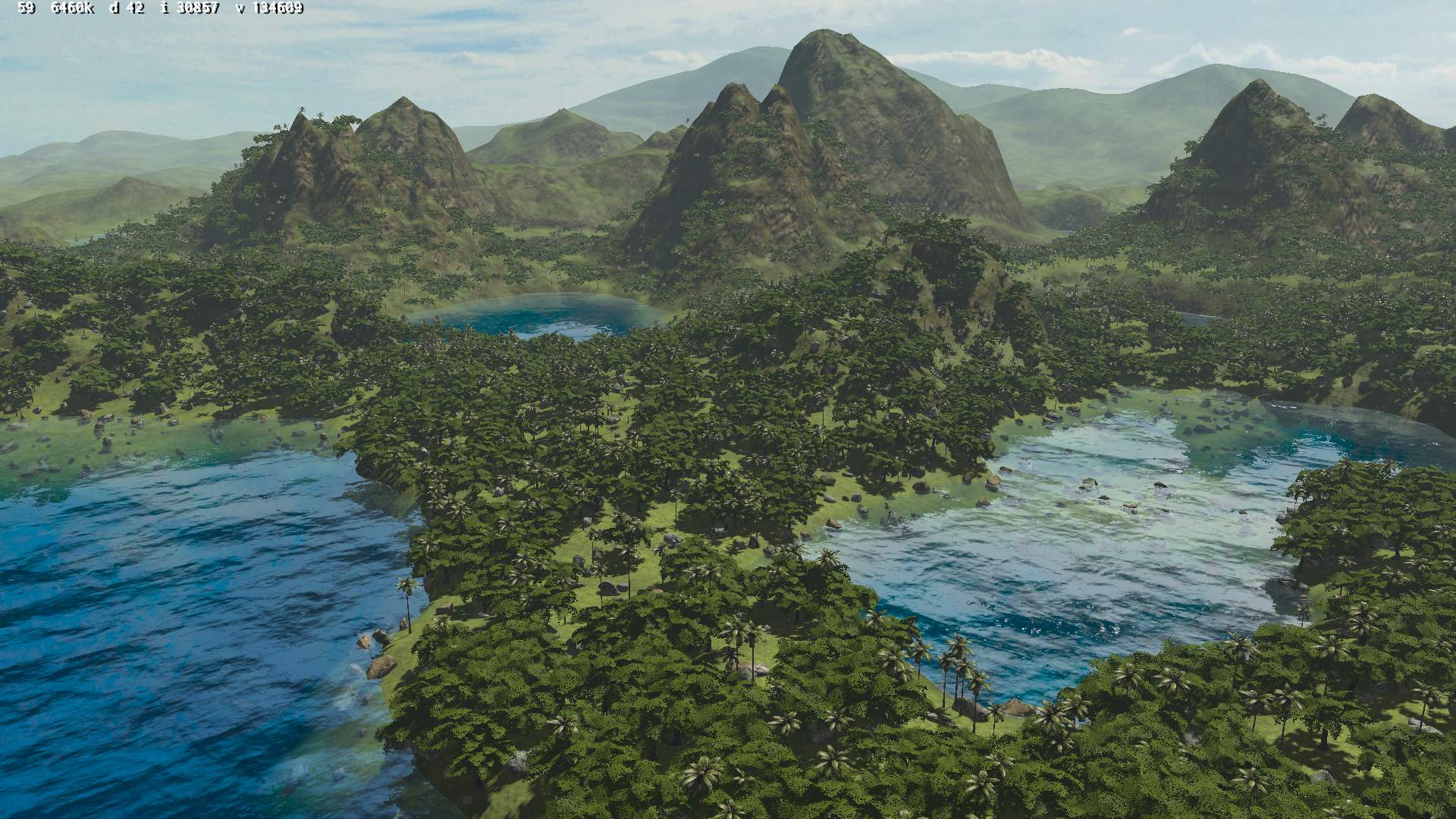
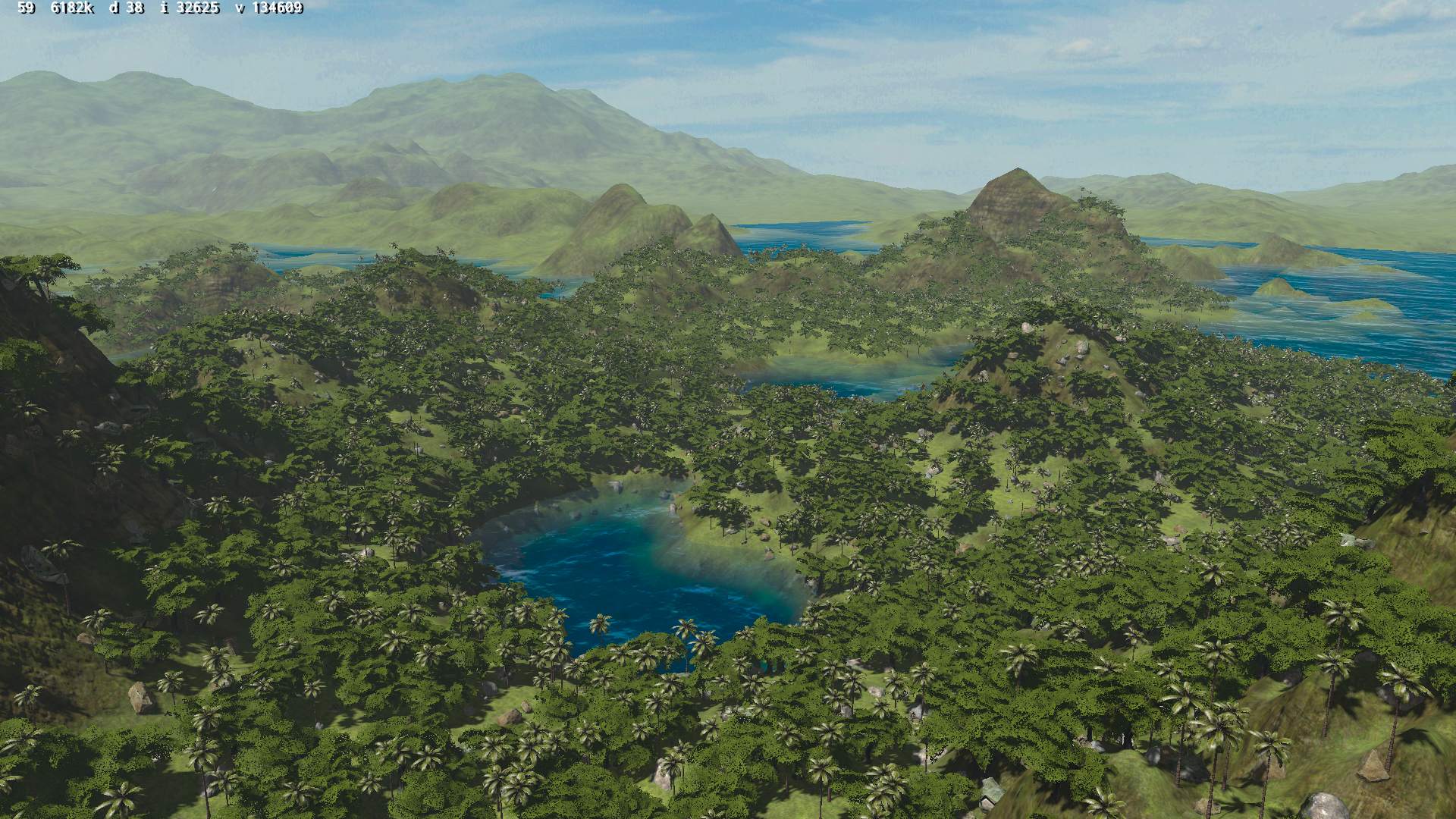
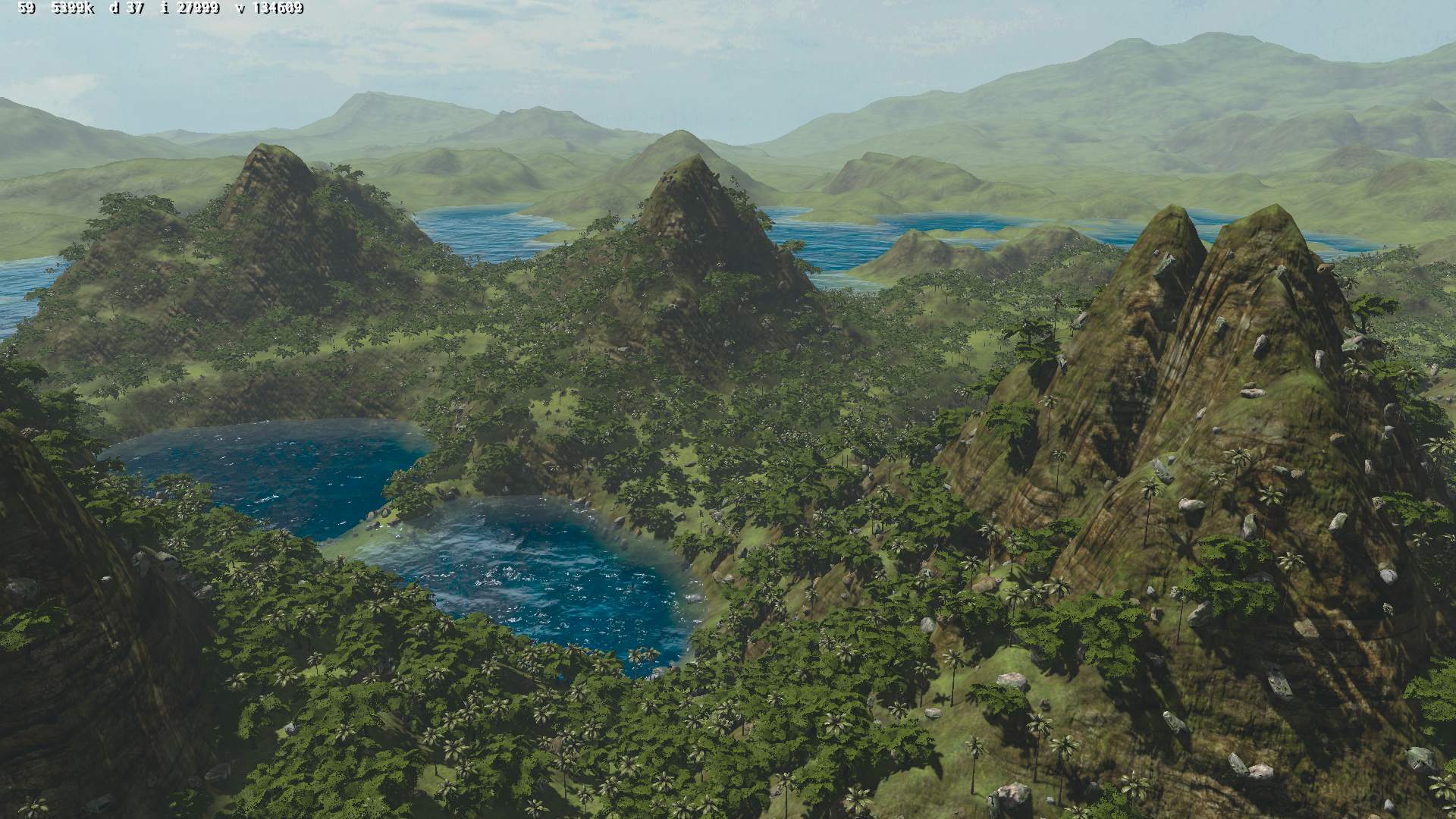
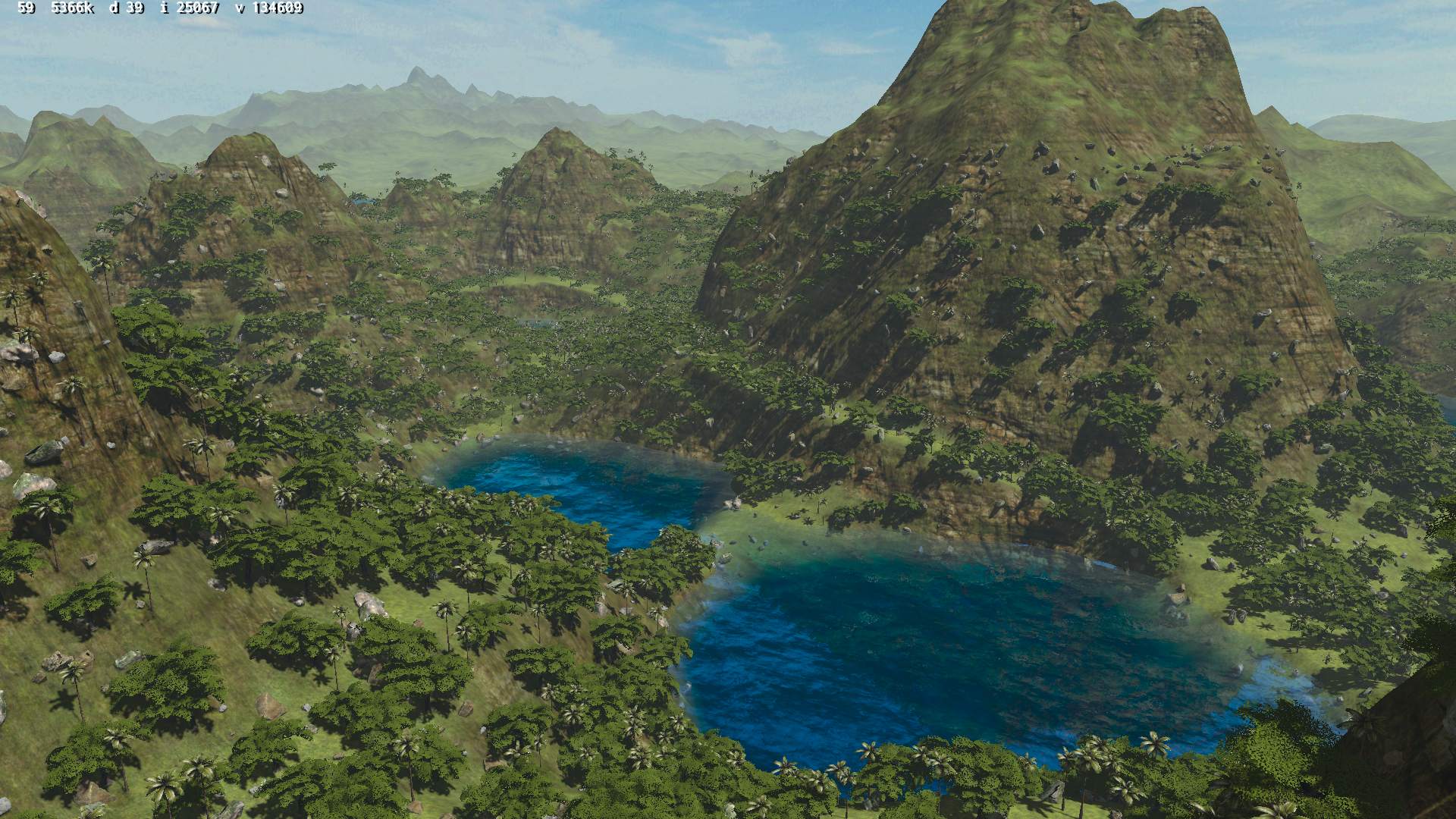
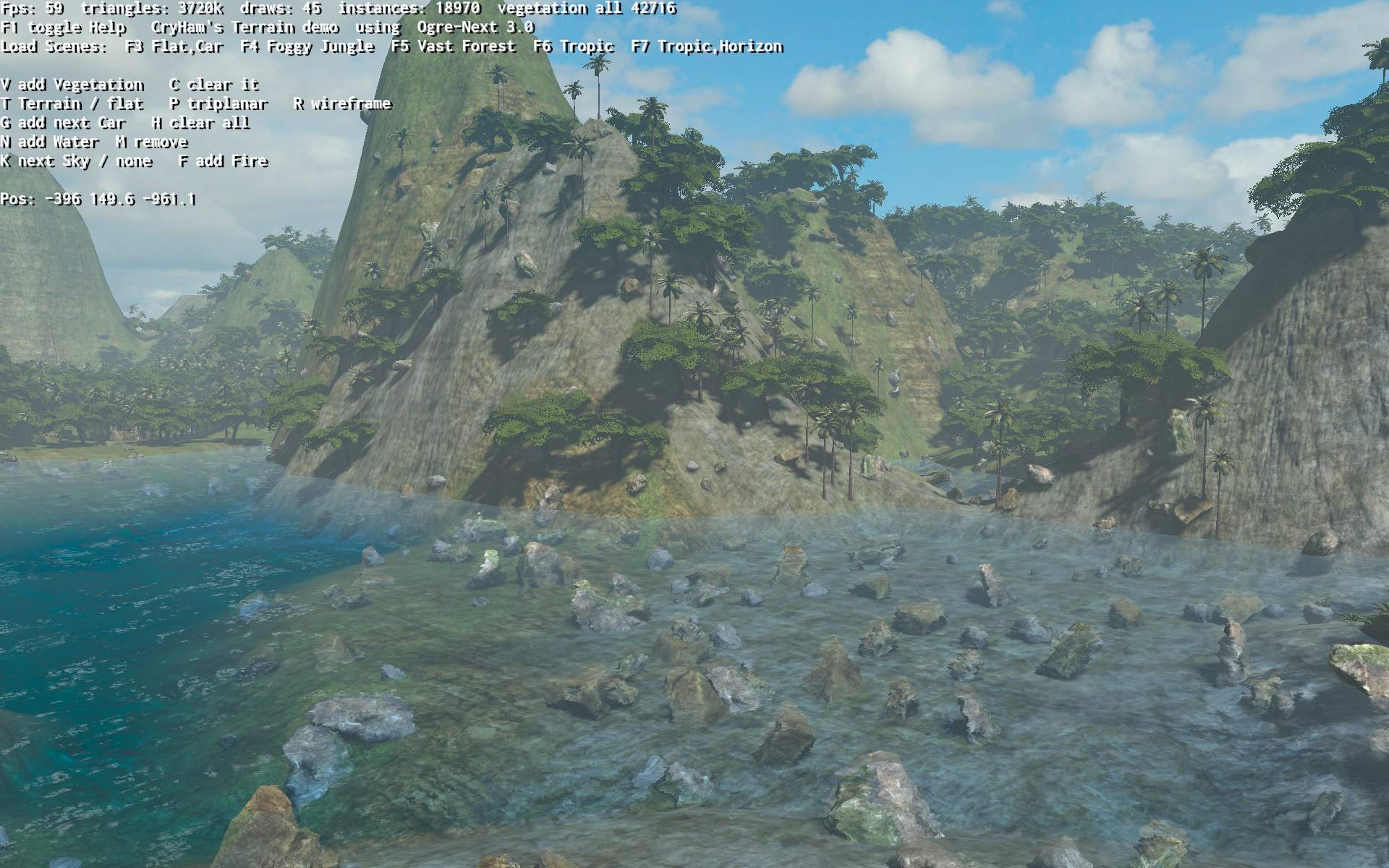
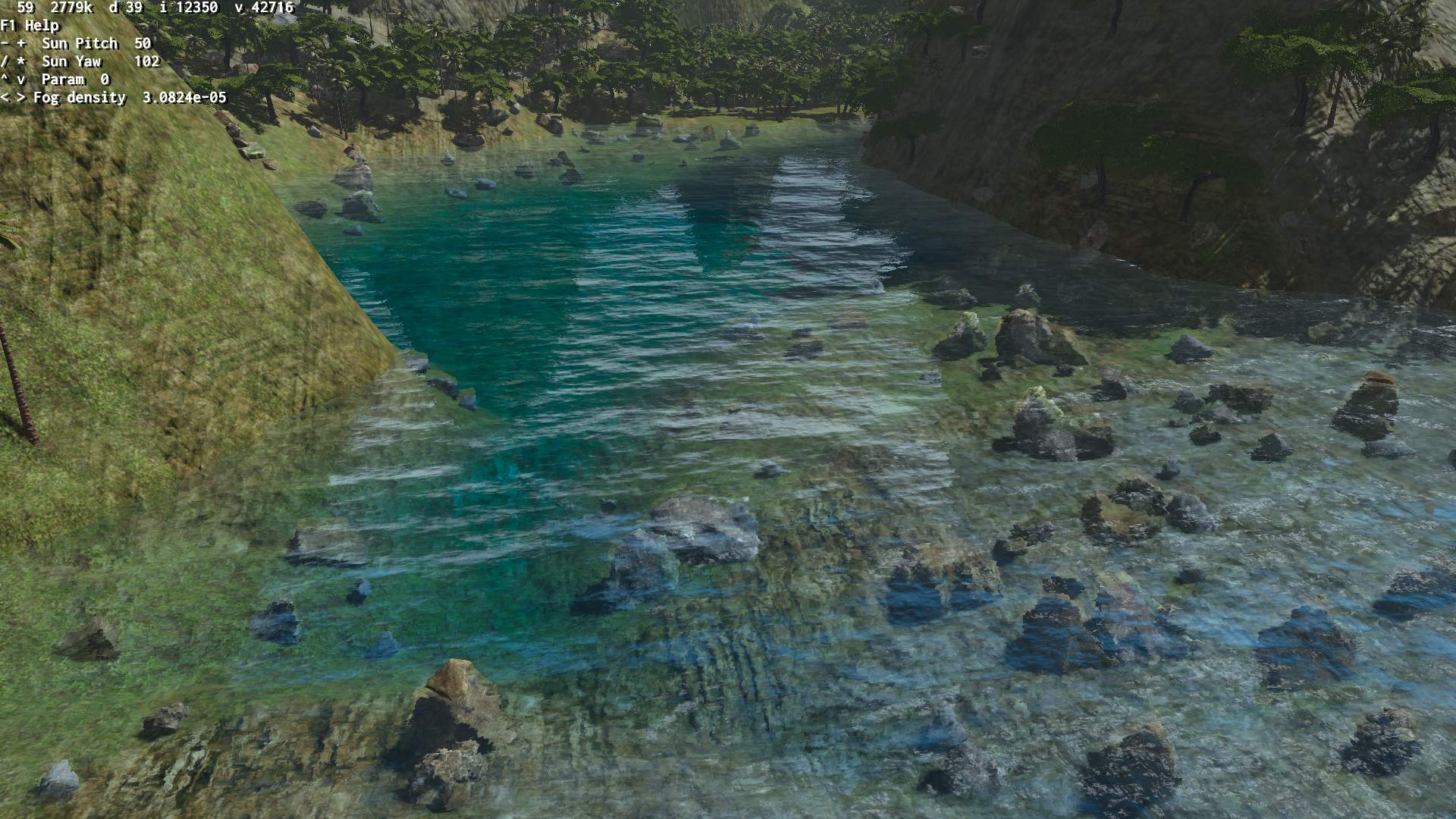
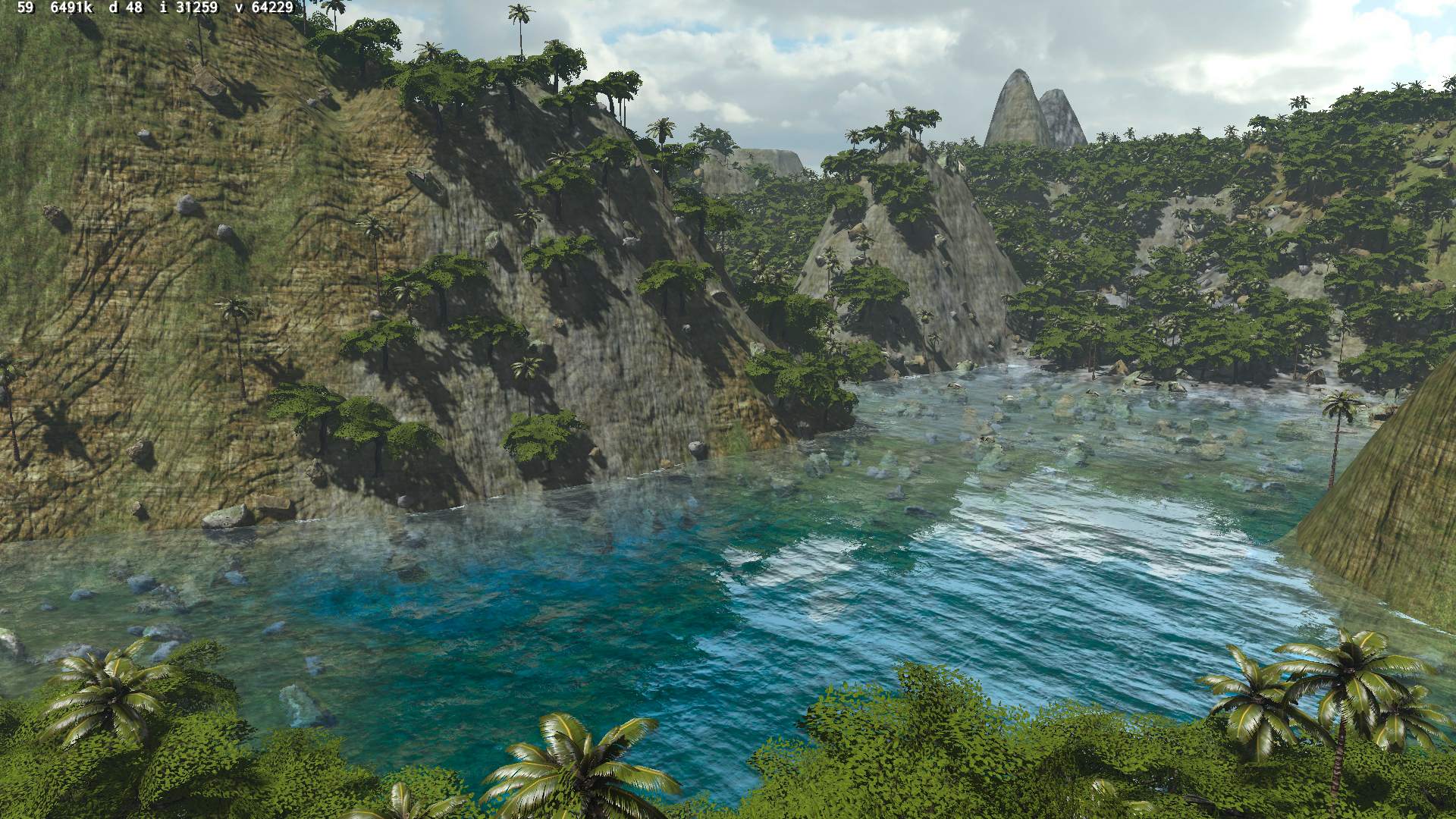
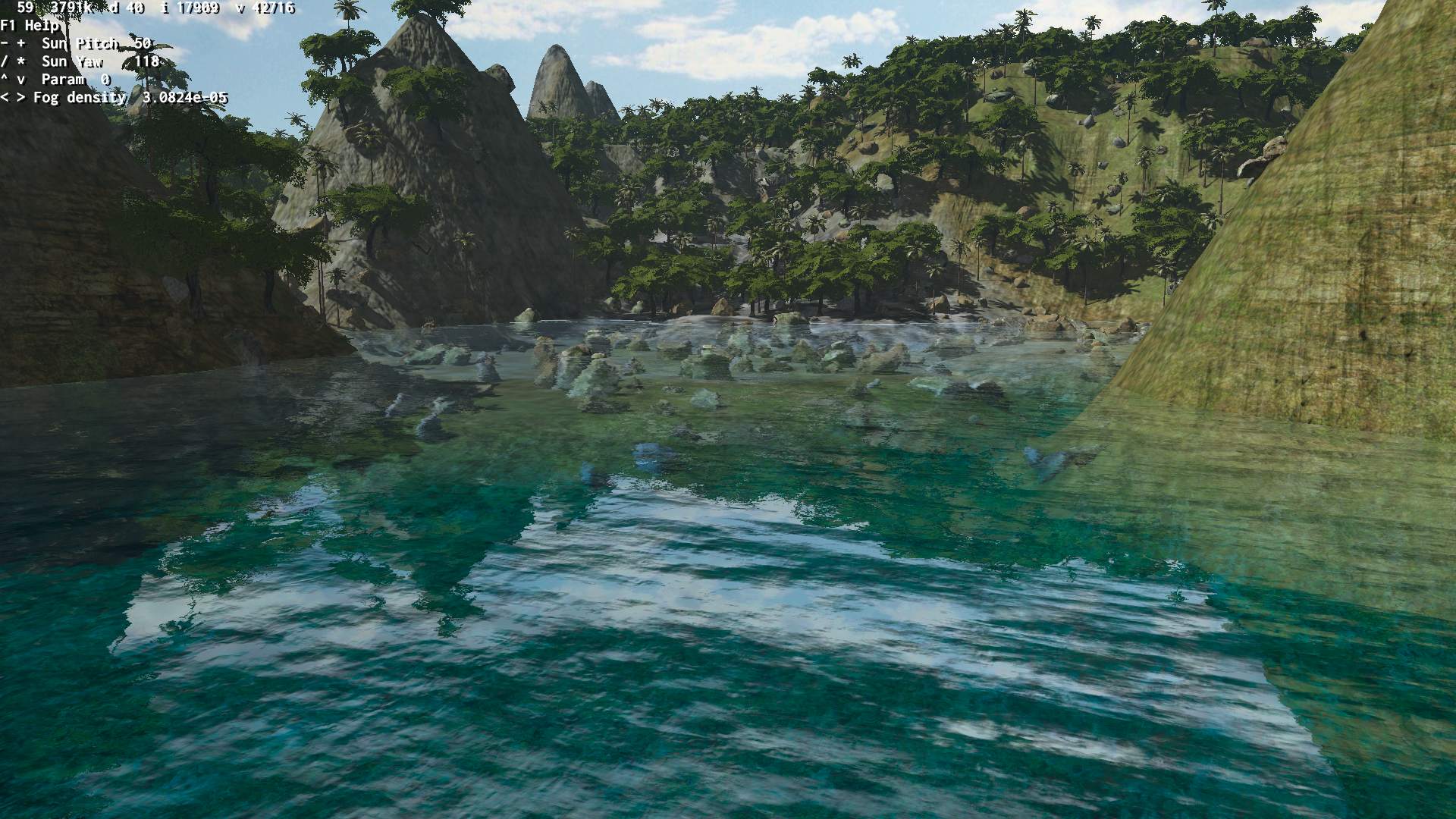
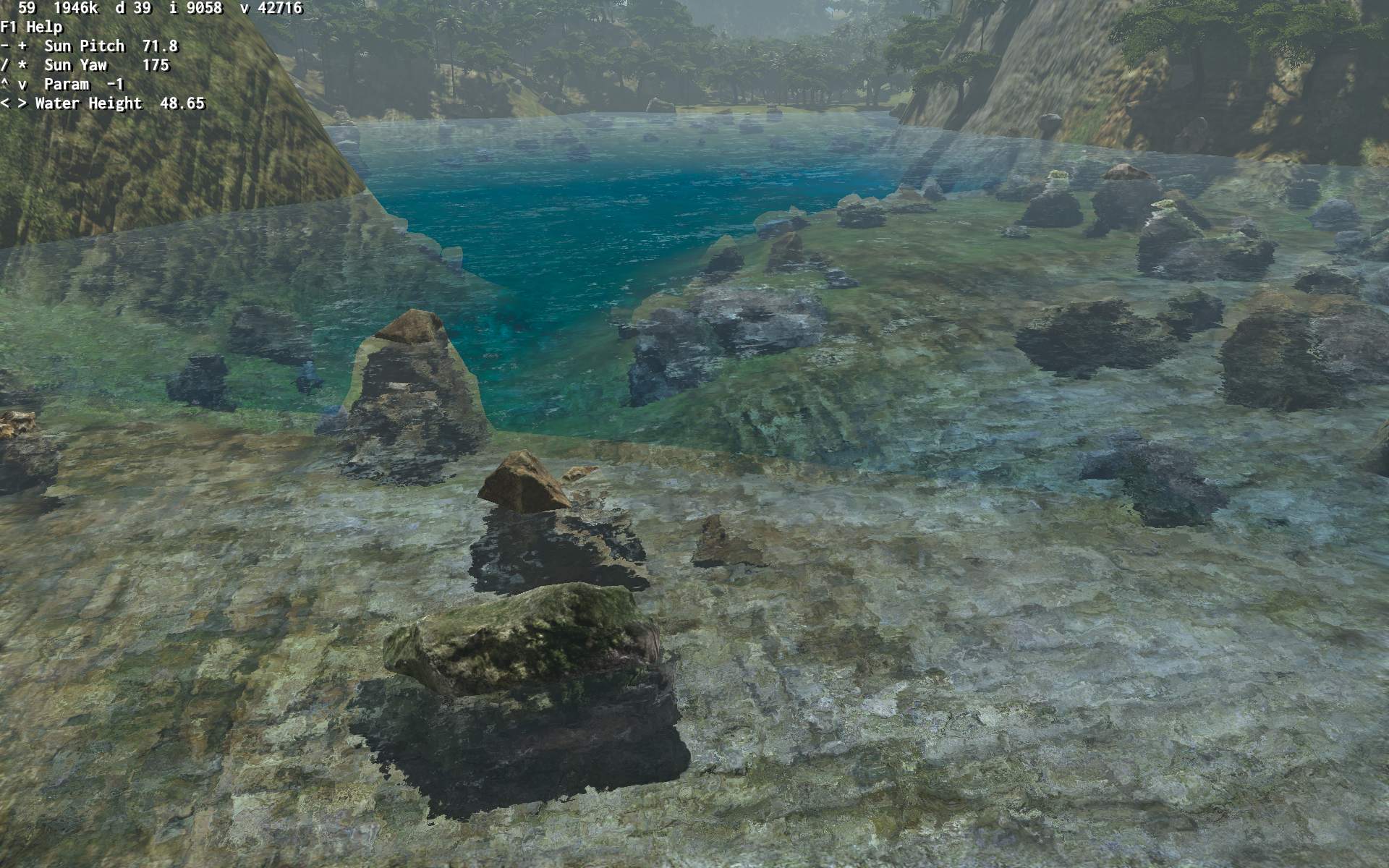
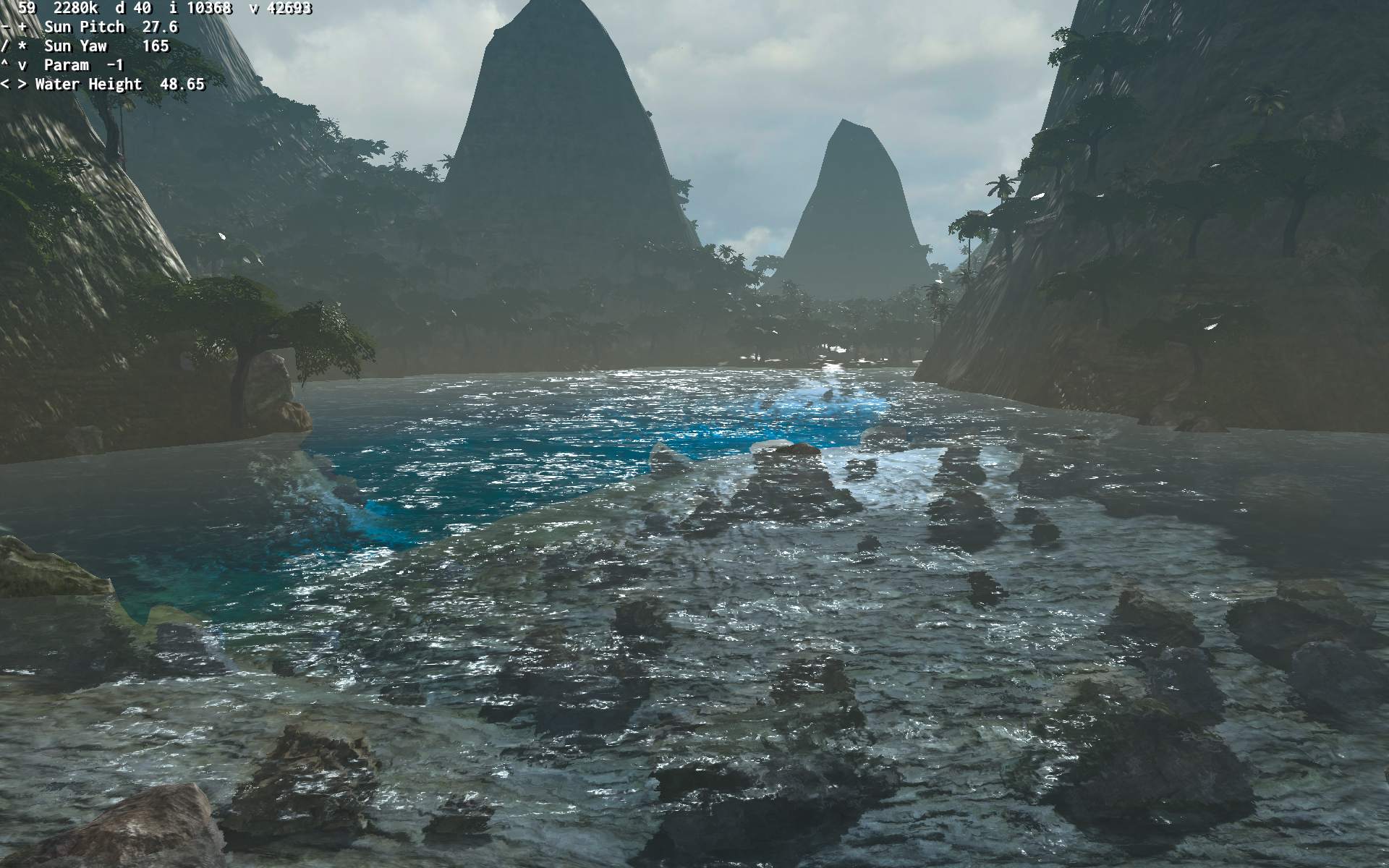
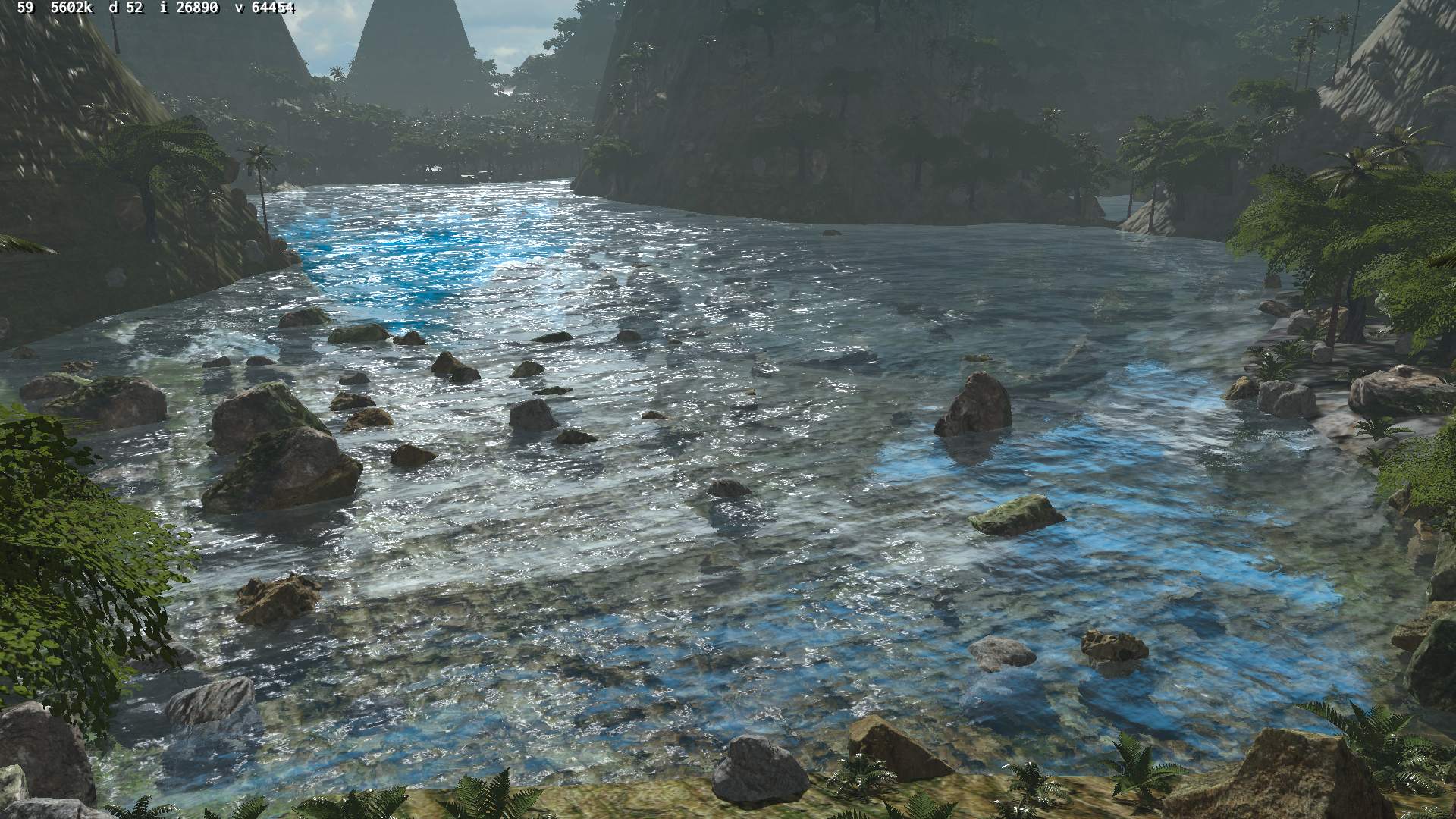
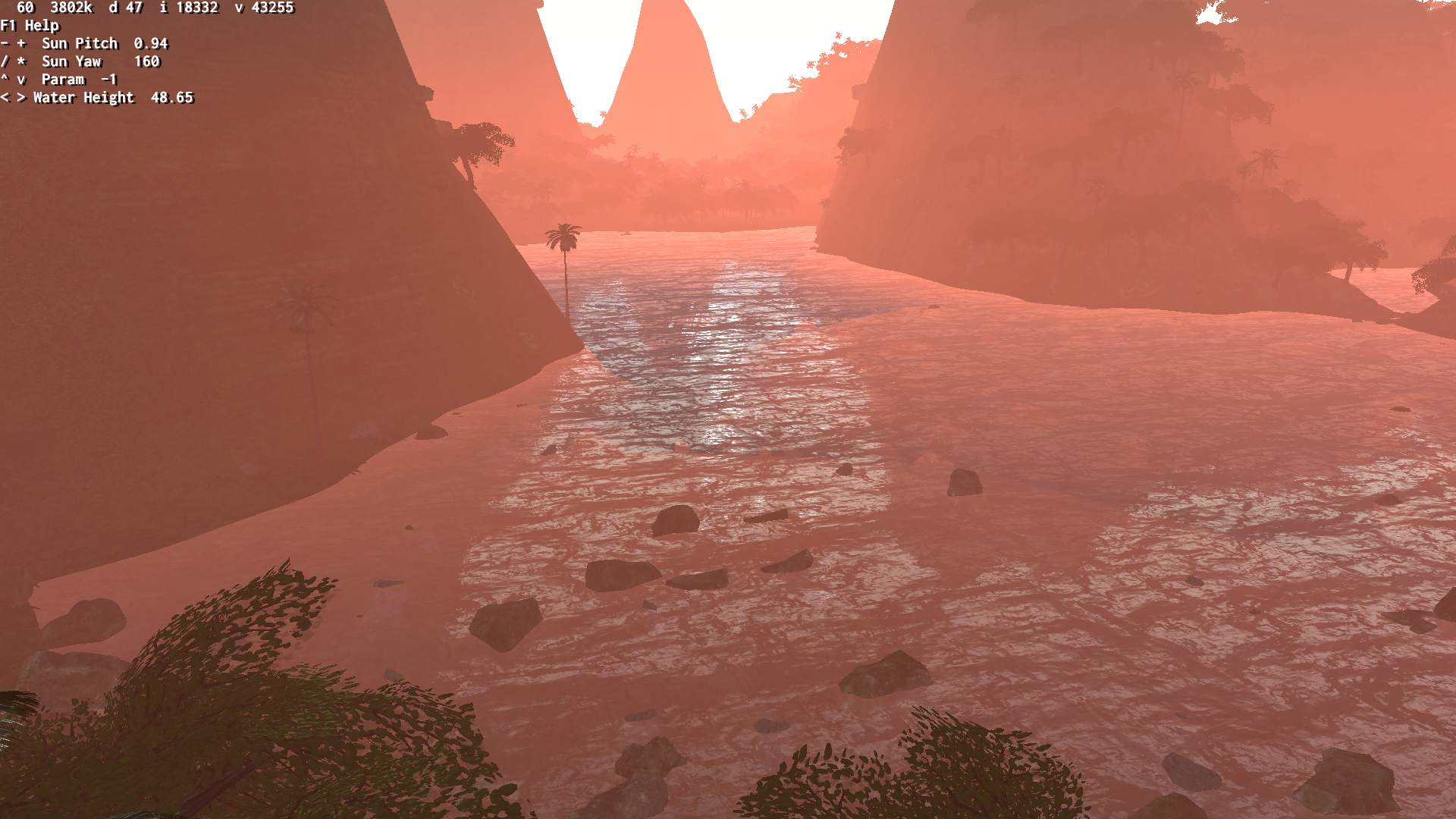
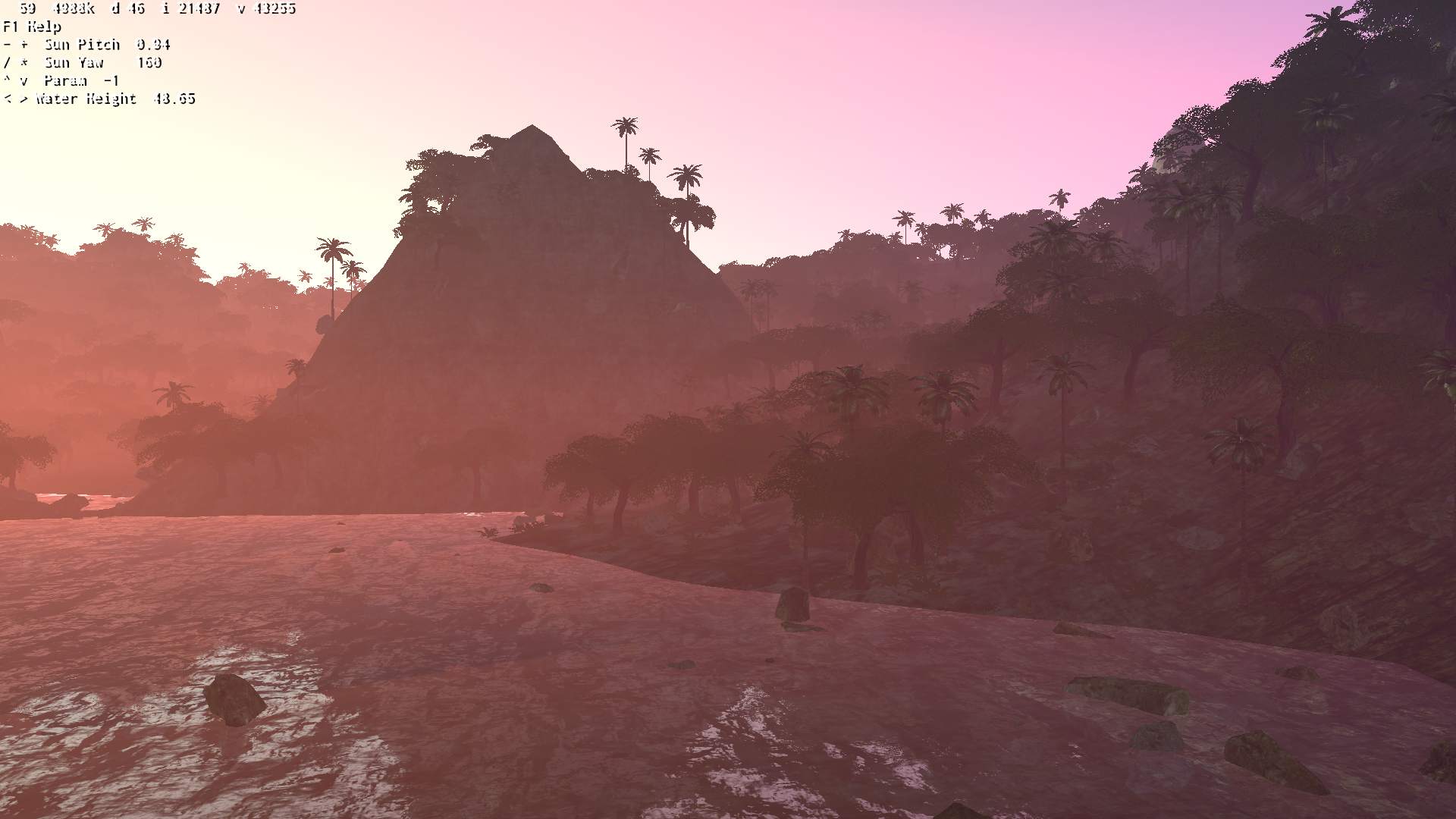
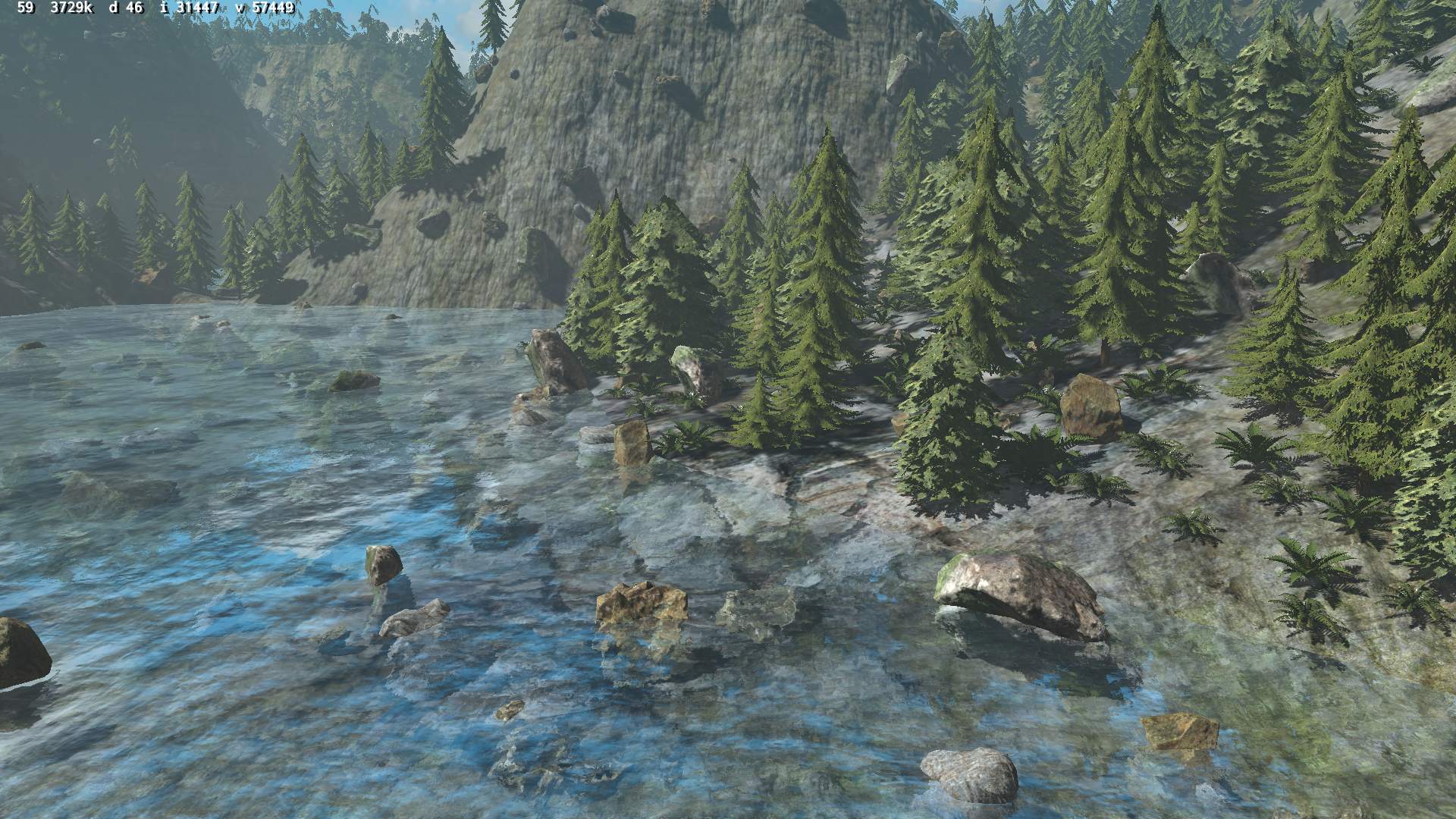
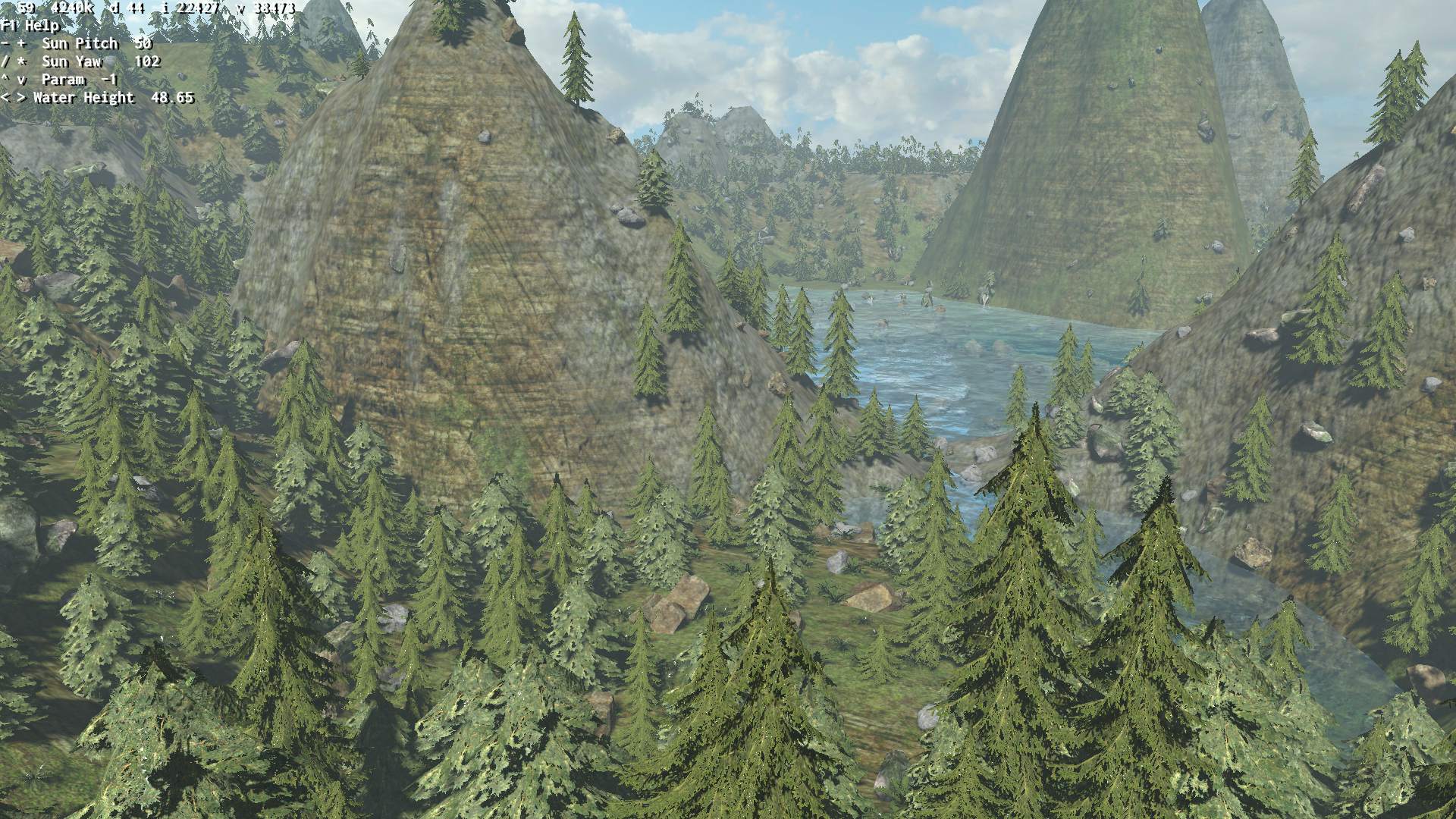
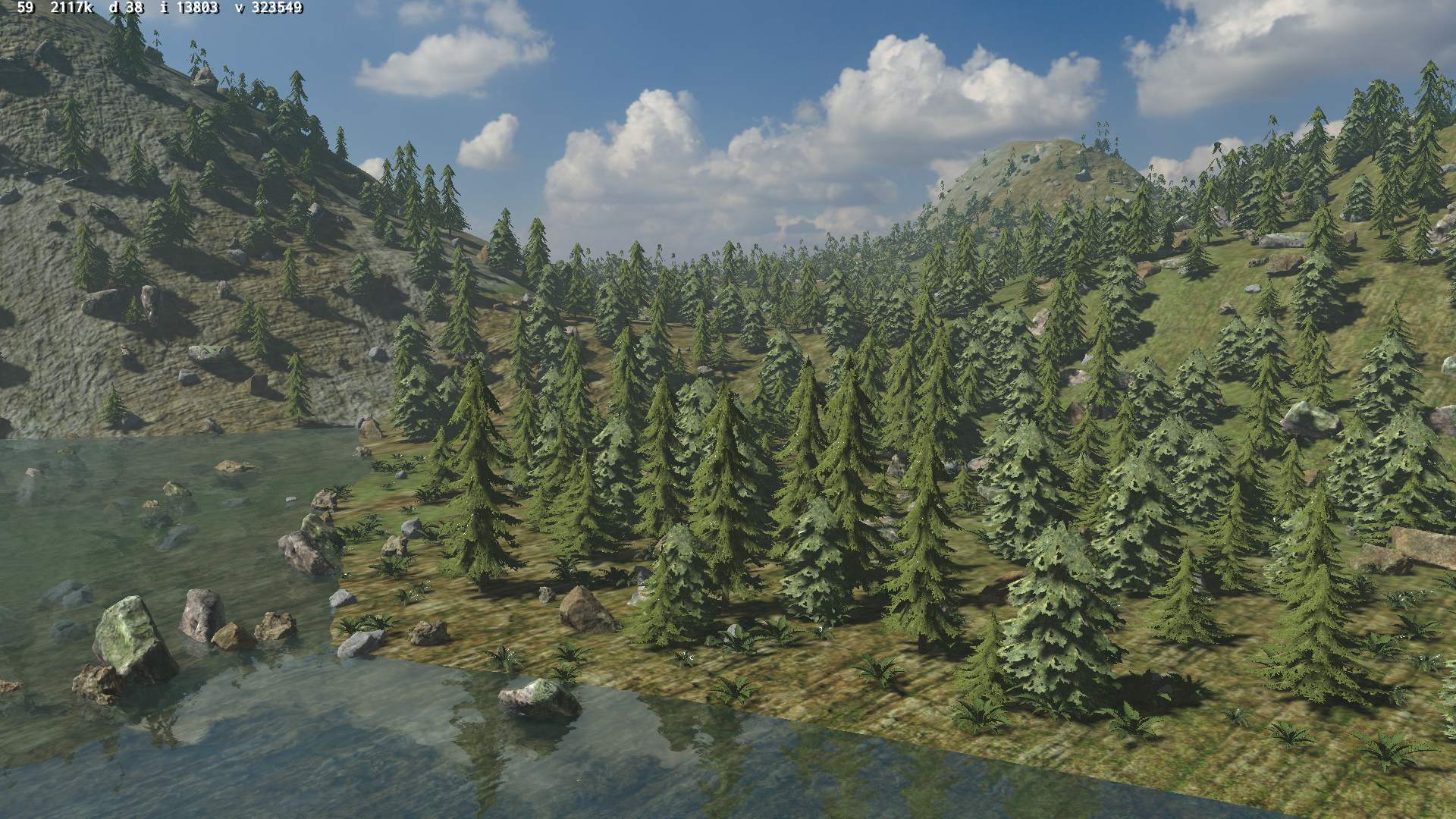
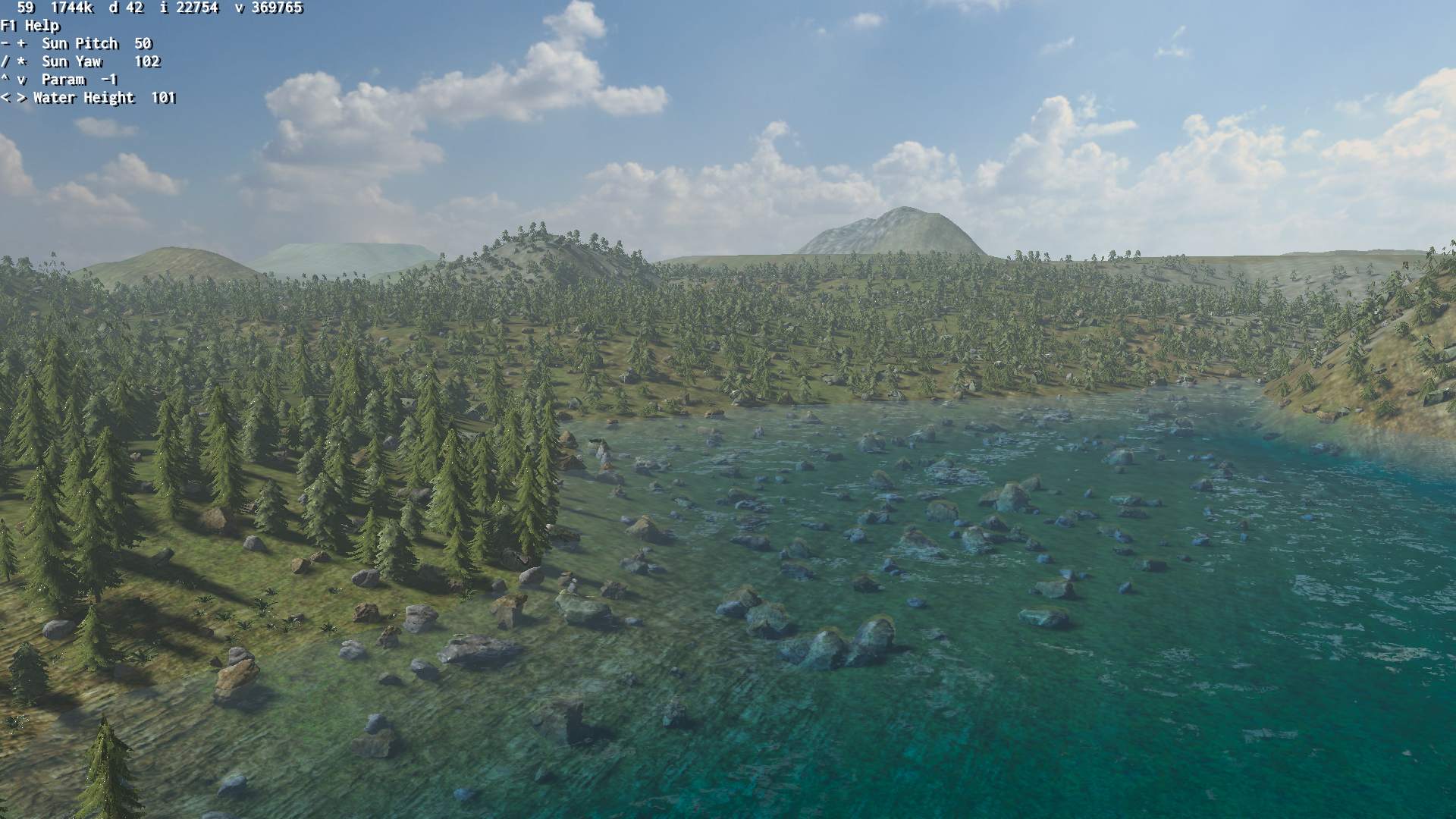
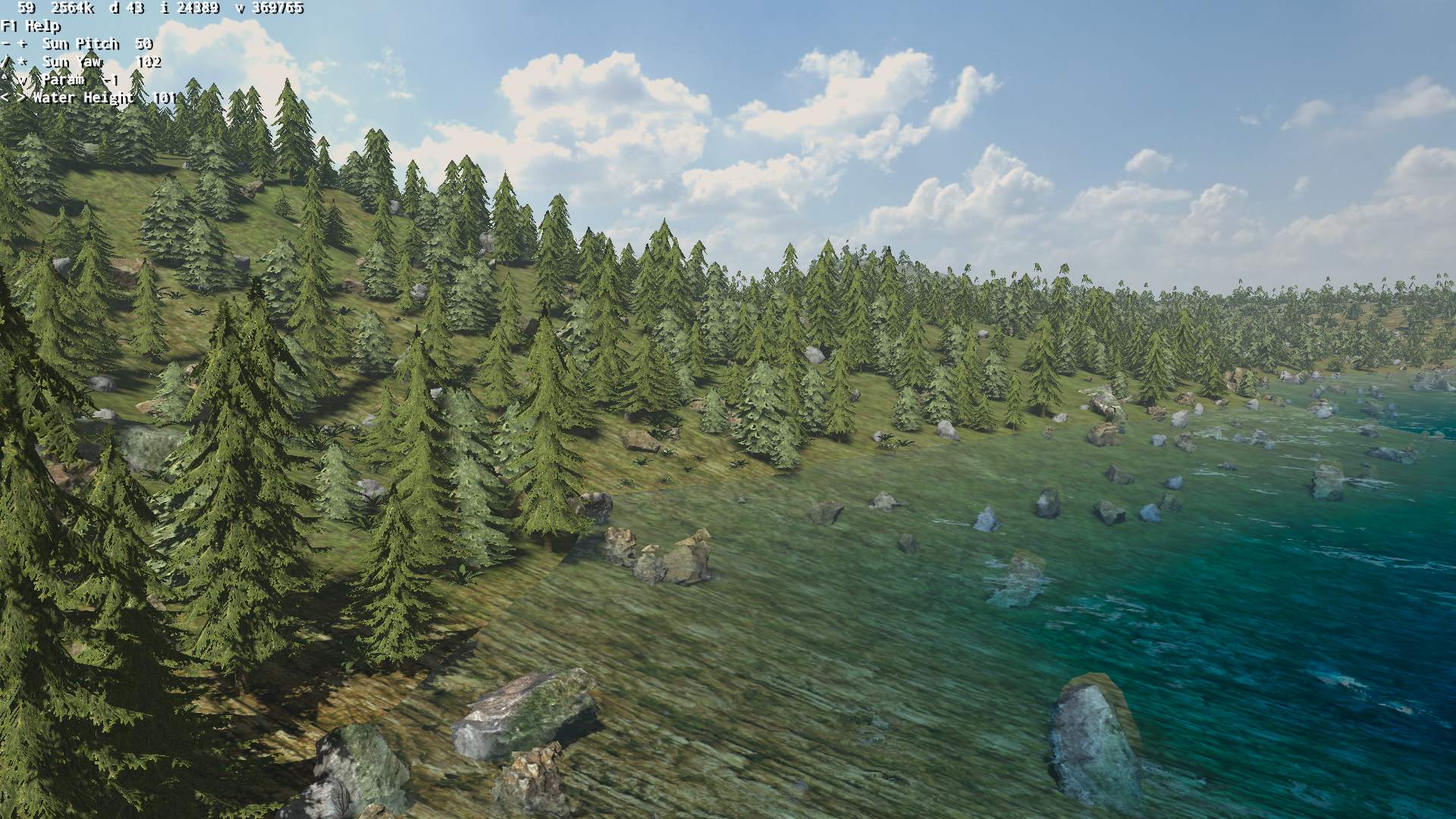
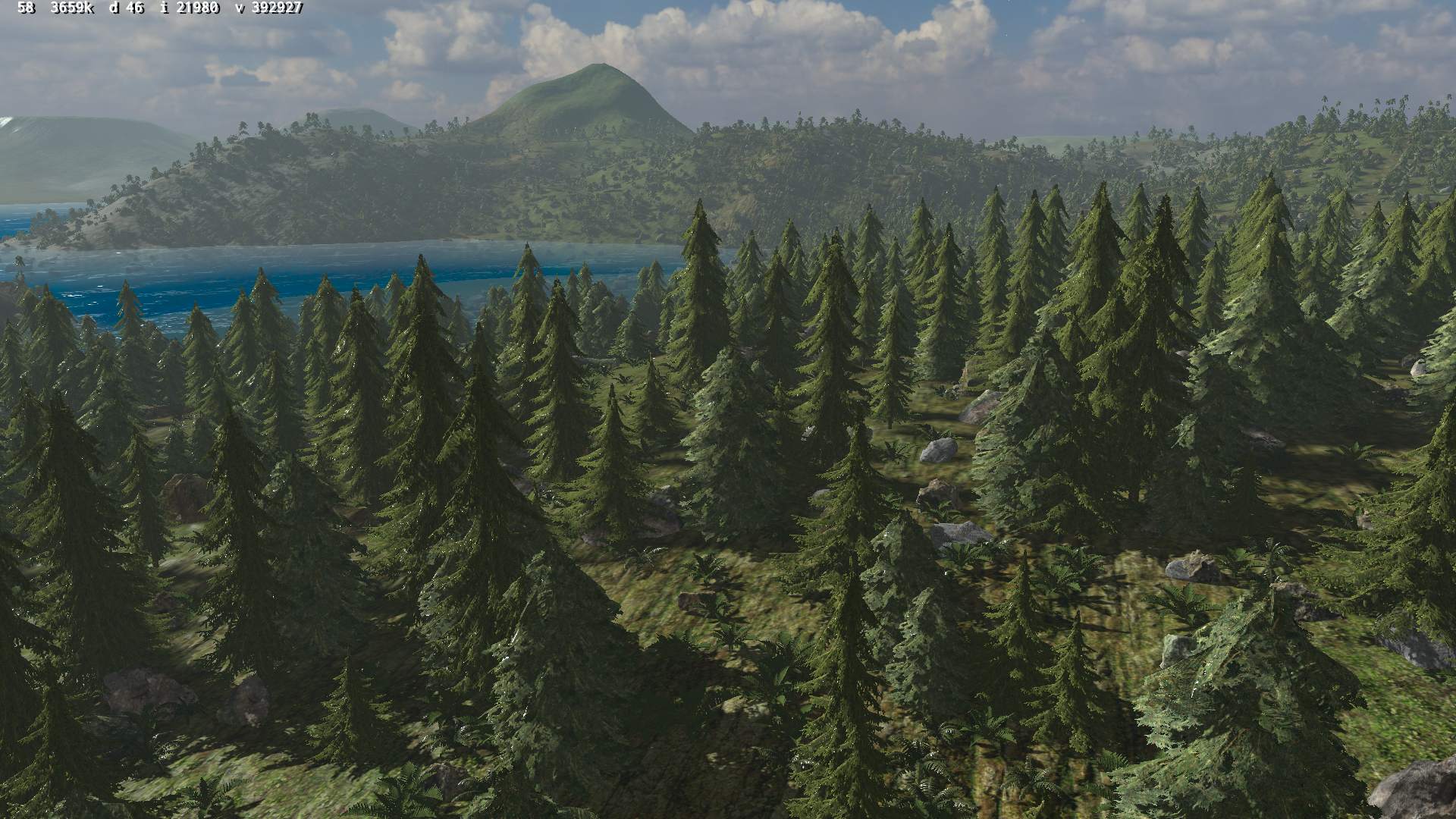
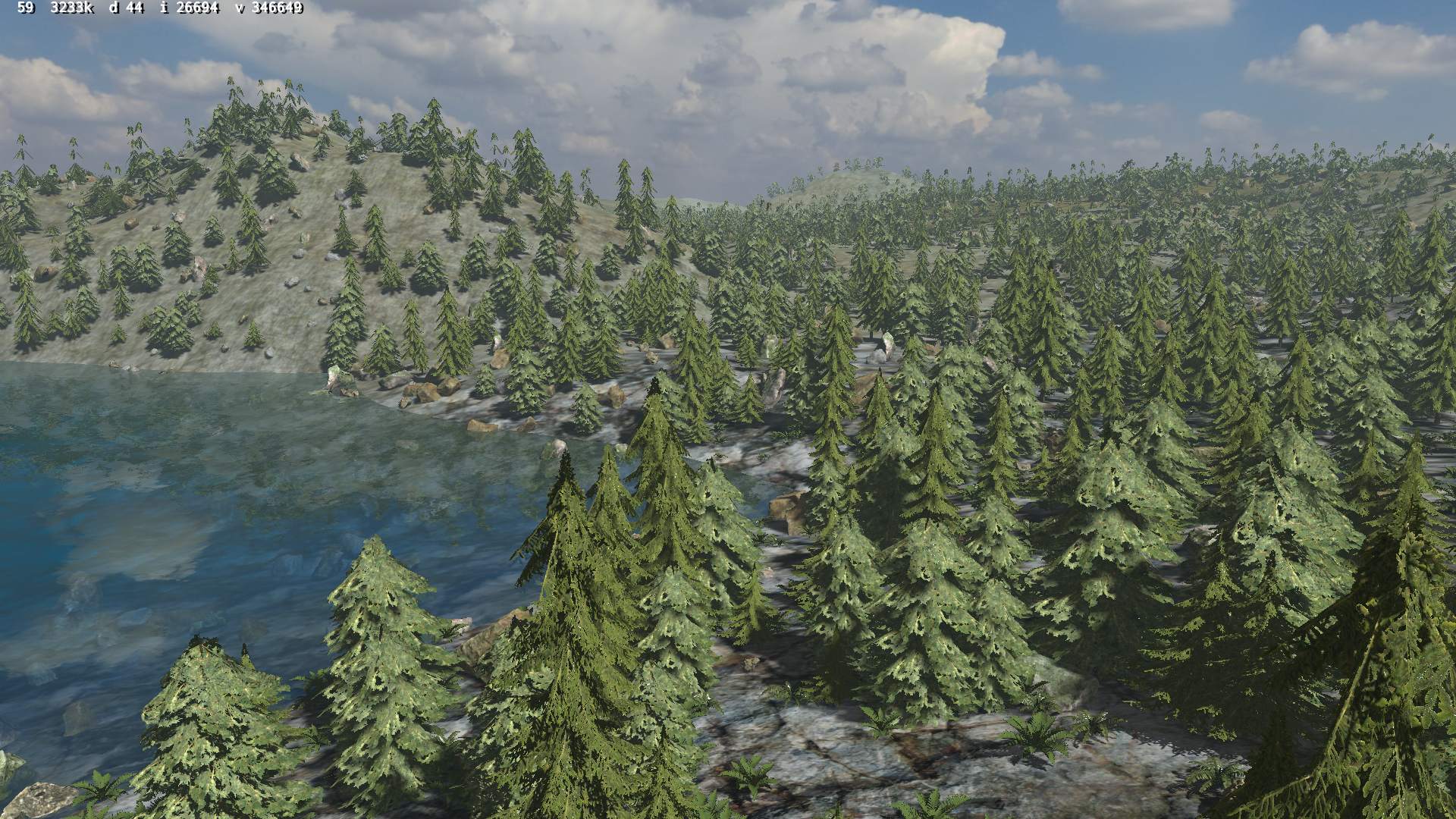
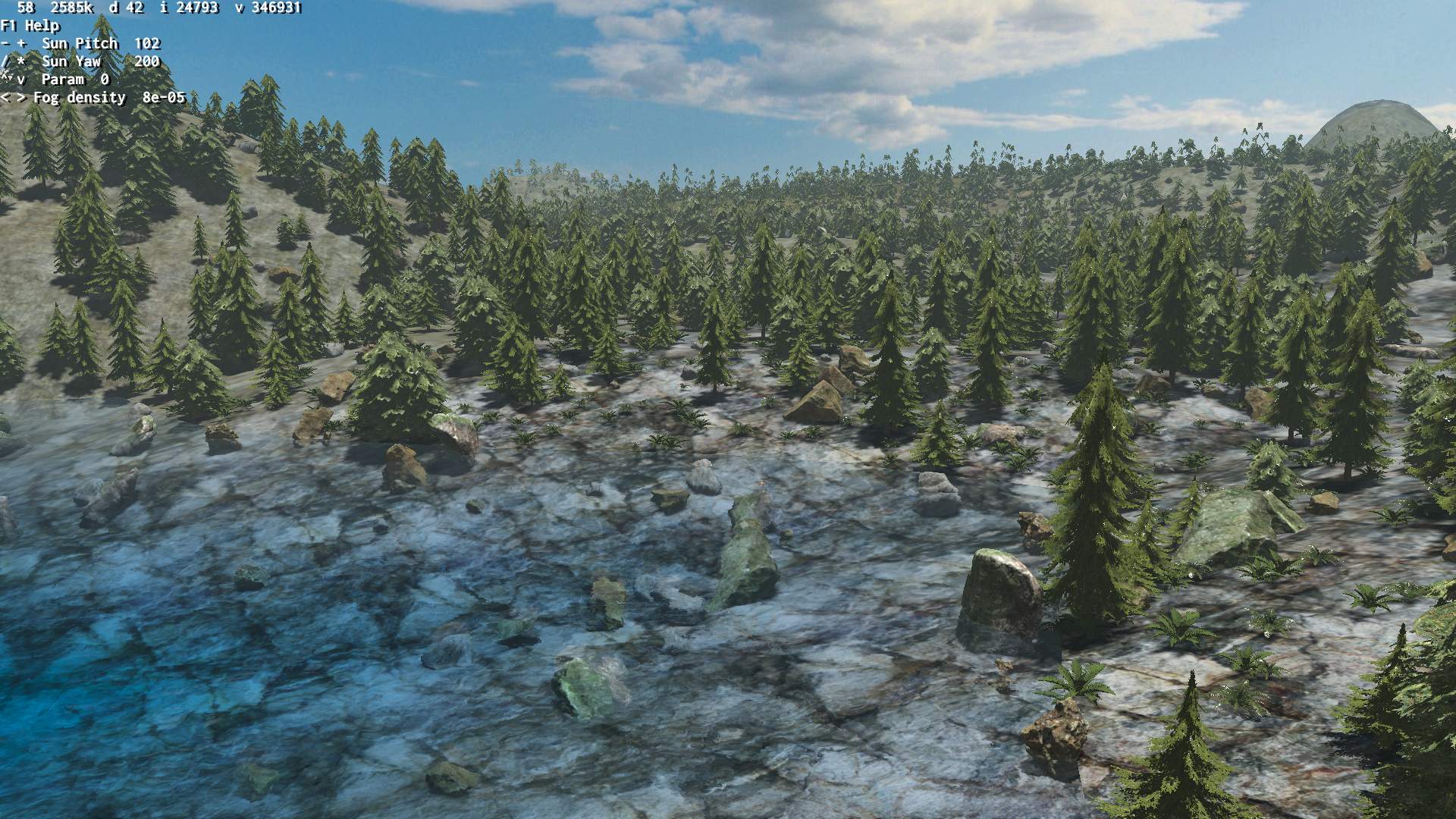
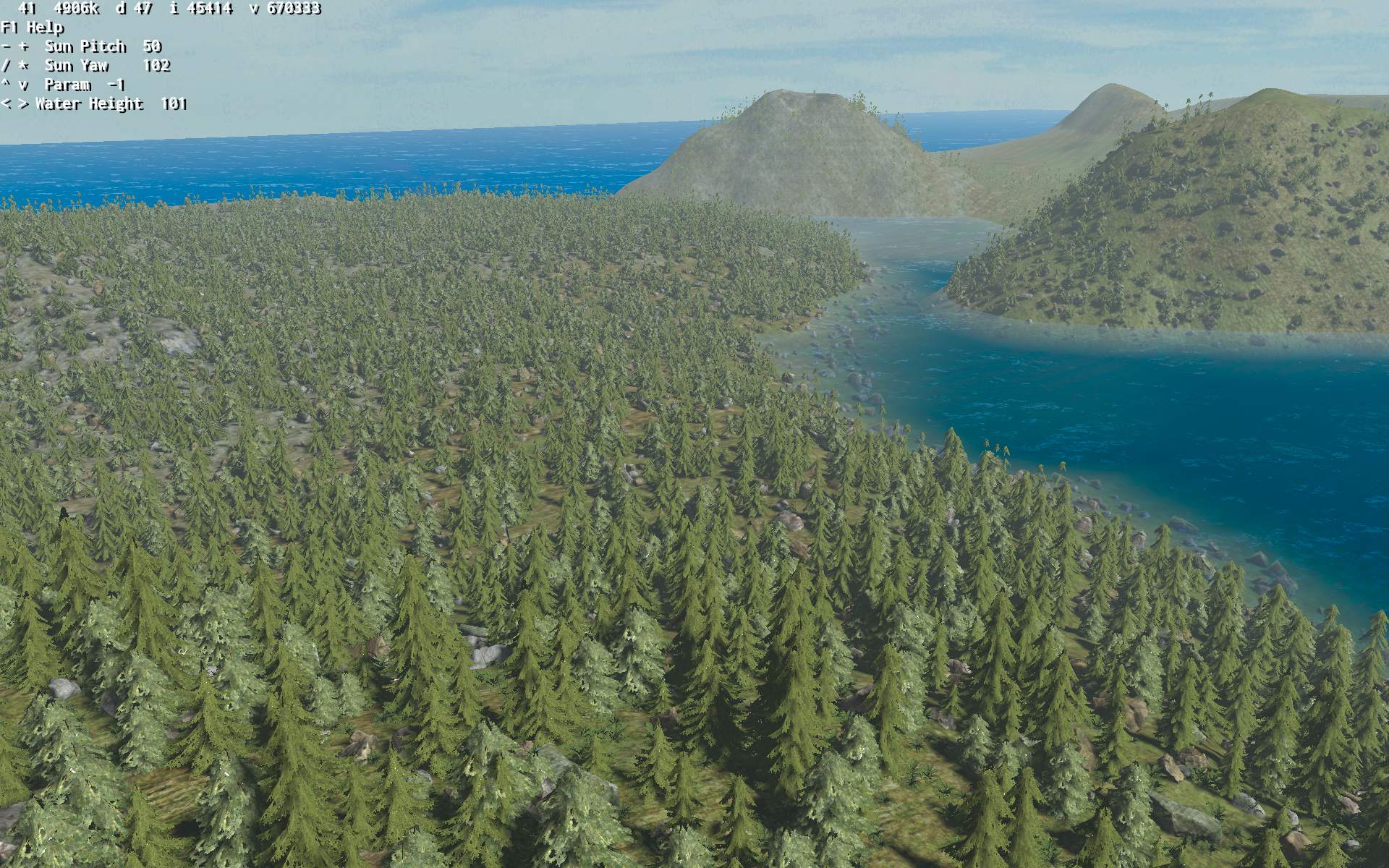
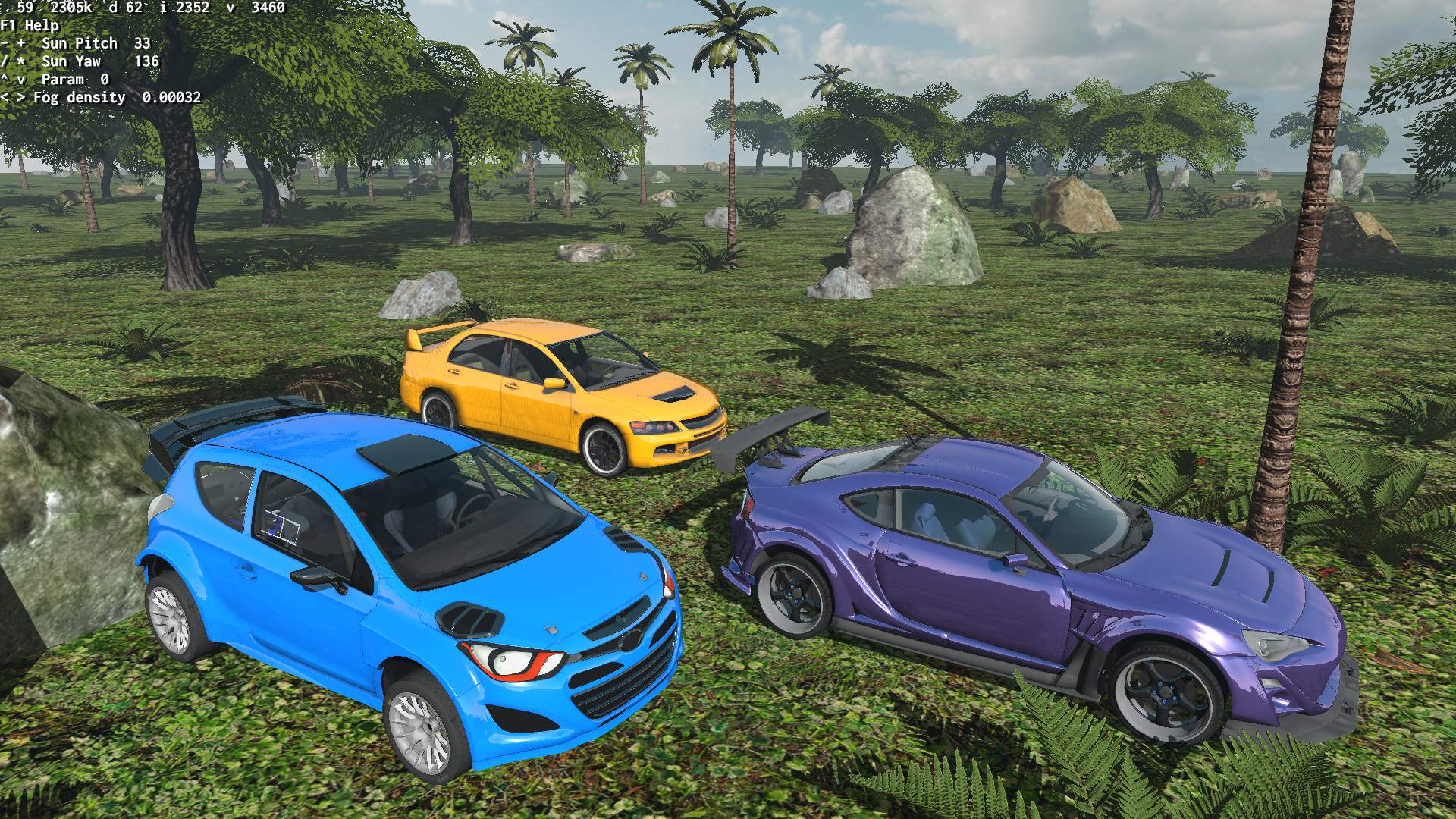
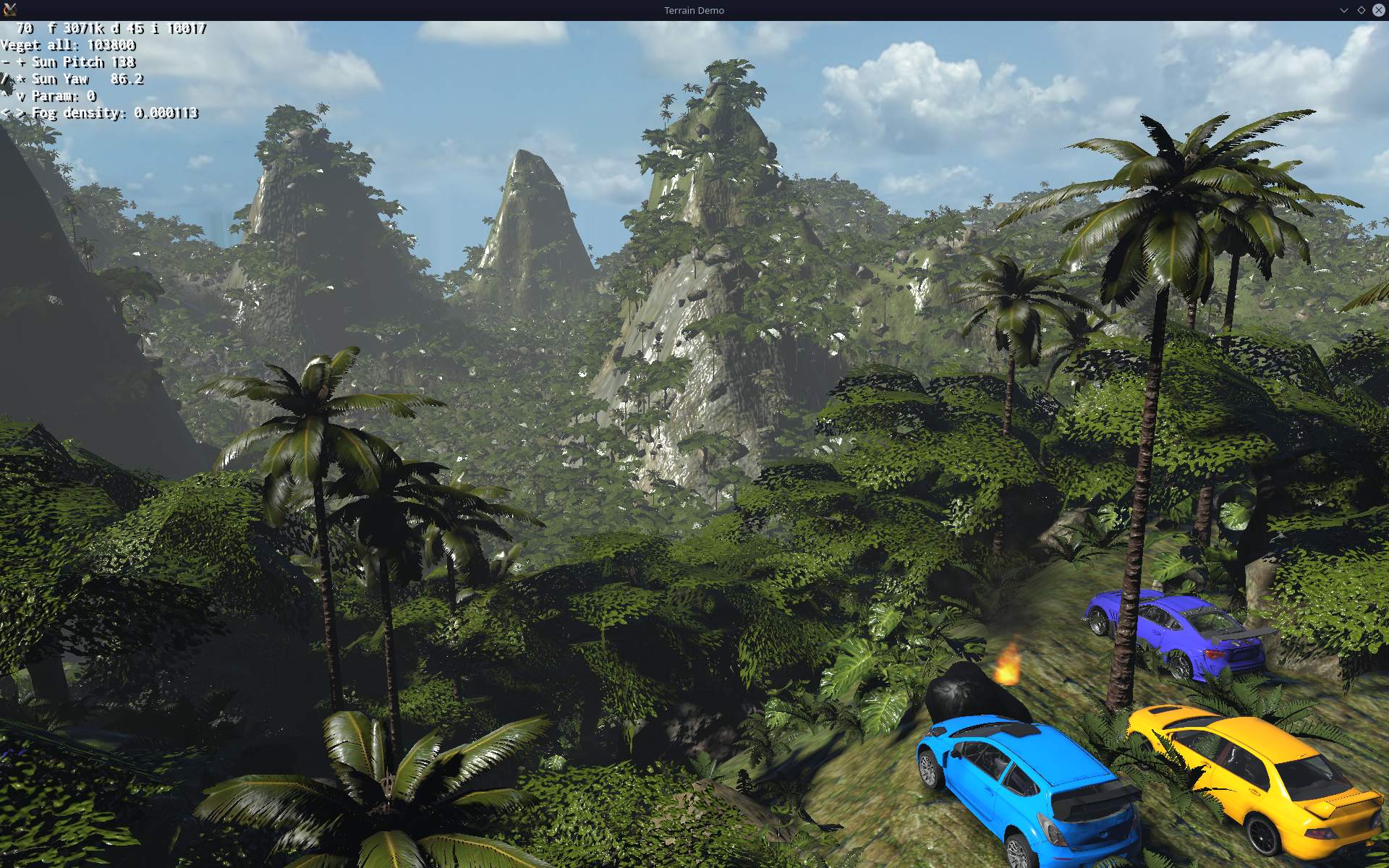
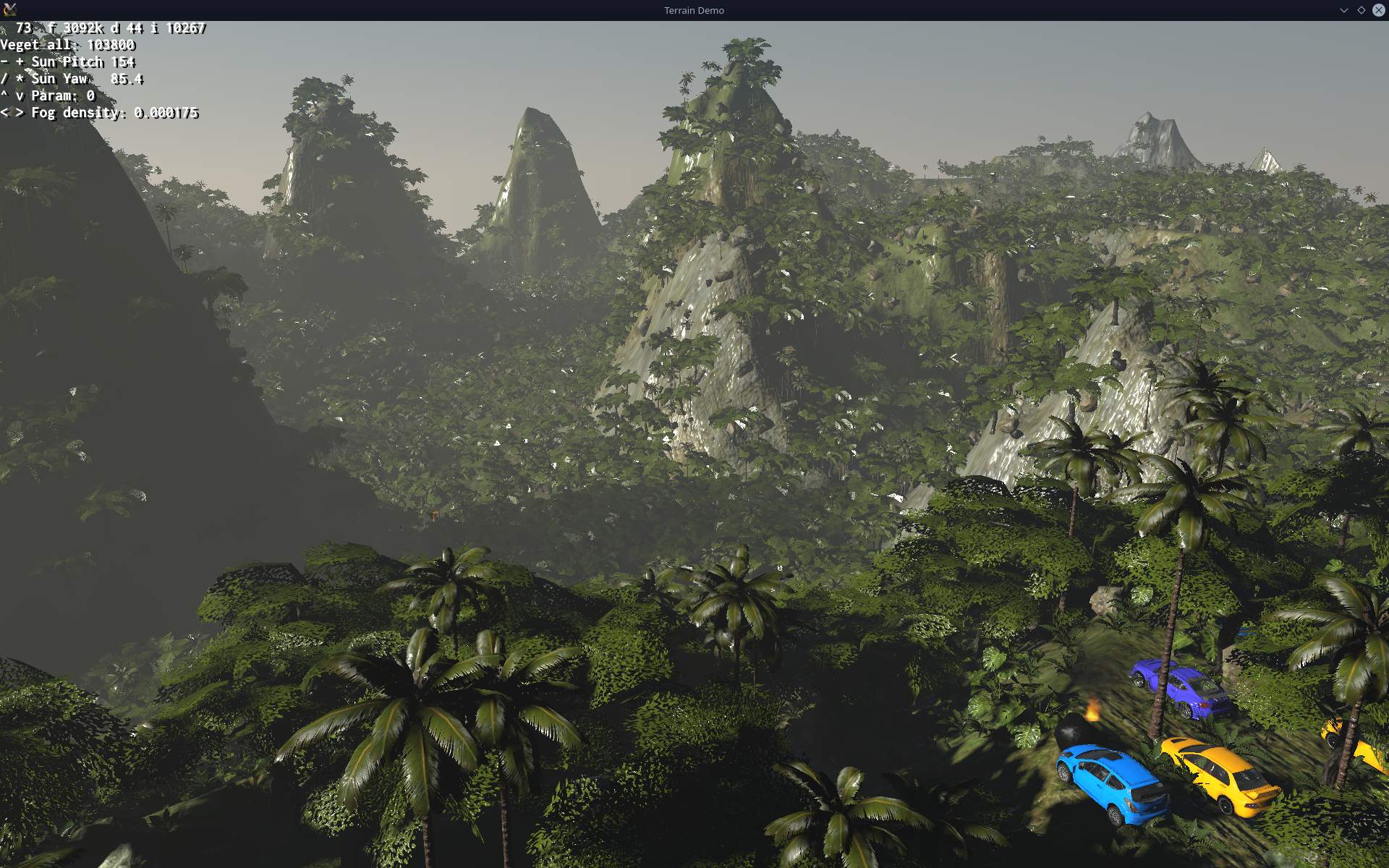
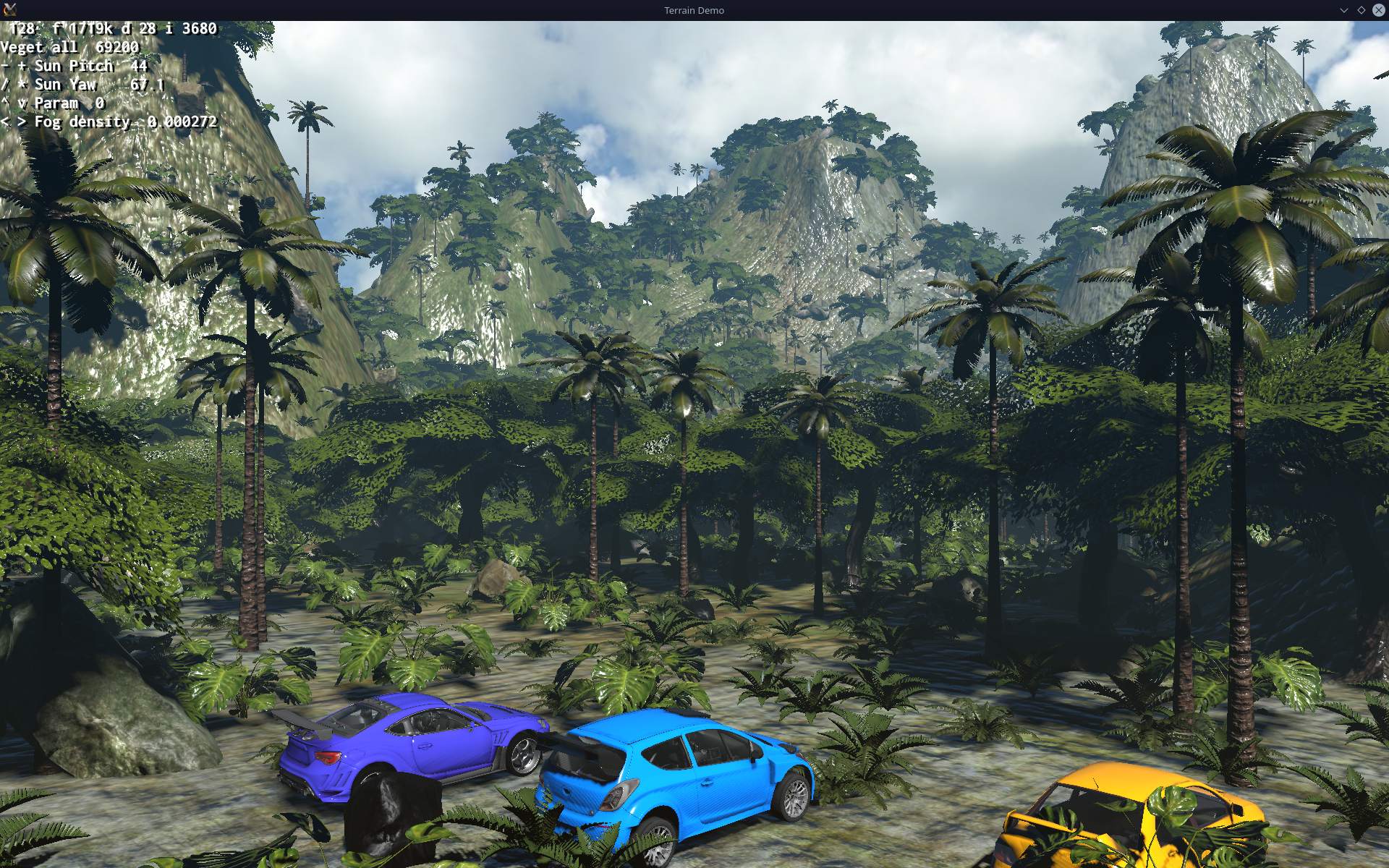
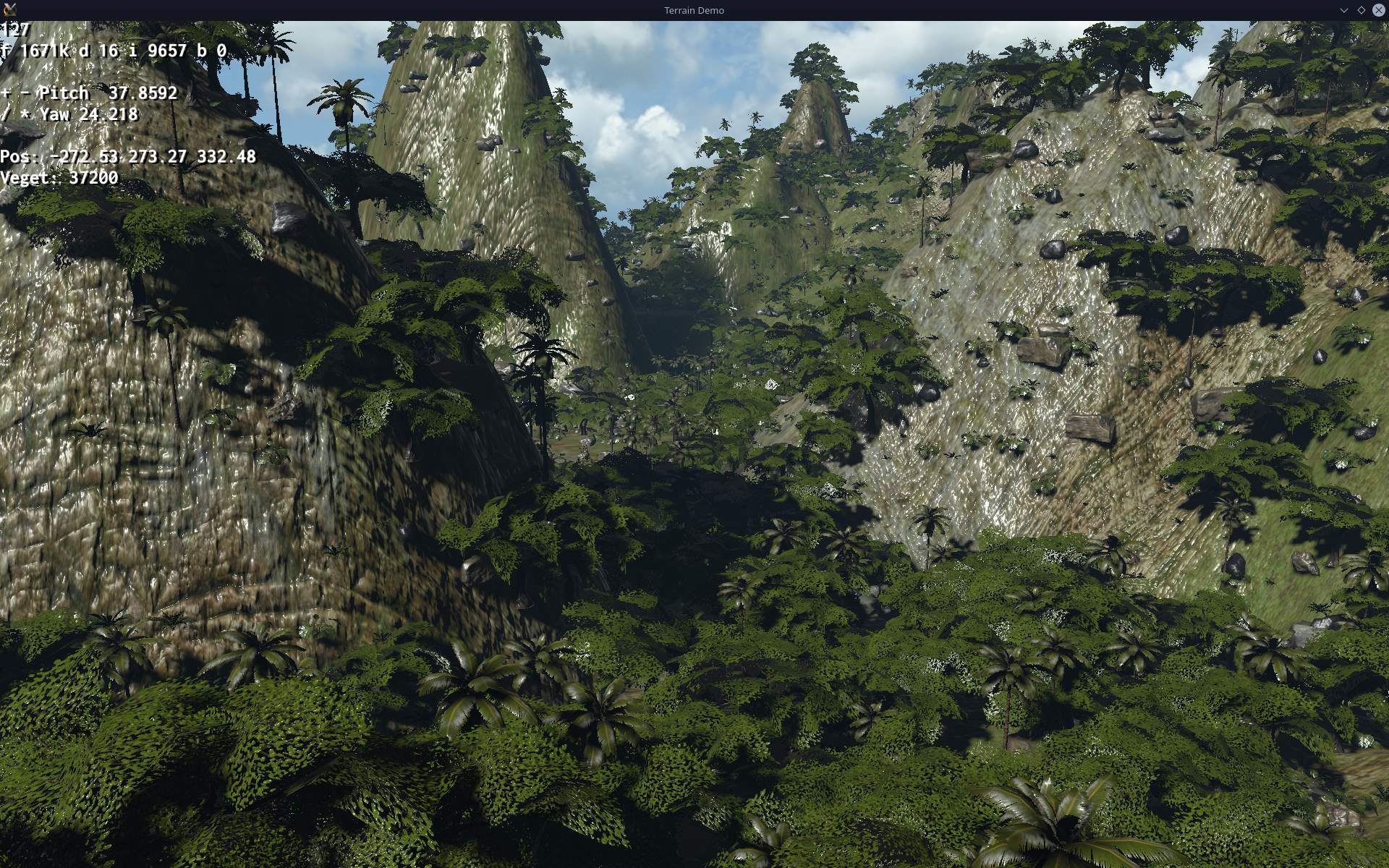
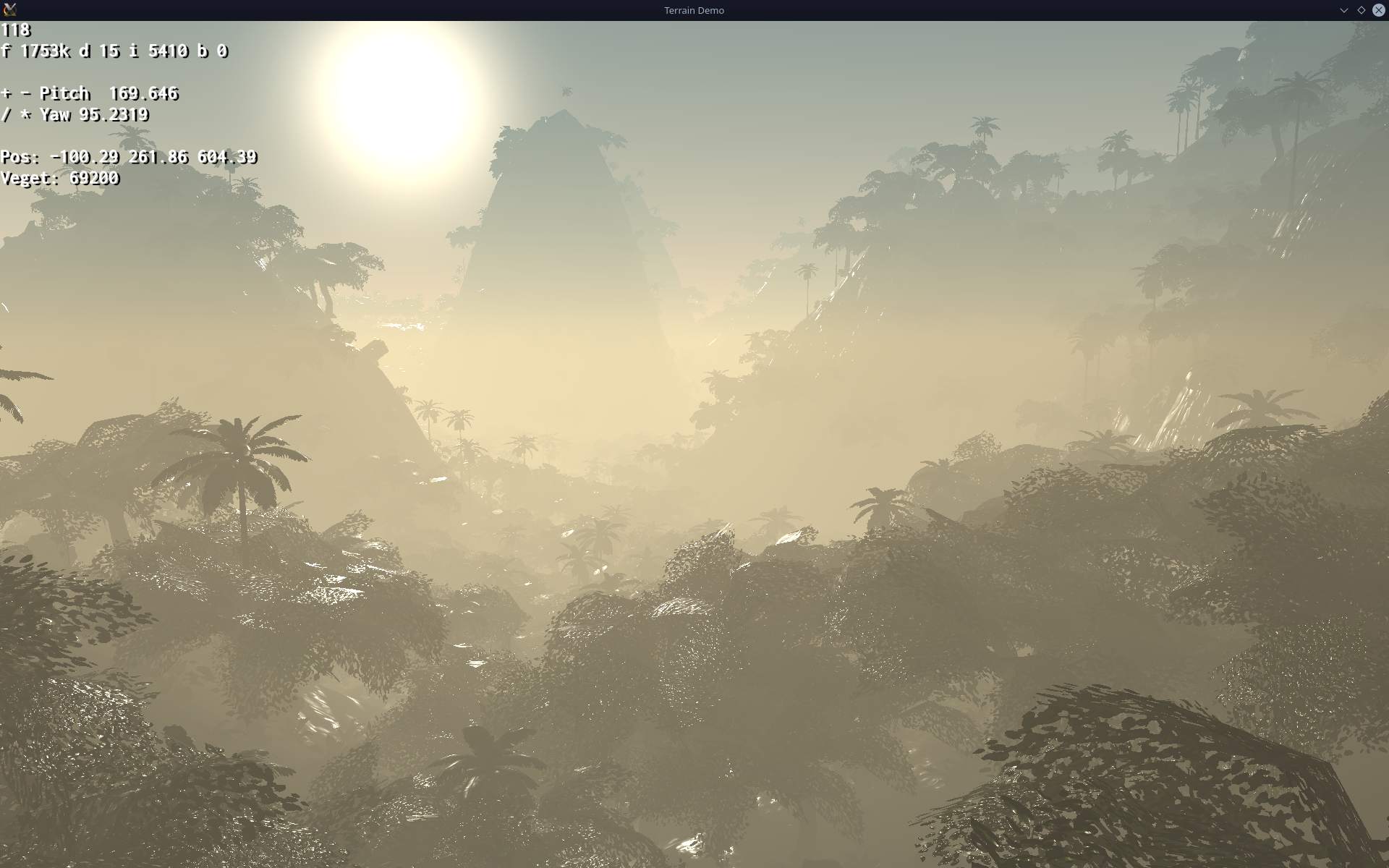
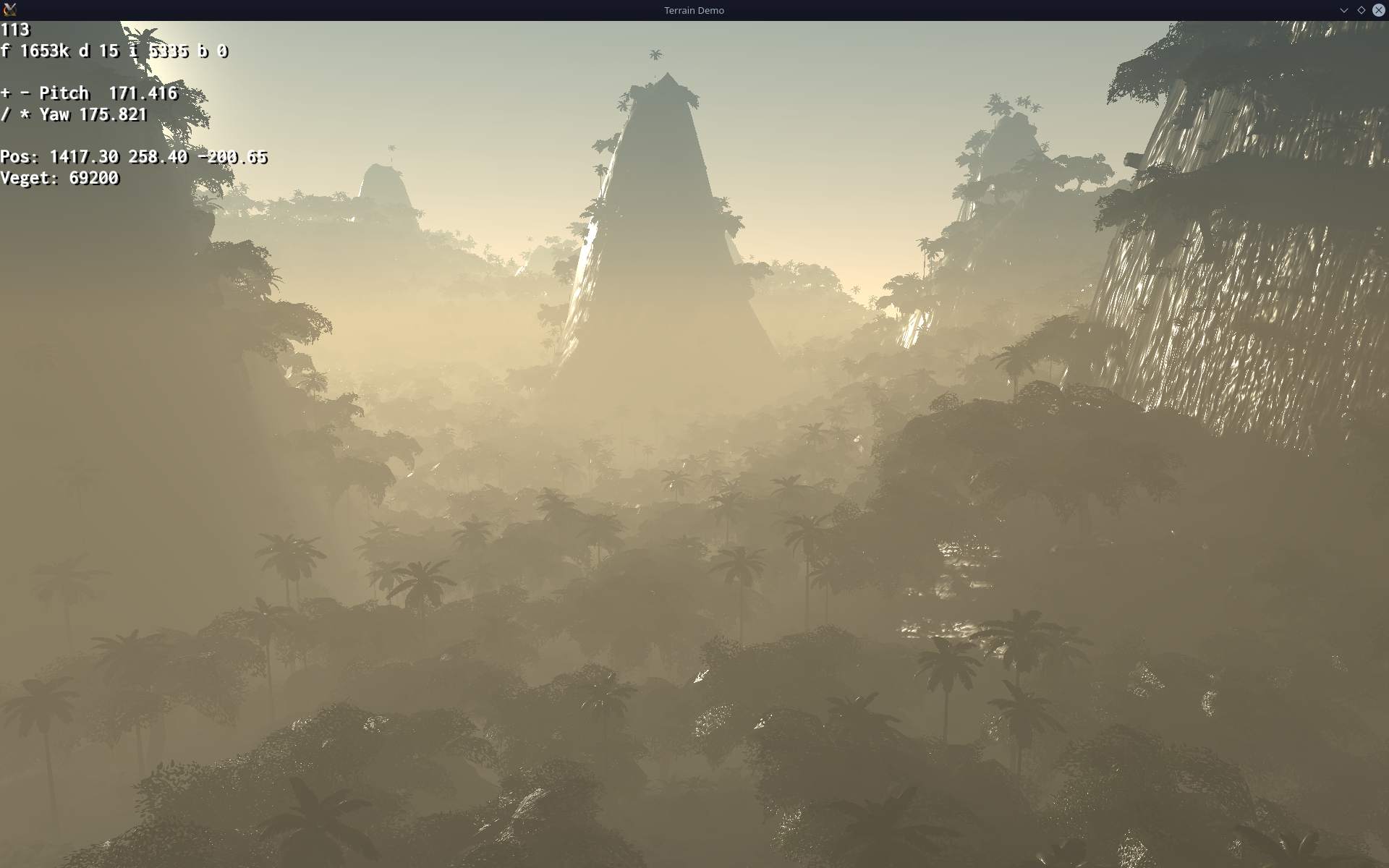
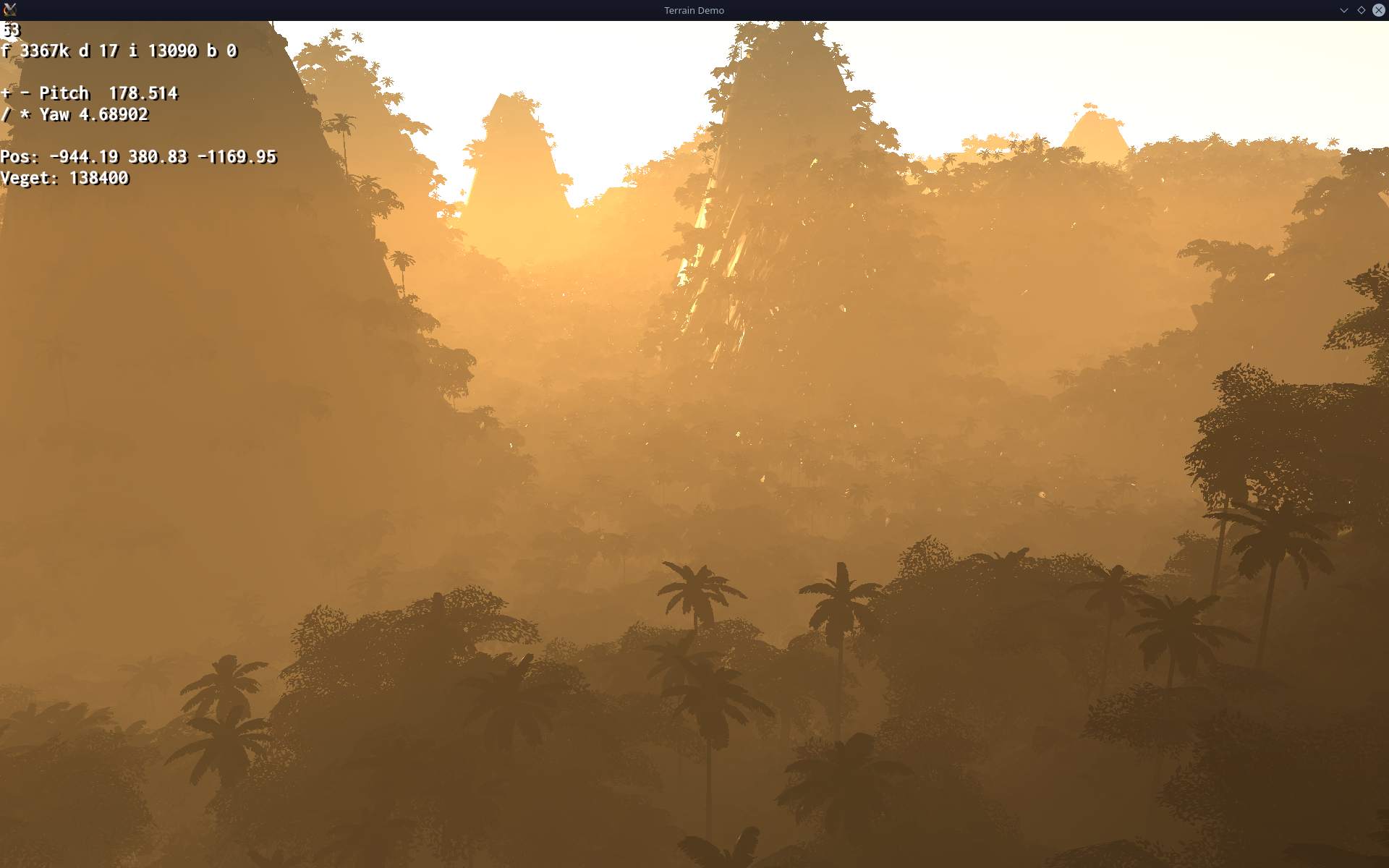
This is a project I started to learn and test newer version of Ogre rendering engine: Ogre-Next. Later I moved Stunt Rally 3 to use the engine too. Now also a showcase for nature scene rendering using the engine.
▶️Videos
Are here: new (with water reflection), old (only refractions).
📂Sources
Available here. Licensed: MIT. Unlike my other projects, where I choose GPLv3 that requires releasing modifications, under same license.
It has no Gui or other dependencies and should be easy to build.
🔍Details
At first it was a project to test Ogre-Next and code needed to get things done in it. Surprisingly half (or more) is done different way than in Ogre. But I am also surprised by better performance and optimizations done by the engine.
It is also a good tool to test and fix bugs in Ogre-Next, e.g. many for planar reflections used for water.
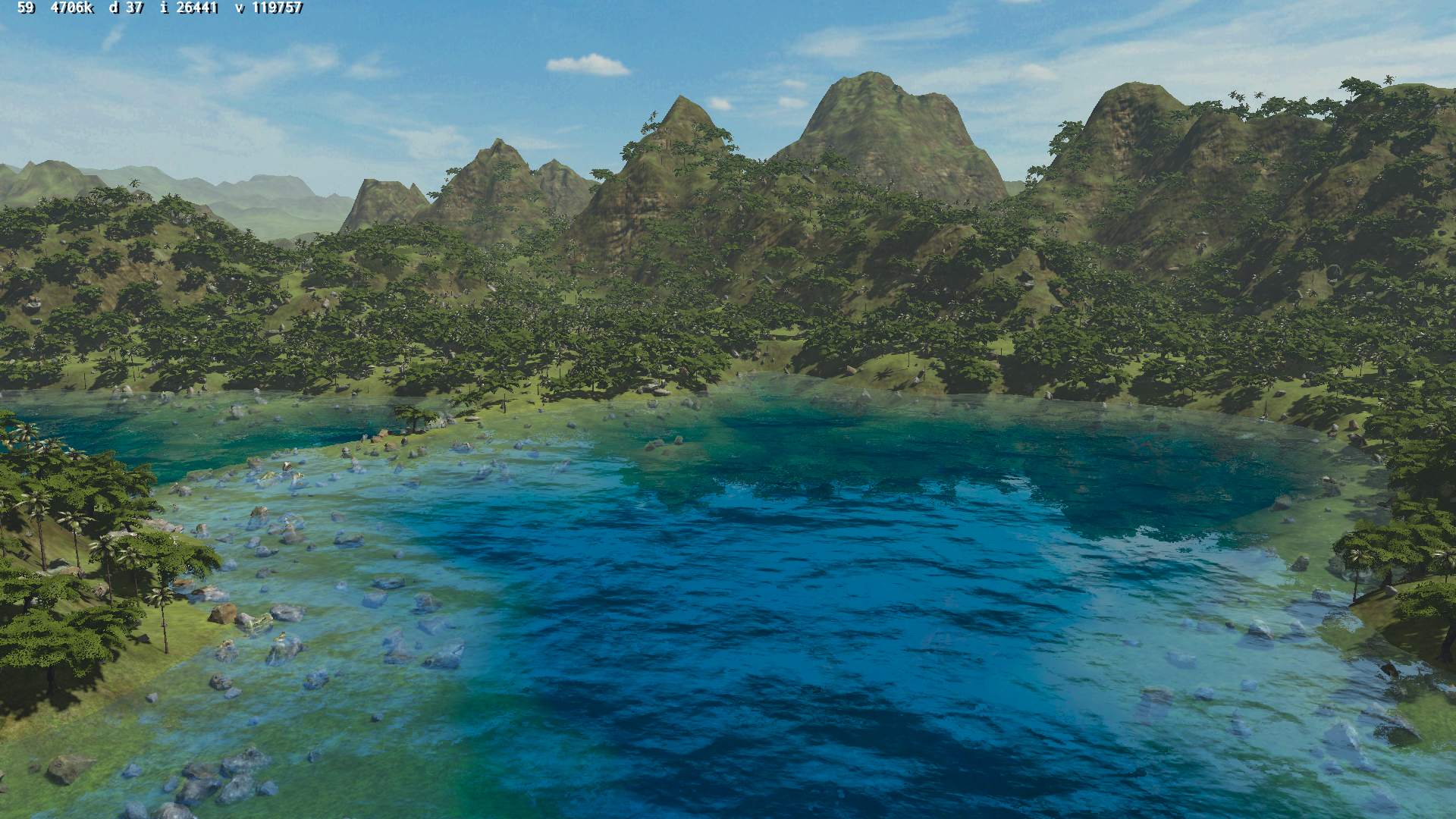
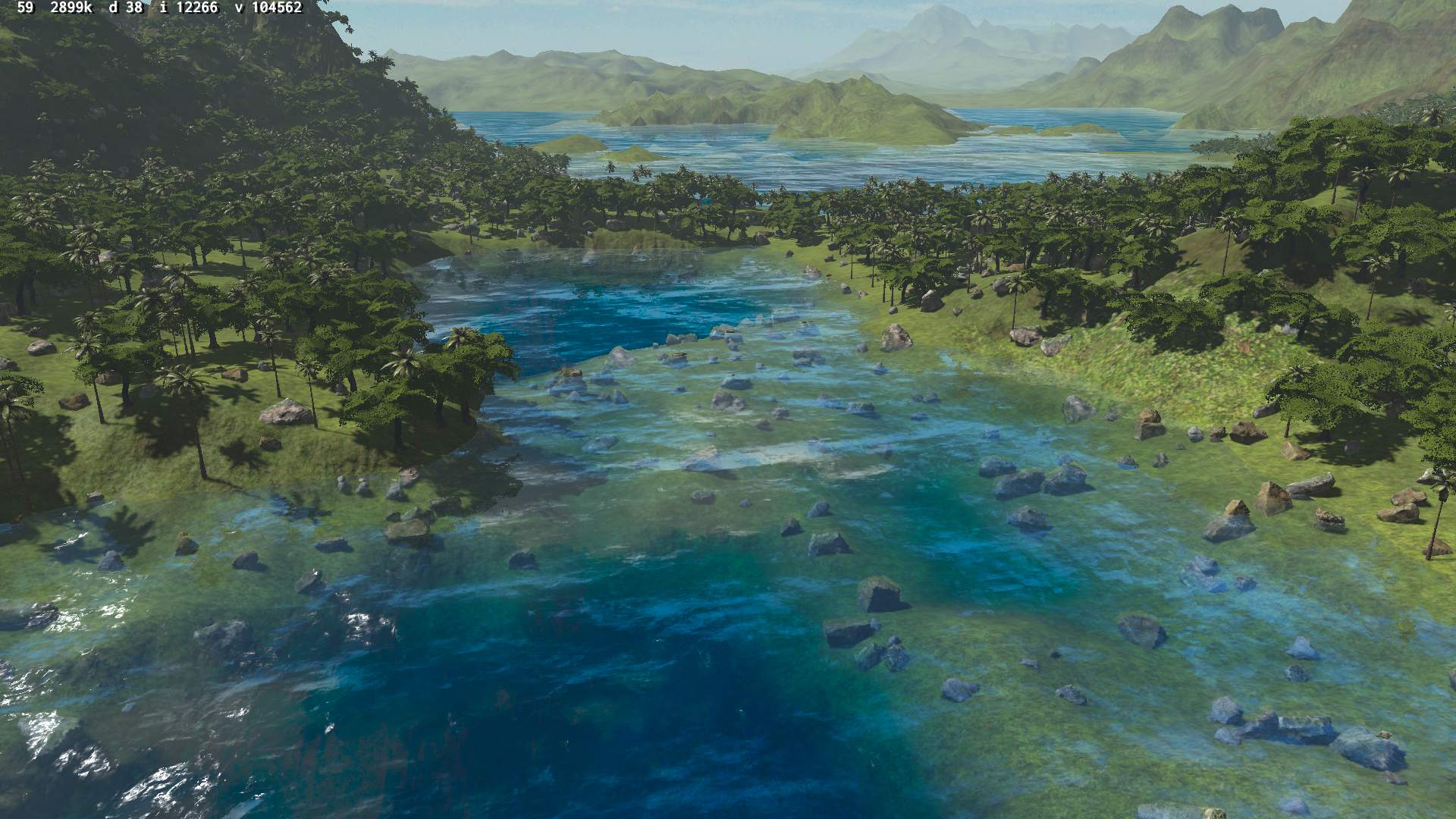
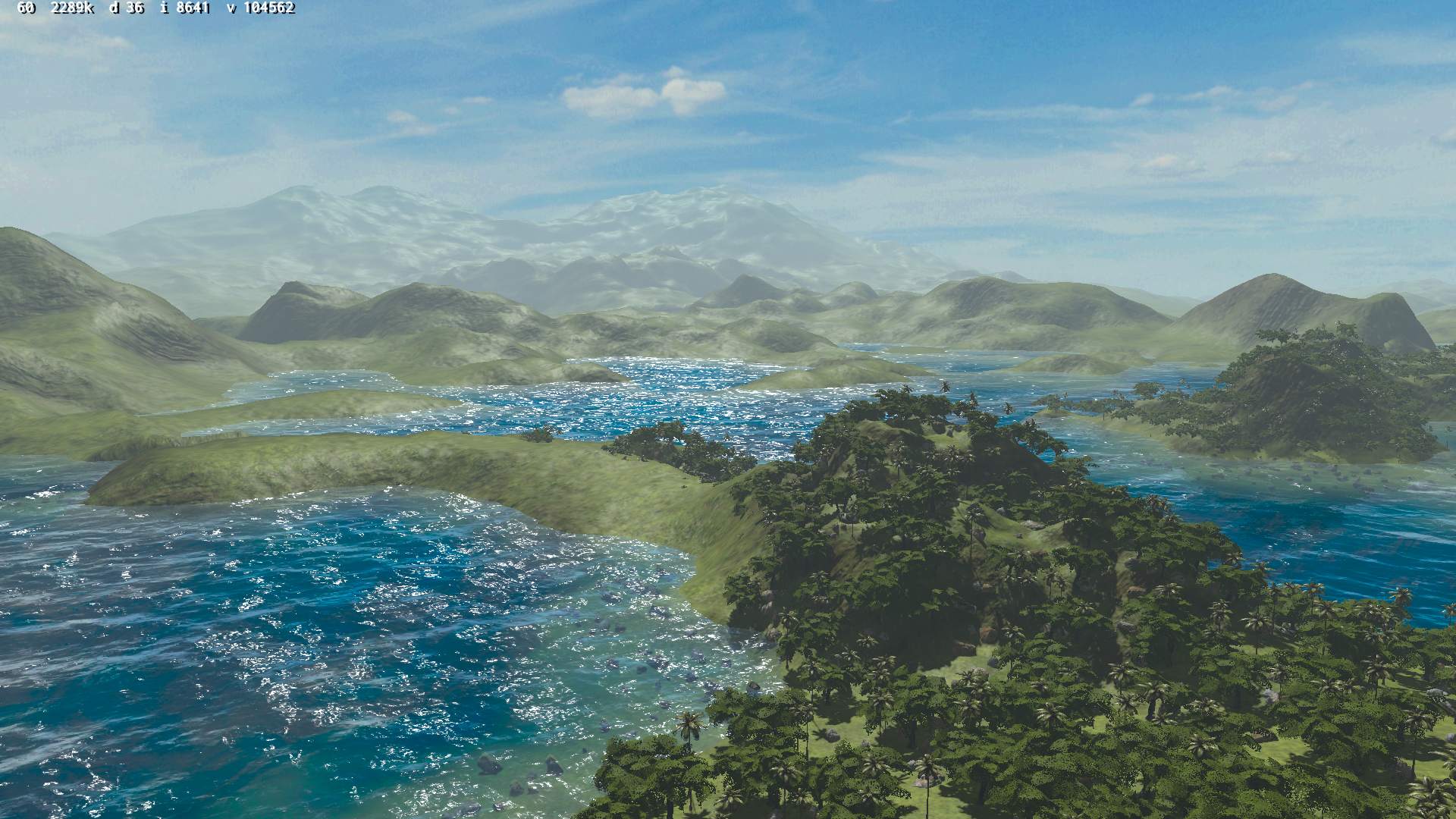
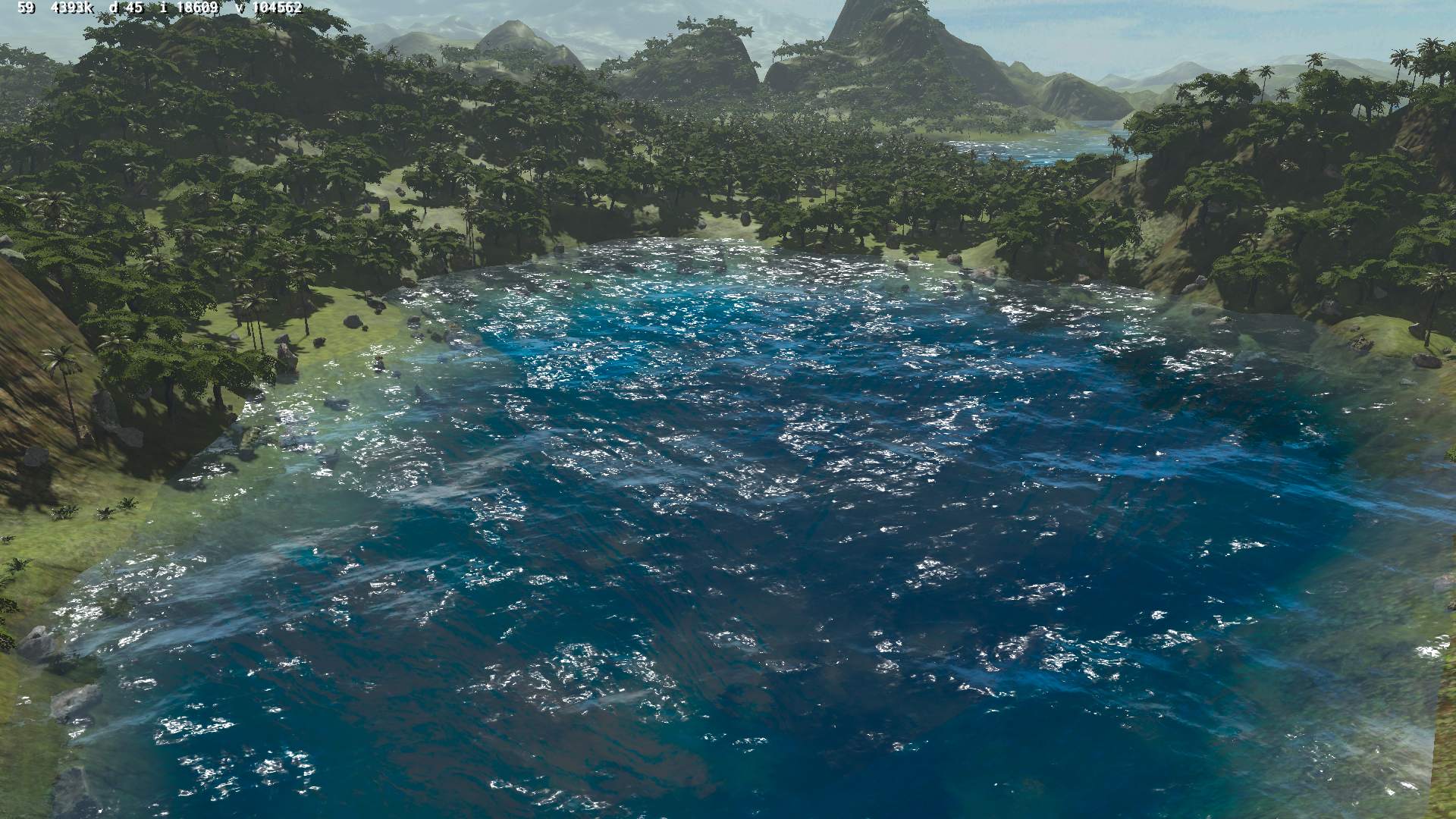
Recently I also updated it with some media from Stunt Rally 3 to make it look better and be a showcase.
This is a continuation of my previous kitchen HiFi modding. Now with replaced electronics for power supply, amplifier and input selectors. Only radio and case stayed the same. So roughly half is made by me.
✍️Motivation
Previously there was here an ancient old power amp chip LA4108, from around 1995 or so when this HiFi was build, with 2 cassette decks. This amp was way too powerful and not quality enough for our times. Since I didn’t need much power, I just remade it with a very simple op amp amplifier, feeding speakers. I also wanted a holder to put my old audio player in place instead of just lying flat and hardly seeing its LCD. Lastly my mother found it hard to see what to press for radio and lost the volume knob behind our kitchen stuff since I moved it on side.
📊Features
Op-amp amplifier feeding 2.7 Ω speakers through 47 Ω resistors. I still had OP275 lying around since like 2002 so I used it. Well it could be NE5532 or anything really. I didn’t bother with any transistors (class AB or A) at all to boost current or more power op-amps, because it was enough and we don’t need to hear it too loud 🔉🤫.
Selecting 1 of 3 audio inputs from: FM radio, player (Sansa Fuze+ with Rockbox firmware), and external audio cable (going from my room to kitchen, analog but through Ethernet cable). This is done using a MCU (worst for today Teensy 2.0, only because I have bought it long ago when I started and wanted to use it for any purpose finally, it’s ancient 8bit and 5V too, while I moved to 3.3V in my keyboards and all). Code was like just 50 lines, 3 buttons, 2 outputs for old 12V stereo relays, and 3 outputs for LEDs to show which input is selected to play.
Power supply for player 4.1V not from battery anymore, slightly with noise due to this. Op amp uses +-16 V from 2 regulators LM317 and LM337 from a 15W transformer (could be less, but it’s what I got since years waiting, not used). Another with 12V for relays, and 5V for MCU. So yeah kind of nuts 5 voltage regulators here. It’s likely the reason it takes 3.5W from 220V wall, already doing nothing and about 5W doing something.
⌛Conclusions
Well half of my conclusions are already in my previous project for this HiFi back there. I.e. no reason at all to buy new stuff, better to modify this over 20 year old classic, especially after I painted it so funny. It was also working so best to extend it further and make it better for me.
So far I can say it is a joy to use and really good audio quality for me. I didn’t hear any noise, especially not like before. I hope it will last for few years at least, until I come up with something new I’d like to add. Or possibly get my stuff from inside and use new speakers, who knows.
One definite down side is that it took me about 5 days of holiday to do this, so it was way more than I’d like and lots of work still.
Another bad thing is that it uses 4 W power constantly, likely just because of so many voltage regulators here. I didn’t complain about this, since I got more power lost in stuff that’s constantly on in the house all the time.
But this also, eventually motivated me to rework it once again in recent project from 2026.