Category: 2D

2D games, demos, programs

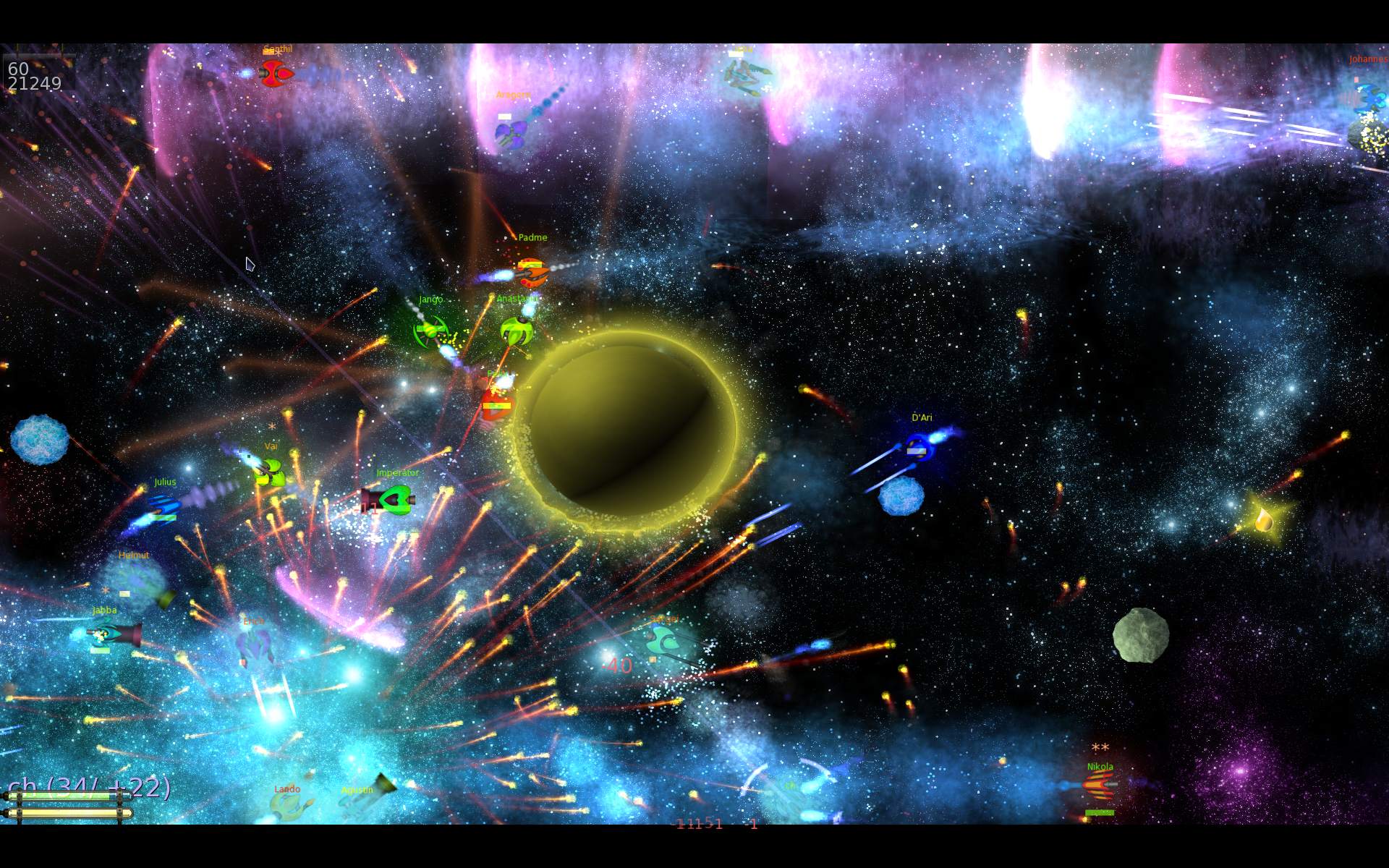
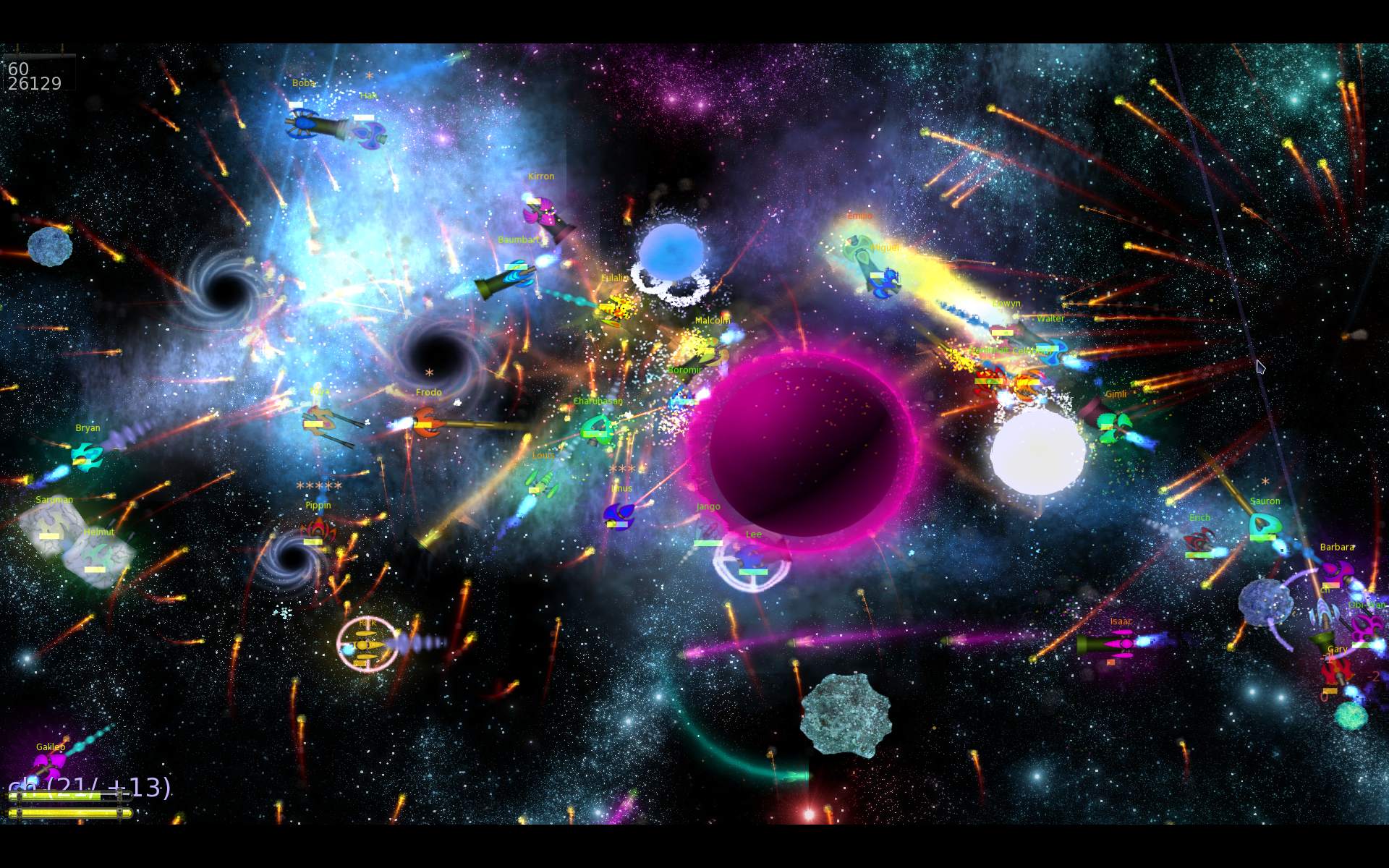
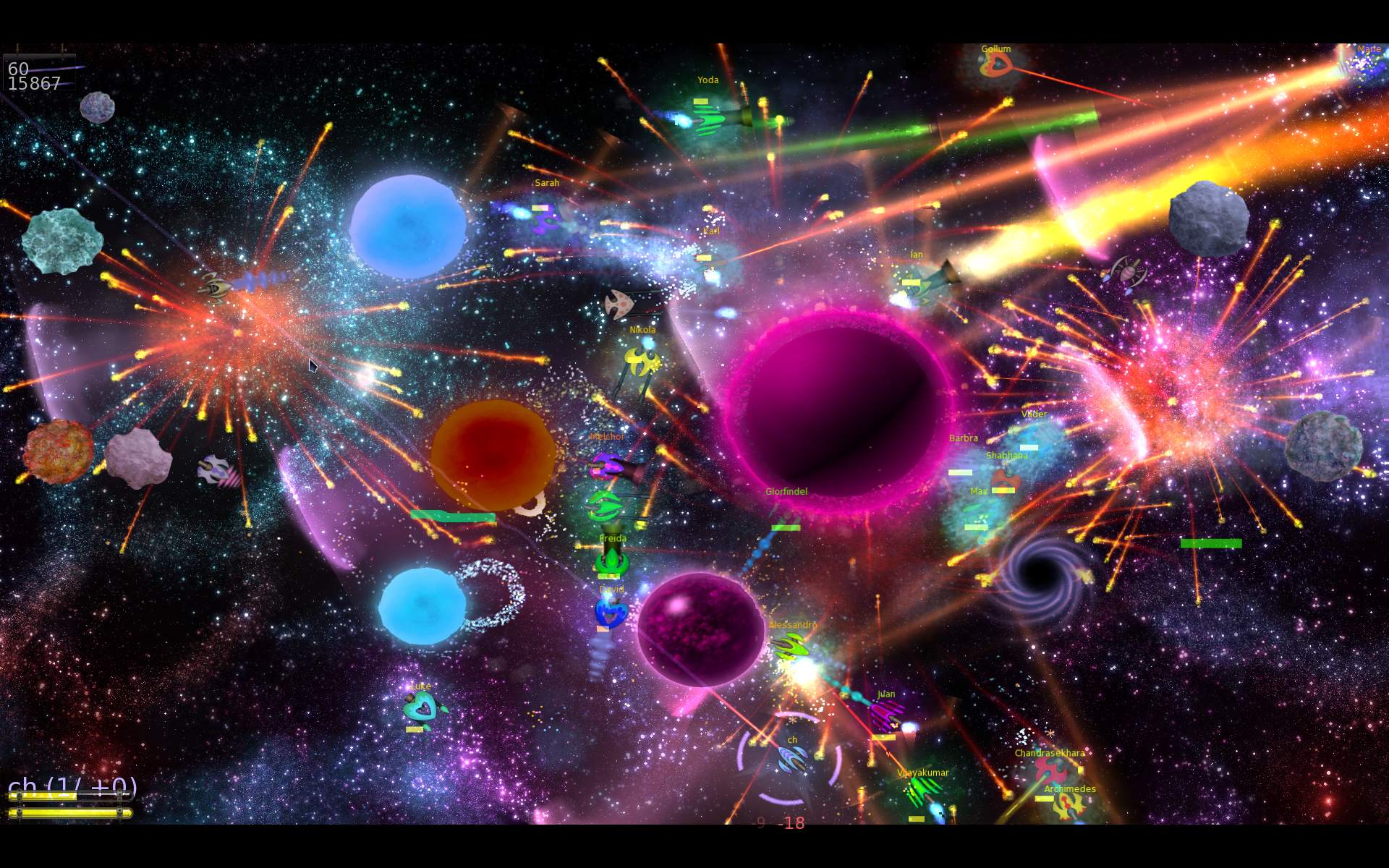
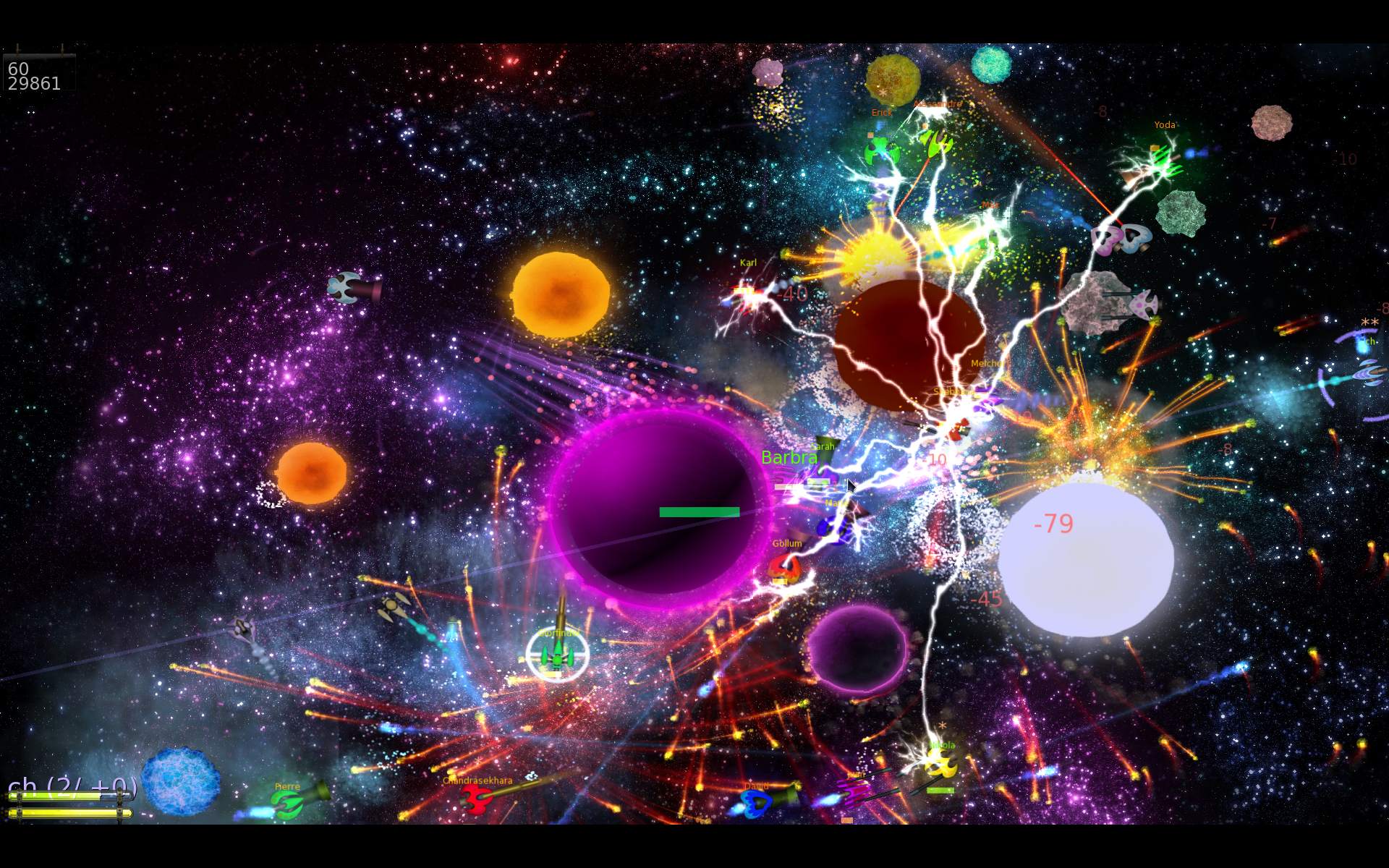
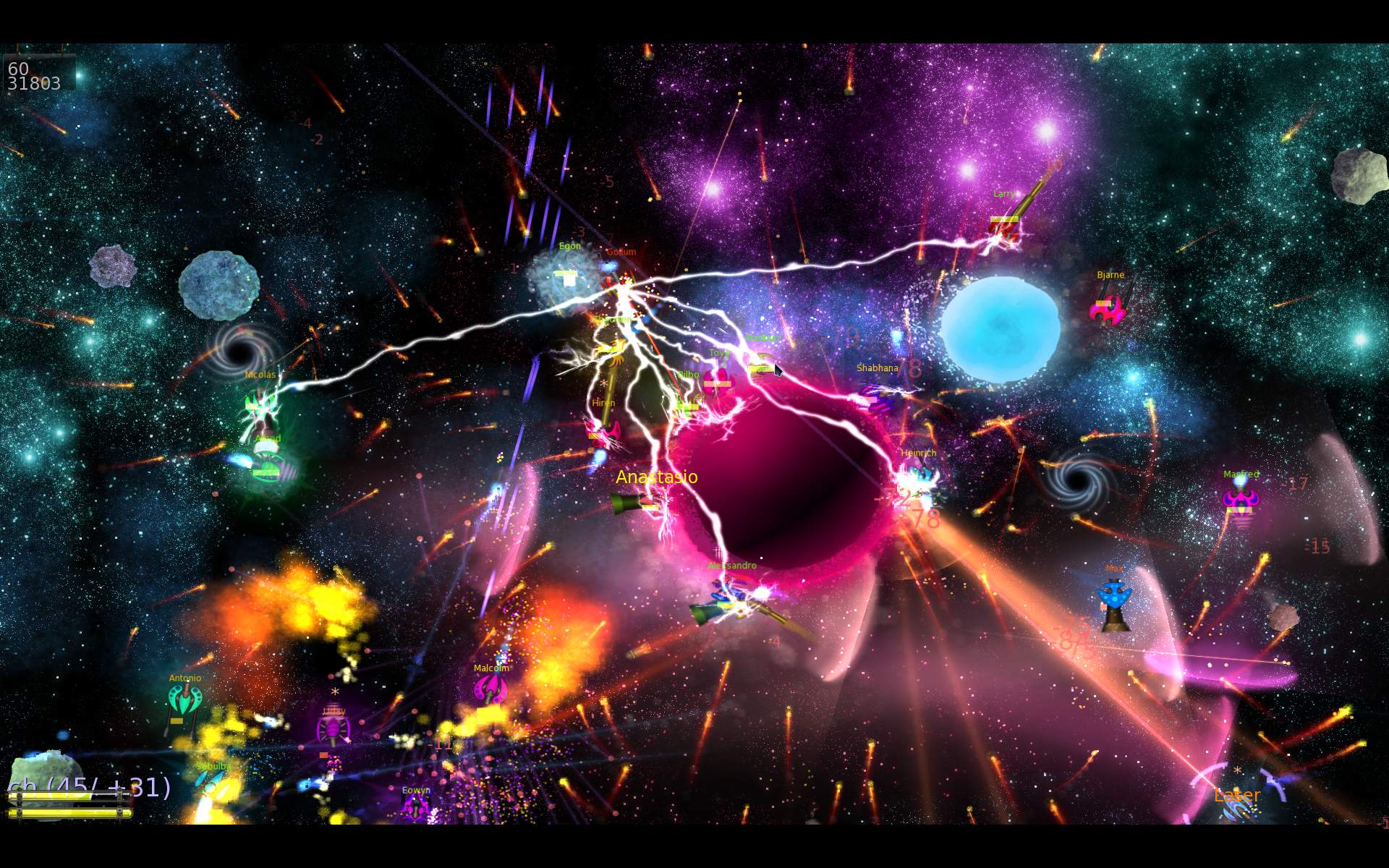
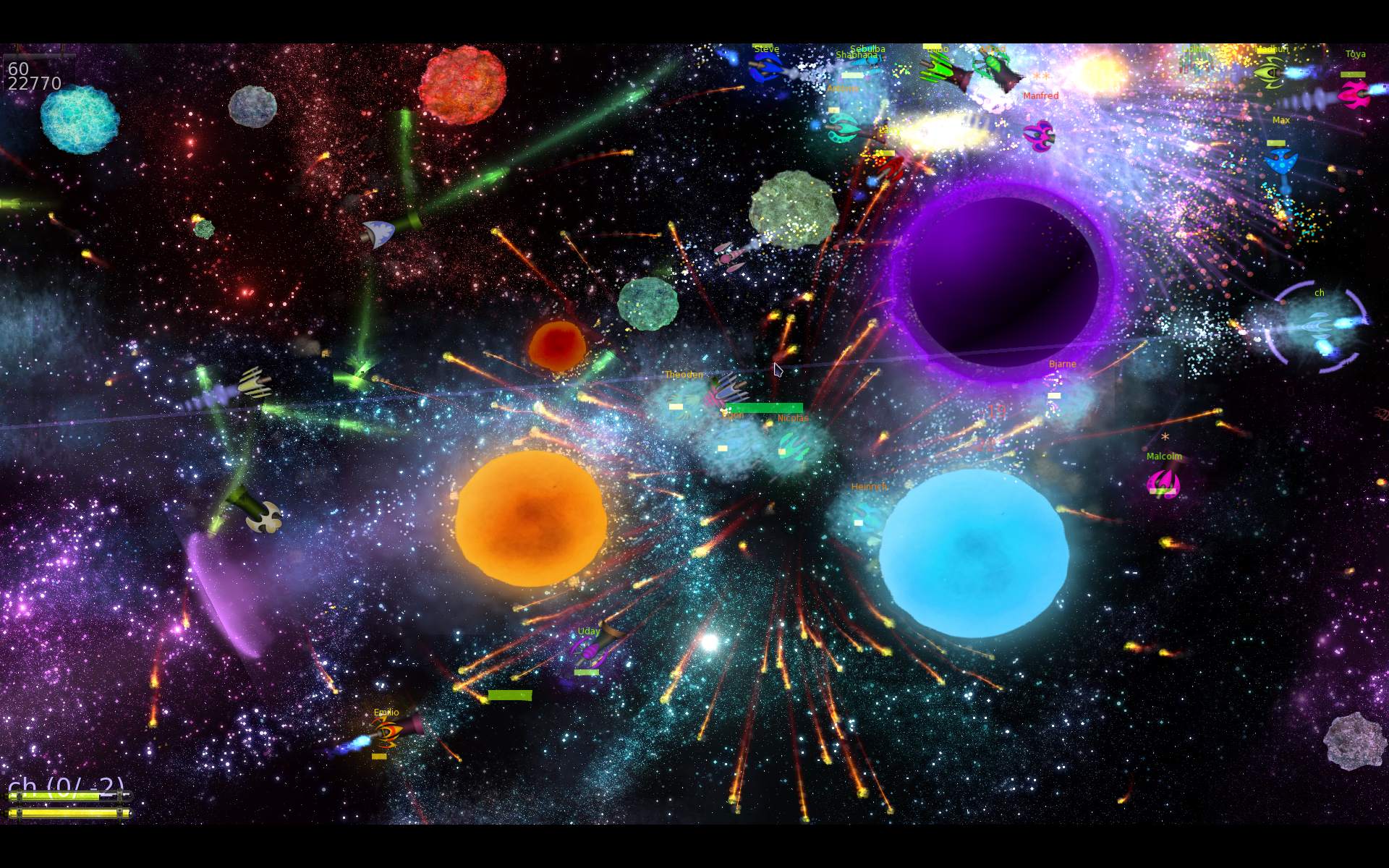
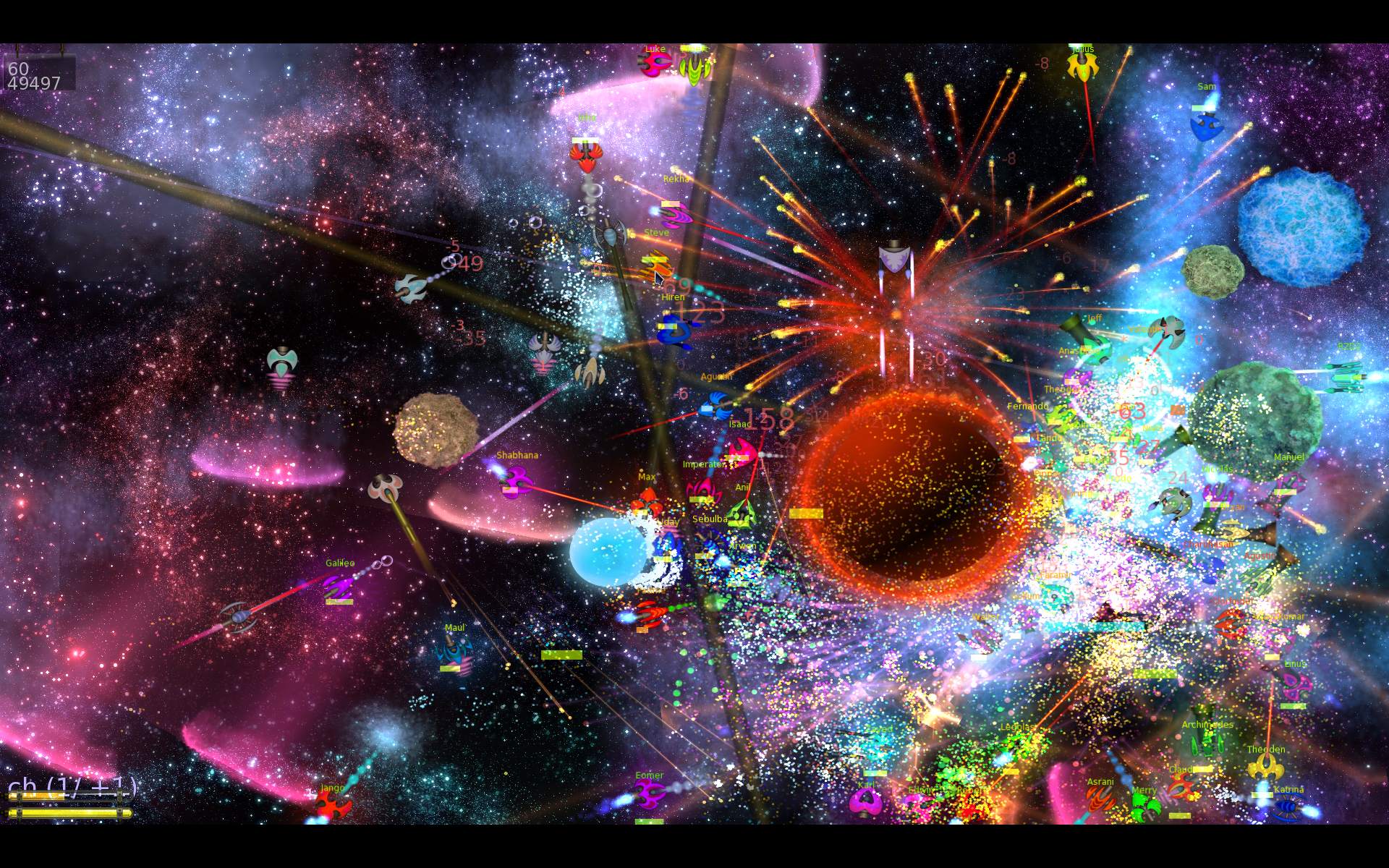
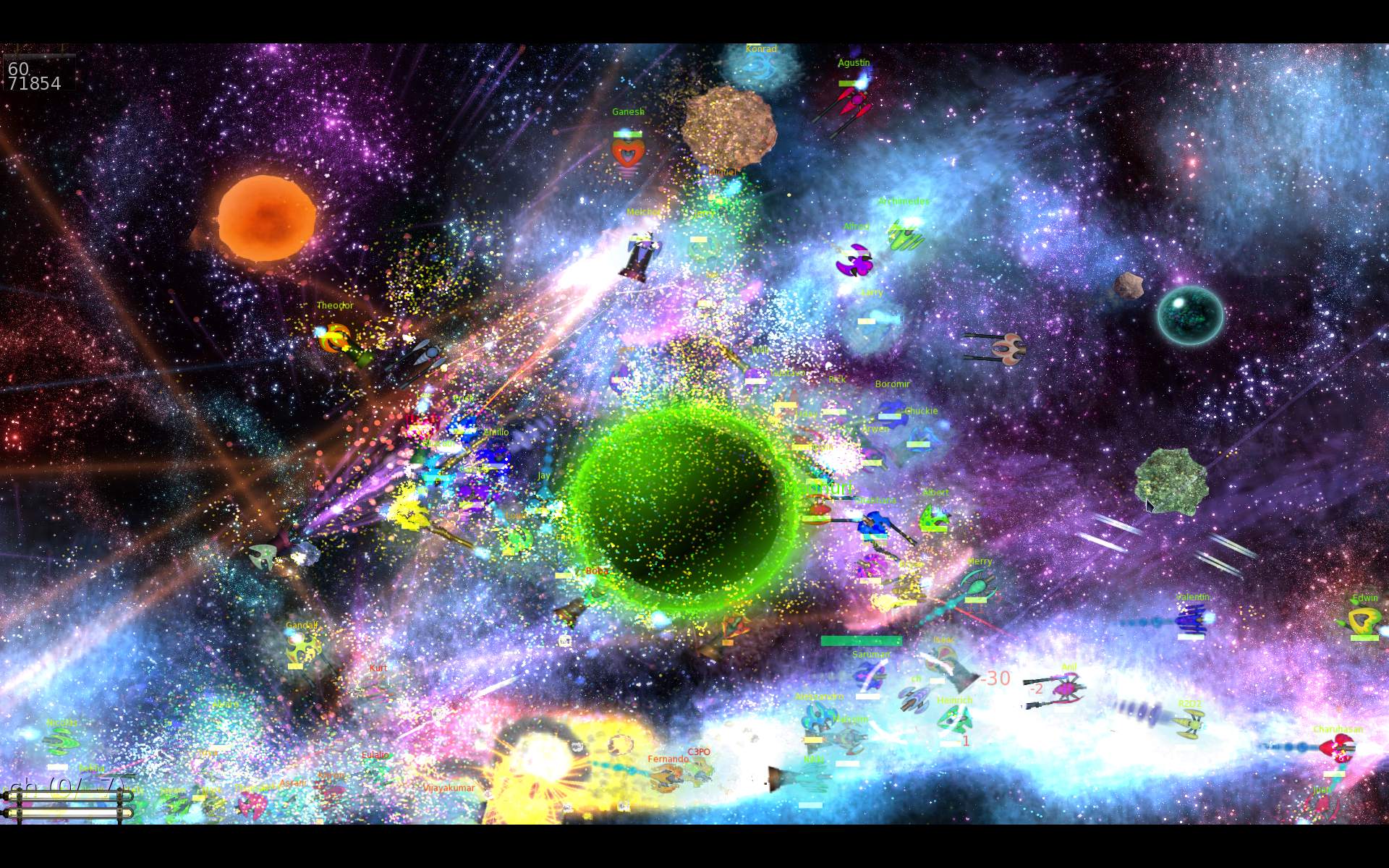
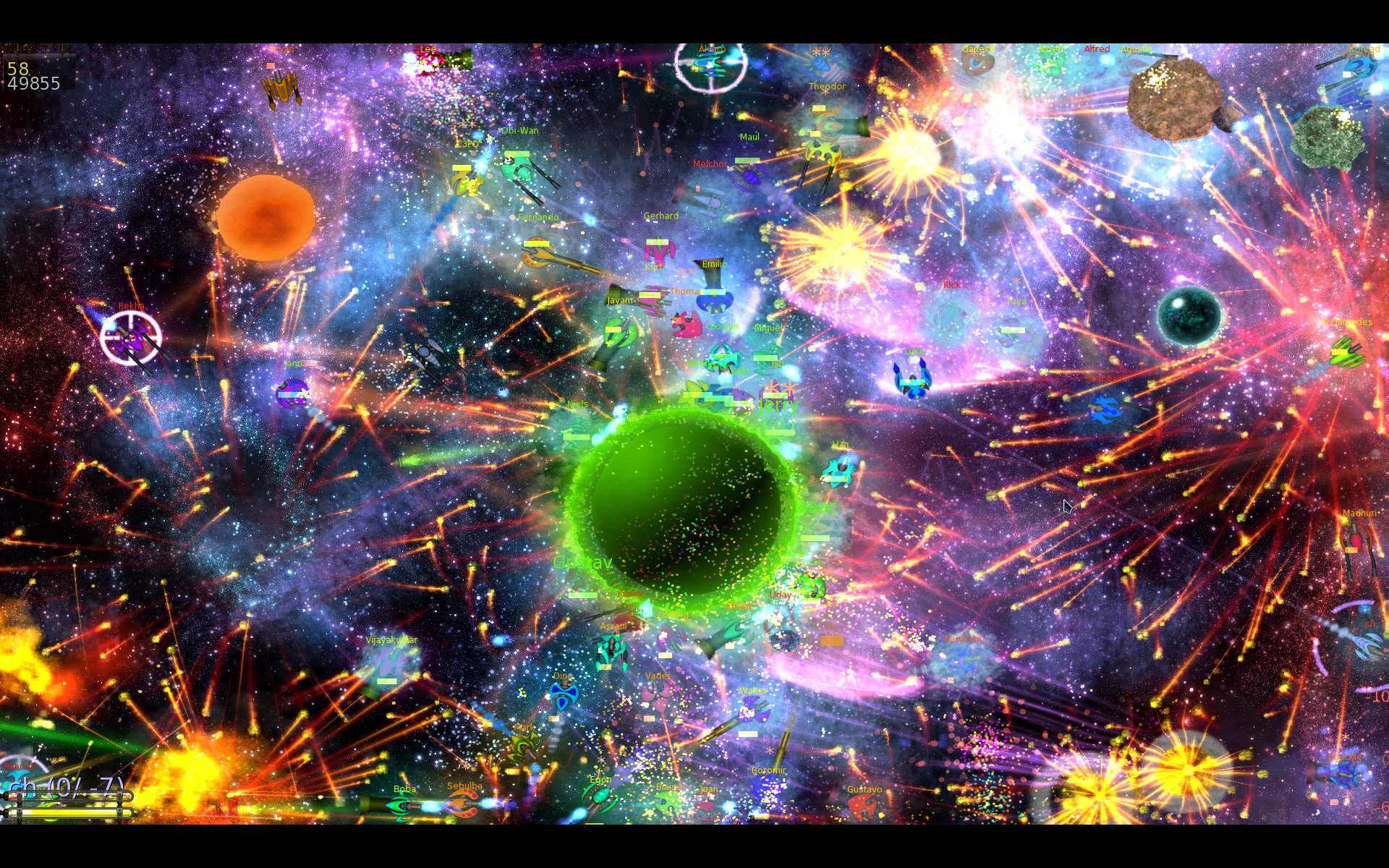
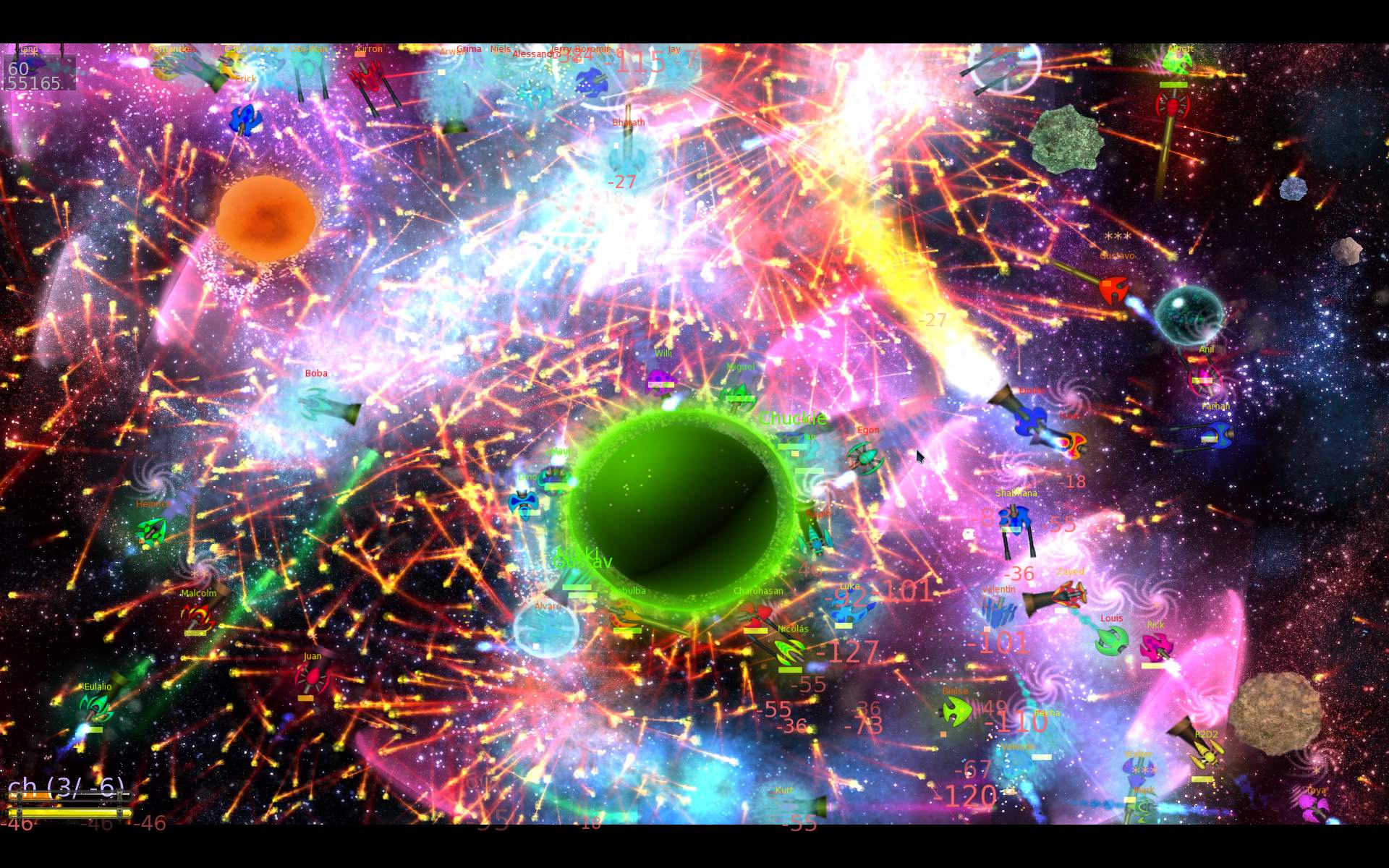
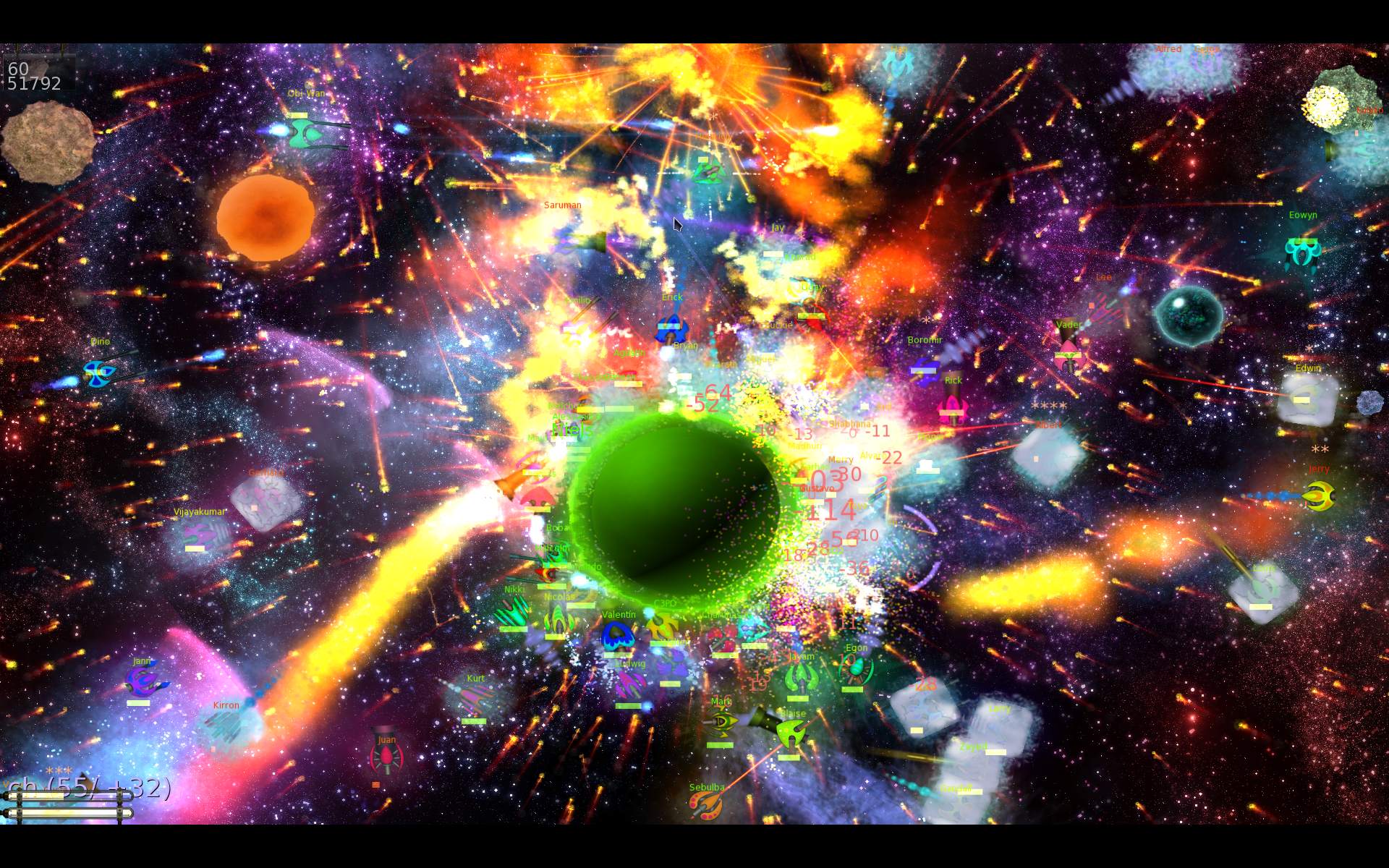
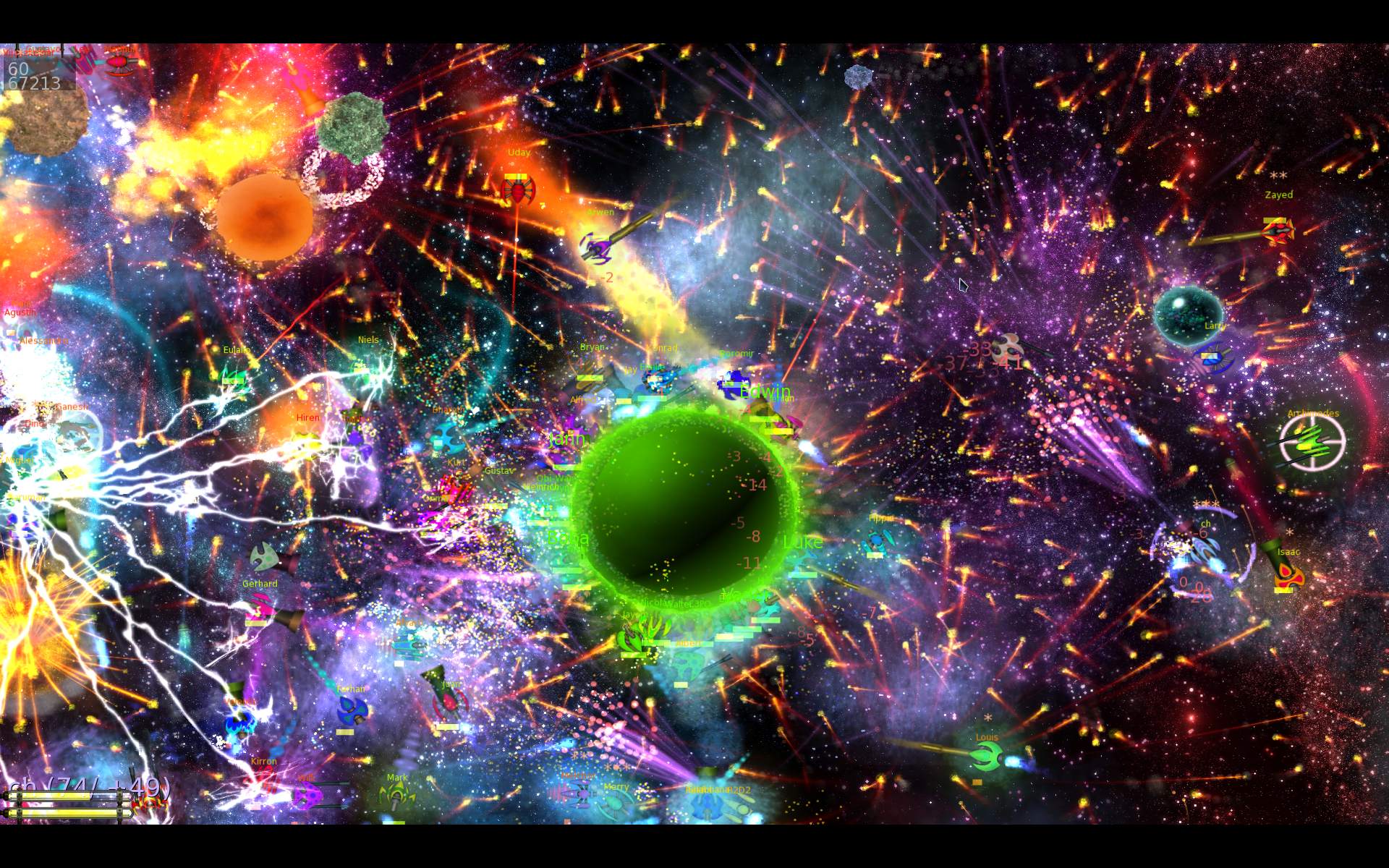
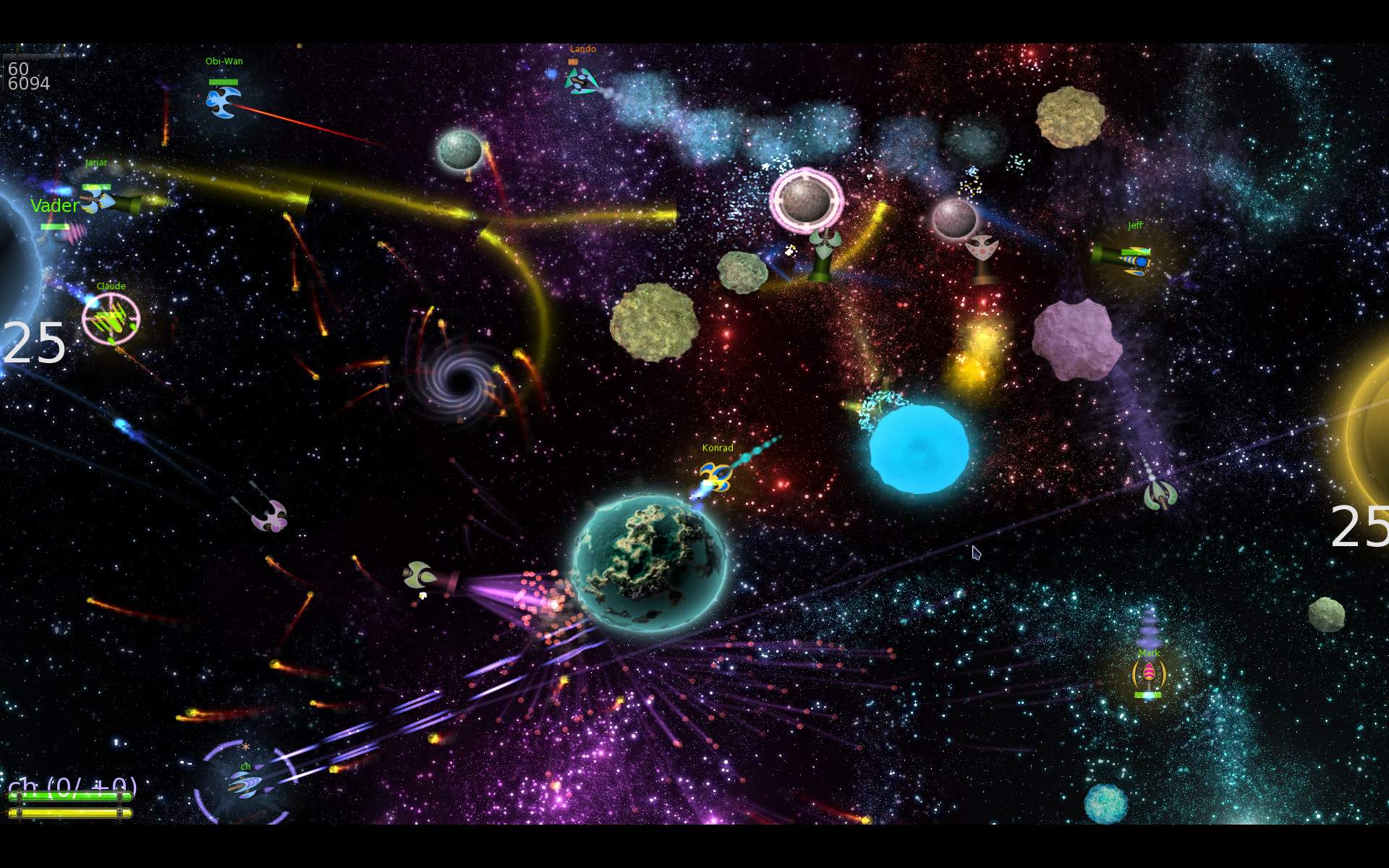
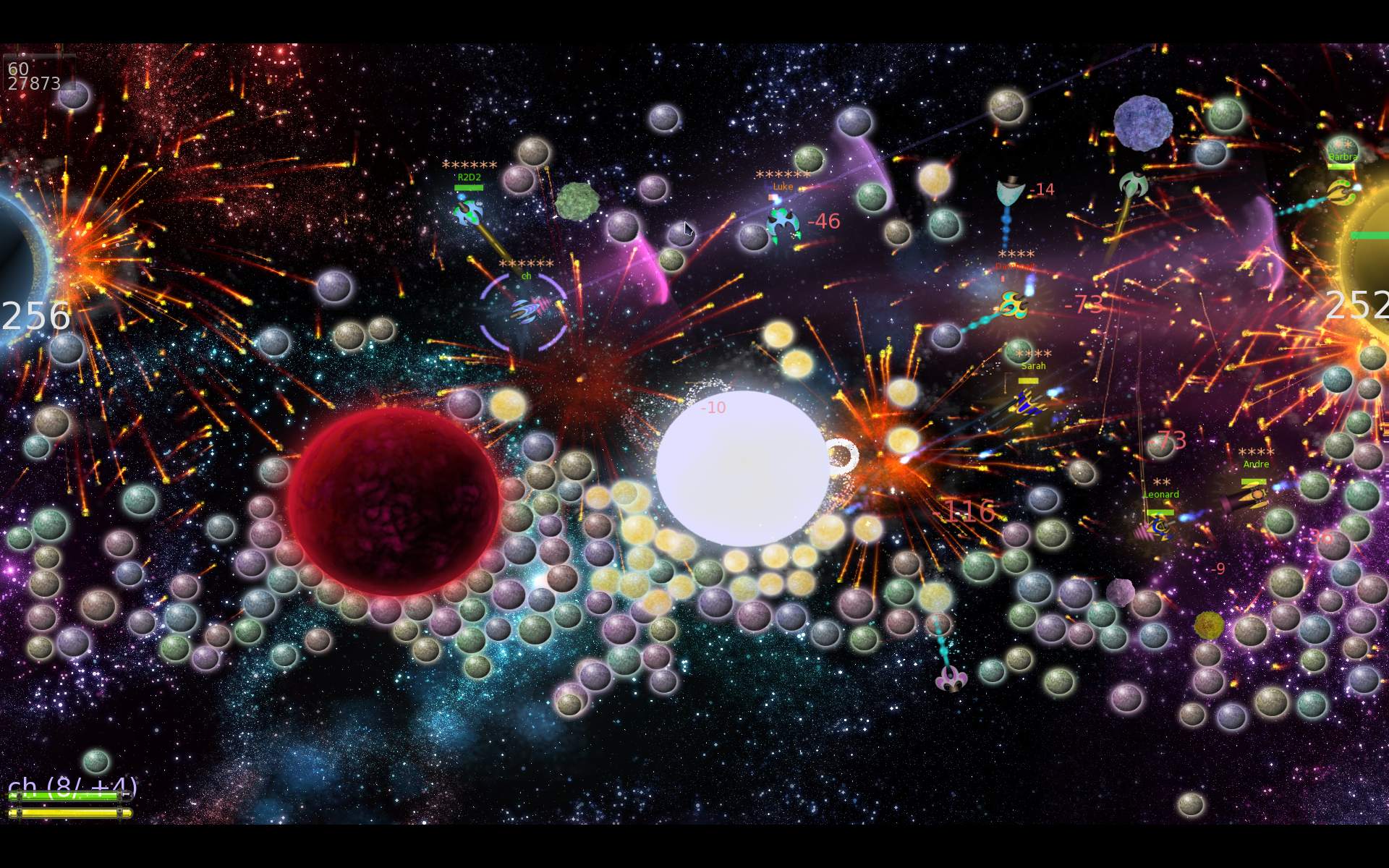
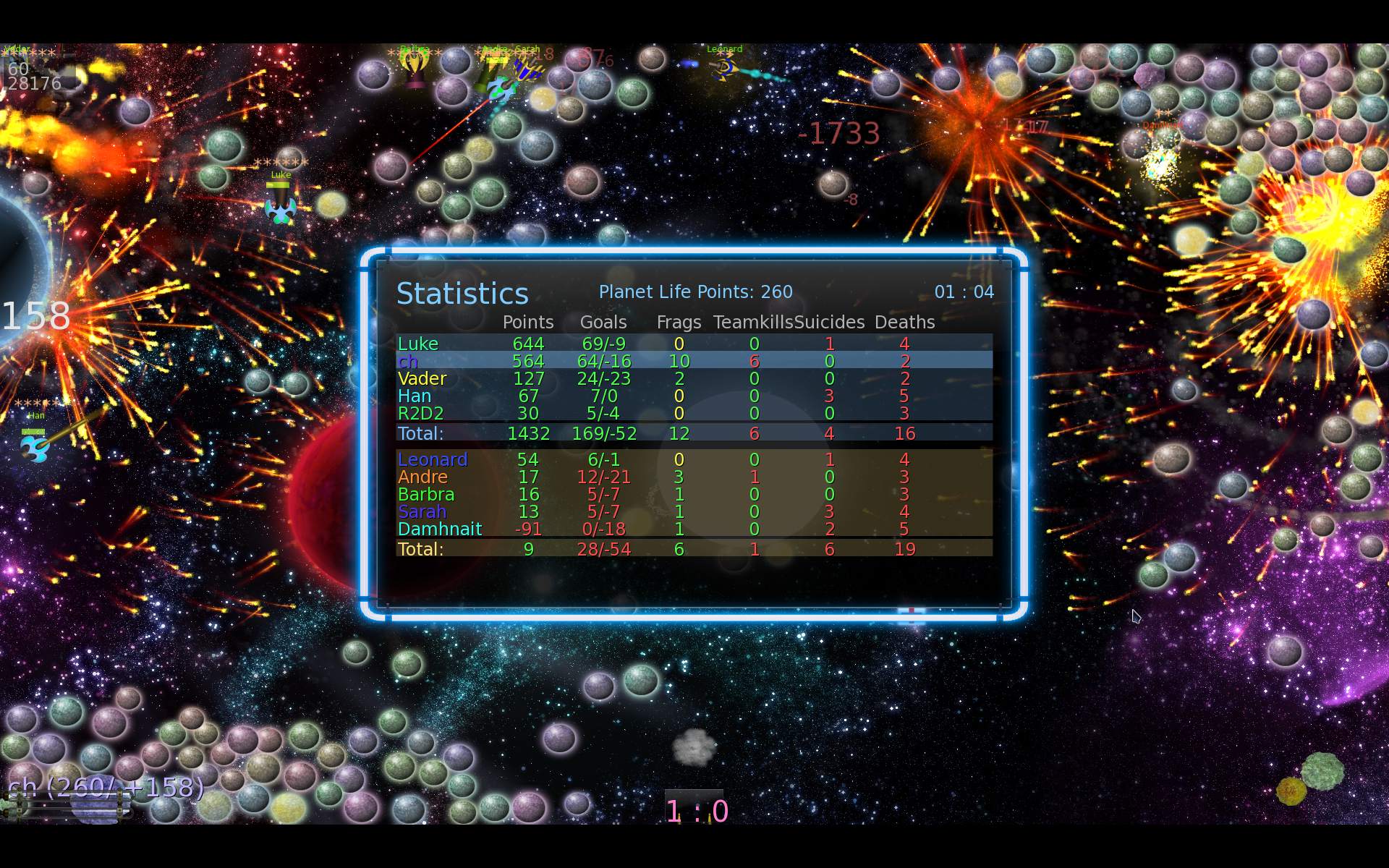
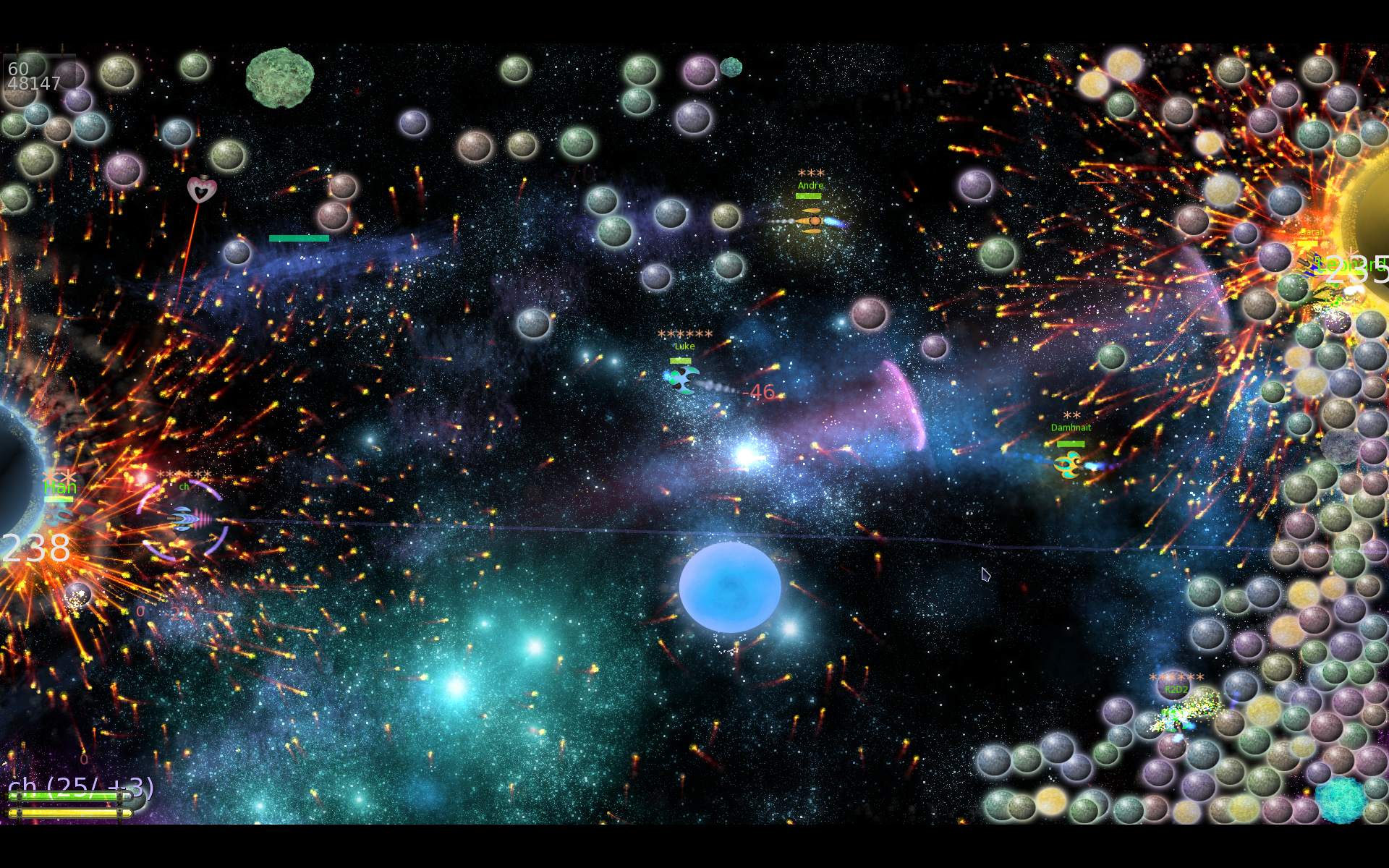
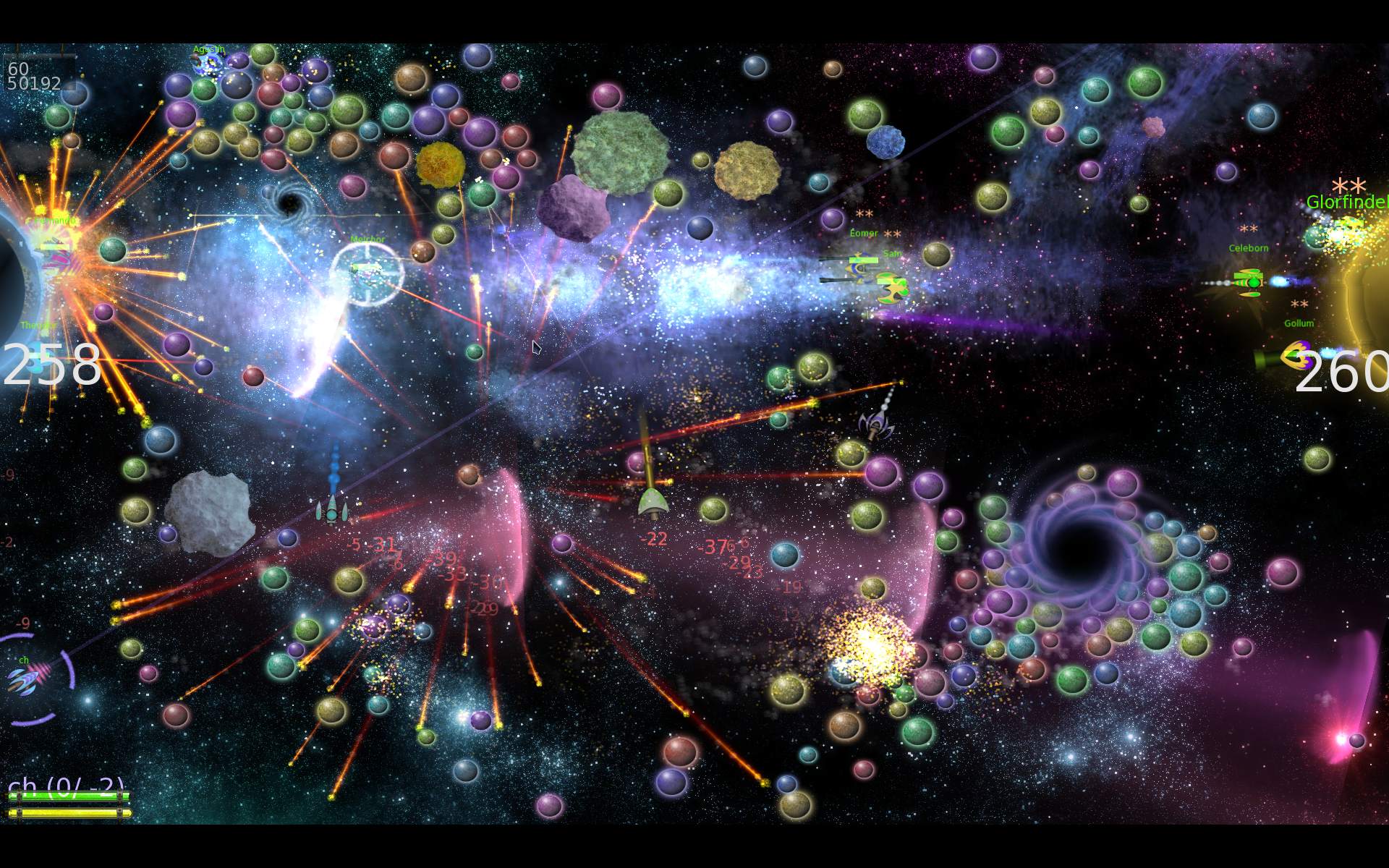
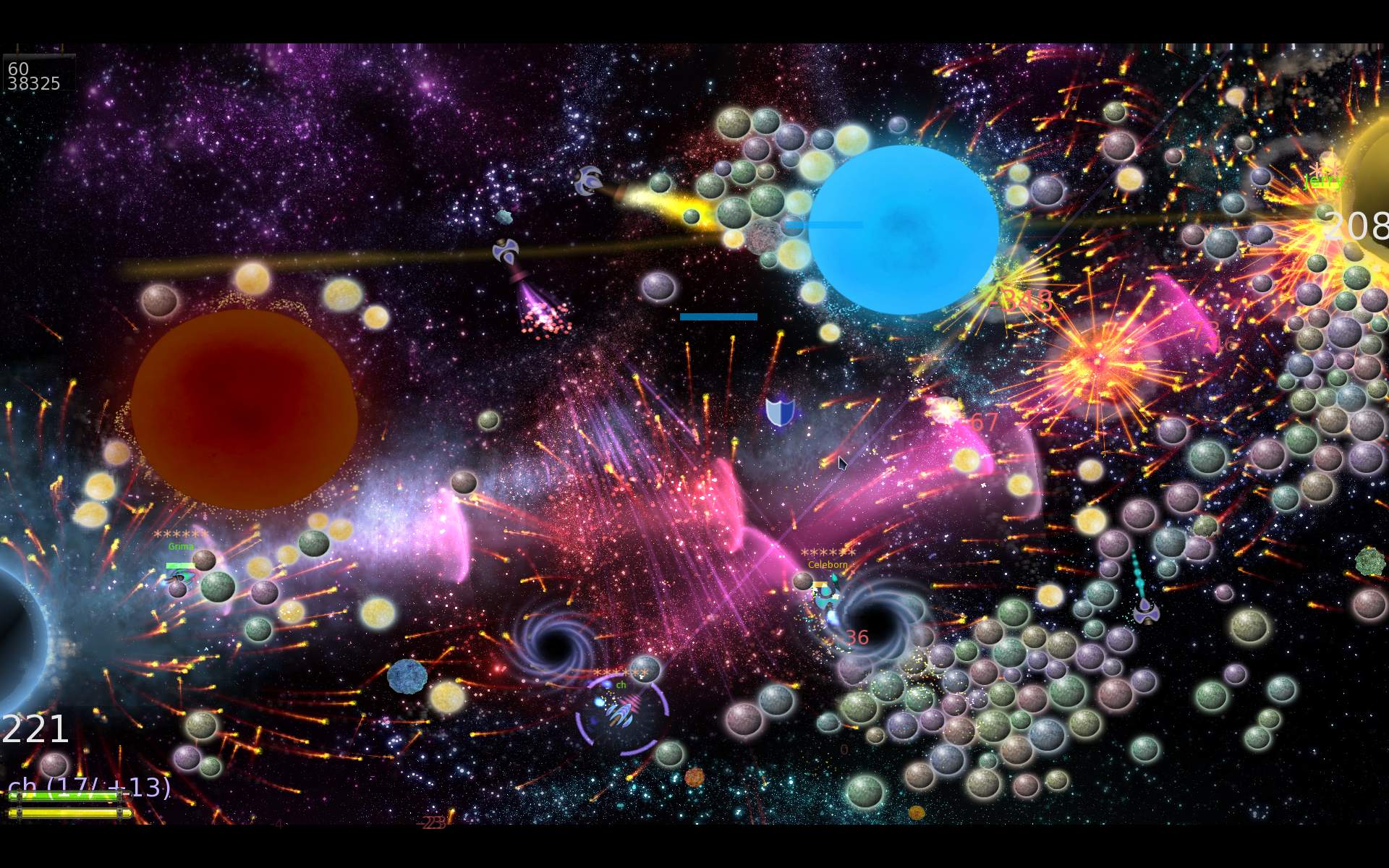
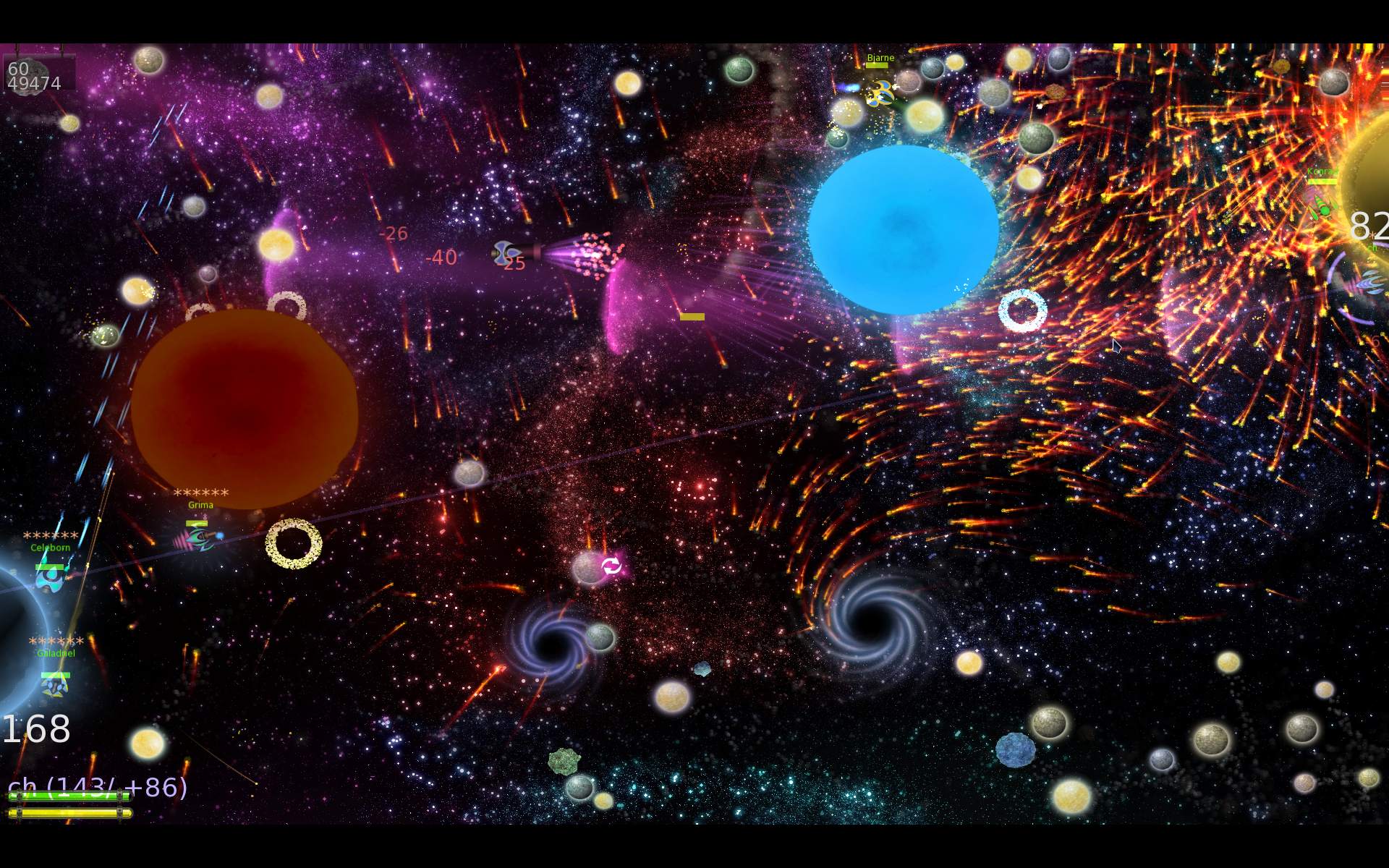
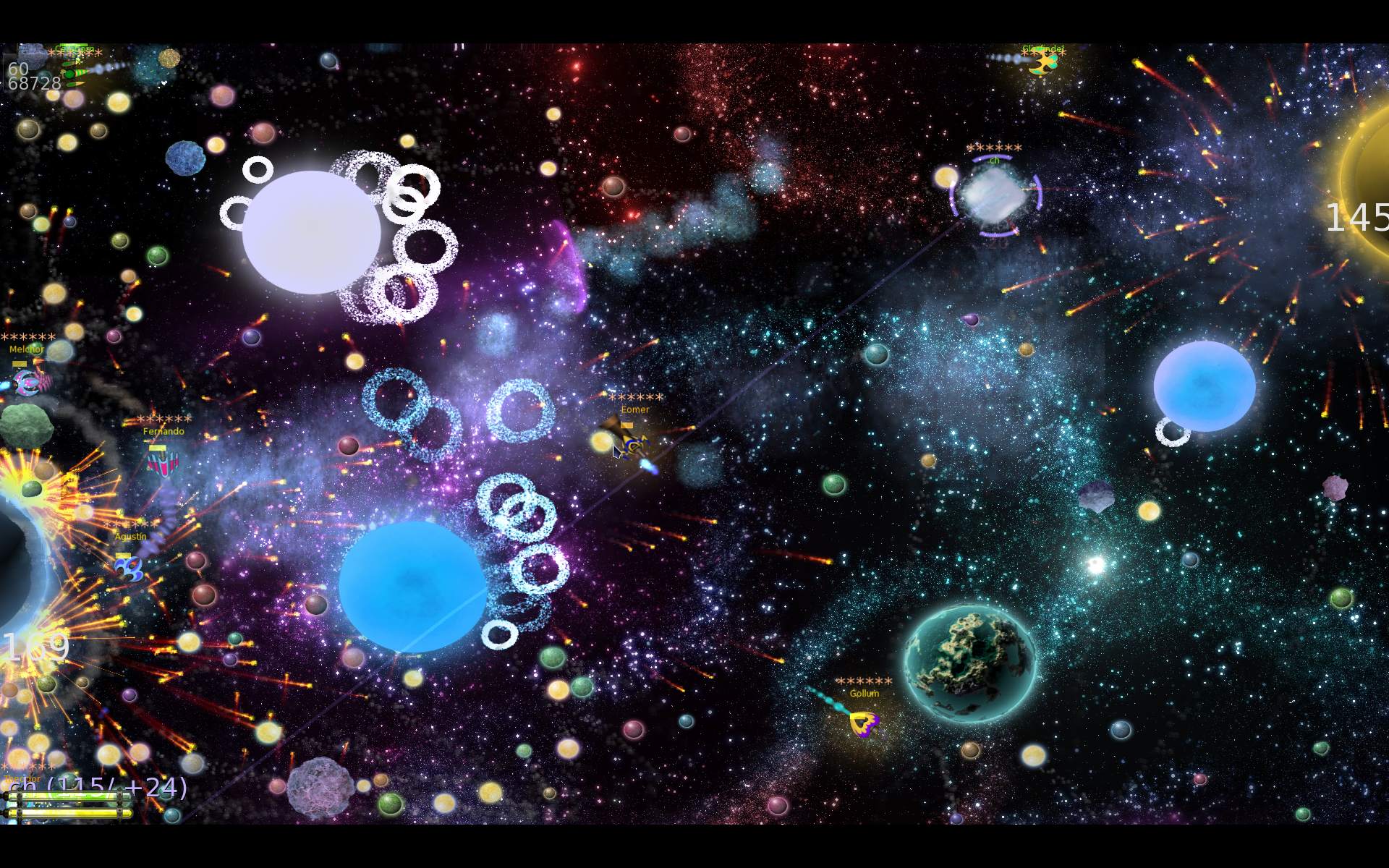
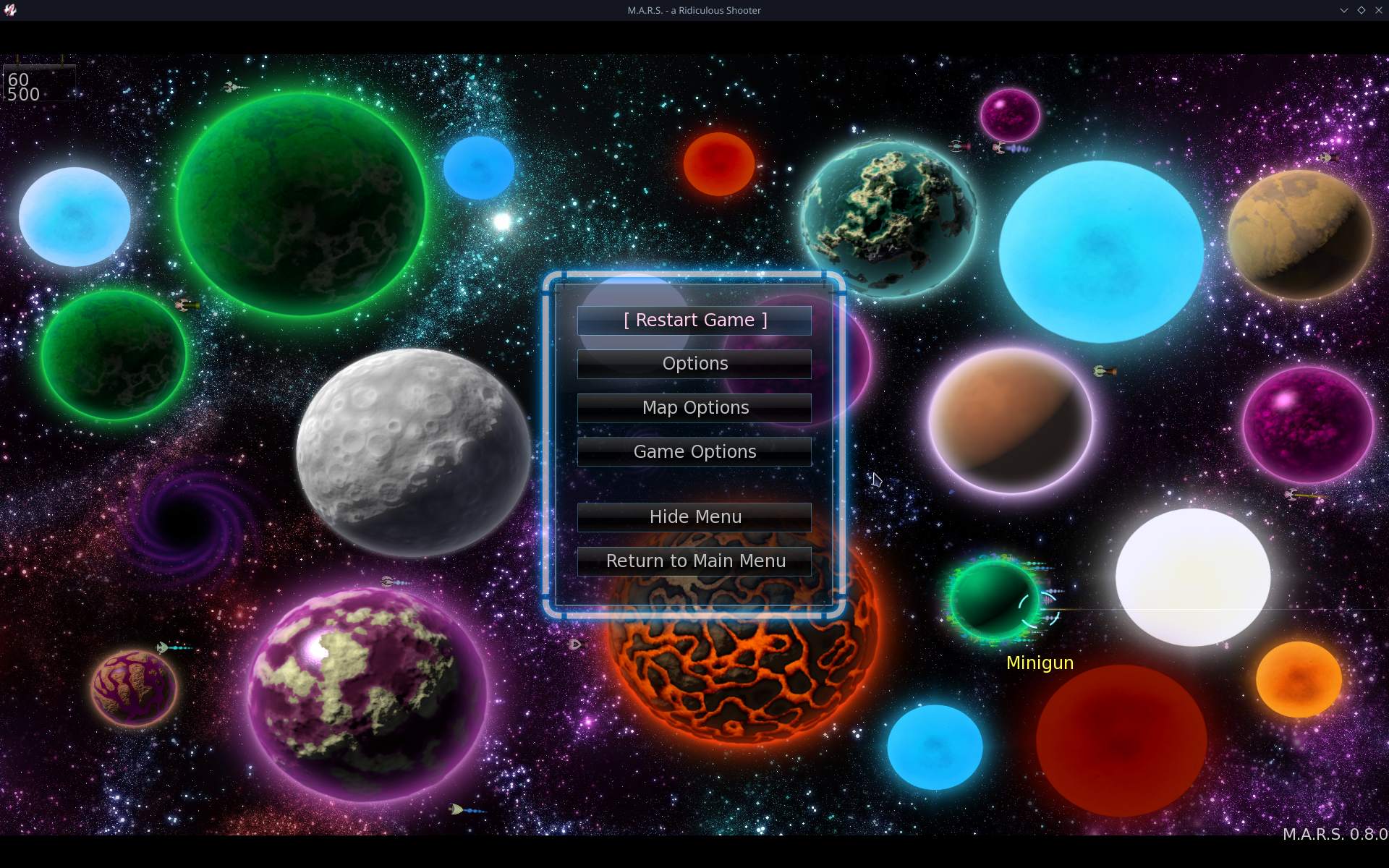
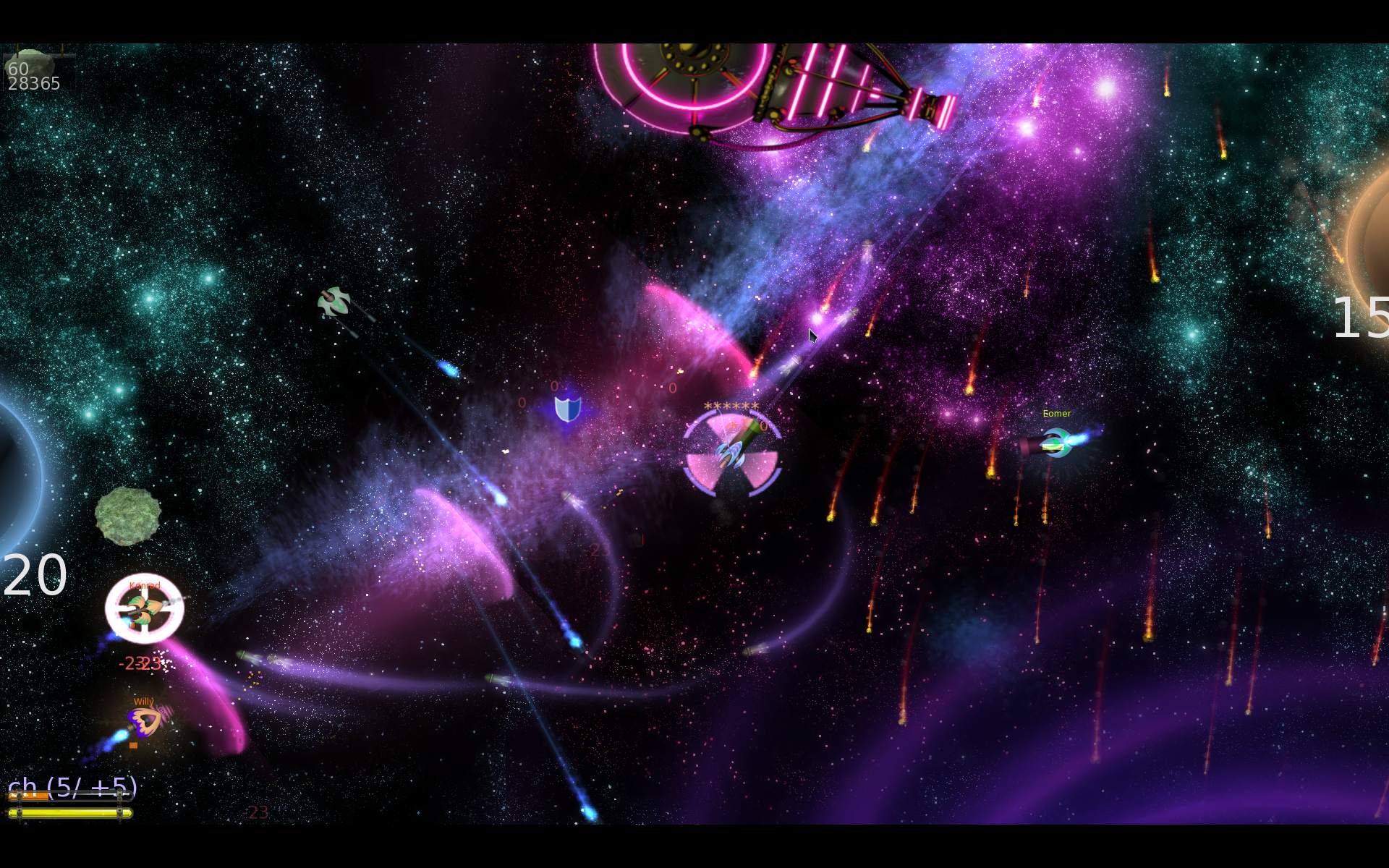
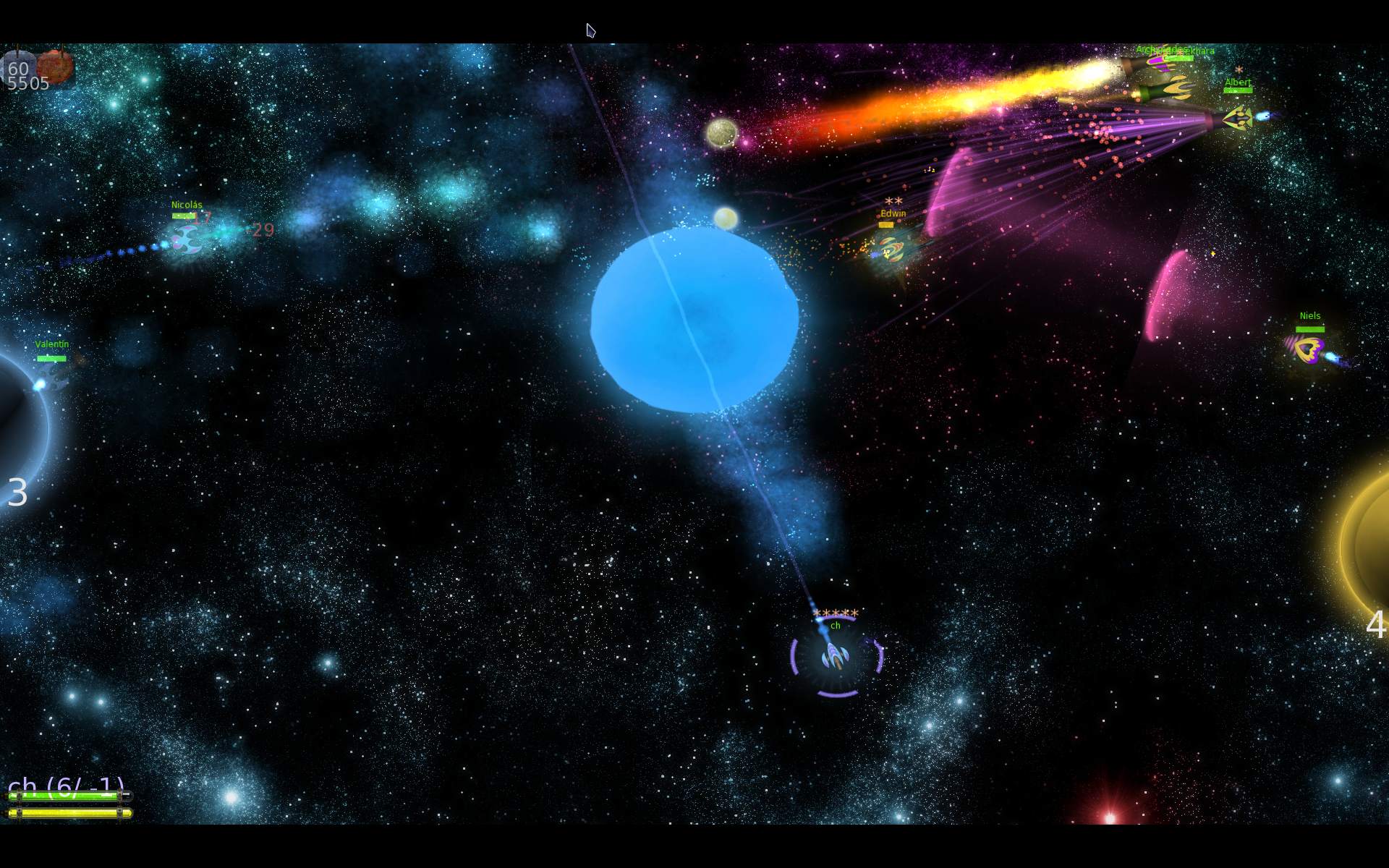
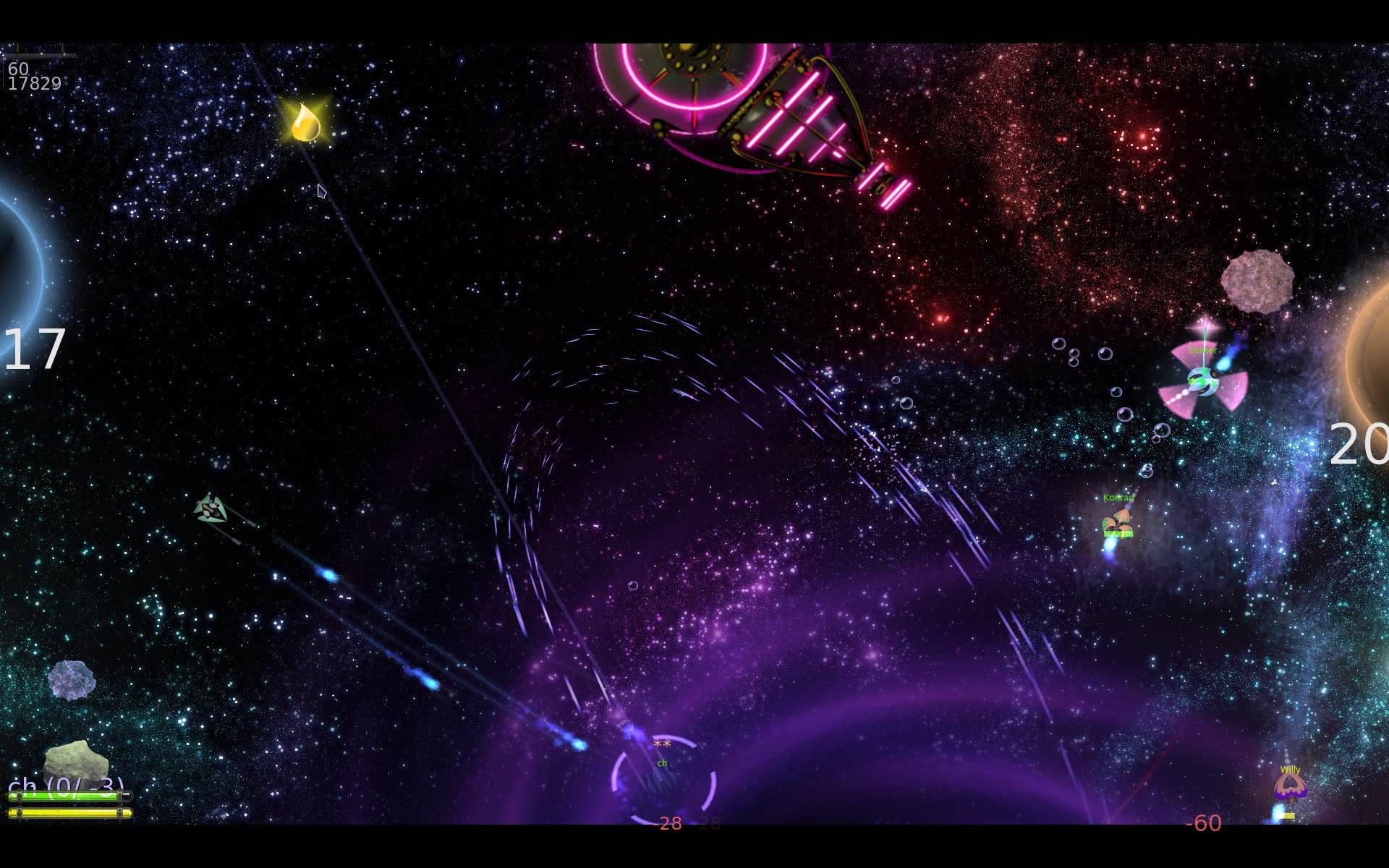
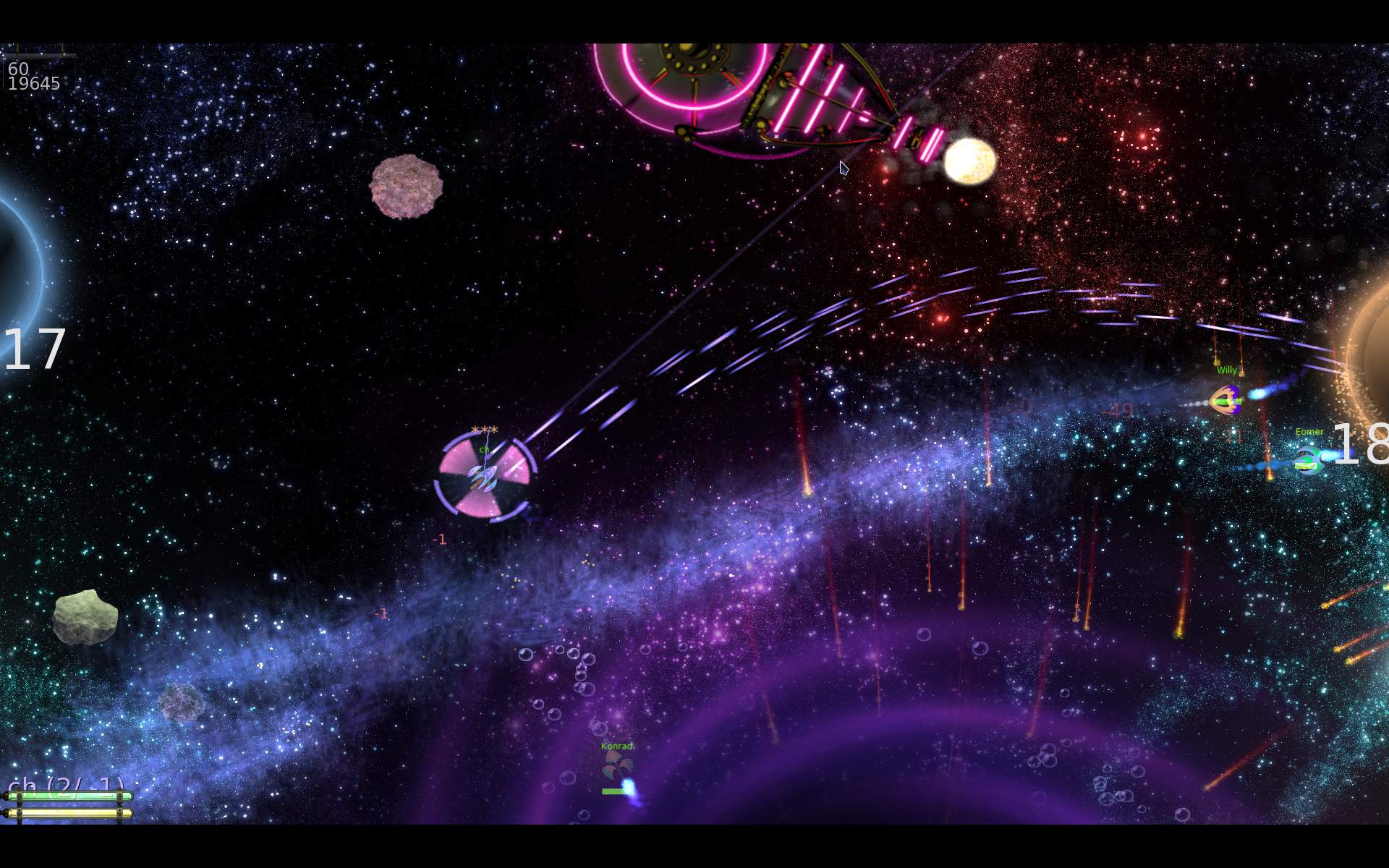
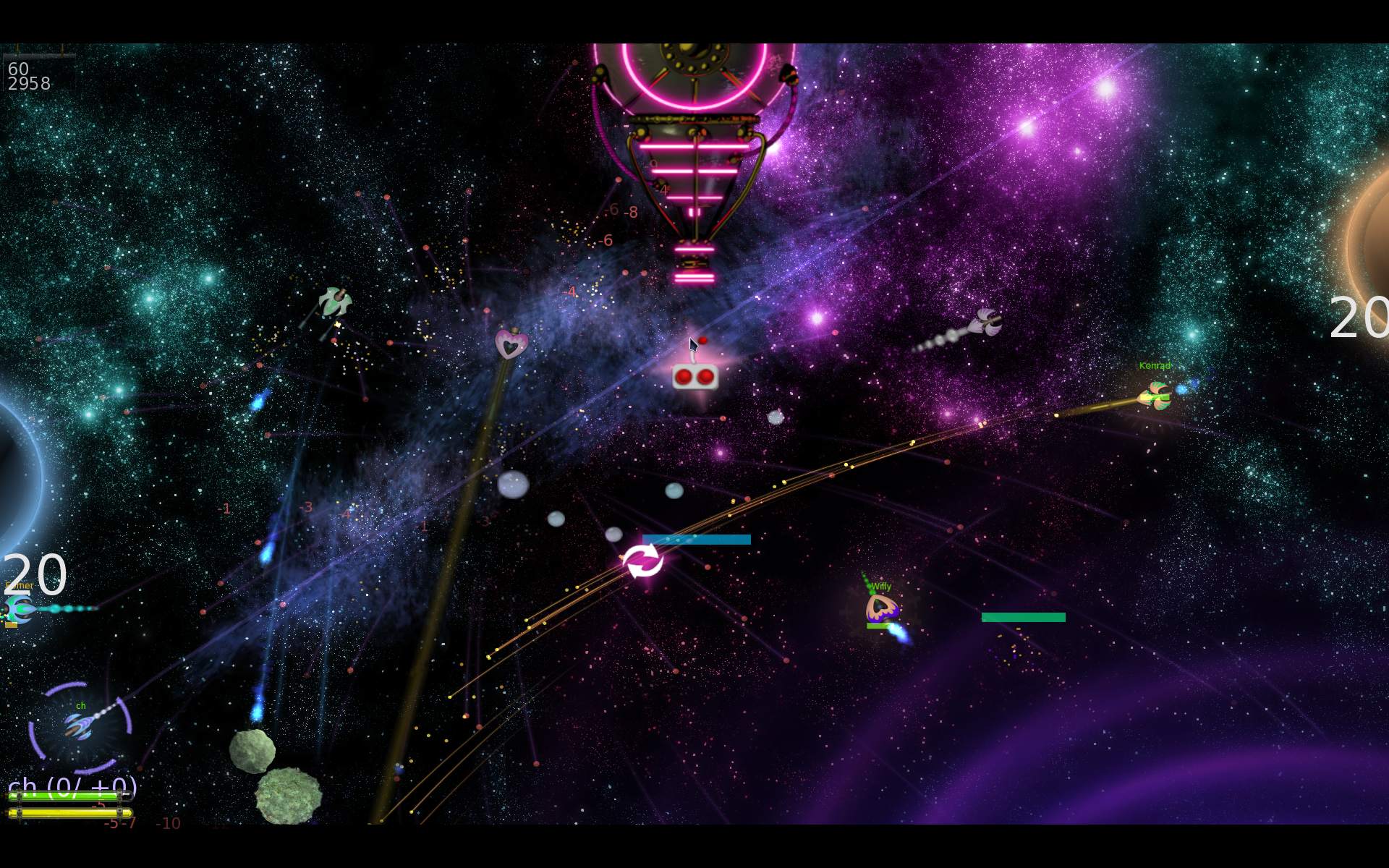
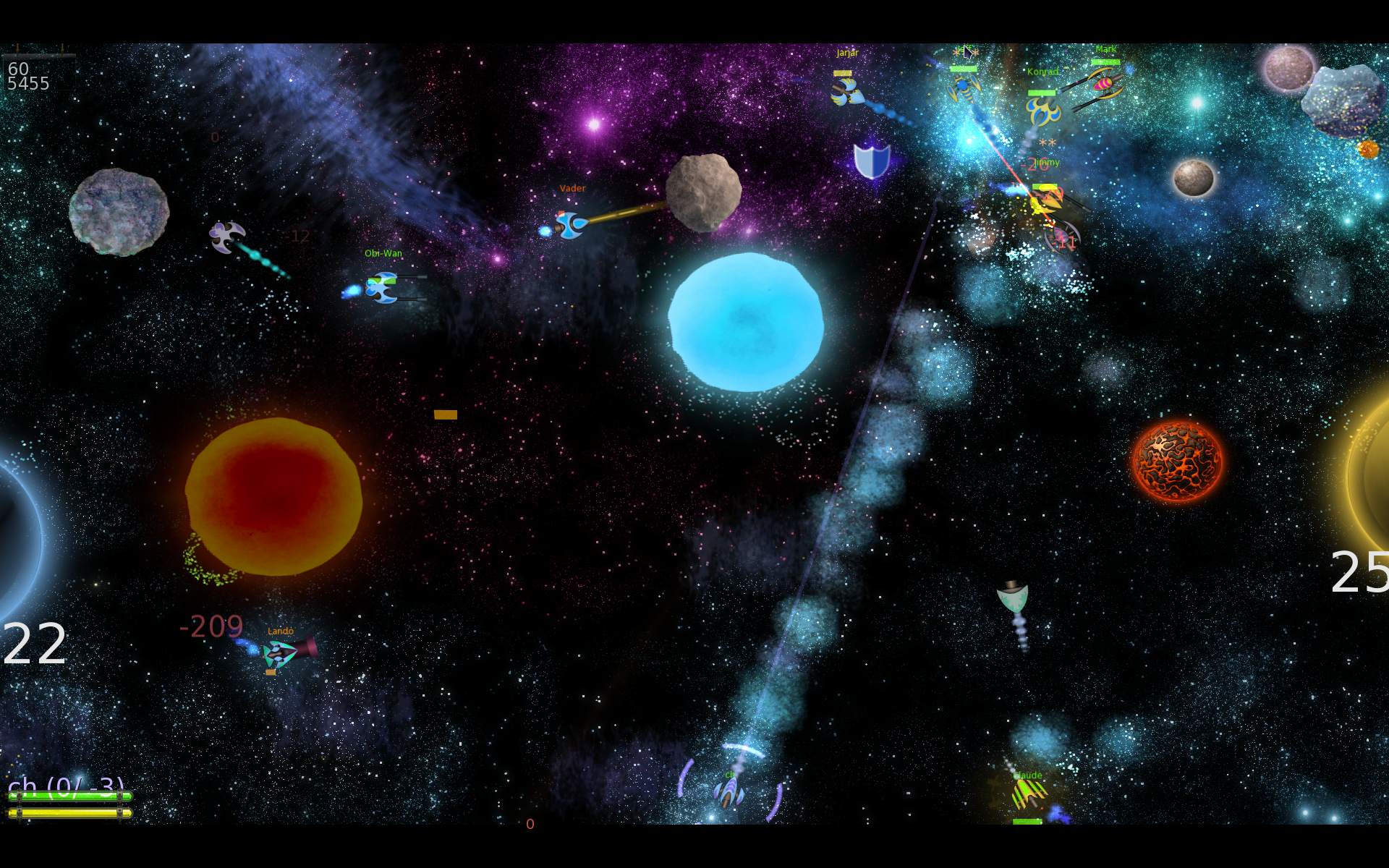
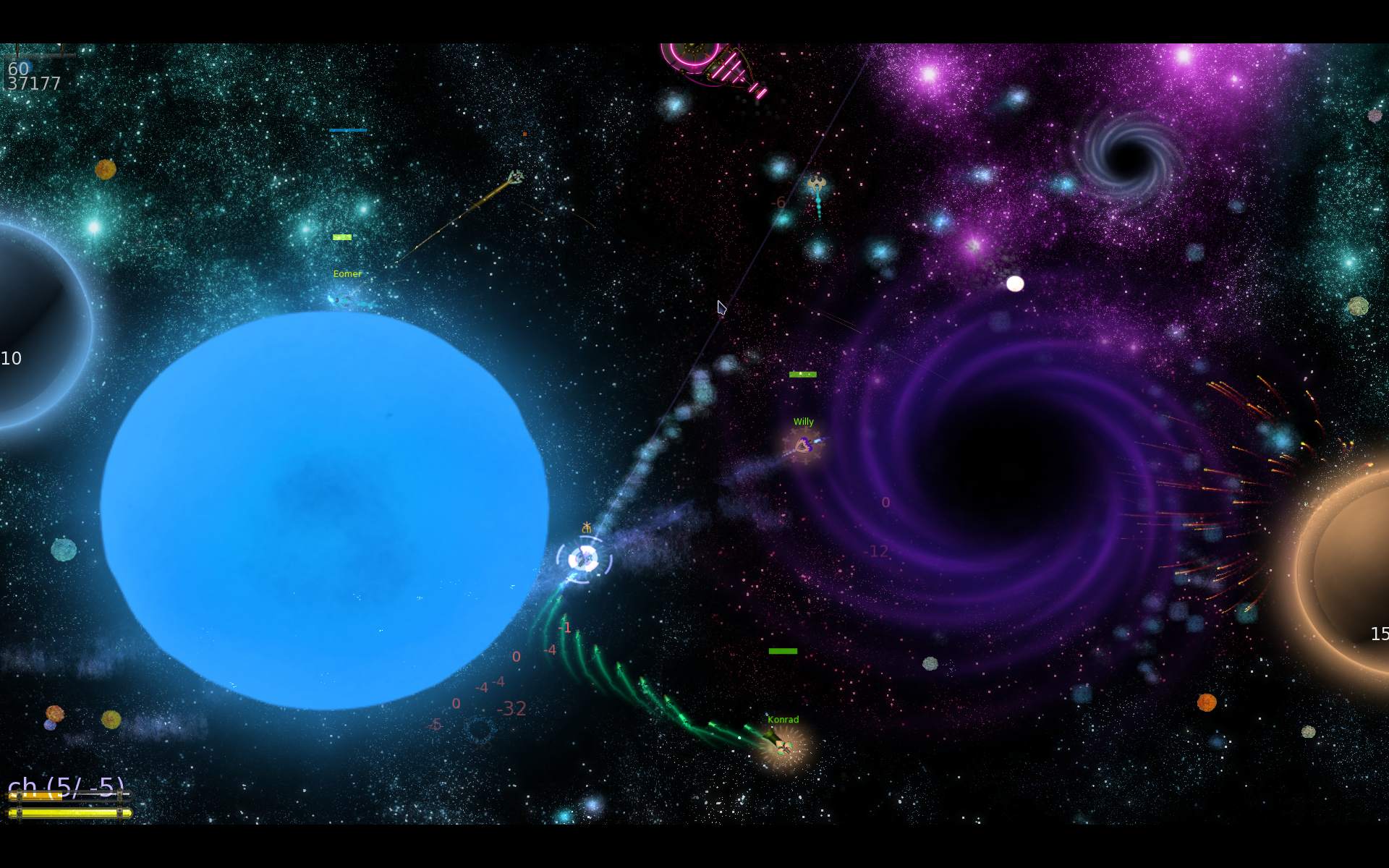
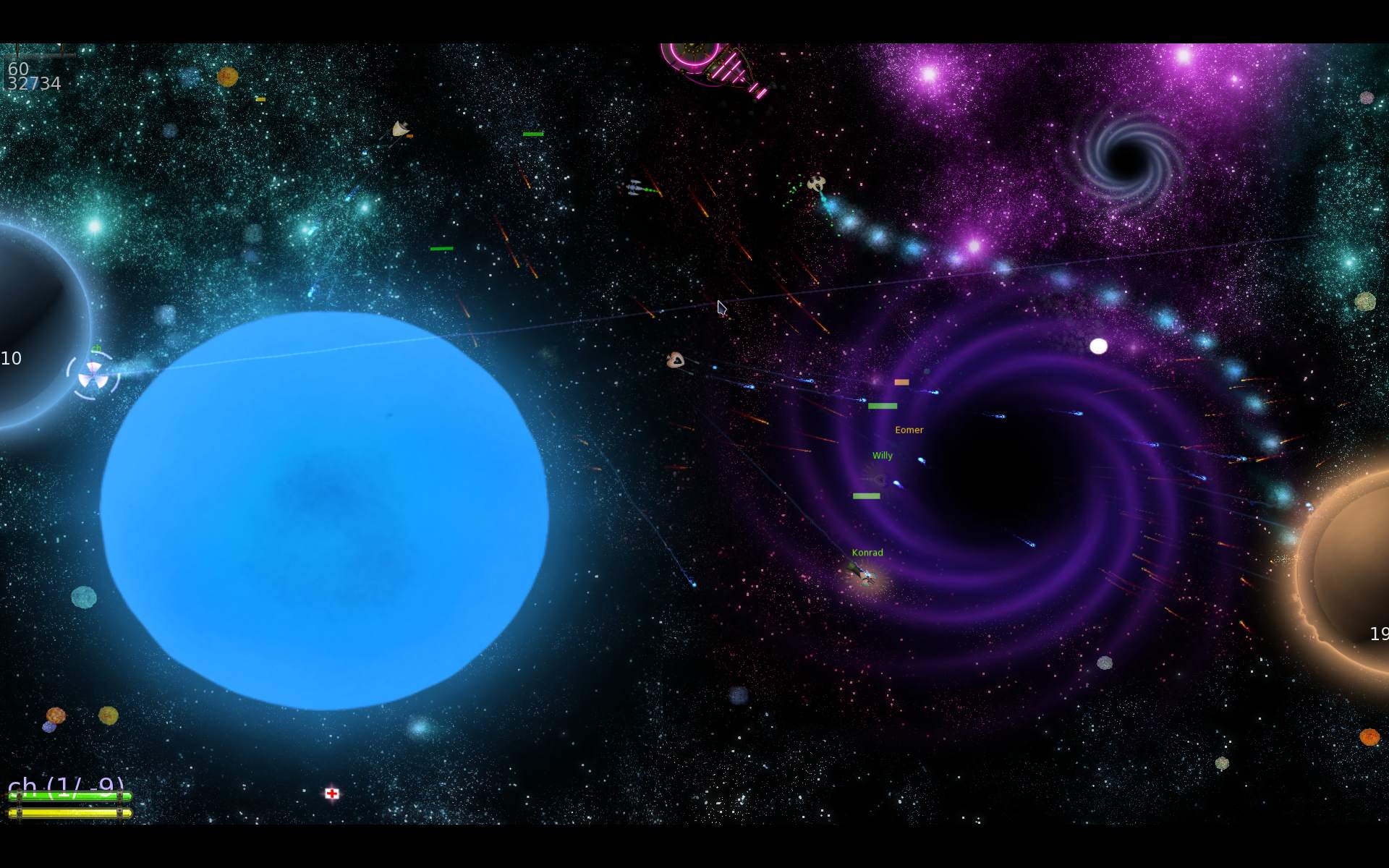
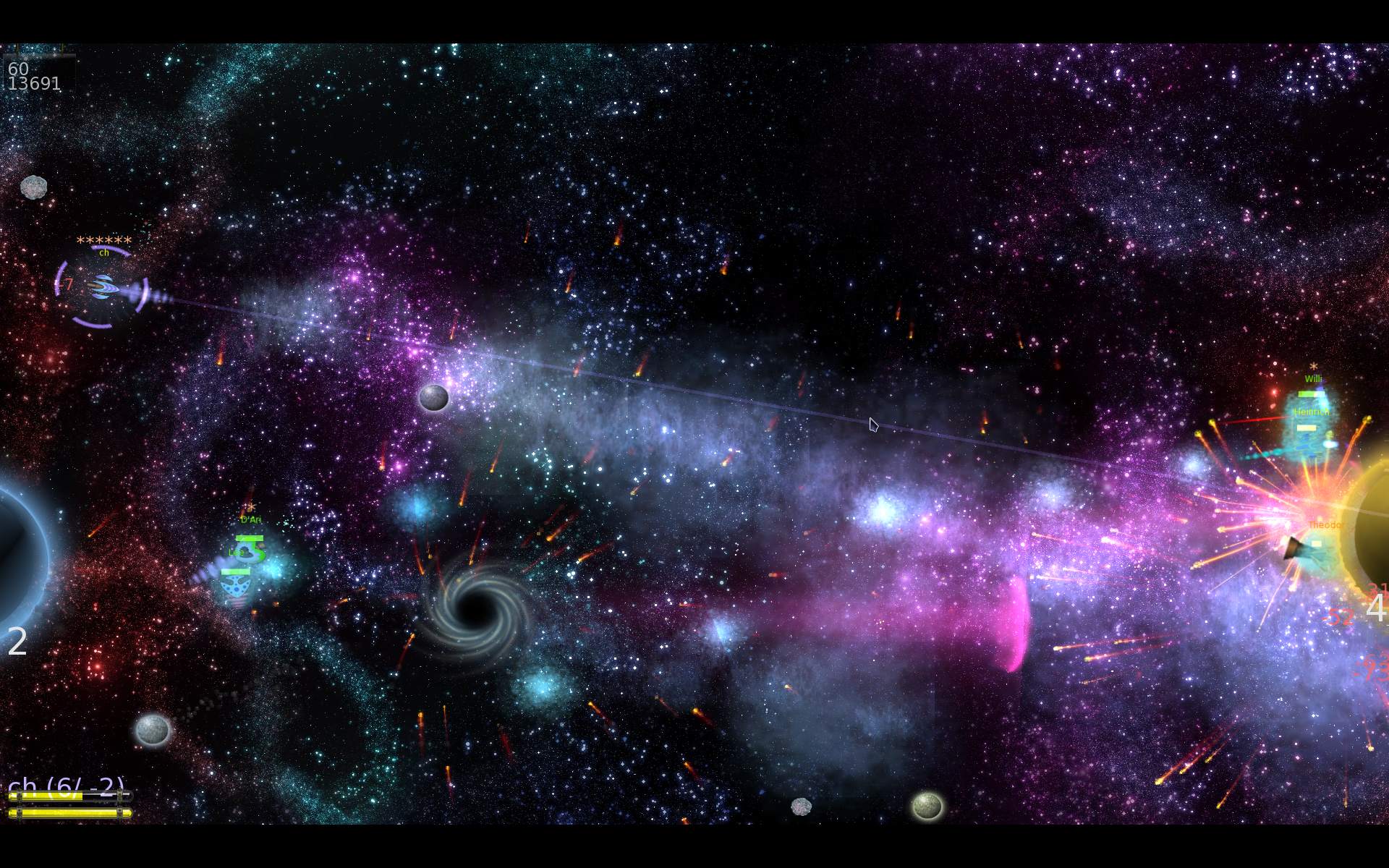
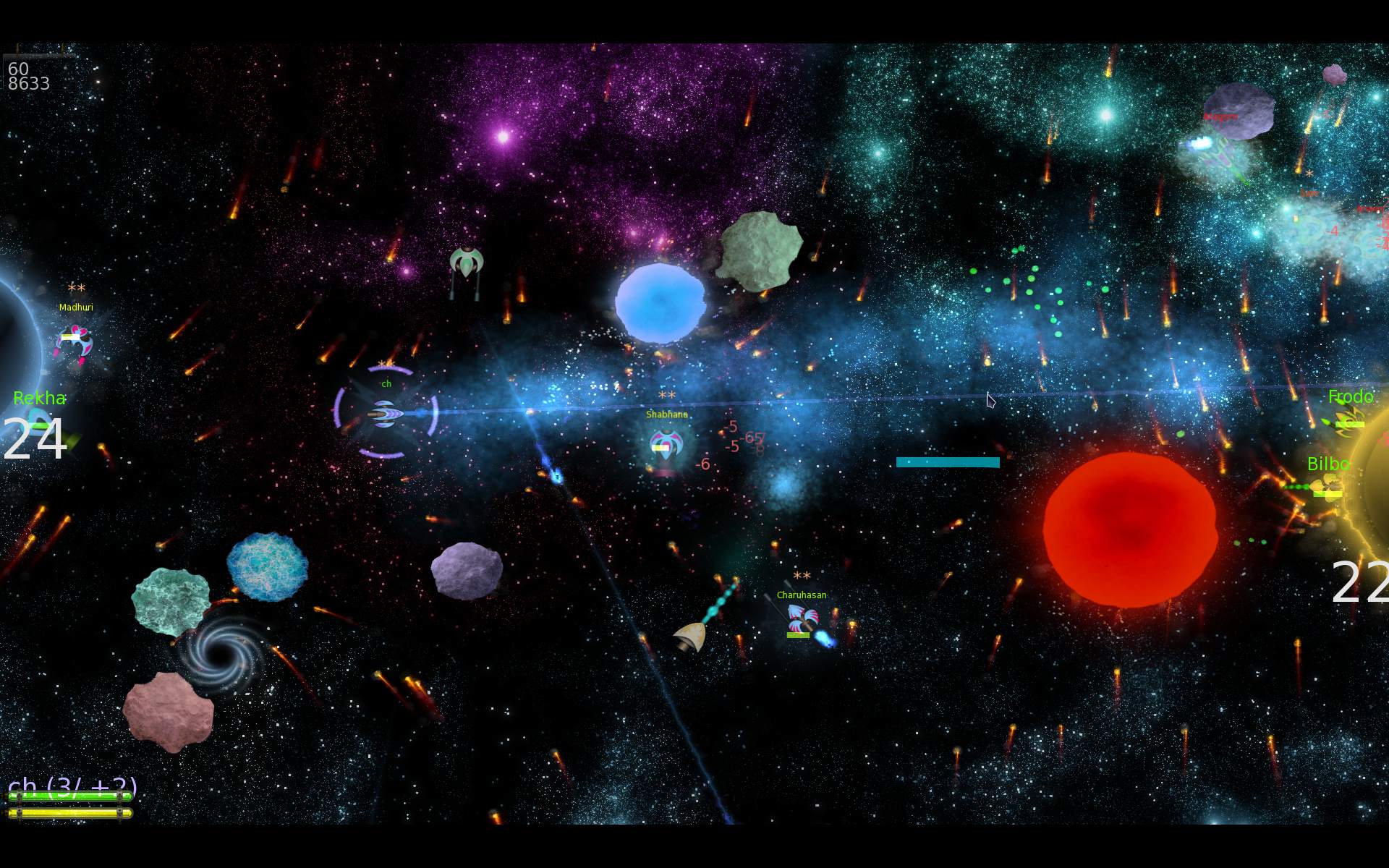
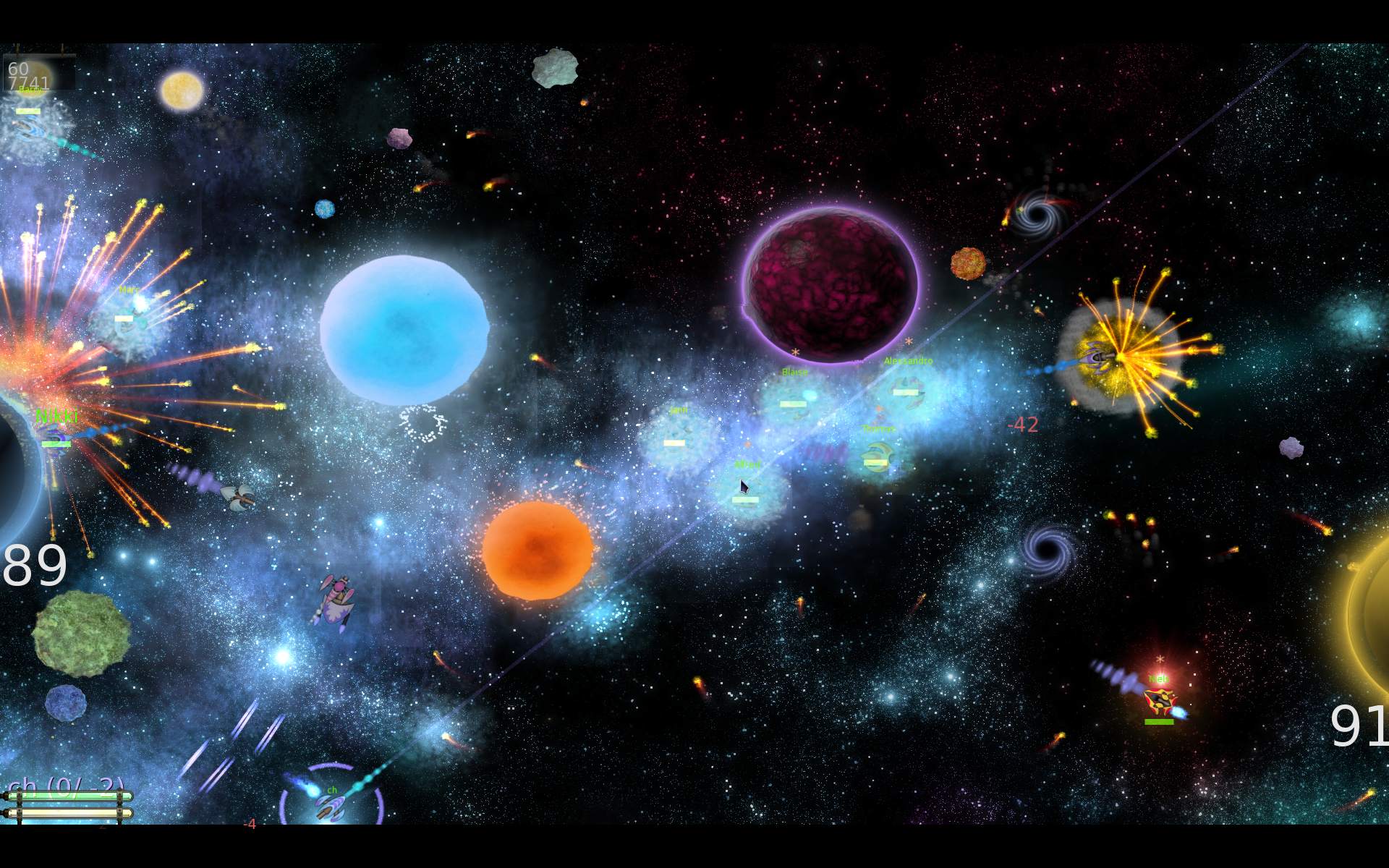
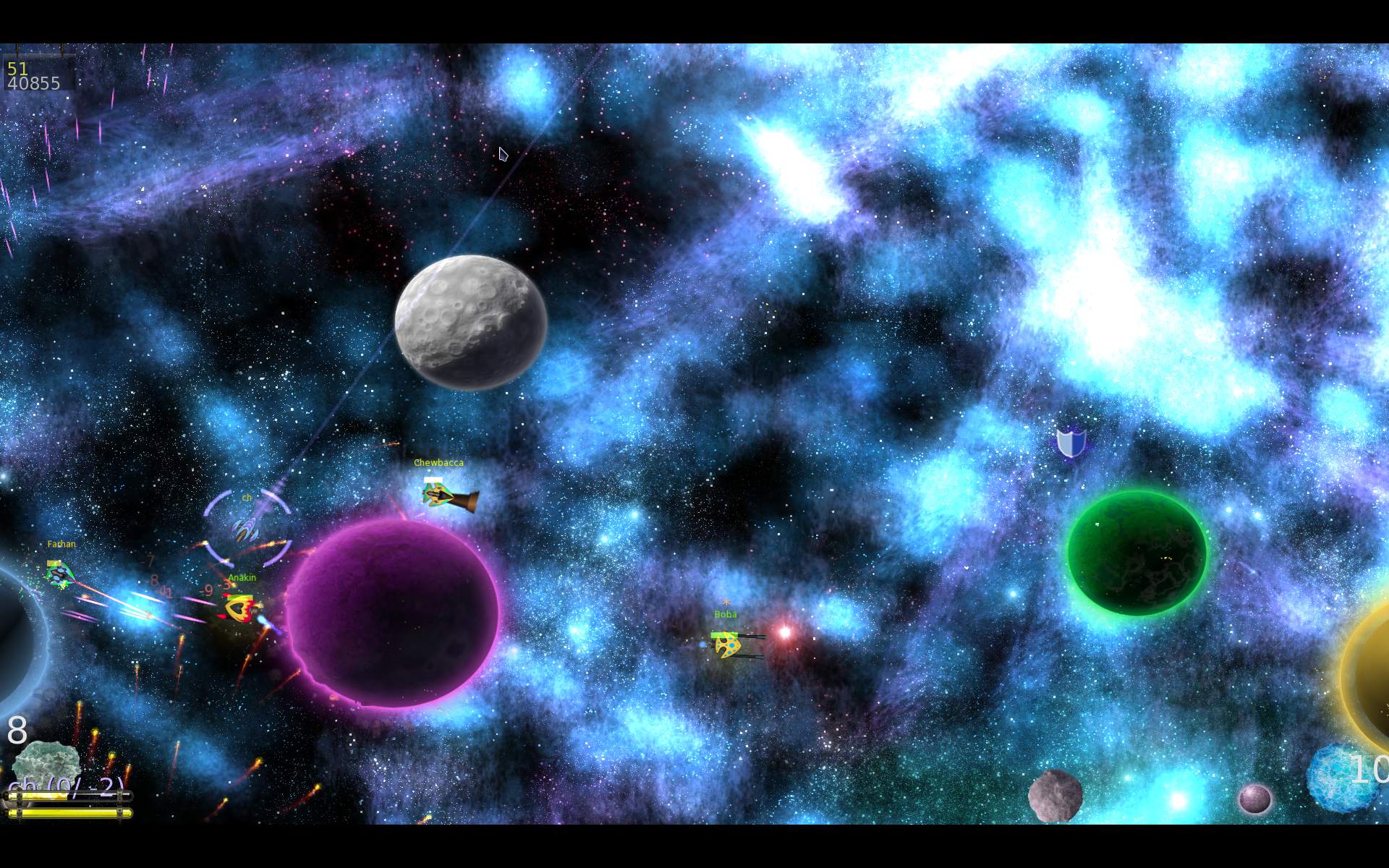
  • 2025 M.A.R.S. shooter fork

    2025 M.A.R.S. shooter fork

    ⏱️Overview

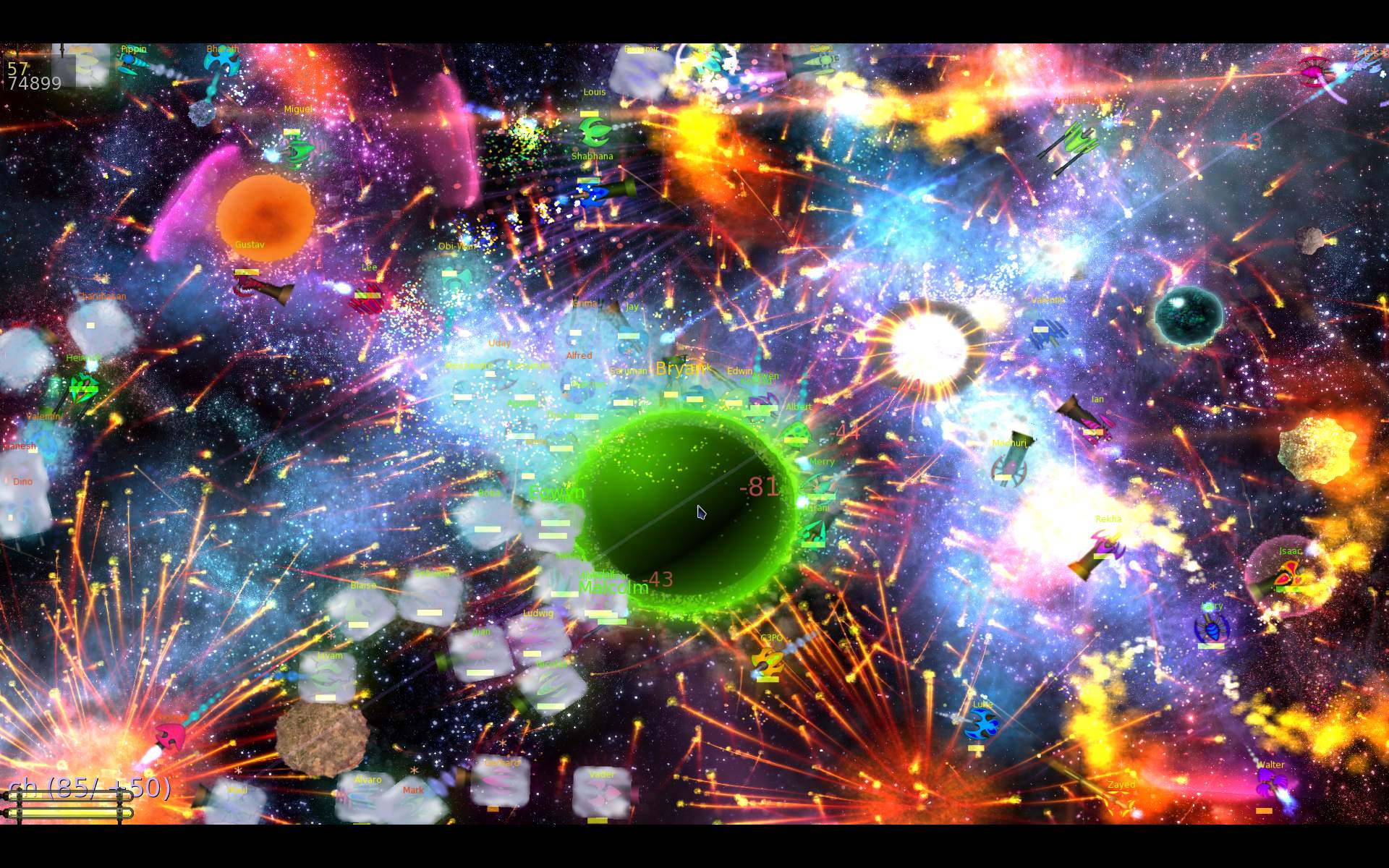
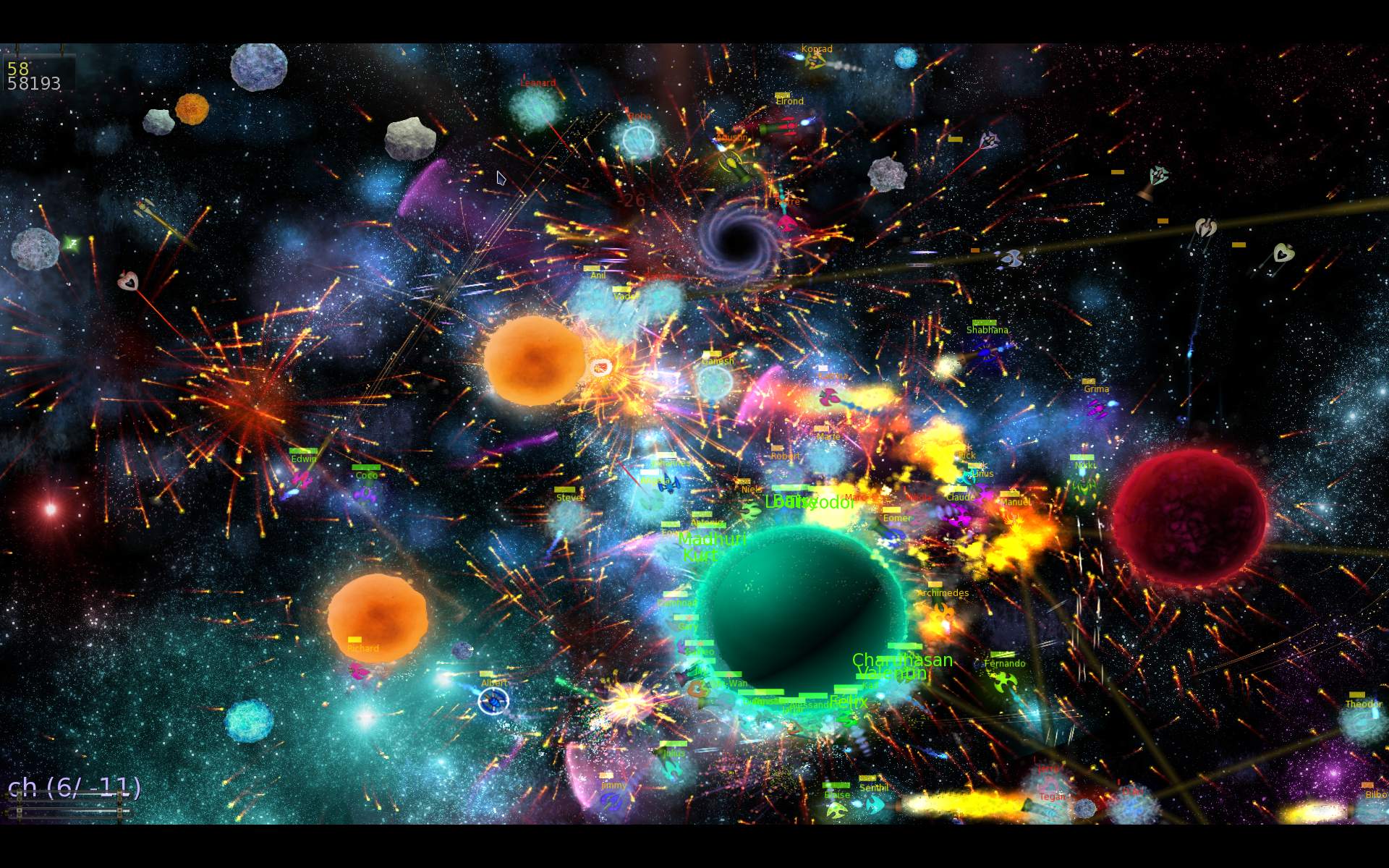
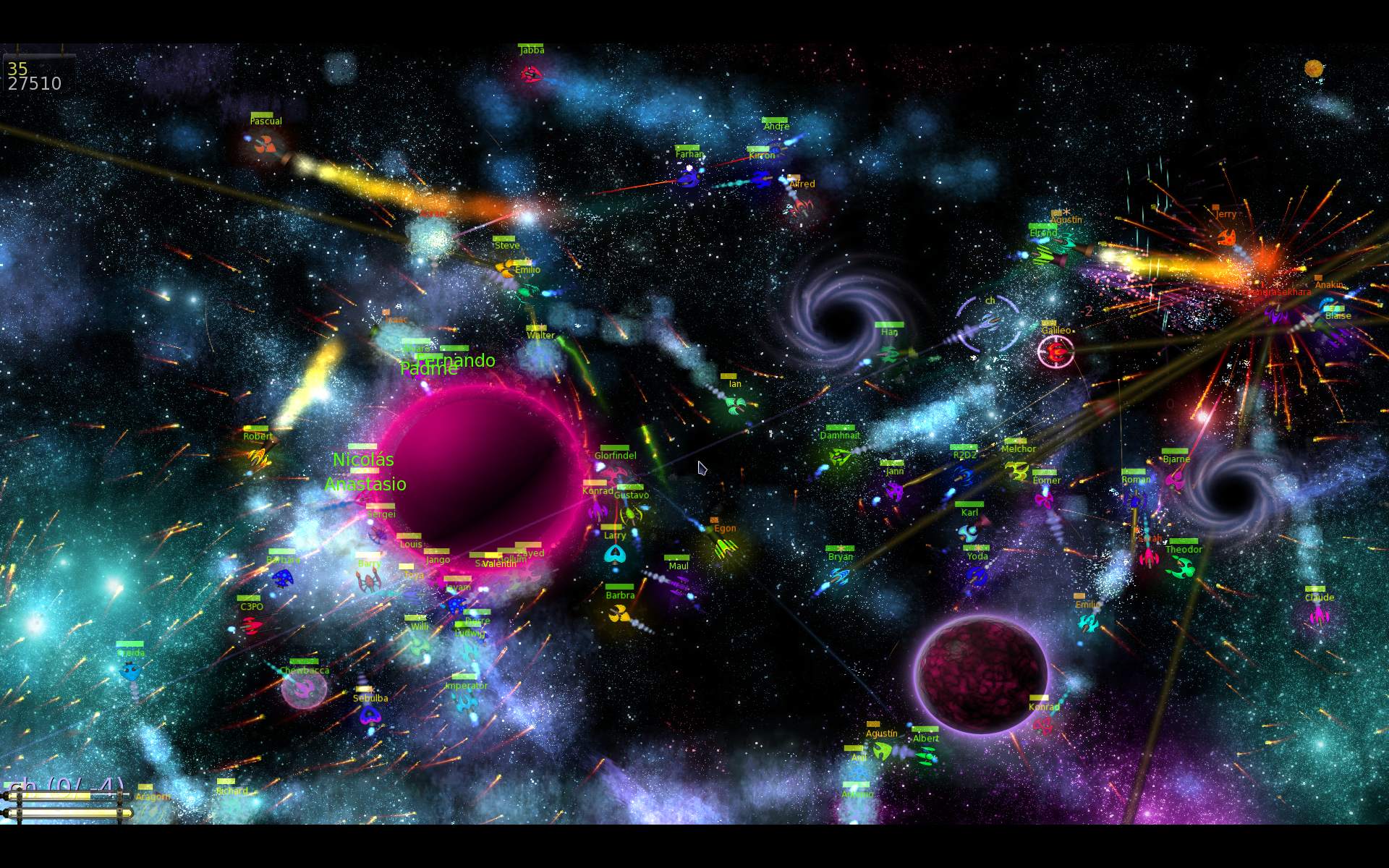
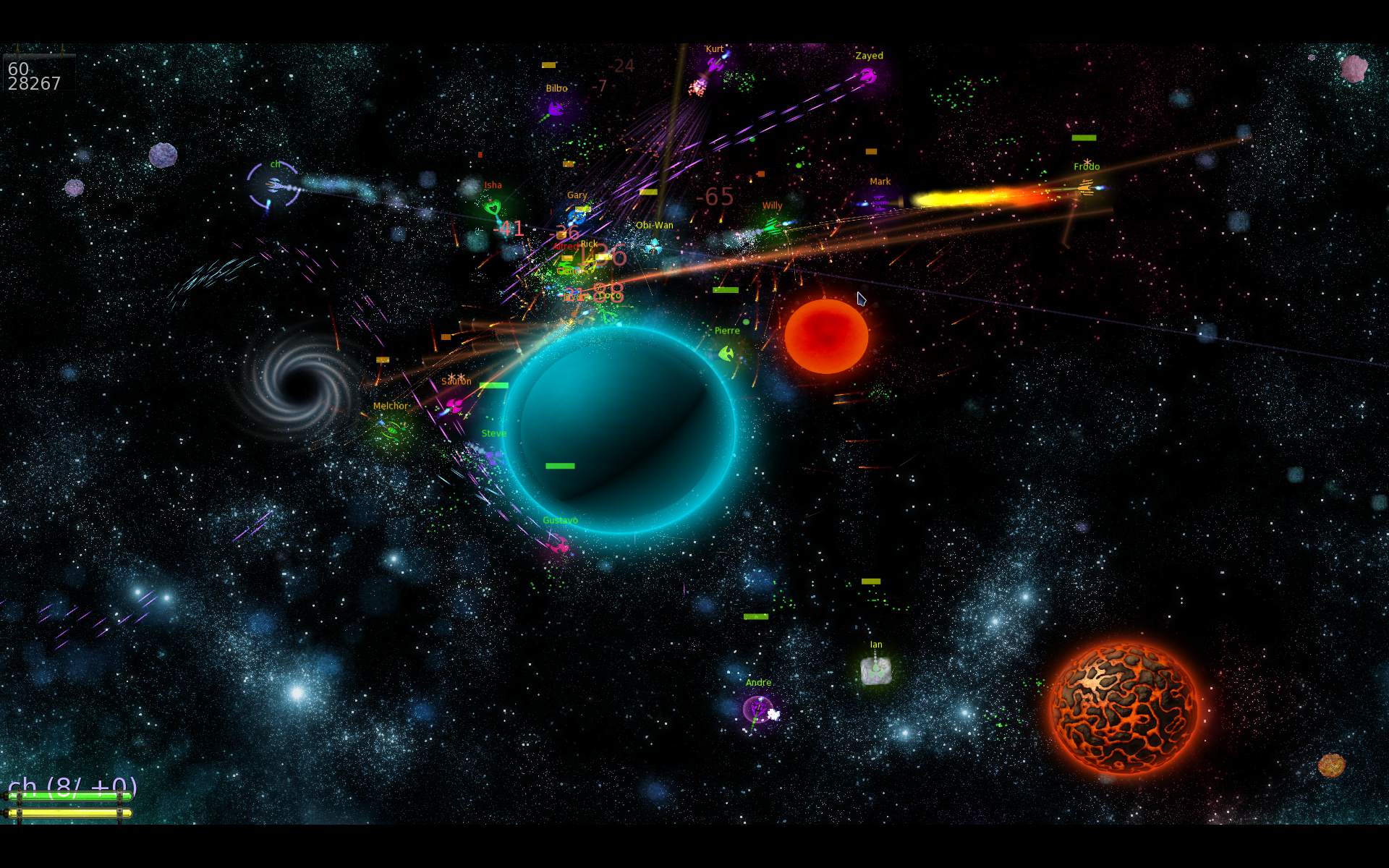
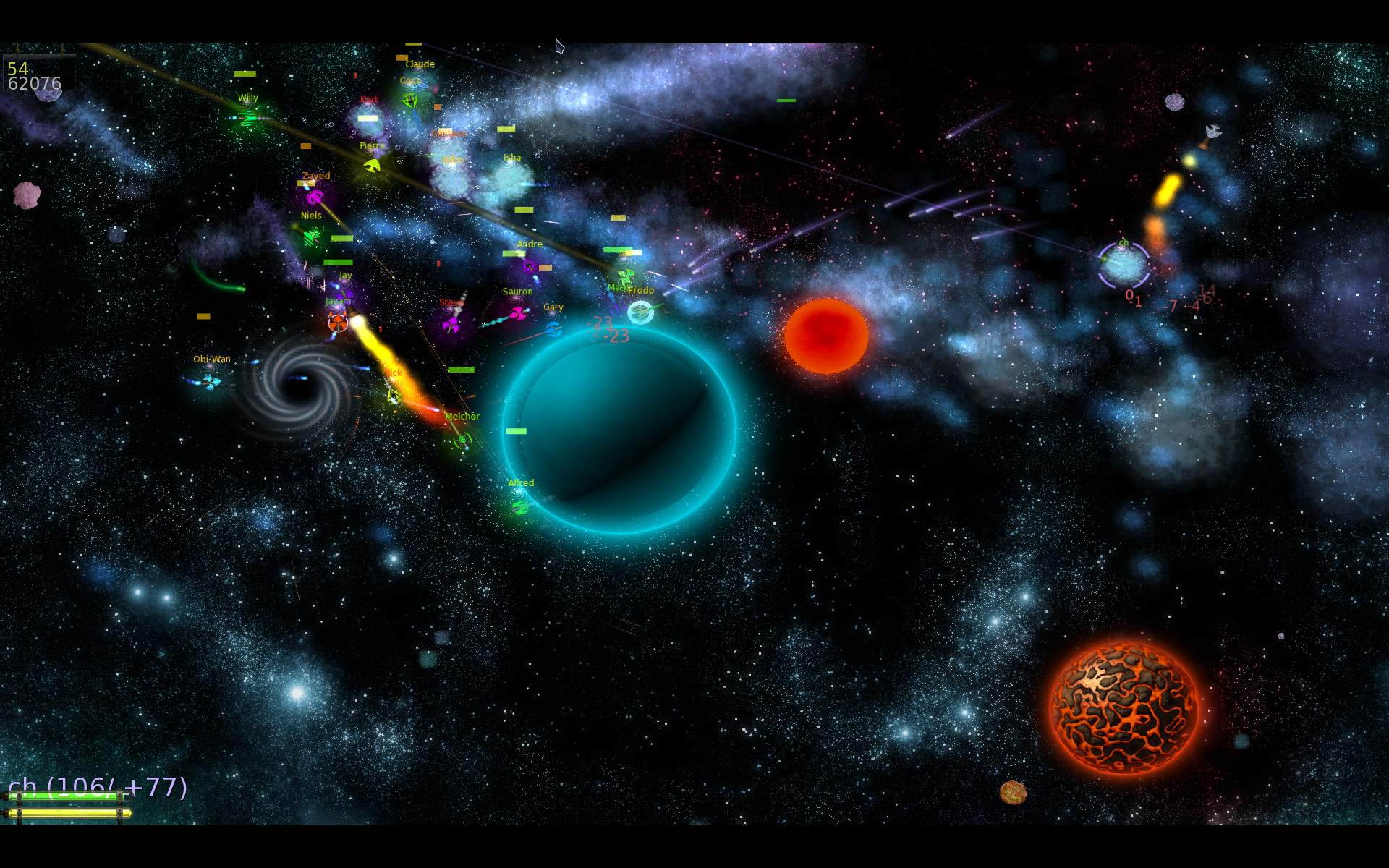
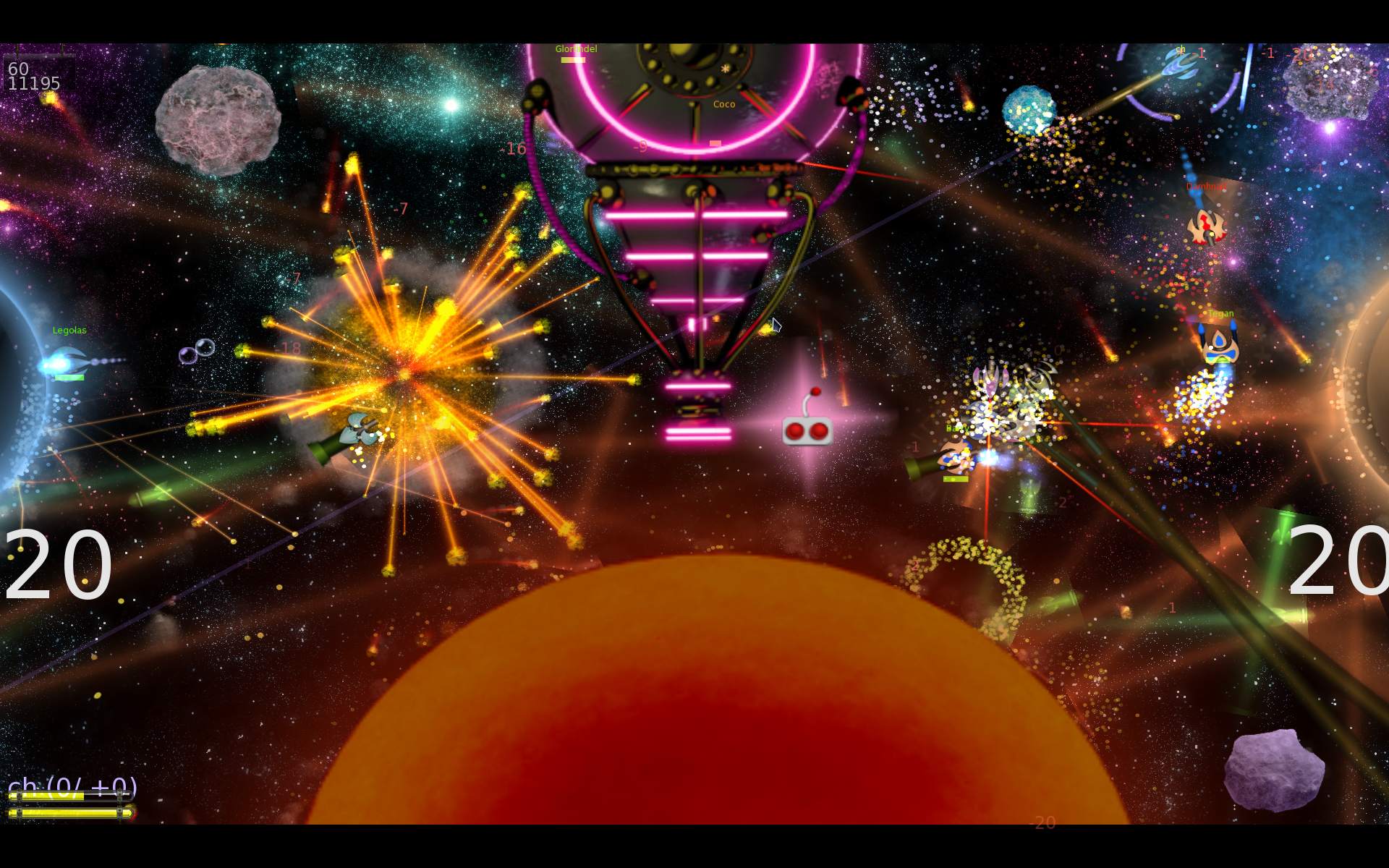
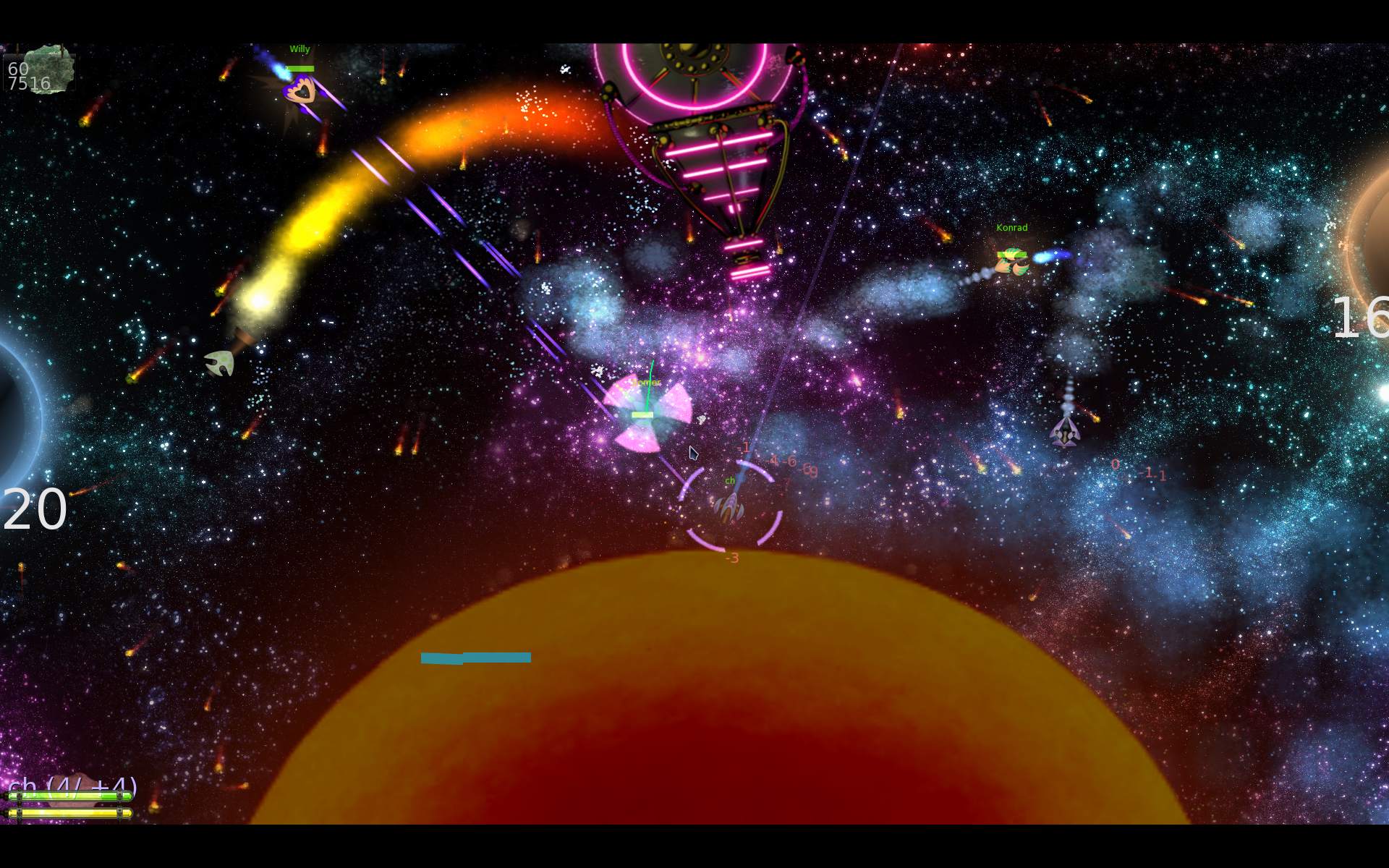
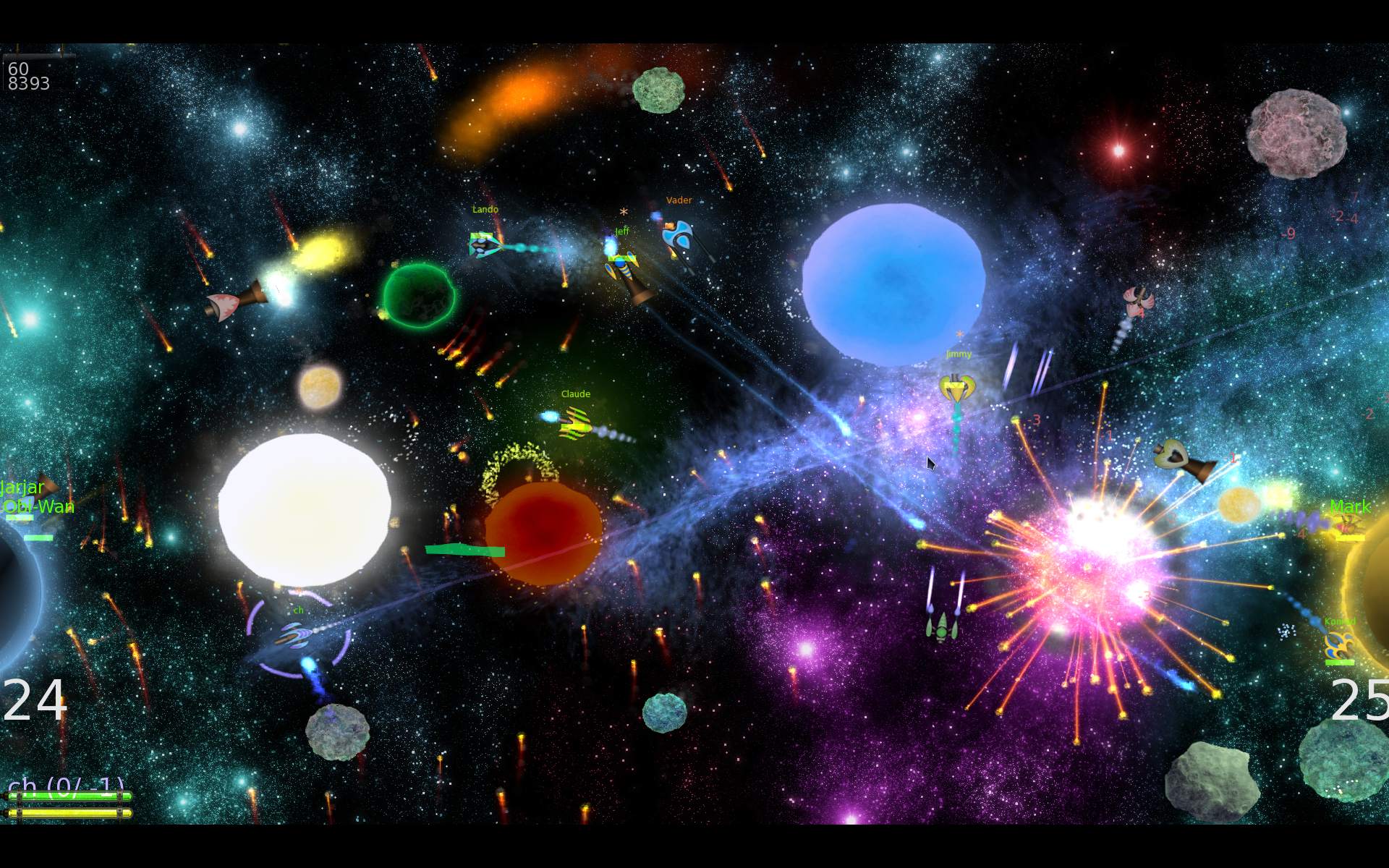
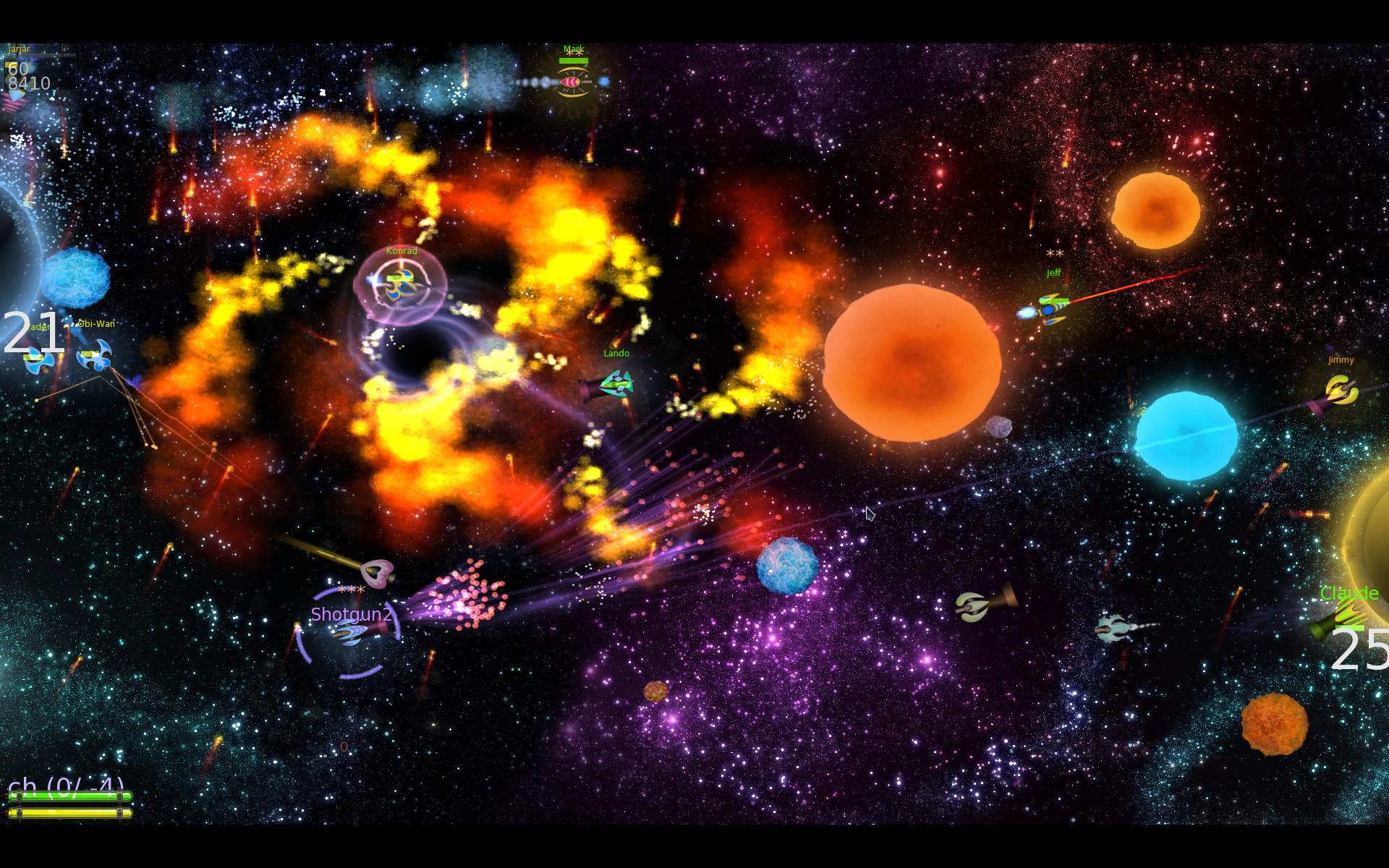
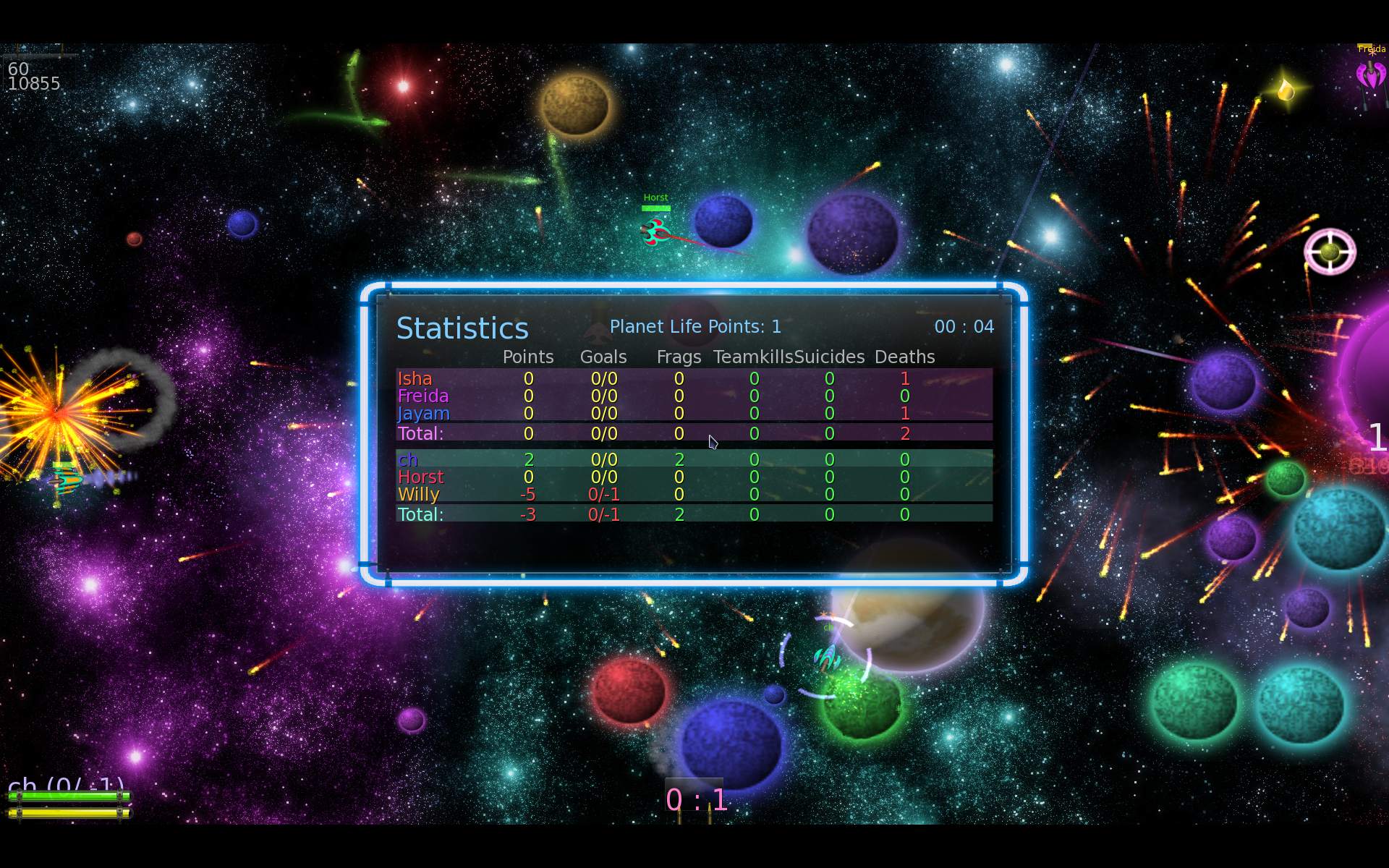
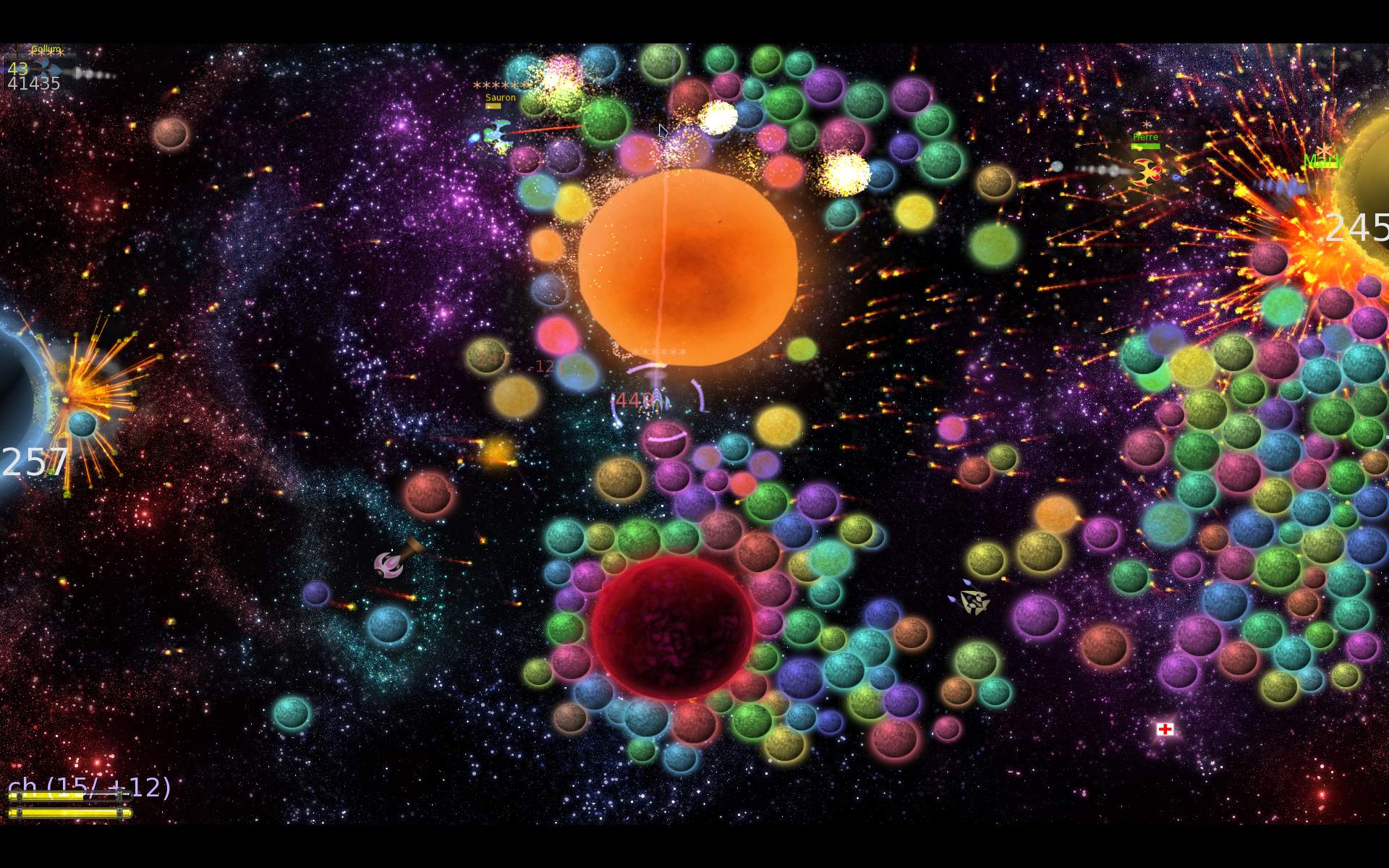
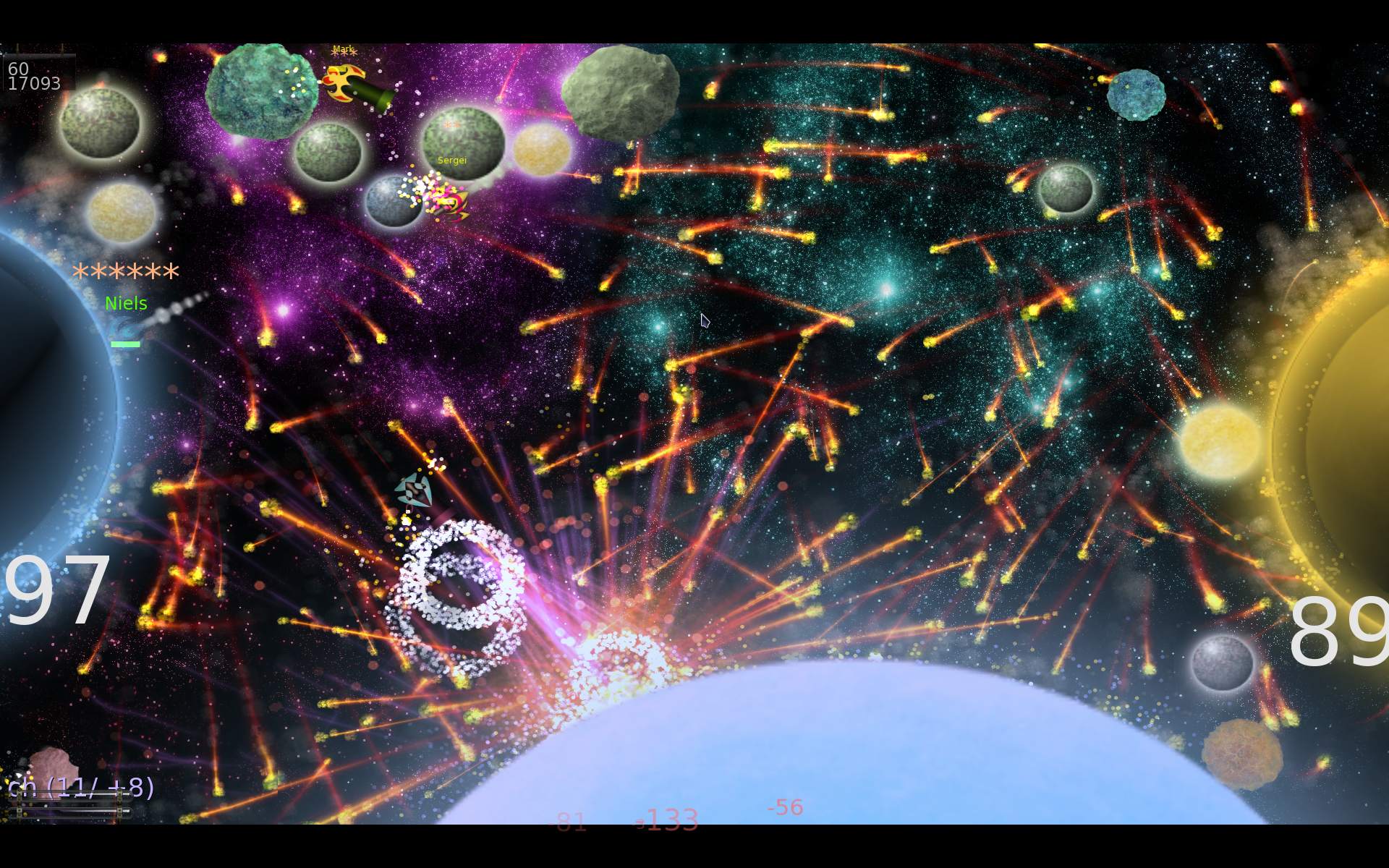
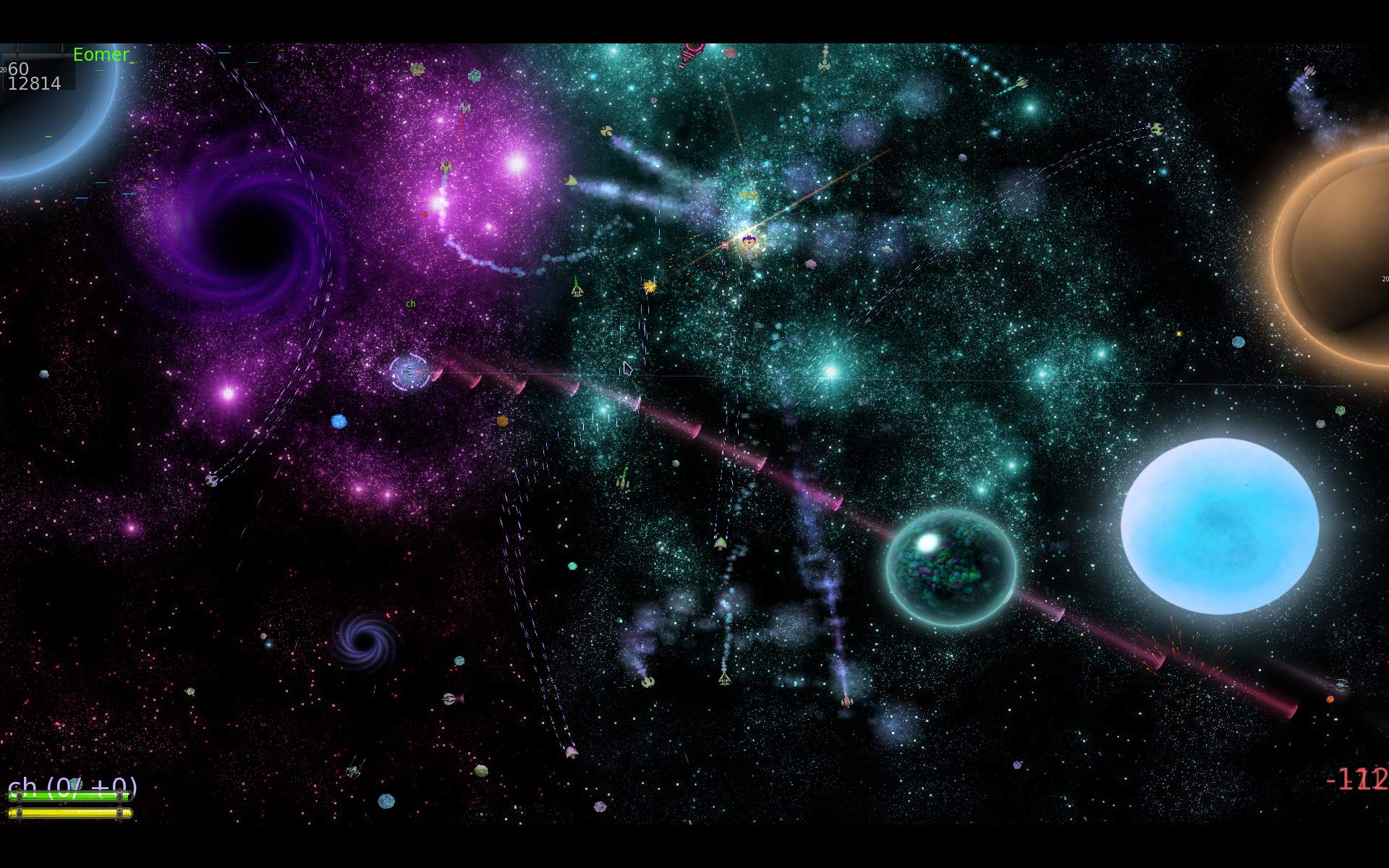
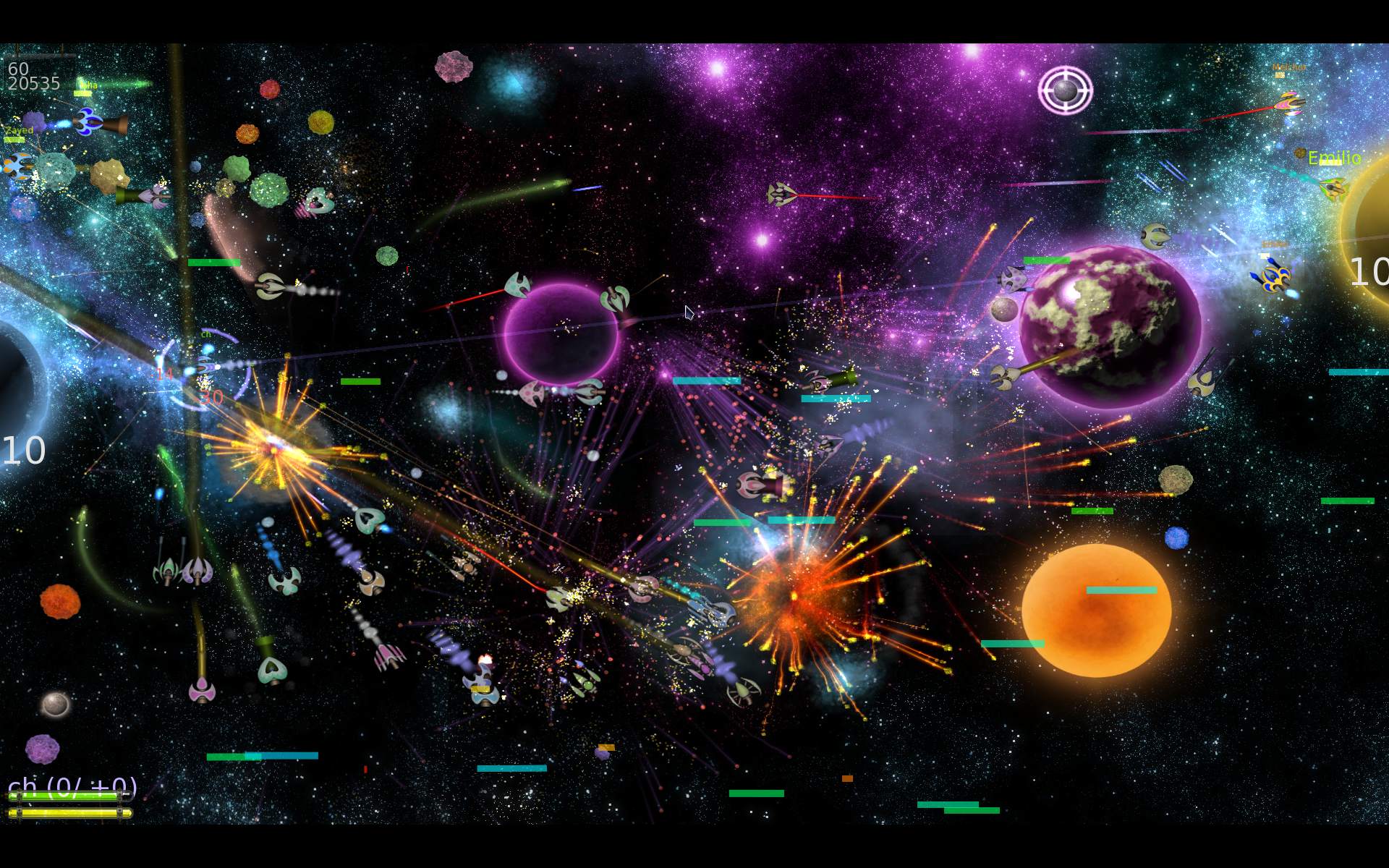
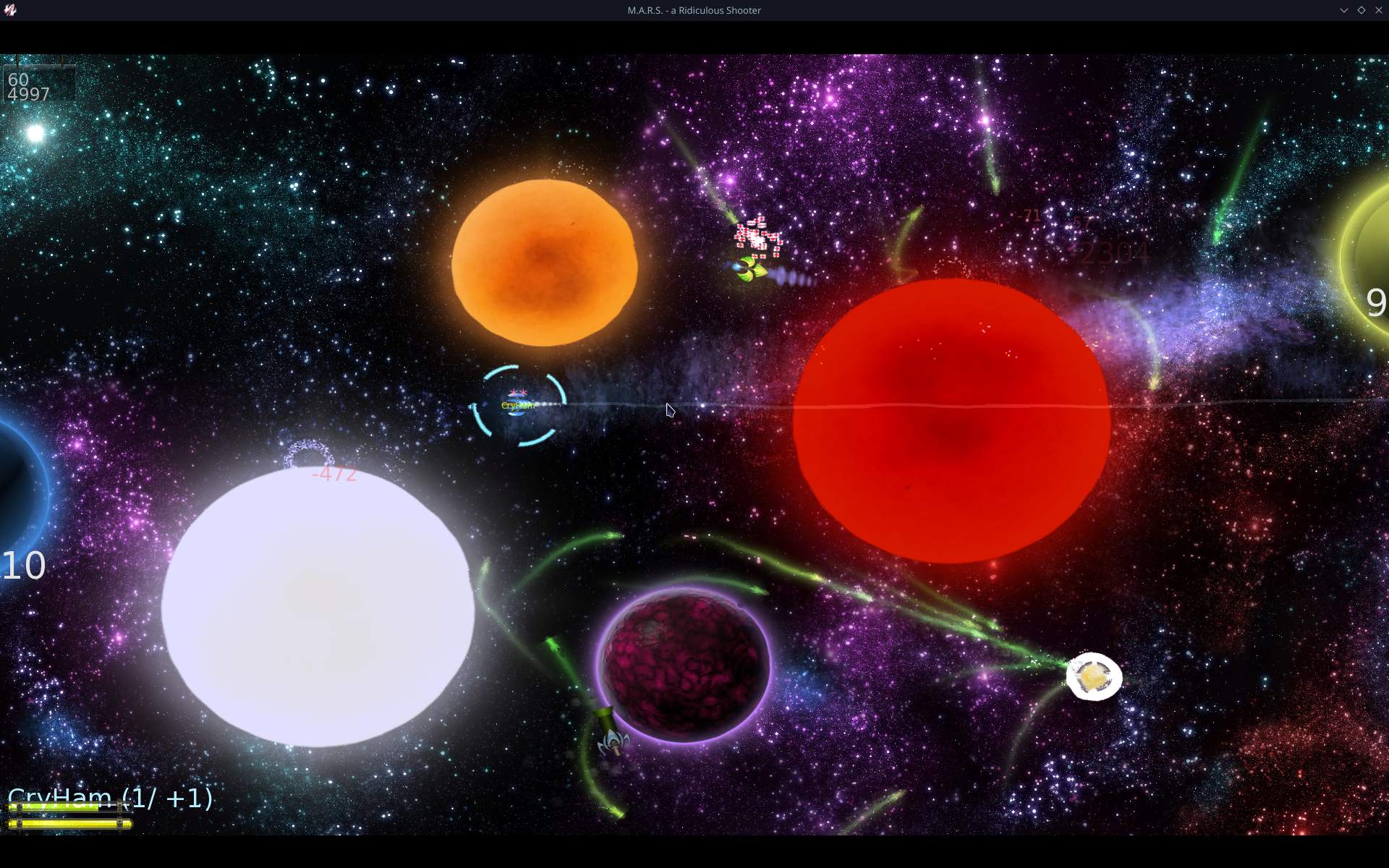
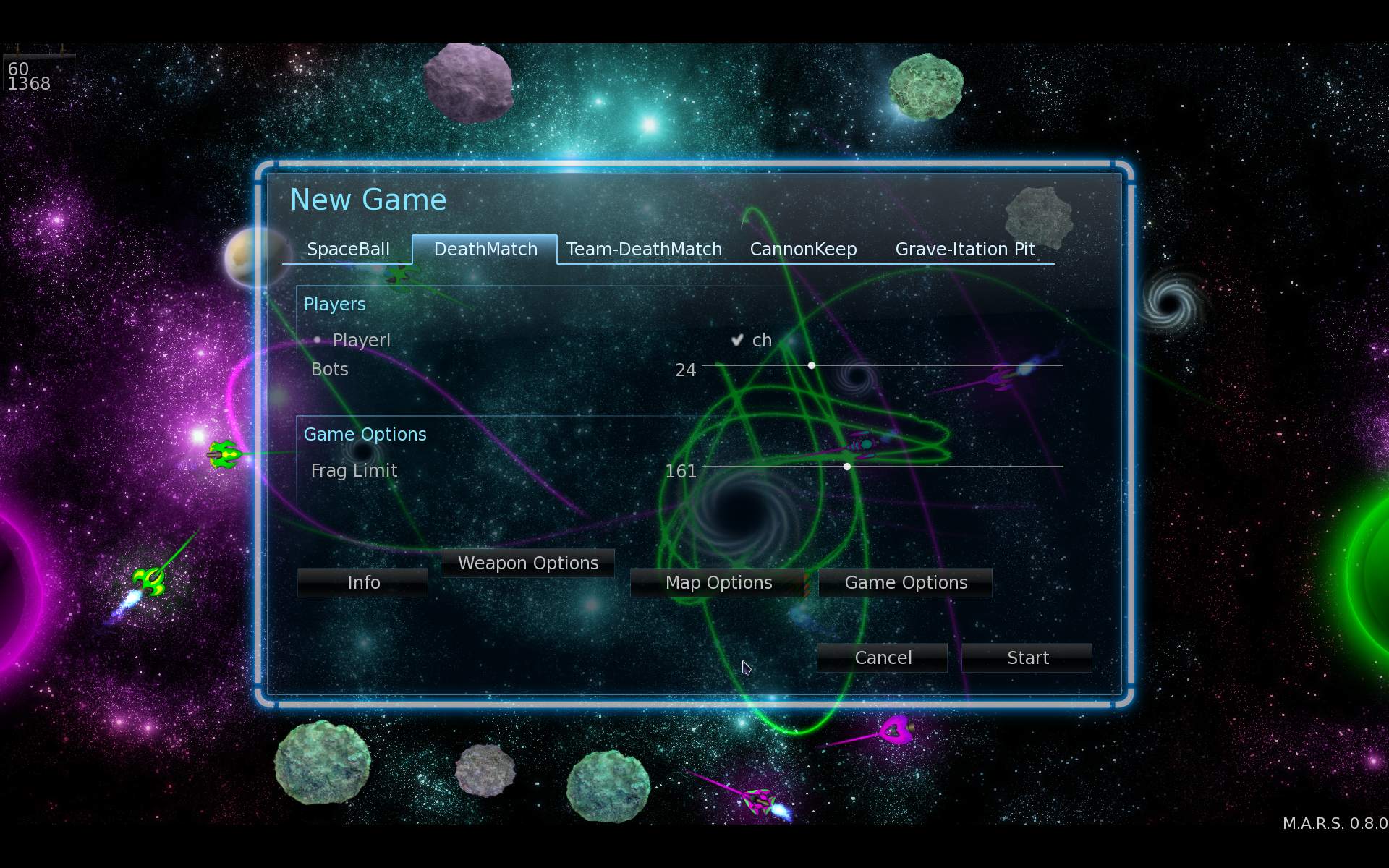
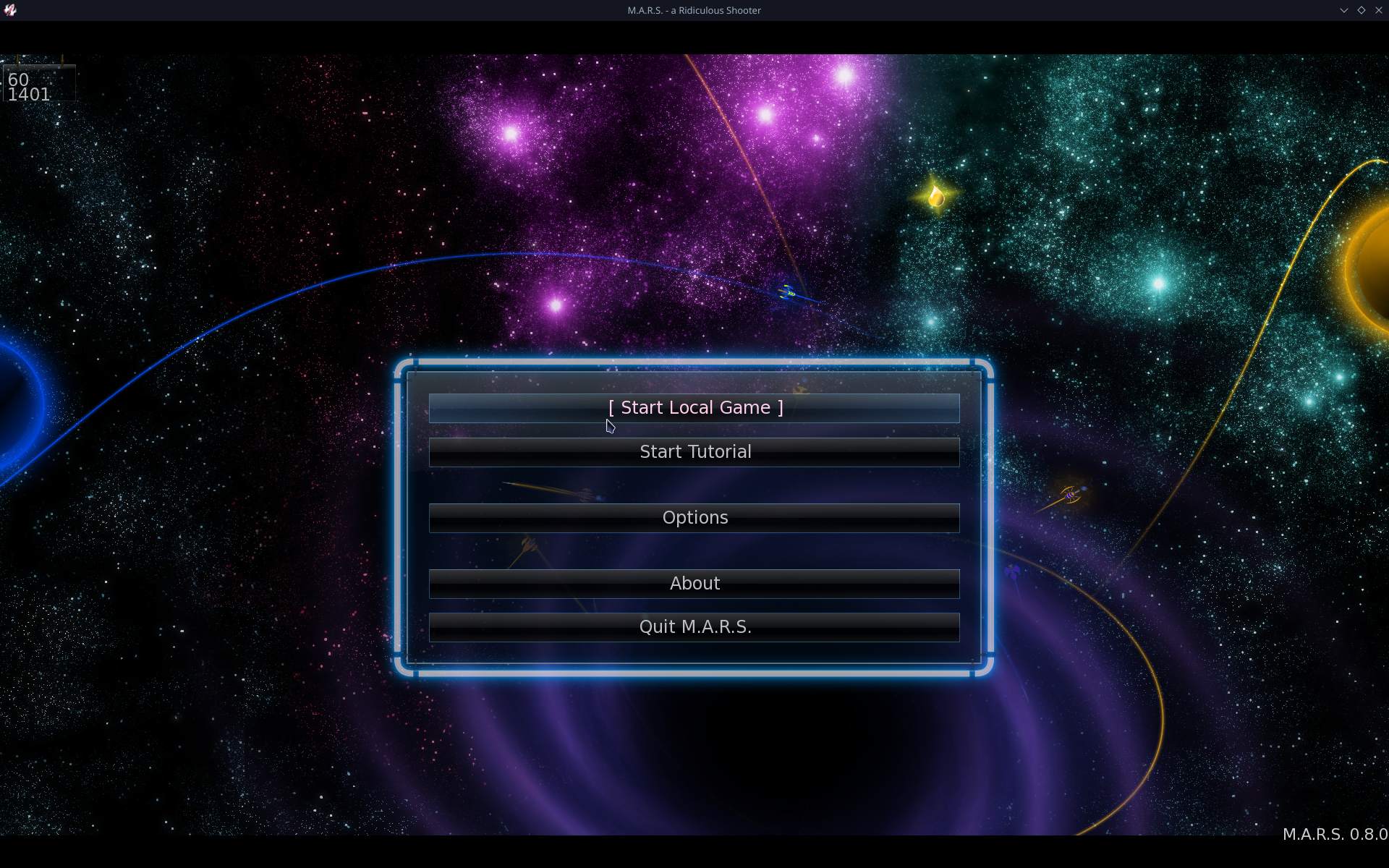
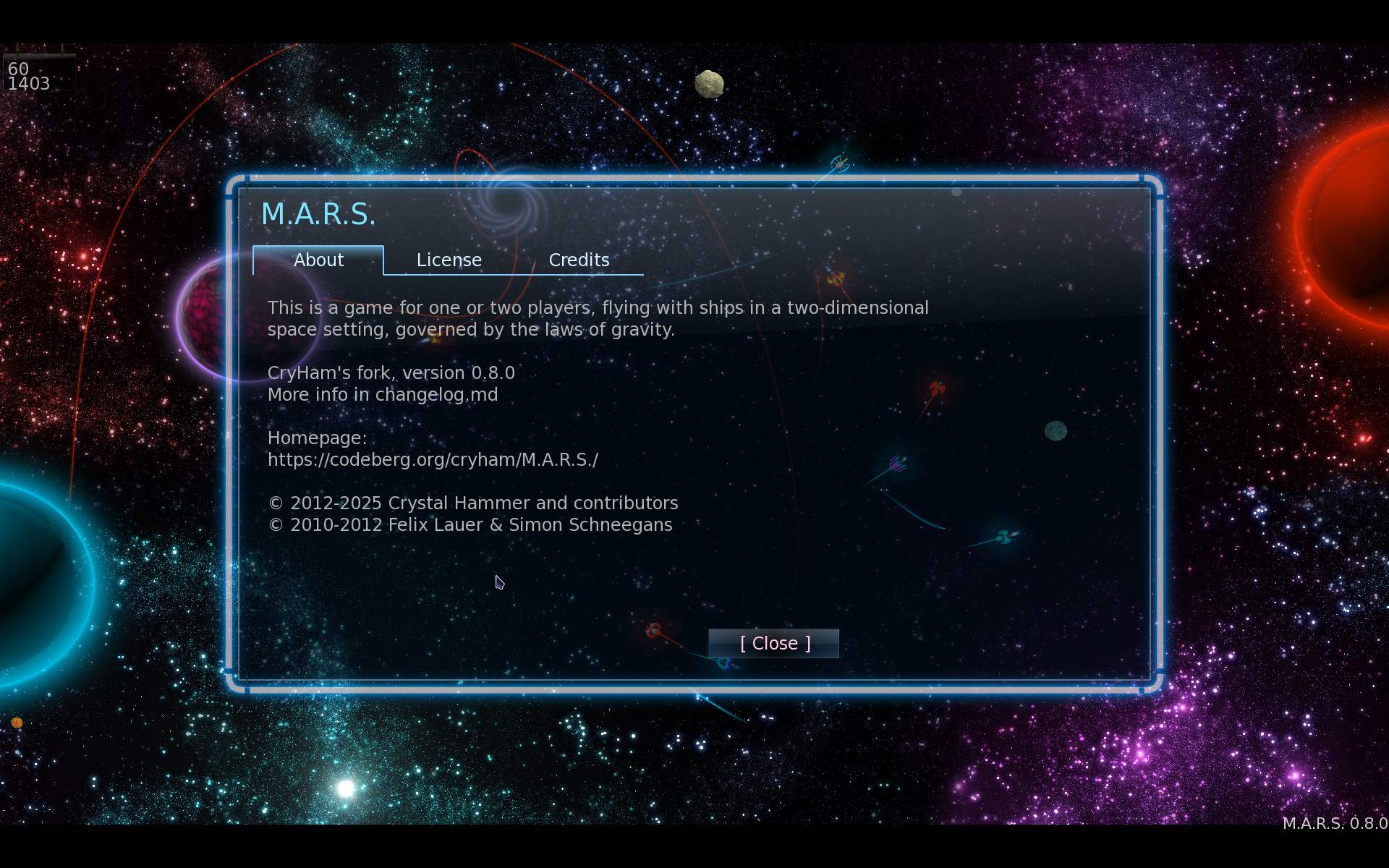
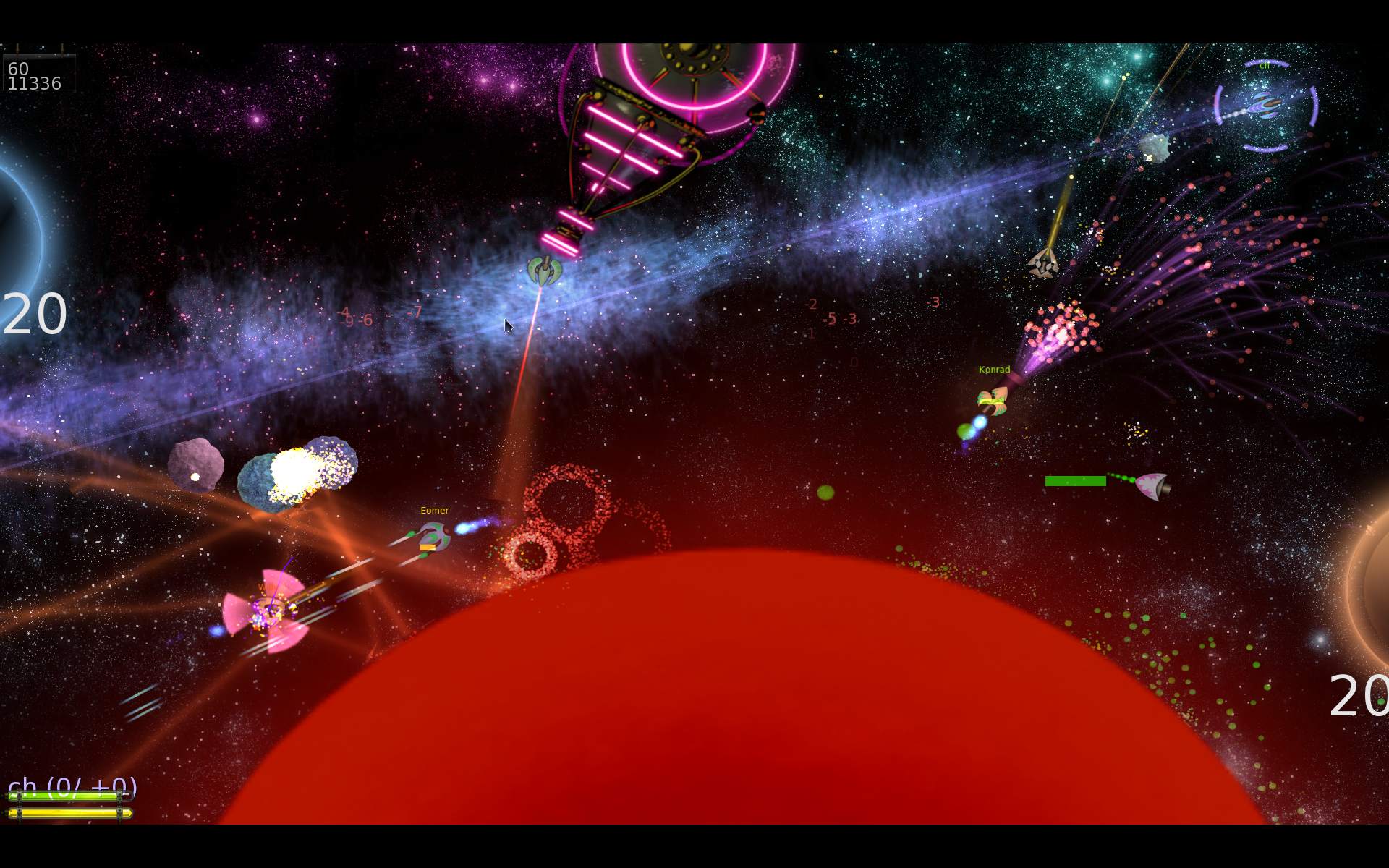
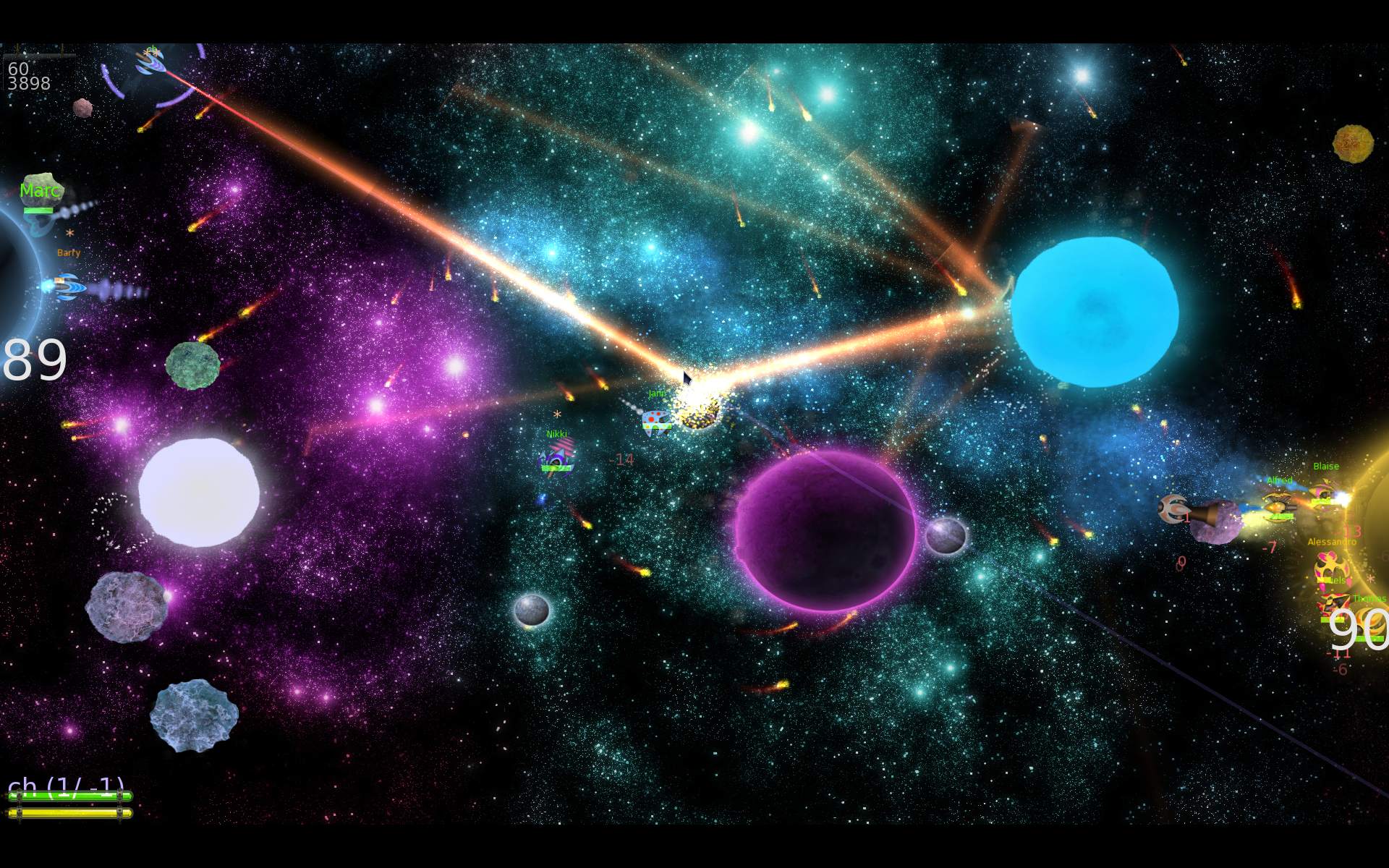
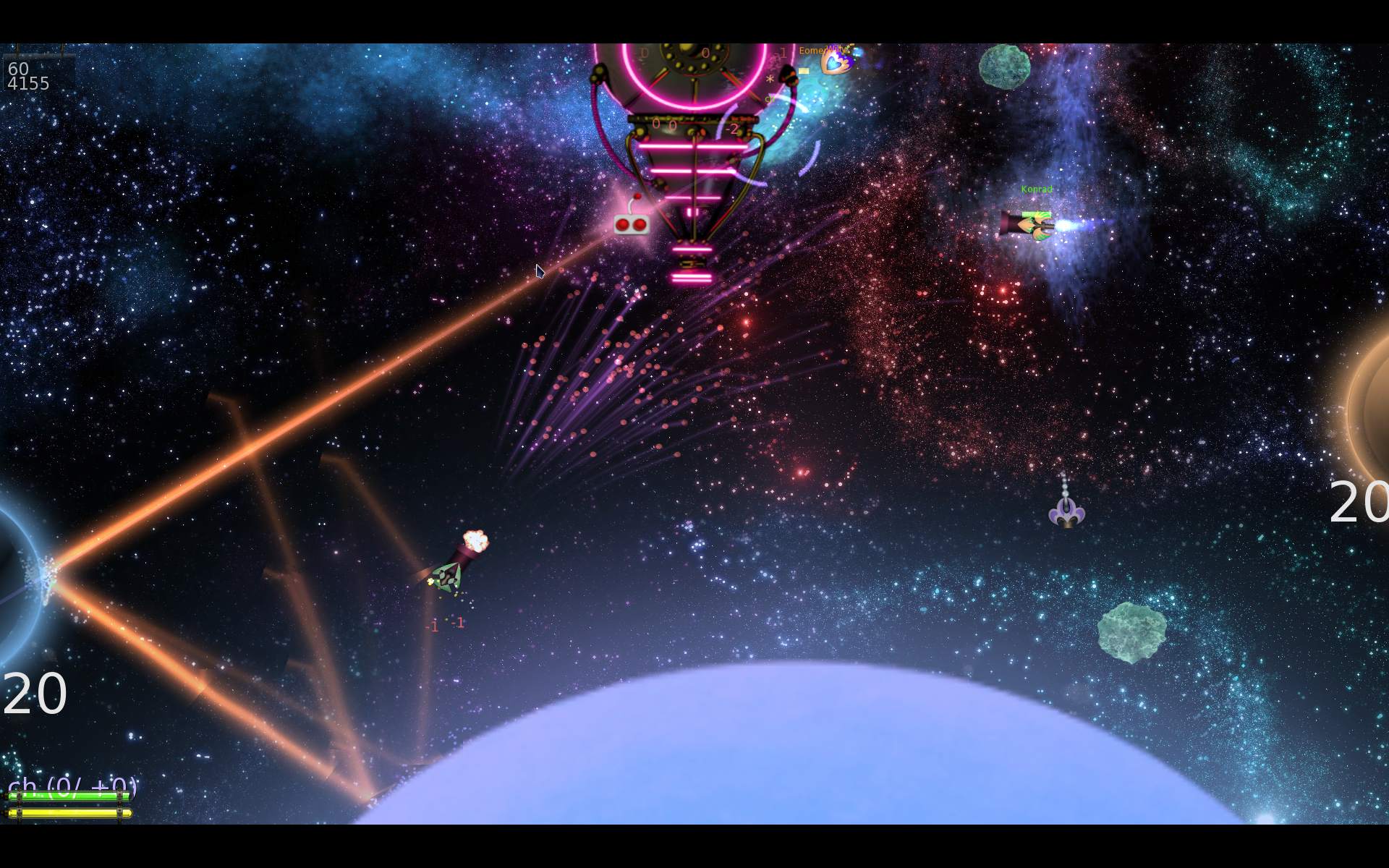
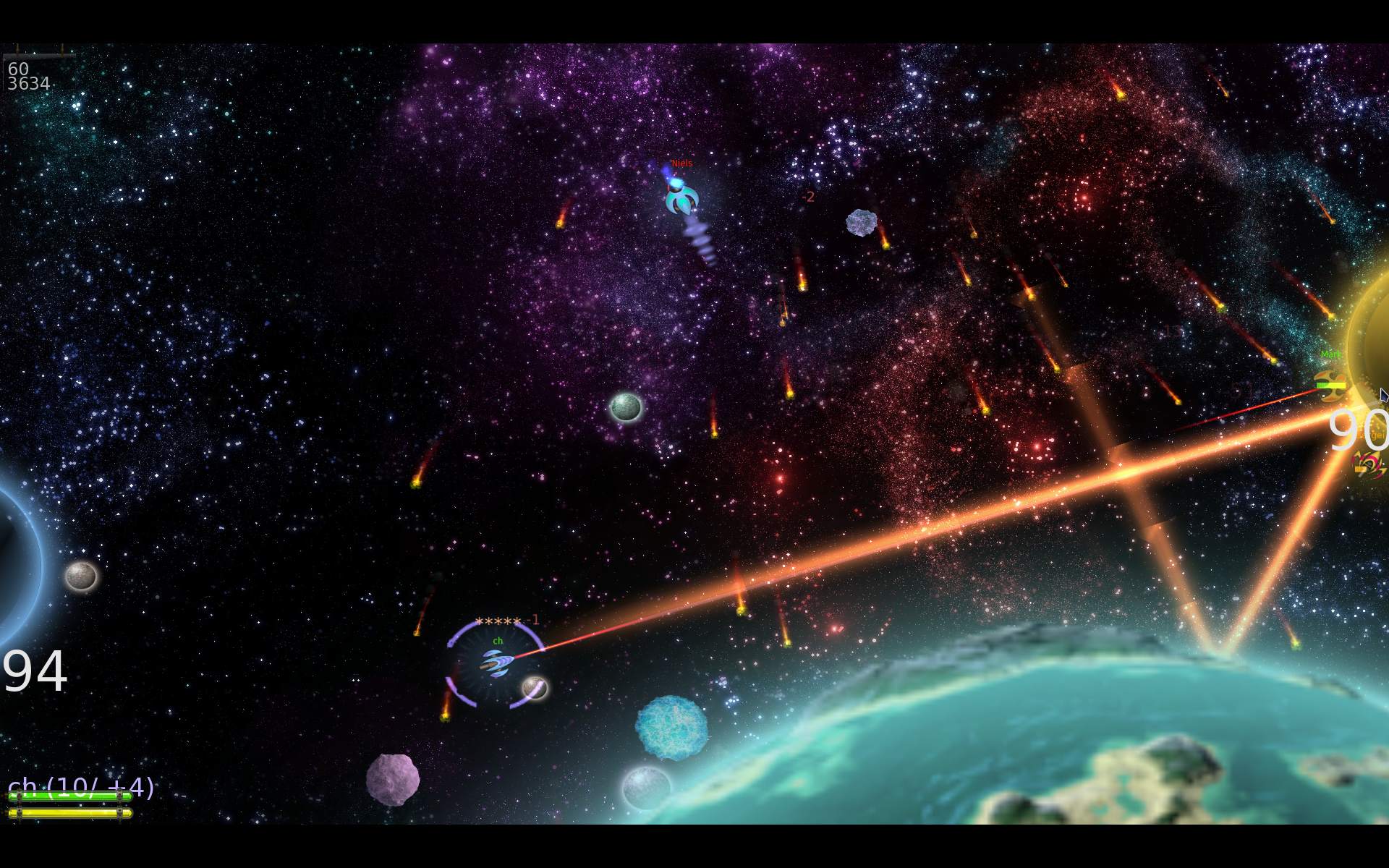
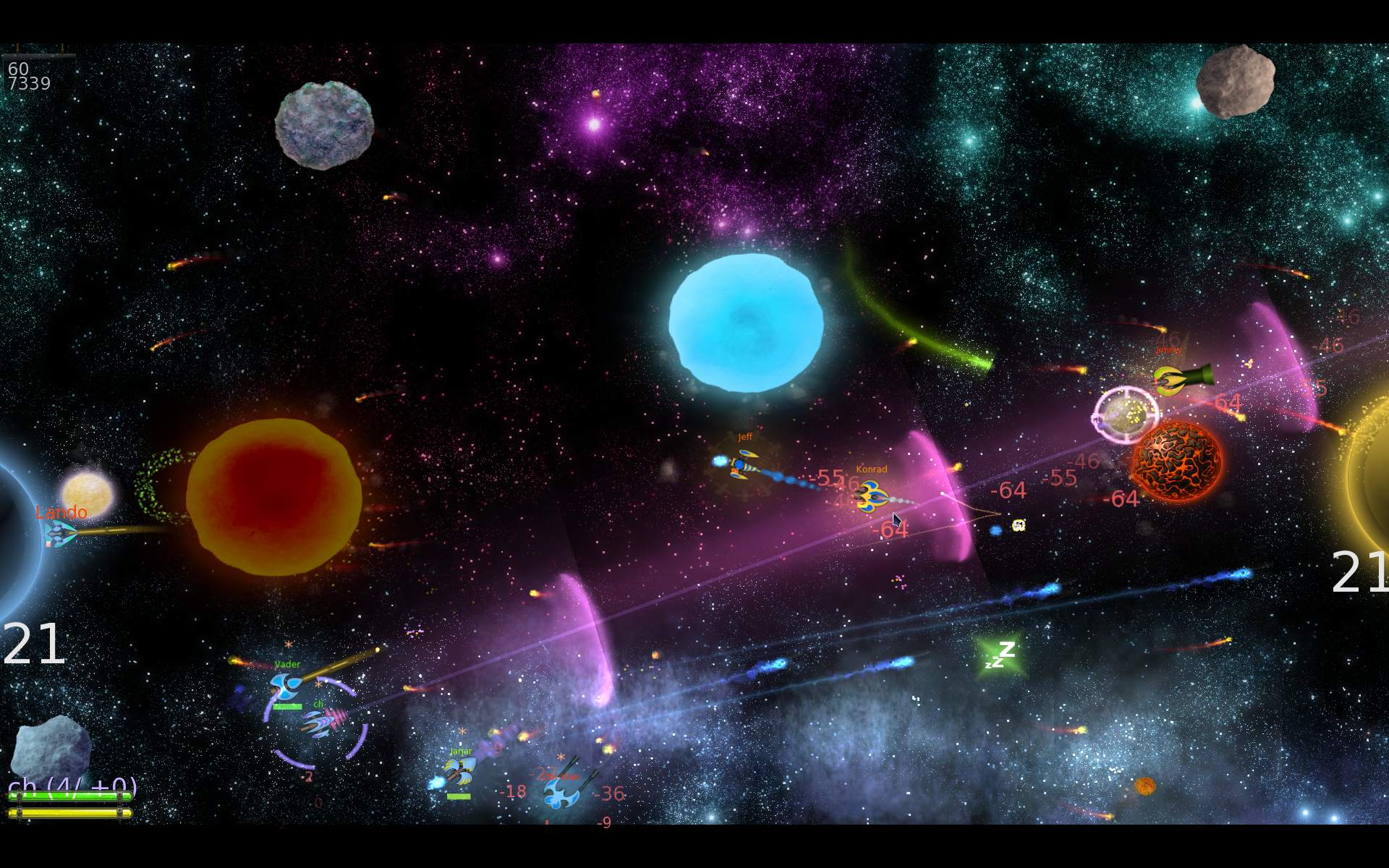
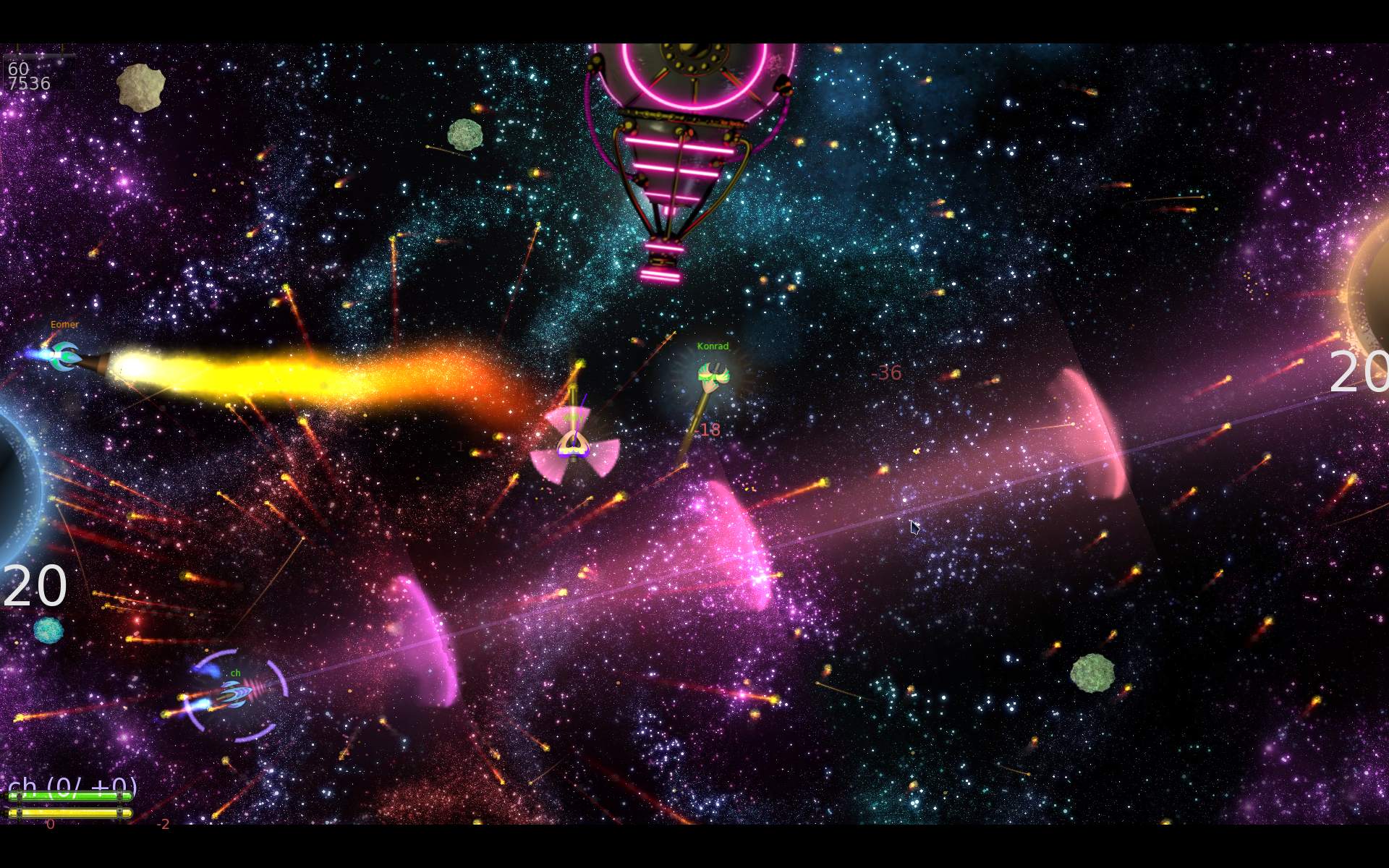
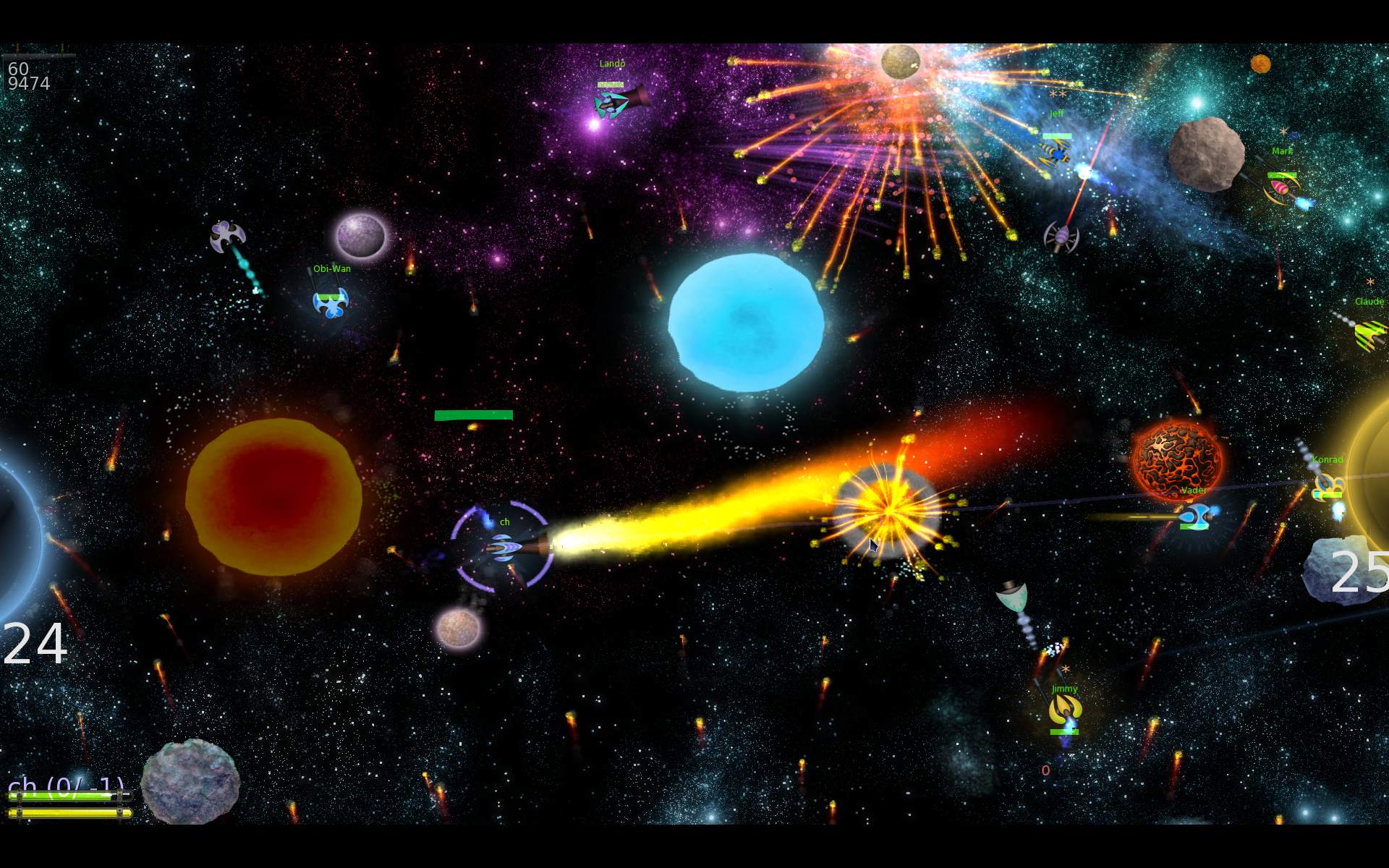
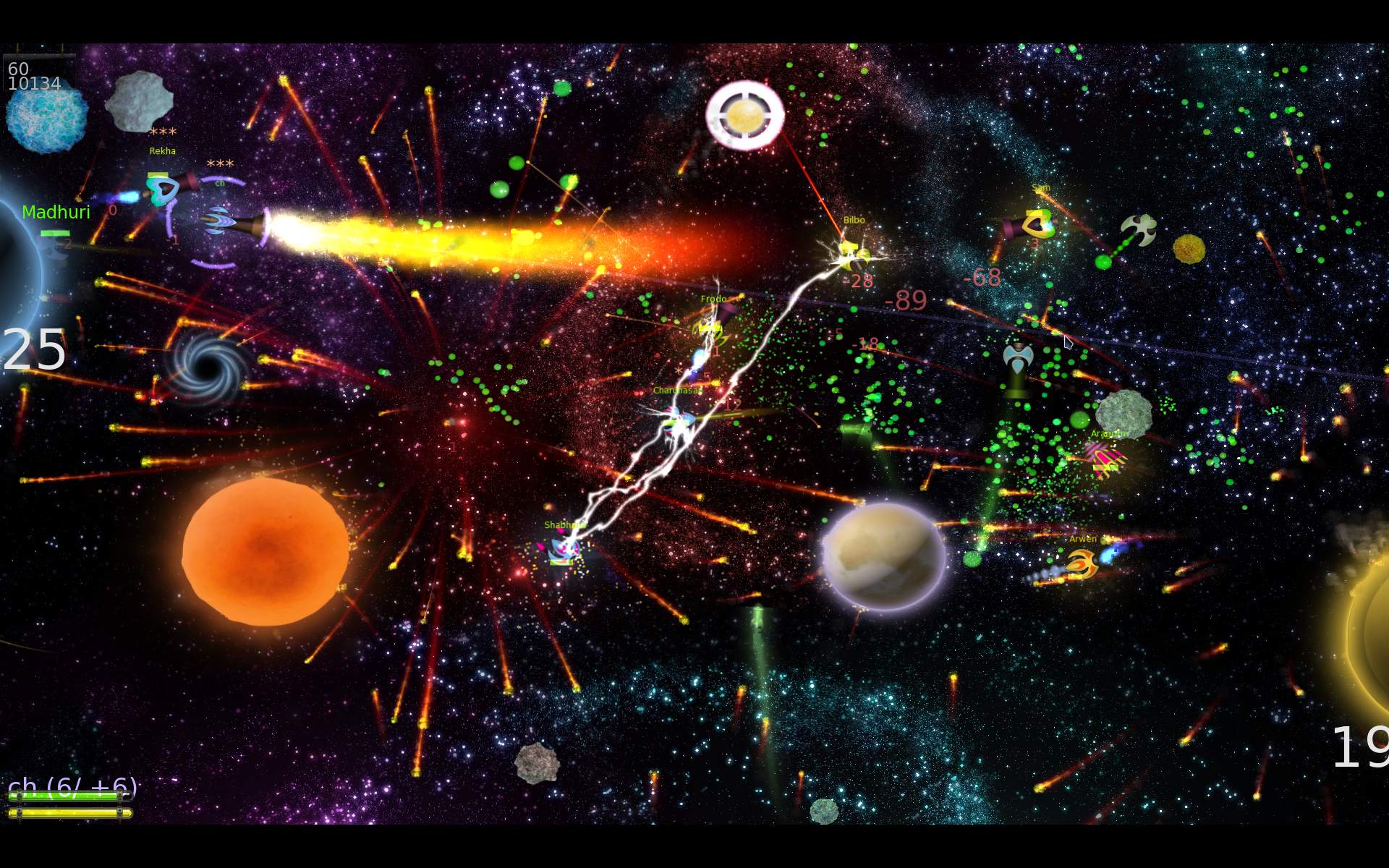
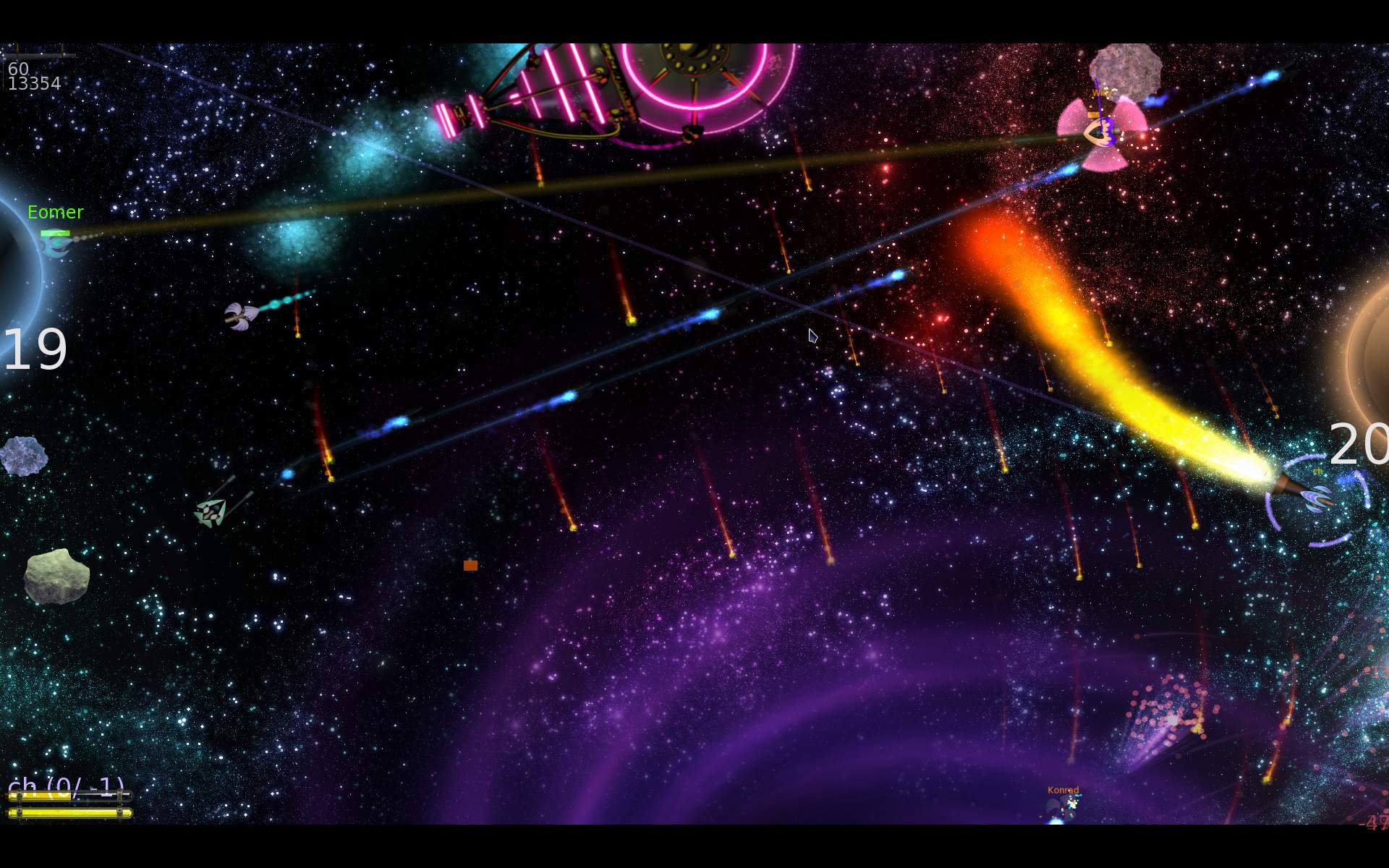
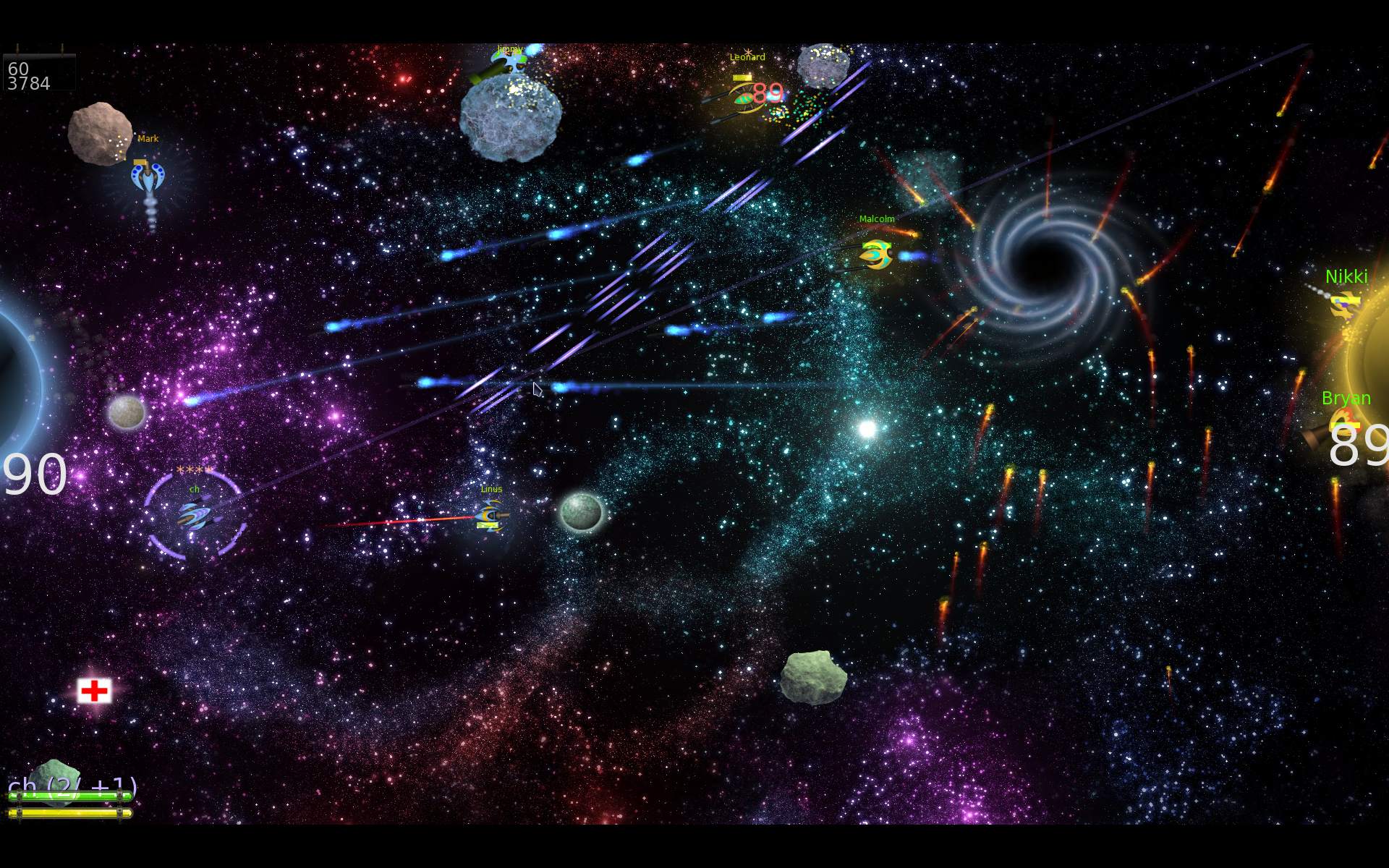
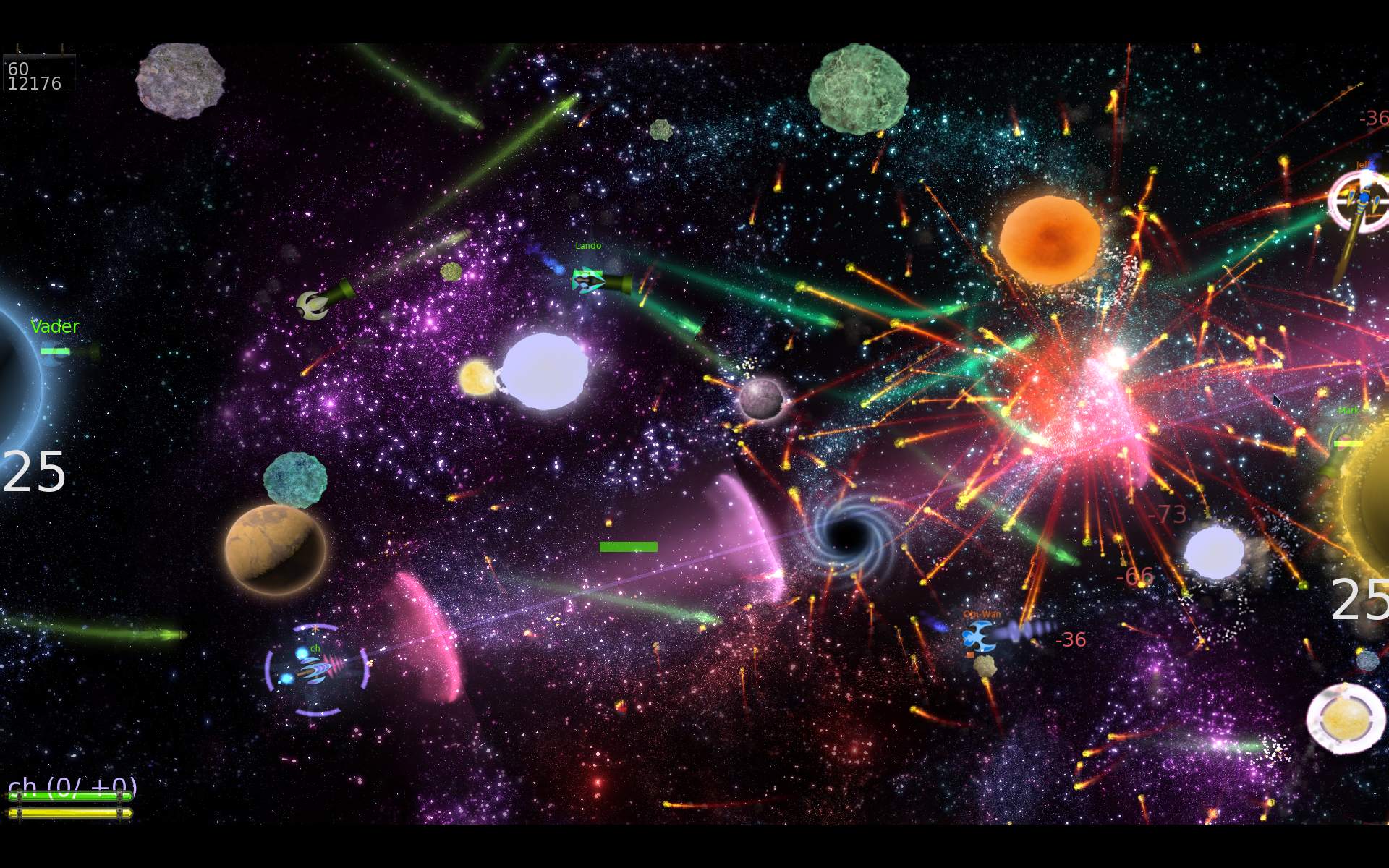
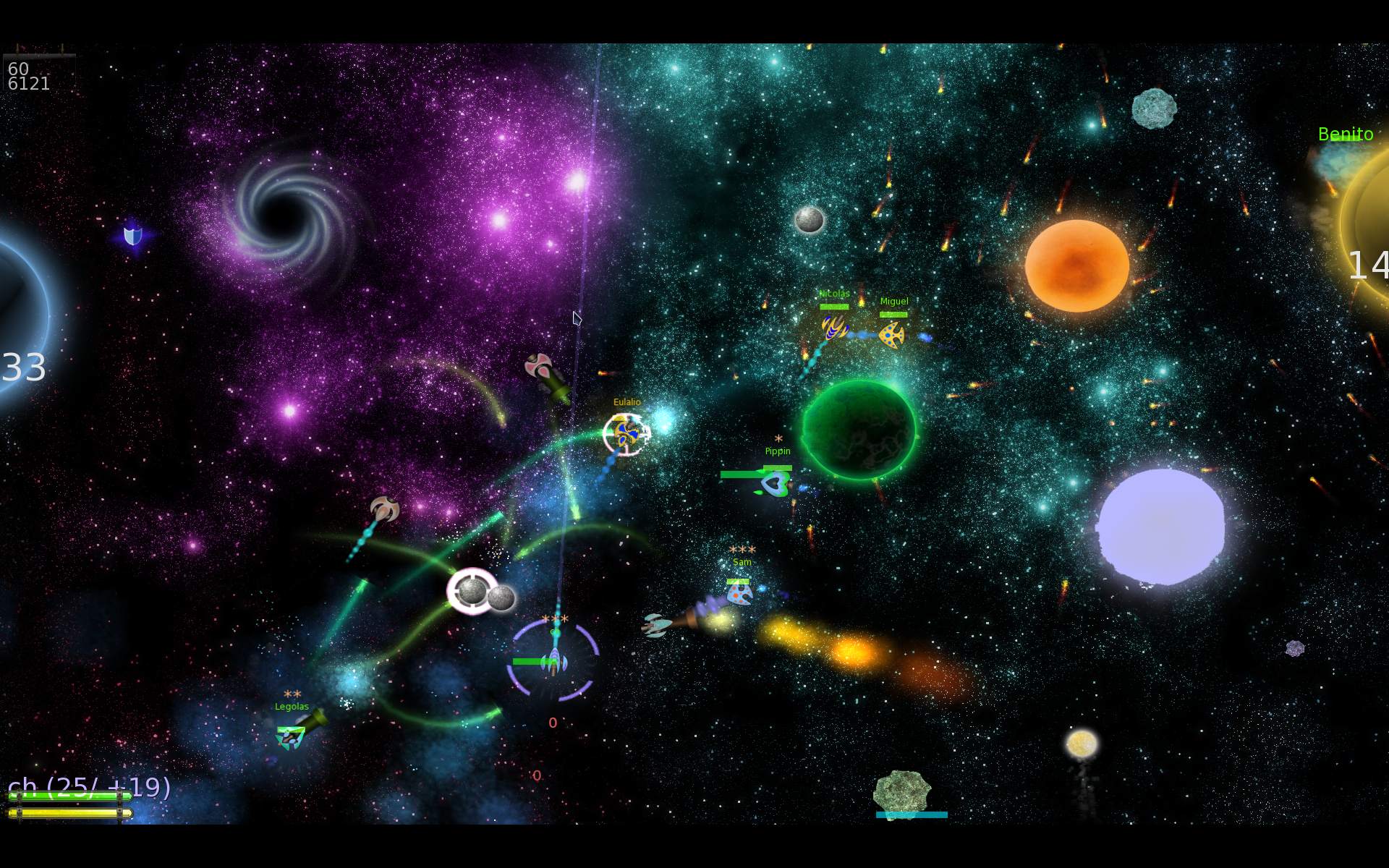
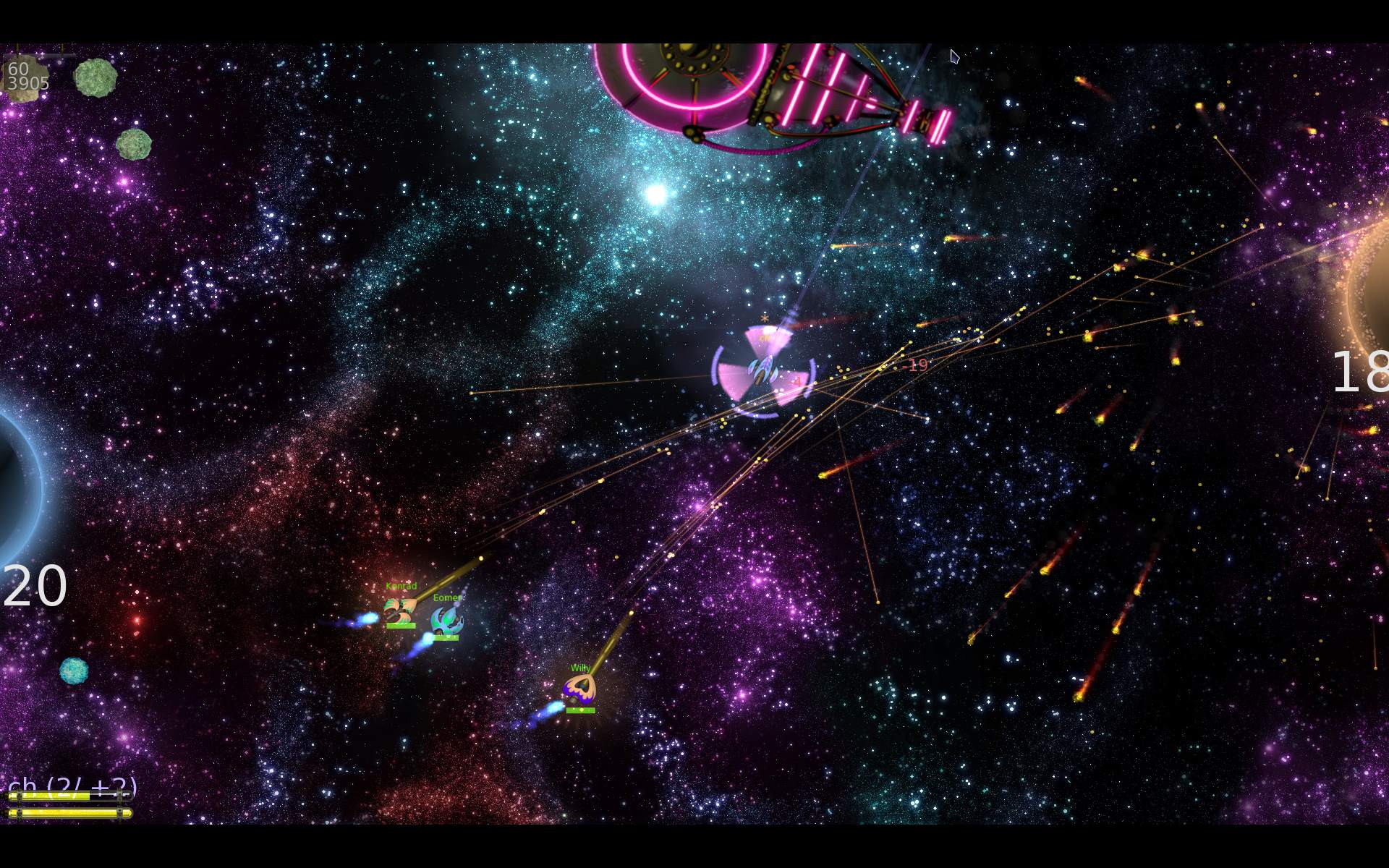
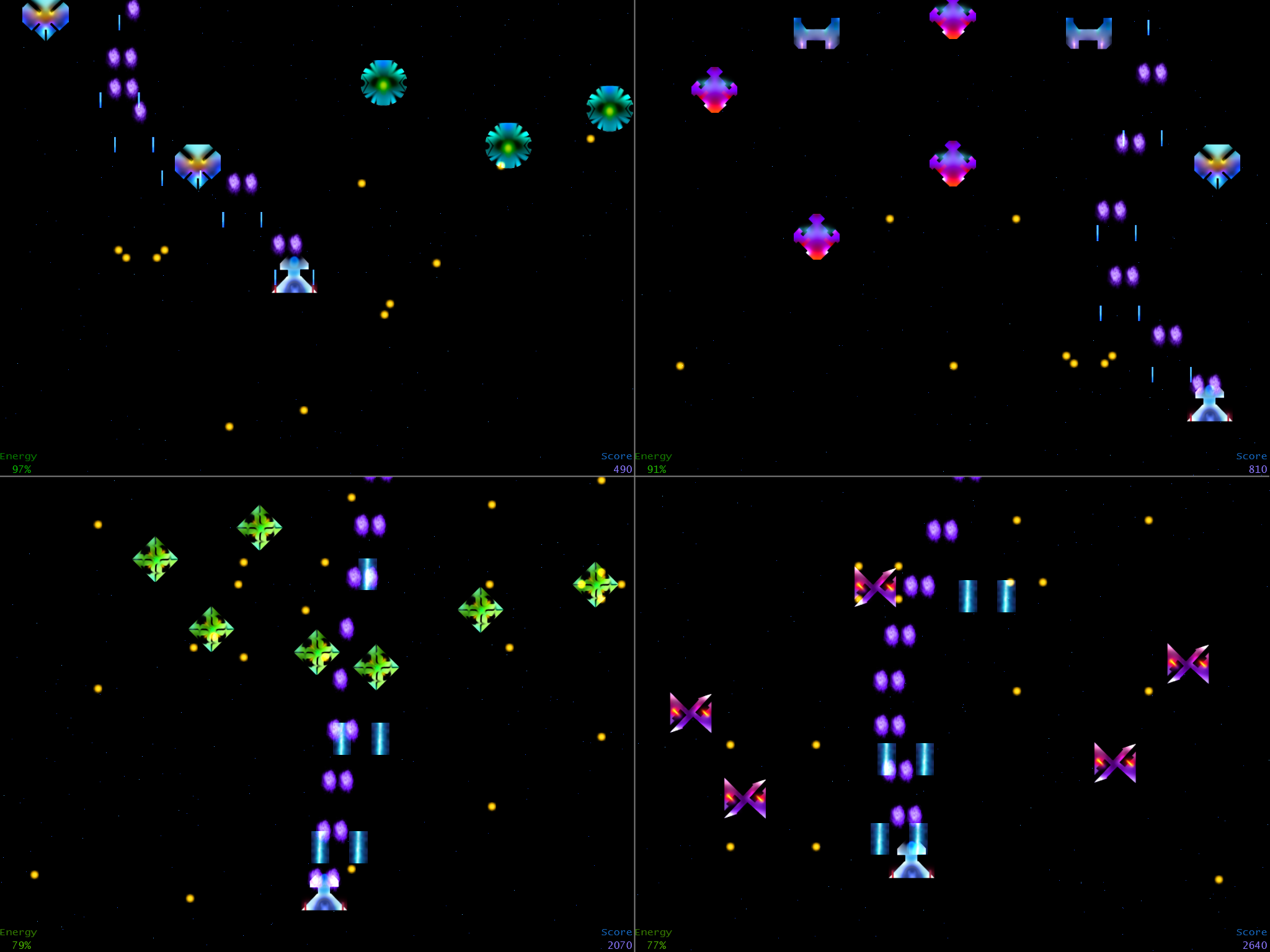
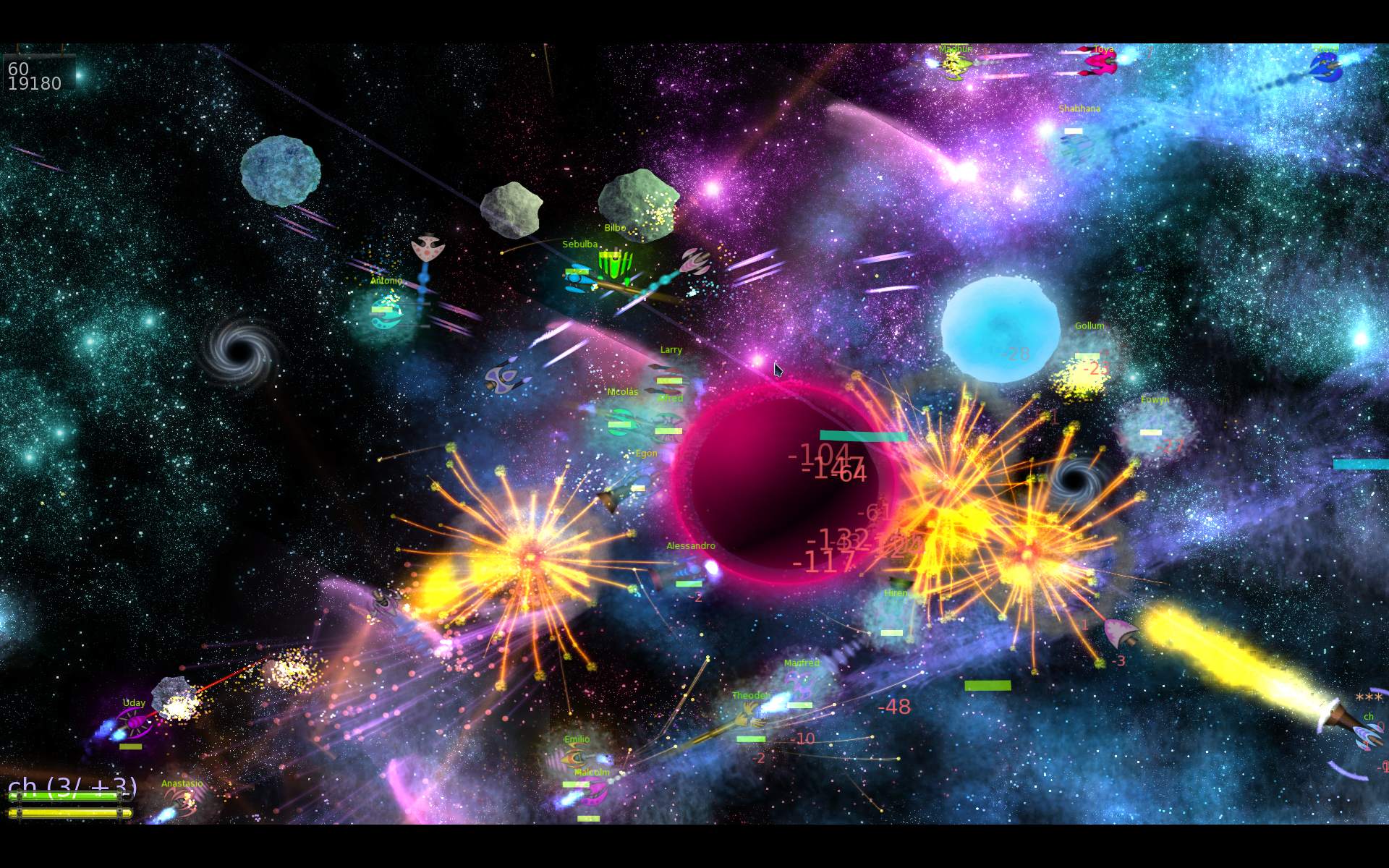
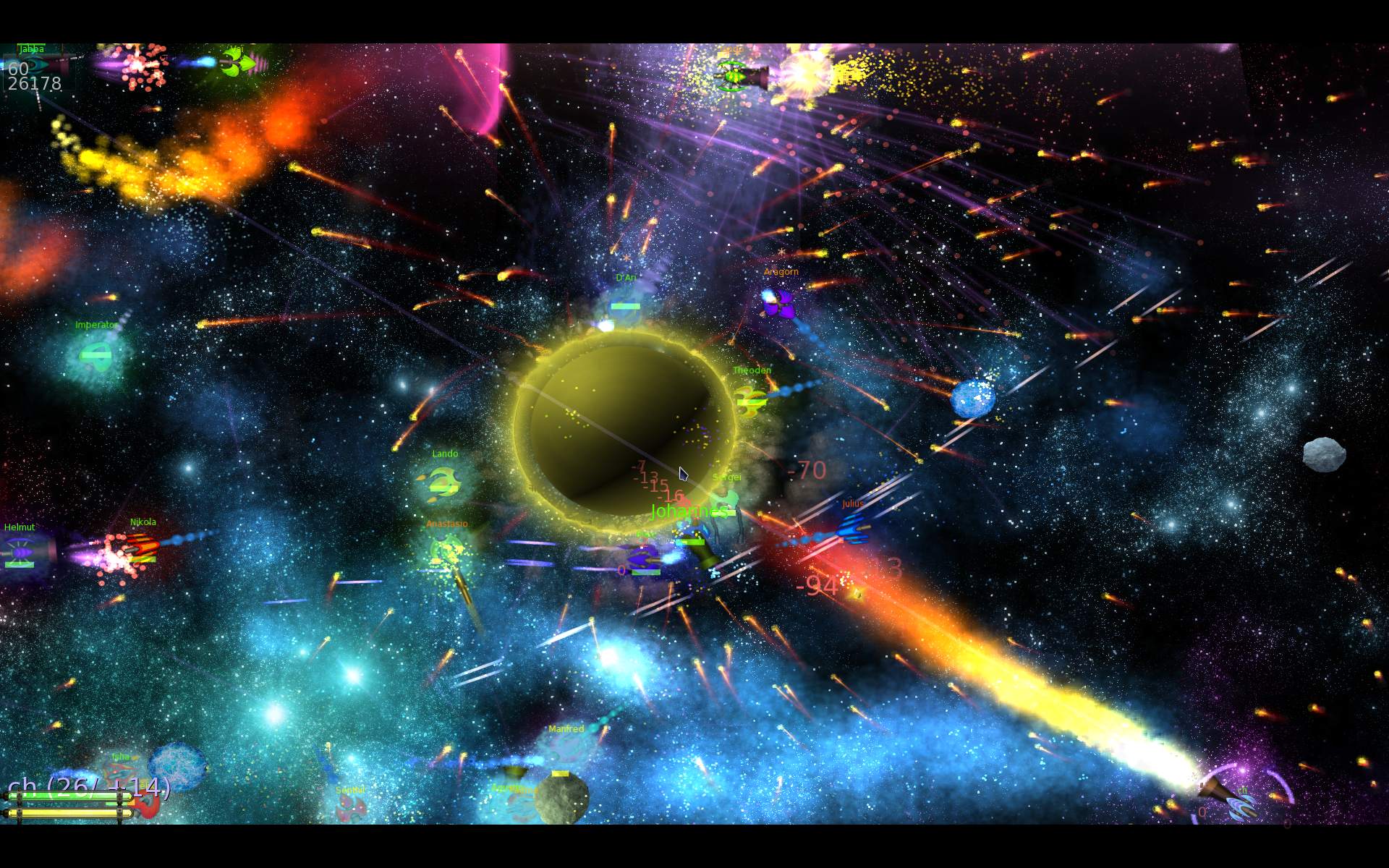
    In 2025 I started my own fork of “M.A.R.S a ridiculous shooter”. A fun packed, 2D spaceship flying game with weapons and bots.
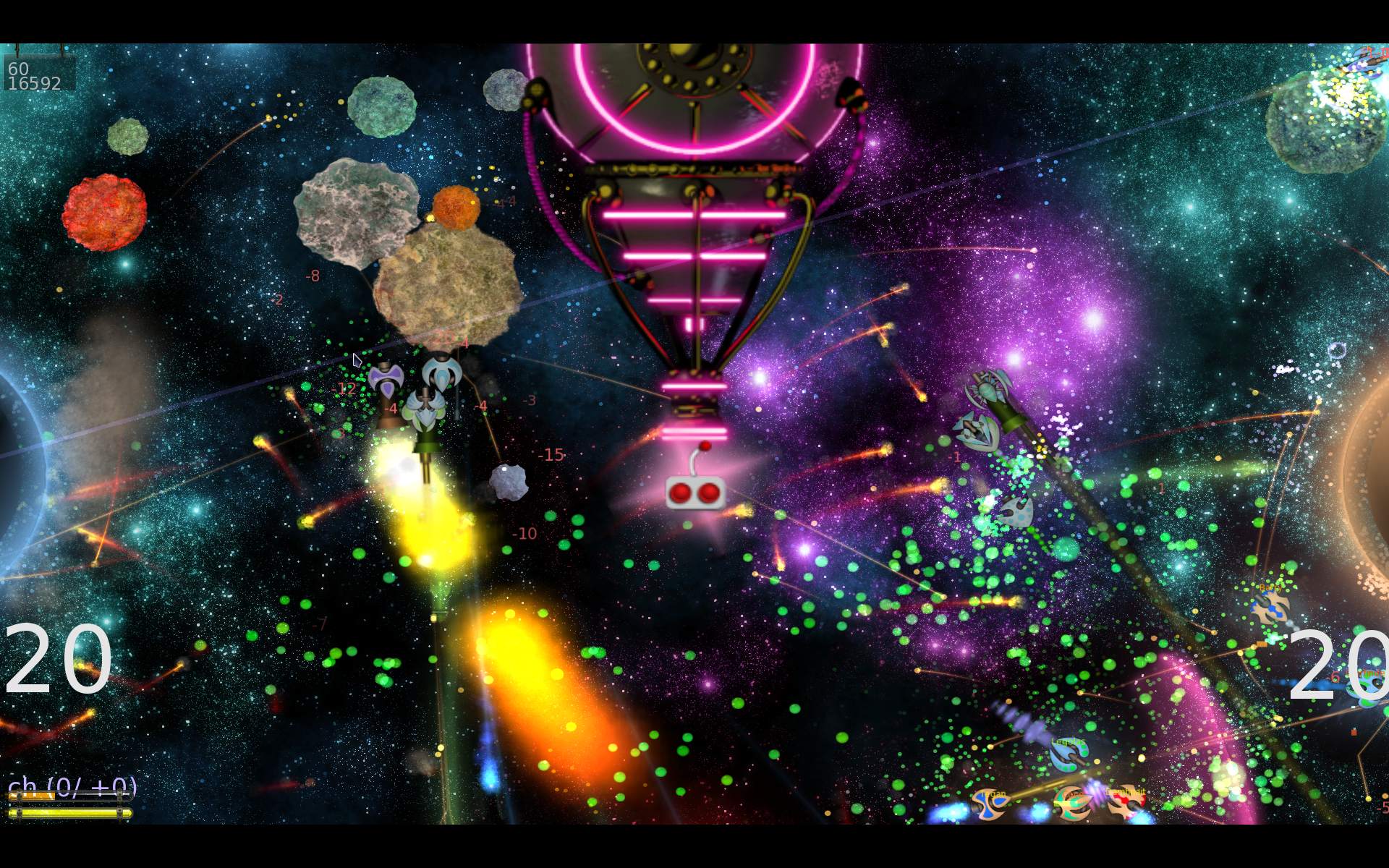
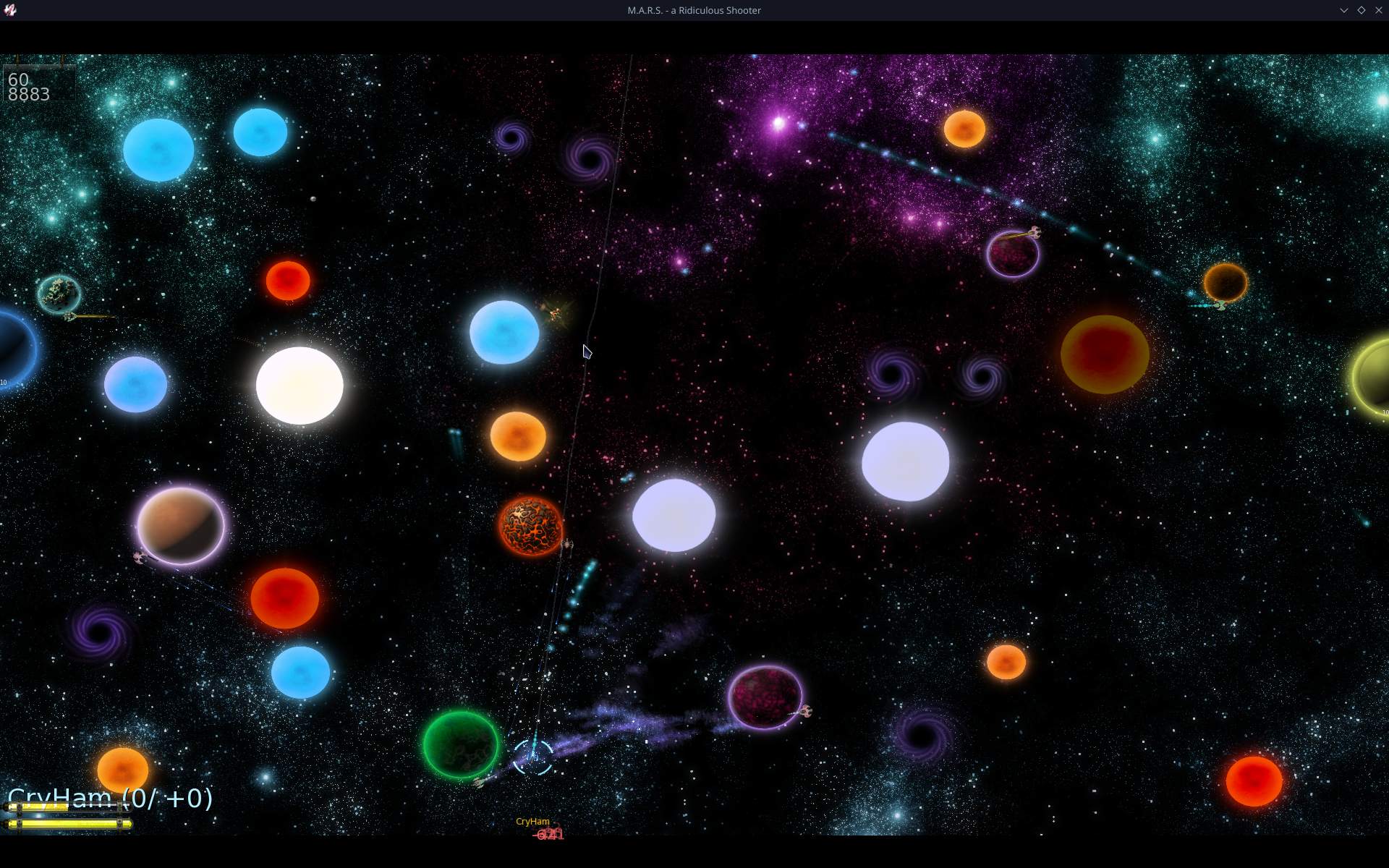
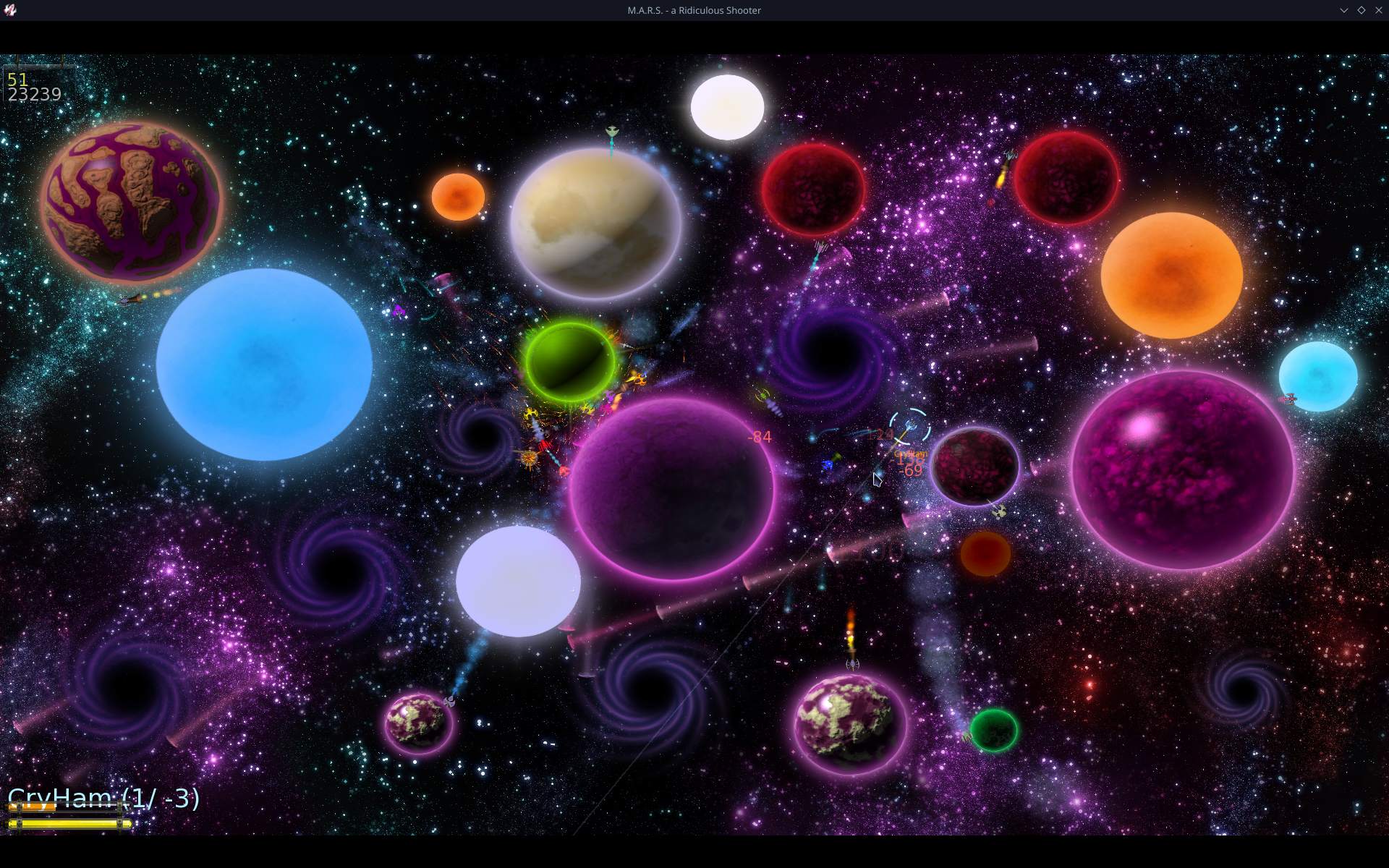
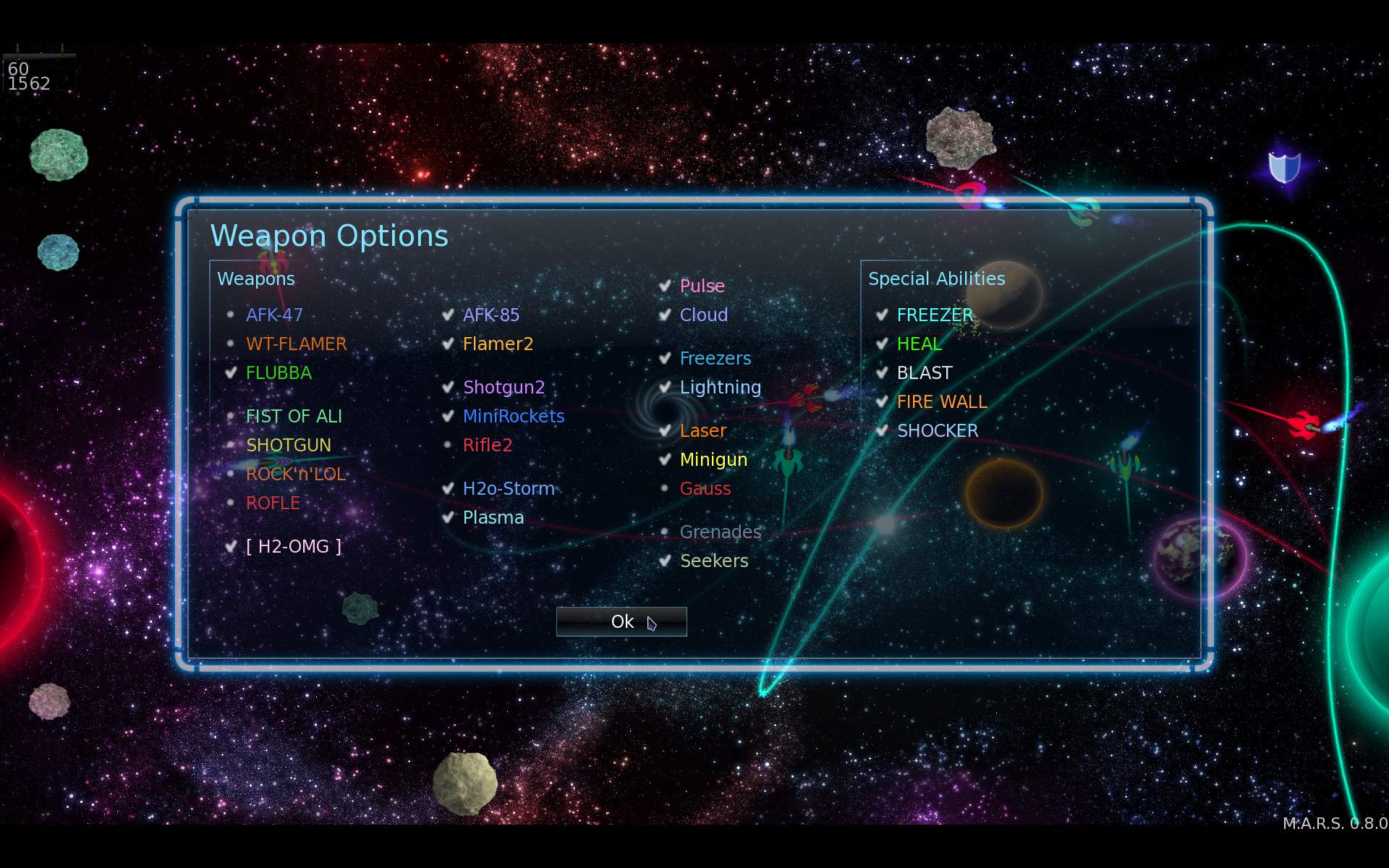
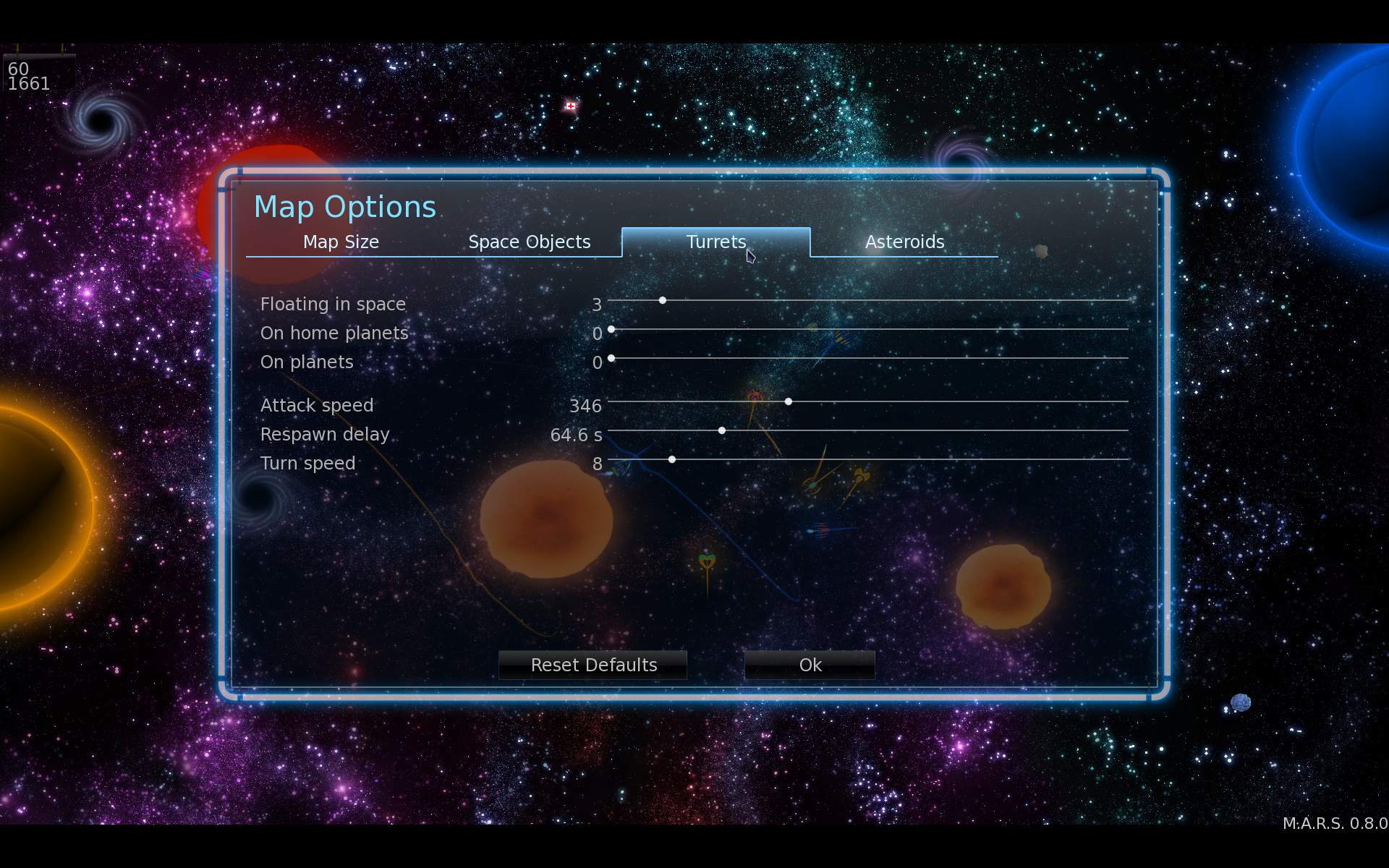
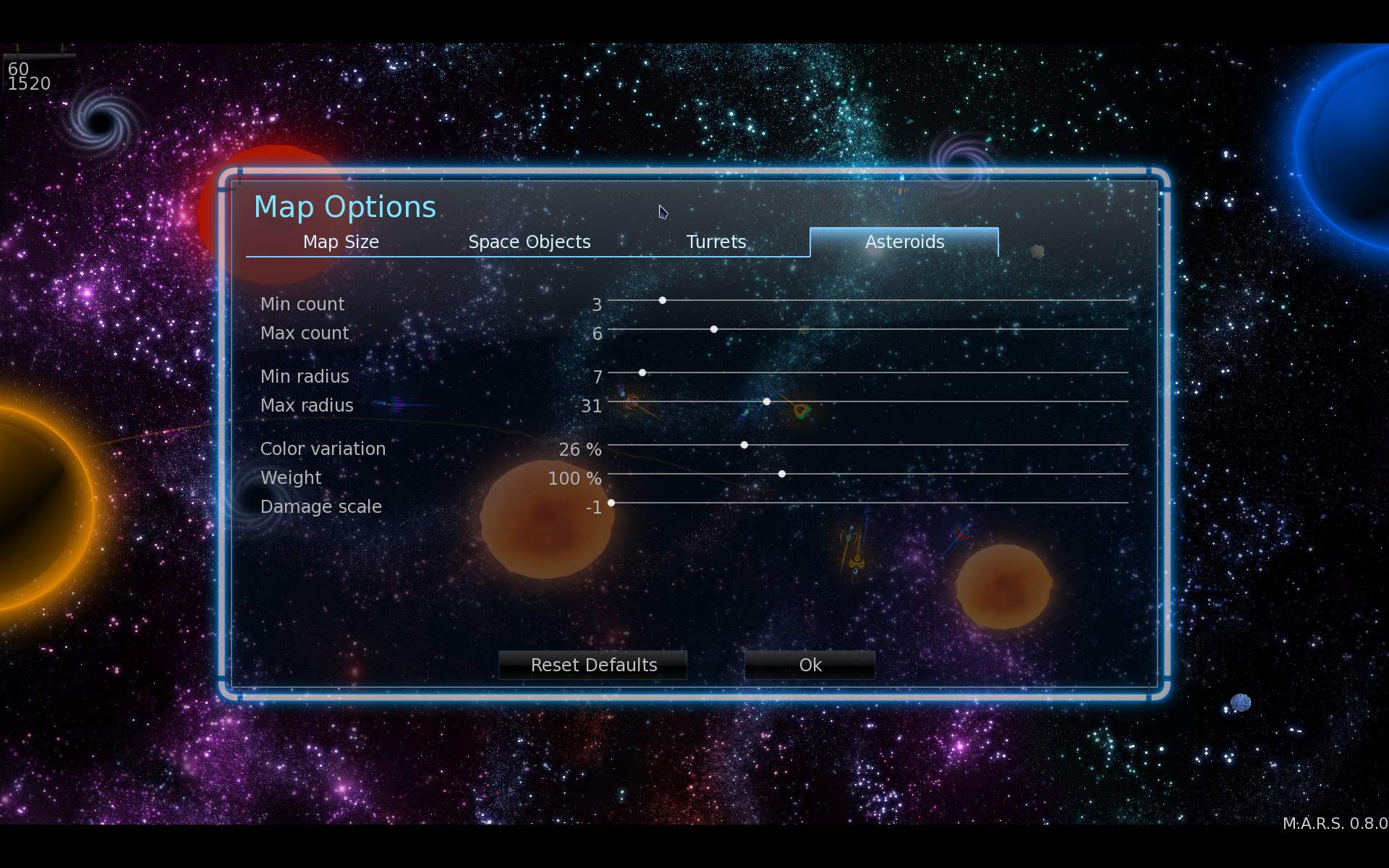
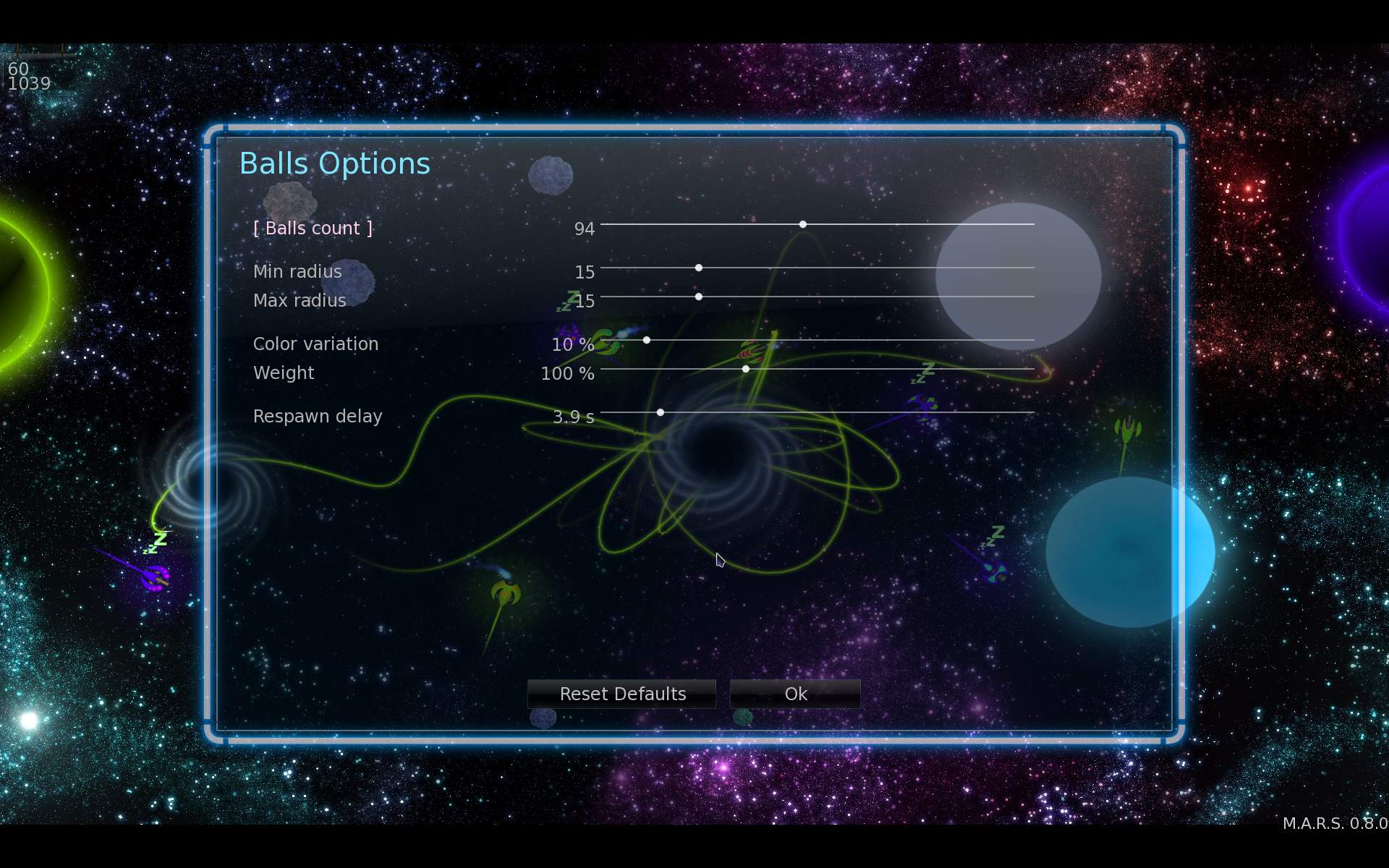
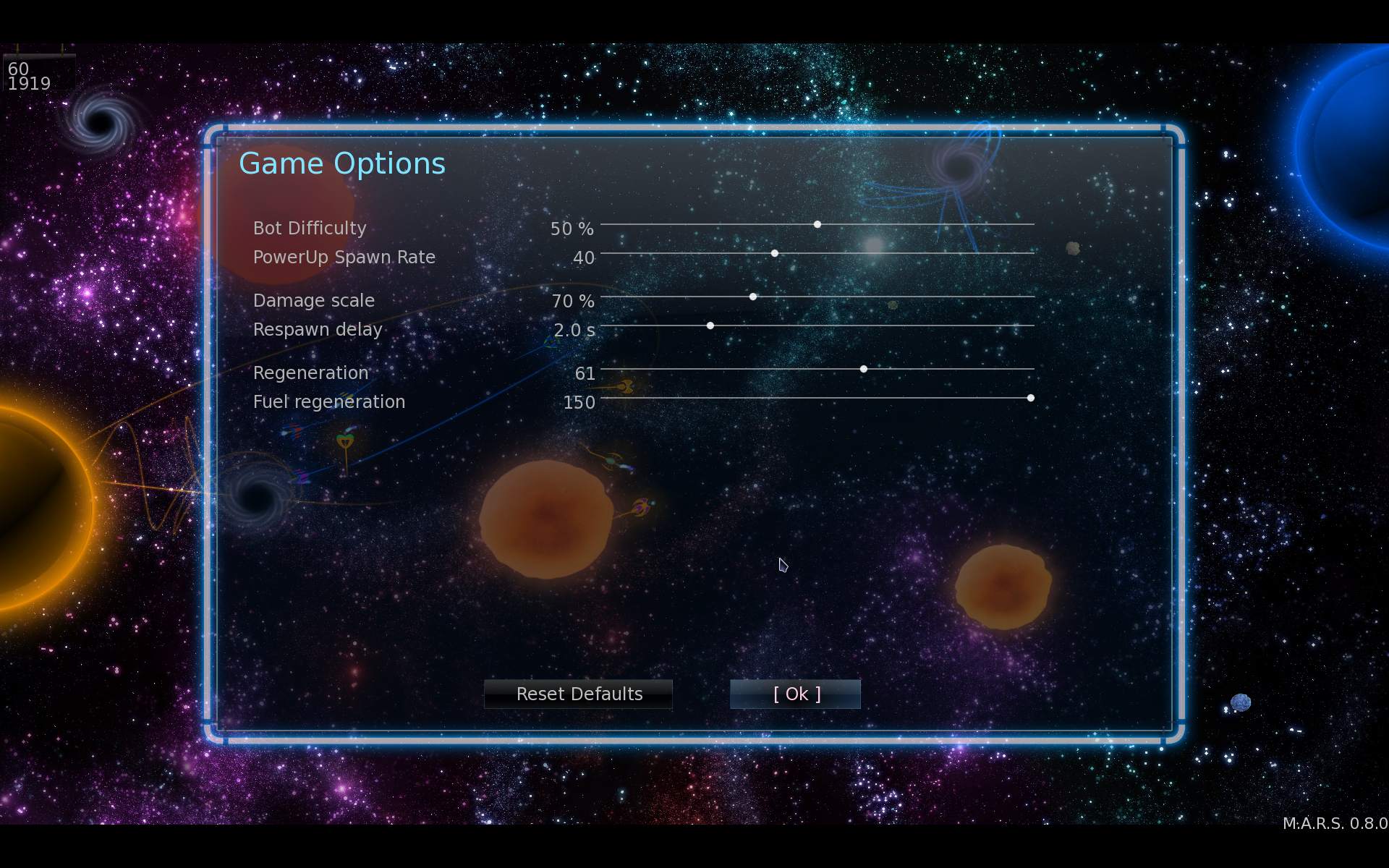
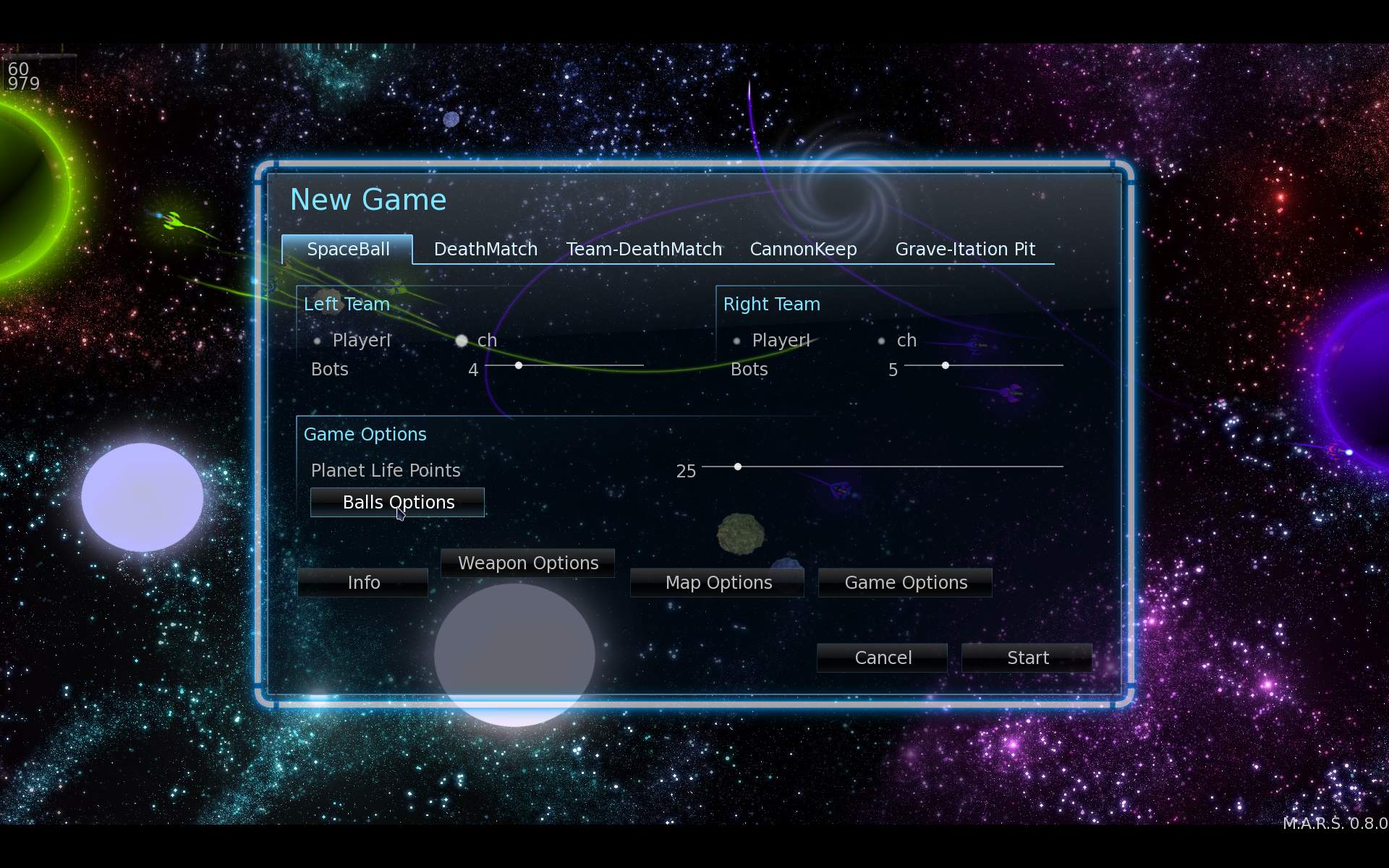
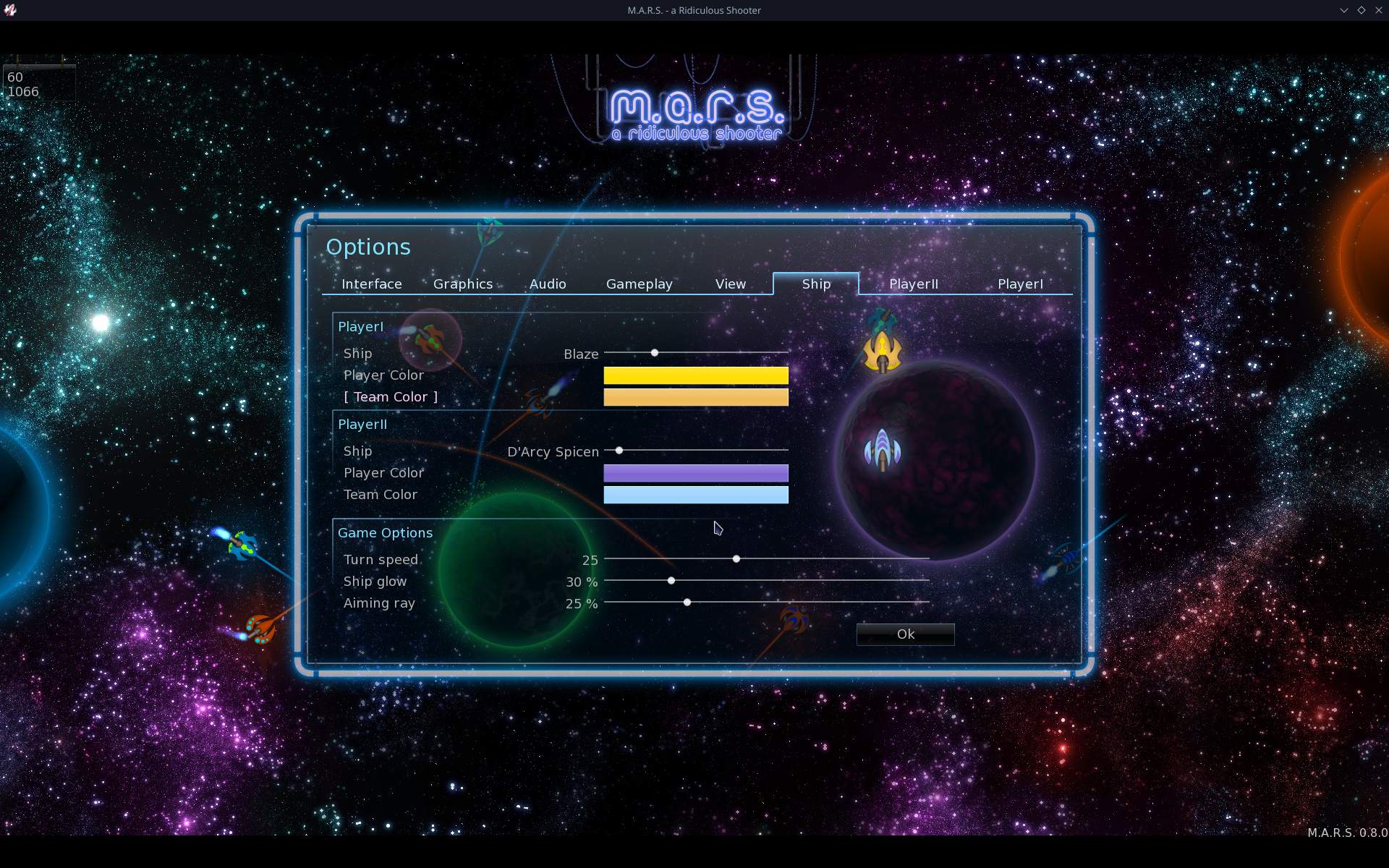
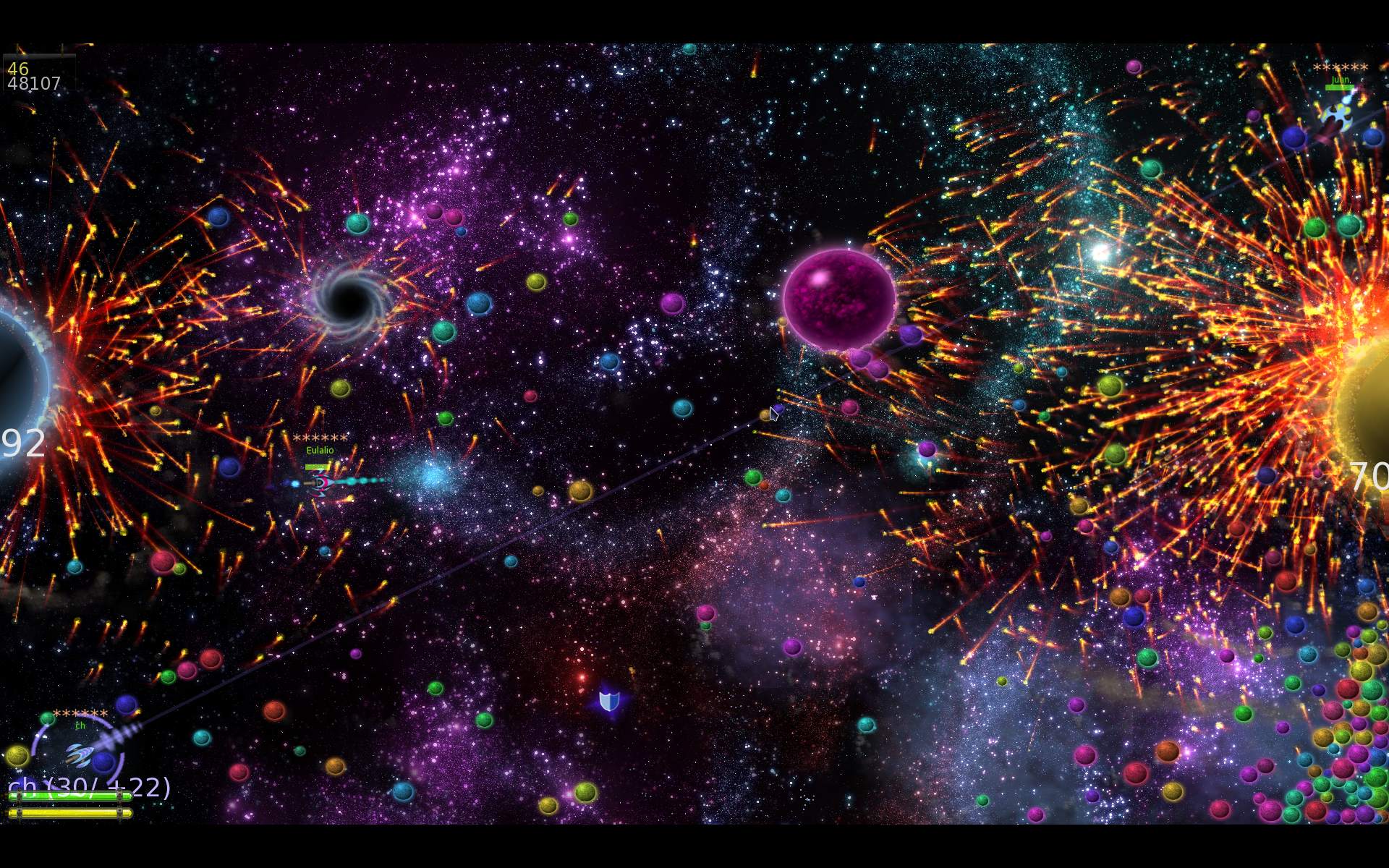
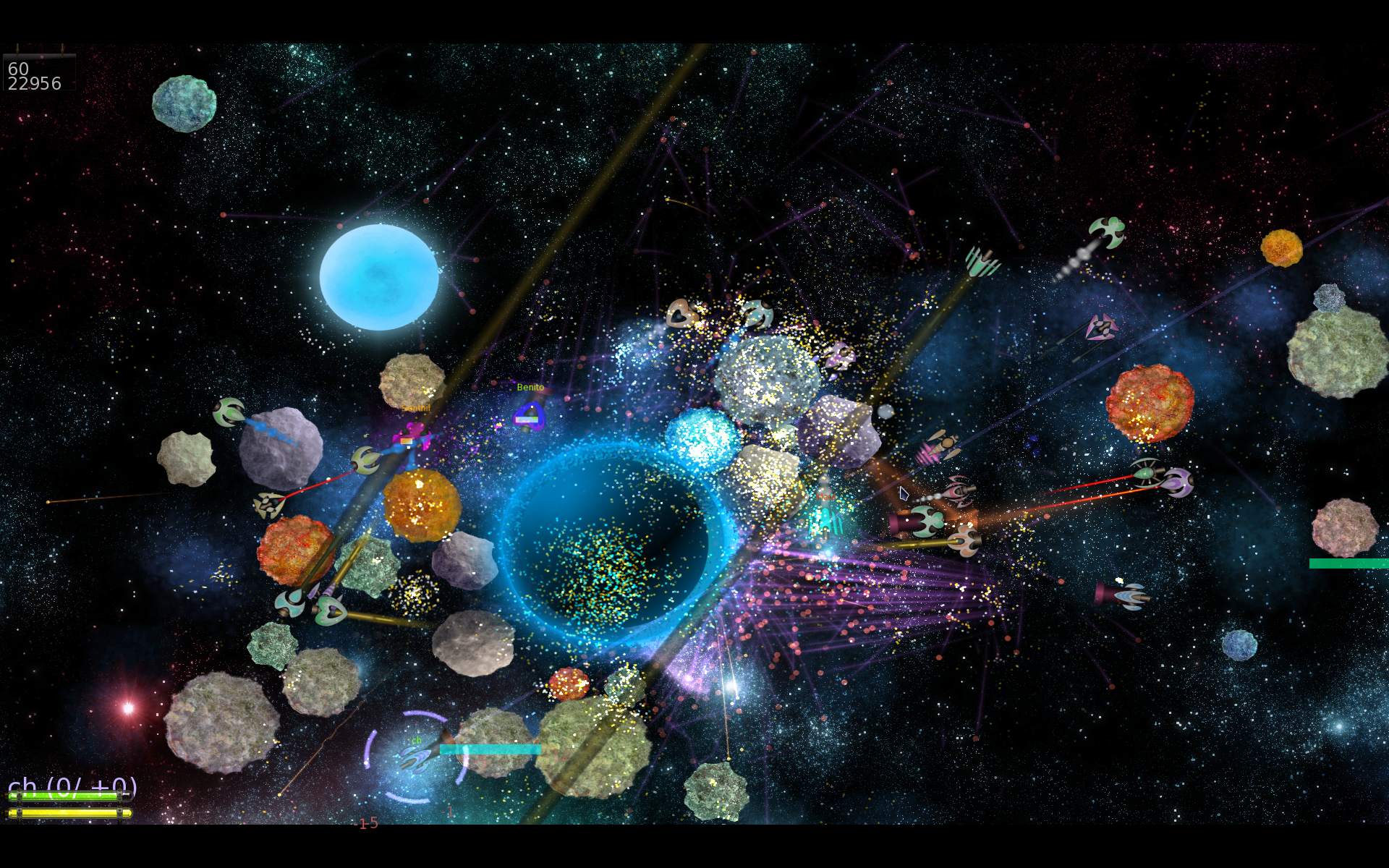
    I added new features including: 16 weapons, asteroids, turrets, few gameplay elements, ship controls, more options and scalable GUI.

    📂Sources

    Located here.
    List of my changes in changelog here.

    📜History

    I played M.A.R.S. when it was still active last, in 2011 (back then we were very busy with Stunt Rally). I liked it instantly, it was a lot of fun and indeed ridiculous, hilarious to play.
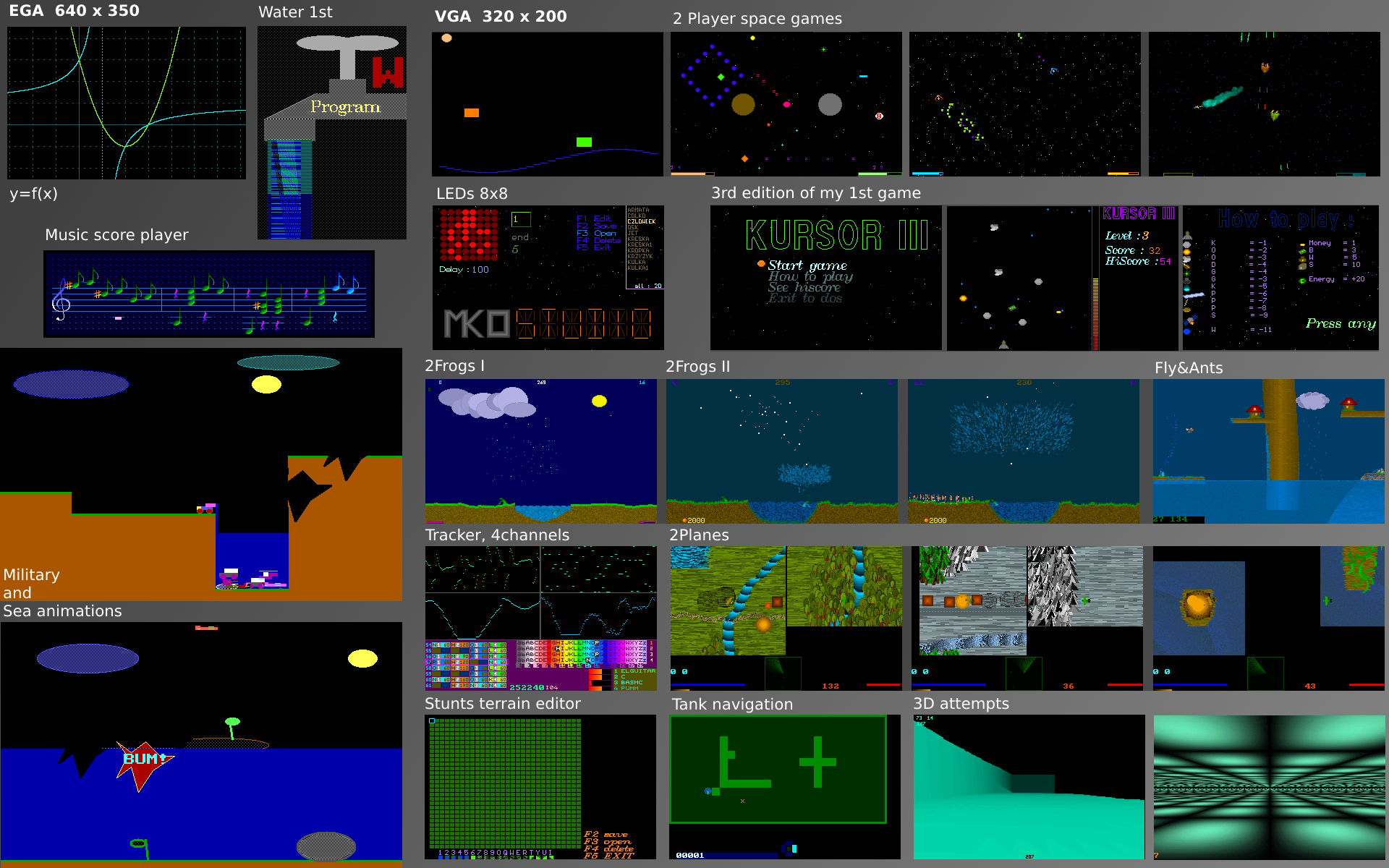
    It reminded me of my oldest space games for 2 players, from around 1995 or so. Screens visible on this image on right, top under “2 player space games”, more info about that here. My small games were also ridiculous, first even hard to play. Later were easier and more fun, while still having wrap around (cyclic borders, e.g. you fly out right, you appear on left), something normal for me for 2D space games. Was even present in the earliest game from 1962.

    📝Motivation

    While I was recently developing Cave Express (after I stopped Stunt Rally development), I realized that adding new gameplay elements in it is rather complex, due to its multiplayer server-client architecture. I then remembered about M.A.R.S., that its code was much easier, and thought I could add some things and change that project too.

    I checked out its sources again, and it got back to me why I didn’t do this years ago. I really didn’t like how the code looked like, but regardless I now developed it. I was asking myself a few times “who writes code like this”, obviously a rhetorical question, authors are known. Also this is a FOSS project, it’s not for complaining, but about what can you do to improve it. After a while I did also change the code formatting, probably a lot.

    The project was abandoned since about 10 years by original authors. Later it was moved to github. Had a few contributions by others. I have also noticed 2 recent forks. I saw there were also memory issues (leaks) and people fixing that. Not sure if completely, but I did also include some of those fixes in my fork.

    🔍Details

    Nothing was changed in game or gameplay since the original project. I started with that. I had many ideas. The easiest for start was changing weapons and then adding new.
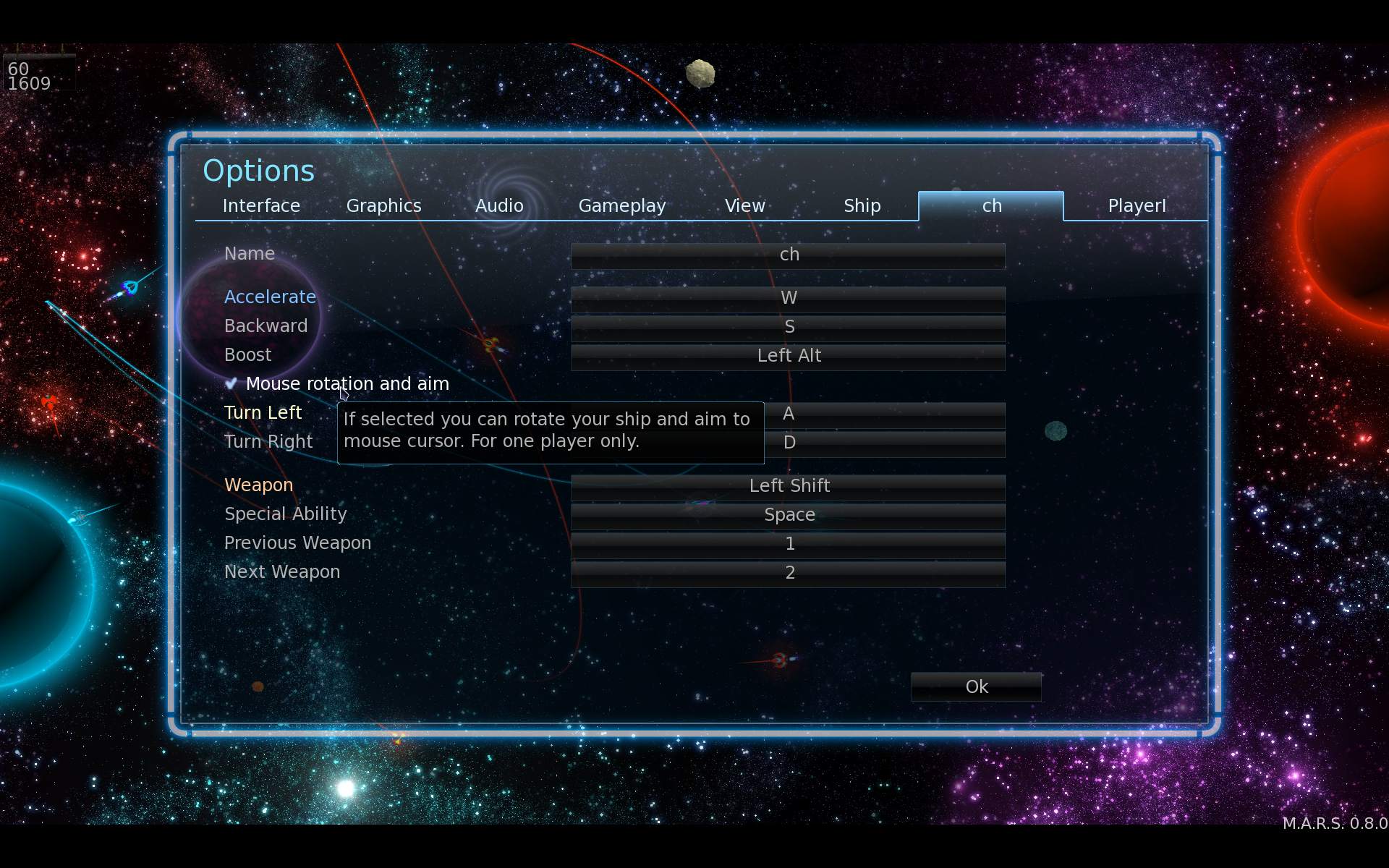
    Since spaceship was controlled by only 3 keys (turn left, right and accelerate) it made flying funny, but also quite awkward and unprecise. I then added accelerating sideways, backward and boost. Then also turning and aiming by mouse pointer, which IMO improved flying and aiming a lot.

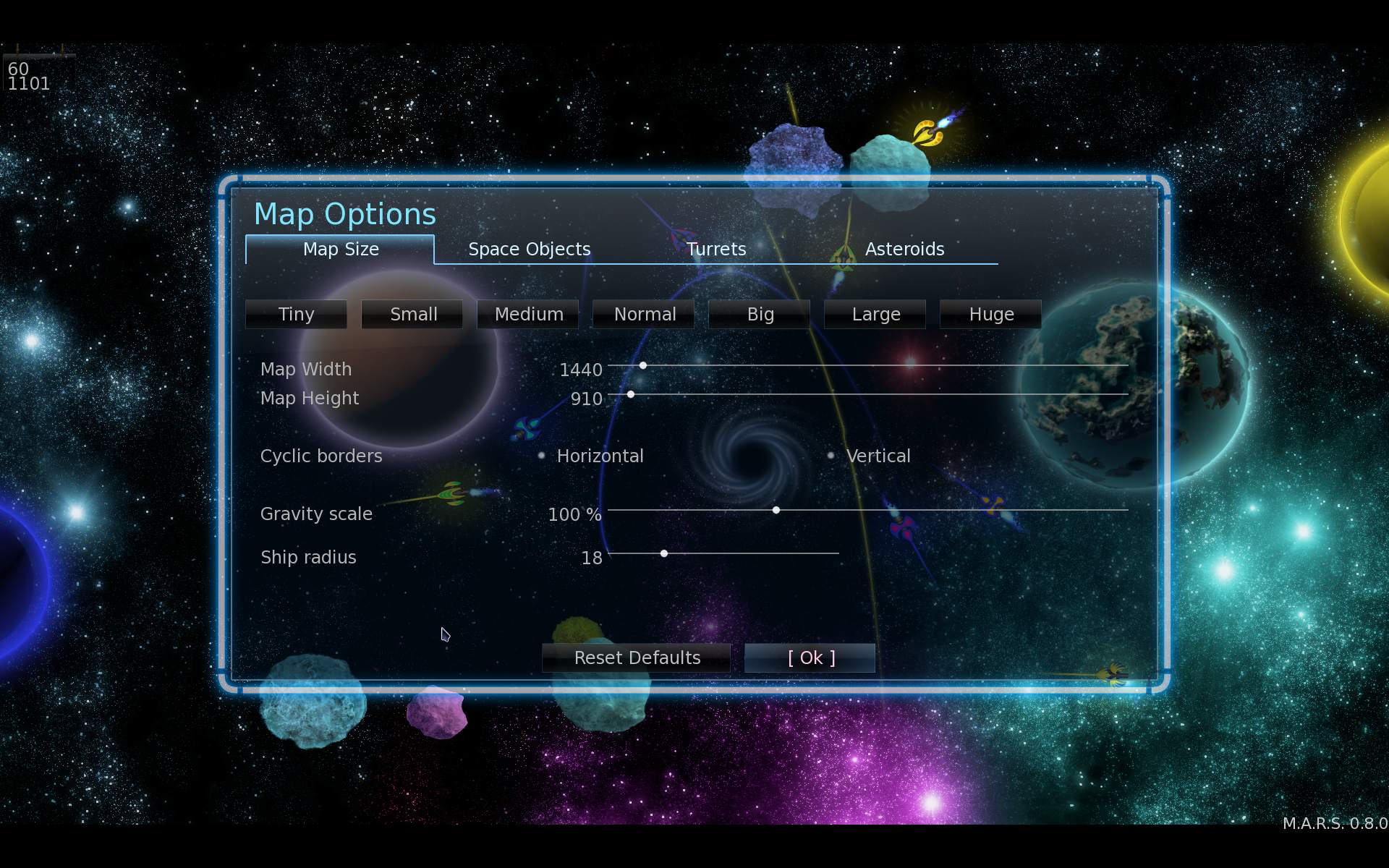
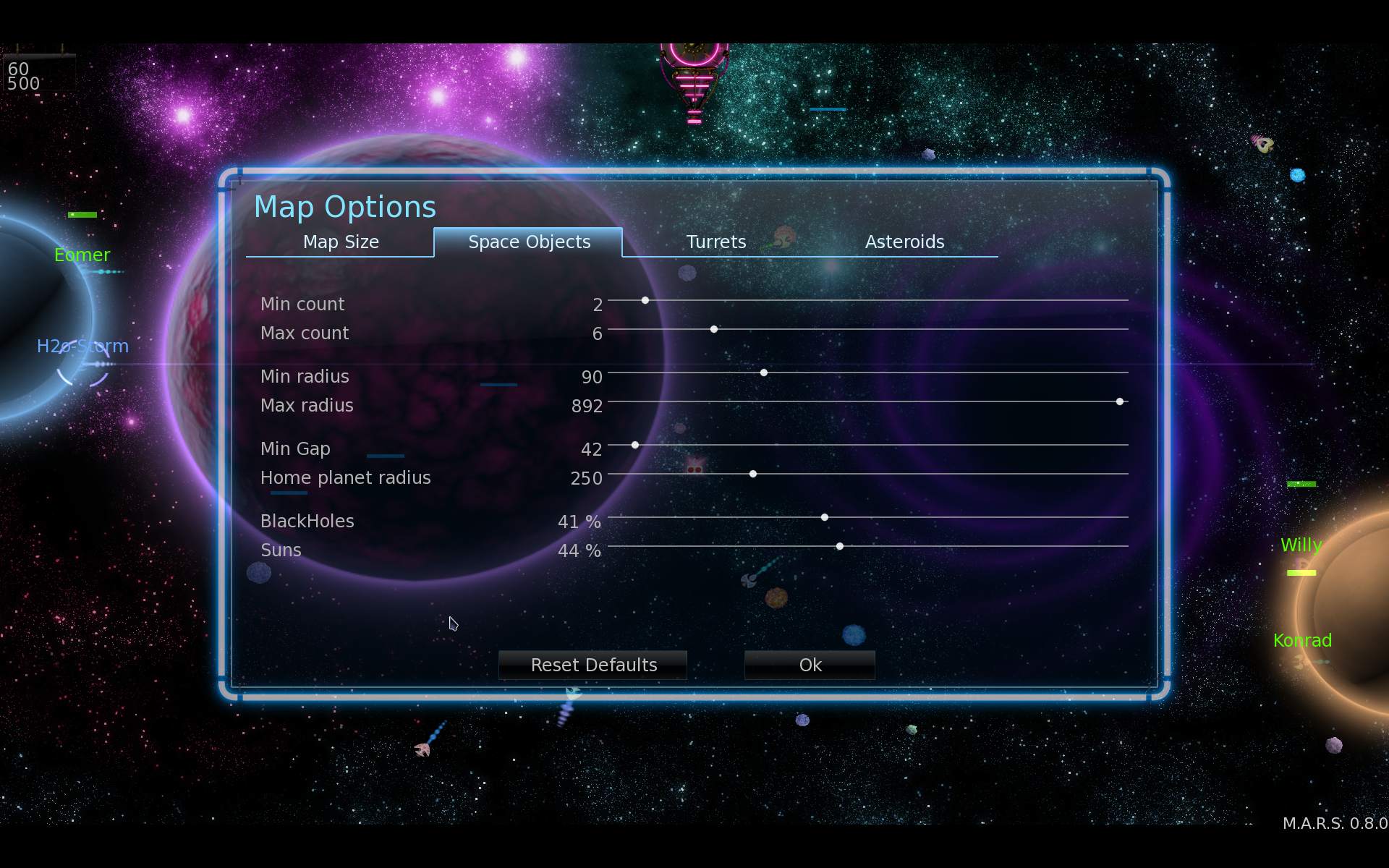
    While learning the source code I also discovered few unfinished things, and realized that maps could have different scale rather easily. Fortunately code was written well, so with my changes, bots (AI players) mostly still play well. By the way of adding scale and different map sizes, I added plenty of other options on GUI sliders, which were easy.

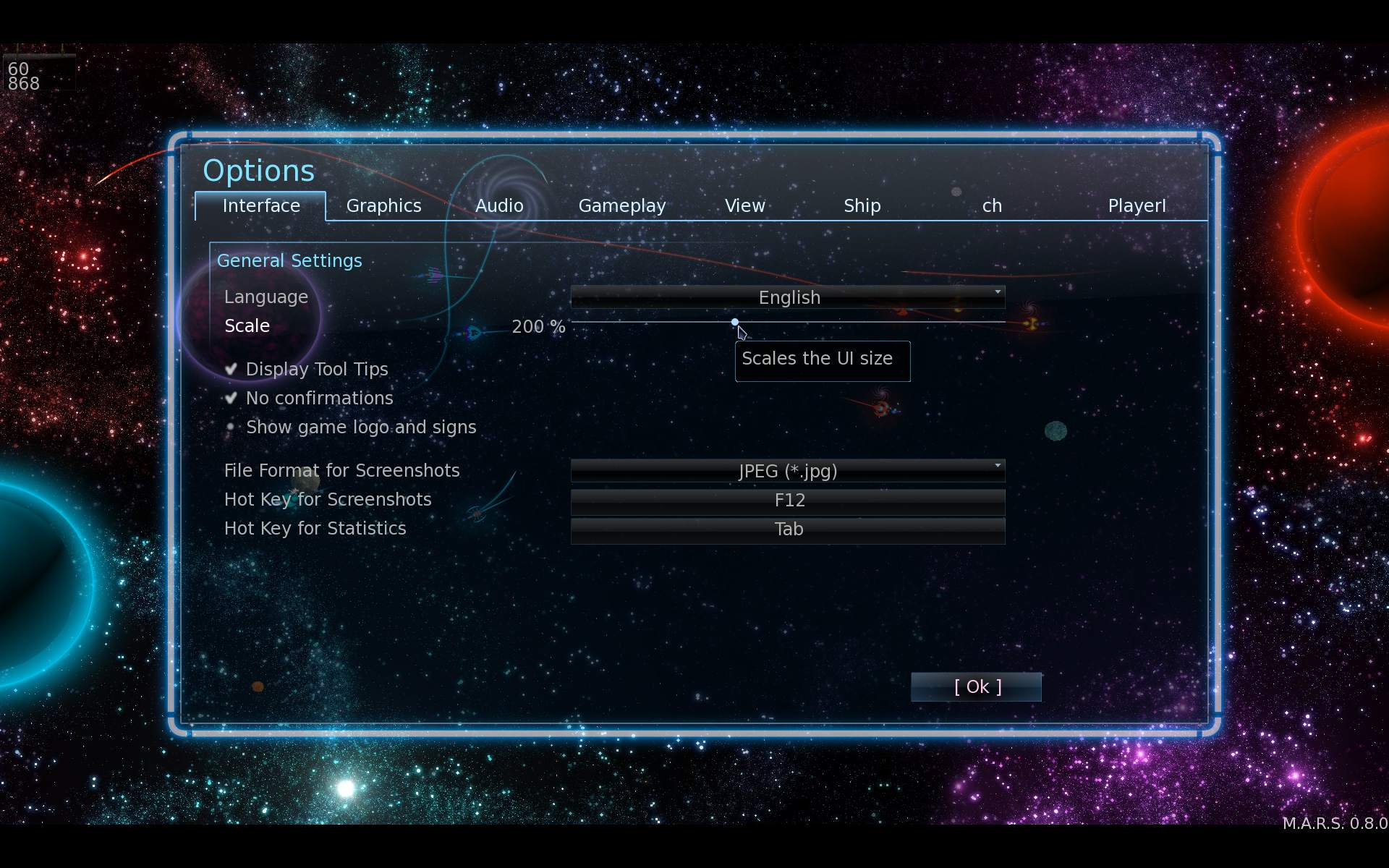
    By the way of developing I was also changing formatting, cleaning the code, making it somewhat easier to extend, in game settings and GUI layouts. I made GUI scalable (and fixed that one issue). It was one of those things that needed changes everywhere in GUI code and much testing after too. All because GUI wasn’t written like that from start.

    Probably the best thing in M.A.R.S. is its particle system, and the fact that each particle can be affected by gravity. It has its limits of course, I think on my PC game slows down (below 60 Fps) with above 60 k particles. It only has sphere collision shapes. Maybe it could be parallelized on CPU. But after seeing collision code, I don’t think for GPU, it has to many conditions etc. It would also be difficult to improve, and maybe even not needed. It looks good and detailed already. Still, a recent, well made GPU particles system can handle million(s) of particles. I’m almost sure using Box2D library for collisions would give much worse performance (on CPU), but it would make it easy to have different collision shapes.

    ➡️Conclusions

    M.A.R.S. is a small but very fun driven game. But I guess it’s likely old and not popular. I think I made it even more fun, by adding new game features and more options for maps etc, making it playable for longer. Surely I have more things for it in my ToDo, which I may even not start implementing, well it’s called “to do” for a reason.

    I also recommend M.A.R.S. as a cool C++ project, rather small and not too difficult. It should be okay for beginners, to tinker, change, learn and practice while having fun. In my fork with my changes IMO code looks more readable and recent now. After all M.A.R.S. was originally made in 2010-11, and C++ syntax has improved a lot since then. Well at least it was and still is for me a great way of learning programming, in (FOSS) games. Of course learning from tutorials, books is more efficient and doing own projects. But at some point everyone has to learn from code written by others and be able to deal with that.

    🖼️Gallery

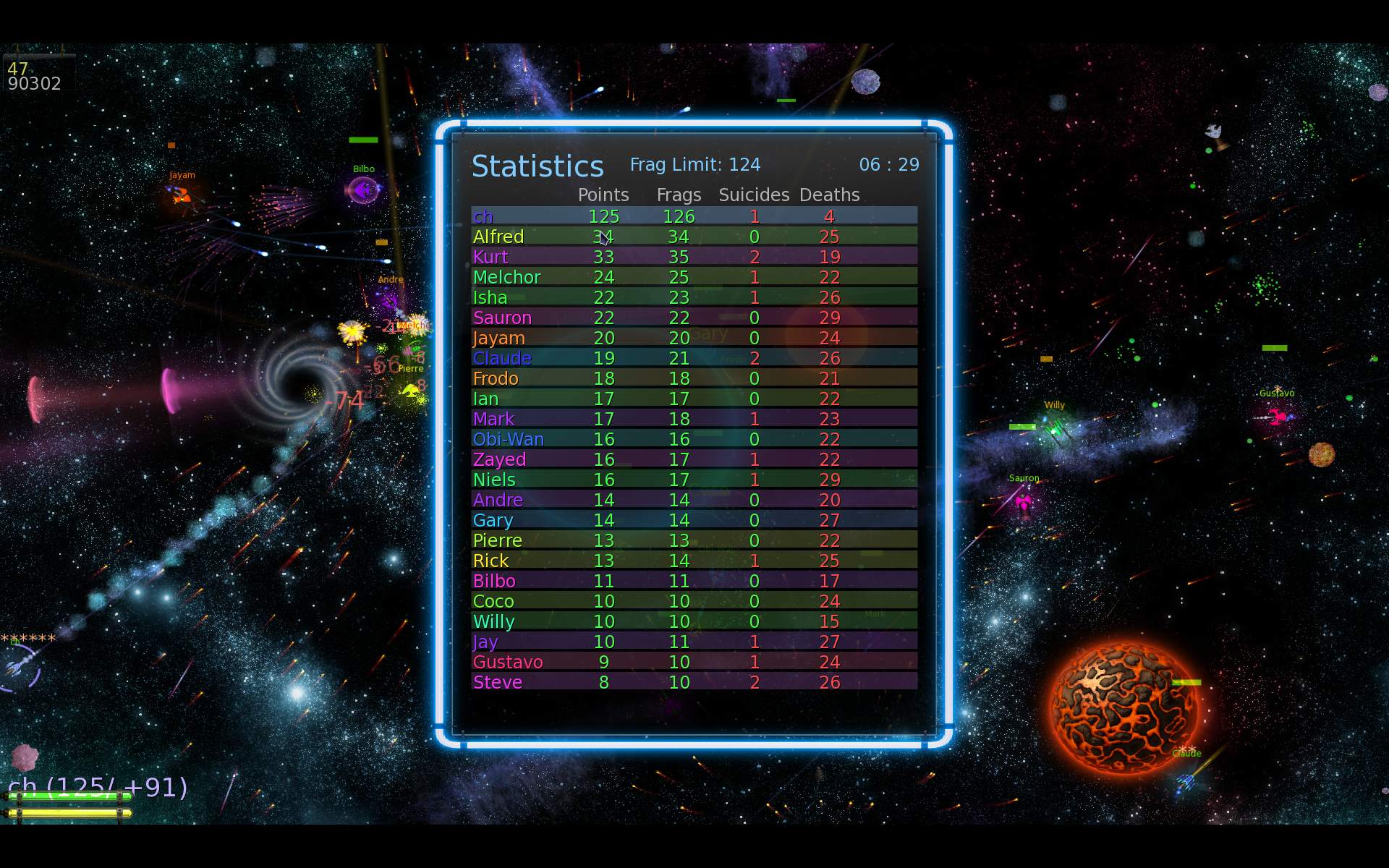
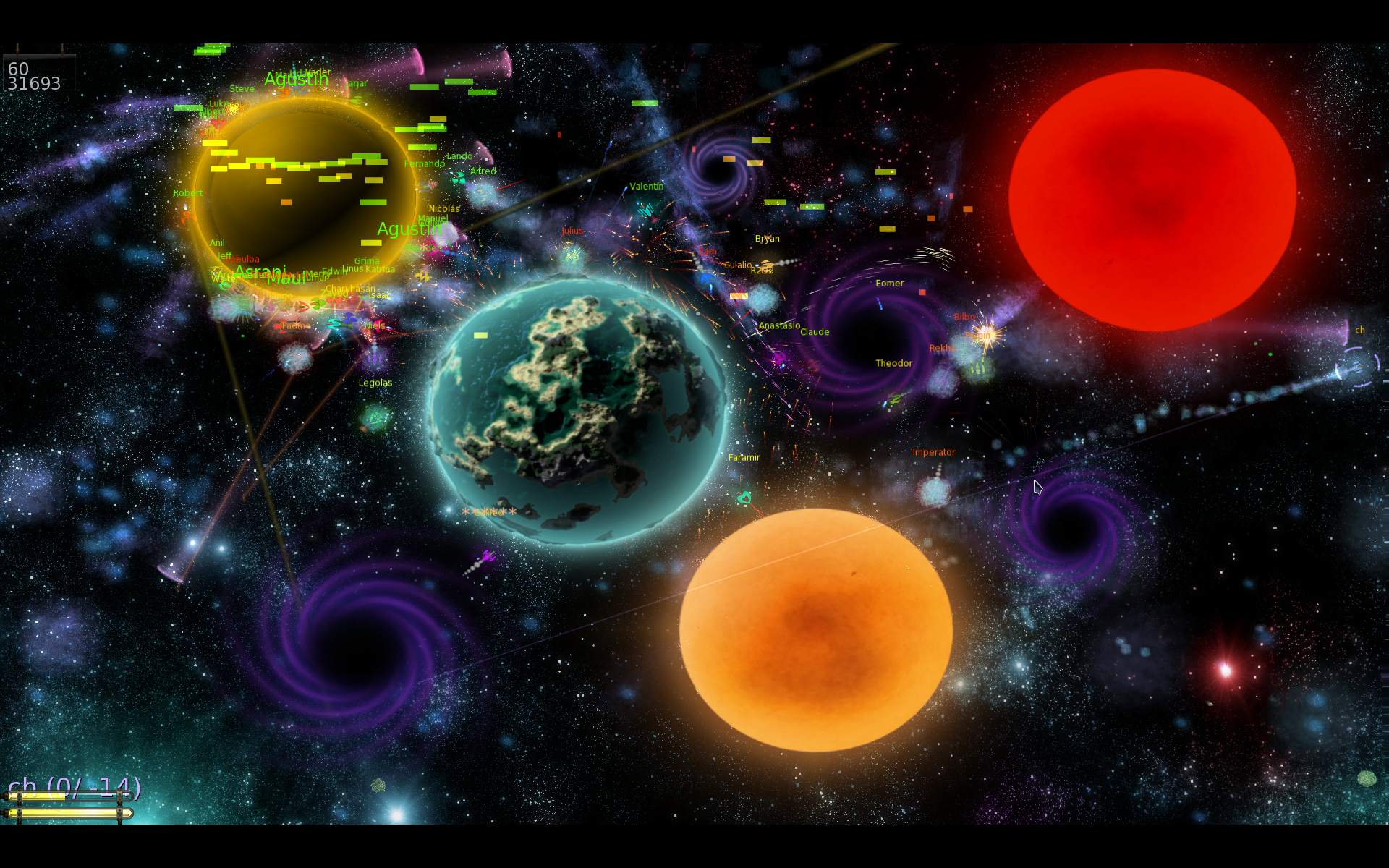
    Screenshots from game, grouped with some info in filenames:
    (showing newly added weapon, map or game option, etc.)
  • 2025 CaveExpress fork

    2025 CaveExpress fork

    ⏱️Overview

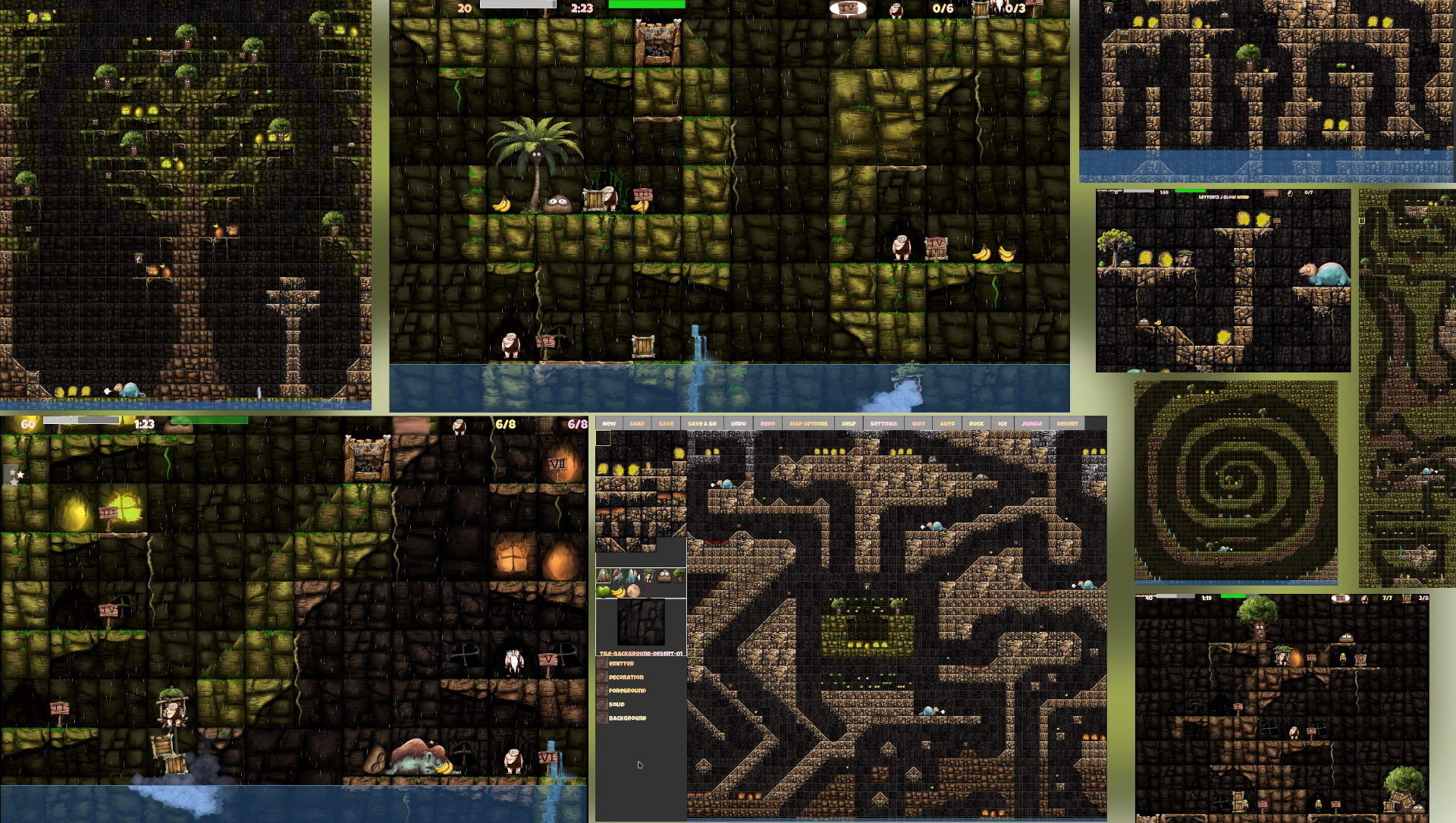
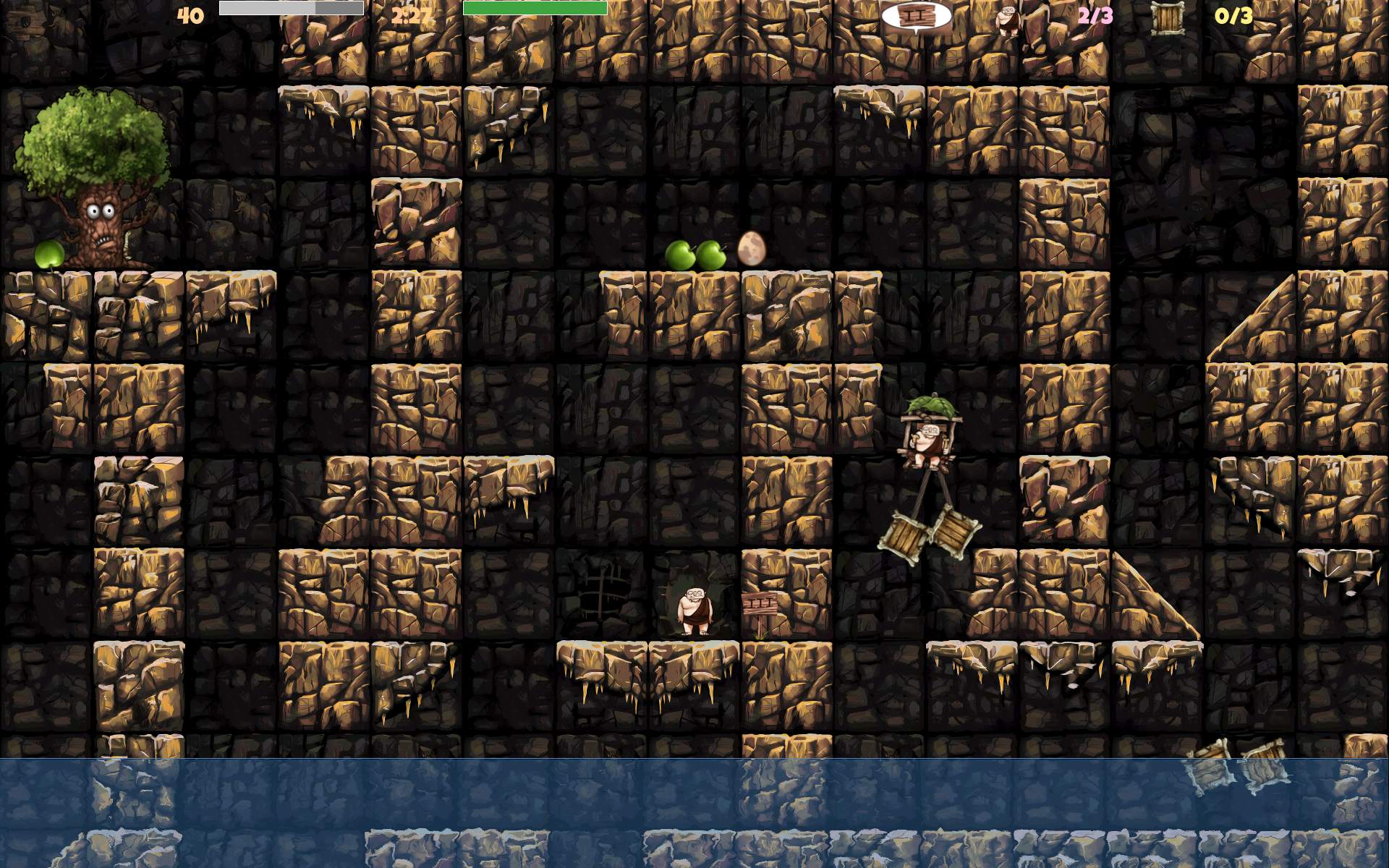
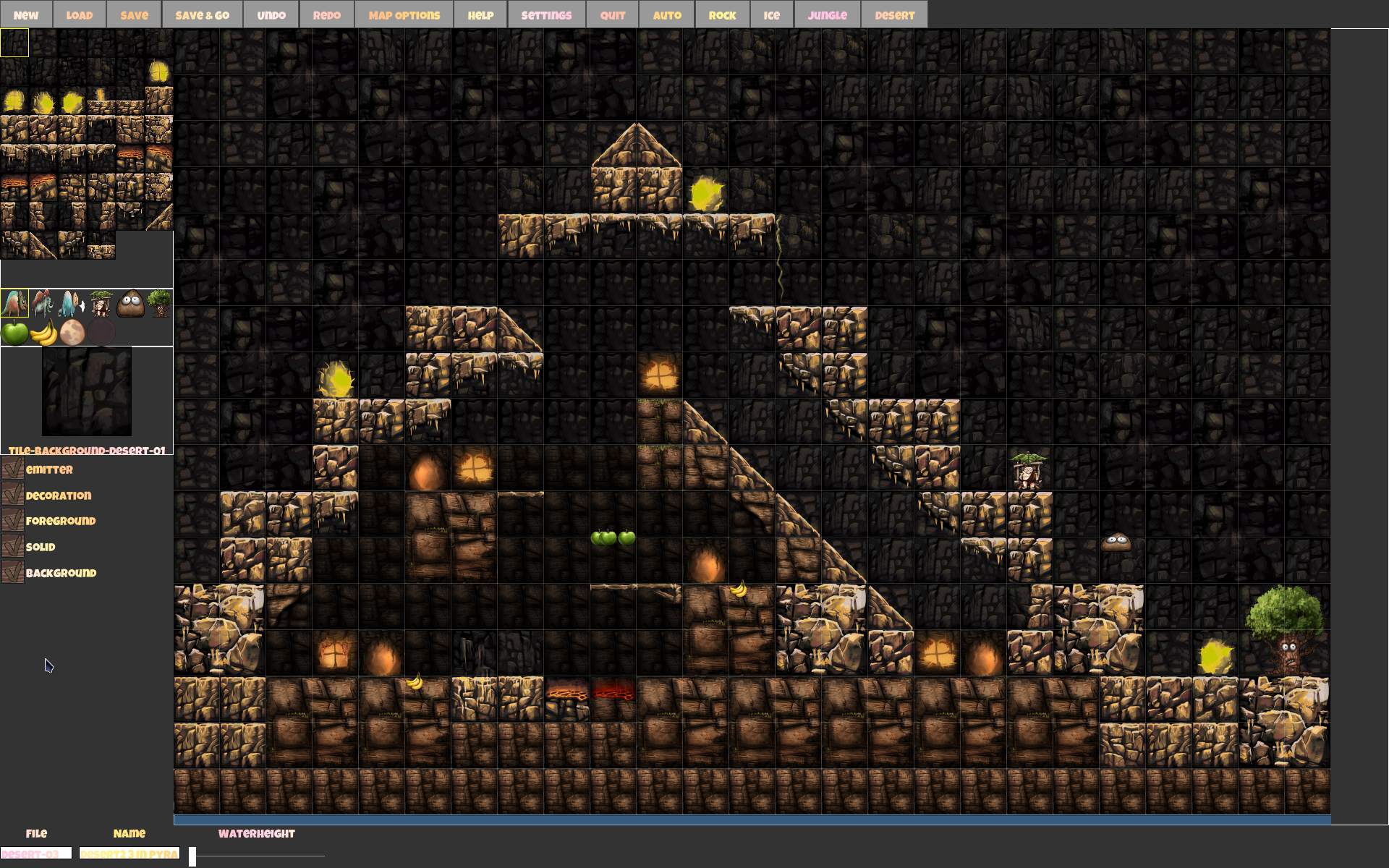
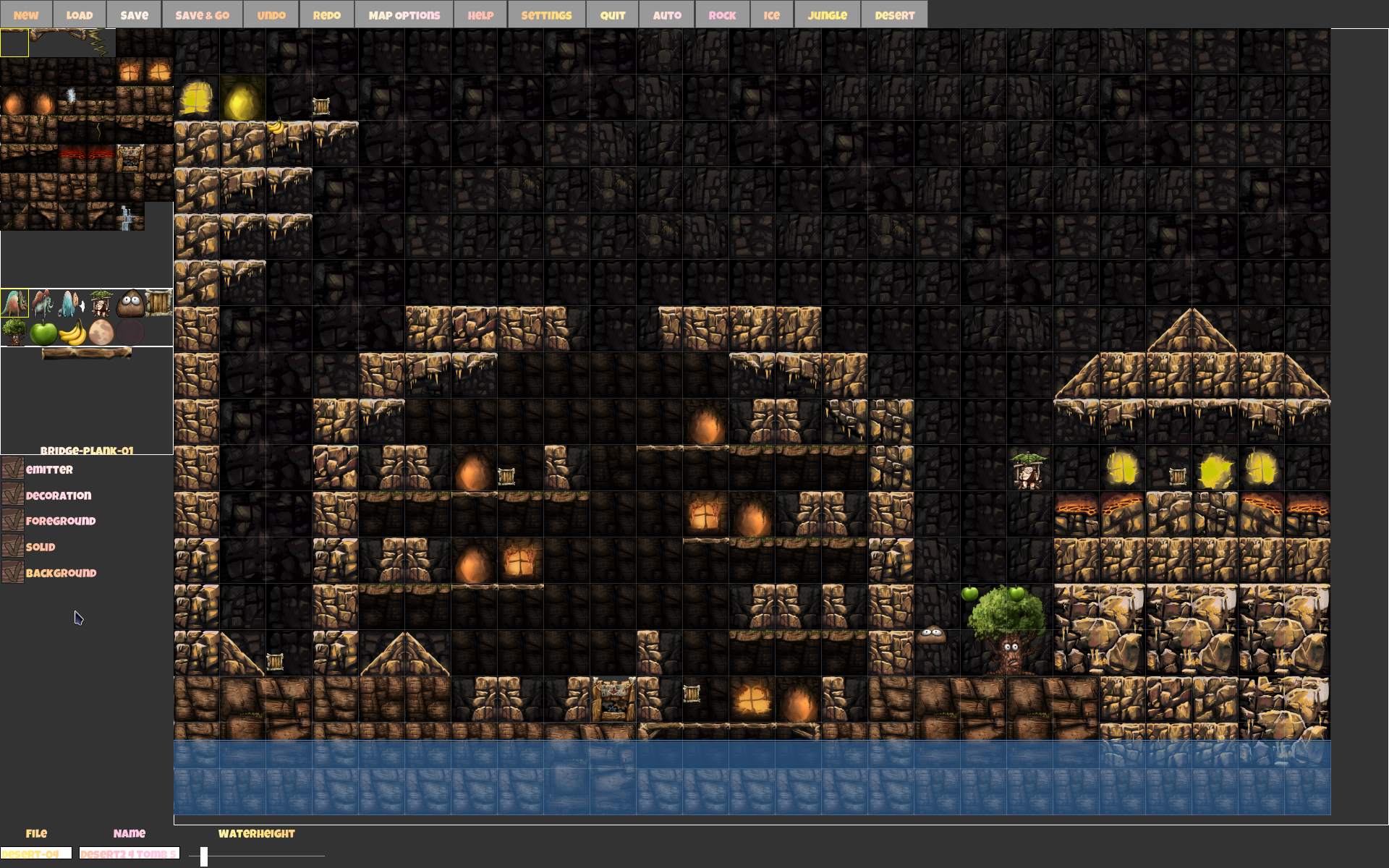
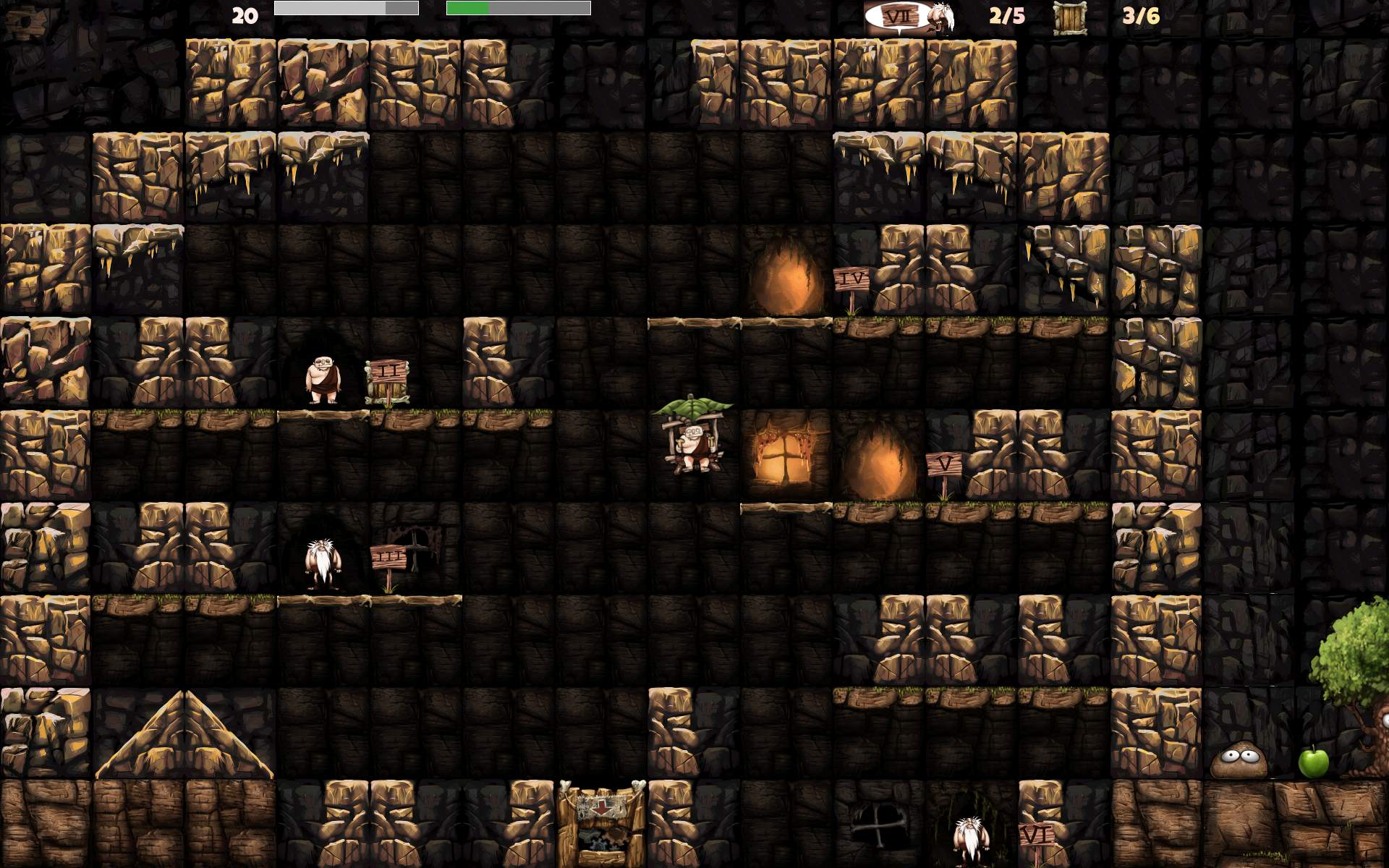
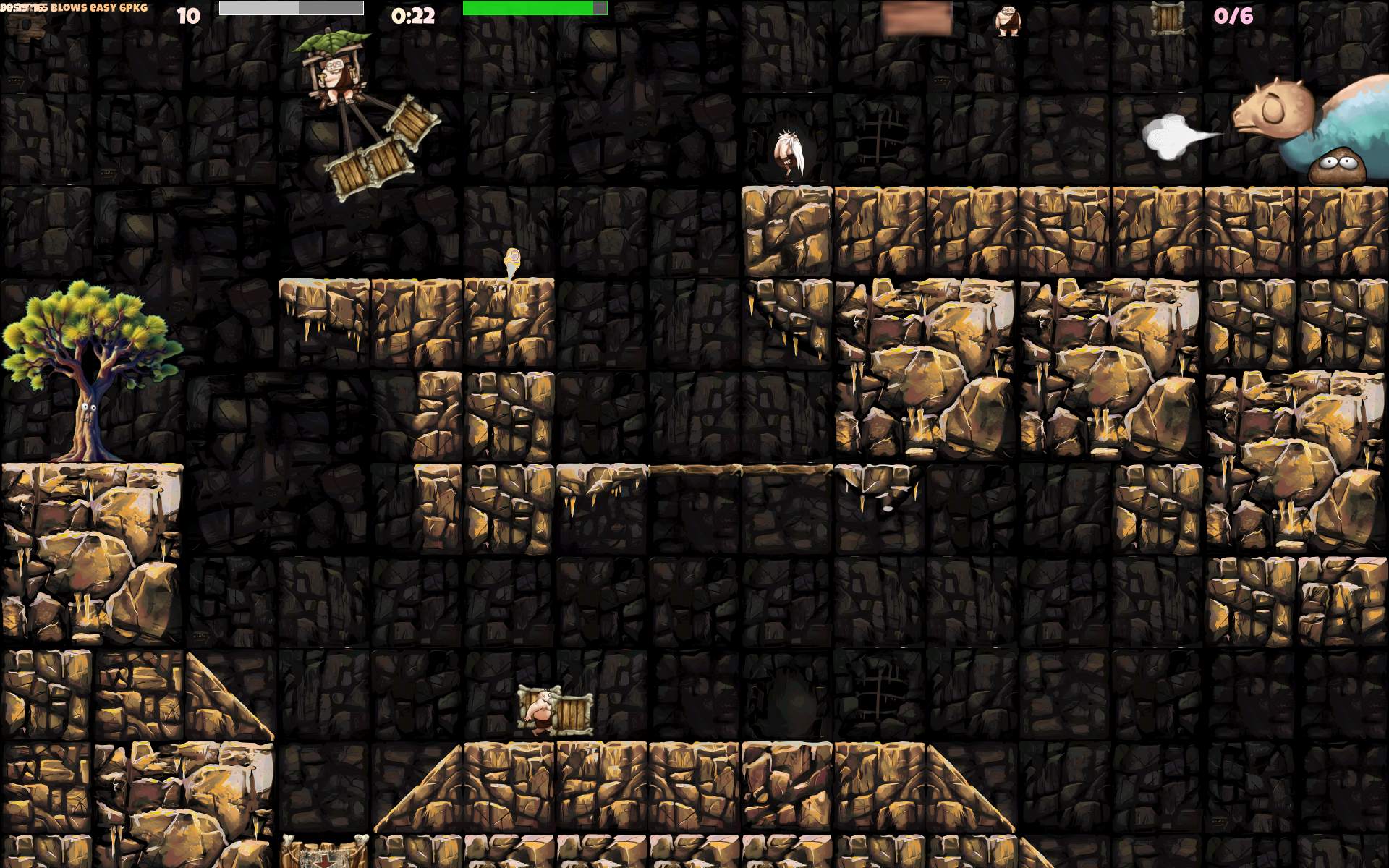
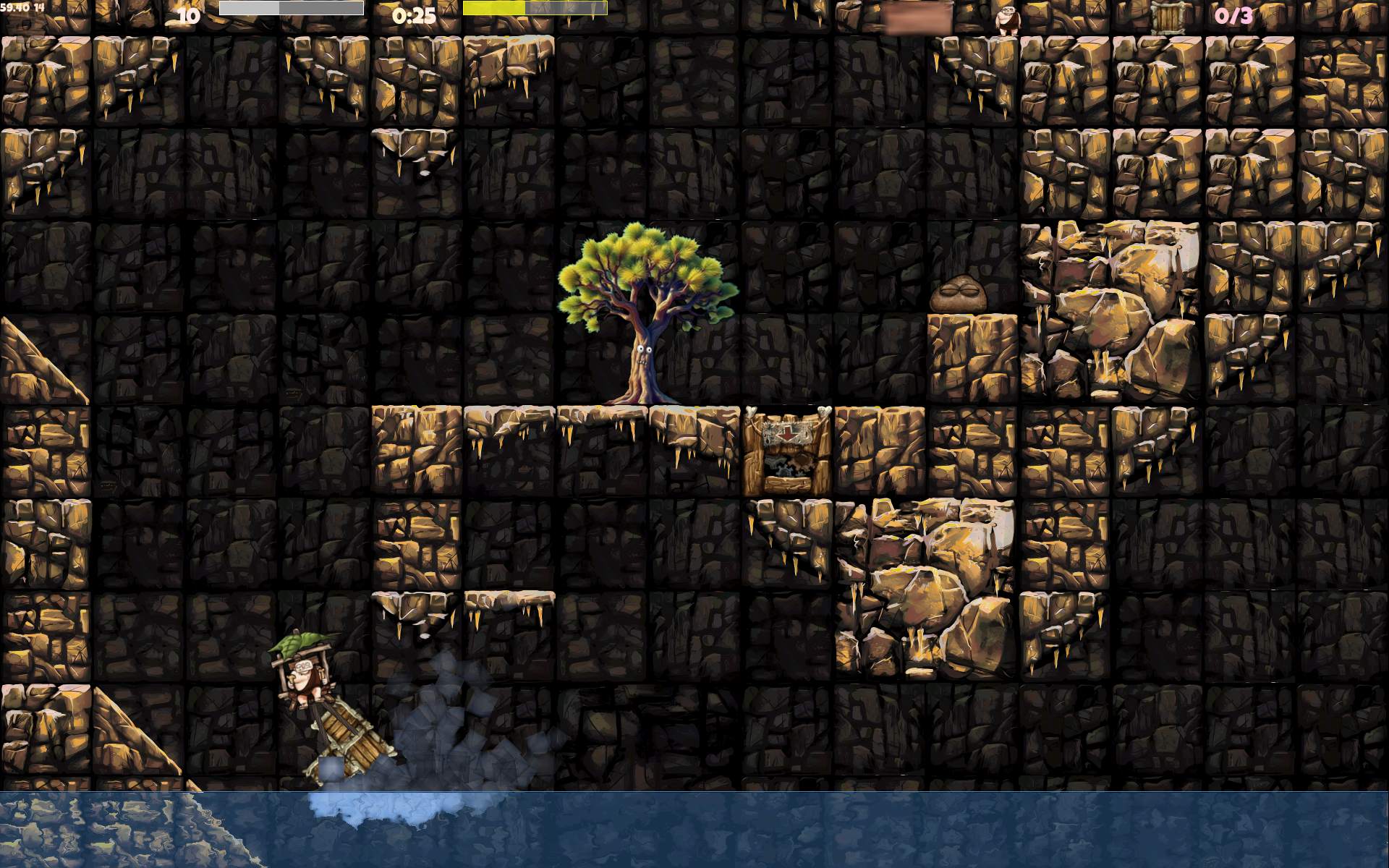
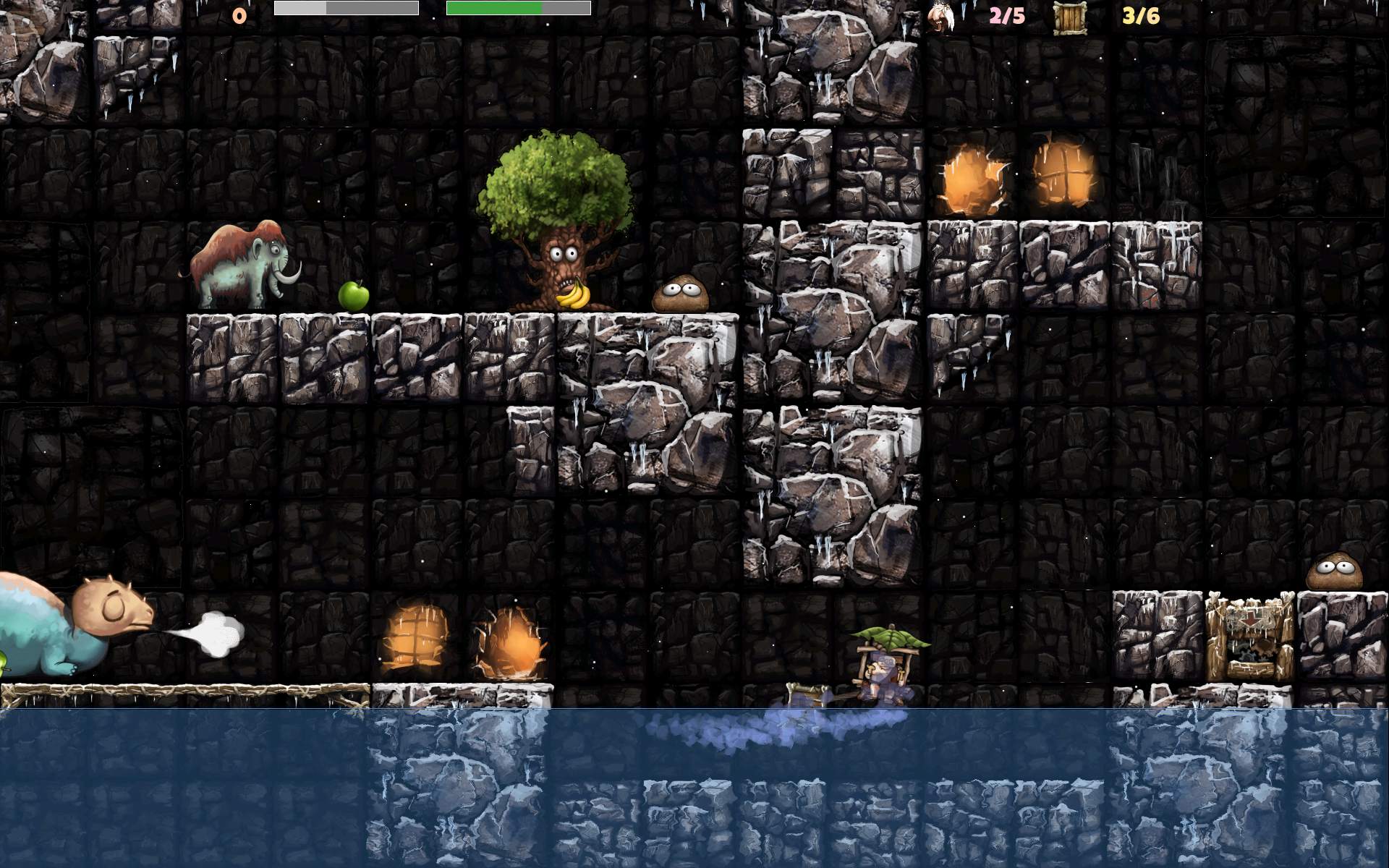
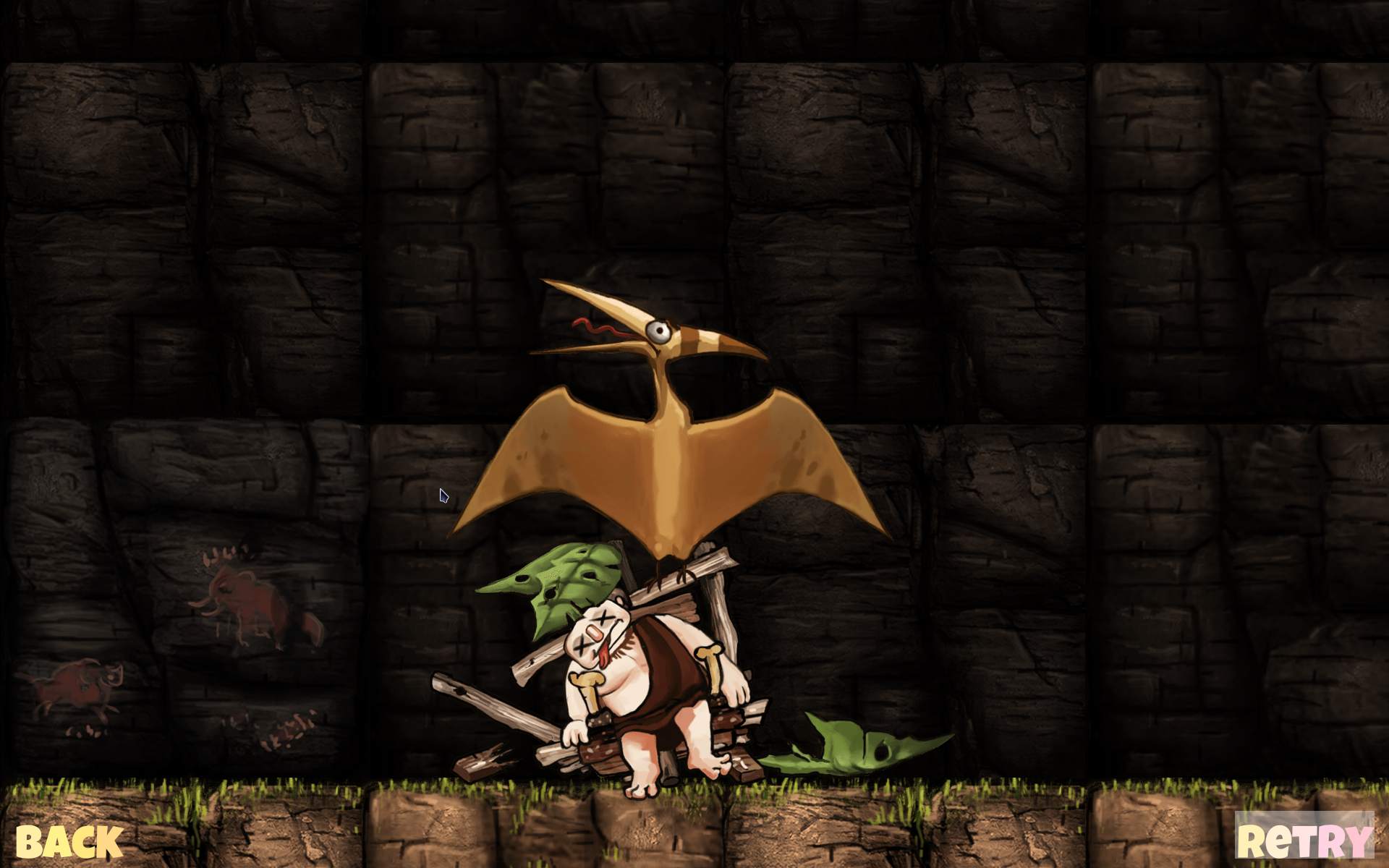
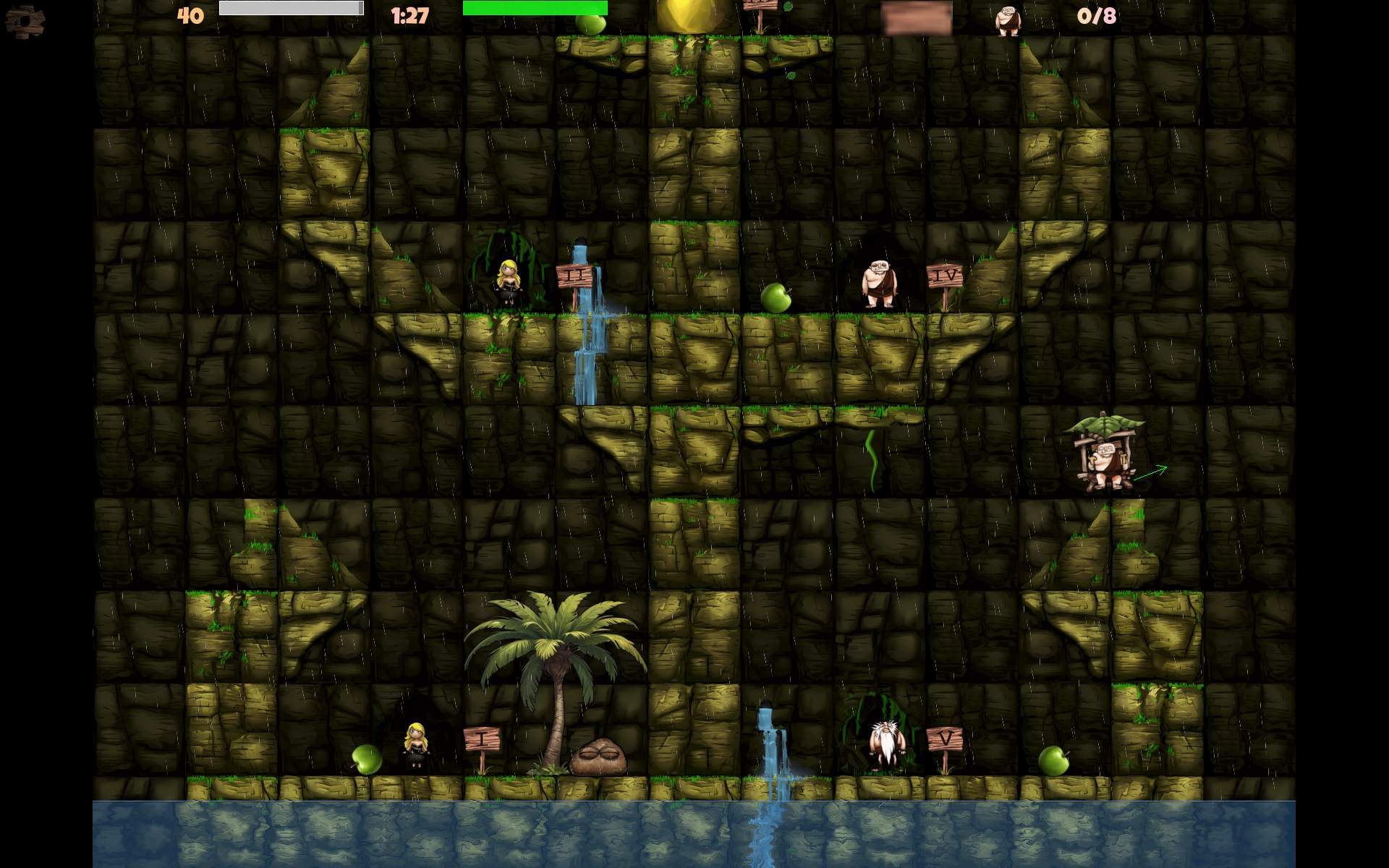
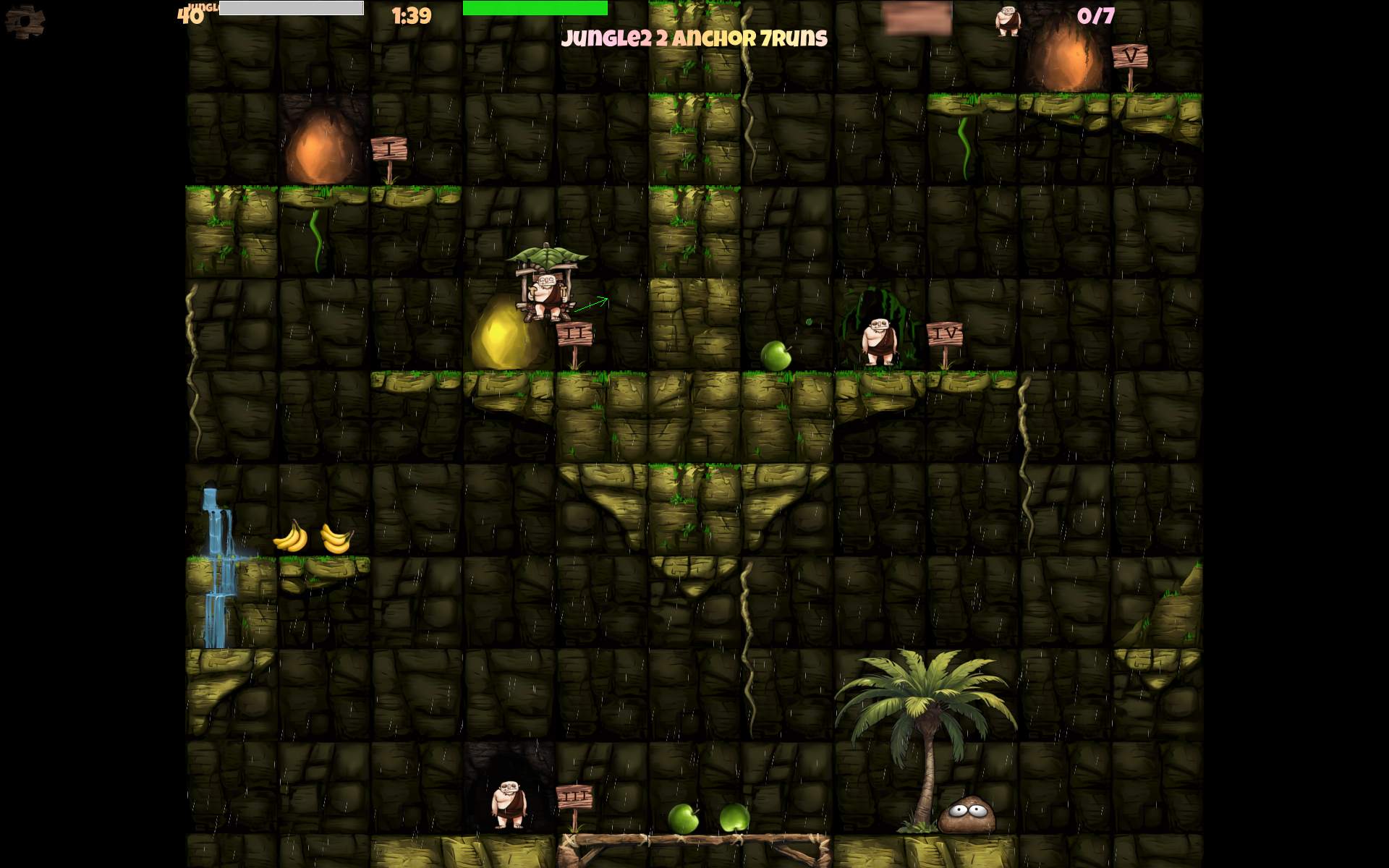
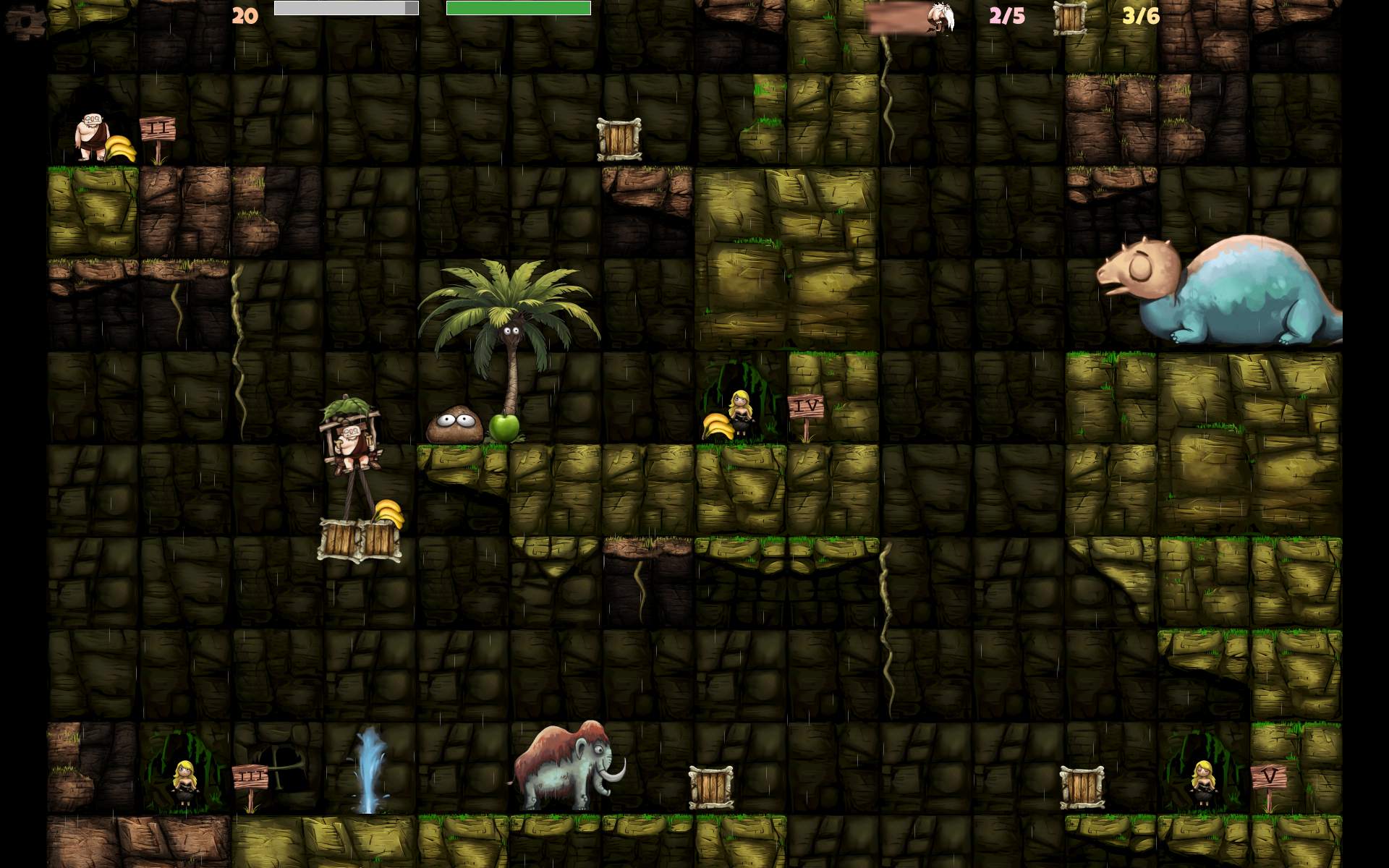
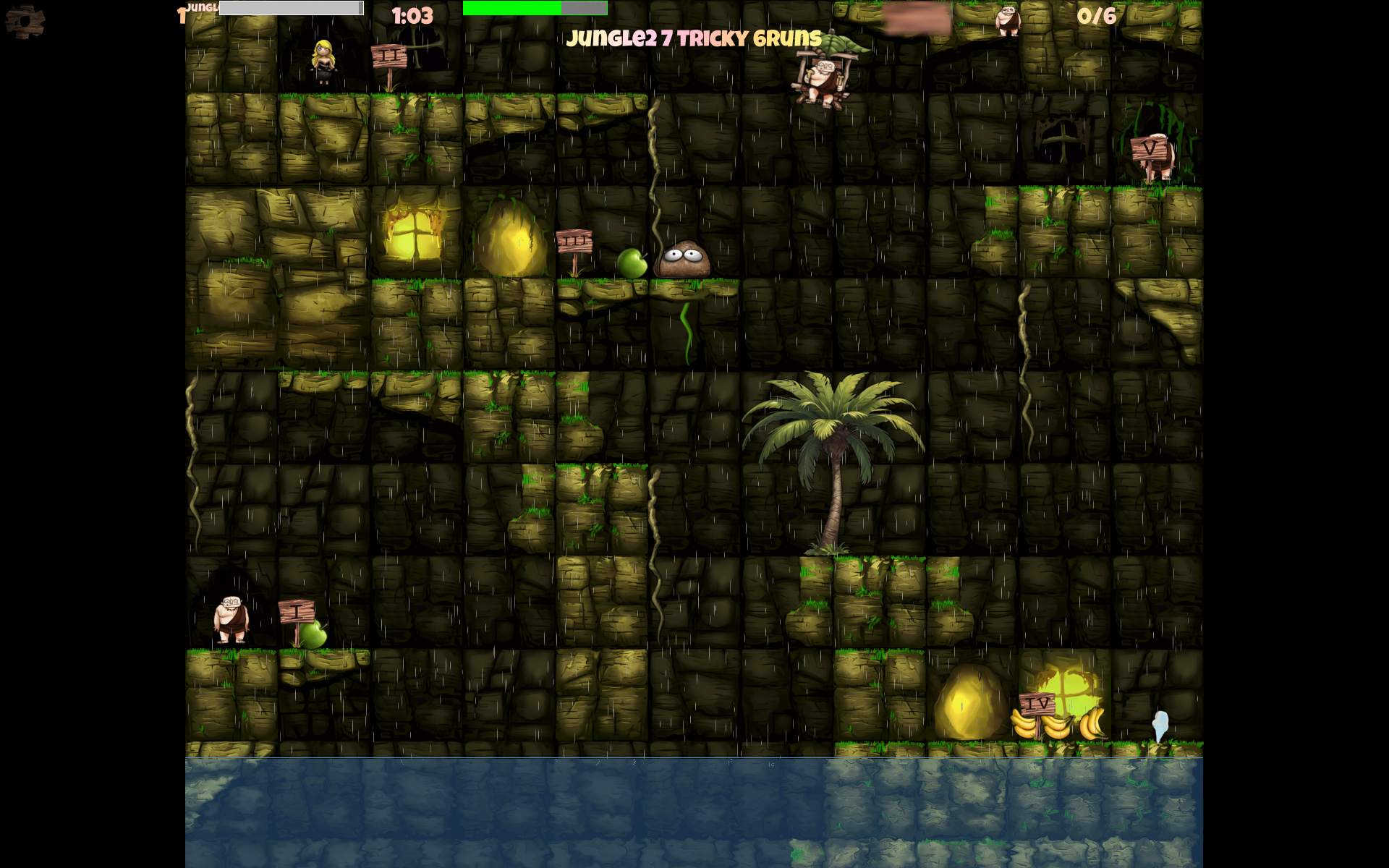
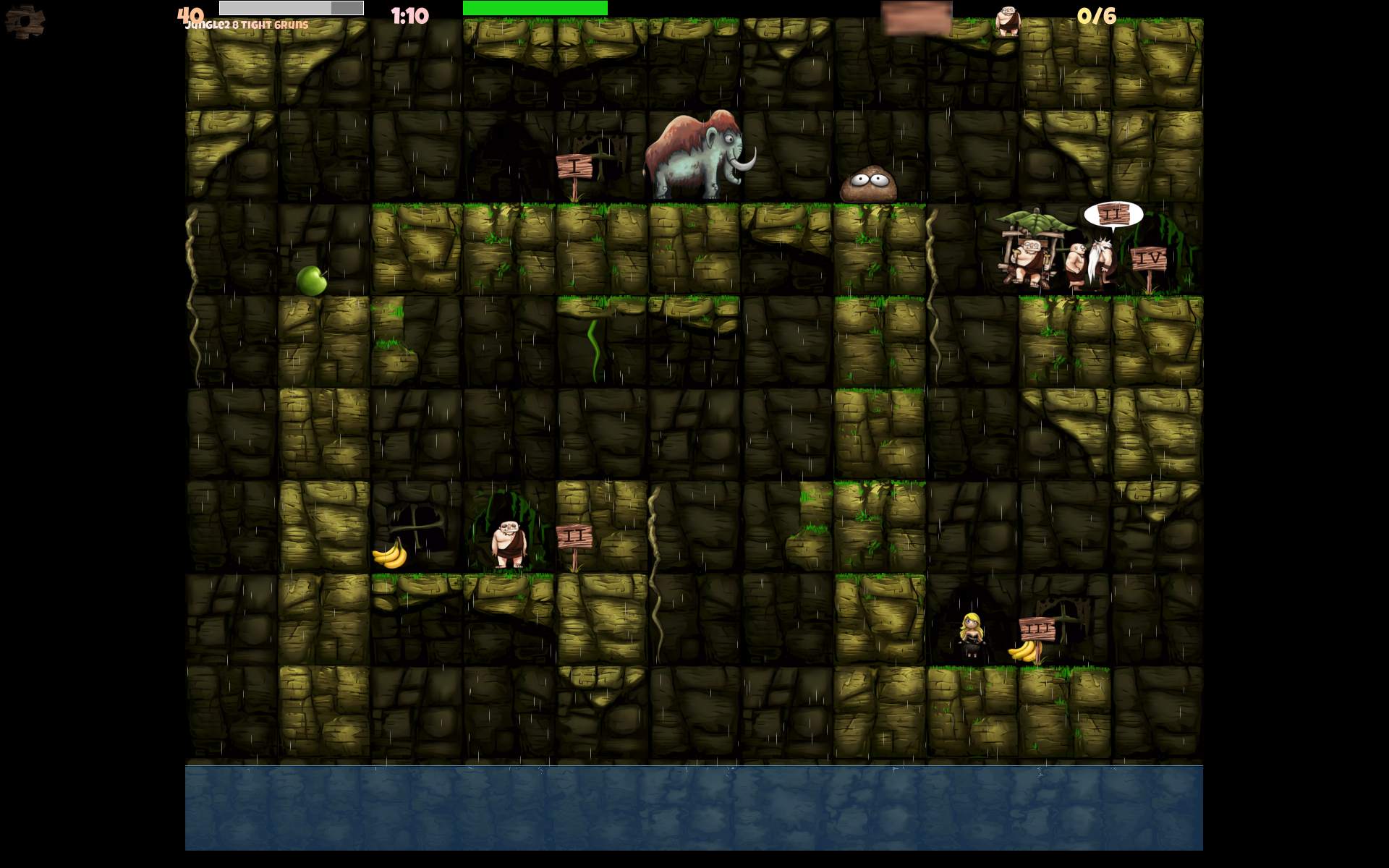
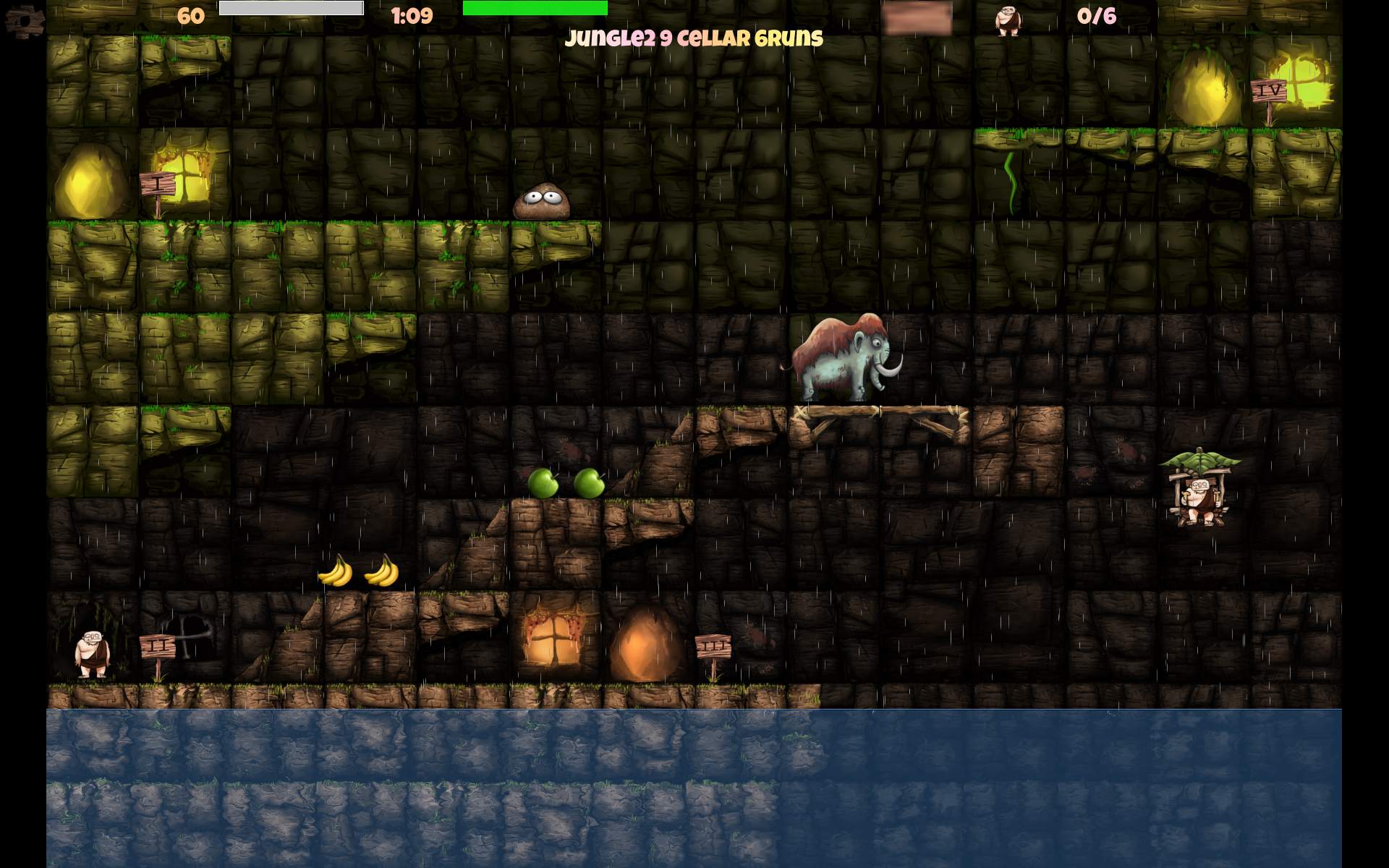
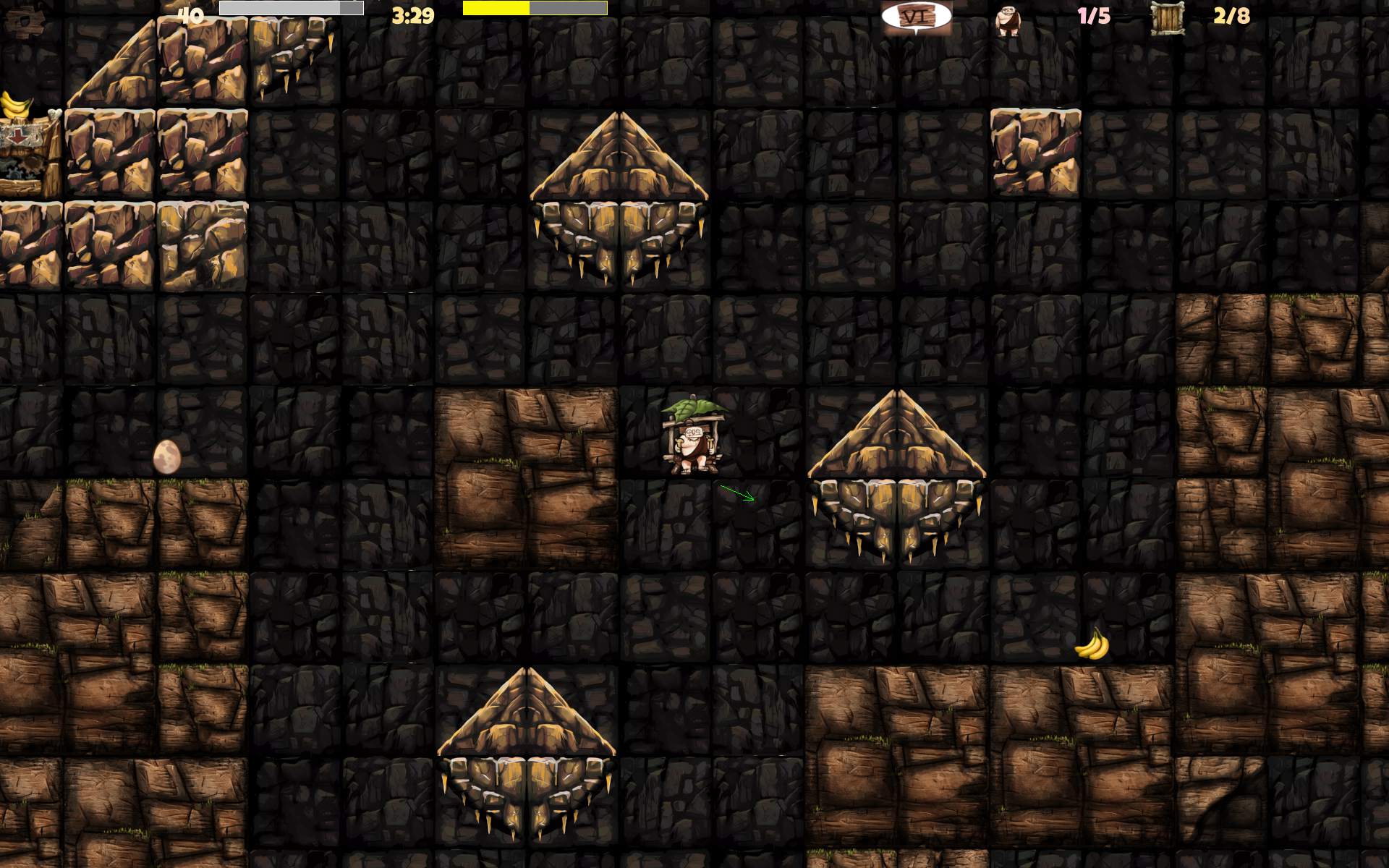
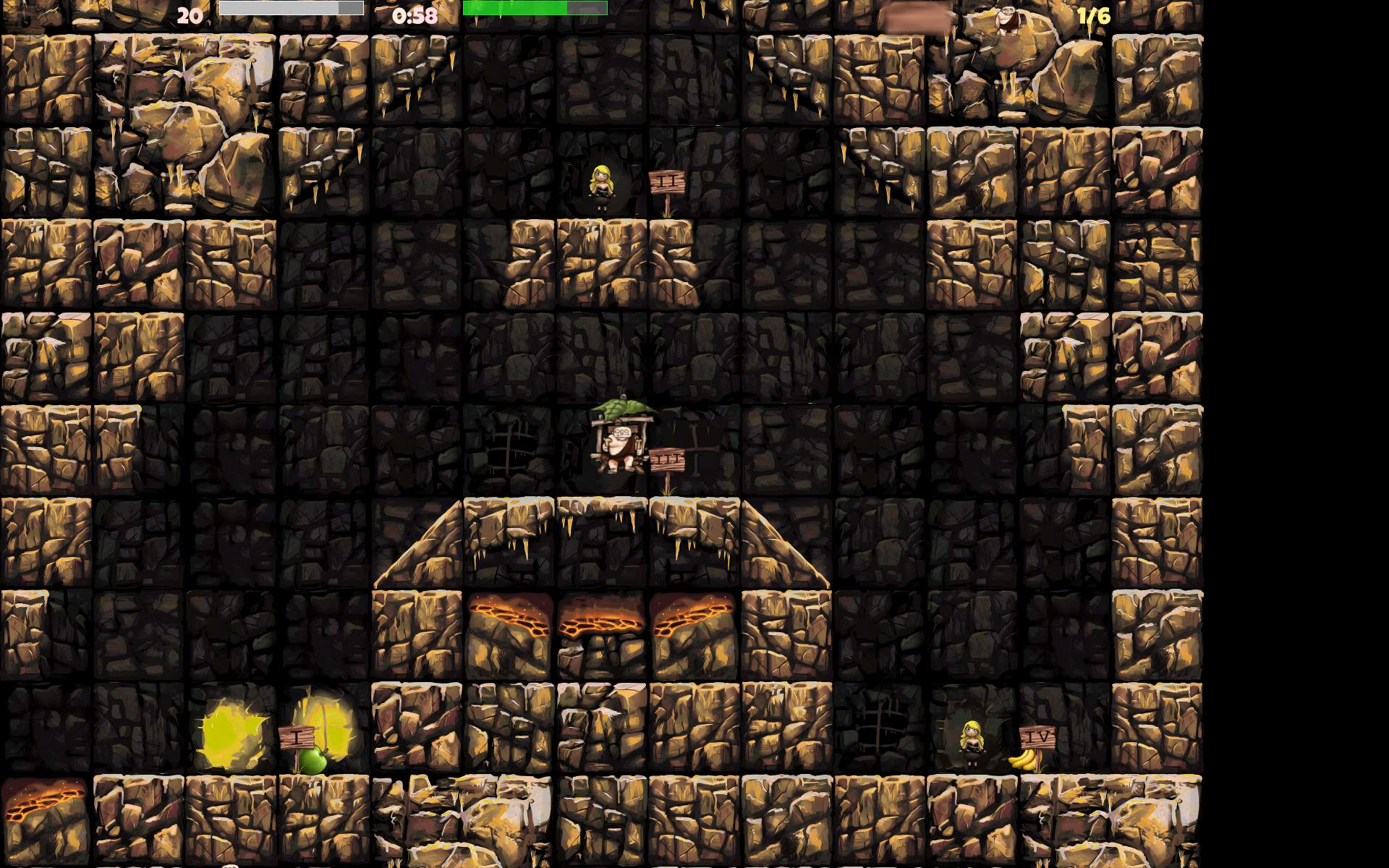
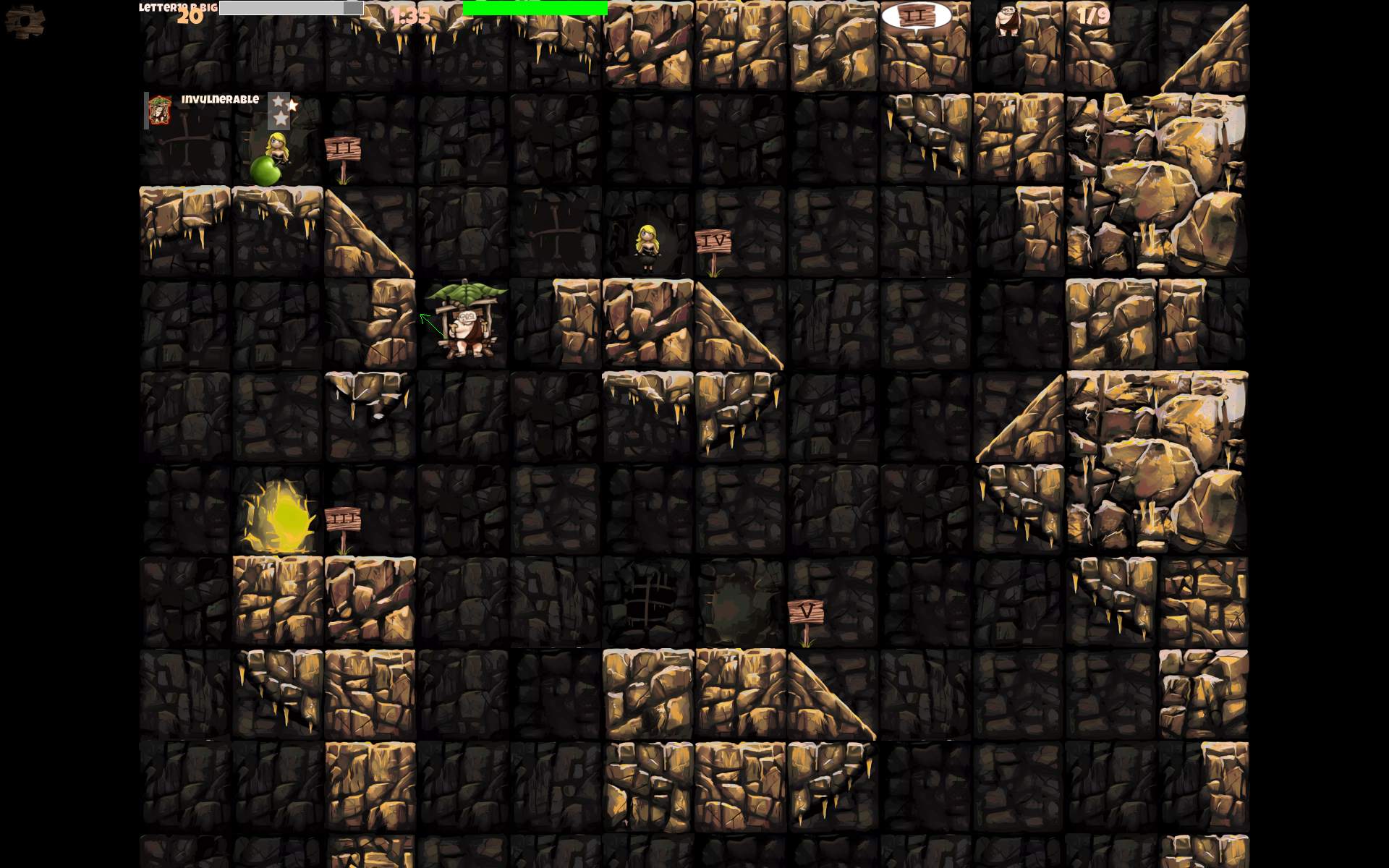
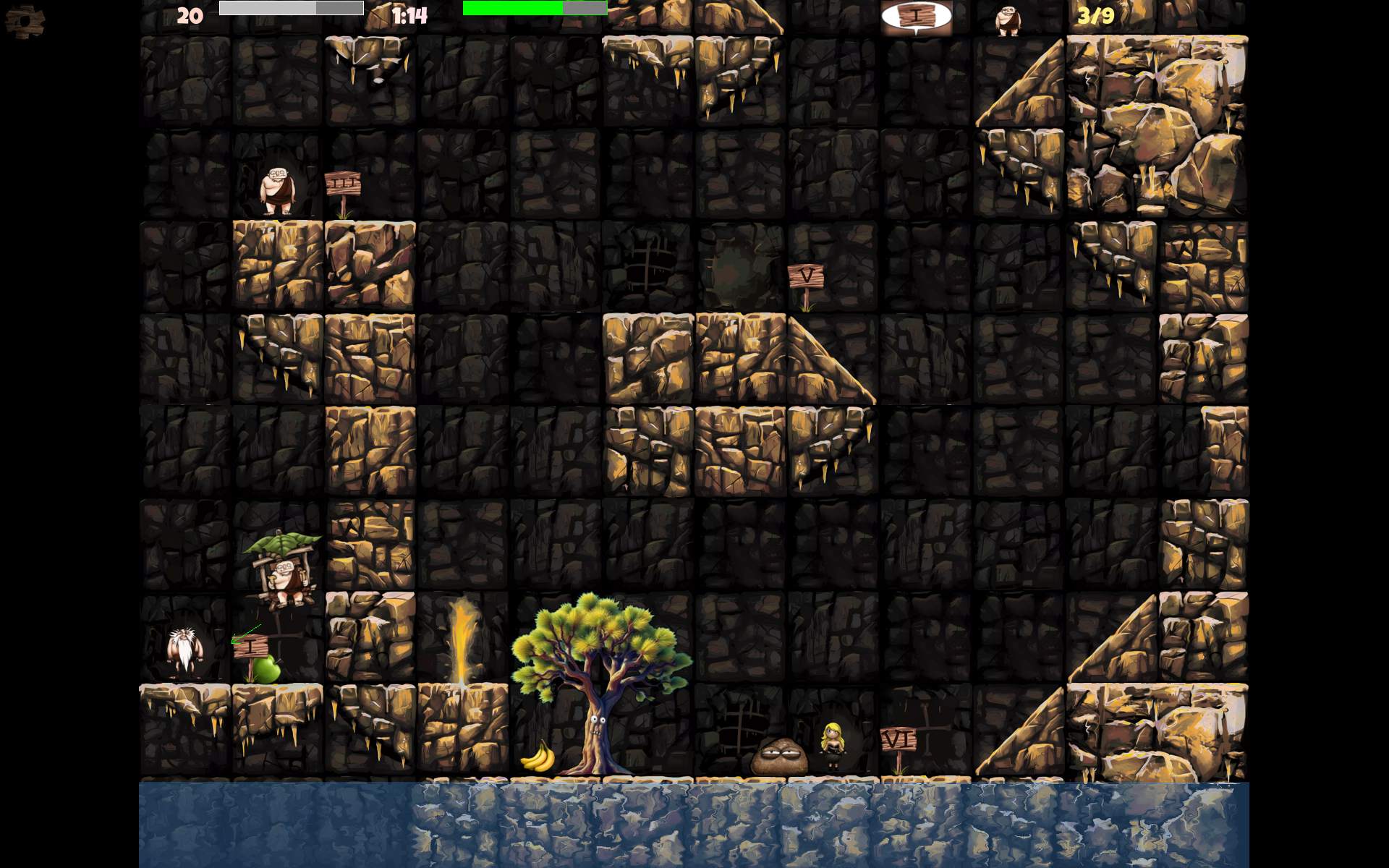
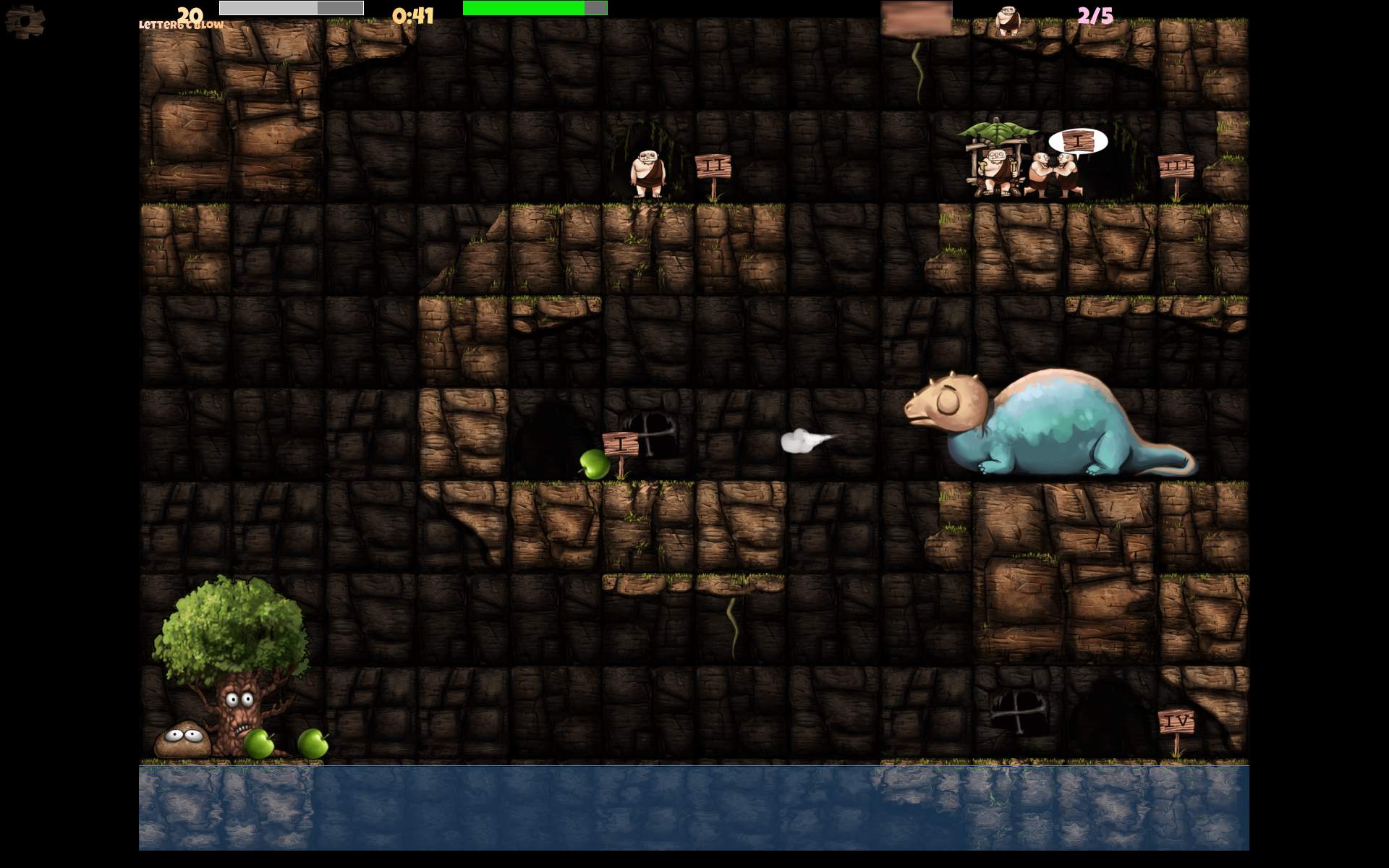
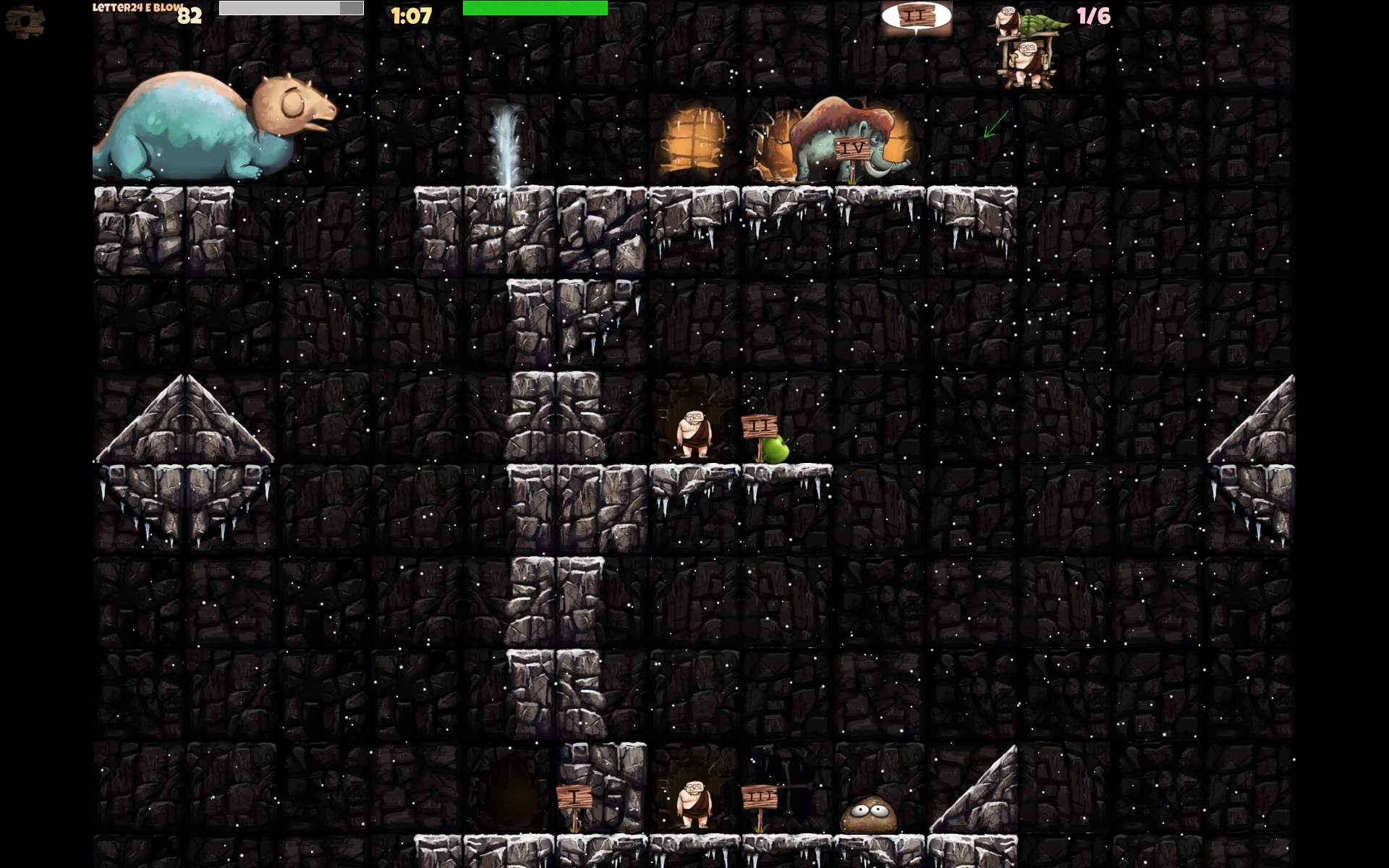
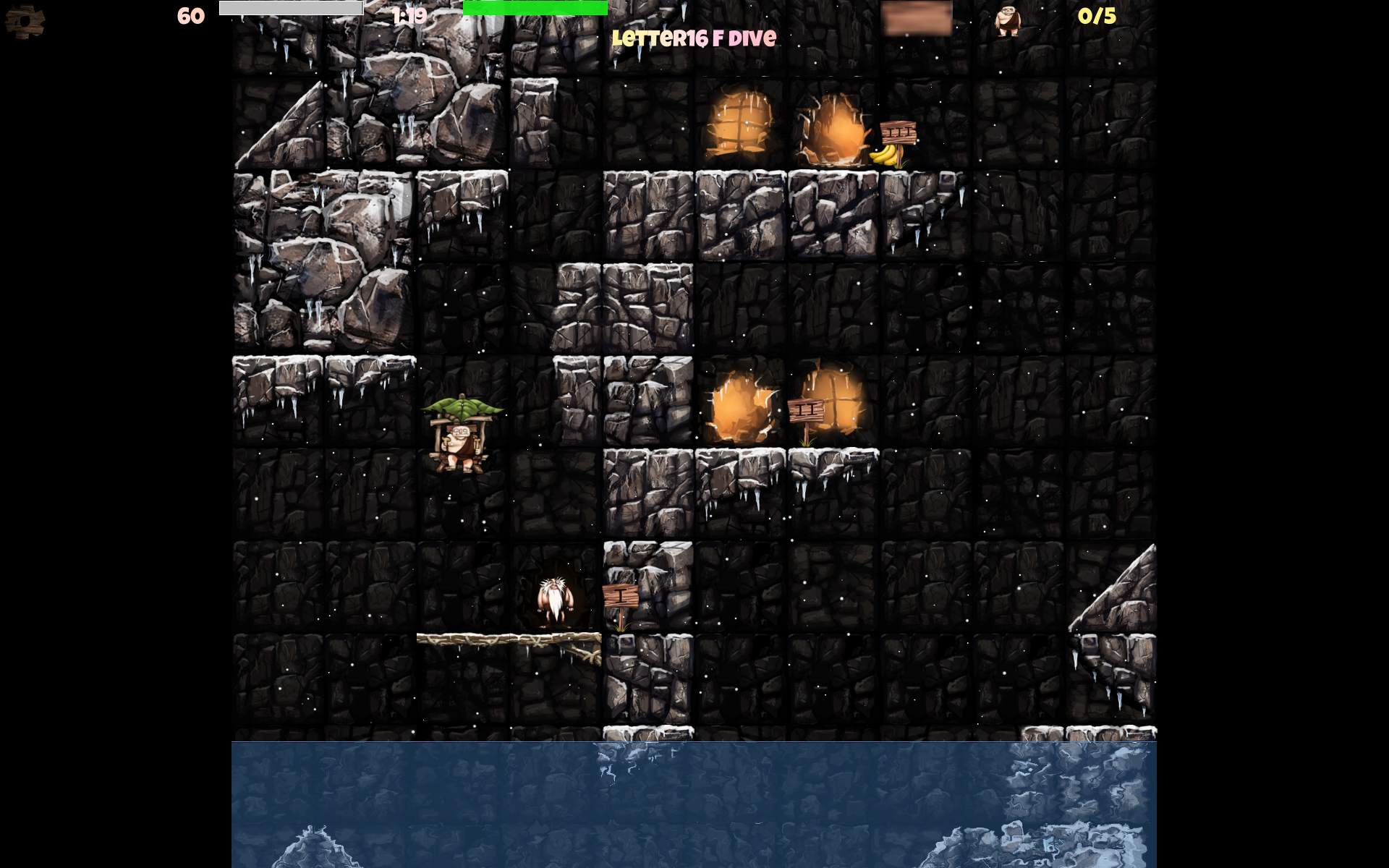
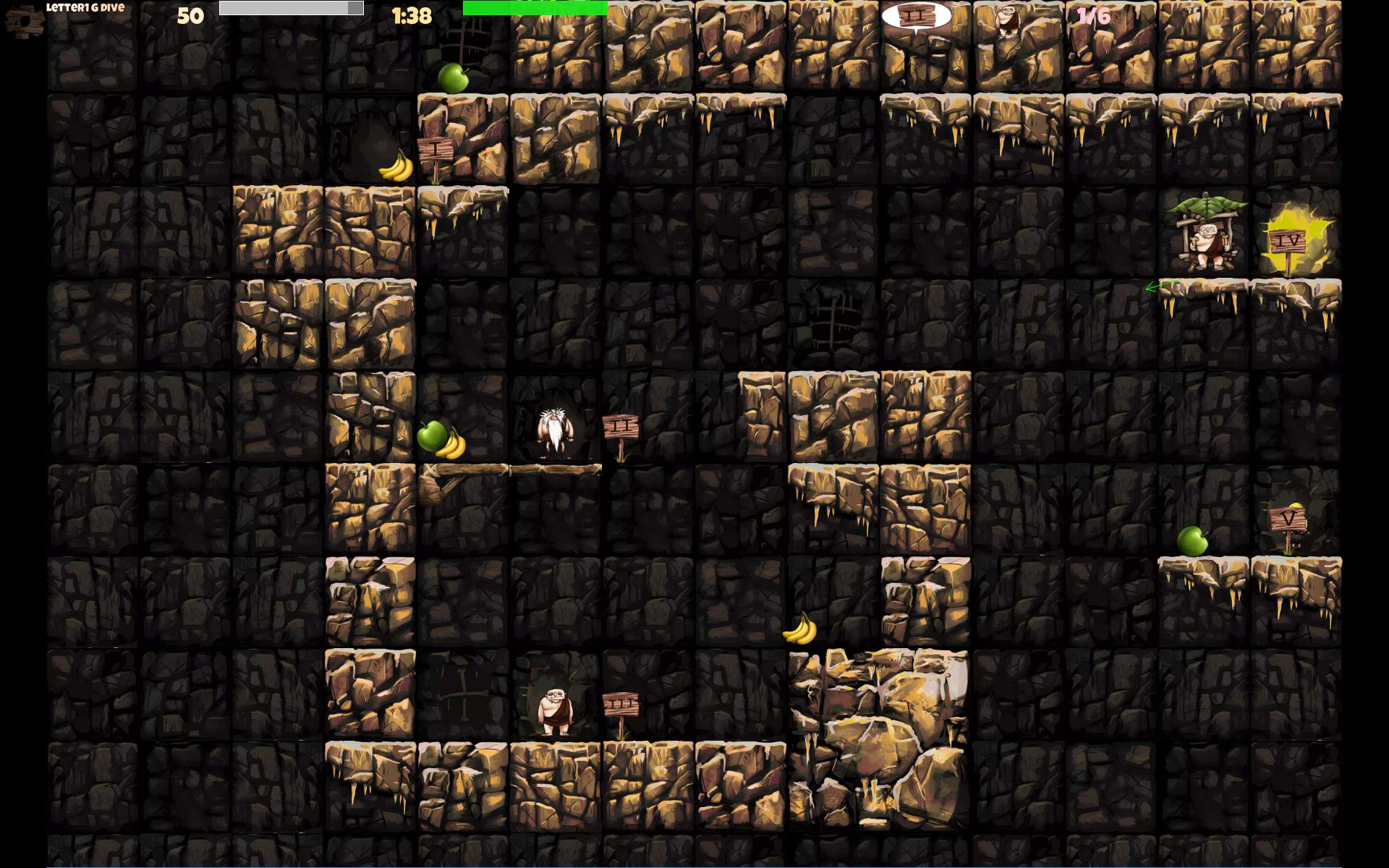
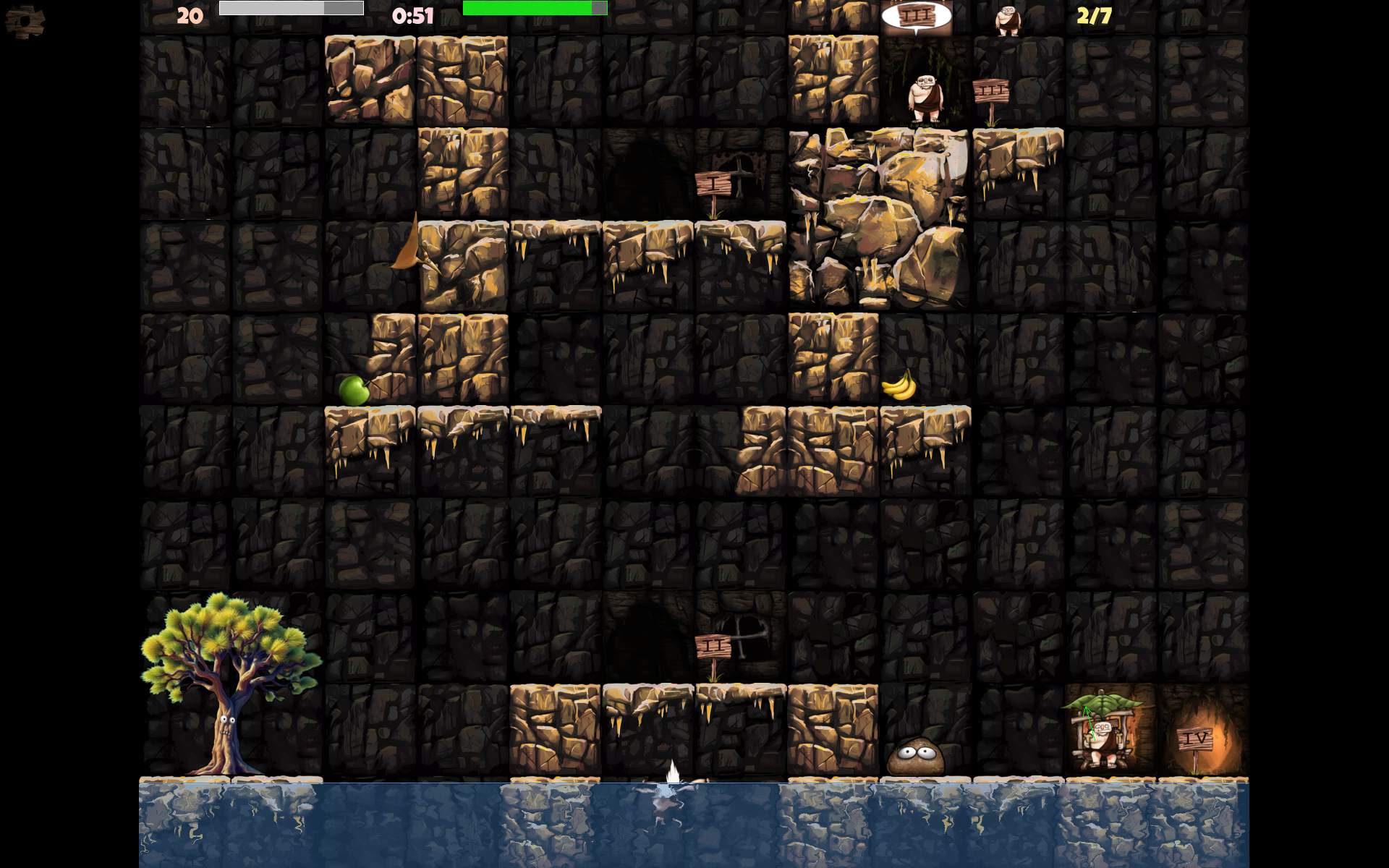
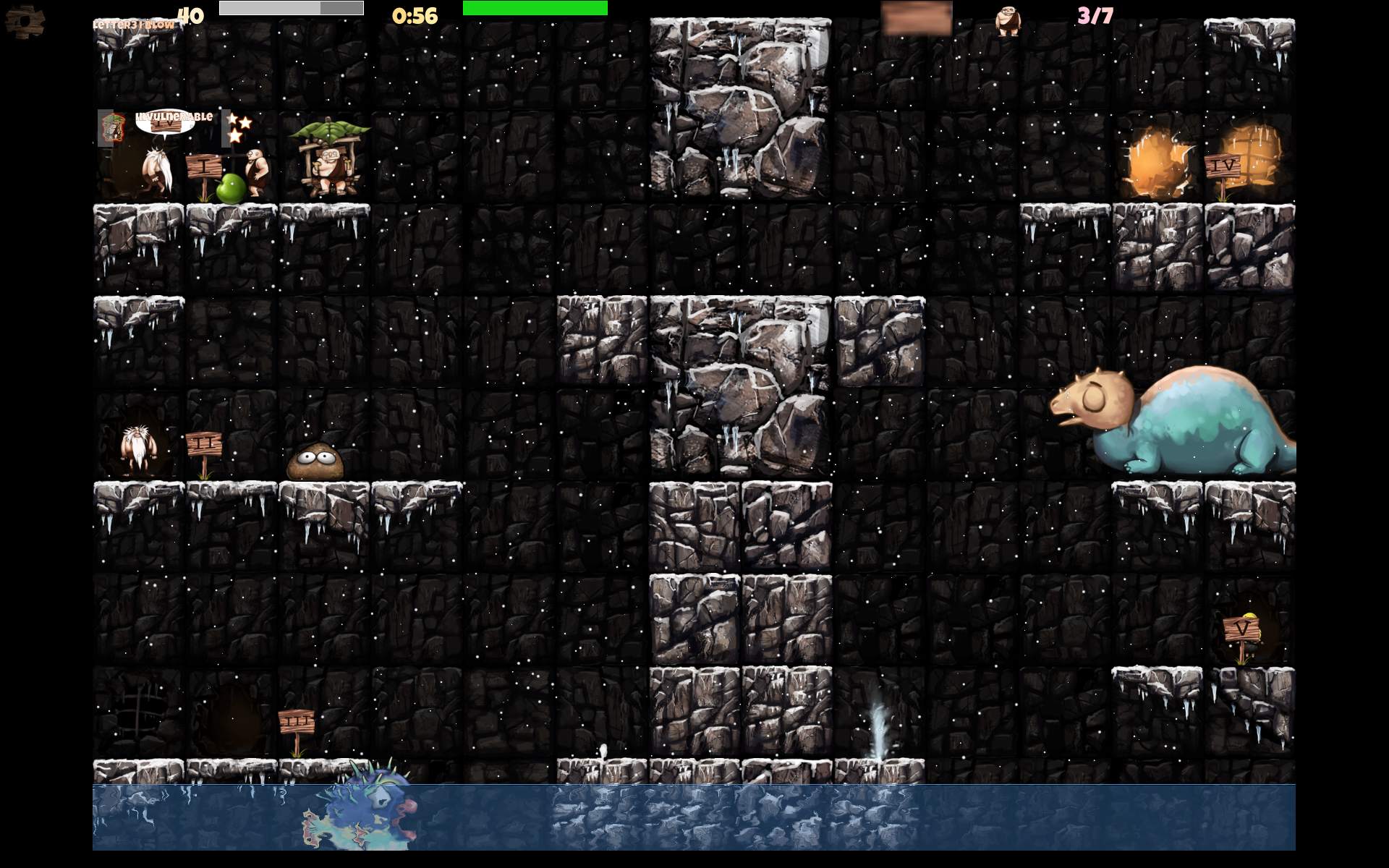
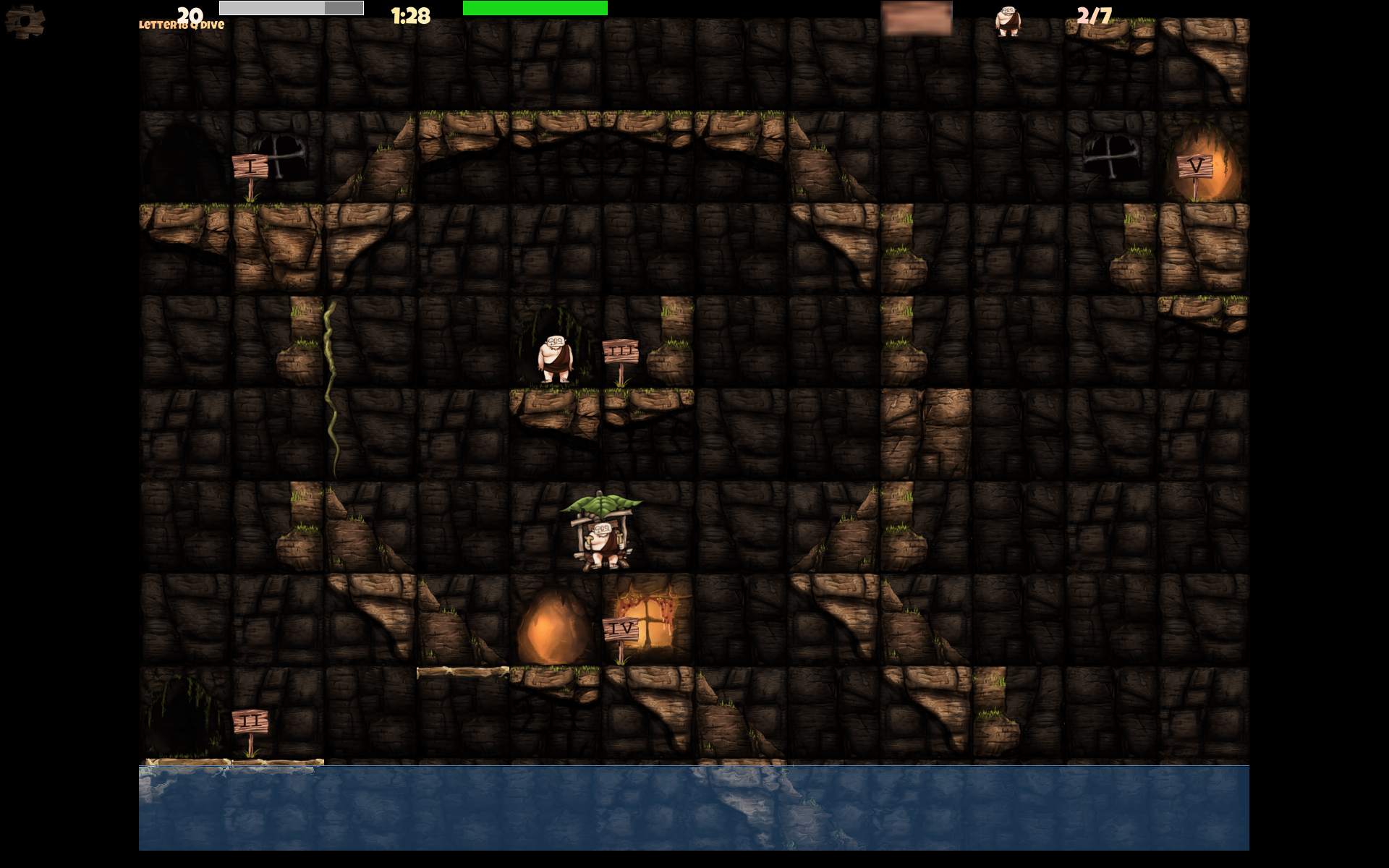
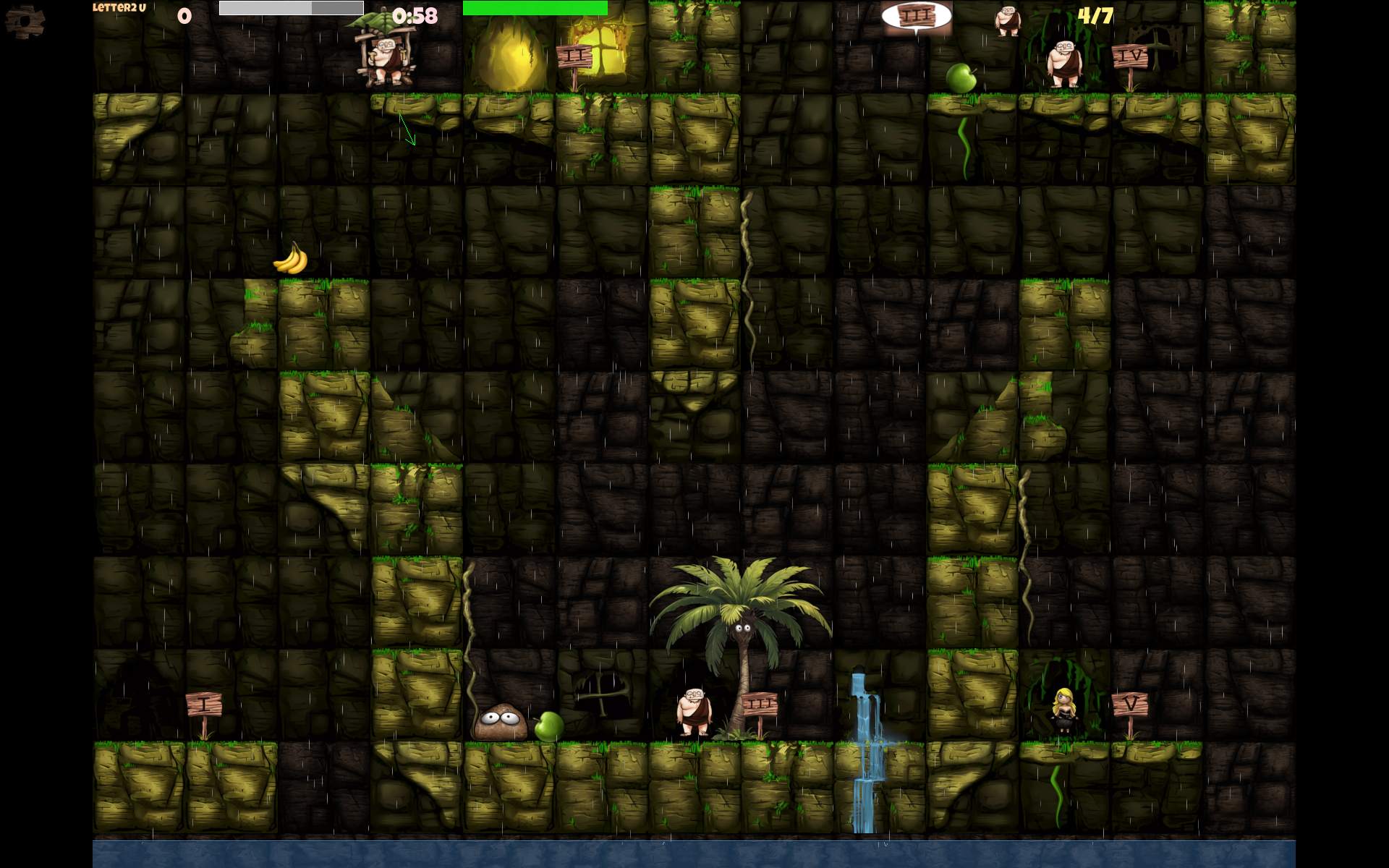
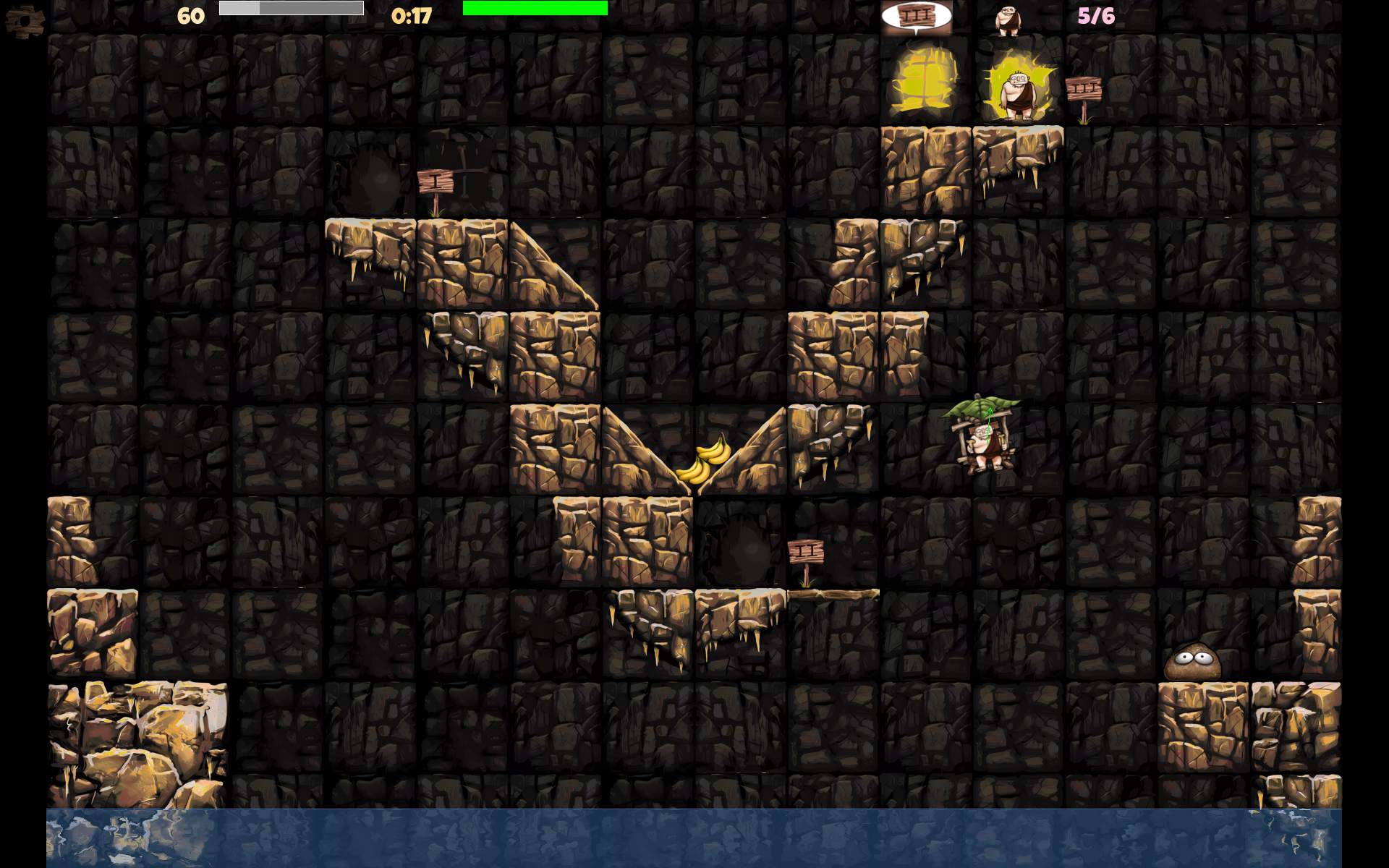
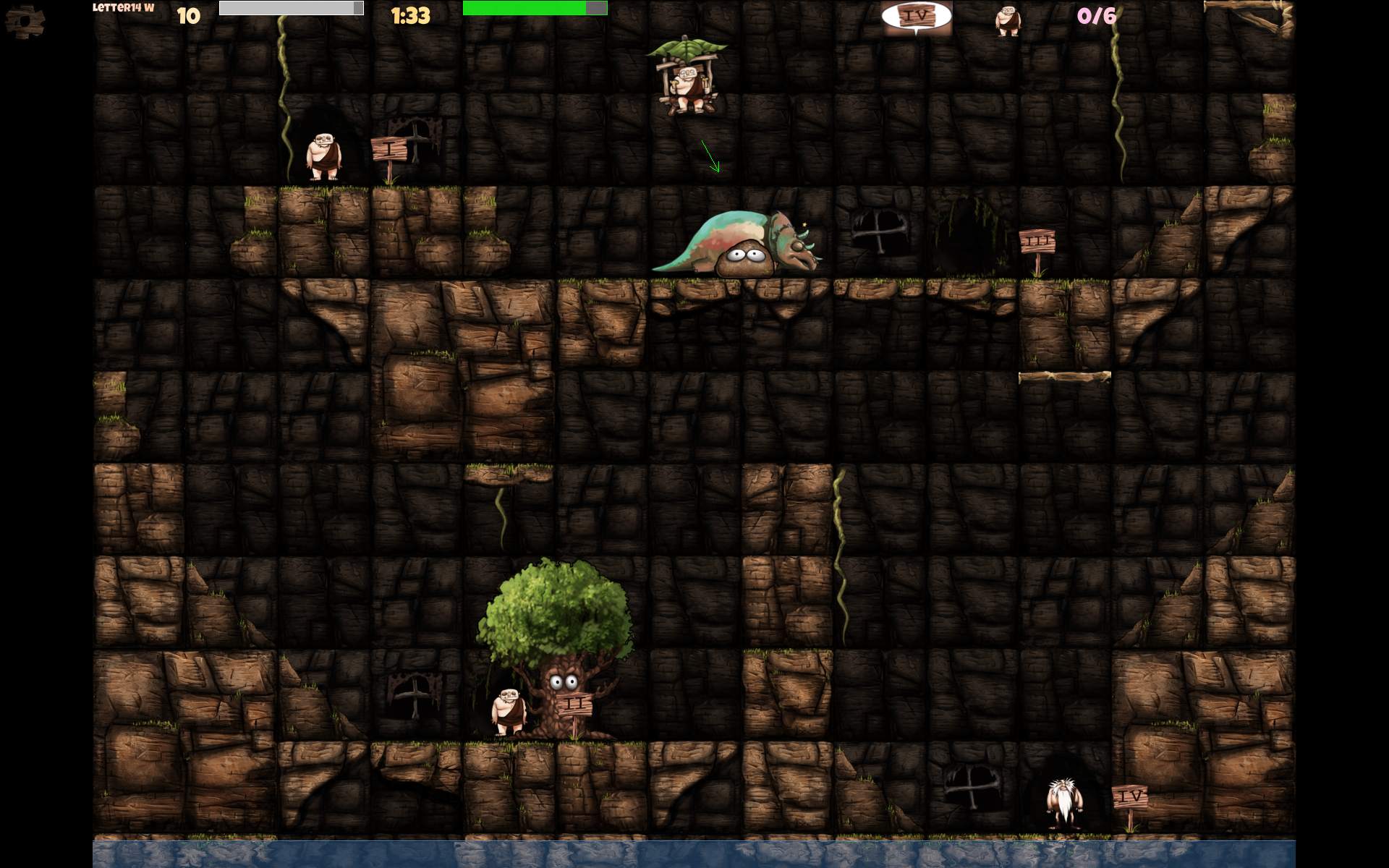
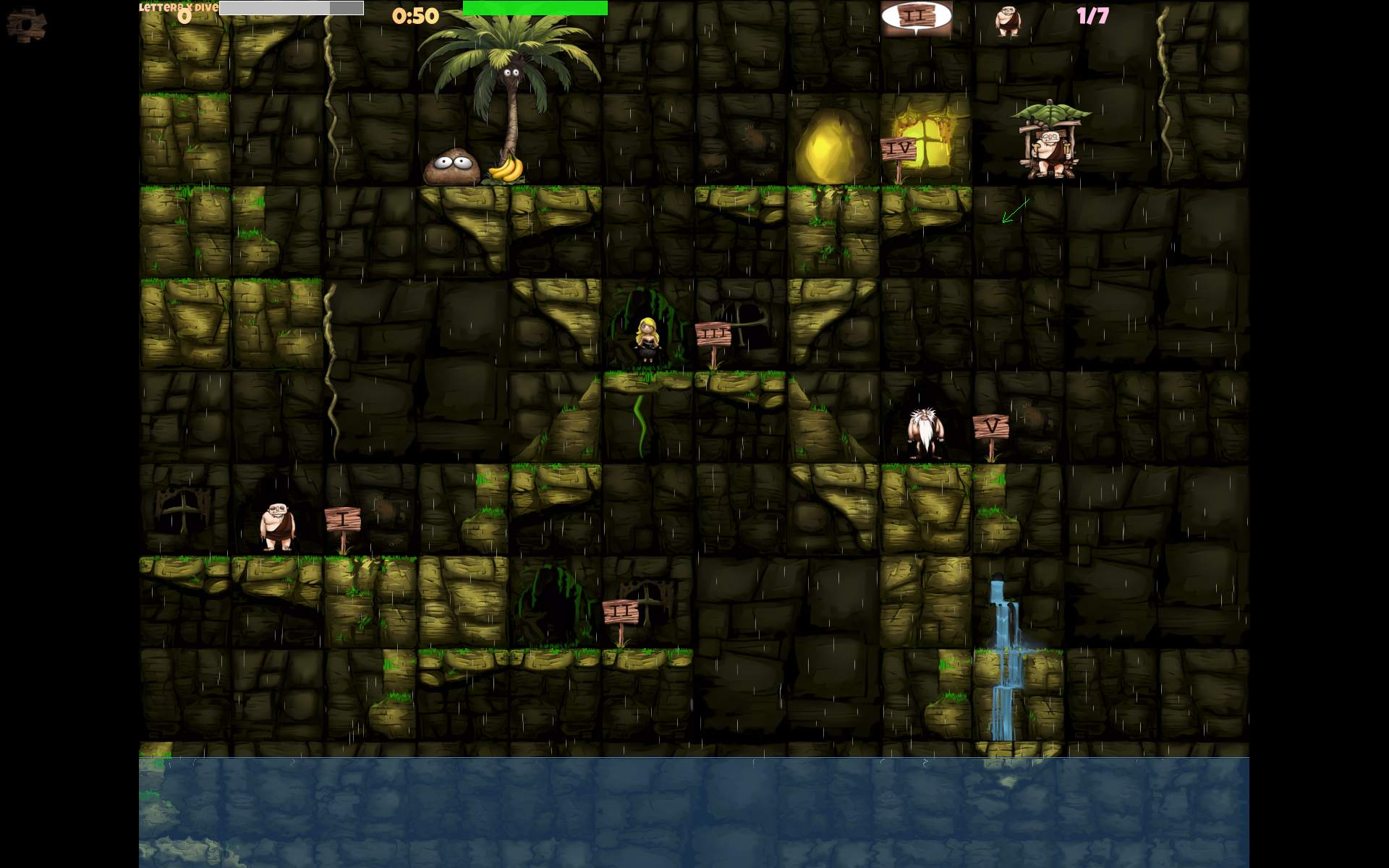
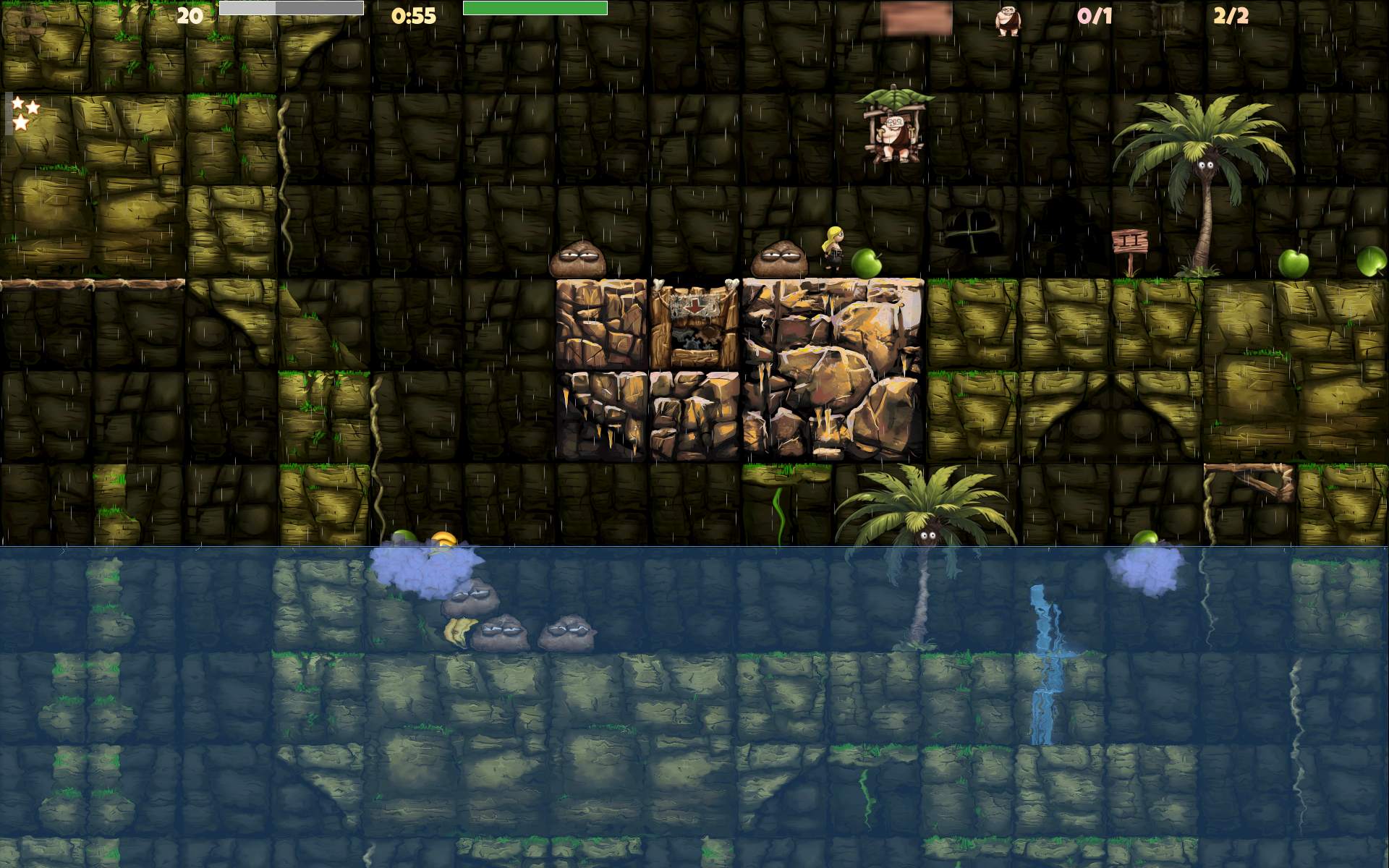
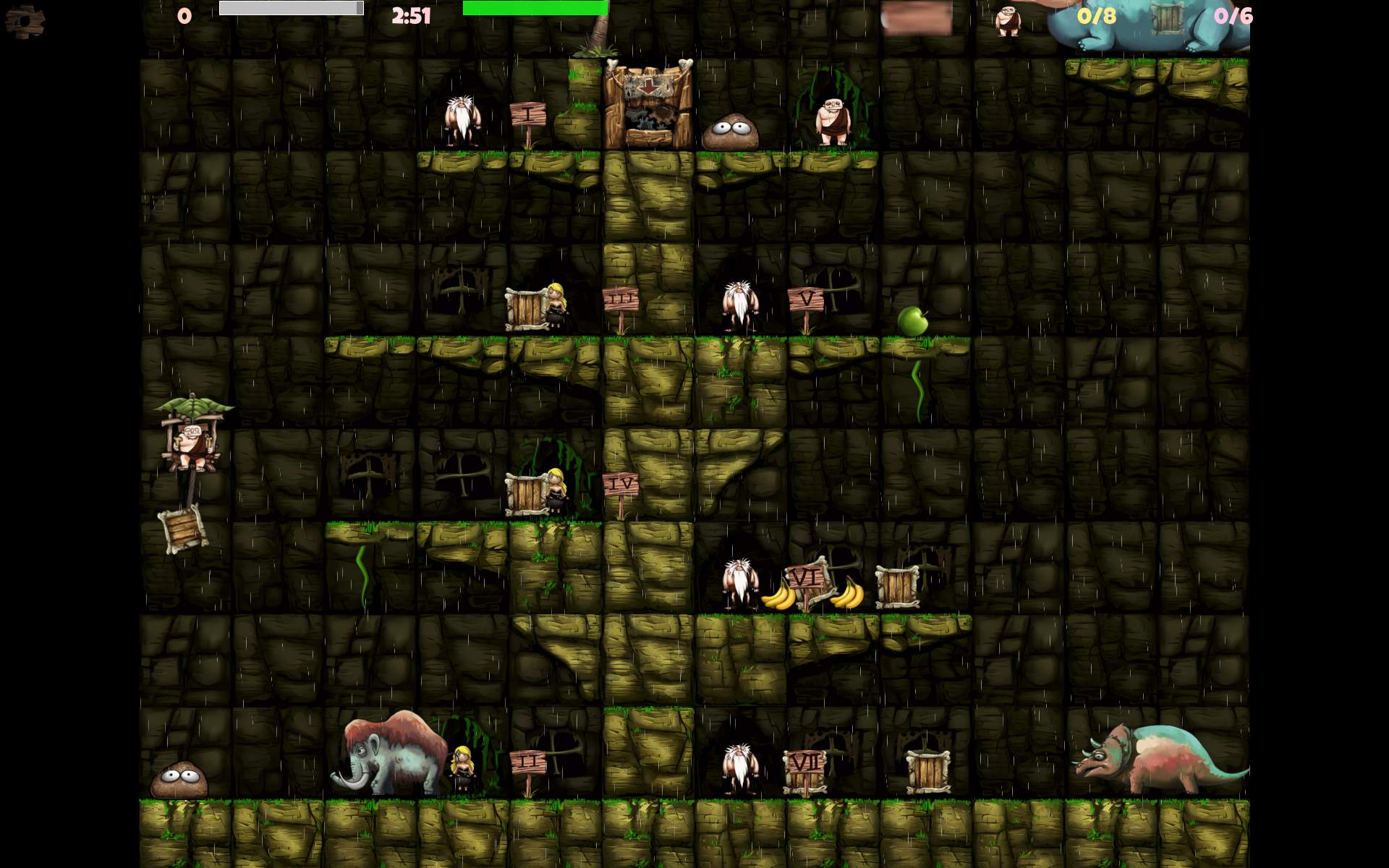
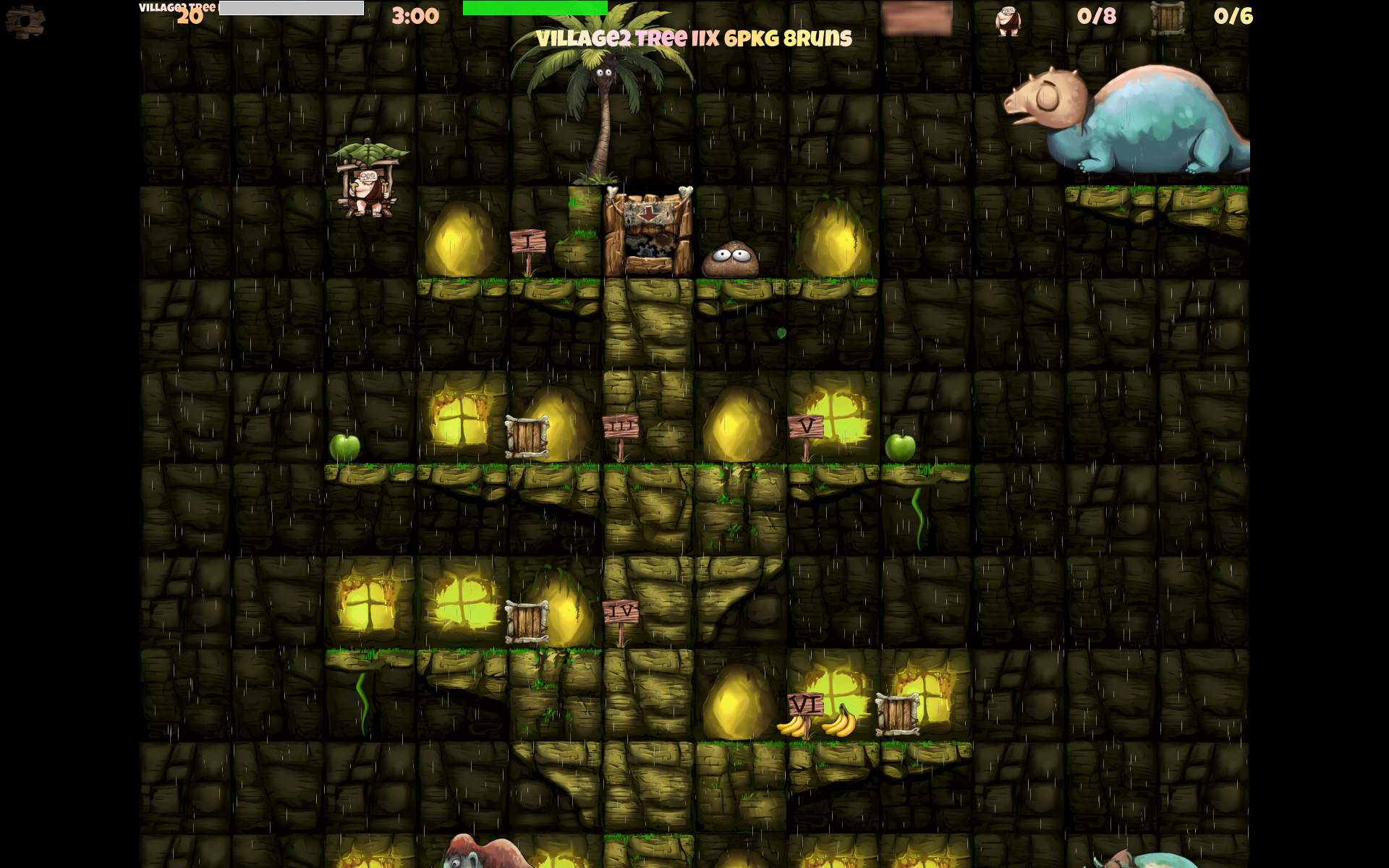
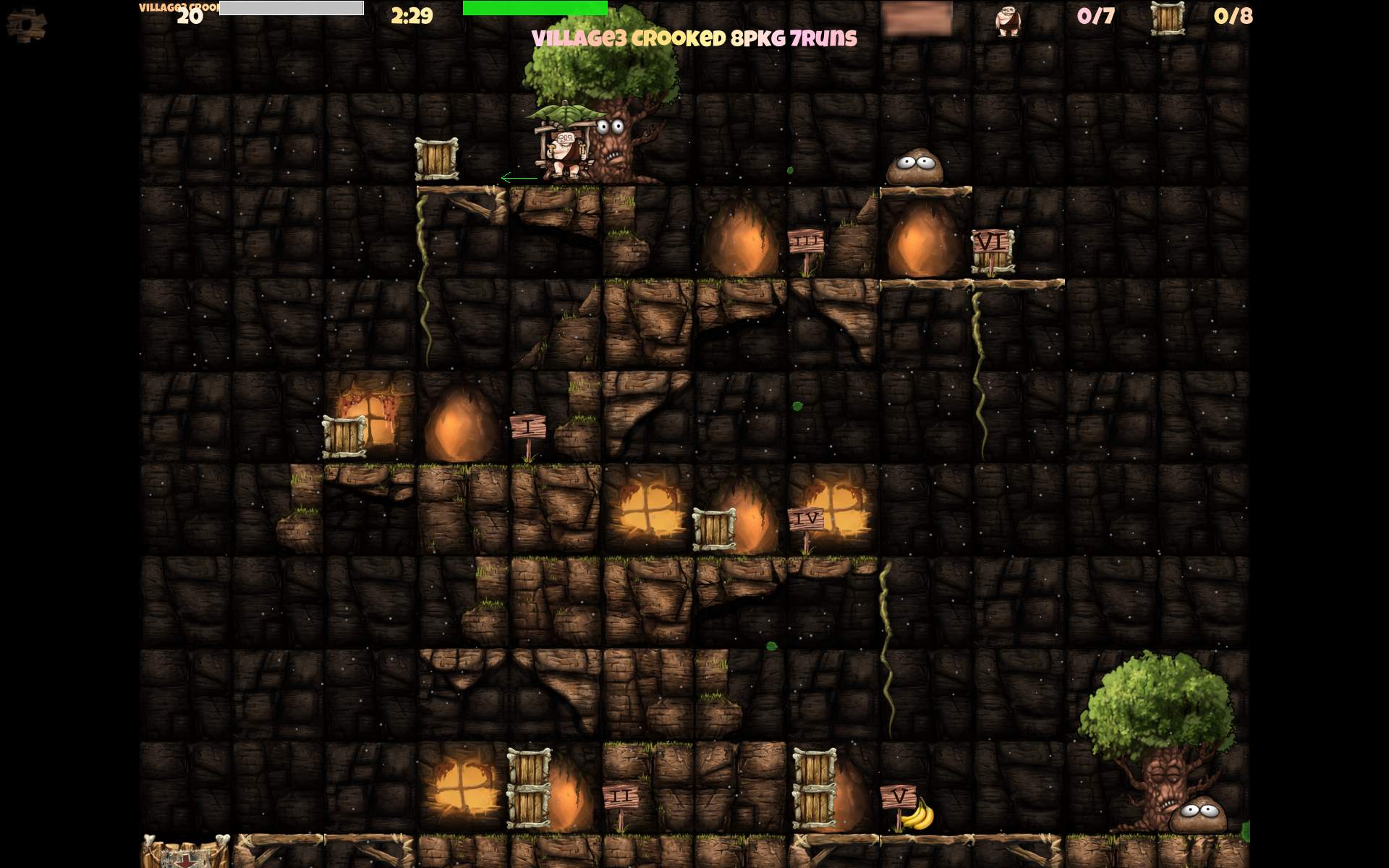
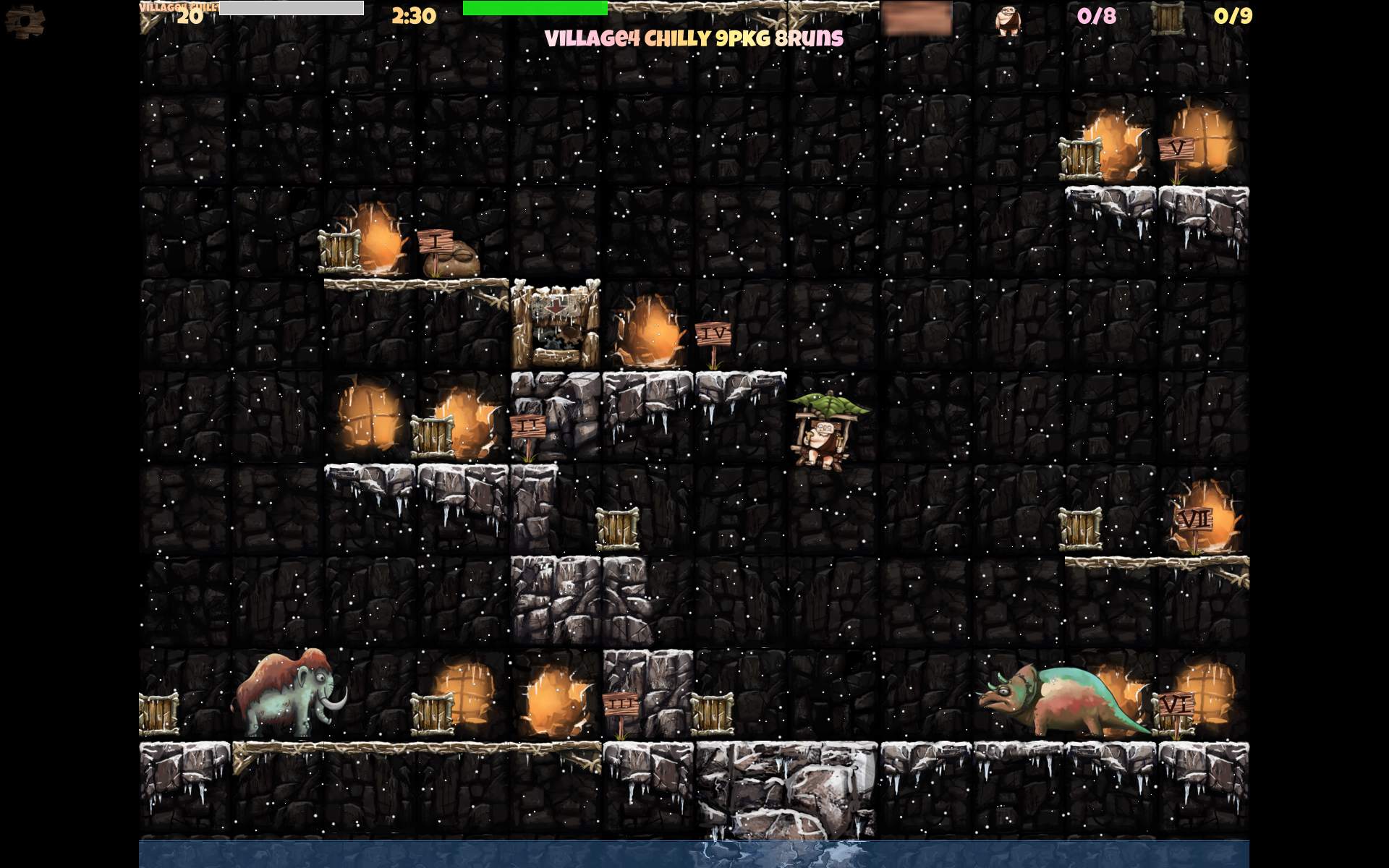
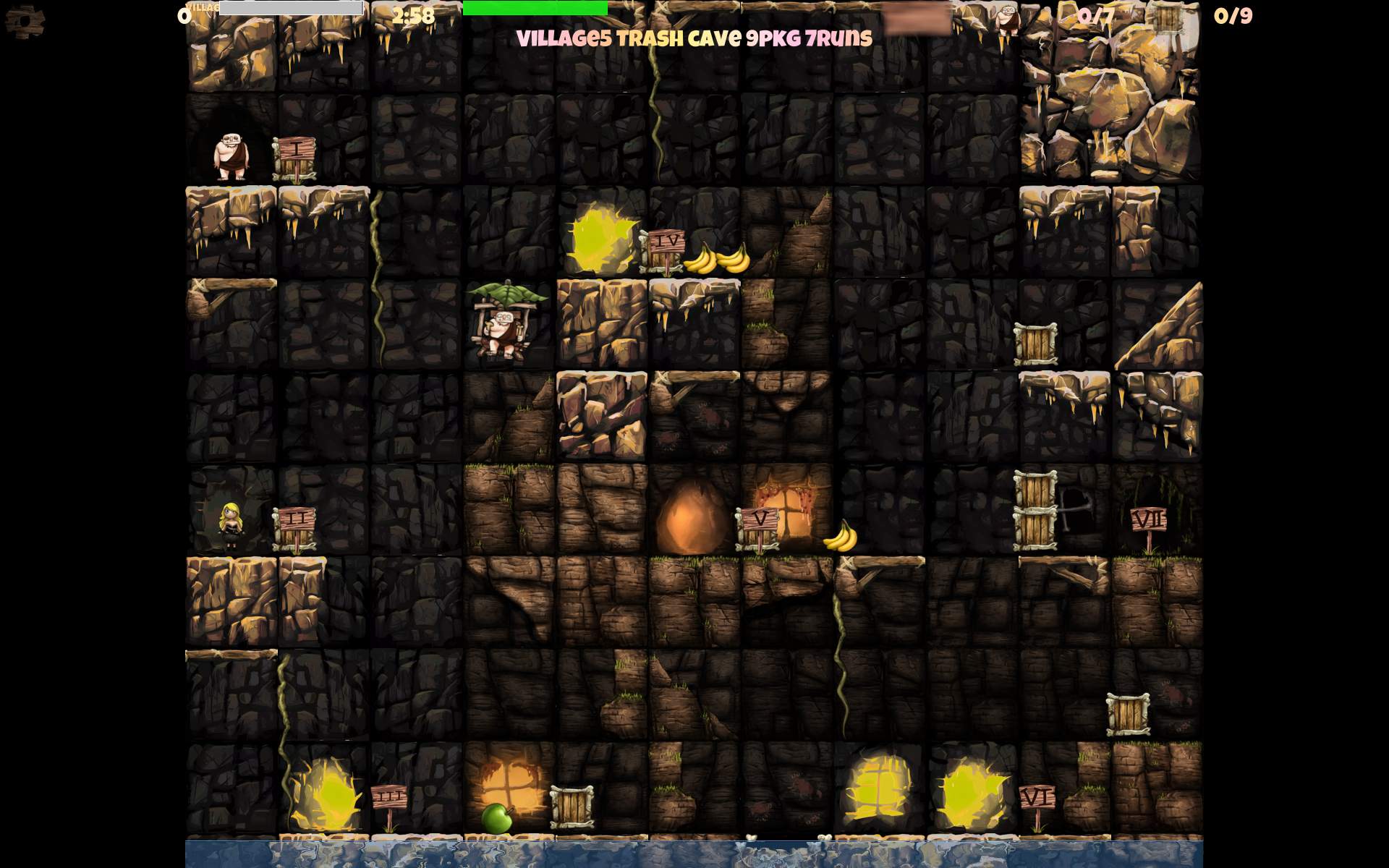
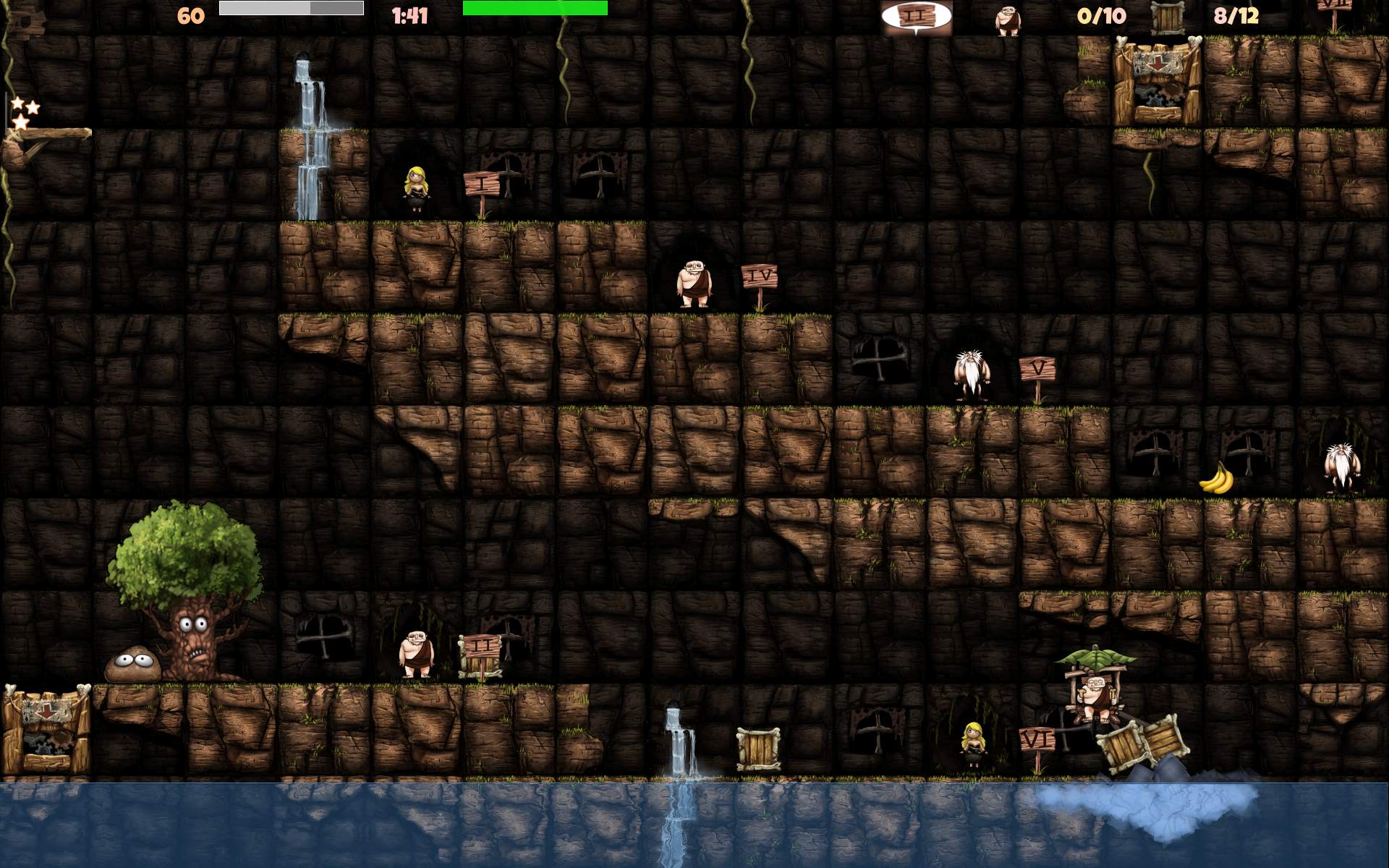
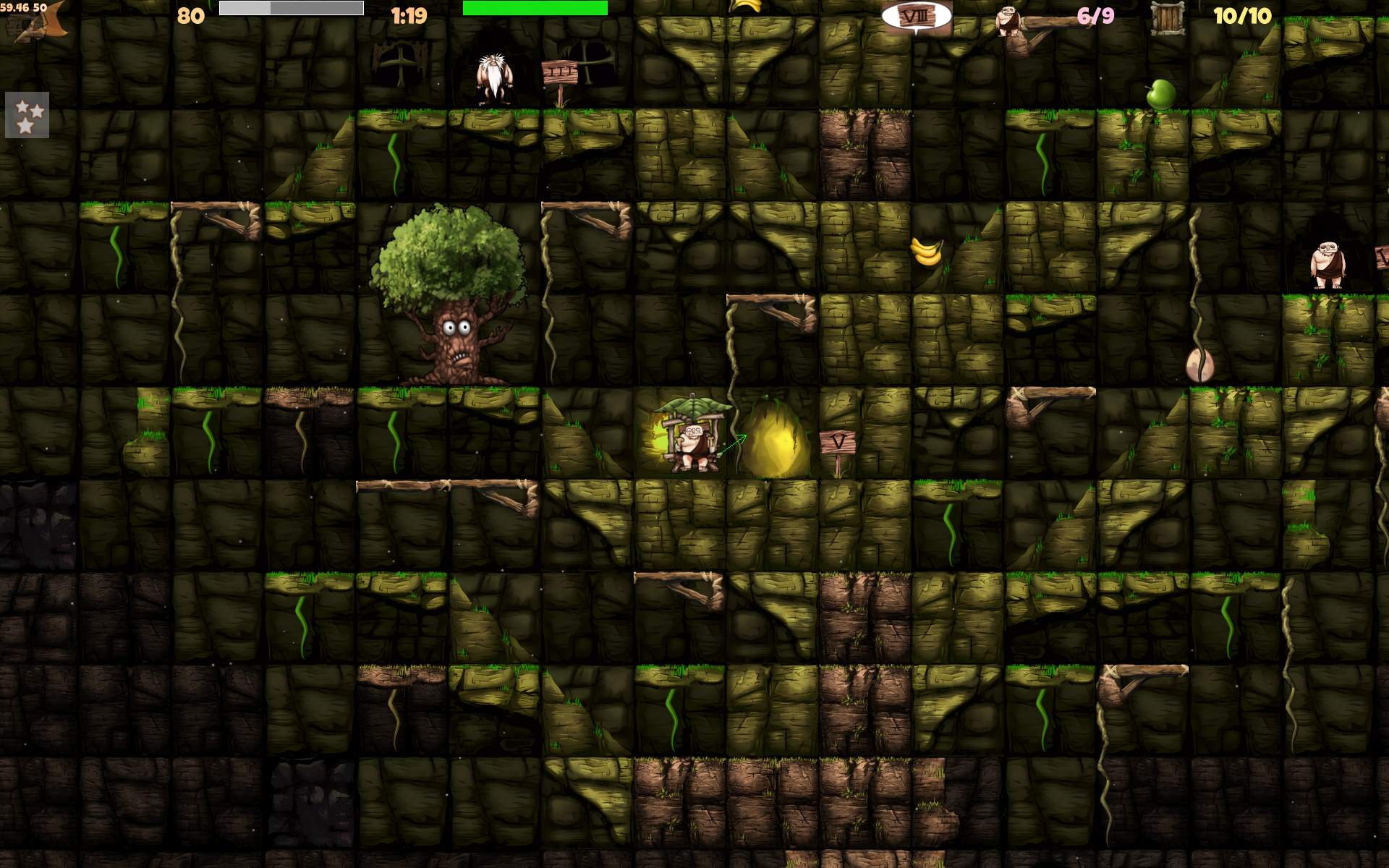
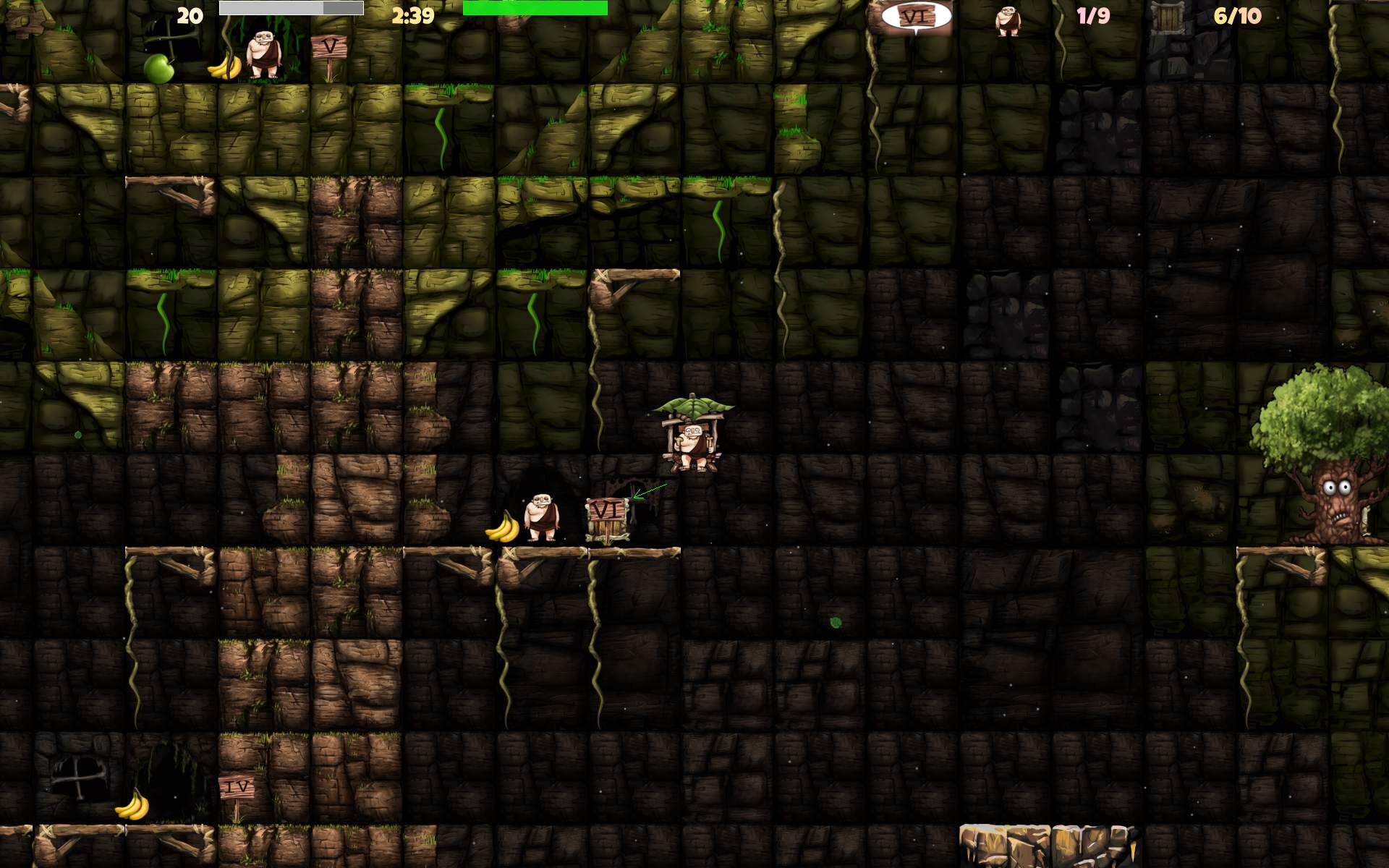
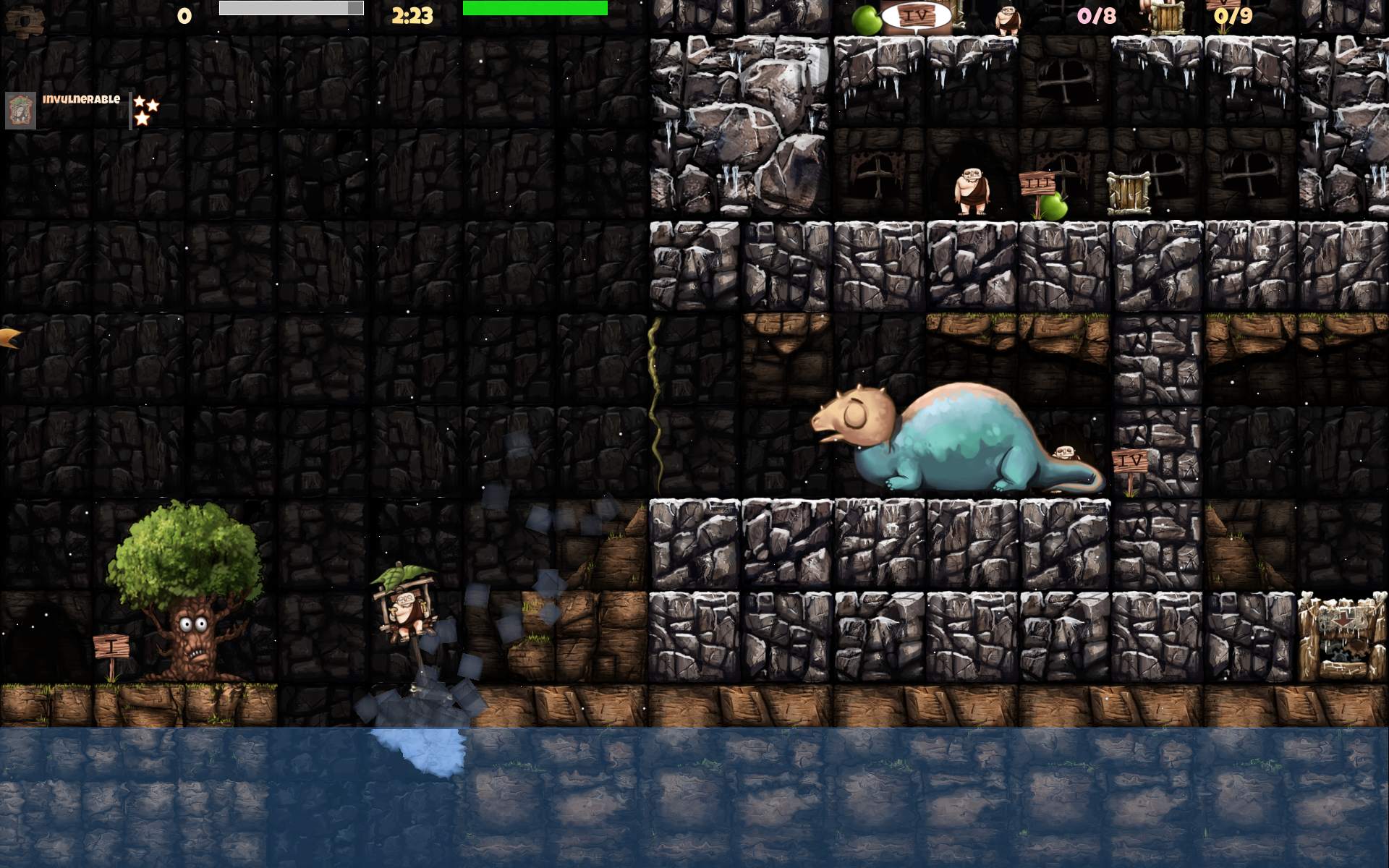
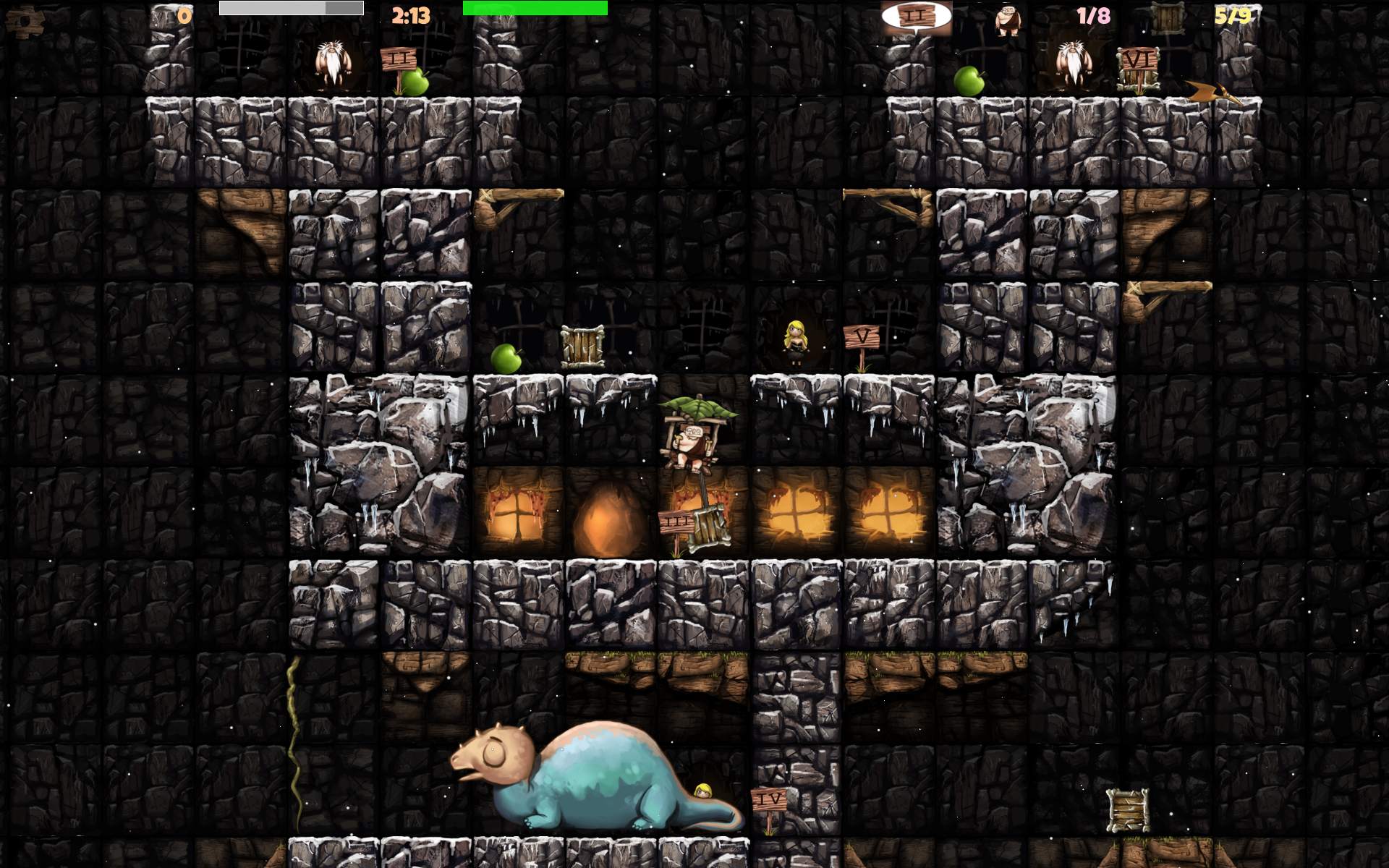
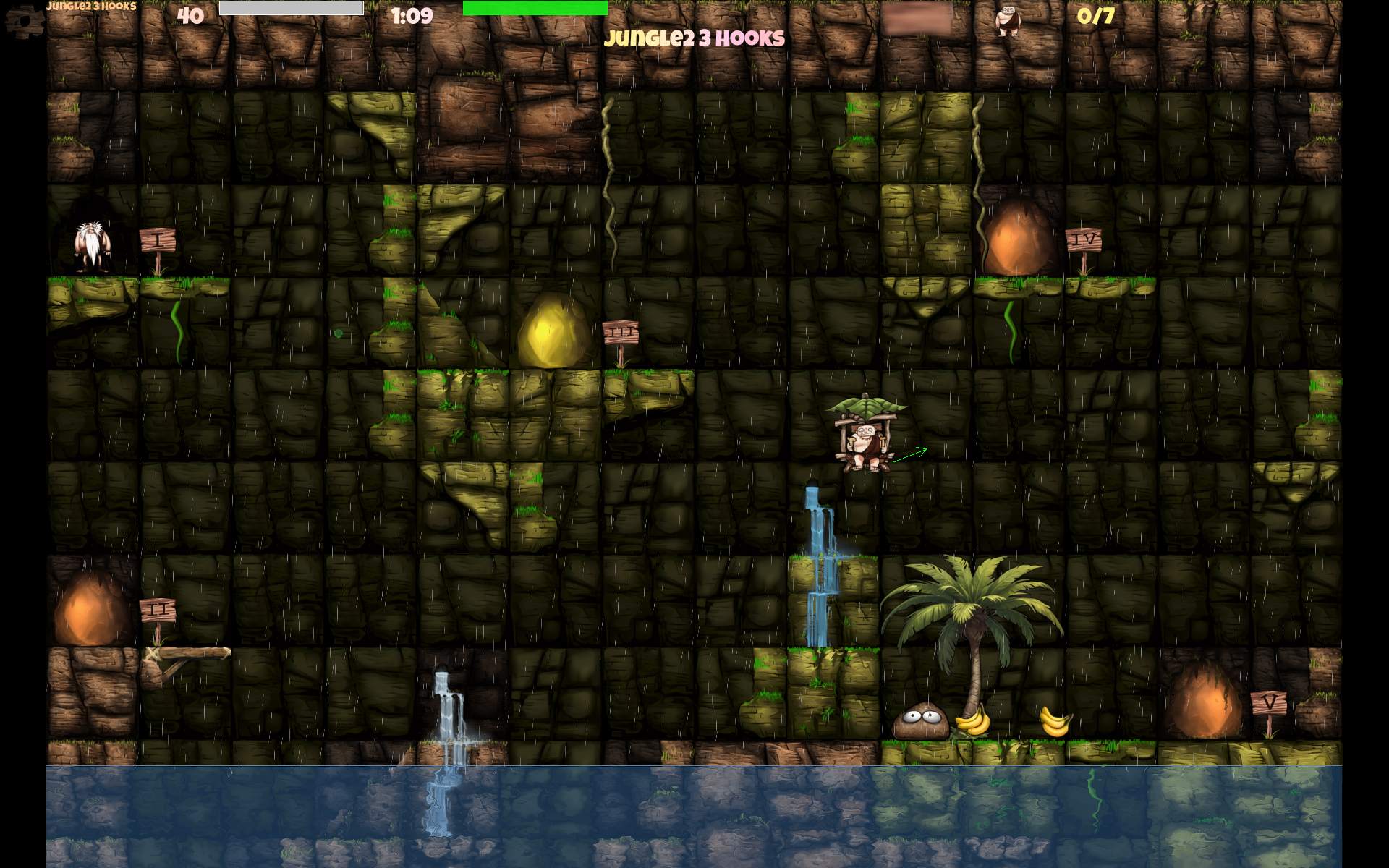
    In 2025 I did contribute to CaveExpress. A nice 2D flying game.
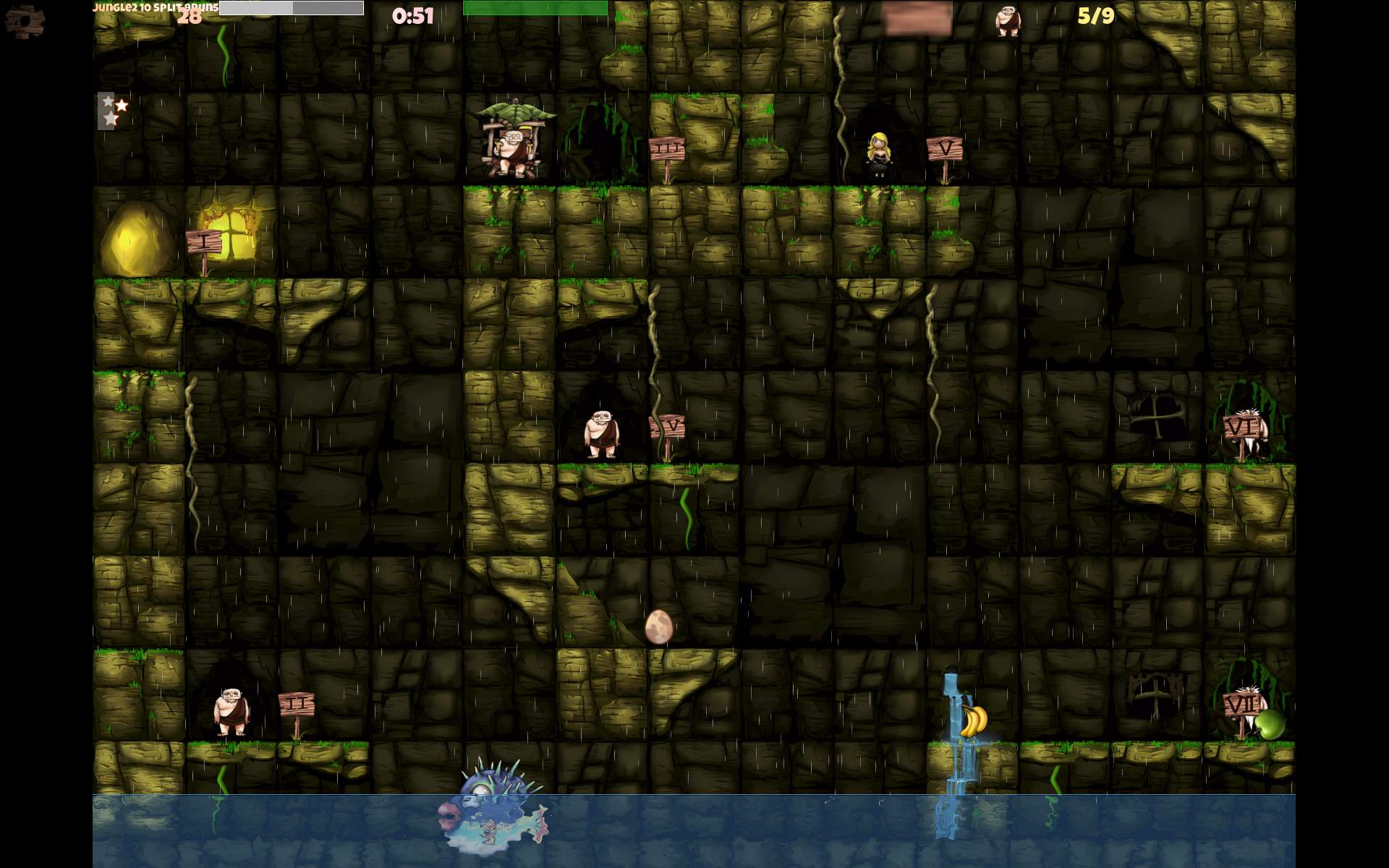
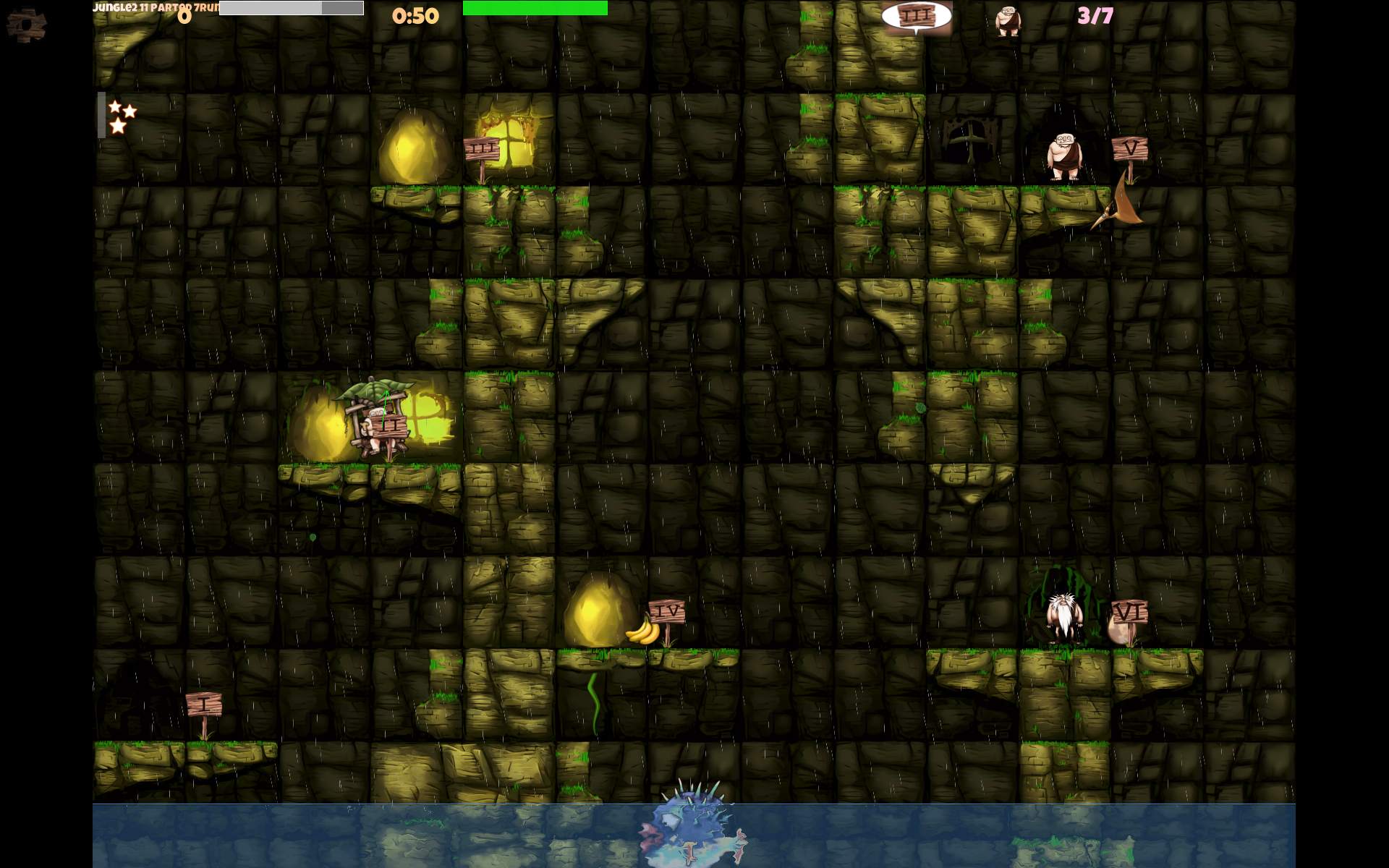
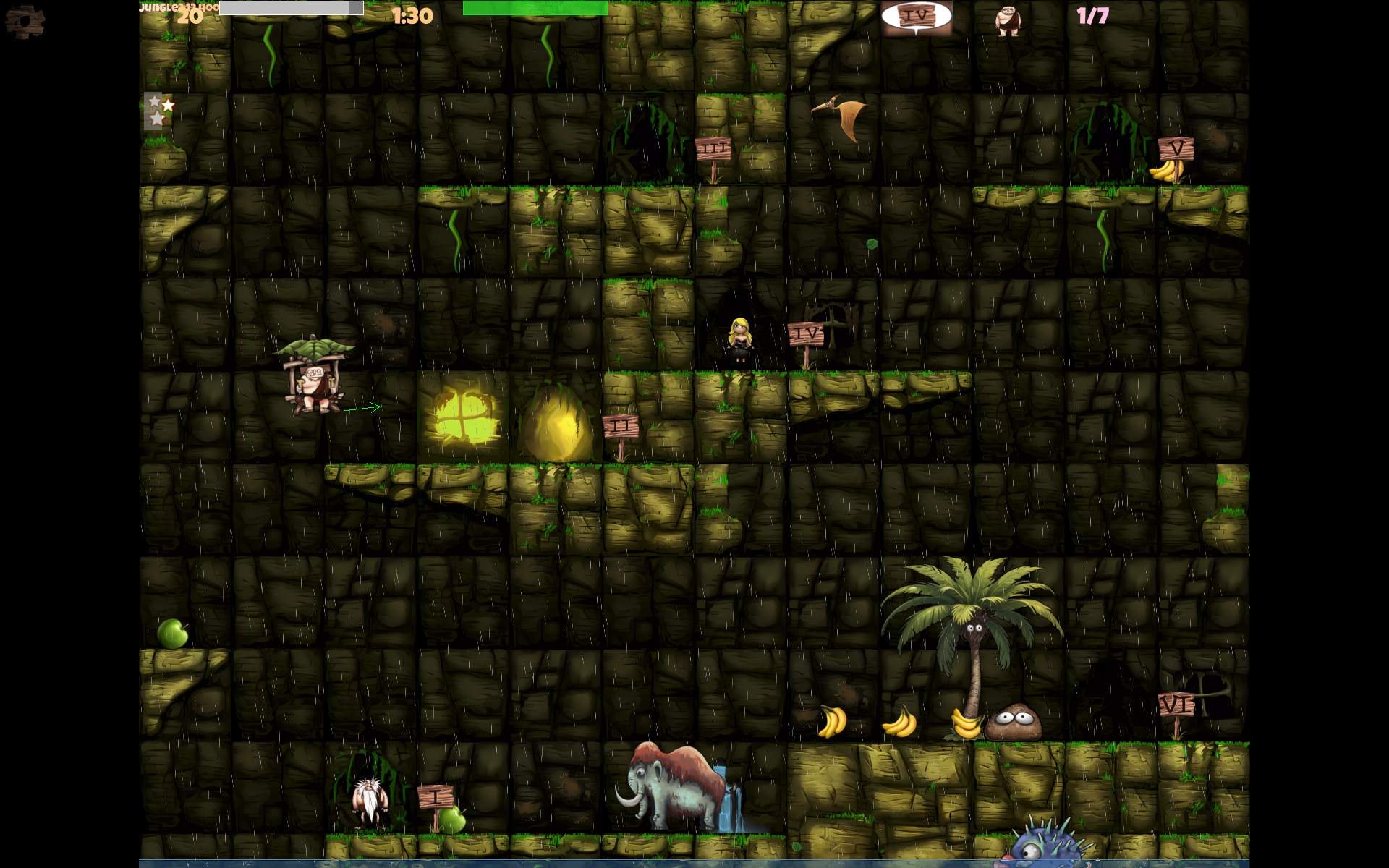
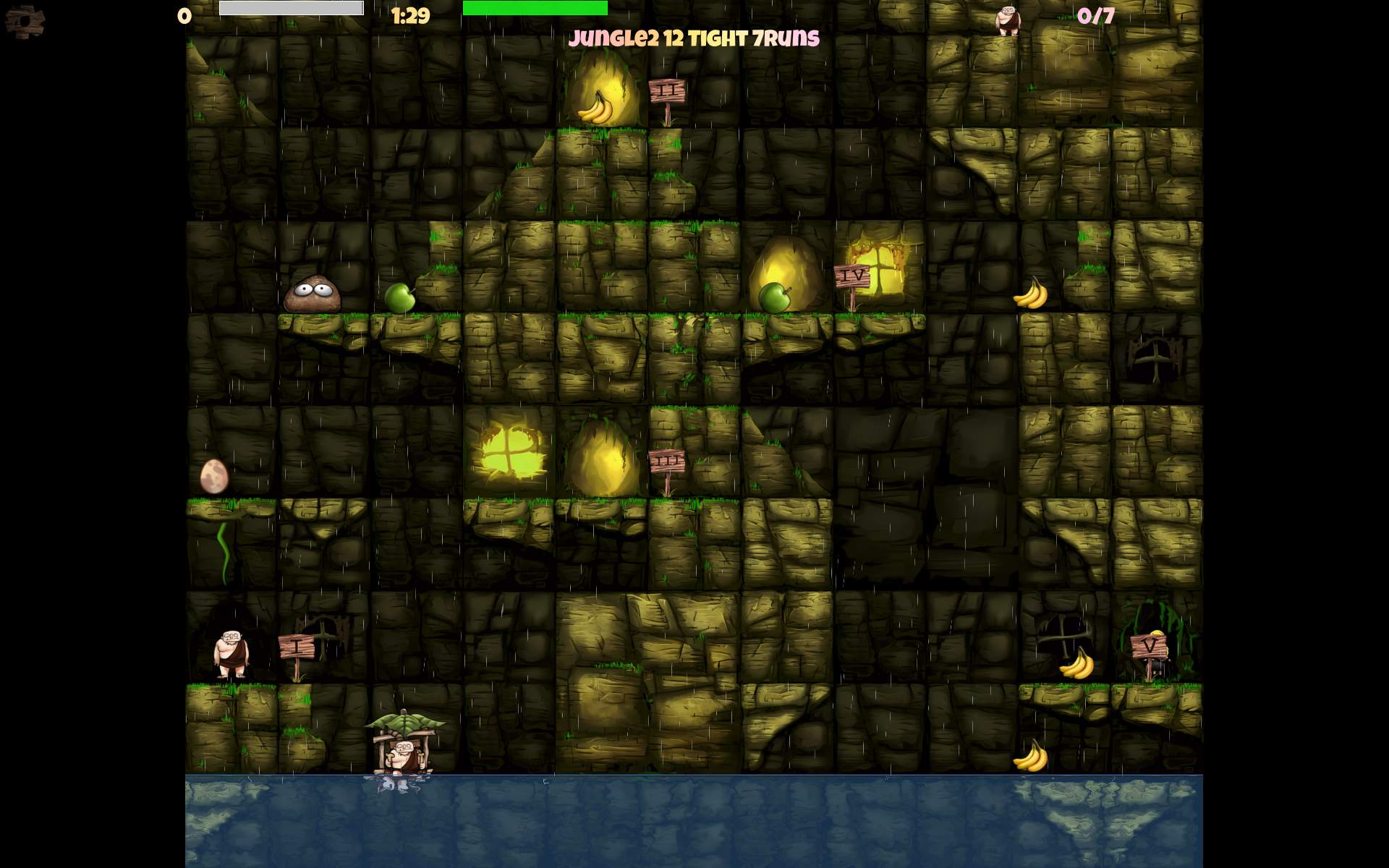
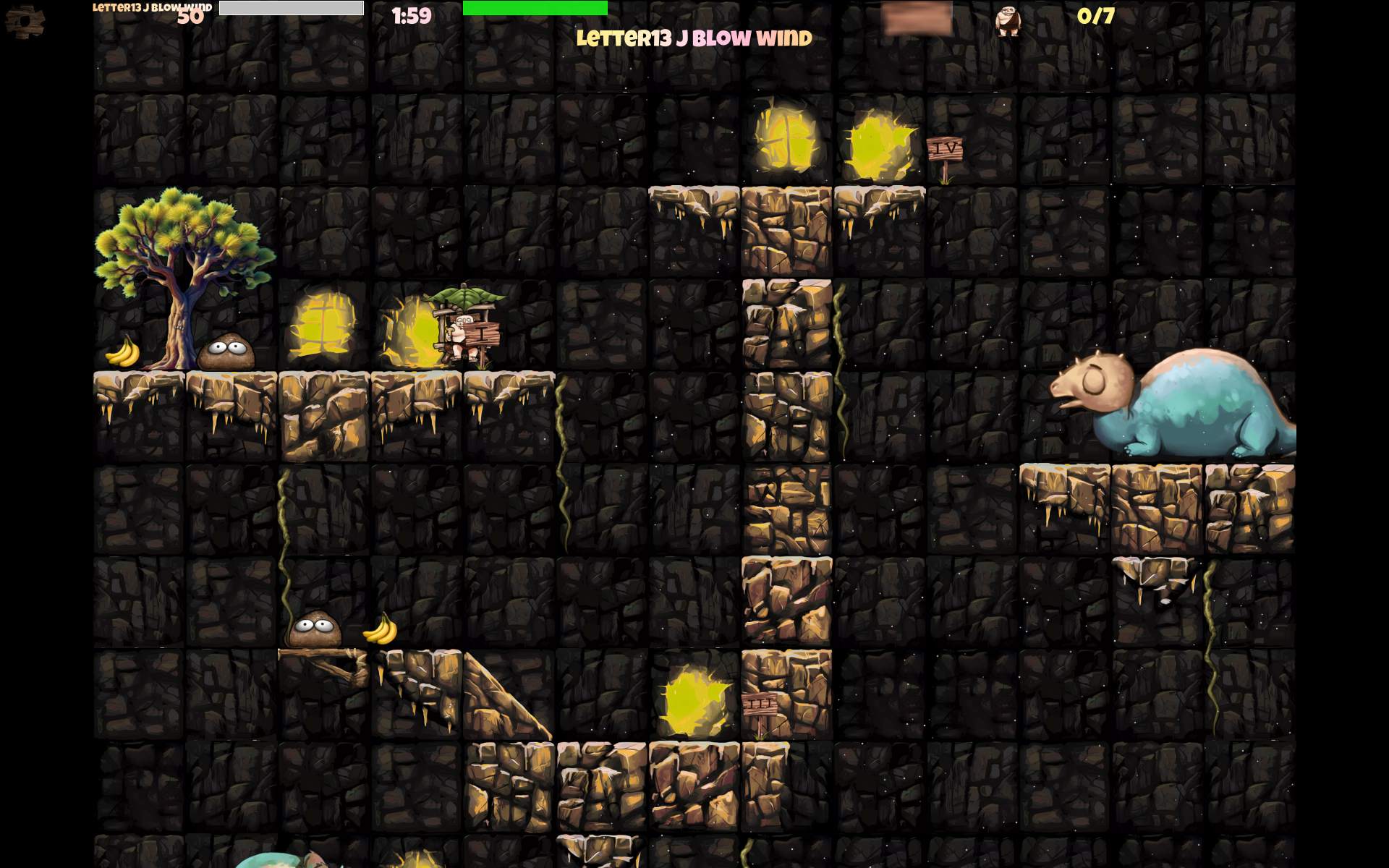
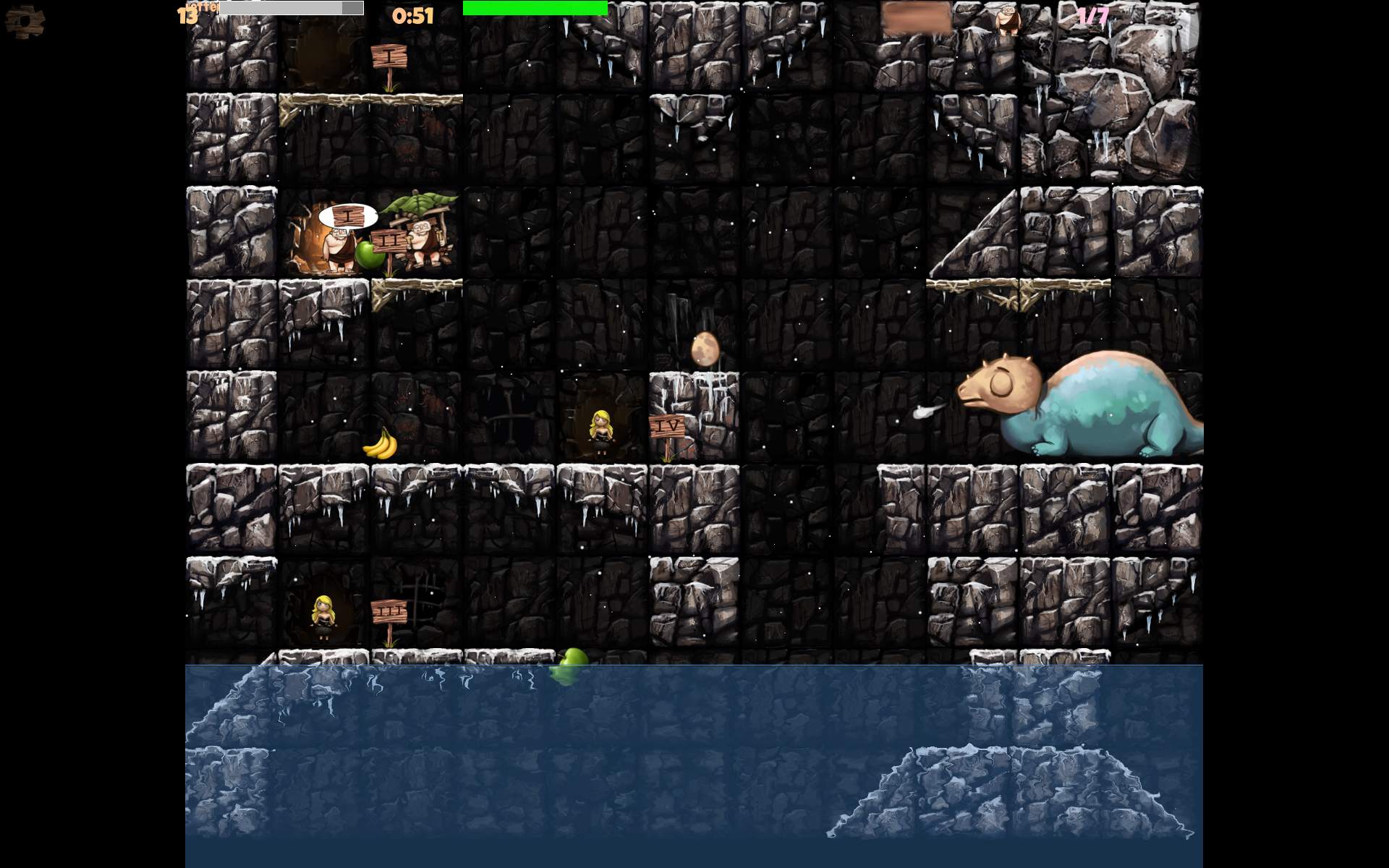
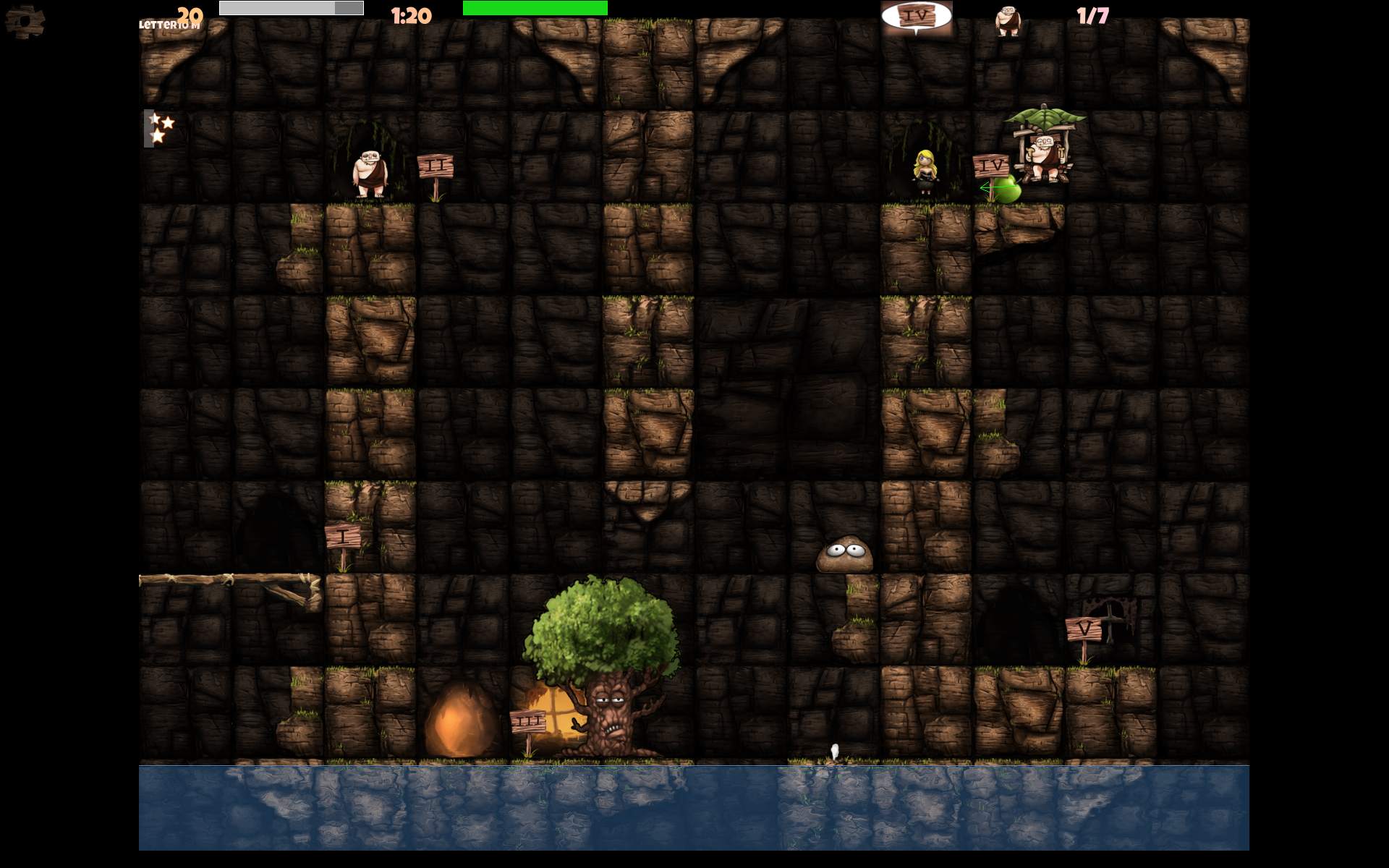
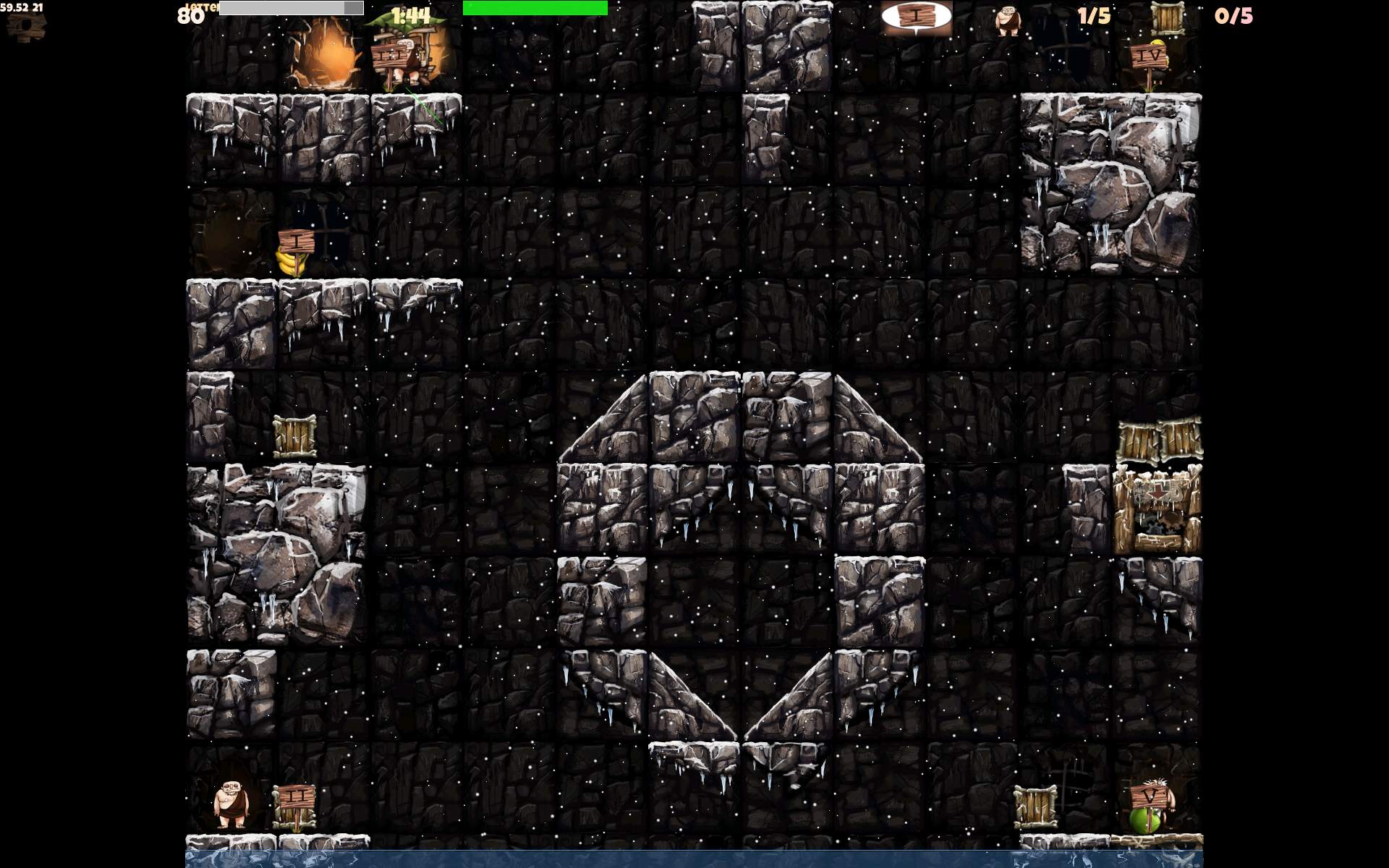
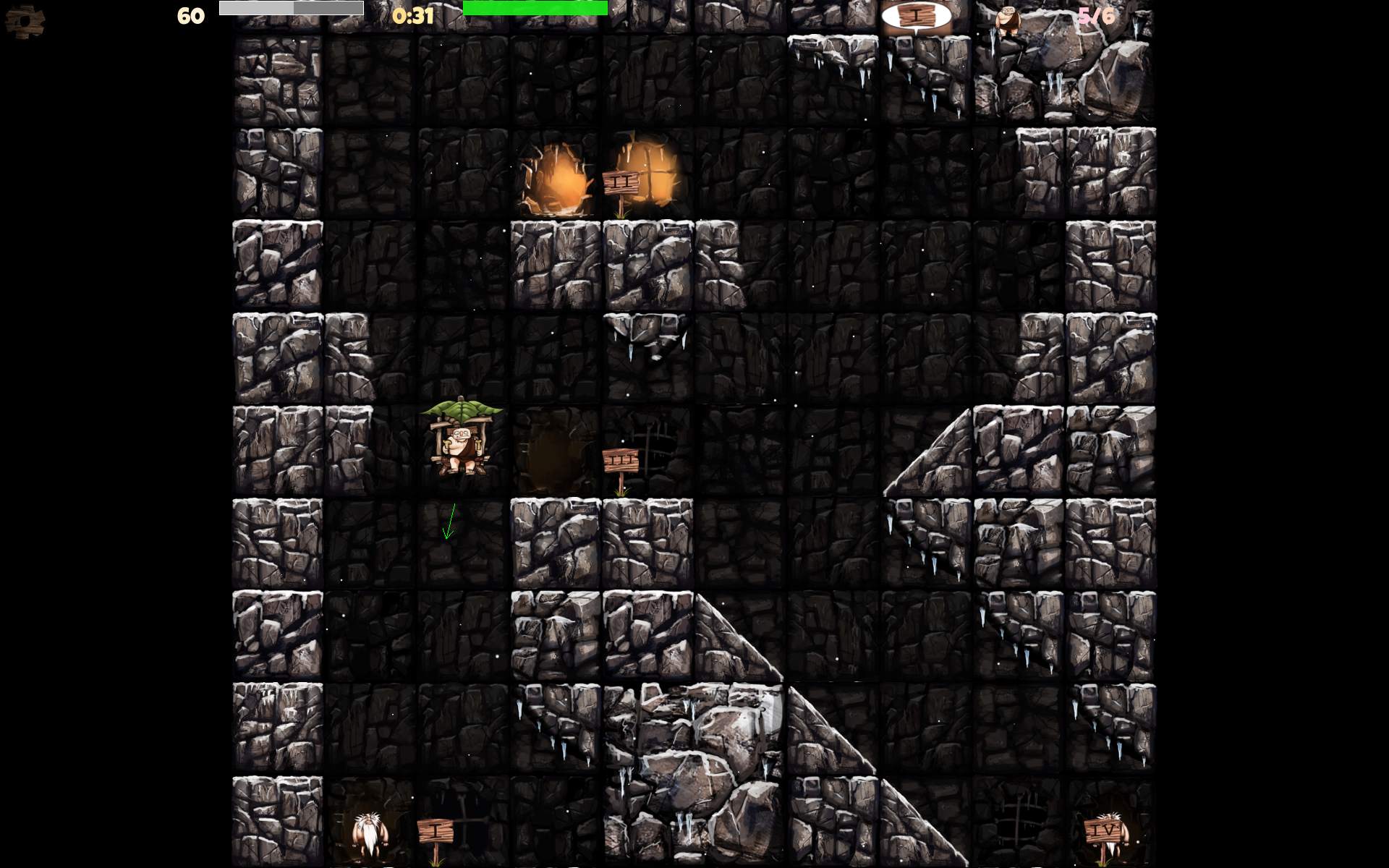
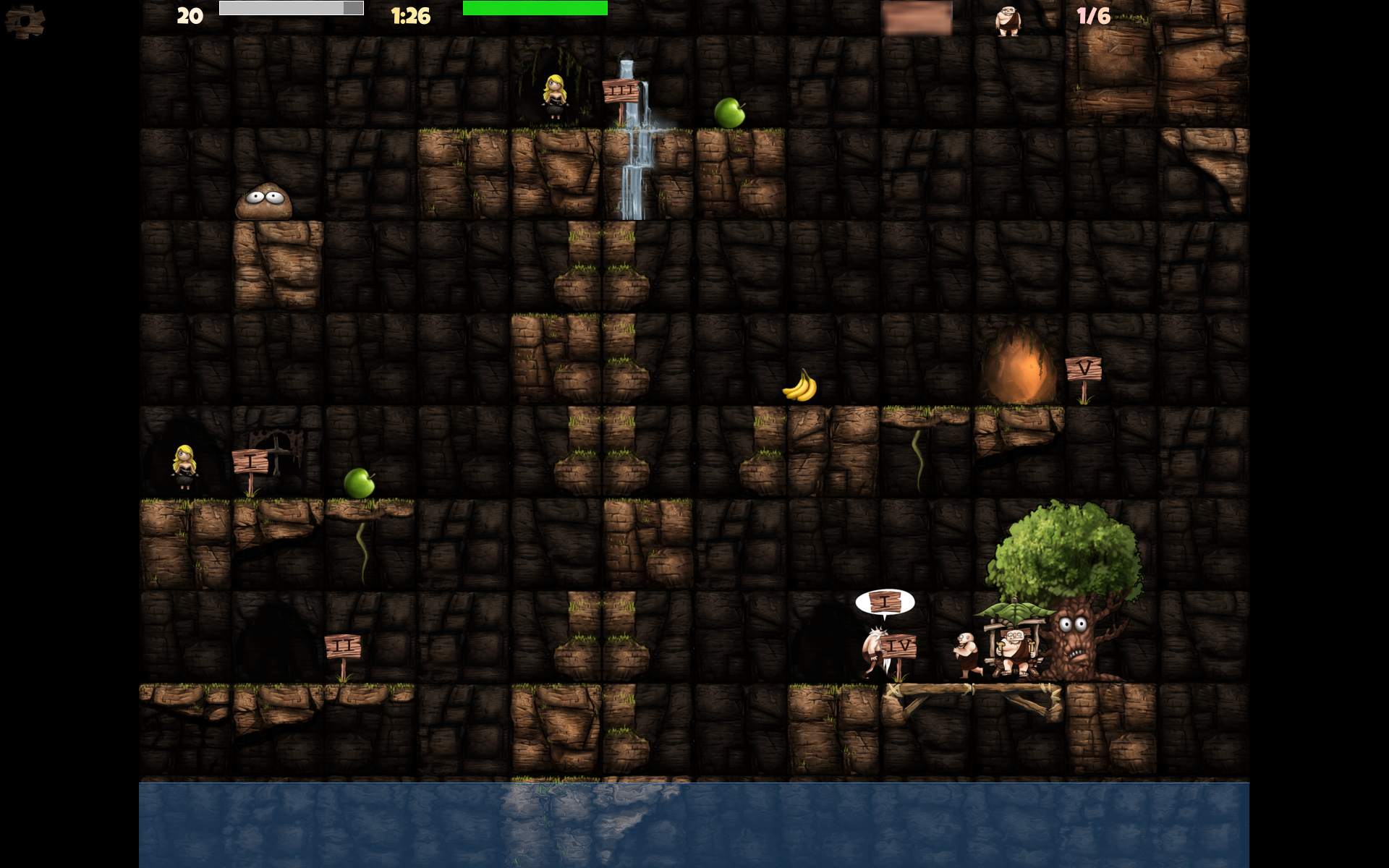
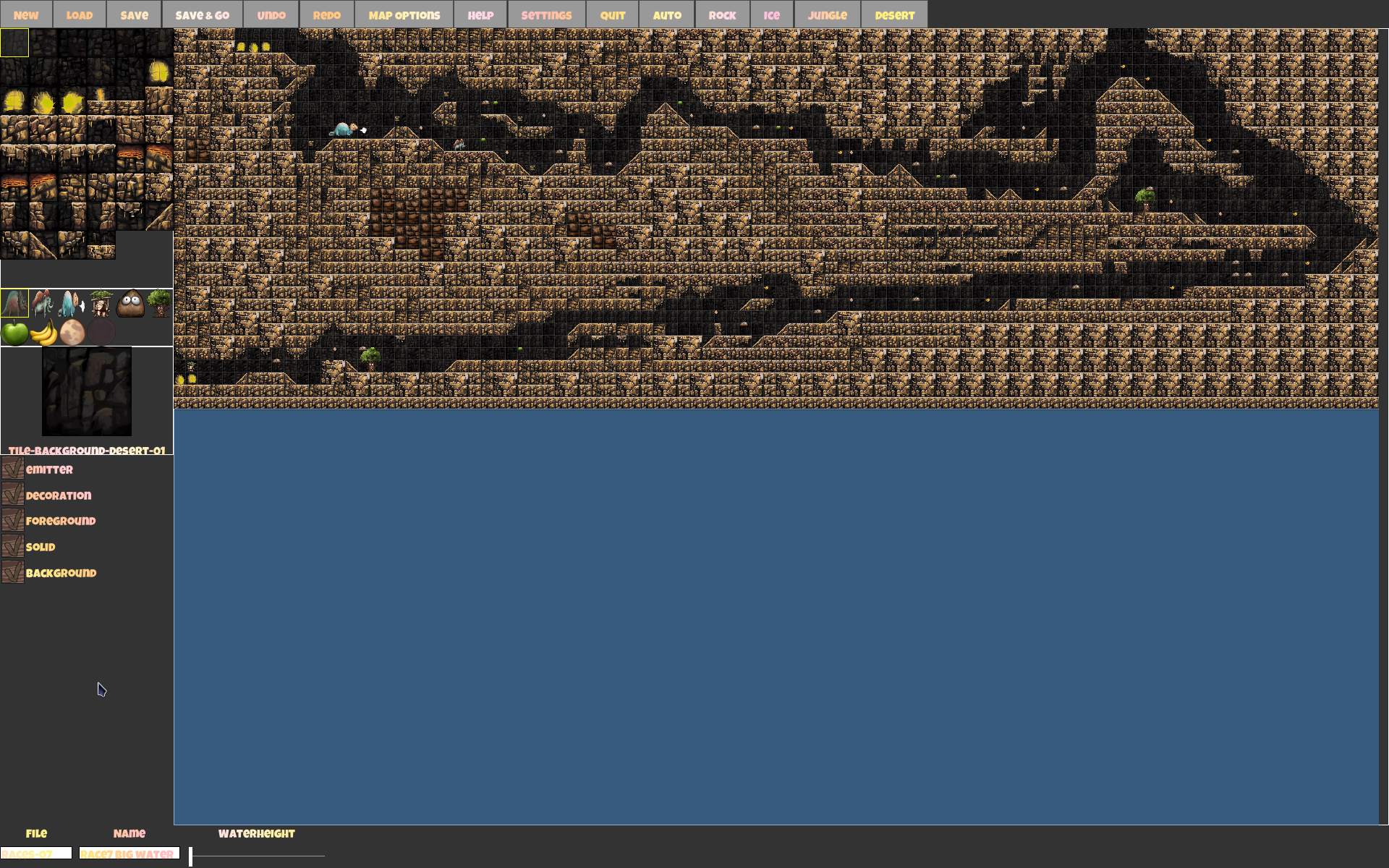
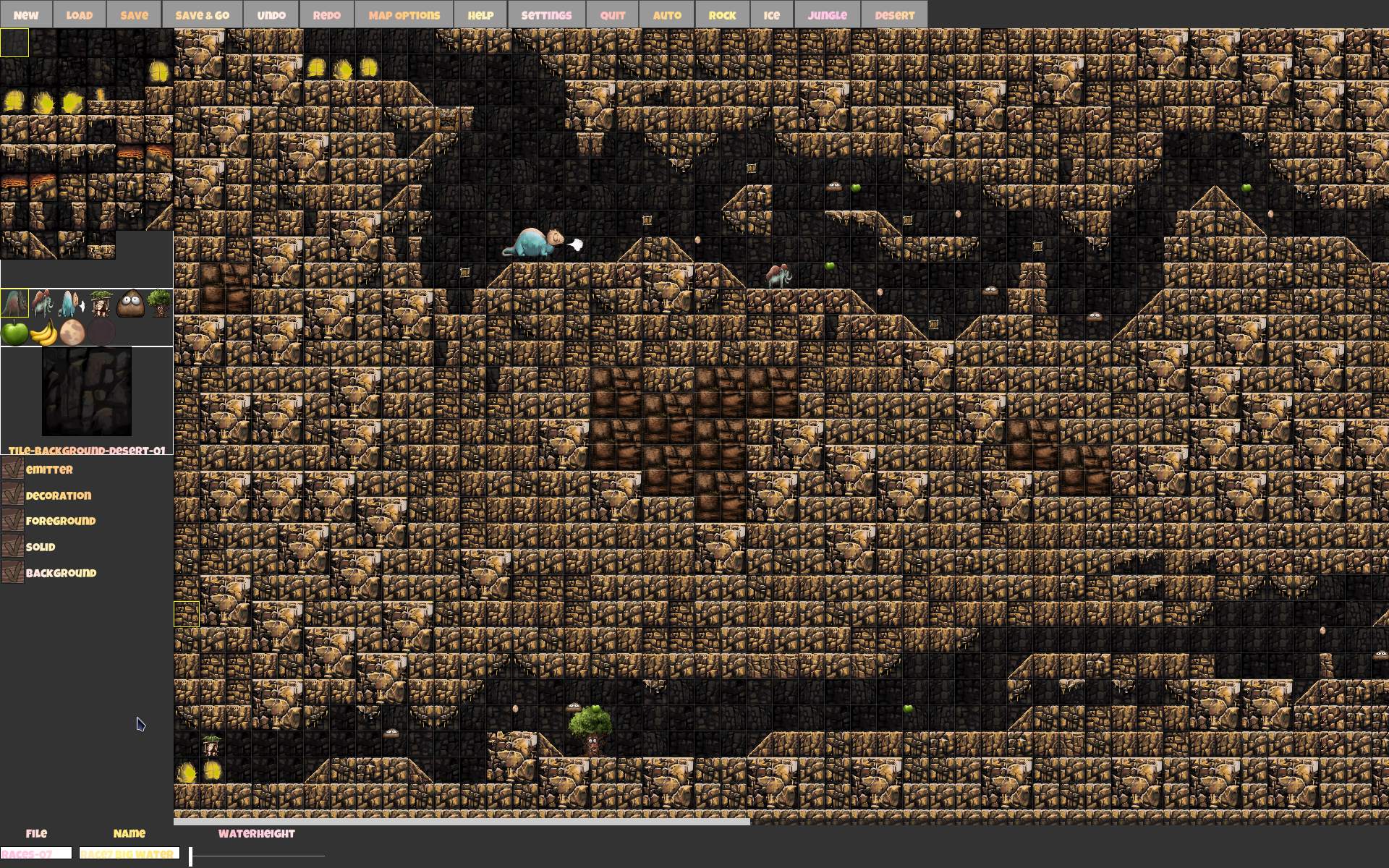
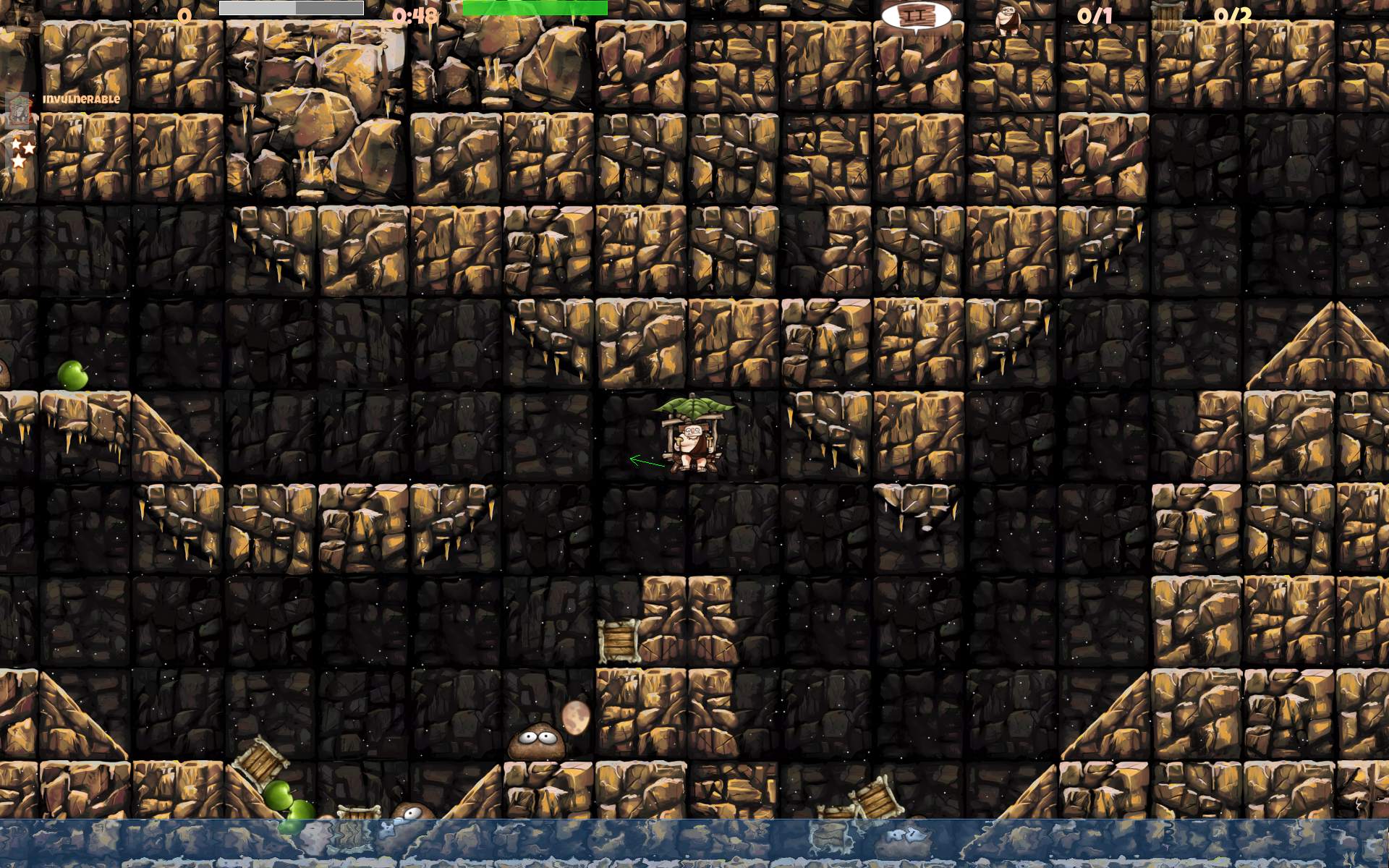
    I made over 60 maps and many changes including gameplay and particles.

    📂Sources

    Located here.
    Changelog with mostly my changes for 2.6 here.

    📜History

    Long ago in the 90s, as a kid I did play the DOS game Ugh! until end and I liked it.

    Still in the 90s I did program a simple box flying game with a sinus wave below, for 2 players. Hitting each other for score. It’s even visible here on 1st screen under VGA 320 x 200.
    I even did start programming something similar to Ugh, it was called by me: Fly&Ants (also on screen here, far right side, middle row). It was meant to be Ugh style, of flying in 2D, but with a fly🪰 (looked more like a cow), that would transport ants🐜 between huts on trees. Yeah, it didn’t last long, but was a very nice demo. It featured a couple of new gameplay ideas: a cloud with rain🌧️ that pushed down, it had a thunder with lightning🌩️ sometimes, that could hit player. You could dive under that tree. And there was a new fountain⛲ with many particles. Including a type that was auto aiming at player. It did push away and you could float when directly over it. Also made scenery wet.

    📝Motivation

    In 2015 I played CaveExpress, probably not long after it was made. I liked it, but I missed more of the style of Ugh gameplay, and flying was slower too.

    In 2025, after years of being busy developing Stunt Rally and making a break from it, I played CaveExpress again, it felt a bit short. And I realized I can improve many gameplay things.
    The game is available on smartphones and in web browsers. Thus I think it was easier and slower for playing on smartphones with touch. IDK, didn’t try, I don’t need or own any😁. This felt less playable for me on PC, and also when compared to old Ugh.
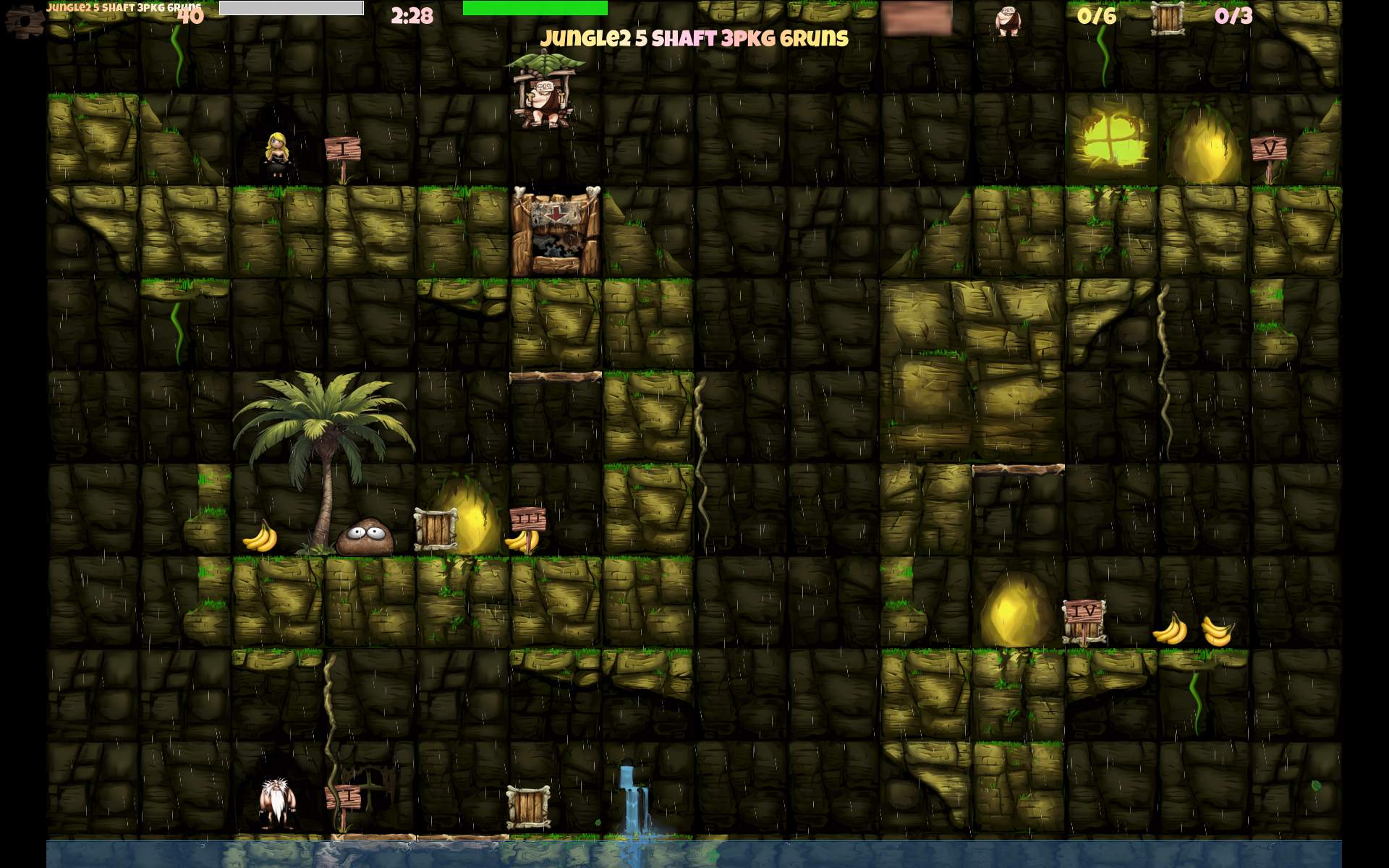
    CaveExpress also features this new gameplay with box packages, to fly them to crusher (target). It has about 90 levels with this type. But had just a few with the Ugh type of transporting people between platforms (called Taxi here).

    🔍Details

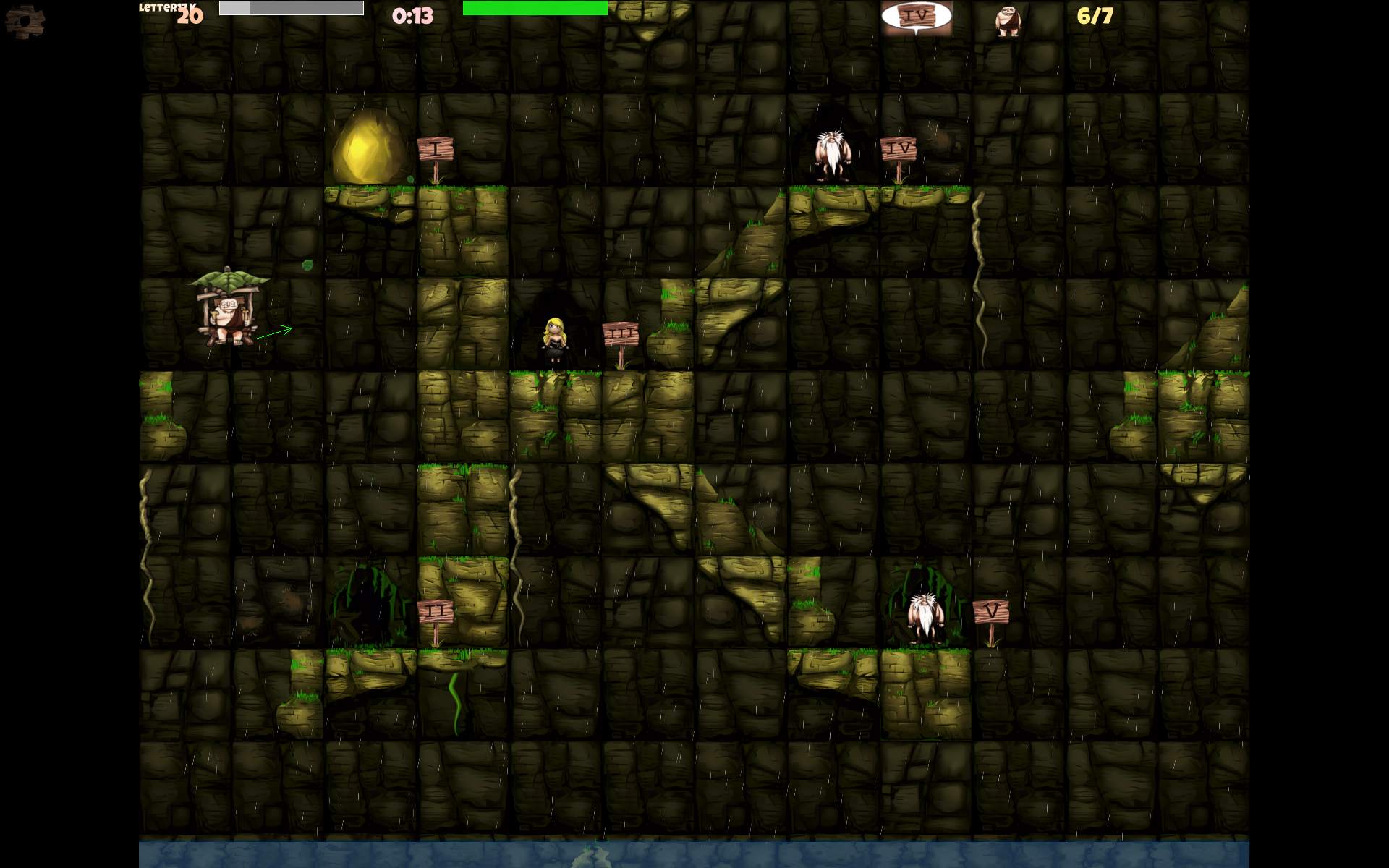
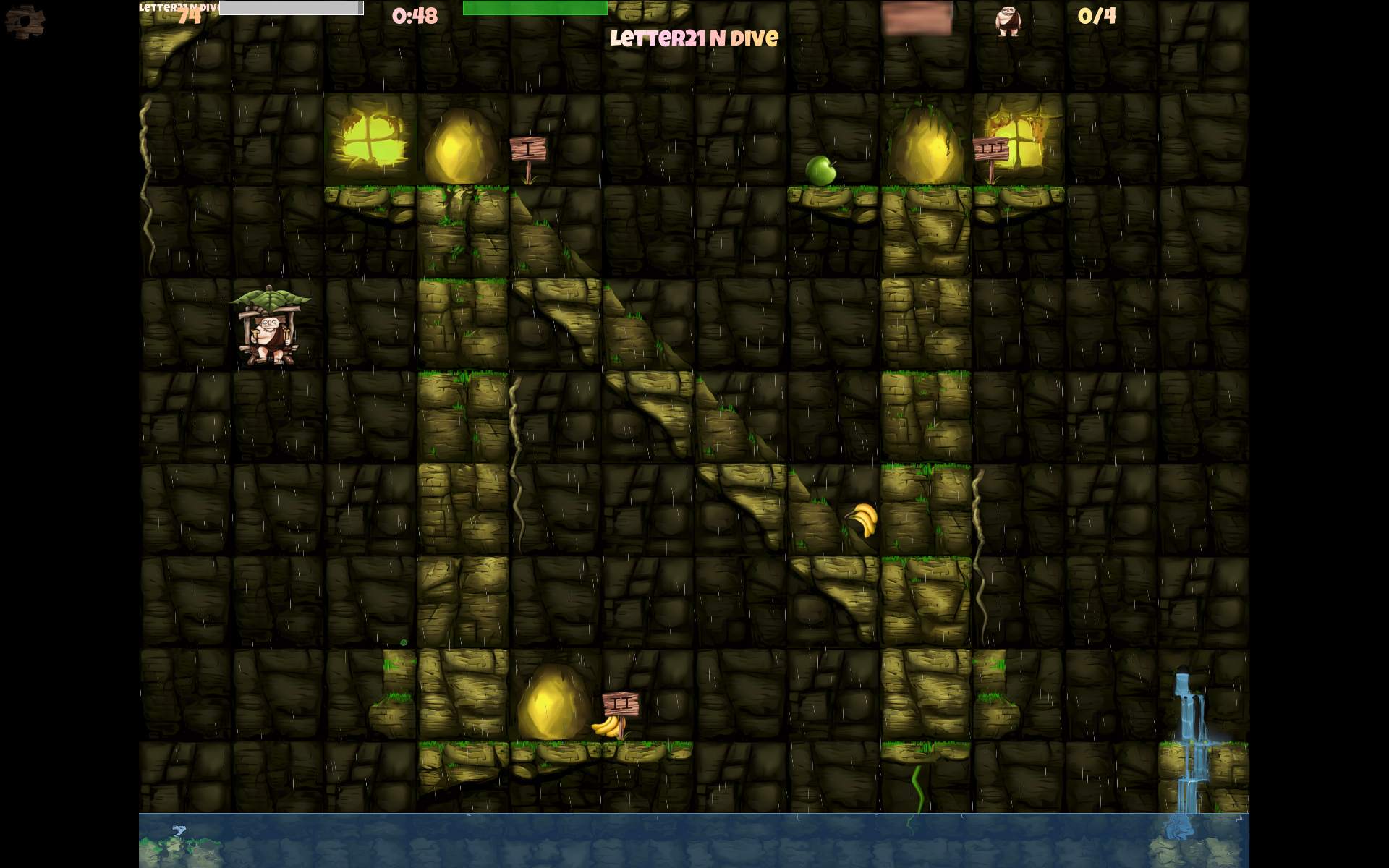
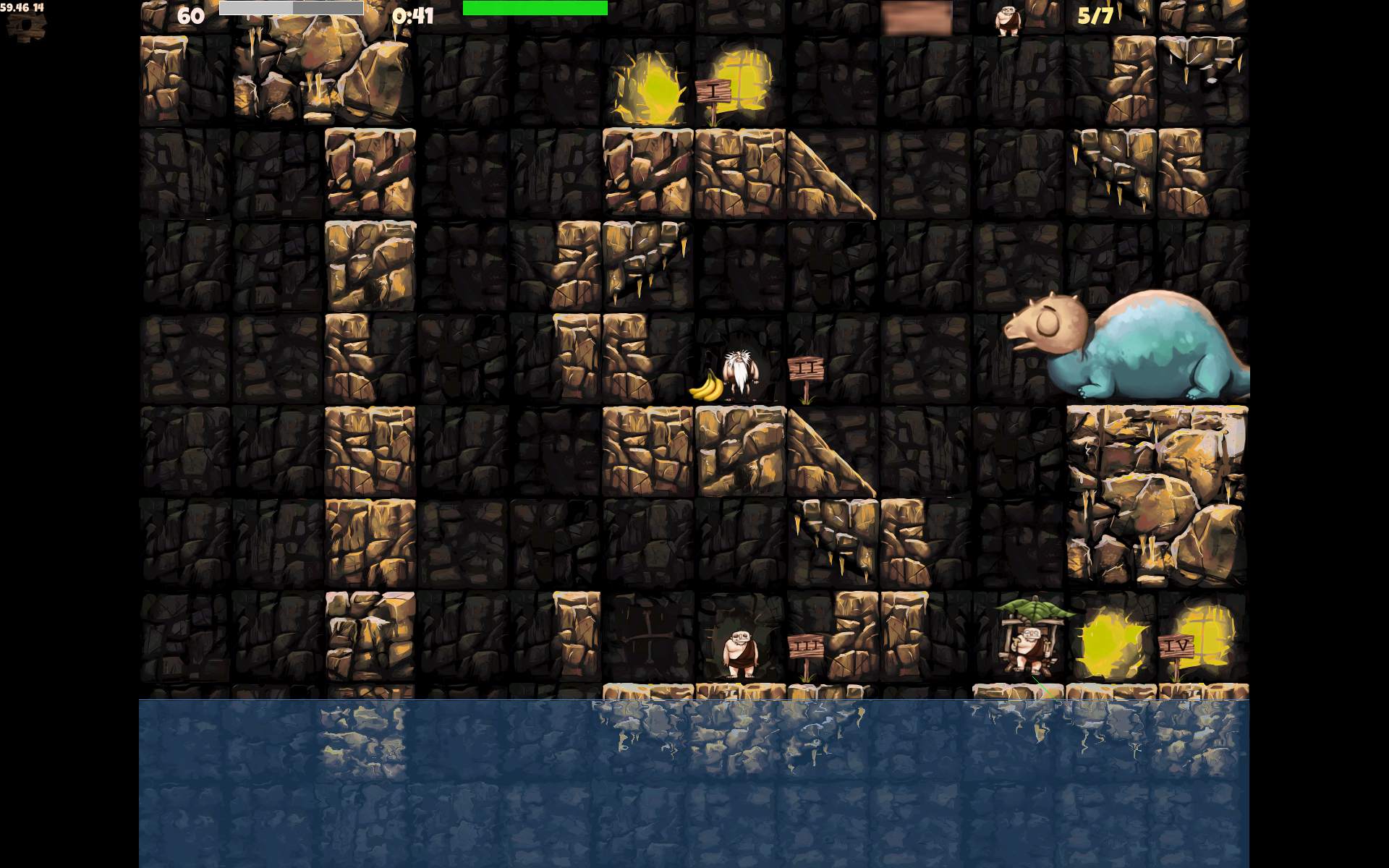
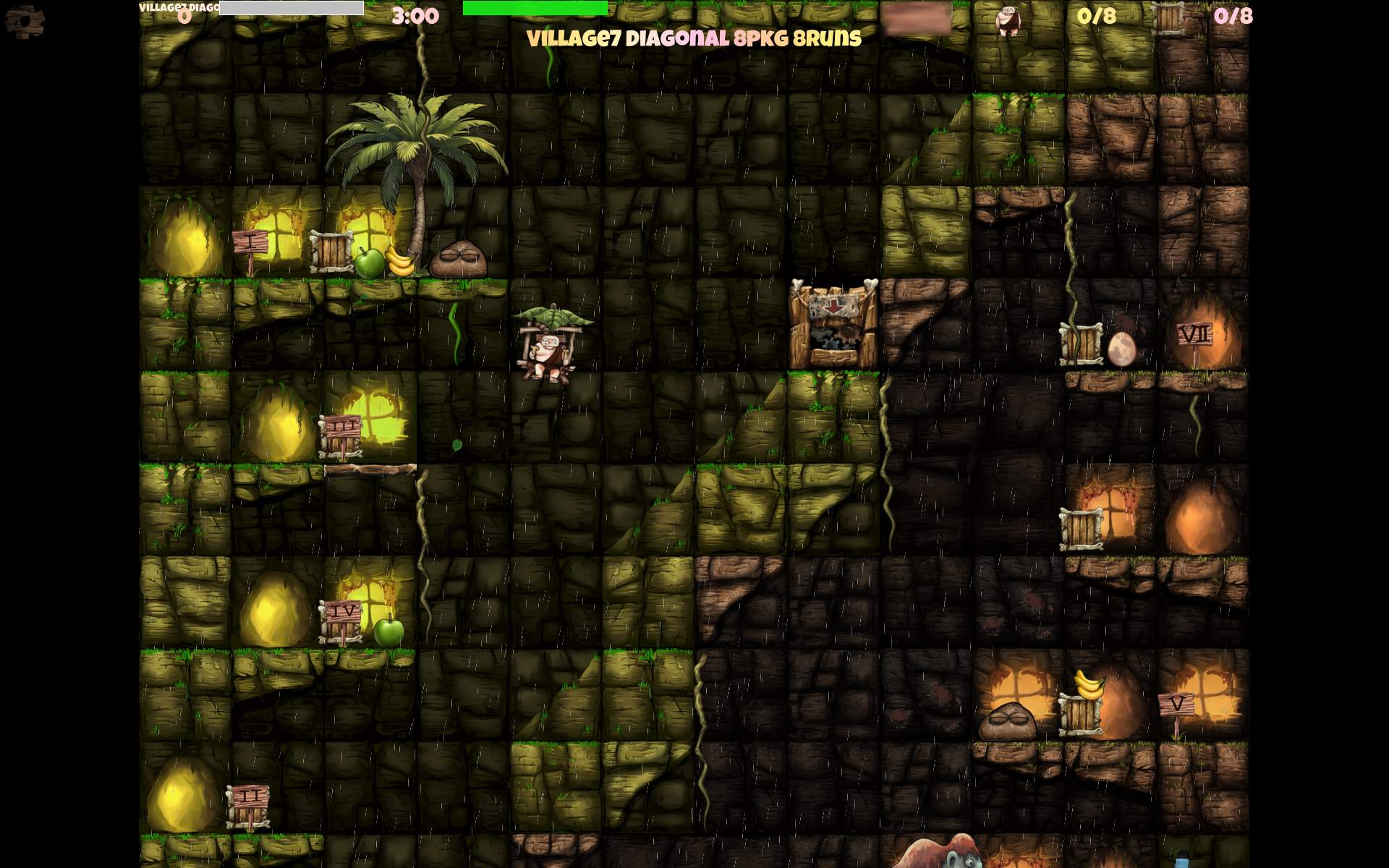
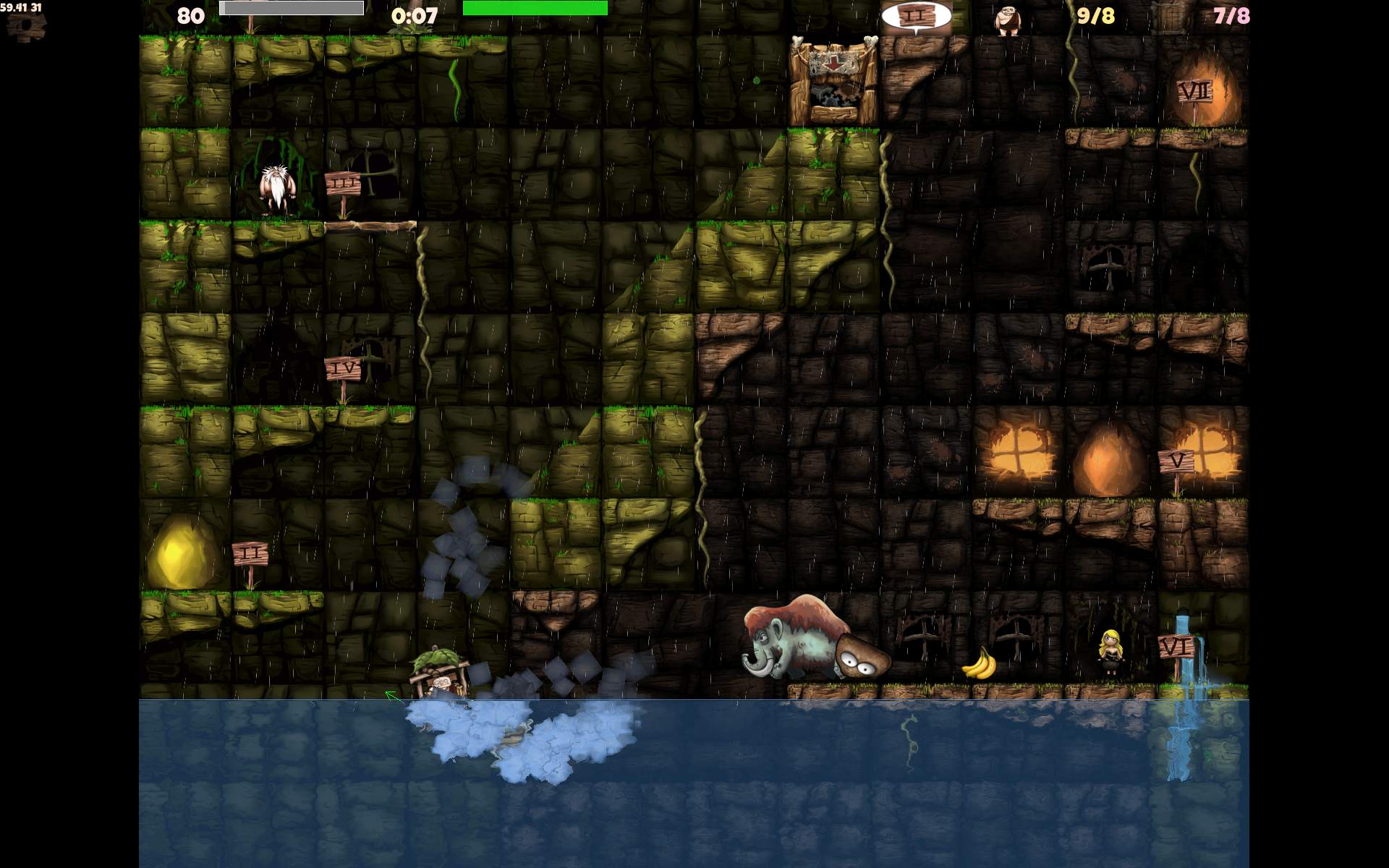
    I first started by recoloring the existing Rock and Ice themes. IMO those were a bit dull and lacking color. I used Krita with many color or Hue curves. I didn’t know if it will be enough. But I did so turn brown Rock into green Jungle and gray-white Ice into orange Desert.

    I looked around source code, to change gameplay to faster, and started committing a lot of changes into my fork. I think I did make first PR with those 2 new sceneries. I saw some commits still, but didn’t know if after 10 years the original author will be still available or willing to change anything in the game. Yet it turned out great, even better than I expected. We quickly got into discussion and I did finish many changes this way, which went into original project repo. I also did a few bug fixes.

    Details are in changelog at end, almost all (for 2.6) are my changes.
    I did make some smaller and nicer particles for snow weather, rain, wind, etc. I think less particles were meant for smartphones, but on PC having way more is not a problem and looks better.

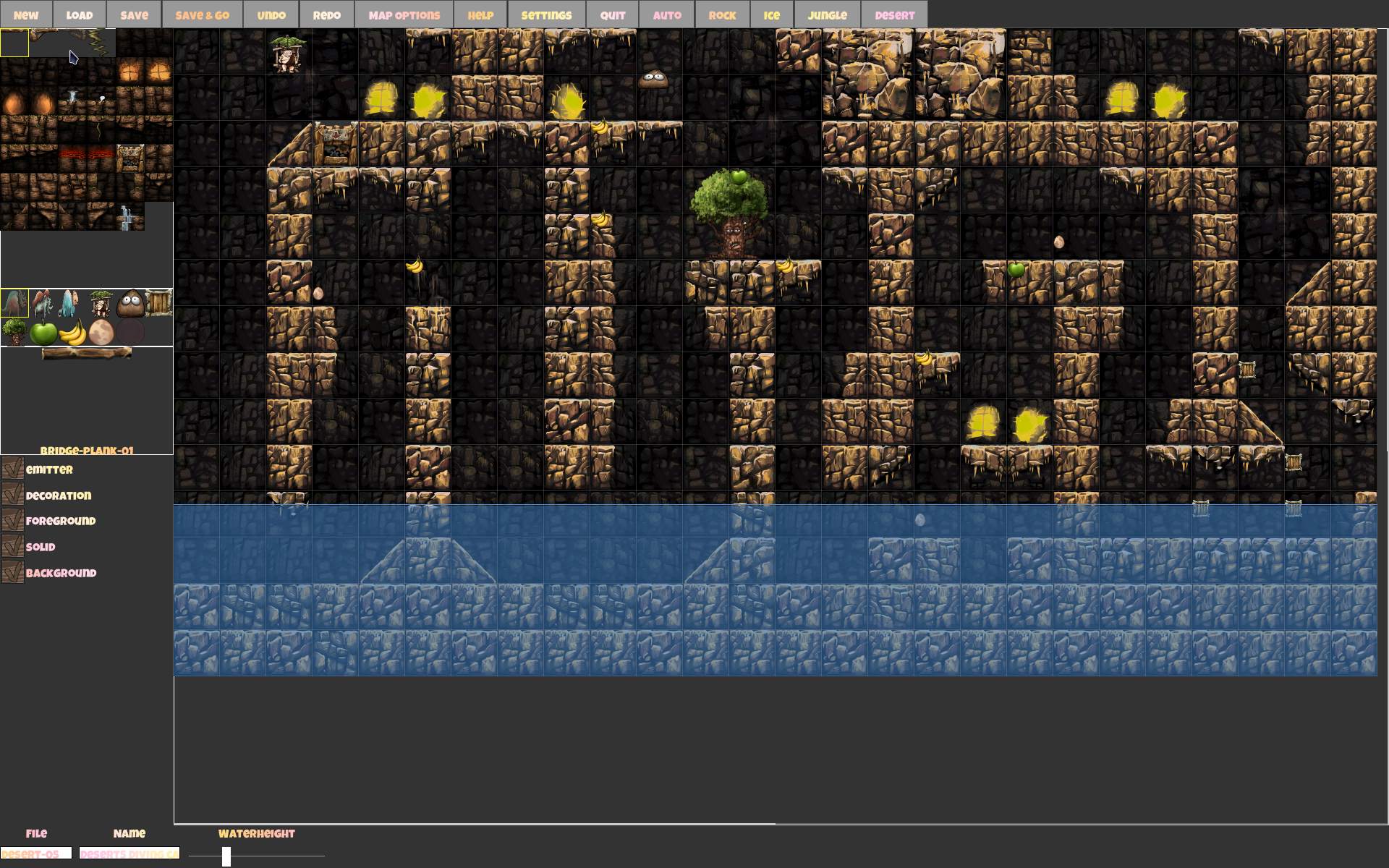
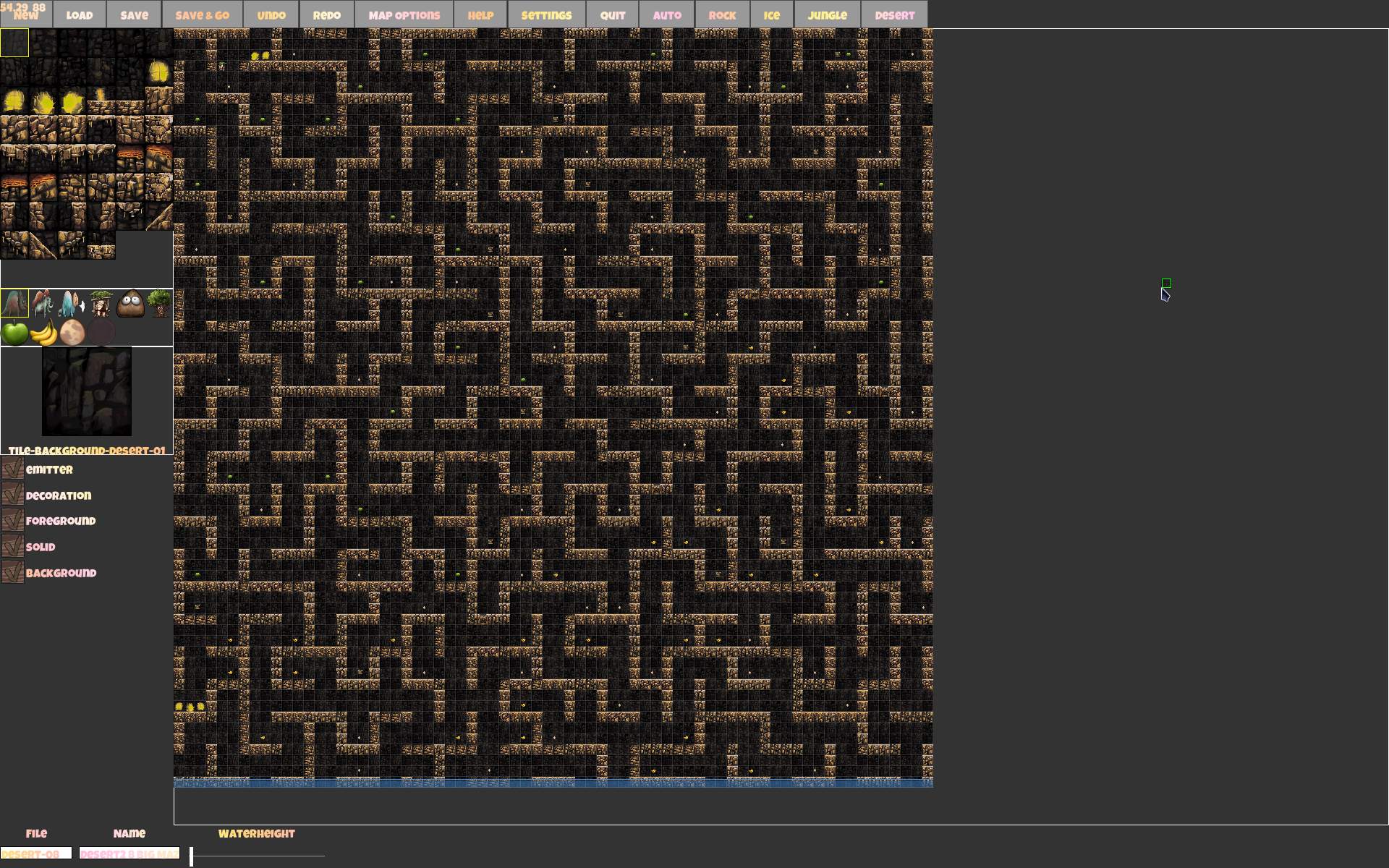
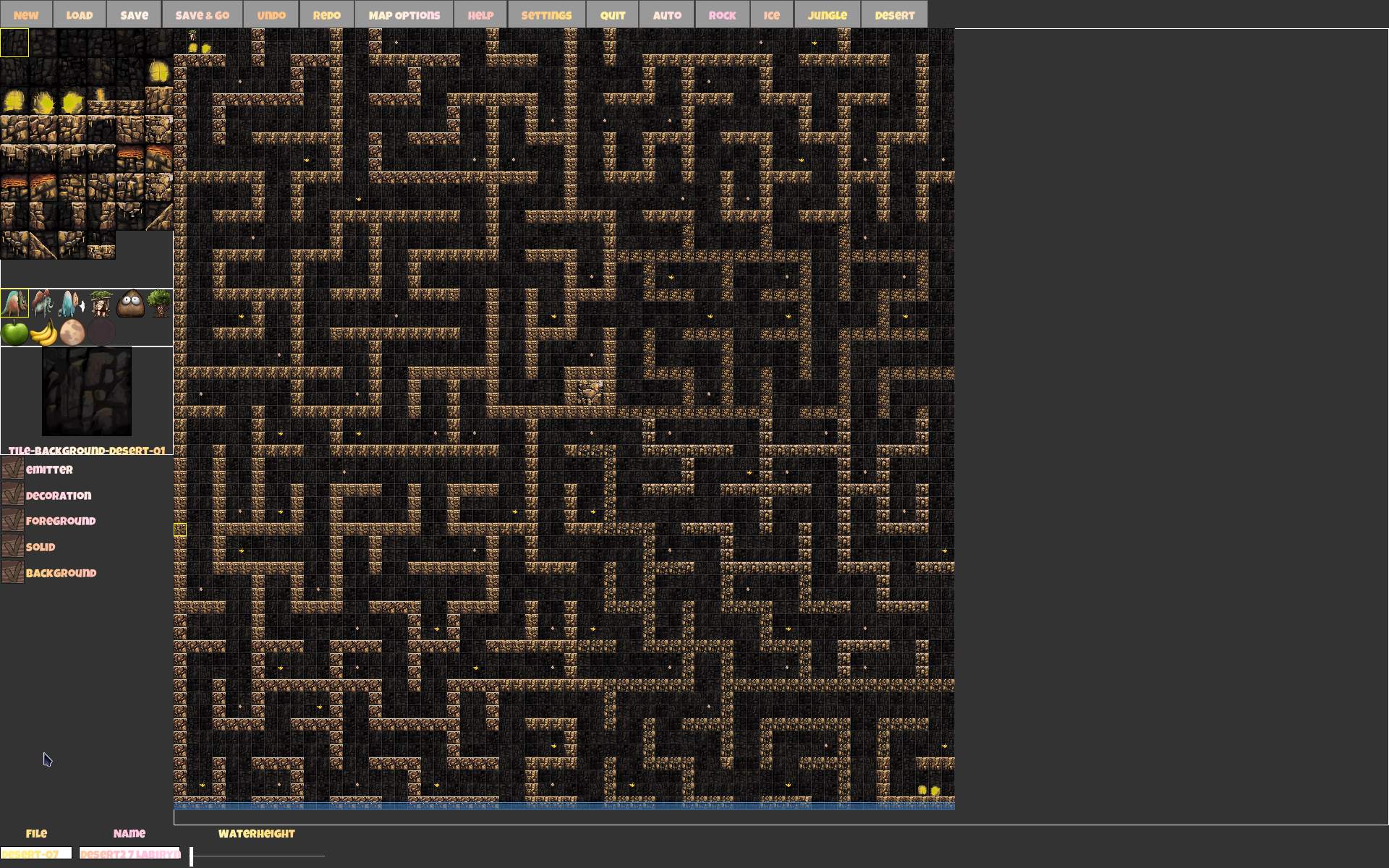
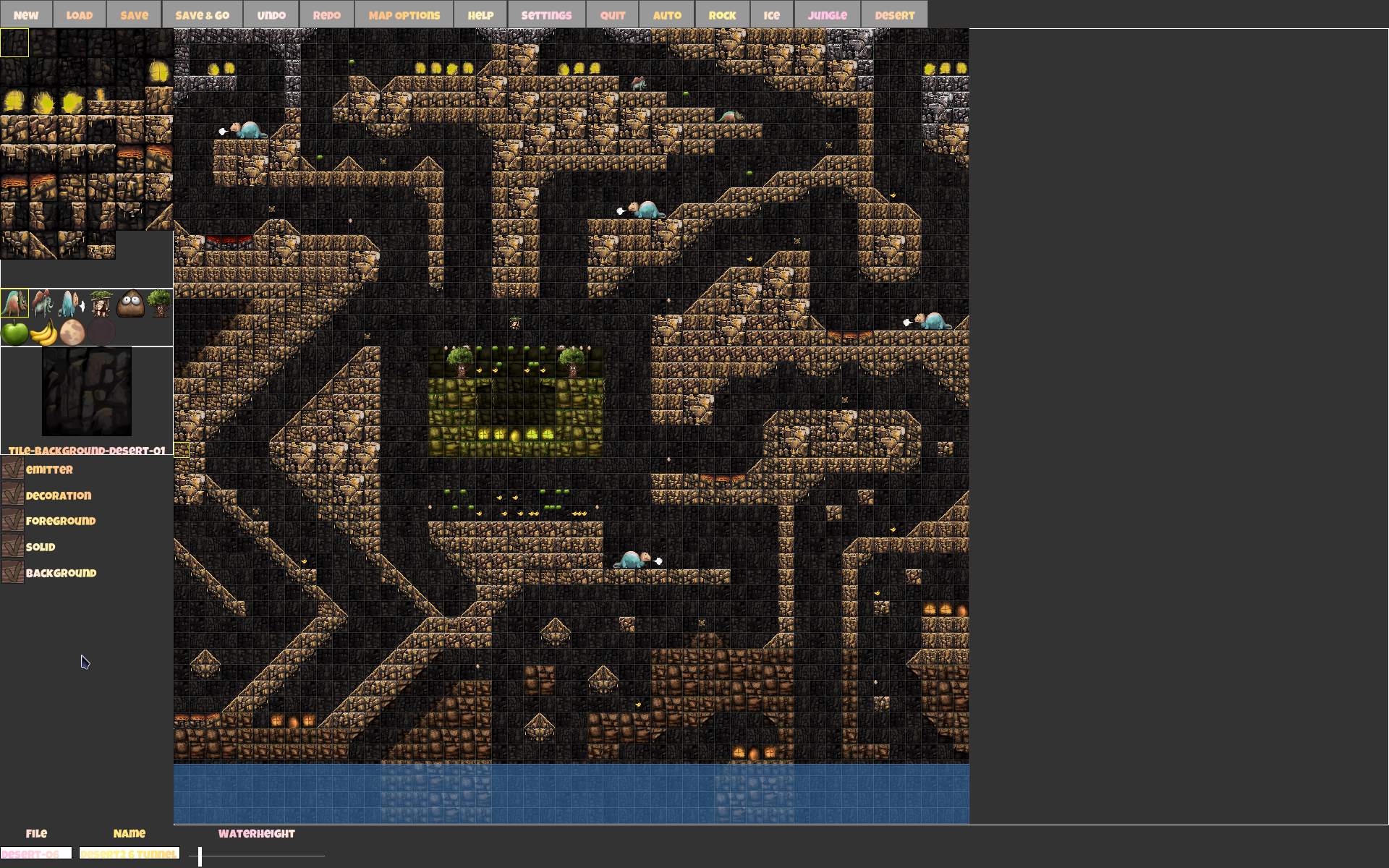
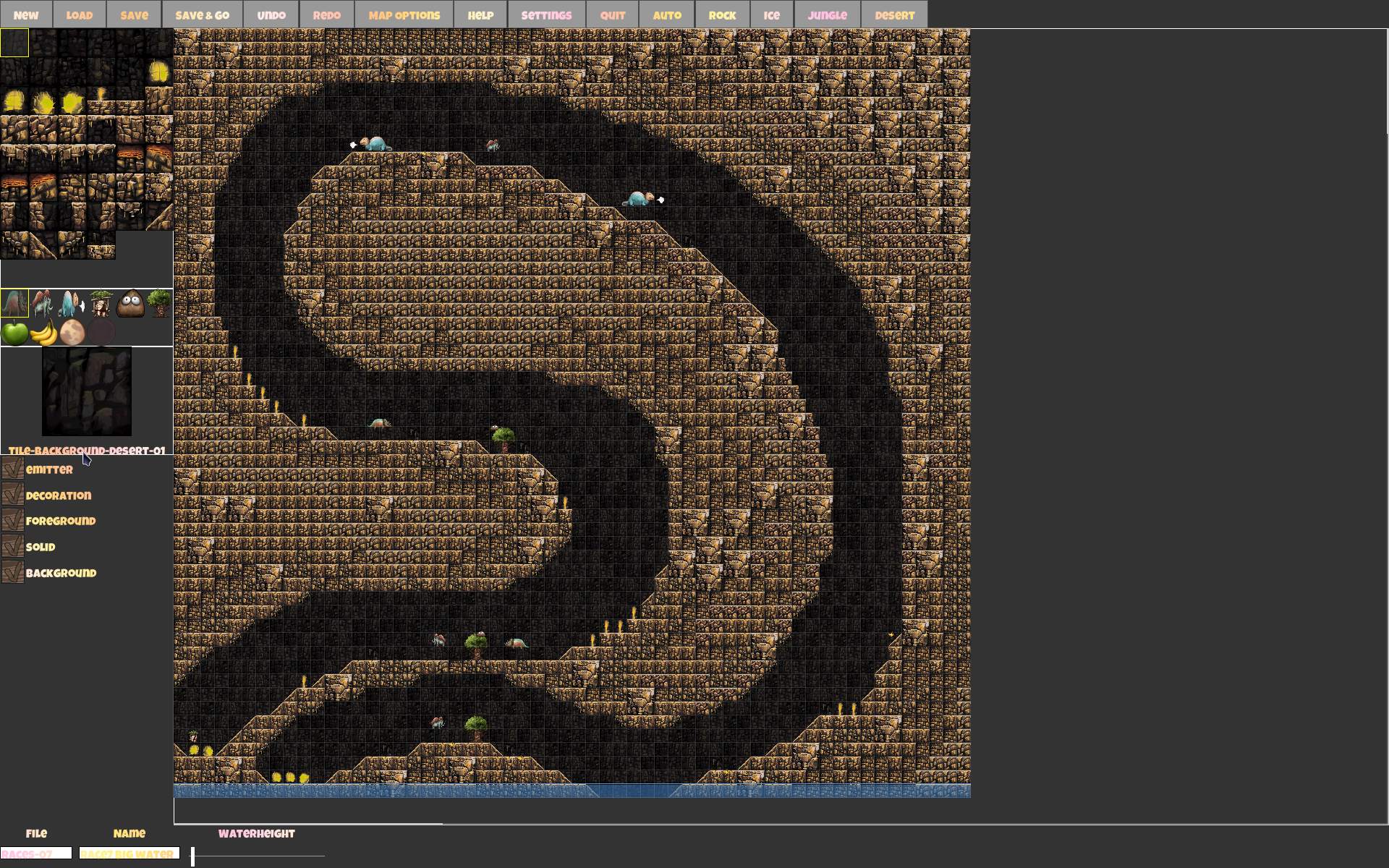
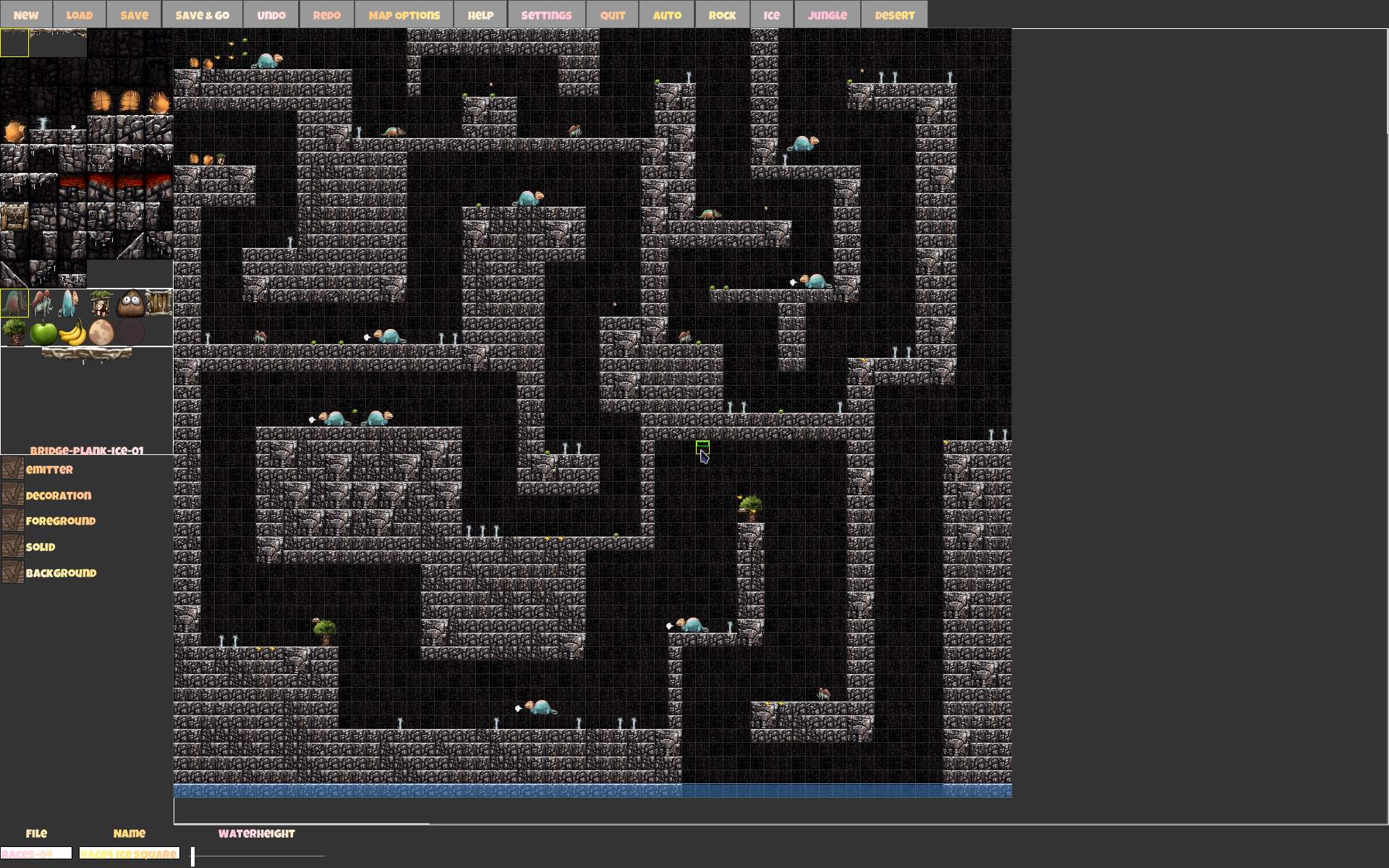
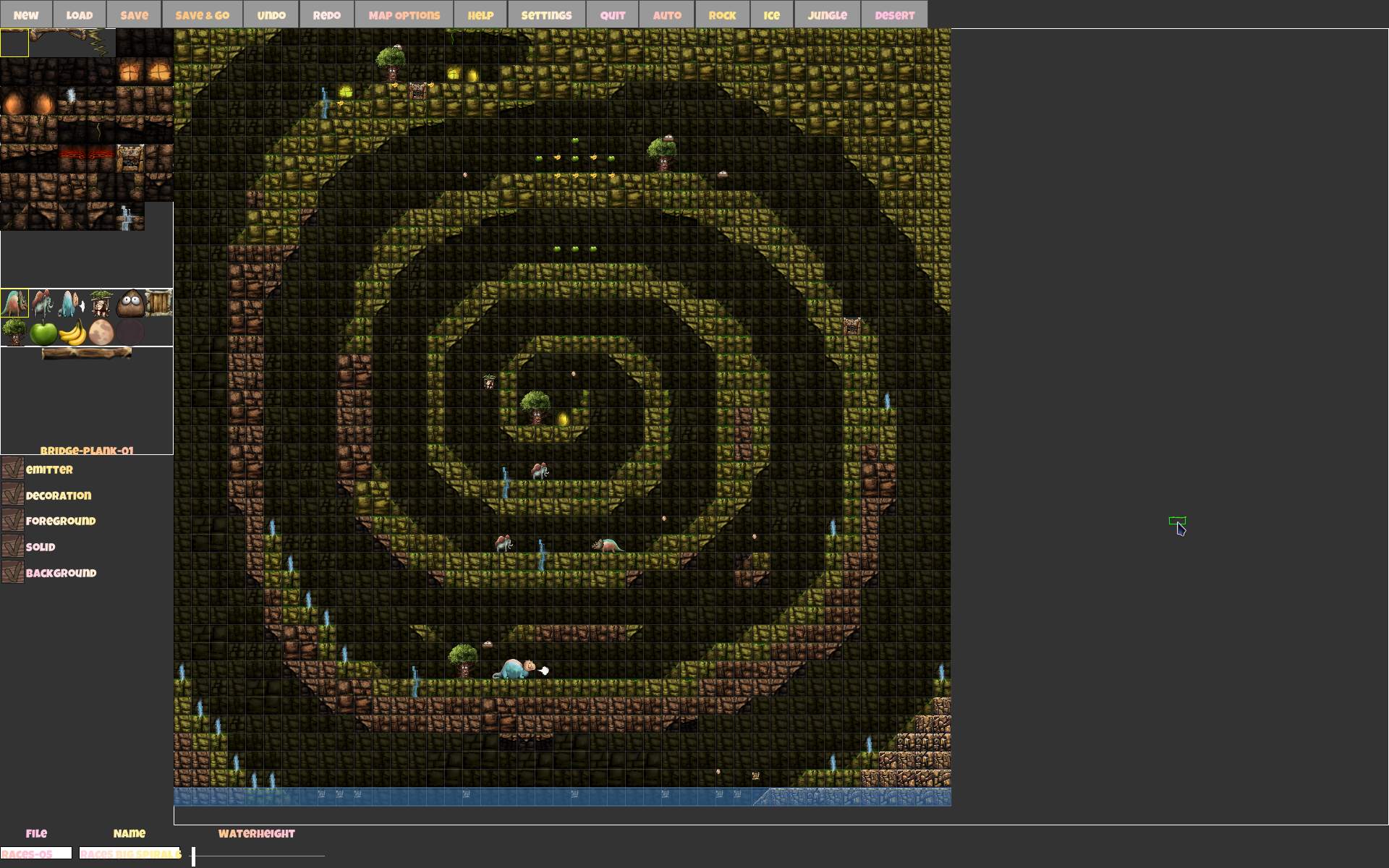
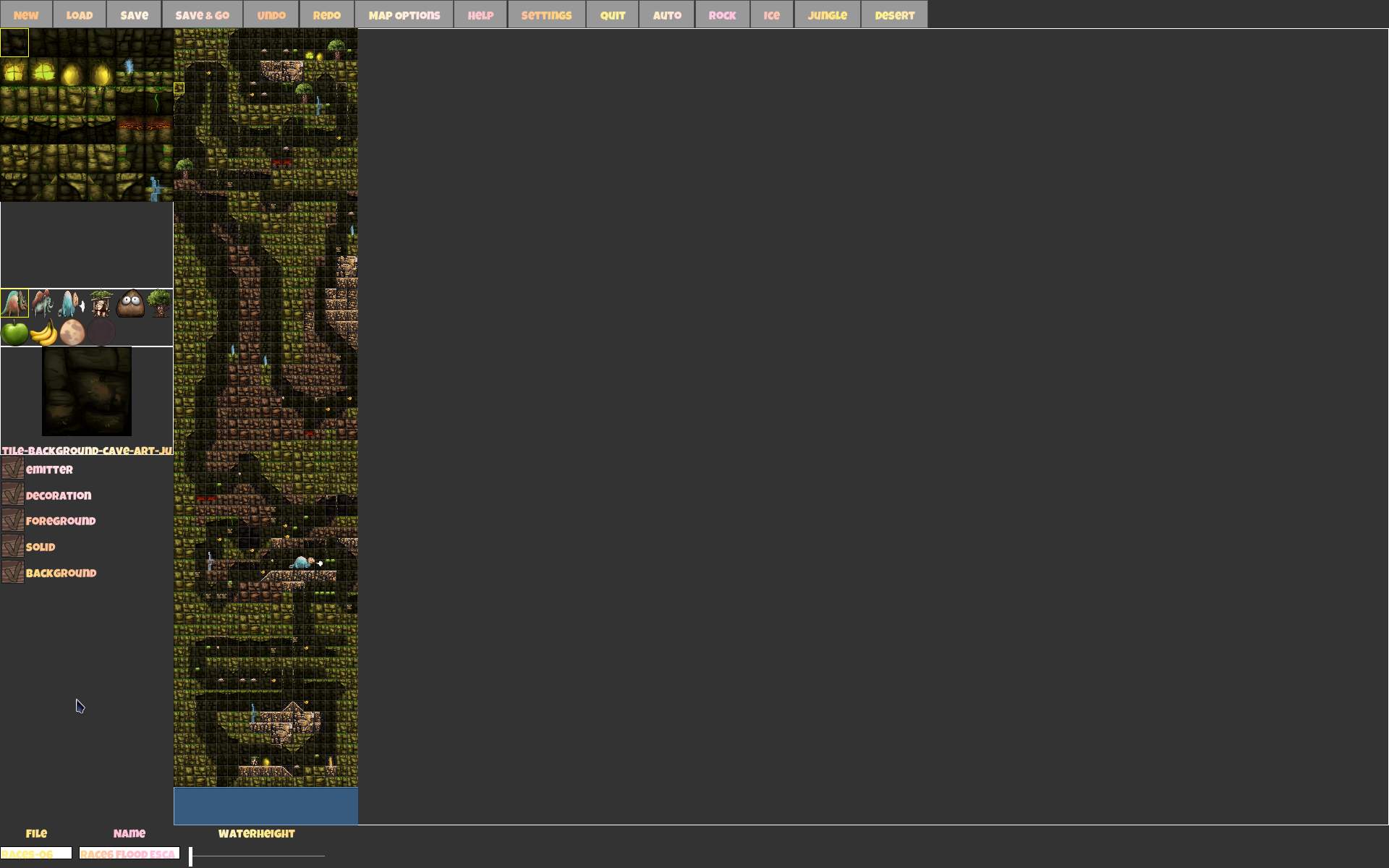
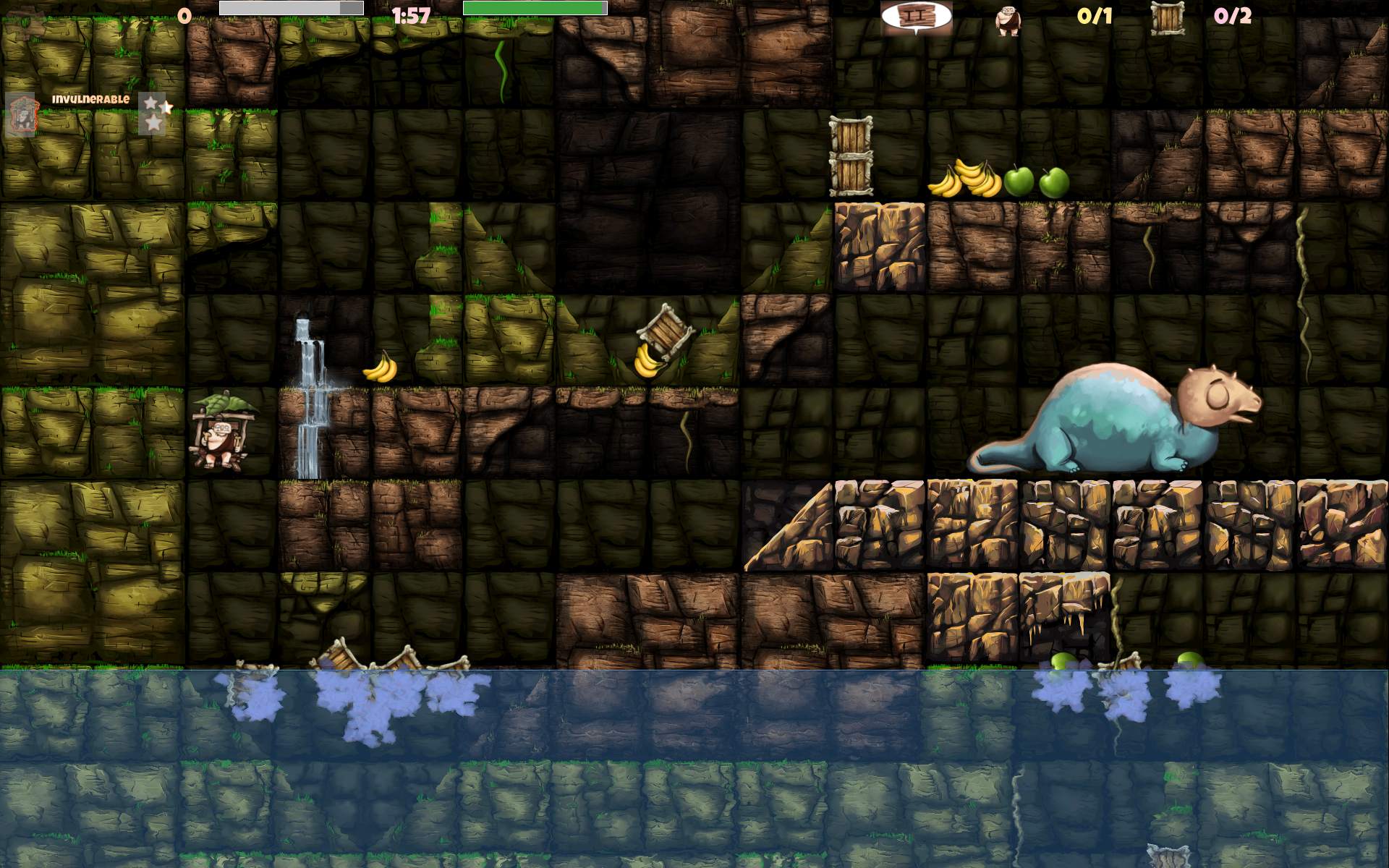
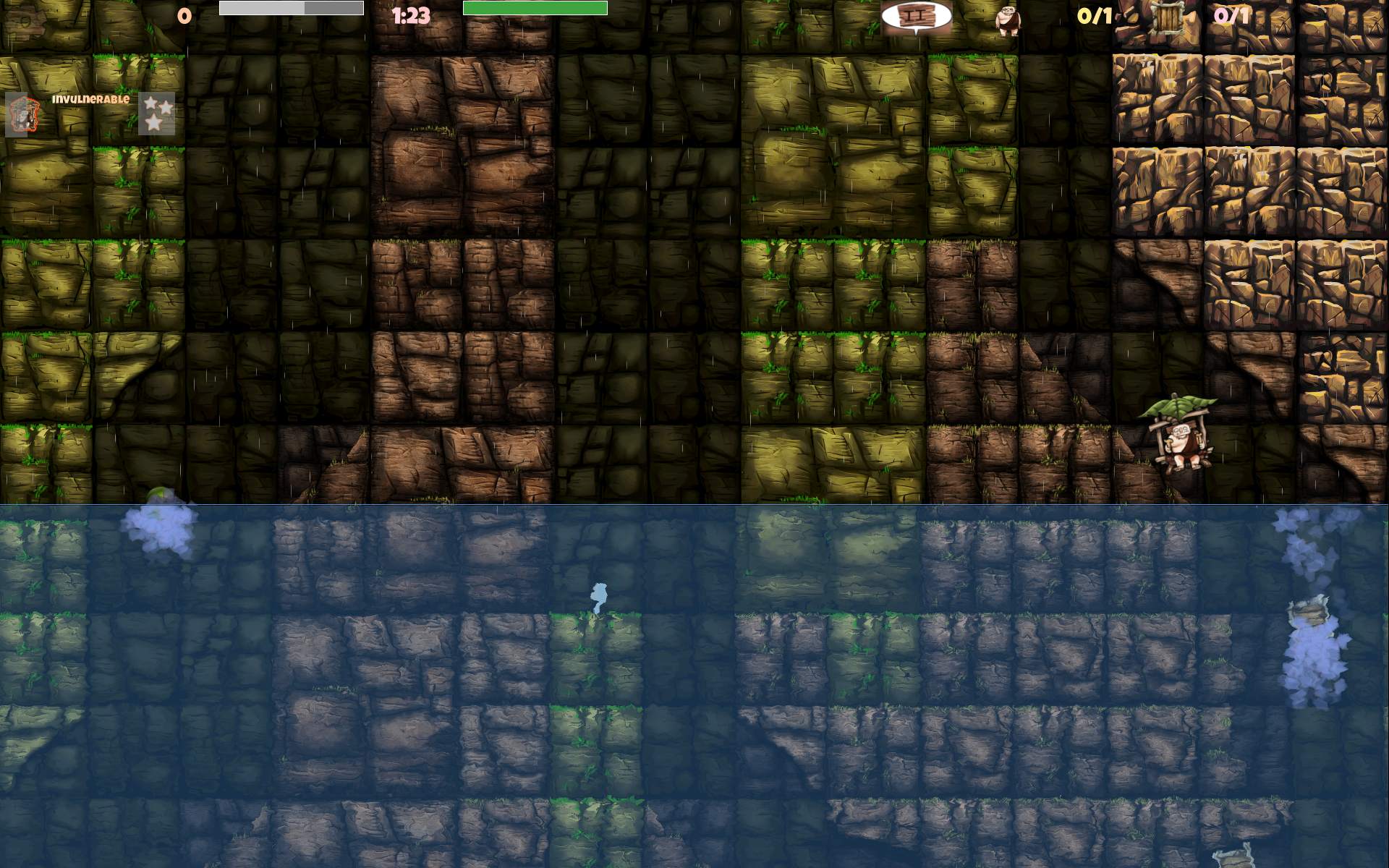
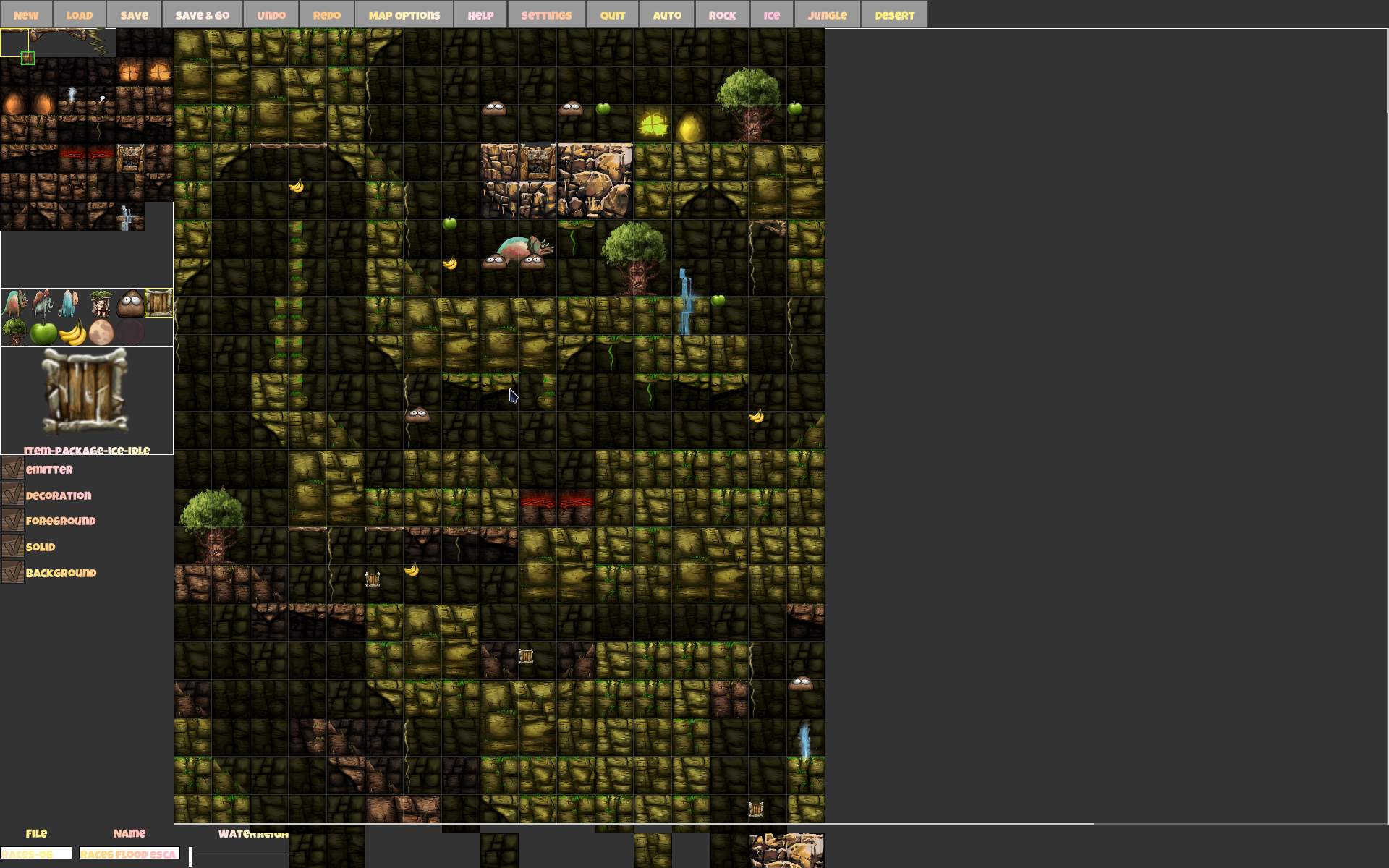
    New sceneries also inspired me to create many (64) new maps. Some were based on Ugh levels (all Taxi type), others my original ideas. Now with 4 themes total, mixing them in one map, also made some maps more interesting. I also made a separate series of 24 letters (a few were already in Ugh), an original Desert series with pyramids and couple of mazes, a series of Races on big maps (including flood escapes) and Villages with both taxi and packages at once on map.

    ➡️Observations

    I still have some new gameplay ideas to do, on Issues tab. Will see if I get them implemented.
    One more thing I’ll mention is CaveExpress source code. Many classes and interfaces. The game features multiplayer and this (I think) made the code more difficult (to read, understand and develop). I need to figure out how to implement things the way it requires, by sending messages, or doing things on client versus server side, even if it wouldn’t be needed at all for local play.
    Box2D is used here for physics and collisions. I liked this popular library, and now I finally had a chance to look at code using it.
    So it is definitely a good C++ learning experience. And for contributing too, since I usually just develop my own projects. Lastly a nice break from the demanding, 3D, black hole of a project that Stunt Rally is.

    🖼️Gallery

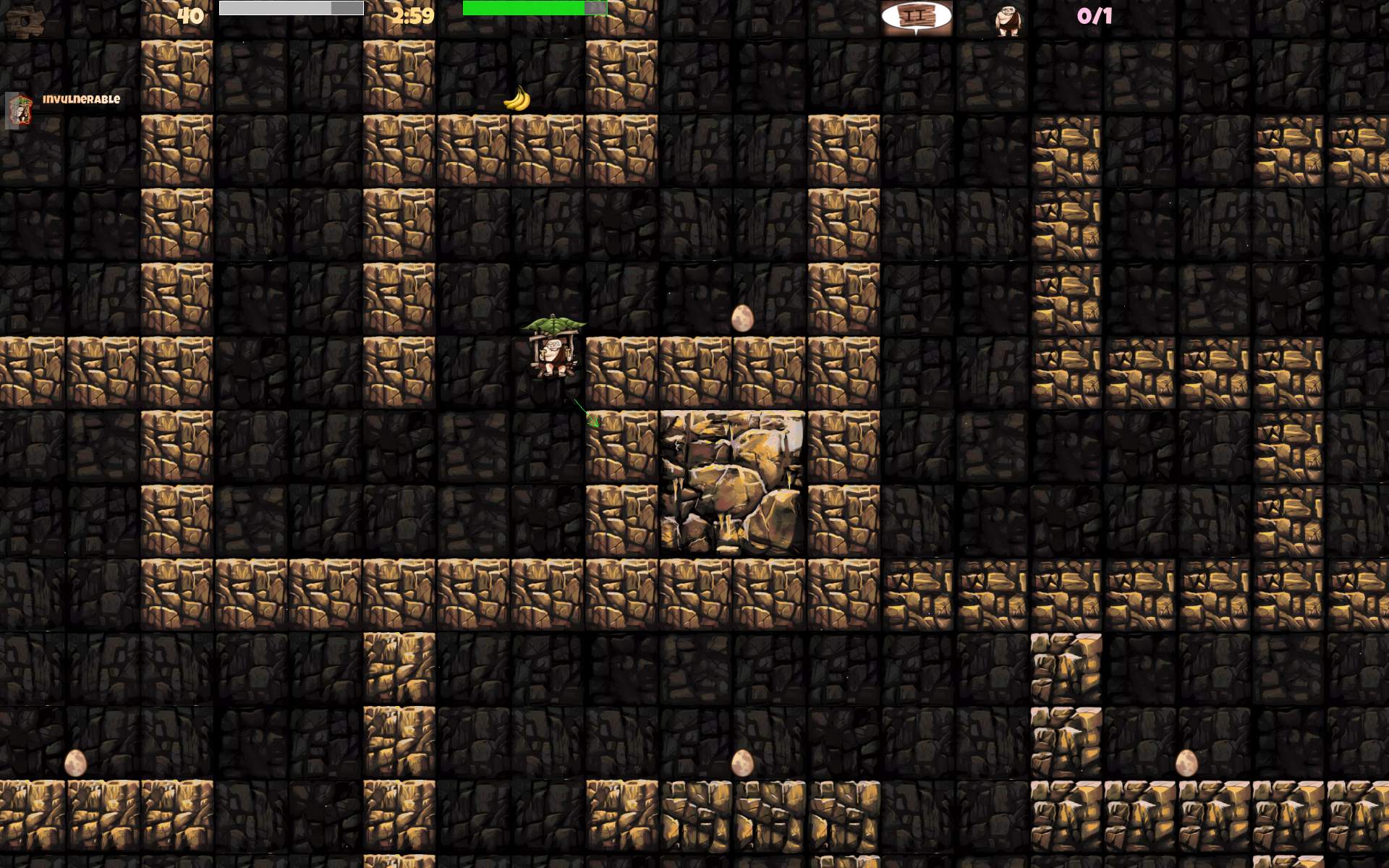
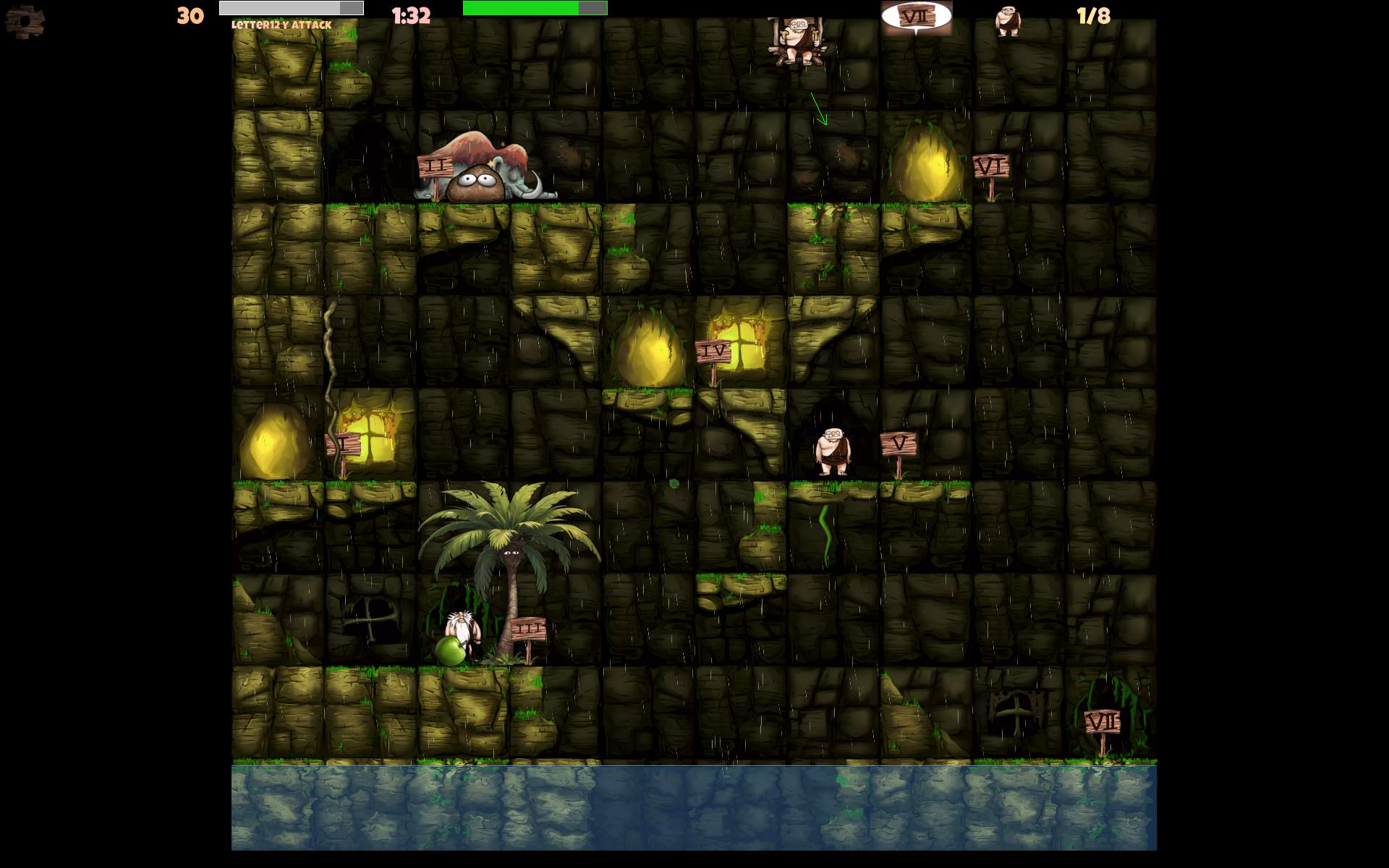
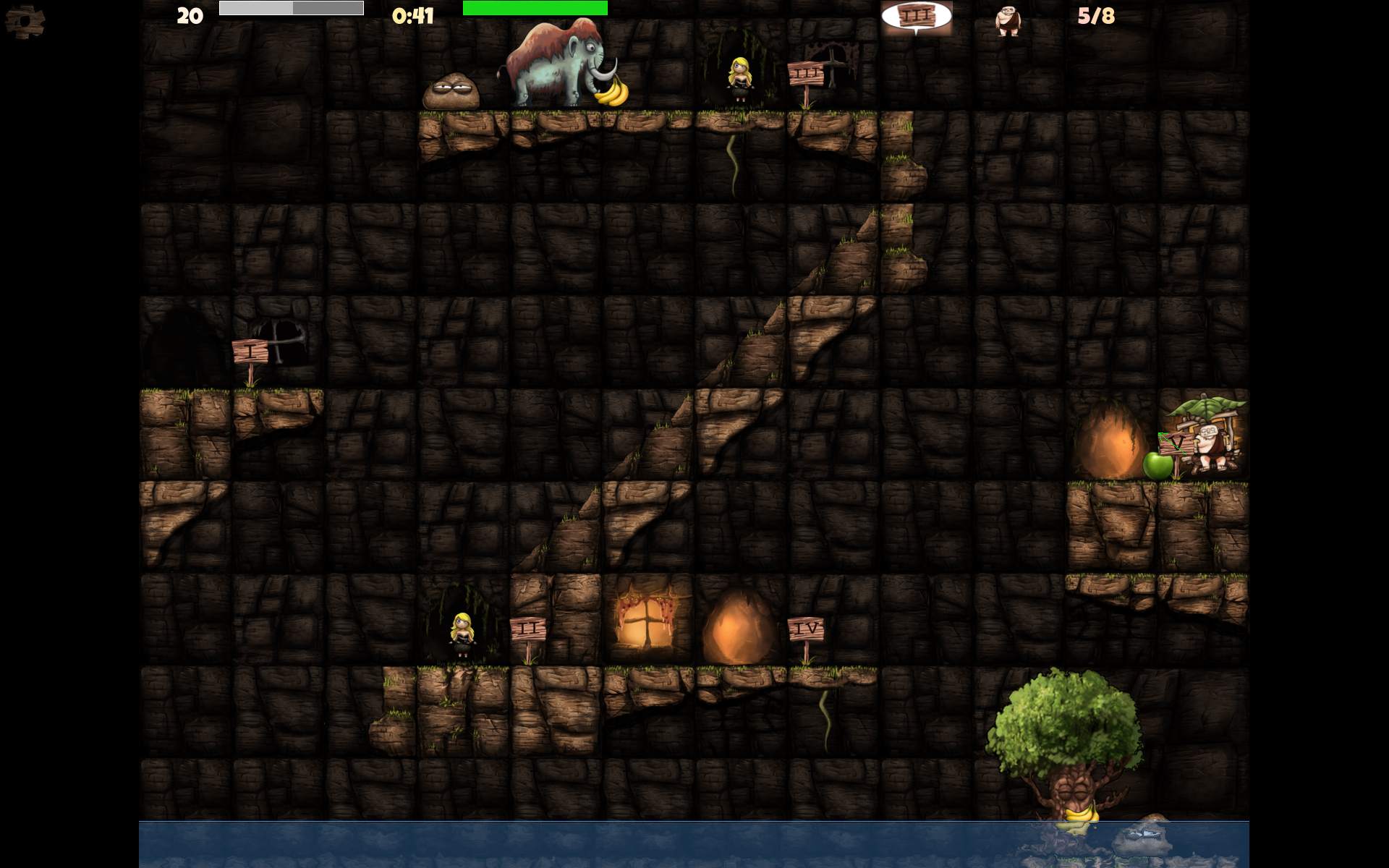
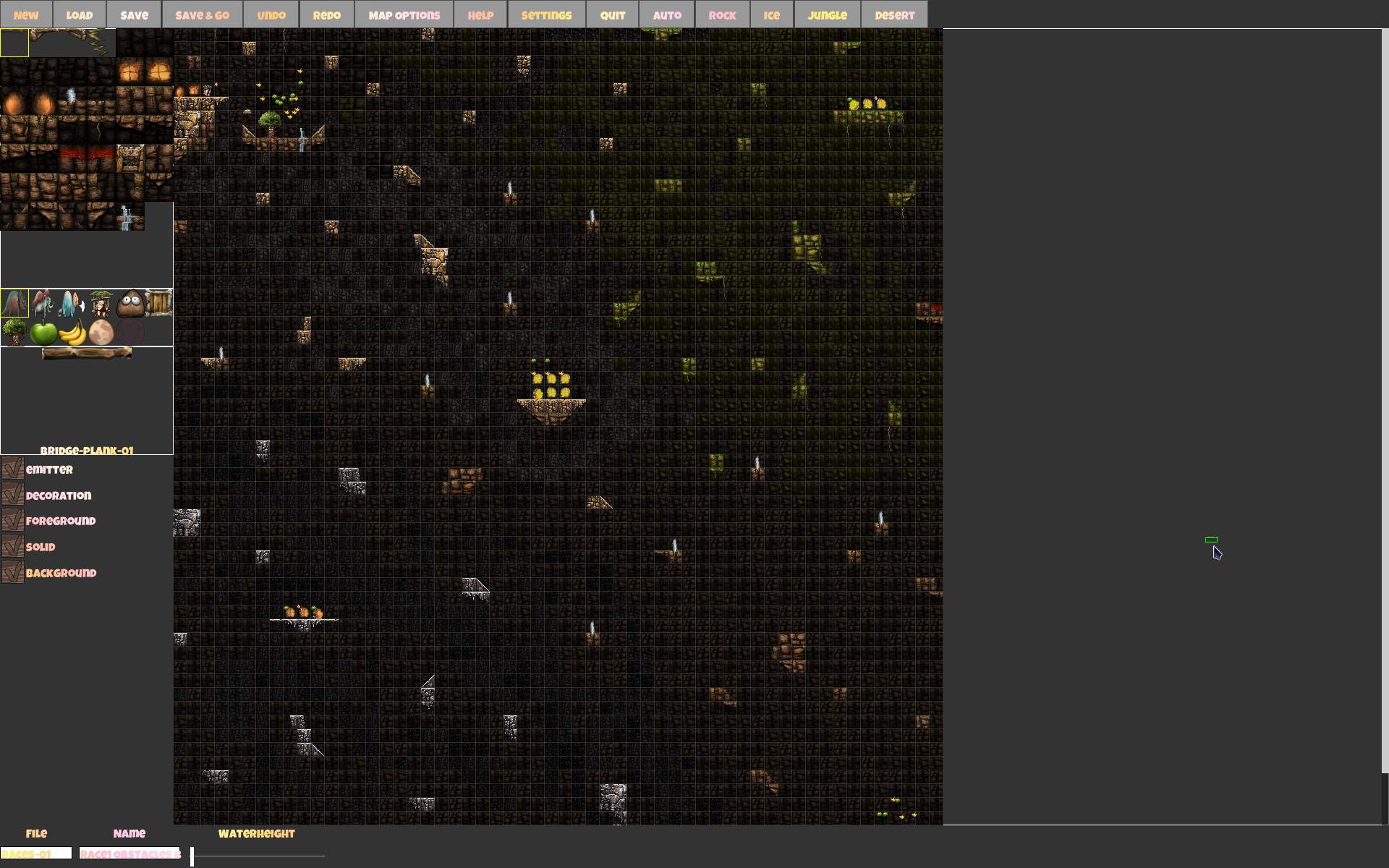
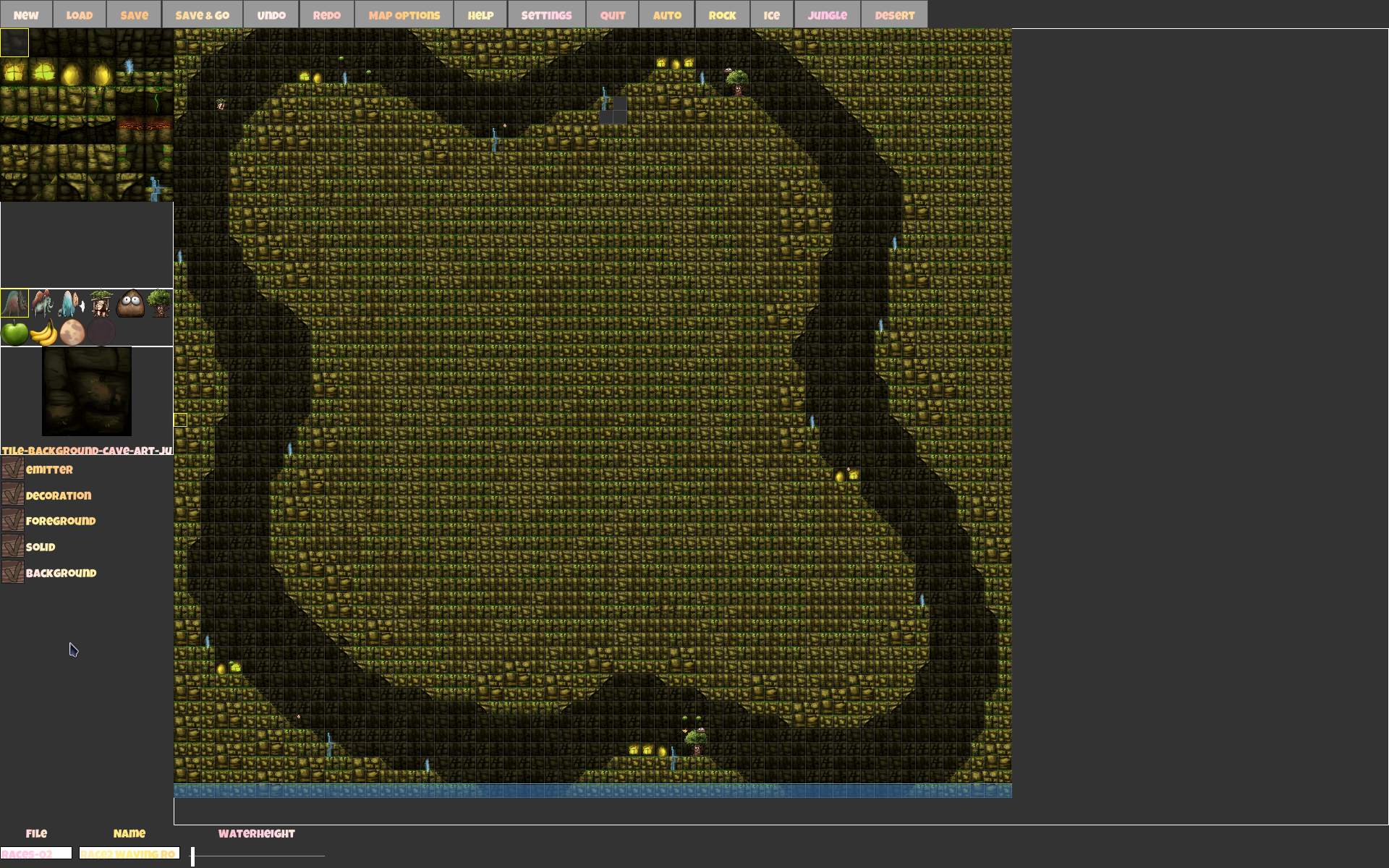
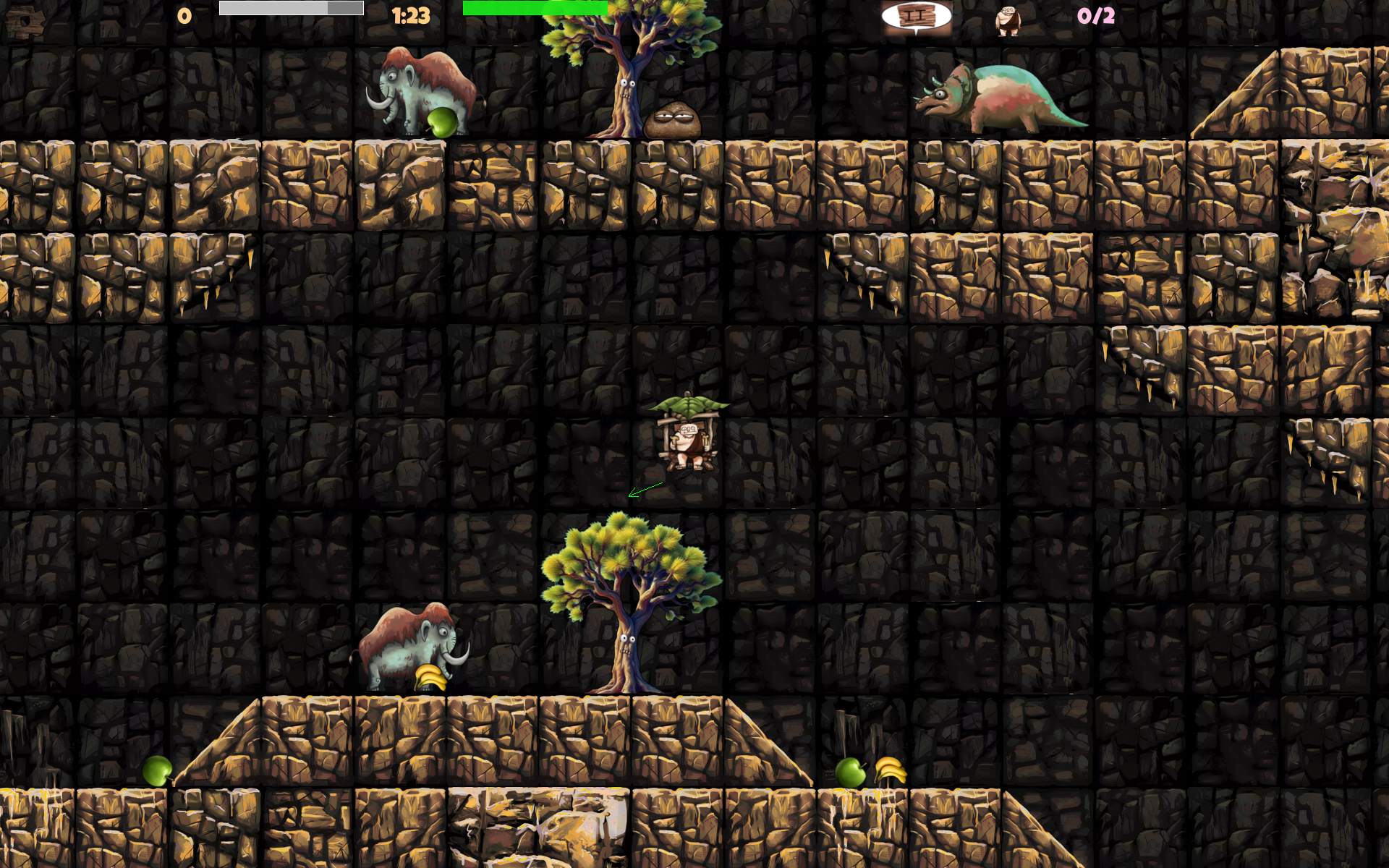
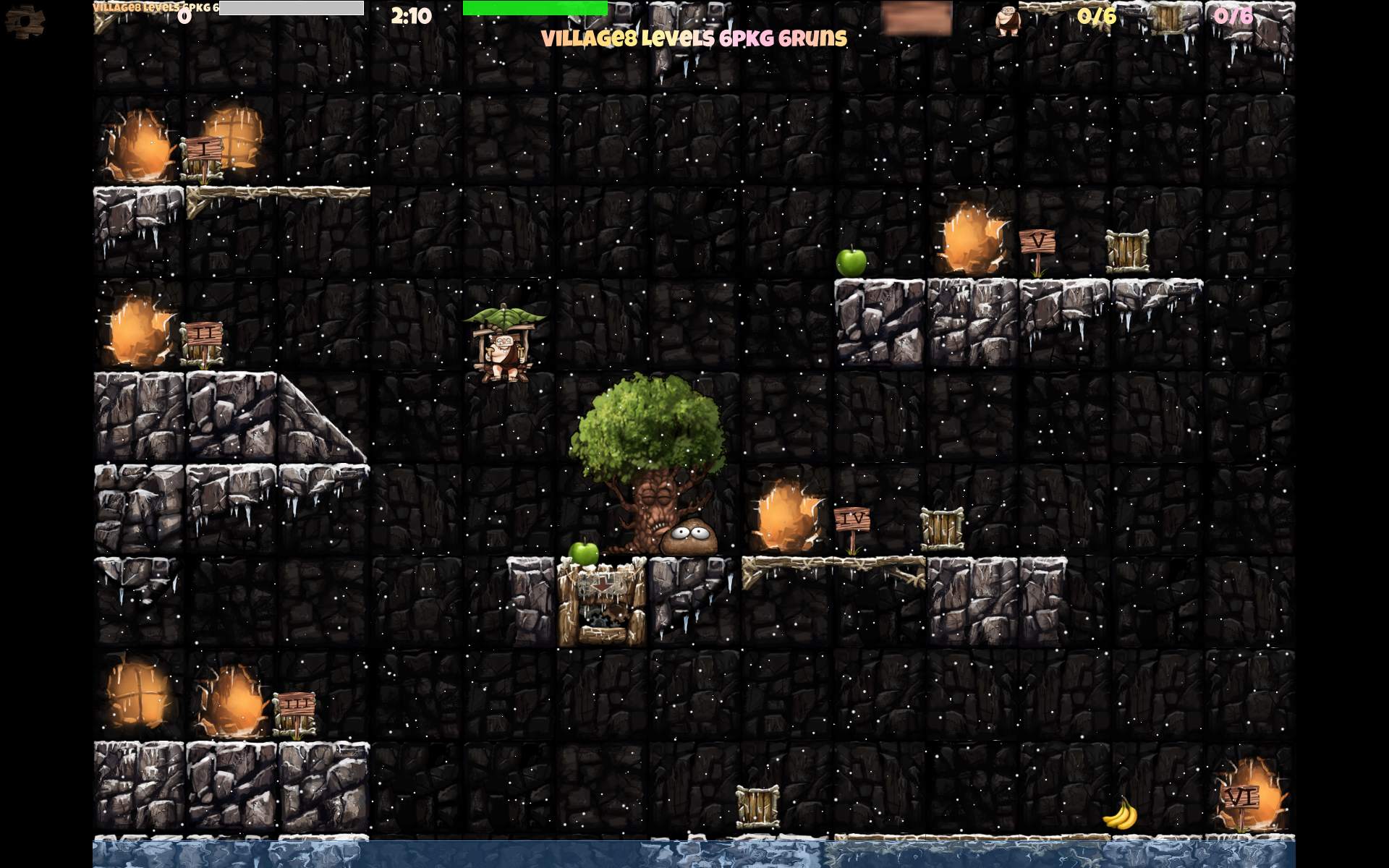
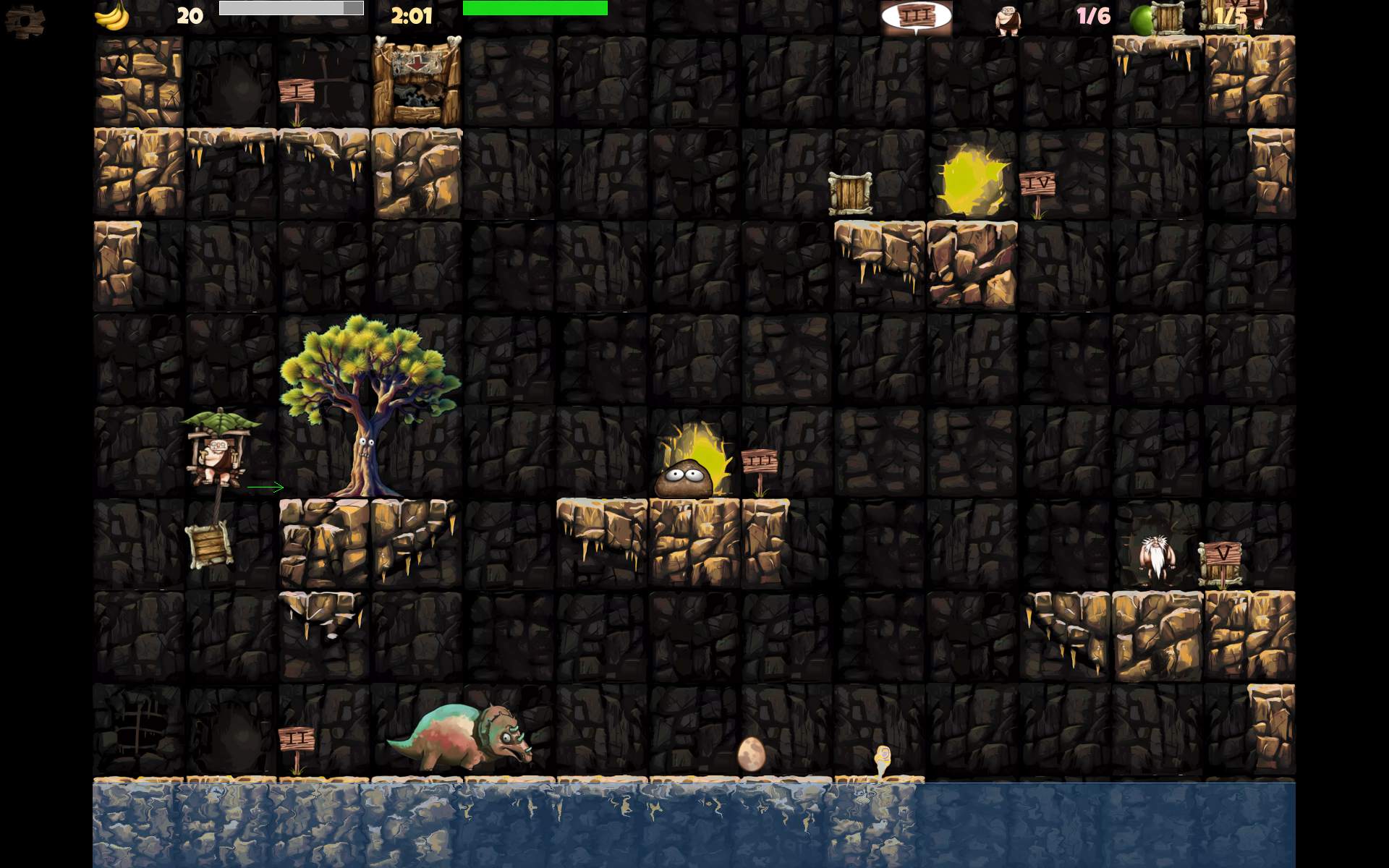
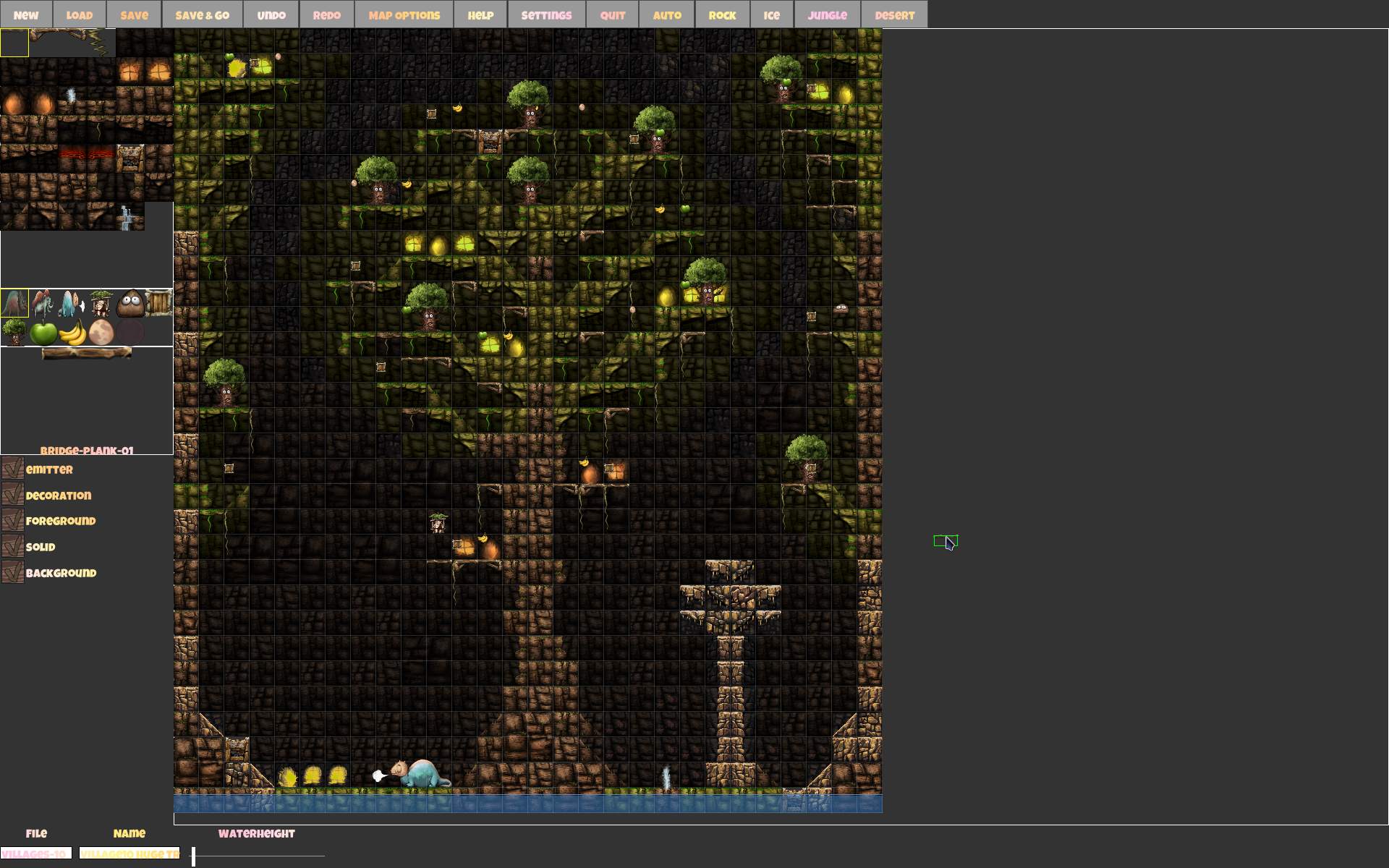
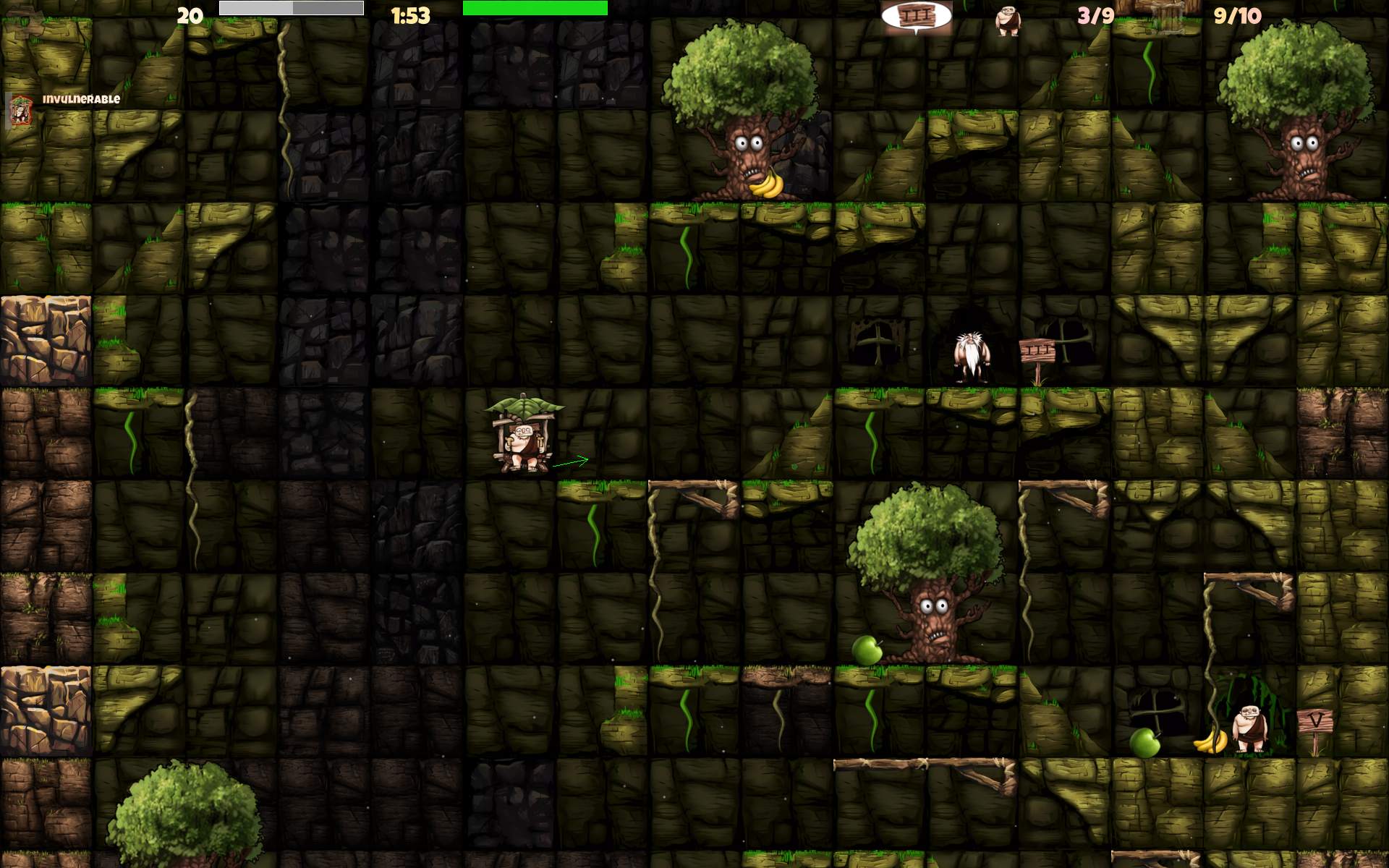
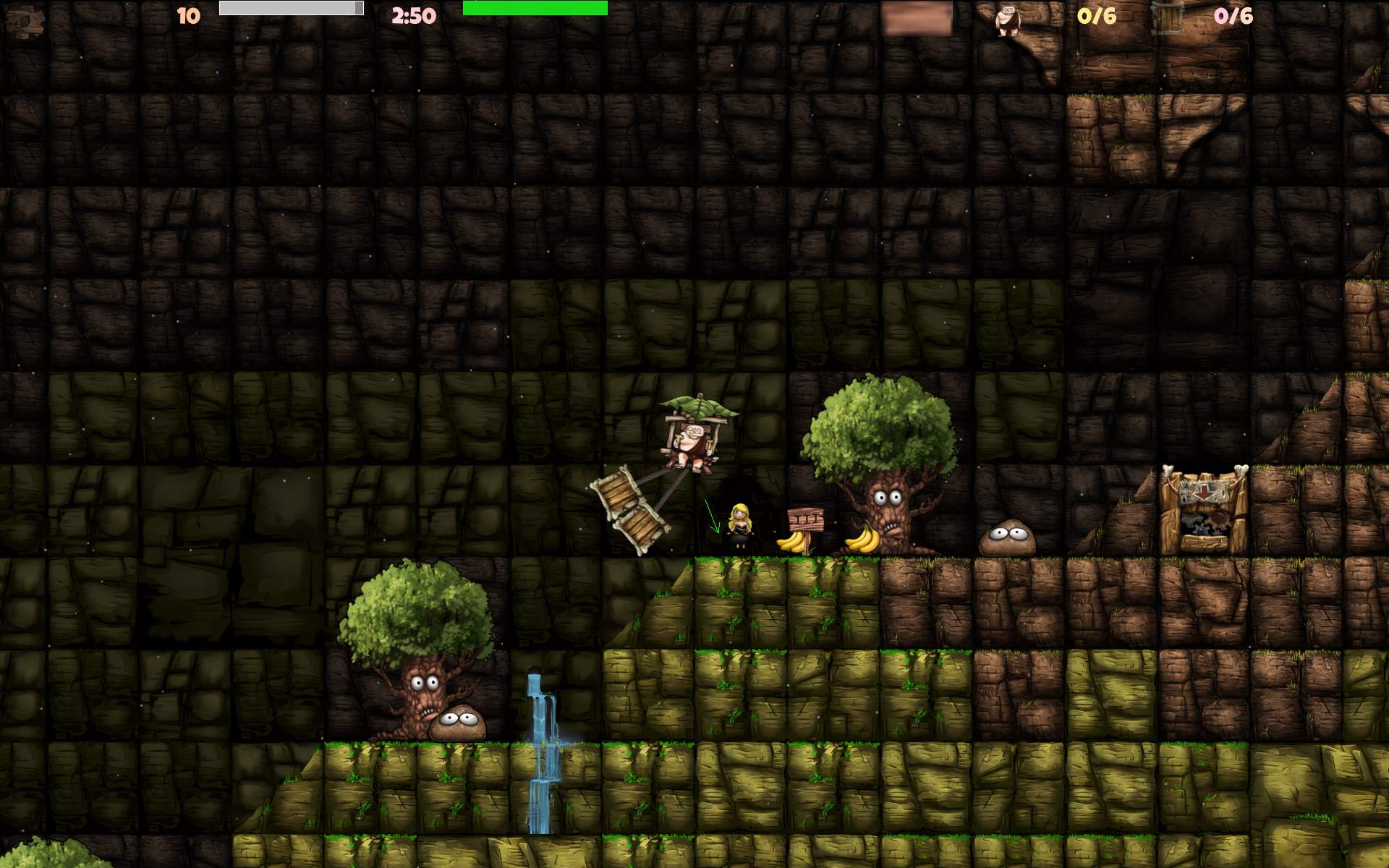
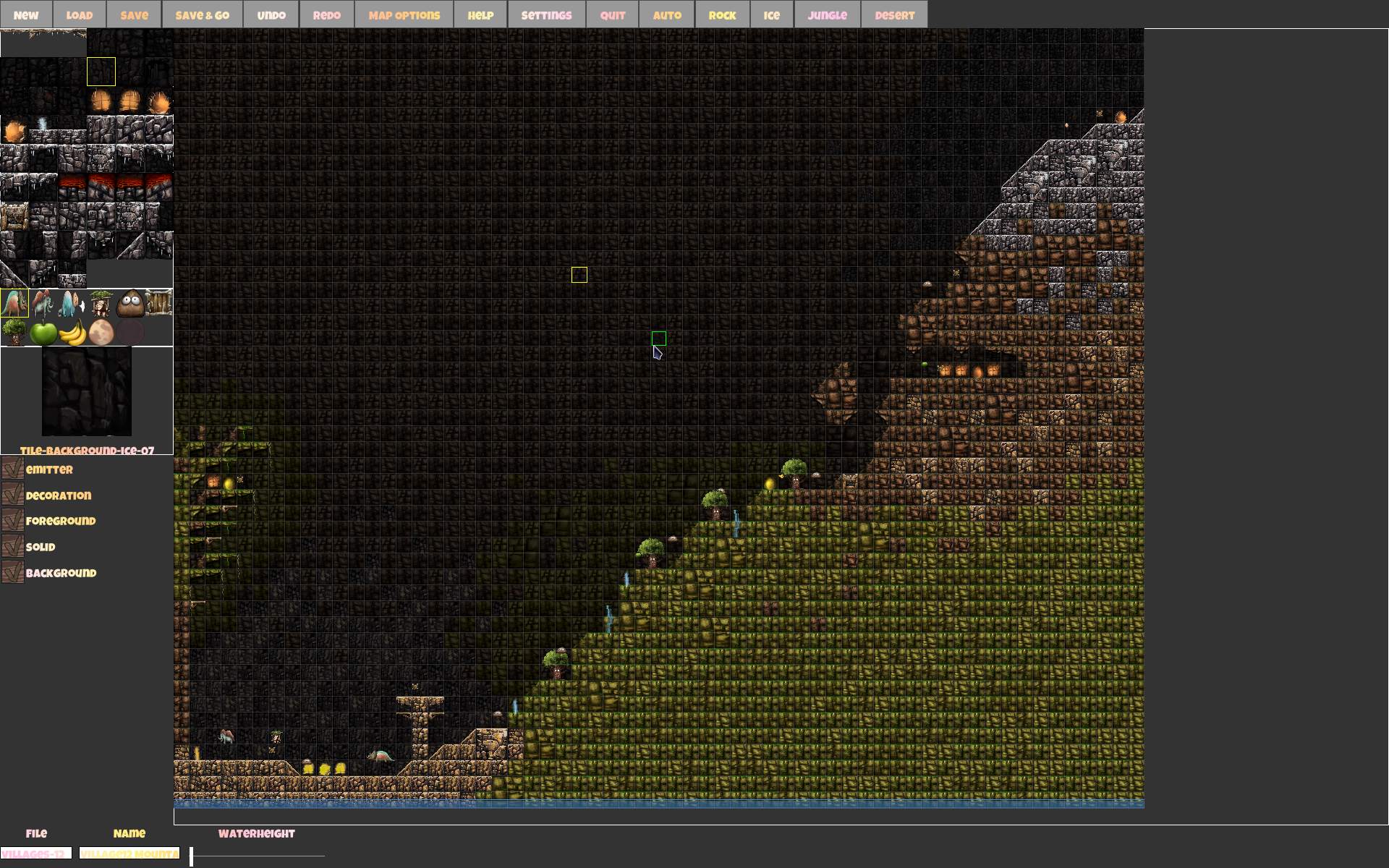
    Screenshots from game, and editor below, usually file name has map name.

    ToDo: video..

  • 2020-22 cAmp2 ▶️

    2020-22 cAmp2 ▶️

    ⏱️Overview

    New implementation of my audio player, based on my older cAmp.
    Works on GNU/Linux (and should on Windows).
    Now using SFML for graphics, and ImGui for the new GUI. Still using (not FOSS) bass for audio.

    📂Sources

    Available here.
    Now with CMake and newer C++17 syntax.

    ✍️Motivation

    Old cAmp was WinAPI and DirectX only and had bad style, old C++03 too. It was still one of my last college projects.
    I did once try moving it to SFML, and almost succeeded. I had no pressing motivation until I started moving to Debian GNU/Linux instead of Windows which required this new version. I made things differently this time and with more experience, hence the Gui and visible options.

    Missing Features

    The old cAmp was using GPU shaders and cAmp2 doesn’t use them yet. Seems not that needed. And it doesn’t even have hotkeys or threads implemented here. Well there is always something on my “to do” list for this project, like for any other.

    📊New Features

    Apart from most of the old features (with few important missing) it has some new ones too.

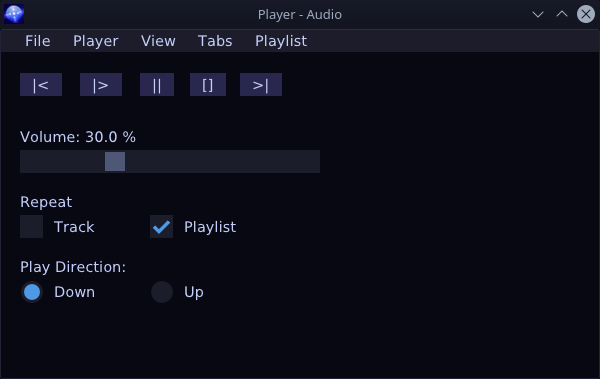
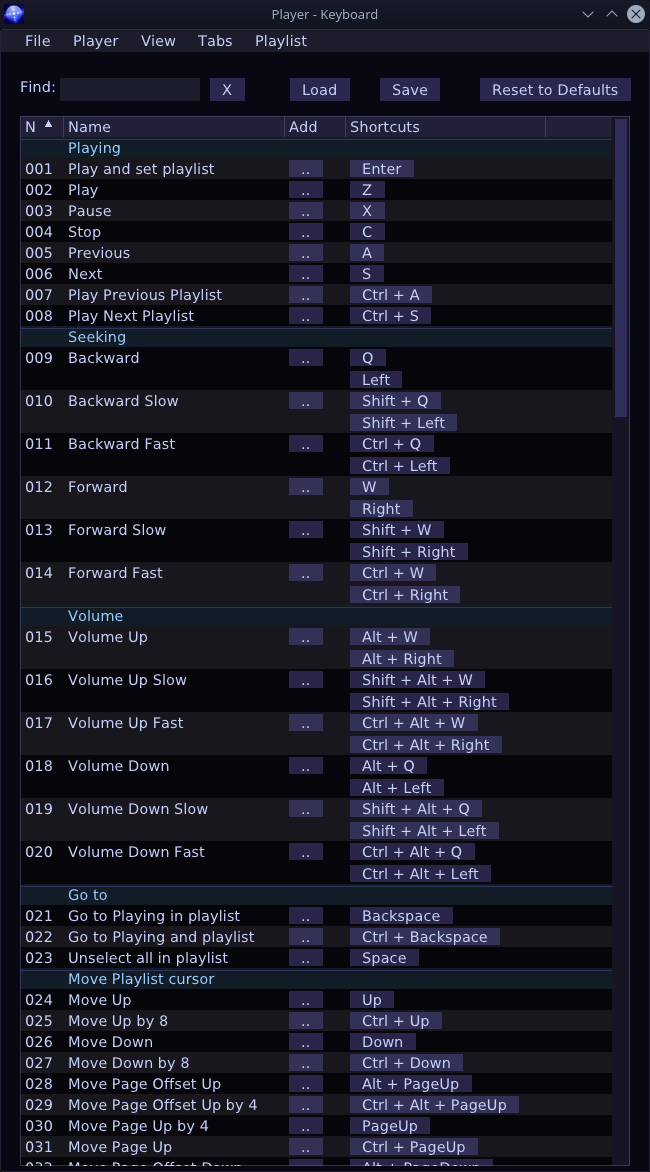
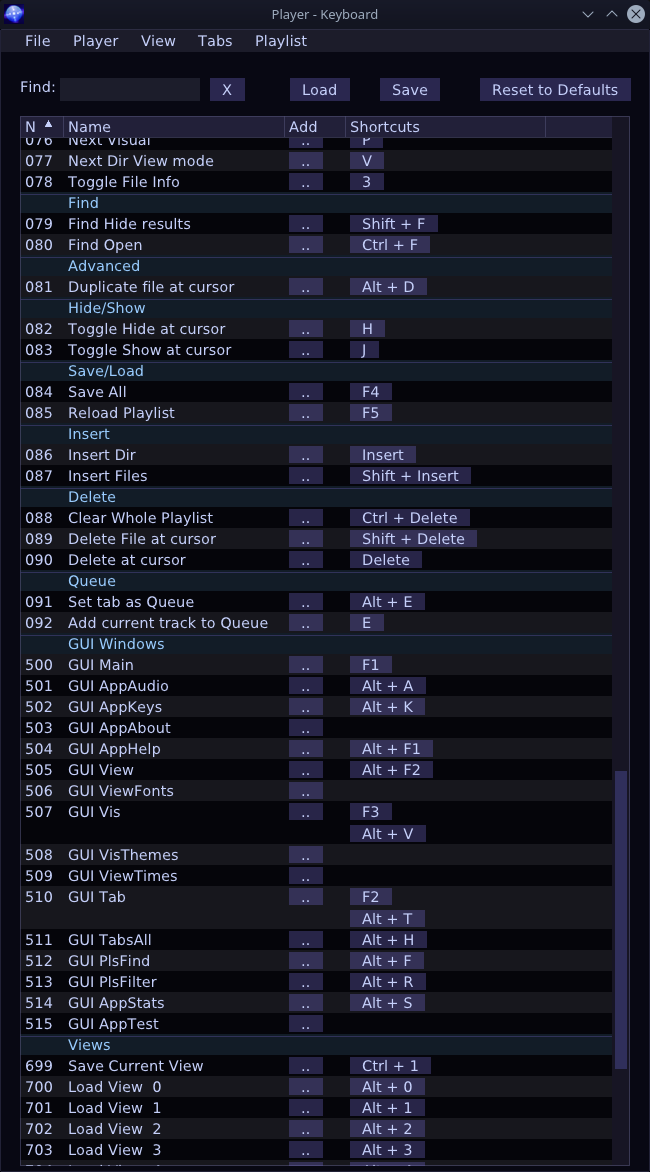
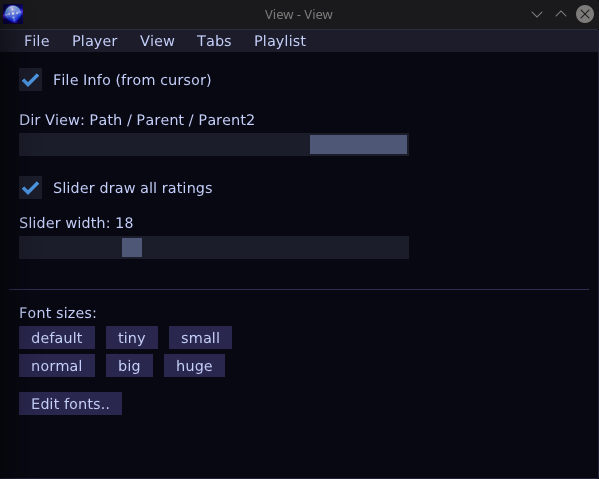
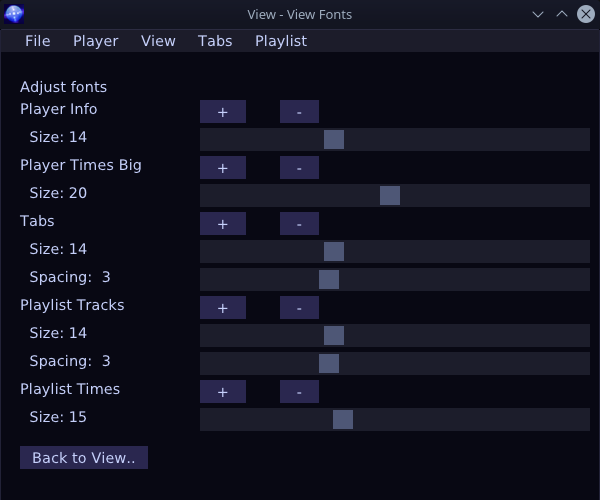
    Most notable addition is the Gui with few windows having controls for changing view parameters, adjusting with sliders or showing info. Since ImGui is such a joy to use it was also easy to implement bindable all program keys list and move all options to Gui.

    Other new features:

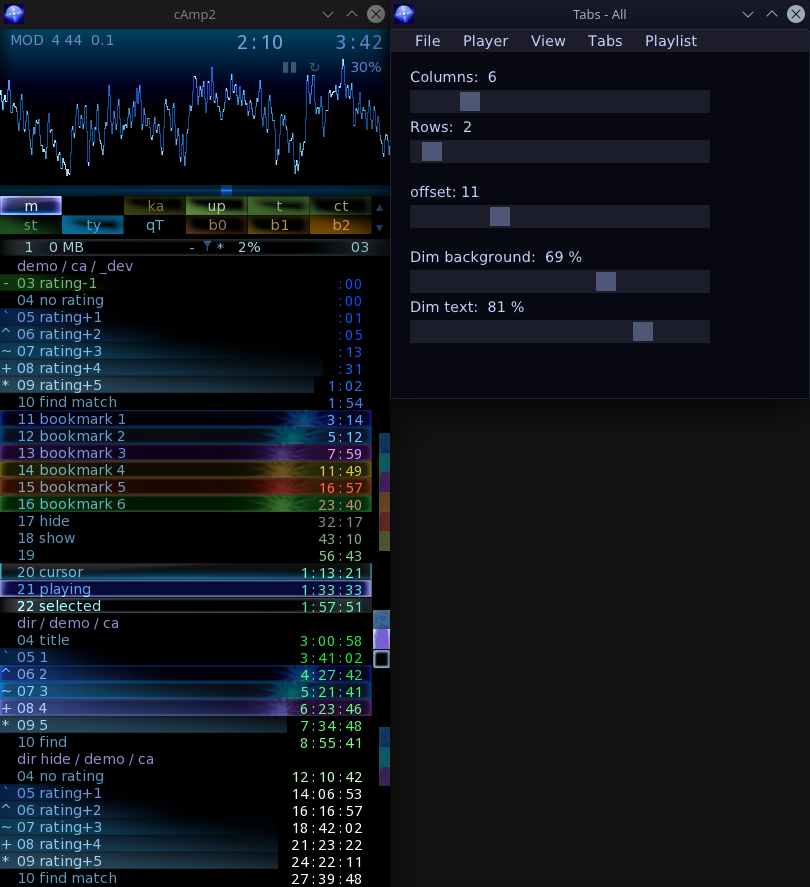
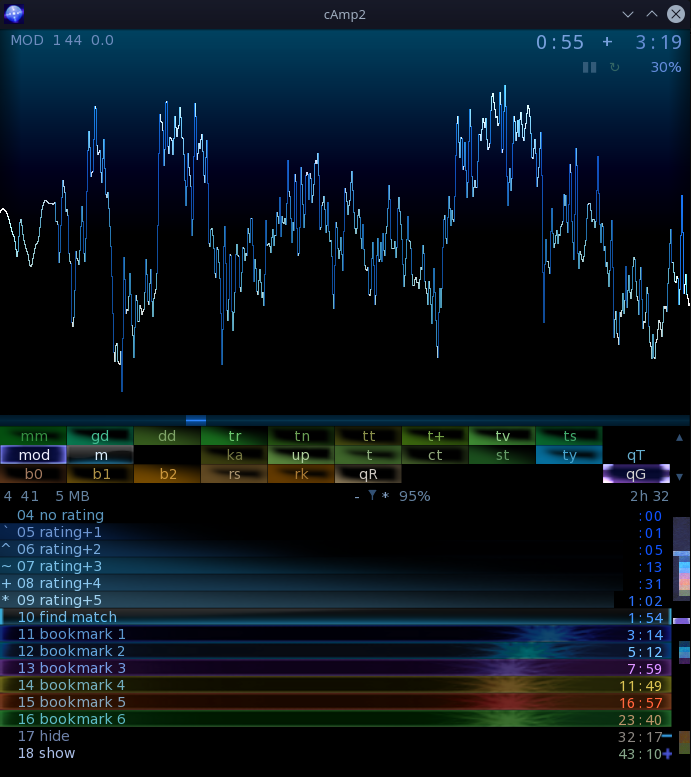
    • Colored tabs, sliders for their background and text brightness. Empty tabs as separators.
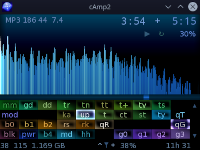
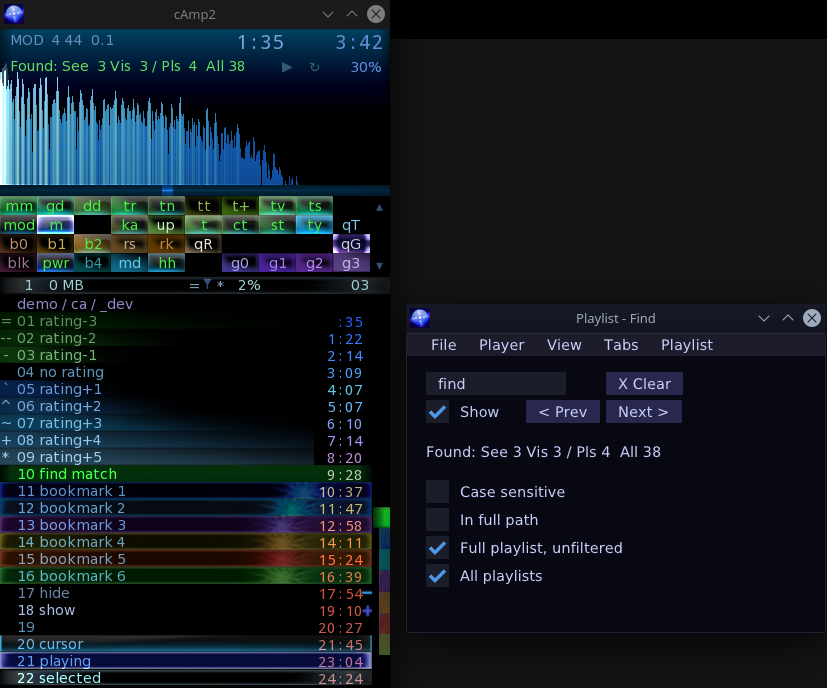
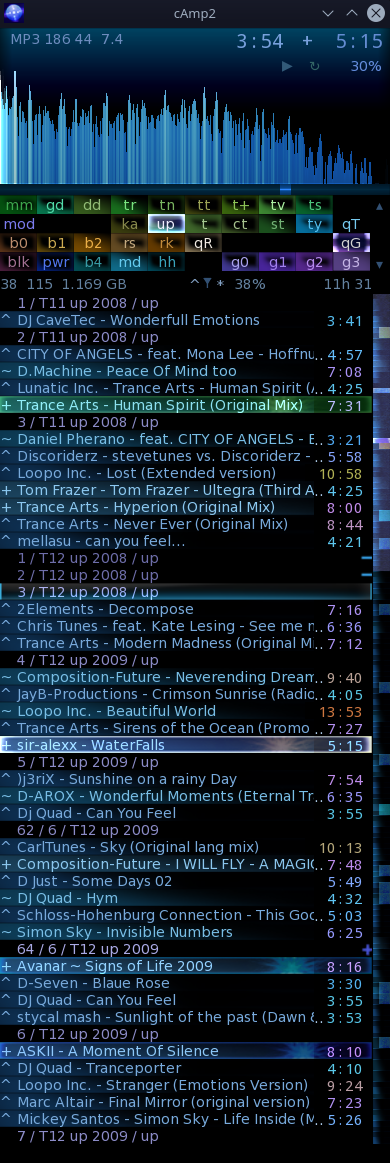
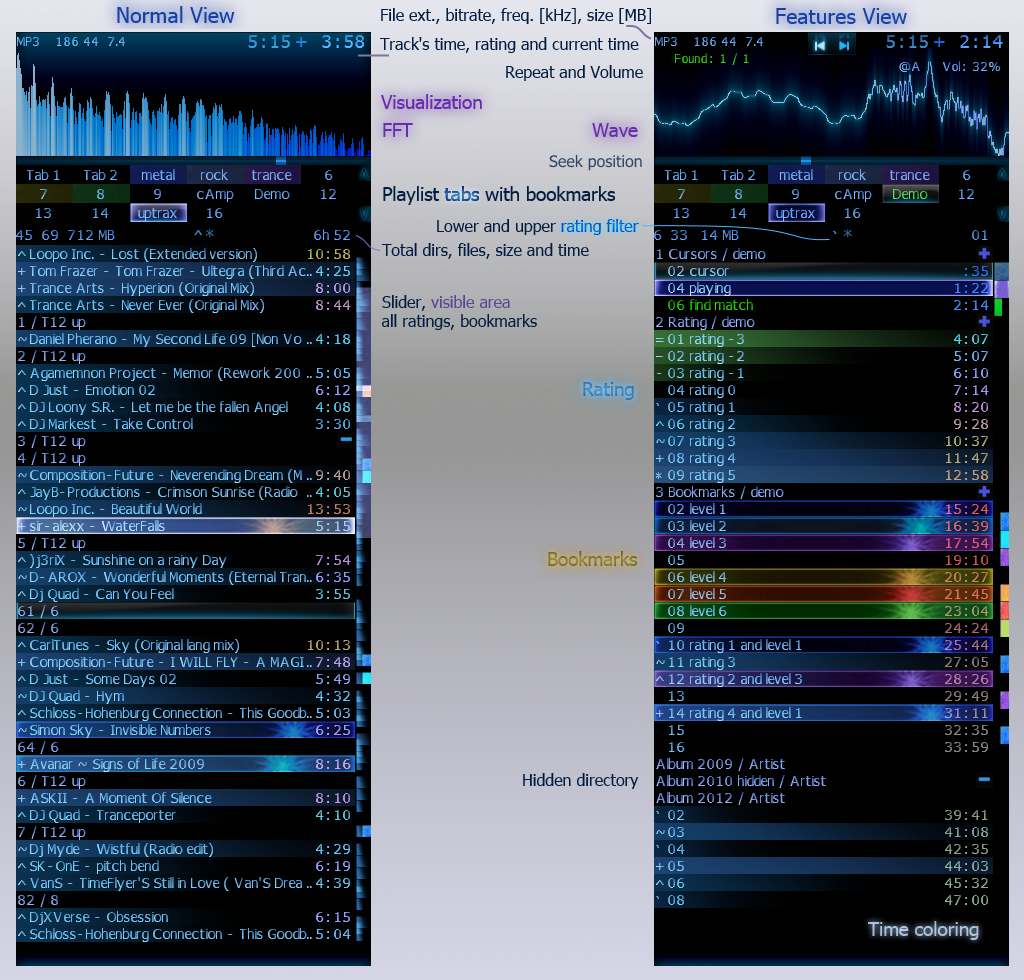
      Can be seen on screens. I find it quite useful, e.g. for now I have 4 rows, first is for Trance style, 2nd for older trance, 3rd for rock, 4th for metal genres (about 31 playlists total).
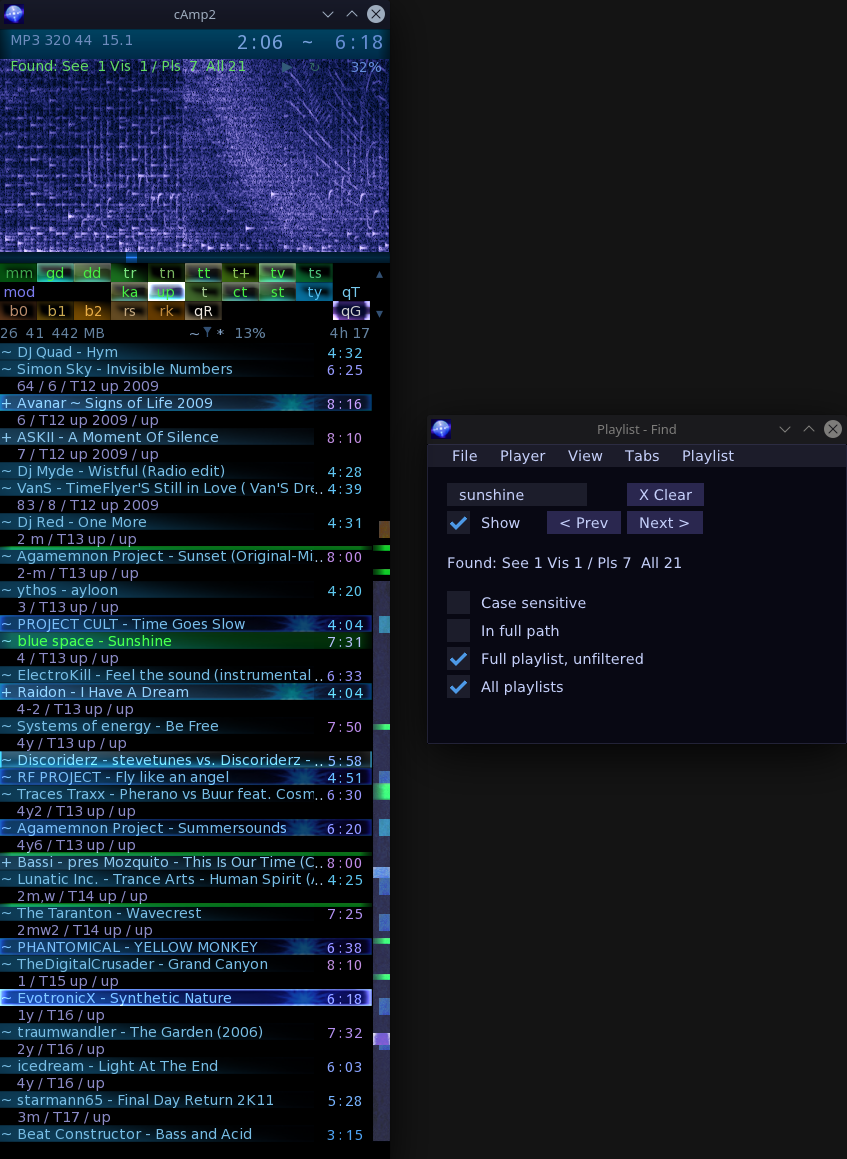
    • In between markers. E.g. if I filter tracks so that playing cursor or find matches become not visible then it draws a shorter marker still, to show they are between those visible. (It’s best shown on 2nd screenshot also 3rd and this).
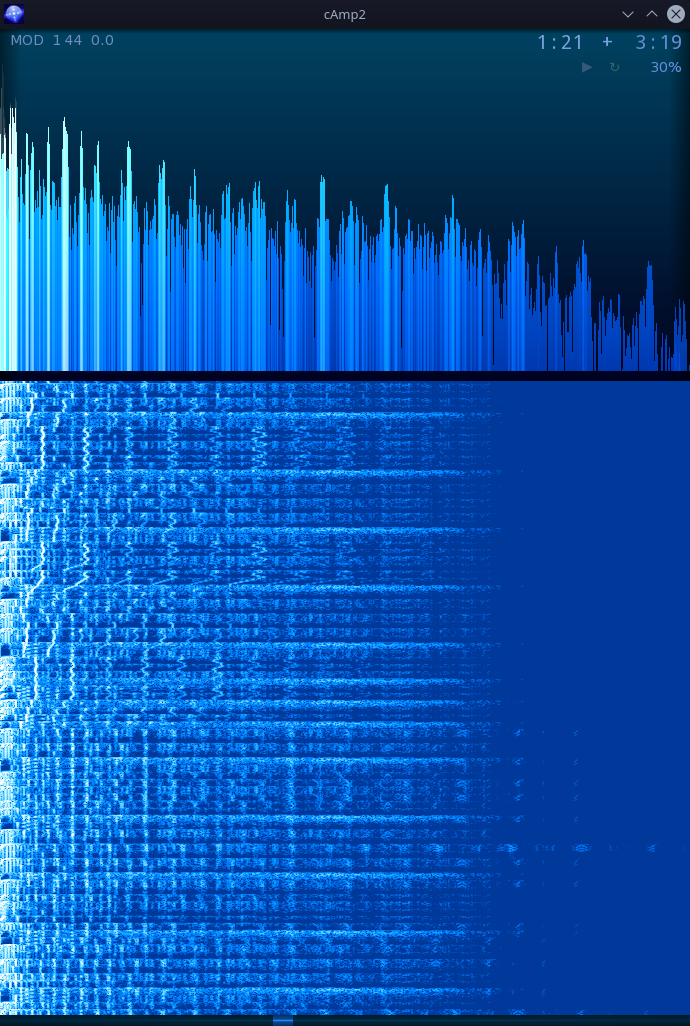
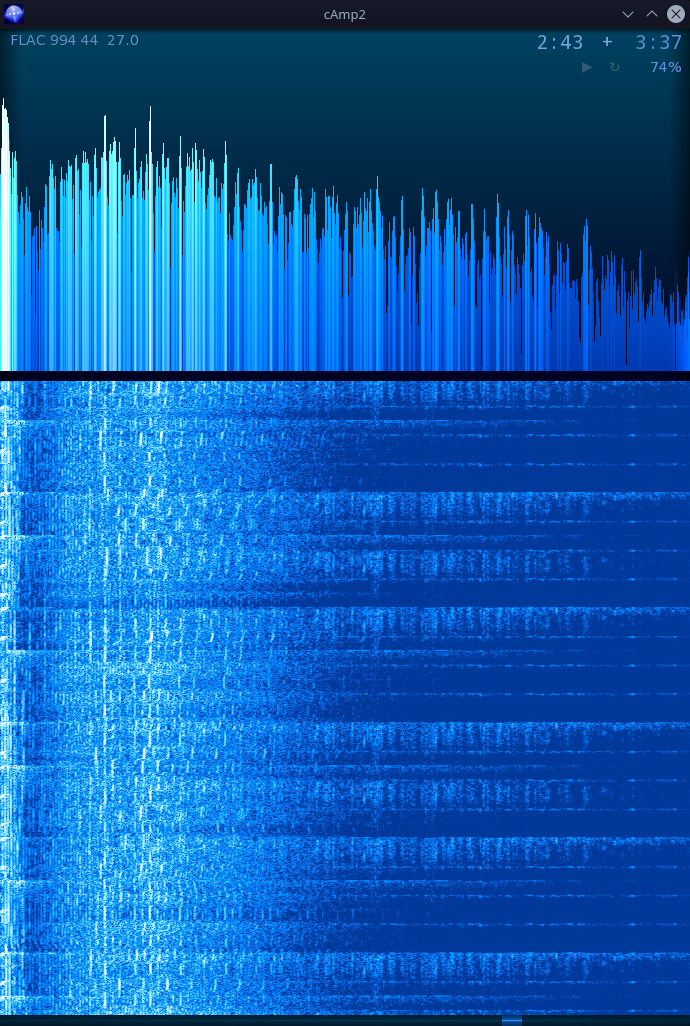
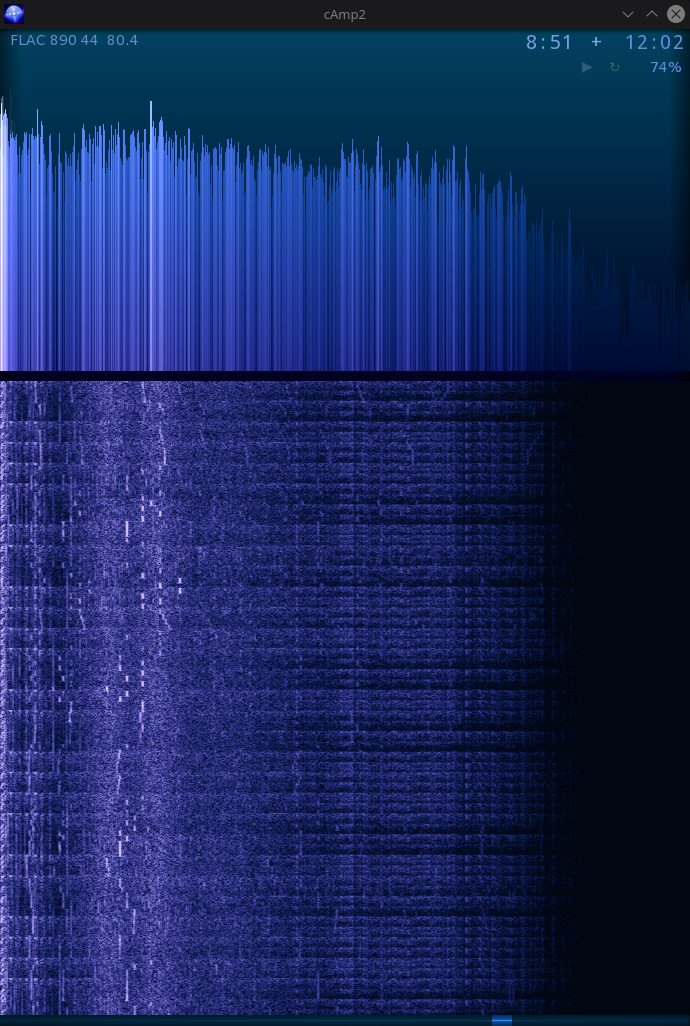
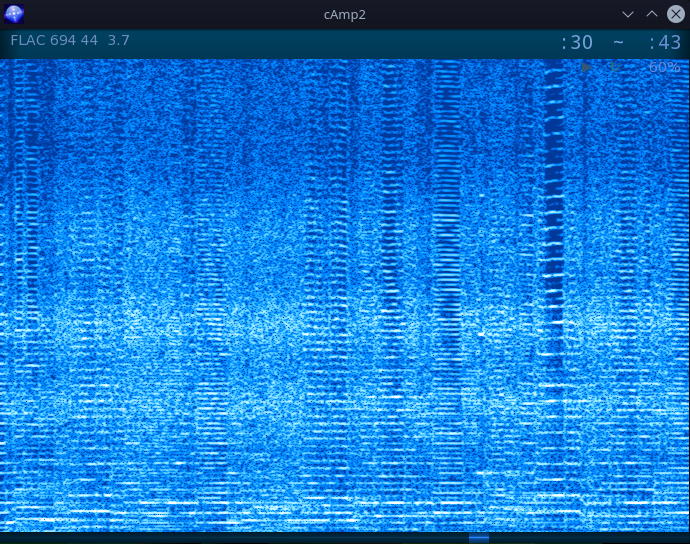
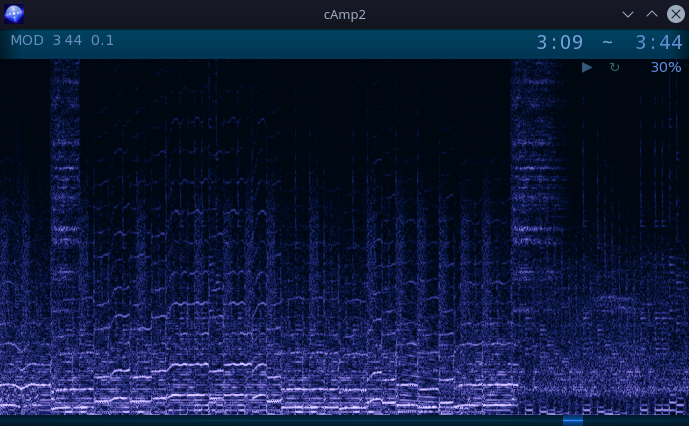
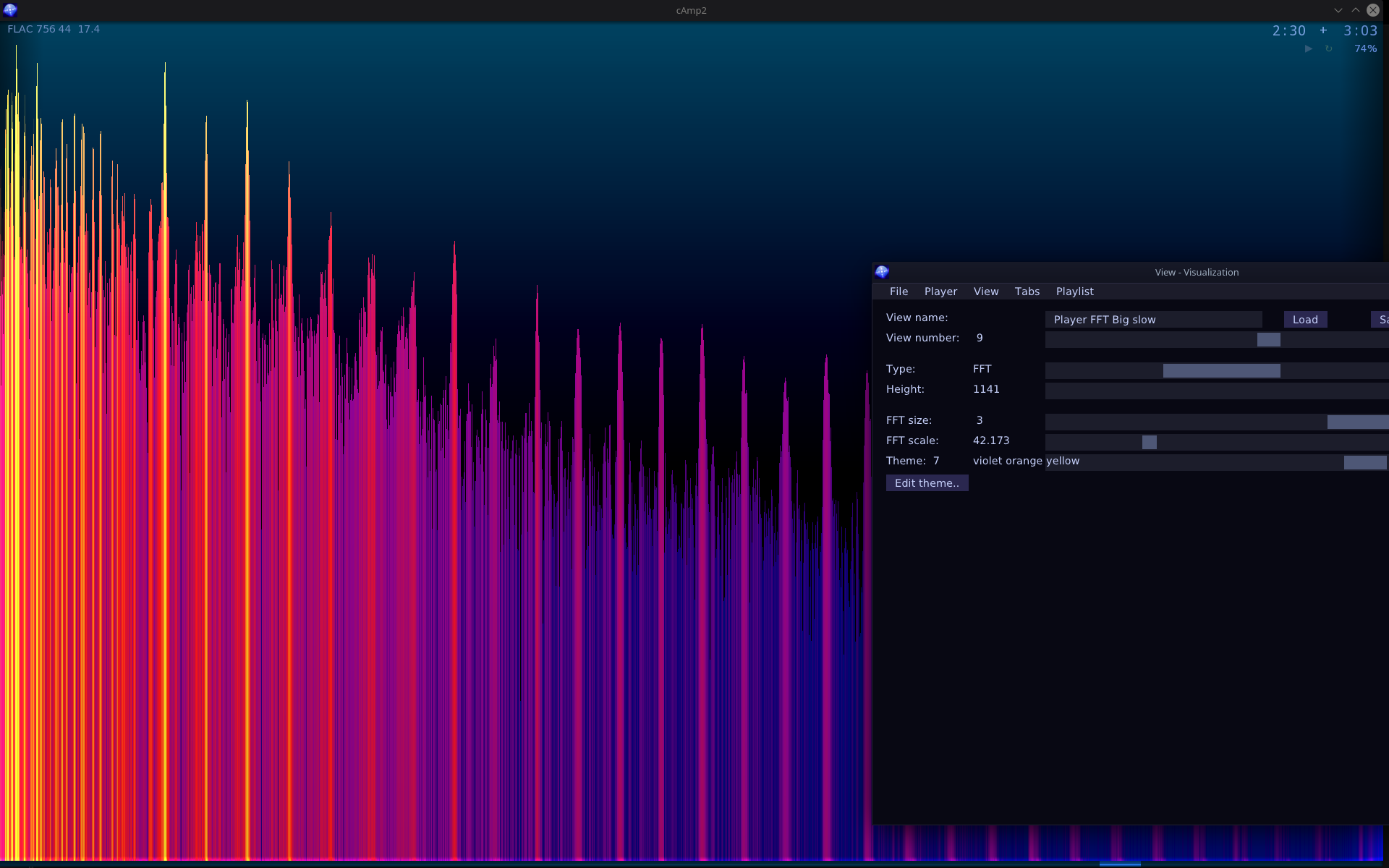
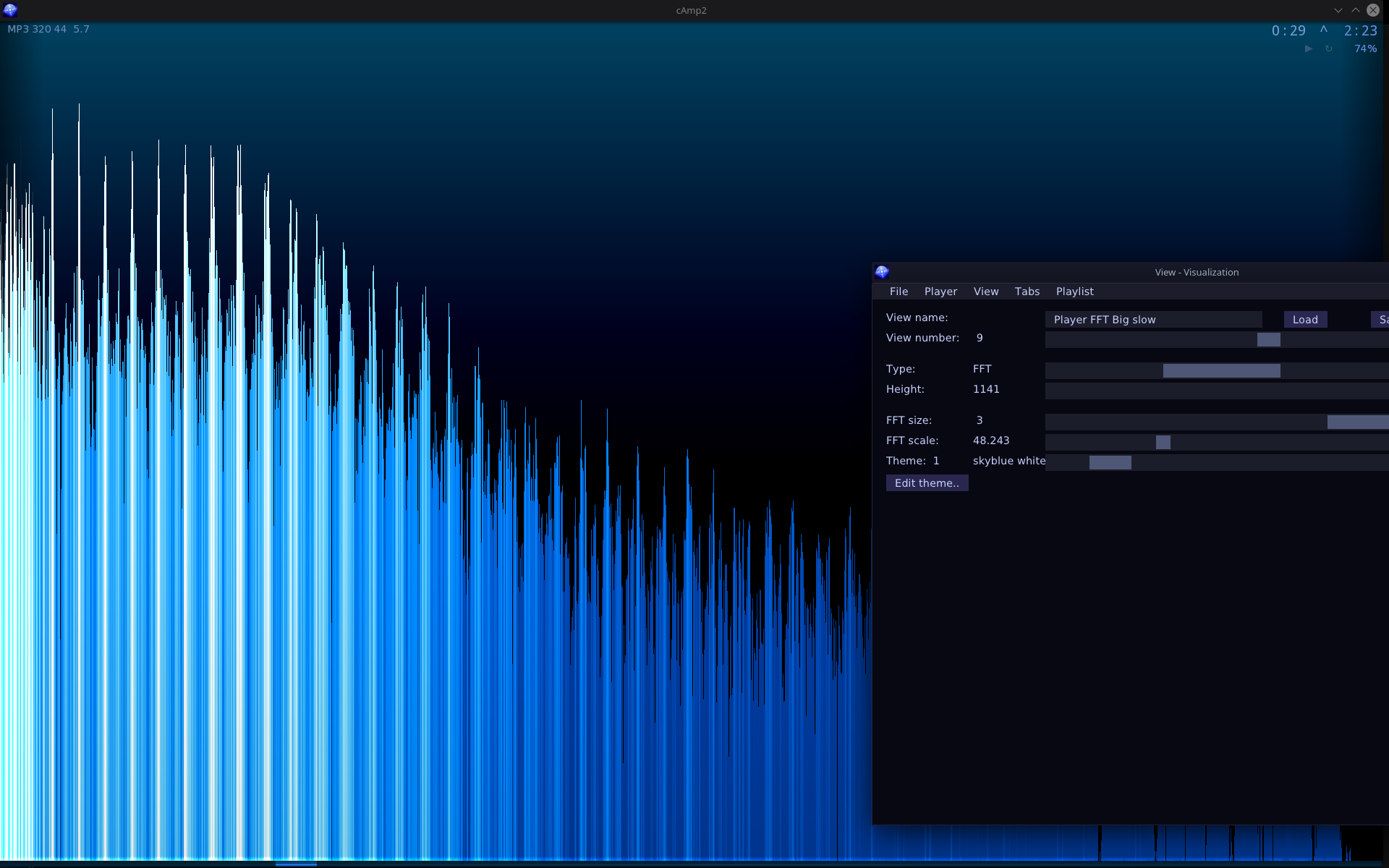
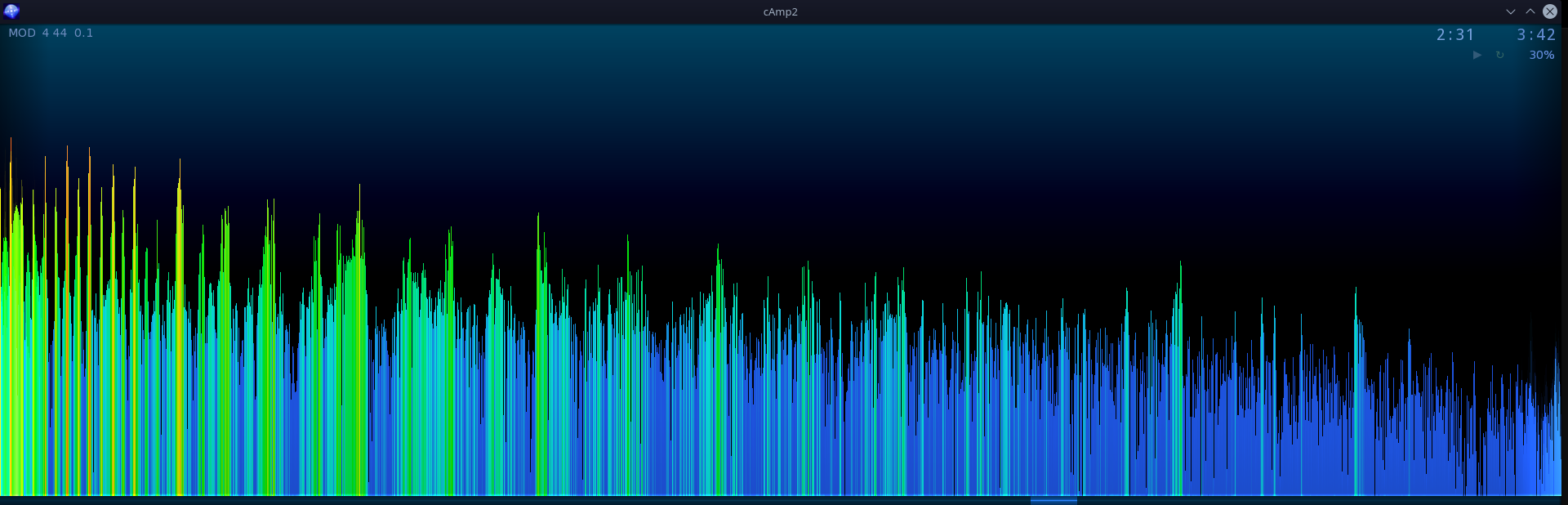
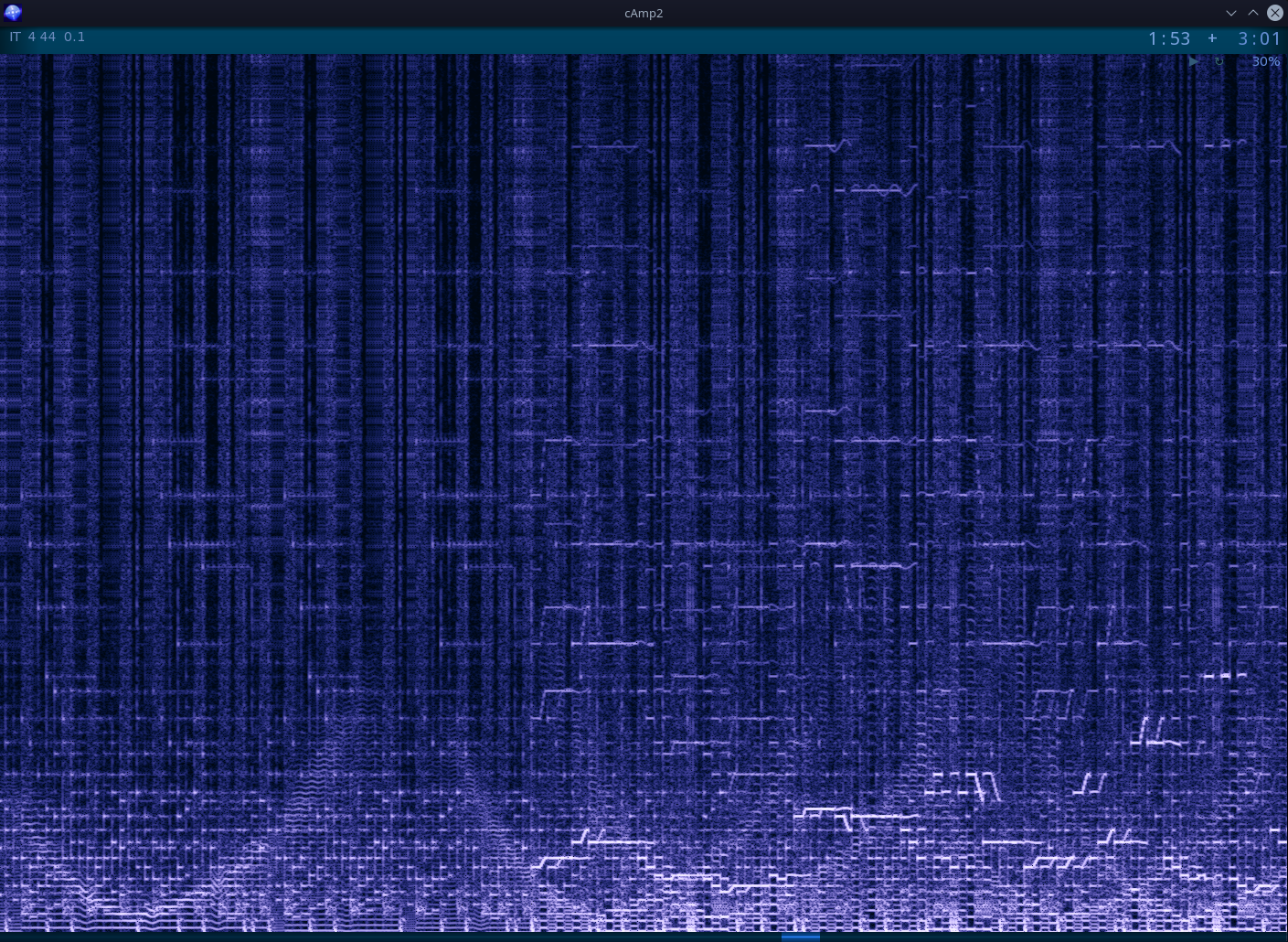
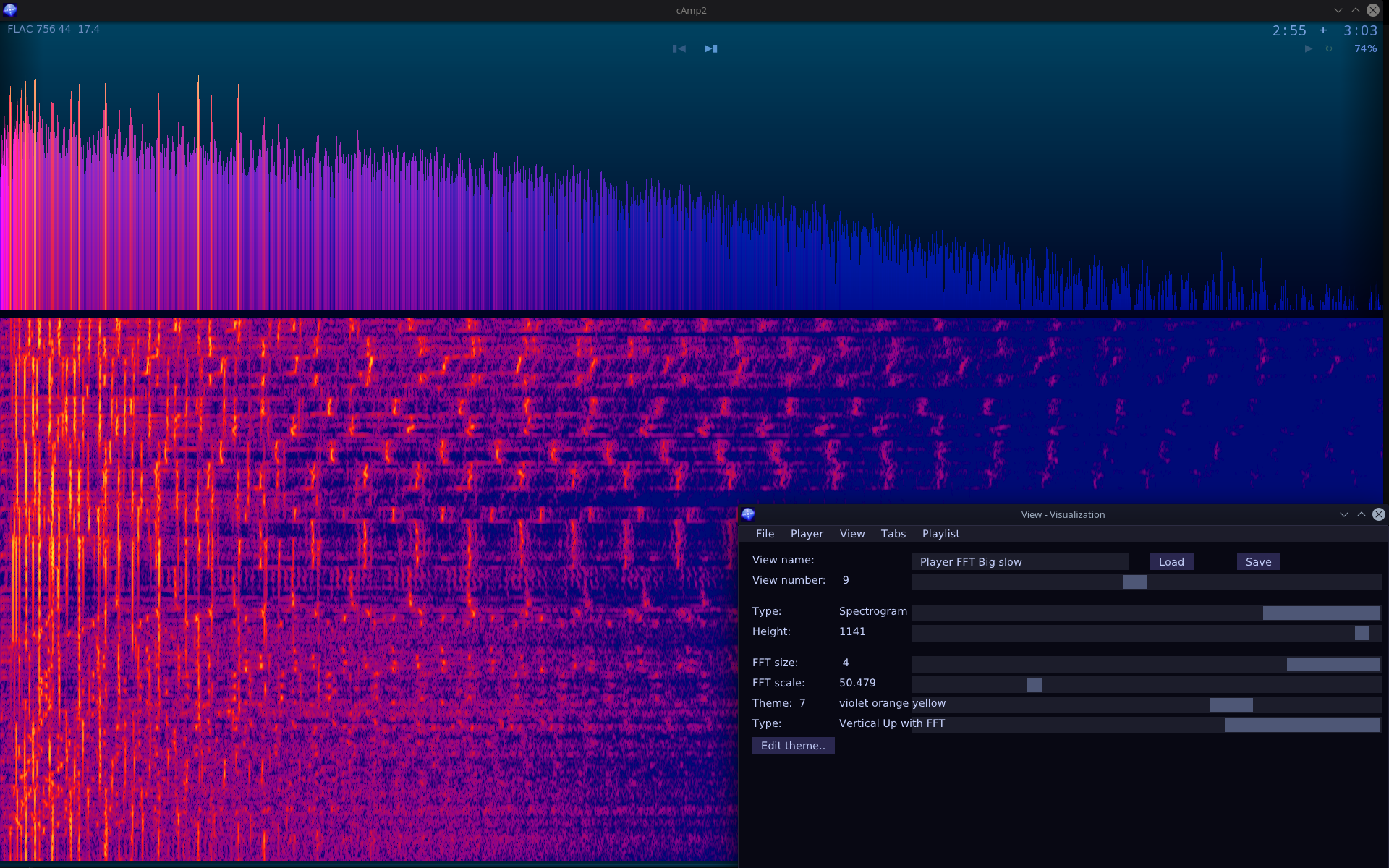
    • New visualization type (screens, parameters): FFT above and spectrogram below.
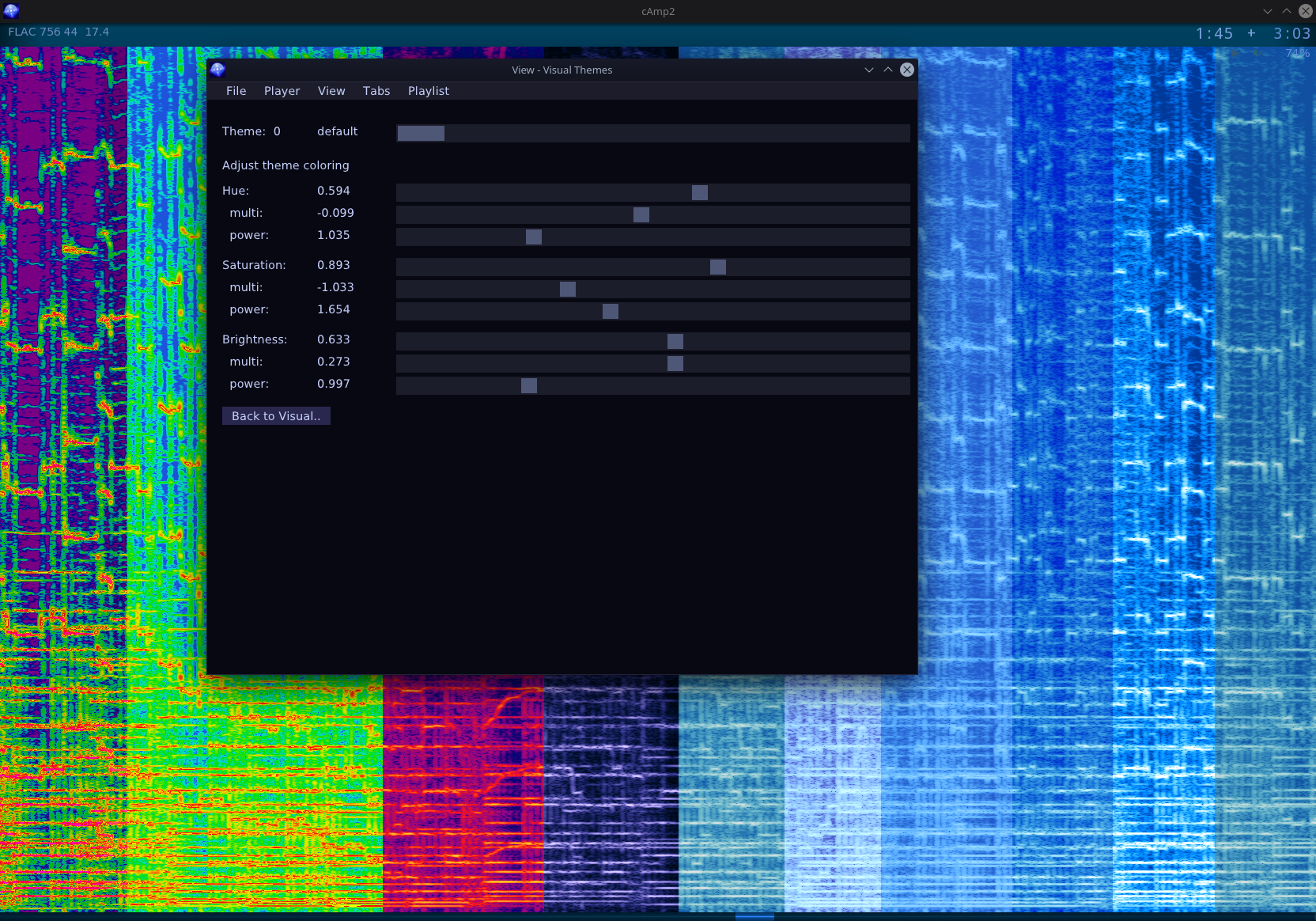
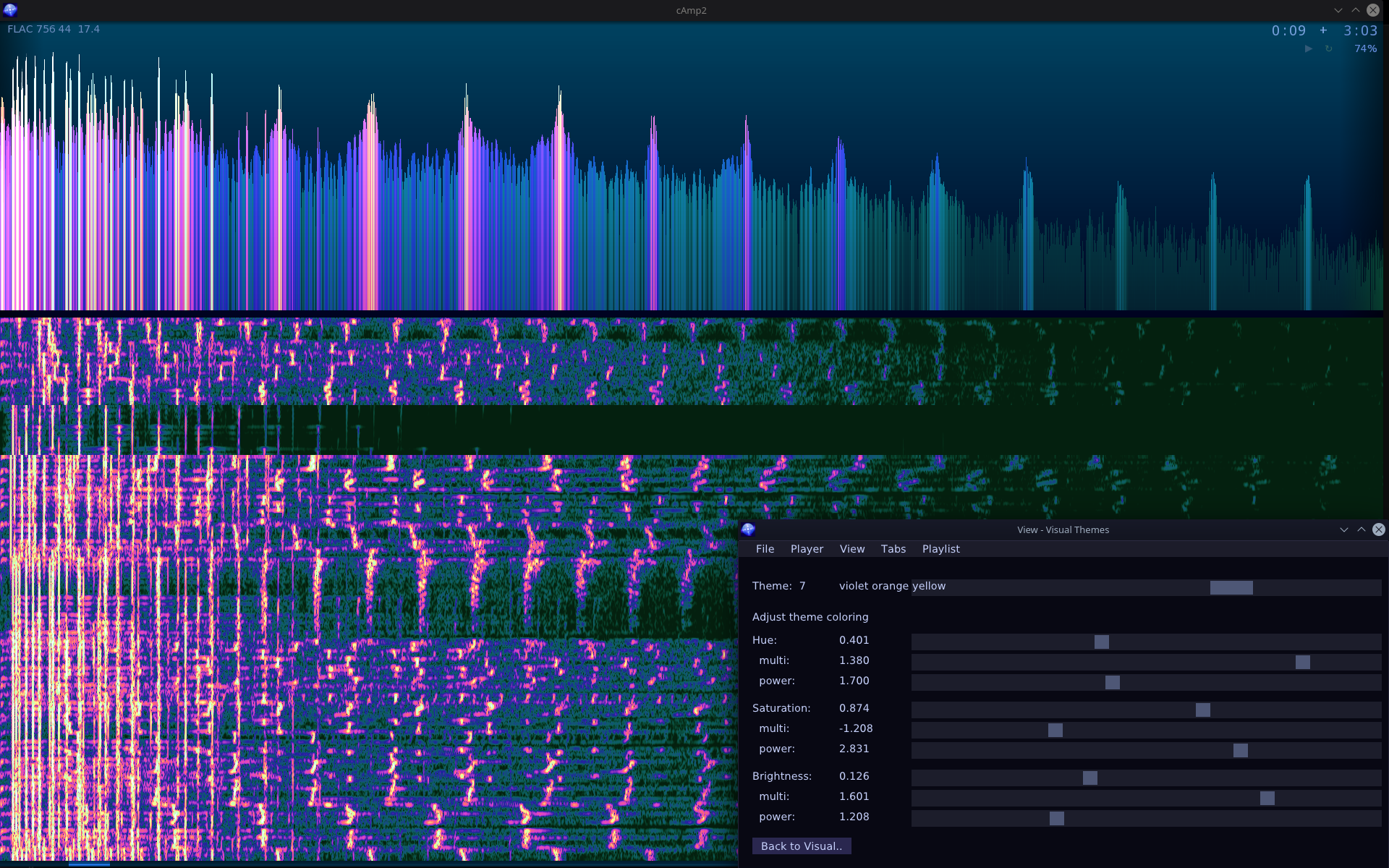
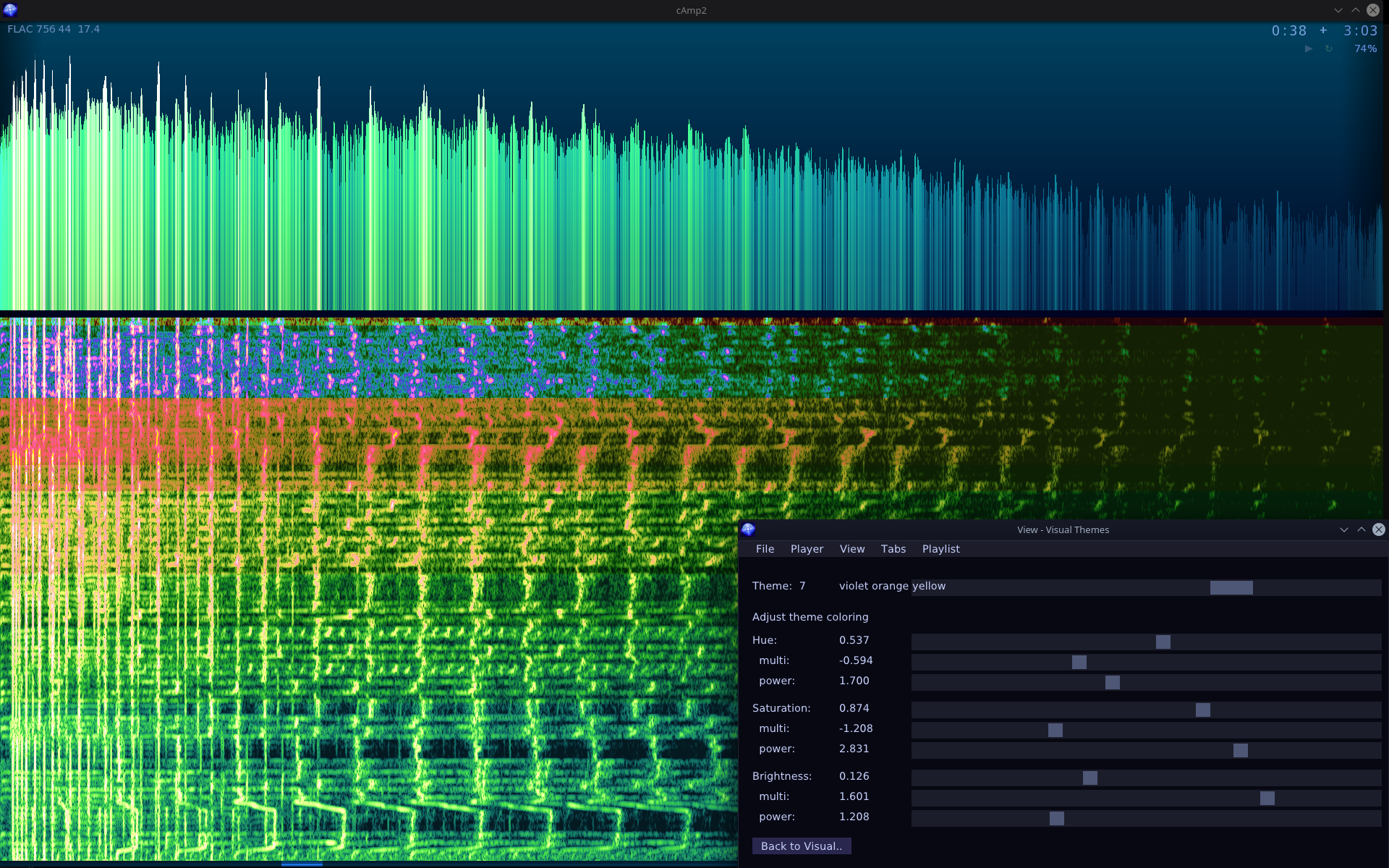
    • Visualization themes and sliders for adjusting colors.
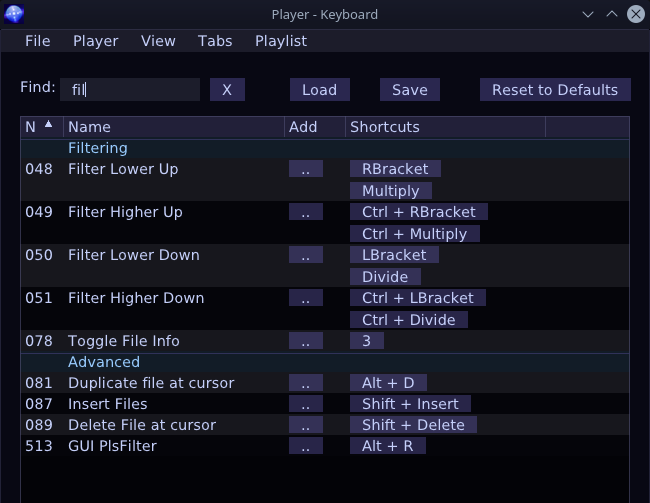
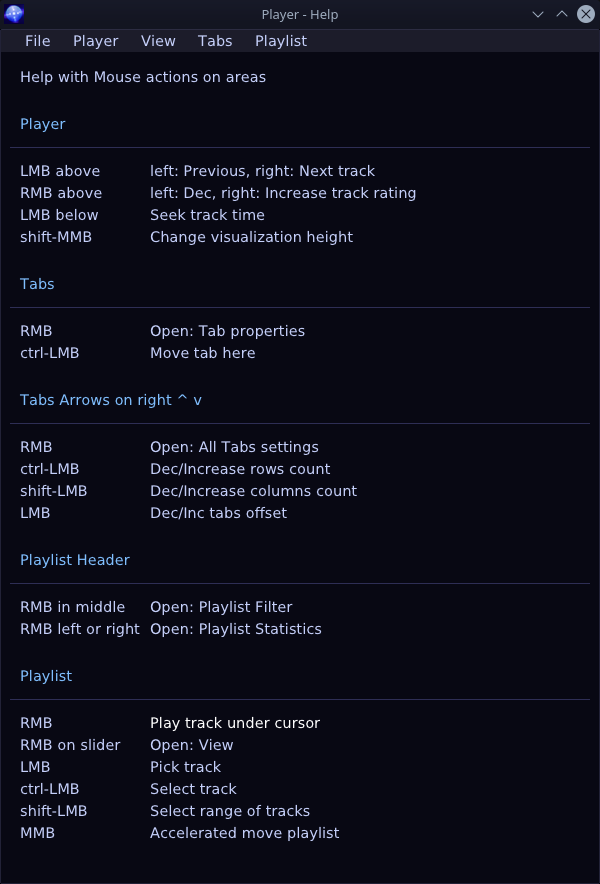
    • Rebindable all key shortcuts list with filtering. And help for mouse actions.
    • Queue tab(s). Any tab can be set as queue. It will be marked in 4 corners. Then you can add tracks with one key (E) to queue end. Good for temporary playlists or “best of” ones.

    ⌛Conclusions

    Well it is definitely useful. It’s one of those key programs I need to have at start of any OS (first is my DoubleCmd fork, then this player, 3rd is Firefox with many add-ons).
    Yet it’s still missing one crucial feature like moving (reordering) tracks. Kind of funny, but I still don’t need it that much. I just delete whole playlist and add its main folder again to refresh once a while, and keep order in my filenames and subdirs. There are few other features missing too from previous version. But if I’m doing bigger projects (like Stunt Rally 3) or smaller and more interesting ones, then I don’t have time for this nice useful program which I still use every day. If we count the older one too, made in 2009, this would be the longest used program I made.

    📷Gallery

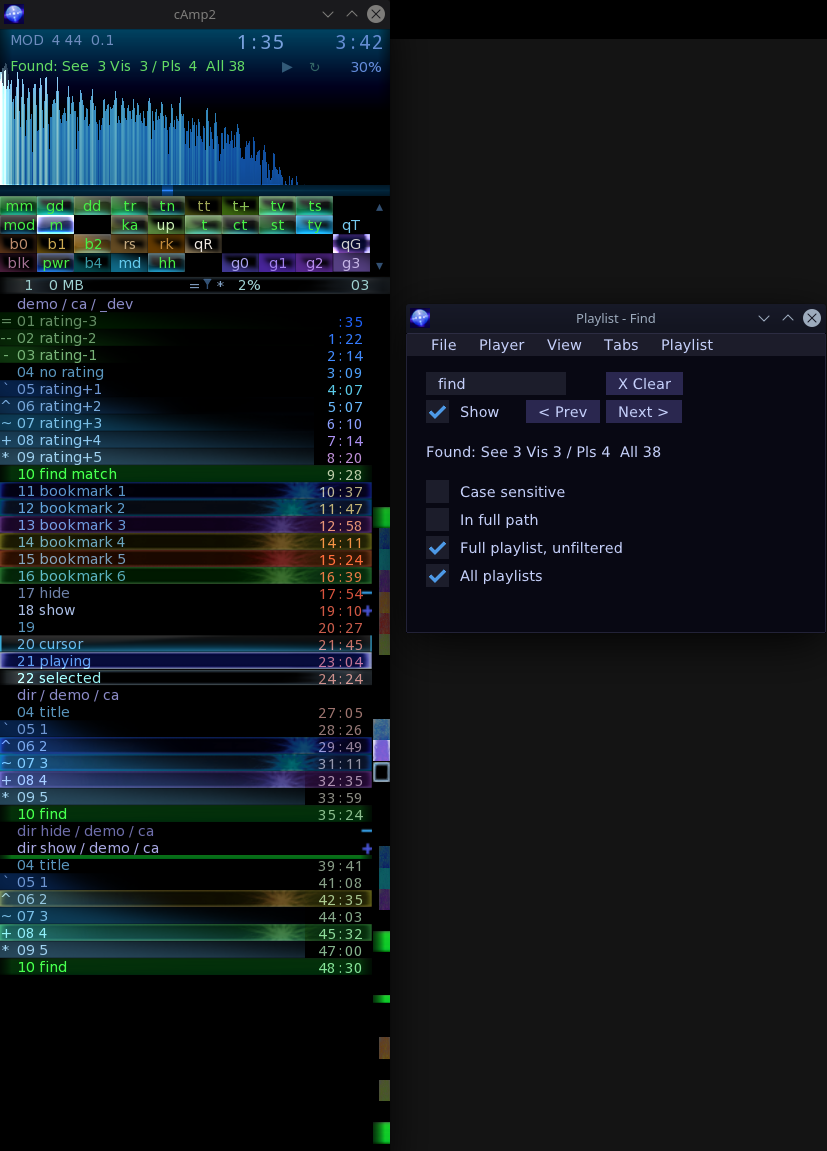
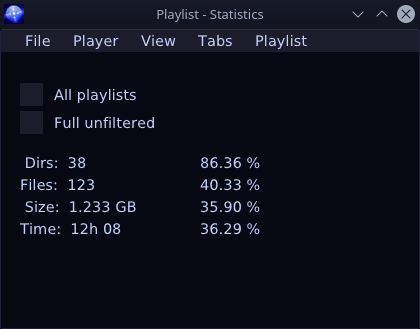
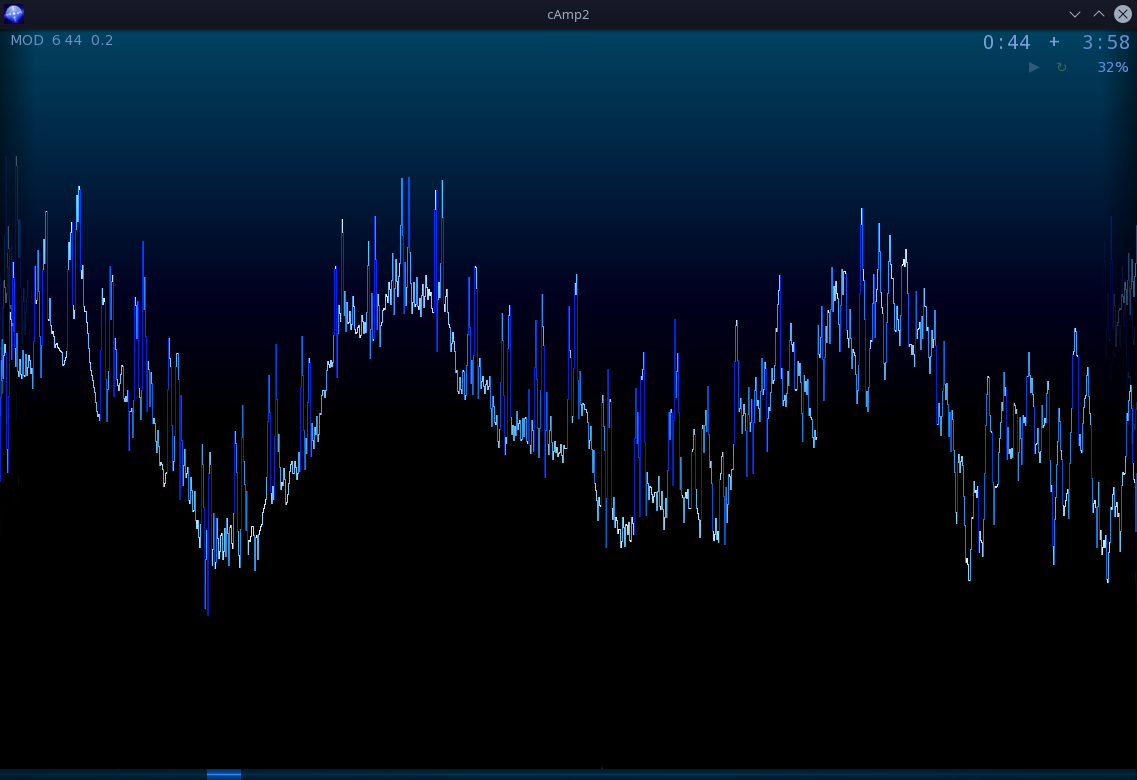
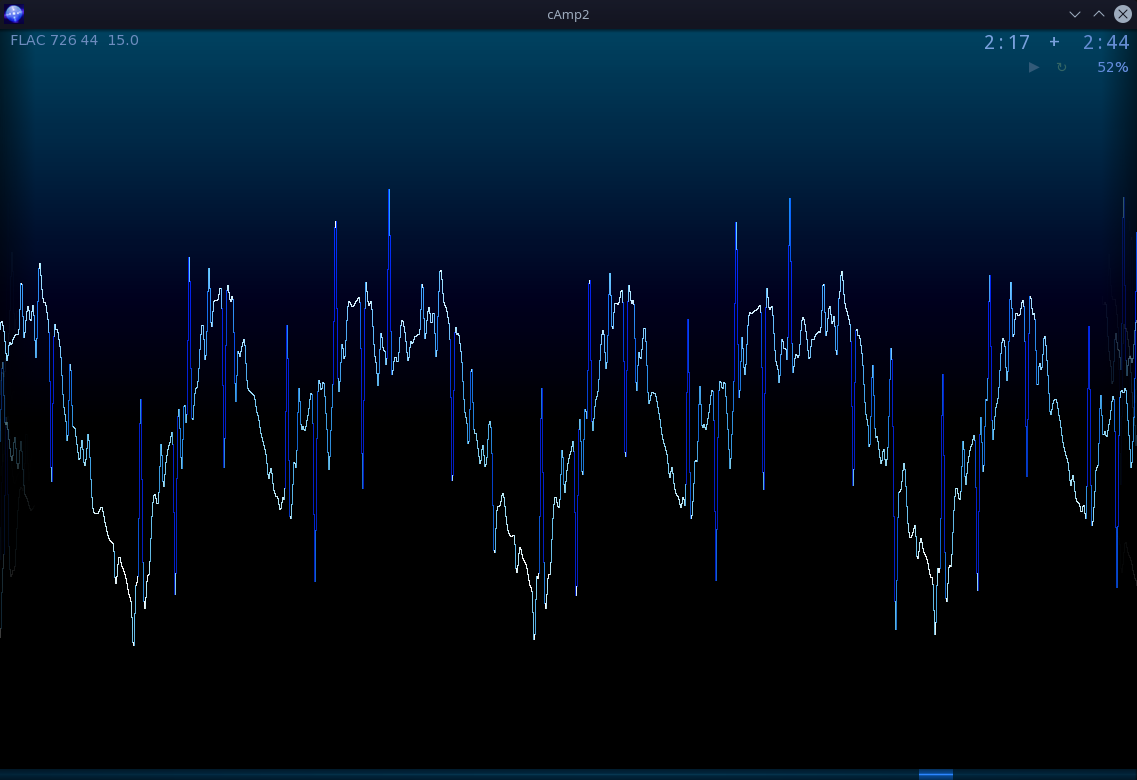
    Screenshots start with normal playlist, find, track backgrounds explanation with time coloring, tabs adjust, later 3 visualizations, their themes, and rest of Gui windows.

  • 2017 Crystal Keys

    2017 Crystal Keys

    ⏱️Overview

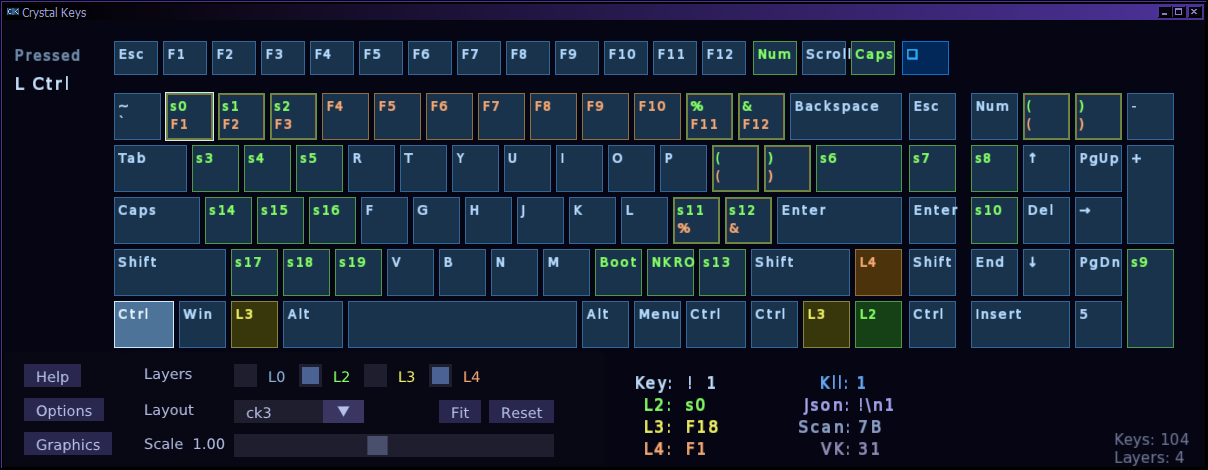
    This is the last version of my program for showing pressed keys. It now also shows keyboard layouts.

    📂Sources

    Located here. Including Windows Releases.
    Should also work fine on GNU/Linux, after building from sources.

    📜History

    The oldest version of it was useful already in 2005, when I was first tinkering with my first keyboards, later named CK1 and CK2. Program showed a list with the Virtual Key and Scan Code values of pressed (held) keys (and their names). It was useful for adding my extra keys on regular keyboards. First by finding which matrix combinations (shorting row and column) give key presses besides the present keyboard keys. Next for finding their codes and using them for binding in e.g. my audio player.

    ❌Why Qt and QML failed

    I previously did the same program using Qt and QML for GUI. Just to get a bit familiar with it and get my own opinion. The repository with it is here. I finally abandoned it after realizing that I would need extra 55 MB in over 100 extra files just to start the program anywhere else. That’s insane ?, surely for such a tiny program. Maybe a huge editing tool or other big application could benefit from Qt (and QML) and hide that size in its own resources. But definitely none of my own programs. Even my Track Editor, but for slightly different reason: to not add Qt as extra dependency for building, when we already have MyGui.

    ⌨️Layouts

    Now my keyboards CK3 and CK4 have different layouts. Hence drawing keyboard layout is a nice feature and visual addition to the list of pressed keys.

    There already is a website where you can edit keyboard layouts, for many other keyboards including ergonomic ones, link here. So I decided to save time and not create my own and just used the output from it. It saves layouts in JSON format. Thus I needed a library for C++ that parses .json files. I decided to go with JSMN which is small and fast(est), at just doing what I needed and not much more.

    🪟Program

    The program is simple and it was easy to code, right after getting familiar with SFML and ImGui. Which I already used in my previous program Color Center.

    Graphics and Gui turned out to be good, even if simply one colored and rectangular. The look wasn’t important here anyway, rather to code and use it fast. I made it basically in 2 days. But of course using parsing code and basic application with Gui from the other 2 programs and pressed keys detection from my older program.

    Additionally it features a very fast scaling of the layout through slider and can also fit window to it. And a combobox to change layout for other keyboards.

    📖Tutorials

    The first 3 versions of the program were aimed to be educational and can serve as basic tutorials for simple applications like this one.

    Namely cross-platform C++ programs using SFML, built with CMake. With possible interface using ImGui and settings saved in XML with TinyXML2.

    See archives in Releases or use Git to get tags 0.1, 0.3 and 0.5.

    Other resources for learning are in SFML tutorials.

  • 2009-18 Crystal AMP cAmp ▶️

    2009-18 Crystal AMP cAmp ▶️

    ⏱️Overview

    This is my audio player, that I implemented in 2009 (took about 2-3 weeks) and have been using ever since. Occasionally also developing it.

    It has the features I need, which were never present in any other players. And implementing them wasn’t a trouble.

    Its main purpose is to allow working with tens of thousands of files (on tens of tabs), while still being fun and a pleasure to use.

    📂Sources

    The code is here. With also downloads on Releases tab.

    Unfortunately only for Windows and using old coding style (C++03). Updated, newer version here.

    📊Features

    The list is long (as usual) and also has many helpers:

    🔨Basic

    • Playing all needed (by me) formats
      • WAV, FLAC, OGG, MP3, MP2, MPC, APE, WV, WMA
    • Playing Music files (modules, not MIDI)
      • MOD, XM, IT, S3M, MTM, UMX
    • Global Hot Keys
      With settings page to configure. Using Windows Hook.
    • Help page
      With all keyboard and mouse shortcuts listed.
    • Find
      Song name Searching, on all tabs.
      Keys for go to next, previous. Same as for bookmarks.

    🛠️Utility

    • Tabs
      With any number of tab rows and columns. I currently use 12 x 3.
    • Bookmarks
      Many levels (6), changing colors. Also for tabs.
    • Song Rating (-3 to +5)
      Visible as symbol on left and background in one line.
      Optionally, saved in filenames (at end, also with bookmarks). Stays, no matter where files are.
      No need to worry about playlist or when moving, renaming, updating, copying folders.
    • Rating Filtering
      Directly in playlist. It shows only songs rated in current range.
    • Visualizations
      Big, fast (60 Fps) and informative. Types: FFT, Oscilloscope and Spectrogram.

    📊Details

    • Informative Slider
      That isn’t just a plain block, but actually shows a preview of whole playlist.
      With:
      • Cursor and playing positions
      • View area
      • Bookmarks and search results
      • All songs rating preview
    • Time text coloring
      And useless zeros not displayed. It is quite useful.
      You can quickly see (on screenshot): longer songs, and how long are songs in albums, just from the colors.
      I have now about 10 colors for interpolation, every 1 to 1.5 minutes. Test mode with Ctrl-I.
    • FFT. Default small FFT uses 1024 points and in full screen 4096.
      Always 1 pixel line per 1 FFT point, no garbage smoothing slowing it down or wide bars with peaks.
      It uses Direct3D9 directly, with HLSL 2.0 shaders. So it draws using GPU like games, not CPU like old programs.
    • Colored bitmap fonts.
      Custom, for drawing text, from Crystal Font.
    • Fast and smooth display.
      Always achieving 60 FPS (would more, but limited by VSync).
    • Drop and insert.Normally done at cursor, with Shift at top, with Ctrl at end of playlist.
      Faster playlist managing through shortcuts.
    • Always 1 row per song (or folder).
      Showing song rating and bookmark level in just 1 line as background so you can still see as many as possible on screen.
    • Grouping for directories, automatic.
      With 3 display modes:
      • Directory
      • Directory / Parent
      • Full path on disk
    • Directory hiding or showing +
      Regardless of rating of songs inside.
    • Extended mouse areas.
      Song seek, previous/next buttons, playlist slider.
    • Options for keyboard song seek (seconds) and volume step (%) values.
    • Errors count on player, details in .log file.
    • Copy selected / all files to other path (as attribute copy in .xml) by F12.
    • 5 Font sizes (for playlist and others).
    • Whole views loading and saving.
      Window position, size, visualization etc.
      Quickly changing view with Alt-1, Alt-2, .. keys.
    • Full custom look, no title bar or buttons for window.
      Moving and resizing window with Shift-RMB and Ctrl-Shift-RMB.
      Stays in chosen place, not moved by accident and restored with view keys (Alt-1 etc).

    📜History

    I started with audio players by using WinAmp 2, about the year 2000 after moving to Windows 98. I stuck to its look and still see this 1 short column view as the one (and only acceptable) way of showing a list of song titles with their times. It doesn’t waste too much space to see a playlist. I never stepped out of the WinAmp 2.5 (or so) skins either.

    Later I moved to AIMP (2.5 I think, in 2008). It was somewhat better. After customizing the skin I got it to look cool (dark blue). The main advantage for me was that it could have tabs. After tweaking it (which shouldn’t be needed), I got it to show 7 tabs. More looked too tight and there was only 1 row possible.

    ⭐Rating

    Back then I also started using song rating, but I didn’t want to waste an additional line for that (showing half of tracks in playlist) and went for manually adding symbols to song names. That was very tedious.

    ✍️Motivation

    So firstly I wanted more tabs and rows with them. This should be just a matter of clicking buttons, to increase  /decrease rows or columns.

    Secondly, for me the idea for rating symbols in filenames was very good. Whenever I’d change directory, move, rename, copy or whatever, I’d still have my ratings saved. And wouldn’t need to care about playlist anymore too.

    This motivated me to code my own player which deals with both problems by itself. Also for future, to have any feature I wanted when I can code it.

    ⌛Conclusions

    Well 7 tabs quickly weren’t enough for me. My count gradually increased from about 21 in 2009, in 2016 reached 38 in 3 rows. I recently reduced them to 32.

    I’d say it’s the small details (and so easy to implement) that make me like it so much (and not even bother looking at any other players since then (except for a sensible chuckle)).

    Since a while I wanted to port it to GNU/Linux and did once convert most of it into SFML. At first it wasn’t stable and occasionally had weird bugs.
    But the project is working now with SFML and ImGui as cAmp2 here.

  • 2009 Envelope editor 📉

    2009 Envelope editor 📉

    ⏱️Overview

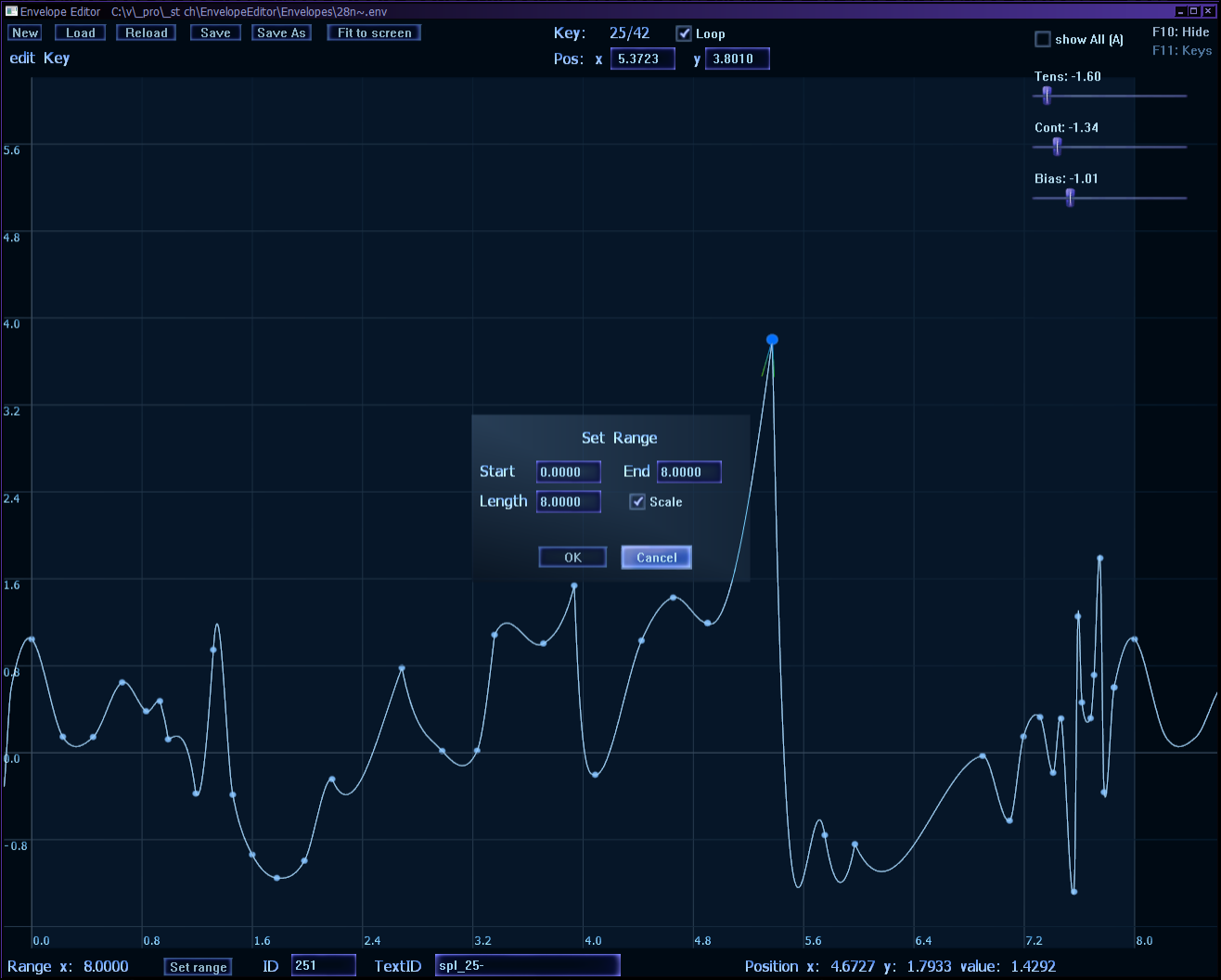
    Envelope Editor was a program I wrote at work once. Used for doing animations in game.

    It was a simple and quite usable tool to create and edit TCB splines (also known as Kochanek-Bartels splines). Each point (besides x,y position) has also 3 parameters: Tension, Continuity, Bias. When all are zero the spline becomes just a Catmull-Rom spline.

    They had only one dimension (time on x) and produced y value.

    🔍Implementation

    The application was written using Direct3D9 (which I already used for few years at the time) and DXUT for GUI controls (I customized the theme).

    It looked nice, dark blue. There was also a second theme that was the boring, eye tiring white.

  • 2007 Crystal Recorder 🔴

    2007 Crystal Recorder 🔴

    ⏱️Overview

    CrystaL Recorder (or shortly cRec) was a program I wrote for recording audio.

    It just captured and saved in wav file format. It had a counter for files so each new incremented it.

    It was coded in C++ with WinAPI calls, and using bitmap fonts made in my Crystal Font program.

    📊Features

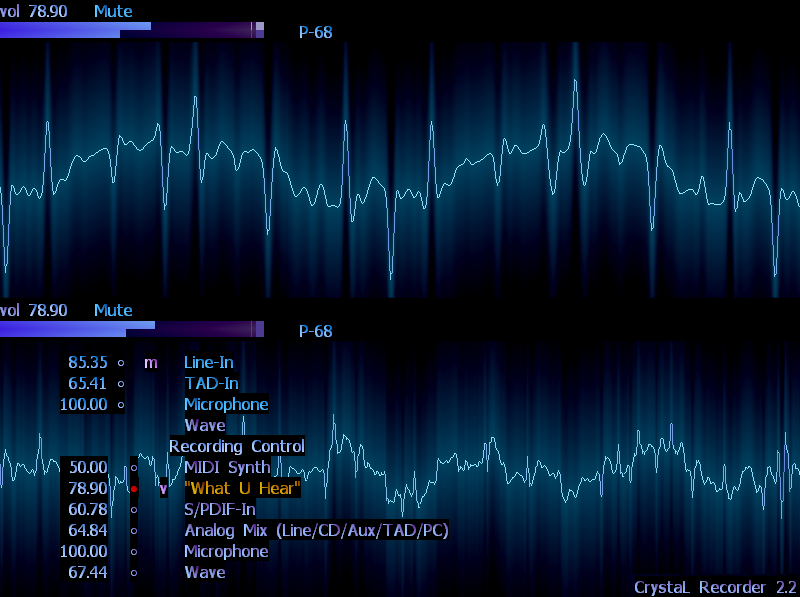
    It also had an volume amplitude bar (similar to VU meter), with overflow indication, signalling too high volume of recording.

    Then I featured it with a nice wave oscilloscope visualization. The line color changed depending on amplitude (going violet for high frequencies). It also has a glow effect, but not a real distance. For me it actually looked better since you could still see smaller details in glow same as in wave. It updated at 60-85 frames per second, same as CRT monitor’s refresh rate. There is a similar wave visualization in my audio player.

    For later versions I’ve also added code to use the Windows Mixer interface. Gaining most of the functionality a sound card mixer has: listing channels, muting, changing volume, picking one for record etc. It was an odd, all uppercase code, like most of old WinAPI.

    The program was a nice, little and very useful, with my style of everything: colors, fonts, keys and visualization.

    ➡️End

    I was quite angry when I moved from Windows XP to Windows 7 and it actively disallowed me to record from “What U Hear”. Due to some crap, that Microsoft always does. There are even websites about it. And people doing something to change for better.

    So I stopped using (and developing) it, after I’ve found another way and then moved.
    Much later I also stopped using Windows at home.

  • 2005-06 Crystal Font 🔤

    2005-06 Crystal Font 🔤

    ⏱️Overview

    This is one of my oldest Windows programs in C++.
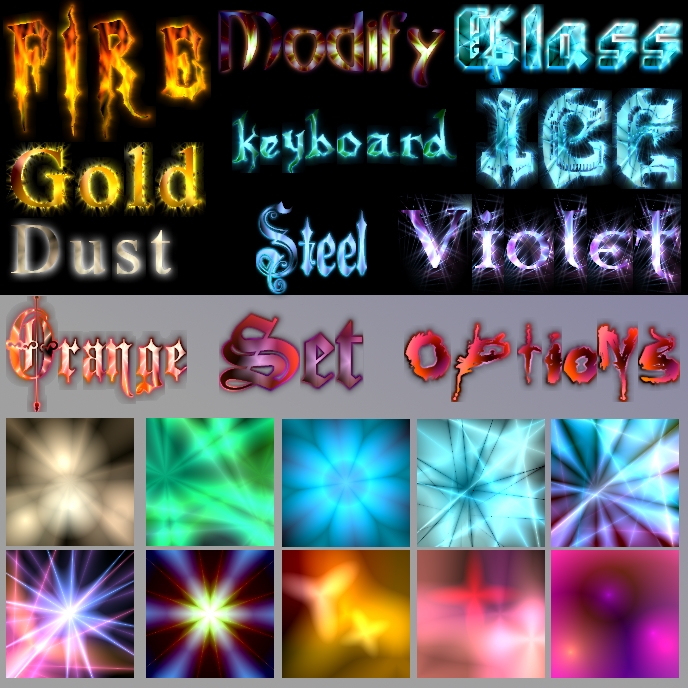
    It can generate colorized bitmap fonts from true type fonts with glow effect.

    Done on college as hobby around 2005-2006.
    I used bitmap fonts from it in most of my programs, until about 2010. Additionally it made the text for my logo, and lastly the speed and gear digits in our game for which I also added exporting to Ogre.

    It is a very old program written in low level DirectX and WinAPI calls and only runs on Windows so nothing good today.

    📜History

    I had a small font tool without GUI, earlier when I was programming in Delphi. This one evolved to be a full featured program with medium size code.

    I presented the program at college, during scientific circles session, for 15 minutes. The presentation was also a good experience to have.

    It was a nice, useful program for me. Probably difficult to use for others due to only keyboard navigation and value changing. It had a help screen with shortcuts though.

    📂Sources

    Available here.

    Later I’ve uploaded it to Source Forge and thus it became my first FOSS program in 2009. Then I moved to Google Code and when it shut down, moved to GitHub. After years, I recently moved it to codeberg, because of those reasons. So yeah it’s been already on 4 platforms😁.

    There were several programs done called bitmap font creator, maker or editor. It was (or still is) a popular thing to do. Both using bitmap fonts and making a program for it.

    📊Features

    Among other features it allowed quick loading and saving project files and coloring schemes. Also browsing them in its own lists with previews. One could easily pick a scheme for font color and quickly match another for glow.

    Glow was computed on CPU and thus rather slow, especially for big font sizes and large textures. I didn’t develop it further after realizing that all this could probably be done with a GPU shader in real time, even with animations, at least for small to medium fonts.

  • 2004 Frogs III 🐸

    2004 Frogs III 🐸

    ⏱️Overview

    This is the 3rd and last version of my Frogs game for 2 players. Programmed in Delphi.
    Done on college, subject was Programming (I think). I’m glad I could use my existing experience to pass it easier and more creatively.
    Previous 2 versions were in DOS and Turbo Pascal, shown here. It had exactly the same game style.

    Gameplay

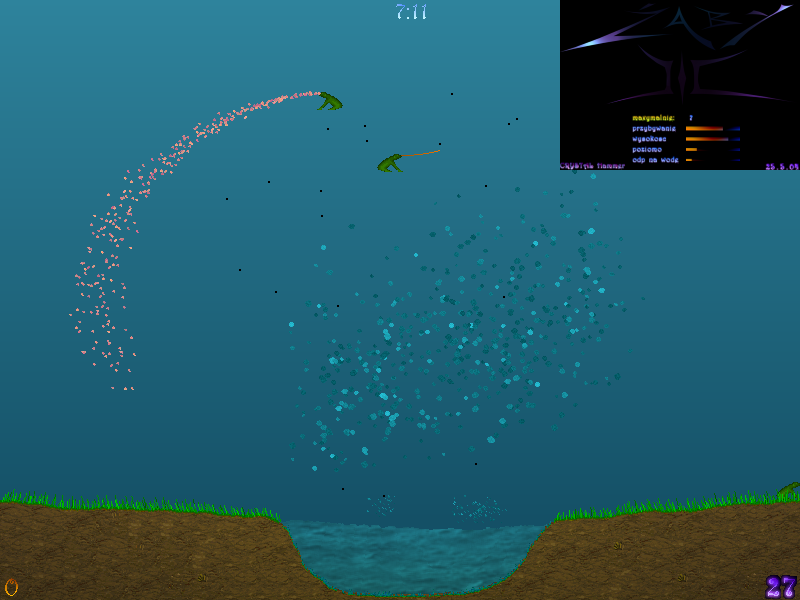
    Player controls a frog, jumps to reach and catch flies with tongue. After game time, the player who had more flies wins (or there is a tie).
    It could be a slow and tricky game if flies were appearing rarely, or a fast game with lots of flies. Still, splashing flies made them fall down. Catching a falling fly would make the frog loose 3 and vomit. This was pretty hilarious.

    The screenshot is composed of few, but this is shown.

    📊Features

    Sadly, it had no sounds at all. A huge flaw compared to earlier Frogs II, which was even more hilarious with funny sounds.
    It featured:

    • Nice looking menu (my own logo art)
    • Many options, for:
      • Flies – max count, increase over time, width and height of appearance, resistance to water)
      • Frogs – jump height, resistance to water (made jumping harder), tongue speed and idle time
      • Game – game, time, showing a counter (of flies, particles, etc.)
    • Lots of particles for:
      • Water splashes (like 500 was already enough for big ones)
      • Vomit (this even had extra keys to test)
    • Waving grass blades
    • Water changing direction and look, depending on direction of frogs landing in it (e.g. always dropping from 1 side made water more fuzzy and moving faster).
      Strangely this doesn’t work at all now. But anyway I’m surprised this game still starts and works 15 years later.

  • 2003 Shooter 🚀

    2003 Shooter 🚀

    ⏱️Overview

    This is my first game in C++. Done as a project on college, subject was C++ Programming, I think.
    It was a top down space shooter and had just 1 level. Without game end, just no more enemies.

    🔍Implementation

    It was using purely Direct3D9 calls for rendering and WinAPI for Window.
    I drew the textures myself, not many.

    Player ship had 4 weapons, auto gained with game progress: main 2 dots, small lasers, main thick lasers and side dots.
    There were 6 enemy types and the layout with their movement paths was already quite nice. Enemy weapons were actually just 1 type of orange dot. One ship fired a dot, auto directed at player. Others fired 2 to 4 dots in certain directions.

    ➡️Comments

    I’m glad I managed to create a game (2nd actually) at college, where the major was basically Industrial Software for Metallurgy. It was still my main hobby back then. Since I had experience in games I wanted more to use it and develop. Was also quicker, easier and more fun to make a project for that subject.
    Code looked cryptic, I was still coding in my own way of not doing a single space if not required, and using 1 letter abbreviations for keywords and types.